


PotPlayer_ChatGPT_Translate
这个实时字幕翻译插件将OpenAI的ChatGPT API(或任何具有相同API调用方法的模型)集成到PotPlayer中。它使你在观看视频时能够实时翻译字幕,从而打破语言障碍,提升你的观看体验。 This real-time subtitle translation plugin integrates OpenAI's ChatGPT API (or any model with the same API calling method) into PotPlayer. It enables you to translate subtitles on-the-fly while watching videos.
Stars: 662
PotPlayer_ChatGPT_Translate is a GitHub repository that provides a script to integrate ChatGPT with PotPlayer for real-time translation of chat messages during video playback. The script utilizes the power of ChatGPT's natural language processing capabilities to translate chat messages in various languages, enhancing the viewing experience for users who consume video content with subtitles or chat interactions. By seamlessly integrating ChatGPT with PotPlayer, this tool offers a convenient solution for users to enjoy multilingual content without the need for manual translation efforts. The repository includes detailed instructions on how to set up and use the script, making it accessible for both novice and experienced users interested in leveraging AI-powered translation services within the PotPlayer environment.
README:




A PotPlayer plugin that leverages the ChatGPT API to provide real-time, context-aware subtitle translation. ✨
Works on my machine.
PotPlayer_ChatGPT_Translate is a PotPlayer plugin that integrates the ChatGPT API to deliver real-time, context-aware subtitle translation. Unlike traditional translation tools, this plugin considers context, idioms, and cultural nuances to produce more accurate translations. The core of the project is implemented using AngleScript, leveraging both the ChatGPT API and PotPlayer API for deep integration.
One key advantage of using ChatGPT for subtitle translation is its ability to understand context and cultural references. Compare the following results:
-
Original subtitle:
"You're gonna old yeller my f**king universe."
-
Google Translate Result:
"你要老了我他妈的宇宙吗?"

(Nonsensical and incorrect) -
ChatGPT Translation Result:
"你要像《老黄犬》一样对待我的宇宙?"

(Correctly captures the reference and intended meaning)


-
Original Subtitle:
"But being one in real life is even better."
-
ChatGPT Translation (Without Context):
"但是,在现实生活中成为一个人甚至更好。"

(Literal translation, failing to capture the implied meaning) -
ChatGPT Translation (With Context):
"但在现实生活中成为一个反派更好。"

(Accurately capturing the intended context)


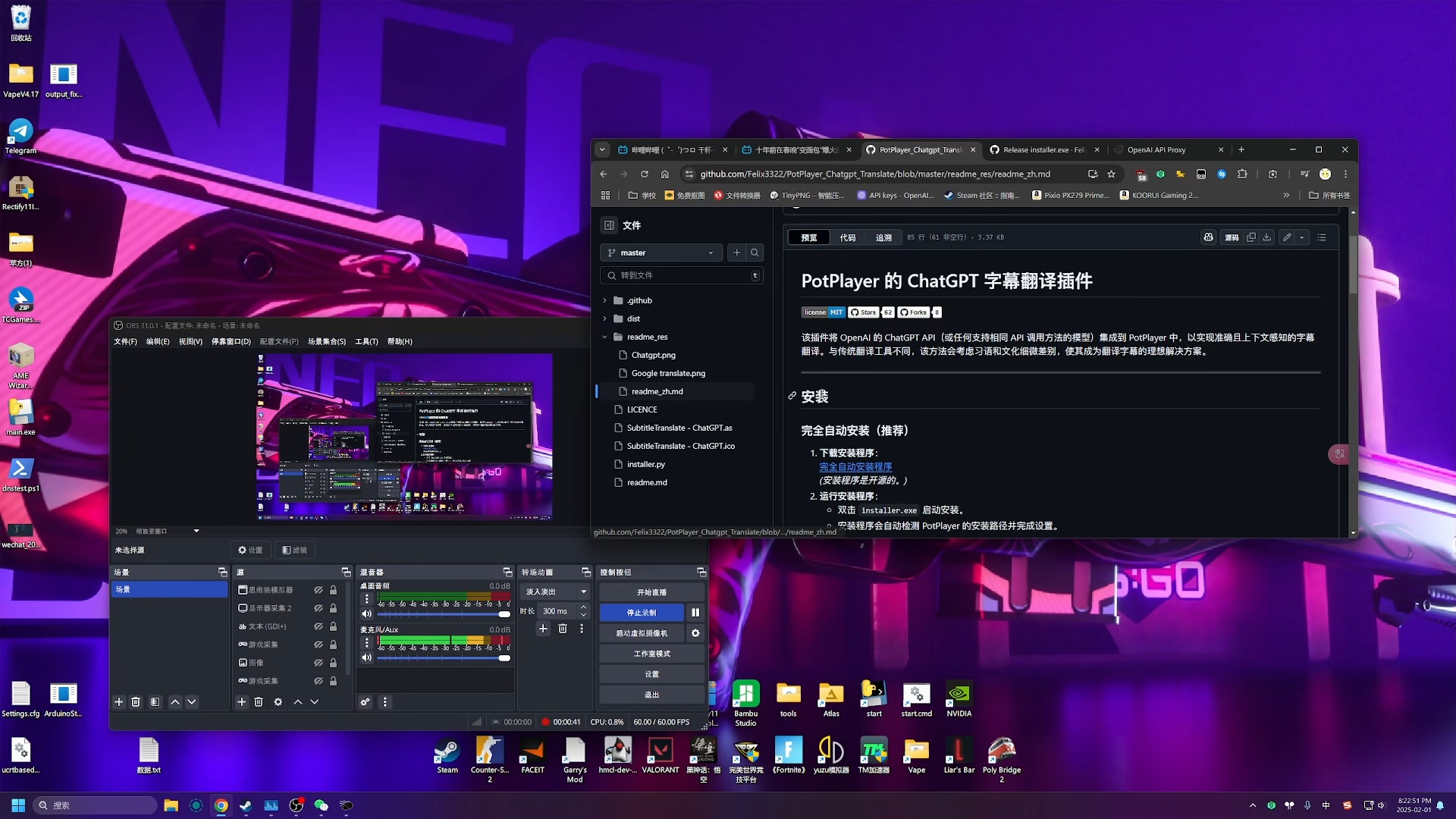
Click below to watch the tutorial on Bilibili:
- AngleScript – The scripting language used to develop the plugin
- ChatGPT API – Provides context-aware translation capabilities
- PotPlayer API – Enables seamless integration with PotPlayer
-
Download the Installer:
Installer
(The installer is open source, so you can review the source code) -
Run the Installer:
- Double-click
installer.exeto start the installation. - The PyQt6 wizard provides a modern, multi-language interface and automatically detects your PotPlayer path.
- You can verify or preconfigure your API model, URL and key, or simply skip this step; the wizard will try to auto-correct common mistakes.
- The optional
installer_qt.pyscript from v1.5.2 can skip configuration when an existing installation is detected. - Installer-provided defaults remain active until you update the plugin inside PotPlayer; any settings changed in the panel will always take priority over the installer values.
- Double-click
-
Download the ZIP File:
Download the latest ZIP file from this repository. -
Extract the ZIP File:
Extract the contents to a temporary folder. -
Copy Files:
CopyChatGPTSubtitleTranslate.asandChatGPTSubtitleTranslate.icoto the following directory:
ReplaceC:\Program Files\DAUM\PotPlayer\Extension\Subtitle\TranslateC:\Program Files\DAUM\PotPlayerwith your custom PotPlayer installation path if necessary.
-
Open PotPlayer's Preferences:
Press F5 to open the PotPlayer Preferences. -
Navigate to Extensions:
Go to Extensions > Subtitle translation. -
Select the Translation Plugin:
Choose ChatGPT Translate as the translation plugin. -
Configure the Plugin:
-
Model Name:
You can simply enter the model name, which will use the default API URL.
Example:gpt-4.1-nanoAlternatively, specify a custom API URL using the following format:
ModelName|API Base URLExample:
gpt-4.1-nano|https://api.openai.com/v1/chat/completionsNote:
In version v1.5 and later, if you're using a self-hosted or third-party API that does not require an API key, you can addnullkeyat the end:gpt-4.1-nano|nullkeyor:
qwen2.5:7b|http://127.0.0.1:11434/v1/chat/completions|nullkey -
API Key:
Enter your API key if needed.You can test your API key using keytest.obanarchy.org to ensure it is valid.
-
-
Set the Source and Target Languages:
Configure the source and target languages as required.
Use the format:
ModelName|API Base URL|nullkey (optional)
Here is a list of supported models:
Deepseek: deepseek-chat|https://api.deepseek.com/v1/chat/completions
Tongyi Qianwen: qwen-plus|https://dashscope-intl.aliyuncs.com/compatible-mode/v1/chat/completions
SiliconFlow: siliconflow-chat|https://api.siliconflow.cn/v1/chat/completions
ERNIE Bot (Wenxin Yiyan): ernie-4.0-turbo-8k|https://qianfan.baidubce.com/v2/chat/completions
Gemini: gemini-2.0-flash|https://generativelanguage.googleapis.com/v1beta/openai/chat/completions
ChatGLM: chatglm-6b|https://api.chatglm.cn/v1/chat/completions
LLaMA: llama-13b|https://api.llama.ai/v1/chat/completions
Code LLaMA: code-llama-34b|https://api.llama.ai/v1/code/completions
OpenAI GPT-4o: gpt-4o|https://api.openai.com/v1/chat/completions
OpenAI GPT-4 Turbo: gpt-4-turbo|https://api.openai.com/v1/chat/completions
OpenAI GPT-3.5 Turbo: gpt-3.5-turbo|https://api.openai.com/v1/chat/completions
Claude 3 Sonnet: claude-3-sonnet-20240229|https://api.anthropic.com/v1/messages
Mistral Large: mistral-large|https://api.mistral.ai/v1/chat/completions
Groq Llama 3: llama3-70b-8192|https://api.groq.com/openai/v1/chat/completions
Perplexity Sonar Large: pplx-70b-online|https://api.perplexity.ai/chat/completions
Fireworks Mixtral: accounts/fireworks/models/mixtral-8x7b-instruct|https://api.fireworks.ai/inference/v1/chat/completions
Moonshot v1: moonshot-v1-128k|https://api.moonshot.cn/v1/chat/completions
Yi 34B Chat: yi-34b-chat|https://api.lingyi.ai/v1/chat/completions
Local Deployment (no API key): model-name|http://127.0.0.1:PORT/v1/chat/completions|nullkey
Model names in the installer are shown in your chosen language whenever possible.
You can expand or replace these with any OpenAI-compatible model that supports the chat/completions endpoint.
When playing a video with subtitles in PotPlayer, the plugin automatically calls the ChatGPT API to translate the subtitles in real time. By handling context, idioms, and cultural nuances, the plugin provides more accurate translations.
For example:
-
Input: "You're gonna old yeller my f**king universe."
- Traditional Translation Tools might output a literal or awkward translation.
- ChatGPT Translation captures the movie reference and context to deliver a more appropriate translation.
- [x] Integrate ChatGPT API with PotPlayer API for real-time subtitle translation.
- [ ] Support additional AI models (planned for the future, not imminent).
- [ ] Optimize context handling to further improve translation accuracy.
Contributions are welcome! When submitting a pull request, please clearly describe the purpose of your changes.
If you have suggestions for improvements or bug fixes, feel free to open an issue before making modifications.
Distributed under the GPLv3 License. See LICENSE for more information.
Personal website: obanarchy.org
- Thanks to OpenAI for providing the powerful ChatGPT API.
- Thanks to the PotPlayer team for creating an excellent media player.
- Thanks to everyone who has contributed suggestions or code to improve this project (contributor details will be updated here).
For Tasks:
Click tags to check more tools for each tasksFor Jobs:
Alternative AI tools for PotPlayer_ChatGPT_Translate
Similar Open Source Tools
PotPlayer_ChatGPT_Translate
PotPlayer_ChatGPT_Translate is a GitHub repository that provides a script to integrate ChatGPT with PotPlayer for real-time translation of chat messages during video playback. The script utilizes the power of ChatGPT's natural language processing capabilities to translate chat messages in various languages, enhancing the viewing experience for users who consume video content with subtitles or chat interactions. By seamlessly integrating ChatGPT with PotPlayer, this tool offers a convenient solution for users to enjoy multilingual content without the need for manual translation efforts. The repository includes detailed instructions on how to set up and use the script, making it accessible for both novice and experienced users interested in leveraging AI-powered translation services within the PotPlayer environment.
StoryToolKit
StoryToolkitAI is a film editing tool that utilizes AI to transcribe, index scenes, search through footage, and create stories. It offers features such as automatic transcription, translation, story creation, speaker detection, project file management, and more. The tool works locally on your machine and integrates with DaVinci Resolve Studio 18. It aims to streamline the editing process by leveraging AI capabilities and enhancing user efficiency.
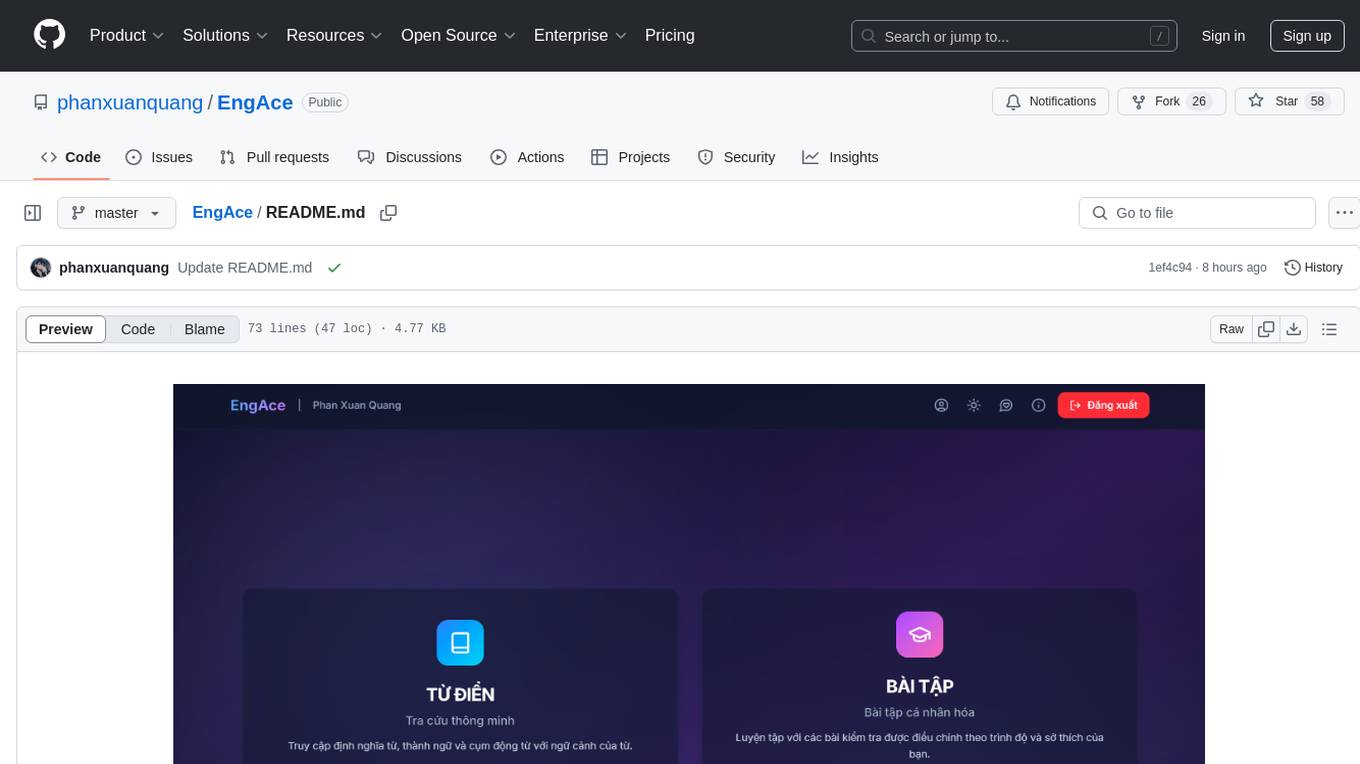
EngAce
EngAce is a cutting-edge, generative AI-powered application revolutionizing Vietnamese English learning. It offers personalized learning experiences combining AI with comprehensive features. The repository contains source code, documentation, and resources for the app.
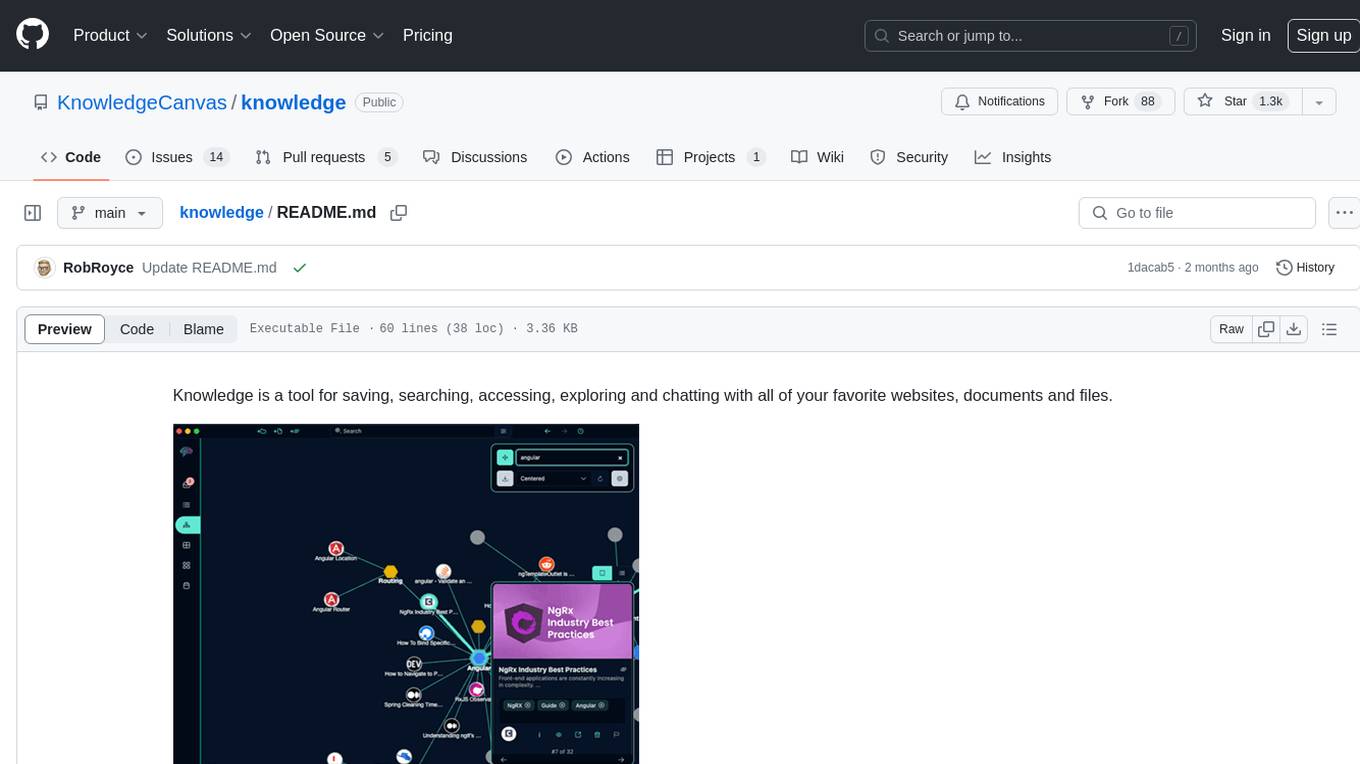
knowledge
Knowledge is a tool for saving, searching, accessing, exploring and chatting with all of your favorite websites, documents and files. Dive into a more interactive learning experience with Knowledge's new Chat feature! Engage in dynamic conversations with your Projects and Sources, leveraging the power of Large Language Models. The Chat feature is designed to transform the way you interact with your data, offering a more engaging and exploratory approach to learning. Unleash the power of context with the built-in Chromium browser. Transform your browsing into knowledge gathering effortlessly.
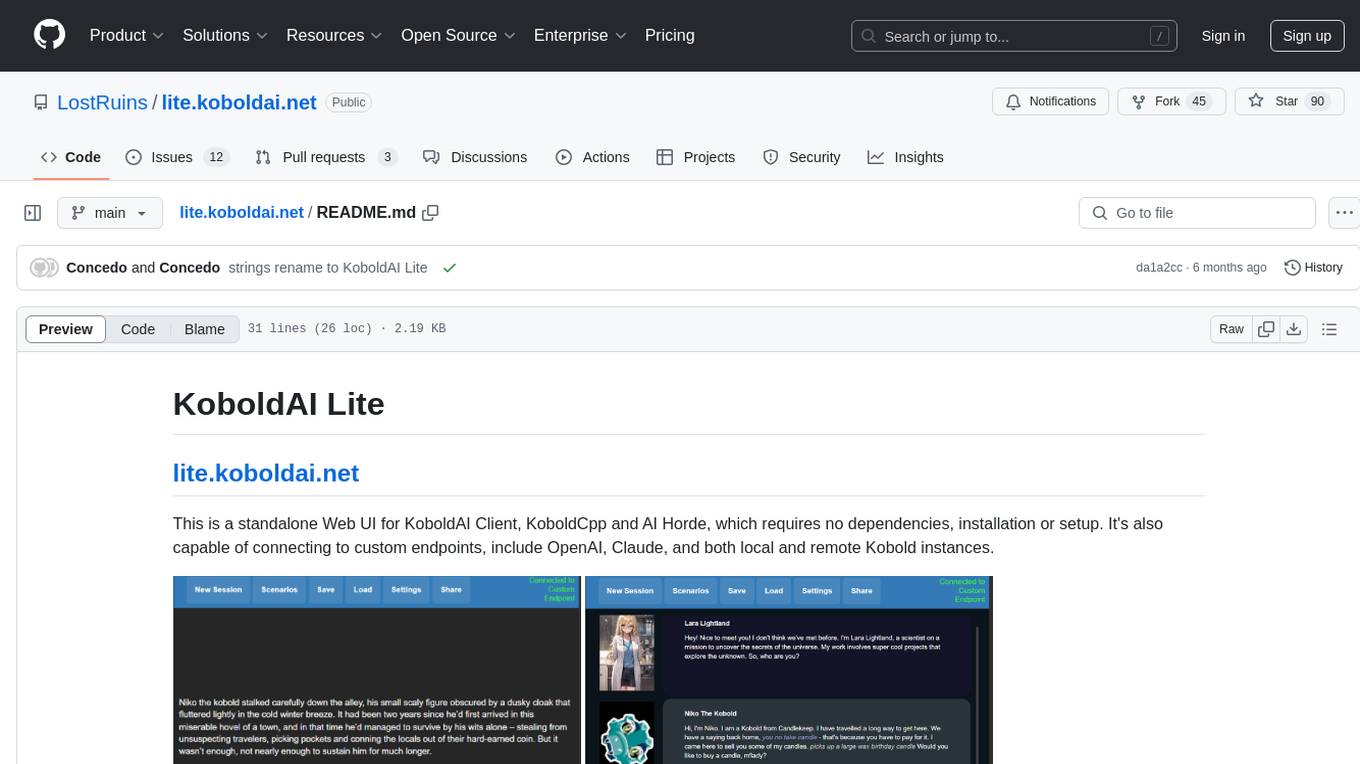
lite.koboldai.net
KoboldAI Lite is a standalone Web UI that serves as a text editor designed for use with generative LLMs. It is compatible with KoboldAI United and KoboldAI Client, bundled with KoboldCPP, and integrates with the AI Horde for text and image generation. The UI offers multiple modes for different writing styles, supports various file formats, includes premade scenarios, and allows easy sharing of stories. Users can enjoy features such as memory, undo/redo, text-to-speech, and a range of samplers and configurations. The tool is mobile-friendly and can be used directly from a browser without any setup or installation.
tiledesk
Tiledesk is an Open Source Live Chat platform with integrated Chatbots written in NodeJs and Express. It provides a multi-channel platform for Web, Android, and iOS, offering out-of-the-box chatbots that work alongside humans. Users can automate conversations using native chatbot technology powered by AI, connect applications via APIs or Webhooks, deploy visual applications within conversations, and enable applications to interact with chatbots or end-users. Tiledesk is multichannel, allowing chatbot scripts with images and buttons to run on various channels like Whatsapp, Facebook Messenger, and Telegram. The project includes Tiledesk Server, Dashboard, Design Studio, Chat21 ionic, Web Widget, Server, Http Server, MongoDB, and a proxy. It offers Helm charts for Kubernetes deployment, but customization is recommended for production environments, such as integrating with external MongoDB or monitoring/logging tools. Enterprise customers can request private Docker images by contacting [email protected].
Conversational-Azure-OpenAI-Accelerator
The Conversational Azure OpenAI Accelerator is a tool designed to provide rapid, no-cost custom demos tailored to customer use cases, from internal HR/IT to external contact centers. It focuses on top use cases of GenAI conversation and summarization, plus live backend data integration. The tool automates conversations across voice and text channels, providing a valuable way to save money and improve customer and employee experience. By combining Azure OpenAI + Cognitive Search, users can efficiently deploy a ChatGPT experience using web pages, knowledge base articles, and data sources. The tool enables simultaneous deployment of conversational content to chatbots, IVR, voice assistants, and more in one click, eliminating the need for in-depth IT involvement. It leverages Microsoft's advanced AI technologies, resulting in a conversational experience that can converse in human-like dialogue, respond intelligently, and capture content for omni-channel unified analytics.
OpenAIWorkshop
Azure OpenAI Service provides REST API access to OpenAI's powerful language models including GPT-3, Codex and Embeddings. Users can easily adapt models for content generation, summarization, semantic search, and natural language to code translation. The workshop covers basics, prompt engineering, common NLP tasks, generative tasks, conversational dialog, and learning methods. It guides users to build applications with PowerApp, query SQL data, create data pipelines, and work with proprietary datasets. Target audience includes Power Users, Software Engineers, Data Scientists, and AI architects and Managers.
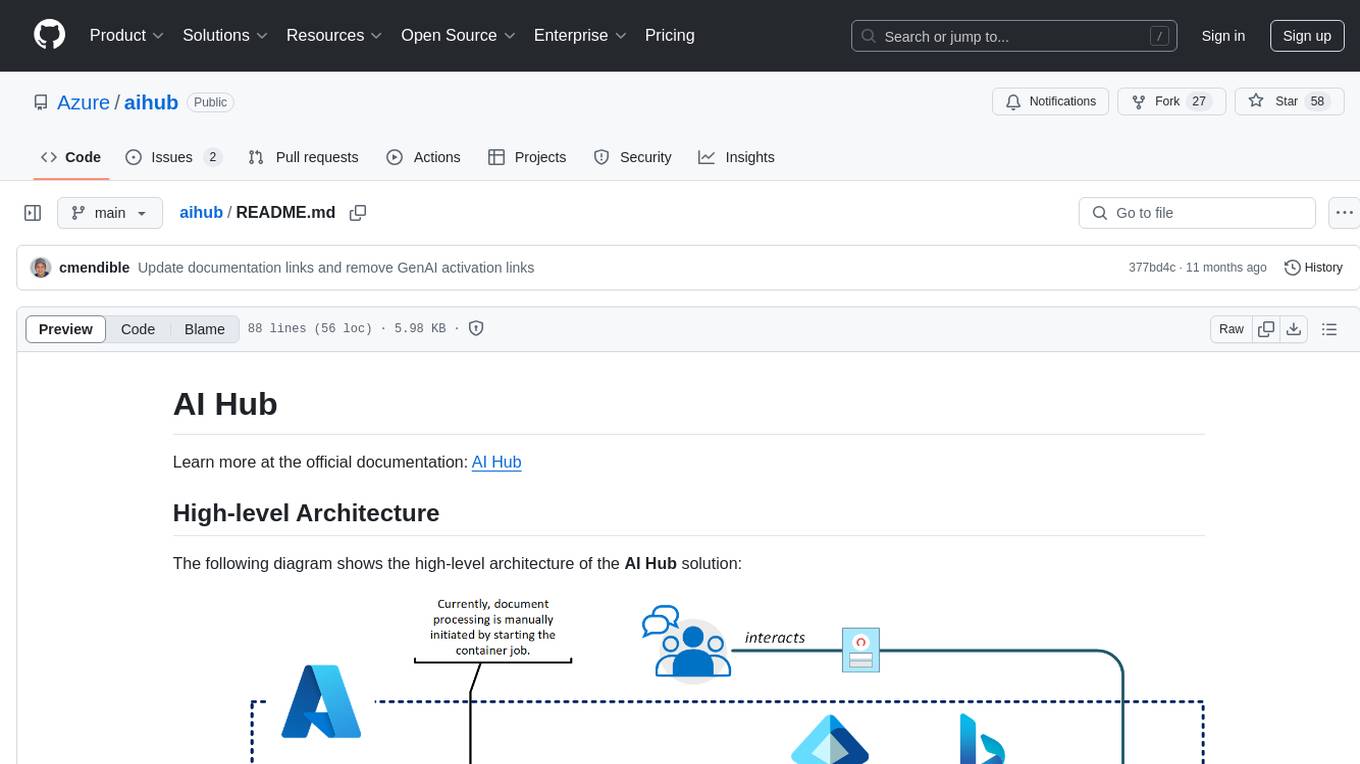
aihub
AI Hub is a comprehensive solution that leverages artificial intelligence and cloud computing to provide functionalities such as document search and retrieval, call center analytics, image analysis, brand reputation analysis, form analysis, document comparison, and content safety moderation. It integrates various Azure services like Cognitive Search, ChatGPT, Azure Vision Services, and Azure Document Intelligence to offer scalable, extensible, and secure AI-powered capabilities for different use cases and scenarios.
duckduckgo-ai-chat
This repository contains a chatbot tool powered by AI technology. The chatbot is designed to interact with users in a conversational manner, providing information and assistance on various topics. Users can engage with the chatbot to ask questions, seek recommendations, or simply have a casual conversation. The AI technology behind the chatbot enables it to understand natural language inputs and provide relevant responses, making the interaction more intuitive and engaging. The tool is versatile and can be customized for different use cases, such as customer support, information retrieval, or entertainment purposes. Overall, the chatbot offers a user-friendly and interactive experience, leveraging AI to enhance communication and engagement.
companion
Companion is a generative AI-powered tool that serves as a private tutor for learning a new foreign language. It utilizes OpenAI ChatGPT & Whisper and Google Text-to-Speech & Translate to enable users to write, talk, read, and listen in both their native language and the selected foreign language. The tool is designed to correct any mistakes made by the user and can be run locally or as a cloud service, making it accessible on mobile devices. Companion is distributed for non-commercial usage, but users should be aware that some of the APIs and services it relies on may incur charges based on usage.
TagUI
TagUI is an open-source RPA tool that allows users to automate repetitive tasks on their computer, including tasks on websites, desktop apps, and the command line. It supports multiple languages and offers features like interacting with identifiers, automating data collection, moving data between TagUI and Excel, and sending Telegram notifications. Users can create RPA robots using MS Office Plug-ins or text editors, run TagUI on the cloud, and integrate with other RPA tools. TagUI prioritizes enterprise security by running on users' computers and not storing data. It offers detailed logs, enterprise installation guides, and support for centralised reporting.
MaiBot
MaiBot is an intelligent QQ group chat bot based on a large language model. It is developed using the nonebot2 framework, with LLM providing conversation abilities, MongoDB for data persistence support, and NapCat as the QQ protocol endpoint support. The project is in active development stage, with features like chat functionality, emoji functionality, schedule management, memory function, knowledge base function, and relationship function planned for future updates. The project aims to create a 'life form' active in QQ group chats, focusing on companionship and creating a more human-like presence rather than a perfect assistant. The application generates content from AI models, so users are advised to discern carefully and not use it for illegal purposes.
obsidian-textgenerator-plugin
Text Generator is an open-source AI Assistant Tool that leverages Generative Artificial Intelligence to enhance knowledge creation and organization in Obsidian. It allows users to generate ideas, titles, summaries, outlines, and paragraphs based on their knowledge database, offering endless possibilities. The plugin is free and open source, compatible with Obsidian for a powerful Personal Knowledge Management system. It provides flexible prompts, template engine for repetitive tasks, community templates for shared use cases, and highly flexible configuration with services like Google Generative AI, OpenAI, and HuggingFace.
auth0-assistant0
Assistant0 is an AI personal assistant that consolidates digital life by accessing multiple tools to help users stay organized and efficient. It integrates with Gmail for email summaries, manages calendars, retrieves user information, enables online shopping with human-in-the-loop authorizations, uploads and retrieves documents, lists GitHub repositories and events, and soon provides Slack notifications and Google Drive access. With tool-calling capabilities, it acts as a digital personal secretary, enhancing efficiency and ushering in intelligent automation. Security challenges are addressed by using Auth0 for secure tool calling with scoped access tokens, ensuring user data protection.
intelligent-app-workshop
Welcome to the envisioning workshop designed to help you build your own custom Copilot using Microsoft's Copilot stack. This workshop aims to rethink user experience, architecture, and app development by leveraging reasoning engines and semantic memory systems. You will utilize Azure AI Foundry, Prompt Flow, AI Search, and Semantic Kernel. Work with Miyagi codebase, explore advanced capabilities like AutoGen and GraphRag. This workshop guides you through the entire lifecycle of app development, including identifying user needs, developing a production-grade app, and deploying on Azure with advanced capabilities. By the end, you will have a deeper understanding of leveraging Microsoft's tools to create intelligent applications.
For similar tasks
PotPlayer_ChatGPT_Translate
PotPlayer_ChatGPT_Translate is a GitHub repository that provides a script to integrate ChatGPT with PotPlayer for real-time translation of chat messages during video playback. The script utilizes the power of ChatGPT's natural language processing capabilities to translate chat messages in various languages, enhancing the viewing experience for users who consume video content with subtitles or chat interactions. By seamlessly integrating ChatGPT with PotPlayer, this tool offers a convenient solution for users to enjoy multilingual content without the need for manual translation efforts. The repository includes detailed instructions on how to set up and use the script, making it accessible for both novice and experienced users interested in leveraging AI-powered translation services within the PotPlayer environment.
For similar jobs

LLMStack
LLMStack is a no-code platform for building generative AI agents, workflows, and chatbots. It allows users to connect their own data, internal tools, and GPT-powered models without any coding experience. LLMStack can be deployed to the cloud or on-premise and can be accessed via HTTP API or triggered from Slack or Discord.
daily-poetry-image
Daily Chinese ancient poetry and AI-generated images powered by Bing DALL-E-3. GitHub Action triggers the process automatically. Poetry is provided by Today's Poem API. The website is built with Astro.

exif-photo-blog
EXIF Photo Blog is a full-stack photo blog application built with Next.js, Vercel, and Postgres. It features built-in authentication, photo upload with EXIF extraction, photo organization by tag, infinite scroll, light/dark mode, automatic OG image generation, a CMD-K menu with photo search, experimental support for AI-generated descriptions, and support for Fujifilm simulations. The application is easy to deploy to Vercel with just a few clicks and can be customized with a variety of environment variables.
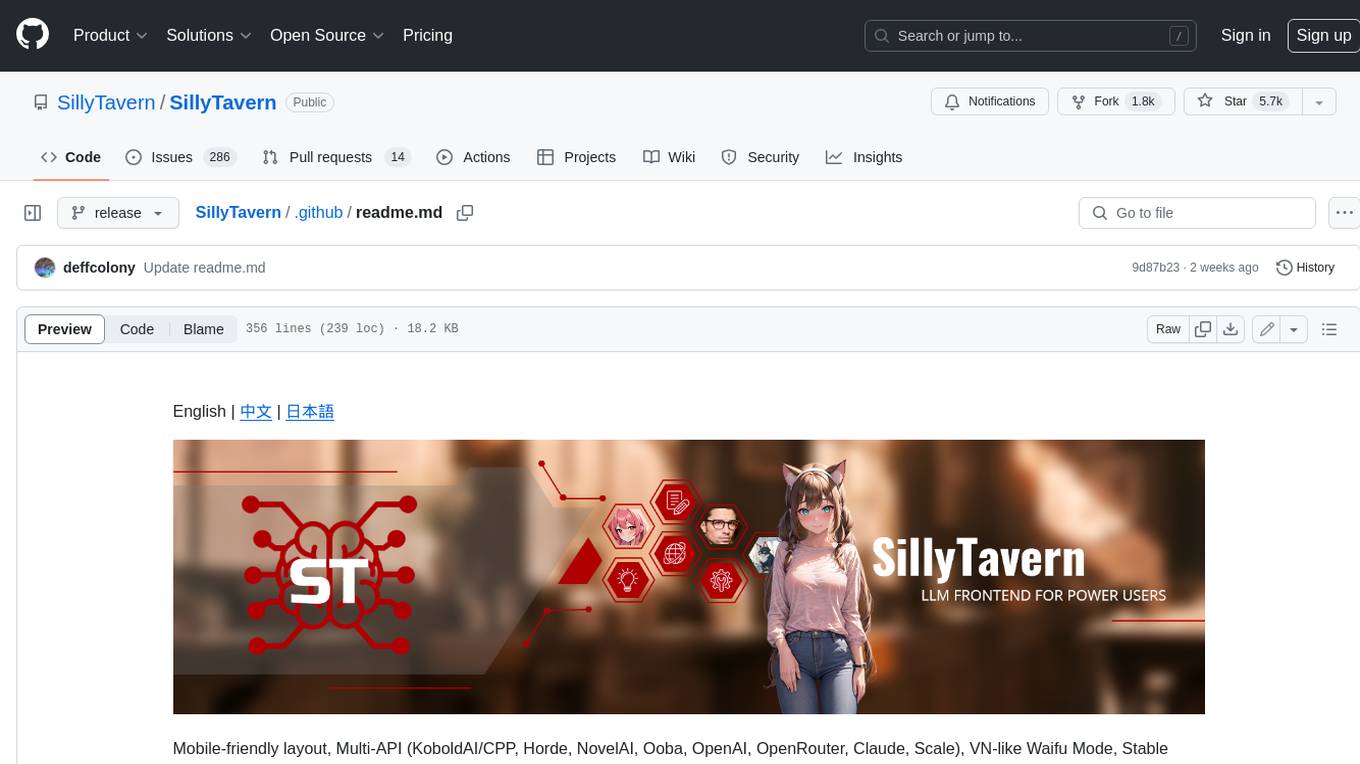
SillyTavern
SillyTavern is a user interface you can install on your computer (and Android phones) that allows you to interact with text generation AIs and chat/roleplay with characters you or the community create. SillyTavern is a fork of TavernAI 1.2.8 which is under more active development and has added many major features. At this point, they can be thought of as completely independent programs.
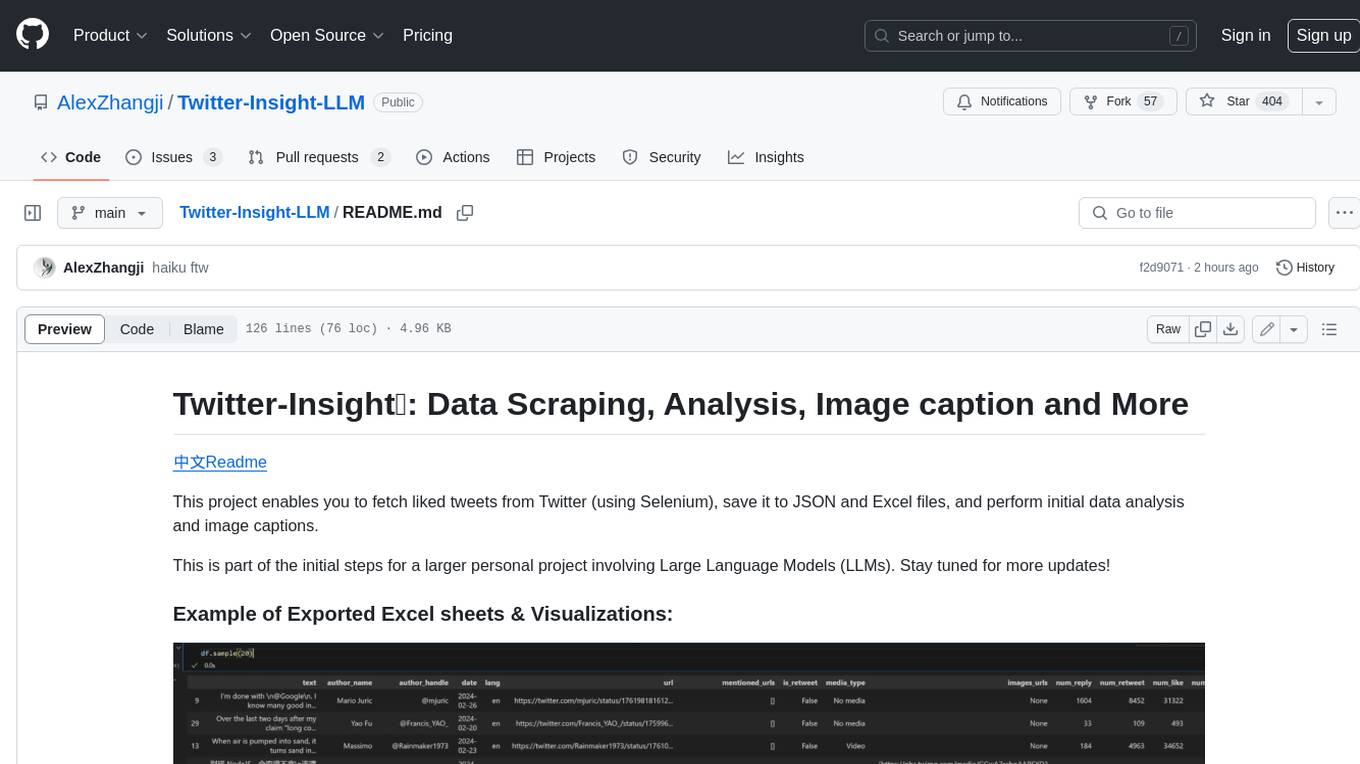
Twitter-Insight-LLM
This project enables you to fetch liked tweets from Twitter (using Selenium), save it to JSON and Excel files, and perform initial data analysis and image captions. This is part of the initial steps for a larger personal project involving Large Language Models (LLMs).
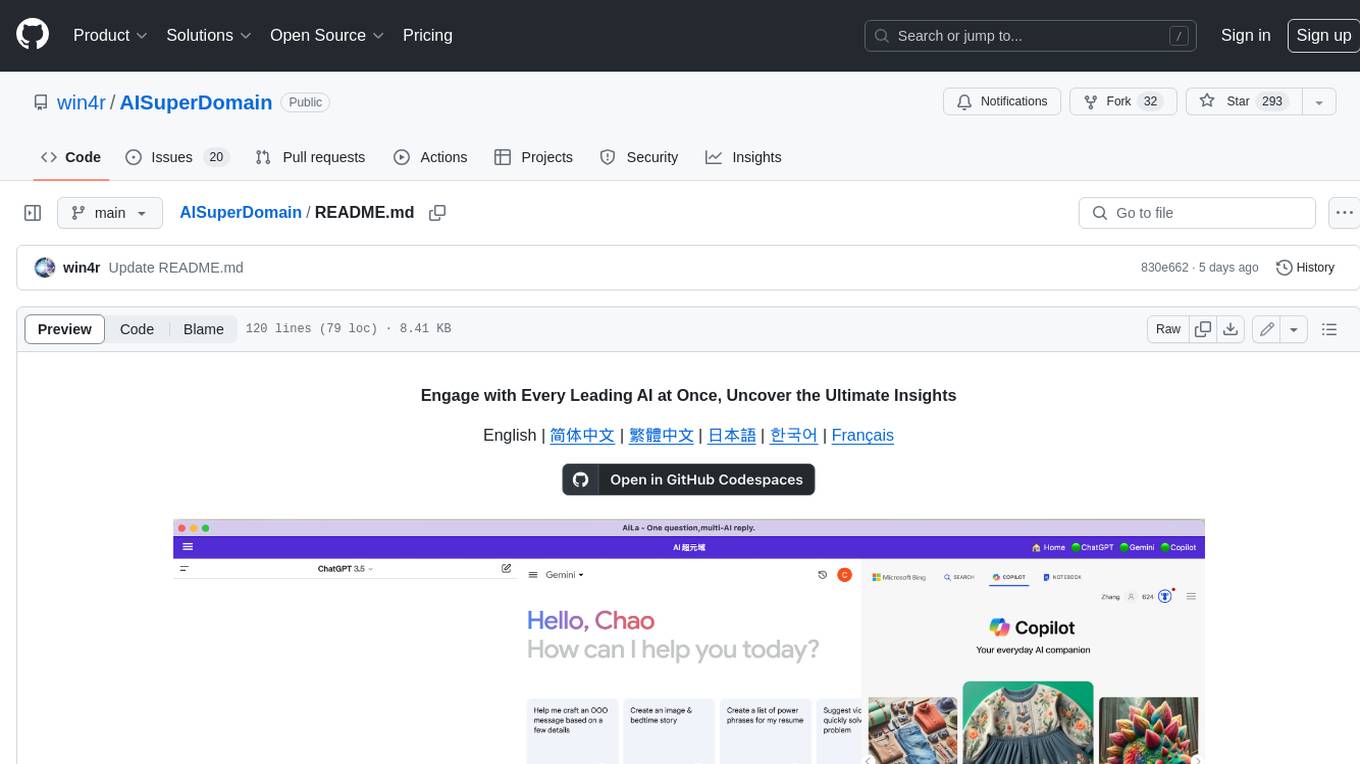
AISuperDomain
Aila Desktop Application is a powerful tool that integrates multiple leading AI models into a single desktop application. It allows users to interact with various AI models simultaneously, providing diverse responses and insights to their inquiries. With its user-friendly interface and customizable features, Aila empowers users to engage with AI seamlessly and efficiently. Whether you're a researcher, student, or professional, Aila can enhance your AI interactions and streamline your workflow.
ChatGPT-On-CS
This project is an intelligent dialogue customer service tool based on a large model, which supports access to platforms such as WeChat, Qianniu, Bilibili, Douyin Enterprise, Douyin, Doudian, Weibo chat, Xiaohongshu professional account operation, Xiaohongshu, Zhihu, etc. You can choose GPT3.5/GPT4.0/ Lazy Treasure Box (more platforms will be supported in the future), which can process text, voice and pictures, and access external resources such as operating systems and the Internet through plug-ins, and support enterprise AI applications customized based on their own knowledge base.
obs-localvocal
LocalVocal is a live-streaming AI assistant plugin for OBS that allows you to transcribe audio speech into text and perform various language processing functions on the text using AI / LLMs (Large Language Models). It's privacy-first, with all data staying on your machine, and requires no GPU, cloud costs, network, or downtime.