


connectonion
The Best AI Agent Framework for Agent Collaboration.
Stars: 210
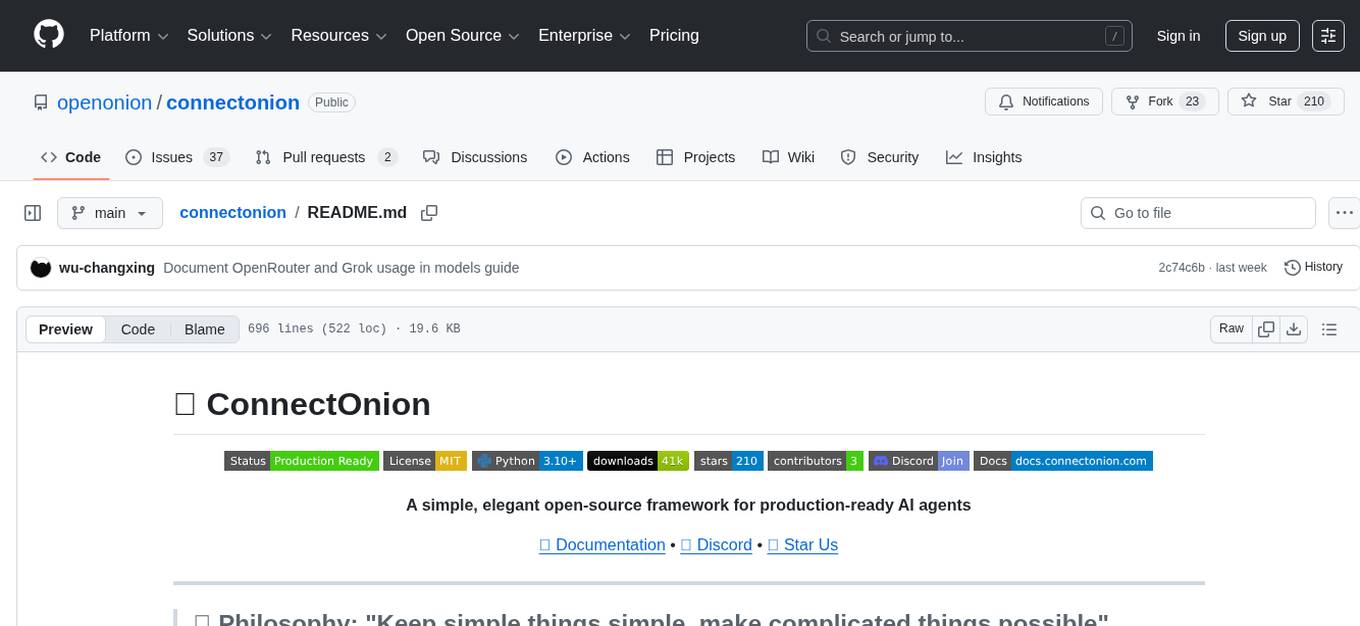
ConnectOnion is a simple, elegant open-source framework for production-ready AI agents. It provides a platform for creating and using AI agents with a focus on simplicity and efficiency. The framework allows users to easily add tools, debug agents, make them production-ready, and enable multi-agent capabilities. ConnectOnion offers a simple API, is production-ready with battle-tested models, and is open-source under the MIT license. It features a plugin system for adding reflection and reasoning capabilities, interactive debugging for easy troubleshooting, and no boilerplate code for seamless scaling from prototypes to production systems.
README:







A simple, elegant open-source framework for production-ready AI agents
This is the core principle that drives every design decision in ConnectOnion.
from connectonion import Agent

agent = Agent(name="assistant")
agent.input("Hello!") # That's it!def search(query: str) -> str:
"""Search for information."""
return f"Results for {query}"
agent = Agent(name="assistant", tools=[search])
agent.input("Search for Python tutorials")agent = Agent(name="assistant", tools=[search])
agent.auto_debug() # Interactive debugging sessionagent = Agent(
name="production",
model="gpt-5", # Latest models
tools=[search, analyze, execute], # Your functions as tools
system_prompt=company_prompt, # Custom behavior
max_iterations=10, # Safety controls
trust="prompt" # Multi-agent ready
)
agent.input("Complex production task")from connectonion import host
host(agent) # HTTP server + P2P relay - other agents can now discover and call this agent|
Just one |
Battle-tested with GPT-5, Gemini 2.5, Claude Opus 4.1. Logging, debugging, trust system built-in. |
MIT licensed. Community-driven. Join 1000+ developers building the future of AI agents. |
|
Add reflection & reasoning to any agent in one line. Extensible and composable. |
Pause at breakpoints with |
Scale from prototypes to production systems without rewriting code. |

Get help, share agents, and discuss with 1000+ builders in our active community.
pip install connectonion# Create a new agent project with one command
co create my-agent
# Navigate and run
cd my-agent
python agent.pyThe CLI guides you through API key setup automatically. No manual .env editing needed!
import os
from connectonion import Agent

# Set your OpenAI API key
os.environ["OPENAI_API_KEY"] = "your-api-key-here"

# 1. Define tools as simple functions
def search(query: str) -> str:
    """Search for information."""
    return f"Found information about {query}"

def calculate(expression: str) -> float:
    """Perform mathematical calculations."""
    return eval(expression)  # Use safely in production

# 2. Create an agent with tools and personality
agent = Agent(
    name="my_assistant",
    system_prompt="You are a helpful and friendly assistant.",
    tools=[search, calculate]
    # max_iterations=10 is the default - agent will try up to 10 tool calls per task
)

# 3. Use the agent
result = agent.input("What is 25 * 4?")
print(result)  # Agent will use the calculate function

result = agent.input("Search for Python tutorials")
print(result)  # Agent will use the search function

# 4. View behavior history (automatic!)
print(agent.history.summary())Debug your agents like you debug code - pause at breakpoints, inspect variables, and test edge cases:
from connectonion import Agent
from connectonion.decorators import xray

# Mark tools you want to debug with @xray
@xray
def search_database(query: str) -> str:
    """Search for information."""
    return f"Found 3 results for '{query}'"

@xray
def send_email(to: str, subject: str) -> str:
    """Send an email."""
    return f"Email sent to {to}"

# Create agent with @xray tools
agent = Agent(
    name="debug_demo",
    tools=[search_database, send_email]
)

# Launch interactive debugging session
agent.auto_debug()

# Or debug a specific task
agent.auto_debug("Search for Python tutorials and email the results")
What happens at each @xray breakpoint:
━━━━━━━━━━━━━━━━━━━━━━━━━━━━━━━━━━━━━━━━━━━━━━
@xray BREAKPOINT: search_database

Local Variables:
  query = "Python tutorials"
  result = "Found 3 results for 'Python tutorials'"

What do you want to do?
  → Continue execution 🚀       [c or Enter]
    Edit values 🔍             [e]
    Quit debugging 🚫          [q]

💡 Use arrow keys to navigate or type shortcuts
>
Key features:
-
Pause at breakpoints: Tools decorated with
@xraypause execution - Inspect state: See all local variables and execution context
- Edit variables: Modify results to test "what if" scenarios
- Full Python REPL: Run any code to explore agent behavior
- See next action: Preview what the LLM plans to do next
Perfect for:
- Understanding why agents make certain decisions
- Testing edge cases without modifying code
- Exploring agent behavior interactively
- Debugging complex multi-tool workflows
Learn more in the auto_debug guide
Package reusable capabilities as plugins and use them across multiple agents:
from connectonion import Agent, after_tools, llm_do

# Define a reflection plugin
def add_reflection(agent):
    trace = agent.current_session['trace'][-1]
    if trace['type'] == 'tool_execution' and trace['status'] == 'success':
        result = trace['result']
        reflection = llm_do(
            f"Result: {result[:200]}\n\nWhat did we learn?",
            system_prompt="Be concise.",
            temperature=0.3
        )
        agent.current_session['messages'].append({
            'role': 'assistant',
            'content': f"🤔 {reflection}"
        })

# Plugin is just a list of event handlers
reflection = [after_tools(add_reflection)]  # after_tools fires once after all tools

# Use across multiple agents
researcher = Agent("researcher", tools=[search], plugins=[reflection])
analyst = Agent("analyst", tools=[analyze], plugins=[reflection])
What plugins provide:
- Reusable capabilities: Package event handlers into bundles
- Simple pattern: A plugin is just a list of event handlers
- Easy composition: Combine multiple plugins together
- Built-in plugins: re_act, eval, system_reminder, image_result_formatter, and more
Built-in plugins are ready to use:
from connectonion.useful_plugins import re_act, system_reminder

agent = Agent("assistant", tools=[search], plugins=[re_act, system_reminder])
Learn more about plugins | Built-in plugins
The main class that orchestrates LLM calls and tool usage. Each agent:
- Has a unique name for tracking purposes
- Can be given a custom personality via
system_prompt - Automatically converts functions to tools
- Records all behavior to JSON files
NEW: Just write regular Python functions! ConnectOnion automatically converts them to tools:
def my_tool(param: str, optional_param: int = 10) -> str:
    """This docstring becomes the tool description."""
    return f"Processed {param} with value {optional_param}"

# Use it directly - no wrapping needed!
agent = Agent("assistant", tools=[my_tool])
Key features:
- Automatic Schema Generation: Type hints become OpenAI function schemas
- Docstring Integration: First line becomes tool description
- Parameter Handling: Supports required and optional parameters
- Type Conversion: Handles different return types automatically
Define your agent's personality and behavior with flexible input options:
# 1. Direct string prompt
agent = Agent(
    name="helpful_tutor",
    system_prompt="You are an enthusiastic teacher who loves to educate.",
    tools=[my_tools]
)

# 2. Load from file (any text file, no extension restrictions)
agent = Agent(
    name="support_agent",
    system_prompt="prompts/customer_support.md"  # Automatically loads file content
)

# 3. Using Path object
from pathlib import Path
agent = Agent(
    name="coder",
    system_prompt=Path("prompts") / "senior_developer.txt"
)

# 4. None for default prompt
agent = Agent("basic_agent")  # Uses default: "You are a helpful assistant..."
Example prompt file (prompts/customer_support.md):
# Customer Support Agent

You are a senior customer support specialist with expertise in:
- Empathetic communication
- Problem-solving
- Technical troubleshooting

## Guidelines
- Always acknowledge the customer's concern first
- Look for root causes, not just symptoms
- Provide clear, actionable solutionsAutomatic logging of all agent activities including:
- User inputs and agent responses
- LLM calls with timing
- Tool executions with parameters and results
- Default storage in
.co/logs/{name}.log(human-readable format)
You can still use the traditional Tool class approach, but the new functional approach is much simpler:
from connectonion.tools import Calculator, CurrentTime, ReadFile

agent = Agent("assistant", tools=[Calculator(), CurrentTime(), ReadFile()])def calculate(expression: str) -> float:
"""Perform mathematical calculations."""
return eval(expression) # Use safely in production
def get_time(format: str = "%Y-%m-%d %H:%M:%S") -> str:
"""Get current date and time."""
from datetime import datetime
return datetime.now().strftime(format)
def read_file(filepath: str) -> str:
"""Read contents of a text file."""
with open(filepath, 'r') as f:
return f.read()
# Use them directly!
agent = Agent("assistant", tools=[calculate, get_time, read_file])The function-based approach is simpler, more Pythonic, and easier to test!
ConnectOnion CLI provides templates to get you started quickly:
# Create a minimal agent (default)
co create my-agent

# Create with specific template
co create my-playwright-bot --template playwright

# Initialize in existing directory
co init  # Adds .co folder only
co init --template playwright  # Adds full template
Available Templates:
-
minimal(default) - Simple agent starter -
playwright- Web automation with browser tools -
meta-agent- Development assistant with docs search -
web-research- Web research and data extraction
Each template includes:
- Pre-configured agent ready to run
- Automatic API key setup
- Embedded ConnectOnion documentation
- Git-ready
.gitignore
Learn more in the CLI Documentation and Templates Guide.
The simplest way is to use functions (recommended):
def weather(city: str) -> str:
    """Get current weather for a city."""
    # Your weather API logic here
    return f"Weather in {city}: Sunny, 22°C"

# That's it! Use it directly
agent = Agent(name="weather_agent", tools=[weather])
Or use the Tool class for more control:
from connectonion.tools import Tool

class WeatherTool(Tool):
    def __init__(self):
        super().__init__(
            name="weather",
            description="Get current weather for a city"
        )

    def run(self, city: str) -> str:
        return f"Weather in {city}: Sunny, 22°C"

    def get_parameters_schema(self):
        return {
            "type": "object",
            "properties": {
                "city": {"type": "string", "description": "City name"}
            },
            "required": ["city"]
        }

agent = Agent(name="weather_agent", tools=[WeatherTool()])connectonion/
├── connectonion/
│ ├── __init__.py # Main exports
│ ├── agent.py # Agent class
│ ├── tools.py # Tool interface and built-ins
│ ├── llm.py # LLM interface and OpenAI implementation
│ ├── console.py # Terminal output and logging
│ └── cli/ # CLI module
│ ├── main.py # CLI commands
│ ├── docs.md # Embedded documentation
│ └── templates/ # Agent templates
│ ├── basic_agent.py
│ ├── chat_agent.py
│ ├── data_agent.py
│ └── *.md # Prompt templates
├── docs/ # Documentation
│ ├── quickstart.md
│ ├── concepts/ # Core concepts
│ ├── cli/ # CLI commands
│ ├── templates/ # Project templates
│ └── ...
├── examples/
│ └── basic_example.py
├── tests/
│ └── test_agent.py
└── pyproject.toml
python -m pytest tests/Or run individual test files:
python -m unittest tests.test_agentAll agent activities are automatically logged to:
.co/logs/{agent_name}.log # Default location
Each log entry includes:
- Timestamp
- User input
- LLM calls with timing
- Tool executions with parameters and results
- Final responses
Control logging behavior:
# Default: logs to .co/logs/assistant.log
agent = Agent("assistant")

# Log to current directory
agent = Agent("assistant", log=True)  # → assistant.log

# Disable logging
agent = Agent("assistant", log=False)

# Custom log file
agent = Agent("assistant", log="my_logs/custom.log")Set your API key via environment variable:
export OPENAI_API_KEY="your-api-key-here"Or pass directly to agent:
agent = Agent(name="test", api_key="your-api-key-here")agent = Agent(name="test", model="gpt-5") # Default: gpt-5-miniControl how many tool calling iterations an agent can perform:
# Default: 10 iterations (good for most tasks)
agent = Agent(name="assistant", tools=[...])

# Complex tasks may need more iterations
research_agent = Agent(
    name="researcher",
    tools=[search, analyze, summarize, write_file],
    max_iterations=25  # Allow more steps for complex workflows
)

# Simple agents can use fewer iterations for safety
calculator = Agent(
    name="calc",
    tools=[calculate],
    max_iterations=5  # Prevent runaway calculations
)

# Per-request override for specific complex tasks
result = agent.input(
    "Analyze all project files and generate comprehensive report",
    max_iterations=50  # Override for this specific task
)
When an agent reaches its iteration limit, it returns:
"Task incomplete: Maximum iterations (10) reached."
Choosing the Right Limit:
- Simple tasks (1-3 tools): 5-10 iterations
- Standard workflows: 10-15 iterations (default: 10)
- Complex analysis: 20-30 iterations
- Research/multi-step: 30+ iterations
Agents can chain multiple tool calls automatically:
result = agent.input(
    "Calculate 15 * 8, then tell me what time you did this calculation"
)
# Agent will use calculator first, then current_time toolfrom connectonion.llm import LLM
class CustomLLM(LLM):
def complete(self, messages, tools=None):
# Your custom LLM implementation
pass
agent = Agent(name="test", llm=CustomLLM())Current Focus:
- Multi-agent networking (serve/connect)
- Trust system for agent collaboration
-
co deployfor one-command deployment
Recently Completed:
- Multiple LLM providers (OpenAI, Anthropic, Gemini, Groq, Grok, OpenRouter)
- Managed API keys (
co/prefix) - Plugin system
- Google OAuth integration
- Interactive debugging (
@xray,auto_debug)
See full roadmap for details.



- 💬 Discord: Join our community - Get help, share ideas, meet other developers
- 📚 Documentation: docs.connectonion.com - Comprehensive guides and examples
- ⭐ GitHub: Star the repo - Show your support
- 🐛 Issues: Report bugs - We respond quickly
If ConnectOnion helps you build better agents, give it a star! ⭐
It helps others discover the framework and motivates us to keep improving it.
We welcome contributions! ConnectOnion is open source and community-driven.
- Fork the repository
- Create a feature branch
- Add tests for new functionality
- Submit a pull request
See our Contributing Guide for more details.
MIT License - Use it anywhere, even commercially. See LICENSE file for details.
Built with ❤️ by the open-source community
⭐ Star this repo • 💬 Join Discord • 📖 Read Docs • ⬆ Back to top
For Tasks:
Click tags to check more tools for each tasksFor Jobs:
Alternative AI tools for connectonion
Similar Open Source Tools
connectonion
ConnectOnion is a simple, elegant open-source framework for production-ready AI agents. It provides a platform for creating and using AI agents with a focus on simplicity and efficiency. The framework allows users to easily add tools, debug agents, make them production-ready, and enable multi-agent capabilities. ConnectOnion offers a simple API, is production-ready with battle-tested models, and is open-source under the MIT license. It features a plugin system for adding reflection and reasoning capabilities, interactive debugging for easy troubleshooting, and no boilerplate code for seamless scaling from prototypes to production systems.
FDAbench
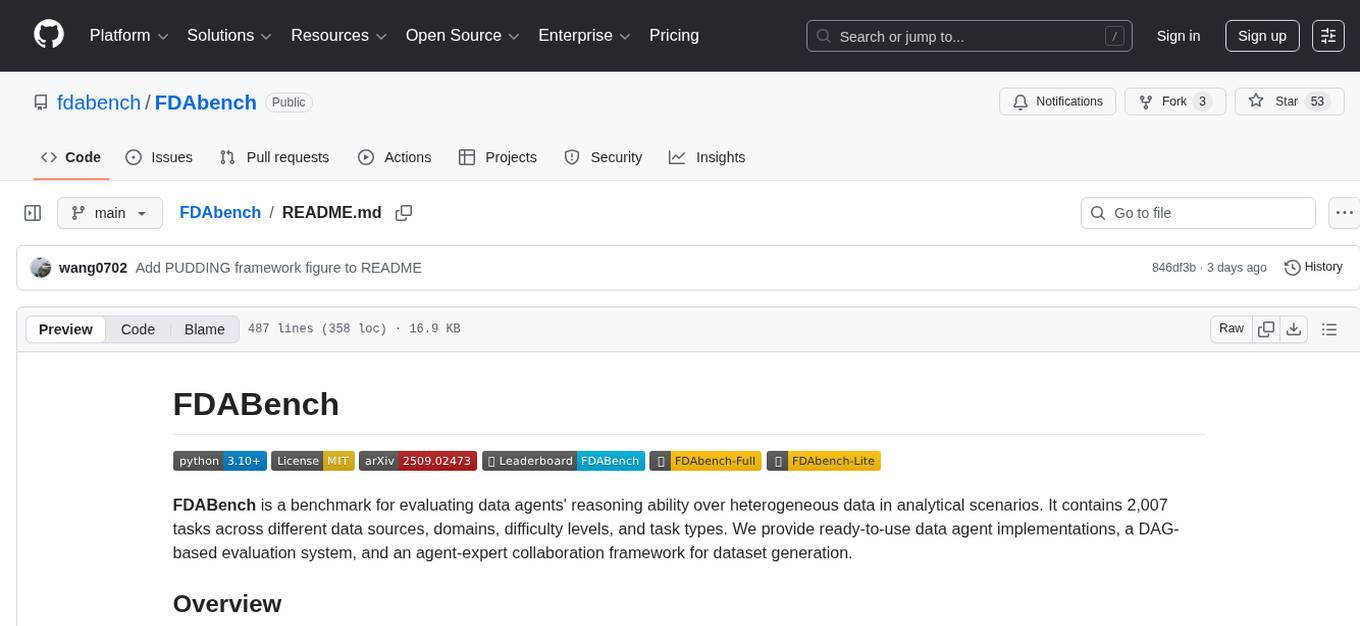
FDABench is a benchmark tool designed for evaluating data agents' reasoning ability over heterogeneous data in analytical scenarios. It offers 2,007 tasks across various data sources, domains, difficulty levels, and task types. The tool provides ready-to-use data agent implementations, a DAG-based evaluation system, and a framework for agent-expert collaboration in dataset generation. Key features include data agent implementations, comprehensive evaluation metrics, multi-database support, different task types, extensible framework for custom agent integration, and cost tracking. Users can set up the environment using Python 3.10+ on Linux, macOS, or Windows. FDABench can be installed with a one-command setup or manually. The tool supports API configuration for LLM access and offers quick start guides for database download, dataset loading, and running examples. It also includes features like dataset generation using the PUDDING framework, custom agent integration, evaluation metrics like accuracy and rubric score, and a directory structure for easy navigation.
code_puppy
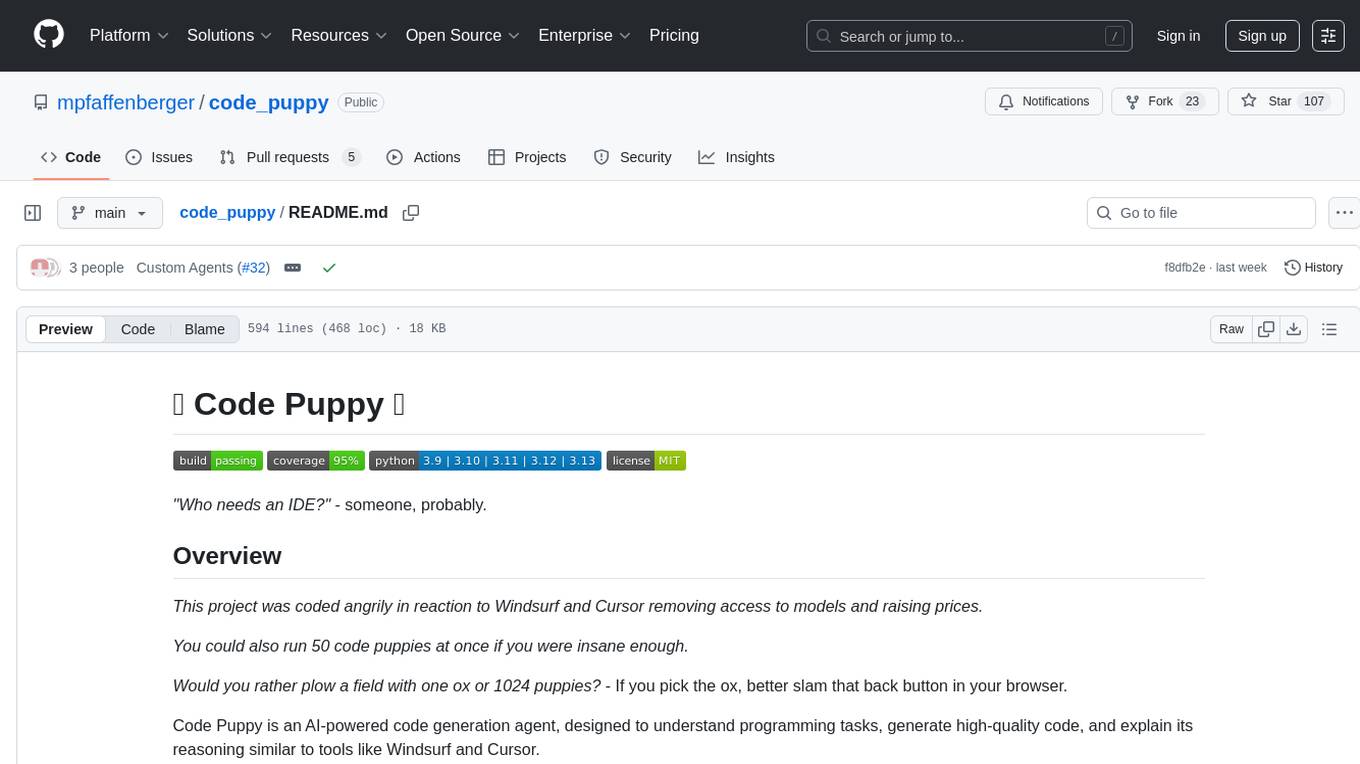
Code Puppy is an AI-powered code generation agent designed to understand programming tasks, generate high-quality code, and explain its reasoning. It supports multi-language code generation, interactive CLI, and detailed code explanations. The tool requires Python 3.9+ and API keys for various models like GPT, Google's Gemini, Cerebras, and Claude. It also integrates with MCP servers for advanced features like code search and documentation lookups. Users can create custom JSON agents for specialized tasks and access a variety of tools for file management, code execution, and reasoning sharing.
npcpy
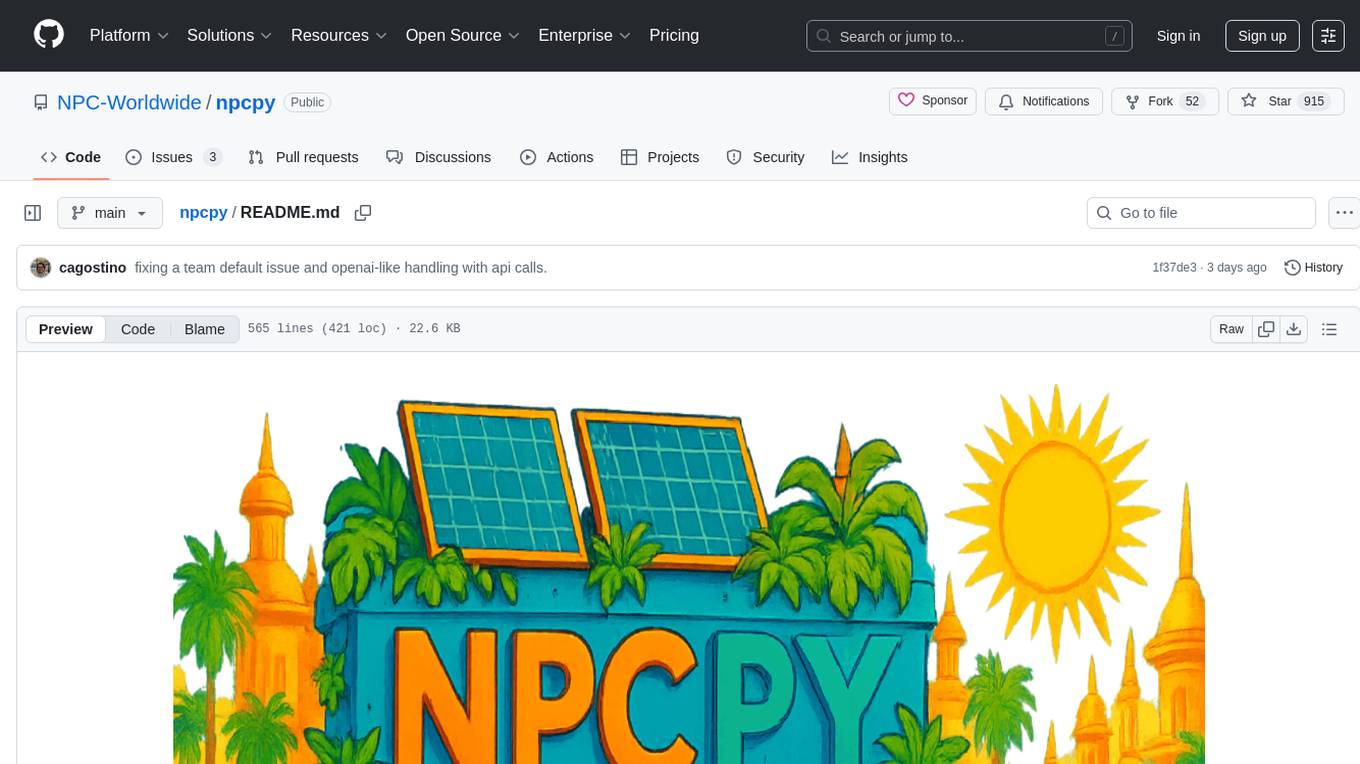
npcpy is a core library of the NPC Toolkit that enhances natural language processing pipelines and agent tooling. It provides a flexible framework for building applications and conducting research with LLMs. The tool supports various functionalities such as getting responses for agents, setting up agent teams, orchestrating jinx workflows, obtaining LLM responses, generating images, videos, audio, and more. It also includes a Flask server for deploying NPC teams, supports LiteLLM integration, and simplifies the development of NLP-based applications. The tool is versatile, supporting multiple models and providers, and offers a graphical user interface through NPC Studio and a command-line interface via NPC Shell.
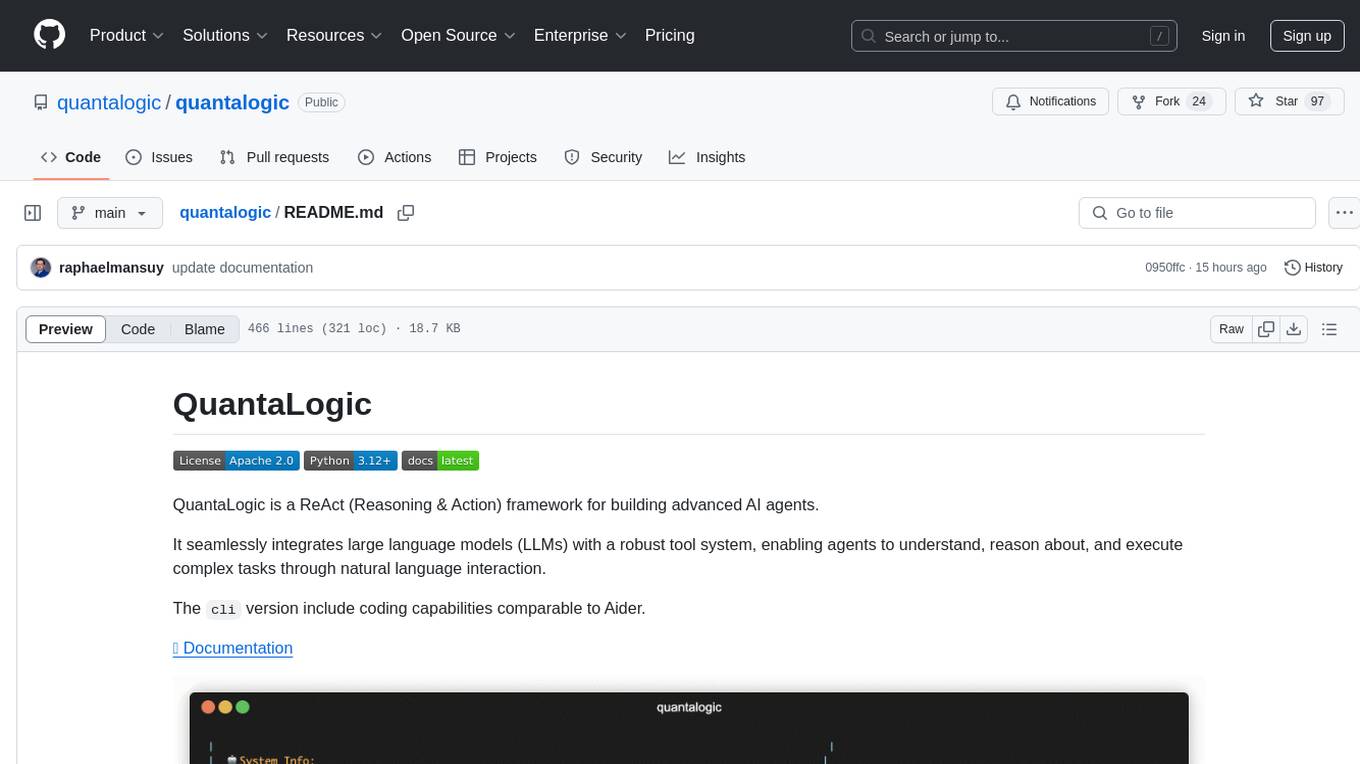
quantalogic
QuantaLogic is a ReAct framework for building advanced AI agents that seamlessly integrates large language models with a robust tool system. It aims to bridge the gap between advanced AI models and practical implementation in business processes by enabling agents to understand, reason about, and execute complex tasks through natural language interaction. The framework includes features such as ReAct Framework, Universal LLM Support, Secure Tool System, Real-time Monitoring, Memory Management, and Enterprise Ready components.
kiss_ai
KISS AI is a lightweight and powerful multi-agent evolutionary framework that simplifies building AI agents. It uses native function calling for efficiency and accuracy, making building AI agents as straightforward as possible. The framework includes features like multi-agent orchestration, agent evolution and optimization, relentless coding agent for long-running tasks, output formatting, trajectory saving and visualization, GEPA for prompt optimization, KISSEvolve for algorithm discovery, self-evolving multi-agent, Docker integration, multiprocessing support, and support for various models from OpenAI, Anthropic, Gemini, Together AI, and OpenRouter.
Acontext
Acontext is a context data platform designed for production AI agents, offering unified storage, built-in context management, and observability features. It helps agents scale from local demos to production without the need to rebuild context infrastructure. The platform provides solutions for challenges like scattered context data, long-running agents requiring context management, and tracking states from multi-modal agents. Acontext offers core features such as context storage, session management, disk storage, agent skills management, and sandbox for code execution and analysis. Users can connect to Acontext, install SDKs, initialize clients, store and retrieve messages, perform context engineering, and utilize agent storage tools. The platform also supports building agents using end-to-end scripts in Python and Typescript, with various templates available. Acontext's architecture includes client layer, backend with API and core components, infrastructure with PostgreSQL, S3, Redis, and RabbitMQ, and a web dashboard. Join the Acontext community on Discord and follow updates on GitHub.
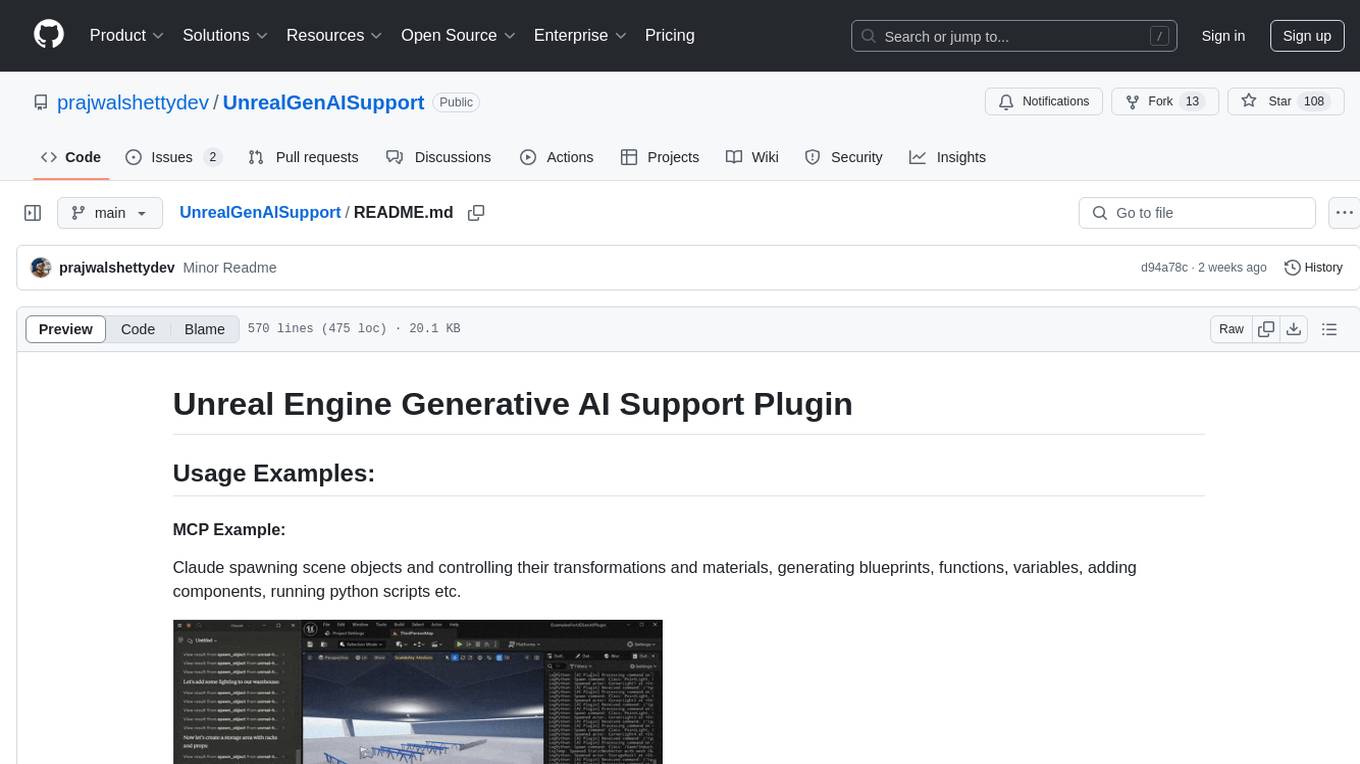
UnrealGenAISupport
The Unreal Engine Generative AI Support Plugin is a tool designed to integrate various cutting-edge LLM/GenAI models into Unreal Engine for game development. It aims to simplify the process of using AI models for game development tasks, such as controlling scene objects, generating blueprints, running Python scripts, and more. The plugin currently supports models from organizations like OpenAI, Anthropic, XAI, Google Gemini, Meta AI, Deepseek, and Baidu. It provides features like API support, model control, generative AI capabilities, UI generation, project file management, and more. The plugin is still under development but offers a promising solution for integrating AI models into game development workflows.
hud-python
hud-python is a Python library for creating interactive heads-up displays (HUDs) in video games. It provides a simple and flexible way to overlay information on the screen, such as player health, score, and notifications. The library is designed to be easy to use and customizable, allowing game developers to enhance the user experience by adding dynamic elements to their games. With hud-python, developers can create engaging HUDs that improve gameplay and provide important feedback to players.
probe
Probe is an AI-friendly, fully local, semantic code search tool designed to power the next generation of AI coding assistants. It combines the speed of ripgrep with the code-aware parsing of tree-sitter to deliver precise results with complete code blocks, making it perfect for large codebases and AI-driven development workflows. Probe supports various features like AI-friendly code extraction, fully local operation without external APIs, fast scanning of large codebases, accurate code structure parsing, re-rankers and NLP methods for better search results, multi-language support, interactive AI chat mode, and flexibility to run as a CLI tool, MCP server, or interactive AI chat.
flyte-sdk
Flyte 2 SDK is a pure Python tool for type-safe, distributed orchestration of agents, ML pipelines, and more. It allows users to write data pipelines, ML training jobs, and distributed compute in Python without any DSL constraints. With features like async-first parallelism and fine-grained observability, Flyte 2 offers a seamless workflow experience. Users can leverage core concepts like TaskEnvironments for container configuration, pure Python workflows for flexibility, and async parallelism for distributed execution. Advanced features include sub-task observability with tracing and remote task execution. The tool also provides native Jupyter integration for running and monitoring workflows directly from notebooks. Configuration and deployment are made easy with configuration files and commands for deploying and running workflows. Flyte 2 is licensed under the Apache 2.0 License.
mcp-documentation-server
The mcp-documentation-server is a lightweight server application designed to serve documentation files for projects. It provides a simple and efficient way to host and access project documentation, making it easy for team members and stakeholders to find and reference important information. The server supports various file formats, such as markdown and HTML, and allows for easy navigation through the documentation. With mcp-documentation-server, teams can streamline their documentation process and ensure that project information is easily accessible to all involved parties.
alphora
Alphora is a full-stack framework for building production AI agents, providing agent orchestration, prompt engineering, tool execution, memory management, streaming, and deployment with an async-first, OpenAI-compatible design. It offers features like agent derivation, reasoning-action loop, async streaming, visual debugger, OpenAI compatibility, multimodal support, tool system with zero-config tools and type safety, prompt engine with dynamic prompts, memory and storage management, sandbox for secure execution, deployment as API, and more. Alphora allows users to build sophisticated AI agents easily and efficiently.
ai-counsel
AI Counsel is a true deliberative consensus MCP server where AI models engage in actual debate, refine positions across multiple rounds, and converge with voting and confidence levels. It features two modes (quick and conference), mixed adapters (CLI tools and HTTP services), auto-convergence, structured voting, semantic grouping, model-controlled stopping, evidence-based deliberation, local model support, data privacy, context injection, semantic search, fault tolerance, and full transcripts. Users can run local and cloud models to deliberate on various questions, ground decisions in reality by querying code and files, and query past decisions for analysis. The tool is designed for critical technical decisions requiring multi-model deliberation and consensus building.
AI-Agent-Starter-Kit
AI Agent Starter Kit is a modern full-stack AI-enabled template using Next.js for frontend and Express.js for backend, with Telegram and OpenAI integrations. It offers AI-assisted development, smart environment variable setup assistance, intelligent error resolution, context-aware code completion, and built-in debugging helpers. The kit provides a structured environment for developers to interact with AI tools seamlessly, enhancing the development process and productivity.
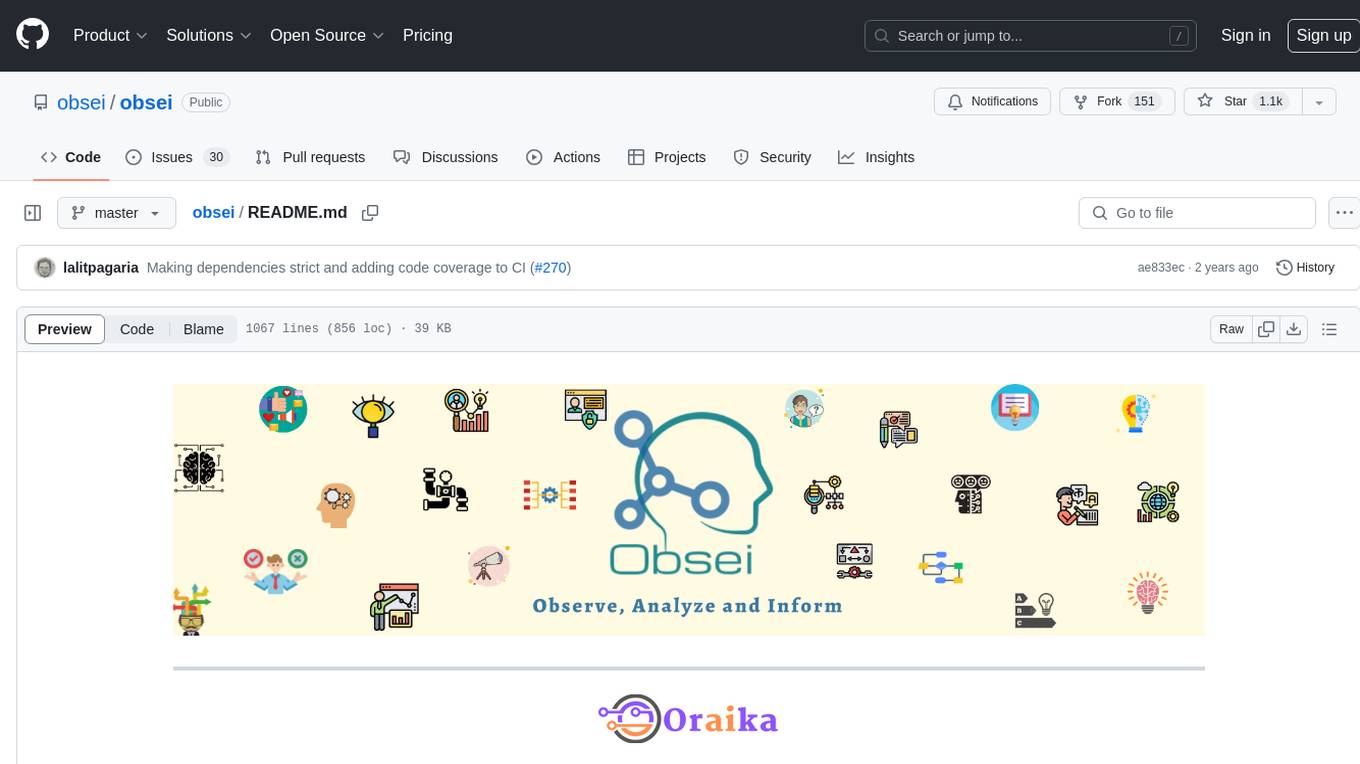
obsei
Obsei is an open-source, low-code, AI powered automation tool that consists of an Observer to collect unstructured data from various sources, an Analyzer to analyze the collected data with various AI tasks, and an Informer to send analyzed data to various destinations. The tool is suitable for scheduled jobs or serverless applications as all Observers can store their state in databases. Obsei is still in alpha stage, so caution is advised when using it in production. The tool can be used for social listening, alerting/notification, automatic customer issue creation, extraction of deeper insights from feedbacks, market research, dataset creation for various AI tasks, and more based on creativity.
For similar tasks
connectonion
ConnectOnion is a simple, elegant open-source framework for production-ready AI agents. It provides a platform for creating and using AI agents with a focus on simplicity and efficiency. The framework allows users to easily add tools, debug agents, make them production-ready, and enable multi-agent capabilities. ConnectOnion offers a simple API, is production-ready with battle-tested models, and is open-source under the MIT license. It features a plugin system for adding reflection and reasoning capabilities, interactive debugging for easy troubleshooting, and no boilerplate code for seamless scaling from prototypes to production systems.
superagent-py
Superagent is an open-source framework that enables developers to integrate production-ready AI assistants into any application quickly and easily. It provides a Python SDK for interacting with the Superagent API, allowing developers to create, manage, and invoke AI agents. The SDK simplifies the process of building AI-powered applications, making it accessible to developers of all skill levels.
restai
RestAI is an AIaaS (AI as a Service) platform that allows users to create and consume AI agents (projects) using a simple REST API. It supports various types of agents, including RAG (Retrieval-Augmented Generation), RAGSQL (RAG for SQL), inference, vision, and router. RestAI features automatic VRAM management, support for any public LLM supported by LlamaIndex or any local LLM supported by Ollama, a user-friendly API with Swagger documentation, and a frontend for easy access. It also provides evaluation capabilities for RAG agents using deepeval.
rivet
Rivet is a desktop application for creating complex AI agents and prompt chaining, and embedding it in your application. Rivet currently has LLM support for OpenAI GPT-3.5 and GPT-4, Anthropic Claude Instant and Claude 2, [Anthropic Claude 3 Haiku, Sonnet, and Opus](https://www.anthropic.com/news/claude-3-family), and AssemblyAI LeMUR framework for voice data. Rivet has embedding/vector database support for OpenAI Embeddings and Pinecone. Rivet also supports these additional integrations: Audio Transcription from AssemblyAI. Rivet core is a TypeScript library for running graphs created in Rivet. It is used by the Rivet application, but can also be used in your own applications, so that Rivet can call into your own application's code, and your application can call into Rivet graphs.
ai2apps
AI2Apps is a visual IDE for building LLM-based AI agent applications, enabling developers to efficiently create AI agents through drag-and-drop, with features like design-to-development for rapid prototyping, direct packaging of agents into apps, powerful debugging capabilities, enhanced user interaction, efficient team collaboration, flexible deployment, multilingual support, simplified product maintenance, and extensibility through plugins.
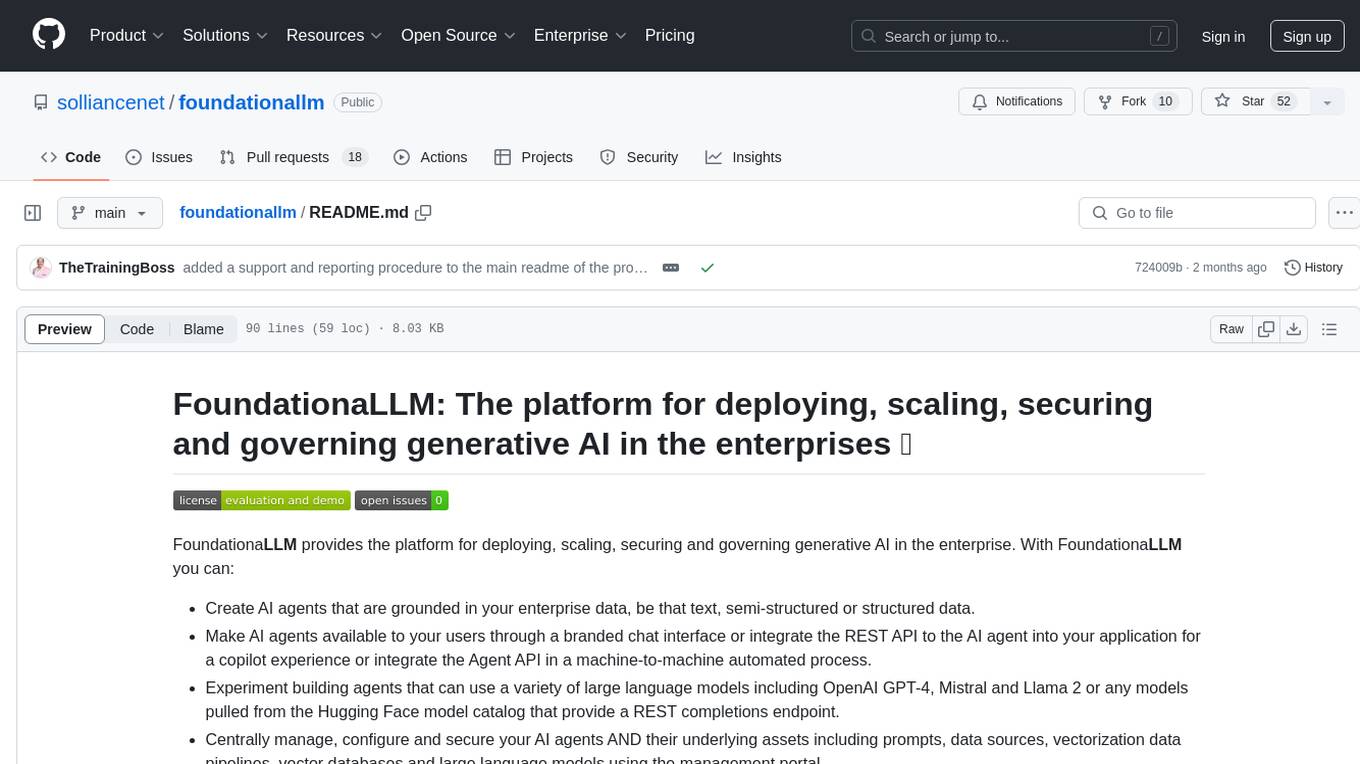
foundationallm
FoundationaLLM is a platform designed for deploying, scaling, securing, and governing generative AI in enterprises. It allows users to create AI agents grounded in enterprise data, integrate REST APIs, experiment with large language models, centrally manage AI agents and assets, deploy scalable vectorization data pipelines, enable non-developer users to create their own AI agents, control access with role-based access controls, and harness capabilities from Azure AI and Azure OpenAI. The platform simplifies integration with enterprise data sources, provides fine-grain security controls, load balances across multiple endpoints, and is extensible to new data sources and orchestrators. FoundationaLLM addresses the need for customized copilots or AI agents that are secure, licensed, flexible, and suitable for enterprise-scale production.
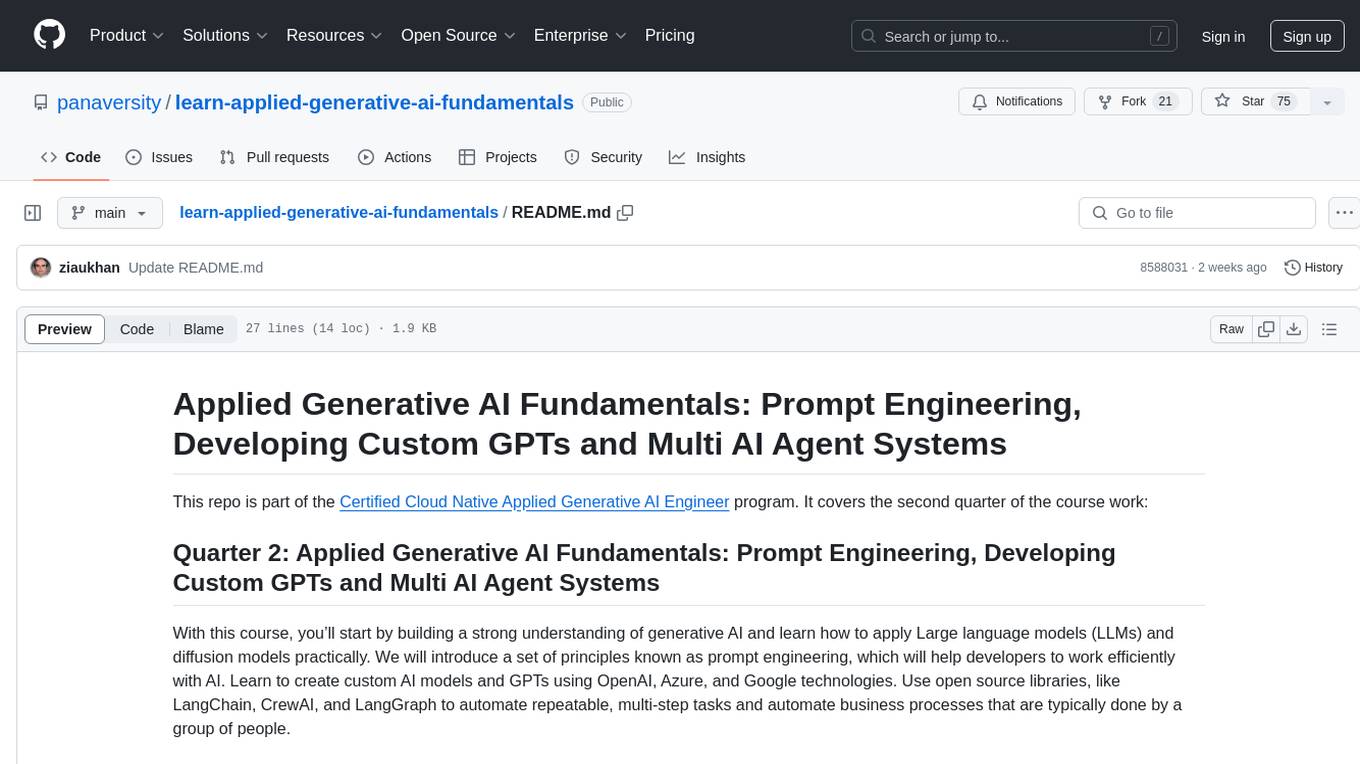
learn-applied-generative-ai-fundamentals
This repository is part of the Certified Cloud Native Applied Generative AI Engineer program, focusing on Applied Generative AI Fundamentals. It covers prompt engineering, developing custom GPTs, and Multi AI Agent Systems. The course helps in building a strong understanding of generative AI, applying Large Language Models (LLMs) and diffusion models practically. It introduces principles of prompt engineering to work efficiently with AI, creating custom AI models and GPTs using OpenAI, Azure, and Google technologies. It also utilizes open source libraries like LangChain, CrewAI, and LangGraph to automate tasks and business processes.
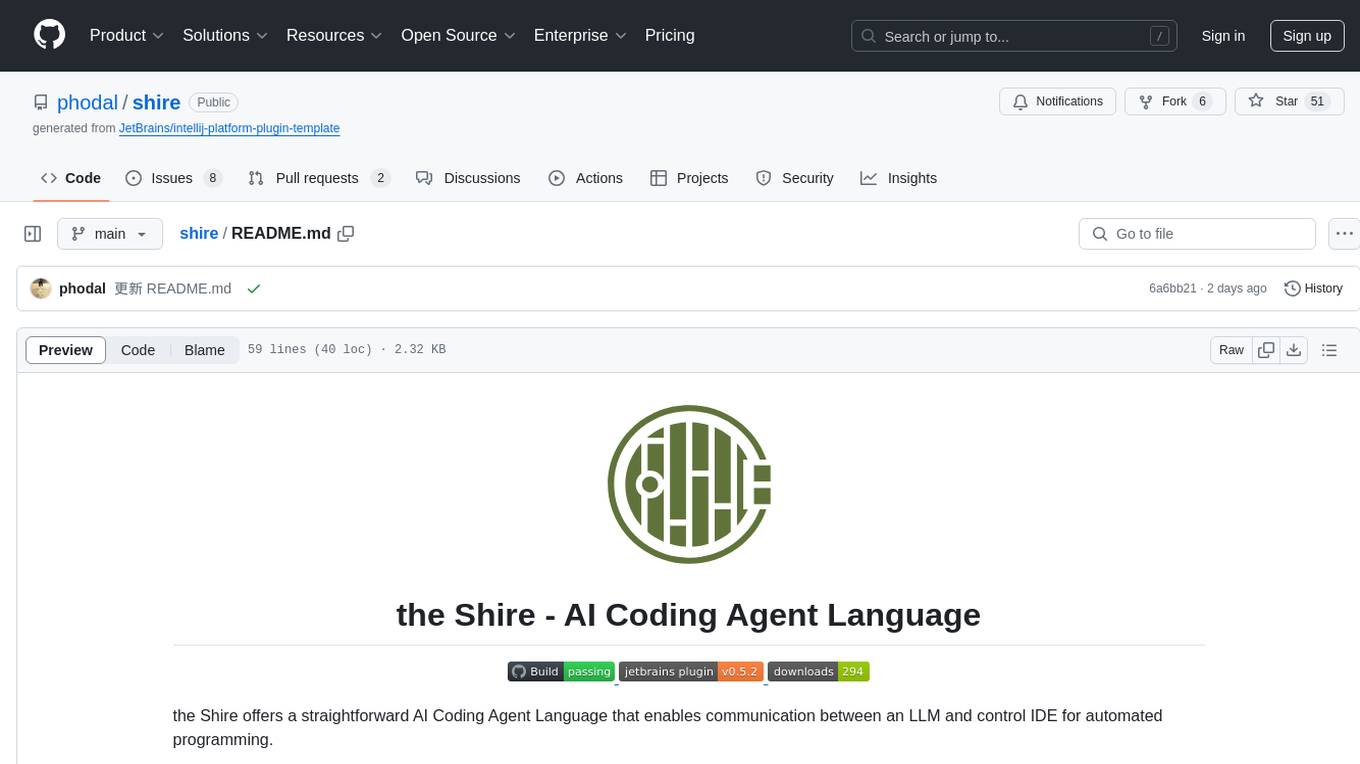
shire
The Shire is an AI Coding Agent Language that facilitates communication between an LLM and control IDE for automated programming. It offers a straightforward approach to creating AI agents tailored to individual IDEs, enabling users to build customized AI-driven development environments. The concept of Shire originated from AutoDev, a subproject of UnitMesh, with DevIns as its precursor. The tool provides documentation and resources for implementing AI in software engineering projects.
For similar jobs

sweep
Sweep is an AI junior developer that turns bugs and feature requests into code changes. It automatically handles developer experience improvements like adding type hints and improving test coverage.

teams-ai
The Teams AI Library is a software development kit (SDK) that helps developers create bots that can interact with Teams and Microsoft 365 applications. It is built on top of the Bot Framework SDK and simplifies the process of developing bots that interact with Teams' artificial intelligence capabilities. The SDK is available for JavaScript/TypeScript, .NET, and Python.

ai-guide
This guide is dedicated to Large Language Models (LLMs) that you can run on your home computer. It assumes your PC is a lower-end, non-gaming setup.

classifai
Supercharge WordPress Content Workflows and Engagement with Artificial Intelligence. Tap into leading cloud-based services like OpenAI, Microsoft Azure AI, Google Gemini and IBM Watson to augment your WordPress-powered websites. Publish content faster while improving SEO performance and increasing audience engagement. ClassifAI integrates Artificial Intelligence and Machine Learning technologies to lighten your workload and eliminate tedious tasks, giving you more time to create original content that matters.

chatbot-ui
Chatbot UI is an open-source AI chat app that allows users to create and deploy their own AI chatbots. It is easy to use and can be customized to fit any need. Chatbot UI is perfect for businesses, developers, and anyone who wants to create a chatbot.

BricksLLM
BricksLLM is a cloud native AI gateway written in Go. Currently, it provides native support for OpenAI, Anthropic, Azure OpenAI and vLLM. BricksLLM aims to provide enterprise level infrastructure that can power any LLM production use cases. Here are some use cases for BricksLLM: * Set LLM usage limits for users on different pricing tiers * Track LLM usage on a per user and per organization basis * Block or redact requests containing PIIs * Improve LLM reliability with failovers, retries and caching * Distribute API keys with rate limits and cost limits for internal development/production use cases * Distribute API keys with rate limits and cost limits for students

uAgents
uAgents is a Python library developed by Fetch.ai that allows for the creation of autonomous AI agents. These agents can perform various tasks on a schedule or take action on various events. uAgents are easy to create and manage, and they are connected to a fast-growing network of other uAgents. They are also secure, with cryptographically secured messages and wallets.

griptape
Griptape is a modular Python framework for building AI-powered applications that securely connect to your enterprise data and APIs. It offers developers the ability to maintain control and flexibility at every step. Griptape's core components include Structures (Agents, Pipelines, and Workflows), Tasks, Tools, Memory (Conversation Memory, Task Memory, and Meta Memory), Drivers (Prompt and Embedding Drivers, Vector Store Drivers, Image Generation Drivers, Image Query Drivers, SQL Drivers, Web Scraper Drivers, and Conversation Memory Drivers), Engines (Query Engines, Extraction Engines, Summary Engines, Image Generation Engines, and Image Query Engines), and additional components (Rulesets, Loaders, Artifacts, Chunkers, and Tokenizers). Griptape enables developers to create AI-powered applications with ease and efficiency.