


llms-with-matlab
Connect MATLAB to LLM APIs, including OpenAI® Chat Completions, Azure® OpenAI Services, and Ollama™
Stars: 143
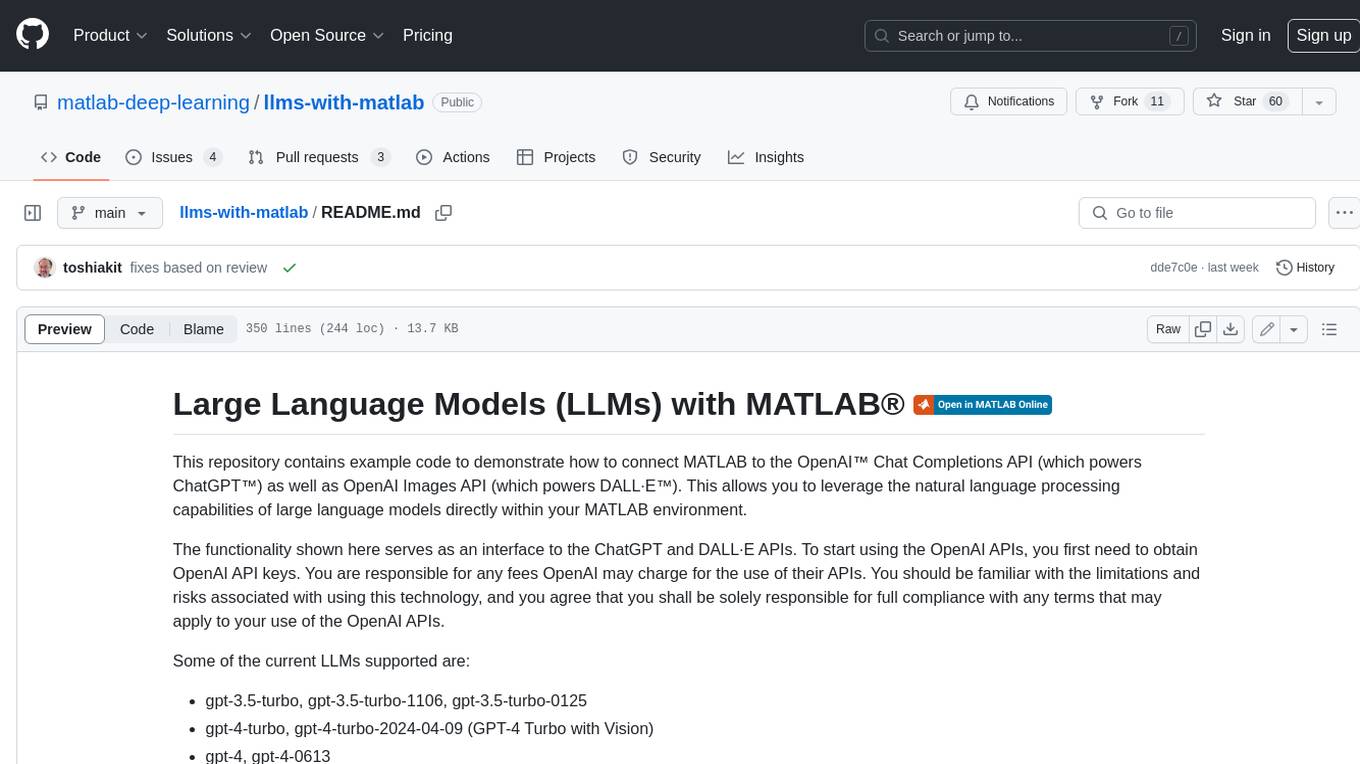
This repository contains example code to demonstrate how to connect MATLAB to the OpenAI™ Chat Completions API (which powers ChatGPT™) as well as OpenAI Images API (which powers DALL·E™). This allows you to leverage the natural language processing capabilities of large language models directly within your MATLAB environment.
README:


Large Language Models (LLMs) with MATLAB lets you connect to large language model APIs using MATLAB®.
You can connect to:
- OpenAI® Chat Completions API — For example, connect to ChatGPT™.
- OpenAI Images API — For example, connect to DALL·E™.
- Azure® OpenAI Service — Connect to OpenAI models from Azure.
- Ollama™ — Connect to models locally or nonlocally.
Using this add-on, you can:
- Generate responses to natural language prompts.
- Manage chat history.
- Generate JSON-formatted and structured output.
- Use tool calling.
- Generate, edit, and describe images.
For more information about the features in this add-on, see the documentation in the doc directory.
Using this add-on requires MATLAB R2024a or newer.
You can use the add-on in MATLAB Online™ by clicking this link:
In MATLAB Online, you can connect to OpenAI and Azure. To connect to Ollama, use an installed version of MATLAB and install the add-on using the Add-On Explorer or by cloning the GitHub™ repository.
The recommended way of using the add-on on an installed version of MATLAB is to use the Add-On Explorer.
- In MATLAB, go to the Home tab, and in the Environment section, click the Add-Ons icon.
- In the Add-On Explorer, search for "Large Language Models (LLMs) with MATLAB".
- Select Install.
Alternatively, to use the add-on on an installed version of MATLAB, you can clone the GitHub repository. In the MATLAB Command Window, run this command:
>> !git clone https://github.com/matlab-deep-learning/llms-with-matlab.git
To run code from the add-on outside of the installation directory, if you install the add-on by cloning the GitHub repository, then you must add the path to the installation directory.
>> addpath("path/to/llms-with-matlab")
For more information about how to connect to the different APIs from MATLAB, including installation requirements, see:
- Process Generated Text in Real Time by Using ChatGPT in Streaming Mode
- Process Generated Text in Real Time by Using Ollama in Streaming Mode
- Summarize Large Documents Using ChatGPT and MATLAB (requires Text Analytics Toolbox™)
- Create Simple ChatBot (requires Text Analytics Toolbox)
- Create Simple Ollama ChatBot (requires Text Analytics Toolbox)
- Analyze Scientific Papers Using ChatGPT Function Calls
- Analyze Sentiment in Text Using ChatGPT and Structured Output
- Analyze Text Data Using Parallel Function Calls with ChatGPT
- Analyze Text Data Using Parallel Function Calls with Ollama
- Retrieval-Augmented Generation Using ChatGPT and MATLAB (requires Text Analytics Toolbox)
- Retrieval-Augmented Generation Using Ollama and MATLAB (requires Text Analytics Toolbox)
- Describe Images Using ChatGPT
- Using DALL·E To Edit Images
- Using DALL·E To Generate Images
| Function | Description |
|---|---|
| openAIChat | Connect to OpenAI Chat Completion API from MATLAB |
| azureChat | Connect to Azure OpenAI Services Chat Completion API from MATLAB |
| ollamaChat | Connect to Ollama Server from MATLAB |
| generate | Generate output from large language models |
| openAIFunction | Use Function Calls from MATLAB |
| addParameter | Add input argument to openAIFunction object |
| openAIImages | Connect to OpenAI Image Generation API from MATLAB |
| openAIImages.generate | Generate image using OpenAI image generation API |
| edit | Edit images using DALL·E 2 |
| createVariation | Generate image variations using DALL·E 2 |
| messageHistory | Manage and store messages in a conversation |
| addSystemMessage | Add system message to message history |
| addUserMessage | Add user message to message history |
| addUserMessageWithImages | Add user message with images to message history |
| addToolMessage | Add tool message to message history |
| addResponseMessage | Add response message to message history |
| removeMessage | Remove message from message history |
The license is available in the license.txt file in this GitHub repository.
Copyright 2023-2025 The MathWorks, Inc.
For Tasks:
Click tags to check more tools for each tasksFor Jobs:
Alternative AI tools for llms-with-matlab
Similar Open Source Tools
llms-with-matlab
This repository contains example code to demonstrate how to connect MATLAB to the OpenAI™ Chat Completions API (which powers ChatGPT™) as well as OpenAI Images API (which powers DALL·E™). This allows you to leverage the natural language processing capabilities of large language models directly within your MATLAB environment.
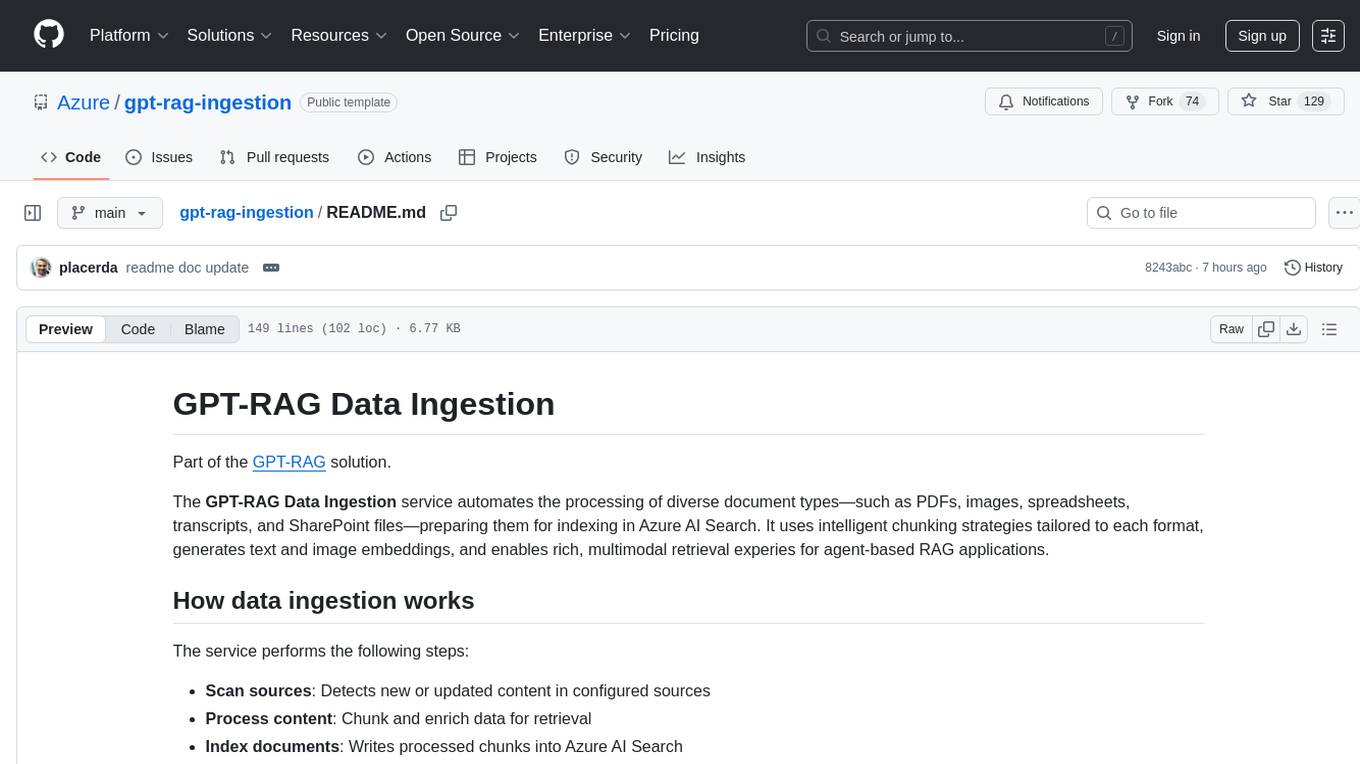
gpt-rag-ingestion
The GPT-RAG Data Ingestion service automates processing of diverse document types for indexing in Azure AI Search. It uses intelligent chunking strategies tailored to each format, generates text and image embeddings, and enables rich, multimodal retrieval experiences for agent-based RAG applications. Supported data sources include Blob Storage, NL2SQL Metadata, and SharePoint. The service selects chunkers based on file extension, such as DocAnalysisChunker for PDF files, OCR for image files, LangChainChunker for text-based files, TranscriptionChunker for video transcripts, and SpreadsheetChunker for spreadsheets. Deployment requires provisioning infrastructure and assigning specific roles to the user or service principal.
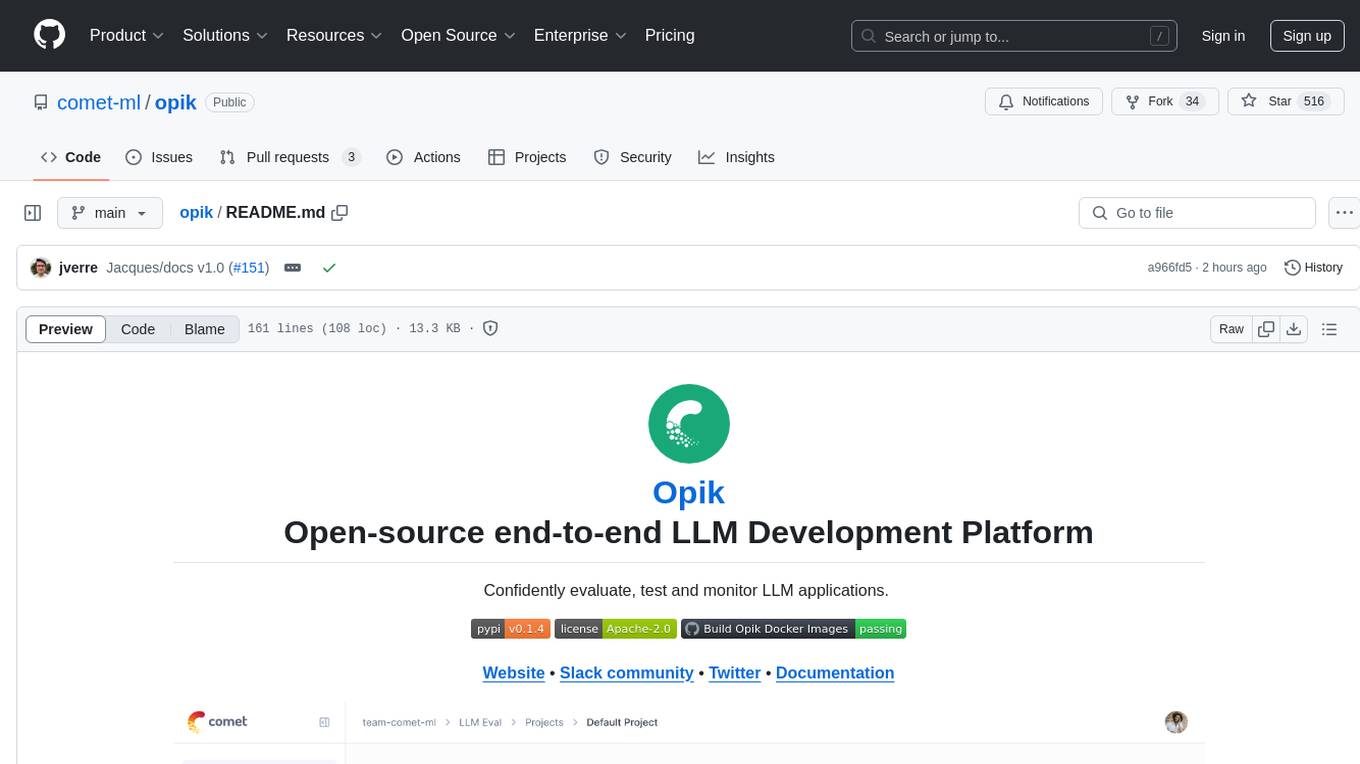
opik
Comet Opik is a repository containing two main services: a frontend and a backend. It provides a Python SDK for easy installation. Users can run the full application locally with minikube, following specific installation prerequisites. The repository structure includes directories for applications like Opik backend, with detailed instructions available in the README files. Users can manage the installation using simple k8s commands and interact with the application via URLs for checking the running application and API documentation. The repository aims to facilitate local development and testing of Opik using Kubernetes technology.
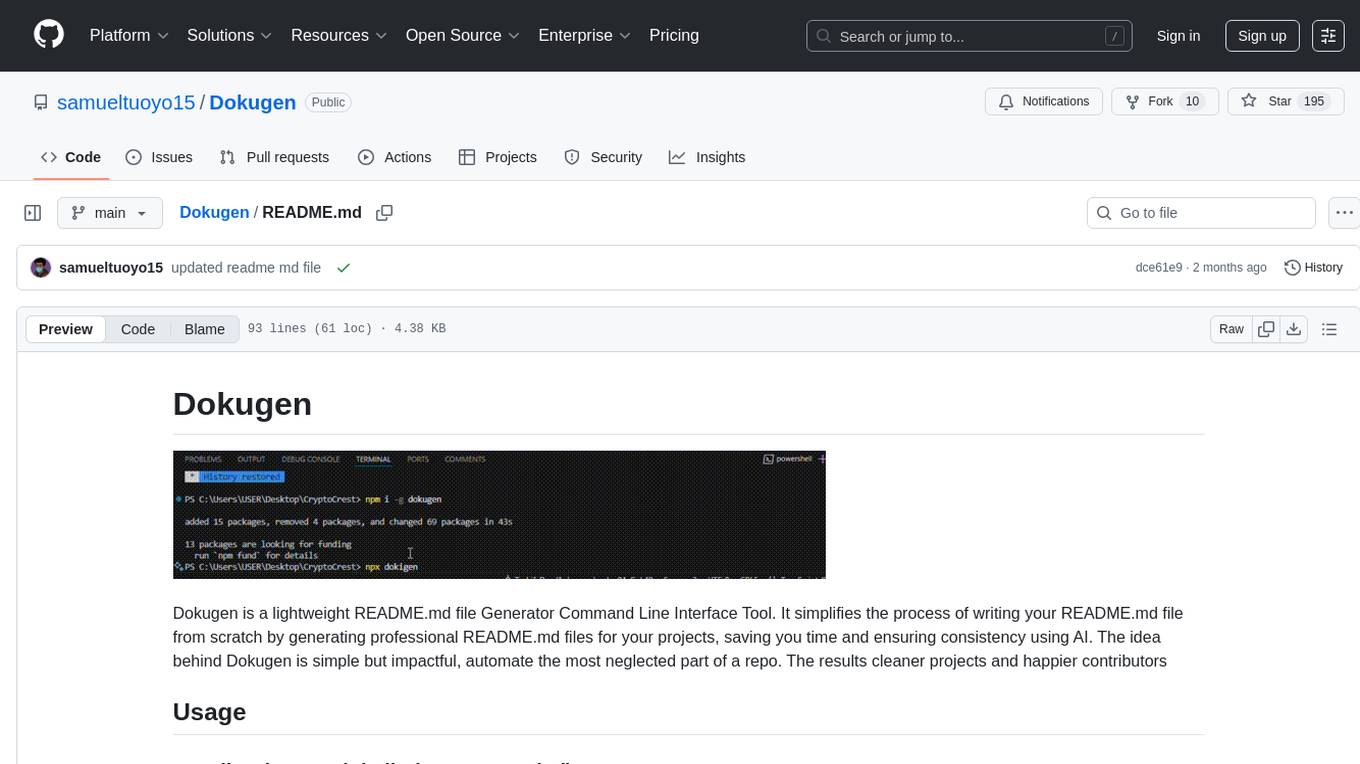
Dokugen
Dokugen is a lightweight README.md file Generator Command Line Interface Tool that simplifies the process of writing README.md files by generating professional READMEs for projects, saving time and ensuring consistency using AI. It automates the most neglected part of a repo, resulting in cleaner projects and happier contributors.

QodeAssist
QodeAssist is an AI-powered coding assistant plugin for Qt Creator, offering intelligent code completion and suggestions for C++ and QML. It leverages large language models like Ollama to enhance coding productivity with context-aware AI assistance directly in the Qt development environment. The plugin supports multiple LLM providers, extensive model-specific templates, and easy configuration for enhanced coding experience.
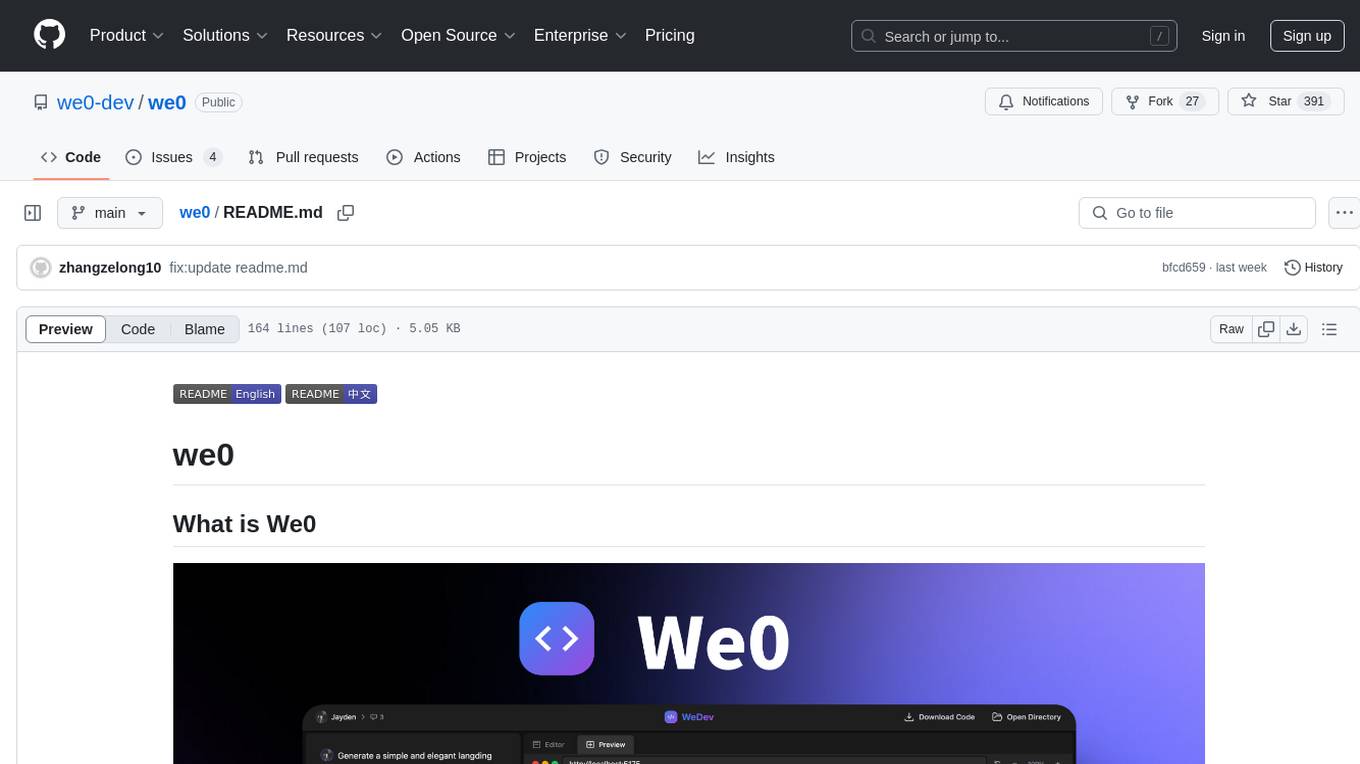
we0
We0 is a web project generation tool that offers browser-based debugging, high-fidelity design restoration, importing historical projects, integration with WeChat Mini Program Developer Tools, and multi-platform support. It supports code generation, design-to-code conversion, open-source projects, WeChat Mini Program Tools preview, existing projects, and Deepseek. The tool uses pnpm as the package management tool and requires Node.js version 18.20. Users can install and configure the tool for web development and utilize quick start methods for building the web editor. Additionally, instructions are provided for installing and using the client version on Mac, along with troubleshooting tips. For any questions or support, users can contact [email protected] or join the WeChat group chat.
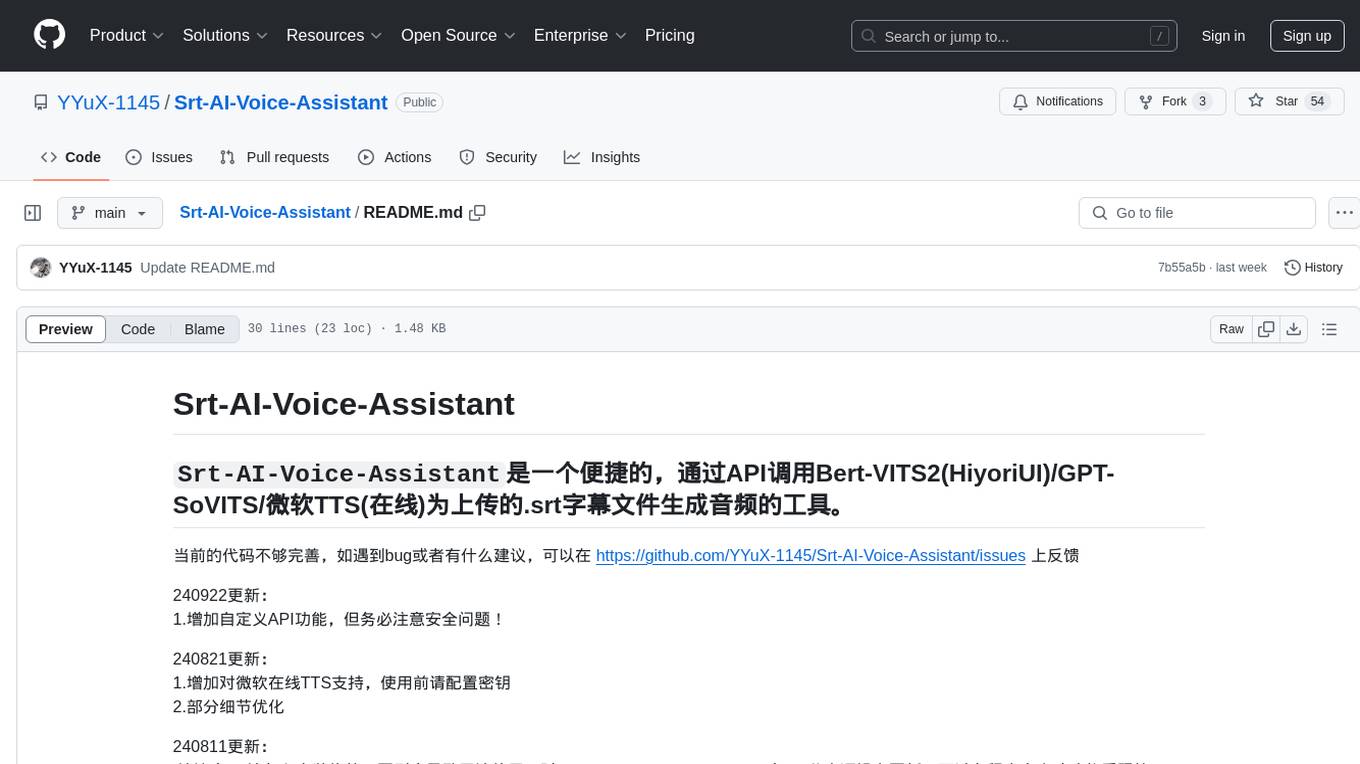
Srt-AI-Voice-Assistant
Srt-AI-Voice-Assistant is a convenient tool that generates audio from uploaded .srt subtitle files by calling APIs such as Bert-VITS2 (HiyoriUI), GPT-SoVITS, and Microsoft TTS (online). The code is currently not perfect, and feedback on bugs or suggestions can be provided at https://github.com/YYuX-1145/Srt-AI-Voice-Assistant/issues. Recent updates include adding custom API functionality with a focus on security, support for Microsoft online TTS (requires key configuration), error handling improvements, automatic project path detection, compatibility with API-v1 for limited functionality, and significant feature updates supporting card synthesis.
mmore
MMORE is an open-source, end-to-end pipeline for ingesting, processing, indexing, and retrieving knowledge from various file types such as PDFs, Office docs, images, audio, video, and web pages. It standardizes content into a unified multimodal format, supports distributed CPU/GPU processing, and offers hybrid dense+sparse retrieval with an integrated RAG service through CLI and APIs.
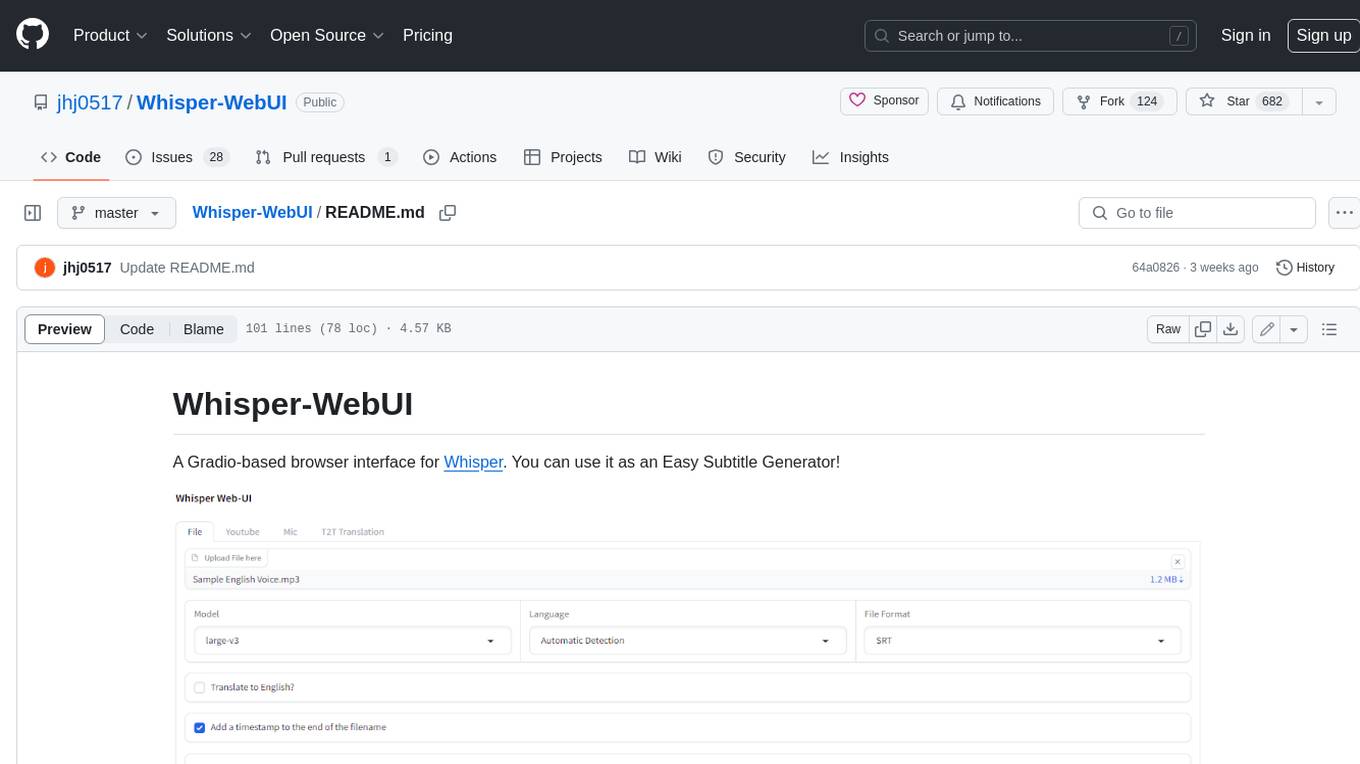
Whisper-WebUI
Whisper-WebUI is a Gradio-based browser interface for Whisper, serving as an Easy Subtitle Generator. It supports generating subtitles from various sources such as files, YouTube, and microphone. The tool also offers speech-to-text and text-to-text translation features, utilizing Facebook NLLB models and DeepL API. Users can translate subtitle files from other languages to English and vice versa. The project integrates faster-whisper for improved VRAM usage and transcription speed, providing efficiency metrics for optimized whisper models. Additionally, users can choose from different Whisper models based on size and language requirements.
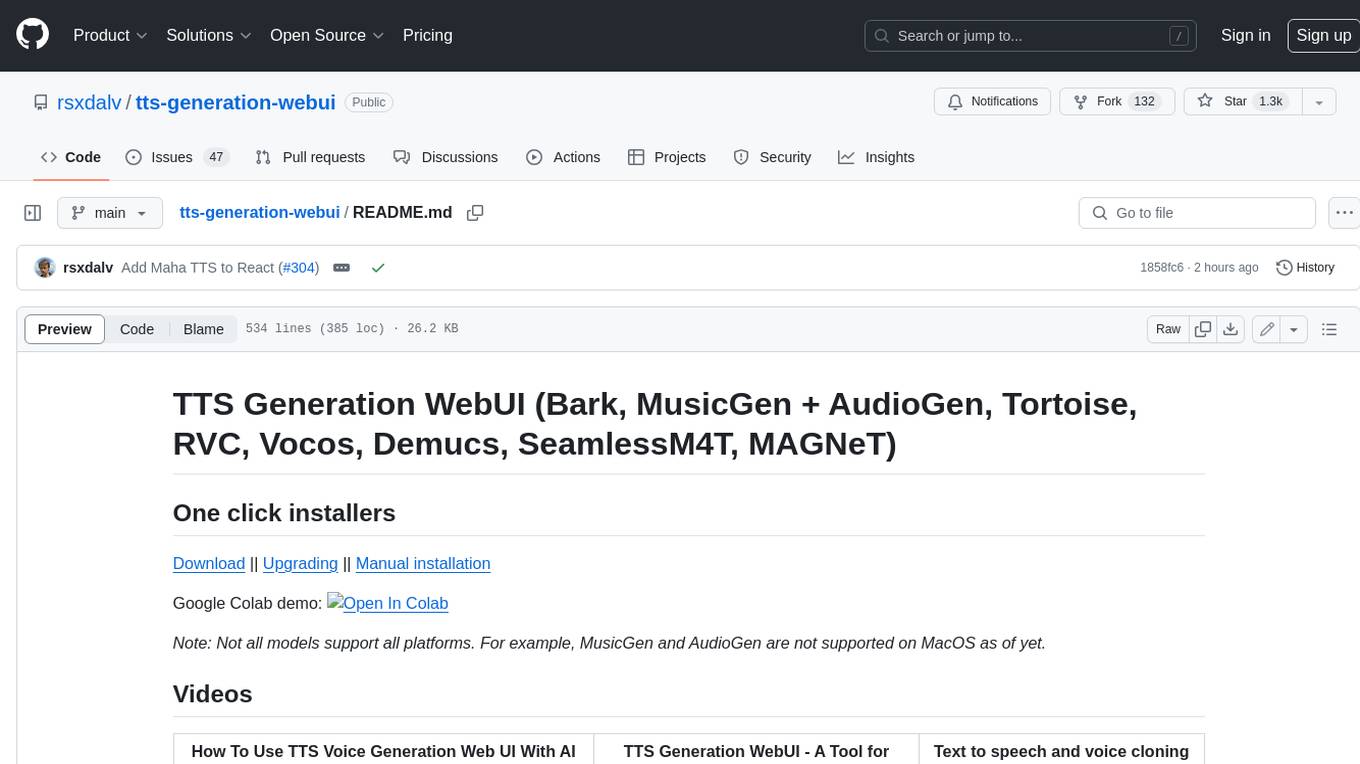
tts-generation-webui
TTS Generation WebUI is a comprehensive tool that provides a user-friendly interface for text-to-speech and voice cloning tasks. It integrates various AI models such as Bark, MusicGen, AudioGen, Tortoise, RVC, Vocos, Demucs, SeamlessM4T, and MAGNeT. The tool offers one-click installers, Google Colab demo, videos for guidance, and extra voices for Bark. Users can generate audio outputs, manage models, caches, and system space for AI projects. The project is open-source and emphasizes ethical and responsible use of AI technology.
ollama
Ollama is a lightweight, extensible framework for building and running language models on the local machine. It provides a simple API for creating, running, and managing models, as well as a library of pre-built models that can be easily used in a variety of applications. Ollama is designed to be easy to use and accessible to developers of all levels. It is open source and available for free on GitHub.
openlit
OpenLIT is an OpenTelemetry-native GenAI and LLM Application Observability tool. It's designed to make the integration process of observability into GenAI projects as easy as pie – literally, with just **a single line of code**. Whether you're working with popular LLM Libraries such as OpenAI and HuggingFace or leveraging vector databases like ChromaDB, OpenLIT ensures your applications are monitored seamlessly, providing critical insights to improve performance and reliability.
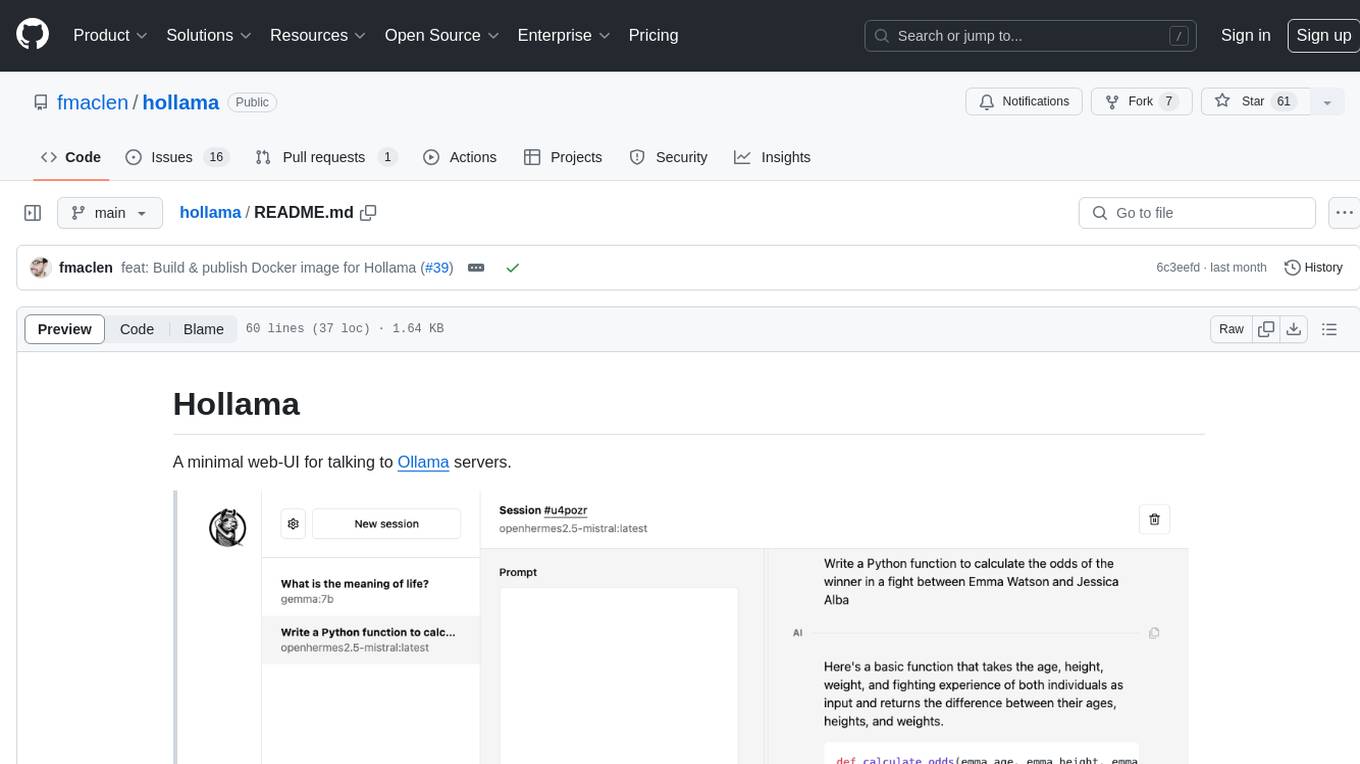
hollama
Hollama is a minimal web-UI tool designed for interacting with Ollama servers. It features large prompt fields, streams completions, ability to copy completions as raw text, Markdown parsing with syntax highlighting, and saves sessions/context in the browser's localStorage. Users can access the latest version of Hollama at https://hollama.fernando.is without sign up, and data is stored locally on the browser. The tool can also be run as a Docker image by executing a specific command. Developers can connect to an Ollama server by updating the ORIGIN settings. Hollama facilitates easy development by providing instructions to set up the environment, install dependencies, and start a development server. Building a production version of the app is straightforward with a single command, and deployment may require installing an adapter for the target environment.
CodeWebChat
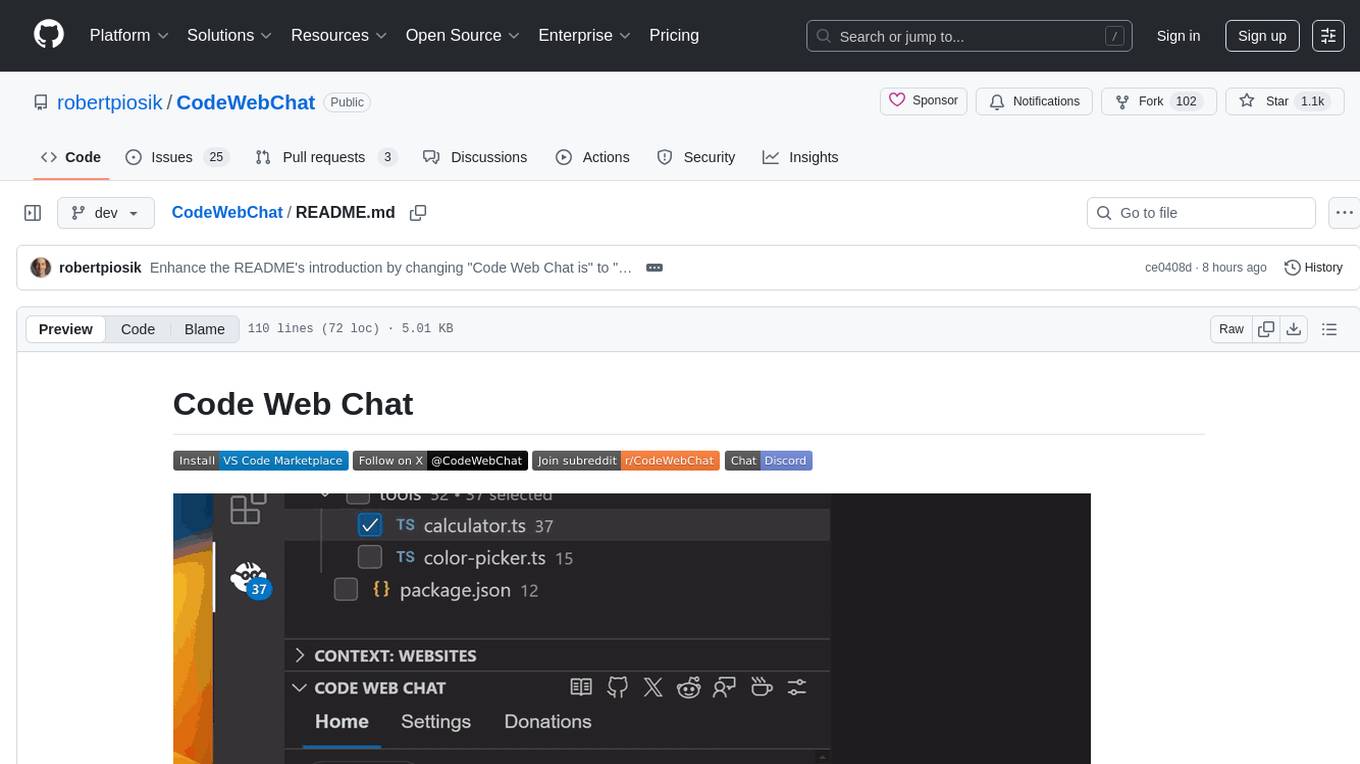
Code Web Chat is a versatile, free, and open-source AI pair programming tool with a unique web-based workflow. Users can select files, type instructions, and initialize various chatbots like ChatGPT, Gemini, Claude, and more hands-free. The tool helps users save money with free tiers and subscription-based billing and save time with multi-file edits from a single prompt. It supports chatbot initialization through the Connector browser extension and offers API tools for code completions, editing context, intelligent updates, and commit messages. Users can handle AI responses, code completions, and version control through various commands. The tool is privacy-focused, operates locally, and supports any OpenAI-API compatible provider for its utilities.
aps-toolkit
APS Toolkit is a powerful tool for developers, software engineers, and AI engineers to explore Autodesk Platform Services (APS). It allows users to read, download, and write data from APS, as well as export data to various formats like CSV, Excel, JSON, and XML. The toolkit is built on top of Autodesk.Forge and Newtonsoft.Json, offering features such as reading SVF models, querying properties database, exporting data, and more.
eidos
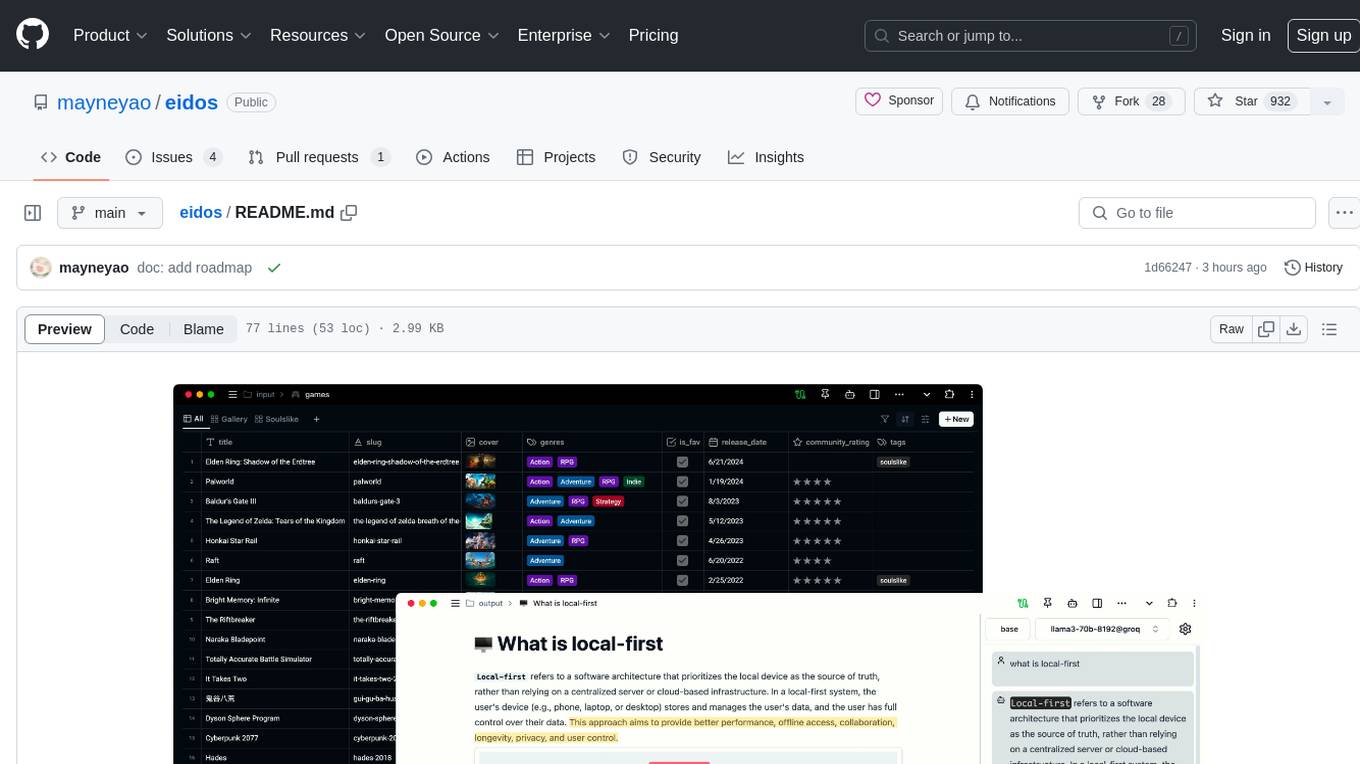
Eidos is an extensible framework for managing personal data in one place. It runs inside the browser as a PWA with offline support. It integrates AI features for translation, summarization, and data interaction. Users can customize Eidos with Prompt extension, JavaScript for Formula functions, TypeScript/JavaScript for data processing logic, and build apps using any framework. Eidos is developer-friendly with API & SDK, and uses SQLite standardization for data tables.
For similar tasks

LLMStack
LLMStack is a no-code platform for building generative AI agents, workflows, and chatbots. It allows users to connect their own data, internal tools, and GPT-powered models without any coding experience. LLMStack can be deployed to the cloud or on-premise and can be accessed via HTTP API or triggered from Slack or Discord.

ai-guide
This guide is dedicated to Large Language Models (LLMs) that you can run on your home computer. It assumes your PC is a lower-end, non-gaming setup.

onnxruntime-genai
ONNX Runtime Generative AI is a library that provides the generative AI loop for ONNX models, including inference with ONNX Runtime, logits processing, search and sampling, and KV cache management. Users can call a high level `generate()` method, or run each iteration of the model in a loop. It supports greedy/beam search and TopP, TopK sampling to generate token sequences, has built in logits processing like repetition penalties, and allows for easy custom scoring.

jupyter-ai
Jupyter AI connects generative AI with Jupyter notebooks. It provides a user-friendly and powerful way to explore generative AI models in notebooks and improve your productivity in JupyterLab and the Jupyter Notebook. Specifically, Jupyter AI offers: * An `%%ai` magic that turns the Jupyter notebook into a reproducible generative AI playground. This works anywhere the IPython kernel runs (JupyterLab, Jupyter Notebook, Google Colab, Kaggle, VSCode, etc.). * A native chat UI in JupyterLab that enables you to work with generative AI as a conversational assistant. * Support for a wide range of generative model providers, including AI21, Anthropic, AWS, Cohere, Gemini, Hugging Face, NVIDIA, and OpenAI. * Local model support through GPT4All, enabling use of generative AI models on consumer grade machines with ease and privacy.
khoj
Khoj is an open-source, personal AI assistant that extends your capabilities by creating always-available AI agents. You can share your notes and documents to extend your digital brain, and your AI agents have access to the internet, allowing you to incorporate real-time information. Khoj is accessible on Desktop, Emacs, Obsidian, Web, and Whatsapp, and you can share PDF, markdown, org-mode, notion files, and GitHub repositories. You'll get fast, accurate semantic search on top of your docs, and your agents can create deeply personal images and understand your speech. Khoj is self-hostable and always will be.
langchain_dart
LangChain.dart is a Dart port of the popular LangChain Python framework created by Harrison Chase. LangChain provides a set of ready-to-use components for working with language models and a standard interface for chaining them together to formulate more advanced use cases (e.g. chatbots, Q&A with RAG, agents, summarization, extraction, etc.). The components can be grouped into a few core modules: * **Model I/O:** LangChain offers a unified API for interacting with various LLM providers (e.g. OpenAI, Google, Mistral, Ollama, etc.), allowing developers to switch between them with ease. Additionally, it provides tools for managing model inputs (prompt templates and example selectors) and parsing the resulting model outputs (output parsers). * **Retrieval:** assists in loading user data (via document loaders), transforming it (with text splitters), extracting its meaning (using embedding models), storing (in vector stores) and retrieving it (through retrievers) so that it can be used to ground the model's responses (i.e. Retrieval-Augmented Generation or RAG). * **Agents:** "bots" that leverage LLMs to make informed decisions about which available tools (such as web search, calculators, database lookup, etc.) to use to accomplish the designated task. The different components can be composed together using the LangChain Expression Language (LCEL).

danswer
Danswer is an open-source Gen-AI Chat and Unified Search tool that connects to your company's docs, apps, and people. It provides a Chat interface and plugs into any LLM of your choice. Danswer can be deployed anywhere and for any scale - on a laptop, on-premise, or to cloud. Since you own the deployment, your user data and chats are fully in your own control. Danswer is MIT licensed and designed to be modular and easily extensible. The system also comes fully ready for production usage with user authentication, role management (admin/basic users), chat persistence, and a UI for configuring Personas (AI Assistants) and their Prompts. Danswer also serves as a Unified Search across all common workplace tools such as Slack, Google Drive, Confluence, etc. By combining LLMs and team specific knowledge, Danswer becomes a subject matter expert for the team. Imagine ChatGPT if it had access to your team's unique knowledge! It enables questions such as "A customer wants feature X, is this already supported?" or "Where's the pull request for feature Y?"

infinity
Infinity is an AI-native database designed for LLM applications, providing incredibly fast full-text and vector search capabilities. It supports a wide range of data types, including vectors, full-text, and structured data, and offers a fused search feature that combines multiple embeddings and full text. Infinity is easy to use, with an intuitive Python API and a single-binary architecture that simplifies deployment. It achieves high performance, with 0.1 milliseconds query latency on million-scale vector datasets and up to 15K QPS.
For similar jobs
ChatFAQ
ChatFAQ is an open-source comprehensive platform for creating a wide variety of chatbots: generic ones, business-trained, or even capable of redirecting requests to human operators. It includes a specialized NLP/NLG engine based on a RAG architecture and customized chat widgets, ensuring a tailored experience for users and avoiding vendor lock-in.

agentcloud
AgentCloud is an open-source platform that enables companies to build and deploy private LLM chat apps, empowering teams to securely interact with their data. It comprises three main components: Agent Backend, Webapp, and Vector Proxy. To run this project locally, clone the repository, install Docker, and start the services. The project is licensed under the GNU Affero General Public License, version 3 only. Contributions and feedback are welcome from the community.
anything-llm
AnythingLLM is a full-stack application that enables you to turn any document, resource, or piece of content into context that any LLM can use as references during chatting. This application allows you to pick and choose which LLM or Vector Database you want to use as well as supporting multi-user management and permissions.
ai-guide
This guide is dedicated to Large Language Models (LLMs) that you can run on your home computer. It assumes your PC is a lower-end, non-gaming setup.

Magick
Magick is a groundbreaking visual AIDE (Artificial Intelligence Development Environment) for no-code data pipelines and multimodal agents. Magick can connect to other services and comes with nodes and templates well-suited for intelligent agents, chatbots, complex reasoning systems and realistic characters.
glide
Glide is a cloud-native LLM gateway that provides a unified REST API for accessing various large language models (LLMs) from different providers. It handles LLMOps tasks such as model failover, caching, key management, and more, making it easy to integrate LLMs into applications. Glide supports popular LLM providers like OpenAI, Anthropic, Azure OpenAI, AWS Bedrock (Titan), Cohere, Google Gemini, OctoML, and Ollama. It offers high availability, performance, and observability, and provides SDKs for Python and NodeJS to simplify integration.

chatbot-ui
Chatbot UI is an open-source AI chat app that allows users to create and deploy their own AI chatbots. It is easy to use and can be customized to fit any need. Chatbot UI is perfect for businesses, developers, and anyone who wants to create a chatbot.
onnxruntime-genai
ONNX Runtime Generative AI is a library that provides the generative AI loop for ONNX models, including inference with ONNX Runtime, logits processing, search and sampling, and KV cache management. Users can call a high level `generate()` method, or run each iteration of the model in a loop. It supports greedy/beam search and TopP, TopK sampling to generate token sequences, has built in logits processing like repetition penalties, and allows for easy custom scoring.