


AI-Toolbox
A C++ framework for MDPs and POMDPs with Python bindings
Stars: 657
AI-Toolbox is a C++ library aimed at representing and solving common AI problems, with a focus on MDPs, POMDPs, and related algorithms. It provides an easy-to-use interface that is extensible to many problems while maintaining readable code. The toolbox includes tutorials for beginners in reinforcement learning and offers Python bindings for seamless integration. It features utilities for combinatorics, polytopes, linear programming, sampling, distributions, statistics, belief updating, data structures, logging, seeding, and more. Additionally, it supports bandit/normal games, single agent MDP/stochastic games, single agent POMDP, and factored/joint multi-agent scenarios.
README:


This C++ toolbox is aimed at representing and solving common AI problems, implementing an easy-to-use interface which should be hopefully extensible to many problems, while keeping code readable.
Current development includes MDPs, POMDPs and related algorithms. This toolbox
was originally developed taking inspiration from the Matlab MDPToolbox, which
you can find here, and from the
pomdp-solve software written by A. R. Cassandra, which you can find
here.
If you are new to the field of reinforcement learning, we have a few simple tutorials that can help you get started. An excellent, more in depth introduction to the basics of reinforcement learning can be found freely online in this book.
If you use this toolbox for research, please consider citing our JMLR article:
@article{JMLR:v21:18-402,
  author  = {Eugenio Bargiacchi and Diederik M. Roijers and Ann Now\'{e}},
  title   = {AI-Toolbox: A C++ library for Reinforcement Learning and Planning (with Python Bindings)},
  journal = {Journal of Machine Learning Research},
  year    = {2020},
  volume  = {21},
  number  = {102},
  pages   = {1-12},
  url     = {http://jmlr.org/papers/v21/18-402.html}
}
// The model can be any custom class that respects a 10-method interface.
auto model = makeTigerProblem();
unsigned horizon = 10; // The horizon of the solution.

// The 0.0 is the convergence parameter. It gives a way to stop the
// computation if the policy has converged before the horizon.
AIToolbox::POMDP::IncrementalPruning solver(horizon, 0.0);

// Solve the model and obtain the optimal value function.
auto [bound, valueFunction] = solver(model);

// We create a policy from the solution to compute the agent's actions.
// The parameters are the size of the model (SxAxO), and the value function.
AIToolbox::POMDP::Policy policy(2, 3, 2, valueFunction);

// We begin a simulation with a uniform belief. We sample from the belief
// in order to get a "real" state for the world, since this code has to
// both emulate the environment and control the agent.
AIToolbox::POMDP::Belief b(2); b << 0.5, 0.5;
auto s = AIToolbox::sampleProbability(b.size(), b, rand);

// We sample the first action. The id is to follow the policy tree later.
auto [a, id] = policy.sampleAction(b, horizon);

double totalReward = 0.0;// As an example, we store the overall reward.
for (int t = horizon - 1; t >= 0; --t) {
    // We advance the world one step.
    auto [s1, o, r] = model.sampleSOR(s, a);
    totalReward += r;

    // We select our next action from the observation we got.
    std::tie(a, id) = policy.sampleAction(id, o, t);

    s = s1; // Finally we update the world for the next timestep.
}The latest documentation is available here.
We have a few tutorials
that can help you get started with the toolbox. The tutorials are in C++, but
the examples folder contains equivalent Python code which you can follow
along just as well.
For Python docs you can find them by typing help(AIToolbox) from the
interpreter. It should show the exported API for each class, along with any
differences in input/output.
Cassandra's POMDP format is a type of text file that contains a definition of an MDP or POMDP model. You can find some examples here. While it is absolutely not necessary to use this format, and you can define models via code, we do parse a reasonable subset of Cassandra's POMDP format, which allows to reuse already defined problems with this library. Here's the docs on that.
The user interface of the library is pretty much the same with Python than what
you would get by using simply C++. See the examples folder to see just how
much Python and C++ code resemble each other. Since Python does not allow
templates, the classes are binded with as many instantiations as possible.
Additionally, the library allows the usage of native Python generative models (where you don't need to specify the transition and reward functions, you only sample next state and reward). This allows for example to directly use OpenAI gym environments with minimal code writing.
That said, if you need to customize a specific implementation to make it perform better on your specific use-cases, or if you want to try something completely new, you will have to use C++.
The library has an extensive set of utilities which would be too long to enumerate here. In particular, we have utilities for combinatorics, polytopes, linear programming, sampling and distributions, automated statistics, belief updating, many data structures, logging, seeding and much more.
Not in Python yet.
Not in Python yet.
To build the library you need:
- cmake >= 3.12
- the boost library >= 1.67
- the Eigen 3.4 library.
- the lp_solve library (a shared library must be available to compile the Python wrapper).
In addition, C++20 support is now required (this means at least g++-10)
On a Ubuntu system, you can install these dependencies with the following command:
sudo apt install g++-10 cmake libboost1.71-all-dev liblpsolve55-dev lp-solve libeigen3-devOnce you have all required dependencies, you can simply execute the following commands from the project's main folder:
mkdir build
cd build/
cmake ..
make
cmake can be called with a series of flags in order to customize the output,
if building everything is not desirable. The following flags are available:
CMAKE_BUILD_TYPE   # Defines the build type
MAKE_ALL           # Builds all there is to build in the project, but Python.
MAKE_LIB           # Builds the whole core C++ libraries (MDP, POMDP, etc..)
MAKE_MDP           # Builds only the core C++ MDP library
MAKE_FMDP          # Builds only the core C++ Factored/Multi-Agent and MDP libraries
MAKE_POMDP         # Builds only the core C++ POMDP and MDP libraries
MAKE_TESTS         # Builds the library's tests for the compiled core libraries
MAKE_EXAMPLES      # Builds the library's examples using the compiled core libraries
MAKE_PYTHON        # Builds Python bindings for the compiled core libraries
AI_PYTHON_VERSION  # Selects the Python version you want (2 or 3). If not
                   #   specified, we try to guess based on your default interpreter.
AI_LOGGING_ENABLED # Whether the library logging code is enabled at runtime.
These flags can be combined as needed. For example:
# Will build MDP and MDP Python 3 bindings
cmake -DCMAKE_BUILD_TYPE=Debug -DMAKE_MDP=1 -DMAKE_PYTHON=1 -DAI_PYTHON_VERSION=3 ..
The default flags when nothing is specified are MAKE_ALL and
CMAKE_BUILD_TYPE=Release.
Note that by default MAKE_ALL does not build the Python bindings, as they have
a minor performance hit on the C++ static libraries. You can easily enable them
by using the flag MAKE_PYTHON.
The static library files will be available directly in the build directory.
Three separate libraries are built: AIToolboxMDP, AIToolboxPOMDP and
AIToolboxFMDP. In case you want to link against either the POMDP library or
the Factored MDP library, you will also need to link against the MDP one, since
both of them use MDP functionality.
A number of small tests are included which you can find in the test/ folder.
You can execute them after building the project using the following command
directly from the build directory, just after you finish make:
ctestThe tests also offer a brief introduction for the framework, waiting for a more complete descriptive write-up. Only the tests for the parts of the library that you compiled are going to be built.
To compile the library's documentation you need Doxygen. To use it it is sufficient to execute the following command from the project's root folder:
doxygenAfter that the documentation will be generated into an html folder in the
main directory.
For an extensive pre-made setup of a C++/CMake project using AI-Toolbox on Linux, please do checkout this repository. It contains the setup I personally use when working with AI-Toolbox. It also comes with many additional tools you might need, which are nevertheless all optional.
Alternatively, to compile a program that uses this library, simply link it
against the compiled libraries you need, and possibly to the lp_solve
libraries (if using POMDP or FMDP).
Please note that since both POMDP and FMDP libraries rely on the MDP code, you
MUST specify those libraries before the MDP library when linking,
otherwise it may result in undefined reference errors. The POMDP and Factored
MDP libraries are not currently dependent on each other so their order does not
matter.
For Python, you just need to import the AIToolbox.so module, and you'll be
able to use the classes as exported to Python. All classes are documented, and
you can run in the Python CLI
help(AIToolbox.MDP)
help(AIToolbox.POMDP)
to see the documentation for each specific class.
For Tasks:
Click tags to check more tools for each tasksFor Jobs:
Alternative AI tools for AI-Toolbox
Similar Open Source Tools
AI-Toolbox
AI-Toolbox is a C++ library aimed at representing and solving common AI problems, with a focus on MDPs, POMDPs, and related algorithms. It provides an easy-to-use interface that is extensible to many problems while maintaining readable code. The toolbox includes tutorials for beginners in reinforcement learning and offers Python bindings for seamless integration. It features utilities for combinatorics, polytopes, linear programming, sampling, distributions, statistics, belief updating, data structures, logging, seeding, and more. Additionally, it supports bandit/normal games, single agent MDP/stochastic games, single agent POMDP, and factored/joint multi-agent scenarios.
weblinx
WebLINX is a Python library and dataset for real-world website navigation with multi-turn dialogue. The repository provides code for training models reported in the WebLINX paper, along with a comprehensive API to work with the dataset. It includes modules for data processing, model evaluation, and utility functions. The modeling directory contains code for processing, training, and evaluating models such as DMR, LLaMA, MindAct, Pix2Act, and Flan-T5. Users can install specific dependencies for HTML processing, video processing, model evaluation, and library development. The evaluation module provides metrics and functions for evaluating models, with ongoing work to improve documentation and functionality.

floneum
Floneum is a graph editor that makes it easy to develop your own AI workflows. It uses large language models (LLMs) to run AI models locally, without any external dependencies or even a GPU. This makes it easy to use LLMs with your own data, without worrying about privacy. Floneum also has a plugin system that allows you to improve the performance of LLMs and make them work better for your specific use case. Plugins can be used in any language that supports web assembly, and they can control the output of LLMs with a process similar to JSONformer or guidance.
PostTrainBench
PostTrainBench is a benchmark designed to measure the ability of command-line interface (CLI) agents to post-train pre-trained large language models (LLMs). The agents are tasked with improving the performance of a base LLM on a given benchmark using an evaluation script and 10 hours on an H100 GPU. The benchmark scores are computed after post-training, and the setup evaluates an agent's capability to conduct AI research and development. The repository provides a platform for collaborative contributions to expand tasks and agent scaffolds, with the potential for co-authorship on research papers.
AgentLab
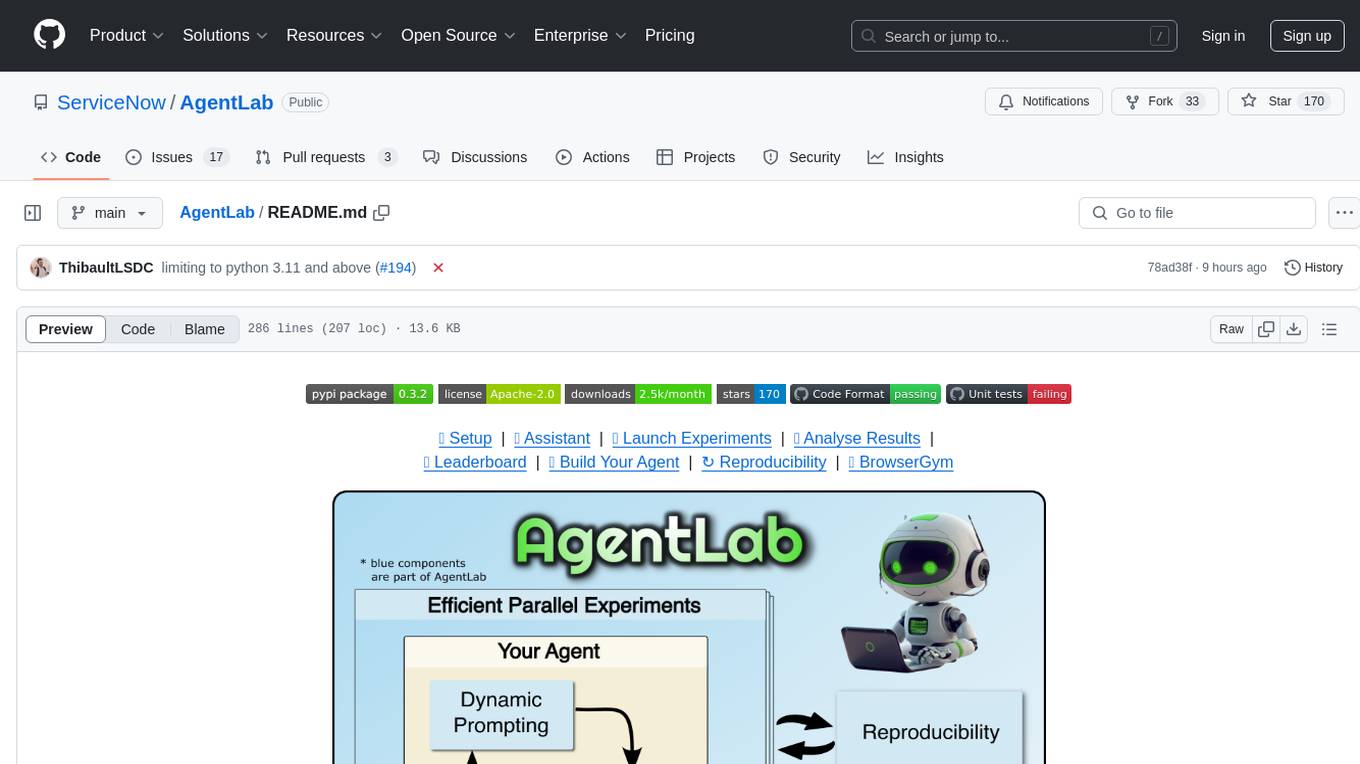
AgentLab is an open, easy-to-use, and extensible framework designed to accelerate web agent research. It provides features for developing and evaluating agents on various benchmarks supported by BrowserGym. The framework allows for large-scale parallel agent experiments using ray, building blocks for creating agents over BrowserGym, and a unified LLM API for OpenRouter, OpenAI, Azure, or self-hosted using TGI. AgentLab also offers reproducibility features, a unified LeaderBoard, and supports multiple benchmarks like WebArena, WorkArena, WebLinx, VisualWebArena, AssistantBench, GAIA, Mind2Web-live, and MiniWoB.
LLamaSharp
LLamaSharp is a cross-platform library to run 🦙LLaMA/LLaVA model (and others) on your local device. Based on llama.cpp, inference with LLamaSharp is efficient on both CPU and GPU. With the higher-level APIs and RAG support, it's convenient to deploy LLM (Large Language Model) in your application with LLamaSharp.
cambrian
Cambrian-1 is a fully open project focused on exploring multimodal Large Language Models (LLMs) with a vision-centric approach. It offers competitive performance across various benchmarks with models at different parameter levels. The project includes training configurations, model weights, instruction tuning data, and evaluation details. Users can interact with Cambrian-1 through a Gradio web interface for inference. The project is inspired by LLaVA and incorporates contributions from Vicuna, LLaMA, and Yi. Cambrian-1 is licensed under Apache 2.0 and utilizes datasets and checkpoints subject to their respective original licenses.
exllamav2
ExLlamaV2 is an inference library for running local LLMs on modern consumer GPUs. It is a faster, better, and more versatile codebase than its predecessor, ExLlamaV1, with support for a new quant format called EXL2. EXL2 is based on the same optimization method as GPTQ and supports 2, 3, 4, 5, 6, and 8-bit quantization. It allows for mixing quantization levels within a model to achieve any average bitrate between 2 and 8 bits per weight. ExLlamaV2 can be installed from source, from a release with prebuilt extension, or from PyPI. It supports integration with TabbyAPI, ExUI, text-generation-webui, and lollms-webui. Key features of ExLlamaV2 include: - Faster and better kernels - Cleaner and more versatile codebase - Support for EXL2 quantization format - Integration with various web UIs and APIs - Community support on Discord
exllamav2
ExLlamaV2 is an inference library designed for running local LLMs on modern consumer GPUs. The library supports paged attention via Flash Attention 2.5.7+, offers a new dynamic generator with features like dynamic batching, smart prompt caching, and K/V cache deduplication. It also provides an API for local or remote inference using TabbyAPI, with extended features like HF model downloading and support for HF Jinja2 chat templates. ExLlamaV2 aims to optimize performance and speed across different GPU models, with potential future optimizations and variations in speeds. The tool can be integrated with TabbyAPI for OpenAI-style web API compatibility and supports a standalone web UI called ExUI for single-user interaction with chat and notebook modes. ExLlamaV2 also offers support for text-generation-webui and lollms-webui through specific loaders and bindings.
basiclingua-LLM-Based-NLP
BasicLingua is a Python library that provides functionalities for linguistic tasks such as tokenization, stemming, lemmatization, and many others. It is based on the Gemini Language Model, which has demonstrated promising results in dealing with text data. BasicLingua can be used as an API or through a web demo. It is available under the MIT license and can be used in various projects.
moatless-tools
Moatless Tools is a hobby project focused on experimenting with using Large Language Models (LLMs) to edit code in large existing codebases. The project aims to build tools that insert the right context into prompts and handle responses effectively. It utilizes an agentic loop functioning as a finite state machine to transition between states like Search, Identify, PlanToCode, ClarifyChange, and EditCode for code editing tasks.
flowgen
FlowGen is a tool built for AutoGen, a great agent framework from Microsoft and a lot of contributors. It provides intuitive visual tools that streamline the construction and oversight of complex agent-based workflows, simplifying the process for creators and developers. Users can create Autoflows, chat with agents, and share flow templates. The tool is fully dockerized and supports deployment on Railway.app. Contributions to the project are welcome, and the platform uses semantic-release for versioning and releases.
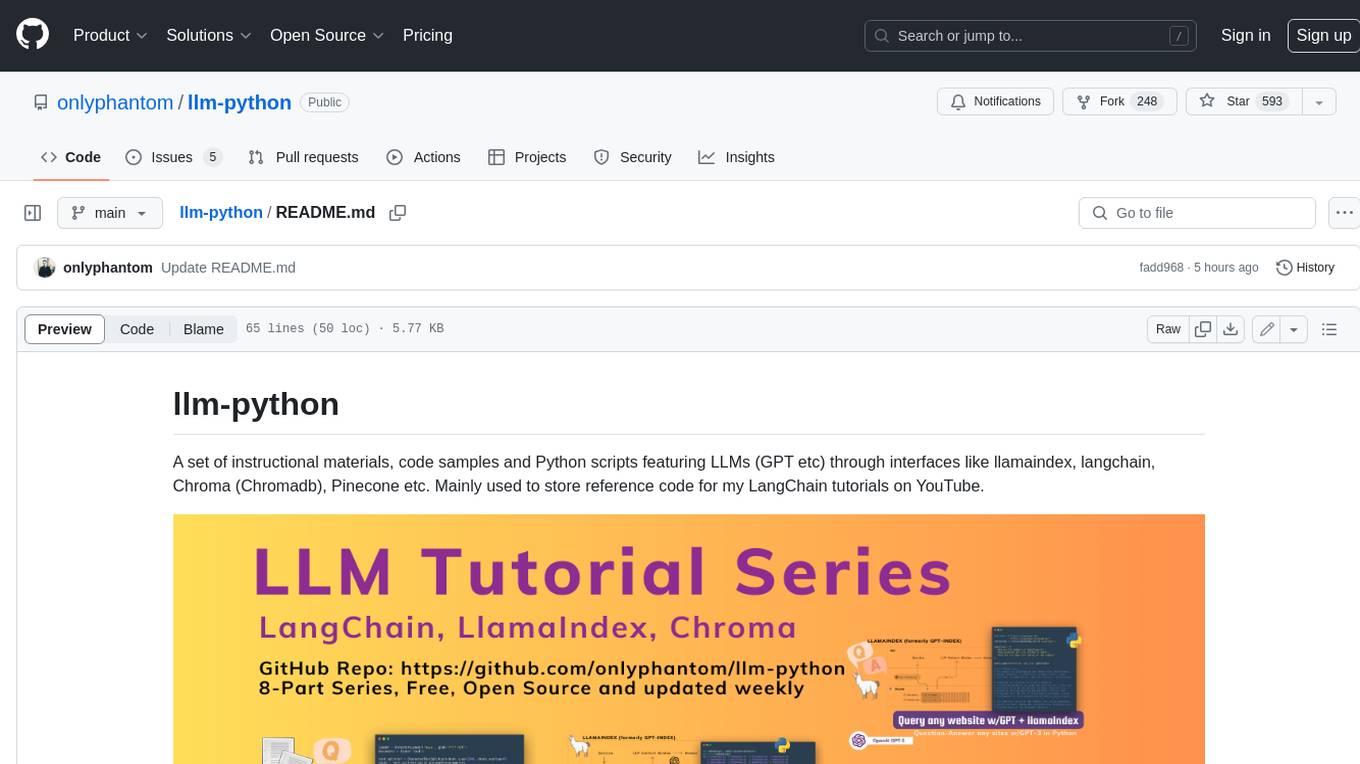
llm-python
A set of instructional materials, code samples and Python scripts featuring LLMs (GPT etc) through interfaces like llamaindex, langchain, Chroma (Chromadb), Pinecone etc. Mainly used to store reference code for my LangChain tutorials on YouTube.
AQLM
AQLM is the official PyTorch implementation for Extreme Compression of Large Language Models via Additive Quantization. It includes prequantized AQLM models without PV-Tuning and PV-Tuned models for LLaMA, Mistral, and Mixtral families. The repository provides inference examples, model details, and quantization setups. Users can run prequantized models using Google Colab examples, work with different model families, and install the necessary inference library. The repository also offers detailed instructions for quantization, fine-tuning, and model evaluation. AQLM quantization involves calibrating models for compression, and users can improve model accuracy through finetuning. Additionally, the repository includes information on preparing models for inference and contributing guidelines.
call-center-ai
Call Center AI is an AI-powered call center solution leveraging Azure and OpenAI GPT. It allows for AI agent-initiated phone calls or direct calls to the bot from a configured phone number. The bot is customizable for various industries like insurance, IT support, and customer service, with features such as accessing claim information, conversation history, language change, SMS sending, and more. The project is a proof of concept showcasing the integration of Azure Communication Services, Azure Cognitive Services, and Azure OpenAI for an automated call center solution.
pipeline
Pipeline is a Python library designed for constructing computational flows for AI/ML models. It supports both development and production environments, offering capabilities for inference, training, and finetuning. The library serves as an interface to Mystic, enabling the execution of pipelines at scale and on enterprise GPUs. Users can also utilize this SDK with Pipeline Core on a private hosted cluster. The syntax for defining AI/ML pipelines is reminiscent of sessions in Tensorflow v1 and Flows in Prefect.
For similar tasks
AI-Toolbox
AI-Toolbox is a C++ library aimed at representing and solving common AI problems, with a focus on MDPs, POMDPs, and related algorithms. It provides an easy-to-use interface that is extensible to many problems while maintaining readable code. The toolbox includes tutorials for beginners in reinforcement learning and offers Python bindings for seamless integration. It features utilities for combinatorics, polytopes, linear programming, sampling, distributions, statistics, belief updating, data structures, logging, seeding, and more. Additionally, it supports bandit/normal games, single agent MDP/stochastic games, single agent POMDP, and factored/joint multi-agent scenarios.
For similar jobs

weave
Weave is a toolkit for developing Generative AI applications, built by Weights & Biases. With Weave, you can log and debug language model inputs, outputs, and traces; build rigorous, apples-to-apples evaluations for language model use cases; and organize all the information generated across the LLM workflow, from experimentation to evaluations to production. Weave aims to bring rigor, best-practices, and composability to the inherently experimental process of developing Generative AI software, without introducing cognitive overhead.

LLMStack
LLMStack is a no-code platform for building generative AI agents, workflows, and chatbots. It allows users to connect their own data, internal tools, and GPT-powered models without any coding experience. LLMStack can be deployed to the cloud or on-premise and can be accessed via HTTP API or triggered from Slack or Discord.

VisionCraft
The VisionCraft API is a free API for using over 100 different AI models. From images to sound.

kaito
Kaito is an operator that automates the AI/ML inference model deployment in a Kubernetes cluster. It manages large model files using container images, avoids tuning deployment parameters to fit GPU hardware by providing preset configurations, auto-provisions GPU nodes based on model requirements, and hosts large model images in the public Microsoft Container Registry (MCR) if the license allows. Using Kaito, the workflow of onboarding large AI inference models in Kubernetes is largely simplified.

PyRIT
PyRIT is an open access automation framework designed to empower security professionals and ML engineers to red team foundation models and their applications. It automates AI Red Teaming tasks to allow operators to focus on more complicated and time-consuming tasks and can also identify security harms such as misuse (e.g., malware generation, jailbreaking), and privacy harms (e.g., identity theft). The goal is to allow researchers to have a baseline of how well their model and entire inference pipeline is doing against different harm categories and to be able to compare that baseline to future iterations of their model. This allows them to have empirical data on how well their model is doing today, and detect any degradation of performance based on future improvements.

tabby
Tabby is a self-hosted AI coding assistant, offering an open-source and on-premises alternative to GitHub Copilot. It boasts several key features: * Self-contained, with no need for a DBMS or cloud service. * OpenAPI interface, easy to integrate with existing infrastructure (e.g Cloud IDE). * Supports consumer-grade GPUs.

spear
SPEAR (Simulator for Photorealistic Embodied AI Research) is a powerful tool for training embodied agents. It features 300 unique virtual indoor environments with 2,566 unique rooms and 17,234 unique objects that can be manipulated individually. Each environment is designed by a professional artist and features detailed geometry, photorealistic materials, and a unique floor plan and object layout. SPEAR is implemented as Unreal Engine assets and provides an OpenAI Gym interface for interacting with the environments via Python.

Magick
Magick is a groundbreaking visual AIDE (Artificial Intelligence Development Environment) for no-code data pipelines and multimodal agents. Magick can connect to other services and comes with nodes and templates well-suited for intelligent agents, chatbots, complex reasoning systems and realistic characters.