


Minimalistic-Comfy-Wrapper-WebUI
Additional non-node based UI for ComfyUI focused on inference. Stable UI states; presets; and advanced queue. Based on Gradio
Stars: 106
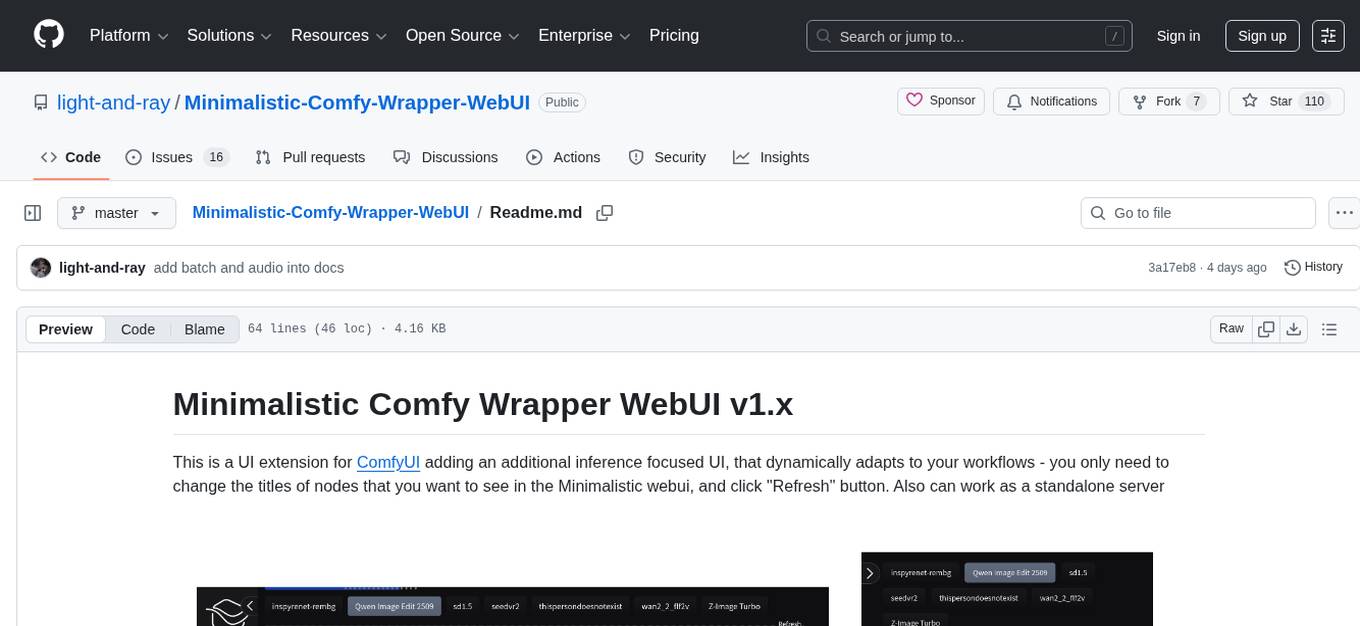
Minimalistic Comfy Wrapper WebUI is a user interface extension for ComfyUI that provides an additional inference-focused UI. It dynamically adapts to workflows, allowing users to change node titles and refresh the UI. The tool ensures stability by storing data in the browser's local storage, supports working with the same workflows in Comfy and the webui, offers better queues management, prompt presets, batch support, a minimalist image editor, and mobile-friendly UI. Users can install it from the ComfyUI manager and customize node titles for input and output nodes. The tool is designed for users who prefer a simpler interface for inference tasks and want to work with ComfyUI workflows from a different perspective.
README:
This is a UI extension for ComfyUI adding an additional inference focused UI, that dynamically adapts to your workflows - you only need to change the titles of nodes that you want to see in the Minimalistic webui, and click "Refresh" button. Also can work as a standalone server
 More screenshots here
You have working workflows inside your ComfyUI installation, but you would want to work with them from a different perspective, simpler for inference, with all the noodles hidden? Want to use it on a phone? You find existing solutions like SwarmUI or ViewComfy too overengineered? So this project is made for you
- Stability: you don't need to be afraid of refreshing/closing the page - everything you do is kept in browser's local storage (like in ComfyUI). It only resets on the project updates to prevent unstable behavior
- Work in Comfy and in this webui with the same workflows: you don't need to copy anything or to export in api format. Edit your workflows in Comfy - press "Refresh" button, and see the changes in MCWW
- Better queues: you can change the order of tasks, pause/resume the queue, and don't worry closing Comfy / rebooting your PC during generations
- Prompt presets: save your favorite prompts in presets next to the input fields, and retrieve them in 1 click
- Batch support: you can run batches for multiply images of videos
- Built-in minimalist image editor, that allows you to add visual prompts to image editing model, or crop/rotate the image
- Mobile friendly UI. You can use it in browser or as PWA app over local network. Read this for details
Don't hesitate to report any issues. Leave a star ⭐ on GitHub if you like this project
[!NOTE] It looks like the manager db is not fully updated yet and sometimes it can not show available versions, so in this case you need to use the other installation methods
The easiest way to use this webui - install it from ComfyUI manager:
- You should have ComfyUI Manager
- Open "Manager" -> "Custom Nodes Manager"
- Search "Minimalistic Comfy Wrapper WebUI" by author light-and-ray
- Click "Install" and select the latest version. Don't select "nightly" version if you have normal security level, because in this case you will get an error
- If you use comfy in a cloud or login extension, do this
- Restart ComfyUI after installation
If everything is fine, you should see this button inside ComfyUI:

If you have troubles see this full installation guide
You need to mark your input and output nodes with title in special format
For output nodes (SaveImage/SaveVideo) you need to set <Result:output:1> as title, where "Result" is a label displayed in ui, "output" is category and 1 is sort number (if you want to have a specific order for multiply elements). This category is mandatory
For main inputs you need to use category "prompt", for example <Positive prompt:prompt:1> for text prompt or <Image 1:prompt:1> for image prompt. This category is mandatory
Other settings you can bypass using "important", "advanced" or a custom category. Usually for settings you need to use Primitive node and connect it to desired widget input. For seed you should create Int node with title <Seed:advanced:1>
The UI also supports tabs, custom accordions, columns and other things. Full information on node titles is available here
- Full installation guide
- .env file example with all possible variables
- Full node titles info
- Install as an app (PWA) and secure context guide
- ☑️ Audio support
- Boolean elements
- ☑️ Batch processing
- Remake queue and outputs frontend requests using SSE
- Masks support
- Lora name validation
- Recursive None nodes auto deactivation
For Tasks:
Click tags to check more tools for each tasksFor Jobs:
Alternative AI tools for Minimalistic-Comfy-Wrapper-WebUI
Similar Open Source Tools
Minimalistic-Comfy-Wrapper-WebUI
Minimalistic Comfy Wrapper WebUI is a user interface extension for ComfyUI that provides an additional inference-focused UI. It dynamically adapts to workflows, allowing users to change node titles and refresh the UI. The tool ensures stability by storing data in the browser's local storage, supports working with the same workflows in Comfy and the webui, offers better queues management, prompt presets, batch support, a minimalist image editor, and mobile-friendly UI. Users can install it from the ComfyUI manager and customize node titles for input and output nodes. The tool is designed for users who prefer a simpler interface for inference tasks and want to work with ComfyUI workflows from a different perspective.
chaiNNer
ChaiNNer is a node-based image processing GUI aimed at making chaining image processing tasks easy and customizable. It gives users a high level of control over their processing pipeline and allows them to perform complex tasks by connecting nodes together. ChaiNNer is cross-platform, supporting Windows, MacOS, and Linux. It features an intuitive drag-and-drop interface, making it easy to create and modify processing chains. Additionally, ChaiNNer offers a wide range of nodes for various image processing tasks, including upscaling, denoising, sharpening, and color correction. It also supports batch processing, allowing users to process multiple images or videos at once.

brokk
Brokk is a code assistant designed to understand code semantically, allowing LLMs to work effectively on large codebases. It offers features like agentic search, summarizing related classes, parsing stack traces, adding source for usages, and autonomously fixing errors. Users can interact with Brokk through different panels and commands, enabling them to manipulate context, ask questions, search codebase, run shell commands, and more. Brokk helps with tasks like debugging regressions, exploring codebase, AI-powered refactoring, and working with dependencies. It is particularly useful for making complex, multi-file edits with o1pro.
WilmerAI
WilmerAI is a middleware system designed to process prompts before sending them to Large Language Models (LLMs). It categorizes prompts, routes them to appropriate workflows, and generates manageable prompts for local models. It acts as an intermediary between the user interface and LLM APIs, supporting multiple backend LLMs simultaneously. WilmerAI provides API endpoints compatible with OpenAI API, supports prompt templates, and offers flexible connections to various LLM APIs. The project is under heavy development and may contain bugs or incomplete code.
jaison-core
J.A.I.son is a Python project designed for generating responses using various components and applications. It requires specific plugins like STT, T2T, TTSG, and TTSC to function properly. Users can customize responses, voice, and configurations. The project provides a Discord bot, Twitch events and chat integration, and VTube Studio Animation Hotkeyer. It also offers features for managing conversation history, training AI models, and monitoring conversations.
dockershrink
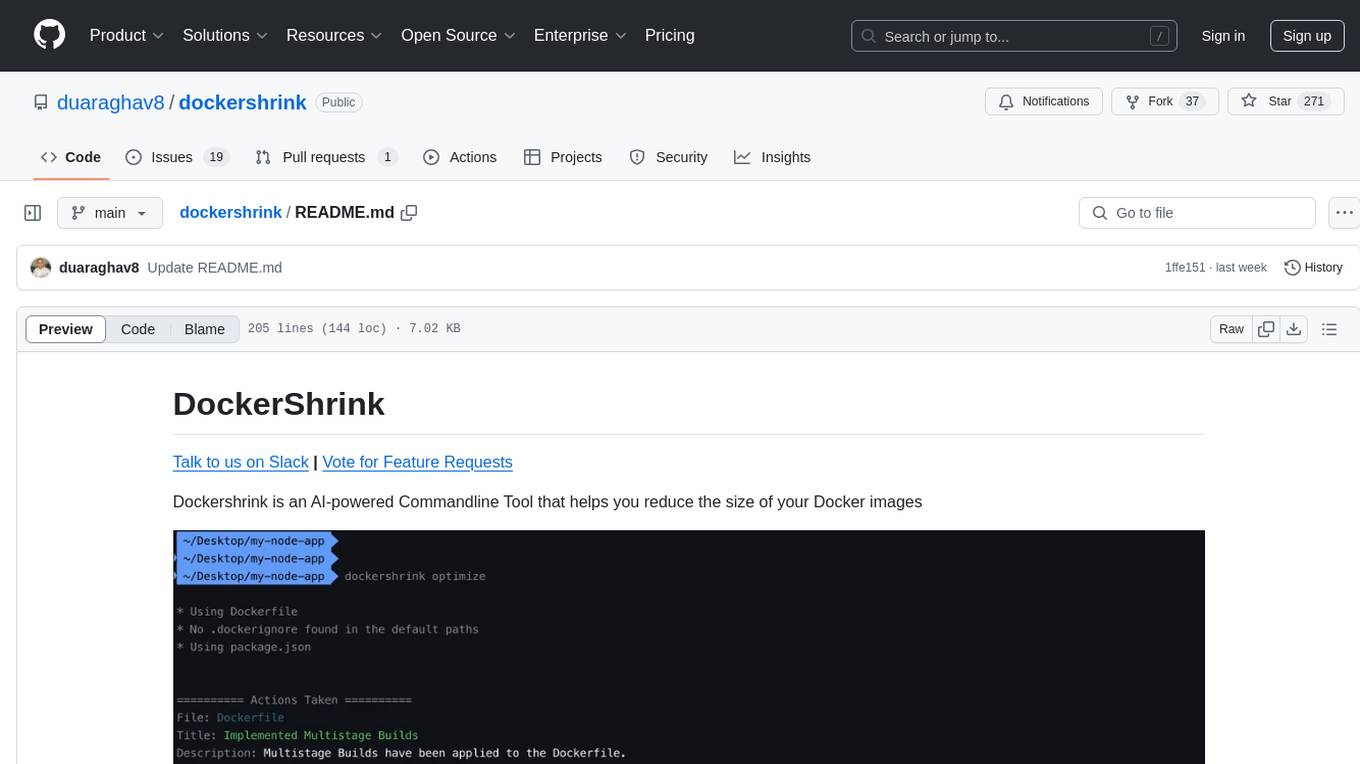
Dockershrink is an AI-powered Commandline Tool designed to help reduce the size of Docker images. It combines traditional Rule-based analysis with Generative AI techniques to optimize Image configurations. The tool supports NodeJS applications and aims to save costs on storage, data transfer, and build times while increasing developer productivity. By automatically applying advanced optimization techniques, Dockershrink simplifies the process for engineers and organizations, resulting in significant savings and efficiency improvements.
ollama-autocoder
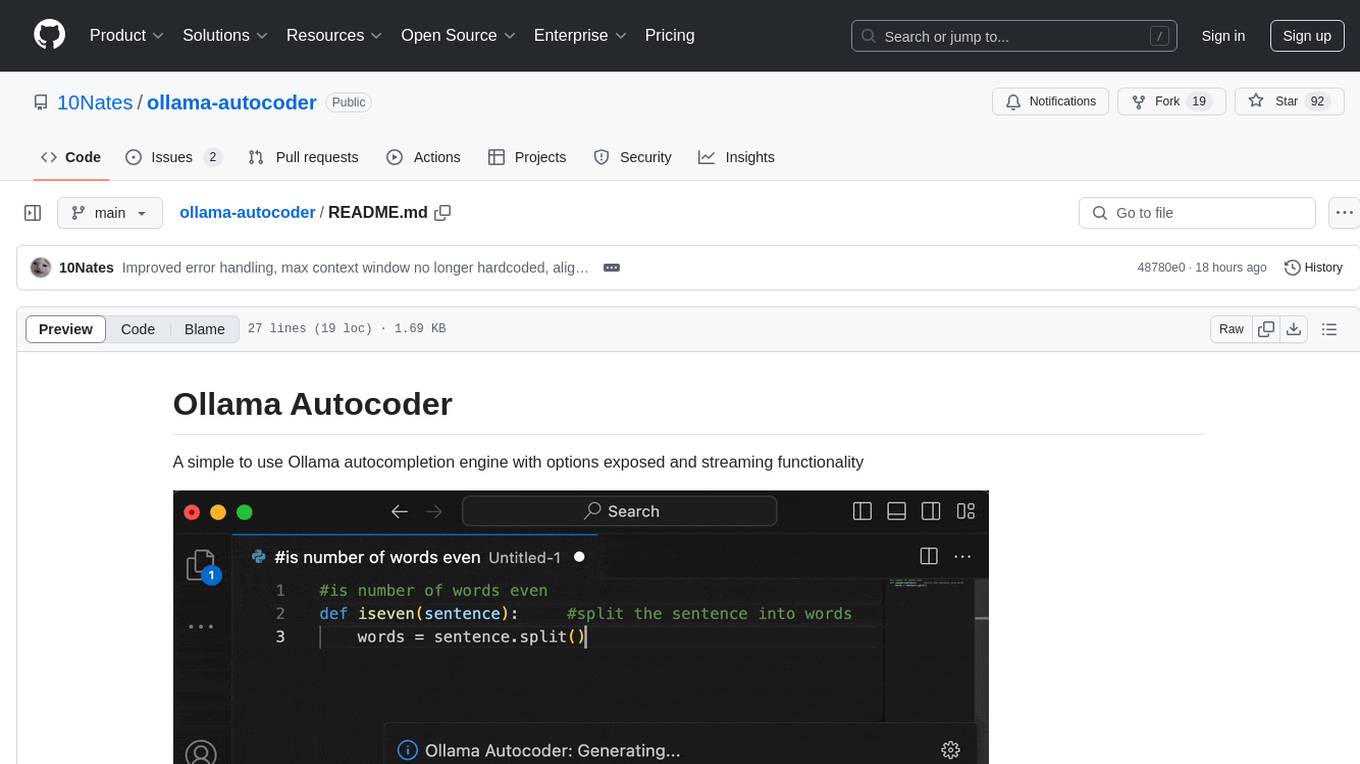
Ollama Autocoder is a simple to use autocompletion engine that integrates with Ollama AI. It provides options for streaming functionality and requires specific settings for optimal performance. Users can easily generate text completions by pressing a key or using a command pallete. The tool is designed to work with Ollama API and a specified model, offering real-time generation of text suggestions.
lovelaice
Lovelaice is an AI-powered assistant for your terminal and editor. It can run bash commands, search the Internet, answer general and technical questions, complete text files, chat casually, execute code in various languages, and more. Lovelaice is configurable with API keys and LLM models, and can be used for a wide range of tasks requiring bash commands or coding assistance. It is designed to be versatile, interactive, and helpful for daily tasks and projects.
lluminous
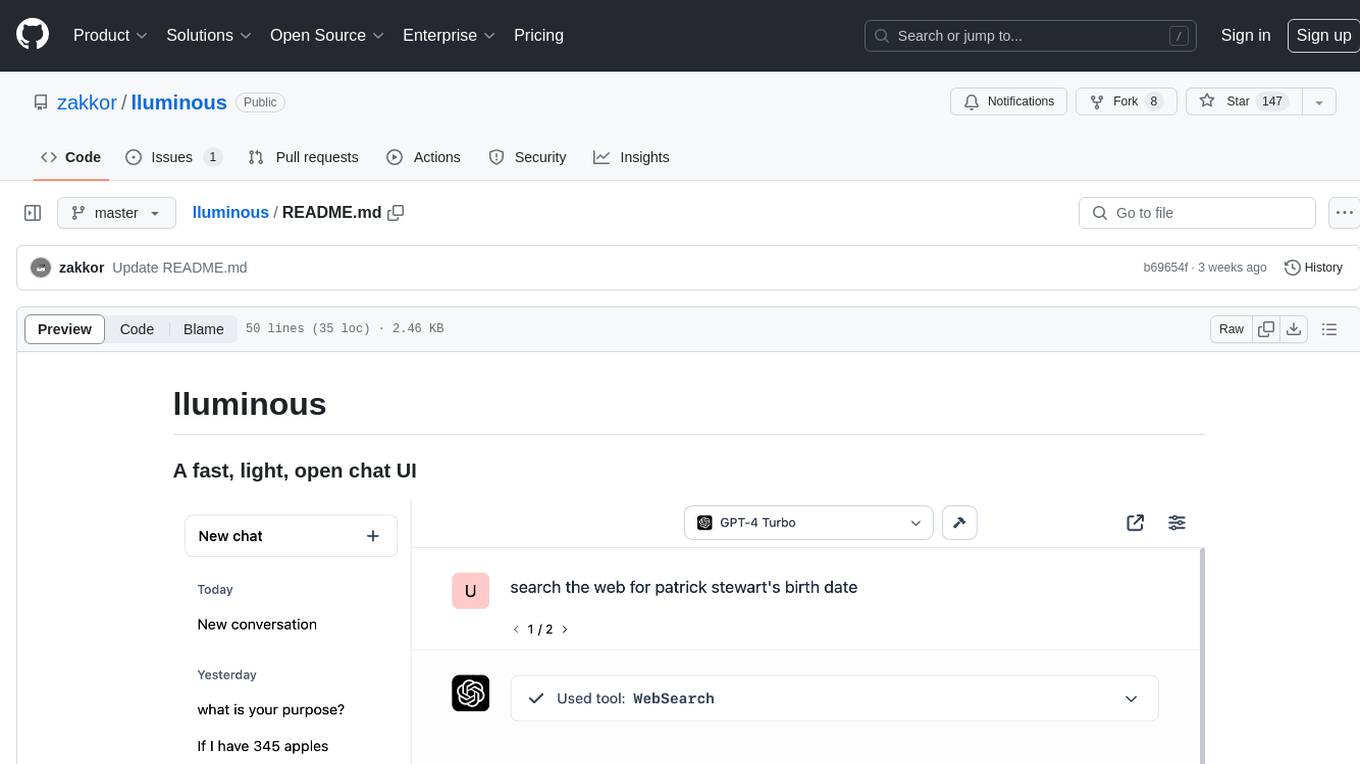
lluminous is a fast and light open chat UI that supports multiple providers such as OpenAI, Anthropic, and Groq models. Users can easily plug in their API keys locally to access various models for tasks like multimodal input, image generation, multi-shot prompting, pre-filled responses, and more. The tool ensures privacy by storing all conversation history and keys locally on the user's device. Coming soon features include memory tool, file ingestion/embedding, embeddings-based web search, and prompt templates.
Dot
Dot is a standalone, open-source application designed for seamless interaction with documents and files using local LLMs and Retrieval Augmented Generation (RAG). It is inspired by solutions like Nvidia's Chat with RTX, providing a user-friendly interface for those without a programming background. Pre-packaged with Mistral 7B, Dot ensures accessibility and simplicity right out of the box. Dot allows you to load multiple documents into an LLM and interact with them in a fully local environment. Supported document types include PDF, DOCX, PPTX, XLSX, and Markdown. Users can also engage with Big Dot for inquiries not directly related to their documents, similar to interacting with ChatGPT. Built with Electron JS, Dot encapsulates a comprehensive Python environment that includes all necessary libraries. The application leverages libraries such as FAISS for creating local vector stores, Langchain, llama.cpp & Huggingface for setting up conversation chains, and additional tools for document management and interaction.
concierge
Concierge is a versatile automation tool designed to streamline repetitive tasks and workflows. It provides a user-friendly interface for creating custom automation scripts without the need for extensive coding knowledge. With Concierge, users can automate various tasks across different platforms and applications, increasing efficiency and productivity. The tool offers a wide range of pre-built automation templates and allows users to customize and schedule their automation processes. Concierge is suitable for individuals and businesses looking to automate routine tasks and improve overall workflow efficiency.
airgradient_esphome
ESPHome yaml files for AirGradient devices to maintain the research and accuracy of AirGradient sensors, while also gaining the benefits of ESPHome/HomeAssistant for easy to use switches, buttons, configurations, and dashboards. Maintains the ability to also send data to the AirGradient Dashboard, which can also be disabled/removed to keep all data local.
aitools_client
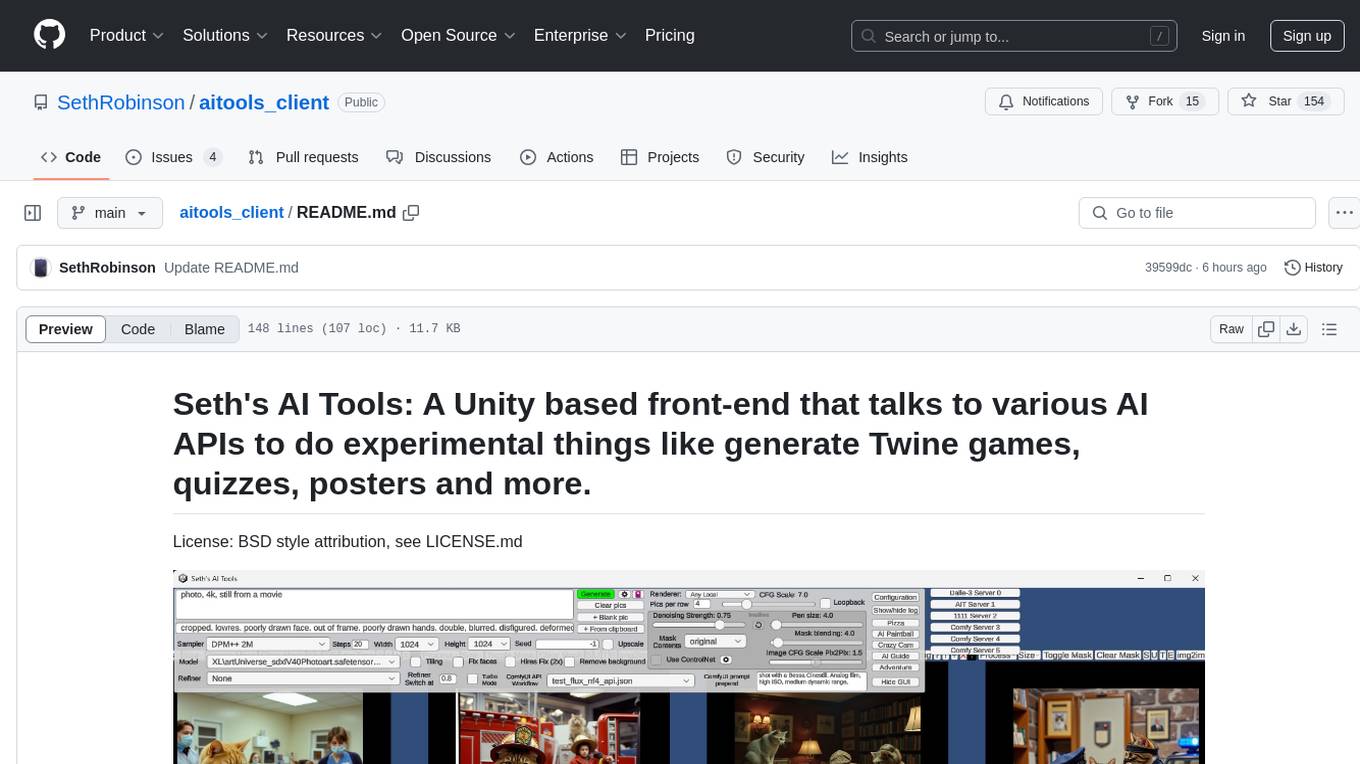
Seth's AI Tools is a Unity-based front-end that interfaces with various AI APIs to perform tasks such as generating Twine games, quizzes, posters, and more. The tool is a native Windows application that supports features like live update integration with image editors, text-to-image conversion, image processing, mask painting, and more. It allows users to connect to multiple servers for fast generation using GPUs and offers a neat workflow for evolving images in real-time. The tool respects user privacy by operating locally and includes built-in games and apps to test AI/SD capabilities. Additionally, it features an AI Guide for creating motivational posters and illustrated stories, as well as an Adventure mode with presets for generating web quizzes and Twine game projects.
llama-on-lambda
This project provides a proof of concept for deploying a scalable, serverless LLM Generative AI inference engine on AWS Lambda. It leverages the llama.cpp project to enable the usage of more accessible CPU and RAM configurations instead of limited and expensive GPU capabilities. By deploying a container with the llama.cpp converted models onto AWS Lambda, this project offers the advantages of scale, minimizing cost, and maximizing compute availability. The project includes AWS CDK code to create and deploy a Lambda function leveraging your model of choice, with a FastAPI frontend accessible from a Lambda URL. It is important to note that you will need ggml quantized versions of your model and model sizes under 6GB, as your inference RAM requirements cannot exceed 9GB or your Lambda function will fail.
ChatGPT-Telegram-Bot
The ChatGPT Telegram Bot is a powerful Telegram bot that utilizes various GPT models, including GPT3.5, GPT4, GPT4 Turbo, GPT4 Vision, DALL·E 3, Groq Mixtral-8x7b/LLaMA2-70b, and Claude2.1/Claude3 opus/sonnet API. It enables users to engage in efficient conversations and information searches on Telegram. The bot supports multiple AI models, online search with DuckDuckGo and Google, user-friendly interface, efficient message processing, document interaction, Markdown rendering, and convenient deployment options like Zeabur, Replit, and Docker. Users can set environment variables for configuration and deployment. The bot also provides Q&A functionality, supports model switching, and can be deployed in group chats with whitelisting. The project is open source under GPLv3 license.
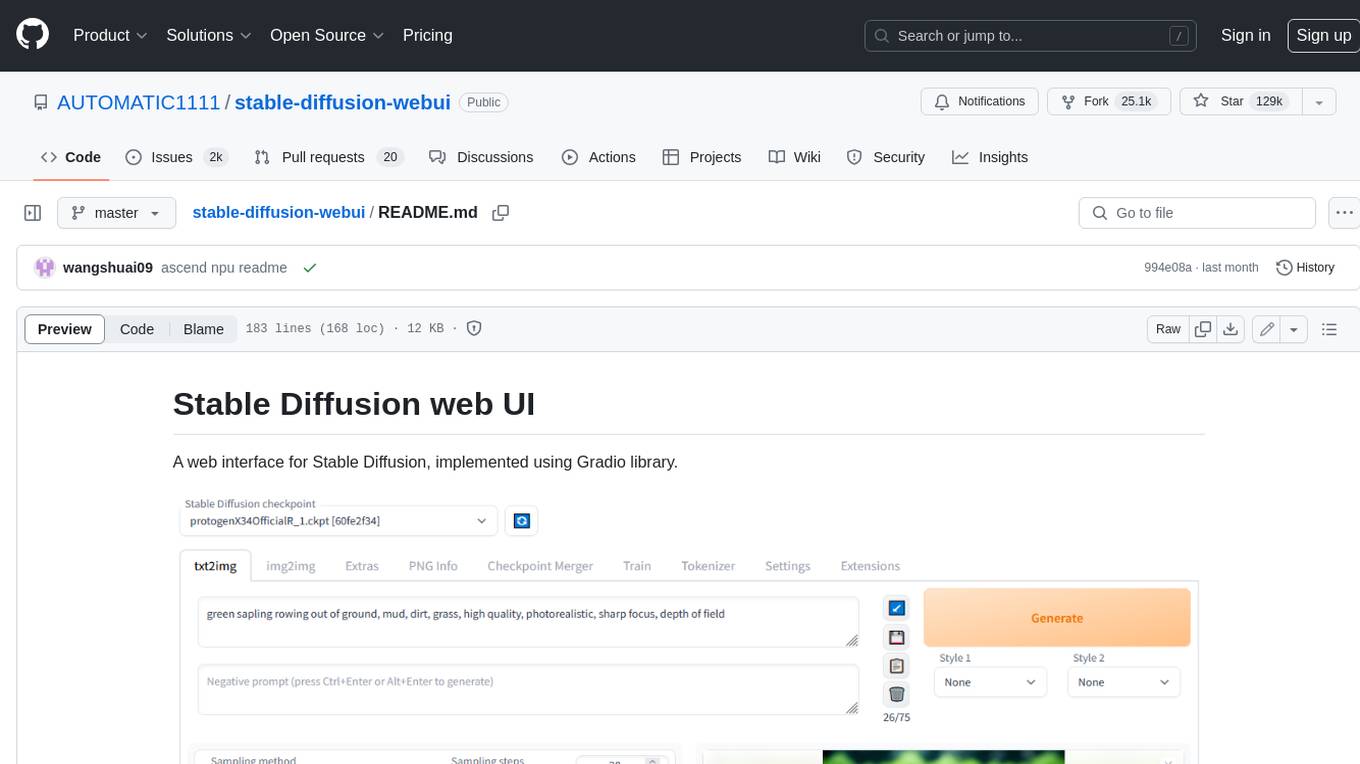
stable-diffusion-webui
Stable Diffusion web UI is a web interface for Stable Diffusion, implemented using Gradio library. It provides a user-friendly interface to access the powerful image generation capabilities of Stable Diffusion. With Stable Diffusion web UI, users can easily generate images from text prompts, edit and refine images using inpainting and outpainting, and explore different artistic styles and techniques. The web UI also includes a range of advanced features such as textual inversion, hypernetworks, and embeddings, allowing users to customize and fine-tune the image generation process. Whether you're an artist, designer, or simply curious about the possibilities of AI-generated art, Stable Diffusion web UI is a valuable tool that empowers you to create stunning and unique images.
For similar tasks
Minimalistic-Comfy-Wrapper-WebUI
Minimalistic Comfy Wrapper WebUI is a user interface extension for ComfyUI that provides an additional inference-focused UI. It dynamically adapts to workflows, allowing users to change node titles and refresh the UI. The tool ensures stability by storing data in the browser's local storage, supports working with the same workflows in Comfy and the webui, offers better queues management, prompt presets, batch support, a minimalist image editor, and mobile-friendly UI. Users can install it from the ComfyUI manager and customize node titles for input and output nodes. The tool is designed for users who prefer a simpler interface for inference tasks and want to work with ComfyUI workflows from a different perspective.
InvokeAI
InvokeAI is a leading creative engine built to empower professionals and enthusiasts alike. Generate and create stunning visual media using the latest AI-driven technologies. InvokeAI offers an industry leading Web Interface, interactive Command Line Interface, and also serves as the foundation for multiple commercial products.
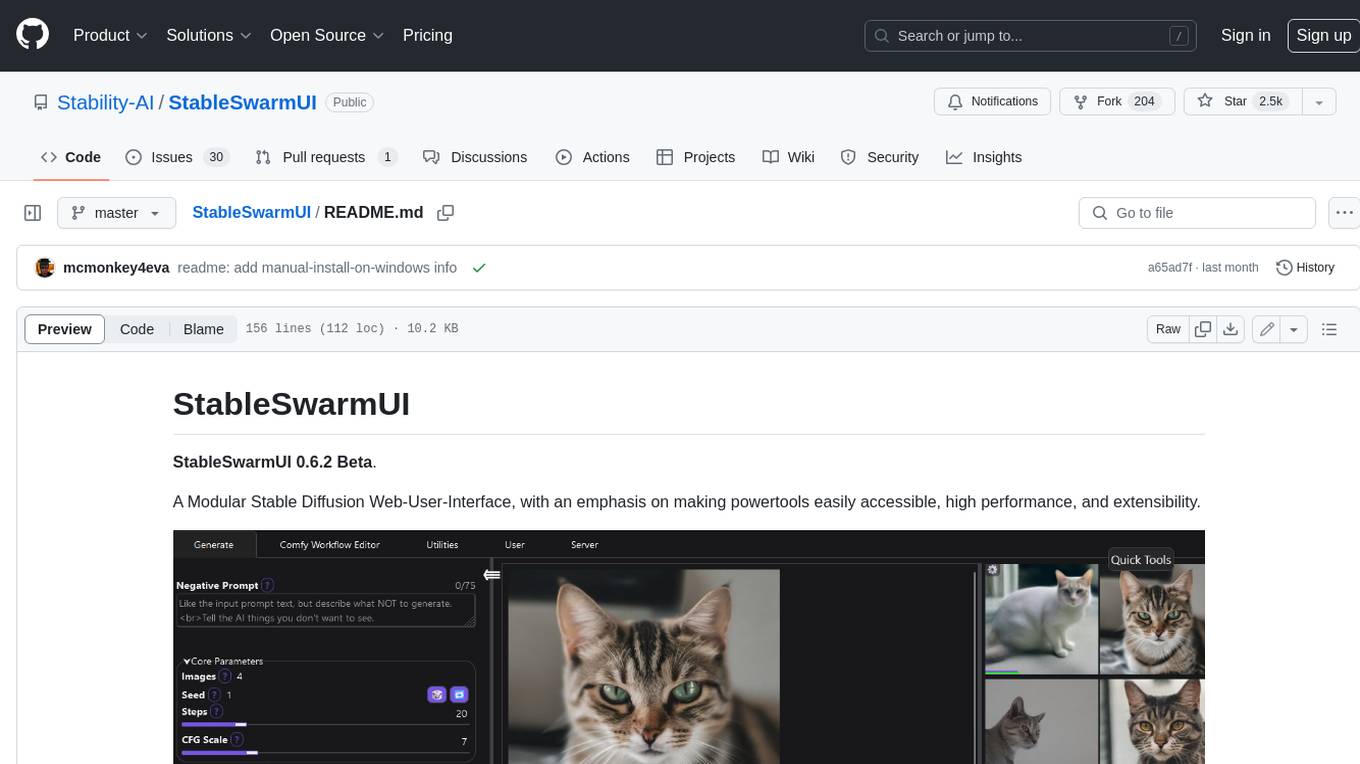
StableSwarmUI
StableSwarmUI is a modular Stable Diffusion web user interface that emphasizes making power tools easily accessible, high performance, and extensible. It is designed to be a one-stop-shop for all things Stable Diffusion, providing a wide range of features and capabilities to enhance the user experience.
civitai
Civitai is a platform where people can share their stable diffusion models (textual inversions, hypernetworks, aesthetic gradients, VAEs, and any other crazy stuff people do to customize their AI generations), collaborate with others to improve them, and learn from each other's work. The platform allows users to create an account, upload their models, and browse models that have been shared by others. Users can also leave comments and feedback on each other's models to facilitate collaboration and knowledge sharing.
ap-plugin
AP-PLUGIN is an AI drawing plugin for the Yunzai series robot framework, allowing you to have a convenient AI drawing experience in the input box. It uses the open source Stable Diffusion web UI as the backend, deploys it for free, and generates a variety of images with richer functions.
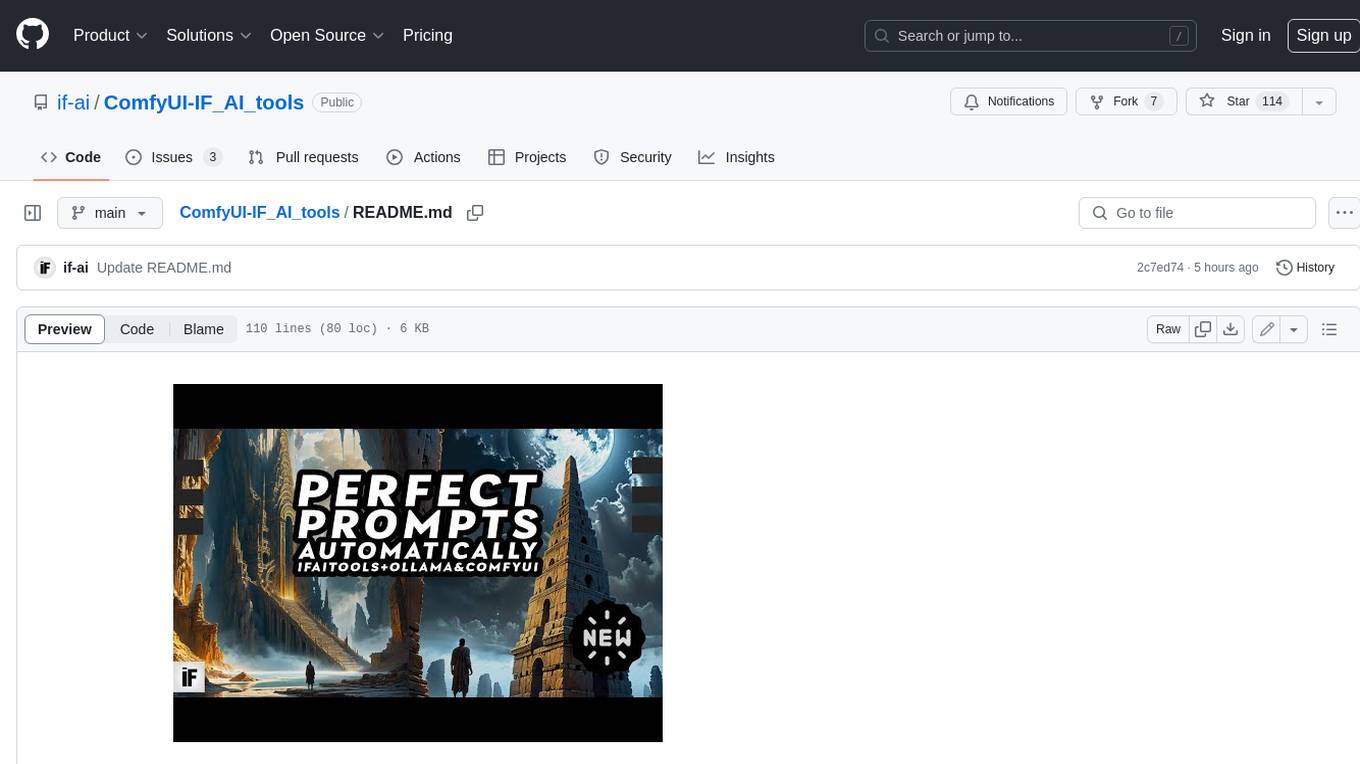
ComfyUI-IF_AI_tools
ComfyUI-IF_AI_tools is a set of custom nodes for ComfyUI that allows you to generate prompts using a local Large Language Model (LLM) via Ollama. This tool enables you to enhance your image generation workflow by leveraging the power of language models.
midjourney-proxy
Midjourney-proxy is a proxy for the Discord channel of MidJourney, enabling API-based calls for AI drawing. It supports Imagine instructions, adding image base64 as a placeholder, Blend and Describe commands, real-time progress tracking, Chinese prompt translation, prompt sensitive word pre-detection, user-token connection to WSS, multi-account configuration, and more. For more advanced features, consider using midjourney-proxy-plus, which includes Shorten, focus shifting, image zooming, local redrawing, nearly all associated button actions, Remix mode, seed value retrieval, account pool persistence, dynamic maintenance, /info and /settings retrieval, account settings configuration, Niji bot robot, InsightFace face replacement robot, and an embedded management dashboard.
krita-ai-diffusion
Krita-AI-Diffusion is a plugin for Krita that allows users to generate images from within the program. It offers a variety of features, including inpainting, outpainting, generating images from scratch, refining existing content, live painting, and control over image creation. The plugin is designed to fit into an interactive workflow where AI generation is used as just another tool while painting. It is meant to synergize with traditional tools and the layer stack.
For similar jobs

weave
Weave is a toolkit for developing Generative AI applications, built by Weights & Biases. With Weave, you can log and debug language model inputs, outputs, and traces; build rigorous, apples-to-apples evaluations for language model use cases; and organize all the information generated across the LLM workflow, from experimentation to evaluations to production. Weave aims to bring rigor, best-practices, and composability to the inherently experimental process of developing Generative AI software, without introducing cognitive overhead.

LLMStack
LLMStack is a no-code platform for building generative AI agents, workflows, and chatbots. It allows users to connect their own data, internal tools, and GPT-powered models without any coding experience. LLMStack can be deployed to the cloud or on-premise and can be accessed via HTTP API or triggered from Slack or Discord.

VisionCraft
The VisionCraft API is a free API for using over 100 different AI models. From images to sound.

kaito
Kaito is an operator that automates the AI/ML inference model deployment in a Kubernetes cluster. It manages large model files using container images, avoids tuning deployment parameters to fit GPU hardware by providing preset configurations, auto-provisions GPU nodes based on model requirements, and hosts large model images in the public Microsoft Container Registry (MCR) if the license allows. Using Kaito, the workflow of onboarding large AI inference models in Kubernetes is largely simplified.

PyRIT
PyRIT is an open access automation framework designed to empower security professionals and ML engineers to red team foundation models and their applications. It automates AI Red Teaming tasks to allow operators to focus on more complicated and time-consuming tasks and can also identify security harms such as misuse (e.g., malware generation, jailbreaking), and privacy harms (e.g., identity theft). The goal is to allow researchers to have a baseline of how well their model and entire inference pipeline is doing against different harm categories and to be able to compare that baseline to future iterations of their model. This allows them to have empirical data on how well their model is doing today, and detect any degradation of performance based on future improvements.

tabby
Tabby is a self-hosted AI coding assistant, offering an open-source and on-premises alternative to GitHub Copilot. It boasts several key features: * Self-contained, with no need for a DBMS or cloud service. * OpenAPI interface, easy to integrate with existing infrastructure (e.g Cloud IDE). * Supports consumer-grade GPUs.

spear
SPEAR (Simulator for Photorealistic Embodied AI Research) is a powerful tool for training embodied agents. It features 300 unique virtual indoor environments with 2,566 unique rooms and 17,234 unique objects that can be manipulated individually. Each environment is designed by a professional artist and features detailed geometry, photorealistic materials, and a unique floor plan and object layout. SPEAR is implemented as Unreal Engine assets and provides an OpenAI Gym interface for interacting with the environments via Python.

Magick
Magick is a groundbreaking visual AIDE (Artificial Intelligence Development Environment) for no-code data pipelines and multimodal agents. Magick can connect to other services and comes with nodes and templates well-suited for intelligent agents, chatbots, complex reasoning systems and realistic characters.