


obsidian-llmsider
None
Stars: 258
LLMSider is an AI assistant plugin for Obsidian that offers flexible multi-model support, deep workflow integration, privacy-first design, and a professional tool ecosystem. It provides comprehensive AI capabilities for personal knowledge management, from intelligent writing assistance to complex task automation, making AI a capable assistant for thinking and creating while ensuring data privacy.
README:


Enterprise-grade AI capabilities for personal knowledge management. LLMSider delivers comprehensive AI workflow support for Obsidian—from intelligent writing assistance to complex task automation, making AI your capable assistant for thinking and creating while protecting your data privacy.
LLMSider is an AI assistant plugin designed specifically for knowledge workers, deeply integrating large language model capabilities into daily Obsidian usage. Whether you're a researcher, content creator, project manager, or data analyst, LLMSider provides intelligent support throughout your workflow.
Core Advantages:
- Flexible Multi-Model Support: Connect to 10+ mainstream AI providers, choosing the most suitable model for each task
- Deep Workflow Integration: From writing assistance to file operations, AI capabilities seamlessly blend into every aspect of the editor
- Privacy-First Design: Data sent only when you actively use features, with full offline support via local models
- Professional Tool Ecosystem: 100+ built-in tools covering research, analysis, automation, and more
LLMSider supports connections to over 10 AI providers, including OpenAI GPT-4, Anthropic Claude, GitHub Copilot, Google Gemini, Azure OpenAI, Qwen (通义千问), and local models through Ollama.
Supports instant model switching or simultaneous use of multiple AI services, accommodating both cloud computing power and local privacy requirements. Notably, you can access models from multiple providers for free: GitHub Copilot (for subscribers), Google Gemini (free tier), DeepSeek (free tier), Qwen (free tier), and Ollama local models (completely free), allowing you to experience different model capabilities at zero or low cost.
https://github.com/user-attachments/assets/8bbc0212-2170-4ece-baa6-8704afcfcc96
LLMSider offers three conversation modes for different work scenarios:
Normal Mode for quick Q&A and brainstorming with direct AI interaction. Guided Mode breaks complex tasks into manageable steps, displaying specific actions before execution—suitable for multi-step workflows requiring review. Agent Mode allows AI to autonomously use tools, search the web, analyze data, and complete complex tasks.
https://github.com/user-attachments/assets/ae4a8e7d-0b5d-4cef-ac46-dd7d9e8072de
Conversations support context awareness, including file references, selected text, or entire folder contents. Visual diff rendering displays specific changes before applying modifications.
Quick Chat: Press Cmd+/ to activate an inline AI assistant within the editor, similar to Notion AI's instant interaction experience. Get help without leaving the current editing position, supporting operations like continue writing, rewriting, and summarizing, with visual diff preview for precise control over every modification.
https://github.com/user-attachments/assets/cbe43319-ed63-46fd-925d-5a65c3d0a5a1
Selection Actions: Right-click selected text to access AI quick actions: improve expression, fix grammar, translate languages, expand content, summarize key points, or continue writing. Right-click selected text can also choose "Add to LLMSider Context" to add text snippets to conversation context.
Context Management: Click the 📎 button in the chat input area to add context, supporting multiple input methods:
- Drag & Drop: Directly drag note files, folders, images, or text into the chat box
- File Picker: Browse and add content from your vault through the file selector
-
Paste Content: Paste text, links, or Obsidian internal links (
[[Note Name]]) - Command Palette: Quickly add via "Include current note" or "Include selected text" commands
- Smart Search: Find and add related notes through the search function
- Right-Click Menu: Select text and right-click to choose "Add to LLMSider Context"
Supported Content Types:
- Markdown Notes - Full text extraction, optional automatic image embedding (multimodal models)
- PDF Documents - Auto-extract text content, support multi-page documents
- Image Files - JPG, PNG, GIF, WebP formats, automatically encoded for vision-capable models
- Office Documents - Word (.docx), Excel (.xlsx), PowerPoint (.pptx) text and table extraction
- YouTube Videos - Input URL to automatically extract subtitle content
- Selected Text - Any selected content in the current note
- Text Snippets - Directly pasted or dragged plain text
AI conversations reference these context materials for more accurate responses. Supports cross-note and cross-paragraph referencing, allowing flexible combination of content from different sources. The system also automatically recommends related notes based on added content, helping you discover potential connections.
Multi-Model Comparison: Configure multiple AI models simultaneously and switch between them to get different responses to the same question, enabling comparison of response quality across different large language models.
https://github.com/user-attachments/assets/8c40de00-9058-4f57-997c-7e578f880663
Result Handling: For AI model responses, apply changes with one click to directly modify the current file, or generate a separate note file to save the AI's response content for future reference and organization.
Autocomplete: Provides GitHub Copilot-like real-time autocomplete for notes, documentation, and code writing. The system offers intelligent suggestions based on writing style, vault structure, and current context. Use ⌥[ and ⌥] to cycle through multiple suggestions.
Supported File Formats:
- Markdown files (.md) - Full support including frontmatter. For models with vision capabilities, images within Markdown files will be sent to the AI model for analysis
- Plain text files (.txt) - Full support
- PDF files (.pdf) - Text extraction supported
- EPUB files (.epub) - Text extraction supported (requires Epub Reader plugin)
- Other formats - Can be added as context, readable text content will be extracted
LLMSider supports Model Context Protocol (MCP) for connecting AI to external tools. Add MCP servers to enable features like querying PostgreSQL databases, searching GitHub repositories, or integrating Slack.
Built-in servers support filesystems, databases, search engines, and developer tools. Provides fine-grained permission control and real-time health monitoring with automatic server reconnection.
Traditional search matches keywords, while semantic search understands meaning. LLMSider's vector database indexes the entire vault, comprehending concepts and relationships beyond literal text matching.
Core Features:
- Semantic Search: Finds semantically related notes even when they don't contain exact query terms
- Similar Documents: Automatically displays related notes at the bottom of the current note, helping discover potential connections in the knowledge base
- Context Enhancement: AI conversations are automatically enhanced with relevant vault content for more accurate responses
- Smart Recommendations: Recommends related note links based on current content while writing
Supports multiple embedding providers: OpenAI, Hugging Face, or Ollama local models. Uses intelligent text chunking strategies to optimize retrieval performance.
For users who need the ultimate in search quality and privacy, LLMSider integrates with QMD (Query Markup Documents) - a state-of-the-art local search engine that combines:
- BM25 Full-Text Search - Lightning-fast keyword matching
- Vector Semantic Search - Deep contextual understanding
- LLM Re-ranking - AI-powered relevance scoring
QMD runs 100% locally using GGUF models, ensuring complete privacy with no data leaving your machine. Perfect for sensitive research, confidential notes, or offline use.
Quick Setup: Install QMD via Bun, index your vault, and connect via MCP. See the QMD Setup Guide for step-by-step instructions.
Speed Reading quickly generates in-depth summaries, core insights, knowledge structure diagrams, and extended reading suggestions for your notes. It uses AI to comprehensively analyze the current note and displays the results in a real-time sidebar drawer.
https://github.com/user-attachments/assets/26be90d2-781f-4879-8702-cce4fceac22e
LLMSider includes over 100 specialized tools that transform your AI from conversationalist to power user:
Core capabilities handle everything you'd expect—creating, editing, and organizing files; searching your vault; manipulating text and managing metadata. But we go much further.
Research tools fetch web content, search Google and DuckDuckGo, and pull Wikipedia references instantly. Your AI can fact-check, gather sources, and synthesize information from across the internet.
Financial market tools provide basic financial data capabilities including forex data and Yahoo Finance stock queries. Stock panorama tools offer comprehensive company profiles, industry classifications, concept sectors, and market data for Hong Kong and US stocks - including investment ratings, industry rankings (market value, revenue, profit, ROE, dividend yield), company executive information, corporate actions timeline (dividends, earnings, splits), and regulatory filings (SEC/HKEX documents).
Every tool integrates seamlessly—your AI knows when to use which tool and combines them intelligently to solve complex problems.
Interface style aligns with Obsidian's native design, automatically matching dark and light themes. Supports both desktop and mobile devices.
Currently available in English and Chinese, with more languages coming. Supports custom keyboard shortcuts to adapt to different workflows.
LLMSider adopts a local-first approach, with note data leaving the vault only when explicitly sent to AI providers. Supports self-hosted AI models through Ollama or cloud providers.
Provides fine-grained tool permission control for precise access management. Debug mode offers transparent logging functionality.
Install via BRAT (Recommended):
- Install the BRAT plugin
- In BRAT settings, click "Add Beta Plugin"
- Enter repository:
gnuhpc/obsidian-llmsider - Enable the plugin
From Community Plugins: Open Obsidian Settings, navigate to Community Plugins, and search for "LLMSider". Click install and enable. Disable Safe Mode if prompted.
Manual Installation:
Download the latest release from GitHub Releases page, extract files into YourVault/.obsidian/plugins/llmsider/, reload Obsidian, and enable the plugin.
Basic configuration steps:
Step 1: Configure Connection
Open Settings → LLMSider, select an AI provider (OpenAI, Claude, GitHub Copilot, etc.), and enter the API key. Default configurations are provided.
Step 2: Add Model
Click "Add Model" under the connection, select an appropriate model (such as GPT-4, Claude, etc.) and configure parameters, or use default settings.
Step 3: Start Using
Click the LLMSider icon in the sidebar or open "LLMSider: Open Chat" from the command palette to begin.
📑 Documentation Index - Complete documentation overview in English and Chinese
Explore detailed guides for each feature:
- 🔗 Connections & Models - Configure AI providers
- 💬 Chat Interface - Master conversation modes
- 🎯 Conversation Modes - Normal, Guided, and Agent modes
- ⚡ Autocomplete - Inline code/text completion
- 💬 Quick Chat - Instant inline AI help
- ✨ Selection Popup - Right-click AI actions
- 📝 Built-in Prompts - Pre-configured prompts for common tasks
- 📎 Context Reference - Drag & drop files, images, text as context
- 🔌 MCP Integration - Extend with external tools
- 🗄️ Search Enhancement - Semantic search setup
- 🛠️ Built-in Tools - 100+ powerful tools
- ⚡ Speed Reading - Quick note summaries & mind maps
- ⚙️ Settings Guide - Complete settings reference
LLMSider integrates AI capabilities into your real work scenarios:
When reading lengthy PDF papers or EPUB books, drag files into chat for AI to generate summaries and key points. Use Speed Reading to automatically extract core insights and create mind maps, helping you grasp structure quickly. Semantic Search finds related notes in your vault for comparative reading, Similar Documents discovers potential connections. For complex concepts, Cmd+/ triggers quick chat for detailed explanations, Multi-Model Comparison analyzes the same text from different AI perspectives.
While writing, Autocomplete suggests content in real-time based on your style. Select paragraphs to optimize, Selection Popup offers quick actions like improve expression, fix grammar, or adjust tone. Use Cmd+/ to activate quick chat for expanding arguments, adding examples, or reorganizing content, with all changes controlled through visual diff preview.
For complex content optimization tasks, Guided Mode helps you explore multiple improvement directions: AI presents different rewriting approaches step-by-step (such as academic expression, conversational style, concise version), waiting for your confirmation at each step before proceeding. Agent Mode provides fully automated writing optimization: AI autonomously analyzes article structure, searches for relevant materials, optimizes argumentation logic, supplements data support, and presents a complete improved version. One-click translation generates multilingual versions, or let AI create separate notes to save different versions for comparison.
When writing research reports, use Semantic Search to locate all relevant literature notes, drag multiple files for AI to extract common viewpoints and research gaps. Query Wikipedia, academic databases, or Financial Data directly via MCP tools to supplement materials. In Guided Mode, let AI execute literature review, data analysis, and conclusion writing step-by-step, with each output applied with one click to the current document. Vector Database correlates historical research notes for deeper insights based on past experience. Agent Mode lets AI autonomously search web resources and organize citations, finally use Speed Reading to generate executive summaries...
LLMSider grows stronger with every contribution, whether you're reporting bugs, suggesting features, writing code, or helping others. Here's how you can be part of building the future of AI-powered knowledge work:
Found a bug? Please submit an issue with:
- Detailed reproduction steps
- Environment details (Obsidian version, OS, plugin version)
- Expected vs. actual behavior
- Relevant screenshots or error messages
Have an idea? Submit a feature request.
Help improve docs, add examples, or translate to other languages.
Join GitHub Discussions. Follow Twitter/X for updates.
Explore the full documentation or check the Documentation Index for quick navigation.
If LLMSider helps you, consider supporting via GitHub Sponsors or Buy Me a Coffee.
MIT License - see LICENSE for details
Built with ❤️ using:
- Obsidian - The knowledge base platform
- Vercel AI SDK - AI streaming and tool calls
- Model Context Protocol - Extensible tool integration
- Orama - Vector database and search
- CodeMirror 6 - Code editor framework
Special thanks to:
- The Obsidian team for creating an amazing platform
- All contributors and users providing feedback
- Open source projects that made this possible
Made with 🤖 and ☕ by gnuhpc
For Tasks:
Click tags to check more tools for each tasksFor Jobs:
Alternative AI tools for obsidian-llmsider
Similar Open Source Tools
obsidian-llmsider
LLMSider is an AI assistant plugin for Obsidian that offers flexible multi-model support, deep workflow integration, privacy-first design, and a professional tool ecosystem. It provides comprehensive AI capabilities for personal knowledge management, from intelligent writing assistance to complex task automation, making AI a capable assistant for thinking and creating while ensuring data privacy.
Linguflex
Linguflex is a project that aims to simulate engaging, authentic, human-like interaction with AI personalities. It offers voice-based conversation with custom characters, alongside an array of practical features such as controlling smart home devices, playing music, searching the internet, fetching emails, displaying current weather information and news, assisting in scheduling, and searching or generating images.
heurist-agent-framework
Heurist Agent Framework is a flexible multi-interface AI agent framework that allows processing text and voice messages, generating images and videos, interacting across multiple platforms, fetching and storing information in a knowledge base, accessing external APIs and tools, and composing complex workflows using Mesh Agents. It supports various platforms like Telegram, Discord, Twitter, Farcaster, REST API, and MCP. The framework is built on a modular architecture and provides core components, tools, workflows, and tool integration with MCP support.
refact-vscode
Refact.ai is an open-source AI coding assistant that boosts developer's productivity. It supports 25+ programming languages and offers features like code completion, AI Toolbox for code explanation and refactoring, integrated in-IDE chat, and self-hosting or cloud version. The Enterprise plan provides enhanced customization, security, fine-tuning, user statistics, efficient inference, priority support, and access to 20+ LLMs for up to 50 engineers per GPU.
meeting-minutes
An open-source AI assistant for taking meeting notes that captures live meeting audio, transcribes it in real-time, and generates summaries while ensuring user privacy. Perfect for teams to focus on discussions while automatically capturing and organizing meeting content without external servers or complex infrastructure. Features include modern UI, real-time audio capture, speaker diarization, local processing for privacy, and more. The tool also offers a Rust-based implementation for better performance and native integration, with features like live transcription, speaker diarization, and a rich text editor for notes. Future plans include database connection for saving meeting minutes, improving summarization quality, and adding download options for meeting transcriptions and summaries. The backend supports multiple LLM providers through a unified interface, with configurations for Anthropic, Groq, and Ollama models. System architecture includes core components like audio capture service, transcription engine, LLM orchestrator, data services, and API layer. Prerequisites for setup include Node.js, Python, FFmpeg, and Rust. Development guidelines emphasize project structure, testing, documentation, type hints, and ESLint configuration. Contributions are welcome under the MIT License.
obsidian-systemsculpt-ai
SystemSculpt AI is a comprehensive AI-powered plugin for Obsidian, integrating advanced AI capabilities into note-taking, task management, knowledge organization, and content creation. It offers modules for brain integration, chat conversations, audio recording and transcription, note templates, and task generation and management. Users can customize settings, utilize AI services like OpenAI and Groq, and access documentation for detailed guidance. The plugin prioritizes data privacy by storing sensitive information locally and offering the option to use local AI models for enhanced privacy.
flow-like
Flow-Like is an enterprise-grade workflow operating system built upon Rust for uncompromising performance, efficiency, and code safety. It offers a modular frontend for apps, a rich set of events, a node catalog, a powerful no-code workflow IDE, and tools to manage teams, templates, and projects within organizations. With typed workflows, users can create complex, large-scale workflows with clear data origins, transformations, and contracts. Flow-Like is designed to automate any process through seamless integration of LLM, ML-based, and deterministic decision-making instances.
intellij-aicoder
AI Coding Assistant is a free and open-source IntelliJ plugin that leverages cutting-edge Language Model APIs to enhance developers' coding experience. It seamlessly integrates with various leading LLM APIs, offers an intuitive toolbar UI, and allows granular control over API requests. With features like Code & Patch Chat, Planning with AI Agents, Markdown visualization, and versatile text processing capabilities, this tool aims to streamline coding workflows and boost productivity.
refact
This repository contains Refact WebUI for fine-tuning and self-hosting of code models, which can be used inside Refact plugins for code completion and chat. Users can fine-tune open-source code models, self-host them, download and upload Lloras, use models for code completion and chat inside Refact plugins, shard models, host multiple small models on one GPU, and connect GPT-models for chat using OpenAI and Anthropic keys. The repository provides a Docker container for running the self-hosted server and supports various models for completion, chat, and fine-tuning. Refact is free for individuals and small teams under the BSD-3-Clause license, with custom installation options available for GPU support. The community and support include contributing guidelines, GitHub issues for bugs, a community forum, Discord for chatting, and Twitter for product news and updates.

griptape
Griptape is a modular Python framework for building AI-powered applications that securely connect to your enterprise data and APIs. It offers developers the ability to maintain control and flexibility at every step. Griptape's core components include Structures (Agents, Pipelines, and Workflows), Tasks, Tools, Memory (Conversation Memory, Task Memory, and Meta Memory), Drivers (Prompt and Embedding Drivers, Vector Store Drivers, Image Generation Drivers, Image Query Drivers, SQL Drivers, Web Scraper Drivers, and Conversation Memory Drivers), Engines (Query Engines, Extraction Engines, Summary Engines, Image Generation Engines, and Image Query Engines), and additional components (Rulesets, Loaders, Artifacts, Chunkers, and Tokenizers). Griptape enables developers to create AI-powered applications with ease and efficiency.
AI-Blueprints
This repository hosts a collection of AI blueprint projects for HP AI Studio, providing end-to-end solutions across key AI domains like data science, machine learning, deep learning, and generative AI. The projects are designed to be plug-and-play, utilizing open-source and hosted models to offer ready-to-use solutions. The repository structure includes projects related to classical machine learning, deep learning applications, generative AI, NGC integration, and troubleshooting guidelines for common issues. Each project is accompanied by detailed descriptions and use cases, showcasing the versatility and applicability of AI technologies in various domains.
memU
MemU is an open-source memory framework designed for AI companions, offering high accuracy, fast retrieval, and cost-effectiveness. It serves as an intelligent 'memory folder' that adapts to various AI companion scenarios. With MemU, users can create AI companions that remember them, learn their preferences, and evolve through interactions. The framework provides advanced retrieval strategies, 24/7 support, and is specialized for AI companions. MemU offers cloud, enterprise, and self-hosting options, with features like memory organization, interconnected knowledge graph, continuous self-improvement, and adaptive forgetting mechanism. It boasts high memory accuracy, fast retrieval, and low cost, making it suitable for building intelligent agents with persistent memory capabilities.
gptme
Personal AI assistant/agent in your terminal, with tools for using the terminal, running code, editing files, browsing the web, using vision, and more. A great coding agent that is general-purpose to assist in all kinds of knowledge work, from a simple but powerful CLI. An unconstrained local alternative to ChatGPT with 'Code Interpreter', Cursor Agent, etc. Not limited by lack of software, internet access, timeouts, or privacy concerns if using local models.
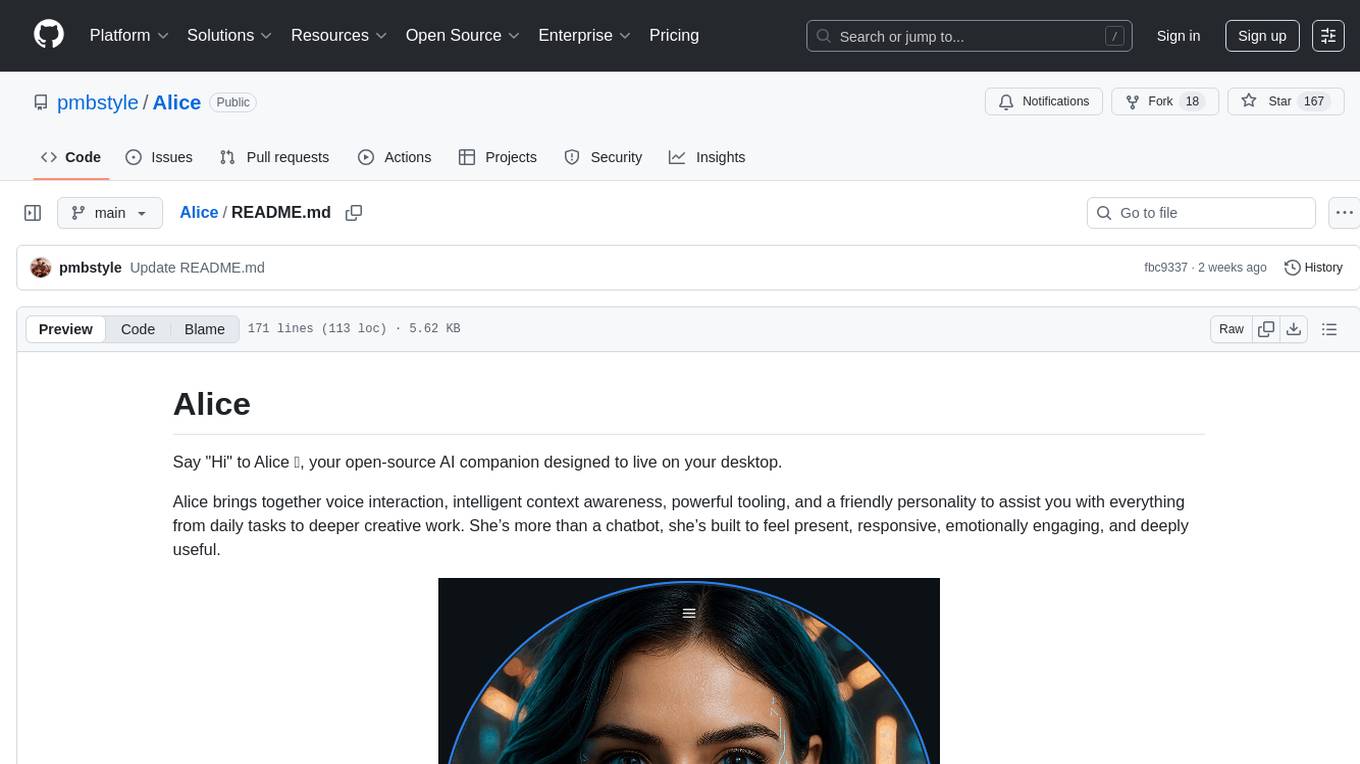
Alice
Alice is an open-source AI companion designed to live on your desktop, providing voice interaction, intelligent context awareness, and powerful tooling. More than a chatbot, Alice is emotionally engaging and deeply useful, assisting with daily tasks and creative work. Key features include voice interaction with natural-sounding responses, memory and context management, vision and visual output capabilities, computer use tools, function calling for web search and task scheduling, wake word support, dedicated Chrome extension, and flexible settings interface. Technologies used include Vue.js, Electron, OpenAI, Go, hnswlib-node, and more. Alice is customizable and offers a dedicated Chrome extension, wake word support, and various tools for computer use and productivity tasks.
AudioMuse-AI
AudioMuse-AI is a deep learning-based tool for audio analysis and music generation. It provides a user-friendly interface for processing audio data and generating music compositions. The tool utilizes state-of-the-art machine learning algorithms to analyze audio signals and extract meaningful features for music generation. With AudioMuse-AI, users can explore the possibilities of AI in music creation and experiment with different styles and genres. Whether you are a music enthusiast, a researcher, or a developer, AudioMuse-AI offers a versatile platform for audio analysis and music generation.
talkcody
TalkCody is a free, open-source AI coding agent designed for developers who value speed, cost, control, and privacy. It offers true freedom to use any AI model without vendor lock-in, maximum speed through unique four-level parallelism, and complete privacy as everything runs locally without leaving the user's machine. With professional-grade features like multimodal input support, MCP server compatibility, and a marketplace for agents and skills, TalkCody aims to enhance development productivity and flexibility.
For similar tasks
llm-random
This repository contains code for research conducted by the LLM-Random research group at IDEAS NCBR in Warsaw, Poland. The group focuses on developing and using this repository to conduct research. For more information about the group and its research, refer to their blog, llm-random.github.io.
py-gpt
Py-GPT is a Python library that provides an easy-to-use interface for OpenAI's GPT-3 API. It allows users to interact with the powerful GPT-3 model for various natural language processing tasks. With Py-GPT, developers can quickly integrate GPT-3 capabilities into their applications, enabling them to generate text, answer questions, and more with just a few lines of code.
InternLM-XComposer
InternLM-XComposer2 is a groundbreaking vision-language large model (VLLM) based on InternLM2-7B excelling in free-form text-image composition and comprehension. It boasts several amazing capabilities and applications: * **Free-form Interleaved Text-Image Composition** : InternLM-XComposer2 can effortlessly generate coherent and contextual articles with interleaved images following diverse inputs like outlines, detailed text requirements and reference images, enabling highly customizable content creation. * **Accurate Vision-language Problem-solving** : InternLM-XComposer2 accurately handles diverse and challenging vision-language Q&A tasks based on free-form instructions, excelling in recognition, perception, detailed captioning, visual reasoning, and more. * **Awesome performance** : InternLM-XComposer2 based on InternLM2-7B not only significantly outperforms existing open-source multimodal models in 13 benchmarks but also **matches or even surpasses GPT-4V and Gemini Pro in 6 benchmarks** We release InternLM-XComposer2 series in three versions: * **InternLM-XComposer2-4KHD-7B** 🤗: The high-resolution multi-task trained VLLM model with InternLM-7B as the initialization of the LLM for _High-resolution understanding_ , _VL benchmarks_ and _AI assistant_. * **InternLM-XComposer2-VL-7B** 🤗 : The multi-task trained VLLM model with InternLM-7B as the initialization of the LLM for _VL benchmarks_ and _AI assistant_. **It ranks as the most powerful vision-language model based on 7B-parameter level LLMs, leading across 13 benchmarks.** * **InternLM-XComposer2-VL-1.8B** 🤗 : A lightweight version of InternLM-XComposer2-VL based on InternLM-1.8B. * **InternLM-XComposer2-7B** 🤗: The further instruction tuned VLLM for _Interleaved Text-Image Composition_ with free-form inputs. Please refer to Technical Report and 4KHD Technical Reportfor more details.
awesome-llm
Awesome LLM is a curated list of resources related to Large Language Models (LLMs), including models, projects, datasets, benchmarks, materials, papers, posts, GitHub repositories, HuggingFace repositories, and reading materials. It provides detailed information on various LLMs, their parameter sizes, announcement dates, and contributors. The repository covers a wide range of LLM-related topics and serves as a valuable resource for researchers, developers, and enthusiasts interested in the field of natural language processing and artificial intelligence.
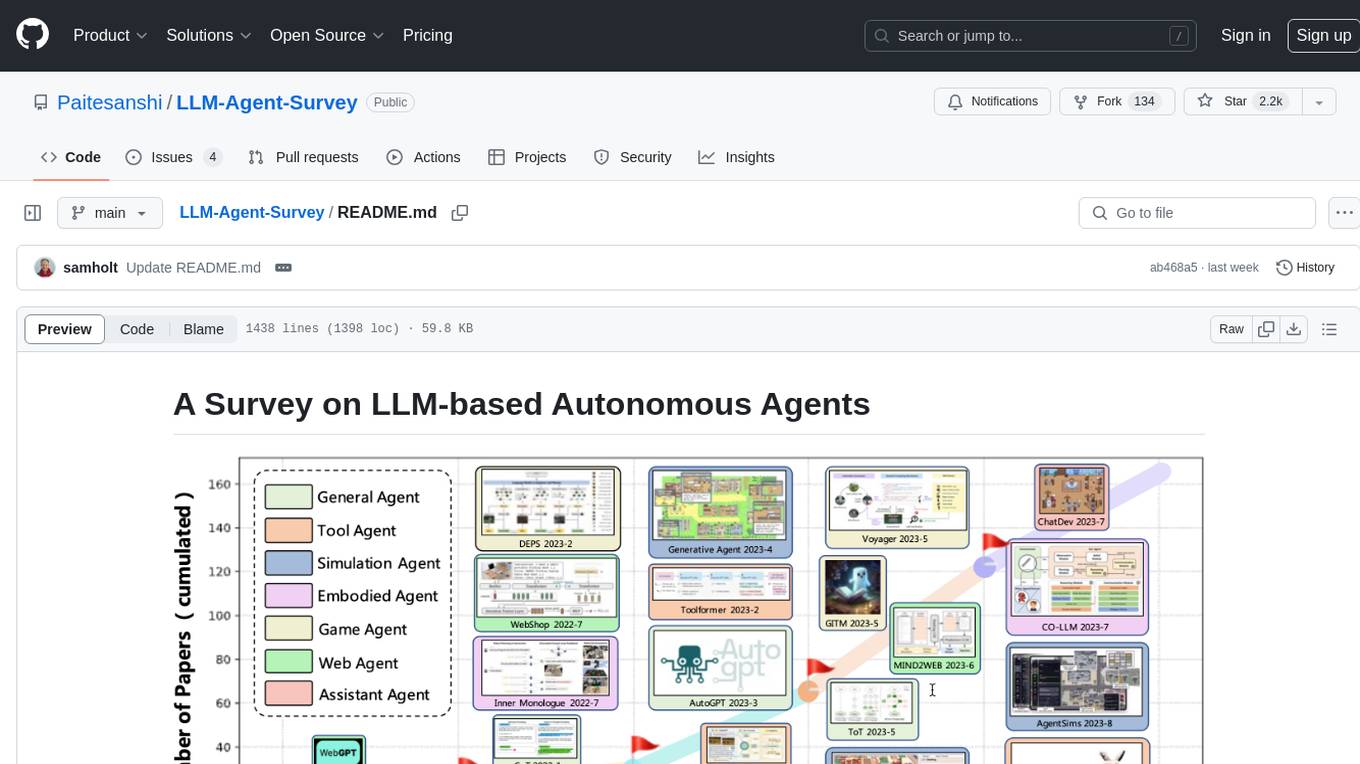
LLM-Agent-Survey
Autonomous agents are designed to achieve specific objectives through self-guided instructions. With the emergence and growth of large language models (LLMs), there is a growing trend in utilizing LLMs as fundamental controllers for these autonomous agents. This repository conducts a comprehensive survey study on the construction, application, and evaluation of LLM-based autonomous agents. It explores essential components of AI agents, application domains in natural sciences, social sciences, and engineering, and evaluation strategies. The survey aims to be a resource for researchers and practitioners in this rapidly evolving field.
Cradle
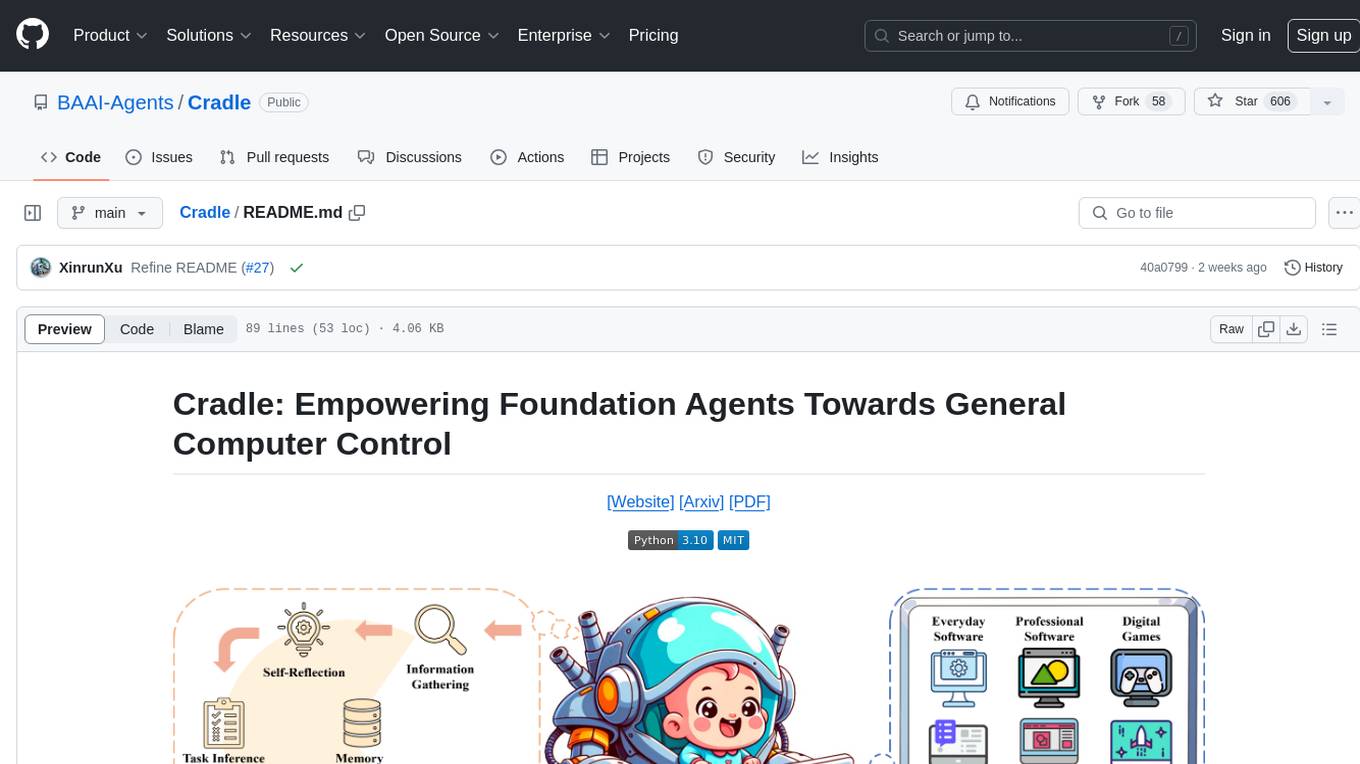
The Cradle project is a framework designed for General Computer Control (GCC), empowering foundation agents to excel in various computer tasks through strong reasoning abilities, self-improvement, and skill curation. It provides a standardized environment with minimal requirements, constantly evolving to support more games and software. The repository includes released versions, publications, and relevant assets.
awesome-agents
Awesome Agents is a curated list of open source AI agents designed for various tasks such as private interactions with documents, chat implementations, autonomous research, human-behavior simulation, code generation, HR queries, domain-specific research, and more. The agents leverage Large Language Models (LLMs) and other generative AI technologies to provide solutions for complex tasks and projects. The repository includes a diverse range of agents for different use cases, from conversational chatbots to AI coding engines, and from autonomous HR assistants to vision task solvers.
neo
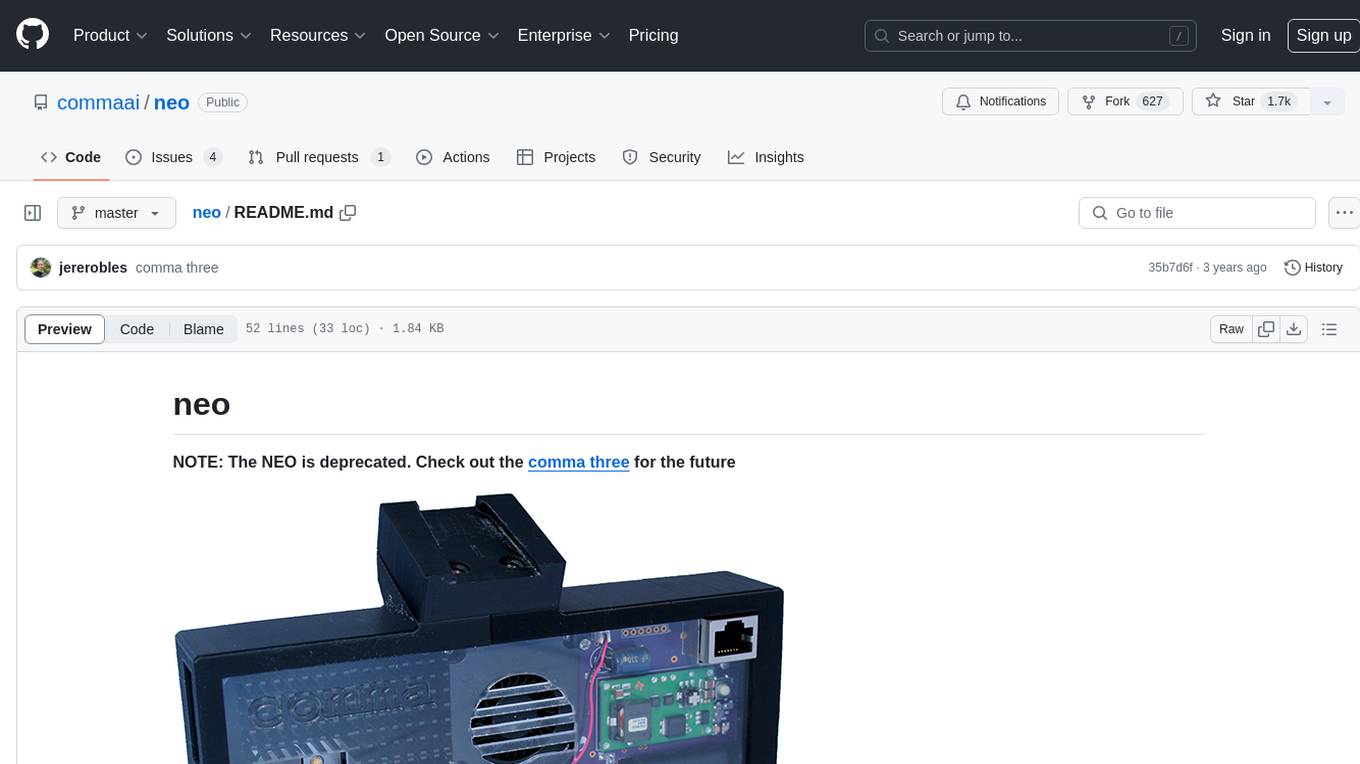
The neo is an open source robotics research platform powered by a OnePlus 3 smartphone and an STM32F205-based CAN interface board, housed in a 3d-printed casing with active cooling. It includes NEOS, a stripped down Android ROM, and offers a modern Linux environment for development. The platform leverages the high performance embedded processor and sensor capabilities of modern smartphones at a low cost. A detailed guide is available for easy construction, requiring online shopping and soldering skills. The total cost for building a neo is approximately $700.
For similar jobs

LLMStack
LLMStack is a no-code platform for building generative AI agents, workflows, and chatbots. It allows users to connect their own data, internal tools, and GPT-powered models without any coding experience. LLMStack can be deployed to the cloud or on-premise and can be accessed via HTTP API or triggered from Slack or Discord.
daily-poetry-image
Daily Chinese ancient poetry and AI-generated images powered by Bing DALL-E-3. GitHub Action triggers the process automatically. Poetry is provided by Today's Poem API. The website is built with Astro.

exif-photo-blog
EXIF Photo Blog is a full-stack photo blog application built with Next.js, Vercel, and Postgres. It features built-in authentication, photo upload with EXIF extraction, photo organization by tag, infinite scroll, light/dark mode, automatic OG image generation, a CMD-K menu with photo search, experimental support for AI-generated descriptions, and support for Fujifilm simulations. The application is easy to deploy to Vercel with just a few clicks and can be customized with a variety of environment variables.
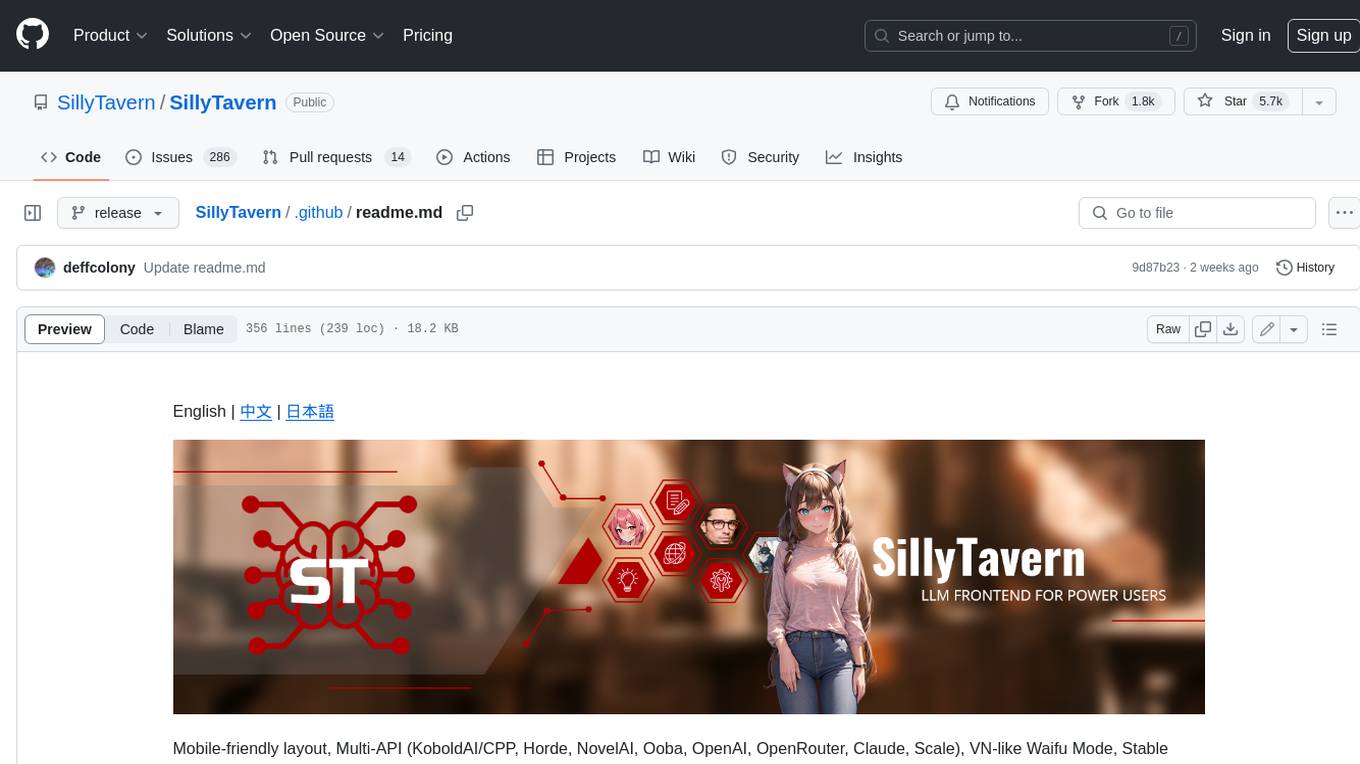
SillyTavern
SillyTavern is a user interface you can install on your computer (and Android phones) that allows you to interact with text generation AIs and chat/roleplay with characters you or the community create. SillyTavern is a fork of TavernAI 1.2.8 which is under more active development and has added many major features. At this point, they can be thought of as completely independent programs.
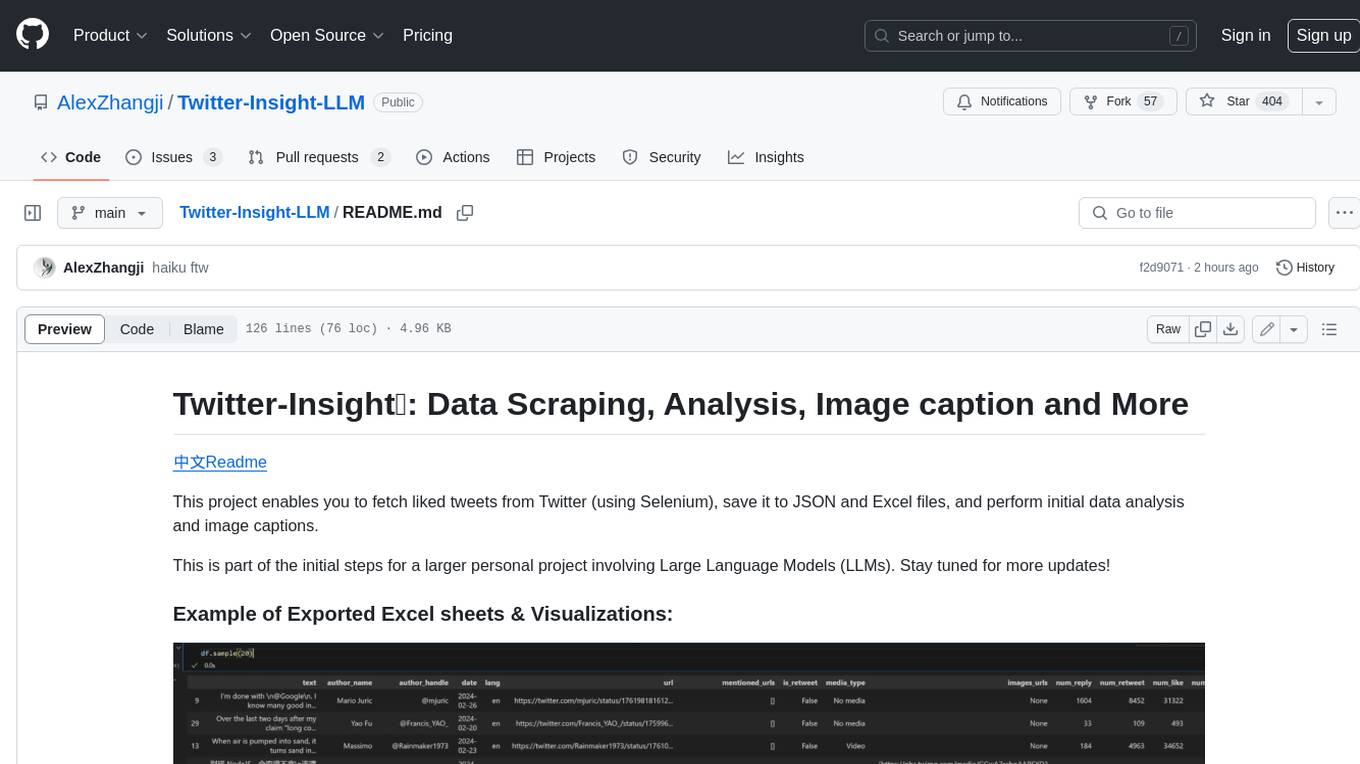
Twitter-Insight-LLM
This project enables you to fetch liked tweets from Twitter (using Selenium), save it to JSON and Excel files, and perform initial data analysis and image captions. This is part of the initial steps for a larger personal project involving Large Language Models (LLMs).
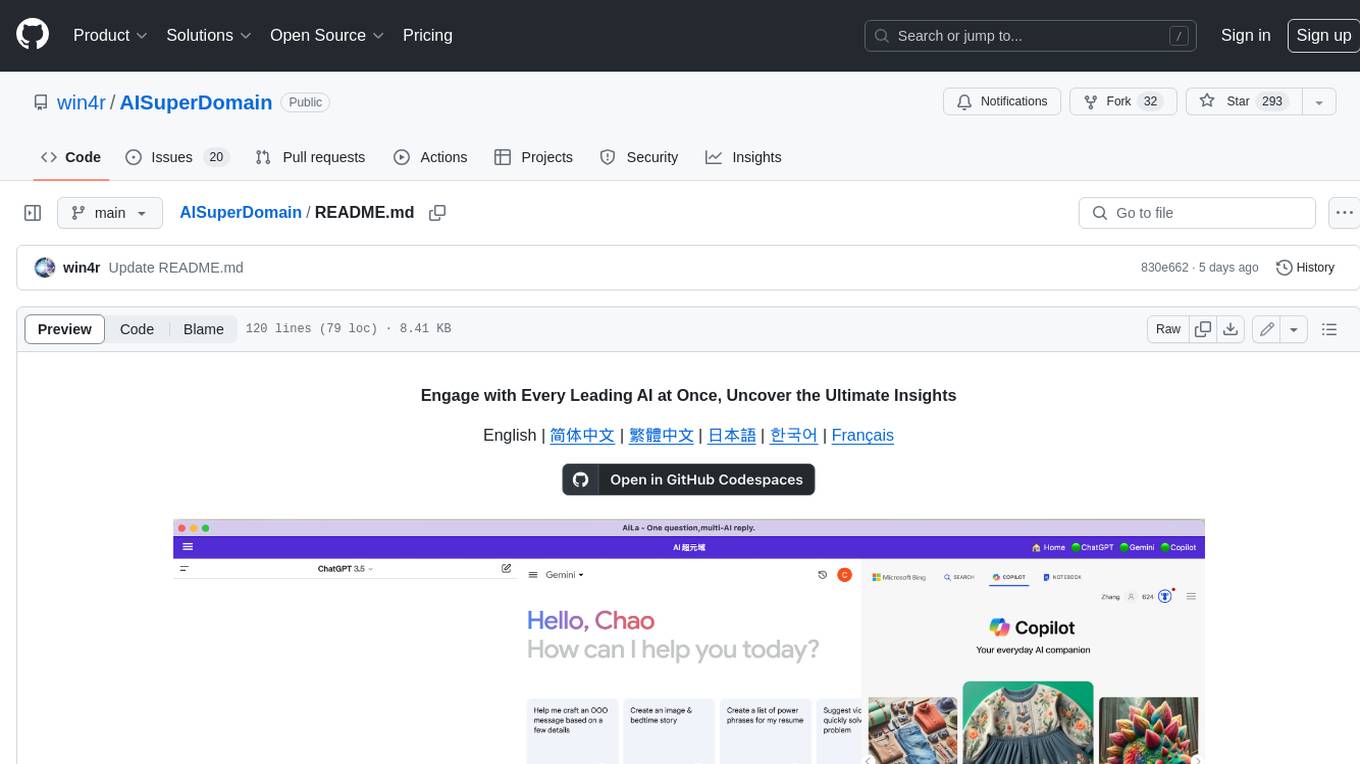
AISuperDomain
Aila Desktop Application is a powerful tool that integrates multiple leading AI models into a single desktop application. It allows users to interact with various AI models simultaneously, providing diverse responses and insights to their inquiries. With its user-friendly interface and customizable features, Aila empowers users to engage with AI seamlessly and efficiently. Whether you're a researcher, student, or professional, Aila can enhance your AI interactions and streamline your workflow.
ChatGPT-On-CS
This project is an intelligent dialogue customer service tool based on a large model, which supports access to platforms such as WeChat, Qianniu, Bilibili, Douyin Enterprise, Douyin, Doudian, Weibo chat, Xiaohongshu professional account operation, Xiaohongshu, Zhihu, etc. You can choose GPT3.5/GPT4.0/ Lazy Treasure Box (more platforms will be supported in the future), which can process text, voice and pictures, and access external resources such as operating systems and the Internet through plug-ins, and support enterprise AI applications customized based on their own knowledge base.
obs-localvocal
LocalVocal is a live-streaming AI assistant plugin for OBS that allows you to transcribe audio speech into text and perform various language processing functions on the text using AI / LLMs (Large Language Models). It's privacy-first, with all data staying on your machine, and requires no GPU, cloud costs, network, or downtime.