


eino
The ultimate LLM/AI application development framework in Go.
Stars: 9653
Eino is an ultimate LLM application development framework in Golang, emphasizing simplicity, scalability, reliability, and effectiveness. It provides a curated list of component abstractions, a powerful composition framework, meticulously designed APIs, best practices, and tools covering the entire development cycle. Eino standardizes and improves efficiency in AI application development by offering rich components, powerful orchestration, complete stream processing, highly extensible aspects, and a comprehensive framework structure.
README:








English | 中文
Eino['aino] is an LLM application development framework in Golang. It draws from LangChain, Google ADK, and other open-source frameworks, and is designed to follow Golang conventions.
Eino provides:
-
Components: reusable building blocks like
ChatModel,Tool,Retriever, andChatTemplate, with official implementations for OpenAI, Ollama, and more. - Agent Development Kit (ADK): build AI agents with tool use, multi-agent coordination, context management, interrupt/resume for human-in-the-loop, and ready-to-use agent patterns.
- Composition: connect components into graphs and workflows that can run standalone or be exposed as tools for agents.
- Examples: working code for common patterns and real-world use cases.

Configure a ChatModel, optionally add tools, and you have a working agent:
chatModel, _ := openai.NewChatModel(ctx, &openai.ChatModelConfig{
    Model:  "gpt-4o",
    APIKey: os.Getenv("OPENAI_API_KEY"),
})

agent, _ := adk.NewChatModelAgent(ctx, &adk.ChatModelAgentConfig{
    Model: chatModel,
})

runner := adk.NewRunner(ctx, adk.RunnerConfig{Agent: agent})
iter := runner.Query(ctx, "Hello, who are you?")
for {
    event, ok := iter.Next()
    if !ok {
        break
    }
    fmt.Println(event.Message.Content)
}
Add tools to give the agent capabilities:
agent, _ := adk.NewChatModelAgent(ctx, &adk.ChatModelAgentConfig{
    Model: chatModel,
    ToolsConfig: adk.ToolsConfig{
        ToolsNodeConfig: compose.ToolsNodeConfig{
            Tools: []tool.BaseTool{weatherTool, calculatorTool},
        },
    },
})
The agent handles the ReAct loop internally — it decides when to call tools and when to respond.
→ ChatModelAgent examples · docs
For complex tasks, use DeepAgent. It breaks down problems into steps, delegates to sub-agents, and tracks progress:
deepAgent, _ := deep.New(ctx, &deep.Config{
    ChatModel: chatModel,
    SubAgents: []adk.Agent{researchAgent, codeAgent},
    ToolsConfig: adk.ToolsConfig{
        ToolsNodeConfig: compose.ToolsNodeConfig{
            Tools: []tool.BaseTool{shellTool, pythonTool, webSearchTool},
        },
    },
})

runner := adk.NewRunner(ctx, adk.RunnerConfig{Agent: deepAgent})
iter := runner.Query(ctx, "Analyze the sales data in report.csv and generate a summary chart")
DeepAgent can be configured to coordinate multiple specialized agents, run shell commands, execute Python code, and search the web.
When you need precise control over execution flow, use compose to build graphs and workflows:
graph := compose.NewGraph[*Input, *Output]()
graph.AddLambdaNode("validate", validateFn)
graph.AddChatModelNode("generate", chatModel)
graph.AddLambdaNode("format", formatFn)

graph.AddEdge(compose.START, "validate")
graph.AddEdge("validate", "generate")
graph.AddEdge("generate", "format")
graph.AddEdge("format", compose.END)

runnable, _ := graph.Compile(ctx)
result, _ := runnable.Invoke(ctx, input)
Compositions can be exposed as tools for agents, bridging deterministic workflows with autonomous behavior:
tool, _ := graphtool.NewInvokableGraphTool(graph, "data_pipeline", "Process and validate data")

agent, _ := adk.NewChatModelAgent(ctx, &adk.ChatModelAgentConfig{
    Model: chatModel,
    ToolsConfig: adk.ToolsConfig{
        ToolsNodeConfig: compose.ToolsNodeConfig{
            Tools: []tool.BaseTool{tool},
        },
    },
})
This lets you build domain-specific pipelines with exact control, then let agents decide when to use them.
→ GraphTool examples · compose docs
Eino defines component abstractions (ChatModel, Tool, Retriever, Embedding, etc.) with official implementations for OpenAI, Claude, Gemini, Ark, Ollama, Elasticsearch, and more.
→ eino-ext
Eino automatically handles streaming throughout orchestration: concatenating, boxing, merging, and copying streams as data flows between nodes. Components only implement the streaming paradigms that make sense for them; the framework handles the rest.
→ docs
Inject logging, tracing, and metrics at fixed points (OnStart, OnEnd, OnError, OnStartWithStreamInput, OnEndWithStreamOutput) across components, graphs, and agents.
→ docs
Any agent or tool can pause execution for human input and resume from checkpoint. The framework handles state persistence and routing.

The Eino framework consists of:
-
Eino (this repo): Type definitions, streaming mechanism, component abstractions, orchestration, agent implementations, aspect mechanisms
-
EinoExt: Component implementations, callback handlers, usage examples, evaluators, prompt optimizers
-
Eino Devops: Visualized development and debugging
-
EinoExamples: Example applications and best practices
- Go 1.18 and above.
This repo uses golangci-lint. Check locally with:
golangci-lint run ./...Rules enforced:
- Exported functions, interfaces, packages, etc. should have GoDoc comments
- Code should be formatted with
gofmt -s - Import order should follow
goimports(std -> third party -> local)
If you discover a potential security issue, notify Bytedance Security via the security center or vulnerability reporting email.
Do not create a public GitHub issue.
- Membership: COMMUNITY MEMBERSHIP
- Issues: Issues
- Lark: Scan the QR code below with Feishu to join the CloudWeGo/eino user group.

This project is licensed under the Apache-2.0 License.
For Tasks:
Click tags to check more tools for each tasksFor Jobs:
Alternative AI tools for eino
Similar Open Source Tools
eino
Eino is an ultimate LLM application development framework in Golang, emphasizing simplicity, scalability, reliability, and effectiveness. It provides a curated list of component abstractions, a powerful composition framework, meticulously designed APIs, best practices, and tools covering the entire development cycle. Eino standardizes and improves efficiency in AI application development by offering rich components, powerful orchestration, complete stream processing, highly extensible aspects, and a comprehensive framework structure.
lionagi
LionAGI is a powerful intelligent workflow automation framework that introduces advanced ML models into any existing workflows and data infrastructure. It can interact with almost any model, run interactions in parallel for most models, produce structured pydantic outputs with flexible usage, automate workflow via graph based agents, use advanced prompting techniques, and more. LionAGI aims to provide a centralized agent-managed framework for "ML-powered tools coordination" and to dramatically lower the barrier of entries for creating use-case/domain specific tools. It is designed to be asynchronous only and requires Python 3.10 or higher.
lionagi
LionAGI is a robust framework for orchestrating multi-step AI operations with precise control. It allows users to bring together multiple models, advanced reasoning, tool integrations, and custom validations in a single coherent pipeline. The framework is structured, expandable, controlled, and transparent, offering features like real-time logging, message introspection, and tool usage tracking. LionAGI supports advanced multi-step reasoning with ReAct, integrates with Anthropic's Model Context Protocol, and provides observability and debugging tools. Users can seamlessly orchestrate multiple models, integrate with Claude Code CLI SDK, and leverage a fan-out fan-in pattern for orchestration. The framework also offers optional dependencies for additional functionalities like reader tools, local inference support, rich output formatting, database support, and graph visualization.
llm-interface
LLM Interface is an npm module that streamlines interactions with various Large Language Model (LLM) providers in Node.js applications. It offers a unified interface for switching between providers and models, supporting 36 providers and hundreds of models. Features include chat completion, streaming, error handling, extensibility, response caching, retries, JSON output, and repair. The package relies on npm packages like axios, @google/generative-ai, dotenv, jsonrepair, and loglevel. Installation is done via npm, and usage involves sending prompts to LLM providers. Tests can be run using npm test. Contributions are welcome under the MIT License.
go-utcp
The Universal Tool Calling Protocol (UTCP) is a modern, flexible, and scalable standard for defining and interacting with tools across various communication protocols. It emphasizes scalability, interoperability, and ease of use. It provides built-in transports for HTTP, CLI, Server-Sent Events, streaming HTTP, GraphQL, MCP, and UDP. Users can use the library to construct a client and call tools using the available transports. The library also includes utilities for variable substitution, in-memory repository for storing providers and tools, and OpenAPI conversion to UTCP manuals.
starwhale
Starwhale is an MLOps/LLMOps platform that brings efficiency and standardization to machine learning operations. It streamlines the model development lifecycle, enabling teams to optimize workflows around key areas like model building, evaluation, release, and fine-tuning. Starwhale abstracts Model, Runtime, and Dataset as first-class citizens, providing tailored capabilities for common workflow scenarios including Models Evaluation, Live Demo, and LLM Fine-tuning. It is an open-source platform designed for clarity and ease of use, empowering developers to build customized MLOps features tailored to their needs.
req_llm
ReqLLM is a Req-based library for LLM interactions, offering a unified interface to AI providers through a plugin-based architecture. It brings composability and middleware advantages to LLM interactions, with features like auto-synced providers/models, typed data structures, ergonomic helpers, streaming capabilities, usage & cost extraction, and a plugin-based provider system. Users can easily generate text, structured data, embeddings, and track usage costs. The tool supports various AI providers like Anthropic, OpenAI, Groq, Google, and xAI, and allows for easy addition of new providers. ReqLLM also provides API key management, detailed documentation, and a roadmap for future enhancements.
sophia
Sophia is an open-source TypeScript platform designed for autonomous AI agents and LLM based workflows. It aims to automate processes, review code, assist with refactorings, and support various integrations. The platform offers features like advanced autonomous agents, reasoning/planning inspired by Google's Self-Discover paper, memory and function call history, adaptive iterative planning, and more. Sophia supports multiple LLMs/services, CLI and web interface, human-in-the-loop interactions, flexible deployment options, observability with OpenTelemetry tracing, and specific agents for code editing, software engineering, and code review. It provides a flexible platform for the TypeScript community to expand and support various use cases and integrations.
GraphRAG-SDK
Build fast and accurate GenAI applications with GraphRAG SDK, a specialized toolkit for building Graph Retrieval-Augmented Generation (GraphRAG) systems. It integrates knowledge graphs, ontology management, and state-of-the-art LLMs to deliver accurate, efficient, and customizable RAG workflows. The SDK simplifies the development process by automating ontology creation, knowledge graph agent creation, and query handling, enabling users to interact and query their knowledge graphs effectively. It supports multi-agent systems and orchestrates agents specialized in different domains. The SDK is optimized for FalkorDB, ensuring high performance and scalability for large-scale applications. By leveraging knowledge graphs, it enables semantic relationships and ontology-driven queries that go beyond standard vector similarity, enhancing retrieval-augmented generation capabilities.
inferable
Inferable is an open source platform that helps users build reliable LLM-powered agentic automations at scale. It offers a managed agent runtime, durable tool calling, zero network configuration, multiple language support, and is fully open source under the MIT license. Users can define functions, register them with Inferable, and create runs that utilize these functions to automate tasks. The platform supports Node.js/TypeScript, Go, .NET, and React, and provides SDKs, core services, and bootstrap templates for various languages.
gorse
Gorse is an AI-powered open-source recommender system engine written in Go. It aims to be a universal recommender system that can be integrated into various online services quickly. Gorse supports multi-source recommendations, multimodal content, classical and LLM-based recommenders, GUI dashboard, and RESTful APIs. It provides a playground mode for beginners to set up a recommender system for GitHub repositories easily. The system architecture includes a master node, worker nodes, and server nodes for training, recommendation, and API exposure. Gorse is suitable for developers looking to implement personalized recommendation systems efficiently.
swarmgo
SwarmGo is a Go package designed to create AI agents capable of interacting, coordinating, and executing tasks. It focuses on lightweight agent coordination and execution, offering powerful primitives like Agents and handoffs. SwarmGo enables building scalable solutions with rich dynamics between tools and networks of agents, all while keeping the learning curve low. It supports features like memory management, streaming support, concurrent agent execution, LLM interface, and structured workflows for organizing and coordinating multiple agents.
typedai
TypedAI is a TypeScript-first AI platform designed for developers to create and run autonomous AI agents, LLM based workflows, and chatbots. It offers advanced autonomous agents, software developer agents, pull request code review agent, AI chat interface, Slack chatbot, and supports various LLM services. The platform features configurable Human-in-the-loop settings, functional callable tools/integrations, CLI and Web UI interface, and can be run locally or deployed on the cloud with multi-user/SSO support. It leverages the Python AI ecosystem through executing Python scripts/packages and provides flexible run/deploy options like single user mode, Firestore & Cloud Run deployment, and multi-user SSO enterprise deployment. TypedAI also includes UI examples, code examples, and automated LLM function schemas for seamless development and execution of AI workflows.
gollm
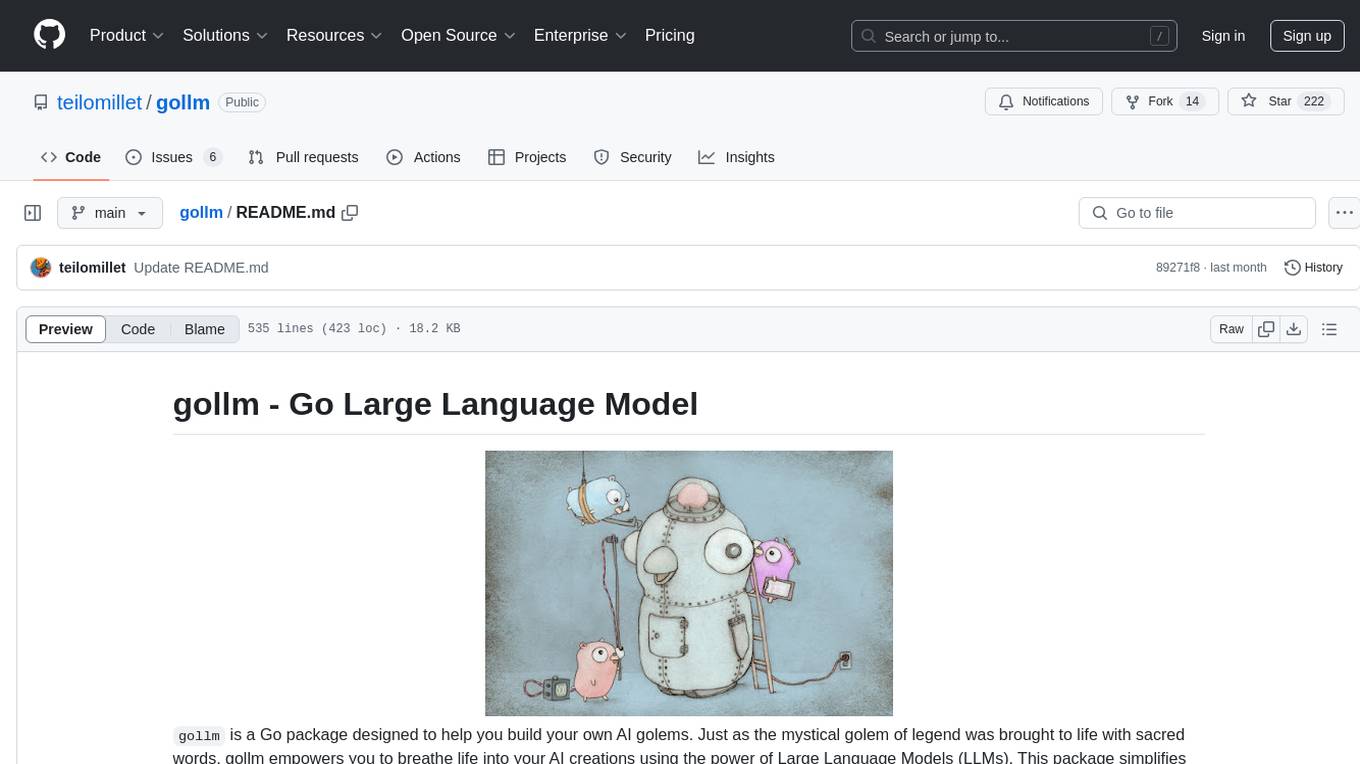
gollm is a Go package designed to simplify interactions with Large Language Models (LLMs) for AI engineers and developers. It offers a unified API for multiple LLM providers, easy provider and model switching, flexible configuration options, advanced prompt engineering, prompt optimization, memory retention, structured output and validation, provider comparison tools, high-level AI functions, robust error handling and retries, and extensible architecture. The package enables users to create AI-powered golems for tasks like content creation workflows, complex reasoning tasks, structured data generation, model performance analysis, prompt optimization, and creating a mixture of agents.

rl
TorchRL is an open-source Reinforcement Learning (RL) library for PyTorch. It provides pytorch and **python-first** , low and high level abstractions for RL that are intended to be **efficient** , **modular** , **documented** and properly **tested**. The code is aimed at supporting research in RL. Most of it is written in python in a highly modular way, such that researchers can easily swap components, transform them or write new ones with little effort.
lmnr
Laminar is an all-in-one open-source platform designed for engineering AI products. It allows users to trace, evaluate, label, and analyze LLM data efficiently. The platform offers features such as automatic tracing of common AI frameworks and SDKs, local and online evaluations, simple UI for data labeling, dataset management, and scalability with gRPC communication. Laminar is built with a modern open-source stack including RabbitMQ, Postgres, Clickhouse, and Qdrant for semantic similarity search. It provides fast and beautiful dashboards for traces, evaluations, and labels, making it a comprehensive tool for AI product development.
For similar tasks

griptape
Griptape is a modular Python framework for building AI-powered applications that securely connect to your enterprise data and APIs. It offers developers the ability to maintain control and flexibility at every step. Griptape's core components include Structures (Agents, Pipelines, and Workflows), Tasks, Tools, Memory (Conversation Memory, Task Memory, and Meta Memory), Drivers (Prompt and Embedding Drivers, Vector Store Drivers, Image Generation Drivers, Image Query Drivers, SQL Drivers, Web Scraper Drivers, and Conversation Memory Drivers), Engines (Query Engines, Extraction Engines, Summary Engines, Image Generation Engines, and Image Query Engines), and additional components (Rulesets, Loaders, Artifacts, Chunkers, and Tokenizers). Griptape enables developers to create AI-powered applications with ease and efficiency.
AI-in-a-Box
AI-in-a-Box is a curated collection of solution accelerators that can help engineers establish their AI/ML environments and solutions rapidly and with minimal friction, while maintaining the highest standards of quality and efficiency. It provides essential guidance on the responsible use of AI and LLM technologies, specific security guidance for Generative AI (GenAI) applications, and best practices for scaling OpenAI applications within Azure. The available accelerators include: Azure ML Operationalization in-a-box, Edge AI in-a-box, Doc Intelligence in-a-box, Image and Video Analysis in-a-box, Cognitive Services Landing Zone in-a-box, Semantic Kernel Bot in-a-box, NLP to SQL in-a-box, Assistants API in-a-box, and Assistants API Bot in-a-box.
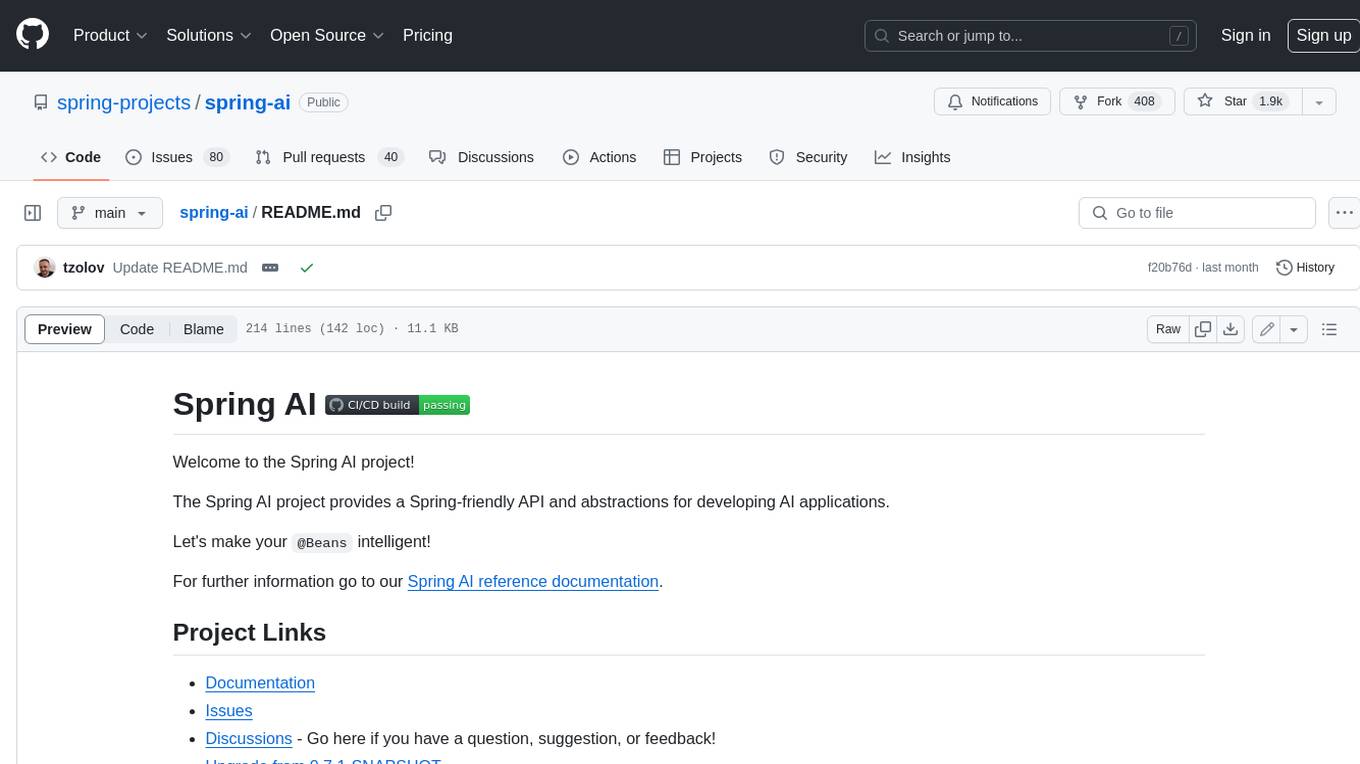
spring-ai
The Spring AI project provides a Spring-friendly API and abstractions for developing AI applications. It offers a portable client API for interacting with generative AI models, enabling developers to easily swap out implementations and access various models like OpenAI, Azure OpenAI, and HuggingFace. Spring AI also supports prompt engineering, providing classes and interfaces for creating and parsing prompts, as well as incorporating proprietary data into generative AI without retraining the model. This is achieved through Retrieval Augmented Generation (RAG), which involves extracting, transforming, and loading data into a vector database for use by AI models. Spring AI's VectorStore abstraction allows for seamless transitions between different vector database implementations.
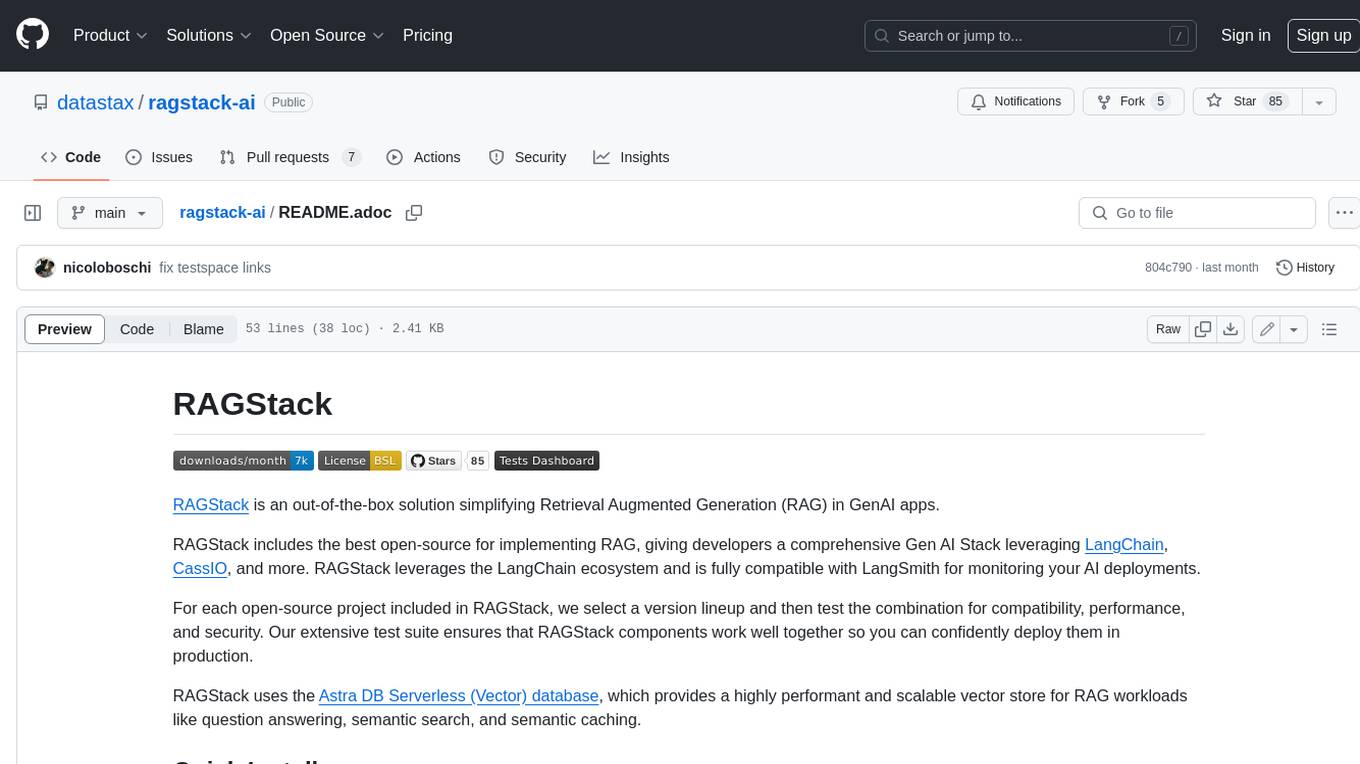
ragstack-ai
RAGStack is an out-of-the-box solution simplifying Retrieval Augmented Generation (RAG) in GenAI apps. RAGStack includes the best open-source for implementing RAG, giving developers a comprehensive Gen AI Stack leveraging LangChain, CassIO, and more. RAGStack leverages the LangChain ecosystem and is fully compatible with LangSmith for monitoring your AI deployments.
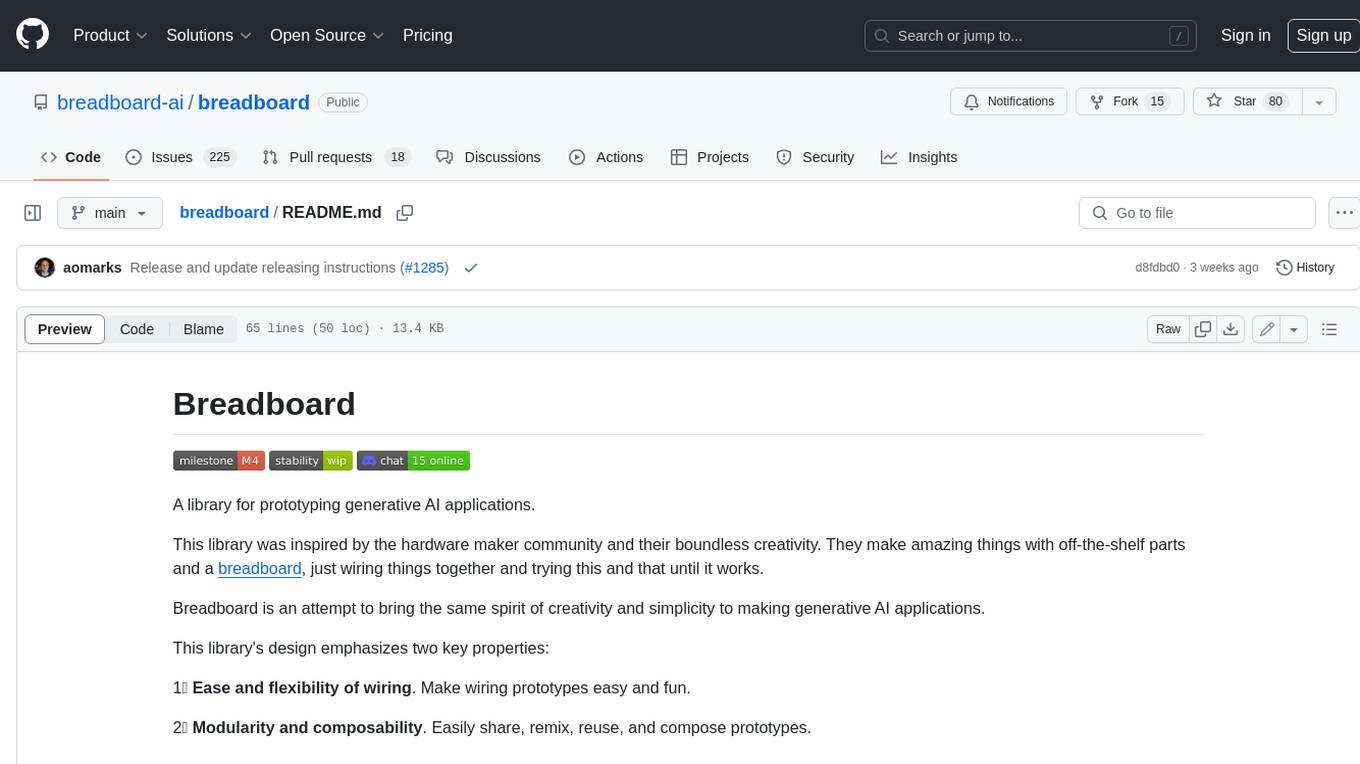
breadboard
Breadboard is a library for prototyping generative AI applications. It is inspired by the hardware maker community and their boundless creativity. Breadboard makes it easy to wire prototypes and share, remix, reuse, and compose them. The library emphasizes ease and flexibility of wiring, as well as modularity and composability.
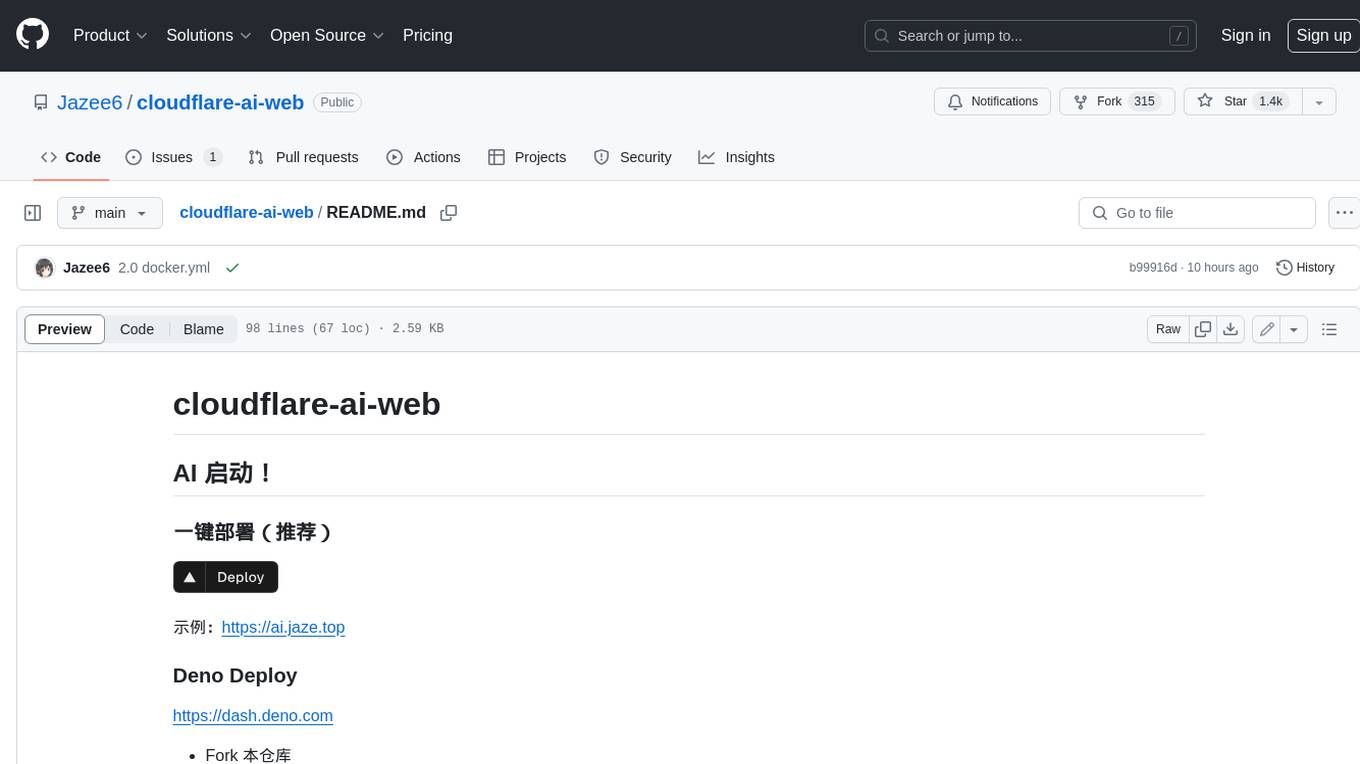
cloudflare-ai-web
Cloudflare-ai-web is a lightweight and easy-to-use tool that allows you to quickly deploy a multi-modal AI platform using Cloudflare Workers AI. It supports serverless deployment, password protection, and local storage of chat logs. With a size of only ~638 kB gzip, it is a great option for building AI-powered applications without the need for a dedicated server.
app-builder
AppBuilder SDK is a one-stop development tool for AI native applications, providing basic cloud resources, AI capability engine, Qianfan large model, and related capability components to improve the development efficiency of AI native applications.
cookbook
This repository contains community-driven practical examples of building AI applications and solving various tasks with AI using open-source tools and models. Everyone is welcome to contribute, and we value everybody's contribution! There are several ways you can contribute to the Open-Source AI Cookbook: Submit an idea for a desired example/guide via GitHub Issues. Contribute a new notebook with a practical example. Improve existing examples by fixing issues/typos. Before contributing, check currently open issues and pull requests to avoid working on something that someone else is already working on.
For similar jobs
Awesome-LLM-RAG-Application
Awesome-LLM-RAG-Application is a repository that provides resources and information about applications based on Large Language Models (LLM) with Retrieval-Augmented Generation (RAG) pattern. It includes a survey paper, GitHub repo, and guides on advanced RAG techniques. The repository covers various aspects of RAG, including academic papers, evaluation benchmarks, downstream tasks, tools, and technologies. It also explores different frameworks, preprocessing tools, routing mechanisms, evaluation frameworks, embeddings, security guardrails, prompting tools, SQL enhancements, LLM deployment, observability tools, and more. The repository aims to offer comprehensive knowledge on RAG for readers interested in exploring and implementing LLM-based systems and products.
ChatGPT-On-CS
ChatGPT-On-CS is an intelligent chatbot tool based on large models, supporting various platforms like WeChat, Taobao, Bilibili, Douyin, Weibo, and more. It can handle text, voice, and image inputs, access external resources through plugins, and customize enterprise AI applications based on proprietary knowledge bases. Users can set custom replies, utilize ChatGPT interface for intelligent responses, send images and binary files, and create personalized chatbots using knowledge base files. The tool also features platform-specific plugin systems for accessing external resources and supports enterprise AI applications customization.
call-gpt
Call GPT is a voice application that utilizes Deepgram for Speech to Text, elevenlabs for Text to Speech, and OpenAI for GPT prompt completion. It allows users to chat with ChatGPT on the phone, providing better transcription, understanding, and speaking capabilities than traditional IVR systems. The app returns responses with low latency, allows user interruptions, maintains chat history, and enables GPT to call external tools. It coordinates data flow between Deepgram, OpenAI, ElevenLabs, and Twilio Media Streams, enhancing voice interactions.
awesome-LLM-resourses
A comprehensive repository of resources for Chinese large language models (LLMs), including data processing tools, fine-tuning frameworks, inference libraries, evaluation platforms, RAG engines, agent frameworks, books, courses, tutorials, and tips. The repository covers a wide range of tools and resources for working with LLMs, from data labeling and processing to model fine-tuning, inference, evaluation, and application development. It also includes resources for learning about LLMs through books, courses, and tutorials, as well as insights and strategies from building with LLMs.
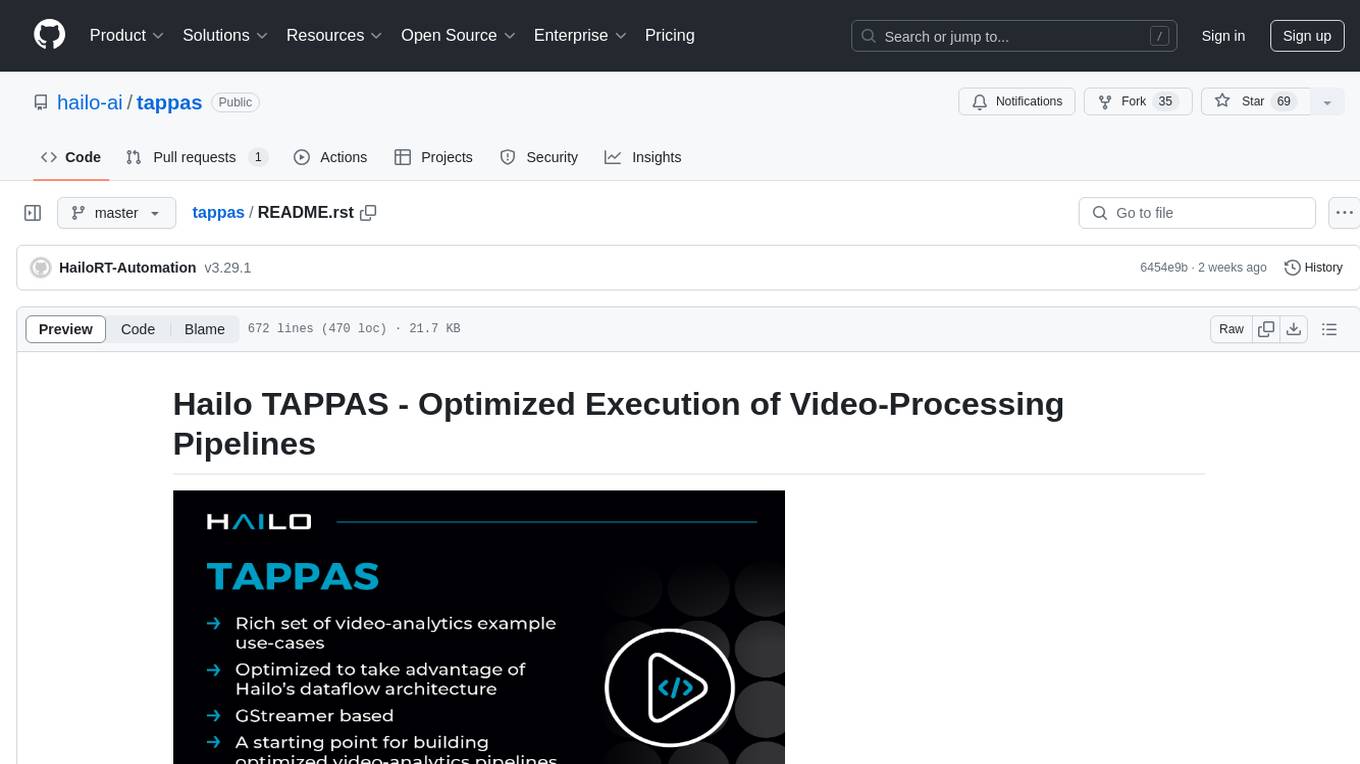
tappas
Hailo TAPPAS is a set of full application examples that implement pipeline elements and pre-trained AI tasks. It demonstrates Hailo's system integration scenarios on predefined systems, aiming to accelerate time to market, simplify integration with Hailo's runtime SW stack, and provide a starting point for customers to fine-tune their applications. The tool supports both Hailo-15 and Hailo-8, offering various example applications optimized for different common hosts. TAPPAS includes pipelines for single network, two network, and multi-stream processing, as well as high-resolution processing via tiling. It also provides example use case pipelines like License Plate Recognition and Multi-Person Multi-Camera Tracking. The tool is regularly updated with new features, bug fixes, and platform support.
cloudflare-rag
This repository provides a fullstack example of building a Retrieval Augmented Generation (RAG) app with Cloudflare. It utilizes Cloudflare Workers, Pages, D1, KV, R2, AI Gateway, and Workers AI. The app features streaming interactions to the UI, hybrid RAG with Full-Text Search and Vector Search, switchable providers using AI Gateway, per-IP rate limiting with Cloudflare's KV, OCR within Cloudflare Worker, and Smart Placement for workload optimization. The development setup requires Node, pnpm, and wrangler CLI, along with setting up necessary primitives and API keys. Deployment involves setting up secrets and deploying the app to Cloudflare Pages. The project implements a Hybrid Search RAG approach combining Full Text Search against D1 and Hybrid Search with embeddings against Vectorize to enhance context for the LLM.
pixeltable
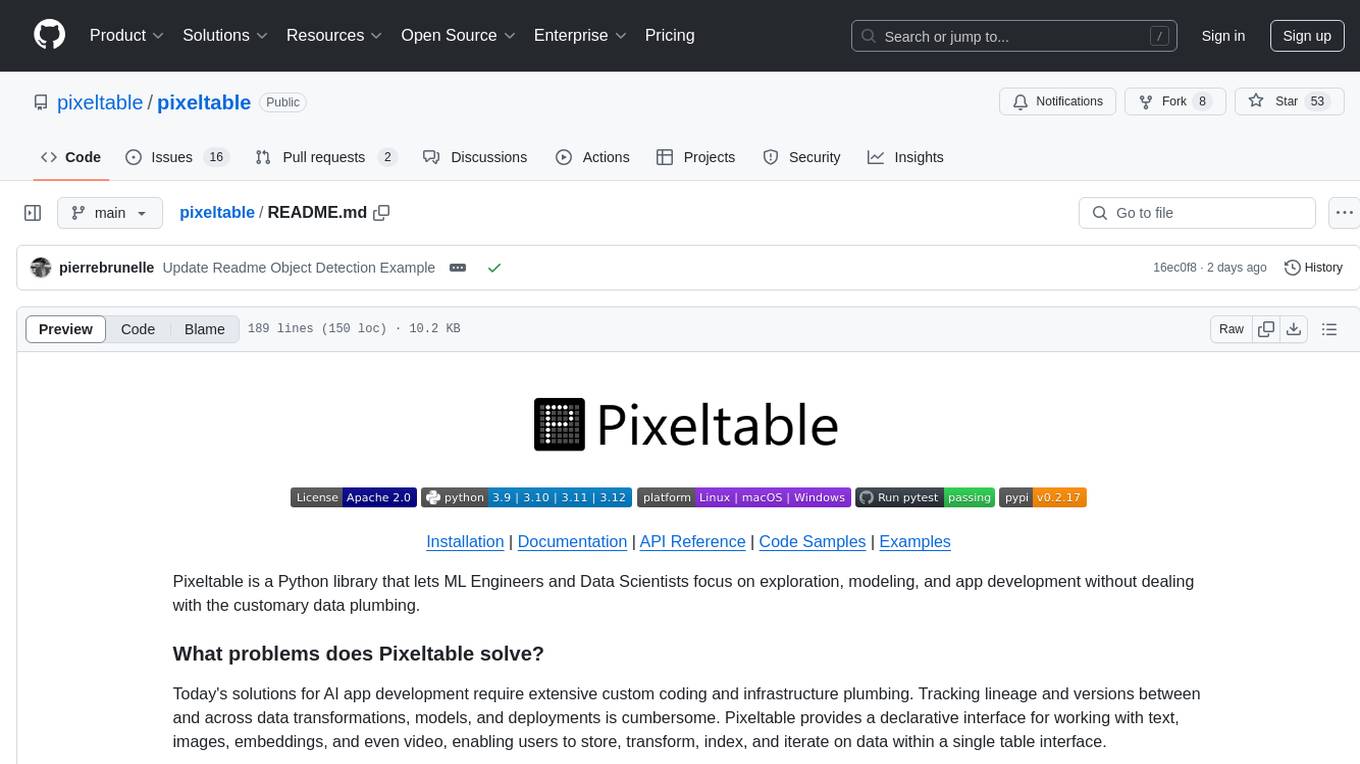
Pixeltable is a Python library designed for ML Engineers and Data Scientists to focus on exploration, modeling, and app development without the need to handle data plumbing. It provides a declarative interface for working with text, images, embeddings, and video, enabling users to store, transform, index, and iterate on data within a single table interface. Pixeltable is persistent, acting as a database unlike in-memory Python libraries such as Pandas. It offers features like data storage and versioning, combined data and model lineage, indexing, orchestration of multimodal workloads, incremental updates, and automatic production-ready code generation. The tool emphasizes transparency, reproducibility, cost-saving through incremental data changes, and seamless integration with existing Python code and libraries.
wave-apps
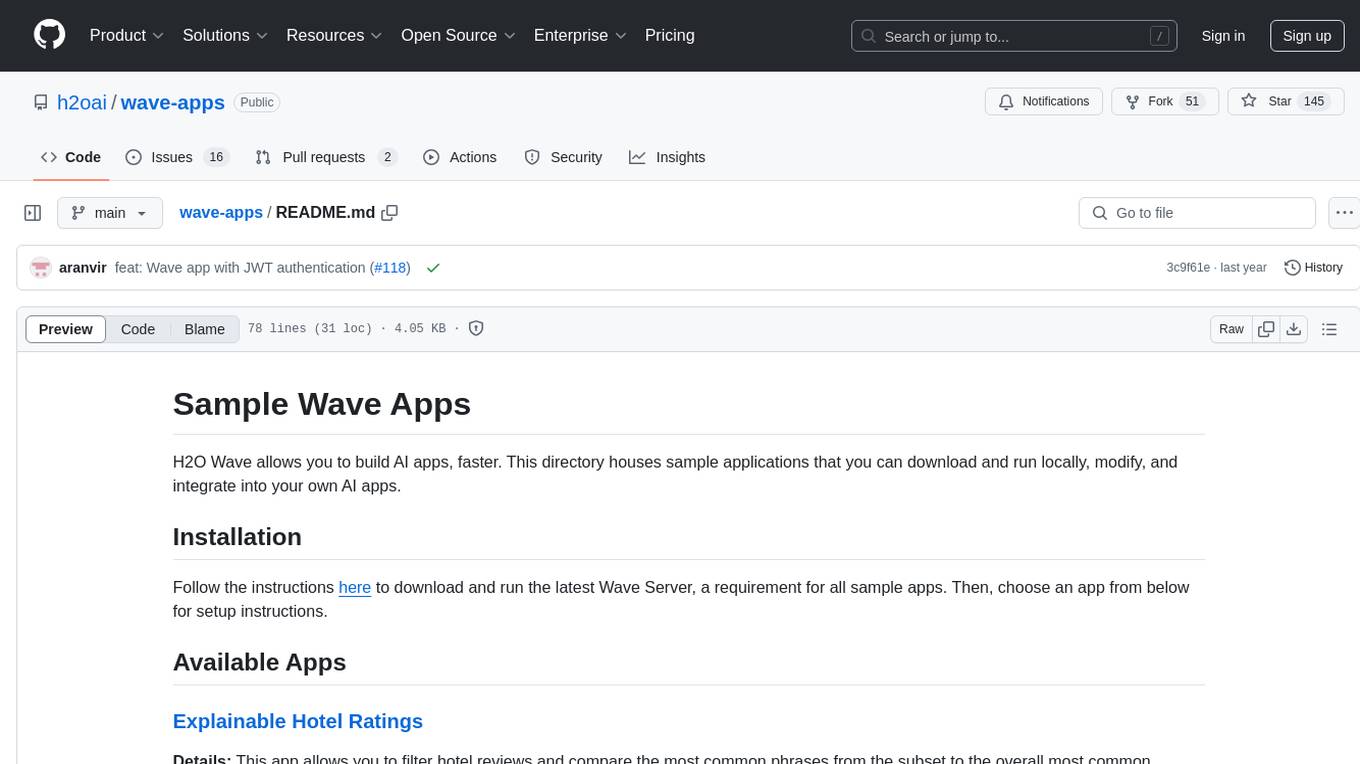
Wave Apps is a directory of sample applications built on H2O Wave, allowing users to build AI apps faster. The apps cover various use cases such as explainable hotel ratings, human-in-the-loop credit risk assessment, mitigating churn risk, online shopping recommendations, and sales forecasting EDA. Users can download, modify, and integrate these sample apps into their own projects to learn about app development and AI model deployment.