


fabrice-ai
A lightweight, functional, and composable framework for building AI agents. No PhD required.
Stars: 223
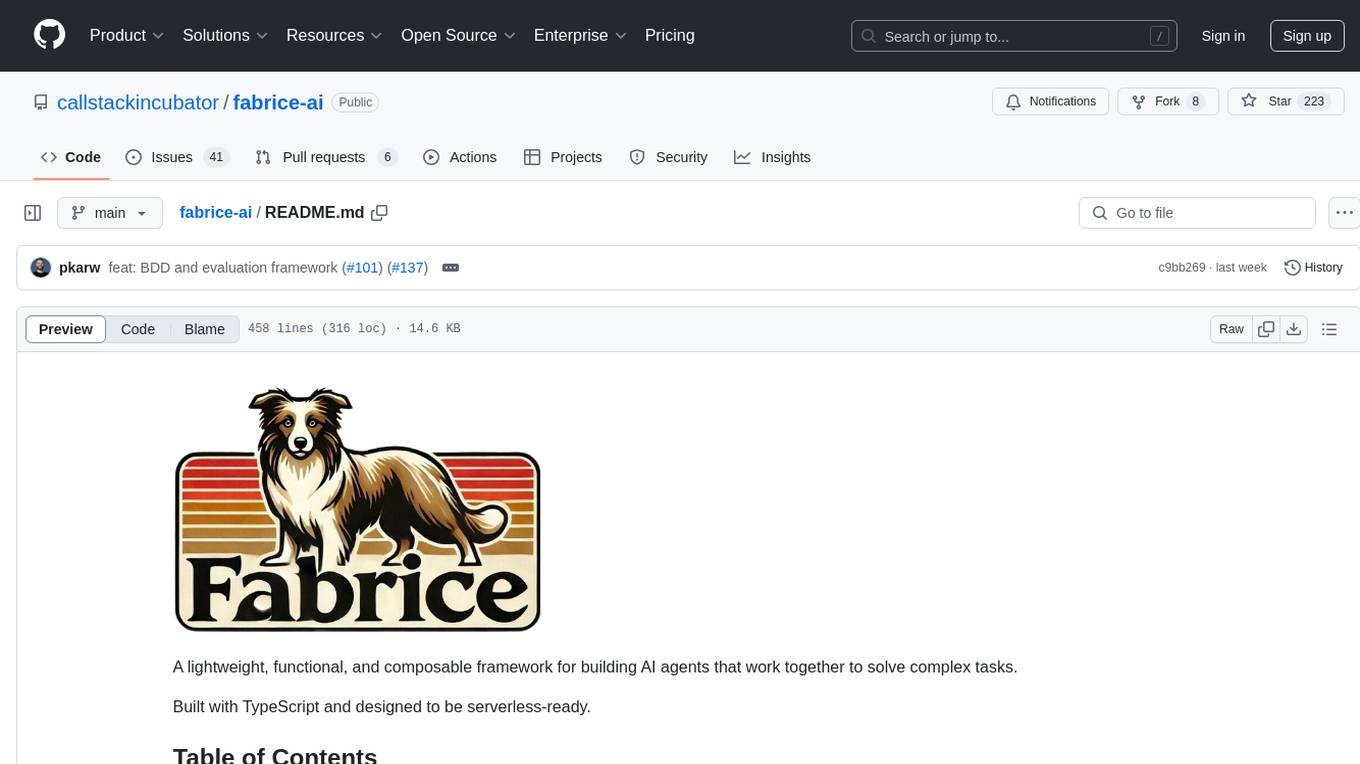
A lightweight, functional, and composable framework for building AI agents that work together to solve complex tasks. Built with TypeScript and designed to be serverless-ready. Fabrice embraces functional programming principles, remains stateless, and stays focused on composability. It provides core concepts like easy teamwork creation, infrastructure-agnosticism, statelessness, and includes all tools and features needed to build AI teams. Agents are specialized workers with specific roles and capabilities, able to call tools and complete tasks. Workflows define how agents collaborate to achieve a goal, with workflow states representing the current state of the workflow. Providers handle requests to the LLM and responses. Tools extend agent capabilities by providing concrete actions they can perform. Execution involves running the workflow to completion, with options for custom execution and BDD testing.
README:
A lightweight, functional, and composable framework for building AI agents that work together to solve complex tasks.
Built with TypeScript and designed to be serverless-ready.
- Getting Started
- Why Another AI Agent Framework?
- Core Concepts
- Agents
- Workflows
- Workflow States
- Providers
- Tools
- Execution
- Test framework
- Contributors
- Made with ❤️ at Callstack
It is very easy to get started. All you have to do is to create a file with your agents and workflow, then run it.
Use our creator tool to quickly create a new AI agent project.
npx create-fabrice-aiYou can choose from a few templates. You can see a full list of them here.
npm install fabrice-aiHere is a simple example of a workflow that researches and plans a trip to Wrocław, Poland:
import { agent } from 'fabrice-ai/agent'
import { teamwork } from 'fabrice-ai/teamwork'
import { solution, workflow } from 'fabrice-ai/workflow'

import { lookupWikipedia } from './tools/wikipedia.js'

const activityPlanner = agent({
  description: `You are skilled at creating personalized itineraries...`,
})

const landmarkScout = agent({
  description: `You research interesting landmarks...`,
  tools: { lookupWikipedia },
})

const workflow = workflow({
  team: { activityPlanner, landmarkScout },
  description: `Plan a trip to Wrocław, Poland...`,
})

const result = await teamwork(workflow)
console.log(solution(result))Finally, you can run the example by simply executing the file.
Using bun
bun your_file.tsUsing node
node --import=tsx your_file.tsMost existing AI agent frameworks are either too complex, heavily object-oriented, or tightly coupled to specific infrastructure.
We wanted something different - a framework that embraces functional programming principles, remains stateless, and stays laser-focused on composability.
Now, English + Typescript is your tech stack.
Here are the core concepts of Fabrice:
Teamwork should be easy and fun, just like in real life. It should not require you to learn a new framework and mental model to put your AI team together.
There should be no assumptions about the infrastructure you're using. You should be able to use any provider and any tools, in any environment.
No classes, no side effects. Every operation should be a function that returns a new state.
We should provide you with all tools and features needed to build your AI team, locally and in the cloud.
Agents are specialized workers with specific roles and capabilities. Agents can call available tools and complete assigned tasks. Depending on the task complexity, it can be done in a single step, or multiple steps.
To create a custom agent, you can use our agent helper function or implement the Agent interface manually.
import { agent } from 'fabrice-ai/agent'

const myAgent = agent({
  role: '<< your role >>',
  description: '<< your description >>',
})
Additionally, you can give it access to tools by passing a tools property to the agent. You can learn more about tools here. You can also set custom provider for each agent. You can learn more about providers here.
Fabrice comes with a few built-in agents that help it run your workflows out of the box.
Supervisor, supervisor, is responsible for coordinating the workflow.
It splits your workflow into smaller, more manageable parts, and coordinates the execution.
Resource Planner, resourcePlanner, is responsible for assigning tasks to available agents, based on their capabilities.
Final Boss, finalBoss, is responsible for wrapping up the workflow and providing a final output,
in case total number of iterations exeeceds available threshold.
You can overwrite built-in agents by setting it in the workflow.
For example, to replace built-in supervisor agent, you can do it like this:
import { supervisor } from './my-supervisor.js'

workflow({
  team: { supervisor },
})
Workflows define how agents collaborate to achieve a goal. They specify:
- Team members
- Task description
- Expected output
- Optional configuration
Workflow state is a representation of the current state of the workflow. It is a tree of states, where each state represents a single agent's work.
At each level, we have the following properties:
-
agent: name of the agent that is working on the task -
status: status of the agent -
messages: message history -
children: child states
First element of the messages array is always a request to the agent, typically a user message. Everything that follows is a message history, including all the messages exchanged with the provider.
Workflow can have multiple states:
-
idle: no work has been started yet -
running: work is in progress -
paused: work is paused and there are tools that must be called to resume -
finished: work is complete -
failed: work has failed due to an error
When you run teamwork(workflow), initial state is automatically created for you by calling rootState(workflow) behind the scenes.
[!NOTE] You can also provide your own initial state (for example, to resume a workflow from a previous state). You can learn more about it in the server-side usage section.
Root state is a special state that contains an initial request based on the workflow and points to the supervisor agent, which is responsible for splitting the work into smaller, more manageable parts.
You can learn more about the supervisor agent here.
Child state is like root state, but it points to any agent, such as one from your team.
You can create it manually, or use childState function.
const child = childState({
  agent: '<< agent name >>',
  messages: user('<< task description >>'),
})
[!TIP] Fabrice exposes a few helpers to facilitate creating messages, such as
userandassistant. You can use them to create messages in a more readable way, although it is not required.
To delegate the task, just add a new child state to your agent's state.
const state = {
  ...state,
  children: [
    ...state.children,
    childState({
      /** agent to work on the task */
      agent: '<< agent name >>',
      /** task description */
      messages: [
        {
          role: 'user',
          content: '<< task description >>',
        }
      ],
    })
  ]
}
To make it easier, you can use delegate function to delegate the task.
const state = delegate(state, [agent, '<< task description >>'])To hand off the task, you can replace your agent's state with a new state, that points to a different agent.
const state = childState({
  agent: '<< new agent name >>',
  messages: state.messages,
})
In the example above, we're passing the entire message history to the new agent, including the original request and all the work done by any previous agent. It is up to you to decide how much of the history to pass to the new agent.
Providers are responsible for sending requests to the LLM and handling the responses.
Fabrice comes with a few built-in providers:
- OpenAI (structured output)
- OpenAI (using tools as response format)
- Groq
You can learn more about them here.
If you're working with an OpenAI compatible provider, you can use the openai provider with a different base URL and API key, such as:
openai({
  model: '<< your model >>',
  options: {
    apiKey: '<< your_api_key >>',
    baseURL: '<< your_base_url >>',
  },
})By default, Fabrice uses OpenAI gpt-4o model. You can change the default model or provider either for the entire system, or for specific agent.
To do it for the entire workflow:
import { grok } from 'fabrice-ai/providers/grok'

workflow({
  /** other options go here */
  provider: grok()
})
To change it for specific agent:
import { grok } from 'fabrice-ai/providers/grok'

agent({
  /** other options go here */
  provider: grok()
})
Note that an agent's provider always takes precedence over a workflow's provider. Tools always receive the provider from the agent that triggered their execution.
To create a custom provider, you need to implement the Provider interface.
const myProvider = (options: ProviderOptions): Provider => {
  return {
    chat: async () => {
      /** your implementation goes here */
    },
  }
}
You can learn more about the Provider interface here.
Tools extend agent capabilities by providing concrete actions they can perform.
Fabrice comes with a few built-in tools via @fabrice-ai/tools package. For most up-to-date list, please refer to the README.
To create a custom tool, you can use our tool helper function or implement the Tool interface manually.
import { tool } from 'fabrice-ai/tools'

const myTool = tool({
  description: 'My tool description',
  parameters: z.object({
    /** your Zod schema goes here */
  }),
  execute: async (parameters, context) => {
    /** your implementation goes here */
  },
})
Tools will use the same provider as the agent that triggered them. Additionally, you can access the context object, which gives you access to the provider, as well as current message history.
To give an agent access to a tool, you need to add it to the agent's tools property.
agent({
  role: '<< your role >>',
  tools: { searchWikipedia },
})
Since tools are passed to an LLM and referred by their key, you should use meaningful names for them, for increased effectiveness.
Execution is the process of running the workflow to completion. A completed workflow is a workflow with state "finished" at its root.
The easiest way to complete the workflow is to call teamwork(workflow) function. It will run the workflow to completion and return the final state.
const state = await teamwork(workflow)
console.log(solution(state))
Calling solution(state) will return the final output of the workflow, which is its last message.
If you are running workflows in the cloud, or any other environment where you want to handle tool execution manually, you can call teamwork the following way:
/** read state from the cache */

/** run the workflow */
const state = await teamwork(workflow, prevState, false)

/** save state to the cache */
Passing second argument to teamwork is optional. If you don't provide it, root state will be created automatically. Otherwise, it will be used as a starting point for the next iteration.
Last argument is a boolean flag that determines if tools should be executed. If you set it to false, you are responsible for calling tools manually. Teamwork will stop iterating over the workflow and return the current state with paused status.
If you want to handle tool execution manually, you can use iterate function to build up your own recursive iteration logic over the workflow state.
Have a look at how teamwork is implemented here to understand how it works.
There's a packaged called fabrice-ai/bdd dedicated to unit testing - actually to Behavioral Driven Development. Check the docs.
 Mike 💻 |
 Piotr Karwatka 💻 |
Fabrice is an open source project and will always remain free to use. If you think it's cool, please star it 🌟. Callstack is a group of React and React Native geeks, contact us at [email protected] if you need any help with these or just want to say hi!
Like the project? ⚛️ Join the team who does amazing stuff for clients and drives React Native Open Source! 🔥
For Tasks:
Click tags to check more tools for each tasksFor Jobs:
Alternative AI tools for fabrice-ai
Similar Open Source Tools
fabrice-ai
A lightweight, functional, and composable framework for building AI agents that work together to solve complex tasks. Built with TypeScript and designed to be serverless-ready. Fabrice embraces functional programming principles, remains stateless, and stays focused on composability. It provides core concepts like easy teamwork creation, infrastructure-agnosticism, statelessness, and includes all tools and features needed to build AI teams. Agents are specialized workers with specific roles and capabilities, able to call tools and complete tasks. Workflows define how agents collaborate to achieve a goal, with workflow states representing the current state of the workflow. Providers handle requests to the LLM and responses. Tools extend agent capabilities by providing concrete actions they can perform. Execution involves running the workflow to completion, with options for custom execution and BDD testing.
py-vectara-agentic
The `vectara-agentic` Python library is designed for developing powerful AI assistants using Vectara and Agentic-RAG. It supports various agent types, includes pre-built tools for domains like finance and legal, and enables easy creation of custom AI assistants and agents. The library provides tools for summarizing text, rephrasing text, legal tasks like summarizing legal text and critiquing as a judge, financial tasks like analyzing balance sheets and income statements, and database tools for inspecting and querying databases. It also supports observability via LlamaIndex and Arize Phoenix integration.
llamabot
LlamaBot is a Pythonic bot interface to Large Language Models (LLMs), providing an easy way to experiment with LLMs in Jupyter notebooks and build Python apps utilizing LLMs. It supports all models available in LiteLLM. Users can access LLMs either through local models with Ollama or by using API providers like OpenAI and Mistral. LlamaBot offers different bot interfaces like SimpleBot, ChatBot, QueryBot, and ImageBot for various tasks such as rephrasing text, maintaining chat history, querying documents, and generating images. The tool also includes CLI demos showcasing its capabilities and supports contributions for new features and bug reports from the community.
MiniAgents
MiniAgents is an open-source Python framework designed to simplify the creation of multi-agent AI systems. It offers a parallelism and async-first design, allowing users to focus on building intelligent agents while handling concurrency challenges. The framework, built on asyncio, supports LLM-based applications with immutable messages and seamless asynchronous token and message streaming between agents.
bolna
Bolna is an open-source platform for building voice-driven conversational applications using large language models (LLMs). It provides a comprehensive set of tools and integrations to handle various aspects of voice-based interactions, including telephony, transcription, LLM-based conversation handling, and text-to-speech synthesis. Bolna simplifies the process of creating voice agents that can perform tasks such as initiating phone calls, transcribing conversations, generating LLM-powered responses, and synthesizing speech. It supports multiple providers for each component, allowing users to customize their setup based on their specific needs. Bolna is designed to be easy to use, with a straightforward local setup process and well-documented APIs. It is also extensible, enabling users to integrate with other telephony providers or add custom functionality.
web-llm
WebLLM is a modular and customizable javascript package that directly brings language model chats directly onto web browsers with hardware acceleration. Everything runs inside the browser with no server support and is accelerated with WebGPU. WebLLM is fully compatible with OpenAI API. That is, you can use the same OpenAI API on any open source models locally, with functionalities including json-mode, function-calling, streaming, etc. We can bring a lot of fun opportunities to build AI assistants for everyone and enable privacy while enjoying GPU acceleration.
mentals-ai
Mentals AI is a tool designed for creating and operating agents that feature loops, memory, and various tools, all through straightforward markdown syntax. This tool enables you to concentrate solely on the agent’s logic, eliminating the necessity to compose underlying code in Python or any other language. It redefines the foundational frameworks for future AI applications by allowing the creation of agents with recursive decision-making processes, integration of reasoning frameworks, and control flow expressed in natural language. Key concepts include instructions with prompts and references, working memory for context, short-term memory for storing intermediate results, and control flow from strings to algorithms. The tool provides a set of native tools for message output, user input, file handling, Python interpreter, Bash commands, and short-term memory. The roadmap includes features like a web UI, vector database tools, agent's experience, and tools for image generation and browsing. The idea behind Mentals AI originated from studies on psychoanalysis executive functions and aims to integrate 'System 1' (cognitive executor) with 'System 2' (central executive) to create more sophisticated agents.
kwaak
Kwaak is a tool that allows users to run a team of autonomous AI agents locally from their own machine. It enables users to write code, improve test coverage, update documentation, and enhance code quality while focusing on building innovative projects. Kwaak is designed to run multiple agents in parallel, interact with codebases, answer questions about code, find examples, write and execute code, create pull requests, and more. It is free and open-source, allowing users to bring their own API keys or models via Ollama. Kwaak is part of the bosun.ai project, aiming to be a platform for autonomous code improvement.
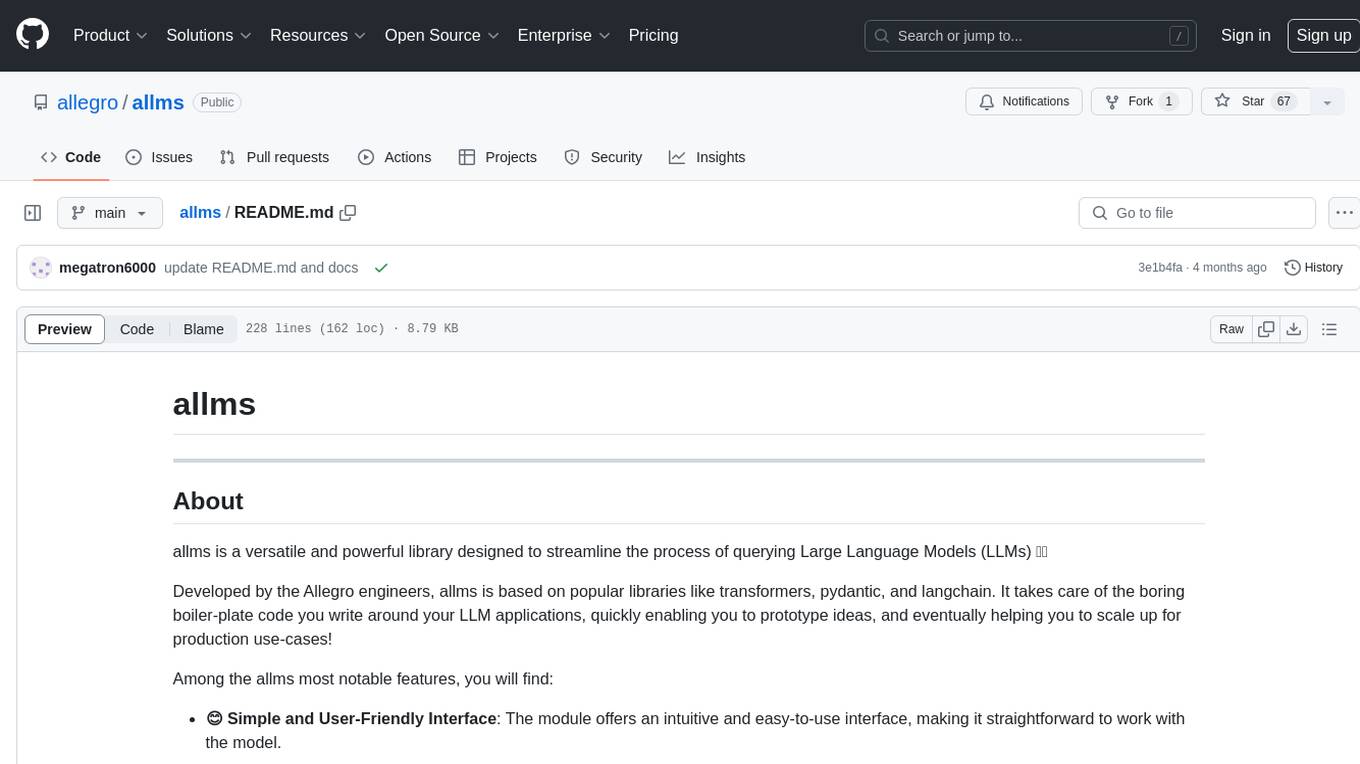
allms
allms is a versatile and powerful library designed to streamline the process of querying Large Language Models (LLMs). Developed by Allegro engineers, it simplifies working with LLM applications by providing a user-friendly interface, asynchronous querying, automatic retrying mechanism, error handling, and output parsing. It supports various LLM families hosted on different platforms like OpenAI, Google, Azure, and GCP. The library offers features for configuring endpoint credentials, batch querying with symbolic variables, and forcing structured output format. It also provides documentation, quickstart guides, and instructions for local development, testing, updating documentation, and making new releases.
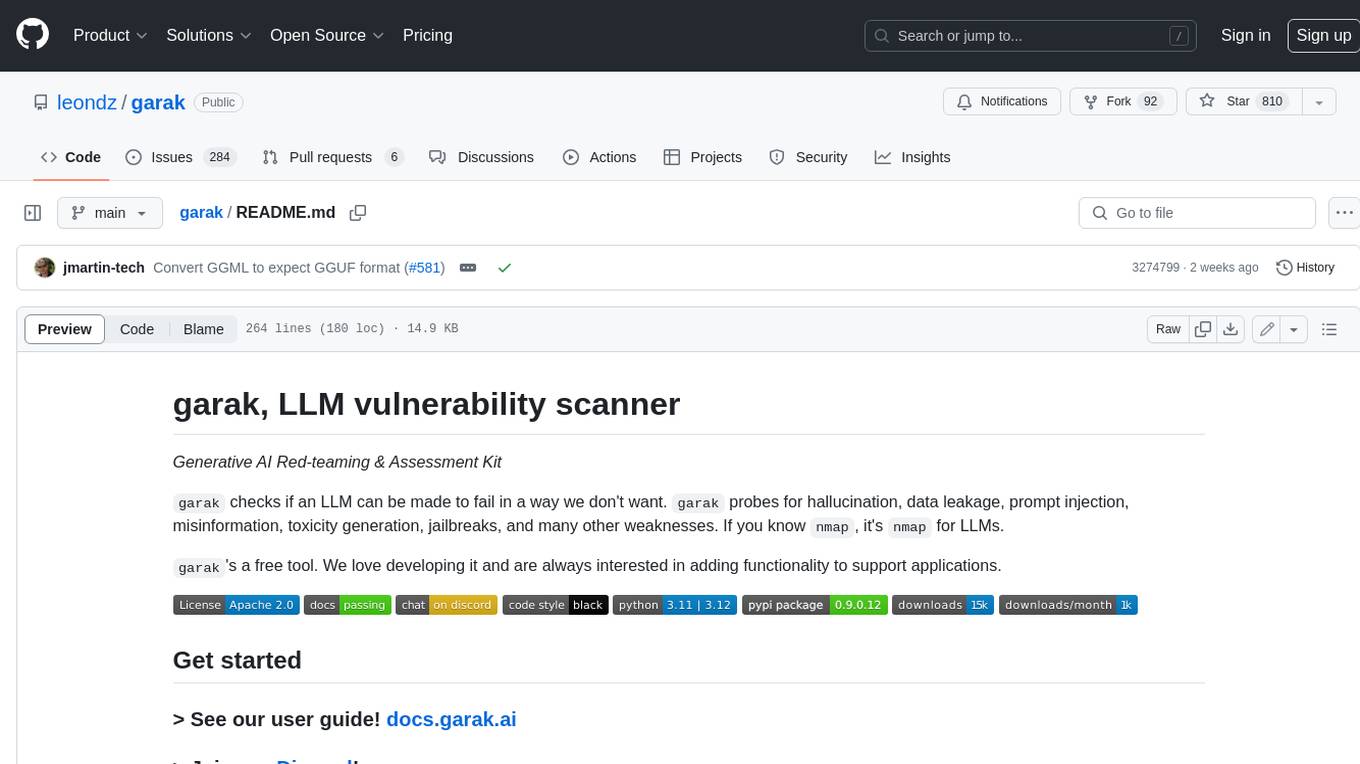
garak
Garak is a free tool that checks if a Large Language Model (LLM) can be made to fail in a way that is undesirable. It probes for hallucination, data leakage, prompt injection, misinformation, toxicity generation, jailbreaks, and many other weaknesses. Garak's a free tool. We love developing it and are always interested in adding functionality to support applications.
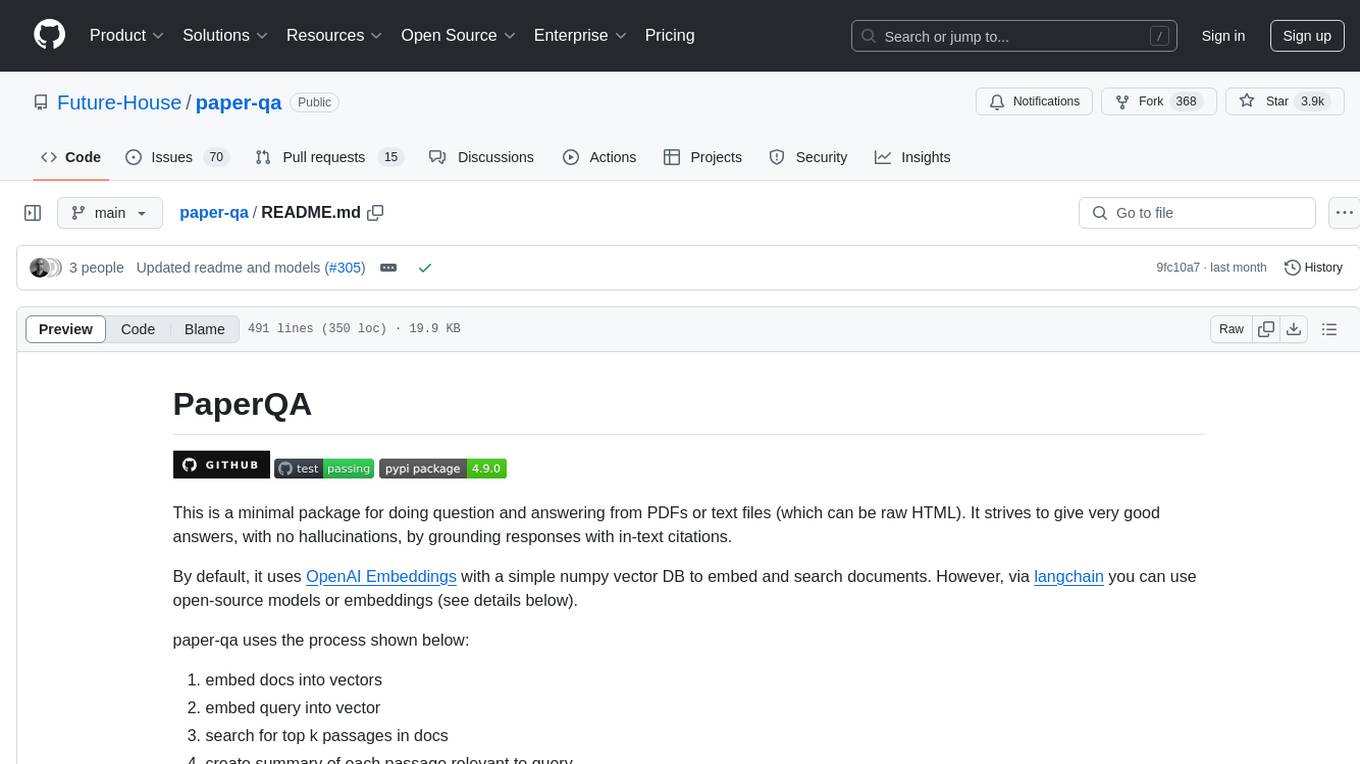
paper-qa
PaperQA is a minimal package for question and answering from PDFs or text files, providing very good answers with in-text citations. It uses OpenAI Embeddings to embed and search documents, and includes a process of embedding docs, queries, searching for top passages, creating summaries, using an LLM to re-score and select relevant summaries, putting summaries into prompt, and generating answers. The tool can be used to answer specific questions related to scientific research by leveraging citations and relevant passages from documents.
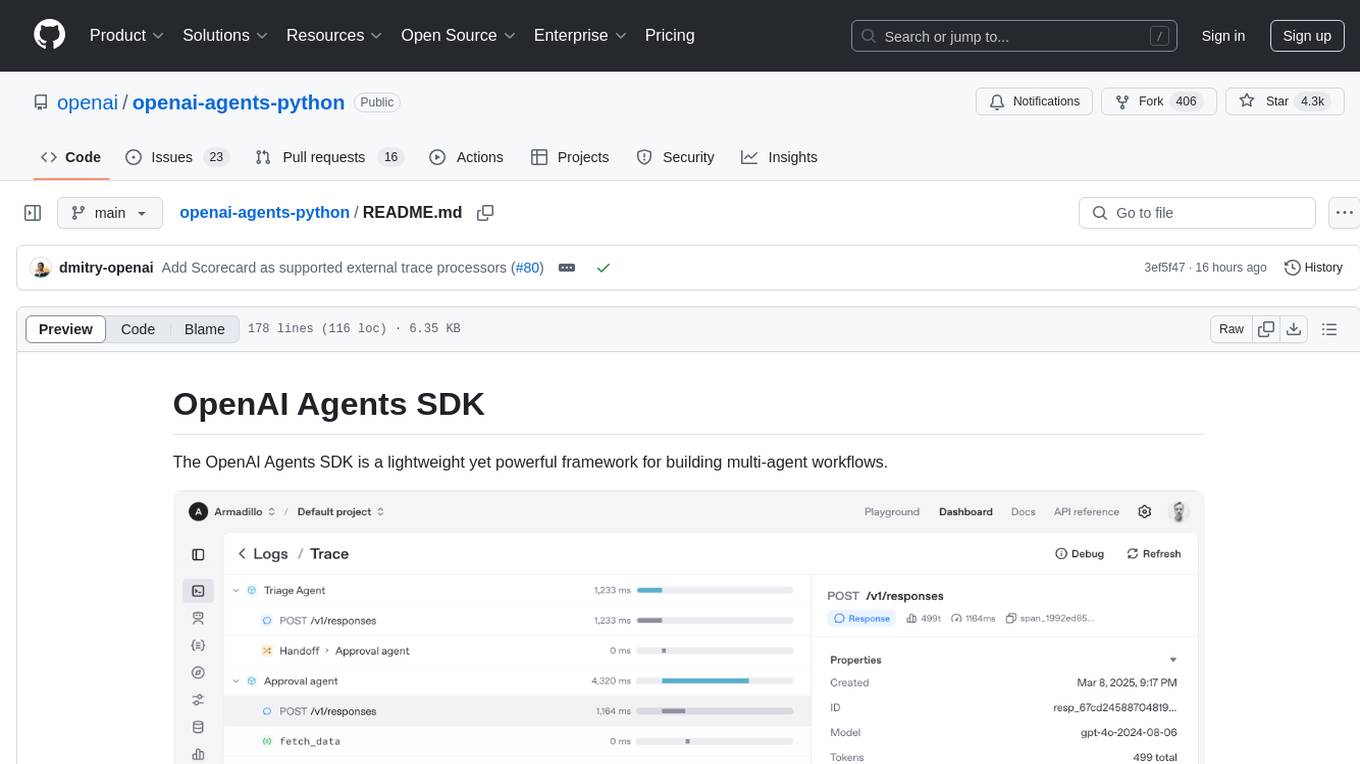
openai-agents-python
The OpenAI Agents SDK is a lightweight framework for building multi-agent workflows. It includes concepts like Agents, Handoffs, Guardrails, and Tracing to facilitate the creation and management of agents. The SDK is compatible with any model providers supporting the OpenAI Chat Completions API format. It offers flexibility in modeling various LLM workflows and provides automatic tracing for easy tracking and debugging of agent behavior. The SDK is designed for developers to create deterministic flows, iterative loops, and more complex workflows.
airflow-ai-sdk
This repository contains an SDK for working with LLMs from Apache Airflow, based on Pydantic AI. It allows users to call LLMs and orchestrate agent calls directly within their Airflow pipelines using decorator-based tasks. The SDK leverages the familiar Airflow `@task` syntax with extensions like `@task.llm`, `@task.llm_branch`, and `@task.agent`. Users can define tasks that call language models, orchestrate multi-step AI reasoning, change the control flow of a DAG based on LLM output, and support various models in the Pydantic AI library. The SDK is designed to integrate LLM workflows into Airflow pipelines, from simple LLM calls to complex agentic workflows.
rosa
ROSA is an AI Agent designed to interact with ROS-based robotics systems using natural language queries. It can generate system reports, read and parse ROS log files, adapt to new robots, and run various ROS commands using natural language. The tool is versatile for robotics research and development, providing an easy way to interact with robots and the ROS environment.
vectorflow
VectorFlow is an open source, high throughput, fault tolerant vector embedding pipeline. It provides a simple API endpoint for ingesting large volumes of raw data, processing, and storing or returning the vectors quickly and reliably. The tool supports text-based files like TXT, PDF, HTML, and DOCX, and can be run locally with Kubernetes in production. VectorFlow offers functionalities like embedding documents, running chunking schemas, custom chunking, and integrating with vector databases like Pinecone, Qdrant, and Weaviate. It enforces a standardized schema for uploading data to a vector store and supports features like raw embeddings webhook, chunk validation webhook, S3 endpoint, and telemetry. The tool can be used with the Python client and provides detailed instructions for running and testing the functionalities.
safety-tooling
This repository, safety-tooling, is designed to be shared across various AI Safety projects. It provides an LLM API with a common interface for OpenAI, Anthropic, and Google models. The aim is to facilitate collaboration among AI Safety researchers, especially those with limited software engineering backgrounds, by offering a platform for contributing to a larger codebase. The repo can be used as a git submodule for easy collaboration and updates. It also supports pip installation for convenience. The repository includes features for installation, secrets management, linting, formatting, Redis configuration, testing, dependency management, inference, finetuning, API usage tracking, and various utilities for data processing and experimentation.
For similar tasks
AgentBench
AgentBench is a benchmark designed to evaluate Large Language Models (LLMs) as autonomous agents in various environments. It includes 8 distinct environments such as Operating System, Database, Knowledge Graph, Digital Card Game, and Lateral Thinking Puzzles. The tool provides a comprehensive evaluation of LLMs' ability to operate as agents by offering Dev and Test sets for each environment. Users can quickly start using the tool by following the provided steps, configuring the agent, starting task servers, and assigning tasks. AgentBench aims to bridge the gap between LLMs' proficiency as agents and their practical usability.
fabrice-ai
A lightweight, functional, and composable framework for building AI agents that work together to solve complex tasks. Built with TypeScript and designed to be serverless-ready. Fabrice embraces functional programming principles, remains stateless, and stays focused on composability. It provides core concepts like easy teamwork creation, infrastructure-agnosticism, statelessness, and includes all tools and features needed to build AI teams. Agents are specialized workers with specific roles and capabilities, able to call tools and complete tasks. Workflows define how agents collaborate to achieve a goal, with workflow states representing the current state of the workflow. Providers handle requests to the LLM and responses. Tools extend agent capabilities by providing concrete actions they can perform. Execution involves running the workflow to completion, with options for custom execution and BDD testing.
flowdeer-dist
FlowDeer Tree is an AI tool designed for managing complex workflows and facilitating deep thoughts. It provides features such as displaying thinking chains, assigning tasks to AI members, utilizing task conclusions as context, copying and importing AI members in JSON format, adjusting node sequences, calling external APIs as plugins, and customizing default task splitting, execution, summarization, and output rewriting prompts. The tool aims to streamline workflow processes and enhance productivity by leveraging artificial intelligence capabilities.

EpicStaff
EpicStaff is a powerful project management tool designed to streamline team collaboration and task management. It provides a user-friendly interface for creating and assigning tasks, tracking progress, and communicating with team members in real-time. With features such as task prioritization, deadline reminders, and file sharing capabilities, EpicStaff helps teams stay organized and productive. Whether you're working on a small project or managing a large team, EpicStaff is the perfect solution to keep everyone on the same page and ensure project success.
forge-orchestrator
Forge Orchestrator is a Rust CLI tool designed to coordinate and manage multiple AI tools seamlessly. It acts as a senior tech lead, preventing conflicts, capturing knowledge, and ensuring work aligns with specifications. With features like file locking, knowledge capture, and unified state management, Forge enhances collaboration and efficiency among AI tools. The tool offers a pluggable brain for intelligent decision-making and includes a Model Context Protocol server for real-time integration with AI tools. Forge is not a replacement for AI tools but a facilitator for making them work together effectively.
bytebot
Bytebot is an open-source AI desktop agent that provides a virtual employee with its own computer to complete tasks for users. It can use various applications, download and organize files, log into websites, process documents, and perform complex multi-step workflows. By giving AI access to a complete desktop environment, Bytebot unlocks capabilities not possible with browser-only agents or API integrations, enabling complete task autonomy, document processing, and usage of real applications.
trip_planner_agent
VacAIgent is an AI tool that automates and enhances trip planning by leveraging the CrewAI framework. It integrates a user-friendly Streamlit interface for interactive travel planning. Users can input preferences and receive tailored travel plans with the help of autonomous AI agents. The tool allows for collaborative decision-making on cities and crafting complete itineraries based on specified preferences, all accessible via a streamlined Streamlit user interface. VacAIgent can be customized to use different AI models like GPT-3.5 or local models like Ollama for enhanced privacy and customization.
OpenManus
OpenManus is an open-source project aiming to replicate the capabilities of the Manus AI agent, known for autonomously executing complex tasks like travel planning and stock analysis. The project provides a modular, containerized framework using Docker, Python, and JavaScript, allowing developers to build, deploy, and experiment with a multi-agent AI system. Features include collaborative AI agents, Dockerized environment, task execution support, tool integration, modular design, and community-driven development. Users can interact with OpenManus via CLI, API, or web UI, and the project welcomes contributions to enhance its capabilities.
For similar jobs

sweep
Sweep is an AI junior developer that turns bugs and feature requests into code changes. It automatically handles developer experience improvements like adding type hints and improving test coverage.

teams-ai
The Teams AI Library is a software development kit (SDK) that helps developers create bots that can interact with Teams and Microsoft 365 applications. It is built on top of the Bot Framework SDK and simplifies the process of developing bots that interact with Teams' artificial intelligence capabilities. The SDK is available for JavaScript/TypeScript, .NET, and Python.

ai-guide
This guide is dedicated to Large Language Models (LLMs) that you can run on your home computer. It assumes your PC is a lower-end, non-gaming setup.

classifai
Supercharge WordPress Content Workflows and Engagement with Artificial Intelligence. Tap into leading cloud-based services like OpenAI, Microsoft Azure AI, Google Gemini and IBM Watson to augment your WordPress-powered websites. Publish content faster while improving SEO performance and increasing audience engagement. ClassifAI integrates Artificial Intelligence and Machine Learning technologies to lighten your workload and eliminate tedious tasks, giving you more time to create original content that matters.

chatbot-ui
Chatbot UI is an open-source AI chat app that allows users to create and deploy their own AI chatbots. It is easy to use and can be customized to fit any need. Chatbot UI is perfect for businesses, developers, and anyone who wants to create a chatbot.

BricksLLM
BricksLLM is a cloud native AI gateway written in Go. Currently, it provides native support for OpenAI, Anthropic, Azure OpenAI and vLLM. BricksLLM aims to provide enterprise level infrastructure that can power any LLM production use cases. Here are some use cases for BricksLLM: * Set LLM usage limits for users on different pricing tiers * Track LLM usage on a per user and per organization basis * Block or redact requests containing PIIs * Improve LLM reliability with failovers, retries and caching * Distribute API keys with rate limits and cost limits for internal development/production use cases * Distribute API keys with rate limits and cost limits for students

uAgents
uAgents is a Python library developed by Fetch.ai that allows for the creation of autonomous AI agents. These agents can perform various tasks on a schedule or take action on various events. uAgents are easy to create and manage, and they are connected to a fast-growing network of other uAgents. They are also secure, with cryptographically secured messages and wallets.

griptape
Griptape is a modular Python framework for building AI-powered applications that securely connect to your enterprise data and APIs. It offers developers the ability to maintain control and flexibility at every step. Griptape's core components include Structures (Agents, Pipelines, and Workflows), Tasks, Tools, Memory (Conversation Memory, Task Memory, and Meta Memory), Drivers (Prompt and Embedding Drivers, Vector Store Drivers, Image Generation Drivers, Image Query Drivers, SQL Drivers, Web Scraper Drivers, and Conversation Memory Drivers), Engines (Query Engines, Extraction Engines, Summary Engines, Image Generation Engines, and Image Query Engines), and additional components (Rulesets, Loaders, Artifacts, Chunkers, and Tokenizers). Griptape enables developers to create AI-powered applications with ease and efficiency.