


k8s-mcp-server
K8s-mcp-server is a Model Context Protocol (MCP) server that enables AI assistants like Claude to securely execute Kubernetes commands. It provides a bridge between language models and essential Kubernetes CLI tools including kubectl, helm, istioctl, and argocd, allowing AI systems to assist with cluster management, troubleshooting, and deployments
Stars: 201
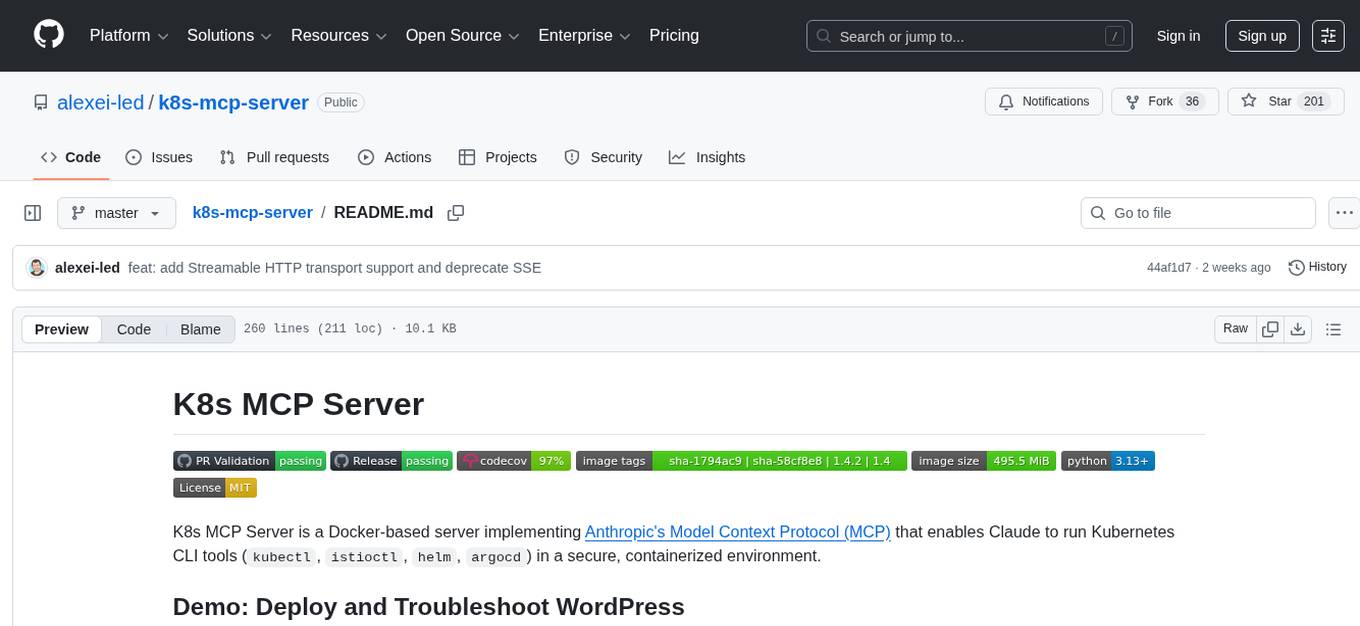
K8s MCP Server is a Docker-based server implementing Anthropic's Model Context Protocol (MCP) that enables users to run Kubernetes CLI tools (`kubectl`, `istioctl`, `helm`, `argocd`) in a secure, containerized environment. It provides a platform for deploying and troubleshooting applications in Kubernetes clusters, offering features like multiple Kubernetes tools, cloud provider support, security measures, and easy configuration. Users can interact with the server through natural language commands, allowing for tasks such as troubleshooting, deployments, configuration, and advanced operations. The server supports various transport protocols and integrates with Claude Desktop for seamless Kubernetes management.
README:


K8s MCP Server is a Docker-based server implementing Anthropic's Model Context Protocol (MCP) that enables Claude to run Kubernetes CLI tools (kubectl, istioctl, helm, argocd) in a secure, containerized environment.
Session 1: Using k8s-mcp-server and Helm CLI to deploy a WordPress application in the claude-demo namespace, then intentionally breaking it by scaling the MariaDB StatefulSet to zero.
Session 2: Troubleshooting session where we use k8s-mcp-server to diagnose the broken WordPress site through kubectl commands, identify the missing database issue, and fix it by scaling up the StatefulSet and configuring ingress access..
flowchart LR
    A[User] --> |Asks K8s question| B[Claude]
    B --> |Sends command via MCP| C[K8s MCP Server]
    C --> |Executes kubectl, helm, etc.| D[Kubernetes Cluster]
    D --> |Returns results| C
    C --> |Returns formatted results| B
    B --> |Analyzes & explains| A
Claude can help users by:
- Explaining complex Kubernetes concepts
- Running commands against your cluster
- Troubleshooting issues
- Suggesting optimizations
- Crafting Kubernetes manifests
Get Claude helping with your Kubernetes clusters in under 2 minutes:
-
Create or update your Claude Desktop configuration file:
-
macOS: Edit
$HOME/Library/Application Support/Claude/claude_desktop_config.json -
Windows: Edit
%APPDATA%\Claude\claude_desktop_config.json -
Linux: Edit
$HOME/.config/Claude/claude_desktop_config.json
{ "mcpServers": { "kubernetes": { "command": "docker", "args": [ "run", "-i", "--rm", "-v", "/Users/YOUR_USER_NAME/.kube:/home/appuser/.kube:ro", "ghcr.io/alexei-led/k8s-mcp-server:latest" ] } } } -
macOS: Edit
-
Restart Claude Desktop
- After restart, you'll see the Tools icon (🔨) in the bottom right of your input field
- This indicates Claude can now access K8s tools via the MCP server
-
Start using K8s tools directly in Claude Desktop:
- "What Kubernetes contexts do I have available?"
- "Show me all pods in the default namespace"
- "Create a deployment with 3 replicas of nginx:1.21"
- "Explain what's wrong with my StatefulSet 'database' in namespace 'prod'"
- "Deploy the bitnami/wordpress chart with Helm and set service type to LoadBalancer"
Note: Claude Desktop will automatically route K8s commands through the MCP server, allowing natural conversation about your clusters without leaving the Claude interface.
Cloud Providers: For AWS EKS, GKE, or Azure AKS, you'll need additional configuration. See the Cloud Provider Support guide.
-
Multiple Kubernetes Tools:
kubectl,helm,istioctl, andargocdin one container - Cloud Providers: Native support for AWS EKS, Google GKE, and Azure AKS
- Security: Runs as non-root user with strict command validation
-
Command Piping: Support for common Unix tools like
jq,grep, andsed - Easy Configuration: Simple environment variables for customization
The server supports three transport protocols, configured via K8S_MCP_TRANSPORT:
| Transport | Description | Default |
|---|---|---|
stdio |
Standard I/O (Claude Desktop default) | Yes |
streamable-http |
HTTP transport (recommended for remote/web clients, MCP spec 2025-11-25) | No |
sse |
Server-Sent Events (deprecated, use streamable-http instead) |
No |
Example using Streamable HTTP transport:
docker run --rm -p 8000:8000 \
  -v ~/.kube:/home/appuser/.kube:ro \
  -e K8S_MCP_TRANSPORT=streamable-http \
ghcr.io/alexei-led/k8s-mcp-server:latestNote: When running in Docker with HTTP transports, the server automatically binds to
0.0.0.0for proper port mapping. Outside Docker it binds to127.0.0.1.
- Getting Started Guide - Detailed setup instructions
- Cloud Provider Support - EKS, GKE, and AKS configuration
- Supported Tools - Complete list of all included CLI tools
- Environment Variables - Configuration options
- Security Features - Security modes and custom rules
- Claude Integration - Detailed Claude Desktop setup
- Architecture - System architecture and components
- Detailed Specification - Complete technical specification
Once connected, you can ask Claude to help with Kubernetes tasks using natural language:
flowchart TB
    subgraph "Basic Commands"
        A1["Show me all pods in the default namespace"]
        A2["Get all services across all namespaces"]
        A3["Display the logs for the nginx pod"]
    end

    subgraph "Troubleshooting"
        B1["Why is my deployment not starting?"]
        B2["Describe the failing pod and explain the error"]
        B3["Check if my service is properly connected to the pods"]
    end

    subgraph "Deployments & Configuration"
        C1["Deploy the Nginx Helm chart"]
        C2["Create a deployment with 3 replicas of nginx:latest"]
        C3["Set up an ingress for my service"]
    end

    subgraph "Advanced Operations"
        D1["Check the status of my Istio service mesh"]
        D2["Set up a canary deployment with 20% traffic to v2"]
        D3["Create an ArgoCD application for my repo"]
    end
Claude can understand your intent and run the appropriate kubectl, helm, istioctl, or argocd commands based on your request. It can then explain the output in simple terms or help you troubleshoot issues.
Configure Claude Desktop to optimize your Kubernetes workflow:
{
  "mcpServers": {
    "kubernetes": {
      "command": "docker",
      "args": [
        "run", "-i", "--rm",
        "-v", "/Users/YOUR_USER_NAME/.kube:/home/appuser/.kube:ro",
        "-e", "K8S_CONTEXT=production-cluster",
        "-e", "K8S_NAMESPACE=my-application",
        "-e", "K8S_MCP_TIMEOUT=600",
        "ghcr.io/alexei-led/k8s-mcp-server:latest"
      ]
    }
  }
}{
"mcpServers": {
"kubernetes": {
"command": "docker",
"args": [
"run", "-i", "--rm",
"-v", "/Users/YOUR_USER_NAME/.kube:/home/appuser/.kube:ro",
"-v", "/Users/YOUR_USER_NAME/.aws:/home/appuser/.aws:ro",
"-e", "AWS_PROFILE=production",
"-e", "AWS_REGION=us-west-2",
"ghcr.io/alexei-led/k8s-mcp-server:latest"
]
}
}
}{
"mcpServers": {
"kubernetes": {
"command": "docker",
"args": [
"run", "-i", "--rm",
"-v", "/Users/YOUR_USER_NAME/.kube:/home/appuser/.kube:ro",
"-v", "/Users/YOUR_USER_NAME/.config/gcloud:/home/appuser/.config/gcloud:ro",
"-e", "CLOUDSDK_CORE_PROJECT=my-gcp-project",
"-e", "CLOUDSDK_COMPUTE_REGION=us-central1",
"ghcr.io/alexei-led/k8s-mcp-server:latest"
]
}
}
}{
"mcpServers": {
"kubernetes": {
"command": "docker",
"args": [
"run", "-i", "--rm",
"-v", "/Users/YOUR_USER_NAME/.kube:/home/appuser/.kube:ro",
"-v", "/Users/YOUR_USER_NAME/.azure:/home/appuser/.azure:ro",
"-e", "AZURE_SUBSCRIPTION=my-subscription-id",
"ghcr.io/alexei-led/k8s-mcp-server:latest"
]
}
}
}{
"mcpServers": {
"kubernetes": {
"command": "docker",
"args": [
"run", "-i", "--rm",
"-v", "/Users/YOUR_USER_NAME/.kube:/home/appuser/.kube:ro",
"-e", "K8S_MCP_SECURITY_MODE=permissive",
"ghcr.io/alexei-led/k8s-mcp-server:latest"
]
}
}
}For detailed security configuration options, see Security Documentation.
This project is licensed under the MIT License - see the LICENSE file for details.
For Tasks:
Click tags to check more tools for each tasksFor Jobs:
Alternative AI tools for k8s-mcp-server
Similar Open Source Tools
k8s-mcp-server
K8s MCP Server is a Docker-based server implementing Anthropic's Model Context Protocol (MCP) that enables users to run Kubernetes CLI tools (`kubectl`, `istioctl`, `helm`, `argocd`) in a secure, containerized environment. It provides a platform for deploying and troubleshooting applications in Kubernetes clusters, offering features like multiple Kubernetes tools, cloud provider support, security measures, and easy configuration. Users can interact with the server through natural language commands, allowing for tasks such as troubleshooting, deployments, configuration, and advanced operations. The server supports various transport protocols and integrates with Claude Desktop for seamless Kubernetes management.
jupyter-mcp-server
Jupyter MCP Server is a Model Context Protocol (MCP) server implementation that enables real-time interaction with Jupyter Notebooks. It allows AI to edit, document, and execute code for data analysis and visualization. The server offers features like real-time control, smart execution, and MCP compatibility. Users can use tools such as insert_execute_code_cell, append_markdown_cell, get_notebook_info, and read_cell for advanced interactions with Jupyter notebooks.
mcp-server-odoo
The MCP Server for Odoo is a tool that enables AI assistants like Claude to interact with Odoo ERP systems. Users can access business data, search records, create new entries, update existing data, and manage their Odoo instance through natural language. The server works with any Odoo instance and offers features like search and retrieve, create new records, update existing data, delete records, browse multiple records, count records, inspect model fields, secure access, smart pagination, LLM-optimized output, and YOLO Mode for quick access. Installation and configuration instructions are provided for different environments, along with troubleshooting tips. The tool supports various tasks such as searching and retrieving records, creating and managing records, listing models, updating records, deleting records, and accessing Odoo data through resource URIs.
typst-mcp
Typst MCP Server is an implementation of the Model Context Protocol (MCP) that facilitates interaction between AI models and Typst, a markup-based typesetting system. The server offers tools for converting between LaTeX and Typst, validating Typst syntax, and generating images from Typst code. It provides functions such as listing documentation chapters, retrieving specific chapters, converting LaTeX snippets to Typst, validating Typst syntax, and rendering Typst code to images. The server is designed to assist Language Model Managers (LLMs) in handling Typst-related tasks efficiently and accurately.
AICentral
AI Central is a powerful tool designed to take control of your AI services with minimal overhead. It is built on Asp.Net Core and dotnet 8, offering fast web-server performance. The tool enables advanced Azure APIm scenarios, PII stripping logging to Cosmos DB, token metrics through Open Telemetry, and intelligent routing features. AI Central supports various endpoint selection strategies, proxying asynchronous requests, custom OAuth2 authorization, circuit breakers, rate limiting, and extensibility through plugins. It provides an extensibility model for easy plugin development and offers enriched telemetry and logging capabilities for monitoring and insights.
crush
Crush is a versatile tool designed to enhance coding workflows in your terminal. It offers support for multiple LLMs, allows for flexible switching between models, and enables session-based work management. Crush is extensible through MCPs and works across various operating systems. It can be installed using package managers like Homebrew and NPM, or downloaded directly. Crush supports various APIs like Anthropic, OpenAI, Groq, and Google Gemini, and allows for customization through environment variables. The tool can be configured locally or globally, and supports LSPs for additional context. Crush also provides options for ignoring files, allowing tools, and configuring local models. It respects `.gitignore` files and offers logging capabilities for troubleshooting and debugging.
open-edison
OpenEdison is a secure MCP control panel that connects AI to data/software with additional security controls to reduce data exfiltration risks. It helps address the lethal trifecta problem by providing visibility, monitoring potential threats, and alerting on data interactions. The tool offers features like data leak monitoring, controlled execution, easy configuration, visibility into agent interactions, a simple API, and Docker support. It integrates with LangGraph, LangChain, and plain Python agents for observability and policy enforcement. OpenEdison helps gain observability, control, and policy enforcement for AI interactions with systems of records, existing company software, and data to reduce risks of AI-caused data leakage.
mcp
Semgrep MCP Server is a beta server under active development for using Semgrep to scan code for security vulnerabilities. It provides a Model Context Protocol (MCP) for various coding tools to get specialized help in tasks. Users can connect to Semgrep AppSec Platform, scan code for vulnerabilities, customize Semgrep rules, analyze and filter scan results, and compare results. The tool is published on PyPI as semgrep-mcp and can be installed using pip, pipx, uv, poetry, or other methods. It supports CLI and Docker environments for running the server. Integration with VS Code is also available for quick installation. The project welcomes contributions and is inspired by core technologies like Semgrep and MCP, as well as related community projects and tools.
firecrawl-mcp-server
Firecrawl MCP Server is a Model Context Protocol (MCP) server implementation that integrates with Firecrawl for web scraping capabilities. It offers features such as web scraping, crawling, and discovery, search and content extraction, deep research and batch scraping, automatic retries and rate limiting, cloud and self-hosted support, and SSE support. The server can be configured to run with various tools like Cursor, Windsurf, SSE Local Mode, Smithery, and VS Code. It supports environment variables for cloud API and optional configurations for retry settings and credit usage monitoring. The server includes tools for scraping, batch scraping, mapping, searching, crawling, and extracting structured data from web pages. It provides detailed logging and error handling functionalities for robust performance.
kindly-web-search-mcp-server
Kindly Web Search MCP Server is a tool designed to enhance web search and content retrieval for AI coding assistants. It integrates with APIs for StackExchange, GitHub Issues, arXiv, and Wikipedia to present content in optimized formats. It returns full conversations in a single call, parses webpages in real-time using a headless browser, and passes useful content to AI immediately. The tool supports multiple search providers and aims to deliver content in a structured and useful manner for AI coding assistants.
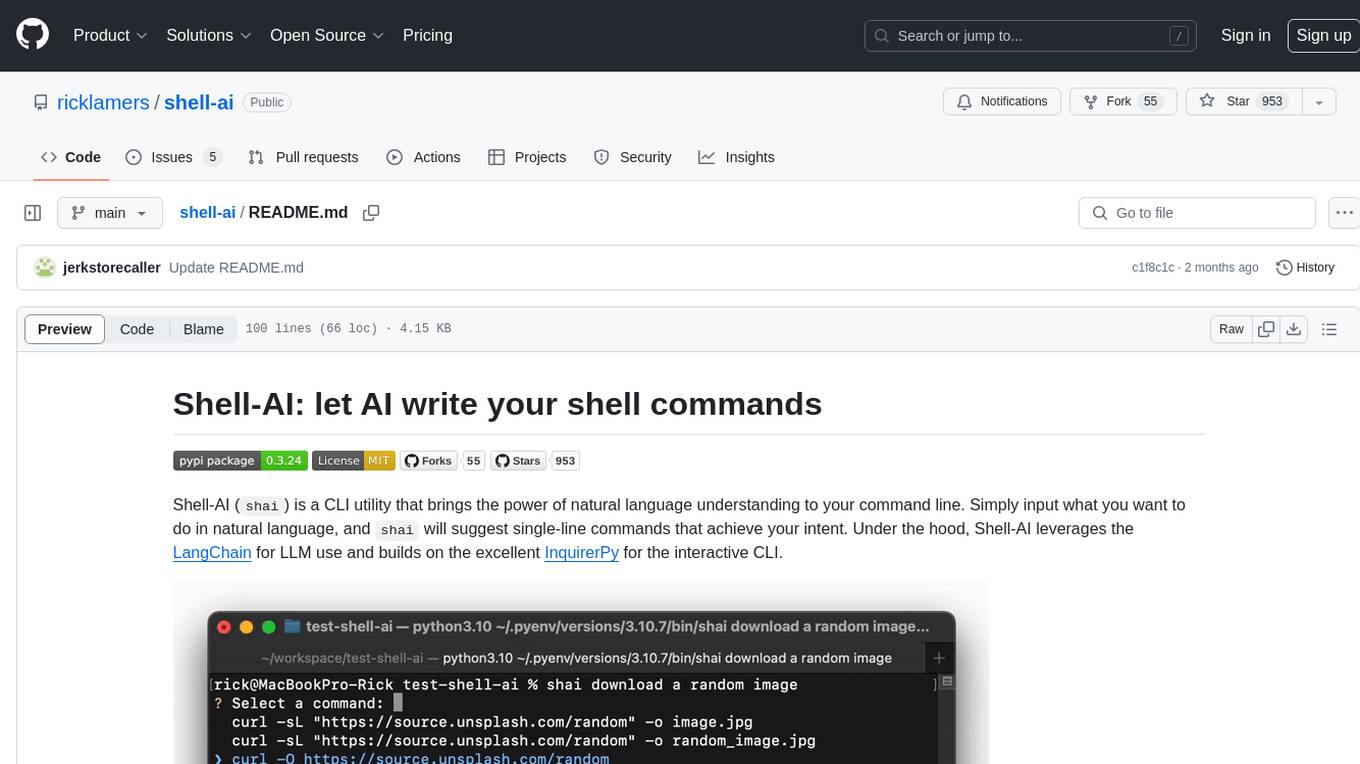
shell-ai
Shell-AI (`shai`) is a CLI utility that enables users to input commands in natural language and receive single-line command suggestions. It leverages natural language understanding and interactive CLI tools to enhance command line interactions. Users can describe tasks in plain English and receive corresponding command suggestions, making it easier to execute commands efficiently. Shell-AI supports cross-platform usage and is compatible with Azure OpenAI deployments, offering a user-friendly and efficient way to interact with the command line.
concierge
Concierge AI is a tool that implements the Model Context Protocol (MCP) to connect AI agents to tools in a standardized way. It ensures deterministic results and reliable tool invocation by progressively disclosing only relevant tools. Users can scaffold new projects or wrap existing MCP servers easily. Concierge works at the MCP protocol level, dynamically changing which tools are returned based on the current workflow step. It allows users to group tools into steps, define transitions, share state between steps, enable semantic search, and run over HTTP. The tool offers features like progressive disclosure, enforced tool ordering, shared state, semantic search, protocol compatibility, session isolation, multiple transports, and a scaffolding CLI for quick project setup.
sonarqube-mcp-server
The SonarQube MCP Server is a Model Context Protocol (MCP) server that enables seamless integration with SonarQube Server or Cloud for code quality and security. It supports the analysis of code snippets directly within the agent context. The server provides various tools for analyzing code, managing issues, accessing metrics, and interacting with SonarQube projects. It also supports advanced features like dependency risk analysis, enterprise portfolio management, and system health checks. The server can be configured for different transport modes, proxy settings, and custom certificates. Telemetry data collection can be disabled if needed.
openmacro
Openmacro is a multimodal personal agent that allows users to run code locally. It acts as a personal agent capable of completing and automating tasks autonomously via self-prompting. The tool provides a CLI natural-language interface for completing and automating tasks, analyzing and plotting data, browsing the web, and manipulating files. Currently, it supports API keys for models powered by SambaNova, with plans to add support for other hosts like OpenAI and Anthropic in future versions.
langcorn
LangCorn is an API server that enables you to serve LangChain models and pipelines with ease, leveraging the power of FastAPI for a robust and efficient experience. It offers features such as easy deployment of LangChain models and pipelines, ready-to-use authentication functionality, high-performance FastAPI framework for serving requests, scalability and robustness for language processing applications, support for custom pipelines and processing, well-documented RESTful API endpoints, and asynchronous processing for faster response times.
ZerePy
ZerePy is an open-source Python framework for deploying agents on X using OpenAI or Anthropic LLMs. It offers CLI interface, Twitter integration, and modular connection system. Users can fine-tune models for creative outputs and create agents with specific tasks. The tool requires Python 3.10+, Poetry 1.5+, and API keys for LLM, OpenAI, Anthropic, and X API.
For similar tasks
k8s-mcp-server
K8s MCP Server is a Docker-based server implementing Anthropic's Model Context Protocol (MCP) that enables users to run Kubernetes CLI tools (`kubectl`, `istioctl`, `helm`, `argocd`) in a secure, containerized environment. It provides a platform for deploying and troubleshooting applications in Kubernetes clusters, offering features like multiple Kubernetes tools, cloud provider support, security measures, and easy configuration. Users can interact with the server through natural language commands, allowing for tasks such as troubleshooting, deployments, configuration, and advanced operations. The server supports various transport protocols and integrates with Claude Desktop for seamless Kubernetes management.
For similar jobs
flux-aio
Flux All-In-One is a lightweight distribution optimized for running the GitOps Toolkit controllers as a single deployable unit on Kubernetes clusters. It is designed for bare clusters, edge clusters, clusters with restricted communication, clusters with egress via proxies, and serverless clusters. The distribution follows semver versioning and provides documentation for specifications, installation, upgrade, OCI sync configuration, Git sync configuration, and multi-tenancy configuration. Users can deploy Flux using Timoni CLI and a Timoni Bundle file, fine-tune installation options, sync from public Git repositories, bootstrap repositories, and uninstall Flux without affecting reconciled workloads.
paddler
Paddler is an open-source load balancer and reverse proxy designed specifically for optimizing servers running llama.cpp. It overcomes typical load balancing challenges by maintaining a stateful load balancer that is aware of each server's available slots, ensuring efficient request distribution. Paddler also supports dynamic addition or removal of servers, enabling integration with autoscaling tools.
DaoCloud-docs
DaoCloud Enterprise 5.0 Documentation provides detailed information on using DaoCloud, a Certified Kubernetes Service Provider. The documentation covers current and legacy versions, workflow control using GitOps, and instructions for opening a PR and previewing changes locally. It also includes naming conventions, writing tips, references, and acknowledgments to contributors. Users can find guidelines on writing, contributing, and translating pages, along with using tools like MkDocs, Docker, and Poetry for managing the documentation.
ztncui-aio
This repository contains a Docker image with ZeroTier One and ztncui to set up a standalone ZeroTier network controller with a web user interface. It provides features like Golang auto-mkworld for generating a planet file, supports local persistent storage configuration, and includes a public file server. Users can build the Docker image, set up the container with specific environment variables, and manage the ZeroTier network controller through the web interface.
devops-gpt
DevOpsGPT is a revolutionary tool designed to streamline your workflow and empower you to build systems and automate tasks with ease. Tired of spending hours on repetitive DevOps tasks? DevOpsGPT is here to help! Whether you're setting up infrastructure, speeding up deployments, or tackling any other DevOps challenge, our app can make your life easier and more productive. With DevOpsGPT, you can expect faster task completion, simplified workflows, and increased efficiency. Ready to experience the DevOpsGPT difference? Visit our website, sign in or create an account, start exploring the features, and share your feedback to help us improve. DevOpsGPT will become an essential tool in your DevOps toolkit.
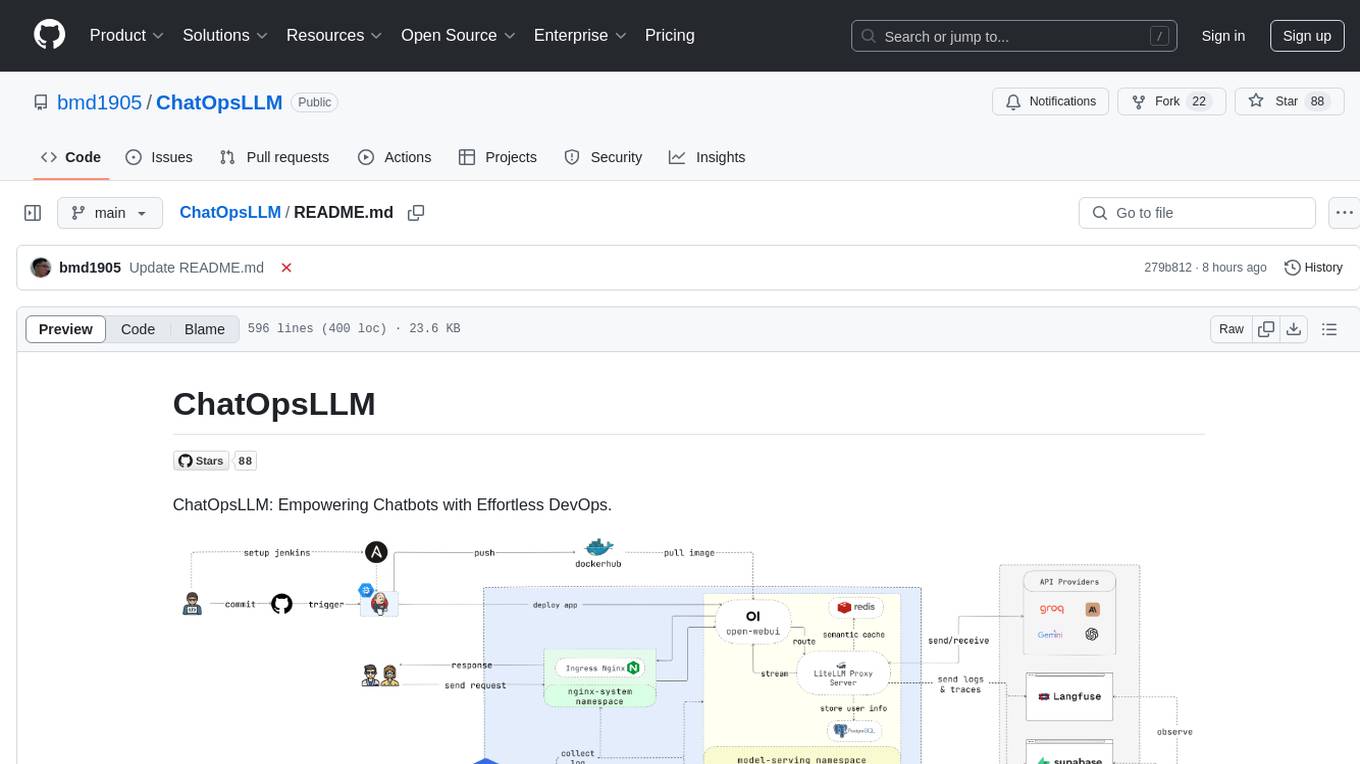
ChatOpsLLM
ChatOpsLLM is a project designed to empower chatbots with effortless DevOps capabilities. It provides an intuitive interface and streamlined workflows for managing and scaling language models. The project incorporates robust MLOps practices, including CI/CD pipelines with Jenkins and Ansible, monitoring with Prometheus and Grafana, and centralized logging with the ELK stack. Developers can find detailed documentation and instructions on the project's website.
aiops-modules
AIOps Modules is a collection of reusable Infrastructure as Code (IAC) modules that work with SeedFarmer CLI. The modules are decoupled and can be aggregated using GitOps principles to achieve desired use cases, removing heavy lifting for end users. They must be generic for reuse in Machine Learning and Foundation Model Operations domain, adhering to SeedFarmer Guide structure. The repository includes deployment steps, project manifests, and various modules for SageMaker, Mlflow, FMOps/LLMOps, MWAA, Step Functions, EKS, and example use cases. It also supports Industry Data Framework (IDF) and Autonomous Driving Data Framework (ADDF) Modules.
3FS
The Fire-Flyer File System (3FS) is a high-performance distributed file system designed for AI training and inference workloads. It leverages modern SSDs and RDMA networks to provide a shared storage layer that simplifies development of distributed applications. Key features include performance, disaggregated architecture, strong consistency, file interfaces, data preparation, dataloaders, checkpointing, and KVCache for inference. The system is well-documented with design notes, setup guide, USRBIO API reference, and P specifications. Performance metrics include peak throughput, GraySort benchmark results, and KVCache optimization. The source code is available on GitHub for cloning and installation of dependencies. Users can build 3FS and run test clusters following the provided instructions. Issues can be reported on the GitHub repository.