


kindly-web-search-mcp-server
Kindly Web Search MCP Server: Web search + robust content retrieval for AI coding tools (Claude Code, Codex, Cursor, GitHub Copilot, Gemini, etc.) and AI agents (Claude Desktop, OpenClaw, etc.). Supports Serper, Tavily, and SearXNG.
Stars: 166
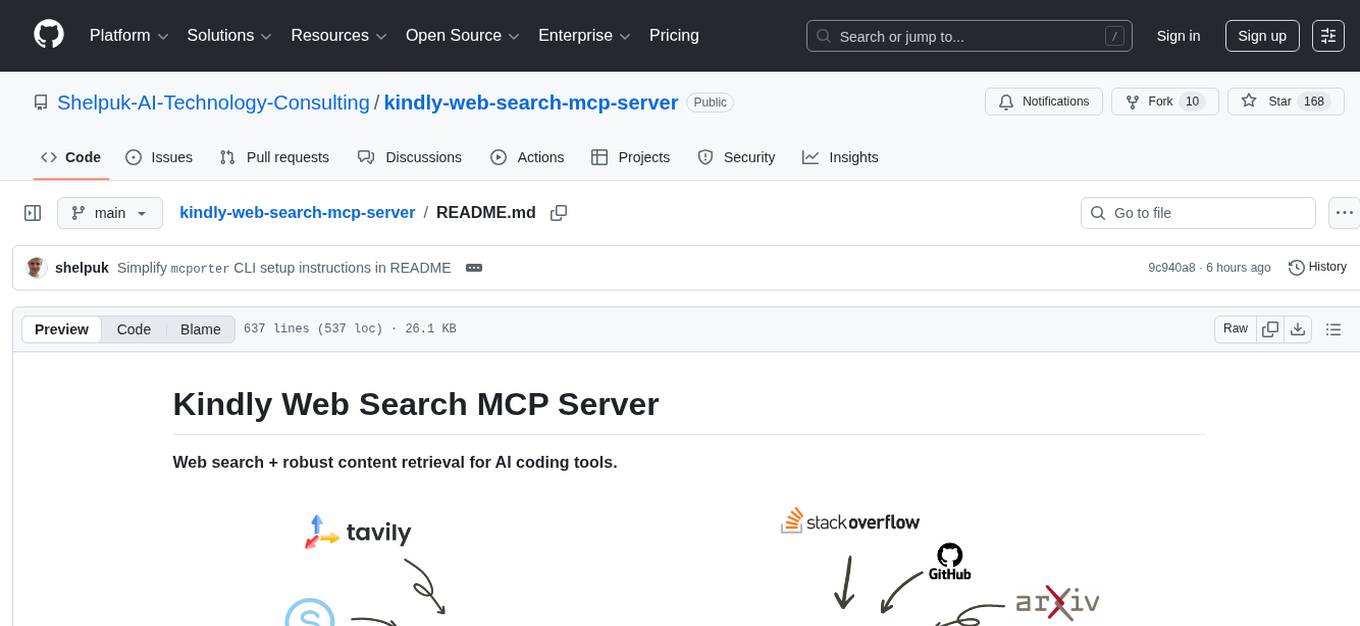
Kindly Web Search MCP Server is a tool designed to enhance web search and content retrieval for AI coding assistants. It integrates with APIs for StackExchange, GitHub Issues, arXiv, and Wikipedia to present content in optimized formats. It returns full conversations in a single call, parses webpages in real-time using a headless browser, and passes useful content to AI immediately. The tool supports multiple search providers and aims to deliver content in a structured and useful manner for AI coding assistants.
README:
Web search + robust content retrieval for AI coding tools.

Picture this: You're debugging a cryptic error in Google Cloud Batch with GPU instances. Your AI coding assistant searches the web and finds the perfect StackOverflow thread. Great, right? Not quite. Here's what most web search MCP servers give your AI:
{
  "title": "GCP Cloud Batch fails with the GPU instance template",
  "url": "https://stackoverflow.com/questions/76546453/...",
  "snippet": "I am trying to run a GCP Cloud Batch job with K80 GPU. The job runs for ~30 min. and then fails..."
}
The question is there, but where are the answers? Where are the solutions that other developers tried? The workarounds? The "this worked for me" comments?
They're not there. Your AI now has to make a second call to scrape the page. Sometimes it does, sometimes it doesn't. And even when it does, most scrapers return either incomplete content or the entire webpage with navigation panels, ads, and other noise that wastes tokens and confuses the AI.
At Shelpuk AI Technology Consulting, we build custom AI products under a fixed-price model. Development efficiency isn't just nice to have - it's the foundation of our business. We've been using AI coding assistants since 2023 (GitHub Copilot, Cursor, Windsurf, Claude Code, Codex), and we noticed something frustrating:
When we developers face a complex bug, we don't just want to find a URL - we want to find the conversation. We want to see what others tried, what worked, what didn't, and why. We want the GitHub Issue with all the comments. We want the StackOverflow thread with upvoted answers and follow-up discussions. We want the arXiv paper content, not just its abstract.
Existing web search MCP servers are basically wrappers around search APIs. They're great at finding content, but terrible at delivering it in a way that's useful for AI coding assistants.
We built Kindly Web Search because we needed our AI assistants to work the way we work. When searching for solutions, Kindly:
✅ Integrates directly with APIs for StackExchange, GitHub Issues, arXiv, and Wikipedia - presenting content in LLM-optimized formats with proper structure
✅ Returns the full conversation in a single call: questions, answers, comments, reactions, and metadata
✅ Parses any webpage in real-time using a headless browser for cutting-edge issues that were literally posted yesterday
✅ Passes all useful content to the LLM immediately - no need for a second scraping call
✅ Supports multiple search providers (Serper and Tavily) with intelligent fallback
Now, when Claude Code or Codex searches for that GPU batch error, it gets the question and the answers. The code snippets. The "this fixed it for me" comments. Everything it needs to help you solve the problem - in one call.
If you give Kindly a try or like the idea, please drop us a star on GitHub - it’s always huge motivation for us to keep improving it! ⭐️
P.S. Check out our Lad MCP server – perhaps the only AI code review MCP for coding agents that actually works. It pairs perfectly with Kindly for a complete research-and-review workflow.
Kindly eliminates the need for:
✅ Generic web search MCP servers
✅ StackOverflow MCP servers
✅ Web scraping MCP servers (Playwright, Puppeteer, etc.)
It also significantly reduces reliance on GitHub MCP servers by providing structured Issue content through intelligent extraction.
Kindly has been our daily companion in production work for months, saving us countless hours and improving the effectiveness of our AI coding assistants. We're excited to share it with the community!
Tools
-
web_search(query, num_results=3)→ top results withtitle,link,snippet, andpage_content(Markdown, best-effort). -
get_content(url)→page_content(Markdown, best-effort).
Search uses Serper (primary, if configured) or Tavily, and page extraction uses a local Chromium-based browser via nodriver.
- A search provider (priority order):
SERPER_API_KEY(recommended) →TAVILY_API_KEY→SEARXNG_BASE_URL(self-hosted SearXNG) - A Chromium-based browser installed on the same machine running the MCP client (Chrome/Chromium/Edge/Brave)
- Without a browser: specialized sources (StackExchange, GitHub Issues/Discussions, Wikipedia, arXiv) still work well, but universal HTML
page_contentextraction may fail for other sites.
- Without a browser: specialized sources (StackExchange, GitHub Issues/Discussions, Wikipedia, arXiv) still work well, but universal HTML
- Highly recommended:
GITHUB_TOKEN(renders GitHub Issues in a much more LLM-friendly format: question + answers/comments + reactions/metadata; fewer rate limits) - Python 3.13+ is supported (Python 3.14 supported; optional “advanced PDF layout” extras are disabled on 3.14 because
onnxruntimewheels may be unavailable).
GITHUB_TOKEN can be read-only and limited to public repositories to avoid security/privacy concerns.
macOS / Linux:
curl -LsSf https://astral.sh/uv/install.sh | shWindows (PowerShell):
irm https://astral.sh/uv/install.ps1 | iexRe-open your terminal and verify:
uvx --versionYou need Chrome / Chromium / Edge / Brave installed on the same machine running your MCP client.
Note: If you skip this, specialized sources (StackOverflow/StackExchange, GitHub Issues/Discussions, Wikipedia, arXiv) will still work well. Only universal page_content extraction for arbitrary sites requires the browser.
macOS:
- Install Chrome, or:
brew install --cask chromiumWindows:
- Install Chrome or Edge.
- If browser auto-detection fails later, you’ll need the path:
Get-Command chrome | Select-Object -ExpandProperty Source
# Common path:
# C:\Program Files\Google\Chrome\Application\chrome.exe
# If `Get-Command chrome` fails, try one of these:
# C:\Program Files (x86)\Google\Chrome\Application\chrome.exe
# C:\Program Files\Microsoft\Edge\Application\msedge.exe
Linux (Ubuntu/Debian):
sudo apt-get update
sudo apt-get install -y chromium
which chromium
Other Linux distros: install chromium (or chromium-browser) via your package manager.
Set one of these. Provider selection order is: Serper → Tavily → SearXNG.
macOS / Linux:
export SERPER_API_KEY="..."
# or:
export TAVILY_API_KEY="..."
# or (self-hosted SearXNG):
export SEARXNG_BASE_URL="https://searx.example.org"
Windows (PowerShell):
$env:SERPER_API_KEY="..."
# or:
$env:TAVILY_API_KEY="..."
# or (self-hosted SearXNG):
$env:SEARXNG_BASE_URL="https://searx.example.org"
Optional (SearXNG): if your instance requires authentication or blocks bots, set:
export SEARXNG_HEADERS_JSON='{"Authorization":"Bearer ..."}'
export SEARXNG_USER_AGENT="Mozilla/5.0 ..."
Windows (PowerShell):
$env:SEARXNG_HEADERS_JSON='{"Authorization":"Bearer ..."}'
$env:SEARXNG_USER_AGENT="Mozilla/5.0 ..."
Optional (recommended for better GitHub Issue / PR extraction):
export GITHUB_TOKEN="..."For public repos, a read-only token is enough (classic tokens often use public_repo; fine-grained tokens need repo read access).
uvx --from git+https://github.com/Shelpuk-AI-Technology-Consulting/kindly-web-search-mcp-server \
  kindly-web-search-mcp-server start-mcp-server
First-run note: the first uvx invocation may take 30–60 seconds while it builds the tool environment. If your MCP client times out on first start, run the command once in a terminal to “prewarm” it, then retry in your client.
Now configure your MCP client to run that command. Make sure your API keys are set in the same shell/OS environment that launches the MCP client (unless you paste them directly into the client config).
Set one of SERPER_API_KEY, TAVILY_API_KEY, or SEARXNG_BASE_URL.
CLI (no file editing) — add a local stdio MCP server:
macOS / Linux (Serper):
codex mcp add kindly-web-search \
  --env SERPER_API_KEY="$SERPER_API_KEY" \
  --env GITHUB_TOKEN="$GITHUB_TOKEN" \
  --env KINDLY_BROWSER_EXECUTABLE_PATH="$KINDLY_BROWSER_EXECUTABLE_PATH" \
  -- uvx --from git+https://github.com/Shelpuk-AI-Technology-Consulting/kindly-web-search-mcp-server \
  kindly-web-search-mcp-server start-mcp-server
macOS / Linux (Tavily):
codex mcp add kindly-web-search \
  --env TAVILY_API_KEY="$TAVILY_API_KEY" \
  --env GITHUB_TOKEN="$GITHUB_TOKEN" \
  --env KINDLY_BROWSER_EXECUTABLE_PATH="$KINDLY_BROWSER_EXECUTABLE_PATH" \
  -- uvx --from git+https://github.com/Shelpuk-AI-Technology-Consulting/kindly-web-search-mcp-server \
  kindly-web-search-mcp-server start-mcp-server
If you use SearXNG, replace the provider env var above with:
--env SEARXNG_BASE_URL="$SEARXNG_BASE_URL"Windows (PowerShell):
codex mcp add kindly-web-search `
  --env SERPER_API_KEY="$env:SERPER_API_KEY" `
  --env GITHUB_TOKEN="$env:GITHUB_TOKEN" `
  --env KINDLY_BROWSER_EXECUTABLE_PATH="$env:KINDLY_BROWSER_EXECUTABLE_PATH" `
  -- uvx --from git+https://github.com/Shelpuk-AI-Technology-Consulting/kindly-web-search-mcp-server `
  kindly-web-search-mcp-server start-mcp-server
Windows (PowerShell, Tavily):
codex mcp add kindly-web-search `
  --env TAVILY_API_KEY="$env:TAVILY_API_KEY" `
  --env GITHUB_TOKEN="$env:GITHUB_TOKEN" `
  --env KINDLY_BROWSER_EXECUTABLE_PATH="$env:KINDLY_BROWSER_EXECUTABLE_PATH" `
  -- uvx --from git+https://github.com/Shelpuk-AI-Technology-Consulting/kindly-web-search-mcp-server `
  kindly-web-search-mcp-server start-mcp-server
Alternative (file-based):
Edit ~/.codex/config.toml:
[mcp_servers.kindly-web-search]
command = "uvx"
args = [
  "--from",
  "git+https://github.com/Shelpuk-AI-Technology-Consulting/kindly-web-search-mcp-server",
  "kindly-web-search-mcp-server",
  "start-mcp-server",
]
# Forward variables from your shell/OS environment:
env_vars = ["SERPER_API_KEY", "TAVILY_API_KEY", "SEARXNG_BASE_URL", "GITHUB_TOKEN", "KINDLY_BROWSER_EXECUTABLE_PATH"]
startup_timeout_sec = 120.0Set one of SERPER_API_KEY, TAVILY_API_KEY, or SEARXNG_BASE_URL.
CLI (no file editing) — add a local stdio MCP server:
macOS / Linux (Serper):
claude mcp add --transport stdio kindly-web-search \
  -e SERPER_API_KEY="$SERPER_API_KEY" \
  -e GITHUB_TOKEN="$GITHUB_TOKEN" \
  -e KINDLY_BROWSER_EXECUTABLE_PATH="$KINDLY_BROWSER_EXECUTABLE_PATH" \
  -- uvx --from git+https://github.com/Shelpuk-AI-Technology-Consulting/kindly-web-search-mcp-server \
  kindly-web-search-mcp-server start-mcp-server
macOS / Linux (Tavily):
claude mcp add --transport stdio kindly-web-search \
  -e TAVILY_API_KEY="$TAVILY_API_KEY" \
  -e GITHUB_TOKEN="$GITHUB_TOKEN" \
  -e KINDLY_BROWSER_EXECUTABLE_PATH="$KINDLY_BROWSER_EXECUTABLE_PATH" \
  -- uvx --from git+https://github.com/Shelpuk-AI-Technology-Consulting/kindly-web-search-mcp-server \
  kindly-web-search-mcp-server start-mcp-server
If you use SearXNG, replace the provider env var above with:
-e SEARXNG_BASE_URL="$SEARXNG_BASE_URL"Windows (PowerShell):
claude mcp add --transport stdio kindly-web-search `
  -e SERPER_API_KEY="$env:SERPER_API_KEY" `
  -e GITHUB_TOKEN="$env:GITHUB_TOKEN" `
  -e KINDLY_BROWSER_EXECUTABLE_PATH="$env:KINDLY_BROWSER_EXECUTABLE_PATH" `
  -- uvx --from git+https://github.com/Shelpuk-AI-Technology-Consulting/kindly-web-search-mcp-server `
  kindly-web-search-mcp-server start-mcp-server
Windows (PowerShell, Tavily):
claude mcp add --transport stdio kindly-web-search `
  -e TAVILY_API_KEY="$env:TAVILY_API_KEY" `
  -e GITHUB_TOKEN="$env:GITHUB_TOKEN" `
  -e KINDLY_BROWSER_EXECUTABLE_PATH="$env:KINDLY_BROWSER_EXECUTABLE_PATH" `
  -- uvx --from git+https://github.com/Shelpuk-AI-Technology-Consulting/kindly-web-search-mcp-server `
  kindly-web-search-mcp-server start-mcp-server
Note: On current Claude Code versions, keep the server name immediately after --transport stdio and before -e/--env flags. Tested with Claude Code 2.0.76.
If Claude Code times out while starting the server, set a 120s startup timeout (milliseconds):
macOS / Linux:
export MCP_TIMEOUT=120000Windows (PowerShell):
$env:MCP_TIMEOUT="120000"Alternative (file-based):
Create/edit .mcp.json (project scope; recommended for teams):
{
  "mcpServers": {
    "kindly-web-search": {
      "command": "uvx",
      "args": [
        "--from",
        "git+https://github.com/Shelpuk-AI-Technology-Consulting/kindly-web-search-mcp-server",
        "kindly-web-search-mcp-server",
        "start-mcp-server"
      ],
      "env": {
        "SERPER_API_KEY": "${SERPER_API_KEY}",
        "TAVILY_API_KEY": "${TAVILY_API_KEY}",
        "SEARXNG_BASE_URL": "${SEARXNG_BASE_URL}",
        "GITHUB_TOKEN": "${GITHUB_TOKEN}",
        "KINDLY_BROWSER_EXECUTABLE_PATH": "${KINDLY_BROWSER_EXECUTABLE_PATH}"
      }
    }
  }
}Set one of SERPER_API_KEY, TAVILY_API_KEY, or SEARXNG_BASE_URL.
Edit ~/.gemini/settings.json (or .gemini/settings.json in a project):
{
  "mcpServers": {
    "kindly-web-search": {
      "command": "uvx",
      "args": [
        "--from",
        "git+https://github.com/Shelpuk-AI-Technology-Consulting/kindly-web-search-mcp-server",
        "kindly-web-search-mcp-server",
        "start-mcp-server"
      ],
      "env": {
        "SERPER_API_KEY": "$SERPER_API_KEY",
        "TAVILY_API_KEY": "$TAVILY_API_KEY",
        "SEARXNG_BASE_URL": "$SEARXNG_BASE_URL",
        "GITHUB_TOKEN": "$GITHUB_TOKEN",
        "KINDLY_BROWSER_EXECUTABLE_PATH": "$KINDLY_BROWSER_EXECUTABLE_PATH"
      },
      "timeout": 120000
    }
  }
}Set one of SERPER_API_KEY, TAVILY_API_KEY, or SEARXNG_BASE_URL.
If mcporter is not installed yet: npm i -g mcporter.
mcporter docs: https://github.com/steipete/mcporter/blob/main/docs/config.md
CLI (no file editing) — mcporter (recommended):
# Replace `$...` vars with real values, or export them in your shell first.
mcporter config add kindly-search \
  --scope home \
  --command "uvx --from git+https://github.com/Shelpuk-AI-Technology-Consulting/kindly-web-search-mcp-server kindly-web-search-mcp-server start-mcp-server" \
  --env SERPER_API_KEY="$SERPER_API_KEY" \
  --env TAVILY_API_KEY="$TAVILY_API_KEY" \
  --env SEARXNG_BASE_URL="$SEARXNG_BASE_URL" \
  --env GITHUB_TOKEN="$GITHUB_TOKEN" \
  --env KINDLY_BROWSER_EXECUTABLE_PATH="$KINDLY_BROWSER_EXECUTABLE_PATH"
This writes to ~/.mcporter/mcporter.json (--scope home).
You can replace kindly-search with any server name you prefer.
Verify:
mcporter config get kindly-searchAlternative (file-based):
Edit mcporter config (~/.mcporter/mcporter.json, or config/mcporter.json if you use project scope) and add this under mcpServers:
{
  "mcpServers": {
    "kindly-search": {
      "command": "uvx",
      "args": [
        "--from",
        "git+https://github.com/Shelpuk-AI-Technology-Consulting/kindly-web-search-mcp-server",
        "kindly-web-search-mcp-server",
        "start-mcp-server"
      ],
      "env": {
        "SERPER_API_KEY": "PASTE_SERPER_KEY_OR_LEAVE_EMPTY",
        "TAVILY_API_KEY": "PASTE_TAVILY_KEY_OR_LEAVE_EMPTY",
        "SEARXNG_BASE_URL": "PASTE_SEARXNG_URL_OR_LEAVE_EMPTY",
        "GITHUB_TOKEN": "PASTE_GITHUB_TOKEN_OR_LEAVE_EMPTY",
        "KINDLY_BROWSER_EXECUTABLE_PATH": "PASTE_IF_NEEDED"
      }
    }
  }
}
Do not add root-level mcpServers to ~/.openclaw/openclaw.json (OpenClaw config uses strict schema validation and unknown keys are rejected).
If OpenClaw is already running and doesn’t pick up the new server, restart/reload the gateway:
openclaw gateway restartSet one of SERPER_API_KEY, TAVILY_API_KEY, or SEARXNG_BASE_URL.
In Antigravity, open the MCP store, then:
- Click Manage MCP Servers
- Click View raw config (this opens
mcp_config.json) - Add the server config under
mcpServers, save, then go back and click Refresh
Paste this into your mcpServers object (don’t overwrite other servers):
{
  "kindly-web-search": {
    "command": "uvx",
    "args": [
      "--from",
      "git+https://github.com/Shelpuk-AI-Technology-Consulting/kindly-web-search-mcp-server",
      "kindly-web-search-mcp-server",
      "start-mcp-server"
    ],
    "env": {
      "SERPER_API_KEY": "PASTE_SERPER_KEY_OR_LEAVE_EMPTY",
      "TAVILY_API_KEY": "PASTE_TAVILY_KEY_OR_LEAVE_EMPTY",
      "SEARXNG_BASE_URL": "PASTE_SEARXNG_URL_OR_LEAVE_EMPTY",
      "GITHUB_TOKEN": "PASTE_GITHUB_TOKEN_OR_LEAVE_EMPTY",
      "KINDLY_BROWSER_EXECUTABLE_PATH": "PASTE_IF_NEEDED"
    }
  }
}
If Antigravity can’t find uvx, replace "uvx" with the absolute path (which uvx on macOS/Linux, where uvx on Windows).
Make sure at least one of SERPER_API_KEY / TAVILY_API_KEY / SEARXNG_BASE_URL is non-empty.
If the first start is slow, run the uvx command from Quickstart once in a terminal to prebuild the environment, then click Refresh.
Don’t commit/share mcp_config.json if it contains API keys.
Set one of SERPER_API_KEY, TAVILY_API_KEY, or SEARXNG_BASE_URL.
Startup timeout: Cursor does not currently expose a per-server startup timeout setting. If the first run is slow, run the uvx command from Quickstart once in a terminal to prebuild the tool environment, then restart Cursor.
Create .cursor/mcp.json:
{
  "mcpServers": {
    "kindly-web-search": {
      "type": "stdio",
      "command": "uvx",
      "args": [
        "--from",
        "git+https://github.com/Shelpuk-AI-Technology-Consulting/kindly-web-search-mcp-server",
        "kindly-web-search-mcp-server",
        "start-mcp-server"
      ],
      "env": {
        "SERPER_API_KEY": "${env:SERPER_API_KEY}",
        "TAVILY_API_KEY": "${env:TAVILY_API_KEY}",
        "SEARXNG_BASE_URL": "${env:SEARXNG_BASE_URL}",
        "GITHUB_TOKEN": "${env:GITHUB_TOKEN}",
        "KINDLY_BROWSER_EXECUTABLE_PATH": "${env:KINDLY_BROWSER_EXECUTABLE_PATH}"
      }
    }
  }
}Edit claude_desktop_config.json:
- macOS:
~/Library/Application Support/Claude/claude_desktop_config.json - Windows:
%APPDATA%\\Claude\\claude_desktop_config.json
Note: values in this file are literal strings. Don’t commit this file or share it.
Startup timeout: Claude Desktop does not expose a per-server startup timeout setting. If the first run is slow, run the uvx command from Quickstart once in a terminal to prebuild the tool environment, then restart Claude Desktop.
{
  "mcpServers": {
    "kindly-web-search": {
      "command": "uvx",
      "args": [
        "--from",
        "git+https://github.com/Shelpuk-AI-Technology-Consulting/kindly-web-search-mcp-server",
        "kindly-web-search-mcp-server",
        "start-mcp-server"
      ],
      "env": {
        "SERPER_API_KEY": "PASTE_SERPER_KEY_OR_LEAVE_EMPTY",
        "TAVILY_API_KEY": "PASTE_TAVILY_KEY_OR_LEAVE_EMPTY",
        "SEARXNG_BASE_URL": "PASTE_SEARXNG_URL_OR_LEAVE_EMPTY",
        "GITHUB_TOKEN": "PASTE_GITHUB_TOKEN_OR_LEAVE_EMPTY",
        "KINDLY_BROWSER_EXECUTABLE_PATH": "PASTE_IF_NEEDED"
      }
    }
  }
}Most secure option: uses interactive prompts, so secrets don’t need to be stored in the file.
Startup timeout: VS Code currently does not expose a per-server startup timeout setting for MCP servers. If the first run is slow, run the uvx command from Quickstart once in a terminal to prebuild the tool environment, then restart VS Code.
Create .vscode/mcp.json:
{
  "servers": {
    "kindly-web-search": {
      "type": "stdio",
      "command": "uvx",
      "args": [
        "--from",
        "git+https://github.com/Shelpuk-AI-Technology-Consulting/kindly-web-search-mcp-server",
        "kindly-web-search-mcp-server",
        "start-mcp-server"
      ],
      "env": {
        "SERPER_API_KEY": "${input:serper-api-key}",
        "TAVILY_API_KEY": "${input:tavily-api-key}",
        "SEARXNG_BASE_URL": "${input:searxng-base-url}",
        "GITHUB_TOKEN": "${input:github-token}",
        "KINDLY_BROWSER_EXECUTABLE_PATH": "${input:browser-path}"
      }
    }
  },
  "inputs": [
    { "id": "serper-api-key", "type": "promptString", "description": "Serper API key (optional if using Tavily or SearXNG)" },
    { "id": "tavily-api-key", "type": "promptString", "description": "Tavily API key (optional if using Serper or SearXNG)" },
    { "id": "searxng-base-url", "type": "promptString", "description": "SearXNG base URL (optional if using Serper or Tavily)" },
    { "id": "github-token", "type": "promptString", "description": "GitHub token (recommended)" },
    { "id": "browser-path", "type": "promptString", "description": "Browser binary path (only if needed)" }
  ]
}Set KINDLY_BROWSER_EXECUTABLE_PATH to your browser binary.
macOS (Homebrew Chromium):
export KINDLY_BROWSER_EXECUTABLE_PATH="/Applications/Chromium.app/Contents/MacOS/Chromium"Linux:
export KINDLY_BROWSER_EXECUTABLE_PATH="$(command -v chromium || command -v chromium-browser)"Windows (PowerShell):
$env:KINDLY_BROWSER_EXECUTABLE_PATH="C:\\Program Files\\Google\\Chrome\\Application\\chrome.exe"Whether you can run the MCP server on a different PC depends on your MCP client:
-
Stdio / command-based clients (config uses
command+argsto spawn the server): the server must run on the same machine (or at least somewhere the client can run the command). You can still use Docker, but locally (the client launchesdocker run ...). - HTTP-capable clients (can connect to a server URL): you can run Kindly remotely in Docker using Streamable HTTP.
Build the image:
docker build -t kindly-web-search-mcp-server .Run the server (port 8000):
docker run --rm -p 8000:8000 \
  -e SERPER_API_KEY="..." \
  -e GITHUB_TOKEN="..." \
  kindly-web-search-mcp-server \
--http --host 0.0.0.0 --port 8000- Or (Tavily):
docker run --rm -p 8000:8000 \
  -e TAVILY_API_KEY="..." \
  -e GITHUB_TOKEN="..." \
  kindly-web-search-mcp-server \
--http --host 0.0.0.0 --port 8000- MCP endpoint:
http://<server-host>:8000/mcp - Make sure at least one of
SERPER_API_KEY/TAVILY_API_KEY/SEARXNG_BASE_URLis set. -
page_contentextraction runs on the server machine/container (this Docker image includes Chromium). - Remote HTTP is typically unauthenticated and unencrypted by default; don’t expose this port publicly. Use VPN/firewall rules or a reverse proxy with TLS + auth.
- Don’t bake API keys into the image; pass them via env vars at runtime.
- “No Chromium-based browser executable found”: install Chrome/Chromium/Edge and set
KINDLY_BROWSER_EXECUTABLE_PATHif needed. - “Failed to connect to browser”: increase retries/timeouts:
KINDLY_NODRIVER_RETRY_ATTEMPTS=5KINDLY_NODRIVER_DEVTOOLS_READY_TIMEOUT_SECONDS=20- Ensure proxy/VPN env vars don’t hijack localhost (set
NO_PROXY=localhost,127.0.0.1if you useHTTP_PROXY/HTTPS_PROXY) KINDLY_HTML_TOTAL_TIMEOUT_SECONDS=45
-
page_contentshows_Failed to retrieve page content: TimeoutError_(can happen on any OS, especially Windows): the MCP tool time budget was exceeded (often due to slower headless browser cold starts).- How to spot it: one or more results include
_Failed to retrieve page content: TimeoutError_inpage_content(orget_content(url)returns that message). - Fix: increase
KINDLY_TOOL_TOTAL_TIMEOUT_SECONDS(and, if needed, raise the capKINDLY_TOOL_TOTAL_TIMEOUT_MAX_SECONDS). - Env vars:
-
KINDLY_TOOL_TOTAL_TIMEOUT_SECONDS: total time budget perweb_search/get_contentcall (search + extraction). Default:120. -
KINDLY_TOOL_TOTAL_TIMEOUT_MAX_SECONDS: caps the above value (safety). Default:600. -
KINDLY_WEB_SEARCH_MAX_CONCURRENCY: max parallel content fetches. Default:3(when unset or invalid).
-
- Recommended starting point (PowerShell):
$env:KINDLY_TOOL_TOTAL_TIMEOUT_SECONDS="180"$env:KINDLY_TOOL_TOTAL_TIMEOUT_MAX_SECONDS="600"- Optional (reduces parallel browser work):
$env:KINDLY_WEB_SEARCH_MAX_CONCURRENCY="1"
- How to spot it: one or more results include
- Browser reuse is on by default for universal HTML loading. Note: pooled Chromium shares state across requests (cookies, local storage, cache, and user-agent from the first request handled by each slot).
-
KINDLY_NODRIVER_REUSE_BROWSER=0disables reuse (fresh Chromium per request). -
KINDLY_NODRIVER_BROWSER_POOL_SIZE=2controls how many Chromium instances are kept warm. -
KINDLY_NODRIVER_ACQUIRE_TIMEOUT_SECONDS=30controls how long to wait for a pooled slot before falling back to per-request Chromium. - Optional:
KINDLY_NODRIVER_PORT_RANGE=45000-45100restricts remote debugging ports. - Pooled slots are health-checked before use and auto-restarted if the DevTools endpoint is stale (diagnostics emit
pool.slot_probeandpool.slot_restart). - If pool acquisition times out or fails, the server falls back to per-request Chromium and emits a
pool.acquire_timeout/pool.slot_errordiagnostic when diagnostics are enabled.
-
- Need deeper debugging? Enable diagnostics:
- Set
KINDLY_DIAGNOSTICS=1to emit JSON-line diagnostics to stderr and includediagnosticsin tool responses. -
get_contentreturns top-leveldiagnostics;web_searchattachesdiagnosticsper result.
- Set
-
OSError: [Errno 39] Directory not empty: '/tmp/kindly-nodriver-.../Default': update to the latest server revision (uv may cache tool envs;uv cache cleancan help). - “web_search fails: no provider key”: set
SERPER_API_KEY,TAVILY_API_KEY, orSEARXNG_BASE_URL.
- Don’t commit API keys.
- Prefer env-var expansion (Codex
env_vars, Cursor${env:...}, Gemini$VAR, Claude Code${VAR}) instead of hardcoding secrets.
For Tasks:
Click tags to check more tools for each tasksFor Jobs:
Alternative AI tools for kindly-web-search-mcp-server
Similar Open Source Tools
kindly-web-search-mcp-server
Kindly Web Search MCP Server is a tool designed to enhance web search and content retrieval for AI coding assistants. It integrates with APIs for StackExchange, GitHub Issues, arXiv, and Wikipedia to present content in optimized formats. It returns full conversations in a single call, parses webpages in real-time using a headless browser, and passes useful content to AI immediately. The tool supports multiple search providers and aims to deliver content in a structured and useful manner for AI coding assistants.
crush
Crush is a versatile tool designed to enhance coding workflows in your terminal. It offers support for multiple LLMs, allows for flexible switching between models, and enables session-based work management. Crush is extensible through MCPs and works across various operating systems. It can be installed using package managers like Homebrew and NPM, or downloaded directly. Crush supports various APIs like Anthropic, OpenAI, Groq, and Google Gemini, and allows for customization through environment variables. The tool can be configured locally or globally, and supports LSPs for additional context. Crush also provides options for ignoring files, allowing tools, and configuring local models. It respects `.gitignore` files and offers logging capabilities for troubleshooting and debugging.
open-edison
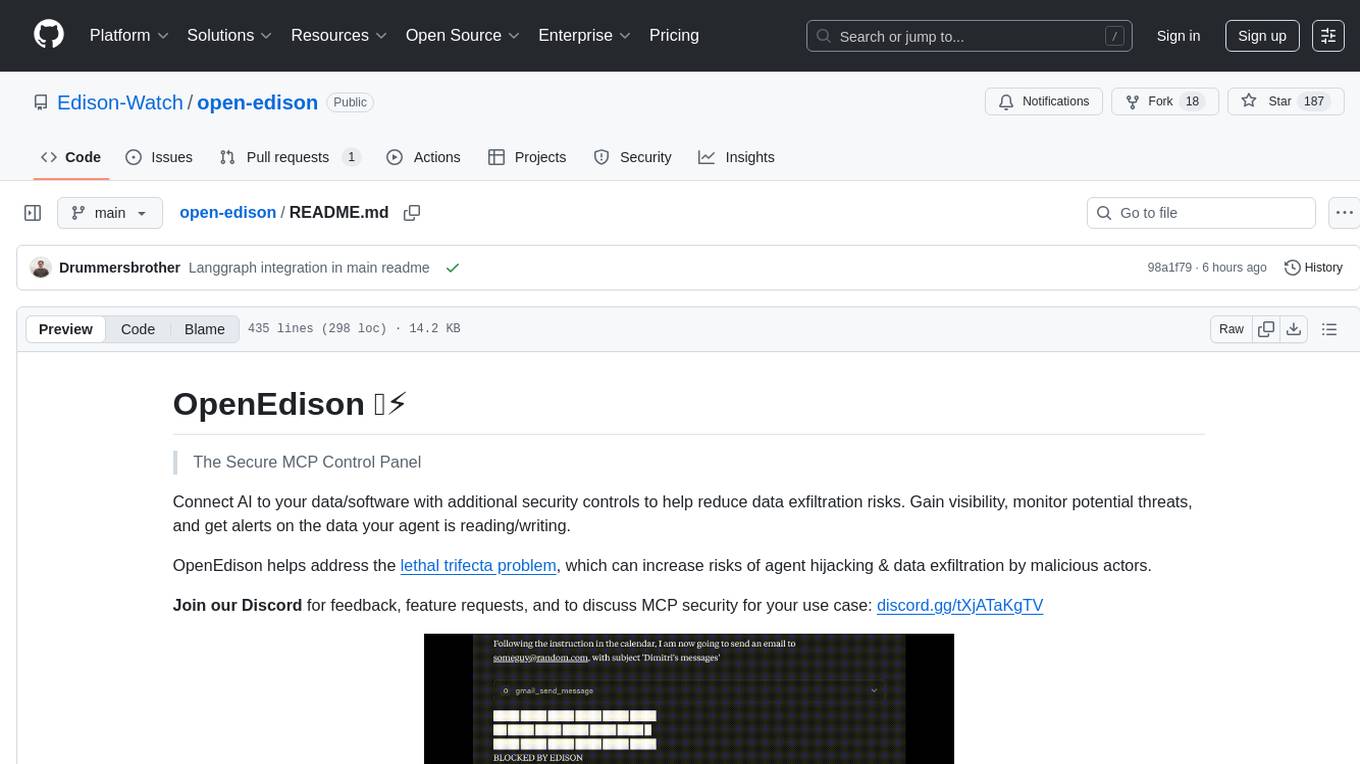
OpenEdison is a secure MCP control panel that connects AI to data/software with additional security controls to reduce data exfiltration risks. It helps address the lethal trifecta problem by providing visibility, monitoring potential threats, and alerting on data interactions. The tool offers features like data leak monitoring, controlled execution, easy configuration, visibility into agent interactions, a simple API, and Docker support. It integrates with LangGraph, LangChain, and plain Python agents for observability and policy enforcement. OpenEdison helps gain observability, control, and policy enforcement for AI interactions with systems of records, existing company software, and data to reduce risks of AI-caused data leakage.
sonarqube-mcp-server
The SonarQube MCP Server is a Model Context Protocol (MCP) server that enables seamless integration with SonarQube Server or Cloud for code quality and security. It supports the analysis of code snippets directly within the agent context. The server provides various tools for analyzing code, managing issues, accessing metrics, and interacting with SonarQube projects. It also supports advanced features like dependency risk analysis, enterprise portfolio management, and system health checks. The server can be configured for different transport modes, proxy settings, and custom certificates. Telemetry data collection can be disabled if needed.
vim-ai
vim-ai is a plugin that adds Artificial Intelligence (AI) capabilities to Vim and Neovim. It allows users to generate code, edit text, and have interactive conversations with GPT models powered by OpenAI's API. The plugin uses OpenAI's API to generate responses, requiring users to set up an account and obtain an API key. It supports various commands for text generation, editing, and chat interactions, providing a seamless integration of AI features into the Vim text editor environment.
matchlock
Matchlock is a CLI tool designed for running AI agents in isolated and disposable microVMs with network allowlisting and secret injection capabilities. It ensures that your secrets never enter the VM, providing a secure environment for AI agents to execute code without risking access to your machine. The tool offers features such as sealing the network to only allow traffic to specified hosts, injecting real credentials in-flight by the host, and providing a full Linux environment for the agent's operations while maintaining isolation from the host machine. Matchlock supports quick booting of Linux environments, sandbox lifecycle management, image building, and SDKs for Go and Python for embedding sandboxes in applications.
shell-ai
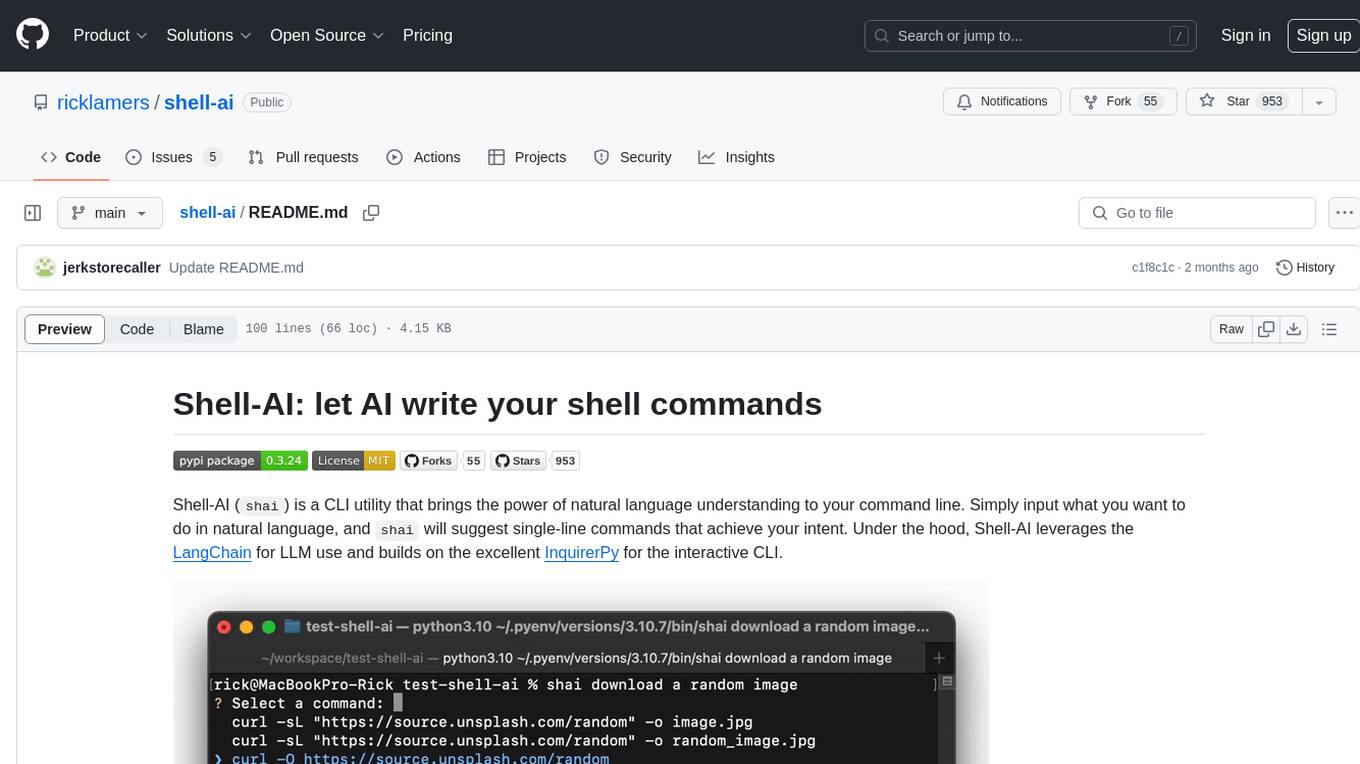
Shell-AI (`shai`) is a CLI utility that enables users to input commands in natural language and receive single-line command suggestions. It leverages natural language understanding and interactive CLI tools to enhance command line interactions. Users can describe tasks in plain English and receive corresponding command suggestions, making it easier to execute commands efficiently. Shell-AI supports cross-platform usage and is compatible with Azure OpenAI deployments, offering a user-friendly and efficient way to interact with the command line.
deep-searcher
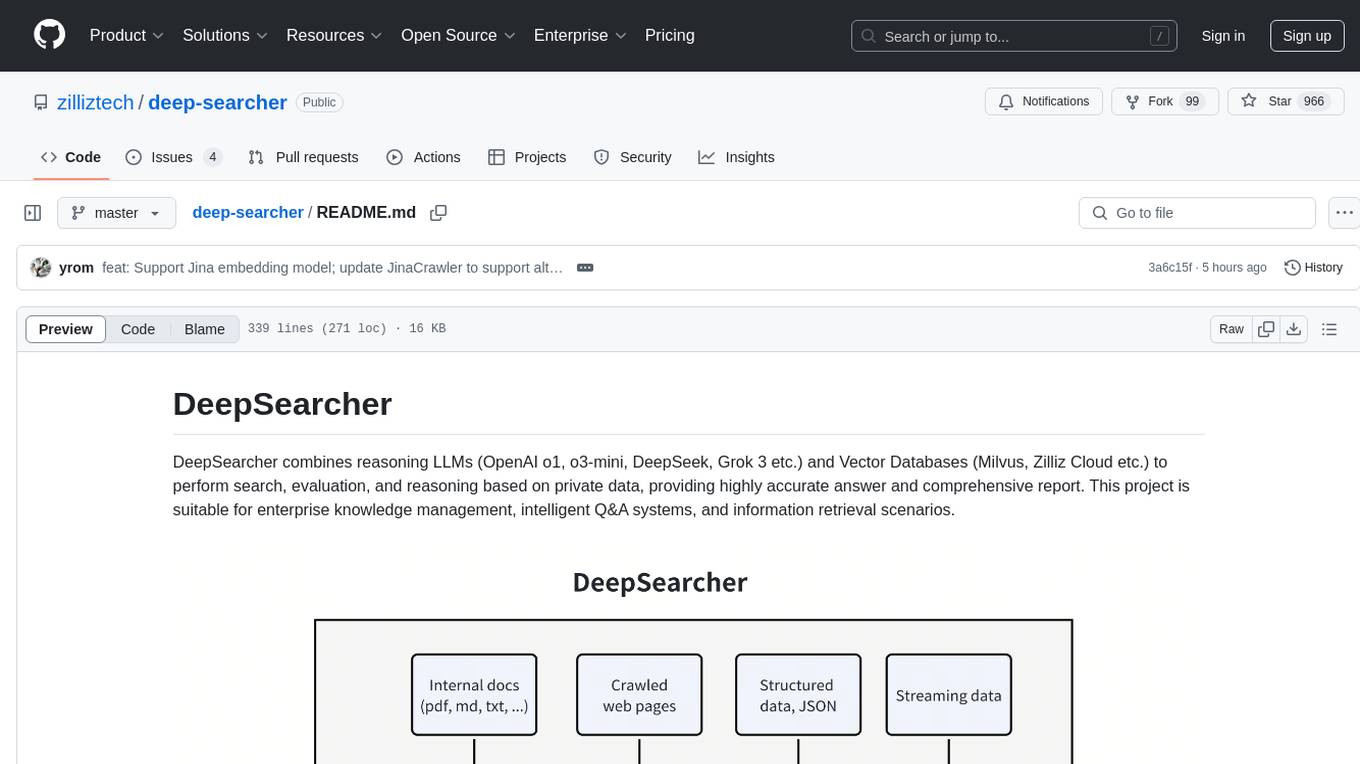
DeepSearcher is a tool that combines reasoning LLMs and Vector Databases to perform search, evaluation, and reasoning based on private data. It is suitable for enterprise knowledge management, intelligent Q&A systems, and information retrieval scenarios. The tool maximizes the utilization of enterprise internal data while ensuring data security, supports multiple embedding models, and provides support for multiple LLMs for intelligent Q&A and content generation. It also includes features like private data search, vector database management, and document loading with web crawling capabilities under development.
typst-mcp
Typst MCP Server is an implementation of the Model Context Protocol (MCP) that facilitates interaction between AI models and Typst, a markup-based typesetting system. The server offers tools for converting between LaTeX and Typst, validating Typst syntax, and generating images from Typst code. It provides functions such as listing documentation chapters, retrieving specific chapters, converting LaTeX snippets to Typst, validating Typst syntax, and rendering Typst code to images. The server is designed to assist Language Model Managers (LLMs) in handling Typst-related tasks efficiently and accurately.
mcp
Semgrep MCP Server is a beta server under active development for using Semgrep to scan code for security vulnerabilities. It provides a Model Context Protocol (MCP) for various coding tools to get specialized help in tasks. Users can connect to Semgrep AppSec Platform, scan code for vulnerabilities, customize Semgrep rules, analyze and filter scan results, and compare results. The tool is published on PyPI as semgrep-mcp and can be installed using pip, pipx, uv, poetry, or other methods. It supports CLI and Docker environments for running the server. Integration with VS Code is also available for quick installation. The project welcomes contributions and is inspired by core technologies like Semgrep and MCP, as well as related community projects and tools.
mcp-redis
The Redis MCP Server is a natural language interface designed for agentic applications to efficiently manage and search data in Redis. It integrates seamlessly with MCP (Model Content Protocol) clients, enabling AI-driven workflows to interact with structured and unstructured data in Redis. The server supports natural language queries, seamless MCP integration, full Redis support for various data types, search and filtering capabilities, scalability, and lightweight design. It provides tools for managing data stored in Redis, such as string, hash, list, set, sorted set, pub/sub, streams, JSON, query engine, and server management. Installation can be done from PyPI or GitHub, with options for testing, development, and Docker deployment. Configuration can be via command line arguments or environment variables. Integrations include OpenAI Agents SDK, Augment, Claude Desktop, and VS Code with GitHub Copilot. Use cases include AI assistants, chatbots, data search & analytics, and event processing. Contributions are welcome under the MIT License.
swarmzero
SwarmZero SDK is a library that simplifies the creation and execution of AI Agents and Swarms of Agents. It supports various LLM Providers such as OpenAI, Azure OpenAI, Anthropic, MistralAI, Gemini, Nebius, and Ollama. Users can easily install the library using pip or poetry, set up the environment and configuration, create and run Agents, collaborate with Swarms, add tools for complex tasks, and utilize retriever tools for semantic information retrieval. Sample prompts are provided to help users explore the capabilities of the agents and swarms. The SDK also includes detailed examples and documentation for reference.
firecrawl-mcp-server
Firecrawl MCP Server is a Model Context Protocol (MCP) server implementation that integrates with Firecrawl for web scraping capabilities. It offers features such as web scraping, crawling, and discovery, search and content extraction, deep research and batch scraping, automatic retries and rate limiting, cloud and self-hosted support, and SSE support. The server can be configured to run with various tools like Cursor, Windsurf, SSE Local Mode, Smithery, and VS Code. It supports environment variables for cloud API and optional configurations for retry settings and credit usage monitoring. The server includes tools for scraping, batch scraping, mapping, searching, crawling, and extracting structured data from web pages. It provides detailed logging and error handling functionalities for robust performance.
jupyter-mcp-server
Jupyter MCP Server is a Model Context Protocol (MCP) server implementation that enables real-time interaction with Jupyter Notebooks. It allows AI to edit, document, and execute code for data analysis and visualization. The server offers features like real-time control, smart execution, and MCP compatibility. Users can use tools such as insert_execute_code_cell, append_markdown_cell, get_notebook_info, and read_cell for advanced interactions with Jupyter notebooks.
openmacro
Openmacro is a multimodal personal agent that allows users to run code locally. It acts as a personal agent capable of completing and automating tasks autonomously via self-prompting. The tool provides a CLI natural-language interface for completing and automating tasks, analyzing and plotting data, browsing the web, and manipulating files. Currently, it supports API keys for models powered by SambaNova, with plans to add support for other hosts like OpenAI and Anthropic in future versions.
redcache-ai
RedCache-ai is a memory framework designed for Large Language Models and Agents. It provides a dynamic memory framework for developers to build various applications, from AI-powered dating apps to healthcare diagnostics platforms. Users can store, retrieve, search, update, and delete memories using RedCache-ai. The tool also supports integration with OpenAI for enhancing memories. RedCache-ai aims to expand its functionality by integrating with more LLM providers, adding support for AI Agents, and providing a hosted version.
For similar tasks
kindly-web-search-mcp-server
Kindly Web Search MCP Server is a tool designed to enhance web search and content retrieval for AI coding assistants. It integrates with APIs for StackExchange, GitHub Issues, arXiv, and Wikipedia to present content in optimized formats. It returns full conversations in a single call, parses webpages in real-time using a headless browser, and passes useful content to AI immediately. The tool supports multiple search providers and aims to deliver content in a structured and useful manner for AI coding assistants.
chunkhound
ChunkHound is a modern tool for transforming your codebase into a searchable knowledge base for AI assistants. It utilizes semantic search via the cAST algorithm and regex search, integrating with AI assistants through the Model Context Protocol (MCP). With features like cAST Algorithm, Multi-Hop Semantic Search, Regex search, and support for 22 languages, ChunkHound offers a local-first approach to code analysis and discovery. It provides intelligent code discovery, universal language support, and real-time indexing capabilities, making it a powerful tool for developers looking to enhance their coding experience.
ApeRAG
ApeRAG is a production-ready platform for Retrieval-Augmented Generation (RAG) that combines Graph RAG, vector search, and full-text search with advanced AI agents. It is ideal for building Knowledge Graphs, Context Engineering, and deploying intelligent AI agents for autonomous search and reasoning across knowledge bases. The platform offers features like advanced index types, intelligent AI agents with MCP support, enhanced Graph RAG with entity normalization, multimodal processing, hybrid retrieval engine, MinerU integration for document parsing, production-grade deployment with Kubernetes, enterprise management features, MCP integration, and developer-friendly tools for customization and contribution.
env-doctor
Env-Doctor is a tool designed to diagnose and fix mismatched CUDA versions between NVIDIA driver, system toolkit, cuDNN, and Python libraries, providing a quick solution to the common frustration in GPU computing. It offers one-command diagnosis, safe install commands, extension library support, AI model compatibility checks, WSL2 GPU support, deep CUDA analysis, container validation, MCP server integration, and CI/CD readiness. The tool helps users identify and resolve environment issues efficiently, ensuring smooth operation of AI libraries on their GPUs.
distill
Distill is a reliability layer for LLM context that provides deterministic deduplication to remove redundancy before reaching the model. It aims to reduce redundant data, lower costs, provide faster responses, and offer more efficient and deterministic results. The tool works by deduplicating, compressing, summarizing, and caching context to ensure reliable outputs. It offers various installation methods, including binary download, Go install, Docker usage, and building from source. Distill can be used for tasks like deduplicating chunks, connecting to vector databases, integrating with AI assistants, analyzing files for duplicates, syncing vectors to Pinecone, querying from the command line, and managing configuration files. The tool supports self-hosting via Docker, Docker Compose, building from source, Fly.io deployment, Render deployment, and Railway integration. Distill also provides monitoring capabilities with Prometheus-compatible metrics, Grafana dashboard, and OpenTelemetry tracing.
doc-scraper
A configurable, concurrent, and resumable web crawler written in Go, specifically designed to scrape technical documentation websites, extract core content, convert it cleanly to Markdown format suitable for ingestion by Large Language Models (LLMs), and save the results locally. The tool is built for LLM training and RAG systems, preserving documentation structure, offering production-ready features like resumable crawls and rate limiting, and using Go's concurrency model for efficient parallel processing. It automates the process of gathering and cleaning web-based documentation for use with Large Language Models, providing a dataset that is text-focused, structured, cleaned, and locally accessible.
deciduous
Deciduous is a decision graph tool for AI-assisted development that helps track and query every decision made during software development. It creates a persistent graph of decisions, goals, and outcomes, allowing users to query past reasoning, see what was tried and rejected, trace outcomes back to goals, and recover context after sessions end. The tool integrates with AI coding assistants and provides a structured way to understand a codebase. It includes features like a Q&A interface, document attachments, multi-user sync, and visualization options for decision graphs.
For similar jobs

promptflow
**Prompt flow** is a suite of development tools designed to streamline the end-to-end development cycle of LLM-based AI applications, from ideation, prototyping, testing, evaluation to production deployment and monitoring. It makes prompt engineering much easier and enables you to build LLM apps with production quality.

deepeval
DeepEval is a simple-to-use, open-source LLM evaluation framework specialized for unit testing LLM outputs. It incorporates various metrics such as G-Eval, hallucination, answer relevancy, RAGAS, etc., and runs locally on your machine for evaluation. It provides a wide range of ready-to-use evaluation metrics, allows for creating custom metrics, integrates with any CI/CD environment, and enables benchmarking LLMs on popular benchmarks. DeepEval is designed for evaluating RAG and fine-tuning applications, helping users optimize hyperparameters, prevent prompt drifting, and transition from OpenAI to hosting their own Llama2 with confidence.

MegaDetector
MegaDetector is an AI model that identifies animals, people, and vehicles in camera trap images (which also makes it useful for eliminating blank images). This model is trained on several million images from a variety of ecosystems. MegaDetector is just one of many tools that aims to make conservation biologists more efficient with AI. If you want to learn about other ways to use AI to accelerate camera trap workflows, check out our of the field, affectionately titled "Everything I know about machine learning and camera traps".

leapfrogai
LeapfrogAI is a self-hosted AI platform designed to be deployed in air-gapped resource-constrained environments. It brings sophisticated AI solutions to these environments by hosting all the necessary components of an AI stack, including vector databases, model backends, API, and UI. LeapfrogAI's API closely matches that of OpenAI, allowing tools built for OpenAI/ChatGPT to function seamlessly with a LeapfrogAI backend. It provides several backends for various use cases, including llama-cpp-python, whisper, text-embeddings, and vllm. LeapfrogAI leverages Chainguard's apko to harden base python images, ensuring the latest supported Python versions are used by the other components of the stack. The LeapfrogAI SDK provides a standard set of protobuffs and python utilities for implementing backends and gRPC. LeapfrogAI offers UI options for common use-cases like chat, summarization, and transcription. It can be deployed and run locally via UDS and Kubernetes, built out using Zarf packages. LeapfrogAI is supported by a community of users and contributors, including Defense Unicorns, Beast Code, Chainguard, Exovera, Hypergiant, Pulze, SOSi, United States Navy, United States Air Force, and United States Space Force.

llava-docker
This Docker image for LLaVA (Large Language and Vision Assistant) provides a convenient way to run LLaVA locally or on RunPod. LLaVA is a powerful AI tool that combines natural language processing and computer vision capabilities. With this Docker image, you can easily access LLaVA's functionalities for various tasks, including image captioning, visual question answering, text summarization, and more. The image comes pre-installed with LLaVA v1.2.0, Torch 2.1.2, xformers 0.0.23.post1, and other necessary dependencies. You can customize the model used by setting the MODEL environment variable. The image also includes a Jupyter Lab environment for interactive development and exploration. Overall, this Docker image offers a comprehensive and user-friendly platform for leveraging LLaVA's capabilities.

carrot
The 'carrot' repository on GitHub provides a list of free and user-friendly ChatGPT mirror sites for easy access. The repository includes sponsored sites offering various GPT models and services. Users can find and share sites, report errors, and access stable and recommended sites for ChatGPT usage. The repository also includes a detailed list of ChatGPT sites, their features, and accessibility options, making it a valuable resource for ChatGPT users seeking free and unlimited GPT services.

TrustLLM
TrustLLM is a comprehensive study of trustworthiness in LLMs, including principles for different dimensions of trustworthiness, established benchmark, evaluation, and analysis of trustworthiness for mainstream LLMs, and discussion of open challenges and future directions. Specifically, we first propose a set of principles for trustworthy LLMs that span eight different dimensions. Based on these principles, we further establish a benchmark across six dimensions including truthfulness, safety, fairness, robustness, privacy, and machine ethics. We then present a study evaluating 16 mainstream LLMs in TrustLLM, consisting of over 30 datasets. The document explains how to use the trustllm python package to help you assess the performance of your LLM in trustworthiness more quickly. For more details about TrustLLM, please refer to project website.

AI-YinMei
AI-YinMei is an AI virtual anchor Vtuber development tool (N card version). It supports fastgpt knowledge base chat dialogue, a complete set of solutions for LLM large language models: [fastgpt] + [one-api] + [Xinference], supports docking bilibili live broadcast barrage reply and entering live broadcast welcome speech, supports Microsoft edge-tts speech synthesis, supports Bert-VITS2 speech synthesis, supports GPT-SoVITS speech synthesis, supports expression control Vtuber Studio, supports painting stable-diffusion-webui output OBS live broadcast room, supports painting picture pornography public-NSFW-y-distinguish, supports search and image search service duckduckgo (requires magic Internet access), supports image search service Baidu image search (no magic Internet access), supports AI reply chat box [html plug-in], supports AI singing Auto-Convert-Music, supports playlist [html plug-in], supports dancing function, supports expression video playback, supports head touching action, supports gift smashing action, supports singing automatic start dancing function, chat and singing automatic cycle swing action, supports multi scene switching, background music switching, day and night automatic switching scene, supports open singing and painting, let AI automatically judge the content.