


commitgpt
A CLI AI that writes git commit messages for you
Stars: 91
Commit GPT is a CLI tool that automates the process of writing git commit messages using AI. It leverages OpenAI's GPT API to generate commit messages based on staged changes. Users can easily install and configure the tool to select AI providers, models, and commit message formats. The tool supports multiple providers and offers interactive setup for easy configuration. With Commit GPT, users can streamline the process of writing commit messages and improve productivity in software development workflows.
README:
A CLI that writes your git commit messages for you with AI. Never write a commit message again.
The easiest way to install and keep CommitGPT updated.
Install:
brew tap ZPVIP/commitgpt https://github.com/ZPVIP/commitgpt
brew install commitgpt
Upgrade:
brew update
brew upgrade commitgpt
Uninstall:
brew uninstall commitgpt
# Optional: Remove configuration files manually
rm -rf ~/.config/commitgptClick to expand RubyGems installation instructions
If you don't have Ruby installed, follow these steps first.
macOS
1. Install Homebrew (skip if already installed)
/bin/bash -c "$(curl -fsSL https://raw.githubusercontent.com/Homebrew/install/HEAD/install.sh)"
echo 'export PATH="/opt/homebrew/bin:$PATH"' >> ~/.zshrc
source ~/.zshrc
2. Install Ruby dependencies
brew install openssl@3 libyaml gmp rustUbuntu / Debian
Install Ruby dependencies
sudo apt-get update
sudo apt install build-essential rustc libssl-dev libyaml-dev zlib1g-dev libgmp-dev
Install Ruby with Mise (version manager)
# Install Mise
curl https://mise.run | sh

# For zsh (macOS default)
echo 'eval "$(~/.local/bin/mise activate)"' >> ~/.zshrc
source ~/.zshrc

# For bash (Ubuntu default)
# echo 'eval "$(~/.local/bin/mise activate)"' >> ~/.bashrc
# source ~/.bashrc

# Install Ruby
mise use --global ruby@3

# Verify installation
ruby --version
#=> 3.4.7

# Update RubyGems
gem update --systemgem install commitgptCommitGPT uses a YAML configuration system (~/.config/commitgpt/) to support multiple providers and per-provider settings.
Run the setup wizard to configure your provider:
$ aicm setupYou'll be guided to:
- Choose an AI provider (Presets: Cerebras, OpenAI, Ollama, Groq, etc.)
- Enter your API Key (stored securely in
config.local.yml) - Select a model interactively
- Set maximum diff length
Note: Please add ~/.config/commitgpt/config.local.yml to your .gitignore if you are syncing your home directory, as it contains your API keys.
Stage your changes and run aicm:
$ git add .
$ aicm
Switch between configured providers easily:
$ aicm -p
# or
$ aicm --providerInteractively list and select a model for your current provider:
$ aicm -m
# or
$ aicm --modelsSelect your preferred commit message format:
$ aicm -f
# or
$ aicm --format
CommitGPT supports three commit message formats:
- Simple - Concise commit message (default)
- Conventional - Follow Conventional Commits specification
- Gitmoji - Use Gitmoji emoji standard
Your selection will be saved in ~/.config/commitgpt/config.yml and used for all future commits until changed.
Simple:
Add user authentication feature
Conventional:
feat: add user authentication feature
fix: resolve login timeout issue
docs: update API documentation
Gitmoji:
✨ add user authentication feature
🐛 resolve login timeout issue
📝 update API documentation
View your current configuration (Provider, Model, Format, Base URL, Diff Len):
$ aicm help(Use the help command to see current active provider settings)
Preview the diff that will be sent to the AI:
$ aicm -vTo update to the latest version (if installed via Gem):
$ gem update commitgptWe support any OpenAI-compatible API. Presets available for:
- Cerebras (Fast & Recommended)
- OpenAI (Official)
- Ollama (Local)
- Groq
- DeepSeek
- Anthropic (Claude)
- Google AI (Gemini)
- Mistral
- OpenRouter
- Local setups (Apple via apple-to-openai, LM Studio, LLaMa.cpp, Llamafile)
OpenAI (https://platform.openai.com)
gpt-4o
gpt-4o-mini
Apple Local Models (via apple-to-openai) ⭐ Recommended, Free, fast, privacy-focused
apple-intelligence # Max Context Length: 4,096 tokens
Note: Due to the context window limits of Apple's local models, it is highly recommended to set your max diff length (
diff_len) to10000during setup. When prompted for large diffs, select the Smart chunked mode to avoid context window overflow.
Cerebras (https://cloud.cerebras.ai)
llama3.1-8b          # Max Context Length:  8,192 tokens
gpt-oss-120b         # Max Context Length: 65,536 tokens
Groq (https://console.groq.com)
llama-3.3-70b-versatile
llama-3.1-8b-instant
This CLI tool runs a git diff command to grab all staged changes, sends this to OpenAI's GPT API (or compatible endpoint), and returns an AI-generated commit message. The tool uses the /v1/chat/completions endpoint with optimized prompts/system instructions for generating conventional commit messages.
I used ChatGPT to convert AICommits from TypeScript to Ruby. Special thanks to https://github.com/Nutlope/aicommits
- Ruby >= 2.6.0
- Git
- Clone the repository:
git clone https://github.com/ZPVIP/commitgpt.git cd commitgpt - Install dependencies:
bundle install
To test your changes locally (builds the gem and installs it to your system):
gem build commitgpt.gemspec
gem install ./commitgpt-*.gemTo publish a new version to RubyGems.org (requires RubyGems account permissions):
gem push commitgpt-*.gemWe use a custom script to automate the GitHub Release and Homebrew Formula update process. This enables users to install via brew tap.
Steps:
./scripts/release.sh <version>
# Example: ./scripts/release.sh 0.3.1
This script automates:
- Creating and pushing a Git Tag.
- Creating a GitHub Release (which generates the source tarball).
- Calculating the SHA256 checksum of the tarball.
- Updating
Formula/commitgpt.rbwith the new URL and checksum. - Committing and pushing the updated Formula to the repository.
Bug reports and pull requests are welcome on GitHub at https://github.com/ZPVIP/commitgpt. This project is intended to be a safe, welcoming space for collaboration, and contributors are expected to adhere to the code of conduct.
The gem is available as open source under the terms of the MIT License.
Everyone interacting in the CommitGpt project's codebases, issue trackers, chat rooms and mailing lists is expected to follow the code of conduct.
For Tasks:
Click tags to check more tools for each tasksFor Jobs:
Alternative AI tools for commitgpt
Similar Open Source Tools
commitgpt
Commit GPT is a CLI tool that automates the process of writing git commit messages using AI. It leverages OpenAI's GPT API to generate commit messages based on staged changes. Users can easily install and configure the tool to select AI providers, models, and commit message formats. The tool supports multiple providers and offers interactive setup for easy configuration. With Commit GPT, users can streamline the process of writing commit messages and improve productivity in software development workflows.
claude-code-telegram
Claude Code Telegram Bot is a Telegram bot that connects to Claude Code, offering a conversational AI interface for codebases. Users can chat naturally with Claude to analyze, edit, or explain code, maintain context across conversations, code on the go, receive proactive notifications, and stay secure with authentication and audit logging. The bot supports two interaction modes: Agentic Mode for natural language interaction and Classic Mode for a terminal-like interface. It features event-driven automation, working features like directory sandboxing and git integration, and planned enhancements like a plugin system. Security measures include access control, directory isolation, rate limiting, input validation, and webhook authentication.
comp
Comp AI is an open-source compliance automation platform designed to assist companies in achieving compliance with standards like SOC 2, ISO 27001, and GDPR. It transforms compliance into an engineering problem solved through code, automating evidence collection, policy management, and control implementation while maintaining data and infrastructure control.
ocode
OCode is a sophisticated terminal-native AI coding assistant that provides deep codebase intelligence and autonomous task execution. It seamlessly works with local Ollama models, bringing enterprise-grade AI assistance directly to your development workflow. OCode offers core capabilities such as terminal-native workflow, deep codebase intelligence, autonomous task execution, direct Ollama integration, and an extensible plugin layer. It can perform tasks like code generation & modification, project understanding, development automation, data processing, system operations, and interactive operations. The tool includes specialized tools for file operations, text processing, data processing, system operations, development tools, and integration. OCode enhances conversation parsing, offers smart tool selection, and provides performance improvements for coding tasks.

Zero
Zero is an open-source AI email solution that allows users to self-host their email app while integrating external services like Gmail. It aims to modernize and enhance emails through AI agents, offering features like open-source transparency, AI-driven enhancements, data privacy, self-hosting freedom, unified inbox, customizable UI, and developer-friendly extensibility. Built with modern technologies, Zero provides a reliable tech stack including Next.js, React, TypeScript, TailwindCSS, Node.js, Drizzle ORM, and PostgreSQL. Users can set up Zero using standard setup or Dev Container setup for VS Code users, with detailed environment setup instructions for Better Auth, Google OAuth, and optional GitHub OAuth. Database setup involves starting a local PostgreSQL instance, setting up database connection, and executing database commands for dependencies, tables, migrations, and content viewing.
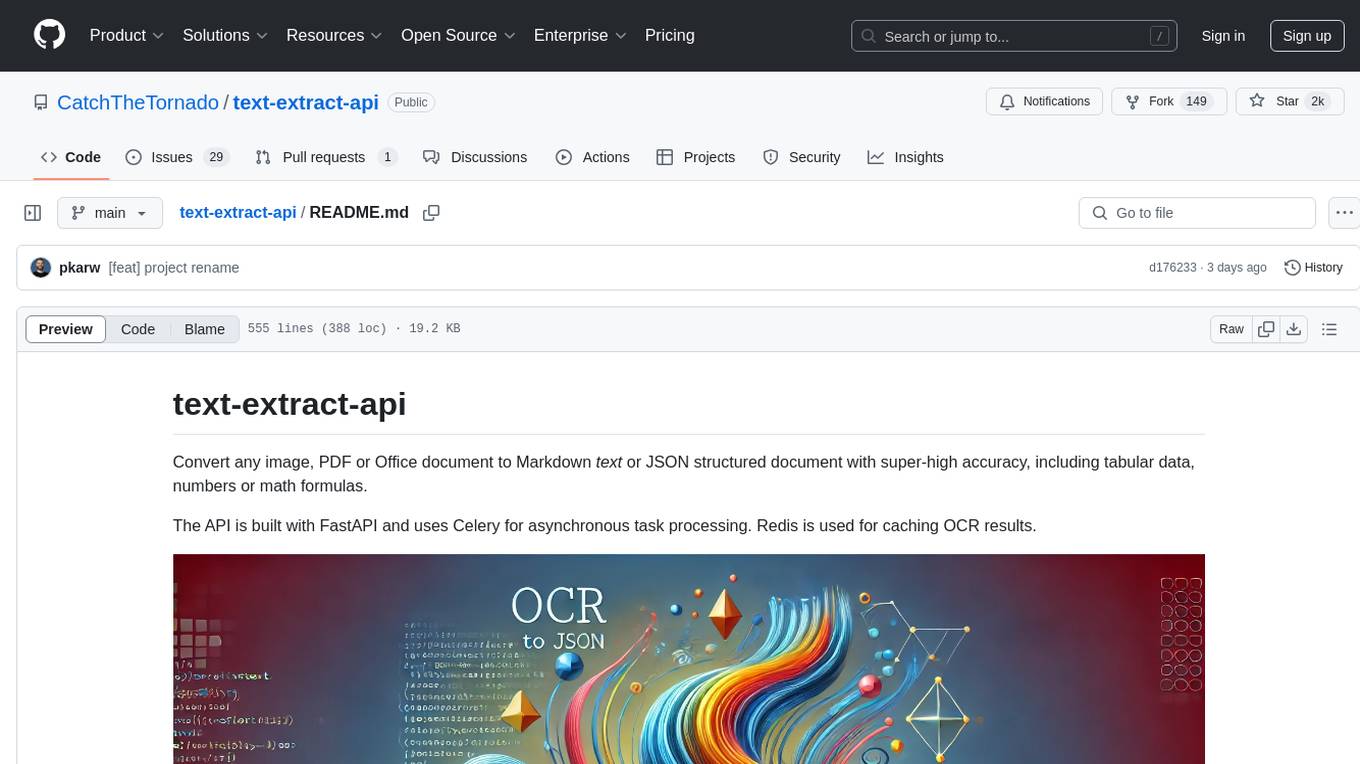
text-extract-api
The text-extract-api is a powerful tool that allows users to convert images, PDFs, or Office documents to Markdown text or JSON structured documents with high accuracy. It is built using FastAPI and utilizes Celery for asynchronous task processing, with Redis for caching OCR results. The tool provides features such as PDF/Office to Markdown and JSON conversion, improving OCR results with LLama, removing Personally Identifiable Information from documents, distributed queue processing, caching using Redis, switchable storage strategies, and a CLI tool for task management. Users can run the tool locally or on cloud services, with support for GPU processing. The tool also offers an online demo for testing purposes.
nosia
Nosia is a self-hosted AI RAG + MCP platform that allows users to run AI models on their own data with complete privacy and control. It integrates the Model Context Protocol (MCP) to connect AI models with external tools, services, and data sources. The platform is designed to be easy to install and use, providing OpenAI-compatible APIs that work seamlessly with existing AI applications. Users can augment AI responses with their documents, perform real-time streaming, support multi-format data, enable semantic search, and achieve easy deployment with Docker Compose. Nosia also offers multi-tenancy for secure data separation.
codemie-code
Unified AI Coding Assistant CLI for managing multiple AI agents like Claude Code, Google Gemini, OpenCode, and custom AI agents. Supports OpenAI, Azure OpenAI, AWS Bedrock, LiteLLM, Ollama, and Enterprise SSO. Features built-in LangGraph agent with file operations, command execution, and planning tools. Cross-platform support for Windows, Linux, and macOS. Ideal for developers seeking a powerful alternative to GitHub Copilot or Cursor.
backend.ai-webui
Backend.AI Web UI is a user-friendly web and app interface designed to make AI accessible for end-users, DevOps, and SysAdmins. It provides features for session management, inference service management, pipeline management, storage management, node management, statistics, configurations, license checking, plugins, help & manuals, kernel management, user management, keypair management, manager settings, proxy mode support, service information, and integration with the Backend.AI Web Server. The tool supports various devices, offers a built-in websocket proxy feature, and allows for versatile usage across different platforms. Users can easily manage resources, run environment-supported apps, access a web-based terminal, use Visual Studio Code editor, manage experiments, set up autoscaling, manage pipelines, handle storage, monitor nodes, view statistics, configure settings, and more.
routilux
Routilux is a powerful event-driven workflow orchestration framework designed for building complex data pipelines and workflows effortlessly. It offers features like event queue architecture, flexible connections, built-in state management, robust error handling, concurrent execution, persistence & recovery, and simplified API. Perfect for tasks such as data pipelines, API orchestration, event processing, workflow automation, microservices coordination, and LLM agent workflows.
forge
Forge is a powerful open-source tool for building modern web applications. It provides a simple and intuitive interface for developers to quickly scaffold and deploy projects. With Forge, you can easily create custom components, manage dependencies, and streamline your development workflow. Whether you are a beginner or an experienced developer, Forge offers a flexible and efficient solution for your web development needs.
Nemp-memory
Nemp Memory is a smart memory tool designed for AI agents like Claude Code and OpenClaw. It helps users save and recall project-related information such as tech stack, architecture decisions, project patterns, and daily work updates. Unlike other memory plugins, Nemp is simple to use with zero dependencies, no cloud requirements, and stores data in plain JSON files. It offers features like auto-init to detect project stack, smart context for semantic search, memory suggestions based on user activity, auto-sync to CLAUDE.md for project context updates, two-way sync with CLAUDE.md, and export to CLAUDE.md for full project context. Nemp Memory is privacy-focused, keeping all data local without tracking or cloud storage.
gwq
gwq is a CLI tool for efficiently managing Git worktrees, providing intuitive operations for creating, switching, and deleting worktrees using a fuzzy finder interface. It allows users to work on multiple features simultaneously, run parallel AI coding agents on different tasks, review code while developing new features, and test changes without disrupting the main workspace. The tool is ideal for enabling parallel AI coding workflows, independent tasks, parallel migrations, and code review workflows.
open-gamma
Open Gamma is a production-ready AI Chat application that features tool integration with Google Slides, Vercel AI SDK for chat streaming, and NextAuth v5 for authentication. It utilizes PostgreSQL with Drizzle ORM for database management and is built on Next.js 16 with Tailwind CSS for styling. The application provides AI chat functionality powered by Vercel AI SDK supporting OpenAI, Anthropic, and Google. It offers custom authentication flows and ensures security through request validation and environment validation. Open Gamma is designed to streamline chat interactions, tool integrations, and authentication processes in a secure and efficient manner.

LEANN
LEANN is an innovative vector database that democratizes personal AI, transforming your laptop into a powerful RAG system that can index and search through millions of documents using 97% less storage than traditional solutions without accuracy loss. It achieves this through graph-based selective recomputation and high-degree preserving pruning, computing embeddings on-demand instead of storing them all. LEANN allows semantic search of file system, emails, browser history, chat history, codebase, or external knowledge bases on your laptop with zero cloud costs and complete privacy. It is a drop-in semantic search MCP service fully compatible with Claude Code, enabling intelligent retrieval without changing your workflow.
airstore
Airstore is a filesystem for AI agents that adds any source of data into a virtual filesystem, allowing users to connect services like Gmail, GitHub, Linear, and more, and describe data needs in plain English. Results are presented as files that can be read by Claude Code. Features include smart folders for natural language queries, integrations with various services, executable MCP servers, team workspaces, and local mode operation on user infrastructure. Users can sign up, connect integrations, create smart folders, install the CLI, mount the filesystem, and use with Claude Code to perform tasks like summarizing invoices, identifying unpaid invoices, and extracting data into CSV format.
For similar tasks
commitgpt
Commit GPT is a CLI tool that automates the process of writing git commit messages using AI. It leverages OpenAI's GPT API to generate commit messages based on staged changes. Users can easily install and configure the tool to select AI providers, models, and commit message formats. The tool supports multiple providers and offers interactive setup for easy configuration. With Commit GPT, users can streamline the process of writing commit messages and improve productivity in software development workflows.
chatless
Chatless is a modern AI chat desktop application built on Tauri and Next.js. It supports multiple AI providers, can connect to local Ollama models, supports document parsing and knowledge base functions. All data is stored locally to protect user privacy. The application is lightweight, simple, starts quickly, and consumes minimal resources.
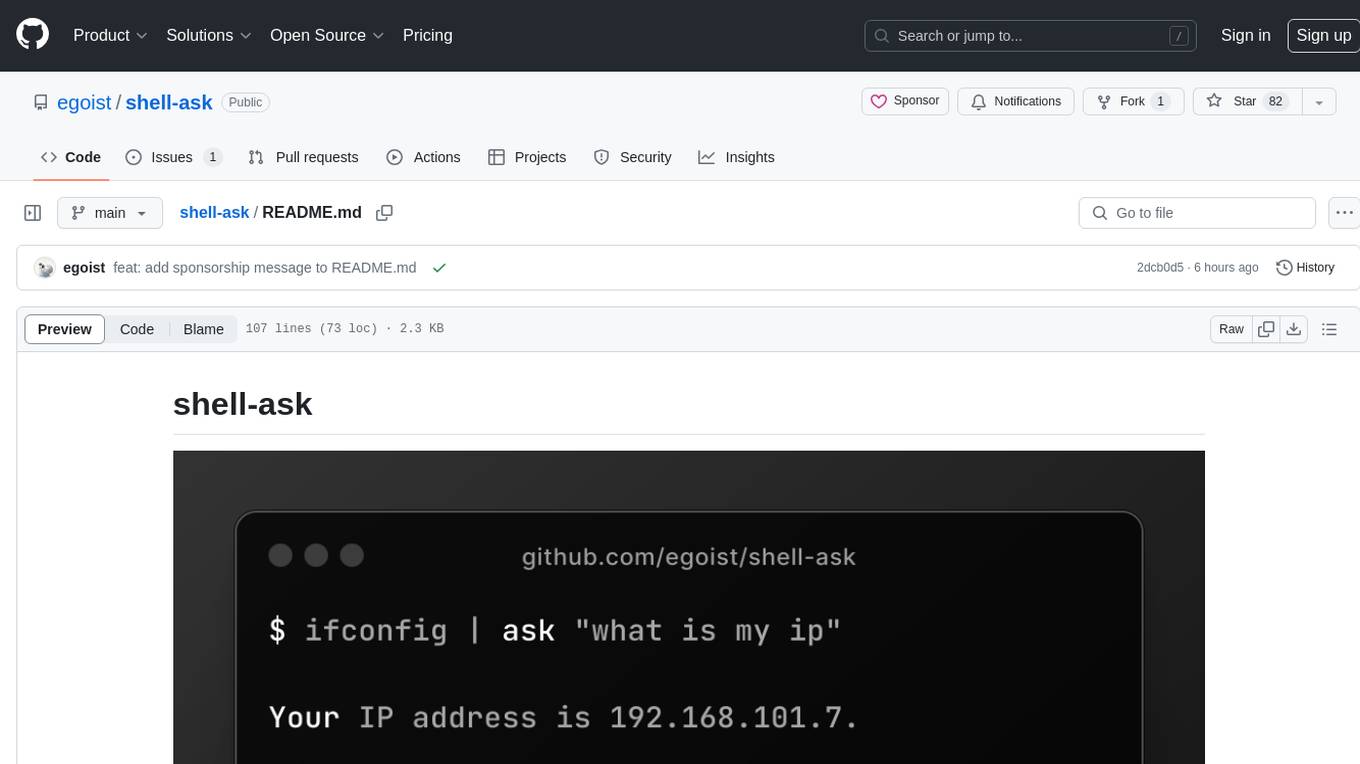
shell-ask
Shell Ask is a command-line tool that enables users to interact with various language models through a simple interface. It supports multiple LLMs such as OpenAI, Anthropic, Ollama, and Google Gemini. Users can ask questions, provide context through command output, select models interactively, and define reusable AI commands. The tool allows piping the output of other programs for enhanced functionality. With AI command presets and configuration options, Shell Ask provides a versatile and efficient way to leverage language models for various tasks.
For similar jobs

sweep
Sweep is an AI junior developer that turns bugs and feature requests into code changes. It automatically handles developer experience improvements like adding type hints and improving test coverage.

teams-ai
The Teams AI Library is a software development kit (SDK) that helps developers create bots that can interact with Teams and Microsoft 365 applications. It is built on top of the Bot Framework SDK and simplifies the process of developing bots that interact with Teams' artificial intelligence capabilities. The SDK is available for JavaScript/TypeScript, .NET, and Python.

ai-guide
This guide is dedicated to Large Language Models (LLMs) that you can run on your home computer. It assumes your PC is a lower-end, non-gaming setup.

classifai
Supercharge WordPress Content Workflows and Engagement with Artificial Intelligence. Tap into leading cloud-based services like OpenAI, Microsoft Azure AI, Google Gemini and IBM Watson to augment your WordPress-powered websites. Publish content faster while improving SEO performance and increasing audience engagement. ClassifAI integrates Artificial Intelligence and Machine Learning technologies to lighten your workload and eliminate tedious tasks, giving you more time to create original content that matters.

chatbot-ui
Chatbot UI is an open-source AI chat app that allows users to create and deploy their own AI chatbots. It is easy to use and can be customized to fit any need. Chatbot UI is perfect for businesses, developers, and anyone who wants to create a chatbot.

BricksLLM
BricksLLM is a cloud native AI gateway written in Go. Currently, it provides native support for OpenAI, Anthropic, Azure OpenAI and vLLM. BricksLLM aims to provide enterprise level infrastructure that can power any LLM production use cases. Here are some use cases for BricksLLM: * Set LLM usage limits for users on different pricing tiers * Track LLM usage on a per user and per organization basis * Block or redact requests containing PIIs * Improve LLM reliability with failovers, retries and caching * Distribute API keys with rate limits and cost limits for internal development/production use cases * Distribute API keys with rate limits and cost limits for students

uAgents
uAgents is a Python library developed by Fetch.ai that allows for the creation of autonomous AI agents. These agents can perform various tasks on a schedule or take action on various events. uAgents are easy to create and manage, and they are connected to a fast-growing network of other uAgents. They are also secure, with cryptographically secured messages and wallets.

griptape
Griptape is a modular Python framework for building AI-powered applications that securely connect to your enterprise data and APIs. It offers developers the ability to maintain control and flexibility at every step. Griptape's core components include Structures (Agents, Pipelines, and Workflows), Tasks, Tools, Memory (Conversation Memory, Task Memory, and Meta Memory), Drivers (Prompt and Embedding Drivers, Vector Store Drivers, Image Generation Drivers, Image Query Drivers, SQL Drivers, Web Scraper Drivers, and Conversation Memory Drivers), Engines (Query Engines, Extraction Engines, Summary Engines, Image Generation Engines, and Image Query Engines), and additional components (Rulesets, Loaders, Artifacts, Chunkers, and Tokenizers). Griptape enables developers to create AI-powered applications with ease and efficiency.