


claude-code-telegram
A powerful Telegram bot that provides remote access to Claude Code, enabling developers to interact with their projects from anywhere with full AI assistance and session persistence.
Stars: 1295
Claude Code Telegram Bot is a Telegram bot that connects to Claude Code, offering a conversational AI interface for codebases. Users can chat naturally with Claude to analyze, edit, or explain code, maintain context across conversations, code on the go, receive proactive notifications, and stay secure with authentication and audit logging. The bot supports two interaction modes: Agentic Mode for natural language interaction and Classic Mode for a terminal-like interface. It features event-driven automation, working features like directory sandboxing and git integration, and planned enhancements like a plugin system. Security measures include access control, directory isolation, rate limiting, input validation, and webhook authentication.
README:


A Telegram bot that gives you remote access to Claude Code. Chat naturally with Claude about your projects from anywhere -- no terminal commands needed.
This bot connects Telegram to Claude Code, providing a conversational AI interface for your codebase:
- Chat naturally -- ask Claude to analyze, edit, or explain your code in plain language
- Maintain context across conversations with automatic session persistence per project
- Code on the go from any device with Telegram
- Receive proactive notifications from webhooks, scheduled jobs, and CI/CD events
- Stay secure with built-in authentication, directory sandboxing, and audit logging
You: Can you help me add error handling to src/api.py?

Bot: I'll analyze src/api.py and add error handling...
     [Claude reads your code, suggests improvements, and can apply changes directly]

You: Looks good. Now run the tests to make sure nothing broke.

Bot: Running pytest...
     All 47 tests passed. The error handling changes are working correctly.
- Python 3.11+ -- Download here
- Claude Code CLI -- Install from here
- Telegram Bot Token -- Get one from @BotFather
Choose your preferred method:
# Using uv (recommended — installs in an isolated environment)
uv tool install git+https://github.com/RichardAtCT/[email protected]

# Or using pip
pip install git+https://github.com/RichardAtCT/[email protected]

# Track the latest stable release
pip install git+https://github.com/RichardAtCT/claude-code-telegram@latestgit clone https://github.com/RichardAtCT/claude-code-telegram.git
cd claude-code-telegram
make dev # requires PoetryNote: Always install from a tagged release (not
main) for stability. See Releases for available versions.
cp .env.example .env
# Edit .env with your settings:
Minimum required:
TELEGRAM_BOT_TOKEN=1234567890:ABC-DEF1234ghIkl-zyx57W2v1u123ew11
TELEGRAM_BOT_USERNAME=my_claude_bot
APPROVED_DIRECTORY=/Users/yourname/projects
ALLOWED_USERS=123456789 # Your Telegram user IDmake run # Production
make run-debug # With debug loggingMessage your bot on Telegram to get started.
Detailed setup: See docs/setup.md for Claude authentication options and troubleshooting.
The bot supports two interaction modes:
The default conversational mode. Just talk to Claude naturally -- no special commands required.
Commands: /start, /new, /status, /verbose, /repo
If ENABLE_PROJECT_THREADS=true: /sync_threads
You: What files are in this project?
Bot: Working... (3s)
     📖 Read
     📂 LS
     💬 Let me describe the project structure
Bot: [Claude describes the project structure]

You: Add a retry decorator to the HTTP client
Bot: Working... (8s)
     📖 Read: http_client.py
     💬 I'll add a retry decorator with exponential backoff
     ✏️ Edit: http_client.py
     💻 Bash: poetry run pytest tests/ -v
Bot: [Claude shows the changes and test results]

You: /verbose 0
Bot: Verbosity set to 0 (quiet)
Use /verbose 0|1|2 to control how much background activity is shown:
| Level | Shows |
|---|---|
| 0 (quiet) | Final response only (typing indicator stays active) |
| 1 (normal, default) | Tool names + reasoning snippets in real-time |
| 2 (detailed) | Tool names with inputs + longer reasoning text |
Claude Code already knows how to use gh CLI and git. Authenticate on your server with gh auth login, then work with repos conversationally:
You: List my repos related to monitoring
Bot: [Claude runs gh repo list, shows results]

You: Clone the uptime one
Bot: [Claude runs gh repo clone, clones into workspace]

You: /repo
Bot: 📦 uptime-monitor/  ◀
     📁 other-project/

You: Show me the open issues
Bot: [Claude runs gh issue list]

You: Create a fix branch and push it
Bot: [Claude creates branch, commits, pushes]
Use /repo to list cloned repos in your workspace, or /repo <name> to switch directories (sessions auto-resume).
Set AGENTIC_MODE=false to enable the full 13-command terminal-like interface with directory navigation, inline keyboards, quick actions, git integration, and session export.
Commands: /start, /help, /new, /continue, /end, /status, /cd, /ls, /pwd, /projects, /export, /actions, /git
If ENABLE_PROJECT_THREADS=true: /sync_threads
You: /cd my-web-app
Bot: Directory changed to my-web-app/

You: /ls
Bot: src/  tests/  package.json  README.md

You: /actions
Bot: [Run Tests] [Install Deps] [Format Code] [Run Linter]
Beyond direct chat, the bot can respond to external triggers:
- Webhooks -- Receive GitHub events (push, PR, issues) and route them through Claude for automated summaries or code review
- Scheduler -- Run recurring Claude tasks on a cron schedule (e.g., daily code health checks)
- Notifications -- Deliver agent responses to configured Telegram chats
Enable with ENABLE_API_SERVER=true and ENABLE_SCHEDULER=true. See docs/setup.md for configuration.
-
Conversational agentic mode (default) with natural language interaction
-
Classic terminal-like mode with 13 commands and inline keyboards
-
Full Claude Code integration with SDK (primary) and CLI (fallback)
-
Automatic session persistence per user/project directory
-
Multi-layer authentication (whitelist + optional token-based)
-
Rate limiting with token bucket algorithm
-
Directory sandboxing with path traversal prevention
-
File upload handling with archive extraction
-
Image/screenshot upload with analysis
-
Git integration with safe repository operations
-
Quick actions system with context-aware buttons
-
Session export in Markdown, HTML, and JSON formats
-
SQLite persistence with migrations
-
Usage and cost tracking
-
Audit logging and security event tracking
-
Event bus for decoupled message routing
-
Webhook API server (GitHub HMAC-SHA256, generic Bearer token auth)
-
Job scheduler with cron expressions and persistent storage
-
Notification service with per-chat rate limiting
-
Tunable verbose output showing Claude's tool usage and reasoning in real-time
-
Persistent typing indicator so users always know the bot is working
-
16 configurable tools with allowlist/disallowlist control (see docs/tools.md)
- Plugin system for third-party extensions
TELEGRAM_BOT_TOKEN=...           # From @BotFather
TELEGRAM_BOT_USERNAME=...        # Your bot's username
APPROVED_DIRECTORY=...           # Base directory for project access
ALLOWED_USERS=123456789 # Comma-separated Telegram user IDs# Claude
ANTHROPIC_API_KEY=sk-ant-... # API key (optional if using CLI auth)
CLAUDE_MAX_COST_PER_USER=10.0 # Spending limit per user (USD)
CLAUDE_TIMEOUT_SECONDS=300 # Operation timeout
# Mode
AGENTIC_MODE=true # Agentic (default) or classic mode
VERBOSE_LEVEL=1 # 0=quiet, 1=normal (default), 2=detailed
# Rate Limiting
RATE_LIMIT_REQUESTS=10 # Requests per window
RATE_LIMIT_WINDOW=60 # Window in seconds
# Features (classic mode)
ENABLE_GIT_INTEGRATION=true
ENABLE_FILE_UPLOADS=true
ENABLE_QUICK_ACTIONS=true# Webhook API Server
ENABLE_API_SERVER=false # Enable FastAPI webhook server
API_SERVER_PORT=8080 # Server port
# Webhook Authentication
GITHUB_WEBHOOK_SECRET=... # GitHub HMAC-SHA256 secret
WEBHOOK_API_SECRET=... # Bearer token for generic providers
# Scheduler
ENABLE_SCHEDULER=false # Enable cron job scheduler
# Notifications
NOTIFICATION_CHAT_IDS=123,456 # Default chat IDs for proactive notifications# Enable strict topic routing by project
ENABLE_PROJECT_THREADS=true
# Mode: private (default) or group
PROJECT_THREADS_MODE=private
# YAML registry file (see config/projects.example.yaml)
PROJECTS_CONFIG_PATH=config/projects.yaml
# Required only when PROJECT_THREADS_MODE=group
PROJECT_THREADS_CHAT_ID=-1001234567890In strict mode, only /start and /sync_threads work outside mapped project topics.
In private mode, /start auto-syncs project topics for your private bot chat.
To use topics with your bot, enable them in BotFather:
Bot Settings -> Threaded mode.
Full reference: See docs/configuration.md and
.env.example.
Message @userinfobot on Telegram -- it will reply with your user ID number.
Bot doesn't respond:
- Check your
TELEGRAM_BOT_TOKENis correct - Verify your user ID is in
ALLOWED_USERS - Ensure Claude Code CLI is installed and accessible
- Check bot logs with
make run-debug
Claude integration not working:
- SDK mode (default): Check
claude auth statusor verifyANTHROPIC_API_KEY - CLI mode: Verify
claude --versionandclaude auth status - Check
CLAUDE_ALLOWED_TOOLSincludes necessary tools (see docs/tools.md for the full reference)
High usage costs:
- Adjust
CLAUDE_MAX_COST_PER_USERto set spending limits - Monitor usage with
/status - Use shorter, more focused requests
This bot implements defense-in-depth security:
- Access Control -- Whitelist-based user authentication
- Directory Isolation -- Sandboxing to approved directories
- Rate Limiting -- Request and cost-based limits
- Input Validation -- Injection and path traversal protection
- Webhook Authentication -- GitHub HMAC-SHA256 and Bearer token verification
- Audit Logging -- Complete tracking of all user actions
See SECURITY.md for details.
make dev           # Install all dependencies
make test          # Run tests with coverage
make lint          # Black + isort + flake8 + mypy
make format        # Auto-format code
make run-debug # Run with debug loggingThe version is defined once in pyproject.toml and read at runtime via importlib.metadata. To cut a release:
make bump-patch    # 1.2.0 -> 1.2.1 (bug fixes)
make bump-minor    # 1.2.0 -> 1.3.0 (new features)
make bump-major    # 1.2.0 -> 2.0.0 (breaking changes)
Each command commits, tags, and pushes automatically, triggering CI tests and a GitHub Release with auto-generated notes.
- Fork the repository
- Create a feature branch:
git checkout -b feature/amazing-feature - Make changes with tests:
make test && make lint - Submit a Pull Request
Code standards: Python 3.11+, Black formatting (88 chars), type hints required, pytest with >85% coverage.
MIT License -- see LICENSE.
- Claude by Anthropic
- python-telegram-bot
For Tasks:
Click tags to check more tools for each tasksFor Jobs:
Alternative AI tools for claude-code-telegram
Similar Open Source Tools
claude-code-telegram
Claude Code Telegram Bot is a Telegram bot that connects to Claude Code, offering a conversational AI interface for codebases. Users can chat naturally with Claude to analyze, edit, or explain code, maintain context across conversations, code on the go, receive proactive notifications, and stay secure with authentication and audit logging. The bot supports two interaction modes: Agentic Mode for natural language interaction and Classic Mode for a terminal-like interface. It features event-driven automation, working features like directory sandboxing and git integration, and planned enhancements like a plugin system. Security measures include access control, directory isolation, rate limiting, input validation, and webhook authentication.
UCAgent
UCAgent is an AI-powered automated UT verification agent for chip design. It automates chip verification workflow, supports functional and code coverage analysis, ensures consistency among documentation, code, and reports, and collaborates with mainstream Code Agents via MCP protocol. It offers three intelligent interaction modes and requires Python 3.11+, Linux/macOS OS, 4GB+ memory, and access to an AI model API. Users can clone the repository, install dependencies, configure qwen, and start verification. UCAgent supports various verification quality improvement options and basic operations through TUI shortcuts and stage color indicators. It also provides documentation build and preview using MkDocs, PDF manual build using Pandoc + XeLaTeX, and resources for further help and contribution.

LEANN
LEANN is an innovative vector database that democratizes personal AI, transforming your laptop into a powerful RAG system that can index and search through millions of documents using 97% less storage than traditional solutions without accuracy loss. It achieves this through graph-based selective recomputation and high-degree preserving pruning, computing embeddings on-demand instead of storing them all. LEANN allows semantic search of file system, emails, browser history, chat history, codebase, or external knowledge bases on your laptop with zero cloud costs and complete privacy. It is a drop-in semantic search MCP service fully compatible with Claude Code, enabling intelligent retrieval without changing your workflow.
Shellsage
Shell Sage is an intelligent terminal companion and AI-powered terminal assistant that enhances the terminal experience with features like local and cloud AI support, context-aware error diagnosis, natural language to command translation, and safe command execution workflows. It offers interactive workflows, supports various API providers, and allows for custom model selection. Users can configure the tool for local or API mode, select specific models, and switch between modes easily. Currently in alpha development, Shell Sage has known limitations like limited Windows support and occasional false positives in error detection. The roadmap includes improvements like better context awareness, Windows PowerShell integration, Tmux integration, and CI/CD error pattern database.
nosia
Nosia is a self-hosted AI RAG + MCP platform that allows users to run AI models on their own data with complete privacy and control. It integrates the Model Context Protocol (MCP) to connect AI models with external tools, services, and data sources. The platform is designed to be easy to install and use, providing OpenAI-compatible APIs that work seamlessly with existing AI applications. Users can augment AI responses with their documents, perform real-time streaming, support multi-format data, enable semantic search, and achieve easy deployment with Docker Compose. Nosia also offers multi-tenancy for secure data separation.
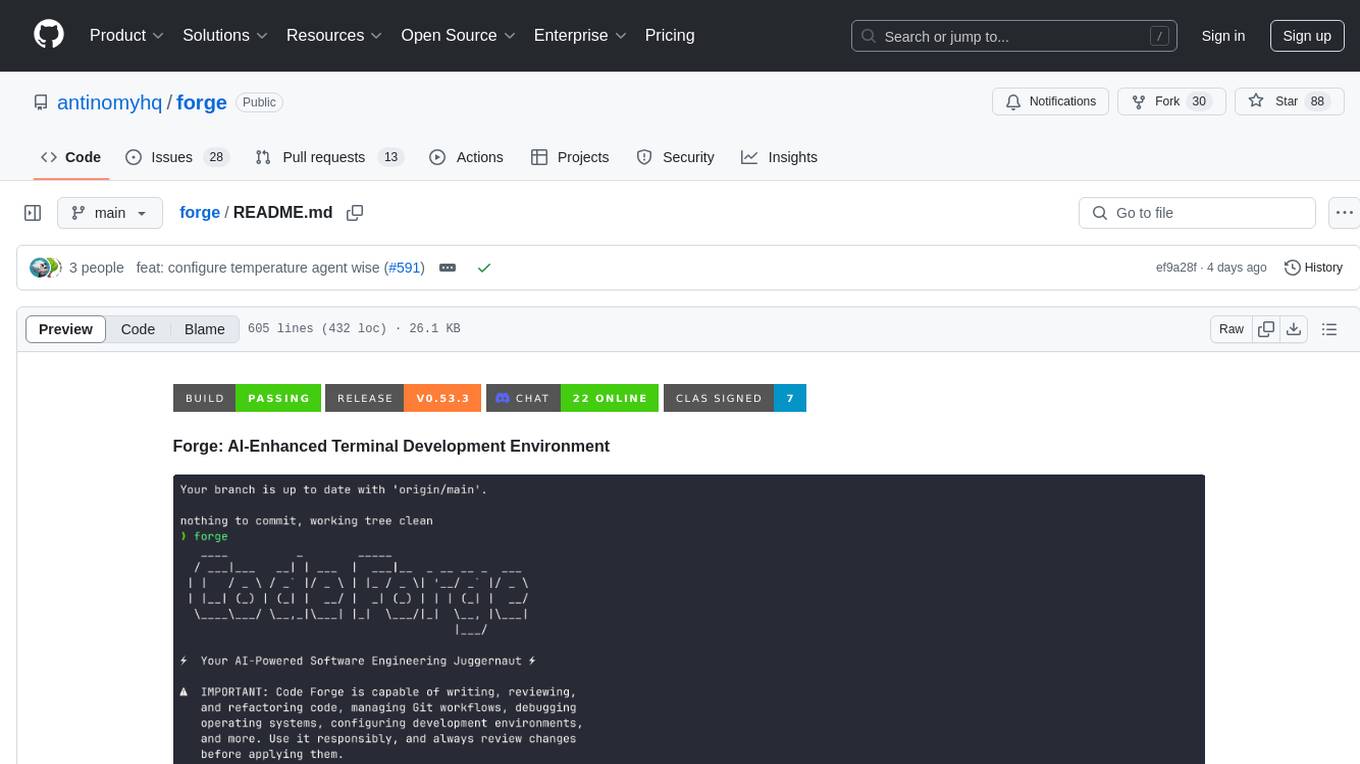
forge
Forge is a powerful open-source tool for building modern web applications. It provides a simple and intuitive interface for developers to quickly scaffold and deploy projects. With Forge, you can easily create custom components, manage dependencies, and streamline your development workflow. Whether you are a beginner or an experienced developer, Forge offers a flexible and efficient solution for your web development needs.
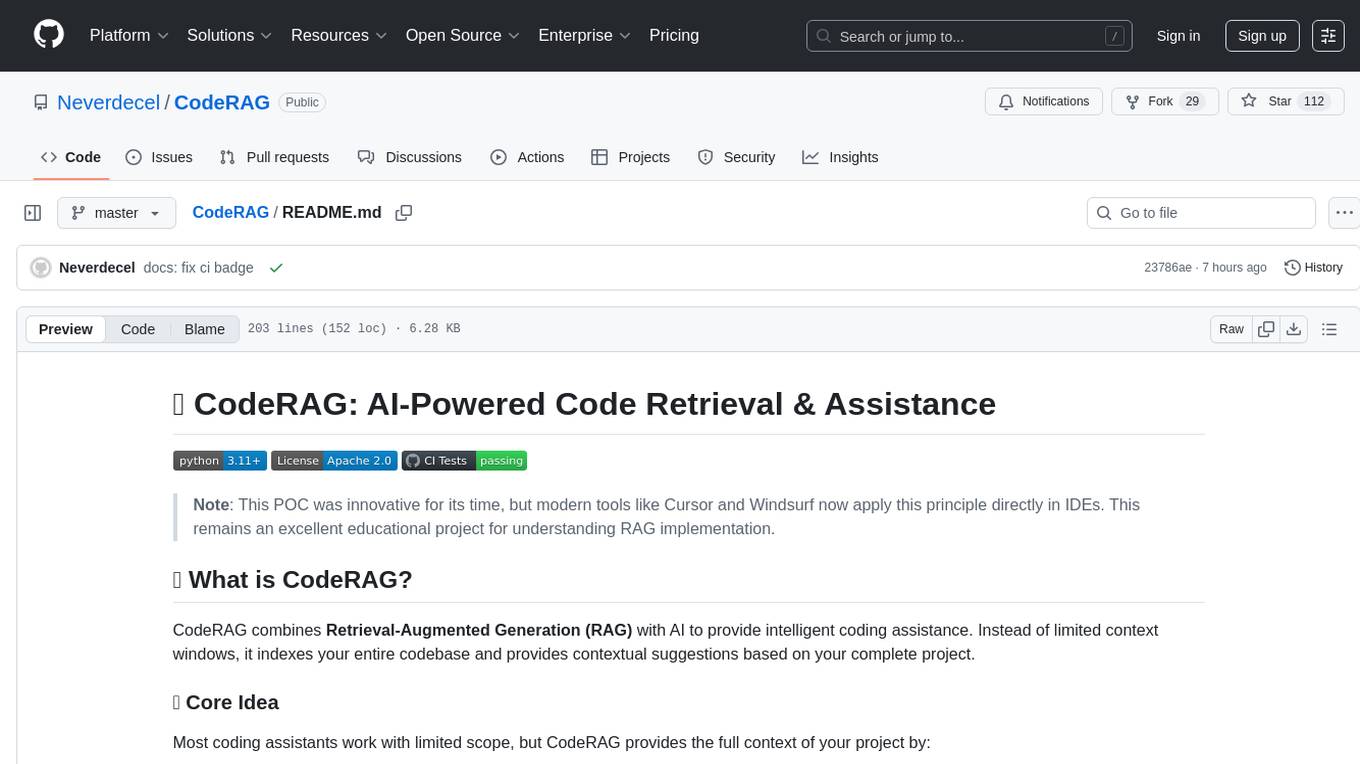
CodeRAG
CodeRAG is an AI-powered code retrieval and assistance tool that combines Retrieval-Augmented Generation (RAG) with AI to provide intelligent coding assistance. It indexes your entire codebase for contextual suggestions based on your complete project, offering real-time indexing, semantic code search, and contextual AI responses. The tool monitors your code directory, generates embeddings for Python files, stores them in a FAISS vector database, matches user queries against the code database, and sends retrieved code context to GPT models for intelligent responses. CodeRAG also features a Streamlit web interface with a chat-like experience for easy usage.
pentagi
PentAGI is an innovative tool for automated security testing that leverages cutting-edge artificial intelligence technologies. It is designed for information security professionals, researchers, and enthusiasts who need a powerful and flexible solution for conducting penetration tests. The tool provides secure and isolated operations in a sandboxed Docker environment, fully autonomous AI-powered agent for penetration testing steps, a suite of 20+ professional security tools, smart memory system for storing research results, web intelligence for gathering information, integration with external search systems, team delegation system, comprehensive monitoring and reporting, modern interface, API integration, persistent storage, scalable architecture, self-hosted solution, flexible authentication, and quick deployment through Docker Compose.
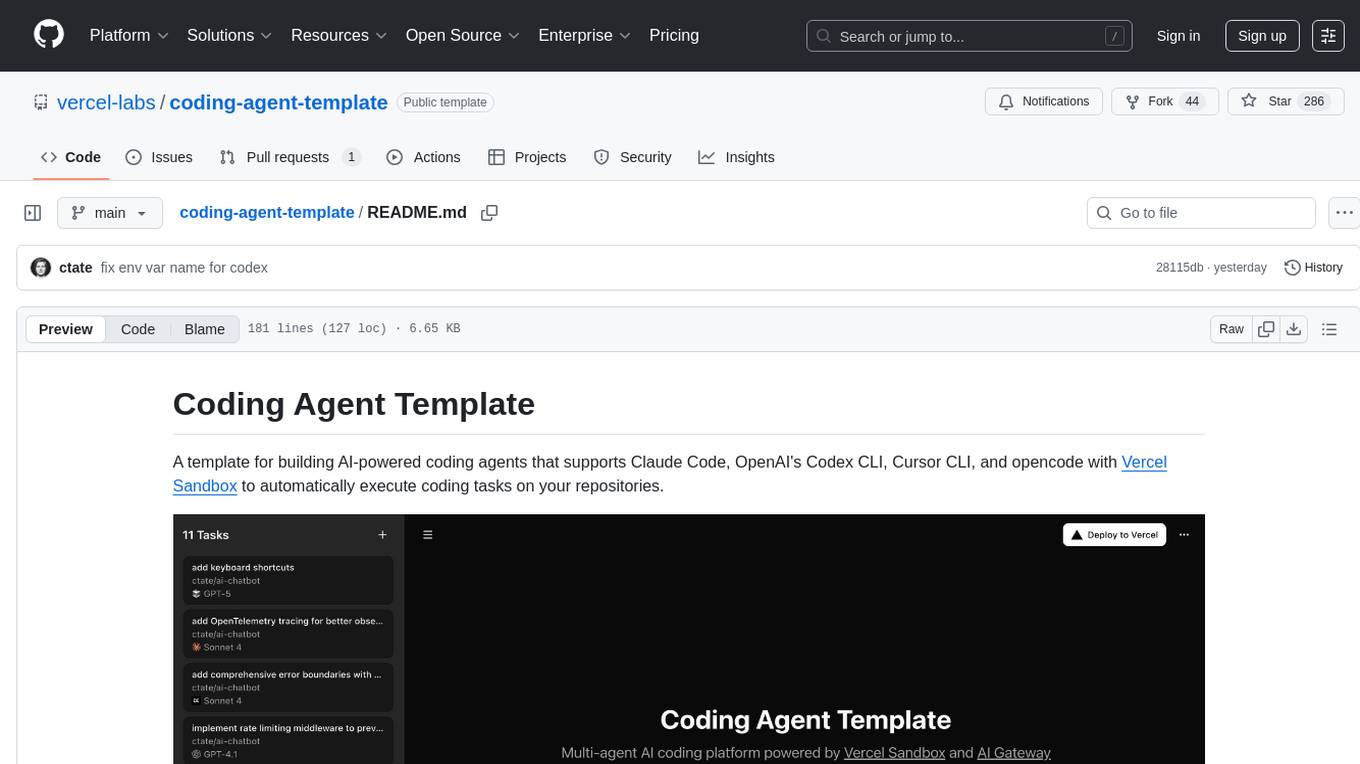
coding-agent-template
Coding Agent Template is a versatile tool for building AI-powered coding agents that support various coding tasks using Claude Code, OpenAI's Codex CLI, Cursor CLI, and opencode with Vercel Sandbox. It offers features like multi-agent support, Vercel Sandbox for secure code execution, AI Gateway integration, AI-generated branch names, task management, persistent storage, Git integration, and a modern UI built with Next.js and Tailwind CSS. Users can easily deploy their own version of the template to Vercel and set up the tool by cloning the repository, installing dependencies, configuring environment variables, setting up the database, and starting the development server. The tool simplifies the process of creating tasks, monitoring progress, reviewing results, and managing tasks, making it ideal for developers looking to automate coding tasks with AI agents.

Zero
Zero is an open-source AI email solution that allows users to self-host their email app while integrating external services like Gmail. It aims to modernize and enhance emails through AI agents, offering features like open-source transparency, AI-driven enhancements, data privacy, self-hosting freedom, unified inbox, customizable UI, and developer-friendly extensibility. Built with modern technologies, Zero provides a reliable tech stack including Next.js, React, TypeScript, TailwindCSS, Node.js, Drizzle ORM, and PostgreSQL. Users can set up Zero using standard setup or Dev Container setup for VS Code users, with detailed environment setup instructions for Better Auth, Google OAuth, and optional GitHub OAuth. Database setup involves starting a local PostgreSQL instance, setting up database connection, and executing database commands for dependencies, tables, migrations, and content viewing.
metis
Metis is an open-source, AI-driven tool for deep security code review, created by Arm's Product Security Team. It helps engineers detect subtle vulnerabilities, improve secure coding practices, and reduce review fatigue. Metis uses LLMs for semantic understanding and reasoning, RAG for context-aware reviews, and supports multiple languages and vector store backends. It provides a plugin-friendly and extensible architecture, named after the Greek goddess of wisdom, Metis. The tool is designed for large, complex, or legacy codebases where traditional tooling falls short.
localgpt
LocalGPT is a local device focused AI assistant built in Rust, providing persistent memory and autonomous tasks. It runs entirely on your machine, ensuring your memory data stays private. The tool offers a markdown-based knowledge store with full-text and semantic search capabilities, hybrid web search, and multiple interfaces including CLI, web UI, desktop GUI, and Telegram bot. It supports multiple LLM providers, is OpenClaw compatible, and offers defense-in-depth security features such as signed policy files, kernel-enforced sandbox, and prompt injection defenses. Users can configure web search providers, use OAuth subscription plans, and access the tool from Telegram for chat, tool use, and memory support.
backend.ai-webui
Backend.AI Web UI is a user-friendly web and app interface designed to make AI accessible for end-users, DevOps, and SysAdmins. It provides features for session management, inference service management, pipeline management, storage management, node management, statistics, configurations, license checking, plugins, help & manuals, kernel management, user management, keypair management, manager settings, proxy mode support, service information, and integration with the Backend.AI Web Server. The tool supports various devices, offers a built-in websocket proxy feature, and allows for versatile usage across different platforms. Users can easily manage resources, run environment-supported apps, access a web-based terminal, use Visual Studio Code editor, manage experiments, set up autoscaling, manage pipelines, handle storage, monitor nodes, view statistics, configure settings, and more.
fast-mcp
Fast MCP is a Ruby gem that simplifies the integration of AI models with your Ruby applications. It provides a clean implementation of the Model Context Protocol, eliminating complex communication protocols, integration challenges, and compatibility issues. With Fast MCP, you can easily connect AI models to your servers, share data resources, choose from multiple transports, integrate with frameworks like Rails and Sinatra, and secure your AI-powered endpoints. The gem also offers real-time updates and authentication support, making AI integration a seamless experience for developers.
airstore
Airstore is a filesystem for AI agents that adds any source of data into a virtual filesystem, allowing users to connect services like Gmail, GitHub, Linear, and more, and describe data needs in plain English. Results are presented as files that can be read by Claude Code. Features include smart folders for natural language queries, integrations with various services, executable MCP servers, team workspaces, and local mode operation on user infrastructure. Users can sign up, connect integrations, create smart folders, install the CLI, mount the filesystem, and use with Claude Code to perform tasks like summarizing invoices, identifying unpaid invoices, and extracting data into CSV format.
TermNet
TermNet is an AI-powered terminal assistant that connects a Large Language Model (LLM) with shell command execution, browser search, and dynamically loaded tools. It streams responses in real-time, executes tools one at a time, and maintains conversational memory across steps. The project features terminal integration for safe shell command execution, dynamic tool loading without code changes, browser automation powered by Playwright, WebSocket architecture for real-time communication, a memory system to track planning and actions, streaming LLM output integration, a safety layer to block dangerous commands, dual interface options, a notification system, and scratchpad memory for persistent note-taking. The architecture includes a multi-server setup with servers for WebSocket, browser automation, notifications, and web UI. The project structure consists of core backend files, various tools like web browsing and notification management, and servers for browser automation and notifications. Installation requires Python 3.9+, Ollama, and Chromium, with setup steps provided in the README. The tool can be used via the launcher for managing components or directly by starting individual servers. Additional tools can be added by registering them in `toolregistry.json` and implementing them in Python modules. Safety notes highlight the blocking of dangerous commands, allowed risky commands with warnings, and the importance of monitoring tool execution and setting appropriate timeouts.
For similar tasks
Awesome-LLM4EDA
LLM4EDA is a repository dedicated to showcasing the emerging progress in utilizing Large Language Models for Electronic Design Automation. The repository includes resources, papers, and tools that leverage LLMs to solve problems in EDA. It covers a wide range of applications such as knowledge acquisition, code generation, code analysis, verification, and large circuit models. The goal is to provide a comprehensive understanding of how LLMs can revolutionize the EDA industry by offering innovative solutions and new interaction paradigms.
DeGPT
DeGPT is a tool designed to optimize decompiler output using Large Language Models (LLM). It requires manual installation of specific packages and setting up API key for OpenAI. The tool provides functionality to perform optimization on decompiler output by running specific scripts.
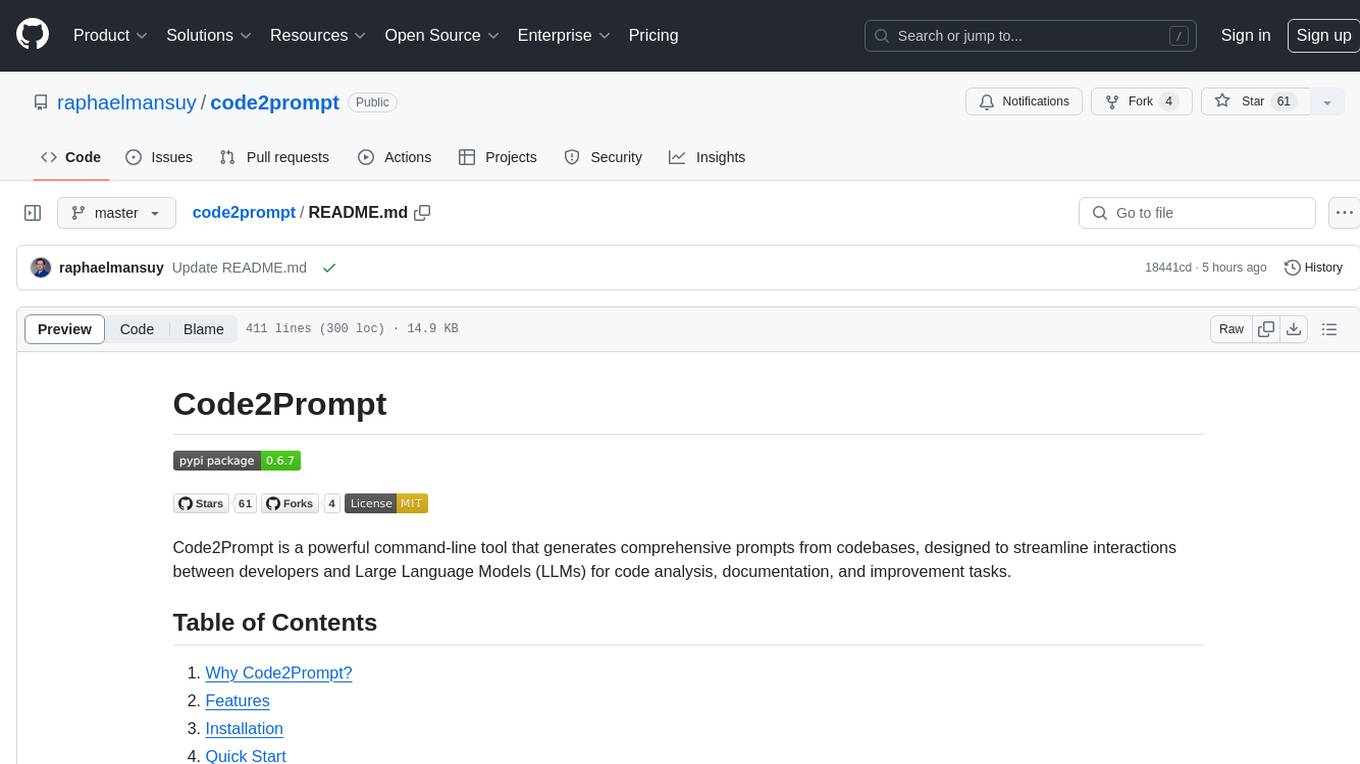
code2prompt
Code2Prompt is a powerful command-line tool that generates comprehensive prompts from codebases, designed to streamline interactions between developers and Large Language Models (LLMs) for code analysis, documentation, and improvement tasks. It bridges the gap between codebases and LLMs by converting projects into AI-friendly prompts, enabling users to leverage AI for various software development tasks. The tool offers features like holistic codebase representation, intelligent source tree generation, customizable prompt templates, smart token management, Gitignore integration, flexible file handling, clipboard-ready output, multiple output options, and enhanced code readability.
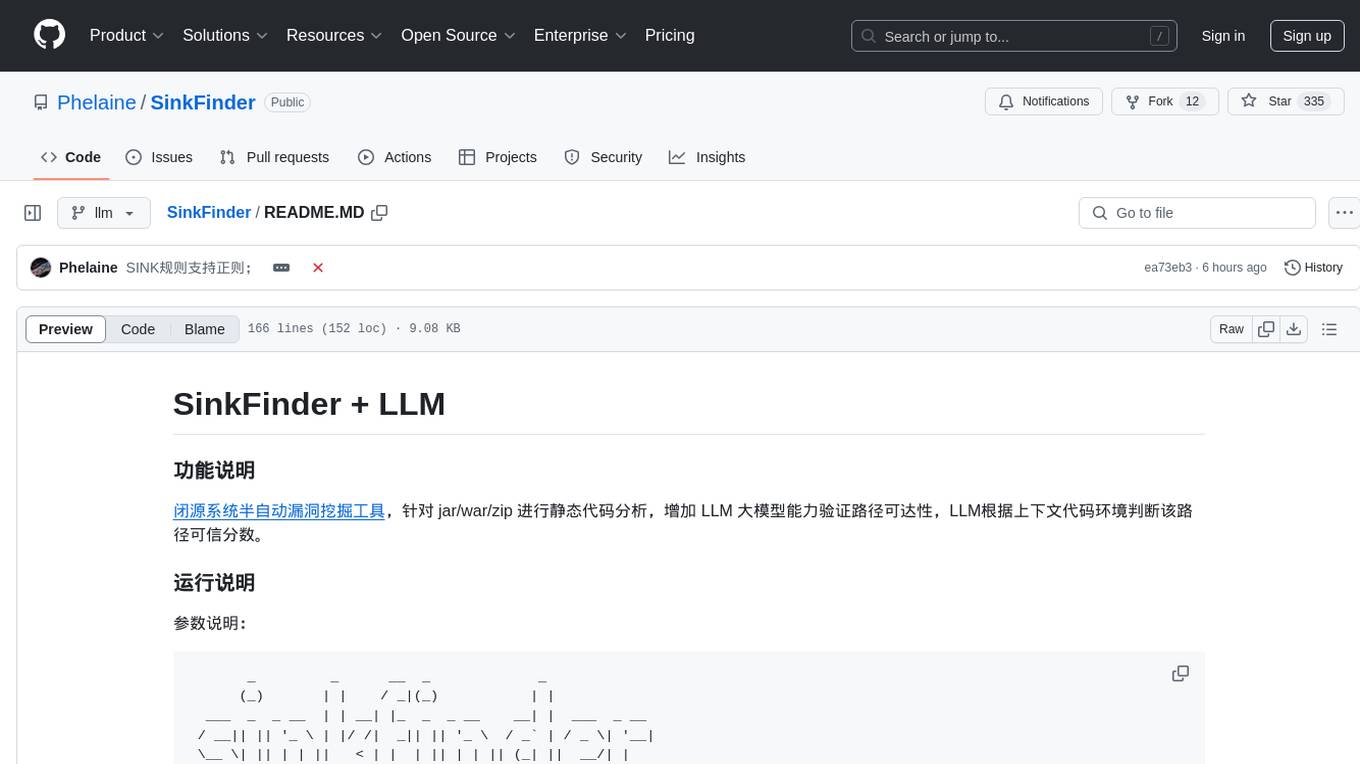
SinkFinder
SinkFinder + LLM is a closed-source semi-automatic vulnerability discovery tool that performs static code analysis on jar/war/zip files. It enhances the capability of LLM large models to verify path reachability and assess the trustworthiness score of the path based on the contextual code environment. Users can customize class and jar exclusions, depth of recursive search, and other parameters through command-line arguments. The tool generates rule.json configuration file after each run and requires configuration of the DASHSCOPE_API_KEY for LLM capabilities. The tool provides detailed logs on high-risk paths, LLM results, and other findings. Rules.json file contains sink rules for various vulnerability types with severity levels and corresponding sink methods.
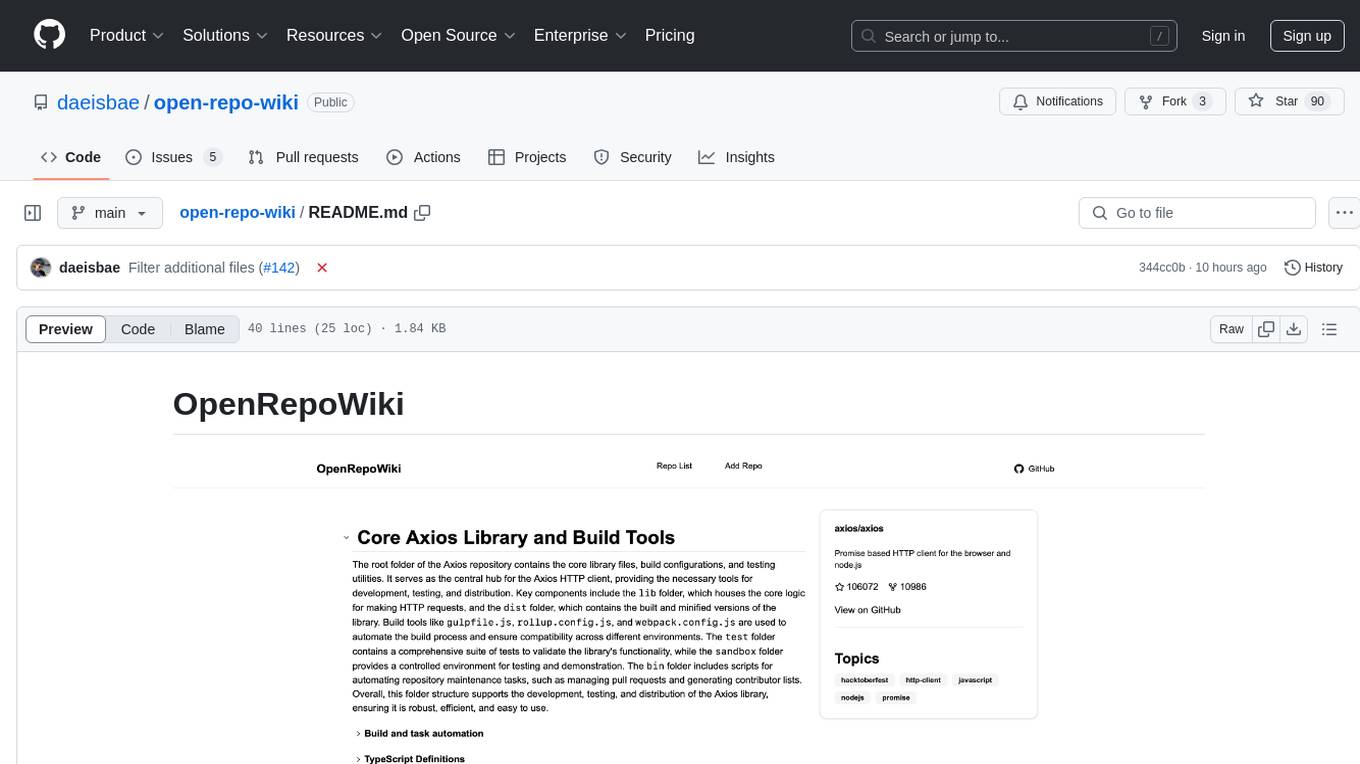
open-repo-wiki
OpenRepoWiki is a tool designed to automatically generate a comprehensive wiki page for any GitHub repository. It simplifies the process of understanding the purpose, functionality, and core components of a repository by analyzing its code structure, identifying key files and functions, and providing explanations. The tool aims to assist individuals who want to learn how to build various projects by providing a summarized overview of the repository's contents. OpenRepoWiki requires certain dependencies such as Google AI Studio or Deepseek API Key, PostgreSQL for storing repository information, Github API Key for accessing repository data, and Amazon S3 for optional usage. Users can configure the tool by setting up environment variables, installing dependencies, building the server, and running the application. It is recommended to consider the token usage and opt for cost-effective options when utilizing the tool.

CodebaseToPrompt
CodebaseToPrompt is a simple tool that converts a local directory into a structured prompt for Large Language Models (LLMs). It allows users to select specific files for code review, analysis, or documentation by exploring and filtering through the file tree in a browser-based interface. The tool generates a formatted output that can be directly used with AI tools, provides token count estimates, and supports local storage for saving selections. Users can easily copy the selected files in the desired format for further use.
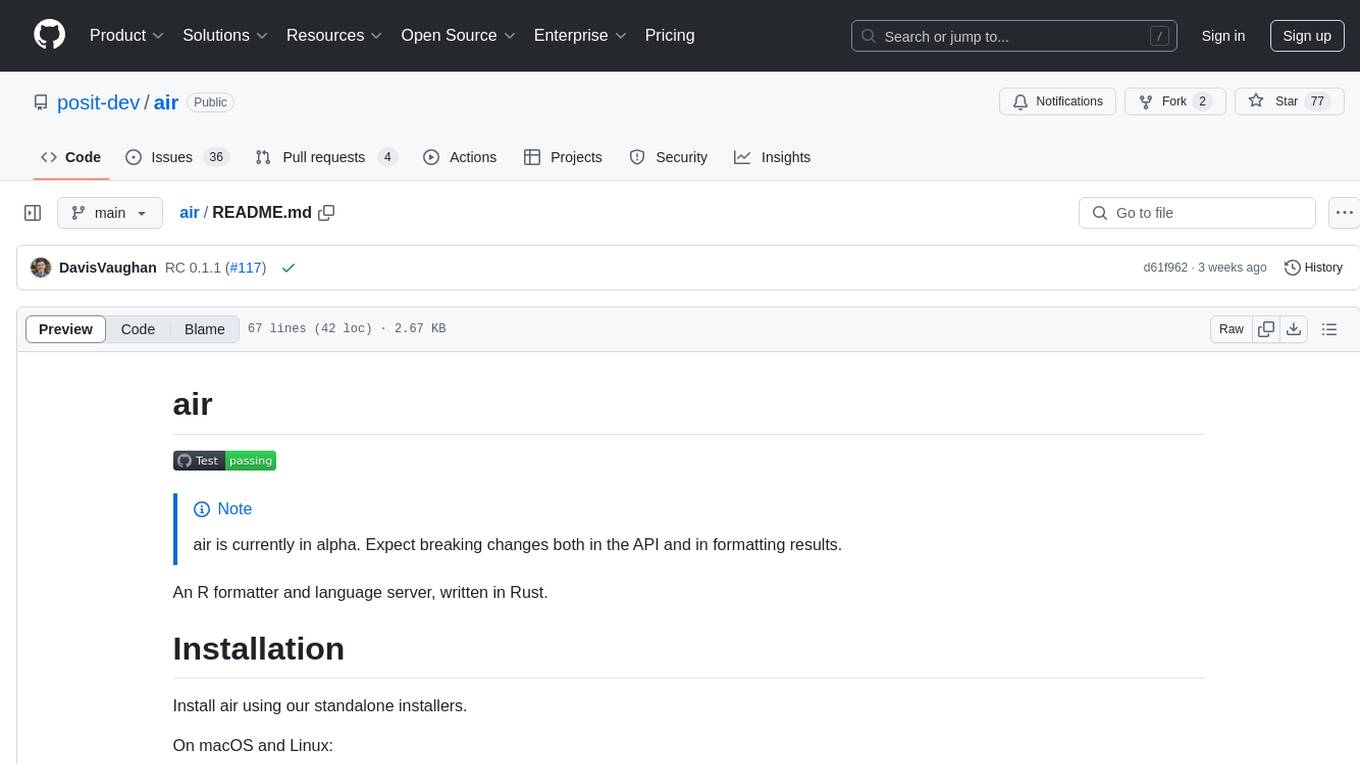
air
air is an R formatter and language server written in Rust. It is currently in alpha stage, so users should expect breaking changes in both the API and formatting results. The tool draws inspiration from various sources like roslyn, swift, rust-analyzer, prettier, biome, and ruff. It provides formatters and language servers, influenced by design decisions from these tools. Users can install air using standalone installers for macOS, Linux, and Windows, which automatically add air to the PATH. Developers can also install the dev version of the air CLI and VS Code extension for further customization and development.
code-graph
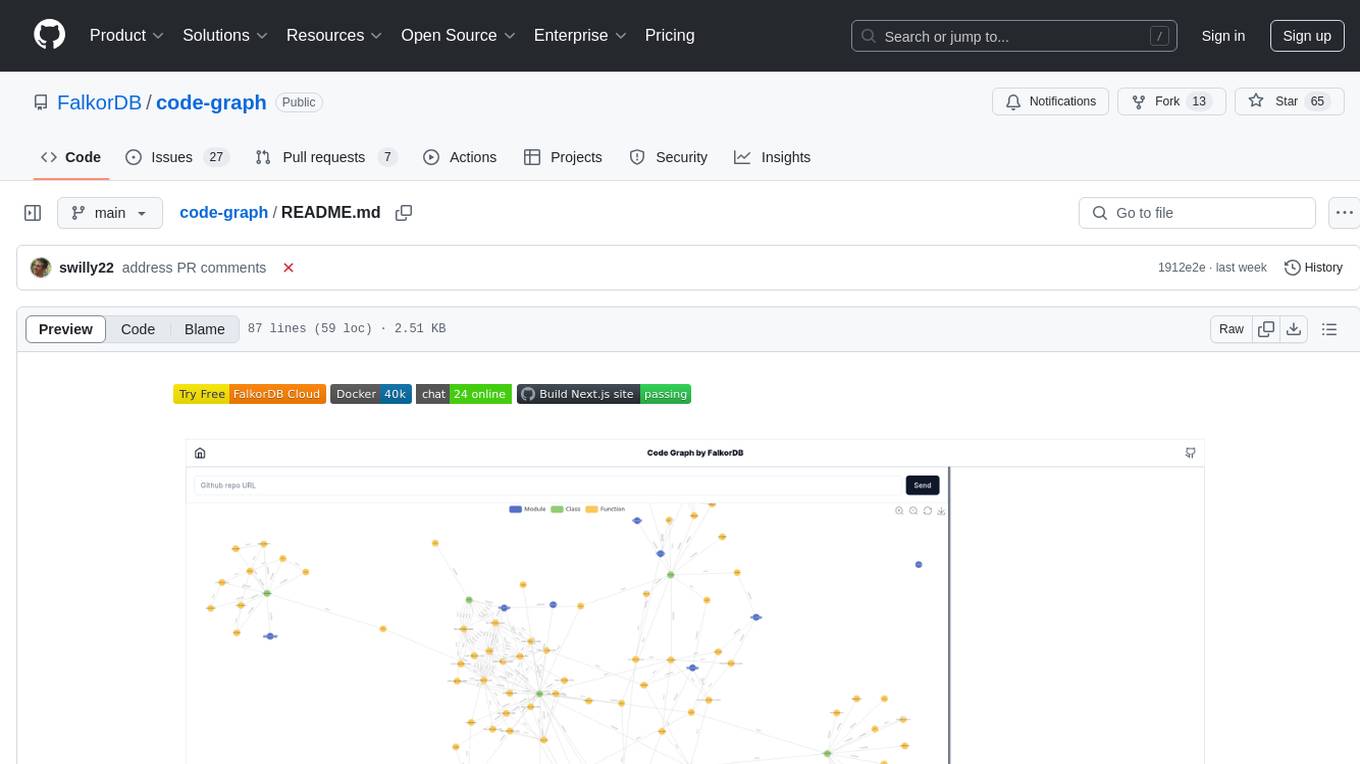
Code-graph is a tool composed of FalkorDB Graph DB, Code-Graph-Backend, and Code-Graph-Frontend. It allows users to store and query graphs, manage backend logic, and interact with the website. Users can run the components locally by setting up environment variables and installing dependencies. The tool supports analyzing C & Python source files with plans to add support for more languages in the future. It provides a local repository analysis feature and a live demo accessible through a web browser.
For similar jobs

sweep
Sweep is an AI junior developer that turns bugs and feature requests into code changes. It automatically handles developer experience improvements like adding type hints and improving test coverage.

teams-ai
The Teams AI Library is a software development kit (SDK) that helps developers create bots that can interact with Teams and Microsoft 365 applications. It is built on top of the Bot Framework SDK and simplifies the process of developing bots that interact with Teams' artificial intelligence capabilities. The SDK is available for JavaScript/TypeScript, .NET, and Python.

ai-guide
This guide is dedicated to Large Language Models (LLMs) that you can run on your home computer. It assumes your PC is a lower-end, non-gaming setup.

classifai
Supercharge WordPress Content Workflows and Engagement with Artificial Intelligence. Tap into leading cloud-based services like OpenAI, Microsoft Azure AI, Google Gemini and IBM Watson to augment your WordPress-powered websites. Publish content faster while improving SEO performance and increasing audience engagement. ClassifAI integrates Artificial Intelligence and Machine Learning technologies to lighten your workload and eliminate tedious tasks, giving you more time to create original content that matters.

chatbot-ui
Chatbot UI is an open-source AI chat app that allows users to create and deploy their own AI chatbots. It is easy to use and can be customized to fit any need. Chatbot UI is perfect for businesses, developers, and anyone who wants to create a chatbot.

BricksLLM
BricksLLM is a cloud native AI gateway written in Go. Currently, it provides native support for OpenAI, Anthropic, Azure OpenAI and vLLM. BricksLLM aims to provide enterprise level infrastructure that can power any LLM production use cases. Here are some use cases for BricksLLM: * Set LLM usage limits for users on different pricing tiers * Track LLM usage on a per user and per organization basis * Block or redact requests containing PIIs * Improve LLM reliability with failovers, retries and caching * Distribute API keys with rate limits and cost limits for internal development/production use cases * Distribute API keys with rate limits and cost limits for students

uAgents
uAgents is a Python library developed by Fetch.ai that allows for the creation of autonomous AI agents. These agents can perform various tasks on a schedule or take action on various events. uAgents are easy to create and manage, and they are connected to a fast-growing network of other uAgents. They are also secure, with cryptographically secured messages and wallets.

griptape
Griptape is a modular Python framework for building AI-powered applications that securely connect to your enterprise data and APIs. It offers developers the ability to maintain control and flexibility at every step. Griptape's core components include Structures (Agents, Pipelines, and Workflows), Tasks, Tools, Memory (Conversation Memory, Task Memory, and Meta Memory), Drivers (Prompt and Embedding Drivers, Vector Store Drivers, Image Generation Drivers, Image Query Drivers, SQL Drivers, Web Scraper Drivers, and Conversation Memory Drivers), Engines (Query Engines, Extraction Engines, Summary Engines, Image Generation Engines, and Image Query Engines), and additional components (Rulesets, Loaders, Artifacts, Chunkers, and Tokenizers). Griptape enables developers to create AI-powered applications with ease and efficiency.