


open-gamma
An open source implementation of an AI agent that generates slides in google slides
Stars: 118
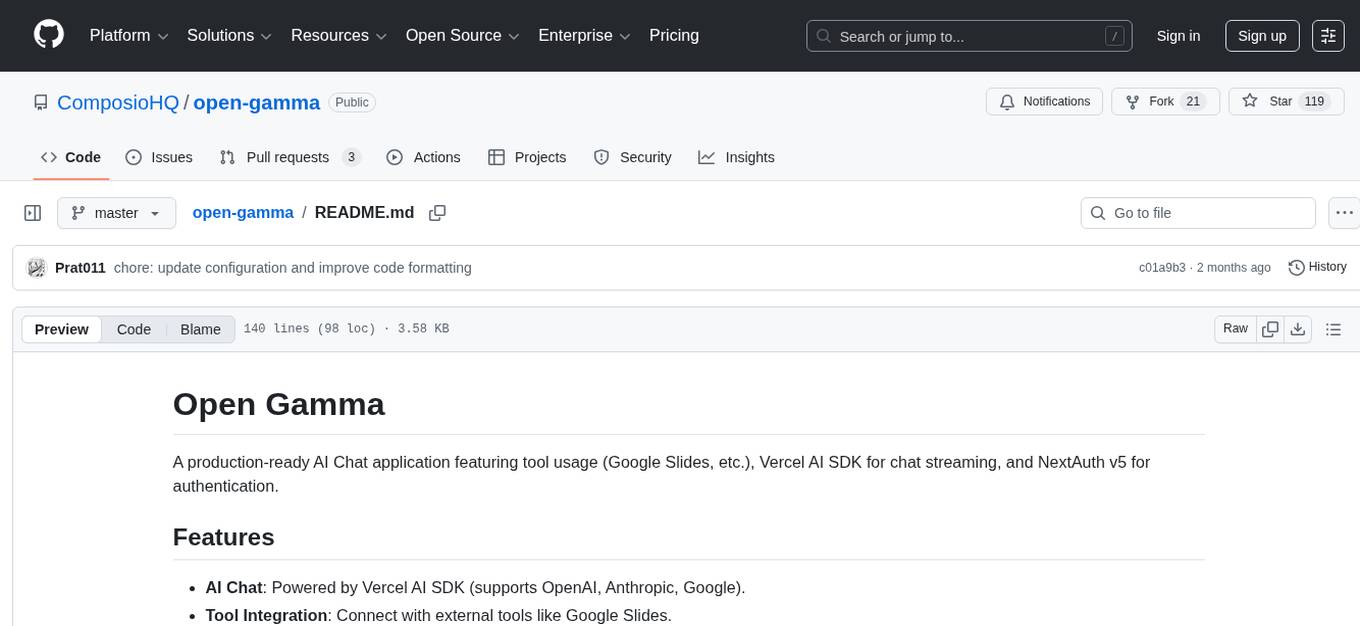
Open Gamma is a production-ready AI Chat application that features tool integration with Google Slides, Vercel AI SDK for chat streaming, and NextAuth v5 for authentication. It utilizes PostgreSQL with Drizzle ORM for database management and is built on Next.js 16 with Tailwind CSS for styling. The application provides AI chat functionality powered by Vercel AI SDK supporting OpenAI, Anthropic, and Google. It offers custom authentication flows and ensures security through request validation and environment validation. Open Gamma is designed to streamline chat interactions, tool integrations, and authentication processes in a secure and efficient manner.
README:
A production-ready AI Chat application featuring tool usage (Google Slides, etc.), Vercel AI SDK for chat streaming, and NextAuth v5 for authentication.
- AI Chat: Powered by Vercel AI SDK (supports OpenAI, Anthropic, Google).
- Tool Integration: Connect with external tools like Google Slides.
- Authentication: Custom authentication flow with NextAuth sessions.
- Database: PostgreSQL with Drizzle ORM.
- Infrastructure: Next.js 15 (App Router), Tailwind CSS.
- Security: Request validation, environment validation, and secure auth flows.
- Framework: Next.js 16 (App Router)
- Language: TypeScript
- Database: PostgreSQL
- ORM: Drizzle ORM
- Auth: NextAuth.js (Auth.js v5)
- AI: Vercel AI SDK + Composio
- Styling: Tailwind CSS
- Validation: Zod (Env vars & Schema)
- Linting: ESLint + Prettier
- Node.js 18+
- PostgreSQL database (local or cloud like Neon/Supabase)
Create a .env file in the root directory:
# Database
DATABASE_URL="postgres://user:pass@localhost:5432/open_gamma"

# NextAuth
AUTH_SECRET="your_generated_secret" # generate with `npx auth secret` or `openssl rand -base64 32`
AUTH_URL="http://localhost:3000" # Deployment URL

# Composio (Tools & Auth)
COMPOSIO_API_KEY="your_composio_api_key"
AUTH_CONFIG_ID="your_auth_config_id" # From Composio Dashboard at platform.composio.dev

# AI Providers (At least one required)
OPENAI_API_KEY="sk-..."
ANTHROPIC_API_KEY="sk-..."
GEMINI_API_KEY="sk-..."npm installPush the schema to your database (for local dev):
npm run db:pushFor production migrations:
npm run db:generate
npm run db:migratenpm run devOpen http://localhost:3000.
- User clicks "Sign in with Composio".
- App generates a unique
userIdand calls the Composio link API. - User authenticates with the external provider (e.g., Google/GitHub).
- Composio redirects back to
/auth/callback. - App verifies the
userIdand creates a NextAuth session.
The chat interface (app/page.tsx) uses the Vercel AI SDK useChat hook.
Tools are executed via Composio on the server (app/api/chat/route.ts).
Rate limiting is applied per user session.
Drizzle commands require DATABASE_URL to be set. Either export it or prefix the command:
# Option 1: Export in shell
export DATABASE_URL="postgres://..."
npm run db:push

# Option 2: Inline
DATABASE_URL="postgres://..." npm run db:push-
npm run db:push: Push schema changes directly (prototyping only). -
npm run db:generate: Generate SQL migration files (production). -
npm run db:migrate: Apply migration files to the DB. -
npm run db:studio: Open Drizzle Studio to view data.
-
Build:
npm run build -
Environment: Ensure all
.envvariables are set in your provider (Vercel/Railway). -
Database: Run
npm run db:migrateduring the build process or as a post-deploy step.
- Fork the repository.
- Create a feature branch.
- Commit your changes.
- Push to the branch.
- Open a Pull Request.
This project uses Composio for tool integrations and authentication.
For Tasks:
Click tags to check more tools for each tasksFor Jobs:
Alternative AI tools for open-gamma
Similar Open Source Tools
open-gamma
Open Gamma is a production-ready AI Chat application that features tool integration with Google Slides, Vercel AI SDK for chat streaming, and NextAuth v5 for authentication. It utilizes PostgreSQL with Drizzle ORM for database management and is built on Next.js 16 with Tailwind CSS for styling. The application provides AI chat functionality powered by Vercel AI SDK supporting OpenAI, Anthropic, and Google. It offers custom authentication flows and ensures security through request validation and environment validation. Open Gamma is designed to streamline chat interactions, tool integrations, and authentication processes in a secure and efficient manner.

Zero
Zero is an open-source AI email solution that allows users to self-host their email app while integrating external services like Gmail. It aims to modernize and enhance emails through AI agents, offering features like open-source transparency, AI-driven enhancements, data privacy, self-hosting freedom, unified inbox, customizable UI, and developer-friendly extensibility. Built with modern technologies, Zero provides a reliable tech stack including Next.js, React, TypeScript, TailwindCSS, Node.js, Drizzle ORM, and PostgreSQL. Users can set up Zero using standard setup or Dev Container setup for VS Code users, with detailed environment setup instructions for Better Auth, Google OAuth, and optional GitHub OAuth. Database setup involves starting a local PostgreSQL instance, setting up database connection, and executing database commands for dependencies, tables, migrations, and content viewing.
sim
Sim is a platform that allows users to build and deploy AI agent workflows quickly and easily. It provides cloud-hosted and self-hosted options, along with support for local AI models. Users can set up the application using Docker Compose, Dev Containers, or manual setup with PostgreSQL and pgvector extension. The platform utilizes technologies like Next.js, Bun, PostgreSQL with Drizzle ORM, Better Auth for authentication, Shadcn and Tailwind CSS for UI, Zustand for state management, ReactFlow for flow editor, Fumadocs for documentation, Turborepo for monorepo management, Socket.io for real-time communication, and Trigger.dev for background jobs.
coding-agent-template
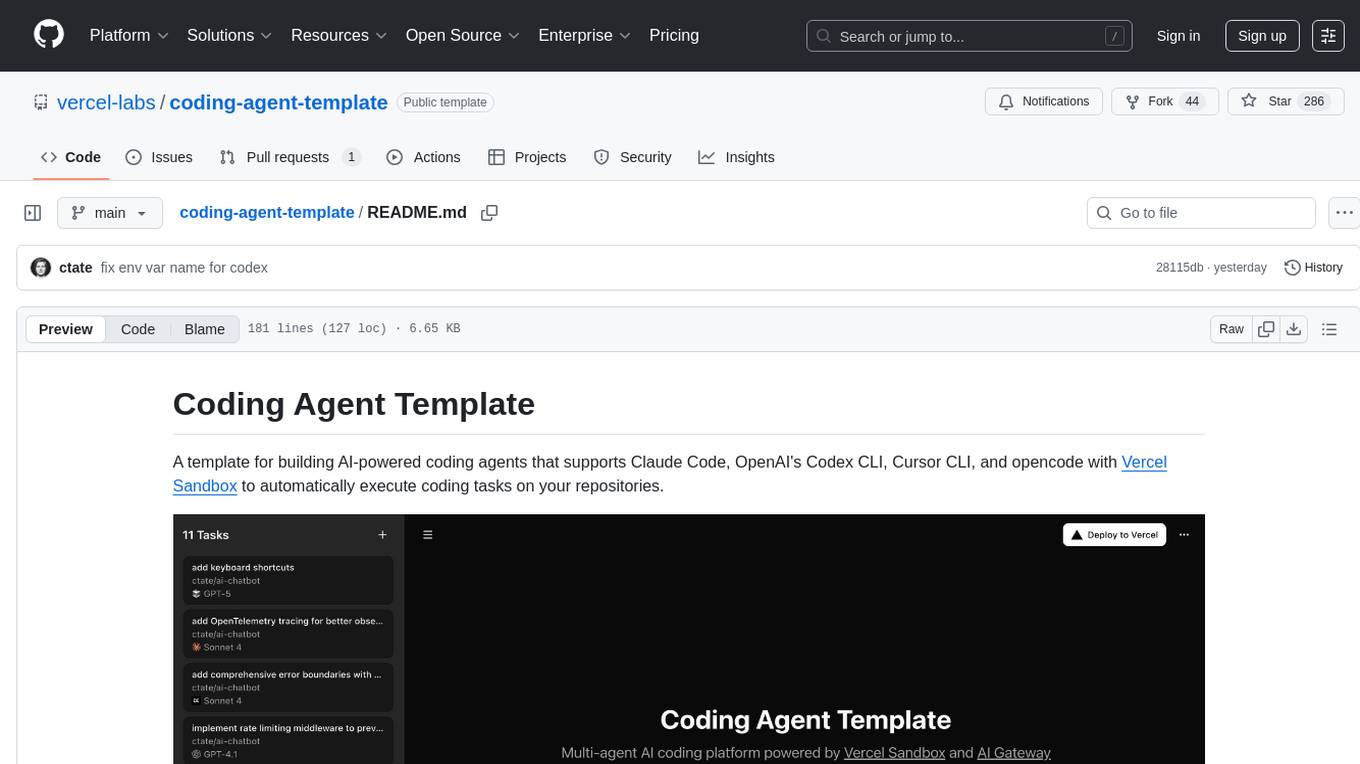
Coding Agent Template is a versatile tool for building AI-powered coding agents that support various coding tasks using Claude Code, OpenAI's Codex CLI, Cursor CLI, and opencode with Vercel Sandbox. It offers features like multi-agent support, Vercel Sandbox for secure code execution, AI Gateway integration, AI-generated branch names, task management, persistent storage, Git integration, and a modern UI built with Next.js and Tailwind CSS. Users can easily deploy their own version of the template to Vercel and set up the tool by cloning the repository, installing dependencies, configuring environment variables, setting up the database, and starting the development server. The tool simplifies the process of creating tasks, monitoring progress, reviewing results, and managing tasks, making it ideal for developers looking to automate coding tasks with AI agents.
enferno
Enferno is a modern Flask framework optimized for AI-assisted development workflows. It combines carefully crafted development patterns, smart Cursor Rules, and modern libraries to enable developers to build sophisticated web applications with unprecedented speed. Enferno's intelligent patterns and contextual guides help create production-ready SAAS applications faster than ever. It includes features like modern stack, authentication, OAuth integration, database support, task queue, frontend components, security measures, Docker readiness, and more.
vibesdk
Cloudflare VibeSDK is an open source full-stack AI webapp generator built on Cloudflare's developer platform. It allows companies to build AI-powered platforms, enables internal development for non-technical teams, and supports SaaS platforms to extend product functionality. The platform features AI code generation, live previews, interactive chat, modern stack generation, one-click deploy, and GitHub integration. It is built on Cloudflare's platform with frontend in React + Vite, backend in Workers with Durable Objects, database in D1 (SQLite) with Drizzle ORM, AI integration via multiple LLM providers, sandboxed app previews and execution in containers, and deployment to Workers for Platforms with dispatch namespaces. The platform also offers an SDK for programmatic access to build apps programmatically using TypeScript SDK.
backend.ai
Backend.AI is a streamlined, container-based computing cluster platform that hosts popular computing/ML frameworks and diverse programming languages, with pluggable heterogeneous accelerator support including CUDA GPU, ROCm GPU, TPU, IPU and other NPUs. It allocates and isolates the underlying computing resources for multi-tenant computation sessions on-demand or in batches with customizable job schedulers with its own orchestrator. All its functions are exposed as REST/GraphQL/WebSocket APIs.
gemini-cli
Gemini CLI is an open-source AI agent that provides lightweight access to Gemini, offering powerful capabilities like code understanding, generation, automation, integration, and advanced features. It is designed for developers who prefer working in the command line and offers extensibility through MCP support. The tool integrates directly into GitHub workflows and offers various authentication options for individual developers, enterprise teams, and production workloads. With features like code querying, editing, app generation, debugging, and GitHub integration, Gemini CLI aims to streamline development workflows and enhance productivity.
farfalle
Farfalle is an open-source AI-powered search engine that allows users to run their own local LLM or utilize the cloud. It provides a tech stack including Next.js for frontend, FastAPI for backend, Tavily for search API, Logfire for logging, and Redis for rate limiting. Users can get started by setting up prerequisites like Docker and Ollama, and obtaining API keys for Tavily, OpenAI, and Groq. The tool supports models like llama3, mistral, and gemma. Users can clone the repository, set environment variables, run containers using Docker Compose, and deploy the backend and frontend using services like Render and Vercel.
qwery-core
Qwery is a platform for querying and visualizing data using natural language without technical knowledge. It seamlessly integrates with various datasources, generates optimized queries, and delivers outcomes like result sets, dashboards, and APIs. Features include natural language querying, multi-database support, AI-powered agents, visual data apps, desktop & cloud options, template library, and extensibility through plugins. The project is under active development and not yet suitable for production use.
codemie-code
Unified AI Coding Assistant CLI for managing multiple AI agents like Claude Code, Google Gemini, OpenCode, and custom AI agents. Supports OpenAI, Azure OpenAI, AWS Bedrock, LiteLLM, Ollama, and Enterprise SSO. Features built-in LangGraph agent with file operations, command execution, and planning tools. Cross-platform support for Windows, Linux, and macOS. Ideal for developers seeking a powerful alternative to GitHub Copilot or Cursor.
Groqqle
Groqqle 2.1 is a revolutionary, free AI web search and API that instantly returns ORIGINAL content derived from source articles, websites, videos, and even foreign language sources, for ANY target market of ANY reading comprehension level! It combines the power of large language models with advanced web and news search capabilities, offering a user-friendly web interface, a robust API, and now a powerful Groqqle_web_tool for seamless integration into your projects. Developers can instantly incorporate Groqqle into their applications, providing a powerful tool for content generation, research, and analysis across various domains and languages.
Visionatrix
Visionatrix is a project aimed at providing easy use of ComfyUI workflows. It offers simplified setup and update processes, a minimalistic UI for daily workflow use, stable workflows with versioning and update support, scalability for multiple instances and task workers, multiple user support with integration of different user backends, LLM power for integration with Ollama/Gemini, and seamless integration as a service with backend endpoints and webhook support. The project is approaching version 1.0 release and welcomes new ideas for further implementation.
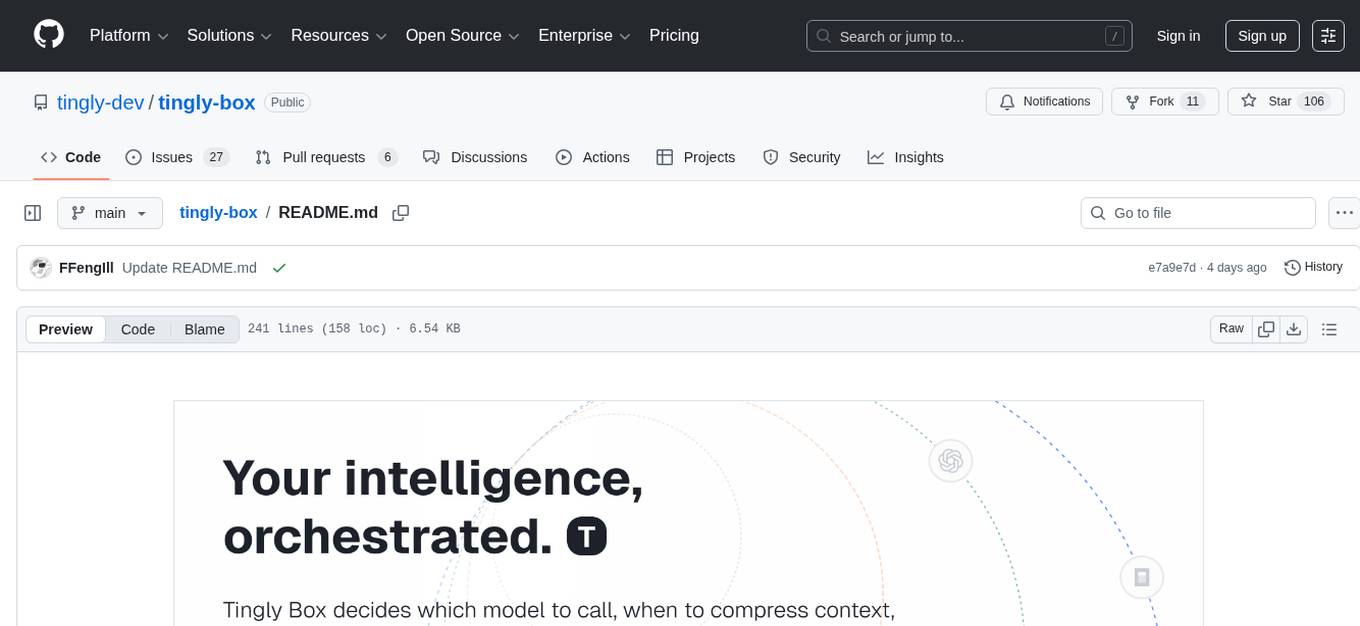
tingly-box
Tingly Box is a tool that helps in deciding which model to call, compressing context, and routing requests efficiently. It offers secure, reliable, and customizable functional extensions. With features like unified API, smart routing, context compression, auto API translation, blazing fast performance, flexible authentication, visual control panel, and client-side usage stats, Tingly Box provides a comprehensive solution for managing AI models and tokens. It supports integration with various IDEs, CLI tools, SDKs, and AI applications, making it versatile and easy to use. The tool also allows seamless integration with OAuth providers like Claude Code, enabling users to utilize existing quotas in OpenAI-compatible tools. Tingly Box aims to simplify AI model management and usage by providing a single endpoint for multiple providers with minimal configuration, promoting seamless integration with SDKs and CLI tools.
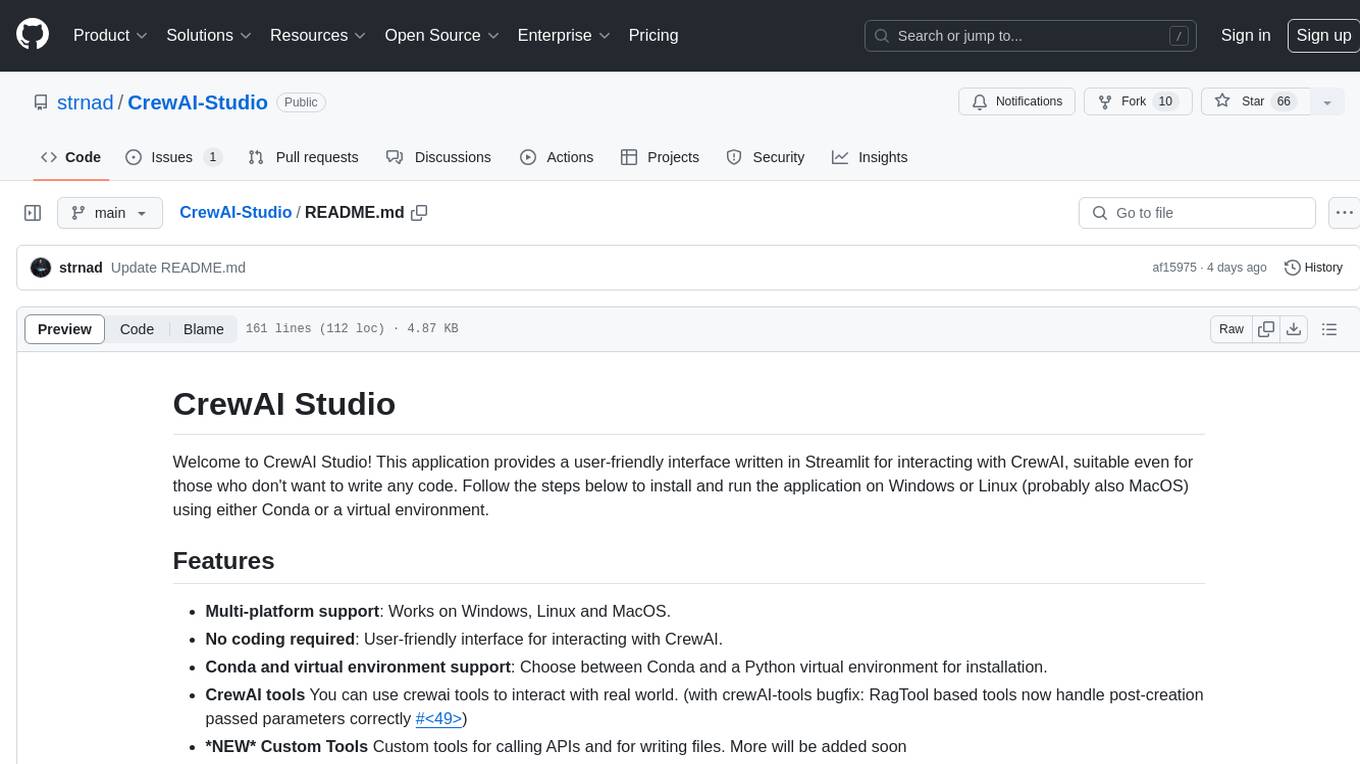
CrewAI-Studio
CrewAI Studio is an application with a user-friendly interface for interacting with CrewAI, offering support for multiple platforms and various backend providers. It allows users to run crews in the background, export single-page apps, and use custom tools for APIs and file writing. The roadmap includes features like better import/export, human input, chat functionality, automatic crew creation, and multiuser environment support.
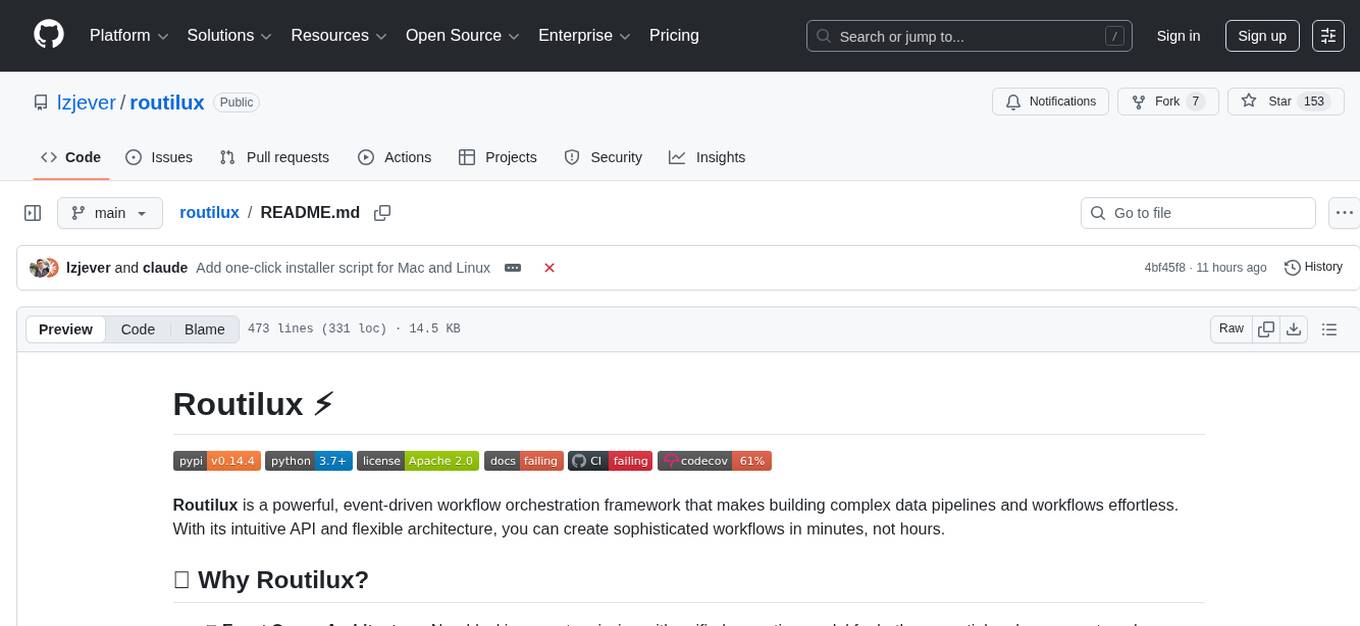
routilux
Routilux is a powerful event-driven workflow orchestration framework designed for building complex data pipelines and workflows effortlessly. It offers features like event queue architecture, flexible connections, built-in state management, robust error handling, concurrent execution, persistence & recovery, and simplified API. Perfect for tasks such as data pipelines, API orchestration, event processing, workflow automation, microservices coordination, and LLM agent workflows.
For similar tasks
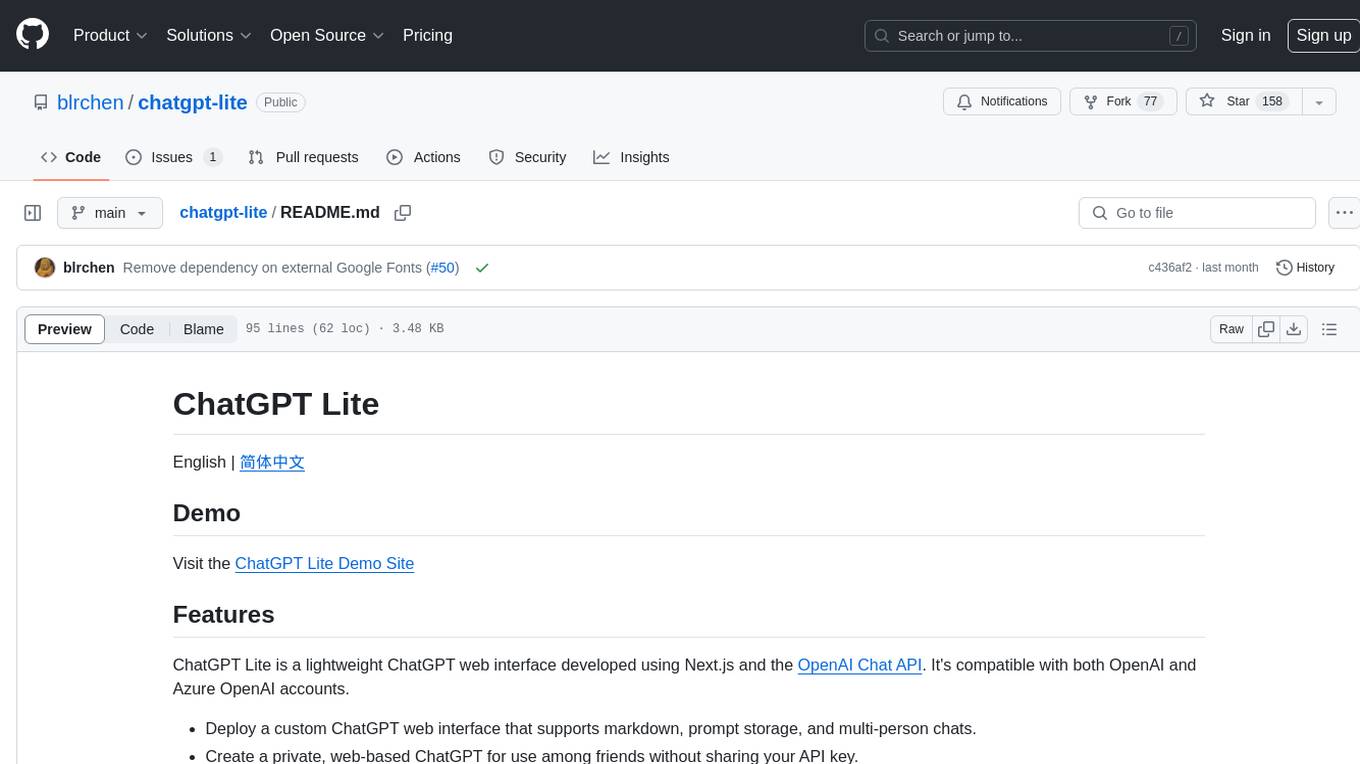
chatgpt-lite
ChatGPT Lite is a lightweight web interface developed using Next.js and the OpenAI Chat API. It allows users to deploy a custom ChatGPT interface supporting markdown, prompt storage, and multi-person chats. Users can create private web-based ChatGPT instances for friends without sharing API keys. The codebase is clear and expandable, making it an ideal starting point for AI projects.
assistant-ui
assistant-ui is a set of React components for AI chat. It provides a collection of components that can be easily integrated into projects to create AI chat interfaces for Discord, websites, and demos. The components are designed to streamline the process of setting up AI chat functionality in React applications, making it easier for developers to incorporate AI chat features into their projects.
open-gamma
Open Gamma is a production-ready AI Chat application that features tool integration with Google Slides, Vercel AI SDK for chat streaming, and NextAuth v5 for authentication. It utilizes PostgreSQL with Drizzle ORM for database management and is built on Next.js 16 with Tailwind CSS for styling. The application provides AI chat functionality powered by Vercel AI SDK supporting OpenAI, Anthropic, and Google. It offers custom authentication flows and ensures security through request validation and environment validation. Open Gamma is designed to streamline chat interactions, tool integrations, and authentication processes in a secure and efficient manner.
claude-code-mastery
Claude Code Mastery is a comprehensive tool for maximizing Claude Code, offering a production-ready project template with 16 slash commands, deterministic hook enforcement, MongoDB wrapper, live AI monitoring, and three-layer security. It provides a security gatekeeper, project scaffolding blueprint, MCP server integration, workflow automation through custom commands, and emphasizes the importance of single-purpose chats to avoid performance degradation.
vllm-mlx
vLLM-MLX is a tool that brings native Apple Silicon GPU acceleration to vLLM by integrating Apple's ML framework with unified memory and Metal kernels. It offers optimized LLM inference with KV cache and quantization, vision-language models for multimodal inference, speech-to-text and text-to-speech with native voices, text embeddings for semantic search and RAG, and more. Users can benefit from features like multimodal support for text, image, video, and audio, native GPU acceleration on Apple Silicon, compatibility with OpenAI API, Anthropic Messages API, reasoning models extraction, integration with external tools via Model Context Protocol, memory-efficient caching, and high throughput for multiple concurrent users.
LangChain4j-for-Beginners
LangChain4j-for-Beginners is a course designed to help beginners build AI applications using LangChain4j and Azure OpenAI GPT-5.2. The course covers topics such as chatbots, AI agents, prompt engineering, and integrating external tools. Learners can use GitHub Models and Azure OpenAI for different modules. The repository includes 50+ language translations, but users can clone without translations for faster download. The course provides a learning path, GitHub Copilot integration for paired programming, and additional resources related to LangChain, Azure, generative AI, core learning, and Copilot series. Learners can get help through the Azure AI Foundry Discord community or the Azure AI Foundry Developer Forum.
For similar jobs

promptflow
**Prompt flow** is a suite of development tools designed to streamline the end-to-end development cycle of LLM-based AI applications, from ideation, prototyping, testing, evaluation to production deployment and monitoring. It makes prompt engineering much easier and enables you to build LLM apps with production quality.

deepeval
DeepEval is a simple-to-use, open-source LLM evaluation framework specialized for unit testing LLM outputs. It incorporates various metrics such as G-Eval, hallucination, answer relevancy, RAGAS, etc., and runs locally on your machine for evaluation. It provides a wide range of ready-to-use evaluation metrics, allows for creating custom metrics, integrates with any CI/CD environment, and enables benchmarking LLMs on popular benchmarks. DeepEval is designed for evaluating RAG and fine-tuning applications, helping users optimize hyperparameters, prevent prompt drifting, and transition from OpenAI to hosting their own Llama2 with confidence.

MegaDetector
MegaDetector is an AI model that identifies animals, people, and vehicles in camera trap images (which also makes it useful for eliminating blank images). This model is trained on several million images from a variety of ecosystems. MegaDetector is just one of many tools that aims to make conservation biologists more efficient with AI. If you want to learn about other ways to use AI to accelerate camera trap workflows, check out our of the field, affectionately titled "Everything I know about machine learning and camera traps".

leapfrogai
LeapfrogAI is a self-hosted AI platform designed to be deployed in air-gapped resource-constrained environments. It brings sophisticated AI solutions to these environments by hosting all the necessary components of an AI stack, including vector databases, model backends, API, and UI. LeapfrogAI's API closely matches that of OpenAI, allowing tools built for OpenAI/ChatGPT to function seamlessly with a LeapfrogAI backend. It provides several backends for various use cases, including llama-cpp-python, whisper, text-embeddings, and vllm. LeapfrogAI leverages Chainguard's apko to harden base python images, ensuring the latest supported Python versions are used by the other components of the stack. The LeapfrogAI SDK provides a standard set of protobuffs and python utilities for implementing backends and gRPC. LeapfrogAI offers UI options for common use-cases like chat, summarization, and transcription. It can be deployed and run locally via UDS and Kubernetes, built out using Zarf packages. LeapfrogAI is supported by a community of users and contributors, including Defense Unicorns, Beast Code, Chainguard, Exovera, Hypergiant, Pulze, SOSi, United States Navy, United States Air Force, and United States Space Force.

llava-docker
This Docker image for LLaVA (Large Language and Vision Assistant) provides a convenient way to run LLaVA locally or on RunPod. LLaVA is a powerful AI tool that combines natural language processing and computer vision capabilities. With this Docker image, you can easily access LLaVA's functionalities for various tasks, including image captioning, visual question answering, text summarization, and more. The image comes pre-installed with LLaVA v1.2.0, Torch 2.1.2, xformers 0.0.23.post1, and other necessary dependencies. You can customize the model used by setting the MODEL environment variable. The image also includes a Jupyter Lab environment for interactive development and exploration. Overall, this Docker image offers a comprehensive and user-friendly platform for leveraging LLaVA's capabilities.

carrot
The 'carrot' repository on GitHub provides a list of free and user-friendly ChatGPT mirror sites for easy access. The repository includes sponsored sites offering various GPT models and services. Users can find and share sites, report errors, and access stable and recommended sites for ChatGPT usage. The repository also includes a detailed list of ChatGPT sites, their features, and accessibility options, making it a valuable resource for ChatGPT users seeking free and unlimited GPT services.

TrustLLM
TrustLLM is a comprehensive study of trustworthiness in LLMs, including principles for different dimensions of trustworthiness, established benchmark, evaluation, and analysis of trustworthiness for mainstream LLMs, and discussion of open challenges and future directions. Specifically, we first propose a set of principles for trustworthy LLMs that span eight different dimensions. Based on these principles, we further establish a benchmark across six dimensions including truthfulness, safety, fairness, robustness, privacy, and machine ethics. We then present a study evaluating 16 mainstream LLMs in TrustLLM, consisting of over 30 datasets. The document explains how to use the trustllm python package to help you assess the performance of your LLM in trustworthiness more quickly. For more details about TrustLLM, please refer to project website.

AI-YinMei
AI-YinMei is an AI virtual anchor Vtuber development tool (N card version). It supports fastgpt knowledge base chat dialogue, a complete set of solutions for LLM large language models: [fastgpt] + [one-api] + [Xinference], supports docking bilibili live broadcast barrage reply and entering live broadcast welcome speech, supports Microsoft edge-tts speech synthesis, supports Bert-VITS2 speech synthesis, supports GPT-SoVITS speech synthesis, supports expression control Vtuber Studio, supports painting stable-diffusion-webui output OBS live broadcast room, supports painting picture pornography public-NSFW-y-distinguish, supports search and image search service duckduckgo (requires magic Internet access), supports image search service Baidu image search (no magic Internet access), supports AI reply chat box [html plug-in], supports AI singing Auto-Convert-Music, supports playlist [html plug-in], supports dancing function, supports expression video playback, supports head touching action, supports gift smashing action, supports singing automatic start dancing function, chat and singing automatic cycle swing action, supports multi scene switching, background music switching, day and night automatic switching scene, supports open singing and painting, let AI automatically judge the content.