


LangChain4j-for-Beginners
A course for AI applications with LangChain4j from simple chat to AI agents.
Stars: 169
LangChain4j-for-Beginners is a course designed to help beginners build AI applications using LangChain4j and Azure OpenAI GPT-5.2. The course covers topics such as chatbots, AI agents, prompt engineering, and integrating external tools. Learners can use GitHub Models and Azure OpenAI for different modules. The repository includes 50+ language translations, but users can clone without translations for faster download. The course provides a learning path, GitHub Copilot integration for paired programming, and additional resources related to LangChain, Azure, generative AI, core learning, and Copilot series. Learners can get help through the Azure AI Foundry Discord community or the Azure AI Foundry Developer Forum.
README:

A course for building AI applications with LangChain4j and Azure OpenAI GPT-5.2, from basic chat to AI agents.
Arabic | Bengali | Bulgarian | Burmese (Myanmar) | Chinese (Simplified) | Chinese (Traditional, Hong Kong) | Chinese (Traditional, Macau) | Chinese (Traditional, Taiwan) | Croatian | Czech | Danish | Dutch | Estonian | Finnish | French | German | Greek | Hebrew | Hindi | Hungarian | Indonesian | Italian | Japanese | Kannada | Korean | Lithuanian | Malay | Malayalam | Marathi | Nepali | Nigerian Pidgin | Norwegian | Persian (Farsi) | Polish | Portuguese (Brazil) | Portuguese (Portugal) | Punjabi (Gurmukhi) | Romanian | Russian | Serbian (Cyrillic) | Slovak | Slovenian | Spanish | Swahili | Swedish | Tagalog (Filipino) | Tamil | Telugu | Thai | Turkish | Ukrainian | Urdu | Vietnamese
Prefer to Clone Locally?
This repository includes 50+ language translations which significantly increases the download size. To clone without translations, use sparse checkout:
Bash / macOS / Linux:
git clone --filter=blob:none --sparse https://github.com/microsoft/LangChain4j-for-Beginners.git
cd LangChain4j-for-Beginners
git sparse-checkout set --no-cone '/*' '!translations' '!translated_images'
CMD (Windows):
git clone --filter=blob:none --sparse https://github.com/microsoft/LangChain4j-for-Beginners.git
cd LangChain4j-for-Beginners
git sparse-checkout set --no-cone "/*" "!translations" "!translated_images"
This gives you everything you need to complete the course with a much faster download.
- Quick Start - Get started with LangChain4j
- Introduction - Learn the fundamentals of LangChain4j
- Prompt Engineering - Master effective prompt design
- RAG (Retrieval-Augmented Generation) - Build intelligent knowledge-based systems
- Tools - Integrate external tools and simple assistants
- MCP (Model Context Protocol) - Work with the Model Context Protocol (MCP) and Agentic modules
New to LangChain4j? Check out the Glossary for definitions of key terms and concepts.
Quick Start
- Fork this repository to your GitHub account
- Click Code → Codespaces tab → ... → New with options...
- Use the defaults – this will select the Development container created for this course
- Click Create codespace
- Wait 5-10 minutes for the environment to be ready
- Jump straight to Quick Start to get started!
After completing the modules, explore the Testing Guide to see LangChain4j testing concepts in action.
Note: This training uses both GitHub Models and Azure OpenAI. The Quick Start module uses GitHub Models (no Azure subscription required), while modules 1-5 use Azure OpenAI. Get started with a FREE Azure account if you don't have one.
To quickly start coding, open this project in a GitHub Codespace or your local IDE with the provided devcontainer. The devcontainer used in this course comes pre-configured with GitHub Copilot for AI paired programming.
Each code example includes suggested questions you can ask GitHub Copilot to deepen your understanding. Look for the 💡/🤖 prompts in:
- Java file headers - Questions specific to each example
- Module READMEs - Exploration prompts after code examples
How to use: Open any code file and ask Copilot the suggested questions. It has full context of the codebase and can explain, extend, and suggest alternatives.
Want to learn more? Check out Copilot for AI Paired Programming.








-9333EA?style=for-the-badge&labelColor=E5E7EB&color=9333EA)
-C084FC?style=for-the-badge&labelColor=E5E7EB&color=C084FC)
-E879F9?style=for-the-badge&labelColor=E5E7EB&color=E879F9)










If you get stuck or have any questions about building AI apps, join:

If you have product feedback or errors while building visit:

MIT License - See LICENSE file for details.
For Tasks:
Click tags to check more tools for each tasksFor Jobs:
Alternative AI tools for LangChain4j-for-Beginners
Similar Open Source Tools
LangChain4j-for-Beginners
LangChain4j-for-Beginners is a course designed to help beginners build AI applications using LangChain4j and Azure OpenAI GPT-5.2. The course covers topics such as chatbots, AI agents, prompt engineering, and integrating external tools. Learners can use GitHub Models and Azure OpenAI for different modules. The repository includes 50+ language translations, but users can clone without translations for faster download. The course provides a learning path, GitHub Copilot integration for paired programming, and additional resources related to LangChain, Azure, generative AI, core learning, and Copilot series. Learners can get help through the Azure AI Foundry Discord community or the Azure AI Foundry Developer Forum.
lemonade
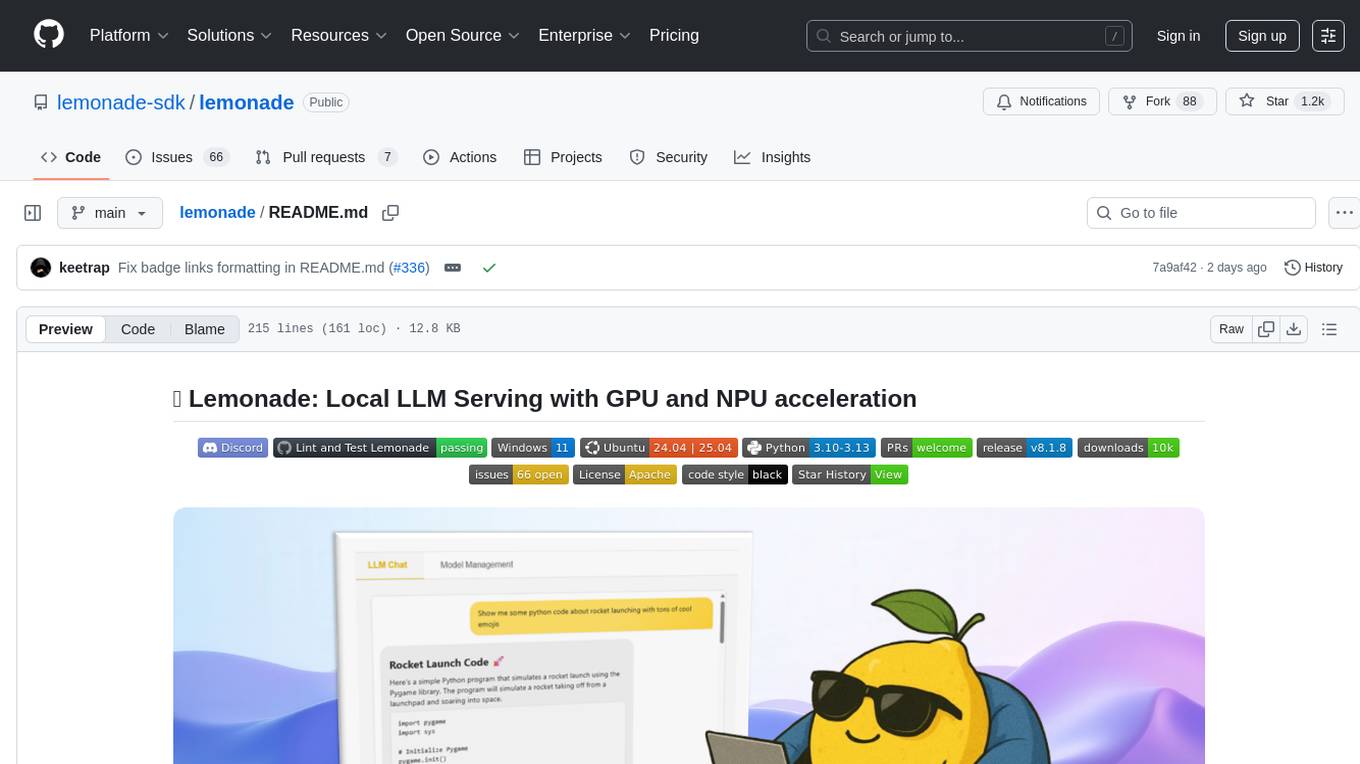
Lemonade is a tool that helps users run local Large Language Models (LLMs) with high performance by configuring state-of-the-art inference engines for their Neural Processing Units (NPUs) and Graphics Processing Units (GPUs). It is used by startups, research teams, and large companies to run LLMs efficiently. Lemonade provides a high-level Python API for direct integration of LLMs into Python applications and a CLI for mixing and matching LLMs with various features like prompting templates, accuracy testing, performance benchmarking, and memory profiling. The tool supports both GGUF and ONNX models and allows importing custom models from Hugging Face using the Model Manager. Lemonade is designed to be easy to use and switch between different configurations at runtime, making it a versatile tool for running LLMs locally.
XLICON-V2-MD
XLICON-V2-MD is a versatile Multi-Device WhatsApp bot developed by Salman Ahamed. It offers a wide range of features, making it an advanced and user-friendly bot for various purposes. The bot supports multi-device operation, AI photo enhancement, downloader commands, hidden NSFW commands, logo generation, anime exploration, economic activities, games, and audio/video editing. Users can deploy the bot on platforms like Heroku, Replit, Codespace, Okteto, Railway, Mongenius, Coolify, and Render. The bot is maintained by Salman Ahamed and Abraham Dwamena, with contributions from various developers and testers. Misusing the bot may result in a ban from WhatsApp, so users are advised to use it at their own risk.
note-gen
Note-gen is a simple tool for generating notes automatically based on user input. It uses natural language processing techniques to analyze text and extract key information to create structured notes. The tool is designed to save time and effort for users who need to summarize large amounts of text or generate notes quickly. With note-gen, users can easily create organized and concise notes for study, research, or any other purpose.
agentscope
AgentScope is a multi-agent platform designed to empower developers to build multi-agent applications with large-scale models. It features three high-level capabilities: Easy-to-Use, High Robustness, and Actor-Based Distribution. AgentScope provides a list of `ModelWrapper` to support both local model services and third-party model APIs, including OpenAI API, DashScope API, Gemini API, and ollama. It also enables developers to rapidly deploy local model services using libraries such as ollama (CPU inference), Flask + Transformers, Flask + ModelScope, FastChat, and vllm. AgentScope supports various services, including Web Search, Data Query, Retrieval, Code Execution, File Operation, and Text Processing. Example applications include Conversation, Game, and Distribution. AgentScope is released under Apache License 2.0 and welcomes contributions.
Everywhere
Everywhere is an interactive AI assistant with context-aware capabilities, featuring a sleek, modern UI and powerful integrated functionality. It instantly perceives and understands anything on your screen, providing seamless AI assistant support without the need for screenshots or app switching. The tool offers troubleshooting expertise, quick web summarization, instant translation, and email draft assistance. It supports LLM from various providers, integrates with web browsers, file systems, terminals, and more, and provides an interactive experience with a modern UI, context-aware invocation, keyboard shortcuts, and markdown rendering. Everywhere is available on Windows and macOS, with Linux support coming soon. Language support includes Simplified Chinese, English, German, Spanish, French, Italian, Japanese, Korean, Russian, Turkish, Traditional Chinese, and Traditional Chinese (Hong Kong).
llm4ad
LLM4AD is an open-source Python-based platform leveraging Large Language Models (LLMs) for Automatic Algorithm Design (AD). It provides unified interfaces for methods, tasks, and LLMs, along with features like evaluation acceleration, secure evaluation, logs, GUI support, and more. The platform was originally developed for optimization tasks but is versatile enough to be used in other areas such as machine learning, science discovery, game theory, and engineering design. It offers various search methods and algorithm design tasks across different domains. LLM4AD supports remote LLM API, local HuggingFace LLM deployment, and custom LLM interfaces. The project is licensed under the MIT License and welcomes contributions, collaborations, and issue reports.
dora
Dataflow-oriented robotic application (dora-rs) is a framework that makes creation of robotic applications fast and simple. Building a robotic application can be summed up as bringing together hardwares, algorithms, and AI models, and make them communicate with each others. At dora-rs, we try to: make integration of hardware and software easy by supporting Python, C, C++, and also ROS2. make communication low latency by using zero-copy Arrow messages. dora-rs is still experimental and you might experience bugs, but we're working very hard to make it stable as possible.
Scrapegraph-ai
ScrapeGraphAI is a web scraping Python library that utilizes LLM and direct graph logic to create scraping pipelines for websites and local documents. It offers various standard scraping pipelines like SmartScraperGraph, SearchGraph, SpeechGraph, and ScriptCreatorGraph. Users can extract information by specifying prompts and input sources. The library supports different LLM APIs such as OpenAI, Groq, Azure, and Gemini, as well as local models using Ollama. ScrapeGraphAI is designed for data exploration and research purposes, providing a versatile tool for extracting information from web pages and generating outputs like Python scripts, audio summaries, and search results.
ScaleLLM
ScaleLLM is a cutting-edge inference system engineered for large language models (LLMs), meticulously designed to meet the demands of production environments. It extends its support to a wide range of popular open-source models, including Llama3, Gemma, Bloom, GPT-NeoX, and more. ScaleLLM is currently undergoing active development. We are fully committed to consistently enhancing its efficiency while also incorporating additional features. Feel free to explore our **_Roadmap_** for more details. ## Key Features * High Efficiency: Excels in high-performance LLM inference, leveraging state-of-the-art techniques and technologies like Flash Attention, Paged Attention, Continuous batching, and more. * Tensor Parallelism: Utilizes tensor parallelism for efficient model execution. * OpenAI-compatible API: An efficient golang rest api server that compatible with OpenAI. * Huggingface models: Seamless integration with most popular HF models, supporting safetensors. * Customizable: Offers flexibility for customization to meet your specific needs, and provides an easy way to add new models. * Production Ready: Engineered with production environments in mind, ScaleLLM is equipped with robust system monitoring and management features to ensure a seamless deployment experience.
computer
Cua is a tool for creating and running high-performance macOS and Linux VMs on Apple Silicon, with built-in support for AI agents. It provides libraries like Lume for running VMs with near-native performance, Computer for interacting with sandboxes, and Agent for running agentic workflows. Users can refer to the documentation for onboarding and explore demos showcasing the tool's capabilities. Additionally, accessory libraries like Core, PyLume, Computer Server, and SOM offer additional functionality. Contributions to Cua are welcome, and the tool is open-sourced under the MIT License.
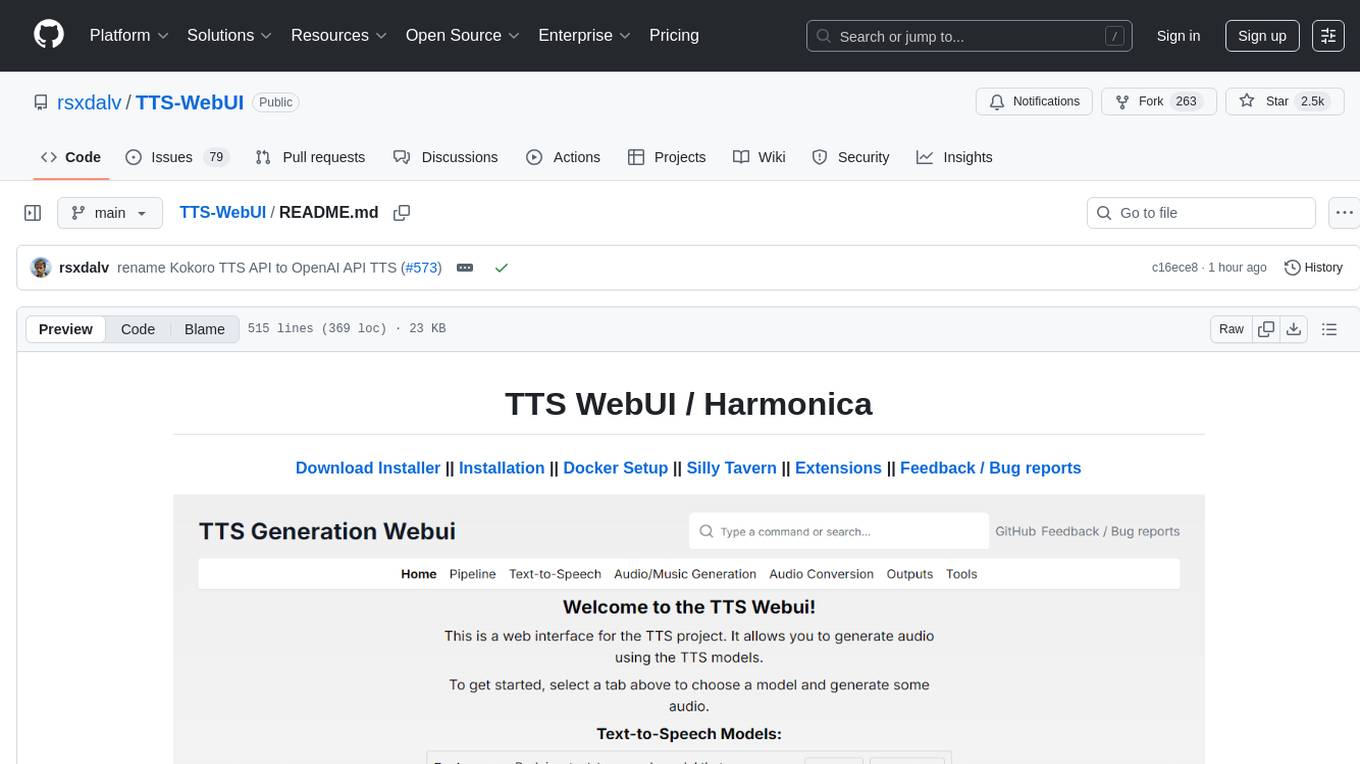
TTS-WebUI
TTS WebUI is a comprehensive tool for text-to-speech synthesis, audio/music generation, and audio conversion. It offers a user-friendly interface for various AI projects related to voice and audio processing. The tool provides a range of models and extensions for different tasks, along with integrations like Silly Tavern and OpenWebUI. With support for Docker setup and compatibility with Linux and Windows, TTS WebUI aims to facilitate creative and responsible use of AI technologies in a user-friendly manner.
ASTRA.ai
ASTRA is an open-source platform designed for developing applications utilizing large language models. It merges the ideas of Backend-as-a-Service and LLM operations, allowing developers to swiftly create production-ready generative AI applications. Additionally, it empowers non-technical users to engage in defining and managing data operations for AI applications. With ASTRA, you can easily create real-time, multi-modal AI applications with low latency, even without any coding knowledge.
superlinked
Superlinked is a compute framework for information retrieval and feature engineering systems, focusing on converting complex data into vector embeddings for RAG, Search, RecSys, and Analytics stack integration. It enables custom model performance in machine learning with pre-trained model convenience. The tool allows users to build multimodal vectors, define weights at query time, and avoid postprocessing & rerank requirements. Users can explore the computational model through simple scripts and python notebooks, with a future release planned for production usage with built-in data infra and vector database integrations.
EverMemOS
EverMemOS is an AI memory system that enables AI to not only remember past events but also understand the meaning behind memories and use them to guide decisions. It achieves 93% reasoning accuracy on the LoCoMo benchmark by providing long-term memory capabilities for conversational AI agents through structured extraction, intelligent retrieval, and progressive profile building. The tool is production-ready with support for Milvus vector DB, Elasticsearch, MongoDB, and Redis, and offers easy integration via a simple REST API. Users can store and retrieve memories using Python code and benefit from features like multi-modal memory storage, smart retrieval mechanisms, and advanced techniques for memory management.
big-AGI
big-AGI is an AI suite designed for professionals seeking function, form, simplicity, and speed. It offers best-in-class Chats, Beams, and Calls with AI personas, visualizations, coding, drawing, side-by-side chatting, and more, all wrapped in a polished UX. The tool is powered by the latest models from 12 vendors and open-source servers, providing users with advanced AI capabilities and a seamless user experience. With continuous updates and enhancements, big-AGI aims to stay ahead of the curve in the AI landscape, catering to the needs of both developers and AI enthusiasts.
For similar tasks

agentcloud
AgentCloud is an open-source platform that enables companies to build and deploy private LLM chat apps, empowering teams to securely interact with their data. It comprises three main components: Agent Backend, Webapp, and Vector Proxy. To run this project locally, clone the repository, install Docker, and start the services. The project is licensed under the GNU Affero General Public License, version 3 only. Contributions and feedback are welcome from the community.

zep-python
Zep is an open-source platform for building and deploying large language model (LLM) applications. It provides a suite of tools and services that make it easy to integrate LLMs into your applications, including chat history memory, embedding, vector search, and data enrichment. Zep is designed to be scalable, reliable, and easy to use, making it a great choice for developers who want to build LLM-powered applications quickly and easily.
lollms
LoLLMs Server is a text generation server based on large language models. It provides a Flask-based API for generating text using various pre-trained language models. This server is designed to be easy to install and use, allowing developers to integrate powerful text generation capabilities into their applications.
LlamaIndexTS
LlamaIndex.TS is a data framework for your LLM application. Use your own data with large language models (LLMs, OpenAI ChatGPT and others) in Typescript and Javascript.

semantic-kernel
Semantic Kernel is an SDK that integrates Large Language Models (LLMs) like OpenAI, Azure OpenAI, and Hugging Face with conventional programming languages like C#, Python, and Java. Semantic Kernel achieves this by allowing you to define plugins that can be chained together in just a few lines of code. What makes Semantic Kernel _special_ , however, is its ability to _automatically_ orchestrate plugins with AI. With Semantic Kernel planners, you can ask an LLM to generate a plan that achieves a user's unique goal. Afterwards, Semantic Kernel will execute the plan for the user.
botpress
Botpress is a platform for building next-generation chatbots and assistants powered by OpenAI. It provides a range of tools and integrations to help developers quickly and easily create and deploy chatbots for various use cases.
BotSharp
BotSharp is an open-source machine learning framework for building AI bot platforms. It provides a comprehensive set of tools and components for developing and deploying intelligent virtual assistants. BotSharp is designed to be modular and extensible, allowing developers to easily integrate it with their existing systems and applications. With BotSharp, you can quickly and easily create AI-powered chatbots, virtual assistants, and other conversational AI applications.
qdrant
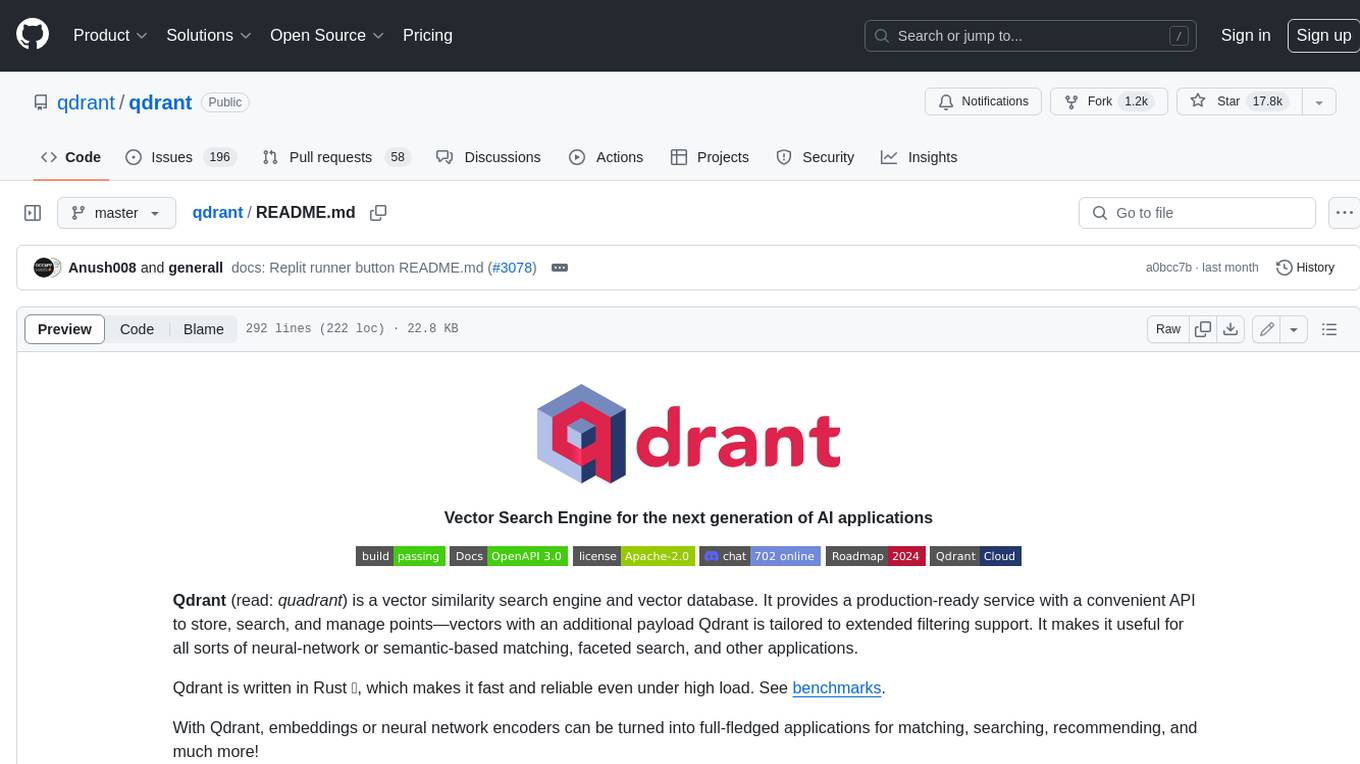
Qdrant is a vector similarity search engine and vector database. It is written in Rust, which makes it fast and reliable even under high load. Qdrant can be used for a variety of applications, including: * Semantic search * Image search * Product recommendations * Chatbots * Anomaly detection Qdrant offers a variety of features, including: * Payload storage and filtering * Hybrid search with sparse vectors * Vector quantization and on-disk storage * Distributed deployment * Highlighted features such as query planning, payload indexes, SIMD hardware acceleration, async I/O, and write-ahead logging Qdrant is available as a fully managed cloud service or as an open-source software that can be deployed on-premises.
For similar jobs

promptflow
**Prompt flow** is a suite of development tools designed to streamline the end-to-end development cycle of LLM-based AI applications, from ideation, prototyping, testing, evaluation to production deployment and monitoring. It makes prompt engineering much easier and enables you to build LLM apps with production quality.

deepeval
DeepEval is a simple-to-use, open-source LLM evaluation framework specialized for unit testing LLM outputs. It incorporates various metrics such as G-Eval, hallucination, answer relevancy, RAGAS, etc., and runs locally on your machine for evaluation. It provides a wide range of ready-to-use evaluation metrics, allows for creating custom metrics, integrates with any CI/CD environment, and enables benchmarking LLMs on popular benchmarks. DeepEval is designed for evaluating RAG and fine-tuning applications, helping users optimize hyperparameters, prevent prompt drifting, and transition from OpenAI to hosting their own Llama2 with confidence.

MegaDetector
MegaDetector is an AI model that identifies animals, people, and vehicles in camera trap images (which also makes it useful for eliminating blank images). This model is trained on several million images from a variety of ecosystems. MegaDetector is just one of many tools that aims to make conservation biologists more efficient with AI. If you want to learn about other ways to use AI to accelerate camera trap workflows, check out our of the field, affectionately titled "Everything I know about machine learning and camera traps".

leapfrogai
LeapfrogAI is a self-hosted AI platform designed to be deployed in air-gapped resource-constrained environments. It brings sophisticated AI solutions to these environments by hosting all the necessary components of an AI stack, including vector databases, model backends, API, and UI. LeapfrogAI's API closely matches that of OpenAI, allowing tools built for OpenAI/ChatGPT to function seamlessly with a LeapfrogAI backend. It provides several backends for various use cases, including llama-cpp-python, whisper, text-embeddings, and vllm. LeapfrogAI leverages Chainguard's apko to harden base python images, ensuring the latest supported Python versions are used by the other components of the stack. The LeapfrogAI SDK provides a standard set of protobuffs and python utilities for implementing backends and gRPC. LeapfrogAI offers UI options for common use-cases like chat, summarization, and transcription. It can be deployed and run locally via UDS and Kubernetes, built out using Zarf packages. LeapfrogAI is supported by a community of users and contributors, including Defense Unicorns, Beast Code, Chainguard, Exovera, Hypergiant, Pulze, SOSi, United States Navy, United States Air Force, and United States Space Force.

llava-docker
This Docker image for LLaVA (Large Language and Vision Assistant) provides a convenient way to run LLaVA locally or on RunPod. LLaVA is a powerful AI tool that combines natural language processing and computer vision capabilities. With this Docker image, you can easily access LLaVA's functionalities for various tasks, including image captioning, visual question answering, text summarization, and more. The image comes pre-installed with LLaVA v1.2.0, Torch 2.1.2, xformers 0.0.23.post1, and other necessary dependencies. You can customize the model used by setting the MODEL environment variable. The image also includes a Jupyter Lab environment for interactive development and exploration. Overall, this Docker image offers a comprehensive and user-friendly platform for leveraging LLaVA's capabilities.

carrot
The 'carrot' repository on GitHub provides a list of free and user-friendly ChatGPT mirror sites for easy access. The repository includes sponsored sites offering various GPT models and services. Users can find and share sites, report errors, and access stable and recommended sites for ChatGPT usage. The repository also includes a detailed list of ChatGPT sites, their features, and accessibility options, making it a valuable resource for ChatGPT users seeking free and unlimited GPT services.

TrustLLM
TrustLLM is a comprehensive study of trustworthiness in LLMs, including principles for different dimensions of trustworthiness, established benchmark, evaluation, and analysis of trustworthiness for mainstream LLMs, and discussion of open challenges and future directions. Specifically, we first propose a set of principles for trustworthy LLMs that span eight different dimensions. Based on these principles, we further establish a benchmark across six dimensions including truthfulness, safety, fairness, robustness, privacy, and machine ethics. We then present a study evaluating 16 mainstream LLMs in TrustLLM, consisting of over 30 datasets. The document explains how to use the trustllm python package to help you assess the performance of your LLM in trustworthiness more quickly. For more details about TrustLLM, please refer to project website.

AI-YinMei
AI-YinMei is an AI virtual anchor Vtuber development tool (N card version). It supports fastgpt knowledge base chat dialogue, a complete set of solutions for LLM large language models: [fastgpt] + [one-api] + [Xinference], supports docking bilibili live broadcast barrage reply and entering live broadcast welcome speech, supports Microsoft edge-tts speech synthesis, supports Bert-VITS2 speech synthesis, supports GPT-SoVITS speech synthesis, supports expression control Vtuber Studio, supports painting stable-diffusion-webui output OBS live broadcast room, supports painting picture pornography public-NSFW-y-distinguish, supports search and image search service duckduckgo (requires magic Internet access), supports image search service Baidu image search (no magic Internet access), supports AI reply chat box [html plug-in], supports AI singing Auto-Convert-Music, supports playlist [html plug-in], supports dancing function, supports expression video playback, supports head touching action, supports gift smashing action, supports singing automatic start dancing function, chat and singing automatic cycle swing action, supports multi scene switching, background music switching, day and night automatic switching scene, supports open singing and painting, let AI automatically judge the content.