


TTS-WebUI
A single Gradio + React WebUI with extensions for ACE-Step, Kimi Audio, Piper TTS, GPT-SoVITS, CosyVoice, XTTSv2, DIA, Kokoro, OpenVoice, ParlerTTS, Stable Audio, MMS, StyleTTS2, MAGNet, AudioGen, MusicGen, Tortoise, RVC, Vocos, Demucs, SeamlessM4T, and Bark!
Stars: 2578
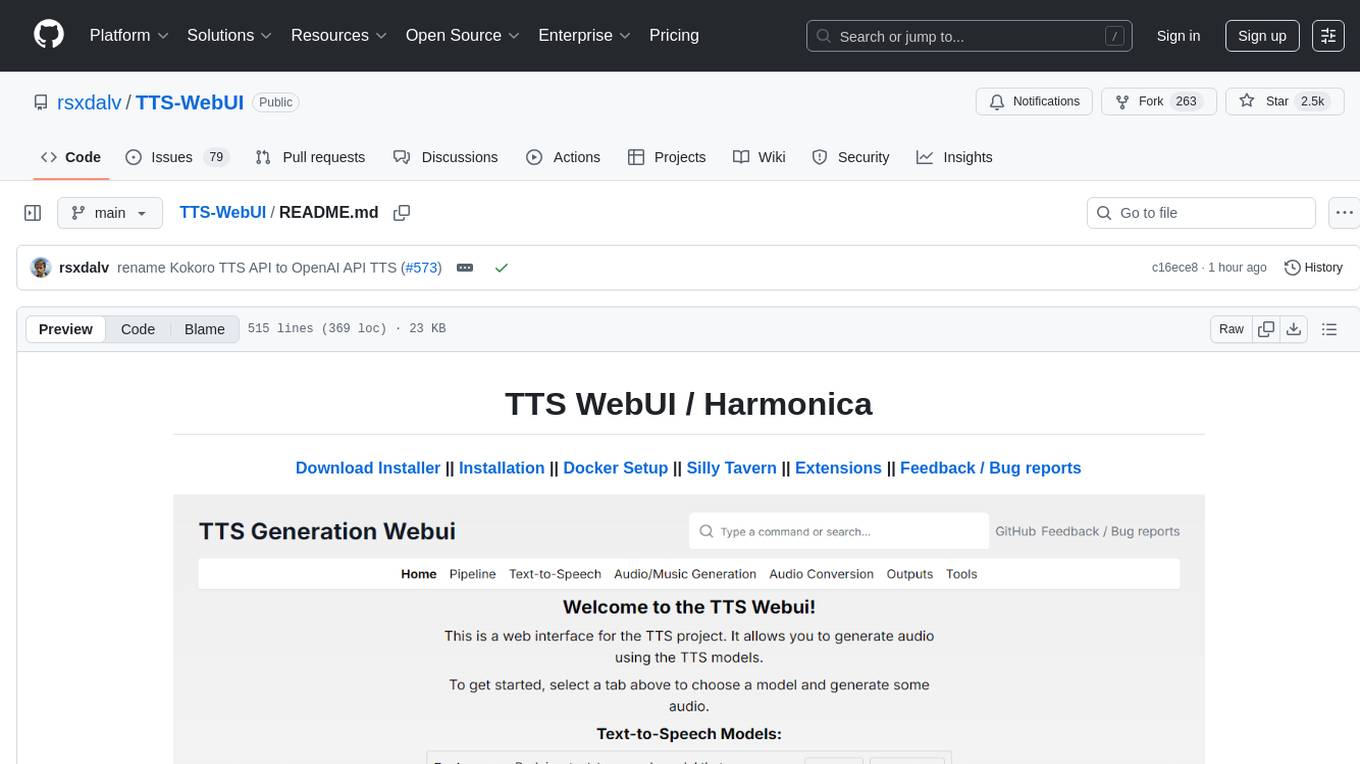
TTS WebUI is a comprehensive tool for text-to-speech synthesis, audio/music generation, and audio conversion. It offers a user-friendly interface for various AI projects related to voice and audio processing. The tool provides a range of models and extensions for different tasks, along with integrations like Silly Tavern and OpenWebUI. With support for Docker setup and compatibility with Linux and Windows, TTS WebUI aims to facilitate creative and responsible use of AI technologies in a user-friendly manner.
README:
Download Installer || Installation || Docker Setup || Silly Tavern || Extensions || Feedback / Bug reports





 |
 |
 |
|---|
.png) |
.png) |
.png) |
|---|
.png) |
.png) |
.png) |
|---|
| Text-to-speech | Audio/Music Generation | Audio Conversion/Tools |
|---|---|---|
| Bark | MusicGen | RVC |
| Tortoise | MAGNeT | Demucs |
| Maha TTS | Stable Audio | Vocos |
| MMS | Riffusion* | Whisper |
| Vall-E X | AudioCraft Mac* | AP BWE |
| StyleTTS2 | AudioCraft Plus* | Resemble Enhance |
| SeamlessM4T | ACE-Step* | Audio Separator |
| XTTSv2* | Song Bloom* | PyRNNoise* |
| MARS5* | MiMo Audio* | |
| F5-TTS* | ||
| Parler TTS* | ||
| OpenVoice* | ||
| OpenVoice V2* | ||
| Kokoro TTS* | ||
| DIA* | ||
| CosyVoice* | ||
| GPT-SoVITS* | ||
| Piper TTS* | ||
| Kimi Audio 7B Instruct* | ||
| Chatterbox* | ||
| VibeVoice* | ||
| Kitten TTS* | ||
| Index-TTS2* | ||
| VoxCPM* | ||
| FireRedTTS2* |
* These models are not installed by default, instead they are available as extensions.
Current base installation size is around 10.7 GB. Each model will require 2-8 GB of space in addition.
- Download the latest version and extract it.
- Run start_tts_webui.bat or start_tts_webui.sh to start the server. It will ask you to select the GPU/Chip you are using. Once everything has installed, it will start the Gradio server at http://localhost:7770 and the React UI at http://localhost:3000.
- Output log will be available in the installer_scripts/output.log file.
- Note: The start script sets up a conda environment and a python virtual environment. Thus you don't need to make a venv before that, and in fact, launching from another venv might break this script.
Prerequisites:
- git
- Python 3.10 or 3.11 (3.12 not supported yet)
- PyTorch
- ffmpeg (with vorbis support)
- (Optional) NodeJS 22.9.0 for React UI
- (Optional) PostgreSQL 16.4+ for database support
-
Clone the repository:
git clone https://github.com/rsxdalv/tts-webui.git cd tts-webui -
Install required packages:
pip install -r requirements.txt
-
Run the server:
python server.py --no-react
-
For React UI:
cd react-ui
npm install
npm run build
cd ..
python server.py
For detailed manual installation instructions, please refer to the Manual Installation Guide.
tts-webui can also be ran inside of a Docker container. Using CUDA inside of docker requires NVIDIA Container Toolkit. To get started, pull the image from GitHub Container Registry:
docker pull ghcr.io/rsxdalv/tts-webui:main
Once the image has been pulled it can be started with Docker Compose: The ports are 7770 (env:TTS_PORT) for the Gradio backend and 3000 (env:UI_PORT) for the React front end.
docker compose up -d
The container will take some time to generate the first output while models are downloaded in the background. The status of this download can be verified by checking the container logs:
docker logs tts-webui
If you wish to build your own docker container, you can use the included Dockerfile:
docker build -t tts-webui .
Please note that the docker-compose needs to be edited to use the image you just built.
September:
- OpenAI API now supports Whisper transcriptions
- Removed PyTorch Nightly option
- Fix Google Colab installation (Python 3.12 not supported)
- Add Kitten TTS Mini extension
- Add PyRNNoise extension
- Upgrade React UI's Chatterbox interface
- Rename Kokoro TTS extension to OpenAI TTS API extension
- Rename all extensions to tts_webui_extension.*
- Switch to PyPI for multiple extensions
- Add Intel PyTorch installation option
- Add "Custom" Choice option to installer for self-managed PyTorch installations
- Integrate with new pip index for extensions (https://tts-webui.github.io/extensions-index/)
- Add Xiaomi's MiMo Audio extension
- Add Cypress-Yang's SongBloom extension
- Add Index-TTS2 extension
- Add VoxCPM extension
- Add FireRedTTS2 extension
August:
- Fix model downloader when no token is used, thanks Nusantara.
- Improve Chatterbox speed
- Add VibeVoice (Early Access) extension
- Add docker compose volumes to persist data #529, thanks FranckKe.
- [react-ui] Prepend voices/chatterbox to voice file selection in ap test page #542, thanks rohan-sircar.
July:
- Add new tutorials
- Add more robust gradio launching
- Simplify installation instructions
- Improve chatterbox speed.
See the 2025 Changelog for a detailed list of changes in 2025.
See the 2024 Changelog for a detailed list of changes in 2024.
See the 2023 Changelog for a detailed list of changes in 2023.
Extensions are available to install from the webui itself, or using React UI. They can also be installed using the extension manager. Internally, extensions are just python packages that are installed using pip. Multiple extensions can be installed at the same time, but there might be compatibility issues between them. After installing or updating an extension, you need to restart the app to load it.
Updates need to be done manually by using the mini-control panel:

-
Update OpenAI TTS API extension to latest version
-
Start the API and test it with Python Requests
(OpenAI client might not be installed thus the Test with Python OpenAI client might fail)
-
Once you can see the audio generates successfully, go to Silly Tavern, and add a new TTS API Default provider endpoint:
http://localhost:7778/v1/audio/speech
-
Test it out!
- Install https://github.com/rsxdalv/text-to-tts-webui extension in text-generation-webui
- Start the API and test it with Python Requests
- Configure using the panel:

- Enable OpenAI API extension in TTS WebUI
- Start the API and test it with Python Requests
- Once you can see the audio generates successfully, go to OpenWebUI, and add a new TTS API
Default provider endpoint:
http://localhost:7778/v1/audio/speech - Test it out!

Using the instructions above, you can install an OpenAI compatible API, and use it with Silly Tavern or other OpenAI compatible clients.
These messages:
---- requires ----, but you have ---- which is incompatible.
Are completely normal. It's both a limitation of pip and because this Web UI combines a lot of different AI projects together. Since the projects are not always compatible with each other, they will complain about the other projects being installed. This is normal and expected. And in the end, despite the warnings/errors the projects will work together. It's not clear if this situation will ever be resolvable, but that is the hope.
https://github.com/rsxdalv/tts-webui/discussions/186#discussioncomment-7291274
This project utilizes the following open source libraries:
-
suno-ai/bark - MIT License
- Description: Inference code for Bark model.
- Repository: suno/bark
-
tortoise-tts - Apache-2.0 License
- Description: A flexible text-to-speech synthesis library for various platforms.
- Repository: neonbjb/tortoise-tts
-
ffmpeg - LGPL License
- Description: A complete and cross-platform solution for video and audio processing.
- Repository: FFmpeg
- Use: Encoding Vorbis Ogg files
-
ffmpeg-python - Apache 2.0 License
- Description: Python bindings for FFmpeg library for handling multimedia files.
- Repository: kkroening/ffmpeg-python
-
audiocraft - MIT License
- Description: A library for audio generation and MusicGen.
- Repository: facebookresearch/audiocraft
-
vocos - MIT License
- Description: An improved decoder for encodec samples
- Repository: charactr-platform/vocos
-
RVC - MIT License
- Description: An easy-to-use Voice Conversion framework based on VITS.
- Repository: RVC-Project/Retrieval-based-Voice-Conversion-WebUI
This technology is intended for enablement and creativity, not for harm.
By engaging with this AI model, you acknowledge and agree to abide by these guidelines, employing the AI model in a responsible, ethical, and legal manner.
- Non-Malicious Intent: Do not use this AI model for malicious, harmful, or unlawful activities. It should only be used for lawful and ethical purposes that promote positive engagement, knowledge sharing, and constructive conversations.
- No Impersonation: Do not use this AI model to impersonate or misrepresent yourself as someone else, including individuals, organizations, or entities. It should not be used to deceive, defraud, or manipulate others.
- No Fraudulent Activities: This AI model must not be used for fraudulent purposes, such as financial scams, phishing attempts, or any form of deceitful practices aimed at acquiring sensitive information, monetary gain, or unauthorized access to systems.
- Legal Compliance: Ensure that your use of this AI model complies with applicable laws, regulations, and policies regarding AI usage, data protection, privacy, intellectual property, and any other relevant legal obligations in your jurisdiction.
- Acknowledgement: By engaging with this AI model, you acknowledge and agree to abide by these guidelines, using the AI model in a responsible, ethical, and legal manner.
The codebase is licensed under MIT. However, it's important to note that when installing the dependencies, you will also be subject to their respective licenses. Although most of these licenses are permissive, there may be some that are not. Therefore, it's essential to understand that the permissive license only applies to the codebase itself, not the entire project.
That being said, the goal is to maintain MIT compatibility throughout the project. If you come across a dependency that is not compatible with the MIT license, please feel free to open an issue and bring it to our attention.
Known non-permissive dependencies:
| Library | License | Notes |
|---|---|---|
| encodec | CC BY-NC 4.0 | Newer versions are MIT, but need to be installed manually |
| diffq | CC BY-NC 4.0 | Optional in the future, not necessary to run, can be uninstalled, should be updated with demucs |
| lameenc | GPL License | Future versions will make it LGPL, but need to be installed manually |
| unidecode | GPL License | Not mission critical, can be replaced with another library, issue: https://github.com/neonbjb/tortoise-tts/issues/494 |
Model weights have different licenses, please pay attention to the license of the model you are using.
Most notably:
- Bark: MIT
- Tortoise: Unknown (Apache-2.0 according to repo, but no license file in HuggingFace)
- MusicGen: CC BY-NC 4.0
- AudioGen: CC BY-NC 4.0
For Tasks:
Click tags to check more tools for each tasksFor Jobs:
Alternative AI tools for TTS-WebUI
Similar Open Source Tools
TTS-WebUI
TTS WebUI is a comprehensive tool for text-to-speech synthesis, audio/music generation, and audio conversion. It offers a user-friendly interface for various AI projects related to voice and audio processing. The tool provides a range of models and extensions for different tasks, along with integrations like Silly Tavern and OpenWebUI. With support for Docker setup and compatibility with Linux and Windows, TTS WebUI aims to facilitate creative and responsible use of AI technologies in a user-friendly manner.
stm32ai-modelzoo
The STM32 AI model zoo is a collection of reference machine learning models optimized to run on STM32 microcontrollers. It provides a large collection of application-oriented models ready for re-training, scripts for easy retraining from user datasets, pre-trained models on reference datasets, and application code examples generated from user AI models. The project offers training scripts for transfer learning or training custom models from scratch. It includes performances on reference STM32 MCU and MPU for float and quantized models. The project is organized by application, providing step-by-step guides for training and deploying models.
palico-ai
Palico AI is a tech stack designed for rapid iteration of LLM applications. It allows users to preview changes instantly, improve performance through experiments, debug issues with logs and tracing, deploy applications behind a REST API, and manage applications with a UI control panel. Users have complete flexibility in building their applications with Palico, integrating with various tools and libraries. The tool enables users to swap models, prompts, and logic easily using AppConfig. It also facilitates performance improvement through experiments and provides options for deploying applications to cloud providers or using managed hosting. Contributions to the project are welcomed, with easy ways to get involved by picking issues labeled as 'good first issue'.
Home-AssistantConfig
Bear Stone Smart Home Documentation is a live, personal Home Assistant configuration shared for browsing and inspiration. It provides real-world automations, scripts, and scenes for users to reverse-engineer patterns and adapt to their own setups. The repository layout includes reusable config under `config/`, with runtime artifacts hidden by `.gitignore`. The platform runs on Docker/compose, and featured examples cover various smart home scenarios like alarm monitoring, lighting control, and presence awareness. The repository also includes a network diagram and lists Docker add-ons & utilities, gear tied to real automations, and affiliate links for supported hardware.
Pallaidium
Pallaidium is a generative AI movie studio integrated into the Blender video editor. It allows users to AI-generate video, image, and audio from text prompts or existing media files. The tool provides various features such as text to video, text to audio, text to speech, text to image, image to image, image to video, video to video, image to text, and more. It requires a Windows system with a CUDA-supported Nvidia card and at least 6 GB VRAM. Pallaidium offers batch processing capabilities, text to audio conversion using Bark, and various performance optimization tips. Users can install the tool by downloading the add-on and following the installation instructions provided. The tool comes with a set of restrictions on usage, prohibiting the generation of harmful, pornographic, violent, or false content.
helicone
Helicone is an open-source observability platform designed for Language Learning Models (LLMs). It logs requests to OpenAI in a user-friendly UI, offers caching, rate limits, and retries, tracks costs and latencies, provides a playground for iterating on prompts and chat conversations, supports collaboration, and will soon have APIs for feedback and evaluation. The platform is deployed on Cloudflare and consists of services like Web (NextJs), Worker (Cloudflare Workers), Jawn (Express), Supabase, and ClickHouse. Users can interact with Helicone locally by setting up the required services and environment variables. The platform encourages contributions and provides resources for learning, documentation, and integrations.
LocalAI
LocalAI is a free and open-source OpenAI alternative that acts as a drop-in replacement REST API compatible with OpenAI (Elevenlabs, Anthropic, etc.) API specifications for local AI inferencing. It allows users to run LLMs, generate images, audio, and more locally or on-premises with consumer-grade hardware, supporting multiple model families and not requiring a GPU. LocalAI offers features such as text generation with GPTs, text-to-audio, audio-to-text transcription, image generation with stable diffusion, OpenAI functions, embeddings generation for vector databases, constrained grammars, downloading models directly from Huggingface, and a Vision API. It provides a detailed step-by-step introduction in its Getting Started guide and supports community integrations such as custom containers, WebUIs, model galleries, and various bots for Discord, Slack, and Telegram. LocalAI also offers resources like an LLM fine-tuning guide, instructions for local building and Kubernetes installation, projects integrating LocalAI, and a how-tos section curated by the community. It encourages users to cite the repository when utilizing it in downstream projects and acknowledges the contributions of various software from the community.
computer
Cua is a tool for creating and running high-performance macOS and Linux VMs on Apple Silicon, with built-in support for AI agents. It provides libraries like Lume for running VMs with near-native performance, Computer for interacting with sandboxes, and Agent for running agentic workflows. Users can refer to the documentation for onboarding and explore demos showcasing the tool's capabilities. Additionally, accessory libraries like Core, PyLume, Computer Server, and SOM offer additional functionality. Contributions to Cua are welcome, and the tool is open-sourced under the MIT License.
generative-ai-with-javascript
The 'Generative AI with JavaScript' repository is a comprehensive resource hub for JavaScript developers interested in delving into the world of Generative AI. It provides code samples, tutorials, and resources from a video series, offering best practices and tips to enhance AI skills. The repository covers the basics of generative AI, guides on building AI applications using JavaScript, from local development to deployment on Azure, and scaling AI models. It is a living repository with continuous updates, making it a valuable resource for both beginners and experienced developers looking to explore AI with JavaScript.
ASTRA.ai
Astra.ai is a multimodal agent powered by TEN, showcasing its capabilities in speech, vision, and reasoning through RAG from local documentation. It provides a platform for developing AI agents with features like RTC transportation, extension store, workflow builder, and local deployment. Users can build and test agents locally using Docker and Node.js, with prerequisites including Agora App ID, Azure's speech-to-text and text-to-speech API keys, and OpenAI API key. The platform offers advanced customization options through config files and API keys setup, enabling users to create and deploy their AI agents for various tasks.
Folo
Folo is a content organization tool that creates a noise-free timeline for users. It allows sharing lists, exploring collections, and distraction-free browsing. Users can subscribe to feeds, curate favorites, and utilize AI-powered features like translation and summaries. Folo supports various content types such as articles, videos, images, and audio. It introduces an ownership economy with $POWER tipping for creators and fosters a community-driven experience. The tool is under active development, welcoming feedback from users and developers.
note-gen
Note-gen is a simple tool for generating notes automatically based on user input. It uses natural language processing techniques to analyze text and extract key information to create structured notes. The tool is designed to save time and effort for users who need to summarize large amounts of text or generate notes quickly. With note-gen, users can easily create organized and concise notes for study, research, or any other purpose.
openkore
OpenKore is a custom client and intelligent automated assistant for Ragnarok Online. It is a free, open source, and cross-platform program (Linux, Windows, and MacOS are supported). To run OpenKore, you need to download and extract it or clone the repository using Git. Configure OpenKore according to the documentation and run openkore.pl to start. The tool provides a FAQ section for troubleshooting, guidelines for reporting issues, and information about botting status on official servers. OpenKore is developed by a global team, and contributions are welcome through pull requests. Various community resources are available for support and communication. Users are advised to comply with the GNU General Public License when using and distributing the software.
chat-your-doc
Chat Your Doc is an experimental project exploring various applications based on LLM technology. It goes beyond being just a chatbot project, focusing on researching LLM applications using tools like LangChain and LlamaIndex. The project delves into UX, computer vision, and offers a range of examples in the 'Lab Apps' section. It includes links to different apps, descriptions, launch commands, and demos, aiming to showcase the versatility and potential of LLM applications.
off-grid-mobile
Off Grid is a complete offline AI suite that allows users to perform various tasks such as text generation, image generation, vision AI, voice transcription, and document analysis on their mobile devices without sending any data out. The tool offers high performance on flagship devices and supports a wide range of models for different tasks. Users can easily install the tool on Android by downloading the APK from GitHub Releases or build it from source with Node.js and JDK. The documentation provides detailed information on the system architecture, codebase, design system, visual hierarchy, test flows, and more. Contributions are welcome, and the tool is built with a focus on user privacy and data security, ensuring no cloud, subscription, or data harvesting.
MaixPy
MaixPy is a Python SDK that enables users to easily create AI vision projects on edge devices. It provides a user-friendly API for accessing NPU, making it suitable for AI Algorithm Engineers, STEM teachers, Makers, Engineers, Students, Enterprises, and Contestants. The tool supports Python programming, MaixVision Workstation, AI vision, video streaming, voice recognition, and peripheral usage. It also offers an online AI training platform called MaixHub. MaixPy is designed for new hardware platforms like MaixCAM, offering improved performance and features compared to older versions. The ecosystem includes hardware, software, tools, documentation, and a cloud platform.
For similar tasks
nodejs-whisper
Node.js bindings for OpenAI's Whisper model that automatically converts audio to WAV format with a 16000 Hz frequency to support the whisper model. It outputs transcripts to various formats, is optimized for CPU including Apple Silicon ARM, provides timestamp precision to single word, allows splitting on word rather than token, translation from source language to English, and conversion of audio format to WAV for whisper model support.
TTS-WebUI
TTS WebUI is a comprehensive tool for text-to-speech synthesis, audio/music generation, and audio conversion. It offers a user-friendly interface for various AI projects related to voice and audio processing. The tool provides a range of models and extensions for different tasks, along with integrations like Silly Tavern and OpenWebUI. With support for Docker setup and compatibility with Linux and Windows, TTS WebUI aims to facilitate creative and responsible use of AI technologies in a user-friendly manner.
Awesome-AITools
This repo collects AI-related utilities. ## All Categories * All Categories * ChatGPT and other closed-source LLMs * AI Search engine * Open Source LLMs * GPT/LLMs Applications * LLM training platform * Applications that integrate multiple LLMs * AI Agent * Writing * Programming Development * Translation * AI Conversation or AI Voice Conversation * Image Creation * Speech Recognition * Text To Speech * Voice Processing * AI generated music or sound effects * Speech translation * Video Creation * Video Content Summary * OCR(Optical Character Recognition)
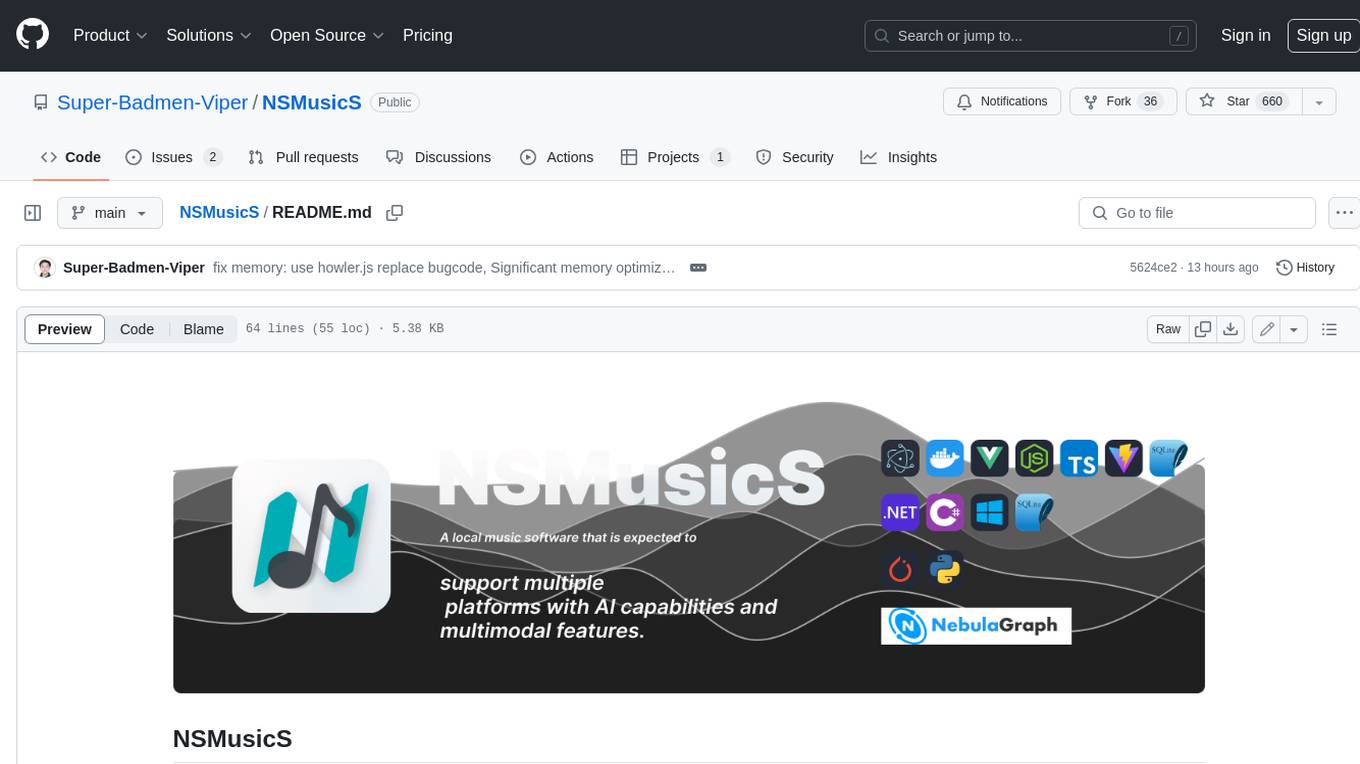
NSMusicS
NSMusicS is a local music software that is expected to support multiple platforms with AI capabilities and multimodal features. The goal of NSMusicS is to integrate various functions (such as artificial intelligence, streaming, music library management, cross platform, etc.), which can be understood as similar to Navidrome but with more features than Navidrome. It wants to become a plugin integrated application that can almost have all music functions.
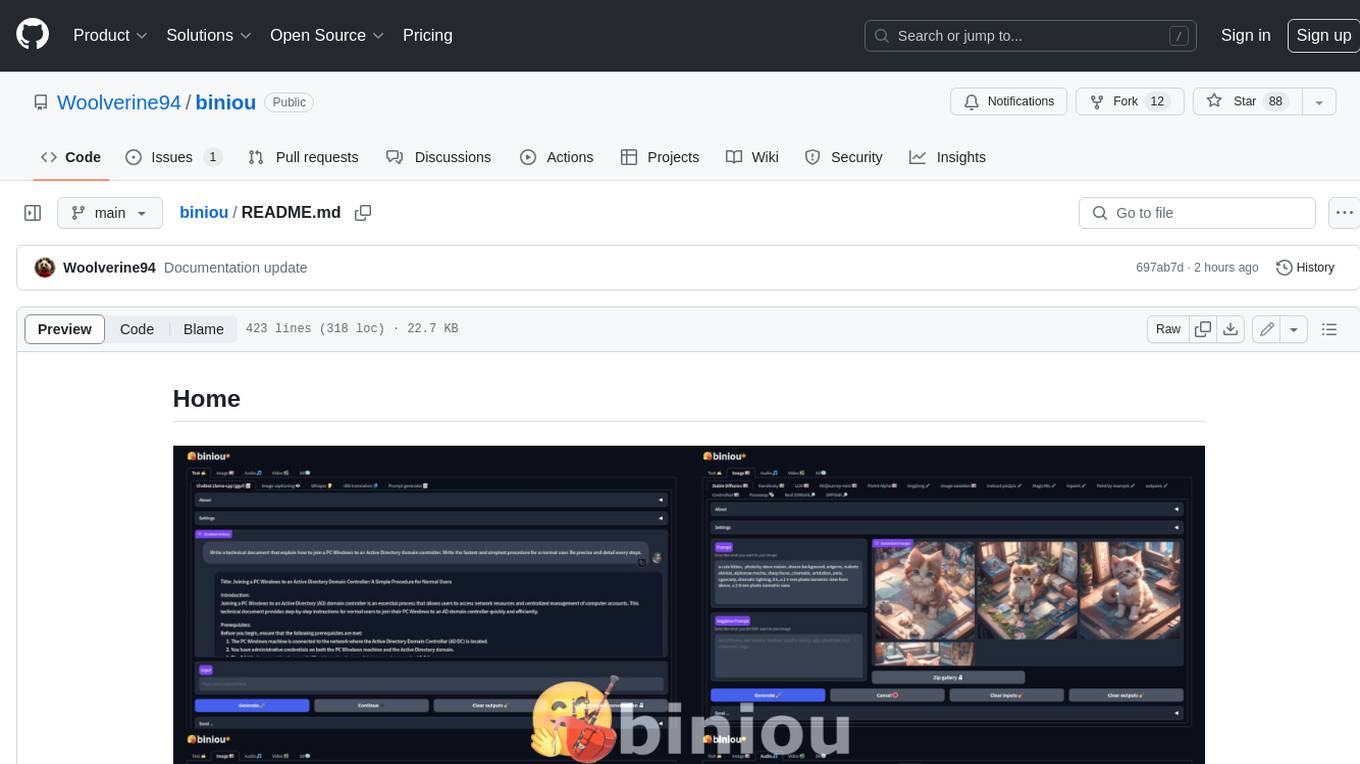
biniou
biniou is a self-hosted webui for various GenAI (generative artificial intelligence) tasks. It allows users to generate multimedia content using AI models and chatbots on their own computer, even without a dedicated GPU. The tool can work offline once deployed and required models are downloaded. It offers a wide range of features for text, image, audio, video, and 3D object generation and modification. Users can easily manage the tool through a control panel within the webui, with support for various operating systems and CUDA optimization. biniou is powered by Huggingface and Gradio, providing a cross-platform solution for AI content generation.
generative-ai-js
Generative AI JS is a JavaScript library that provides tools for creating generative art and music using artificial intelligence techniques. It allows users to generate unique and creative content by leveraging machine learning models. The library includes functions for generating images, music, and text based on user input and preferences. With Generative AI JS, users can explore the intersection of art and technology, experiment with different creative processes, and create dynamic and interactive content for various applications.
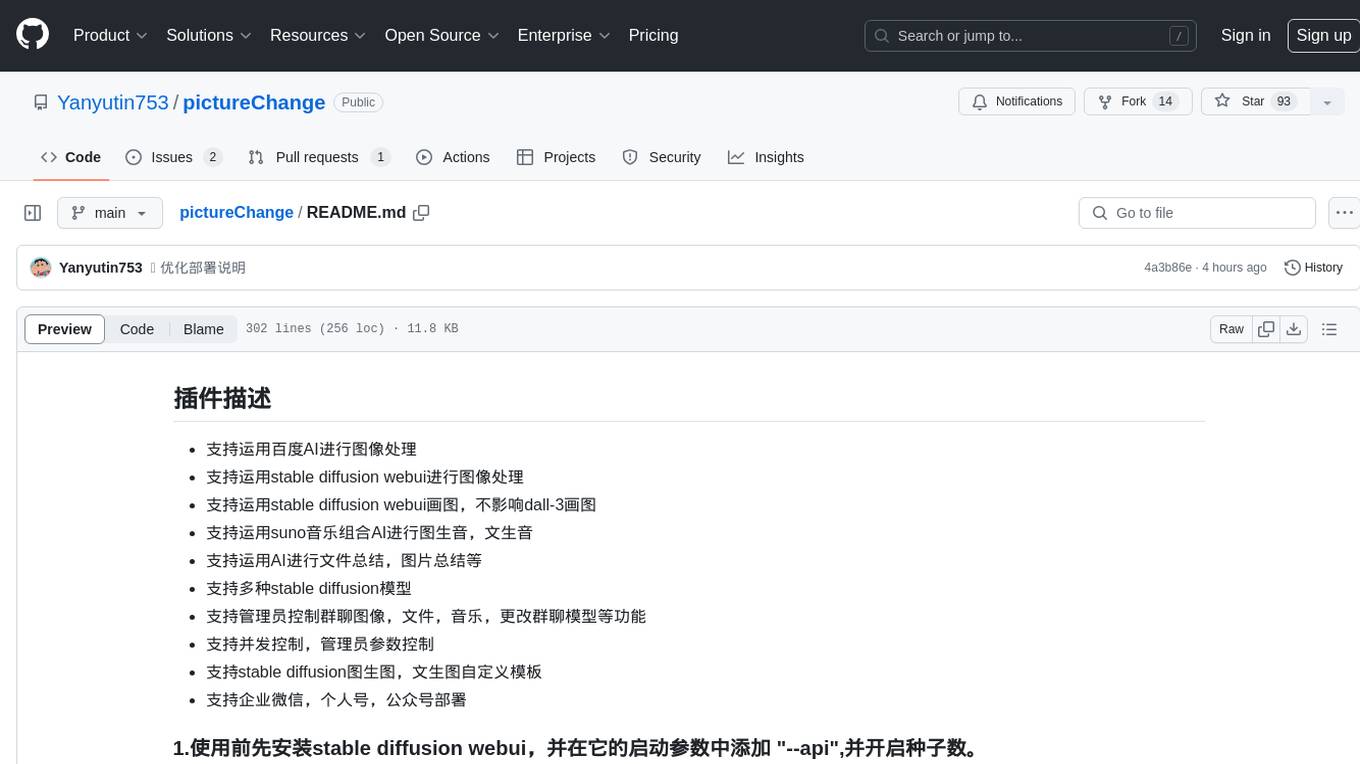
pictureChange
The 'pictureChange' repository is a plugin that supports image processing using Baidu AI, stable diffusion webui, and suno music composition AI. It also allows for file summarization and image summarization using AI. The plugin supports various stable diffusion models, administrator control over group chat features, concurrent control, and custom templates for image and text generation. It can be deployed on WeChat enterprise accounts, personal accounts, and public accounts.
Generative-AI-Indepth-Basic-to-Advance
Generative AI Indepth Basic to Advance is a repository focused on providing tutorials and resources related to generative artificial intelligence. The repository covers a wide range of topics from basic concepts to advanced techniques in the field of generative AI. Users can find detailed explanations, code examples, and practical demonstrations to help them understand and implement generative AI algorithms. The goal of this repository is to help beginners get started with generative AI and to provide valuable insights for more experienced practitioners.
For similar jobs

weave
Weave is a toolkit for developing Generative AI applications, built by Weights & Biases. With Weave, you can log and debug language model inputs, outputs, and traces; build rigorous, apples-to-apples evaluations for language model use cases; and organize all the information generated across the LLM workflow, from experimentation to evaluations to production. Weave aims to bring rigor, best-practices, and composability to the inherently experimental process of developing Generative AI software, without introducing cognitive overhead.

LLMStack
LLMStack is a no-code platform for building generative AI agents, workflows, and chatbots. It allows users to connect their own data, internal tools, and GPT-powered models without any coding experience. LLMStack can be deployed to the cloud or on-premise and can be accessed via HTTP API or triggered from Slack or Discord.

VisionCraft
The VisionCraft API is a free API for using over 100 different AI models. From images to sound.

kaito
Kaito is an operator that automates the AI/ML inference model deployment in a Kubernetes cluster. It manages large model files using container images, avoids tuning deployment parameters to fit GPU hardware by providing preset configurations, auto-provisions GPU nodes based on model requirements, and hosts large model images in the public Microsoft Container Registry (MCR) if the license allows. Using Kaito, the workflow of onboarding large AI inference models in Kubernetes is largely simplified.

PyRIT
PyRIT is an open access automation framework designed to empower security professionals and ML engineers to red team foundation models and their applications. It automates AI Red Teaming tasks to allow operators to focus on more complicated and time-consuming tasks and can also identify security harms such as misuse (e.g., malware generation, jailbreaking), and privacy harms (e.g., identity theft). The goal is to allow researchers to have a baseline of how well their model and entire inference pipeline is doing against different harm categories and to be able to compare that baseline to future iterations of their model. This allows them to have empirical data on how well their model is doing today, and detect any degradation of performance based on future improvements.

tabby
Tabby is a self-hosted AI coding assistant, offering an open-source and on-premises alternative to GitHub Copilot. It boasts several key features: * Self-contained, with no need for a DBMS or cloud service. * OpenAPI interface, easy to integrate with existing infrastructure (e.g Cloud IDE). * Supports consumer-grade GPUs.

spear
SPEAR (Simulator for Photorealistic Embodied AI Research) is a powerful tool for training embodied agents. It features 300 unique virtual indoor environments with 2,566 unique rooms and 17,234 unique objects that can be manipulated individually. Each environment is designed by a professional artist and features detailed geometry, photorealistic materials, and a unique floor plan and object layout. SPEAR is implemented as Unreal Engine assets and provides an OpenAI Gym interface for interacting with the environments via Python.

Magick
Magick is a groundbreaking visual AIDE (Artificial Intelligence Development Environment) for no-code data pipelines and multimodal agents. Magick can connect to other services and comes with nodes and templates well-suited for intelligent agents, chatbots, complex reasoning systems and realistic characters.