


TokenEater
Native macOS widget to monitor your Claude AI usage limits in real-time
Stars: 128
TokenEater is a native macOS widget and menu bar app designed to monitor your Claude (Anthropic) AI usage in real-time. It provides detailed insights into your session, weekly usage across all models, dedicated Sonnet limits, and pacing information to help you manage your AI usage effectively. The app offers customizable themes, notifications for usage thresholds, automatic token refresh via Claude Code OAuth, automatic updates, SOCKS5 proxy support, and full localization in English and French. TokenEater ensures secure data flow between the menu bar app and desktop widget through a shared JSON file, providing a seamless user experience without compromising security. The tool is licensed under MIT, allowing users to freely use and modify it as needed.
README:

Monitor your Claude AI usage limits directly from your macOS desktop.





Requires a Claude Pro or Team plan. The free plan does not expose usage data.
A native macOS widget + menu bar app that displays your Claude (Anthropic) usage in real-time:
- Session (5h) — Sliding window with countdown to reset
- Weekly — All models — Opus, Sonnet & Haiku combined
- Weekly — Sonnet — Dedicated Sonnet limit
- Pacing — Are you burning through your quota or cruising? Delta display with 3 zones (chill / on track / hot)
Three widget options:
- Usage Medium — Circular gauges for session, weekly, and pacing
- Usage Large — Progress bars with full details for all metrics
- Pacing — Dedicated small widget with circular gauge and ideal marker
Live usage percentages directly in your menu bar — choose which metrics to pin (session, weekly, sonnet, pacing). Click to see a detailed popover with progress bars, pacing delta, and quick actions.
Color-coded: green when you're comfortable, orange when usage climbs, red when approaching the limit.
Customize colors across the entire app:
- 4 preset themes — Default, Monochrome, Neon, Pastel
- Custom theme — Pick individual colors for gauges, pacing zones, widget background & text
- Monochrome menu bar — Render menu bar values in system colors without affecting the popover or widgets
- Configurable thresholds — Set your own warning and critical percentages (defaults: 60% / 85%)
- Theme and thresholds propagate to widgets in real-time
Automatic alerts when usage crosses your configured thresholds:
- Warning — Usage climbing, consider slowing down
- Critical — Limit almost reached
- Reset — Back in the green notification
- Test notifications from Settings > Display
Claude Code OAuth — Silently reads the OAuth token from Claude Code's Keychain entry. Zero configuration needed if you have Claude Code installed. Expired tokens are recovered automatically — no password prompts, no manual intervention.
TokenEater checks for new versions automatically via GitHub Releases. When an update is available, a modal shows the release notes and lets you update with one click — it runs brew upgrade behind the scenes. You can also check manually from Settings > Connection.
For users behind a corporate firewall, TokenEater supports routing API calls through a SOCKS5 proxy (e.g. ssh -D 1080 user@bastion).
- Menu bar app — Configure in Settings > Proxy
Fully localized in English and French. The app automatically follows your macOS system language.
brew tap AThevon/tokeneater
brew install --cask tokeneater- Go to Releases and download
TokenEater.dmg - Open the DMG, drag
TokenEater.appintoApplications - The app is not notarized by Apple — before the first launch:
xattr -cr /Applications/TokenEater.app
- Open
TokenEater.appfrom Applications
Prerequisites: Claude Code installed and authenticated (claude then /login). Requires a Pro or Team plan.
- Open TokenEater — a guided setup walks you through connecting your Claude Code account and enabling notifications
- Right-click on desktop > Edit Widgets > search "TokenEater"
Tokens refresh automatically via Claude Code. No maintenance needed.
TokenEater checks for updates automatically. When a new version is available, a modal will appear with the release notes — click Update and the app handles the rest via Homebrew. You can also check manually from Settings > Connection > Check for updates.
brew update
brew upgrade --cask tokeneater
If
brew upgradefails (e.g. app was manually moved/deleted), reinstall cleanly:brew uninstall --cask tokeneater brew install --cask tokeneater
- Quit TokenEater (menu bar > Quit)
- Download the latest DMG from Releases
- Replace the app in
/Applications/ - Run
xattr -cr /Applications/TokenEater.app - Reopen — your settings and token are preserved (stored separately from the app)
brew uninstall --cask tokeneaterThis removes the app from /Applications/. To also remove all data:
rm -rf ~/Library/Application\ Support/com.tokeneater.shared
rm -rf ~/Library/Application\ Support/com.claudeusagewidget.shared # legacy path# 1. Quit the app
killall TokenEater 2>/dev/null
# 2. Remove the app
rm -rf /Applications/TokenEater.app
# 3. Remove shared data (token cache, usage data, theme settings)
rm -rf ~/Library/Application\ Support/com.tokeneater.shared
rm -rf ~/Library/Application\ Support/com.claudeusagewidget.shared # legacy path
# 4. Remove preferences
defaults delete com.tokeneater.app 2>/dev/nullNote: The OAuth token itself lives in the macOS Keychain (managed by Claude Code). Uninstalling TokenEater does not touch it.
- macOS 14 (Sonoma) or later
- Xcode 16.4+
-
XcodeGen:
brew install xcodegen
git clone https://github.com/AThevon/TokenEater.git
cd TokenEater

# Generate Xcode project
xcodegen generate

# ⚠️ XcodeGen strips NSExtension from the widget Info.plist.
# Re-add it manually or run:
plutil -insert NSExtension -json '{"NSExtensionPointIdentifier":"com.apple.widgetkit-extension"}' \
  TokenEaterWidget/Info.plist 2>/dev/null || true

# Build
xcodebuild -project TokenEater.xcodeproj \
  -scheme TokenEaterApp \
  -configuration Release \
  -derivedDataPath build build

# Install
cp -R "build/Build/Products/Release/TokenEater.app" /Applications/
killall NotificationCenter 2>/dev/null
open "/Applications/TokenEater.app"TokenEaterApp/ App host (settings UI, OAuth auth, menu bar)
TokenEaterWidget/ Widget Extension (WidgetKit, 15-min refresh)
Shared/ Shared code (services, stores, models, pacing, notifications)
├── Models/ Pure Codable structs
├── Services/ Protocol-based I/O (API, Keychain, SharedFile, Notification)
├── Repositories/ Orchestration (UsageRepository)
├── Stores/ ObservableObject state containers
├── Helpers/ Pure functions (PacingCalculator, MenuBarRenderer)
├── en.lproj/ English strings
└── fr.lproj/ French strings
project.yml XcodeGen configuration
The host app and widget extension are both sandboxed and communicate through a shared JSON file in ~/Library/Application Support/. The menu bar app reads the OAuth token from the macOS Keychain (silently, without triggering password dialogs), calls the API, and writes the data to the shared file. The widget reads from this file only — it never touches the Keychain or the network. The menu bar refreshes every 60 seconds. On 401/403, it silently checks the Keychain for a fresh token from Claude Code's auto-refresh and recovers automatically.
TokenEater reads the OAuth token from Claude Code's Keychain entry and calls:
GET https://api.anthropic.com/api/oauth/usage
Authorization: Bearer <token>
anthropic-beta: oauth-2025-04-20
The response includes utilization (0–100) and resets_at for each limit bucket. The widget refreshes every 15 minutes (WidgetKit minimum) and caches the last successful response for offline display.
TokenEater uses a shared JSON file to safely pass data between the menu bar app and the desktop widget.
- Menu bar app reads the Claude Code OAuth token from the macOS Keychain
- The token and API responses are written to a shared file (
~/Library/Application Support/com.tokeneater.shared/shared.json) - Widget reads cached data from this file — it never touches the Keychain or makes API calls
The Claude Code CLI creates its OAuth token in the macOS Keychain. When a different process (like a widget extension) tries to read it, macOS shows a password prompt. Since Claude Code recreates the token on refresh (resetting Keychain ACLs), this prompt would appear repeatedly.
By routing all Keychain access and API calls through the main app, only one process needs authorization — and the widget gets its data through the shared file instead.
App Groups (UserDefaults(suiteName:)) is Apple's recommended mechanism for sharing data between an app and its extensions. However, starting with macOS Sequoia (and continuing in Tahoe), the preferences daemon (cfprefsd) enforces provisioning profile validation — meaning App Groups only work reliably with a paid Apple Developer account ($99/year) or through the Mac App Store. Since TokenEater is distributed outside the App Store, we use sandbox temporary-exception entitlements instead: the app writes to a known path, the widget reads from it. Same isolation guarantees, no Apple Developer Program dependency.
The shared data is stored as a JSON file in ~/Library/Application Support/com.tokeneater.shared/. Both the app and widget access this directory via sandbox temporary-exception entitlements (app: read-write, widget: read-only). This directory is:
- Sandboxed — the app has read-write access, the widget has read-only access
- User-scoped — stored in the user's Library, not system-wide
- Not synced — not backed up to iCloud or shared across devices
MIT — do whatever you want with it.
For Tasks:
Click tags to check more tools for each tasksFor Jobs:
Alternative AI tools for TokenEater
Similar Open Source Tools
TokenEater
TokenEater is a native macOS widget and menu bar app designed to monitor your Claude (Anthropic) AI usage in real-time. It provides detailed insights into your session, weekly usage across all models, dedicated Sonnet limits, and pacing information to help you manage your AI usage effectively. The app offers customizable themes, notifications for usage thresholds, automatic token refresh via Claude Code OAuth, automatic updates, SOCKS5 proxy support, and full localization in English and French. TokenEater ensures secure data flow between the menu bar app and desktop widget through a shared JSON file, providing a seamless user experience without compromising security. The tool is licensed under MIT, allowing users to freely use and modify it as needed.
CodexBar
CodexBar is a tiny macOS menu bar app that displays and tracks usage limits for various AI providers such as Codex, Claude, Cursor, Gemini, Antigravity, Droid, Copilot, z.ai, Kiro, Vertex AI, Augment, Amp, and JetBrains AI. It provides a minimal UI with dynamic bar icons, session and weekly usage visibility, and reset countdowns. Users can enable specific providers, view status overlays, and merge icons for a consolidated view. The app offers privacy-first features, CLI support, and a WidgetKit widget for monitoring usage.
aiaio
aiaio (AI-AI-O) is a lightweight, privacy-focused web UI for interacting with AI models. It supports both local and remote LLM deployments through OpenAI-compatible APIs. The tool provides features such as dark/light mode support, local SQLite database for conversation storage, file upload and processing, configurable model parameters through UI, privacy-focused design, responsive design for mobile/desktop, syntax highlighting for code blocks, real-time conversation updates, automatic conversation summarization, customizable system prompts, WebSocket support for real-time updates, Docker support for deployment, multiple API endpoint support, and multiple system prompt support. Users can configure model parameters and API settings through the UI, handle file uploads, manage conversations, and use keyboard shortcuts for efficient interaction. The tool uses SQLite for storage with tables for conversations, messages, attachments, and settings. Contributions to the project are welcome under the Apache License 2.0.
better-chatbot
Better Chatbot is an open-source AI chatbot designed for individuals and teams, inspired by various AI models. It integrates major LLMs, offers powerful tools like MCP protocol and data visualization, supports automation with custom agents and visual workflows, enables collaboration by sharing configurations, provides a voice assistant feature, and ensures an intuitive user experience. The platform is built with Vercel AI SDK and Next.js, combining leading AI services into one platform for enhanced chatbot capabilities.
VibeSurf
VibeSurf is an open-source AI agentic browser that combines workflow automation with intelligent AI agents, offering faster, cheaper, and smarter browser automation. It allows users to create revolutionary browser workflows, run multiple AI agents in parallel, perform intelligent AI automation tasks, maintain privacy with local LLM support, and seamlessly integrate as a Chrome extension. Users can save on token costs, achieve efficiency gains, and enjoy deterministic workflows for consistent and accurate results. VibeSurf also provides a Docker image for easy deployment and offers pre-built workflow templates for common tasks.
BodhiApp
Bodhi App runs Open Source Large Language Models locally, exposing LLM inference capabilities as OpenAI API compatible REST APIs. It leverages llama.cpp for GGUF format models and huggingface.co ecosystem for model downloads. Users can run fine-tuned models for chat completions, create custom aliases, and convert Huggingface models to GGUF format. The CLI offers commands for environment configuration, model management, pulling files, serving API, and more.
codewalk
CodeWalk is a native cross-platform client for OpenCode server mode, built with Flutter. It provides an AI chat interface for coding interactions, multi-server profile management, session lifecycle management, worktree management, speech-to-text input, and more. The project follows Clean Architecture with Flutter, Dart, Provider for state management, Dio for HTTP client, SharedPreferences for local storage, GetIt for dependency injection, and Material Design 3 for design system.
FunGen-AI-Powered-Funscript-Generator
FunGen is a Python-based tool that uses AI to generate Funscript files from VR and 2D POV videos. It enables fully automated funscript creation for individual scenes or entire folders of videos. The tool includes features like automatic system scaling support, quick installation guides for Windows, Linux, and macOS, manual installation instructions, NVIDIA GPU setup, AMD GPU acceleration, YOLO model download, GUI settings, GitHub token setup, command-line usage, modular systems for funscript filtering and motion tracking, performance and parallel processing tips, and more. The project is still in early development stages and is not intended for commercial use.
next-money
Next Money Stripe Starter is a SaaS Starter project that empowers your next project with a stack of Next.js, Prisma, Supabase, Clerk Auth, Resend, React Email, Shadcn/ui, and Stripe. It seamlessly integrates these technologies to accelerate your development and SaaS journey. The project includes frameworks, platforms, UI components, hooks and utilities, code quality tools, and miscellaneous features to enhance the development experience. Created by @koyaguo in 2023 and released under the MIT license.
DeepSeekAI
DeepSeekAI is a browser extension plugin that allows users to interact with AI by selecting text on web pages and invoking the DeepSeek large model to provide AI responses. The extension enhances browsing experience by enabling users to get summaries or answers for selected text directly on the webpage. It features context text selection, API key integration, draggable and resizable window, AI streaming replies, Markdown rendering, one-click copy, re-answer option, code copy functionality, language switching, and multi-turn dialogue support. Users can install the extension from Chrome Web Store or Edge Add-ons, or manually clone the repository, install dependencies, and build the extension. Configuration involves entering the DeepSeek API key in the extension popup window to start using the AI-driven responses.
qwery-core
Qwery is a platform for querying and visualizing data using natural language without technical knowledge. It seamlessly integrates with various datasources, generates optimized queries, and delivers outcomes like result sets, dashboards, and APIs. Features include natural language querying, multi-database support, AI-powered agents, visual data apps, desktop & cloud options, template library, and extensibility through plugins. The project is under active development and not yet suitable for production use.
youtube_summarizer
YouTube AI Summarizer is a modern Next.js-based tool for AI-powered YouTube video summarization. It allows users to generate concise summaries of YouTube videos using various AI models, with support for multiple languages and summary styles. The application features flexible API key requirements, multilingual support, flexible summary modes, a smart history system, modern UI/UX design, and more. Users can easily input a YouTube URL, select language, summary type, and AI model, and generate summaries with real-time progress tracking. The tool offers a clean, well-structured summary view, history dashboard, and detailed history view for past summaries. It also provides configuration options for API keys and database setup, along with technical highlights, performance improvements, and a modern tech stack.
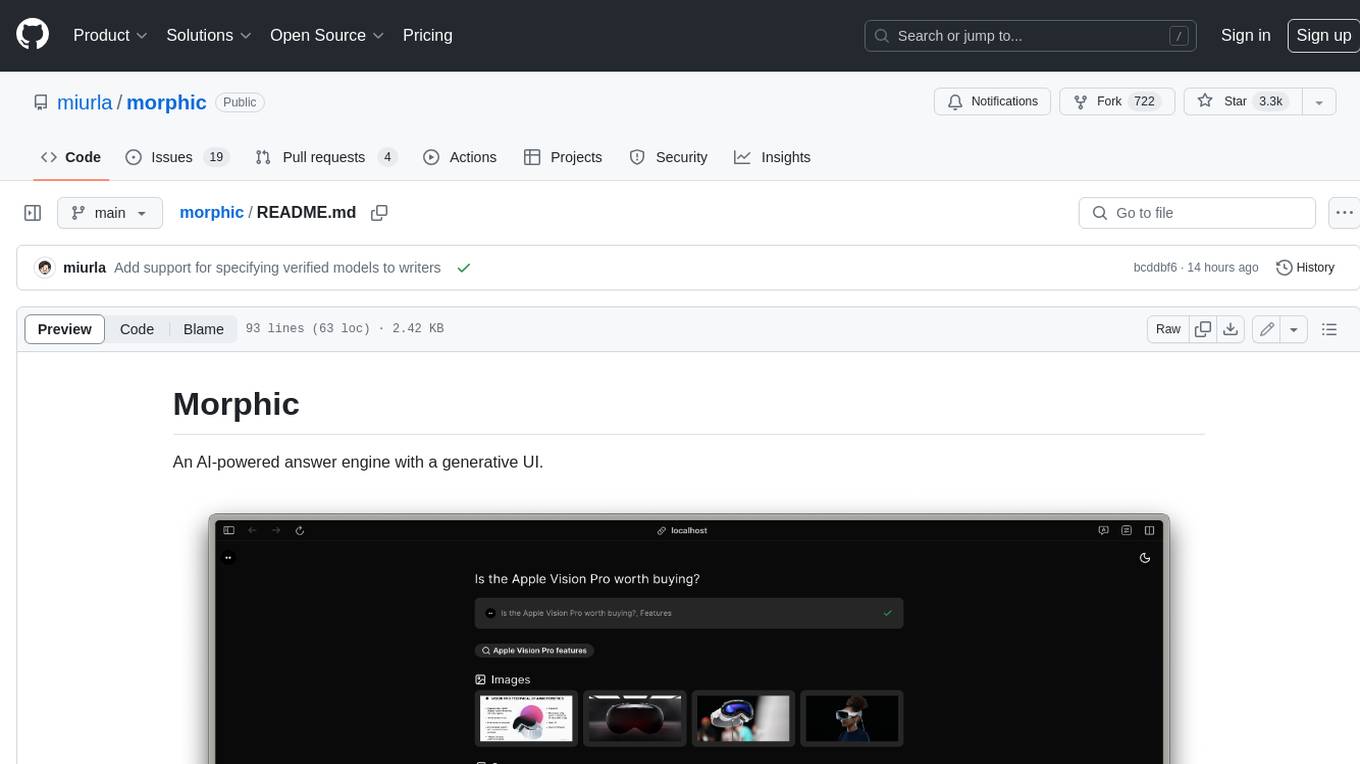
morphic
Morphic is an AI-powered answer engine with a generative UI. It utilizes a stack of Next.js, Vercel AI SDK, OpenAI, Tavily AI, shadcn/ui, Radix UI, and Tailwind CSS. To get started, fork and clone the repo, install dependencies, fill out secrets in the .env.local file, and run the app locally using 'bun dev'. You can also deploy your own live version of Morphic with Vercel. Verified models that can be specified to writers include Groq, LLaMA3 8b, and LLaMA3 70b.
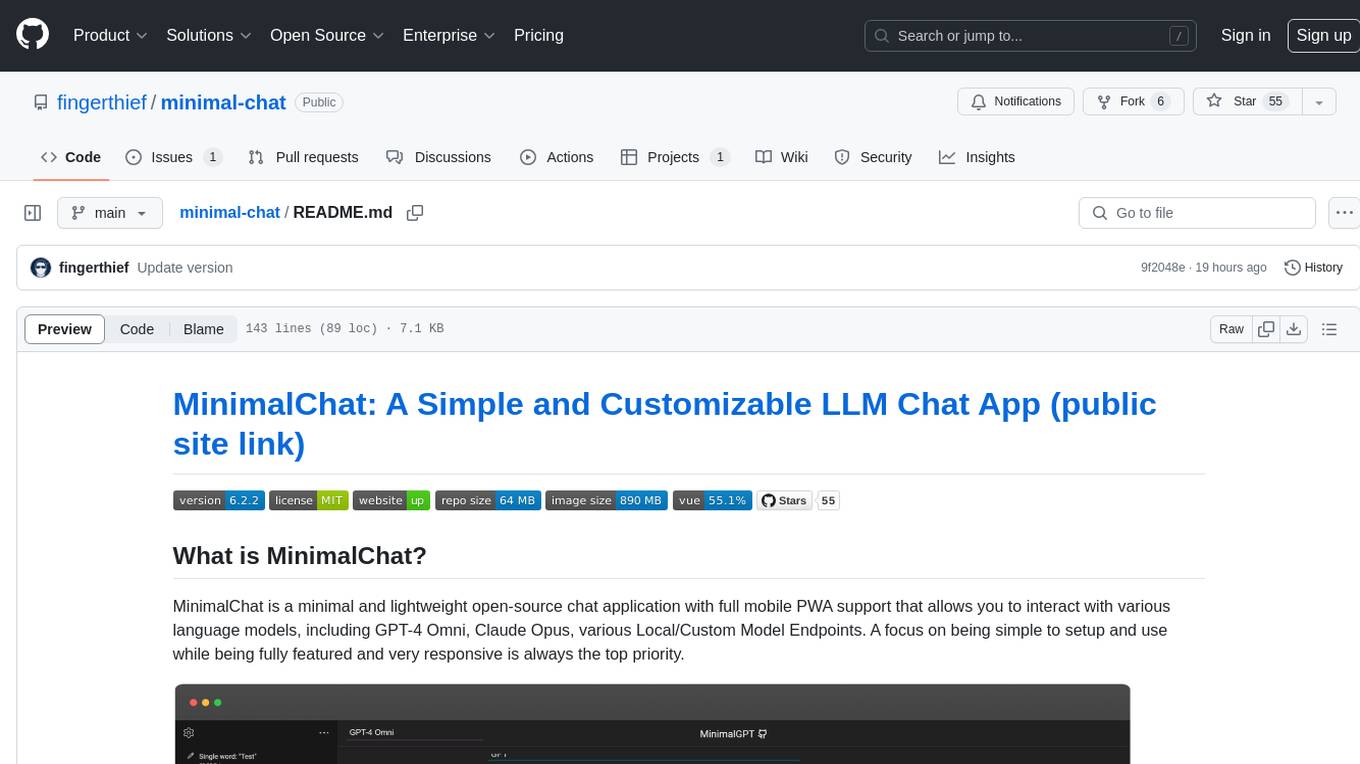
minimal-chat
MinimalChat is a minimal and lightweight open-source chat application with full mobile PWA support that allows users to interact with various language models, including GPT-4 Omni, Claude Opus, and various Local/Custom Model Endpoints. It focuses on simplicity in setup and usage while being fully featured and highly responsive. The application supports features like fully voiced conversational interactions, multiple language models, markdown support, code syntax highlighting, DALL-E 3 integration, conversation importing/exporting, and responsive layout for mobile use.
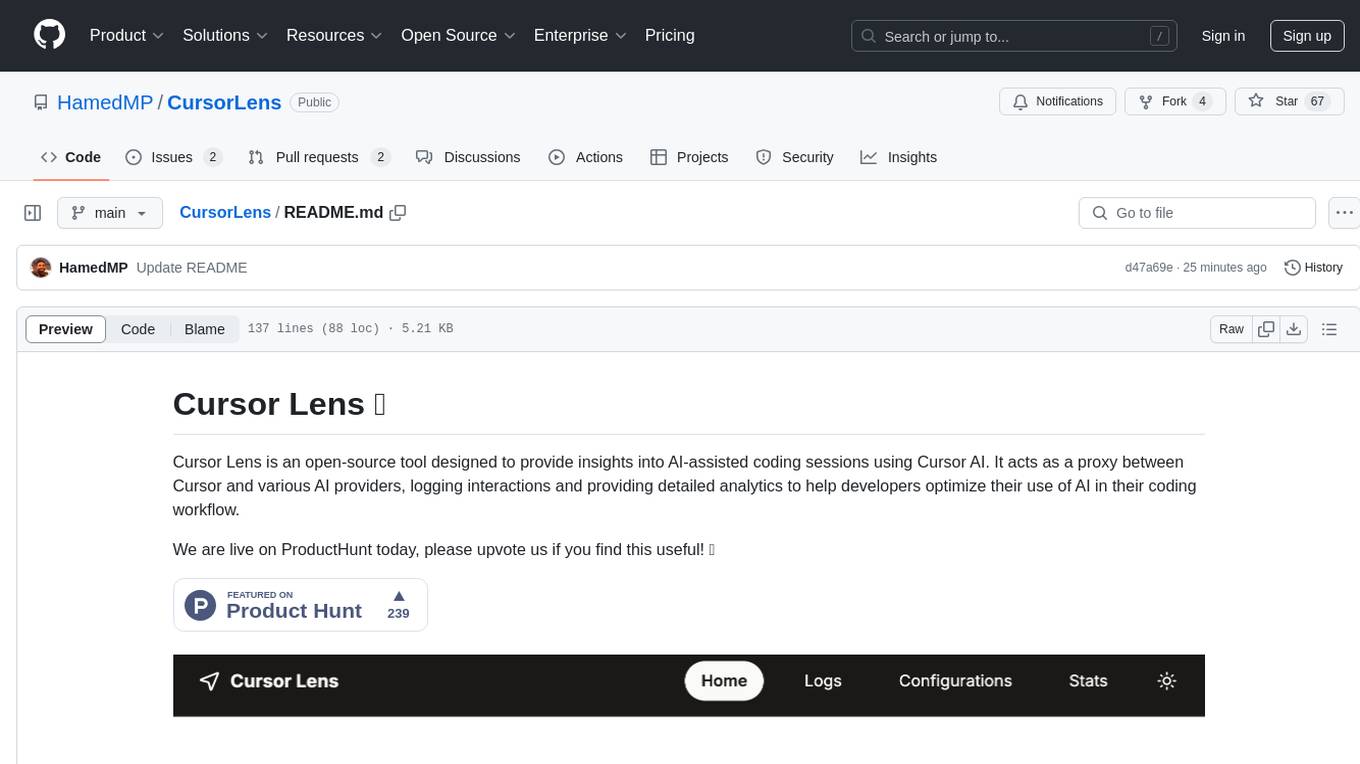
CursorLens
Cursor Lens is an open-source tool that acts as a proxy between Cursor and various AI providers, logging interactions and providing detailed analytics to help developers optimize their use of AI in their coding workflow. It supports multiple AI providers, captures and logs all requests, provides visual analytics on AI usage, allows users to set up and switch between different AI configurations, offers real-time monitoring of AI interactions, tracks token usage, estimates costs based on token usage and model pricing. Built with Next.js, React, PostgreSQL, Prisma ORM, Vercel AI SDK, Tailwind CSS, and shadcn/ui components.
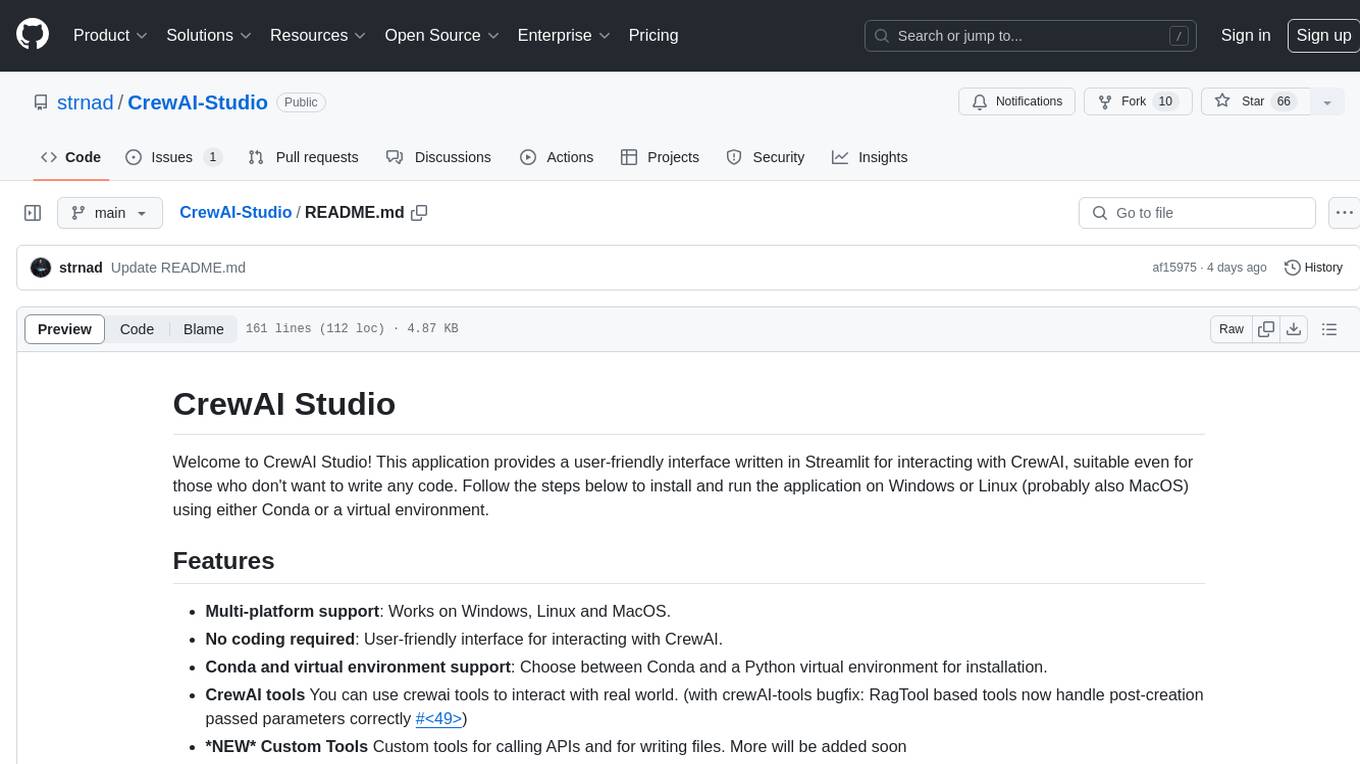
CrewAI-Studio
CrewAI Studio is an application with a user-friendly interface for interacting with CrewAI, offering support for multiple platforms and various backend providers. It allows users to run crews in the background, export single-page apps, and use custom tools for APIs and file writing. The roadmap includes features like better import/export, human input, chat functionality, automatic crew creation, and multiuser environment support.
For similar tasks
TokenEater
TokenEater is a native macOS widget and menu bar app designed to monitor your Claude (Anthropic) AI usage in real-time. It provides detailed insights into your session, weekly usage across all models, dedicated Sonnet limits, and pacing information to help you manage your AI usage effectively. The app offers customizable themes, notifications for usage thresholds, automatic token refresh via Claude Code OAuth, automatic updates, SOCKS5 proxy support, and full localization in English and French. TokenEater ensures secure data flow between the menu bar app and desktop widget through a shared JSON file, providing a seamless user experience without compromising security. The tool is licensed under MIT, allowing users to freely use and modify it as needed.
hub
Hub is an open-source, high-performance LLM gateway written in Rust. It serves as a smart proxy for LLM applications, centralizing control and tracing of all LLM calls and traces. Built for efficiency, it provides a single API to connect to any LLM provider. The tool is designed to be fast, efficient, and completely open-source under the Apache 2.0 license.
earl
AI-safe CLI for AI agents. Earl sits between your agent and external services, ensuring secrets stay in the OS keychain, requests follow reviewed templates, and outbound traffic obeys egress rules.
lunary
Lunary is an open-source observability and prompt platform for Large Language Models (LLMs). It provides a suite of features to help AI developers take their applications into production, including analytics, monitoring, prompt templates, fine-tuning dataset creation, chat and feedback tracking, and evaluations. Lunary is designed to be usable with any model, not just OpenAI, and is easy to integrate and self-host.

ClaudeBar
ClaudeBar is a macOS menu bar application that monitors AI coding assistant usage quotas. It allows users to keep track of their usage of Claude, Codex, Gemini, GitHub Copilot, Antigravity, and Z.ai at a glance. The application offers multi-provider support, real-time quota tracking, multiple themes, visual status indicators, system notifications, auto-refresh feature, and keyboard shortcuts for quick access. Users can customize monitoring by toggling individual providers on/off and receive alerts when quota status changes. The tool requires macOS 15+, Swift 6.2+, and CLI tools installed for the providers to be monitored.
For similar jobs

sweep
Sweep is an AI junior developer that turns bugs and feature requests into code changes. It automatically handles developer experience improvements like adding type hints and improving test coverage.

teams-ai
The Teams AI Library is a software development kit (SDK) that helps developers create bots that can interact with Teams and Microsoft 365 applications. It is built on top of the Bot Framework SDK and simplifies the process of developing bots that interact with Teams' artificial intelligence capabilities. The SDK is available for JavaScript/TypeScript, .NET, and Python.

ai-guide
This guide is dedicated to Large Language Models (LLMs) that you can run on your home computer. It assumes your PC is a lower-end, non-gaming setup.

classifai
Supercharge WordPress Content Workflows and Engagement with Artificial Intelligence. Tap into leading cloud-based services like OpenAI, Microsoft Azure AI, Google Gemini and IBM Watson to augment your WordPress-powered websites. Publish content faster while improving SEO performance and increasing audience engagement. ClassifAI integrates Artificial Intelligence and Machine Learning technologies to lighten your workload and eliminate tedious tasks, giving you more time to create original content that matters.

chatbot-ui
Chatbot UI is an open-source AI chat app that allows users to create and deploy their own AI chatbots. It is easy to use and can be customized to fit any need. Chatbot UI is perfect for businesses, developers, and anyone who wants to create a chatbot.

BricksLLM
BricksLLM is a cloud native AI gateway written in Go. Currently, it provides native support for OpenAI, Anthropic, Azure OpenAI and vLLM. BricksLLM aims to provide enterprise level infrastructure that can power any LLM production use cases. Here are some use cases for BricksLLM: * Set LLM usage limits for users on different pricing tiers * Track LLM usage on a per user and per organization basis * Block or redact requests containing PIIs * Improve LLM reliability with failovers, retries and caching * Distribute API keys with rate limits and cost limits for internal development/production use cases * Distribute API keys with rate limits and cost limits for students

uAgents
uAgents is a Python library developed by Fetch.ai that allows for the creation of autonomous AI agents. These agents can perform various tasks on a schedule or take action on various events. uAgents are easy to create and manage, and they are connected to a fast-growing network of other uAgents. They are also secure, with cryptographically secured messages and wallets.

griptape
Griptape is a modular Python framework for building AI-powered applications that securely connect to your enterprise data and APIs. It offers developers the ability to maintain control and flexibility at every step. Griptape's core components include Structures (Agents, Pipelines, and Workflows), Tasks, Tools, Memory (Conversation Memory, Task Memory, and Meta Memory), Drivers (Prompt and Embedding Drivers, Vector Store Drivers, Image Generation Drivers, Image Query Drivers, SQL Drivers, Web Scraper Drivers, and Conversation Memory Drivers), Engines (Query Engines, Extraction Engines, Summary Engines, Image Generation Engines, and Image Query Engines), and additional components (Rulesets, Loaders, Artifacts, Chunkers, and Tokenizers). Griptape enables developers to create AI-powered applications with ease and efficiency.