


grammar-llm
AI-powered grammar checker using fine-tuned language models to fix grammatical errors in text.
Stars: 94
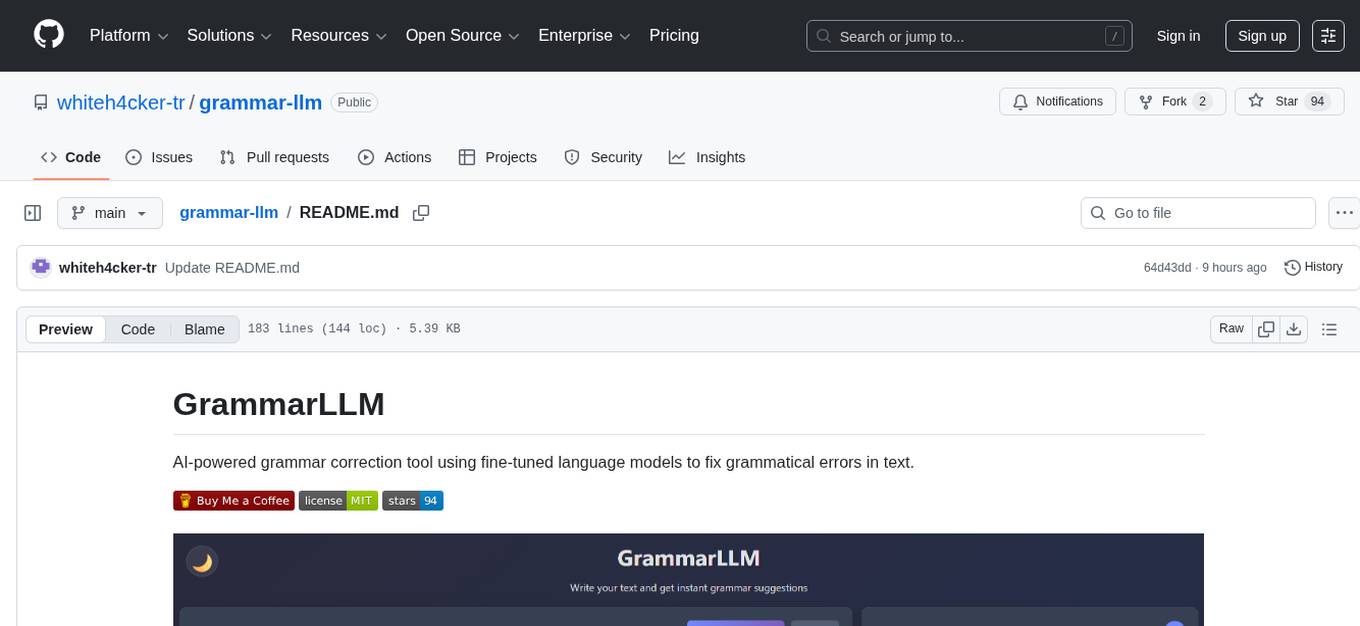
GrammarLLM is an AI-powered grammar correction tool that utilizes fine-tuned language models to fix grammatical errors in text. It offers real-time grammar and spelling correction with individual suggestion acceptance. The tool features a clean and responsive web interface, a FastAPI backend integrated with llama.cpp, and support for multiple grammar models. Users can easily deploy the tool using Docker Compose and interact with it through a web interface or REST API. The default model, GRMR-V3-G4B-Q8_0, provides grammar correction, spelling correction, punctuation fixes, and style improvements without requiring a GPU. The tool also includes endpoints for applying single or multiple suggestions to text, a health check endpoint, and detailed documentation for functionality and model details. Testing and verification steps are provided for manual and Docker testing, along with community guidelines for contributing, reporting issues, and getting support.
README:
GrammarLLM is an open-source framework for automated grammar correction, writing quality assessment, and structured feedback generation using fine-tuned large language models. It performs sentence-level error detection and correction, computes quantitative writing quality scores based on detected error spans, and generates detailed, downloadable PDF reports with highlighted differences between original and corrected text. Designed for reproducible experimentation and evaluation, GrammarLLM provides a REST API and web interface for integration into research workflows and supports CPU-based execution without requiring GPU resources.


- Real-time grammar and spelling correction
- AI-powered suggestions using fine-tuned LLMs
- Writing quality scoring (0–100) based on error-to-word ratio
- PDF report generation with visually highlighted original and corrected sentences
- Individual suggestion acceptance
- Clean, responsive web interface
- FastAPI backend with llama.cpp integration
- Support for multiple grammar models
- Doesn't require a GPU
- REST API for programmatic access
docker-compose up -d- Clone the repository:
git clone https://github.com/whiteh4cker-tr/grammar-llm.git
cd grammar-llm- Create a virtual environment (recommended):
python -m venv venv
source venv/bin/activate # On Windows: venv\Scripts\activate- Install dependencies:
pip install -r requirements.txt- Start the application:
uvicorn main:app --reload --host 0.0.0.0 --port 8000- Open your browser and navigate to:
http://localhost:8000
Simply paste or type your text in the editor and click "Check Grammar". The application will:
- Analyze your text and display suggestions with highlighted differences
- Calculate and display a writing quality score (0–100) based on the ratio of errors to total words
- Provide a "Download Report" button to generate a PDF report containing:
- Writing quality score
- All suggestions with original and corrected sentences
- Visual highlighting of error words (red) and corrections (green)
- WCAG 2.0 AA compliant color contrast for accessibility
The application exposes a REST API for programmatic access:
# Send text for correction
curl -X POST "http://localhost:8000/correct" \
  -H "Content-Type: application/json" \
-d '{"text": "your text here"}'import requests, json
URL = "http://localhost:8000/correct"
payload = {"text": "She dont like the apples. this is a bad sentence"}
resp = requests.post(URL, json=payload, timeout=30)
resp.raise_for_status()
print(resp.status_code)
print(json.dumps(resp.json(), indent=2, ensure_ascii=False))- Method: POST
- URL:
http://localhost:8000/correct - Headers:
Content-Type: application/json - Body (raw → JSON):
"text": "She dont like the apples. this is a bad sentence" }
{
    "suggestions": [
        {
            "original": "She dont like the apples. this is a bad sentence",
            "corrected": "She doesn't like the apples. This is a bad sentence",
            "sentence": "Sentence 1",
            "start_index": 0,
            "end_index": 48,
            "original_highlighted": "She <span class=\"error-word\">dont</span> like the apples. <span class=\"error-word\">this</span> is a bad sentence",
            "corrected_highlighted": "She <span class=\"corrected-word\">doesn</span><span class=\"corrected-word\">'</span><span class=\"corrected-word\">t</span> like the apples. <span class=\"corrected-word\">This</span> is a bad sentence"
        }
    ],
    "corrected_text": "She doesn't like the apples. This is a bad sentence"
}{
"suggestions": [],
"corrected_text": "This is a good sentence. This is another good sentence."
}The application uses the GRMR-V3-G4B-Q8_0 model by default. The model will be automatically downloaded on first run (approx. 4.13GB).
Grammar Correction Endpoint
-
Endpoint: POST
/correct -
Request Body:
{"text": "your text here"} -
Response: Returns a
CorrectionResponseobject containing:-
suggestions(List[Suggestion]): a list of per-sentence suggestion objects. Each suggestion includesoriginal,corrected,sentence,start_index,end_index, and HTML-highlighted fields (original_highlighted,corrected_highlighted). Only sentences with a meaningful correction are included;suggestionsmay be empty. -
corrected_text: The fully corrected version of the input text (this field is always returned)
-
Apply Suggestion Endpoint
-
Endpoint: POST
/apply-suggestion - Use Case: Apply a single suggestion to the original text
- Request Parameters: Original text, suggestion index, and suggestions list
Apply Multiple Suggestions Endpoint
-
Endpoint: POST
/apply-suggestions - Use Case: Apply multiple suggestions to the original text at once
- Features: Handles overlapping suggestions intelligently by keeping the rightmost replacement
-
Note: This endpoint is available for programmatic API clients. The web frontend applies suggestions one at a time using the
/apply-suggestionendpoint instead.
Health Check Endpoint
-
Endpoint: GET
/health - Response: Returns status of the application
- Model: GRMR-V3-G4B (Quantized to 8-bit)
- Context Window: 4096 tokens
- Capabilities: Grammar correction, spelling correction, punctuation fixes, and style improvements
- GPU Required: No - runs on CPU with llama.cpp
-
Verify Application Start
uvicorn main:app --reload --host 0.0.0.0 --port 8000
Expected console output:
============================================================ GrammarLLM ============================================================ Server starting on http://localhost:8000 (Also accessible on http://127.0.0.1:8000) ============================================================ -
Test Health Check
curl http://localhost:8000/health
Expected response:
{"status":"healthy","model_loaded":true}
docker-compose up
curl http://localhost:8000/health
Expected: Application is accessible and responsive
We welcome contributions from the community! Here's how you can help:
-
Fork the Repository
git clone https://github.com/whiteh4cker-tr/grammar-llm.git cd grammar-llm -
Create a Feature Branch
git checkout -b your-feature-name
-
Make Your Changes
- Ensure your code follows the existing style
- Test your changes thoroughly
- Update documentation as needed
-
Submit a Pull Request
- Push your changes to your fork
- Open a pull request describing your changes
- Link any related issues
- Wait for review and feedback
Found a bug or have a feature request? Please open an issue on GitHub:
-
Check existing issues to avoid duplicates
-
Provide detailed information:
- Description of the problem
- Steps to reproduce
- Expected vs. actual behavior
- System information (OS, Python version, etc.)
- Console output or error messages
-
Use clear titles and descriptions
- GitHub Issues: For bug reports and feature requests
- Documentation: Check the README and code comments for detailed information
- Discussions: Use GitHub Discussions for general questions and support
Please be respectful and constructive in all interactions with other community members.
For Tasks:
Click tags to check more tools for each tasksFor Jobs:
Alternative AI tools for grammar-llm
Similar Open Source Tools
grammar-llm
GrammarLLM is an AI-powered grammar correction tool that utilizes fine-tuned language models to fix grammatical errors in text. It offers real-time grammar and spelling correction with individual suggestion acceptance. The tool features a clean and responsive web interface, a FastAPI backend integrated with llama.cpp, and support for multiple grammar models. Users can easily deploy the tool using Docker Compose and interact with it through a web interface or REST API. The default model, GRMR-V3-G4B-Q8_0, provides grammar correction, spelling correction, punctuation fixes, and style improvements without requiring a GPU. The tool also includes endpoints for applying single or multiple suggestions to text, a health check endpoint, and detailed documentation for functionality and model details. Testing and verification steps are provided for manual and Docker testing, along with community guidelines for contributing, reporting issues, and getting support.
python-repomix
Repomix is a powerful tool that packs your entire repository into a single, AI-friendly file. It formats your codebase for easy AI comprehension, provides token counts, is simple to use with one command, customizable, git-aware, security-focused, and offers advanced code compression. It supports multiprocessing or threading for faster analysis, automatically handles various file encodings, and includes built-in security checks. Repomix can be used with uvx, pipx, or Docker. It offers various configuration options for output style, security checks, compression modes, ignore patterns, and remote repository processing. The tool can be used for code review, documentation generation, test case generation, code quality assessment, library overview, API documentation review, code architecture analysis, and configuration analysis. Repomix can also run as an MCP server for AI assistants like Claude, providing tools for packaging codebases, reading output files, searching within outputs, reading files from the filesystem, listing directory contents, generating Claude Agent Skills, and more.
repomix
Repomix is a powerful tool that packs your entire repository into a single, AI-friendly file. It is designed to format your codebase for easy understanding by AI tools like Large Language Models (LLMs), Claude, ChatGPT, and Gemini. Repomix offers features such as AI optimization, token counting, simplicity in usage, customization options, Git awareness, and security-focused checks using Secretlint. It allows users to pack their entire repository or specific directories/files using glob patterns, and even supports processing remote Git repositories. The tool generates output in plain text, XML, or Markdown formats, with options for including/excluding files, removing comments, and performing security checks. Repomix also provides a global configuration option, custom instructions for AI context, and a security check feature to detect sensitive information in files.
repopack
Repopack is a powerful tool that packs your entire repository into a single, AI-friendly file. It optimizes your codebase for AI comprehension, is simple to use with customizable options, and respects Gitignore files for security. The tool generates a packed file with clear separators and AI-oriented explanations, making it ideal for use with Generative AI tools like Claude or ChatGPT. Repopack offers command line options, configuration settings, and multiple methods for setting ignore patterns to exclude specific files or directories during the packing process. It includes features like comment removal for supported file types and a security check using Secretlint to detect sensitive information in files.
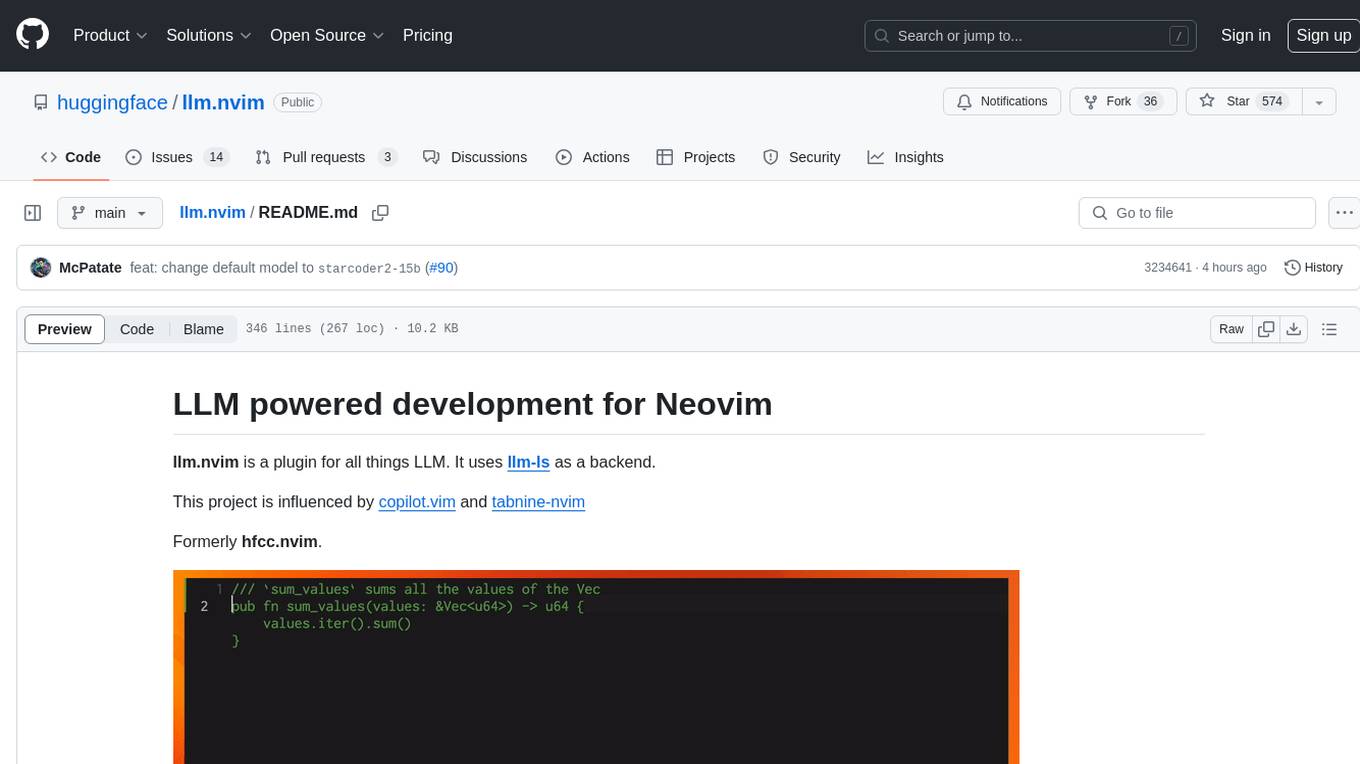
llm.nvim
llm.nvim is a plugin for Neovim that enables code completion using LLM models. It supports 'ghost-text' code completion similar to Copilot and allows users to choose their model for code generation via HTTP requests. The plugin interfaces with multiple backends like Hugging Face, Ollama, Open AI, and TGI, providing flexibility in model selection and configuration. Users can customize the behavior of suggestions, tokenization, and model parameters to enhance their coding experience. llm.nvim also includes commands for toggling auto-suggestions and manually requesting suggestions, making it a versatile tool for developers using Neovim.
pocketgroq
PocketGroq is a tool that provides advanced functionalities for text generation, web scraping, web search, and AI response evaluation. It includes features like an Autonomous Agent for answering questions, web crawling and scraping capabilities, enhanced web search functionality, and flexible integration with Ollama server. Users can customize the agent's behavior, evaluate responses using AI, and utilize various methods for text generation, conversation management, and Chain of Thought reasoning. The tool offers comprehensive methods for different tasks, such as initializing RAG, error handling, and tool management. PocketGroq is designed to enhance development processes and enable the creation of AI-powered applications with ease.
CodeTF
CodeTF is a Python transformer-based library for code large language models (Code LLMs) and code intelligence. It provides an interface for training and inferencing on tasks like code summarization, translation, and generation. The library offers utilities for code manipulation across various languages, including easy extraction of code attributes. Using tree-sitter as its core AST parser, CodeTF enables parsing of function names, comments, and variable names. It supports fast model serving, fine-tuning of LLMs, various code intelligence tasks, preprocessed datasets, model evaluation, pretrained and fine-tuned models, and utilities to manipulate source code. CodeTF aims to facilitate the integration of state-of-the-art Code LLMs into real-world applications, ensuring a user-friendly environment for code intelligence tasks.
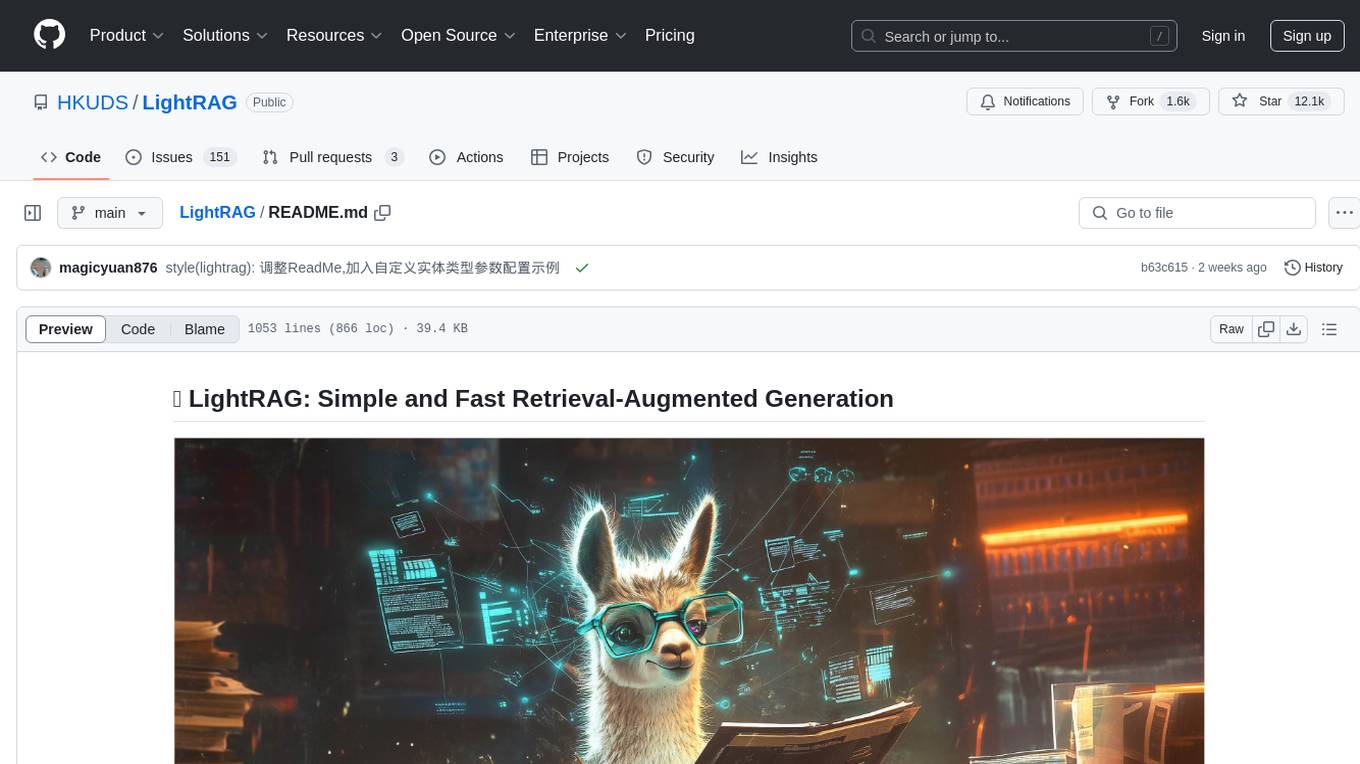
LightRAG
LightRAG is a repository hosting the code for LightRAG, a system that supports seamless integration of custom knowledge graphs, Oracle Database 23ai, Neo4J for storage, and multiple file types. It includes features like entity deletion, batch insert, incremental insert, and graph visualization. LightRAG provides an API server implementation for RESTful API access to RAG operations, allowing users to interact with it through HTTP requests. The repository also includes evaluation scripts, code for reproducing results, and a comprehensive code structure.
polyfire-js
Polyfire is an all-in-one managed backend for AI apps that allows users to build AI apps directly from the frontend, eliminating the need for a separate backend. It simplifies the process by providing most backend services in just a few lines of code. With Polyfire, users can easily create chatbots, transcribe audio files to text, generate simple text, create a long-term memory, and generate images with Dall-E. The tool also offers starter guides and tutorials to help users get started quickly and efficiently.
CodeGPT
CodeGPT is a CLI tool written in Go that helps you write git commit messages or do a code review brief using ChatGPT AI (gpt-3.5-turbo, gpt-4 model) and automatically installs a git prepare-commit-msg hook. It supports Azure OpenAI Service or OpenAI API, conventional commits specification, Git prepare-commit-msg Hook, customizing the number of lines of context in diffs, excluding files from the git diff command, translating commit messages into different languages, using socks or custom network HTTP proxies, specifying model lists, and doing brief code reviews.
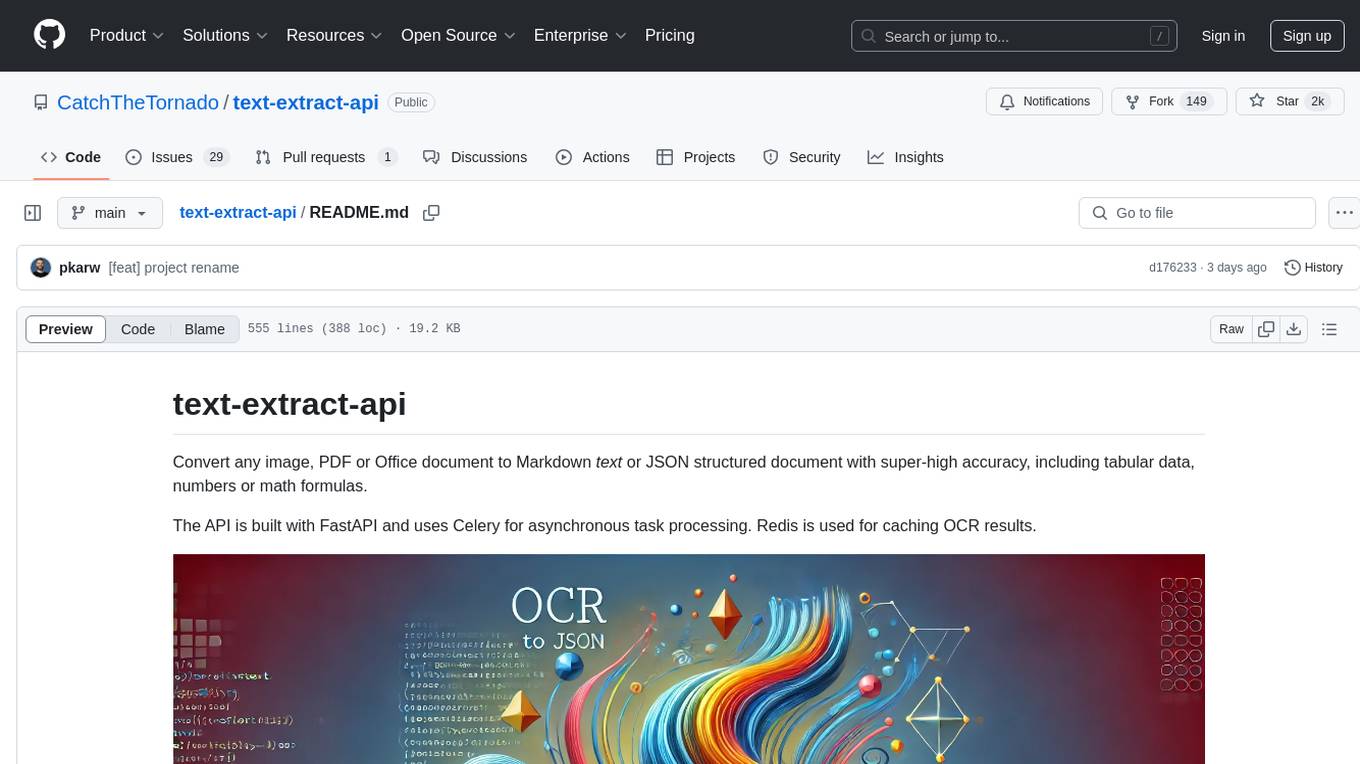
text-extract-api
The text-extract-api is a powerful tool that allows users to convert images, PDFs, or Office documents to Markdown text or JSON structured documents with high accuracy. It is built using FastAPI and utilizes Celery for asynchronous task processing, with Redis for caching OCR results. The tool provides features such as PDF/Office to Markdown and JSON conversion, improving OCR results with LLama, removing Personally Identifiable Information from documents, distributed queue processing, caching using Redis, switchable storage strategies, and a CLI tool for task management. Users can run the tool locally or on cloud services, with support for GPU processing. The tool also offers an online demo for testing purposes.
cipher
Cipher is a versatile encryption and decryption tool designed to secure sensitive information. It offers a user-friendly interface with various encryption algorithms to choose from, ensuring data confidentiality and integrity. With Cipher, users can easily encrypt text or files using strong encryption methods, making it suitable for protecting personal data, confidential documents, and communication. The tool also supports decryption of encrypted data, providing a seamless experience for users to access their secured information. Cipher is a reliable solution for individuals and organizations looking to enhance their data security measures.
ai-sdk-cpp
The AI SDK CPP is a modern C++ toolkit that provides a unified, easy-to-use API for building AI-powered applications with popular model providers like OpenAI and Anthropic. It bridges the gap for C++ developers by offering a clean, expressive codebase with minimal dependencies. The toolkit supports text generation, streaming content, multi-turn conversations, error handling, tool calling, async tool execution, and configurable retries. Future updates will include additional providers, text embeddings, and image generation models. The project also includes a patched version of nlohmann/json for improved thread safety and consistent behavior in multi-threaded environments.
acte
Acte is a framework designed to build GUI-like tools for AI Agents. It aims to address the issues of cognitive load and freedom degrees when interacting with multiple APIs in complex scenarios. By providing a graphical user interface (GUI) for Agents, Acte helps reduce cognitive load and constraints interaction, similar to how humans interact with computers through GUIs. The tool offers APIs for starting new sessions, executing actions, and displaying screens, accessible via HTTP requests or the SessionManager class.
nexus
Nexus is a tool that acts as a unified gateway for multiple LLM providers and MCP servers. It allows users to aggregate, govern, and control their AI stack by connecting multiple servers and providers through a single endpoint. Nexus provides features like MCP Server Aggregation, LLM Provider Routing, Context-Aware Tool Search, Protocol Support, Flexible Configuration, Security features, Rate Limiting, and Docker readiness. It supports tool calling, tool discovery, and error handling for STDIO servers. Nexus also integrates with AI assistants, Cursor, Claude Code, and LangChain for seamless usage.
For similar tasks
grammar-llm
GrammarLLM is an AI-powered grammar correction tool that utilizes fine-tuned language models to fix grammatical errors in text. It offers real-time grammar and spelling correction with individual suggestion acceptance. The tool features a clean and responsive web interface, a FastAPI backend integrated with llama.cpp, and support for multiple grammar models. Users can easily deploy the tool using Docker Compose and interact with it through a web interface or REST API. The default model, GRMR-V3-G4B-Q8_0, provides grammar correction, spelling correction, punctuation fixes, and style improvements without requiring a GPU. The tool also includes endpoints for applying single or multiple suggestions to text, a health check endpoint, and detailed documentation for functionality and model details. Testing and verification steps are provided for manual and Docker testing, along with community guidelines for contributing, reporting issues, and getting support.

NaLLM
The NaLLM project repository explores the synergies between Neo4j and Large Language Models (LLMs) through three primary use cases: Natural Language Interface to a Knowledge Graph, Creating a Knowledge Graph from Unstructured Data, and Generating a Report using static and LLM data. The repository contains backend and frontend code organized for easy navigation. It includes blog posts, a demo database, instructions for running demos, and guidelines for contributing. The project aims to showcase the potential of Neo4j and LLMs in various applications.
lobe-icons
Lobe Icons is a collection of popular AI / LLM Model Brand SVG logos and icons. It features lightweight and scalable icons designed with highly optimized scalable vector graphics (SVG) for optimal performance. The collection is tree-shakable, allowing users to import only the icons they need to reduce the overall bundle size of their projects. Lobe Icons has an active community of designers and developers who can contribute and seek support on platforms like GitHub and Discord. The repository supports a wide range of brands across different models, providers, and applications, with more brands continuously being added through contributions. Users can easily install Lobe UI with the provided commands and integrate it with NextJS for server-side rendering. Local development can be done using Github Codespaces or by cloning the repository. Contributions are welcome, and users can contribute code by checking out the GitHub Issues. The project is MIT licensed and maintained by LobeHub.
ibm-generative-ai
IBM Generative AI Python SDK is a tool designed for the Tech Preview program for IBM Foundation Models Studio. It brings IBM Generative AI (GenAI) into Python programs, offering various operations and types. Users can start a trial version or request a demo via the provided link. The SDK was recently rewritten and released under V2 in 2024, with a migration guide available. Contributors are welcome to participate in the open-source project by contributing documentation, tests, bug fixes, and new functionality.
ollama4j
Ollama4j is a Java library that serves as a wrapper or binding for the Ollama server. It facilitates communication with the Ollama server and provides models for deployment. The tool requires Java 11 or higher and can be installed locally or via Docker. Users can integrate Ollama4j into Maven projects by adding the specified dependency. The tool offers API specifications and supports various development tasks such as building, running unit tests, and integration tests. Releases are automated through GitHub Actions CI workflow. Areas of improvement include adhering to Java naming conventions, updating deprecated code, implementing logging, using lombok, and enhancing request body creation. Contributions to the project are encouraged, whether reporting bugs, suggesting enhancements, or contributing code.
openkore
OpenKore is a custom client and intelligent automated assistant for Ragnarok Online. It is a free, open source, and cross-platform program (Linux, Windows, and MacOS are supported). To run OpenKore, you need to download and extract it or clone the repository using Git. Configure OpenKore according to the documentation and run openkore.pl to start. The tool provides a FAQ section for troubleshooting, guidelines for reporting issues, and information about botting status on official servers. OpenKore is developed by a global team, and contributions are welcome through pull requests. Various community resources are available for support and communication. Users are advised to comply with the GNU General Public License when using and distributing the software.
quivr-mobile
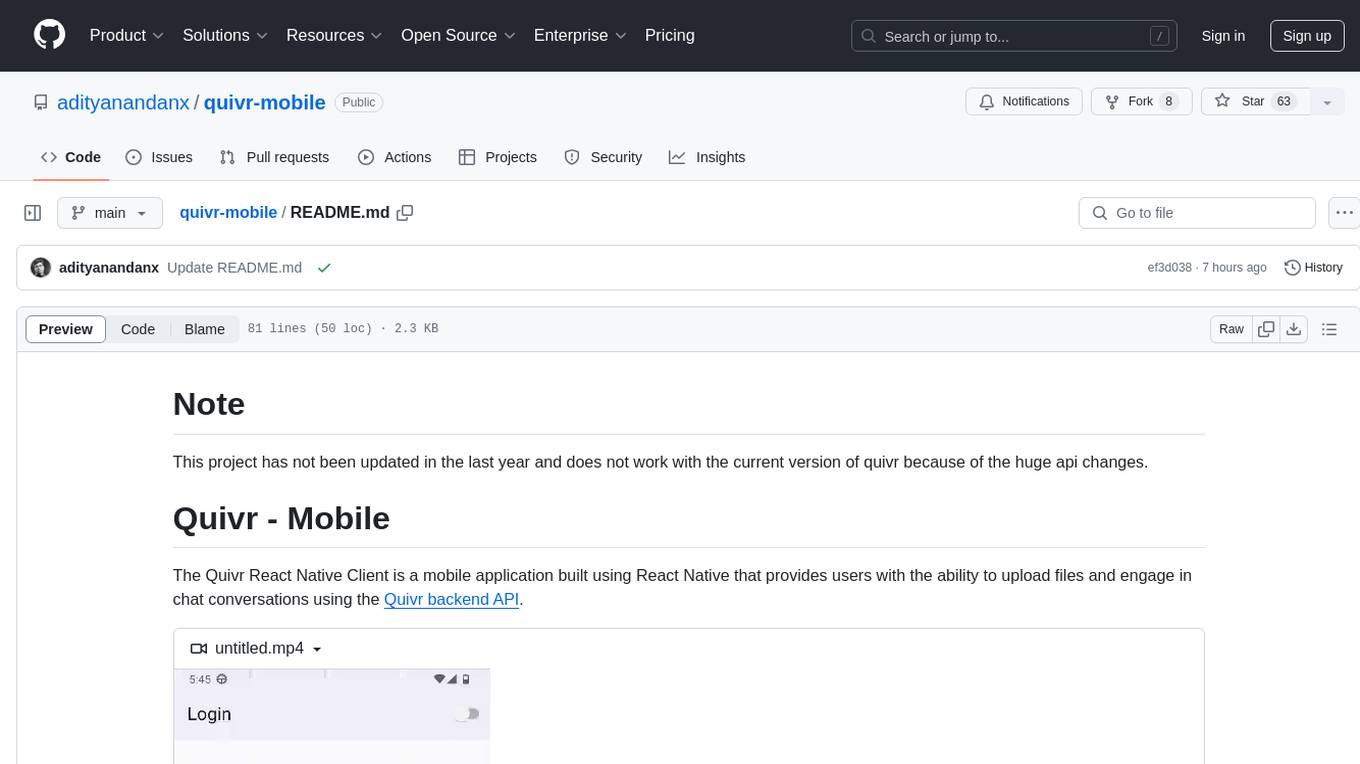
Quivr-Mobile is a React Native mobile application that allows users to upload files and engage in chat conversations using the Quivr backend API. It supports features like file upload and chatting with a language model about uploaded data. The project uses technologies like React Native, React Native Paper, and React Native Navigation. Users can follow the installation steps to set up the client and contribute to the project by opening issues or submitting pull requests following the existing coding style.
python-projects-2024
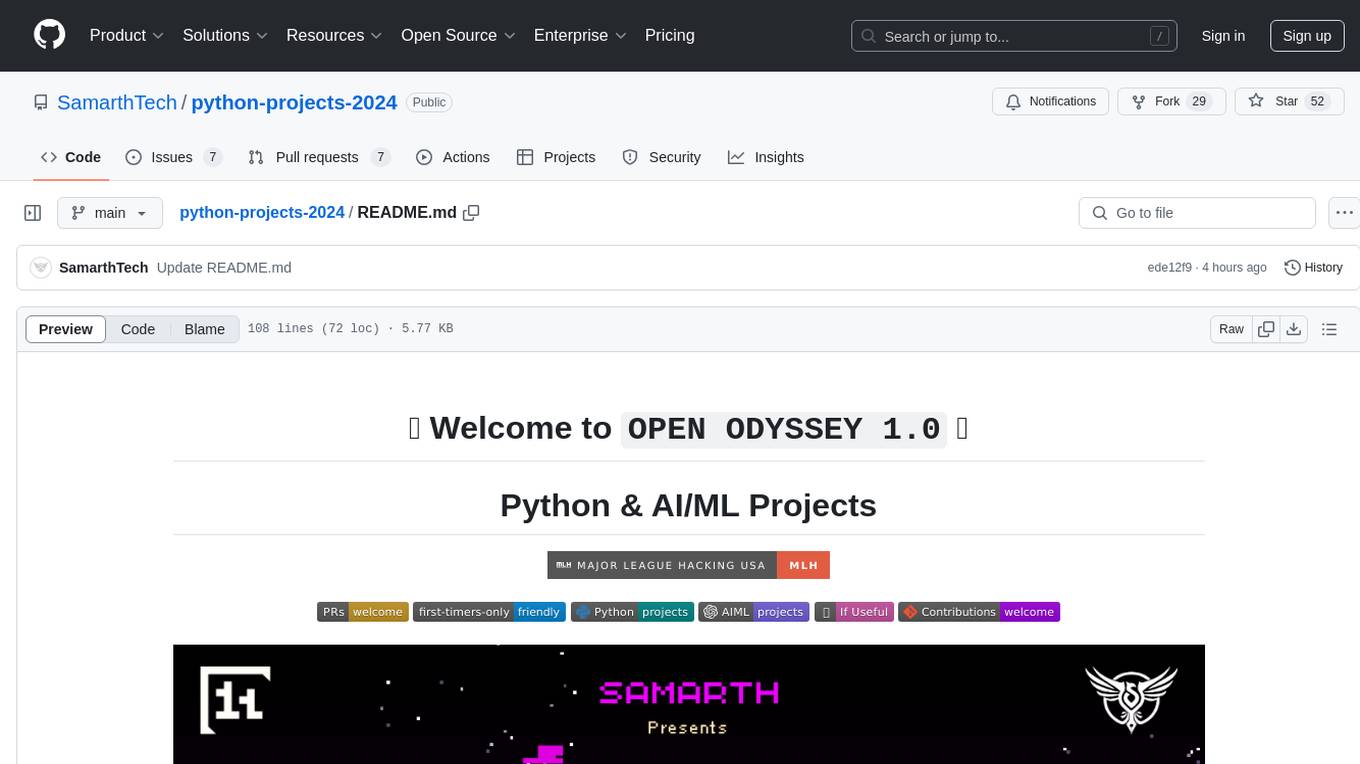
Welcome to `OPEN ODYSSEY 1.0` - an Open-source extravaganza for Python and AI/ML Projects. Collaborating with MLH (Major League Hacking), this repository welcomes contributions in the form of fixing outstanding issues, submitting bug reports or new feature requests, adding new projects, implementing new models, and encouraging creativity. Follow the instructions to contribute by forking the repository, cloning it to your PC, creating a new folder for your project, and making a pull request. The repository also features a special Leaderboard for top contributors and offers certificates for all participants and mentors. Follow `OPEN ODYSSEY 1.0` on social media for swift approval of your quest.
For similar jobs
ChatFAQ
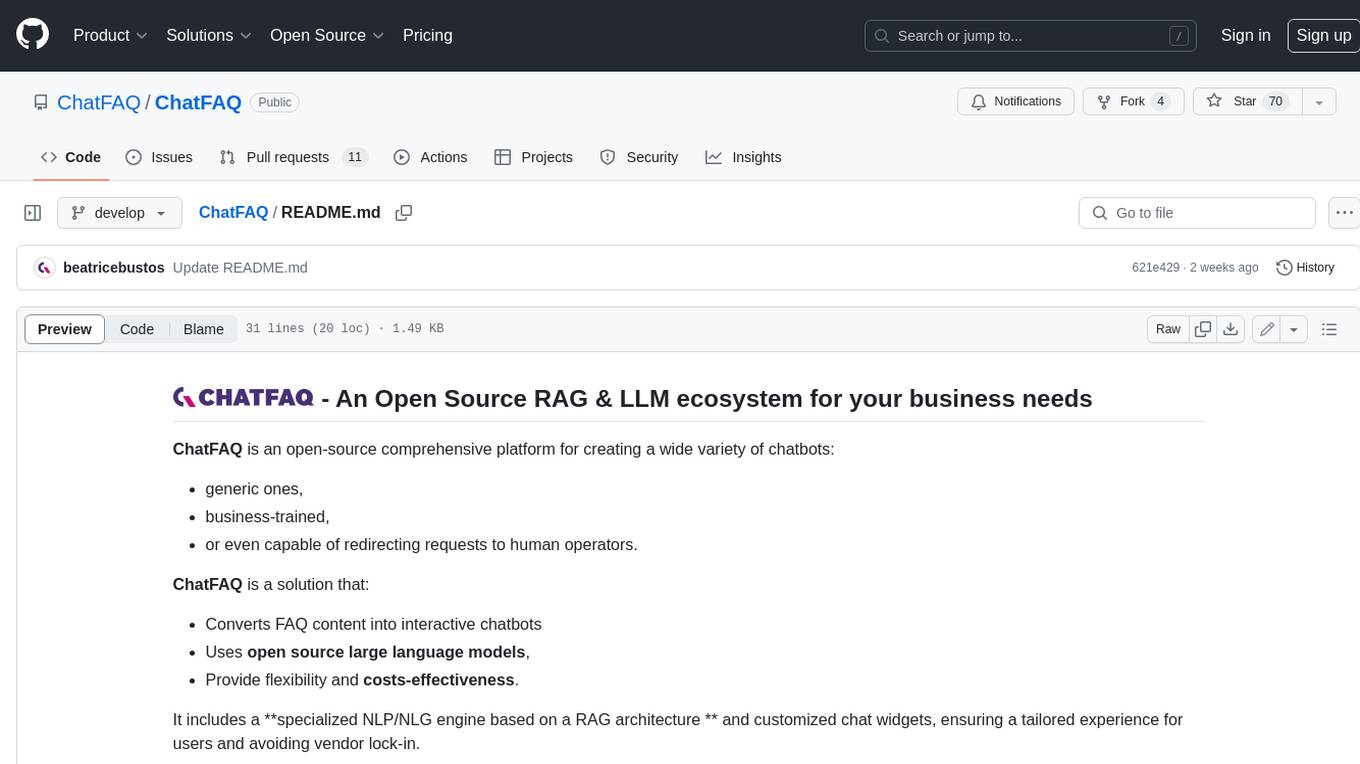
ChatFAQ is an open-source comprehensive platform for creating a wide variety of chatbots: generic ones, business-trained, or even capable of redirecting requests to human operators. It includes a specialized NLP/NLG engine based on a RAG architecture and customized chat widgets, ensuring a tailored experience for users and avoiding vendor lock-in.
anything-llm
AnythingLLM is a full-stack application that enables you to turn any document, resource, or piece of content into context that any LLM can use as references during chatting. This application allows you to pick and choose which LLM or Vector Database you want to use as well as supporting multi-user management and permissions.

ai-guide
This guide is dedicated to Large Language Models (LLMs) that you can run on your home computer. It assumes your PC is a lower-end, non-gaming setup.

classifai
Supercharge WordPress Content Workflows and Engagement with Artificial Intelligence. Tap into leading cloud-based services like OpenAI, Microsoft Azure AI, Google Gemini and IBM Watson to augment your WordPress-powered websites. Publish content faster while improving SEO performance and increasing audience engagement. ClassifAI integrates Artificial Intelligence and Machine Learning technologies to lighten your workload and eliminate tedious tasks, giving you more time to create original content that matters.
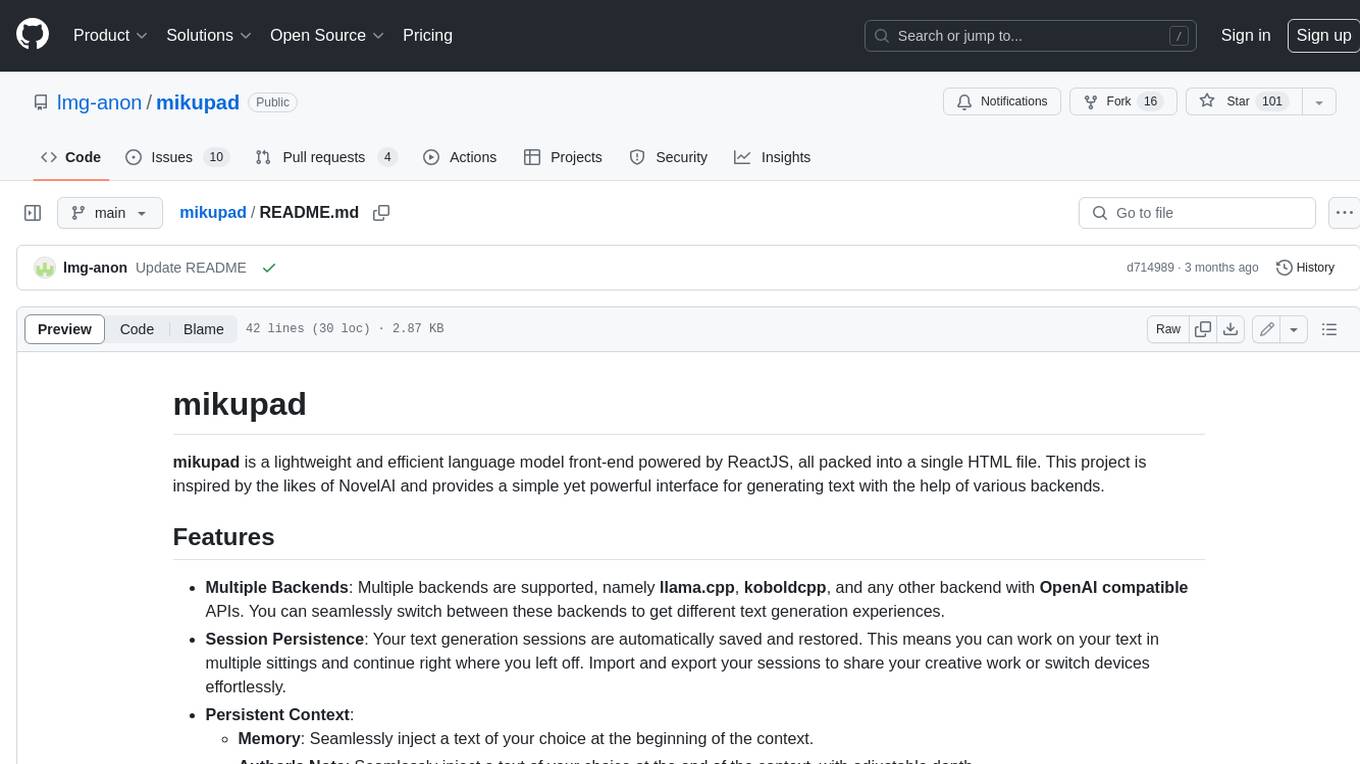
mikupad
mikupad is a lightweight and efficient language model front-end powered by ReactJS, all packed into a single HTML file. Inspired by the likes of NovelAI, it provides a simple yet powerful interface for generating text with the help of various backends.
glide
Glide is a cloud-native LLM gateway that provides a unified REST API for accessing various large language models (LLMs) from different providers. It handles LLMOps tasks such as model failover, caching, key management, and more, making it easy to integrate LLMs into applications. Glide supports popular LLM providers like OpenAI, Anthropic, Azure OpenAI, AWS Bedrock (Titan), Cohere, Google Gemini, OctoML, and Ollama. It offers high availability, performance, and observability, and provides SDKs for Python and NodeJS to simplify integration.

onnxruntime-genai
ONNX Runtime Generative AI is a library that provides the generative AI loop for ONNX models, including inference with ONNX Runtime, logits processing, search and sampling, and KV cache management. Users can call a high level `generate()` method, or run each iteration of the model in a loop. It supports greedy/beam search and TopP, TopK sampling to generate token sequences, has built in logits processing like repetition penalties, and allows for easy custom scoring.
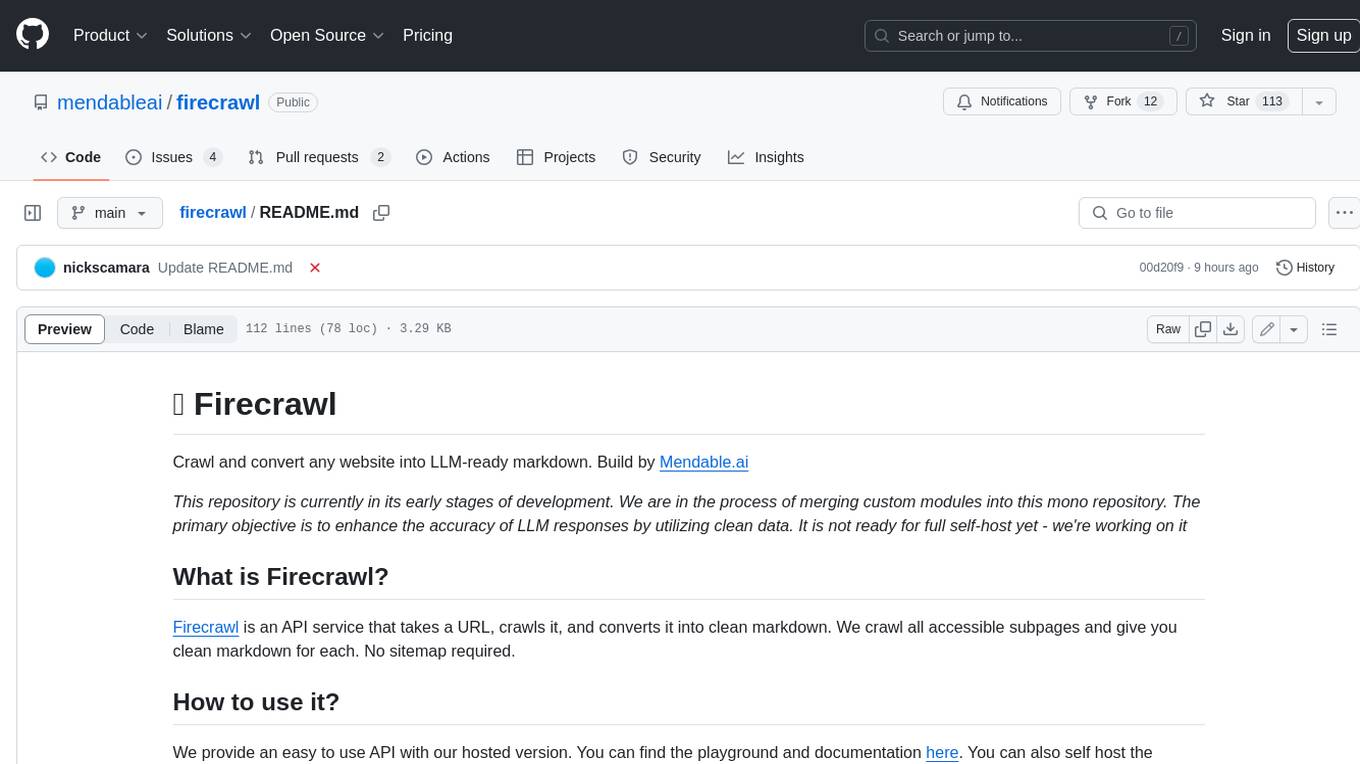
firecrawl
Firecrawl is an API service that takes a URL, crawls it, and converts it into clean markdown. It crawls all accessible subpages and provides clean markdown for each, without requiring a sitemap. The API is easy to use and can be self-hosted. It also integrates with Langchain and Llama Index. The Python SDK makes it easy to crawl and scrape websites in Python code.