


uzu-swift
A high-performance inference engine for AI models
Stars: 51
Swift package for uzu, a high-performance inference engine for AI models on Apple Silicon. Deploy AI directly in your app with zero latency, full data privacy, and no inference costs. Key features include a simple, high-level API, specialized configurations for performance boosts, broad model support, and an observable model manager. Easily set up projects, obtain an API key, choose a model, and run it with corresponding identifiers. Examples include chat, speedup with speculative decoding, chat with dynamic context, chat with static context, summarization, classification, cloud, and structured output. Troubleshooting available via Discord or email. Licensed under MIT.
README:




Swift package for uzu, a high-performance inference engine for AI models on Apple Silicon. It allows you to deploy AI directly in your app with zero latency, full data privacy, and no inference costs. You don’t need an ML team or weeks of setup - one developer can handle everything in minutes. Key features:
- Simple, high-level API
- Specialized configurations with significant performance boosts for common use cases like classification and summarization
- Broad model support
- Observable model manager
Add the uzu dependency to your project:
dependencies: [
    .package(url: "https://github.com/trymirai/uzu-swift.git", from: "0.2.20")
]
Set up your project through Platform and obtain an API_KEY. Then, choose the model you want from the library and run it with the following snippet using the corresponding identifier:
let engine = try await UzuEngine.create(apiKey: "API_KEY")

let model = try await engine.chatModel(repoId: "Qwen/Qwen3-0.6B")
try await engine.downloadChatModel(model) { update in
    print("Progress: \(update.progress)")
}

let session = try engine.chatSession(model)
let output = try session.run(
    input: .text(text: "Tell me a short, funny story about a robot"),
    config: RunConfig()
) { _ in
    return true
}
Everything from model downloading to inference configuration is handled automatically. Refer to the documentation for details on how to customize each step of the process.
Place the API_KEY you obtained earlier in the corresponding example file, and then run it using one of the following commands:
swift run example chat
swift run example chat-with-speculator
swift run example chat-dynamic-context
swift run example chat-static-context
swift run example summarization
swift run example classification
swift run example cloud
swift run example structured-outputIn this example, we will download a model and get a reply to a specific list of messages:
import Uzu

public func runChat() async throws {
    let engine = try await UzuEngine.create(apiKey: "API_KEY")

    let model = try await engine.chatModel(repoId: "Qwen/Qwen3-0.6B")
    try await engine.downloadChatModel(model) { update in
        print("Progress: \(update.progress)")
    }

    let messages = [
        Message(role: .system, content: "You are a helpful assistant."),
        Message(role: .user, content: "Tell me a short, funny story about a robot."),
    ]
    let input: Input = .messages(messages: messages)

    let session = try engine.chatSession(model)
    let runConfig = RunConfig()
        .tokensLimit(1024)
    let output = try session.run(
        input: input,
        config: runConfig
    ) { _ in
        return true
    }

    print(output.text.original)
}
Once loaded, the same ChatSession can be reused for multiple requests until you drop it. Each model may consume a significant amount of RAM, so it's important to keep only one session loaded at a time. For iOS apps, we recommend adding the Increased Memory Capability entitlement to ensure your app can allocate the required memory.
Speculative decoding allows a significant increase in generation speed. For each model, we train a small n-gram model (under 50 MB) tailored to a specific domain or use case. In general chat scenarios, you can use the Chat preset, which will automatically use the corresponding speculator:
import Uzu

func run(engine: UzuEngine, model: ChatModel, preset: Preset, input: Input) throws {
    let session = try engine.chatSession(model, config: Config(preset: preset))
    let runConfig = RunConfig()
        .tokensLimit(1024)
    let output = try session.run(
        input: input,
        config: runConfig
    ) { _ in
        return true
    }
    print("Generation speed t/s (\(preset) preset): \(output.stats.generateStats?.tokensPerSecond ?? 0.0)")
}

public func runChatWithSpeculator() async throws {
    let engine = try await UzuEngine.create(apiKey: "API_KEY")

    let model = try await engine.chatModel(repoId: "Qwen/Qwen3-0.6B")
    try await engine.downloadChatModel(model) { update in
        print("Progress: \(update.progress)")
    }

    let messages = [
        Message(role: .system, content: "You are a helpful assistant."),
        Message(role: .user, content: "Tell me a short, funny story about a robot."),
    ]
    let input: Input = .messages(messages: messages)

    try run(engine: engine, model: model, preset: .general, input: input)
    try run(engine: engine, model: model, preset: .chat, input: input)
}In this example, we will use the dynamic ContextMode, which automatically maintains a continuous conversation history instead of resetting the context with each new input. Every new message is added to the ongoing chat, allowing the model to remember what has already been said and respond with full context.
import Uzu

public func runChatDynamicContext() async throws {
    let engine = try await UzuEngine.create(apiKey: "API_KEY")

    let model = try await engine.chatModel(repoId: "Qwen/Qwen3-0.6B")
    try await engine.downloadChatModel(model) { update in
        print("Progress: \(update.progress)")
    }

    let config = Config(preset: .general)
        .contextMode(.dynamic)
    let session = try engine.chatSession(model, config: config)

    let requests = [
        "Tell about London",
        "Compare with New York",
        "Compare the population of the two",
    ]
    let runConfig = RunConfig()
        .tokensLimit(1024)
        .enableThinking(false)

    for request in requests {
        let output = try session.run(
            input: .text(text: request),
            config: runConfig
        ) { _ in
            return true
        }

        print("Request: \(request)")
        print("Response: \(output.text.original.trimmingCharacters(in: .whitespacesAndNewlines))")
        print("-------------------------")
    }
}In this example, we will use the static ContextMode, which begins with an initial list of messages defining the base context of the conversation, such as predefined instructions. Unlike dynamic mode, this context is fixed and does not evolve with new messages. Each inference request is processed independently, using only the initial context and the latest input, without retaining any previous conversation history.
import Uzu

func listToString(_ list: [String]) -> String {
    "[" + list.map({ "\"\($0)\"" }).joined(separator: ", ") + "]"
}

public func runChatStaticContext() async throws {
    let engine = try await UzuEngine.create(apiKey: "API_KEY")

    let model = try await engine.chatModel(repoId: "Qwen/Qwen3-0.6B")
    try await engine.downloadChatModel(model) { update in
        print("Progress: \(update.progress)")
    }

    let instructions =
        """
        Your task is to name countries for each city in the given list.
        For example for \(listToString(["Helsenki", "Stockholm", "Barcelona"])) the answer should be \(listToString(["Finland", "Sweden", "Spain"])).
        """
    let config = Config(preset: .general)
        .contextMode(
            .static(
                input: .messages(messages: [Message(role: .system, content: instructions)])
            )
        )
    let session = try engine.chatSession(model, config: config)

    let requests = [
        listToString(["New York", "London", "Lisbon", "Paris", "Berlin"]),
        listToString(["Bangkok", "Tokyo", "Seoul", "Beijing", "Delhi"]),
    ]
    let runConfig = RunConfig()
        .enableThinking(false)

    for request in requests {
        let output = try session.run(
            input: .text(text: request),
            config: runConfig
        ) { _ in
            return true
        }

        print("Request: \(request)")
        print("Response: \(output.text.original.trimmingCharacters(in: .whitespacesAndNewlines))")
        print("-------------------------")
    }
}In this example, we will use the summarization preset to generate a summary of the input text:
import Uzu

public func runSummarization() async throws {
    let engine = try await UzuEngine.create(apiKey: "API_KEY")

    let model = try await engine.chatModel(repoId: "Qwen/Qwen3-0.6B")
    try await engine.downloadChatModel(model) { update in
        print("Progress: \(update.progress)")
    }

    let textToSummarize =
        "A Large Language Model (LLM) is a type of artificial intelligence that processes and generates human-like text. It is trained on vast datasets containing books, articles, and web content, allowing it to understand and predict language patterns. LLMs use deep learning, particularly transformer-based architectures, to analyze text, recognize context, and generate coherent responses. These models have a wide range of applications, including chatbots, content creation, translation, and code generation. One of the key strengths of LLMs is their ability to generate contextually relevant text based on prompts. They utilize self-attention mechanisms to weigh the importance of words within a sentence, improving accuracy and fluency. Examples of popular LLMs include OpenAI's GPT series, Google's BERT, and Meta's LLaMA. As these models grow in size and sophistication, they continue to enhance human-computer interactions, making AI-powered communication more natural and effective."
    let input: Input = .text(
        text: "Text is: \"\(textToSummarize)\". Write only summary itself.")

    let session = try engine.chatSession(model, config: Config(preset: .summarization))
    let runConfig = RunConfig()
        .tokensLimit(256)
        .enableThinking(false)
        .samplingPolicy(.custom(value: .greedy))
    let output = try session.run(
        input: input,
        config: runConfig
    ) { _ in
        return true
    }

    print("Summary: \(output.text.original)")
    print(
        "Model runs: \(output.stats.prefillStats.modelRun.count + (output.stats.generateStats?.modelRun.count ?? 0))"
    )
    print("Tokens count: \(output.stats.totalStats.tokensCountOutput)")
}
You will notice that the model’s run count is lower than the actual number of generated tokens due to speculative decoding, which significantly improves generation speed.
In this example, we will use the classification preset to determine the sentiment of the user's input:
import Uzu

public func runClassification() async throws {
    let engine = try await UzuEngine.create(apiKey: "API_KEY")

    let model = try await engine.chatModel(repoId: "Qwen/Qwen3-0.6B")
    try await engine.downloadChatModel(model) { update in
        print("Progress: \(update.progress)")
    }

    let feature = ClassificationFeature(
        name: "sentiment",
        values: ["Happy", "Sad", "Angry", "Fearful", "Surprised", "Disgusted"]
    )
    let textToDetectFeature =
        "Today's been awesome! Everything just feels right, and I can't stop smiling."
    let prompt =
        "Text is: \"\(textToDetectFeature)\". Choose \(feature.name) from the list: \(feature.values.joined(separator: ", ")). Answer with one word. Don't add a dot at the end."
    let input: Input = .text(text: prompt)

    let config = Config(preset: .classification(feature: feature))
    let session = try engine.chatSession(model, config: config)
    let runConfig = RunConfig()
        .tokensLimit(32)
        .enableThinking(false)
        .samplingPolicy(.custom(value: .greedy))
    let output = try session.run(
        input: input,
        config: runConfig
    ) { _ in
        return true
    }

    print("Prediction: \(output.text.original)")
    print("Stats: \(output.stats)")
}
You can view the stats to see that the answer will be ready immediately after the prefill step, and actual generation won’t even start due to speculative decoding, which significantly improves generation speed.
Sometimes you want to create a complex pipeline where some requests are processed on-device and the more complex ones are handled in the cloud using a larger model. With uzu, you can do this easily: just choose the cloud model you want to use and perform all requests through the same API:
import Uzu

public func runCloud() async throws {
    let engine = try await UzuEngine.create(apiKey: "API_KEY")
    let model = try await engine.chatModel(repoId: "openai/gpt-oss-120b")
    let session = try engine.chatSession(model)
    let output = try session.run(
        input: .text(text: "How LLMs work"),
        config: RunConfig()
    ) { _ in
        return true
    }
    print(output.text.original)
}Sometimes you want the generated output to be valid JSON with predefined fields. You can use GrammarConfig to manually specify a JSON schema, or use a struct annotated with @Generable from Apple’s FoundationModels framework.
import FoundationModels
import Uzu

@Generable()
struct Country: Codable {
    let name: String
    let capital: String
}

public func runStructuredOutput() async throws {
    let engine = try await UzuEngine.create(apiKey: "API_KEY")

    let model = try await engine.chatModel(repoId: "Qwen/Qwen3-0.6B")
    try await engine.downloadChatModel(model) { update in
        print("Progress: \(update.progress)")
    }

    let input: Input = .text(
        text:
            "Give me a JSON object containing a list of 3 countries, where each country has name and capital fields"
    )

    let session = try engine.chatSession(model)
    let runConfig = RunConfig()
        .tokensLimit(1024)
        .enableThinking(false)
        .grammarConfig(GrammarConfig.fromType([Country].self))
    let output = try session.run(
        input: input,
        config: runConfig
    ) { _ in
        return true
    }

    guard let countries: [Country] = output.text.parsed.structuredResponse() else {
        return
    }
    print(countries)
}If you experience any problems, please contact us via Discord or email.
This project is licensed under the MIT License. See the LICENSE file for details.
For Tasks:
Click tags to check more tools for each tasksFor Jobs:
Alternative AI tools for uzu-swift
Similar Open Source Tools
uzu-swift
Swift package for uzu, a high-performance inference engine for AI models on Apple Silicon. Deploy AI directly in your app with zero latency, full data privacy, and no inference costs. Key features include a simple, high-level API, specialized configurations for performance boosts, broad model support, and an observable model manager. Easily set up projects, obtain an API key, choose a model, and run it with corresponding identifiers. Examples include chat, speedup with speculative decoding, chat with dynamic context, chat with static context, summarization, classification, cloud, and structured output. Troubleshooting available via Discord or email. Licensed under MIT.
LightRAG
LightRAG is a PyTorch library designed for building and optimizing Retriever-Agent-Generator (RAG) pipelines. It follows principles of simplicity, quality, and optimization, offering developers maximum customizability with minimal abstraction. The library includes components for model interaction, output parsing, and structured data generation. LightRAG facilitates tasks like providing explanations and examples for concepts through a question-answering pipeline.
memobase
Memobase is a user profile-based memory system designed to enhance Generative AI applications by enabling them to remember, understand, and evolve with users. It provides structured user profiles, scalable profiling, easy integration with existing LLM stacks, batch processing for speed, and is production-ready. Users can manage users, insert data, get memory profiles, and track user preferences and behaviors. Memobase is ideal for applications that require user analysis, tracking, and personalized interactions.
ragtacts
Ragtacts is a Clojure library that allows users to easily interact with Large Language Models (LLMs) such as OpenAI's GPT-4. Users can ask questions to LLMs, create question templates, call Clojure functions in natural language, and utilize vector databases for more accurate answers. Ragtacts also supports RAG (Retrieval-Augmented Generation) method for enhancing LLM output by incorporating external data. Users can use Ragtacts as a CLI tool, API server, or through a RAG Playground for interactive querying.
FlashLearn
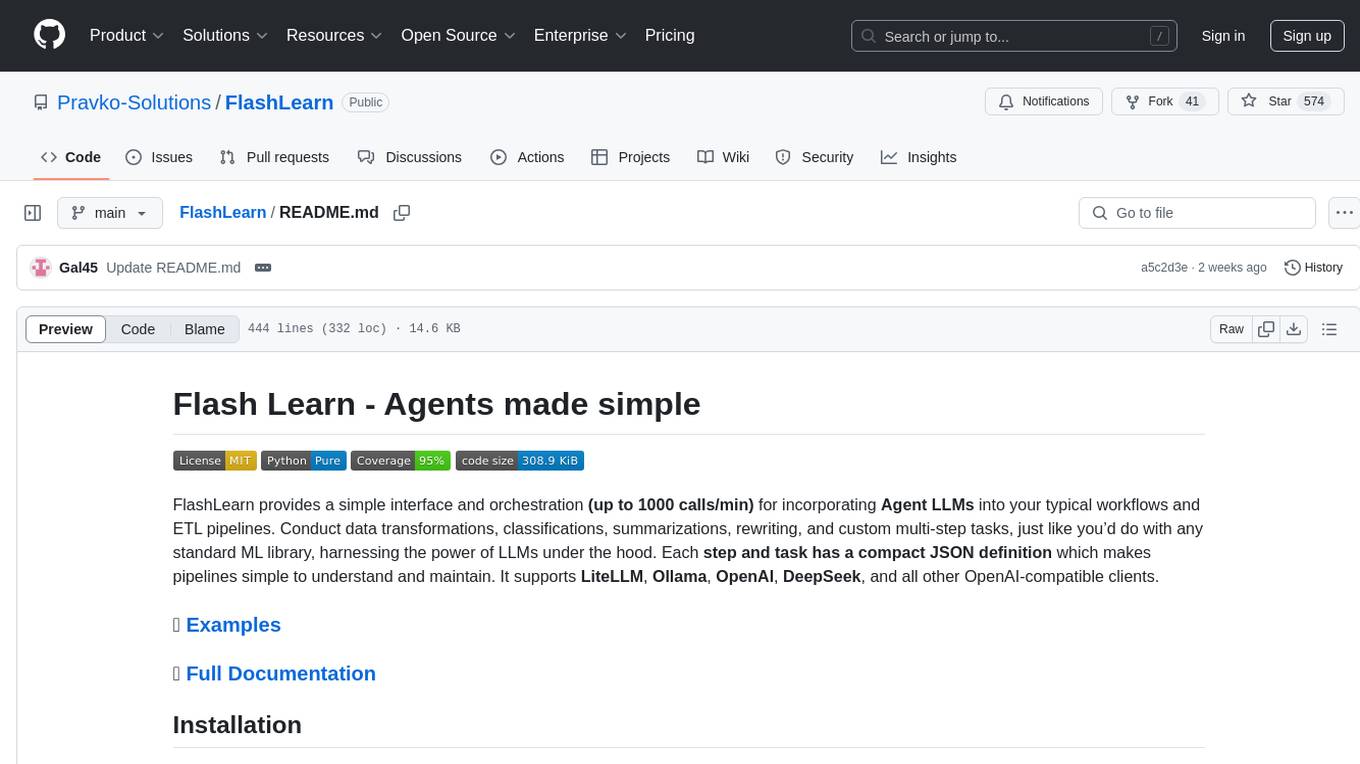
FlashLearn is a tool that provides a simple interface and orchestration for incorporating Agent LLMs into workflows and ETL pipelines. It allows data transformations, classifications, summarizations, rewriting, and custom multi-step tasks using LLMs. Each step and task has a compact JSON definition, making pipelines easy to understand and maintain. FlashLearn supports LiteLLM, Ollama, OpenAI, DeepSeek, and other OpenAI-compatible clients.
openai
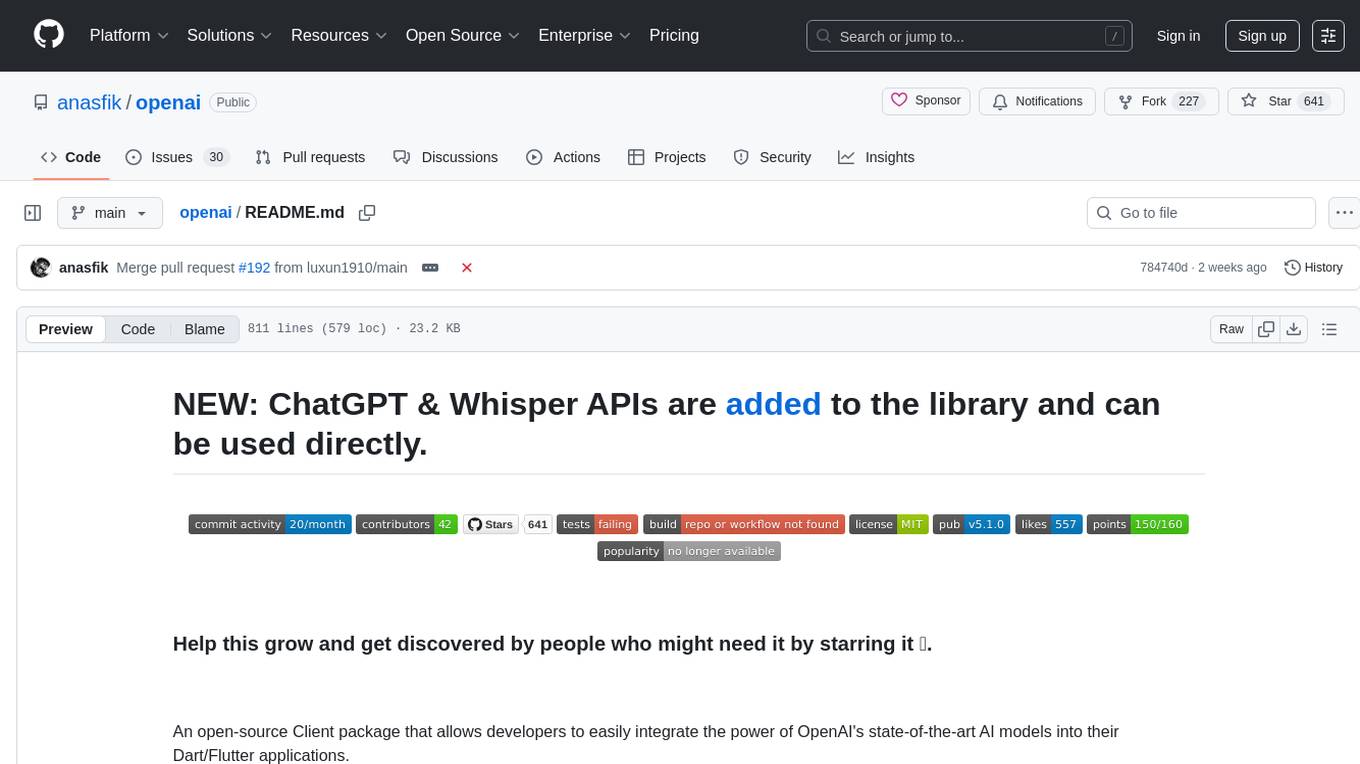
An open-source client package that allows developers to easily integrate the power of OpenAI's state-of-the-art AI models into their Dart/Flutter applications. The library provides simple and intuitive methods for making requests to OpenAI's various APIs, including the GPT-3 language model, DALL-E image generation, and more. It is designed to be lightweight and easy to use, enabling developers to focus on building their applications without worrying about the complexities of dealing with HTTP requests. Note that this is an unofficial library as OpenAI does not have an official Dart library.
ChatRex
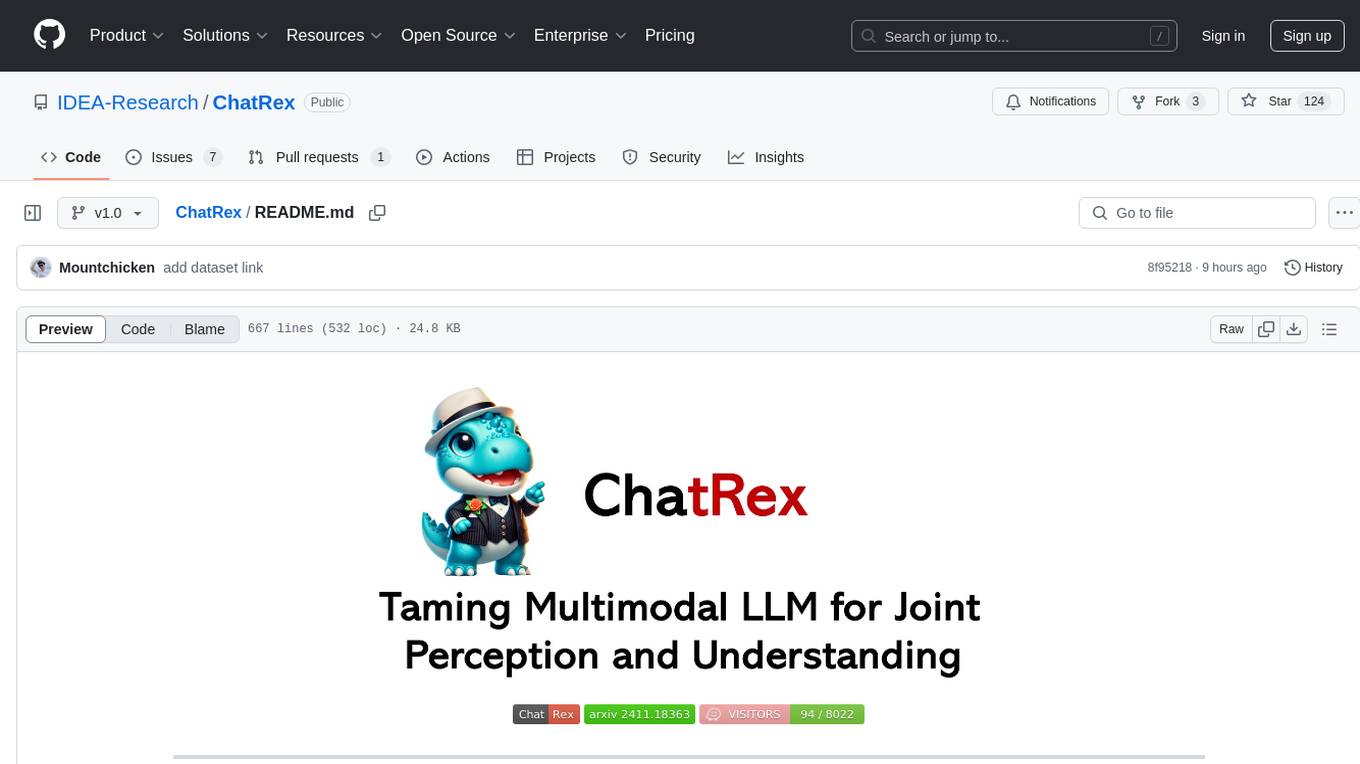
ChatRex is a Multimodal Large Language Model (MLLM) designed to seamlessly integrate fine-grained object perception and robust language understanding. By adopting a decoupled architecture with a retrieval-based approach for object detection and leveraging high-resolution visual inputs, ChatRex addresses key challenges in perception tasks. It is powered by the Rexverse-2M dataset with diverse image-region-text annotations. ChatRex can be applied to various scenarios requiring fine-grained perception, such as object detection, grounded conversation, grounded image captioning, and region understanding.
instructor-js
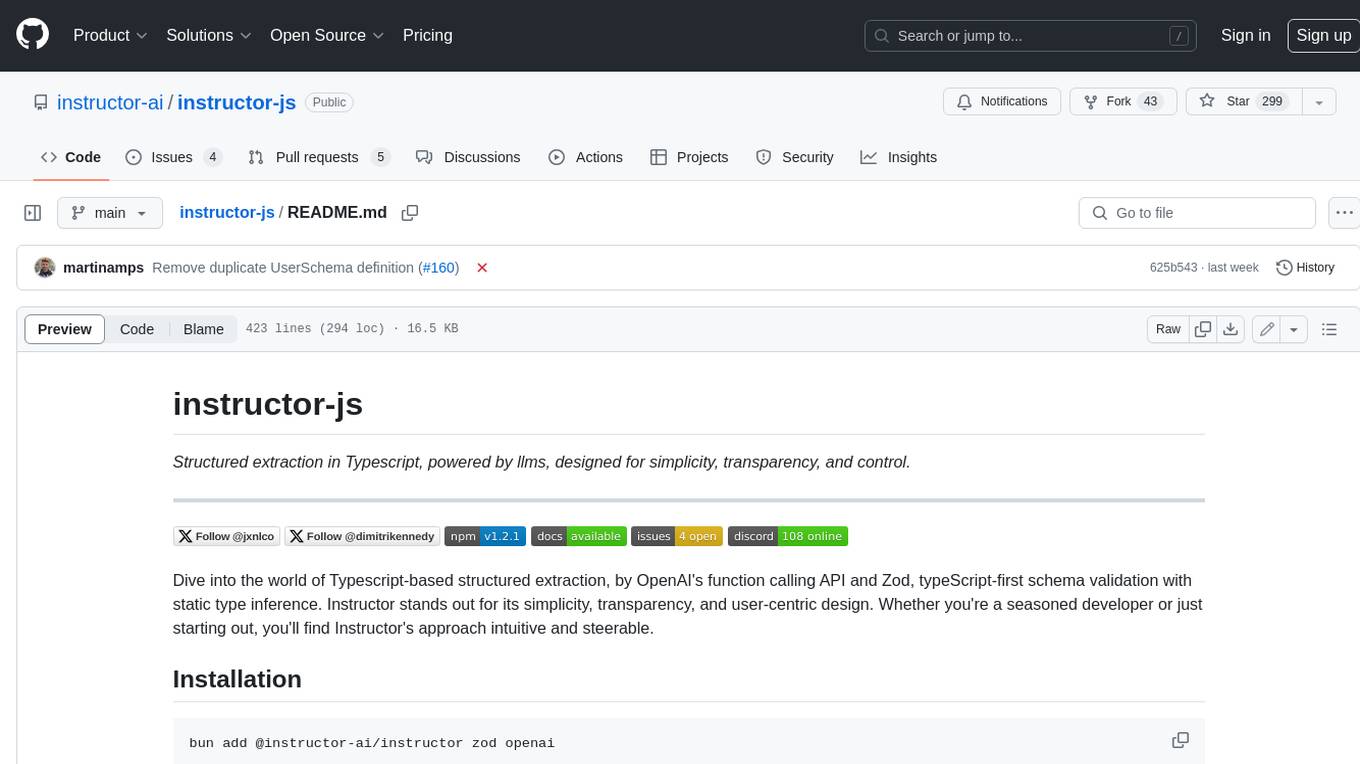
Instructor is a Typescript library for structured extraction in Typescript, powered by llms, designed for simplicity, transparency, and control. It stands out for its simplicity, transparency, and user-centric design. Whether you're a seasoned developer or just starting out, you'll find Instructor's approach intuitive and steerable.
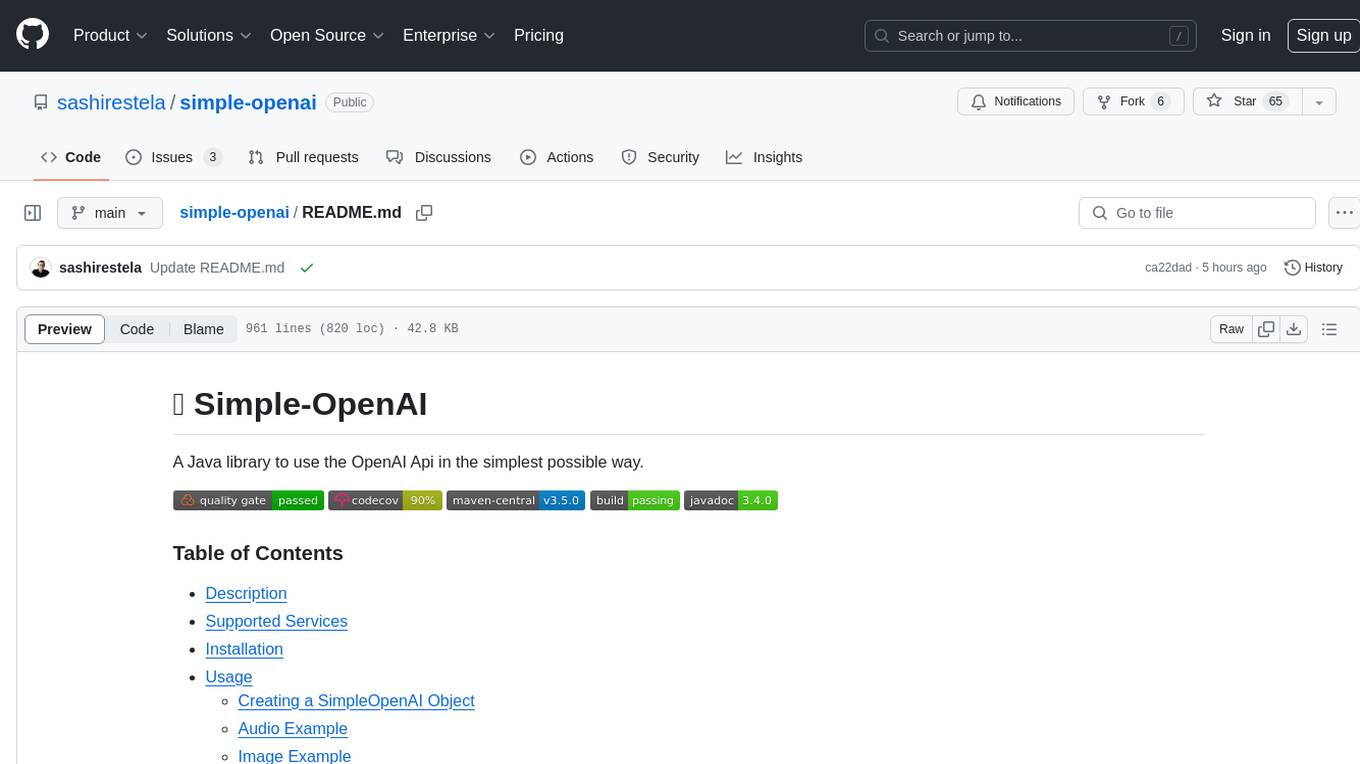
simple-openai
Simple-OpenAI is a Java library that provides a simple way to interact with the OpenAI API. It offers consistent interfaces for various OpenAI services like Audio, Chat Completion, Image Generation, and more. The library uses CleverClient for HTTP communication, Jackson for JSON parsing, and Lombok to reduce boilerplate code. It supports asynchronous requests and provides methods for synchronous calls as well. Users can easily create objects to communicate with the OpenAI API and perform tasks like text-to-speech, transcription, image generation, and chat completions.
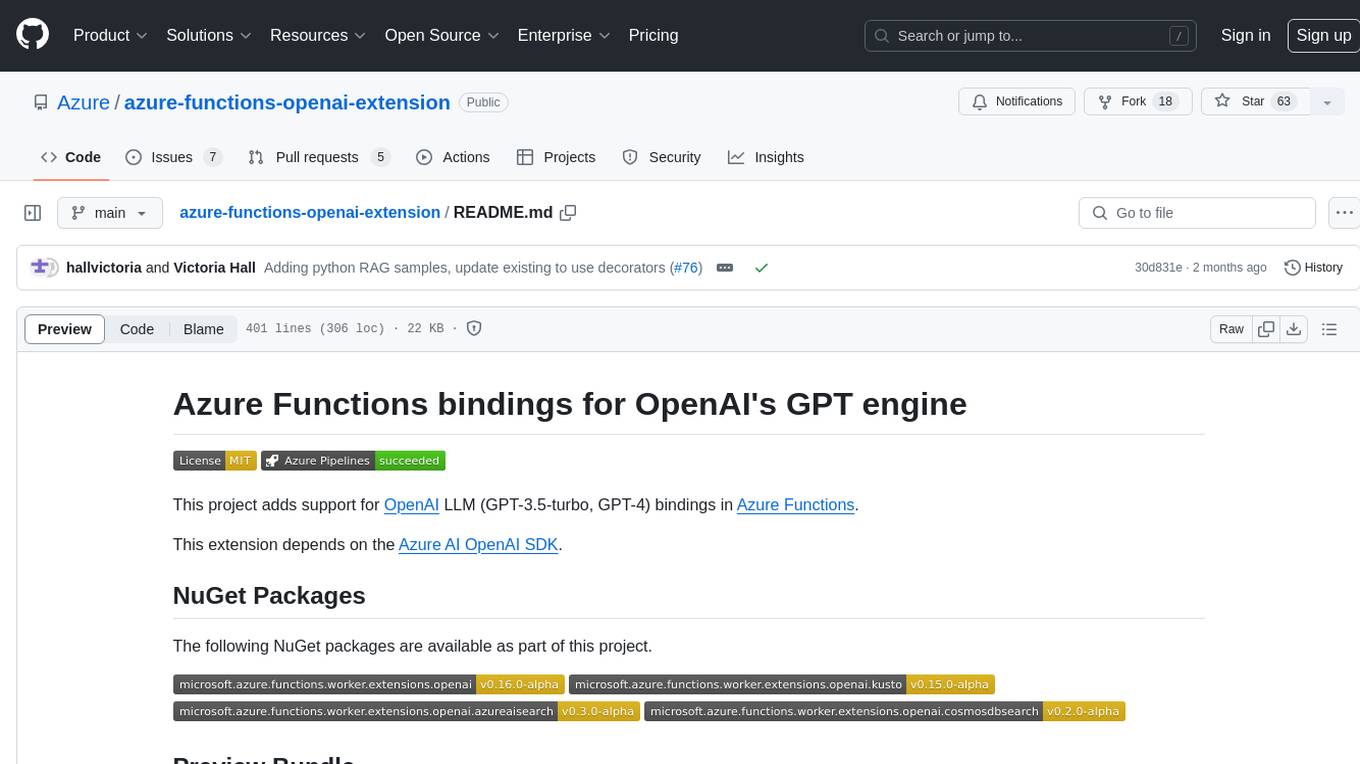
azure-functions-openai-extension
Azure Functions OpenAI Extension is a project that adds support for OpenAI LLM (GPT-3.5-turbo, GPT-4) bindings in Azure Functions. It provides NuGet packages for various functionalities like text completions, chat completions, assistants, embeddings generators, and semantic search. The project requires .NET 6 SDK or greater, Azure Functions Core Tools v4.x, and specific settings in Azure Function or local settings for development. It offers features like text completions, chat completion, assistants with custom skills, embeddings generators for text relatedness, and semantic search using vector databases. The project also includes examples in C# and Python for different functionalities.
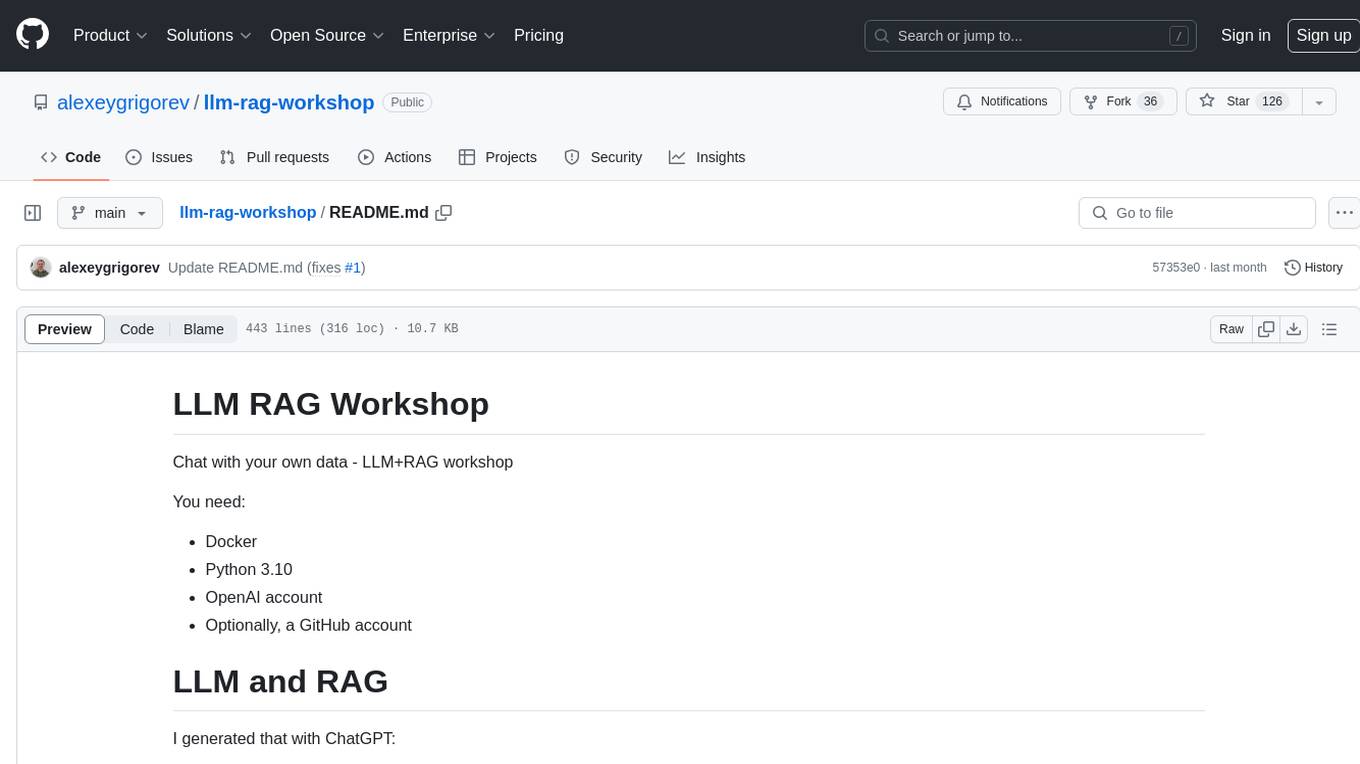
llm-rag-workshop
The LLM RAG Workshop repository provides a workshop on using Large Language Models (LLMs) and Retrieval-Augmented Generation (RAG) to generate and understand text in a human-like manner. It includes instructions on setting up the environment, indexing Zoomcamp FAQ documents, creating a Q&A system, and using OpenAI for generation based on retrieved information. The repository focuses on enhancing language model responses with retrieved information from external sources, such as document databases or search engines, to improve factual accuracy and relevance of generated text.
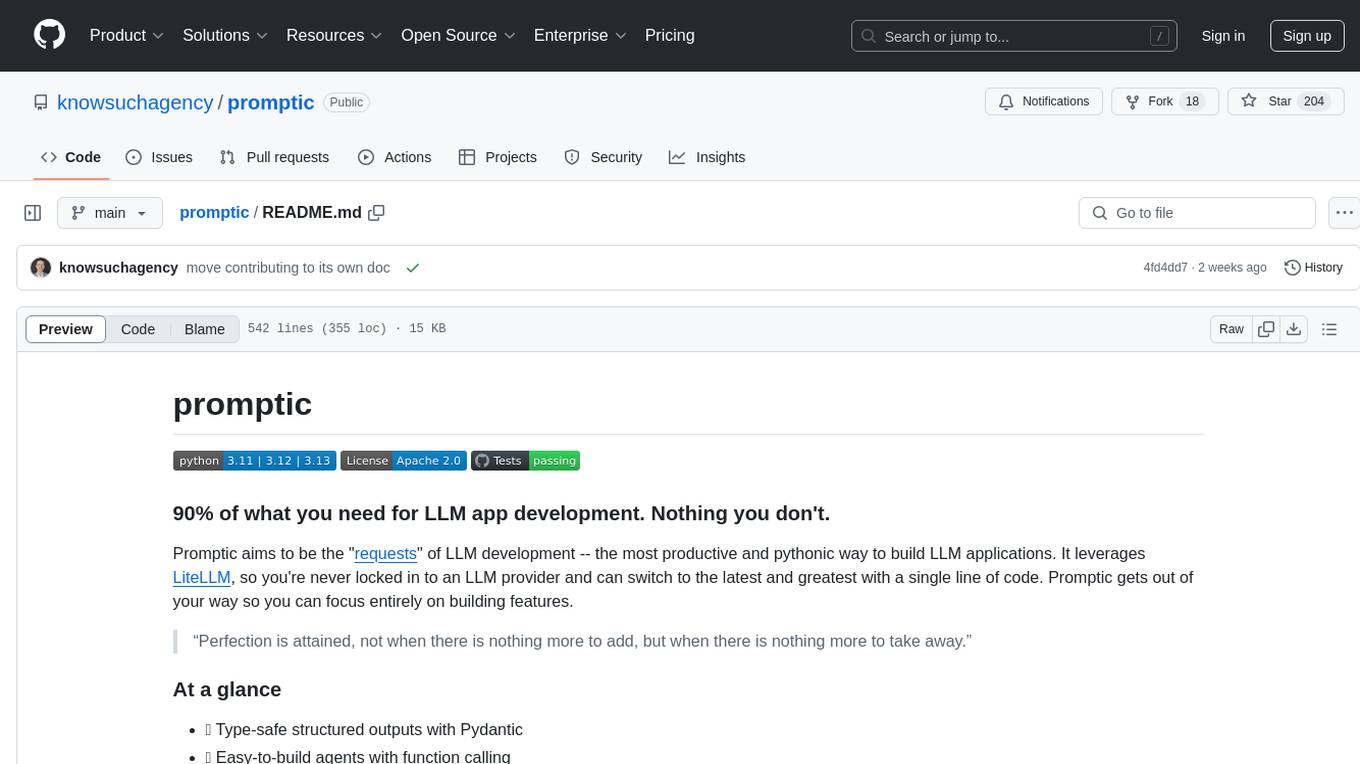
promptic
Promptic is a tool designed for LLM app development, providing a productive and pythonic way to build LLM applications. It leverages LiteLLM, allowing flexibility to switch LLM providers easily. Promptic focuses on building features by providing type-safe structured outputs, easy-to-build agents, streaming support, automatic prompt caching, and built-in conversation memory.
vinagent
Vinagent is a lightweight and flexible library designed for building smart agent assistants across various industries. It provides a simple yet powerful foundation for creating AI-powered customer service bots, data analysis assistants, or domain-specific automation agents. With its modular tool system, users can easily extend their agent's capabilities by integrating a wide range of tools that are self-contained, well-documented, and can be registered dynamically. Vinagent allows users to scale and adapt their agents to new tasks or environments effortlessly.
magma
Magma is a powerful and flexible framework for building scalable and efficient machine learning pipelines. It provides a simple interface for creating complex workflows, enabling users to easily experiment with different models and data processing techniques. With Magma, users can streamline the development and deployment of machine learning projects, saving time and resources.

CEO-Agentic-AI-Framework
CEO-Agentic-AI-Framework is an ultra-lightweight Agentic AI framework based on the ReAct paradigm. It supports mainstream LLMs and is stronger than Swarm. The framework allows users to build their own agents, assign tasks, and interact with them through a set of predefined abilities. Users can customize agent personalities, grant and deprive abilities, and assign queries for specific tasks. CEO also supports multi-agent collaboration scenarios, where different agents with distinct capabilities can work together to achieve complex tasks. The framework provides a quick start guide, examples, and detailed documentation for seamless integration into research projects.
UniChat
UniChat is a pipeline tool for creating online and offline chat-bots in Unity. It leverages Unity.Sentis and text vector embedding technology to enable offline mode text content search based on vector databases. The tool includes a chain toolkit for embedding LLM and Agent in games, along with middleware components for Text to Speech, Speech to Text, and Sub-classifier functionalities. UniChat also offers a tool for invoking tools based on ReActAgent workflow, allowing users to create personalized chat scenarios and character cards. The tool provides a comprehensive solution for designing flexible conversations in games while maintaining developer's ideas.
For similar tasks
ALwrity
ALwrity is a lightweight and user-friendly text analysis tool designed for developers and data scientists. It provides various functionalities for analyzing and processing text data, including sentiment analysis, keyword extraction, and text summarization. With ALwrity, users can easily gain insights from their text data and make informed decisions based on the analysis results. The tool is highly customizable and can be integrated into existing workflows seamlessly, making it a valuable asset for anyone working with text data in their projects.
uzu-swift
Swift package for uzu, a high-performance inference engine for AI models on Apple Silicon. Deploy AI directly in your app with zero latency, full data privacy, and no inference costs. Key features include a simple, high-level API, specialized configurations for performance boosts, broad model support, and an observable model manager. Easily set up projects, obtain an API key, choose a model, and run it with corresponding identifiers. Examples include chat, speedup with speculative decoding, chat with dynamic context, chat with static context, summarization, classification, cloud, and structured output. Troubleshooting available via Discord or email. Licensed under MIT.

kaito
Kaito is an operator that automates the AI/ML inference model deployment in a Kubernetes cluster. It manages large model files using container images, avoids tuning deployment parameters to fit GPU hardware by providing preset configurations, auto-provisions GPU nodes based on model requirements, and hosts large model images in the public Microsoft Container Registry (MCR) if the license allows. Using Kaito, the workflow of onboarding large AI inference models in Kubernetes is largely simplified.

griptape
Griptape is a modular Python framework for building AI-powered applications that securely connect to your enterprise data and APIs. It offers developers the ability to maintain control and flexibility at every step. Griptape's core components include Structures (Agents, Pipelines, and Workflows), Tasks, Tools, Memory (Conversation Memory, Task Memory, and Meta Memory), Drivers (Prompt and Embedding Drivers, Vector Store Drivers, Image Generation Drivers, Image Query Drivers, SQL Drivers, Web Scraper Drivers, and Conversation Memory Drivers), Engines (Query Engines, Extraction Engines, Summary Engines, Image Generation Engines, and Image Query Engines), and additional components (Rulesets, Loaders, Artifacts, Chunkers, and Tokenizers). Griptape enables developers to create AI-powered applications with ease and efficiency.

zep-python
Zep is an open-source platform for building and deploying large language model (LLM) applications. It provides a suite of tools and services that make it easy to integrate LLMs into your applications, including chat history memory, embedding, vector search, and data enrichment. Zep is designed to be scalable, reliable, and easy to use, making it a great choice for developers who want to build LLM-powered applications quickly and easily.
AI-in-a-Box
AI-in-a-Box is a curated collection of solution accelerators that can help engineers establish their AI/ML environments and solutions rapidly and with minimal friction, while maintaining the highest standards of quality and efficiency. It provides essential guidance on the responsible use of AI and LLM technologies, specific security guidance for Generative AI (GenAI) applications, and best practices for scaling OpenAI applications within Azure. The available accelerators include: Azure ML Operationalization in-a-box, Edge AI in-a-box, Doc Intelligence in-a-box, Image and Video Analysis in-a-box, Cognitive Services Landing Zone in-a-box, Semantic Kernel Bot in-a-box, NLP to SQL in-a-box, Assistants API in-a-box, and Assistants API Bot in-a-box.
NeMo
NeMo Framework is a generative AI framework built for researchers and pytorch developers working on large language models (LLMs), multimodal models (MM), automatic speech recognition (ASR), and text-to-speech synthesis (TTS). The primary objective of NeMo is to provide a scalable framework for researchers and developers from industry and academia to more easily implement and design new generative AI models by being able to leverage existing code and pretrained models.
E2B
E2B Sandbox is a secure sandboxed cloud environment made for AI agents and AI apps. Sandboxes allow AI agents and apps to have long running cloud secure environments. In these environments, large language models can use the same tools as humans do. For example: * Cloud browsers * GitHub repositories and CLIs * Coding tools like linters, autocomplete, "go-to defintion" * Running LLM generated code * Audio & video editing The E2B sandbox can be connected to any LLM and any AI agent or app.
For similar jobs

sweep
Sweep is an AI junior developer that turns bugs and feature requests into code changes. It automatically handles developer experience improvements like adding type hints and improving test coverage.

teams-ai
The Teams AI Library is a software development kit (SDK) that helps developers create bots that can interact with Teams and Microsoft 365 applications. It is built on top of the Bot Framework SDK and simplifies the process of developing bots that interact with Teams' artificial intelligence capabilities. The SDK is available for JavaScript/TypeScript, .NET, and Python.

ai-guide
This guide is dedicated to Large Language Models (LLMs) that you can run on your home computer. It assumes your PC is a lower-end, non-gaming setup.

classifai
Supercharge WordPress Content Workflows and Engagement with Artificial Intelligence. Tap into leading cloud-based services like OpenAI, Microsoft Azure AI, Google Gemini and IBM Watson to augment your WordPress-powered websites. Publish content faster while improving SEO performance and increasing audience engagement. ClassifAI integrates Artificial Intelligence and Machine Learning technologies to lighten your workload and eliminate tedious tasks, giving you more time to create original content that matters.

chatbot-ui
Chatbot UI is an open-source AI chat app that allows users to create and deploy their own AI chatbots. It is easy to use and can be customized to fit any need. Chatbot UI is perfect for businesses, developers, and anyone who wants to create a chatbot.

BricksLLM
BricksLLM is a cloud native AI gateway written in Go. Currently, it provides native support for OpenAI, Anthropic, Azure OpenAI and vLLM. BricksLLM aims to provide enterprise level infrastructure that can power any LLM production use cases. Here are some use cases for BricksLLM: * Set LLM usage limits for users on different pricing tiers * Track LLM usage on a per user and per organization basis * Block or redact requests containing PIIs * Improve LLM reliability with failovers, retries and caching * Distribute API keys with rate limits and cost limits for internal development/production use cases * Distribute API keys with rate limits and cost limits for students

uAgents
uAgents is a Python library developed by Fetch.ai that allows for the creation of autonomous AI agents. These agents can perform various tasks on a schedule or take action on various events. uAgents are easy to create and manage, and they are connected to a fast-growing network of other uAgents. They are also secure, with cryptographically secured messages and wallets.
griptape
Griptape is a modular Python framework for building AI-powered applications that securely connect to your enterprise data and APIs. It offers developers the ability to maintain control and flexibility at every step. Griptape's core components include Structures (Agents, Pipelines, and Workflows), Tasks, Tools, Memory (Conversation Memory, Task Memory, and Meta Memory), Drivers (Prompt and Embedding Drivers, Vector Store Drivers, Image Generation Drivers, Image Query Drivers, SQL Drivers, Web Scraper Drivers, and Conversation Memory Drivers), Engines (Query Engines, Extraction Engines, Summary Engines, Image Generation Engines, and Image Query Engines), and additional components (Rulesets, Loaders, Artifacts, Chunkers, and Tokenizers). Griptape enables developers to create AI-powered applications with ease and efficiency.