


ragtacts
RAG(Retrieval-Augmented Generation) for Evolving Data
Stars: 59
Ragtacts is a Clojure library that allows users to easily interact with Large Language Models (LLMs) such as OpenAI's GPT-4. Users can ask questions to LLMs, create question templates, call Clojure functions in natural language, and utilize vector databases for more accurate answers. Ragtacts also supports RAG (Retrieval-Augmented Generation) method for enhancing LLM output by incorporating external data. Users can use Ragtacts as a CLI tool, API server, or through a RAG Playground for interactive querying.
README:
Ask LLMs easily with Ragtacts!
Please install java and brew first to install Clojure. And install Clojure with the following command:
$ brew install clojure/tools/clojureCreate a deps.edn file and insert the following contents.

com.constacts/ragtacts {:mvn/version "0.3.8"}Next, run the Clojure REPL with the following command. Since ragtacts uses OpenAI as the default LLM model, an OpenAI API key is required. Refer to the OpenAI documentation to prepare your key.
$ OPENAI_API_KEY=sk-xxxx clj
Clojure 1.11.3
user=> To use the Ragtacts library, you need to require the ractacts.core namespace.
(require '[ragtacts.core :refer :all])Put the question you want to ask in the argument of the ask function.
(ask "Hello!")
;; [{:user "Hello!"} {:ai "Hi there! How can I assist you today?"}]
The result of ask will be in the form of a question and answer. Each item in the result list is
a map containing a role and content. The roles are :user and :ai. The last item with the LLM's
answer will be the value associated with the :ai key.
The default model is OpenAI's gpt-4 but you can also ask questions to other models.
(-> "Hello!"
    (ask {:model "gpt-4-turbo"})
    last
    :ai)
;; "Hi there! How can I assist you today?"
You can create question templates using the prompt function. The templates follow the Python
str.format template syntax.
(-> "Tell me a {adjective} joke about {content}."
    (prompt {:adjective "funny" :content "chickens"})
    ask
    last
    :ai)
;; "Sure, here's a classic one for you:\n\nWhy did the chicken go to the séance?\n\nTo ta..."
You can use prompts from the Langchain Hub.
(require '[ragtacts.prompt.langchain :as langchain])

(-> (langchain/hub "rlm/rag-prompt")
    (prompt {:context "Ragtacts is an easy and powerful LLM library."
             :question "What is Ragtacts?"})
    ask
    last
    :ai)
;; "Ragtacts is an easy and powerful LLM library."
If you use a model that supports multimodal inputs, you can also ask questions about images.
(->
   (ask (with-images "What are in these images? Is there any difference between them?"
     "https://upload.wikimedia.org/wikipedia/commons/thumb/d/dd/Gfp-wisconsin-madison-the-nature-boardwalk.jpg/2560px-Gfp-wisconsin-madison-the-nature-boardwalk.jpg"
     (io/input-stream "/tmp/sample.png")))
   last
   :ai)
When asking a question, if you provide previous conversation context, the response will be based on that conversation context.
(-> [{:system "You are a wondrous wizard of math."}
     {:user "2+2"}
     {:ai "4"}
     {:user "2+3"}
     {:ai "5"}
     {:user "What's the square of a triangle?"}]
    ask
    last
    :ai)
;; "The phrase \"square of a triangle\" is a ..."
Since the result of the ask function is conversation content, you can append the conversation
to the result and call the ask function again to continue asking questions based on the previous
conversation context.
(-> (ask "Hi I am Ragtacts")
    (conj "What is my name?")
    ask
    last
    :ai)
;; "You mentioned earlier that your name is Ragtacts. How can I help you today, Ragtacts?"You can call a Clojure function in natural language using the ask function. To let the LLM know
what the function does, you need to include metadata in the function as follows.
(defn ^{:desc "Get the current weather in a given location"} get-current-weather
    [^{:type "string" :desc "The city, e.g. San Francisco"} location]
    (case (str/lower-case location)
      "tokyo" {:location "Tokyo" :temperature "10" :unit "fahrenheit"}
      "san francisco" {:location "San Francisco" :temperature "72" :unit "fahrenheit"}
      "paris" {:location "Paris" :temperature "22" :unit "fahrenheit"}
      {:location location :temperature "unknown"}))

(-> "What 's the weather like in San Francisco, Tokyo, and Paris?"
    (ask {:tools [#'get-current-weather]})
    last
    :ai)
;; "Here is the current weather in the requested cities:\n\n1. **San Francisco**: 72°F\n2. **Tokyo**:
;;  10°F\n3. **Paris**: 22°F\n\nIt seems like the temperatures vary significantly across these cities!"
In some cases, you need to use the result of calling a function as is. In such cases, you can use
the :as key with the :values option to receive the result in the following form.
(-> "What 's the weather like in San Francisco, Tokyo, and Paris?"
    (ask {:tools [#'get-current-weather] :as :values})
    last
    :ai)

;; [{:get-current-weather {:location "San Francisco", :temperature "72", :unit "fahrenheit"}}
;;  {:get-current-weather {:location "Tokyo", :temperature "10", :unit "fahrenheit"}}
;;  {:get-current-weather {:location "Paris", :temperature "22", :unit "fahrenheit"}}]
The results are in a list because you can call the same function multiple times in one question.
Each item contains the result value with the function name as the key. If multiple functions are
included in :tools, the LLM can find and call the appropriate function, allowing you to know
which function was called by its key.
A vector database stores data in vector format. Storing data as vectors allows for finding similar data. Suppose you ask an LLM about the contents of a book. The LLM may not be able to provide an accurate answer because it does not know the book's contents. However, if you include the book's contents in the LLM prompt, the LLM can reference it to give an accurate answer.
The problem is that the size of the prompt the LLM can handle is limited. Using a vector database can reduce the data to be included in the LLM prompt. By slicing the book's contents into smaller parts and storing them in a vector database, you can find several pieces of data most similar to the question and include them in the LLM prompt. This method is called RAG (Retrieval-Augmented Generation).
You can easily do RAG using Ragtacts. Let's first store and retrieve data in the vector database.
(let [db (vector-store)]
  (add db ["The new data outside of the LLM's original training data set is called external data."
            "What Is RAG?"
            "The next question may be—what if the external data becomes stale?"
            "Retrieval-Augmented Generation (RAG) is the process of optimizing the output of a large language model."
            "The next step is to perform a relevancy search."
            "Recursive summarization as Context Summarization techniques provide a condensed view of documents"])
  (search db "Tell me about RAG"))
;; ("What Is RAG?" "Retrieval-Augmented Generation (RAG) is the process of optimizing the output of a large language
;;  model." "Recursive summarizat...)
The vector-store function creates an in-memory vector database. You can store documents in the
vector database using the add function and retrieve the most similar documents using the search
function, which by default fetches the 5 most similar documents in order. The number of documents
retrieved can be changed using the top-k option value.
(let [db (vector-store)]
  (add db ["The new data outside of the LLM's original training data set is called external data."
            "What Is RAG?"
            "The next question may be—what if the external data becomes stale?"
            "Retrieval-Augmented Generation (RAG) is the process of optimizing the output of a large language model."
            "The next step is to perform a relevancy search."
            "Recursive summarization as Context Summarization techniques provide a condensed view of documents"])
  (search db "Tell me about RAG" {:top-k 2}))
;; ("What Is RAG?" "Retrieval-Augmented Generation (RAG) is the process of optimizing the output of a large language
;;  model.")
You can include additional information along with the documents to be stored as vectors, and filter your search results using this additional information.
(let [db (vector-store)]
  (add db [{:text "What Is RAG?"
              :metadata {:topic "RAG"}}
            {:text "The next question may be—what if the external data becomes stale?"
              :metadata {:topic "Tutorial"}}
            {:text "The next step is to perform a relevancy search."
              :metadata {:topic "Tutorial"}}])
  (search db "Tell me about RAG" {:metadata {:topic "Tutorial"}}))
;; ("The next question may be—what if the external data becomes stale?" "The next step is to..")
The "What Is RAG?" was most similar to "Tell me about RAG", but since the search was filtered
to only include documents with metadata where the topic is "Tutorial", "What Is RAG?"
did not appear in the results.
If you add the {:raw? true} option to the search function, you can retrieve the stored vector
values and metadata in the result.
(let [db (vector-store)]
  (add db [{:text "What Is RAG?"
              :metadata {:topic "RAG"}}
            {:text "The next question may be—what if the external data becomes stale?"
              :metadata {:topic "Tutorial"}}
            {:text "The next step is to perform a relevancy search."
              :metadata {:topic "Tutorial"}}])
  (search db "Tell me about RAG" {:metadata {:topic "Tutorial"}
                                  :raw? true}))
;; [{:text "The next step is to perform a relevancy search."
;;   :vector [-0.002841026 0.015938155 ...]
;;   :metadata {:topic "Tutorial"}} ...]
You can extract text from web pages or documents (e.g., PDF, DOC, XLS, PPT) and store it in the vector database for searching.
(require '[ragtacts.loader.web :as web])

(let [db (vector-store)
      text (web/get-text "https://aws.amazon.com/what-is/retrieval-augmented-generation/")]
  (add db [text])
  (search db "What is RAG?"))

(require '[ragtacts.loader.doc :as doc])

(let [db (vector-store)
      text (doc/get-text "~/papers/RAPTOR.pdf")]
  (add db [text])
  (search db "What is RAPTOR?"))
As mentioned earlier, you can split the text and store it in the vector database. If the text passed
to the add function is long, it will be split and stored in the vector database. The default value
is 500 characters. The text is not cut exactly at 500 characters to avoid splitting in the middle of
a sentence or word. You can change the character limit using the :splitter option in the
vector-store function. You need to provide the :size and :overlap options. The :overlap
option specifies the overlap size to ensure text is not cut off abruptly.
(let [db (vector-store {:splitter {:size 100 :overlap 10}})
      text (doc/get-text "~/papers/RAPTOR.pdf")]
  (add db [text])
  (search db "What is RAPTOR?"))
Now, let's ask the LLM based on the content in the vector database. We need to concatenate
the retrieved content from the vector database into a string, incorporate it into an appropriate
prompt, and then query the LLM. For the example, we will use the rlm/rag-prompt from
the LangChain Hub as the prompt template.
(let [db (vector-store)
        text (web/get-text "https://aws.amazon.com/what-is/retrieval-augmented-generation/")
        rag-prompt (langchain/hub "rlm/rag-prompt")
        question "What is RAG?"]
    (add db [text])
    (-> (ask (prompt rag-prompt {:context (str/join "\n" (search db question))
                                 :question question}))
        last
        :ai))
Ragtacts has a watch function that can update the vector database with the changed content when
the content on a web page or in a folder is updated. This function allows you to keep the data
in the vector database synchronized with the changing data.
(def web-wather
  (web/watch {:url "https://aws.amazon.com/what-is/retrieval-augmented-generation/"
              :interval 1000}
              (fn [change-log]
                ;; {:type :create :text "..."}
                (println change-log))))

(web/stop-watch web-wather)

;; WIP
(def folder-wather
  (doc/watch {:path "~/papers"}
              (fn [change-log]
                (println change-log))))

(doc/stop-watch folder-wather)The examples folder contains a RAG Playground created with electric. Run the Playground with the following command and point your web browser to http://localhost:8080 in your web browser.
$ cd examples/playground
$ clj -A:dev -X dev/-main
Ragtacts can also be used as a CLI. Download the ragtacts.jar file from the
Releases page, and run it with Java to allow
querying an LLM based on web pages or documents.
$ java -jar target/ragtacts-standalone.jar -p "What is RAG?" -d https://aws.amazon.com/what-is/retrieval-augmented-generation/
AI: RAG, or Retrieval-Augmented Generation, is a process that enhances the output of a large language model (LLM) by incorporating an information retrieval component. This component pulls relevant information from an external knowledge base and provides it to the LLM, enabling it to generate more accurate responses. This approach offers organizations better control over the generated text output and improves the overall quality of the responses.
By using the chat mode, you can ask questions interactively.
$ java -jar target/ragtacts-standalone.jar -m chat -d https://aws.amazon.com/what-is/retrieval-augmented-generation/
Prompt: What is RAG?
AI: RAG, or Retrieval-Augmented Generation, is a process that optimizes the output of a large language model by first retrieving information from an external, authoritative knowledge base before generating a response. This allows the model to use both its training data and the new information to create more accurate and reliable answers. This approach gives organizations greater control over generated text and helps improve the quality of the responses.
Prompt:You can also use Ragtacts as an API server. Enter the following command and then access http://localhost:3000. The API is compatible with the OpenAI Chat API.
$ java -jar target/ragtacts-standalone.jar -m server -d https://aws.amazon.com/what-is/retrieval-augmented-generation/
Please read CONTRIBUTING.md before submitting a pull request.
Copyright © 2024 Constacts, Inc.
Distributed under the Eclipse Public License, the same as Clojure.
For Tasks:
Click tags to check more tools for each tasksFor Jobs:
Alternative AI tools for ragtacts
Similar Open Source Tools
ragtacts
Ragtacts is a Clojure library that allows users to easily interact with Large Language Models (LLMs) such as OpenAI's GPT-4. Users can ask questions to LLMs, create question templates, call Clojure functions in natural language, and utilize vector databases for more accurate answers. Ragtacts also supports RAG (Retrieval-Augmented Generation) method for enhancing LLM output by incorporating external data. Users can use Ragtacts as a CLI tool, API server, or through a RAG Playground for interactive querying.
llm-rag-workshop
The LLM RAG Workshop repository provides a workshop on using Large Language Models (LLMs) and Retrieval-Augmented Generation (RAG) to generate and understand text in a human-like manner. It includes instructions on setting up the environment, indexing Zoomcamp FAQ documents, creating a Q&A system, and using OpenAI for generation based on retrieved information. The repository focuses on enhancing language model responses with retrieved information from external sources, such as document databases or search engines, to improve factual accuracy and relevance of generated text.
Toolio
Toolio is an OpenAI-like HTTP server API implementation that supports structured LLM response generation, making it conform to a JSON schema. It is useful for reliable tool calling and agentic workflows based on schema-driven output. Toolio is based on the MLX framework for Apple Silicon, specifically M1/M2/M3/M4 Macs. It allows users to host MLX-format LLMs for structured output queries and provides a command line client for easier usage of tools. The tool also supports multiple tool calls and the creation of custom tools for specific tasks.
marqo
Marqo is more than a vector database, it's an end-to-end vector search engine for both text and images. Vector generation, storage and retrieval are handled out of the box through a single API. No need to bring your own embeddings.
vinagent
Vinagent is a lightweight and flexible library designed for building smart agent assistants across various industries. It provides a simple yet powerful foundation for creating AI-powered customer service bots, data analysis assistants, or domain-specific automation agents. With its modular tool system, users can easily extend their agent's capabilities by integrating a wide range of tools that are self-contained, well-documented, and can be registered dynamically. Vinagent allows users to scale and adapt their agents to new tasks or environments effortlessly.
banks
Banks is a linguist professor tool that helps generate meaningful LLM prompts using a template language. It provides a user-friendly way to create prompts for various tasks such as blog writing, summarizing documents, lemmatizing text, and generating text using a LLM. The tool supports async operations and comes with predefined filters for data processing. Banks leverages Jinja's macro system to create prompts and interact with OpenAI API for text generation. It also offers a cache mechanism to avoid regenerating text for the same template and context.
awadb
AwaDB is an AI native database designed for embedding vectors. It simplifies database usage by eliminating the need for schema definition and manual indexing. The system ensures real-time search capabilities with millisecond-level latency. Built on 5 years of production experience with Vearch, AwaDB incorporates best practices from the community to offer stability and efficiency. Users can easily add and search for embedded sentences using the provided client libraries or RESTful API.
experts
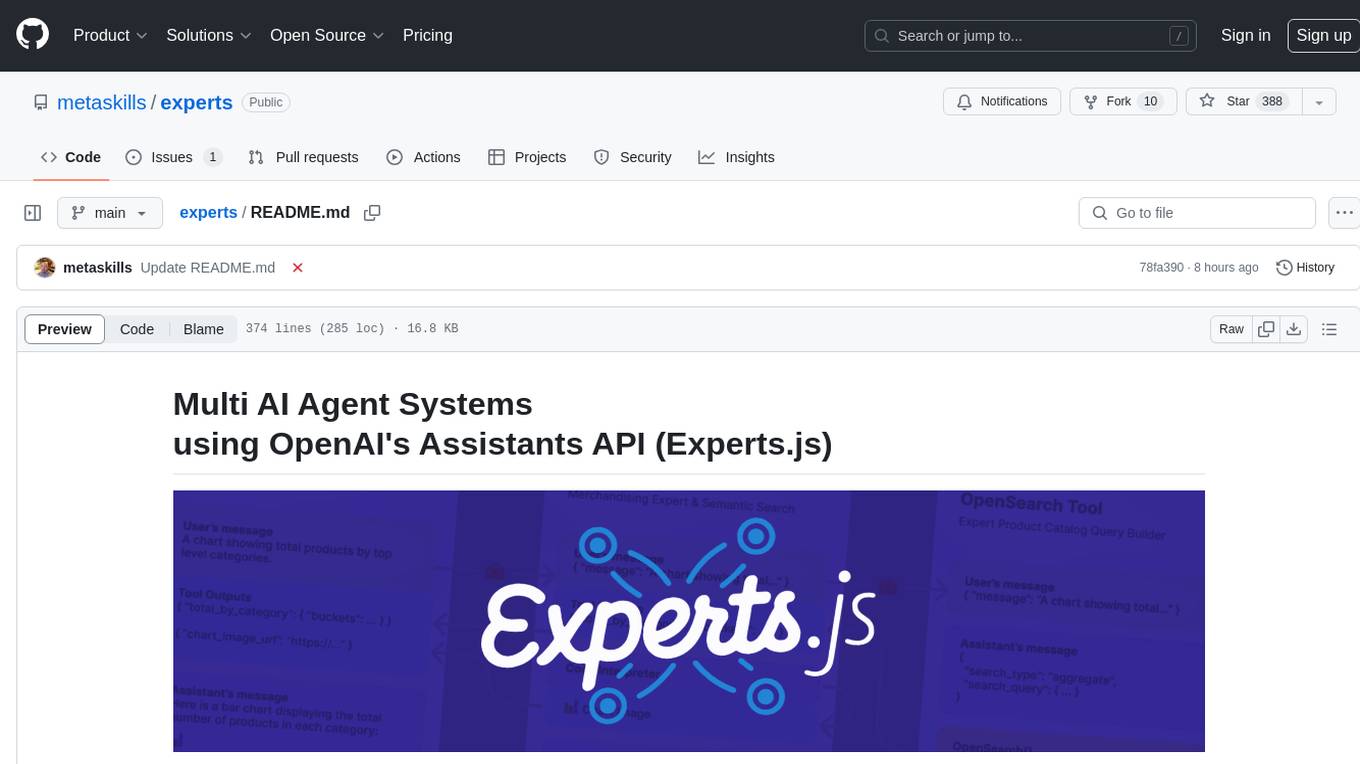
Experts.js is a tool that simplifies the creation and deployment of OpenAI's Assistants, allowing users to link them together as Tools to create a Panel of Experts system with expanded memory and attention to detail. It leverages the new Assistants API from OpenAI, which offers advanced features such as referencing attached files & images as knowledge sources, supporting instructions up to 256,000 characters, integrating with 128 tools, and utilizing the Vector Store API for efficient file search. Experts.js introduces Assistants as Tools, enabling the creation of Multi AI Agent Systems where each Tool is an LLM-backed Assistant that can take on specialized roles or fulfill complex tasks.
npcsh
`npcsh` is a python-based command-line tool designed to integrate Large Language Models (LLMs) and Agents into one's daily workflow by making them available and easily configurable through the command line shell. It leverages the power of LLMs to understand natural language commands and questions, execute tasks, answer queries, and provide relevant information from local files and the web. Users can also build their own tools and call them like macros from the shell. `npcsh` allows users to take advantage of agents (i.e. NPCs) through a managed system, tailoring NPCs to specific tasks and workflows. The tool is extensible with Python, providing useful functions for interacting with LLMs, including explicit coverage for popular providers like ollama, anthropic, openai, gemini, deepseek, and openai-like providers. Users can set up a flask server to expose their NPC team for use as a backend service, run SQL models defined in their project, execute assembly lines, and verify the integrity of their NPC team's interrelations. Users can execute bash commands directly, use favorite command-line tools like VIM, Emacs, ipython, sqlite3, git, pipe the output of these commands to LLMs, or pass LLM results to bash commands.
langchain-extract
LangChain Extract is a simple web server that allows you to extract information from text and files using LLMs. It is built using FastAPI, LangChain, and Postgresql. The backend closely follows the extraction use-case documentation and provides a reference implementation of an app that helps to do extraction over data using LLMs. This repository is meant to be a starting point for building your own extraction application which may have slightly different requirements or use cases.
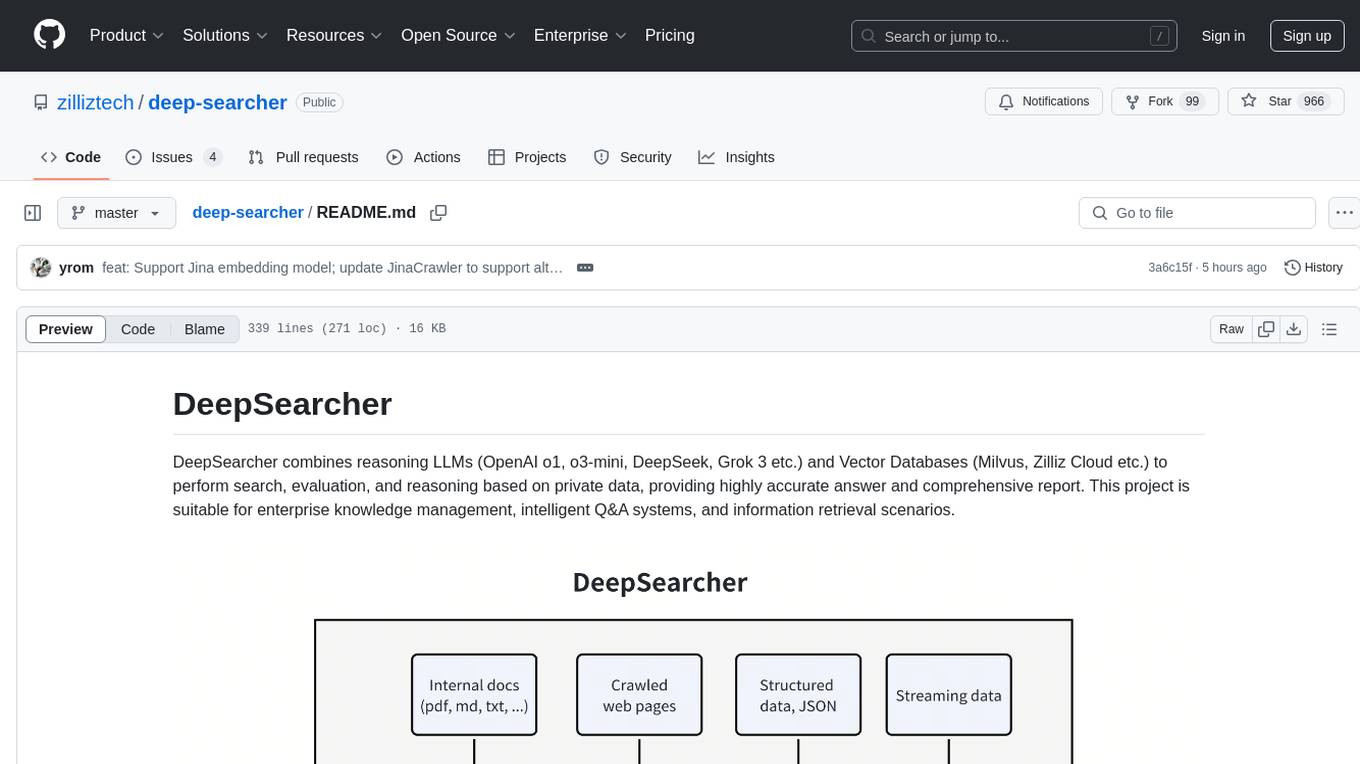
deep-searcher
DeepSearcher is a tool that combines reasoning LLMs and Vector Databases to perform search, evaluation, and reasoning based on private data. It is suitable for enterprise knowledge management, intelligent Q&A systems, and information retrieval scenarios. The tool maximizes the utilization of enterprise internal data while ensuring data security, supports multiple embedding models, and provides support for multiple LLMs for intelligent Q&A and content generation. It also includes features like private data search, vector database management, and document loading with web crawling capabilities under development.
promptic
Promptic is a tool designed for LLM app development, providing a productive and pythonic way to build LLM applications. It leverages LiteLLM, allowing flexibility to switch LLM providers easily. Promptic focuses on building features by providing type-safe structured outputs, easy-to-build agents, streaming support, automatic prompt caching, and built-in conversation memory.
CoPilot
TigerGraph CoPilot is an AI assistant that combines graph databases and generative AI to enhance productivity across various business functions. It includes three core component services: InquiryAI for natural language assistance, SupportAI for knowledge Q&A, and QueryAI for GSQL code generation. Users can interact with CoPilot through a chat interface on TigerGraph Cloud and APIs. CoPilot requires LLM services for beta but will support TigerGraph's LLM in future releases. It aims to improve contextual relevance and accuracy of answers to natural-language questions by building knowledge graphs and using RAG. CoPilot is extensible and can be configured with different LLM providers, graph schemas, and LangChain tools.
call-center-ai
Call Center AI is an AI-powered call center solution that leverages Azure and OpenAI GPT. It is a proof of concept demonstrating the integration of Azure Communication Services, Azure Cognitive Services, and Azure OpenAI to build an automated call center solution. The project showcases features like accessing claims on a public website, customer conversation history, language change during conversation, bot interaction via phone number, multiple voice tones, lexicon understanding, todo list creation, customizable prompts, content filtering, GPT-4 Turbo for customer requests, specific data schema for claims, documentation database access, SMS report sending, conversation resumption, and more. The system architecture includes components like RAG AI Search, SMS gateway, call gateway, moderation, Cosmos DB, event broker, GPT-4 Turbo, Redis cache, translation service, and more. The tool can be deployed remotely using GitHub Actions and locally with prerequisites like Azure environment setup, configuration file creation, and resource hosting. Advanced usage includes custom training data with AI Search, prompt customization, language customization, moderation level customization, claim data schema customization, OpenAI compatible model usage for the LLM, and Twilio integration for SMS.
memobase
Memobase is a user profile-based memory system designed to enhance Generative AI applications by enabling them to remember, understand, and evolve with users. It provides structured user profiles, scalable profiling, easy integration with existing LLM stacks, batch processing for speed, and is production-ready. Users can manage users, insert data, get memory profiles, and track user preferences and behaviors. Memobase is ideal for applications that require user analysis, tracking, and personalized interactions.
claim-ai-phone-bot
AI-powered call center solution with Azure and OpenAI GPT. The bot can answer calls, understand the customer's request, and provide relevant information or assistance. It can also create a todo list of tasks to complete the claim, and send a report after the call. The bot is customizable, and can be used in multiple languages.
For similar tasks
serverless-chat-langchainjs
This sample shows how to build a serverless chat experience with Retrieval-Augmented Generation using LangChain.js and Azure. The application is hosted on Azure Static Web Apps and Azure Functions, with Azure Cosmos DB for MongoDB vCore as the vector database. You can use it as a starting point for building more complex AI applications.
ChatGPT-Telegram-Bot
ChatGPT Telegram Bot is a Telegram bot that provides a smooth AI experience. It supports both Azure OpenAI and native OpenAI, and offers real-time (streaming) response to AI, with a faster and smoother experience. The bot also has 15 preset bot identities that can be quickly switched, and supports custom bot identities to meet personalized needs. Additionally, it supports clearing the contents of the chat with a single click, and restarting the conversation at any time. The bot also supports native Telegram bot button support, making it easy and intuitive to implement required functions. User level division is also supported, with different levels enjoying different single session token numbers, context numbers, and session frequencies. The bot supports English and Chinese on UI, and is containerized for easy deployment.
supersonic
SuperSonic is a next-generation BI platform that integrates Chat BI (powered by LLM) and Headless BI (powered by semantic layer) paradigms. This integration ensures that Chat BI has access to the same curated and governed semantic data models as traditional BI. Furthermore, the implementation of both paradigms benefits from the integration: * Chat BI's Text2SQL gets augmented with context-retrieval from semantic models. * Headless BI's query interface gets extended with natural language API. SuperSonic provides a Chat BI interface that empowers users to query data using natural language and visualize the results with suitable charts. To enable such experience, the only thing necessary is to build logical semantic models (definition of metric/dimension/tag, along with their meaning and relationships) through a Headless BI interface. Meanwhile, SuperSonic is designed to be extensible and composable, allowing custom implementations to be added and configured with Java SPI. The integration of Chat BI and Headless BI has the potential to enhance the Text2SQL generation in two dimensions: 1. Incorporate data semantics (such as business terms, column values, etc.) into the prompt, enabling LLM to better understand the semantics and reduce hallucination. 2. Offload the generation of advanced SQL syntax (such as join, formula, etc.) from LLM to the semantic layer to reduce complexity. With these ideas in mind, we develop SuperSonic as a practical reference implementation and use it to power our real-world products. Additionally, to facilitate further development we decide to open source SuperSonic as an extensible framework.
chat-ollama
ChatOllama is an open-source chatbot based on LLMs (Large Language Models). It supports a wide range of language models, including Ollama served models, OpenAI, Azure OpenAI, and Anthropic. ChatOllama supports multiple types of chat, including free chat with LLMs and chat with LLMs based on a knowledge base. Key features of ChatOllama include Ollama models management, knowledge bases management, chat, and commercial LLMs API keys management.
ChatIDE
ChatIDE is an AI assistant that integrates with your IDE, allowing you to converse with OpenAI's ChatGPT or Anthropic's Claude within your development environment. It provides a seamless way to access AI-powered assistance while coding, enabling you to get real-time help, generate code snippets, debug errors, and brainstorm ideas without leaving your IDE.
azure-search-openai-javascript
This sample demonstrates a few approaches for creating ChatGPT-like experiences over your own data using the Retrieval Augmented Generation pattern. It uses Azure OpenAI Service to access the ChatGPT model (gpt-35-turbo), and Azure AI Search for data indexing and retrieval.
xiaogpt
xiaogpt is a tool that allows you to play ChatGPT and other LLMs with Xiaomi AI Speaker. It supports ChatGPT, New Bing, ChatGLM, Gemini, Doubao, and Tongyi Qianwen. You can use it to ask questions, get answers, and have conversations with AI assistants. xiaogpt is easy to use and can be set up in a few minutes. It is a great way to experience the power of AI and have fun with your Xiaomi AI Speaker.
googlegpt
GoogleGPT is a browser extension that brings the power of ChatGPT to Google Search. With GoogleGPT, you can ask ChatGPT questions and get answers directly in your search results. You can also use GoogleGPT to generate text, translate languages, and more. GoogleGPT is compatible with all major browsers, including Chrome, Firefox, Edge, and Safari.
For similar jobs

sweep
Sweep is an AI junior developer that turns bugs and feature requests into code changes. It automatically handles developer experience improvements like adding type hints and improving test coverage.

teams-ai
The Teams AI Library is a software development kit (SDK) that helps developers create bots that can interact with Teams and Microsoft 365 applications. It is built on top of the Bot Framework SDK and simplifies the process of developing bots that interact with Teams' artificial intelligence capabilities. The SDK is available for JavaScript/TypeScript, .NET, and Python.

ai-guide
This guide is dedicated to Large Language Models (LLMs) that you can run on your home computer. It assumes your PC is a lower-end, non-gaming setup.

classifai
Supercharge WordPress Content Workflows and Engagement with Artificial Intelligence. Tap into leading cloud-based services like OpenAI, Microsoft Azure AI, Google Gemini and IBM Watson to augment your WordPress-powered websites. Publish content faster while improving SEO performance and increasing audience engagement. ClassifAI integrates Artificial Intelligence and Machine Learning technologies to lighten your workload and eliminate tedious tasks, giving you more time to create original content that matters.

chatbot-ui
Chatbot UI is an open-source AI chat app that allows users to create and deploy their own AI chatbots. It is easy to use and can be customized to fit any need. Chatbot UI is perfect for businesses, developers, and anyone who wants to create a chatbot.

BricksLLM
BricksLLM is a cloud native AI gateway written in Go. Currently, it provides native support for OpenAI, Anthropic, Azure OpenAI and vLLM. BricksLLM aims to provide enterprise level infrastructure that can power any LLM production use cases. Here are some use cases for BricksLLM: * Set LLM usage limits for users on different pricing tiers * Track LLM usage on a per user and per organization basis * Block or redact requests containing PIIs * Improve LLM reliability with failovers, retries and caching * Distribute API keys with rate limits and cost limits for internal development/production use cases * Distribute API keys with rate limits and cost limits for students

uAgents
uAgents is a Python library developed by Fetch.ai that allows for the creation of autonomous AI agents. These agents can perform various tasks on a schedule or take action on various events. uAgents are easy to create and manage, and they are connected to a fast-growing network of other uAgents. They are also secure, with cryptographically secured messages and wallets.

griptape
Griptape is a modular Python framework for building AI-powered applications that securely connect to your enterprise data and APIs. It offers developers the ability to maintain control and flexibility at every step. Griptape's core components include Structures (Agents, Pipelines, and Workflows), Tasks, Tools, Memory (Conversation Memory, Task Memory, and Meta Memory), Drivers (Prompt and Embedding Drivers, Vector Store Drivers, Image Generation Drivers, Image Query Drivers, SQL Drivers, Web Scraper Drivers, and Conversation Memory Drivers), Engines (Query Engines, Extraction Engines, Summary Engines, Image Generation Engines, and Image Query Engines), and additional components (Rulesets, Loaders, Artifacts, Chunkers, and Tokenizers). Griptape enables developers to create AI-powered applications with ease and efficiency.