


verifAI
VerifAI initiative to build open-source easy-to-deploy generative question-answering engine that can reference and verify answers for correctness (using posteriori model)
Stars: 54
VerifAI is a document-based question-answering system that addresses hallucinations in generative large language models and search engines. It retrieves relevant documents, generates answers with references, and verifies answers for accuracy. The engine uses generative search technology and a verification model to ensure no misinformation. VerifAI supports various document formats and offers user registration with a React.js interface. It is open-source and designed to be user-friendly, making it accessible for anyone to use.
README:





VerifAI is a Generative Search/Productivity engine with Verifiable answers. Please check our website https://verifai-project.com/, or deployed app at https://app.verifai-project.com/
No more searches, just verifiably accurate answers.
- Project Description
- Main Features
- Support This Project
- Installation and Start-up
- Developed Models and Datasets
- Using our APP
- Collaborators and Contributions
- Papers and Citations
- Funding
VerifAI is a document-based question-answering systems that aims to address problem of hallucinations in generative large language models and generative search engines. Initially, we started with biomedical domain, however, now we have expanded VerifAI to support indexing any documents in txt,md, docx, pptx, or pdf formats.
VerifAI is an AI system designed to answer users' questions by retrieving the most relevant documents, generate answer with references to the relevant documents and verify that the generated answer does not contain any hallucinations. In the core of the engine is generative search engine, powered by open technologies. However, generative models may hallucinate, and therefore VerifAI is developed a second model that would check the sources of generative model and flag any misinformation or misinterpretations of source documents. Therefore, make the answer created by generative search engine completly verifiable.
The best part is, that we are making it open source, so anyone can use it!
Check the article about VerifAI project published on TowardsDataScience
How does it work:


- Easy installation by running a single script
- Easy indexing of local files in PDF,EPUB, PPTX, DOCX, MD and TXT formats
- Combination of lexical and semantic search to find the most relevant documents
- Usage of any HuggingFace listed model for document embeddings
- Usage of any LLM that follows OpenAI API standard (deployed using vLLM, Nvidia NIM, Ollama, or via commercial APIs, such as OpenAI, Azure)
- Supports large amounts of indexed documents (tested with over 200GB of data and 30 million documents)
- Shows the closest sentence in the document to the generated claim
- User registration and log-in
- Pleasent user interface developed in React.js
- Verification that generated text does not contain hallucinations by a specially fine-tuned model
- Possible single-sign-on with AzureAD (future plans to add other services, e.g. Google, GitHub, etc.)
If you find this project helpful or interesting, please consider giving it a star on GitHub! Your support helps make this project more visible to others who might benefit from it.

By starring this repository, you'll also stay updated on new features and improvements. Thank you for your support! 🙏
- Clone the repository or download latest release
- Create virtual python environment by running:
python -m venv verifai
source verifai/bin/activate- In case you get errors with installing psycopg2, you may need to install postgres by running
sudo apt install postgresql-server-dev-all - On a clean instance you may need to run:
sudo sh -c 'echo "deb http://apt.postgresql.org/pub/repos/apt $(lsb_release -cs)-pgdg main" > /etc/apt/sources.list.d/pgdg.list'
wget --quiet -O - https://www.postgresql.org/media/keys/ACCC4CF8.asc | sudo apt-key add -
sudo apt update
- Run requirements.txt by running
pip install -r backend/requirements.txt - Configure system, by replacing and modifying
.env.local.examplein backend folder and rename it into just.env: The configuration should look in the following manner:
SECRET_KEY=6183db7b3c4f67439ad61d1b798224a035fe35c4113bf870
ALGORITHM=HS256

DBNAME=verifai_database
USER_DB=myuser
PASSWORD_DB=mypassword
HOST_DB=localhost

OPENSEARCH_IP=localhost
OPENSEARCH_USER=admin
OPENSEARCH_PASSWORD=admin
OPENSEARCH_PORT=9200
OPENSEARCH_USE_SSL=False
QDRANT_IP=localhost
QDRANT_PORT=6333
QDRANT_API=8da7725d78141e19a9bf3d878f4cb333fedb56eed9727904b46ce4b32e1ce085
QDRANT_USE_SSL=False

OPENAI_PATH=<path-to-openai/azure/vllm/nvidia_nim/ollama-interface>
OPENAI_KEY=<key-in-interface>
DEPLOYMENT_MODEL=GPT4o
MAX_CONTEXT_LENGTH=128000
SIMILARITY_METRIC=DOT
VECTOR_SIZE=768

EMBEDDING_MODEL="sentence-transformers/msmarco-bert-base-dot-v5"

INDEX_NAME_LEXICAL = 'myindex-lexical'
INDEX_NAME_SEMANTIC = "myindex-semantic"

USE_VERIFICATION=True
Please note that value of SIMILARITY_METRIC can be either DOT (dot product) or COSINE (cosine similarity). If not stated, it will resolve to Cosine similarity.
- Run install_datastores.py file. To run this file, it is necessary to install Docker (and run the daemon). This file is designed to install necessary components, such as OpenSearch, Qdrant and PostgreSQL, as well as to create database in PostgreSQL.
python install_datastore.py- Index your files, by running index_files.py and pointing it to the directory with files you would like to index. It will recuresevly index all files in the directory.
python index_files.py <path-to-directory-with-files>As an example, we have created a folder with some example files in the folder test_data. You can index them by running:
python index_files.py test_data- Run the backend of VerifAI by running
main.pyin the backend folder.
python main.py- Install React by following this guide, or by running following commands:
sudo apt update
sudo apt install nodejs npm
sudo npm install -g create-react-app
- Install React requirements for the front-end in
client-gui/verifai-uifolder and run front end:
cd ..
cd client-gui/verifai-ui
npm install
Create .env file in the client-gui/verifai-ui folder with the following content (or based on .env.example file):
REACT_APP_BACKEND = http://127.0.0.1:5001/ # or your API url
REACT_APP_AZURE_CLIENT_ID=<your_azure_client_id>
REACT_APP_AZURE_TENANT_ID=<your_azure_tenant_id>
REACT_APP_AZURE_REDIRECT_URL=http://localhost:3000
If you do not configure REACT_APP_AZURE_CLIENT_ID and REACT_APP_AZURE_TENANT_ID, the app will not have the option to log in with AzureAD. Your AzureAD application needs to be registered as Single-Page Application in Azure. Change REACT_APP_AZURE_REDIRECT_URL to the redirect URL matching one in Azure.
Start the app by running:
npm start- Go to
http://localhost:3000to see the VerifAI in action.
You can check a tutorial on deploying VerifAI published on Towards Data Science
This is biomedical version of VerifAI. It is designed to answer questions from the biomedical domain.
One requirement to run locally is to have installed Postgres SQL. You can install it for example on mac by running brew install postgresql.
- Clone the repository
- Run requirements.txt by running
pip install -r backend/requirements.txt - Download Medline. You can do it by executing
download_medline_data.shfor core files for the current year anddownload_medline_data_update.shfor Medline current update files. - Install Qdrant following the guide here
- Run the script:
python medline2json.pyto transform MEDLINE XML files into JSON - Run
python json2selected.pyto selects the fields that should be inported into the index - Run
python abstarct_parser.pyto concatinate abstract titles and abstracts and splits texts to 512 parts that can be indexed using a transformer model - Run
python embeddings_creation.pyto create embeddings. - Run
python scripts/indexing_qdrant.pyto create qdrant index. Make sure to point to the right folder created in the previous step and to the qdrant instance. - Install OpenSearch following the guide here
- Create OpenSearch index by running
python scripts/indexing_lexical_pmid.py. Make sure to configure access to the OpenSearch and point the path variable to the folder created by json2selected script. - Set up system variables that are needed for the project. You can do it by creating
.envfile with the following content:
OPENSEARCH_IP=open_search_ip
OPENSEARCH_USER=open_search_user
OPENSEARCH_PASSWORD=open_search_pass
OPENSEARCH_PORT=9200
QDRANT_IP=qdrant_ip
QDRANT_PORT=qdrant_port
QDRANT_API=qdrant_api_key
QDRANT_USE_SSL=False
OPENSEARCH_USE_SSL=False
MAX_CONTEXT_LENGTH=32000


EMBEDDING_MODEL="sentence-transformers/msmarco-bert-base-dot-v5"

INDEX_NAME_LEXICAL = 'medline-faiss-hnsw-lexical-pmid'
INDEX_NAME_SEMANTIC = "medline-faiss-hnsw"

USE_VERIFICATION=True
- Run backend by running
python backend/main.py - Install React by following this guide
- Run
npm run-script build - Run frontend by running
npm startin client-gui/verifai-ui
- Fine tuned QLoRA addapted for Mistral 7B-instruct v01
- Fine tuned QLoRA addapted for Mistral 7B-instruct v02
- PQAref dataset
- Verification model based on DeBERTa, fine-tuned on SciFact dataset
You can use our app here. You need to create a free account by clicking on Join now.
Currently, two institutions are the main drivers of this project, namely Bayer A.G and Institute for Artificial Intelligence Research and Development of Serbia. Current contrbiutors are by institutions
- Bayer A.G.
- Nikola Milosevic
- Lorenzo Cassano
- Institute for Artificial Intelligence Research and Development of Serbia:
- Adela Ljajic
- Milos Kosprdic
- Bojana Basaragin
- Darija Medvecki
- Angela Pupovac
- Nataša Radmilović
- Petar Stevanović
We welcome contribution to this project by anyone interested in participating. This is an open source project under AGPL license. In order to prevent any legal issues, before sending the first pull request, we ask potential contributors to sign Individual Contributor Agreement and send to us via email ([email protected]).
- Adela Ljajić, Miloš Košprdić, Bojana Bašaragin, Darija Medvecki, Lorenzo Cassano, Nikola Milošević, “Scientific QA System with Verifiable Answers”, The 6th International Open Search Symposium 2024
- Košprdić, M., Ljajić, A., Bašaragin, B., Medvecki, D., & Milošević, N. "Verif. ai: Towards an Open-Source Scientific Generative Question-Answering System with Referenced and Verifiable Answers." The Sixteenth International Conference on Evolving Internet INTERNET 2024 (2024).
- Bojana Bašaragin, Adela Ljajić, Darija Medvecki, Lorenzo Cassano, Miloš Košprdić, Nikola Milošević "How do you know that? Teaching Generative Language Models to Reference Answers to Biomedical Questions", Accepted at BioNLP 2024, Colocated with ACL 2024
- Adela Ljajić, Lorenzo Cassano, Miloš Košprdić, Bašaragin Bojana, Darija Medvecki, Nikola Milošević, "Enhancing Biomedical Information Retrieval with Semantic Search: A Comparative Analysis Using PubMed Data", Belgrade Bioinformatics Conference BelBi2024, 2024
- Košprdić, M.; Ljajić, A.; Medvecki, D.; Bašaragin, B. and Milošević, N. (2024). Scientific Claim Verification with Fine-Tuned NLI Models. In Proceedings of the 16th International Joint Conference on Knowledge Discovery, Knowledge Engineering and Knowledge Management - KMIS; ISBN 978-989-758-716-0; ISSN 2184-3228, SciTePress, pages 15-25. DOI: 10.5220/0012900000003838
This project was in September 2023 funded by NGI Search project of the European Union. Views and opinions expressed are however those of the author(s) only and do not necessarily reflect those of the European Union or European Commission. Neither the European Union nor the granting authority can be held responsible for them. Funded within the framework of the NGI Search project under grant agreement No 101069364
For Tasks:
Click tags to check more tools for each tasksFor Jobs:
Alternative AI tools for verifAI
Similar Open Source Tools
verifAI
VerifAI is a document-based question-answering system that addresses hallucinations in generative large language models and search engines. It retrieves relevant documents, generates answers with references, and verifies answers for accuracy. The engine uses generative search technology and a verification model to ensure no misinformation. VerifAI supports various document formats and offers user registration with a React.js interface. It is open-source and designed to be user-friendly, making it accessible for anyone to use.
labelbox-python
Labelbox is a data-centric AI platform for enterprises to develop, optimize, and use AI to solve problems and power new products and services. Enterprises use Labelbox to curate data, generate high-quality human feedback data for computer vision and LLMs, evaluate model performance, and automate tasks by combining AI and human-centric workflows. The academic & research community uses Labelbox for cutting-edge AI research.
hi-ml
The Microsoft Health Intelligence Machine Learning Toolbox is a repository that provides low-level and high-level building blocks for Machine Learning / AI researchers and practitioners. It simplifies and streamlines work on deep learning models for healthcare and life sciences by offering tested components such as data loaders, pre-processing tools, deep learning models, and cloud integration utilities. The repository includes two Python packages, 'hi-ml-azure' for helper functions in AzureML, 'hi-ml' for ML components, and 'hi-ml-cpath' for models and workflows related to histopathology images.

onnxruntime-genai
ONNX Runtime Generative AI is a library that provides the generative AI loop for ONNX models, including inference with ONNX Runtime, logits processing, search and sampling, and KV cache management. Users can call a high level `generate()` method, or run each iteration of the model in a loop. It supports greedy/beam search and TopP, TopK sampling to generate token sequences, has built in logits processing like repetition penalties, and allows for easy custom scoring.
LlamaEdge
The LlamaEdge project makes it easy to run LLM inference apps and create OpenAI-compatible API services for the Llama2 series of LLMs locally. It provides a Rust+Wasm stack for fast, portable, and secure LLM inference on heterogeneous edge devices. The project includes source code for text generation, chatbot, and API server applications, supporting all LLMs based on the llama2 framework in the GGUF format. LlamaEdge is committed to continuously testing and validating new open-source models and offers a list of supported models with download links and startup commands. It is cross-platform, supporting various OSes, CPUs, and GPUs, and provides troubleshooting tips for common errors.
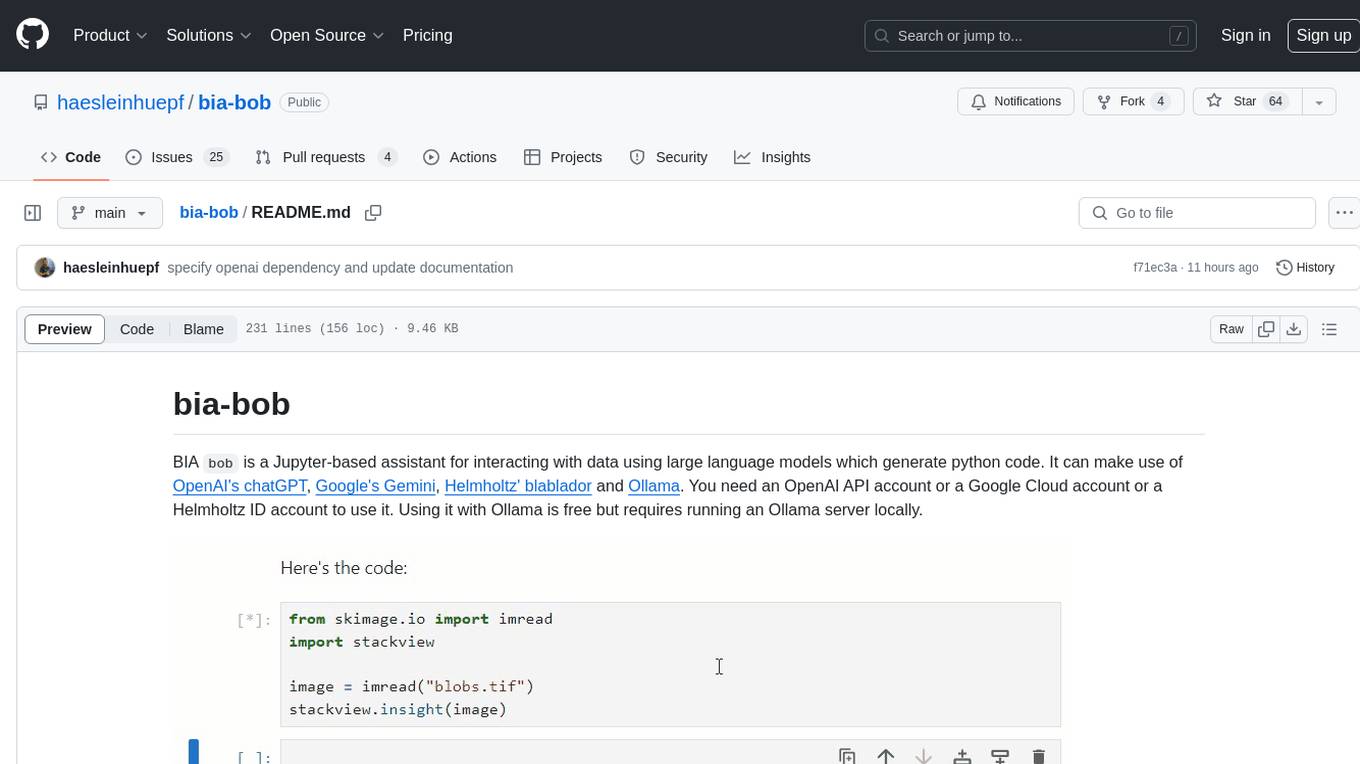
bia-bob
BIA `bob` is a Jupyter-based assistant for interacting with data using large language models to generate Python code. It can utilize OpenAI's chatGPT, Google's Gemini, Helmholtz' blablador, and Ollama. Users need respective accounts to access these services. Bob can assist in code generation, bug fixing, code documentation, GPU-acceleration, and offers a no-code custom Jupyter Kernel. It provides example notebooks for various tasks like bio-image analysis, model selection, and bug fixing. Installation is recommended via conda/mamba environment. Custom endpoints like blablador and ollama can be used. Google Cloud AI API integration is also supported. The tool is extensible for Python libraries to enhance Bob's functionality.
olmocr
olmOCR is a toolkit designed for training language models to work with PDF documents in real-world scenarios. It includes various components such as a prompting strategy for natural text parsing, an evaluation toolkit for comparing pipeline versions, filtering by language and SEO spam removal, finetuning code for specific models, processing PDFs through a finetuned model, and viewing documents created from PDFs. The toolkit requires a recent NVIDIA GPU with at least 20 GB of RAM and 30GB of free disk space. Users can install dependencies, set up a conda environment, and utilize olmOCR for tasks like converting single or multiple PDFs, viewing extracted text, and running batch inference pipelines.
sage
Sage is a tool that allows users to chat with any codebase, providing a chat interface for code understanding and integration. It simplifies the process of learning how a codebase works by offering heavily documented answers sourced directly from the code. Users can set up Sage locally or on the cloud with minimal effort. The tool is designed to be easily customizable, allowing users to swap components of the pipeline and improve the algorithms powering code understanding and generation.
ontogpt
OntoGPT is a Python package for extracting structured information from text using large language models, instruction prompts, and ontology-based grounding. It provides a command line interface and a minimal web app for easy usage. The tool has been evaluated on test data and is used in related projects like TALISMAN for gene set analysis. OntoGPT enables users to extract information from text by specifying relevant terms and provides the extracted objects as output.
bedrock-claude-chatbot
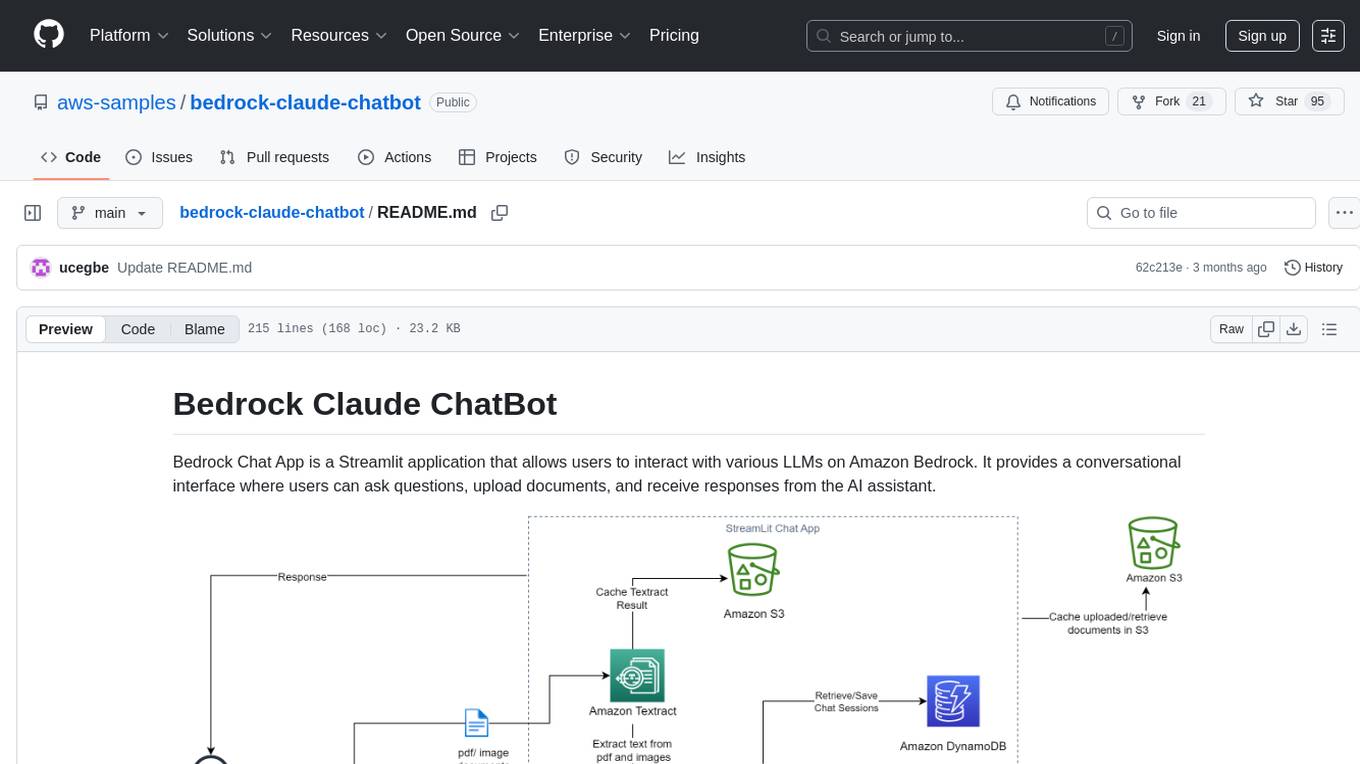
Bedrock Claude ChatBot is a Streamlit application that provides a conversational interface for users to interact with various Large Language Models (LLMs) on Amazon Bedrock. Users can ask questions, upload documents, and receive responses from the AI assistant. The app features conversational UI, document upload, caching, chat history storage, session management, model selection, cost tracking, logging, and advanced data analytics tool integration. It can be customized using a config file and is extensible for implementing specialized tools using Docker containers and AWS Lambda. The app requires access to Amazon Bedrock Anthropic Claude Model, S3 bucket, Amazon DynamoDB, Amazon Textract, and optionally Amazon Elastic Container Registry and Amazon Athena for advanced analytics features.
unitycatalog
Unity Catalog is an open and interoperable catalog for data and AI, supporting multi-format tables, unstructured data, and AI assets. It offers plugin support for extensibility and interoperates with Delta Sharing protocol. The catalog is fully open with OpenAPI spec and OSS implementation, providing unified governance for data and AI with asset-level access control enforced through REST APIs.
warc-gpt
WARC-GPT is an experimental retrieval augmented generation pipeline for web archive collections. It allows users to interact with WARC files, extract text, generate text embeddings, visualize embeddings, and interact with a web UI and API. The tool is highly customizable, supporting various LLMs, providers, and embedding models. Users can configure the application using environment variables, ingest WARC files, start the server, and interact with the web UI and API to search for content and generate text completions. WARC-GPT is designed for exploration and experimentation in exploring web archives using AI.
crawlee-python
Crawlee-python is a web scraping and browser automation library that covers crawling and scraping end-to-end, helping users build reliable scrapers fast. It allows users to crawl the web for links, scrape data, and store it in machine-readable formats without worrying about technical details. With rich configuration options, users can customize almost any aspect of Crawlee to suit their project's needs.
gpustack
GPUStack is an open-source GPU cluster manager designed for running large language models (LLMs). It supports a wide variety of hardware, scales with GPU inventory, offers lightweight Python package with minimal dependencies, provides OpenAI-compatible APIs, simplifies user and API key management, enables GPU metrics monitoring, and facilitates token usage and rate metrics tracking. The tool is suitable for managing GPU clusters efficiently and effectively.
llm-memorization
The 'llm-memorization' project is a tool designed to index, archive, and search conversations with a local LLM using a SQLite database enriched with automatically extracted keywords. It aims to provide personalized context at the start of a conversation by adding memory information to the initial prompt. The tool automates queries from local LLM conversational management libraries, offers a hybrid search function, enhances prompts based on posed questions, and provides an all-in-one graphical user interface for data visualization. It supports both French and English conversations and prompts for bilingual use.
contoso-chat
Contoso Chat is a Python sample demonstrating how to build, evaluate, and deploy a retail copilot application with Azure AI Studio using Promptflow with Prompty assets. The sample implements a Retrieval Augmented Generation approach to answer customer queries based on the company's product catalog and customer purchase history. It utilizes Azure AI Search, Azure Cosmos DB, Azure OpenAI, text-embeddings-ada-002, and GPT models for vectorizing user queries, AI-assisted evaluation, and generating chat responses. By exploring this sample, users can learn to build a retail copilot application, define prompts using Prompty, design, run & evaluate a copilot using Promptflow, provision and deploy the solution to Azure using the Azure Developer CLI, and understand Responsible AI practices for evaluation and content safety.
For similar tasks
verifAI
VerifAI is a document-based question-answering system that addresses hallucinations in generative large language models and search engines. It retrieves relevant documents, generates answers with references, and verifies answers for accuracy. The engine uses generative search technology and a verification model to ensure no misinformation. VerifAI supports various document formats and offers user registration with a React.js interface. It is open-source and designed to be user-friendly, making it accessible for anyone to use.
For similar jobs

sweep
Sweep is an AI junior developer that turns bugs and feature requests into code changes. It automatically handles developer experience improvements like adding type hints and improving test coverage.

teams-ai
The Teams AI Library is a software development kit (SDK) that helps developers create bots that can interact with Teams and Microsoft 365 applications. It is built on top of the Bot Framework SDK and simplifies the process of developing bots that interact with Teams' artificial intelligence capabilities. The SDK is available for JavaScript/TypeScript, .NET, and Python.

ai-guide
This guide is dedicated to Large Language Models (LLMs) that you can run on your home computer. It assumes your PC is a lower-end, non-gaming setup.

classifai
Supercharge WordPress Content Workflows and Engagement with Artificial Intelligence. Tap into leading cloud-based services like OpenAI, Microsoft Azure AI, Google Gemini and IBM Watson to augment your WordPress-powered websites. Publish content faster while improving SEO performance and increasing audience engagement. ClassifAI integrates Artificial Intelligence and Machine Learning technologies to lighten your workload and eliminate tedious tasks, giving you more time to create original content that matters.

chatbot-ui
Chatbot UI is an open-source AI chat app that allows users to create and deploy their own AI chatbots. It is easy to use and can be customized to fit any need. Chatbot UI is perfect for businesses, developers, and anyone who wants to create a chatbot.

BricksLLM
BricksLLM is a cloud native AI gateway written in Go. Currently, it provides native support for OpenAI, Anthropic, Azure OpenAI and vLLM. BricksLLM aims to provide enterprise level infrastructure that can power any LLM production use cases. Here are some use cases for BricksLLM: * Set LLM usage limits for users on different pricing tiers * Track LLM usage on a per user and per organization basis * Block or redact requests containing PIIs * Improve LLM reliability with failovers, retries and caching * Distribute API keys with rate limits and cost limits for internal development/production use cases * Distribute API keys with rate limits and cost limits for students

uAgents
uAgents is a Python library developed by Fetch.ai that allows for the creation of autonomous AI agents. These agents can perform various tasks on a schedule or take action on various events. uAgents are easy to create and manage, and they are connected to a fast-growing network of other uAgents. They are also secure, with cryptographically secured messages and wallets.

griptape
Griptape is a modular Python framework for building AI-powered applications that securely connect to your enterprise data and APIs. It offers developers the ability to maintain control and flexibility at every step. Griptape's core components include Structures (Agents, Pipelines, and Workflows), Tasks, Tools, Memory (Conversation Memory, Task Memory, and Meta Memory), Drivers (Prompt and Embedding Drivers, Vector Store Drivers, Image Generation Drivers, Image Query Drivers, SQL Drivers, Web Scraper Drivers, and Conversation Memory Drivers), Engines (Query Engines, Extraction Engines, Summary Engines, Image Generation Engines, and Image Query Engines), and additional components (Rulesets, Loaders, Artifacts, Chunkers, and Tokenizers). Griptape enables developers to create AI-powered applications with ease and efficiency.