


mcp-use
mcp-use is the easiest way to interact with mcp servers with custom agents
Stars: 7532
MCP-Use is a Python library for analyzing and processing text data using Markov Chains. It provides functionalities for generating text based on input data, calculating transition probabilities, and simulating text sequences. The library is designed to be user-friendly and efficient, making it suitable for natural language processing tasks.
README:








🌐 MCP-Use is the open source way to connect any LLM to any MCP server and build custom MCP agents that have tool access, without using closed source or application clients.
💡 Let developers easily connect any LLM to tools like web browsing, file operations, and more.
- If you want to get started quickly check out mcp-use.com website to build and deploy agents with your favorite MCP servers.
- Visit the mcp-use docs to get started with mcp-use library
- For the TypeScript version, visit mcp-use-ts
| Supports | |
|---|---|
| Primitives |
     
|
| Transports |
  
|
| Feature | Description |
|---|---|
| 🔄 Ease of use | Create your first MCP capable agent you need only 6 lines of code |
| 🤖 LLM Flexibility | Works with any langchain supported LLM that supports tool calling (OpenAI, Anthropic, Groq, LLama etc.) |
| 🌐 Code Builder | Explore MCP capabilities and generate starter code with the interactive code builder. |
| 🔗 HTTP Support | Direct connection to MCP servers running on specific HTTP ports |
| ⚙️ Dynamic Server Selection | Agents can dynamically choose the most appropriate MCP server for a given task from the available pool |
| 🧩 Multi-Server Support | Use multiple MCP servers simultaneously in a single agent |
| 🛡️ Tool Restrictions | Restrict potentially dangerous tools like file system or network access |
| 🔧 Custom Agents | Build your own agents with any framework using the LangChain adapter or create new adapters |
| ❓ What should we build next | Let us know what you'd like us to build next |
With pip:
pip install mcp-useOr install from source:
git clone https://github.com/mcp-use/mcp-use.git
cd mcp-use
pip install -e .mcp_use works with various LLM providers through LangChain. You'll need to install the appropriate LangChain provider package for your chosen LLM. For example:
# For OpenAI
pip install langchain-openai

# For Anthropic
pip install langchain-anthropic
For other providers, check the LangChain chat models documentation and add your API keys for the provider you want to use to your .env file.
OPENAI_API_KEY=
ANTHROPIC_API_KEY=Important: Only models with tool calling capabilities can be used with mcp_use. Make sure your chosen model supports function calling or tool use.
import asyncio
import os
from dotenv import load_dotenv
from langchain_openai import ChatOpenAI
from mcp_use import MCPAgent, MCPClient

async def main():
    # Load environment variables
    load_dotenv()

    # Create configuration dictionary
    config = {
      "mcpServers": {
        "playwright": {
          "command": "npx",
          "args": ["@playwright/mcp@latest"],
          "env": {
            "DISPLAY": ":1"
          }
        }
      }
    }

    # Create MCPClient from configuration dictionary
    client = MCPClient.from_dict(config)

    # Create LLM
    llm = ChatOpenAI(model="gpt-4o")

    # Create agent with the client
    agent = MCPAgent(llm=llm, client=client, max_steps=30)

    # Run the query
    result = await agent.run(
        "Find the best restaurant in San Francisco",
    )
    print(f"\nResult: {result}")

if __name__ == "__main__":
    asyncio.run(main())
You can also add the servers configuration from a config file like this:
client = MCPClient.from_config_file(
        os.path.join("browser_mcp.json")
    )
Example configuration file (browser_mcp.json):
{
  "mcpServers": {
    "playwright": {
      "command": "npx",
      "args": ["@playwright/mcp@latest"],
      "env": {
        "DISPLAY": ":1"
      }
    }
  }
}
For other settings, models, and more, check out the documentation.
MCP-Use supports asynchronous streaming of agent output using the stream method on MCPAgent. This allows you to receive incremental results, tool actions, and intermediate steps as they are generated by the agent, enabling real-time feedback and progress reporting.
Call agent.stream(query) and iterate over the results asynchronously:
async for chunk in agent.stream("Find the best restaurant in San Francisco"):
    print(chunk["messages"], end="", flush=True)
Each chunk is a dictionary containing keys such as actions, steps, messages, and (on the last chunk) output. This enables you to build responsive UIs or log agent progress in real time.
import asyncio
import os
from dotenv import load_dotenv
from langchain_openai import ChatOpenAI
from mcp_use import MCPAgent, MCPClient

async def main():
    load_dotenv()
    client = MCPClient.from_config_file("browser_mcp.json")
    llm = ChatOpenAI(model="gpt-4o")
    agent = MCPAgent(llm=llm, client=client, max_steps=30)
    async for chunk in agent.stream("Look for job at nvidia for machine learning engineer."):
        print(chunk["messages"], end="", flush=True)

if __name__ == "__main__":
    asyncio.run(main())
This streaming interface is ideal for applications that require real-time updates, such as chatbots, dashboards, or interactive notebooks.
import asyncio
import os
from dotenv import load_dotenv
from langchain_openai import ChatOpenAI
from mcp_use import MCPAgent, MCPClient

async def main():
    # Load environment variables
    load_dotenv()

    # Create MCPClient from config file
    client = MCPClient.from_config_file(
        os.path.join(os.path.dirname(__file__), "browser_mcp.json")
    )

    # Create LLM
    llm = ChatOpenAI(model="gpt-4o")
    # Alternative models:
    # llm = ChatAnthropic(model="claude-3-5-sonnet-20240620")
    # llm = ChatGroq(model="llama3-8b-8192")

    # Create agent with the client
    agent = MCPAgent(llm=llm, client=client, max_steps=30)

    # Run the query
    result = await agent.run(
        "Find the best restaurant in San Francisco USING GOOGLE SEARCH",
        max_steps=30,
    )
    print(f"\nResult: {result}")

if __name__ == "__main__":
asyncio.run(main())import asyncio
import os
from dotenv import load_dotenv
from langchain_anthropic import ChatAnthropic
from mcp_use import MCPAgent, MCPClient
async def run_airbnb_example():
# Load environment variables
load_dotenv()
# Create MCPClient with Airbnb configuration
client = MCPClient.from_config_file(
os.path.join(os.path.dirname(__file__), "airbnb_mcp.json")
)
# Create LLM - you can choose between different models
llm = ChatAnthropic(model="claude-3-5-sonnet-20240620")
# Create agent with the client
agent = MCPAgent(llm=llm, client=client, max_steps=30)
try:
# Run a query to search for accommodations
result = await agent.run(
"Find me a nice place to stay in Barcelona for 2 adults "
"for a week in August. I prefer places with a pool and "
"good reviews. Show me the top 3 options.",
max_steps=30,
)
print(f"\nResult: {result}")
finally:
# Ensure we clean up resources properly
if client.sessions:
await client.close_all_sessions()
if __name__ == "__main__":
asyncio.run(run_airbnb_example())Example configuration file (airbnb_mcp.json):
{
  "mcpServers": {
    "airbnb": {
      "command": "npx",
      "args": ["-y", "@openbnb/mcp-server-airbnb"]
    }
  }
}import asyncio
from dotenv import load_dotenv
from langchain_anthropic import ChatAnthropic
from mcp_use import MCPAgent, MCPClient
async def run_blender_example():
# Load environment variables
load_dotenv()
# Create MCPClient with Blender MCP configuration
config = {"mcpServers": {"blender": {"command": "uvx", "args": ["blender-mcp"]}}}
client = MCPClient.from_dict(config)
# Create LLM
llm = ChatAnthropic(model="claude-3-5-sonnet-20240620")
# Create agent with the client
agent = MCPAgent(llm=llm, client=client, max_steps=30)
try:
# Run the query
result = await agent.run(
"Create an inflatable cube with soft material and a plane as ground.",
max_steps=30,
)
print(f"\nResult: {result}")
finally:
# Ensure we clean up resources properly
if client.sessions:
await client.close_all_sessions()
if __name__ == "__main__":
asyncio.run(run_blender_example())MCP-Use supports HTTP connections, allowing you to connect to MCP servers running on specific HTTP ports. This feature is particularly useful for integrating with web-based MCP servers.
Here's an example of how to use the HTTP connection feature:
import asyncio
import os
from dotenv import load_dotenv
from langchain_openai import ChatOpenAI
from mcp_use import MCPAgent, MCPClient

async def main():
    """Run the example using a configuration file."""
    # Load environment variables
    load_dotenv()

    config = {
        "mcpServers": {
            "http": {
                "url": "http://localhost:8931/sse"
            }
        }
    }

    # Create MCPClient from config file
    client = MCPClient.from_dict(config)

    # Create LLM
    llm = ChatOpenAI(model="gpt-4o")

    # Create agent with the client
    agent = MCPAgent(llm=llm, client=client, max_steps=30)

    # Run the query
    result = await agent.run(
        "Find the best restaurant in San Francisco USING GOOGLE SEARCH",
        max_steps=30,
    )
    print(f"\nResult: {result}")

if __name__ == "__main__":
    # Run the appropriate example
    asyncio.run(main())
This example demonstrates how to connect to an MCP server running on a specific HTTP port. Make sure to start your MCP server before running this example.
MCP-Use allows configuring and connecting to multiple MCP servers simultaneously using the MCPClient. This enables complex workflows that require tools from different servers, such as web browsing combined with file operations or 3D modeling.
You can configure multiple servers in your configuration file:
{
  "mcpServers": {
    "airbnb": {
      "command": "npx",
      "args": ["-y", "@openbnb/mcp-server-airbnb", "--ignore-robots-txt"]
    },
    "playwright": {
      "command": "npx",
      "args": ["@playwright/mcp@latest"],
      "env": {
        "DISPLAY": ":1"
      }
    }
  }
}The MCPClient class provides methods for managing connections to multiple servers. When creating an MCPAgent, you can provide an MCPClient configured with multiple servers.
By default, the agent will have access to tools from all configured servers. If you need to target a specific server for a particular task, you can specify the server_name when calling the agent.run() method.
# Example: Manually selecting a server for a specific task
result = await agent.run(
    "Search for Airbnb listings in Barcelona",
    server_name="airbnb" # Explicitly use the airbnb server
)

result_google = await agent.run(
    "Find restaurants near the first result using Google Search",
    server_name="playwright" # Explicitly use the playwright server
)For enhanced efficiency and to reduce potential agent confusion when dealing with many tools from different servers, you can enable the Server Manager by setting use_server_manager=True during MCPAgent initialization.
When enabled, the agent intelligently selects the correct MCP server based on the tool chosen by the LLM for a specific step. This minimizes unnecessary connections and ensures the agent uses the appropriate tools for the task.
import asyncio
from mcp_use import MCPClient, MCPAgent
from langchain_anthropic import ChatAnthropic

async def main():
    # Create client with multiple servers
    client = MCPClient.from_config_file("multi_server_config.json")

    # Create agent with the client
    agent = MCPAgent(
        llm=ChatAnthropic(model="claude-3-5-sonnet-20240620"),
        client=client,
        use_server_manager=True  # Enable the Server Manager
    )

    try:
        # Run a query that uses tools from multiple servers
        result = await agent.run(
            "Search for a nice place to stay in Barcelona on Airbnb, "
            "then use Google to find nearby restaurants and attractions."
        )
        print(result)
    finally:
        # Clean up all sessions
        await client.close_all_sessions()

if __name__ == "__main__":
asyncio.run(main())MCP-Use allows you to restrict which tools are available to the agent, providing better security and control over agent capabilities:
import asyncio
from mcp_use import MCPAgent, MCPClient
from langchain_openai import ChatOpenAI

async def main():
    # Create client
    client = MCPClient.from_config_file("config.json")

    # Create agent with restricted tools
    agent = MCPAgent(
        llm=ChatOpenAI(model="gpt-4"),
        client=client,
        disallowed_tools=["file_system", "network"]  # Restrict potentially dangerous tools
    )

    # Run a query with restricted tool access
    result = await agent.run(
        "Find the best restaurant in San Francisco"
    )
    print(result)

    # Clean up
    await client.close_all_sessions()

if __name__ == "__main__":
asyncio.run(main())MCP-Use supports running MCP servers in a sandboxed environment using E2B's cloud infrastructure. This allows you to run MCP servers without having to install dependencies locally, making it easier to use tools that might have complex setups or system requirements.
To use sandboxed execution, you need to install the E2B dependency:
# Install mcp-use with E2B support
pip install "mcp-use[e2b]"

# Or install the dependency directly
pip install e2b-code-interpreter
You'll also need an E2B API key. You can sign up at e2b.dev to get your API key.
To enable sandboxed execution, use the sandbox parameter when creating your MCPClient:
import asyncio
import os
from dotenv import load_dotenv
from langchain_openai import ChatOpenAI
from mcp_use import MCPAgent, MCPClient
from mcp_use.types.sandbox import SandboxOptions

async def main():
    # Load environment variables (needs E2B_API_KEY)
    load_dotenv()

    # Define MCP server configuration
    server_config = {
        "mcpServers": {
            "everything": {
                "command": "npx",
                "args": ["-y", "@modelcontextprotocol/server-everything"],
            }
        }
    }

    # Define sandbox options
    sandbox_options: SandboxOptions = {
        "api_key": os.getenv("E2B_API_KEY"),  # API key can also be provided directly
        "sandbox_template_id": "base",  # Use base template
    }

    # Create client with sandboxed mode enabled
    client = MCPClient(
        config=server_config,
        sandbox=True,
        sandbox_options=sandbox_options,

    )

    # Create agent with the sandboxed client
    llm = ChatOpenAI(model="gpt-4o")
    agent = MCPAgent(llm=llm, client=client)

    # Run your agent
    result = await agent.run("Use the command line tools to help me add 1+1")
    print(result)

    # Clean up
    await client.close_all_sessions()

if __name__ == "__main__":
asyncio.run(main())The SandboxOptions type provides configuration for the sandbox environment:
| Option | Description | Default |
|---|---|---|
api_key |
E2B API key. Required - can be provided directly or via E2B_API_KEY environment variable | None |
sandbox_template_id |
Template ID for the sandbox environment | "base" |
supergateway_command |
Command to run supergateway | "npx -y supergateway" |
- No local dependencies: Run MCP servers without installing dependencies locally
- Isolation: Execute code in a secure, isolated environment
- Consistent environment: Ensure consistent behavior across different systems
- Resource efficiency: Offload resource-intensive tasks to cloud infrastructure
You can call MCP server tools directly without an LLM when you need programmatic control:
import asyncio
from mcp_use import MCPClient

async def call_tool_example():
    config = {
        "mcpServers": {
            "everything": {
                "command": "npx",
                "args": ["-y", "@modelcontextprotocol/server-everything"],
            }
        }
    }

    client = MCPClient.from_dict(config)

    try:
        await client.create_all_sessions()
        session = client.get_session("everything")

        # Call tool directly
        result = await session.call_tool(
            name="add",
            arguments={"a": 1, "b": 2}
        )

        print(f"Result: {result.content[0].text}")  # Output: 3

    finally:
        await client.close_all_sessions()

if __name__ == "__main__":
    asyncio.run(call_tool_example())
See the complete example: examples/direct_tool_call.py
You can also build your own custom agent using the LangChain adapter:
import asyncio
from langchain_openai import ChatOpenAI
from mcp_use.client import MCPClient
from mcp_use.adapters.langchain_adapter import LangChainAdapter
from dotenv import load_dotenv

load_dotenv()


async def main():
    # Initialize MCP client
    client = MCPClient.from_config_file("examples/browser_mcp.json")
    llm = ChatOpenAI(model="gpt-4o")

    # Create adapter instance
    adapter = LangChainAdapter()
    # Get LangChain tools with a single line
    tools = await adapter.create_tools(client)

    # Create a custom LangChain agent
    llm_with_tools = llm.bind_tools(tools)
    result = await llm_with_tools.ainvoke("What tools do you have available ? ")
    print(result)


if __name__ == "__main__":
    asyncio.run(main())
MCP-Use provides a built-in debug mode that increases log verbosity and helps diagnose issues in your agent implementation.
There are two primary ways to enable debug mode:
Run your script with the DEBUG environment variable set to the desired level:
# Level 1: Show INFO level messages
DEBUG=1 python3.11 examples/browser_use.py

# Level 2: Show DEBUG level messages (full verbose output)
DEBUG=2 python3.11 examples/browser_use.py
This sets the debug level only for the duration of that specific Python process.
Alternatively you can set the following environment variable to the desired logging level:
export MCP_USE_DEBUG=1 # or 2You can set the global debug flag directly in your code:
import mcp_use

mcp_use.set_debug(1)  # INFO level
# or
mcp_use.set_debug(2) # DEBUG level (full verbose output)If you only want to see debug information from the agent without enabling full debug logging, you can set the verbose parameter when creating an MCPAgent:
# Create agent with increased verbosity
agent = MCPAgent(
    llm=your_llm,
    client=your_client,
    verbose=True  # Only shows debug messages from the agent
)
This is useful when you only need to see the agent's steps and decision-making process without all the low-level debug information from other components.
We love contributions! Feel free to open issues for bugs or feature requests. Look at CONTRIBUTING.md for guidelines.
Thanks to all our amazing contributors!
| Repository | Stars |
|---|---|
 patchy631/ai-engineering-hub patchy631/ai-engineering-hub
|
⭐ 17917 |
 buildfastwithai/gen-ai-experiments buildfastwithai/gen-ai-experiments
|
⭐ 178 |
 hud-evals/hud-python hud-evals/hud-python
|
⭐ 159 |
 tavily-ai/meeting-prep-agent tavily-ai/meeting-prep-agent
|
⭐ 136 |
 krishnaik06/MCP-CRASH-Course krishnaik06/MCP-CRASH-Course
|
⭐ 72 |
 larksuite/lark-samples larksuite/lark-samples
|
⭐ 40 |
 truemagic-coder/solana-agent-app truemagic-coder/solana-agent-app
|
⭐ 29 |
 schogini/techietalksai schogini/techietalksai
|
⭐ 24 |
 autometa-dev/whatsapp-mcp-voice-agent autometa-dev/whatsapp-mcp-voice-agent
|
⭐ 23 |
 Deniscartin/mcp-cli Deniscartin/mcp-cli
|
⭐ 20 |
- Python 3.11+
- MCP implementation (like Playwright MCP)
- LangChain and appropriate model libraries (OpenAI, Anthropic, etc.)
MIT
If you use MCP-Use in your research or project, please cite:
@software{mcp_use2025,
  author = {Zullo, Pietro},
  title = {MCP-Use: MCP Library for Python},
  year = {2025},
  publisher = {GitHub},
  url = {https://github.com/pietrozullo/mcp-use}
}
For Tasks:
Click tags to check more tools for each tasksFor Jobs:
Alternative AI tools for mcp-use
Similar Open Source Tools
mcp-use
MCP-Use is a Python library for analyzing and processing text data using Markov Chains. It provides functionalities for generating text based on input data, calculating transition probabilities, and simulating text sequences. The library is designed to be user-friendly and efficient, making it suitable for natural language processing tasks.
turftopic
Turftopic is a Python library that provides tools for sentiment analysis and topic modeling of text data. It allows users to analyze large volumes of text data to extract insights on sentiment and topics. The library includes functions for preprocessing text data, performing sentiment analysis using machine learning models, and conducting topic modeling using algorithms such as Latent Dirichlet Allocation (LDA). Turftopic is designed to be user-friendly and efficient, making it suitable for both beginners and experienced data analysts.
cellm
Cellm is an Excel extension that allows users to leverage Large Language Models (LLMs) like ChatGPT within cell formulas. It enables users to extract AI responses to text ranges, making it useful for automating repetitive tasks that involve data processing and analysis. Cellm supports various models from Anthropic, Mistral, OpenAI, and Google, as well as locally hosted models via Llamafiles, Ollama, or vLLM. The tool is designed to simplify the integration of AI capabilities into Excel for tasks such as text classification, data cleaning, content summarization, entity extraction, and more.
llm
The 'llm' package for Emacs provides an interface for interacting with Large Language Models (LLMs). It abstracts functionality to a higher level, concealing API variations and ensuring compatibility with various LLMs. Users can set up providers like OpenAI, Gemini, Vertex, Claude, Ollama, GPT4All, and a fake client for testing. The package allows for chat interactions, embeddings, token counting, and function calling. It also offers advanced prompt creation and logging capabilities. Users can handle conversations, create prompts with placeholders, and contribute by creating providers.
DelhiLM
DelhiLM is a natural language processing tool for building and training language models. It provides a user-friendly interface for text processing tasks such as tokenization, lemmatization, and language model training. With DelhiLM, users can easily preprocess text data and train custom language models for various NLP applications. The tool supports different languages and allows for fine-tuning pre-trained models to suit specific needs. DelhiLM is designed to be flexible, efficient, and easy to use for both beginners and experienced NLP practitioners.
trafilatura
Trafilatura is a Python package and command-line tool for gathering text on the Web and simplifying the process of turning raw HTML into structured, meaningful data. It includes components for web crawling, downloads, scraping, and extraction of main texts, metadata, and comments. The tool aims to focus on actual content, avoid noise, and make sense of data and metadata. It is robust, fast, and widely used by companies and institutions. Trafilatura outperforms other libraries in text extraction benchmarks and offers various features like support for sitemaps, parallel processing, configurable extraction of key elements, multiple output formats, and optional add-ons. The tool is actively maintained with regular updates and comprehensive documentation.
PaddleOCR
PaddleOCR is an easy-to-use and scalable OCR toolkit based on PaddlePaddle. It provides a series of text detection and recognition models, supporting multiple languages and various scenarios. With PaddleOCR, users can perform accurate and efficient text extraction from images and videos, making it suitable for tasks such as document scanning, text recognition, and information extraction.
data-juicer
Data-Juicer is a one-stop data processing system to make data higher-quality, juicier, and more digestible for LLMs. It is a systematic & reusable library of 80+ core OPs, 20+ reusable config recipes, and 20+ feature-rich dedicated toolkits, designed to function independently of specific LLM datasets and processing pipelines. Data-Juicer allows detailed data analyses with an automated report generation feature for a deeper understanding of your dataset. Coupled with multi-dimension automatic evaluation capabilities, it supports a timely feedback loop at multiple stages in the LLM development process. Data-Juicer offers tens of pre-built data processing recipes for pre-training, fine-tuning, en, zh, and more scenarios. It provides a speedy data processing pipeline requiring less memory and CPU usage, optimized for maximum productivity. Data-Juicer is flexible & extensible, accommodating most types of data formats and allowing flexible combinations of OPs. It is designed for simplicity, with comprehensive documentation, easy start guides and demo configs, and intuitive configuration with simple adding/removing OPs from existing configs.
GraphLLM
GraphLLM is a graph-based framework designed to process data using LLMs. It offers a set of tools including a web scraper, PDF parser, YouTube subtitles downloader, Python sandbox, and TTS engine. The framework provides a GUI for building and debugging graphs with advanced features like loops, conditionals, parallel execution, streaming of results, hierarchical graphs, external tool integration, and dynamic scheduling. GraphLLM is a low-level framework that gives users full control over the raw prompt and output of models, with a steeper learning curve. It is tested with llama70b and qwen 32b, under heavy development with breaking changes expected.
awesome-VLLMs
This repository contains a collection of pre-trained Very Large Language Models (VLLMs) that can be used for various natural language processing tasks. The models are fine-tuned on large text corpora and can be easily integrated into existing NLP pipelines for tasks such as text generation, sentiment analysis, and language translation. The repository also provides code examples and tutorials to help users get started with using these powerful language models in their projects.
datatune
Datatune is a data analysis tool designed to help users explore and analyze datasets efficiently. It provides a user-friendly interface for importing, cleaning, visualizing, and modeling data. With Datatune, users can easily perform tasks such as data preprocessing, feature engineering, model selection, and evaluation. The tool offers a variety of statistical and machine learning algorithms to support data analysis tasks. Whether you are a data scientist, analyst, or researcher, Datatune can streamline your data analysis workflow and help you derive valuable insights from your data.
Fast-dLLM
Fast-DLLM is a diffusion-based Large Language Model (LLM) inference acceleration framework that supports efficient inference for models like Dream and LLaDA. It offers fast inference support, multiple optimization strategies, code generation, evaluation capabilities, and an interactive chat interface. Key features include Key-Value Cache for Block-Wise Decoding, Confidence-Aware Parallel Decoding, and overall performance improvements. The project structure includes directories for Dream and LLaDA model-related code, with installation and usage instructions provided for using the LLaDA and Dream models.
kg_llm
This repository contains code associated with tutorials on implementing graph RAG using knowledge graphs and vector databases, enriching an LLM with structured data, and unraveling unstructured movie data. It includes notebooks for various tasks such as creating taxonomy, tagging movies, and working with movie data in CSV format.
pdr_ai_v2
pdr_ai_v2 is a Python library for implementing machine learning algorithms and models. It provides a wide range of tools and functionalities for data preprocessing, model training, evaluation, and deployment. The library is designed to be user-friendly and efficient, making it suitable for both beginners and experienced data scientists. With pdr_ai_v2, users can easily build and deploy machine learning models for various applications, such as classification, regression, clustering, and more.
DB-GPT
DB-GPT is an open source AI native data app development framework with AWEL(Agentic Workflow Expression Language) and agents. It aims to build infrastructure in the field of large models, through the development of multiple technical capabilities such as multi-model management (SMMF), Text2SQL effect optimization, RAG framework and optimization, Multi-Agents framework collaboration, AWEL (agent workflow orchestration), etc. Which makes large model applications with data simpler and more convenient.
databerry
Chaindesk is a no-code platform that allows users to easily set up a semantic search system for personal data without technical knowledge. It supports loading data from various sources such as raw text, web pages, files (Word, Excel, PowerPoint, PDF, Markdown, Plain Text), and upcoming support for web sites, Notion, and Airtable. The platform offers a user-friendly interface for managing datastores, querying data via a secure API endpoint, and auto-generating ChatGPT Plugins for each datastore. Chaindesk utilizes a Vector Database (Qdrant), Openai's text-embedding-ada-002 for embeddings, and has a chunk size of 1024 tokens. The technology stack includes Next.js, Joy UI, LangchainJS, PostgreSQL, Prisma, and Qdrant, inspired by the ChatGPT Retrieval Plugin.
For similar tasks
phospho
Phospho is a text analytics platform for LLM apps. It helps you detect issues and extract insights from text messages of your users or your app. You can gather user feedback, measure success, and iterate on your app to create the best conversational experience for your users.
OpenFactVerification
Loki is an open-source tool designed to automate the process of verifying the factuality of information. It provides a comprehensive pipeline for dissecting long texts into individual claims, assessing their worthiness for verification, generating queries for evidence search, crawling for evidence, and ultimately verifying the claims. This tool is especially useful for journalists, researchers, and anyone interested in the factuality of information.
open-parse
Open Parse is a Python library for visually discerning document layouts and chunking them effectively. It is designed to fill the gap in open-source libraries for handling complex documents. Unlike text splitting, which converts a file to raw text and slices it up, Open Parse visually analyzes documents for superior LLM input. It also supports basic markdown for parsing headings, bold, and italics, and has high-precision table support, extracting tables into clean Markdown formats with accuracy that surpasses traditional tools. Open Parse is extensible, allowing users to easily implement their own post-processing steps. It is also intuitive, with great editor support and completion everywhere, making it easy to use and learn.
spaCy
spaCy is an industrial-strength Natural Language Processing (NLP) library in Python and Cython. It incorporates the latest research and is designed for real-world applications. The library offers pretrained pipelines supporting 70+ languages, with advanced neural network models for tasks such as tagging, parsing, named entity recognition, and text classification. It also facilitates multi-task learning with pretrained transformers like BERT, along with a production-ready training system and streamlined model packaging, deployment, and workflow management. spaCy is commercial open-source software released under the MIT license.
NanoLLM
NanoLLM is a tool designed for optimized local inference for Large Language Models (LLMs) using HuggingFace-like APIs. It supports quantization, vision/language models, multimodal agents, speech, vector DB, and RAG. The tool aims to provide efficient and effective processing for LLMs on local devices, enhancing performance and usability for various AI applications.
ontogpt
OntoGPT is a Python package for extracting structured information from text using large language models, instruction prompts, and ontology-based grounding. It provides a command line interface and a minimal web app for easy usage. The tool has been evaluated on test data and is used in related projects like TALISMAN for gene set analysis. OntoGPT enables users to extract information from text by specifying relevant terms and provides the extracted objects as output.
lima
LIMA is a multilingual linguistic analyzer developed by the CEA LIST, LASTI laboratory. It is Free Software available under the MIT license. LIMA has state-of-the-art performance for more than 60 languages using deep learning modules. It also includes a powerful rules-based mechanism called ModEx for extracting information in new domains without annotated data.
liboai
liboai is a simple C++17 library for the OpenAI API, providing developers with access to OpenAI endpoints through a collection of methods and classes. It serves as a spiritual port of OpenAI's Python library, 'openai', with similar structure and features. The library supports various functionalities such as ChatGPT, Audio, Azure, Functions, Image DALL·E, Models, Completions, Edit, Embeddings, Files, Fine-tunes, Moderation, and Asynchronous Support. Users can easily integrate the library into their C++ projects to interact with OpenAI services.
For similar jobs

LLMStack
LLMStack is a no-code platform for building generative AI agents, workflows, and chatbots. It allows users to connect their own data, internal tools, and GPT-powered models without any coding experience. LLMStack can be deployed to the cloud or on-premise and can be accessed via HTTP API or triggered from Slack or Discord.
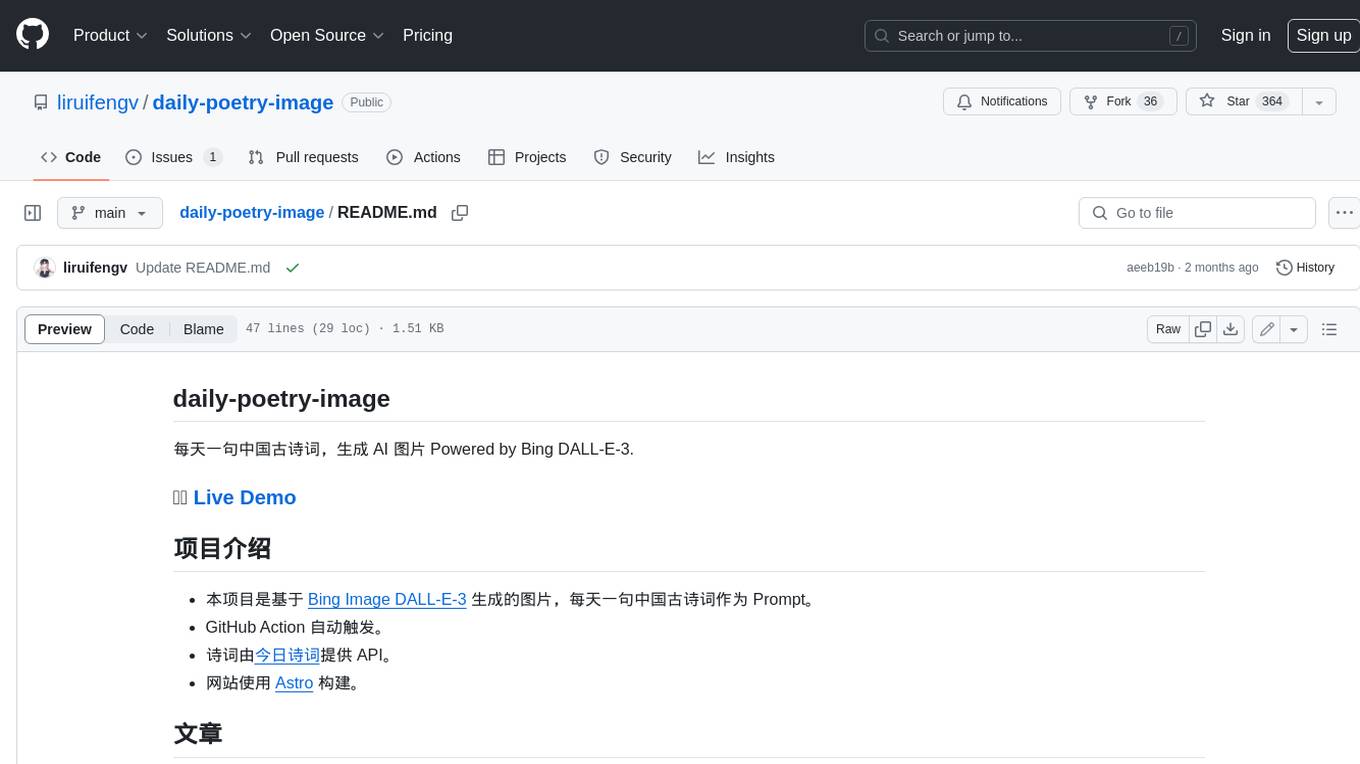
daily-poetry-image
Daily Chinese ancient poetry and AI-generated images powered by Bing DALL-E-3. GitHub Action triggers the process automatically. Poetry is provided by Today's Poem API. The website is built with Astro.

exif-photo-blog
EXIF Photo Blog is a full-stack photo blog application built with Next.js, Vercel, and Postgres. It features built-in authentication, photo upload with EXIF extraction, photo organization by tag, infinite scroll, light/dark mode, automatic OG image generation, a CMD-K menu with photo search, experimental support for AI-generated descriptions, and support for Fujifilm simulations. The application is easy to deploy to Vercel with just a few clicks and can be customized with a variety of environment variables.
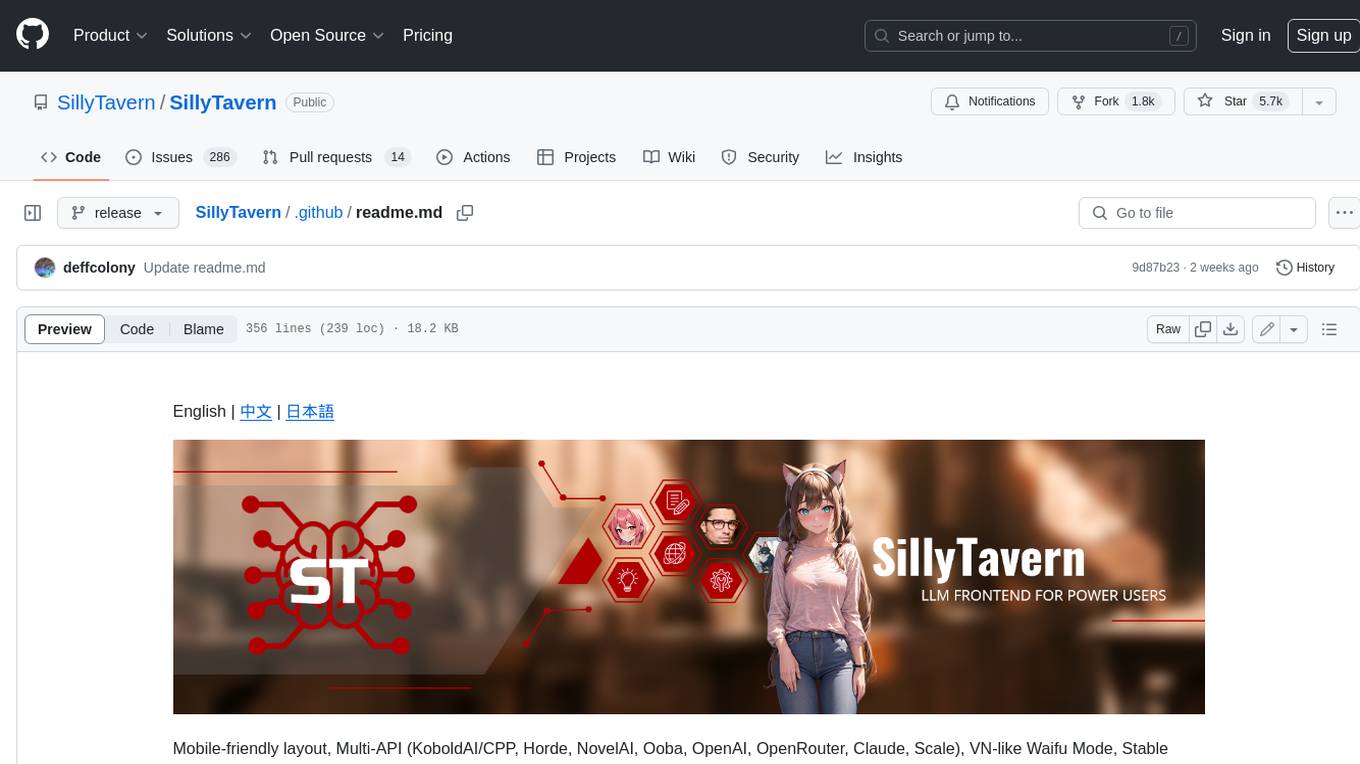
SillyTavern
SillyTavern is a user interface you can install on your computer (and Android phones) that allows you to interact with text generation AIs and chat/roleplay with characters you or the community create. SillyTavern is a fork of TavernAI 1.2.8 which is under more active development and has added many major features. At this point, they can be thought of as completely independent programs.
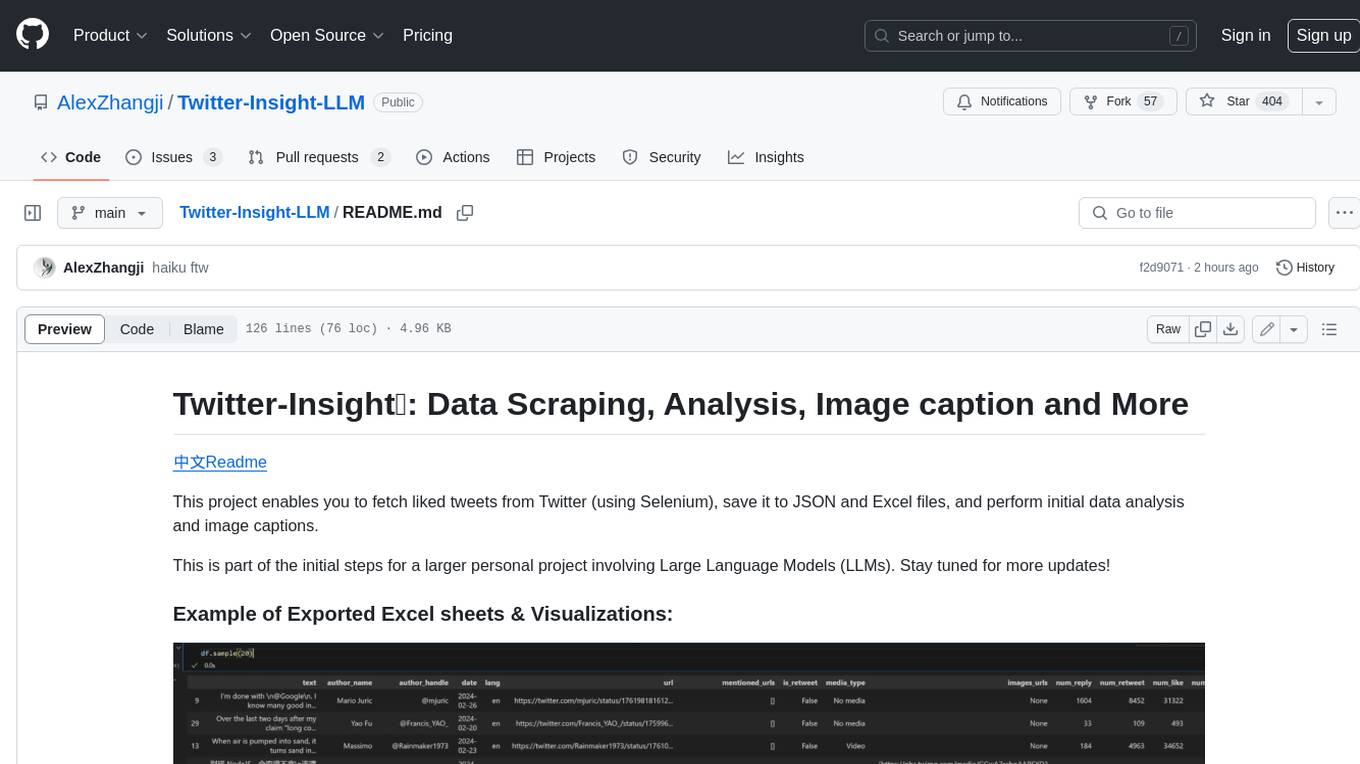
Twitter-Insight-LLM
This project enables you to fetch liked tweets from Twitter (using Selenium), save it to JSON and Excel files, and perform initial data analysis and image captions. This is part of the initial steps for a larger personal project involving Large Language Models (LLMs).
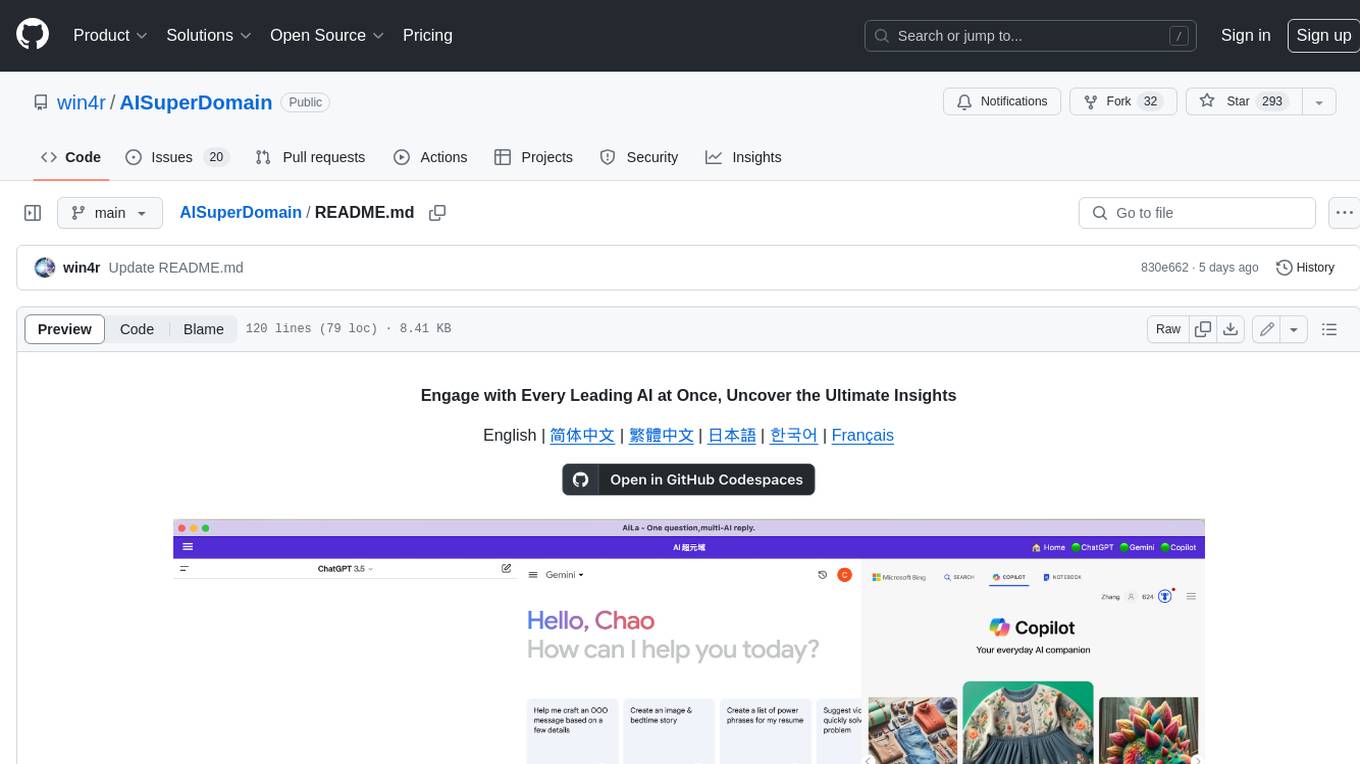
AISuperDomain
Aila Desktop Application is a powerful tool that integrates multiple leading AI models into a single desktop application. It allows users to interact with various AI models simultaneously, providing diverse responses and insights to their inquiries. With its user-friendly interface and customizable features, Aila empowers users to engage with AI seamlessly and efficiently. Whether you're a researcher, student, or professional, Aila can enhance your AI interactions and streamline your workflow.
ChatGPT-On-CS
This project is an intelligent dialogue customer service tool based on a large model, which supports access to platforms such as WeChat, Qianniu, Bilibili, Douyin Enterprise, Douyin, Doudian, Weibo chat, Xiaohongshu professional account operation, Xiaohongshu, Zhihu, etc. You can choose GPT3.5/GPT4.0/ Lazy Treasure Box (more platforms will be supported in the future), which can process text, voice and pictures, and access external resources such as operating systems and the Internet through plug-ins, and support enterprise AI applications customized based on their own knowledge base.
obs-localvocal
LocalVocal is a live-streaming AI assistant plugin for OBS that allows you to transcribe audio speech into text and perform various language processing functions on the text using AI / LLMs (Large Language Models). It's privacy-first, with all data staying on your machine, and requires no GPU, cloud costs, network, or downtime.