


js-genai
TypeScript/JavaScript SDK for Gemini and Vertex AI.
Stars: 1459
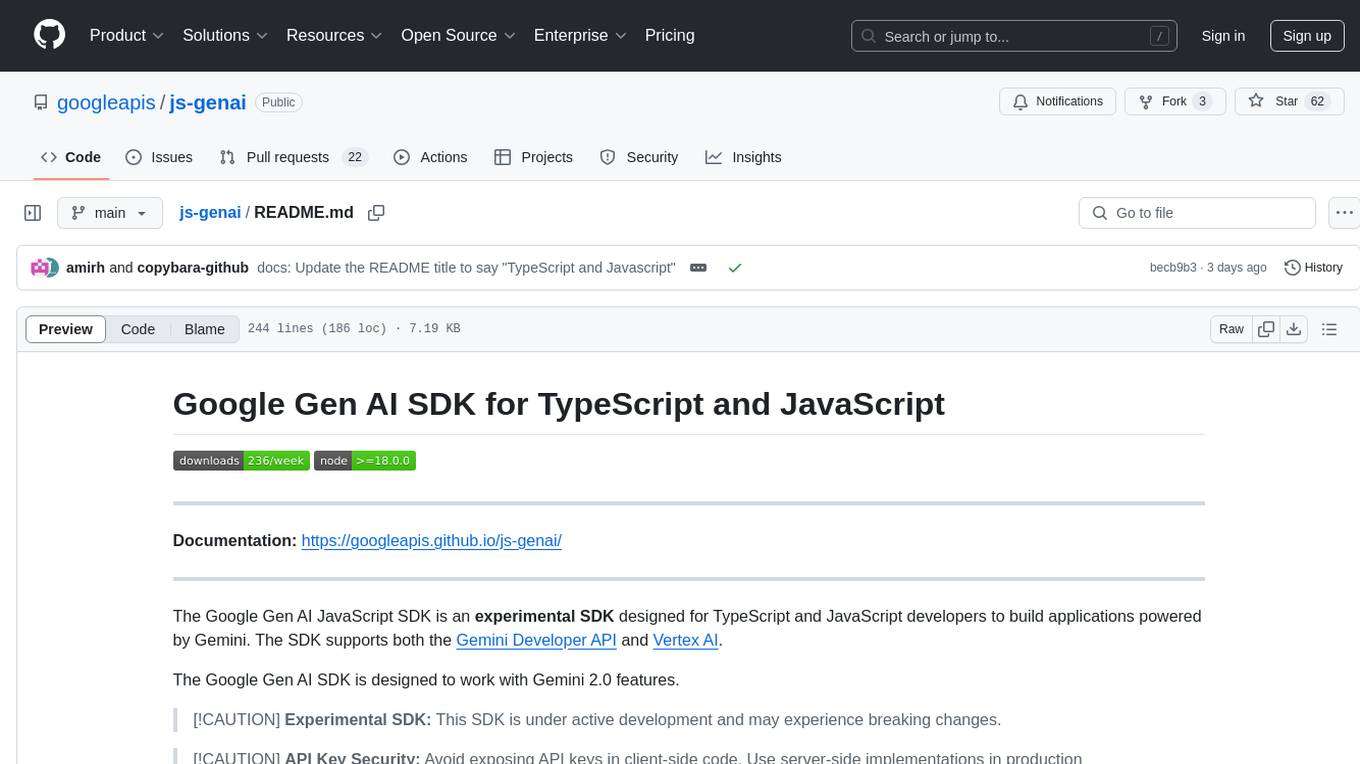
The Google Gen AI JavaScript SDK is an experimental SDK for TypeScript and JavaScript developers to build applications powered by Gemini. It supports both the Gemini Developer API and Vertex AI. The SDK is designed to work with Gemini 2.0 features. Users can access API features through the GoogleGenAI classes, which provide submodules for querying models, managing caches, creating chats, uploading files, and starting live sessions. The SDK also allows for function calling to interact with external systems. Users can find more samples in the GitHub samples directory.
README:


Documentation: https://googleapis.github.io/js-genai/
The Google Gen AI JavaScript SDK is designed for TypeScript and JavaScript developers to build applications powered by Gemini. The SDK supports both the Gemini Developer API and Vertex AI.
The Google Gen AI SDK is designed to work with Gemini 2.0+ features.
[!CAUTION] API Key Security: Avoid exposing API keys in client-side code. Use server-side implementations in production environments.
Generative models are often unaware of recent API and SDK updates and may suggest outdated or legacy code.
We recommend using our Code Generation instructions codegen_instructions.md when generating Google Gen AI SDK code to guide your model towards using the more recent SDK features. Copy and paste the instructions into your development environment to provide the model with the necessary context.
- Node.js version 20 or later
-
Configure authentication for your project.
- Install the gcloud CLI.
- Initialize the gcloud CLI.
- Create local authentication credentials for your user account:
gcloud auth application-default login
A list of accepted authentication options are listed in GoogleAuthOptions interface of google-auth-library-node.js GitHub repo.
To install the SDK, run the following command:
npm install @google/genaiThe simplest way to get started is to use an API key from Google AI Studio:
import {GoogleGenAI} from '@google/genai';
const GEMINI_API_KEY = process.env.GEMINI_API_KEY;

const ai = new GoogleGenAI({apiKey: GEMINI_API_KEY});

async function main() {
  const response = await ai.models.generateContent({
    model: 'gemini-2.5-flash',
    contents: 'Why is the sky blue?',
  });
  console.log(response.text);
}

main();The Google Gen AI SDK provides support for both the Google AI Studio and Vertex AI implementations of the Gemini API.
For server-side applications, initialize using an API key, which can be acquired from Google AI Studio:
import { GoogleGenAI } from '@google/genai';
const ai = new GoogleGenAI({apiKey: 'GEMINI_API_KEY'});[!CAUTION] API Key Security: Avoid exposing API keys in client-side code. Use server-side implementations in production environments.
In the browser the initialization code is identical:
import { GoogleGenAI } from '@google/genai';
const ai = new GoogleGenAI({apiKey: 'GEMINI_API_KEY'});Sample code for VertexAI initialization:
import { GoogleGenAI } from '@google/genai';

const ai = new GoogleGenAI({
    vertexai: true,
    project: 'your_project',
    location: 'your_location',
});For NodeJS environments, you can create a client by configuring the necessary environment variables. Configuration setup instructions depends on whether you're using the Gemini Developer API or the Gemini API in Vertex AI.
Gemini Developer API: Set GOOGLE_API_KEY as shown below:
export GOOGLE_API_KEY='your-api-key'Gemini API on Vertex AI: Set GOOGLE_GENAI_USE_VERTEXAI,
GOOGLE_CLOUD_PROJECT and GOOGLE_CLOUD_LOCATION, as shown below:
export GOOGLE_GENAI_USE_VERTEXAI=true
export GOOGLE_CLOUD_PROJECT='your-project-id'
export GOOGLE_CLOUD_LOCATION='us-central1'
import {GoogleGenAI} from '@google/genai';
const ai = new GoogleGenAI();By default, the SDK uses the beta API endpoints provided by Google to support
preview features in the APIs. The stable API endpoints can be selected by
setting the API version to v1.
To set the API version use apiVersion. For example, to set the API version to
v1 for Vertex AI:
const ai = new GoogleGenAI({
    vertexai: true,
    project: 'your_project',
    location: 'your_location',
    apiVersion: 'v1'
});
To set the API version to v1alpha for the Gemini Developer API:
const ai = new GoogleGenAI({
    apiKey: 'GEMINI_API_KEY',
    apiVersion: 'v1alpha'
});All API features are accessed through an instance of the GoogleGenAI classes.
The submodules bundle together related API methods:
-
ai.models: Usemodelsto query models (generateContent,generateImages, ...), or examine their metadata. -
ai.caches: Create and managecachesto reduce costs when repeatedly using the same large prompt prefix. -
ai.chats: Create local statefulchatobjects to simplify multi turn interactions. -
ai.files: Uploadfilesto the API and reference them in your prompts. This reduces bandwidth if you use a file many times, and handles files too large to fit inline with your prompt. -
ai.live: Start alivesession for real time interaction, allows text + audio + video input, and text or audio output.
More samples can be found in the github samples directory.
For quicker, more responsive API interactions use the generateContentStream
method which yields chunks as they're generated:
import {GoogleGenAI} from '@google/genai';
const GEMINI_API_KEY = process.env.GEMINI_API_KEY;

const ai = new GoogleGenAI({apiKey: GEMINI_API_KEY});

async function main() {
  const response = await ai.models.generateContentStream({
    model: 'gemini-2.5-flash',
    contents: 'Write a 100-word poem.',
  });
  for await (const chunk of response) {
    console.log(chunk.text);
  }
}

main();To let Gemini to interact with external systems, you can provide
functionDeclaration objects as tools. To use these tools it's a 4 step
- Declare the function name, description, and parametersJsonSchema
- Call
generateContentwith function calling enabled - Use the returned
FunctionCallparameters to call your actual function - Send the result back to the model (with history, easier in
ai.chat) as aFunctionResponse
import {GoogleGenAI, FunctionCallingConfigMode, FunctionDeclaration, Type} from '@google/genai';
const GEMINI_API_KEY = process.env.GEMINI_API_KEY;

async function main() {
  const controlLightDeclaration: FunctionDeclaration = {
    name: 'controlLight',
    parametersJsonSchema: {
      type: 'object',
      properties:{
        brightness: {
          type:'number',
        },
        colorTemperature: {
          type:'string',
        },
      },
      required: ['brightness', 'colorTemperature'],
    },
  };

  const ai = new GoogleGenAI({apiKey: GEMINI_API_KEY});
  const response = await ai.models.generateContent({
    model: 'gemini-2.5-flash',
    contents: 'Dim the lights so the room feels cozy and warm.',
    config: {
      toolConfig: {
        functionCallingConfig: {
          // Force it to call any function
          mode: FunctionCallingConfigMode.ANY,
          allowedFunctionNames: ['controlLight'],
        }
      },
      tools: [{functionDeclarations: [controlLightDeclaration]}]
    }
  });

  console.log(response.functionCalls);
}

main();Built-in MCP support is an experimental feature. You can pass a local MCP server as a tool directly.
import { GoogleGenAI, FunctionCallingConfigMode , mcpToTool} from '@google/genai';
import { Client } from "@modelcontextprotocol/sdk/client/index.js";
import { StdioClientTransport } from "@modelcontextprotocol/sdk/client/stdio.js";

// Create server parameters for stdio connection
const serverParams = new StdioClientTransport({
  command: "npx", // Executable
  args: ["-y", "@philschmid/weather-mcp"] // MCP Server
});

const client = new Client(
  {
    name: "example-client",
    version: "1.0.0"
  }
);

// Configure the client
const ai = new GoogleGenAI({});

// Initialize the connection between client and server
await client.connect(serverParams);

// Send request to the model with MCP tools
const response = await ai.models.generateContent({
  model: "gemini-2.5-flash",
  contents: `What is the weather in London in ${new Date().toLocaleDateString()}?`,
  config: {
    tools: [mcpToTool(client)],  // uses the session, will automatically call the tool using automatic function calling
  },
});
console.log(response.text);

// Close the connection
await client.close();The SDK allows you to specify the following types in the contents parameter:
-
Content: The SDK will wrap the singularContentinstance in an array which contains only the given content instance -
Content[]: No transformation happens
Parts will be aggregated on a singular Content, with role 'user'.
-
Part | string: The SDK will wrap thestringorPartin aContentinstance with role 'user'. -
Part[] | string[]: The SDK will wrap the full provided list into a singleContentwith role 'user'.
NOTE: This doesn't apply to FunctionCall and FunctionResponse parts,
if you are specifying those, you need to explicitly provide the full
Content[] structure making it explicit which Parts are 'spoken' by the model,
or the user. The SDK will throw an exception if you try this.
To handle errors raised by the API, the SDK provides this ApiError class.
import {GoogleGenAI} from '@google/genai';
const GEMINI_API_KEY = process.env.GEMINI_API_KEY;

const ai = new GoogleGenAI({apiKey: GEMINI_API_KEY});

async function main() {
  await ai.models.generateContent({
    model: 'non-existent-model',
    contents: 'Write a 100-word poem.',
  }).catch((e) => {
    console.error('error name: ', e.name);
    console.error('error message: ', e.message);
    console.error('error status: ', e.status);
  });
}

main();Warning: The Interactions API is in Beta. This is a preview of an experimental feature. Features and schemas are subject to breaking changes.
The Interactions API is a unified interface for interacting with Gemini models and agents. It simplifies state management, tool orchestration, and long-running tasks.
See the documentation site for more details.
const interaction = await ai.interactions.create({
    model: 'gemini-2.5-flash',
    input: 'Hello, how are you?',
});
console.debug(interaction);The Interactions API supports server-side state management. You can continue a
conversation by referencing the previous_interaction_id.
// 1. First turn
const interaction1 = await ai.interactions.create({
    model: 'gemini-2.5-flash',
    input: 'Hi, my name is Amir.',
});
console.debug(interaction1);

// 2. Second turn (passing previous_interaction_id)
const interaction2 = await ai.interactions.create({
  model: 'gemini-2.5-flash',
  input: 'What is my name?',
  previous_interaction_id: interaction1.id,
});
console.debug(interaction2);You can use specialized agents like deep-research-pro-preview-12-2025 for
complex tasks.
function sleep(ms: number): Promise<void> {
  return new Promise(resolve => setTimeout(resolve, ms));
}

// 1. Start the Deep Research Agent
const initialInteraction = await ai.interactions.create({
  input:
      'Research the history of the Google TPUs with a focus on 2025 and 2026.',
  agent: 'deep-research-pro-preview-12-2025',
  background: true,
});

console.log(`Research started. Interaction ID: ${initialInteraction.id}`);

// 2. Poll for results
while (true) {
  const interaction = await ai.interactions.get(initialInteraction.id);
  console.log(`Status: ${interaction.status}`);

  if (interaction.status === 'completed') {
    console.debug('\nFinal Report:\n', interaction.outputs);
    break;
  } else if (['failed', 'cancelled'].includes(interaction.status)) {
    console.log(`Failed with status: ${interaction.status}`);
    break;
  }

  await sleep(10000);  // Sleep for 10 seconds
}You can provide multimodal data (text, images, audio, etc.) in the input list.
import base64

// Assuming you have a base64 string
// const base64Image = ...;

const interaction = await ai.interactions.create({
  model: 'gemini-2.5-flash',
  input: [
    { type: 'text', text: 'Describe the image.' },
    { type: 'image', data: base64Image, mime_type: 'image/png' },
  ],
});

console.debug(interaction);You can define custom functions for the model to use. The Interactions API handles the tool selection, and you provide the execution result back to the model.
// 1. Define the tool
const getWeather = (location: string) => {
  /* Gets the weather for a given location. */
  return `The weather in ${location} is sunny.`;
};

// 2. Send the request with tools
let interaction = await ai.interactions.create({
  model: 'gemini-2.5-flash',
  input: 'What is the weather in Mountain View, CA?',
  tools: [
    {
      type: 'function',
      name: 'get_weather',
      description: 'Gets the weather for a given location.',
      parameters: {
        type: 'object',
        properties: {
          location: {
            type: 'string',
            description: 'The city and state, e.g. San Francisco, CA',
          },
        },
        required: ['location'],
      },
    },
  ],
});

// 3. Handle the tool call
for (const output of interaction.outputs!) {
  if (output.type === 'function_call') {
    console.log(
        `Tool Call: ${output.name}(${JSON.stringify(output.arguments)})`);

    // Execute your actual function here
    // Note: ensure arguments match your function signature
    const result = getWeather(JSON.stringify(output.arguments.location));

    // Send result back to the model
    interaction = await ai.interactions.create({
      model: 'gemini-2.5-flash',
      previous_interaction_id: interaction.id,
      input: [
        {
          type: 'function_result',
          name: output.name,
          call_id: output.id,
          result: result,
        },
      ],
    });

    console.debug(`Response: ${JSON.stringify(interaction)}`);
  }
}You can also use Google's built-in tools, such as Google Search or Code Execution.
const interaction = await ai.interactions.create({
  model: 'gemini-2.5-flash',
  input: 'Who won the last Super Bowl',
  tools: [{ type: 'google_search' }],
});

console.debug(interaction);const interaction = await ai.interactions.create({
model: 'gemini-2.5-flash',
input: 'Calculate the 50th Fibonacci number.',
tools: [{ type: 'code_execution' }],
});
console.debug(interaction);The Interactions API can generate multimodal outputs, such as images. You must
specify the response_modalities.
import * as fs from 'fs';

const interaction = await ai.interactions.create({
  model: 'gemini-3-pro-image-preview',
  input: 'Generate an image of a futuristic city.',
  response_modalities: ['image'],
});

for (const output of interaction.outputs!) {
  if (output.type === 'image') {
    console.log(`Generated image with mime_type: ${output.mime_type}`);
    // Save the image
    fs.writeFileSync(
        'generated_city.png', Buffer.from(output.data!, 'base64'));
  }
}This SDK (@google/genai) is Google Deepmind’s "vanilla" SDK for its generative
AI offerings, and is where Google Deepmind adds new AI features.
Models hosted either on the Vertex AI platform or the Gemini Developer platform are accessible through this SDK.
Other SDKs may be offering additional AI frameworks on top of this SDK, or may be targeting specific project environments (like Firebase).
The @google/generative_language and @google-cloud/vertexai SDKs are previous
iterations of this SDK and are no longer receiving new Gemini 2.0+ features.
For Tasks:
Click tags to check more tools for each tasksFor Jobs:
Alternative AI tools for js-genai
Similar Open Source Tools
js-genai
The Google Gen AI JavaScript SDK is an experimental SDK for TypeScript and JavaScript developers to build applications powered by Gemini. It supports both the Gemini Developer API and Vertex AI. The SDK is designed to work with Gemini 2.0 features. Users can access API features through the GoogleGenAI classes, which provide submodules for querying models, managing caches, creating chats, uploading files, and starting live sessions. The SDK also allows for function calling to interact with external systems. Users can find more samples in the GitHub samples directory.
client-js
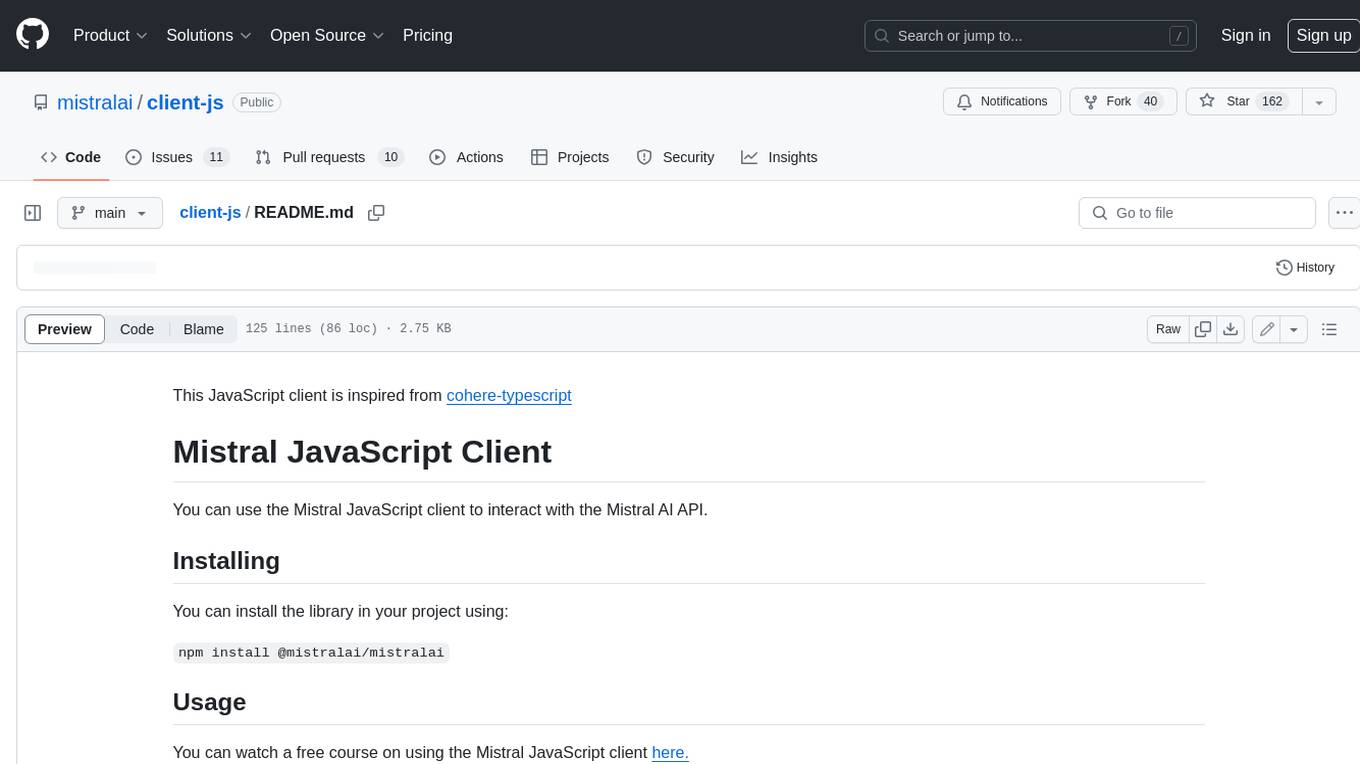
The Mistral JavaScript client is a library that allows you to interact with the Mistral AI API. With this client, you can perform various tasks such as listing models, chatting with streaming, chatting without streaming, and generating embeddings. To use the client, you can install it in your project using npm and then set up the client with your API key. Once the client is set up, you can use it to perform the desired tasks. For example, you can use the client to chat with a model by providing a list of messages. The client will then return the response from the model. You can also use the client to generate embeddings for a given input. The embeddings can then be used for various downstream tasks such as clustering or classification.
ai
The Vercel AI SDK is a library for building AI-powered streaming text and chat UIs. It provides React, Svelte, Vue, and Solid helpers for streaming text responses and building chat and completion UIs. The SDK also includes a React Server Components API for streaming Generative UI and first-class support for various AI providers such as OpenAI, Anthropic, Mistral, Perplexity, AWS Bedrock, Azure, Google Gemini, Hugging Face, Fireworks, Cohere, LangChain, Replicate, Ollama, and more. Additionally, it offers Node.js, Serverless, and Edge Runtime support, as well as lifecycle callbacks for saving completed streaming responses to a database in the same request.
model.nvim
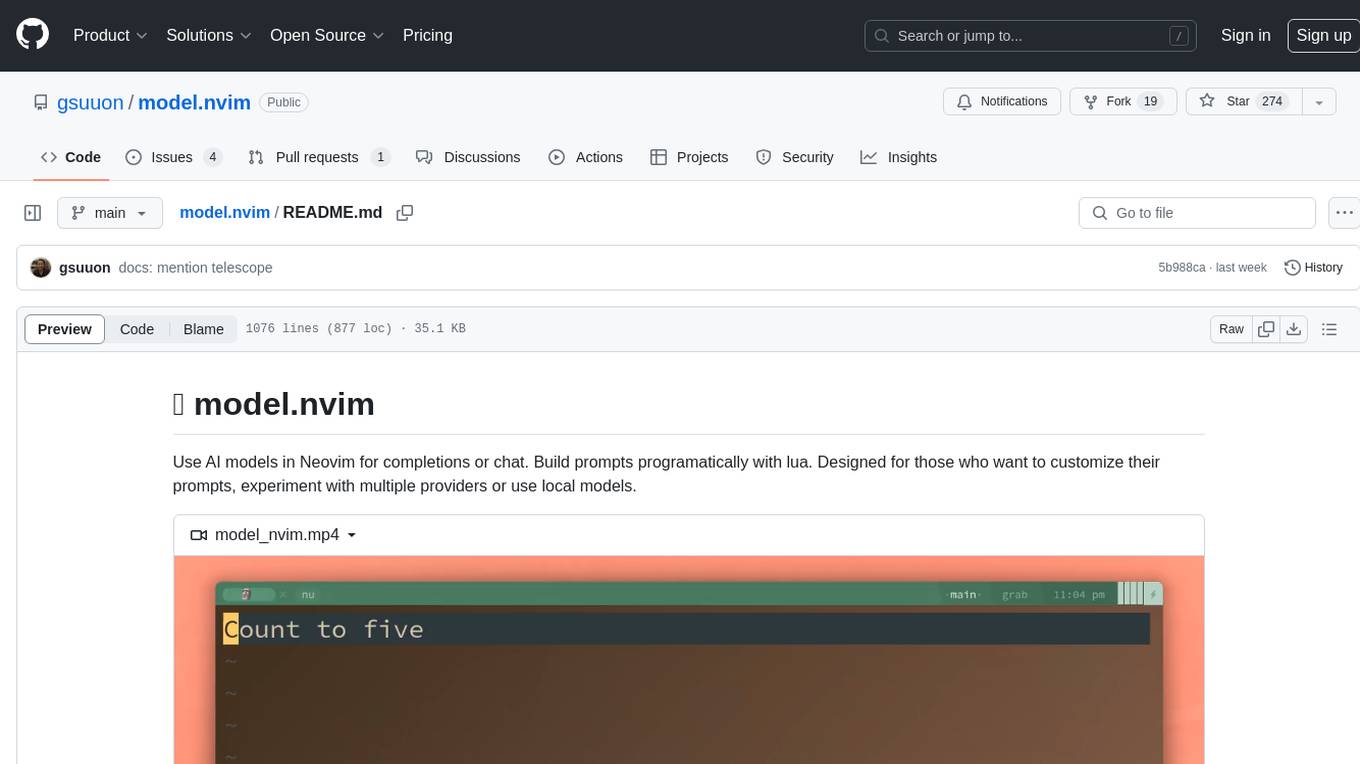
model.nvim is a tool designed for Neovim users who want to utilize AI models for completions or chat within their text editor. It allows users to build prompts programmatically with Lua, customize prompts, experiment with multiple providers, and use both hosted and local models. The tool supports features like provider agnosticism, programmatic prompts in Lua, async and multistep prompts, streaming completions, and chat functionality in 'mchat' filetype buffer. Users can customize prompts, manage responses, and context, and utilize various providers like OpenAI ChatGPT, Google PaLM, llama.cpp, ollama, and more. The tool also supports treesitter highlights and folds for chat buffers.
ax
Ax is a Typescript library that allows users to build intelligent agents inspired by agentic workflows and the Stanford DSP paper. It seamlessly integrates with multiple Large Language Models (LLMs) and VectorDBs to create RAG pipelines or collaborative agents capable of solving complex problems. The library offers advanced features such as streaming validation, multi-modal DSP, and automatic prompt tuning using optimizers. Users can easily convert documents of any format to text, perform smart chunking, embedding, and querying, and ensure output validation while streaming. Ax is production-ready, written in Typescript, and has zero dependencies.
deepgram-js-sdk
Deepgram JavaScript SDK. Power your apps with world-class speech and Language AI models.
python-genai
The Google Gen AI SDK is a Python library that provides access to Google AI and Vertex AI services. It allows users to create clients for different services, work with parameter types, models, generate content, call functions, handle JSON response schemas, stream text and image content, perform async operations, count and compute tokens, embed content, generate and upscale images, edit images, work with files, create and get cached content, tune models, distill models, perform batch predictions, and more. The SDK supports various features like automatic function support, manual function declaration, JSON response schema support, streaming for text and image content, async methods, tuning job APIs, distillation, batch prediction, and more.
sparkle
Sparkle is a tool that streamlines the process of building AI-driven features in applications using Large Language Models (LLMs). It guides users through creating and managing agents, defining tools, and interacting with LLM providers like OpenAI. Sparkle allows customization of LLM provider settings, model configurations, and provides a seamless integration with Sparkle Server for exposing agents via an OpenAI-compatible chat API endpoint.
react-native-rag
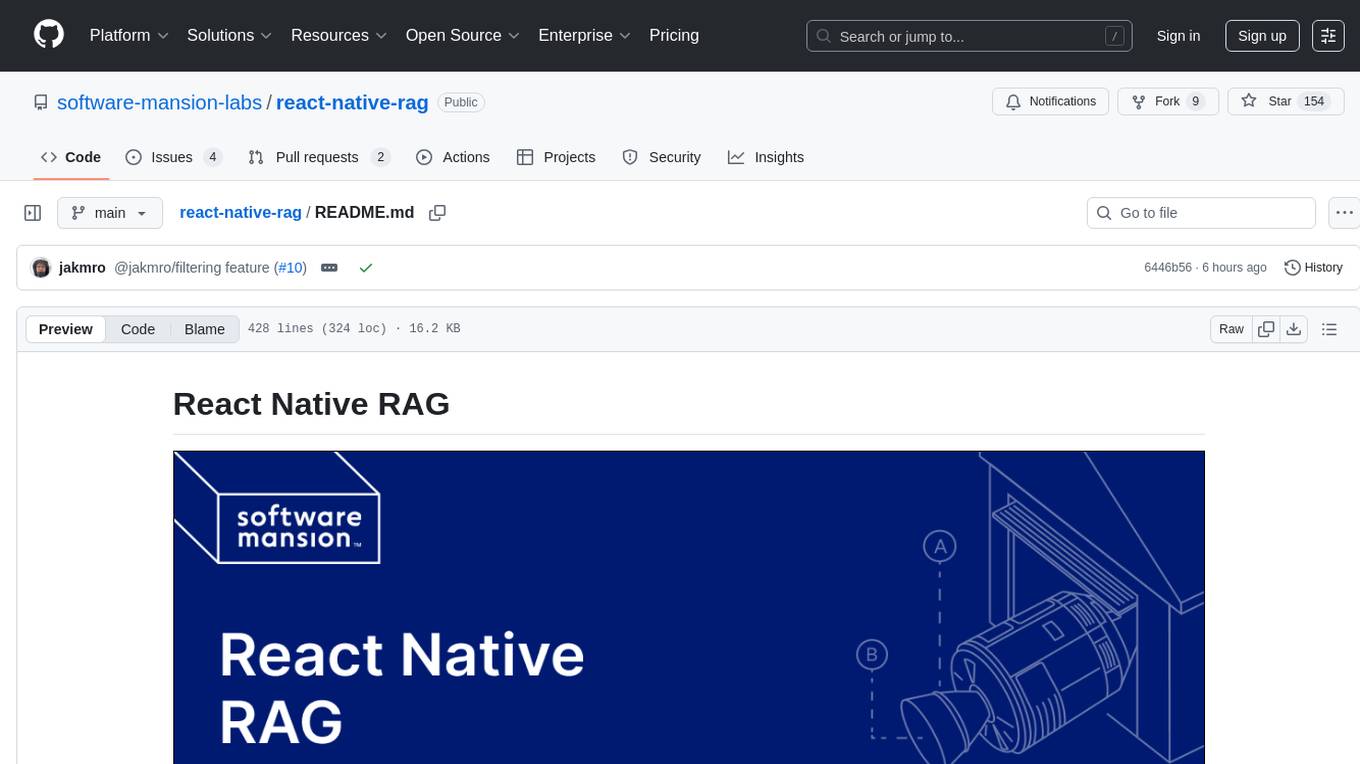
React Native RAG is a library that enables private, local RAGs to supercharge LLMs with a custom knowledge base. It offers modular and extensible components like `LLM`, `Embeddings`, `VectorStore`, and `TextSplitter`, with multiple integration options. The library supports on-device inference, vector store persistence, and semantic search implementation. Users can easily generate text responses, manage documents, and utilize custom components for advanced use cases.
lmstudio.js
lmstudio.js is a pre-release alpha client SDK for LM Studio, allowing users to use local LLMs in JS/TS/Node. It is currently undergoing rapid development with breaking changes expected. Users can follow LM Studio's announcements on Twitter and Discord. The SDK provides API usage for loading models, predicting text, setting up the local LLM server, and more. It supports features like custom loading progress tracking, model unloading, structured output prediction, and cancellation of predictions. Users can interact with LM Studio through the CLI tool 'lms' and perform tasks like text completion, conversation, and getting prediction statistics.

generative-ai-python
The Google AI Python SDK is the easiest way for Python developers to build with the Gemini API. The Gemini API gives you access to Gemini models created by Google DeepMind. Gemini models are built from the ground up to be multimodal, so you can reason seamlessly across text, images, and code.
instructor
Instructor is a popular Python library for managing structured outputs from large language models (LLMs). It offers a user-friendly API for validation, retries, and streaming responses. With support for various LLM providers and multiple languages, Instructor simplifies working with LLM outputs. The library includes features like response models, retry management, validation, streaming support, and flexible backends. It also provides hooks for logging and monitoring LLM interactions, and supports integration with Anthropic, Cohere, Gemini, Litellm, and Google AI models. Instructor facilitates tasks such as extracting user data from natural language, creating fine-tuned models, managing uploaded files, and monitoring usage of OpenAI models.
xsai
xsAI is an extra-small AI SDK designed for Browser, Node.js, Deno, Bun, or Edge Runtime. It provides a series of utils to help users utilize OpenAI or OpenAI-compatible APIs. The SDK is lightweight and efficient, using a variety of methods to minimize its size. It is runtime-agnostic, working seamlessly across different environments without depending on Node.js Built-in Modules. Users can easily install specific utils like generateText or streamText, and leverage tools like weather to perform tasks such as getting the weather in a location.
flapi
flAPI is a powerful service that automatically generates read-only APIs for datasets by utilizing SQL templates. Built on top of DuckDB, it offers features like automatic API generation, support for Model Context Protocol (MCP), connecting to multiple data sources, caching, security implementation, and easy deployment. The tool allows users to create APIs without coding and enables the creation of AI tools alongside REST endpoints using SQL templates. It supports unified configuration for REST endpoints and MCP tools/resources, concurrent servers for REST API and MCP server, and automatic tool discovery. The tool also provides DuckLake-backed caching for modern, snapshot-based caching with features like full refresh, incremental sync, retention, compaction, and audit logs.
java-genai
Java idiomatic SDK for the Gemini Developer APIs and Vertex AI APIs. The SDK provides a Client class for interacting with both APIs, allowing seamless switching between the 2 backends without code rewriting. It supports features like generating content, embedding content, generating images, upscaling images, editing images, and generating videos. The SDK also includes options for setting API versions, HTTP request parameters, client behavior, and response schemas.
minuet-ai.nvim
Minuet AI is a Neovim plugin that integrates with nvim-cmp to provide AI-powered code completion using multiple AI providers such as OpenAI, Claude, Gemini, Codestral, and Huggingface. It offers customizable configuration options and streaming support for completion delivery. Users can manually invoke completion or use cost-effective models for auto-completion. The plugin requires API keys for supported AI providers and allows customization of system prompts. Minuet AI also supports changing providers, toggling auto-completion, and provides solutions for input delay issues. Integration with lazyvim is possible, and future plans include implementing RAG on the codebase and virtual text UI support.
For similar tasks
js-genai
The Google Gen AI JavaScript SDK is an experimental SDK for TypeScript and JavaScript developers to build applications powered by Gemini. It supports both the Gemini Developer API and Vertex AI. The SDK is designed to work with Gemini 2.0 features. Users can access API features through the GoogleGenAI classes, which provide submodules for querying models, managing caches, creating chats, uploading files, and starting live sessions. The SDK also allows for function calling to interact with external systems. Users can find more samples in the GitHub samples directory.

floneum
Floneum is a graph editor that makes it easy to develop your own AI workflows. It uses large language models (LLMs) to run AI models locally, without any external dependencies or even a GPU. This makes it easy to use LLMs with your own data, without worrying about privacy. Floneum also has a plugin system that allows you to improve the performance of LLMs and make them work better for your specific use case. Plugins can be used in any language that supports web assembly, and they can control the output of LLMs with a process similar to JSONformer or guidance.
llm-answer-engine
This repository contains the code and instructions needed to build a sophisticated answer engine that leverages the capabilities of Groq, Mistral AI's Mixtral, Langchain.JS, Brave Search, Serper API, and OpenAI. Designed to efficiently return sources, answers, images, videos, and follow-up questions based on user queries, this project is an ideal starting point for developers interested in natural language processing and search technologies.
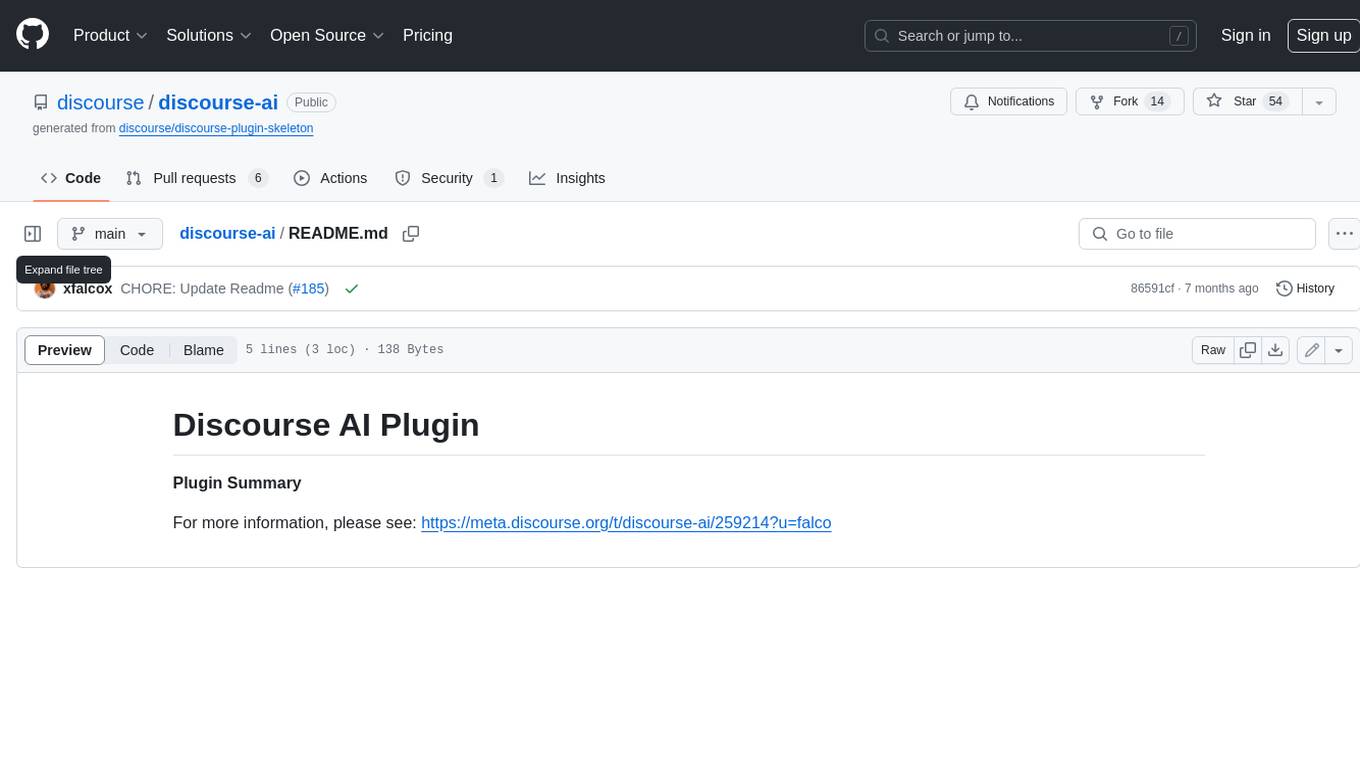
discourse-ai
Discourse AI is a plugin for the Discourse forum software that uses artificial intelligence to improve the user experience. It can automatically generate content, moderate posts, and answer questions. This can free up moderators and administrators to focus on other tasks, and it can help to create a more engaging and informative community.

Gemini-API
Gemini-API is a reverse-engineered asynchronous Python wrapper for Google Gemini web app (formerly Bard). It provides features like persistent cookies, ImageFx support, extension support, classified outputs, official flavor, and asynchronous operation. The tool allows users to generate contents from text or images, have conversations across multiple turns, retrieve images in response, generate images with ImageFx, save images to local files, use Gemini extensions, check and switch reply candidates, and control log level.
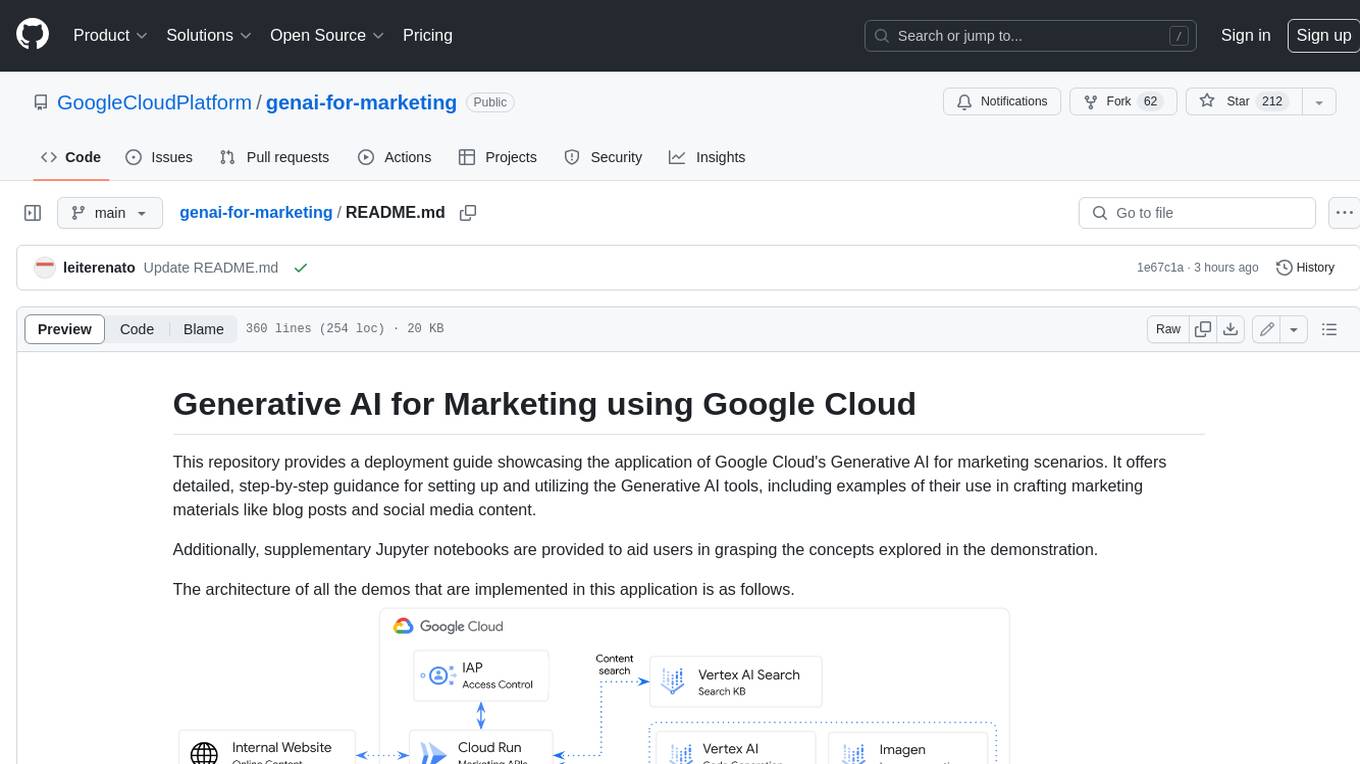
genai-for-marketing
This repository provides a deployment guide for utilizing Google Cloud's Generative AI tools in marketing scenarios. It includes step-by-step instructions, examples of crafting marketing materials, and supplementary Jupyter notebooks. The demos cover marketing insights, audience analysis, trendspotting, content search, content generation, and workspace integration. Users can access and visualize marketing data, analyze trends, improve search experience, and generate compelling content. The repository structure includes backend APIs, frontend code, sample notebooks, templates, and installation scripts.
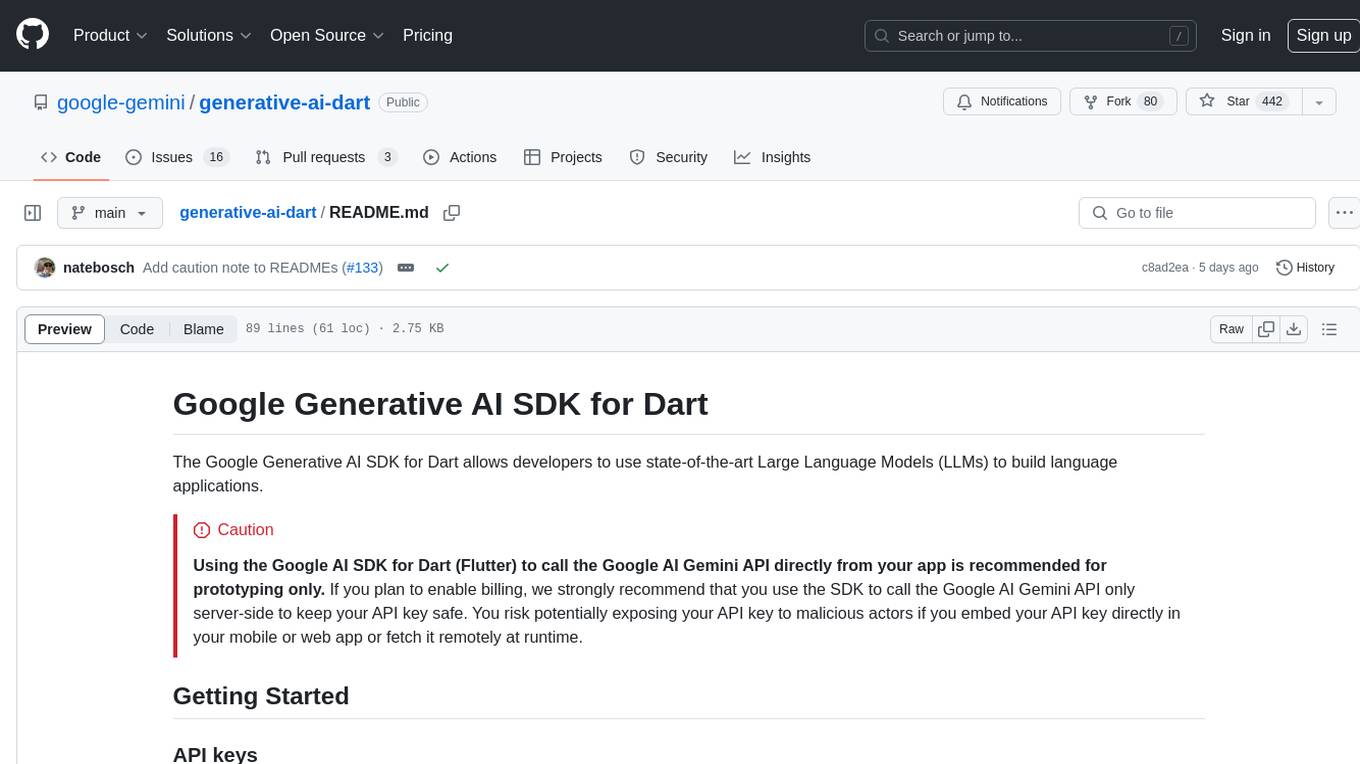
generative-ai-dart
The Google Generative AI SDK for Dart enables developers to utilize cutting-edge Large Language Models (LLMs) for creating language applications. It provides access to the Gemini API for generating content using state-of-the-art models. Developers can integrate the SDK into their Dart or Flutter applications to leverage powerful AI capabilities. It is recommended to use the SDK for server-side API calls to ensure the security of API keys and protect against potential key exposure in mobile or web apps.
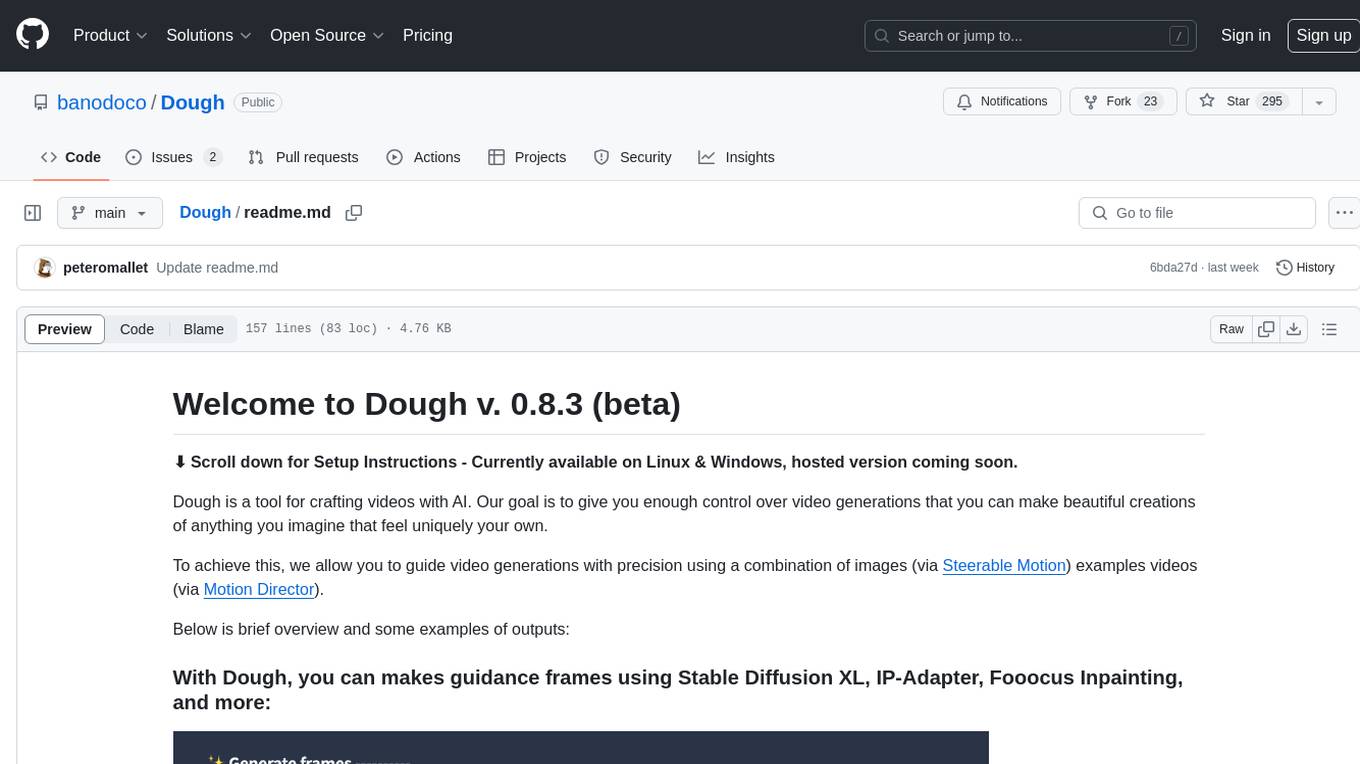
Dough
Dough is a tool for crafting videos with AI, allowing users to guide video generations with precision using images and example videos. Users can create guidance frames, assemble shots, and animate them by defining parameters and selecting guidance videos. The tool aims to help users make beautiful and unique video creations, providing control over the generation process. Setup instructions are available for Linux and Windows platforms, with detailed steps for installation and running the app.
For similar jobs

sweep
Sweep is an AI junior developer that turns bugs and feature requests into code changes. It automatically handles developer experience improvements like adding type hints and improving test coverage.

teams-ai
The Teams AI Library is a software development kit (SDK) that helps developers create bots that can interact with Teams and Microsoft 365 applications. It is built on top of the Bot Framework SDK and simplifies the process of developing bots that interact with Teams' artificial intelligence capabilities. The SDK is available for JavaScript/TypeScript, .NET, and Python.

ai-guide
This guide is dedicated to Large Language Models (LLMs) that you can run on your home computer. It assumes your PC is a lower-end, non-gaming setup.

classifai
Supercharge WordPress Content Workflows and Engagement with Artificial Intelligence. Tap into leading cloud-based services like OpenAI, Microsoft Azure AI, Google Gemini and IBM Watson to augment your WordPress-powered websites. Publish content faster while improving SEO performance and increasing audience engagement. ClassifAI integrates Artificial Intelligence and Machine Learning technologies to lighten your workload and eliminate tedious tasks, giving you more time to create original content that matters.

chatbot-ui
Chatbot UI is an open-source AI chat app that allows users to create and deploy their own AI chatbots. It is easy to use and can be customized to fit any need. Chatbot UI is perfect for businesses, developers, and anyone who wants to create a chatbot.

BricksLLM
BricksLLM is a cloud native AI gateway written in Go. Currently, it provides native support for OpenAI, Anthropic, Azure OpenAI and vLLM. BricksLLM aims to provide enterprise level infrastructure that can power any LLM production use cases. Here are some use cases for BricksLLM: * Set LLM usage limits for users on different pricing tiers * Track LLM usage on a per user and per organization basis * Block or redact requests containing PIIs * Improve LLM reliability with failovers, retries and caching * Distribute API keys with rate limits and cost limits for internal development/production use cases * Distribute API keys with rate limits and cost limits for students

uAgents
uAgents is a Python library developed by Fetch.ai that allows for the creation of autonomous AI agents. These agents can perform various tasks on a schedule or take action on various events. uAgents are easy to create and manage, and they are connected to a fast-growing network of other uAgents. They are also secure, with cryptographically secured messages and wallets.

griptape
Griptape is a modular Python framework for building AI-powered applications that securely connect to your enterprise data and APIs. It offers developers the ability to maintain control and flexibility at every step. Griptape's core components include Structures (Agents, Pipelines, and Workflows), Tasks, Tools, Memory (Conversation Memory, Task Memory, and Meta Memory), Drivers (Prompt and Embedding Drivers, Vector Store Drivers, Image Generation Drivers, Image Query Drivers, SQL Drivers, Web Scraper Drivers, and Conversation Memory Drivers), Engines (Query Engines, Extraction Engines, Summary Engines, Image Generation Engines, and Image Query Engines), and additional components (Rulesets, Loaders, Artifacts, Chunkers, and Tokenizers). Griptape enables developers to create AI-powered applications with ease and efficiency.