


gobii-platform
Your easy to use, always-on AI workforce 👾
Stars: 324
Gobii Platform is an open-source platform designed for running durable autonomous agents in production. Each agent can run continuously, wake from schedules and events, use real browsers, call external systems, and coordinate with other agents. It is optimized for reliable, secure, always-on agent operations for teams and businesses. Gobii treats agents as operational entities with addressable communication endpoints, allowing teams to contact them directly like AI coworkers. The platform provides security-first controls, encrypted-at-rest secrets, proxy-governed egress, and Kubernetes sandbox compute support. Gobii is purpose-built for secure, governed, always-on production execution in cloud or hybrid environments.
README:

Always-on AI employees for teams.
Built on browser-use. Designed for secure, cloud-native operations.



Website · Docs · Discord · Cloud
Gobii is the open-source platform for running durable autonomous agents in production. Each agent can run continuously, wake from schedules and events, use real browsers, call external systems, and coordinate with other agents. Each agent can also be contacted like an AI coworker: assign it an identity, email or text it, and it keeps working 24/7.
If you are optimizing for local-first personal assistant UX on a single device, there are excellent projects for that. Gobii is optimized for a different problem: reliable, secure, always-on agent operations for teams and businesses.
Gobii agent demo in action
- Why Teams Choose Gobii
- Gobii vs OpenClaw (Production Lens)
- AI Coworker Interaction Model
- How Gobii Works
- Always-On Runtime: Schedule + Event Triggers
- Production Browser Runtime
- Identity, Channels, and Agent-to-Agent
- Security Posture
- Launch in 5 Minutes
- API Quick Start
- Deployment Paths
- Operational Profiles
- Production Use Cases
- FAQ
- Developer Workflow
- Docs and Deep Dives
- Contributing
- License and Trademarks
- Always-on by default: per-agent schedule state plus durable event processing.
- Identity-bearing agents: each agent can have its own email address and SMS phone number, so teams can contact it directly.
- Native agent-to-agent messaging: linked agents can coordinate directly.
- Webhook-native integration model: inbound webhooks wake agents; outbound webhooks are first-class agent actions.
-
Based on browser-use: keeps
/api/v1/tasks/browser-use/compatibility while adding platform-level runtime controls. - SQLite-native operational memory: structured state substrate for long-running tool workflows.
- Real browser operations: headed execution, persistent profile handling, and proxy-aware routing.
- Security-first controls: encrypted-at-rest secrets, proxy-governed egress, and Kubernetes sandbox compute support.
OpenClaw is excellent software, especially for local-first personal assistant workflows and broad channel coverage. Gobii is optimized for a different target: cloud-native, secure, always-on agent operations for teams.
| Dimension | Gobii | OpenClaw |
|---|---|---|
| Primary deployment model | Cloud-native autonomous agent runtime (self-hosted or managed) | Local-first gateway and personal assistant runtime |
| Always-on behavior | Per-agent schedule + durable event queue continuity | Heartbeat and cron/wakeup session patterns |
| Webhook model | Inbound triggers plus outbound agent webhook actions in one lifecycle | Strong gateway ingress hooks and wake/agent webhook routes |
| Channel strategy | Fewer core channels with deeper lifecycle integration | Wider channel surface with intentionally thinner per-channel depth |
| Agent identity | Endpoint-addressable agent identities (email/SMS/web) | Workspace/session identity model |
| Human interaction model | Contact each agent directly through its own endpoint like an AI coworker | Primarily session/workspace-oriented assistant interactions |
| Agent coordination | Native agent-to-agent messaging | Orchestrator/subagent flows |
| Memory substrate | SQLite-native operational state | Markdown-first memory with optional vector acceleration |
| Browser runtime | Headed execution, persistent profiles, proxy-aware routing, distributed-worker friendly | Headed execution, persistent local profiles, strong local operator UX |
| Security defaults | Encrypted-at-rest secrets, proxy-governed egress, sandbox compute, Kubernetes/gVisor support | Local-first by design, sandboxing available but deployment-dependent |
| Best fit | Production team automation with governed runtime controls | Personal/local assistant workflows and channel breadth |
If your priority is secure, governed, always-on production execution in cloud or hybrid environments, Gobii is purpose-built for that.
Gobii agents are designed to behave like AI coworkers, not disposable one-off tasks. You can email or text them directly, they wake from those events, execute work, and reply with context-aware follow-through.
sequenceDiagram
    participant U as You / Team
    participant E as Agent Email/SMS Endpoint
    participant Q as Per-Agent Event Queue
    participant A as Always-On Gobii Agent
    participant T as Browser/Tools/APIs

    U->>E: Send message to the agent
    E->>Q: Inbound event is queued
    Q->>A: Wake agent with full context
    A->>T: Execute tasks and gather outputs
    T-->>A: Results, files, and state updates
    A-->>U: Reply with outcome and next steps
A->>Q: Stay active for follow-up eventsflowchart LR
A[External Triggers\nSMS · Email · Webhook · API] --> B[Per-Agent Durable Queue]
C[Schedule / Cron] --> B
B --> D[Persistent Agent Runtime]
D --> E[Tools Layer]
E --> E1[Browser Automation\nheaded + profile-aware]
E --> E2[SQLite State\nstructured memory tables]
E --> E3[Outbound Integrations\nwebhooks + HTTP]
E --> E4[Agent-to-Agent\npeer messaging]
D --> F[Comms Replies\nSMS · Email · Web]
D --> G[Files + Reports + Artifacts]| Area | Gobii focus |
|---|---|
| Runtime model | Long-lived schedule + event lifecycle |
| Primary operator | Teams and organizations |
| Agent identity | Addressable communication endpoints |
| Orchestration | Always-on processing + native A2A |
| Browser workload shape | Production tasks with persisted state |
| Security posture | Controlled egress, encrypted secrets, sandbox compute |
Gobii agents are built to stay active over time, not just respond in isolated turns.
sequenceDiagram
    participant S as Scheduler
    participant Q as Agent Event Queue
    participant R as Agent Runtime
    participant T as Tools
    participant C as Channels / Integrations

    S->>Q: enqueue cron trigger
    C->>Q: enqueue inbound event\n(email/sms/webhook/api)
    Q->>R: process next event for agent
    R->>T: execute required actions
    T-->>R: outputs + state updates
    R->>C: outbound reply / webhook / follow-up
    R->>Q: continue or sleep
This gives you continuity for real workflows: queued work, retries, deferred actions, and predictable wake/sleep behavior.
Gobii is based on browser-use and adds production runtime behavior around it.
- Headed browser support for realistic web workflows.
- Persistent browser profile handling for long-running agents.
- Proxy-aware browser and HTTP task routing for controlled egress paths.
-
Task-level API compatibility via
/api/v1/tasks/browser-use/.
Gobii treats agents as operational entities, not just prompt sessions. When channels are enabled, each agent can be assigned identity endpoints and contacted directly like an AI coworker.
- Agents can own communication endpoints (email, SMS, web).
- Managed deployments support first-party agent identities like
[email protected]. - Inbound email/SMS/web events can wake agents and route into the same runtime lifecycle.
- Agents can directly message linked peer agents for native coordination.
flowchart LR
    U[Team member] --> E[Agent email or SMS endpoint]
    E --> A[Assigned always-on Gobii agent]
    A <--> P[Peer Gobii agent]
A --> R[Reply back to human channel]Gobii's architecture is built for production guardrails.
- Encrypted secrets integrated into agent tooling.
- Proxy-governed outbound access with health-aware selection and dedicated proxy inventory support.
- Sandboxed compute support for isolated tool execution.
- Kubernetes backend support with gVisor runtime-class integration in sandbox compute paths.
For sandbox compute design references:
- Prerequisites: Docker Desktop (or compatible engine) with at least 12 GB RAM allocated.
- Clone the repo.
git clone https://github.com/gobii-ai/gobii-platform.git
cd gobii-platform- Start Gobii.
docker compose up --build- Open Gobii at http://localhost:8000 and complete setup.
- Create your admin account.
- Choose model providers (OpenAI, OpenRouter, Anthropic, Fireworks, or custom endpoint).
- Add API keys and preferred model configuration.
- Create your first always-on agent.
Optional runtime profiles:
-
docker compose --profile beat upfor scheduled trigger processing. -
docker compose --profile email upfor IMAP idlers and inbound email workflows. -
docker compose --profile obs upfor Flower + OTEL collector observability services.
curl --no-buffer \
  -H "X-Api-Key: $GOBII_API_KEY" \
  -H "Content-Type: application/json" \
  -X POST http://localhost:8000/api/v1/tasks/browser-use/ \
  -d '{
        "prompt": "Visit https://news.ycombinator.com and return the top headline",
        "wait": 60,
        "output_schema": {
          "type": "object",
          "properties": {
            "headline": {"type": "string"}
          },
          "required": ["headline"],
          "additionalProperties": false
        }
}'| Self-host (this repo) | Gobii Cloud (managed) |
|---|---|
| MIT-licensed core on your own infrastructure | Managed Gobii deployment and operations |
| Full runtime/networking/integration control | Governed releases and managed scaling |
| Best for source-level customization | Best for faster production rollout |
Gobii keeps the default boot path simple, then lets you add worker roles as needed.
| Profile | Command | What it adds |
|---|---|---|
| Core | docker compose up --build |
App server + worker + Redis + Postgres + migrations/bootstrap |
| Scheduler | docker compose --profile beat up |
Celery beat + schedule sync for cron/event timing |
| Email listeners | docker compose --profile email up |
IMAP idlers for inbound email automation |
| Observability | docker compose --profile obs up |
Flower + OTEL collector services |
- Revenue ops agents: monitor inboxes and web systems continuously, update records, and send structured summaries.
- Recruiting ops agents: source candidates, enrich profiles, and coordinate outbound messaging from persistent workflows.
- Support and success agents: triage inbound channels, execute browser-backed actions, and escalate with full state continuity.
- Back-office automation: run long-lived, trigger-driven workflows that need durable memory and secure credentials handling.
No. Gobii is based on browser-use, but adds persistent agent runtime behavior: schedule/event lifecycle, comms channels, webhooks, memory, orchestration, and operational controls.
Gobii can power individual workflows, but the architecture is tuned for team and business operations where agents stay active and integrate into production systems.
Yes. Gobii supports headed browser workflows and persistent profile handling for realistic web task execution.
Yes. With channels configured, each agent can be assigned its own endpoint identity (email and/or SMS), so your team can interact with it directly and asynchronously.
Agents can wake from schedules and external events (email/SMS/webhooks/API), process durable queued work, and continue across turns instead of resetting every interaction.
Gobii integrates encrypted-at-rest secrets, proxy-aware outbound controls, and sandbox compute support with Kubernetes/gVisor backend options for stronger isolation.
Use DEVELOPMENT.md for the complete local setup and iteration flow.
Typical loop:
# backing services
docker compose -f docker-compose.dev.yaml up

# app server
uv run uvicorn config.asgi:application --reload --host 0.0.0.0 --port 8000

# workers (macOS-safe config)
uv run celery -A config worker -l info --pool=threads --concurrency=4- Getting started: Introduction
- Developer foundations: Developer Basics
- Agent API: Agents
- Browser task execution: Tasks
- Structured outputs: Structured Data
- Event ingress and automation: Webhooks
- REST reference: API Reference
- Self-hosting: Self-Hosted Deployment Overview
- Concepts: Agents, Dedicated IPs
- Advanced integrations: MCP Servers
- Local sandbox design docs: docs/design
- Open issues and PRs are welcome.
- Follow existing project style and test conventions.
- Join the community on Discord.
For Tasks:
Click tags to check more tools for each tasksFor Jobs:
Alternative AI tools for gobii-platform
Similar Open Source Tools
gobii-platform
Gobii Platform is an open-source platform designed for running durable autonomous agents in production. Each agent can run continuously, wake from schedules and events, use real browsers, call external systems, and coordinate with other agents. It is optimized for reliable, secure, always-on agent operations for teams and businesses. Gobii treats agents as operational entities with addressable communication endpoints, allowing teams to contact them directly like AI coworkers. The platform provides security-first controls, encrypted-at-rest secrets, proxy-governed egress, and Kubernetes sandbox compute support. Gobii is purpose-built for secure, governed, always-on production execution in cloud or hybrid environments.
xpander.ai
xpander.ai is a Backend-as-a-Service for autonomous agents that abstracts the ops layer, allowing AI engineers to focus on behavior and outcomes. It provides managed agent hosting with version control and CI/CD, a fully managed PostgreSQL memory layer, and a library of 2,000+ functions. The platform features an AI native triggering system that processes inputs from various sources and delivers unified messages to agents. With support for any agent framework or SDK, including Agno and OpenAI, xpander.ai enables users to build intelligent, production-ready AI agents without dealing with infrastructure complexity.
EvoAgentX
EvoAgentX is an open-source framework for building, evaluating, and evolving LLM-based agents or agentic workflows in an automated, modular, and goal-driven manner. It enables developers and researchers to move beyond static prompt chaining or manual workflow orchestration by introducing a self-evolving agent ecosystem. The framework includes features such as agent workflow autoconstruction, built-in evaluation, self-evolution engine, plug-and-play compatibility, comprehensive built-in tools, memory module support, and human-in-the-loop interactions.
kubesphere
KubeSphere is a distributed operating system for cloud-native application management, using Kubernetes as its kernel. It provides a plug-and-play architecture, allowing third-party applications to be seamlessly integrated into its ecosystem. KubeSphere is also a multi-tenant container platform with full-stack automated IT operation and streamlined DevOps workflows. It provides developer-friendly wizard web UI, helping enterprises to build out a more robust and feature-rich platform, which includes most common functionalities needed for enterprise Kubernetes strategy.
graphbit
GraphBit is an industry-grade agentic AI framework built for developers and AI teams that demand stability, scalability, and low resource usage. It is written in Rust for maximum performance and safety, delivering significantly lower CPU usage and memory footprint compared to leading alternatives. The framework is designed to run multi-agent workflows in parallel, persist memory across steps, recover from failures, and ensure 100% task success under load. With lightweight architecture, observability, and concurrency support, GraphBit is suitable for deployment in high-scale enterprise environments and low-resource edge scenarios.
agents-towards-production
Agents Towards Production is an open-source playbook for building production-ready GenAI agents that scale from prototype to enterprise. Tutorials cover stateful workflows, vector memory, real-time web search APIs, Docker deployment, FastAPI endpoints, security guardrails, GPU scaling, browser automation, fine-tuning, multi-agent coordination, observability, evaluation, and UI development.
appwrite
Appwrite is a best-in-class, developer-first platform that provides everything needed to create scalable, stable, and production-ready software quickly. It is an end-to-end platform for building Web, Mobile, Native, or Backend apps, packaged as Docker microservices. Appwrite abstracts the complexity of building modern apps and allows users to build secure, full-stack applications faster. It offers features like user authentication, database management, storage, file management, image manipulation, Cloud Functions, messaging, and more services.
openclaw-nerve
Nerve is a self-hosted web UI for OpenClaw AI agents, offering voice conversations, live workspace editing, inline charts, cron scheduling, and full token-level visibility. It provides a dashboard for interacting with OpenClaw agents beyond messaging channels, allowing users to have a comprehensive view of their agents' activities and data. Nerve stands out with features like multilingual voice interaction, workspace visibility, responsive design, live charts integration, cron scheduling, and various other tools for managing and monitoring AI agents.
beeai-framework
BeeAI Framework is a versatile tool for building production-ready multi-agent systems. It offers flexibility in orchestrating agents, seamless integration with various models and tools, and production-grade controls for scaling. The framework supports Python and TypeScript libraries, enabling users to implement simple to complex multi-agent patterns, connect with AI services, and optimize token usage and resource management.
kubewall
kubewall is an open-source, single-binary Kubernetes dashboard with multi-cluster management and AI integration. It provides a simple and rich real-time interface to manage and investigate your clusters. With features like multi-cluster management, AI-powered troubleshooting, real-time monitoring, single-binary deployment, in-depth resource views, browser-based access, search and filter capabilities, privacy by default, port forwarding, live refresh, aggregated pod logs, and clean resource management, kubewall offers a comprehensive solution for Kubernetes cluster management.
higress
Higress is an open-source cloud-native API gateway built on the core of Istio and Envoy, based on Alibaba's internal practice of Envoy Gateway. It is designed for AI-native API gateway, serving AI businesses such as Tongyi Qianwen APP, Bailian Big Model API, and Machine Learning PAI platform. Higress provides capabilities to interface with LLM model vendors, AI observability, multi-model load balancing/fallback, AI token flow control, and AI caching. It offers features for AI gateway, Kubernetes Ingress gateway, microservices gateway, and security protection gateway, with advantages in production-level scalability, stream processing, extensibility, and ease of use.
ToolJet
ToolJet is an open-source platform for building and deploying internal tools, workflows, and AI agents. It offers a visual builder with drag-and-drop UI, integrations with databases, APIs, SaaS apps, and object storage. The community edition includes features like a visual app builder, ToolJet database, multi-page apps, collaboration tools, extensibility with plugins, code execution, and security measures. ToolJet AI, the enterprise version, adds AI capabilities for app generation, query building, debugging, agent creation, security compliance, user management, environment management, GitSync, branding, access control, embedded apps, and enterprise support.
ai-platform-engineering
The AI Platform Engineering repository provides a collection of tools and resources for building and deploying AI models. It includes libraries for data preprocessing, model training, and model serving. The repository also contains example code and tutorials to help users get started with AI development. Whether you are a beginner or an experienced AI engineer, this repository offers valuable insights and best practices to streamline your AI projects.
flow-like
Flow-Like is an enterprise-grade workflow operating system built upon Rust for uncompromising performance, efficiency, and code safety. It offers a modular frontend for apps, a rich set of events, a node catalog, a powerful no-code workflow IDE, and tools to manage teams, templates, and projects within organizations. With typed workflows, users can create complex, large-scale workflows with clear data origins, transformations, and contracts. Flow-Like is designed to automate any process through seamless integration of LLM, ML-based, and deterministic decision-making instances.
LobsterAI
LobsterAI is an all-in-one personal assistant Agent developed by NetEase Youdao. It works around the clock to handle everyday tasks like data analysis, making presentations, generating videos, writing documents, searching the web, sending emails, and scheduling tasks. At its core is Cowork mode, which executes tools, manipulates files, and runs commands in a local or sandboxed environment. Users can also chat with the agent via various platforms and control it remotely from their phones. The tool features built-in skills, scheduled tasks, persistent memory, and cross-platform support.
zenml
ZenML is an extensible, open-source MLOps framework for creating portable, production-ready machine learning pipelines. By decoupling infrastructure from code, ZenML enables developers across your organization to collaborate more effectively as they develop to production.
For similar tasks
gobii-platform
Gobii Platform is an open-source platform designed for running durable autonomous agents in production. Each agent can run continuously, wake from schedules and events, use real browsers, call external systems, and coordinate with other agents. It is optimized for reliable, secure, always-on agent operations for teams and businesses. Gobii treats agents as operational entities with addressable communication endpoints, allowing teams to contact them directly like AI coworkers. The platform provides security-first controls, encrypted-at-rest secrets, proxy-governed egress, and Kubernetes sandbox compute support. Gobii is purpose-built for secure, governed, always-on production execution in cloud or hybrid environments.
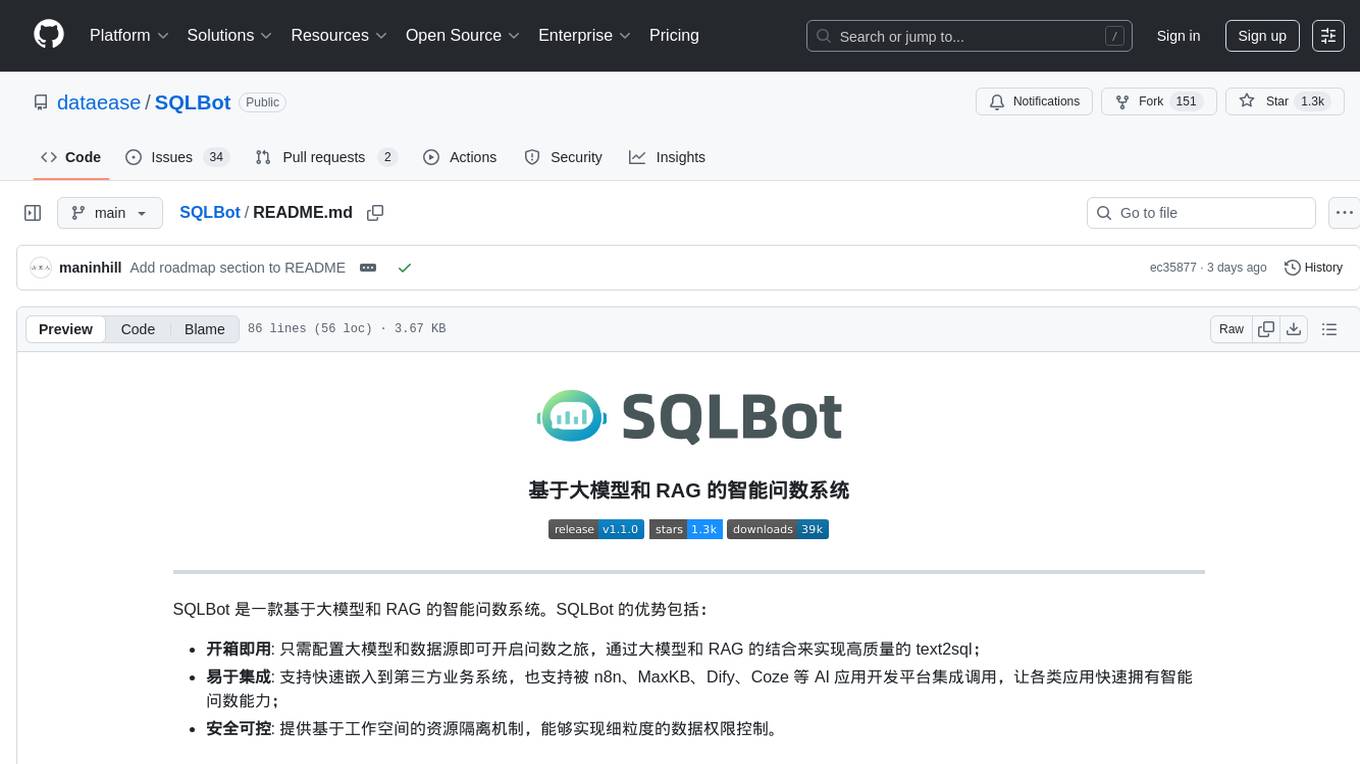
SQLBot
SQLBot is a versatile tool for executing SQL queries and managing databases. It provides a user-friendly interface for interacting with databases, allowing users to easily query, insert, update, and delete data. SQLBot supports various database systems such as MySQL, PostgreSQL, and SQLite, making it a valuable tool for developers, data analysts, and database administrators. With SQLBot, users can streamline their database management tasks and improve their productivity by quickly accessing and manipulating data without the need for complex SQL commands.
For similar jobs
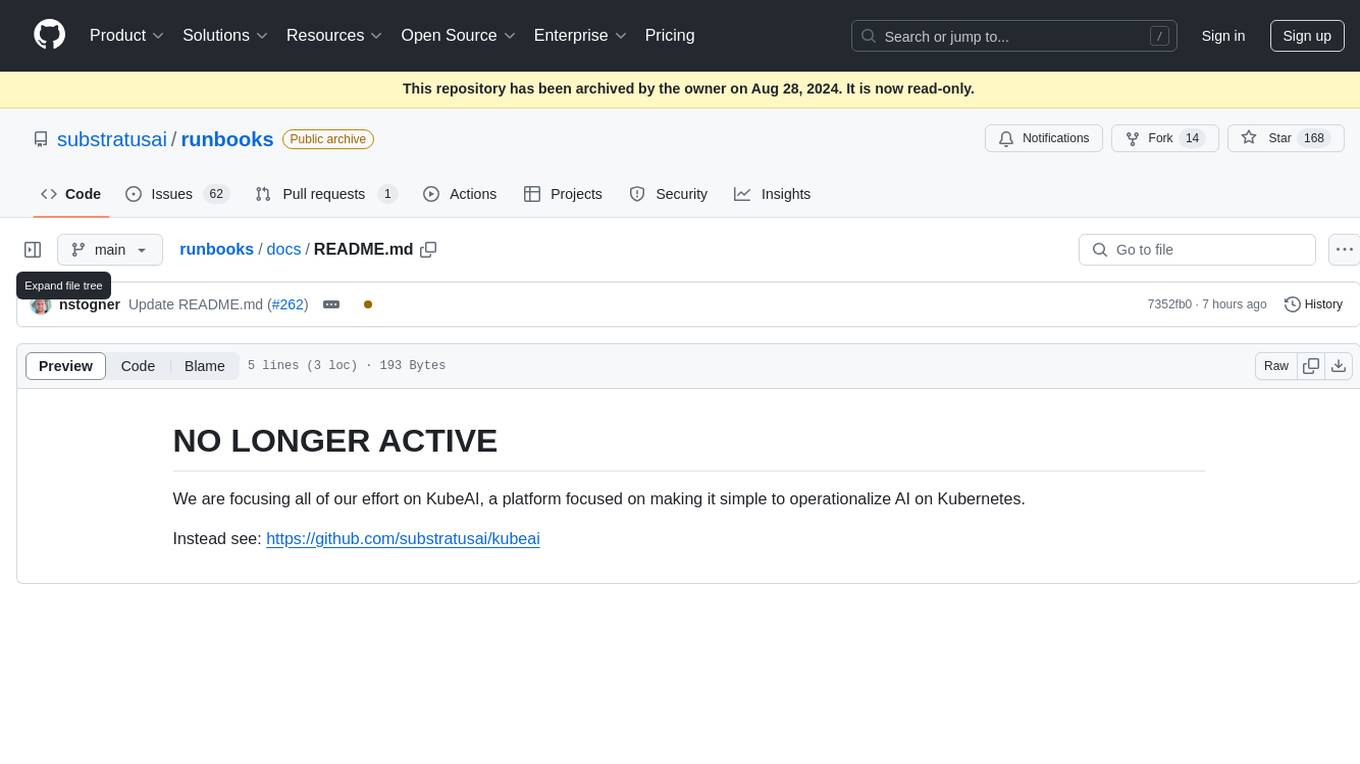
runbooks
Runbooks is a repository that is no longer active. The project has been deprecated in favor of KubeAI, a platform designed to simplify the operationalization of AI on Kubernetes. For more information, please refer to the new repository at https://github.com/substratusai/kubeai.
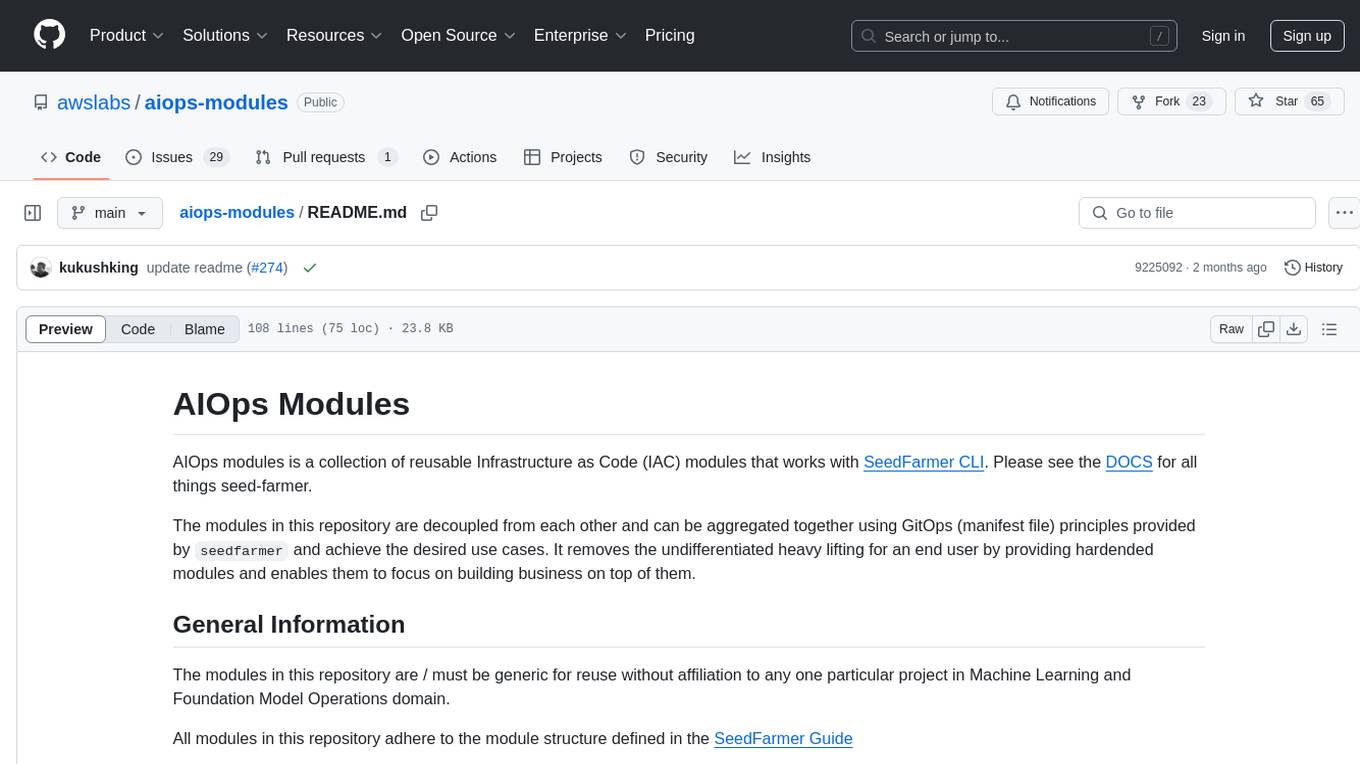
aiops-modules
AIOps Modules is a collection of reusable Infrastructure as Code (IAC) modules that work with SeedFarmer CLI. The modules are decoupled and can be aggregated using GitOps principles to achieve desired use cases, removing heavy lifting for end users. They must be generic for reuse in Machine Learning and Foundation Model Operations domain, adhering to SeedFarmer Guide structure. The repository includes deployment steps, project manifests, and various modules for SageMaker, Mlflow, FMOps/LLMOps, MWAA, Step Functions, EKS, and example use cases. It also supports Industry Data Framework (IDF) and Autonomous Driving Data Framework (ADDF) Modules.
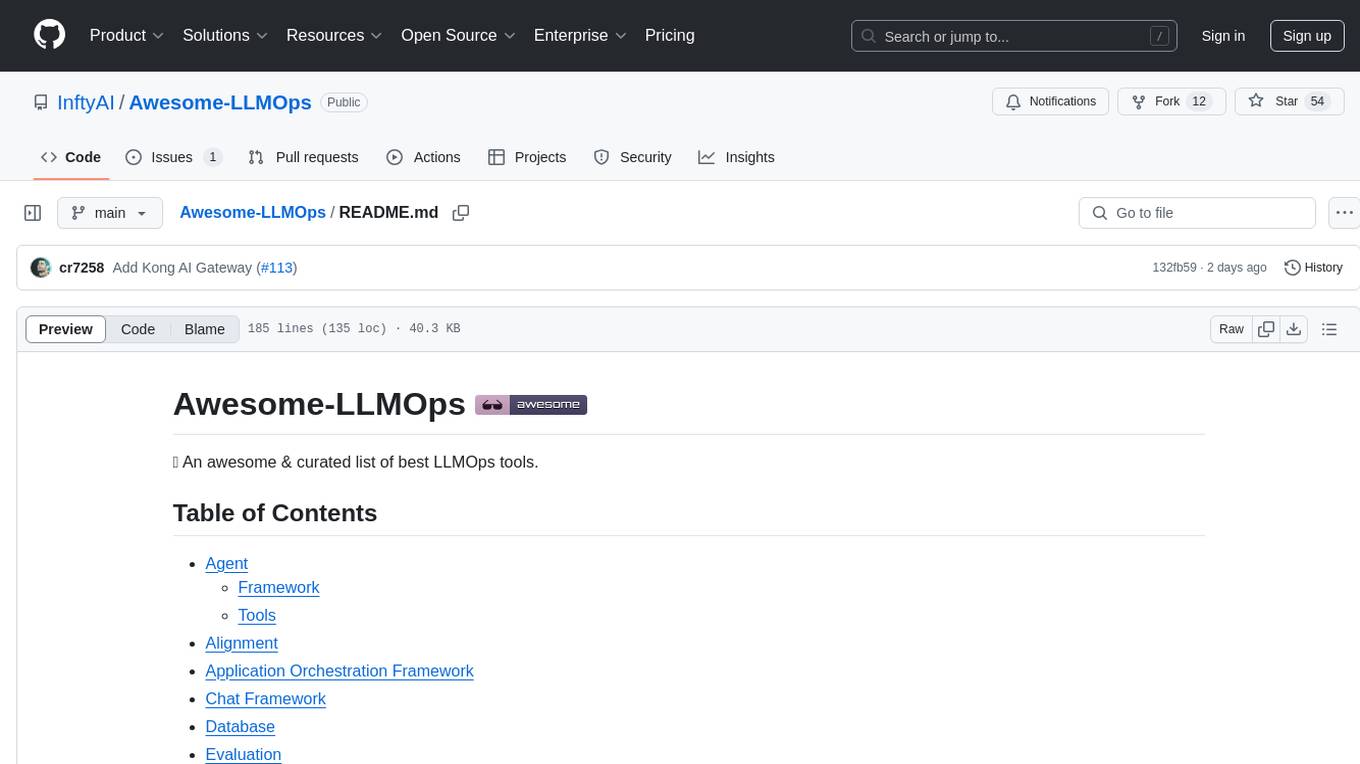
Awesome-LLMOps
Awesome-LLMOps is a curated list of the best LLMOps tools, providing a comprehensive collection of frameworks and tools for building, deploying, and managing large language models (LLMs) and AI agents. The repository includes a wide range of tools for tasks such as building multimodal AI agents, fine-tuning models, orchestrating applications, evaluating models, and serving models for inference. It covers various aspects of the machine learning operations (MLOps) lifecycle, from training to deployment and observability. The tools listed in this repository cater to the needs of developers, data scientists, and machine learning engineers working with large language models and AI applications.
skyflo
Skyflo.ai is an AI agent designed for Cloud Native operations, providing seamless infrastructure management through natural language interactions. It serves as a safety-first co-pilot with a human-in-the-loop design. The tool offers flexible deployment options for both production and local Kubernetes environments, supporting various LLM providers and self-hosted models. Users can explore the architecture of Skyflo.ai and contribute to its development following the provided guidelines and Code of Conduct. The community engagement includes Discord, Twitter, YouTube, and GitHub Discussions.
AI-CloudOps
AI+CloudOps is a cloud-native operations management platform designed for enterprises. It aims to integrate artificial intelligence technology with cloud-native practices to significantly improve the efficiency and level of operations work. The platform offers features such as AIOps for monitoring data analysis and alerts, multi-dimensional permission management, visual CMDB for resource management, efficient ticketing system, deep integration with Prometheus for real-time monitoring, and unified Kubernetes management for cluster optimization.
kubectl-mcp-server
Control your entire Kubernetes infrastructure through natural language conversations with AI. Talk to your clusters like you talk to a DevOps expert. Debug crashed pods, optimize costs, deploy applications, audit security, manage Helm charts, and visualize dashboards—all through natural language. The tool provides 253 powerful tools, 8 workflow prompts, 8 data resources, and works with all major AI assistants. It offers AI-powered diagnostics, built-in cost optimization, enterprise-ready features, zero learning curve, universal compatibility, visual insights, and production-grade deployment options. From debugging crashed pods to optimizing cluster costs, kubectl-mcp-server is your AI-powered DevOps companion.
forge-orchestrator
Forge Orchestrator is a Rust CLI tool designed to coordinate and manage multiple AI tools seamlessly. It acts as a senior tech lead, preventing conflicts, capturing knowledge, and ensuring work aligns with specifications. With features like file locking, knowledge capture, and unified state management, Forge enhances collaboration and efficiency among AI tools. The tool offers a pluggable brain for intelligent decision-making and includes a Model Context Protocol server for real-time integration with AI tools. Forge is not a replacement for AI tools but a facilitator for making them work together effectively.
gobii-platform
Gobii Platform is an open-source platform designed for running durable autonomous agents in production. Each agent can run continuously, wake from schedules and events, use real browsers, call external systems, and coordinate with other agents. It is optimized for reliable, secure, always-on agent operations for teams and businesses. Gobii treats agents as operational entities with addressable communication endpoints, allowing teams to contact them directly like AI coworkers. The platform provides security-first controls, encrypted-at-rest secrets, proxy-governed egress, and Kubernetes sandbox compute support. Gobii is purpose-built for secure, governed, always-on production execution in cloud or hybrid environments.