


BookWorm
The practical implementation of Aspire using Microservices, AI-Agents
Stars: 474
BookWorm is a cloud-native application showcasing Aspire with AI integration. It features DDD and VSA, multi-agent orchestration, standardized AI tooling through MCP, A2A & AG-UI Protocol support, and various microservices patterns. The project includes API versioning, feature flags, AuthN/AuthZ with Keycloak, caching with HybridCache, CI/CD with GitHub Actions, comprehensive documentation, modern client applications with Next.js, testing strategies, and more.
README:



[!WARNING]
Disclaimer: This example is for demo use only. It’s not production-ready and may omit important features.
⭐ BookWorm showcases Aspire in a cloud-native application with AI integration. Built with DDD and VSA, it features multi-agent orchestration and standardized AI tooling through MCP with A2A & AG-UI Protocol support.
View Screenshots


- [x] Developed a cloud-native application using Aspire
- [x] Implemented Vertical Slice Architecture with Domain-Driven Design & CQRS
- [x] Enabled service-to-service communication with gRPC
- [x] Incorporated various microservices patterns
- [x] Utilized outbox and inbox patterns to manage commands and events
- [x] Implemented saga patterns for orchestration and choreography
- [x] Integrated event sourcing for storing domain events
- [x] Implemented a microservices chassis for cross-cutting concerns and service infrastructure
- [x] Implemented API versioning and feature flags for flexible application management
- [x] Set up AuthN/AuthZ with Keycloak
- [x] Used Authorization Code Flow with PKCE for user authentication
- [x] Enabled Token Exchange for service-to-service authentication
- [x] Implemented caching with HybridCache
- [x] Incorporated AI components:
- [x] Text embedding with
text-embedding-3-large - [x] Integrated chatbot functionality using
gpt-4o-mini - [x] Orchestrated multi-agent workflows using Agent Framework
- [x] Standardized AI tooling with Model Context Protocol (MCP)
- [x] Enabled agent-to-agent communication via A2A Protocol
- [x] Supported Agent interactions via AG-UI Protocol
- [x] Text embedding with
- [x] Configured CI/CD with GitHub Actions
- [x] Created comprehensive documentation:
- [x] Used OpenAPI for REST API & AsyncAPI for event-driven endpoints
- [x] Utilized EventCatalog for centralized architecture documentation
- [x] Built modern client applications:
- [x] Monorepo architecture powered by
Turborepo - [x] Customer-facing storefront and admin backoffice dashboard with
Next.js - [x] Supported WCAG 2.1 AA accessibility standards
- [x] Monorepo architecture powered by
- [x] Established a testing strategy:
- [x] Conducted service unit tests
- [x] Implemented snapshot tests
- [x] Established architecture testing strategy
- [x] Performed load testing with k6
- [x] Implemented frontend unit tests and component tests
- [x] Conducted end-to-end testing with BDD
- [ ] Planned integration tests

- .NET 10.0 SDK
- Node.js
- Docker
- Gitleaks
- Bun
- Pnpm
- Just
- Buf CLI
- Aspire CLI
- Azure CLI
- Optional: Spec-Kit
- Optional: GitHub Copilot CLI
[!NOTE]
- 🤖 Ensure you have an OpenAI API key to use the AI features
- 📧 Email services use SendGrid in production and Mailpit locally
- 🐳 Docker Desktop must be running before starting the application
Follow these steps to get BookWorm running locally:
# 1. Clone the repository
git clone [email protected]:foxminchan/BookWorm.git

# 2. Navigate to the project directory
cd BookWorm

# 3. First-time setup
just prepare

# 4. Run the application
just run
[!NOTE]
On first run, you'll be prompted to enter necessary environment variables
To deploy BookWorm to Azure Container Apps, follow these steps:
- Authenticate with Azure:
az login- Deploy the application:
aspire deploy- Verify the deployment:
After deployment completes, get the application URL:
az containerapp show --name <app-name> --resource-group <resource-group> --query properties.configuration.ingress.fqdn --output tsvReplace <app-name> and <resource-group> with the values you specified during deployment.
- Clean up resources:
To remove all deployed resources and avoid charges:
az group delete --name <resource-group> --yes --no-waitFor comprehensive project documentation, visit our GitHub Wiki.
Thanks to all contributors, your help is greatly appreciated!
Contributions are welcome! Please read the contribution guidelines and code of conduct to learn how to participate.
- If you like this project, please give it a ⭐ star.
- If you have any issues or feature requests, please create an issue.
This project is licensed under the MIT License. See the LICENSE file for details.
For Tasks:
Click tags to check more tools for each tasksFor Jobs:
Alternative AI tools for BookWorm
Similar Open Source Tools
BookWorm
BookWorm is a cloud-native application showcasing Aspire with AI integration. It features DDD and VSA, multi-agent orchestration, standardized AI tooling through MCP, A2A & AG-UI Protocol support, and various microservices patterns. The project includes API versioning, feature flags, AuthN/AuthZ with Keycloak, caching with HybridCache, CI/CD with GitHub Actions, comprehensive documentation, modern client applications with Next.js, testing strategies, and more.
semantic-router
The Semantic Router is an intelligent routing tool that utilizes a Mixture-of-Models (MoM) approach to direct OpenAI API requests to the most suitable models based on semantic understanding. It enhances inference accuracy by selecting models tailored to different types of tasks. The tool also automatically selects relevant tools based on the prompt to improve tool selection accuracy. Additionally, it includes features for enterprise security such as PII detection and prompt guard to protect user privacy and prevent misbehavior. The tool implements similarity caching to reduce latency. The comprehensive documentation covers setup instructions, architecture guides, and API references.
pyspur
PySpur is a graph-based editor designed for LLM (Large Language Models) workflows. It offers modular building blocks, node-level debugging, and performance evaluation. The tool is easy to hack, supports JSON configs for workflow graphs, and is lightweight with minimal dependencies. Users can quickly set up PySpur by cloning the repository, creating a .env file, starting docker services, and accessing the portal. PySpur can also work with local models served using Ollama, with steps provided for configuration. The roadmap includes features like canvas, async/batch execution, support for Ollama, new nodes, pipeline optimization, templates, code compilation, multimodal support, and more.
openchamber
OpenChamber is a web and desktop interface for the OpenCode AI coding agent, designed to work alongside the OpenCode TUI. The project was built entirely with AI coding agents under supervision, serving as a proof of concept that AI agents can create usable software. It offers features like integrated terminal, Git operations with AI commit message generation, smart tool visualization, permission management, multi-agent runs, task tracker UI, model selection UX, UI scaling controls, session auto-cleanup, and memory optimizations. OpenChamber provides cross-device continuity, remote access, and a visual alternative for developers preferring GUI workflows.
bytebot
Bytebot is an open-source AI desktop agent that provides a virtual employee with its own computer to complete tasks for users. It can use various applications, download and organize files, log into websites, process documents, and perform complex multi-step workflows. By giving AI access to a complete desktop environment, Bytebot unlocks capabilities not possible with browser-only agents or API integrations, enabling complete task autonomy, document processing, and usage of real applications.
easy-dataset
Easy Dataset is a specialized application designed to streamline the creation of fine-tuning datasets for Large Language Models (LLMs). It offers an intuitive interface for uploading domain-specific files, intelligently splitting content, generating questions, and producing high-quality training data for model fine-tuning. With Easy Dataset, users can transform domain knowledge into structured datasets compatible with all OpenAI-format compatible LLM APIs, making the fine-tuning process accessible and efficient.
hayhooks
Hayhooks is a tool that simplifies the deployment and serving of Haystack pipelines as REST APIs. It allows users to wrap their pipelines with custom logic and expose them via HTTP endpoints, including OpenAI-compatible chat completion endpoints. With Hayhooks, users can easily convert their Haystack pipelines into API services with minimal boilerplate code.
llm-interface
LLM Interface is an npm module that streamlines interactions with various Large Language Model (LLM) providers in Node.js applications. It offers a unified interface for switching between providers and models, supporting 36 providers and hundreds of models. Features include chat completion, streaming, error handling, extensibility, response caching, retries, JSON output, and repair. The package relies on npm packages like axios, @google/generative-ai, dotenv, jsonrepair, and loglevel. Installation is done via npm, and usage involves sending prompts to LLM providers. Tests can be run using npm test. Contributions are welcome under the MIT License.
tensor-fusion
Tensor Fusion is a state-of-the-art GPU virtualization and pooling solution designed to optimize GPU cluster utilization. It offers features like fractional virtual GPU, remote GPU sharing, GPU-first scheduling, GPU oversubscription, GPU pooling, monitoring, live migration, and more. The tool aims to enhance GPU utilization efficiency and streamline AI infrastructure management for organizations.
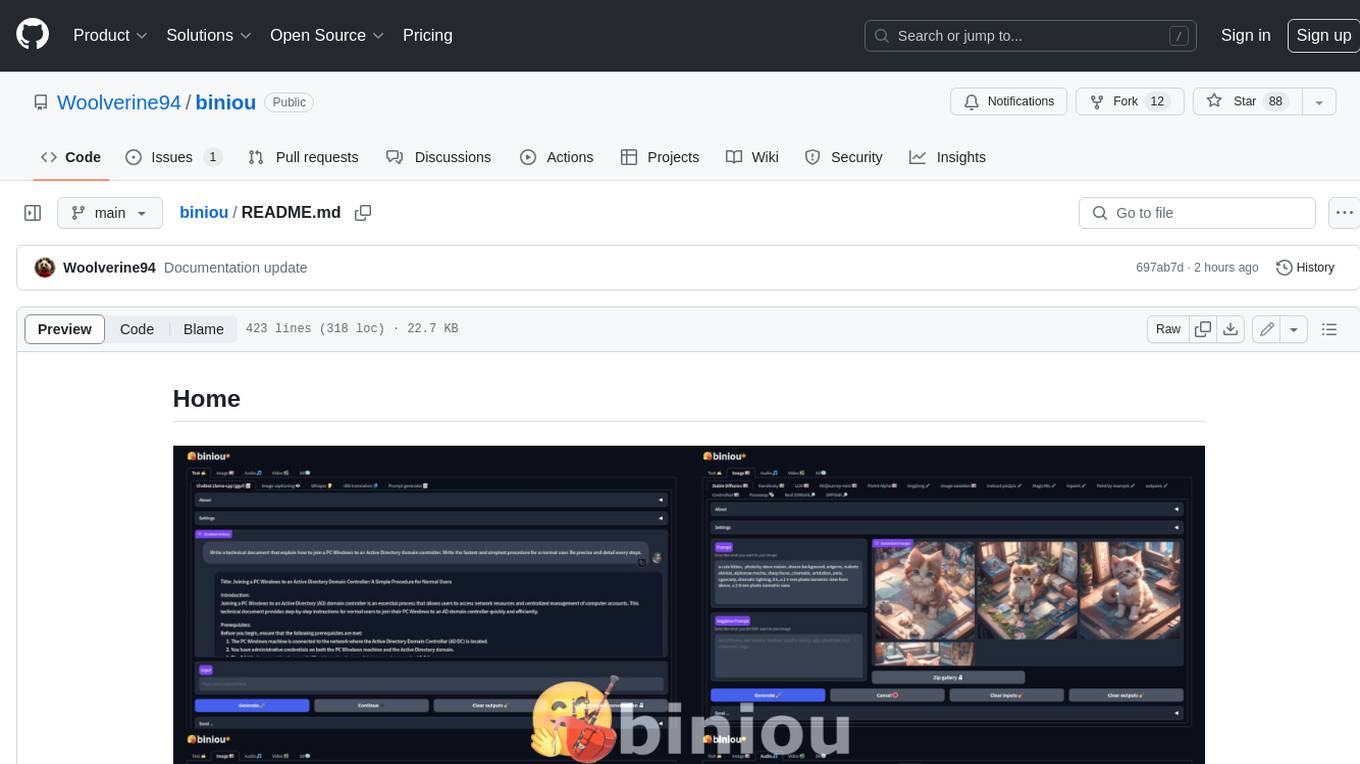
biniou
biniou is a self-hosted webui for various GenAI (generative artificial intelligence) tasks. It allows users to generate multimedia content using AI models and chatbots on their own computer, even without a dedicated GPU. The tool can work offline once deployed and required models are downloaded. It offers a wide range of features for text, image, audio, video, and 3D object generation and modification. Users can easily manage the tool through a control panel within the webui, with support for various operating systems and CUDA optimization. biniou is powered by Huggingface and Gradio, providing a cross-platform solution for AI content generation.
Ivy-Framework
Ivy-Framework is a powerful tool for building internal applications with AI assistance using C# codebase. It provides a CLI for project initialization, authentication integrations, database support, LLM code generation, secrets management, container deployment, hot reload, dependency injection, state management, routing, and external widget framework. Users can easily create data tables for sorting, filtering, and pagination. The framework offers a seamless integration of front-end and back-end development, making it ideal for developing robust internal tools and dashboards.
midscene
Midscene.js is an AI-powered automation SDK that allows users to control web pages, perform assertions, and extract data in JSON format using natural language. It offers features such as natural language interaction, understanding UI and providing responses in JSON, intuitive assertion based on AI understanding, compatibility with public multimodal LLMs like GPT-4o, visualization tool for easy debugging, and a brand new experience in automation development.
llama-assistant
Llama Assistant is an AI-powered assistant that helps with daily tasks, such as voice recognition, natural language processing, summarizing text, rephrasing sentences, answering questions, and more. It runs offline on your local machine, ensuring privacy by not sending data to external servers. The project is a work in progress with regular feature additions.
db2rest
DB2Rest is a modern low code REST DATA API platform that enables the rapid development of intelligent applications by combining databases, language models, and vector stores. It facilitates context-aware, reasoning applications without vendor lock-in. The tool accelerates application delivery, fosters faster innovation with AI, serves as a secure database gateway, and simplifies integration. It supports various databases like PostgreSQL, MySQL, MS SQL Server, Oracle, MongoDB, and more, with planned support for additional databases. Users can connect on Discord for support and contact [email protected] for inquiries.
openlit
OpenLIT is an OpenTelemetry-native GenAI and LLM Application Observability tool. It's designed to make the integration process of observability into GenAI projects as easy as pie – literally, with just **a single line of code**. Whether you're working with popular LLM Libraries such as OpenAI and HuggingFace or leveraging vector databases like ChromaDB, OpenLIT ensures your applications are monitored seamlessly, providing critical insights to improve performance and reliability.
flock
Flock is a workflow-based low-code platform that enables rapid development of chatbots, RAG applications, and coordination of multi-agent teams. It offers a flexible, low-code solution for orchestrating collaborative agents, supporting various node types for specific tasks, such as input processing, text generation, knowledge retrieval, tool execution, intent recognition, answer generation, and more. Flock integrates LangChain and LangGraph to provide offline operation capabilities and supports future nodes like Conditional Branch, File Upload, and Parameter Extraction for creating complex workflows. Inspired by StreetLamb, Lobe-chat, Dify, and fastgpt projects, Flock introduces new features and directions while leveraging open-source models and multi-tenancy support.
For similar tasks
BookWorm
BookWorm is a cloud-native application showcasing Aspire with AI integration. It features DDD and VSA, multi-agent orchestration, standardized AI tooling through MCP, A2A & AG-UI Protocol support, and various microservices patterns. The project includes API versioning, feature flags, AuthN/AuthZ with Keycloak, caching with HybridCache, CI/CD with GitHub Actions, comprehensive documentation, modern client applications with Next.js, testing strategies, and more.
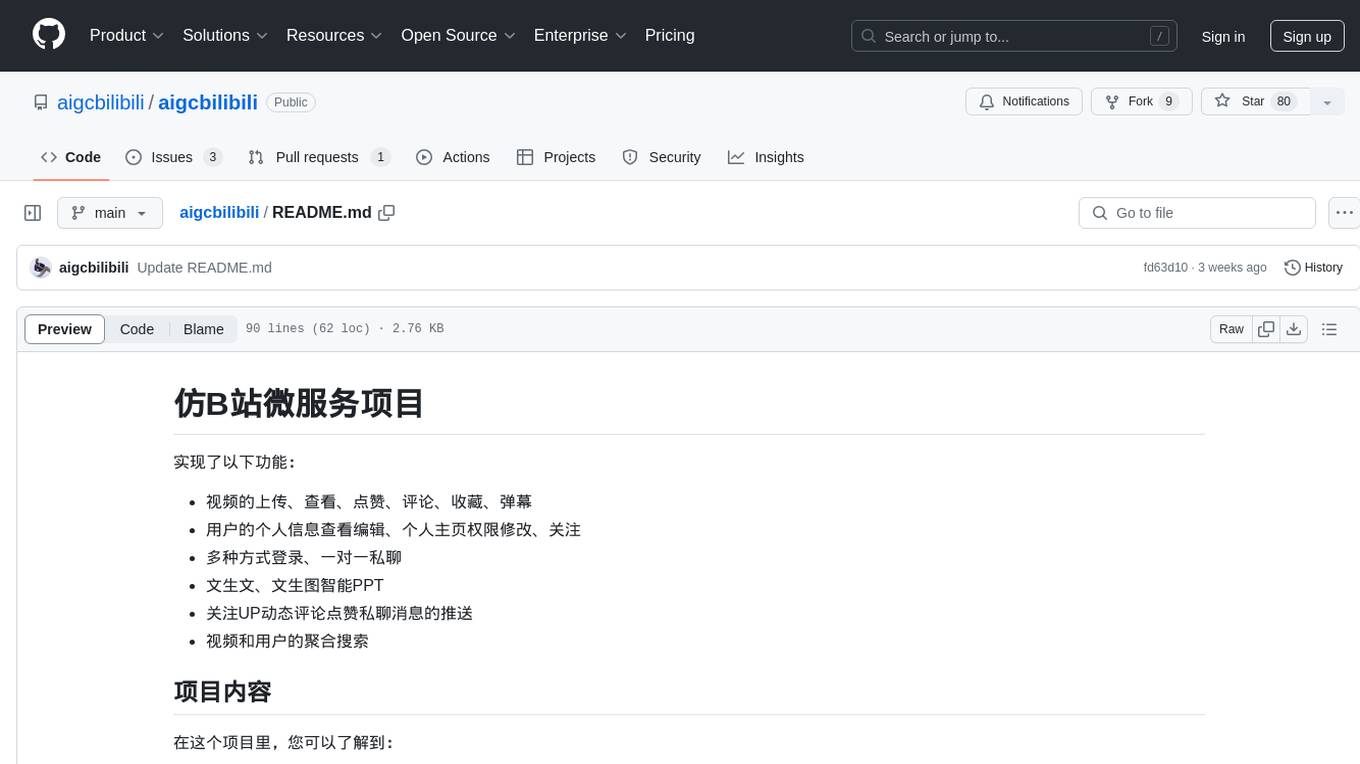
aigcbilibili
Aigcbilibili is a project that mimics the microservices of Bilibili, providing functionalities such as video uploading, viewing, liking, commenting, collecting, danmaku, user profile management, login methods, private messaging, intelligent PPT generation, dynamic updates, search aggregation, database operations with MyBatis-Plus, file management with MinIO, asynchronous tasks with CompletableFuture, JSON handling with FastJson, Gson, and Jackson, exception handling, logging management, file transfer, configuration management with Nacos, routing management with Gateway, authentication and authorization with Security + JWT, multiple login methods, caching with Redis, messaging with RocketMQ, search engine integration with Elasticsearch, data synchronization with XXL-Job, Redis, RocketMQ, Elasticsearch, cache implementation, real-time communication with WebSocket, distributed tracing with Sleuth + Zipkin, documentation and monitoring with Swagger, Druid, and intelligent content generation with Xunfei Xinghuo.
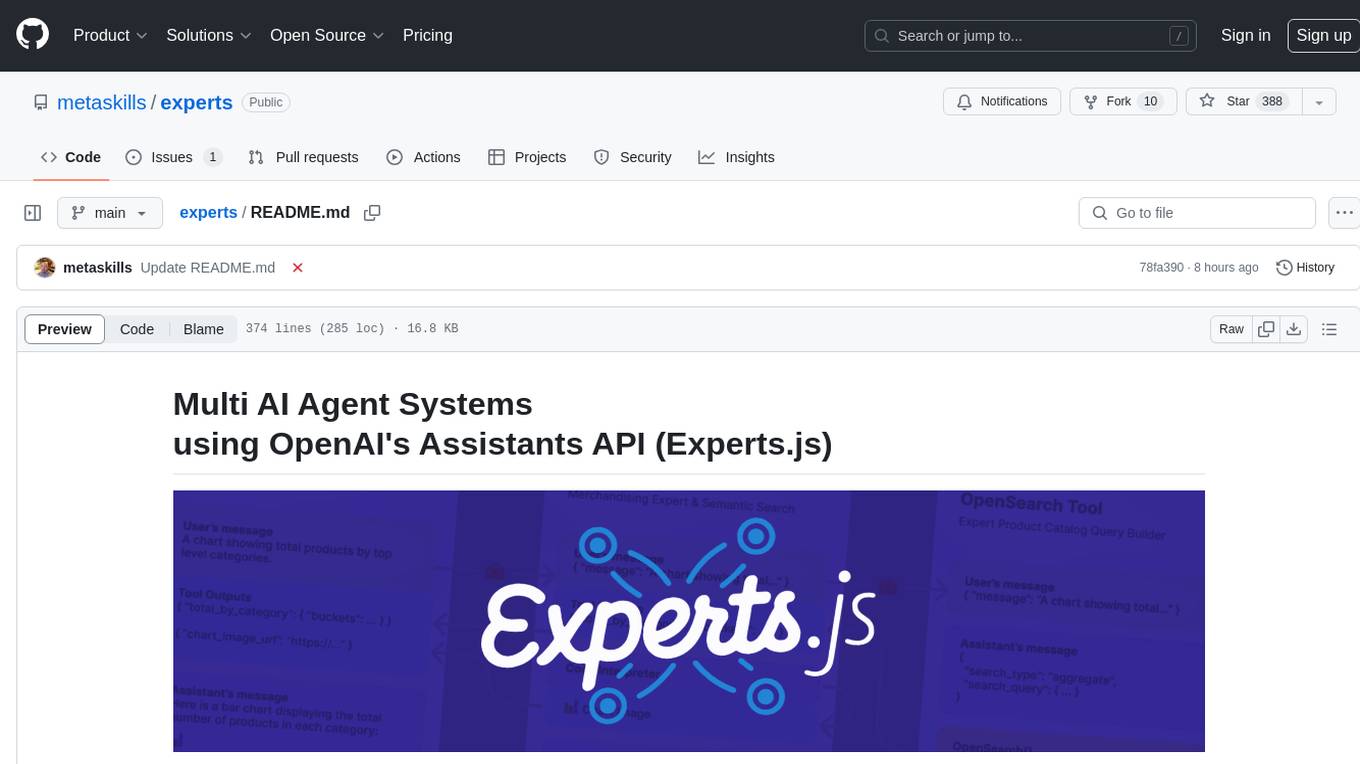
experts
Experts.js is a tool that simplifies the creation and deployment of OpenAI's Assistants, allowing users to link them together as Tools to create a Panel of Experts system with expanded memory and attention to detail. It leverages the new Assistants API from OpenAI, which offers advanced features such as referencing attached files & images as knowledge sources, supporting instructions up to 256,000 characters, integrating with 128 tools, and utilizing the Vector Store API for efficient file search. Experts.js introduces Assistants as Tools, enabling the creation of Multi AI Agent Systems where each Tool is an LLM-backed Assistant that can take on specialized roles or fulfill complex tasks.
airavata
Apache Airavata is a software framework for executing and managing computational jobs on distributed computing resources. It supports local clusters, supercomputers, national grids, academic and commercial clouds. Airavata utilizes service-oriented computing, distributed messaging, and workflow composition. It includes a server package with an API, client SDKs, and a general-purpose UI implementation called Apache Airavata Django Portal.
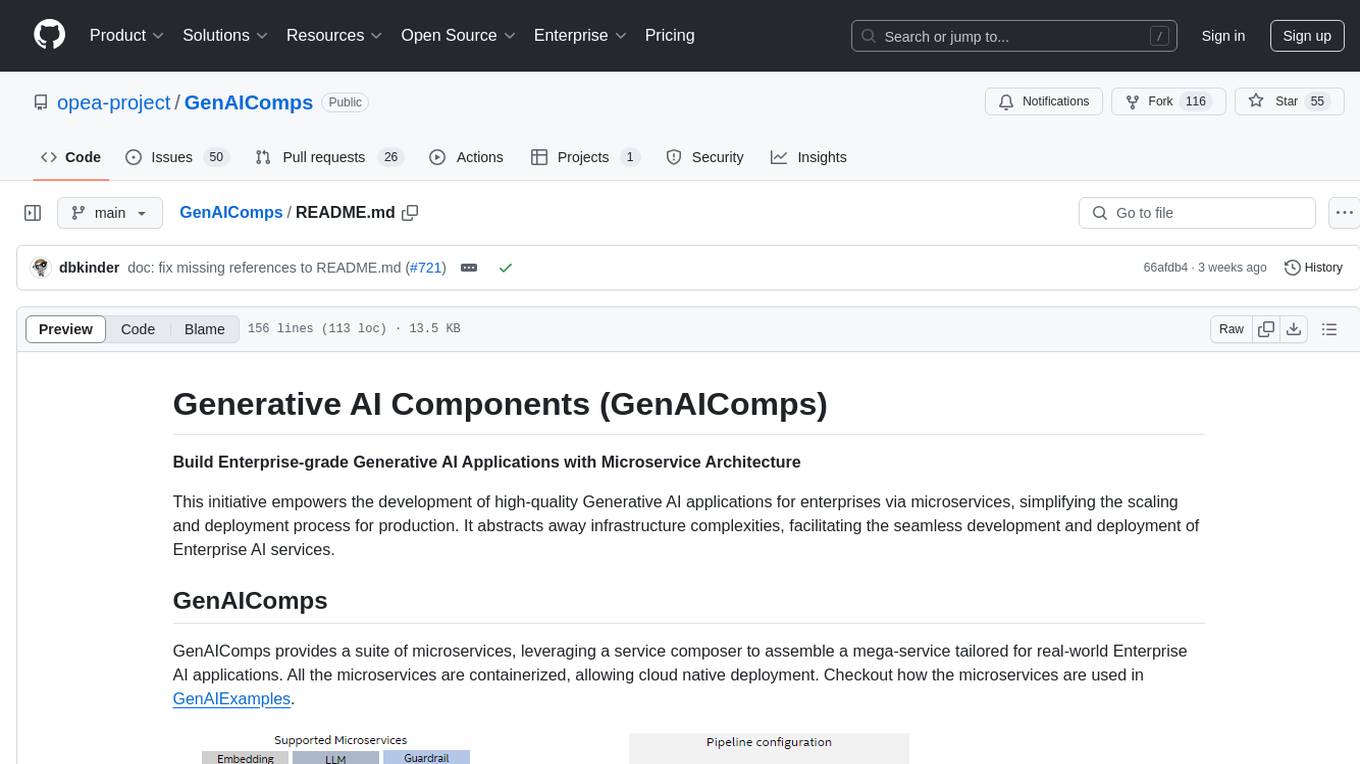
GenAIComps
GenAIComps is an initiative aimed at building enterprise-grade Generative AI applications using a microservice architecture. It simplifies the scaling and deployment process for production, abstracting away infrastructure complexities. GenAIComps provides a suite of containerized microservices that can be assembled into a mega-service tailored for real-world Enterprise AI applications. The modular approach of microservices allows for independent development, deployment, and scaling of individual components, promoting modularity, flexibility, and scalability. The mega-service orchestrates multiple microservices to deliver comprehensive solutions, encapsulating complex business logic and workflow orchestration. The gateway serves as the interface for users to access the mega-service, providing customized access based on user requirements.
data-engineering-zoomcamp
Data Engineering Zoomcamp is a comprehensive course covering various aspects of data engineering, including data ingestion, workflow orchestration, data warehouse, analytics engineering, batch processing, and stream processing. The course provides hands-on experience with tools like Python, Rust, Terraform, Airflow, BigQuery, dbt, PySpark, Kafka, and more. Students will learn how to work with different data technologies to build scalable and efficient data pipelines for analytics and processing. The course is designed for individuals looking to enhance their data engineering skills and gain practical experience in working with big data technologies.
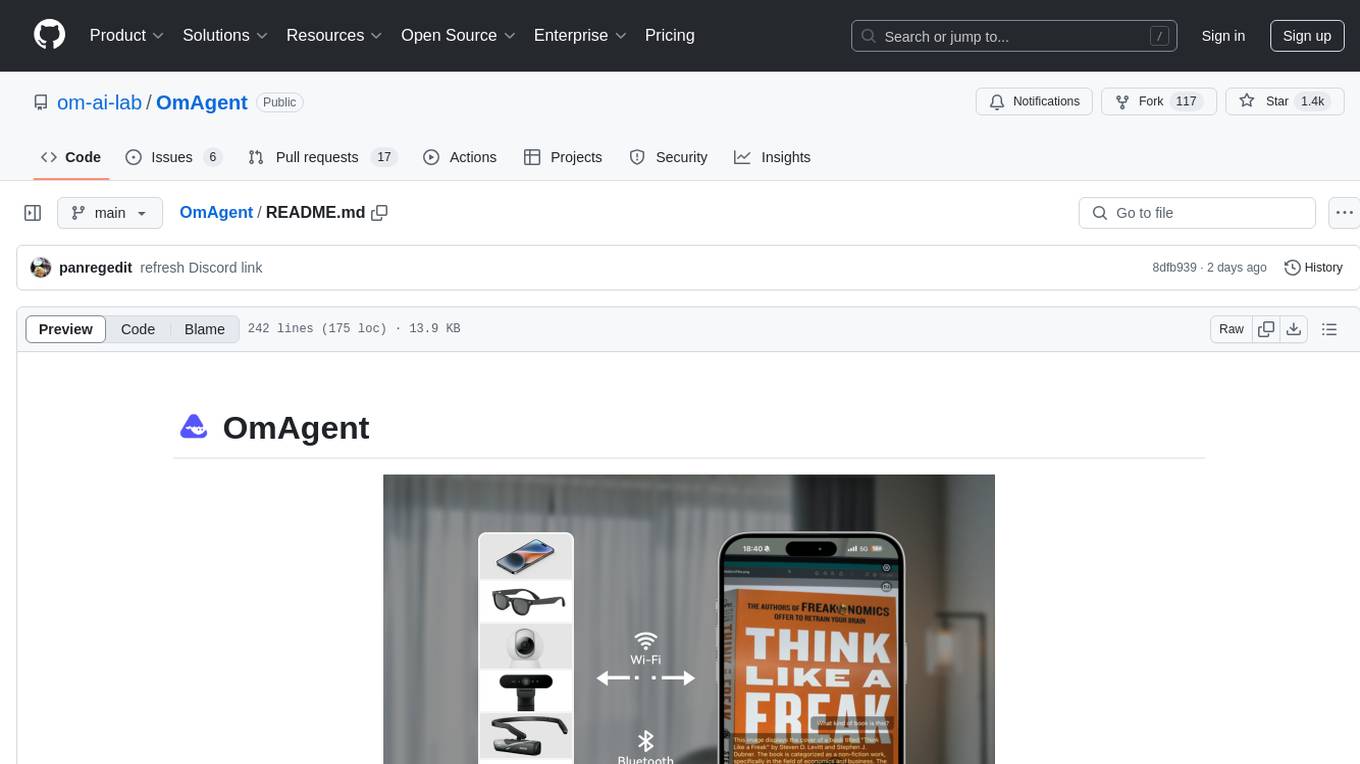
OmAgent
OmAgent is an open-source agent framework designed to streamline the development of on-device multimodal agents. It enables agents to empower various hardware devices, integrates speed-optimized SOTA multimodal models, provides SOTA multimodal agent algorithms, and focuses on optimizing the end-to-end computing pipeline for real-time user interaction experience. Key features include easy connection to diverse devices, scalability, flexibility, and workflow orchestration. The architecture emphasizes graph-based workflow orchestration, native multimodality, and device-centricity, allowing developers to create bespoke intelligent agent programs.
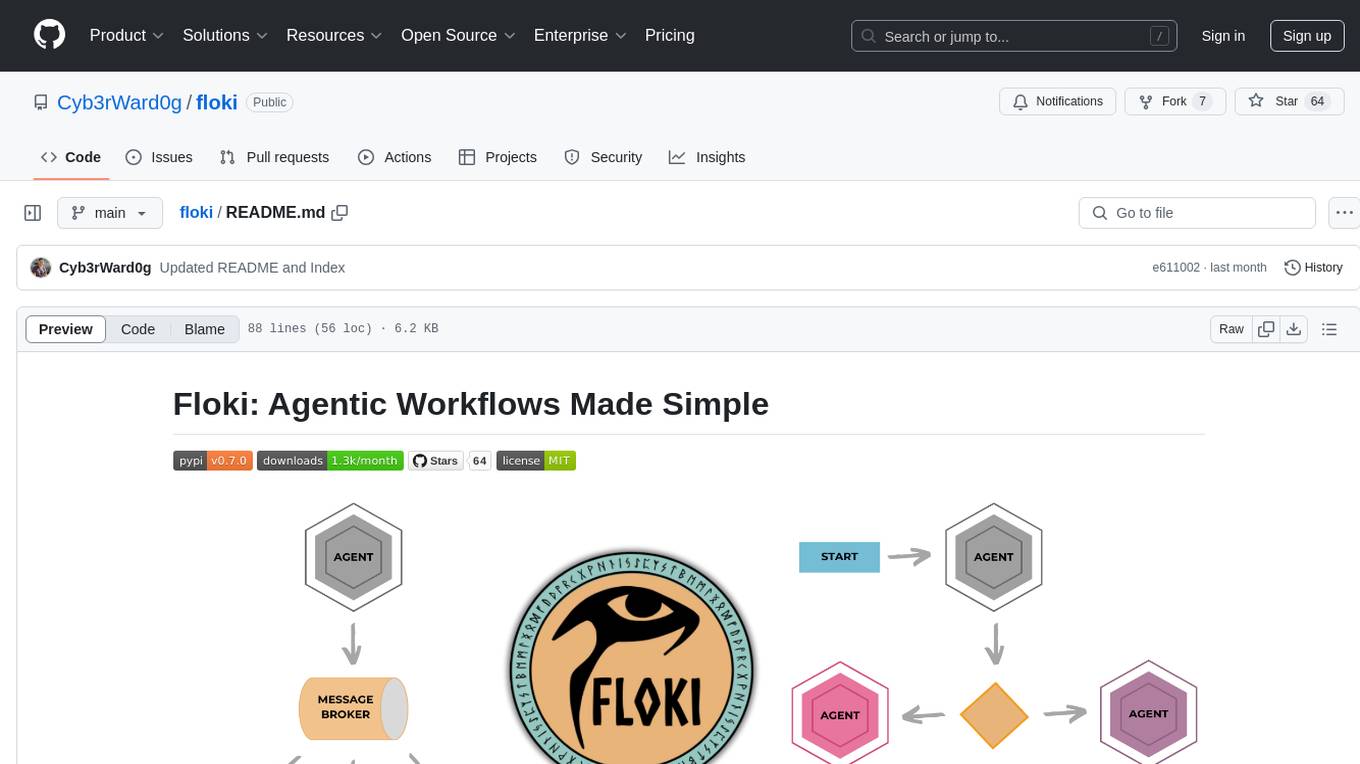
floki
Floki is an open-source framework for researchers and developers to experiment with LLM-based autonomous agents. It provides tools to create, orchestrate, and manage agents while seamlessly connecting to LLM inference APIs. Built on Dapr, Floki leverages a unified programming model that simplifies microservices and supports both deterministic workflows and event-driven interactions. By bringing together these features, Floki provides a powerful way to explore agentic workflows and the components that enable multi-agent systems to collaborate and scale, all powered by Dapr.
For similar jobs

sweep
Sweep is an AI junior developer that turns bugs and feature requests into code changes. It automatically handles developer experience improvements like adding type hints and improving test coverage.

teams-ai
The Teams AI Library is a software development kit (SDK) that helps developers create bots that can interact with Teams and Microsoft 365 applications. It is built on top of the Bot Framework SDK and simplifies the process of developing bots that interact with Teams' artificial intelligence capabilities. The SDK is available for JavaScript/TypeScript, .NET, and Python.

ai-guide
This guide is dedicated to Large Language Models (LLMs) that you can run on your home computer. It assumes your PC is a lower-end, non-gaming setup.

classifai
Supercharge WordPress Content Workflows and Engagement with Artificial Intelligence. Tap into leading cloud-based services like OpenAI, Microsoft Azure AI, Google Gemini and IBM Watson to augment your WordPress-powered websites. Publish content faster while improving SEO performance and increasing audience engagement. ClassifAI integrates Artificial Intelligence and Machine Learning technologies to lighten your workload and eliminate tedious tasks, giving you more time to create original content that matters.

chatbot-ui
Chatbot UI is an open-source AI chat app that allows users to create and deploy their own AI chatbots. It is easy to use and can be customized to fit any need. Chatbot UI is perfect for businesses, developers, and anyone who wants to create a chatbot.

BricksLLM
BricksLLM is a cloud native AI gateway written in Go. Currently, it provides native support for OpenAI, Anthropic, Azure OpenAI and vLLM. BricksLLM aims to provide enterprise level infrastructure that can power any LLM production use cases. Here are some use cases for BricksLLM: * Set LLM usage limits for users on different pricing tiers * Track LLM usage on a per user and per organization basis * Block or redact requests containing PIIs * Improve LLM reliability with failovers, retries and caching * Distribute API keys with rate limits and cost limits for internal development/production use cases * Distribute API keys with rate limits and cost limits for students

uAgents
uAgents is a Python library developed by Fetch.ai that allows for the creation of autonomous AI agents. These agents can perform various tasks on a schedule or take action on various events. uAgents are easy to create and manage, and they are connected to a fast-growing network of other uAgents. They are also secure, with cryptographically secured messages and wallets.

griptape
Griptape is a modular Python framework for building AI-powered applications that securely connect to your enterprise data and APIs. It offers developers the ability to maintain control and flexibility at every step. Griptape's core components include Structures (Agents, Pipelines, and Workflows), Tasks, Tools, Memory (Conversation Memory, Task Memory, and Meta Memory), Drivers (Prompt and Embedding Drivers, Vector Store Drivers, Image Generation Drivers, Image Query Drivers, SQL Drivers, Web Scraper Drivers, and Conversation Memory Drivers), Engines (Query Engines, Extraction Engines, Summary Engines, Image Generation Engines, and Image Query Engines), and additional components (Rulesets, Loaders, Artifacts, Chunkers, and Tokenizers). Griptape enables developers to create AI-powered applications with ease and efficiency.