


yutu
A fully functional MCP server and CLI for YouTube
Stars: 382
Yutu is a fully functional MCP server and CLI for YouTube designed to automate YouTube workflows. It allows users to manipulate various YouTube resources such as videos, playlists, channels, comments, captions, and more. The tool requires a Google Cloud Platform account with specific APIs enabled and OAuth credentials set up. Users can install Yutu using various methods like GitHub Actions, Docker, Gopher, Linux, macOS, or Windows. Yutu can also be used as an MCP server in tools like VS Code or Cursor, providing a chat-like interface to interact with YouTube resources.
README:













yutu is a fully functional MCP server and CLI for YouTube to automate your YouTube workflows. It can manipulate almost all YouTube resources, like videos, playlists, channels, comments, captions, and more. 中文文档

Before you begin, an account on Google Cloud Platform is required to create a Project and enable these APIs for this project, in APIs & Services -> Enable APIs and services -> + ENABLE APIS AND SERVICES:
After enabling the APIs, create an OAuth content screen with yourself as test user, then create an OAuth Client ID of type Web Application with http://localhost:8216 as the redirect URI.
Download this credential to your local machine with name client_secret.json, it should look like
{
  "web": {
    "client_id": "11181119.apps.googleusercontent.com",
    "project_id": "yutu-11181119",
    "auth_uri": "https://accounts.google.com/o/oauth2/auth",
    "token_uri": "https://oauth2.googleapis.com/token",
    "auth_provider_x509_cert_url": "https://www.googleapis.com/oauth2/v1/certs",
    "client_secret": "XXXXXXXXXXXXXXXX",
    "redirect_uris": [
      "http://localhost:8216"
    ]
  }
}
To verify this credential, run the following command
❯ yutu auth --credential client_secret.jsonA browser window will open asking for your permission to access your YouTube account, after granting the permission, a token will be generated and saved to youtube.token.json.
{
  "access_token": "ya29.XXXXXXXXX",
  "token_type":"Bearer",
  "refresh_token":"1//XXXXXXXXXX",
  "expiry":"2024-05-26T18:49:56.1911165+08:00"
}
By default, yutu will read client_secret.json and youtube.token.json from the current directory, --credential/-c and --cacheToken/-t flags are available only in auth subcommand. To modify the default path in all subcommands, set these environment variables
❯ export YUTU_CREDENTIAL=client_secret.json
❯ export YUTU_CACHE_TOKEN=youtube.token.json
# or
❯ YUTU_CREDENTIAL=client_secret.json YUTU_CACHE_TOKEN=youtube.token.json yutu subcommand --flag valueYou can download yutu from releases page directly, or use the following methods as you prefer.
There are two actions available for yutu, one is for general purpose and the other is for uploading video to YouTube. Refer to youtube-action and youtube-uploader for more information.
❯ docker pull ghcr.io/eat-pray-ai/yutu:latest
❯ docker run --rm ghcr.io/eat-pray-ai/yutu:latest
# make sure client_secret.json is in the current directory
❯ docker run --rm -it -u $(id -u):$(id -g) -v $(pwd):/app -p 8216:8216 ghcr.io/eat-pray-ai/yutu:latest❯ go install github.com/eat-pray-ai/yutu@latest❯ curl -sSfL https://raw.githubusercontent.com/eat-pray-ai/yutu/main/scripts/install.sh | bashInstall yutu using Homebrew🍺(recommended), or run the shell script.
❯ brew install yutu

# or
❯ curl -sSfL https://raw.githubusercontent.com/eat-pray-ai/yutu/main/scripts/install.sh | bash❯ winget install yutuVerify the integrity and provenance of yutu using its associated cryptographically signed attestations.
# Docker
❯ gh attestation verify oci://ghcr.io/eat-pray-ai/yutu:latest --repo eat-pray-ai/yutu

# Linux and macOS(if installed using shell script)
❯ gh attestation verify $(which yutu) --repo eat-pray-ai/yutu

# Windows
❯ gh attestation verify $(where.exe yutu.exe) --repo eat-pray-ai/yutuyutu provides an agent mode to automate YouTube workflows. Currently, the agent mode is in the experimental stage under active development, only supports Google's Gemini models with the following environment variables set:
❯ export YUTU_AGENT_MODEL=gemini-3-pro-preview
❯ export YUTU_LLM_API_KEY=your_gemini_api_key
// Optional settings
❯ export GOOGLE_GEMINI_BASE_URL=https://generativelanguage.googleapis.com/
❯ export YUTU_AGENT_INSTRUCTION=Your custom instruction here
Then run the following command for detail usage:
❯ yutu agent --help
❯ yutu agent --args "help"


As a MCP server, yutu can be used in MCP clients like Claude Desktop, VS Code or Cursor, which allows you to interact with YouTube resources in a chat-like interface.
Before using yutu as an MCP server, make sure yutu is installed(see Installation section), and you have a valid client_secret.json and youtube.token.json files(refer to Prerequisites section).
You can add yutu as a MCP server in VS Code or Cursor by clicking corresponding badge above, or add the following configuration manually to your MCP client. Remember to replace the values of YUTU_CREDENTIAL and YUTU_CACHE_TOKEN with correct paths on your local machine.
{
  "yutu": {
    "type": "stdio",
    "command": "yutu",
    "args": [
      "mcp"
    ],
    "env": {
      "YUTU_CREDENTIAL": "/absolute/path/to/client_secret.json",
      "YUTU_CACHE_TOKEN": "/absolute/path/to/youtube.token.json"
    }
  }
}❯ yutu
yutu is a fully functional MCP server and CLI for YouTube, which can manipulate almost all YouTube resources
Usage:
yutu [flags]
yutu [command]
Available Commands:
activity List YouTube activities
agent Start agent to automate YouTube workflows
auth Authenticate with YouTube API
caption Manipulate YouTube captions
channel Manipulate YouTube channels
channelBanner Insert Youtube channel banner
channelSection Manipulate YouTube channel sections
comment Manipulate YouTube comments
commentThread Manipulate YouTube comment threads
completion Generate the autocompletion script for the specified shell
help Help about any command
i18nLanguage List YouTube i18n languages
i18nRegion List YouTube i18n regions
mcp Start MCP server
member List channel's members' info
membershipsLevel List memberships levels' info
playlist Manipulate YouTube playlists
playlistImage Manipulate YouTube playlist images
playlistItem Manipulate YouTube playlist items
search Search for YouTube resources
subscription Manipulate YouTube subscriptions
superChatEvent List Super Chat events for a channel
thumbnail Set thumbnail for a video
version Show the version of yutu
video Manipulate YouTube videos
videoAbuseReportReason List YouTube video abuse report reasons
videoCategory List YouTube video categories
watermark Manipulate YouTube watermarks
Flags:
-h, --help help for yutu
Use "yutu [command] --help" for more information about a command.Please refer to FEATURES.md for more information.
Please refer to CONTRIBUTING.md for more information.
For Tasks:
Click tags to check more tools for each tasksFor Jobs:
Alternative AI tools for yutu
Similar Open Source Tools
yutu
Yutu is a fully functional MCP server and CLI for YouTube designed to automate YouTube workflows. It allows users to manipulate various YouTube resources such as videos, playlists, channels, comments, captions, and more. The tool requires a Google Cloud Platform account with specific APIs enabled and OAuth credentials set up. Users can install Yutu using various methods like GitHub Actions, Docker, Gopher, Linux, macOS, or Windows. Yutu can also be used as an MCP server in tools like VS Code or Cursor, providing a chat-like interface to interact with YouTube resources.
context7
Context7 is a powerful tool for analyzing and visualizing data in various formats. It provides a user-friendly interface for exploring datasets, generating insights, and creating interactive visualizations. With advanced features such as data filtering, aggregation, and customization, Context7 is suitable for both beginners and experienced data analysts. The tool supports a wide range of data sources and formats, making it versatile for different use cases. Whether you are working on exploratory data analysis, data visualization, or data storytelling, Context7 can help you uncover valuable insights and communicate your findings effectively.
react-grab
React Grab is a tool that allows users to select context for coding agents directly from a website by pointing at any element and copying the file name, React component, and HTML source code. It enhances the performance of tools like Cursor, Claude Code, and Copilot by making them run up to 3 times faster and more accurately. Users can install React Grab, connect it to coding agents, and easily copy element contexts for pasting into their coding environment. The tool can be manually installed in various React frameworks and build tools, and it also provides an API for extending functionality with plugins, hooks, actions, themes, and custom agents.
shortest
Shortest is an AI-powered natural language end-to-end testing framework built on Playwright. It provides a seamless testing experience by allowing users to write tests in natural language and execute them using Anthropic Claude API. The framework also offers GitHub integration with 2FA support, making it suitable for testing web applications with complex authentication flows. Shortest simplifies the testing process by enabling users to run tests locally or in CI/CD pipelines, ensuring the reliability and efficiency of web applications.
screen-pipe
Screen-pipe is a Rust + WASM tool that allows users to turn their screen into actions using Large Language Models (LLMs). It enables users to record their screen 24/7, extract text from frames, and process text and images for tasks like analyzing sales conversations. The tool is still experimental and aims to simplify the process of recording screens, extracting text, and integrating with various APIs for tasks such as filling CRM data based on screen activities. The project is open-source and welcomes contributions to enhance its functionalities and usability.
openai-edge-tts
This project provides a local, OpenAI-compatible text-to-speech (TTS) API using `edge-tts`. It emulates the OpenAI TTS endpoint (`/v1/audio/speech`), enabling users to generate speech from text with various voice options and playback speeds, just like the OpenAI API. `edge-tts` uses Microsoft Edge's online text-to-speech service, making it completely free. The project supports multiple audio formats, adjustable playback speed, and voice selection options, providing a flexible and customizable TTS solution for users.
ai-artifacts
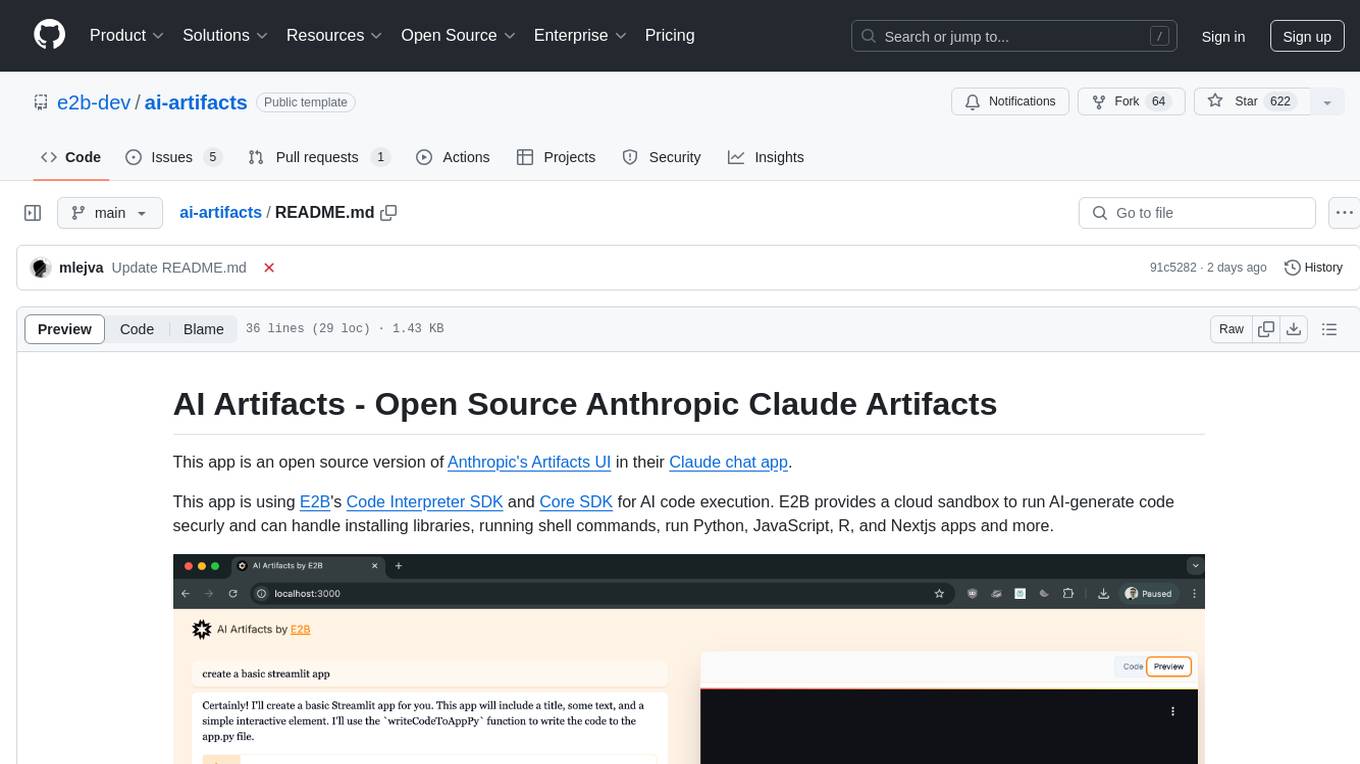
AI Artifacts is an open source tool that replicates Anthropic's Artifacts UI in the Claude chat app. It utilizes E2B's Code Interpreter SDK and Core SDK for secure AI code execution in a cloud sandbox environment. Users can run AI-generated code in various languages such as Python, JavaScript, R, and Nextjs apps. The tool also supports running AI-generated Python in Jupyter notebook, Next.js apps, and Streamlit apps. Additionally, it offers integration with Vercel AI SDK for tool calling and streaming responses from the model.
raycast_api_proxy
The Raycast AI Proxy is a tool that acts as a proxy for the Raycast AI application, allowing users to utilize the application without subscribing. It intercepts and forwards Raycast requests to various AI APIs, then reformats the responses for Raycast. The tool supports multiple AI providers and allows for custom model configurations. Users can generate self-signed certificates, add them to the system keychain, and modify DNS settings to redirect requests to the proxy. The tool is designed to work with providers like OpenAI, Azure OpenAI, Google, and more, enabling tasks such as AI chat completions, translations, and image generation.
fragments
Fragments is an open-source tool that leverages Anthropic's Claude Artifacts, Vercel v0, and GPT Engineer. It is powered by E2B Sandbox SDK and Code Interpreter SDK, allowing secure execution of AI-generated code. The tool is based on Next.js 14, shadcn/ui, TailwindCSS, and Vercel AI SDK. Users can stream in the UI, install packages from npm and pip, and add custom stacks and LLM providers. Fragments enables users to build web apps with Python interpreter, Next.js, Vue.js, Streamlit, and Gradio, utilizing providers like OpenAI, Anthropic, Google AI, and more.
Flowise
Flowise is a tool that allows users to build customized LLM flows with a drag-and-drop UI. It is open-source and self-hostable, and it supports various deployments, including AWS, Azure, Digital Ocean, GCP, Railway, Render, HuggingFace Spaces, Elestio, Sealos, and RepoCloud. Flowise has three different modules in a single mono repository: server, ui, and components. The server module is a Node backend that serves API logics, the ui module is a React frontend, and the components module contains third-party node integrations. Flowise supports different environment variables to configure your instance, and you can specify these variables in the .env file inside the packages/server folder.
UnrealOpenAIPlugin
UnrealOpenAIPlugin is a comprehensive Unreal Engine wrapper for the OpenAI API, supporting various endpoints such as Models, Completions, Chat, Images, Vision, Embeddings, Speech, Audio, Files, Moderations, Fine-tuning, and Functions. It provides support for both C++ and Blueprints, allowing users to interact with OpenAI services seamlessly within Unreal Engine projects. The plugin also includes tutorials, updates, installation instructions, authentication steps, examples of usage, blueprint nodes overview, C++ examples, plugin structure details, documentation references, tests, packaging guidelines, and limitations. Users can leverage this plugin to integrate powerful AI capabilities into their Unreal Engine projects effortlessly.
consult-llm-mcp
Consult LLM MCP is an MCP server that enables users to consult powerful AI models like GPT-5.2, Gemini 3.0 Pro, and DeepSeek Reasoner for complex problem-solving. It supports multi-turn conversations, direct queries with optional file context, git changes inclusion for code review, comprehensive logging with cost estimation, and various CLI modes for Gemini and Codex. The tool is designed to simplify the process of querying AI models for assistance in resolving coding issues and improving code quality.

LEANN
LEANN is an innovative vector database that democratizes personal AI, transforming your laptop into a powerful RAG system that can index and search through millions of documents using 97% less storage than traditional solutions without accuracy loss. It achieves this through graph-based selective recomputation and high-degree preserving pruning, computing embeddings on-demand instead of storing them all. LEANN allows semantic search of file system, emails, browser history, chat history, codebase, or external knowledge bases on your laptop with zero cloud costs and complete privacy. It is a drop-in semantic search MCP service fully compatible with Claude Code, enabling intelligent retrieval without changing your workflow.

raglite
RAGLite is a Python toolkit for Retrieval-Augmented Generation (RAG) with PostgreSQL or SQLite. It offers configurable options for choosing LLM providers, database types, and rerankers. The toolkit is fast and permissive, utilizing lightweight dependencies and hardware acceleration. RAGLite provides features like PDF to Markdown conversion, multi-vector chunk embedding, optimal semantic chunking, hybrid search capabilities, adaptive retrieval, and improved output quality. It is extensible with a built-in Model Context Protocol server, customizable ChatGPT-like frontend, document conversion to Markdown, and evaluation tools. Users can configure RAGLite for various tasks like configuring, inserting documents, running RAG pipelines, computing query adapters, evaluating performance, running MCP servers, and serving frontends.
openai-kotlin
OpenAI Kotlin API client is a Kotlin client for OpenAI's API with multiplatform and coroutines capabilities. It allows users to interact with OpenAI's API using Kotlin programming language. The client supports various features such as models, chat, images, embeddings, files, fine-tuning, moderations, audio, assistants, threads, messages, and runs. It also provides guides on getting started, chat & function call, file source guide, and assistants. Sample apps are available for reference, and troubleshooting guides are provided for common issues. The project is open-source and licensed under the MIT license, allowing contributions from the community.
catai
CatAI is a tool that allows users to run GGUF models on their computer with a chat UI. It serves as a local AI assistant inspired by Node-Llama-Cpp and Llama.cpp. The tool provides features such as auto-detecting programming language, showing original messages by clicking on user icons, real-time text streaming, and fast model downloads. Users can interact with the tool through a CLI that supports commands for installing, listing, setting, serving, updating, and removing models. CatAI is cross-platform and supports Windows, Linux, and Mac. It utilizes node-llama-cpp and offers a simple API for asking model questions. Additionally, developers can integrate the tool with node-llama-cpp@beta for model management and chatting. The configuration can be edited via the web UI, and contributions to the project are welcome. The tool is licensed under Llama.cpp's license.
For similar tasks
yutu
Yutu is a fully functional MCP server and CLI for YouTube designed to automate YouTube workflows. It allows users to manipulate various YouTube resources such as videos, playlists, channels, comments, captions, and more. The tool requires a Google Cloud Platform account with specific APIs enabled and OAuth credentials set up. Users can install Yutu using various methods like GitHub Actions, Docker, Gopher, Linux, macOS, or Windows. Yutu can also be used as an MCP server in tools like VS Code or Cursor, providing a chat-like interface to interact with YouTube resources.
For similar jobs

LLMStack
LLMStack is a no-code platform for building generative AI agents, workflows, and chatbots. It allows users to connect their own data, internal tools, and GPT-powered models without any coding experience. LLMStack can be deployed to the cloud or on-premise and can be accessed via HTTP API or triggered from Slack or Discord.
daily-poetry-image
Daily Chinese ancient poetry and AI-generated images powered by Bing DALL-E-3. GitHub Action triggers the process automatically. Poetry is provided by Today's Poem API. The website is built with Astro.

exif-photo-blog
EXIF Photo Blog is a full-stack photo blog application built with Next.js, Vercel, and Postgres. It features built-in authentication, photo upload with EXIF extraction, photo organization by tag, infinite scroll, light/dark mode, automatic OG image generation, a CMD-K menu with photo search, experimental support for AI-generated descriptions, and support for Fujifilm simulations. The application is easy to deploy to Vercel with just a few clicks and can be customized with a variety of environment variables.
SillyTavern
SillyTavern is a user interface you can install on your computer (and Android phones) that allows you to interact with text generation AIs and chat/roleplay with characters you or the community create. SillyTavern is a fork of TavernAI 1.2.8 which is under more active development and has added many major features. At this point, they can be thought of as completely independent programs.
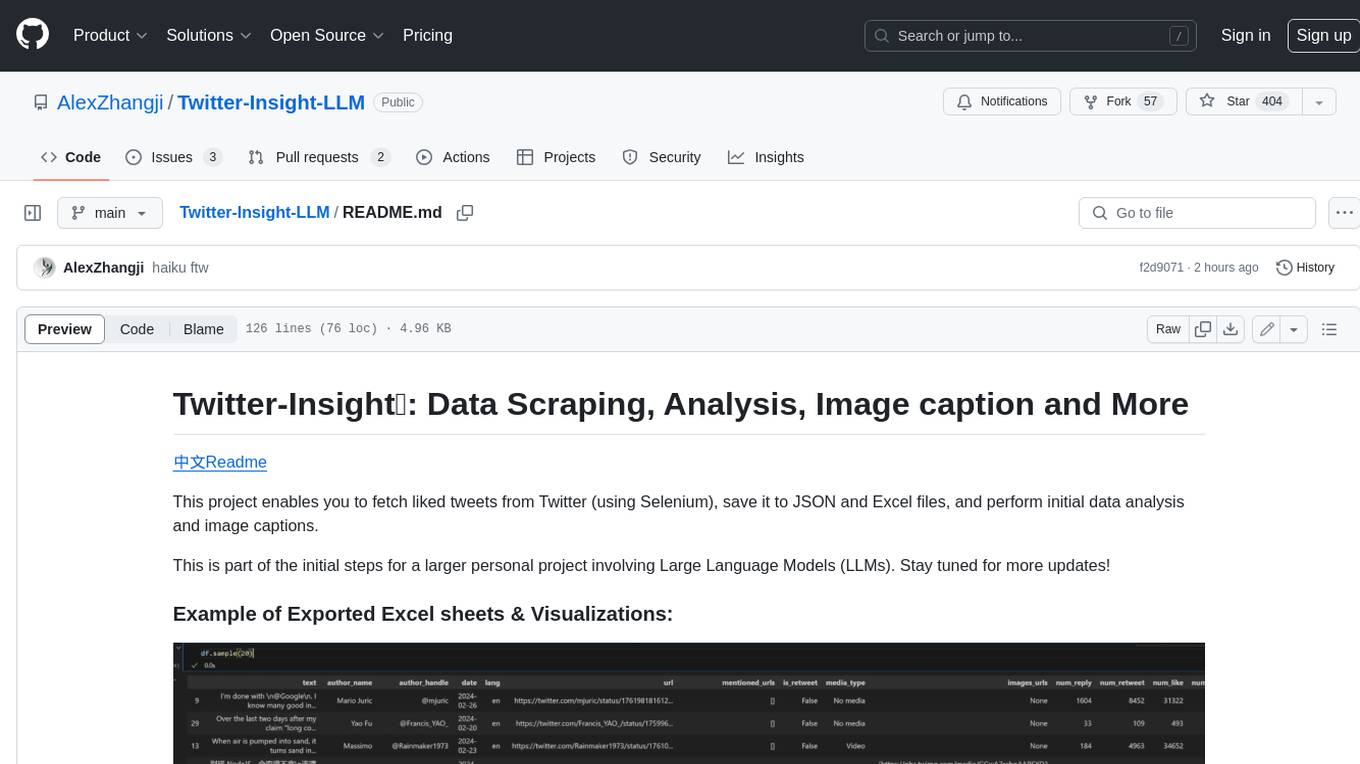
Twitter-Insight-LLM
This project enables you to fetch liked tweets from Twitter (using Selenium), save it to JSON and Excel files, and perform initial data analysis and image captions. This is part of the initial steps for a larger personal project involving Large Language Models (LLMs).
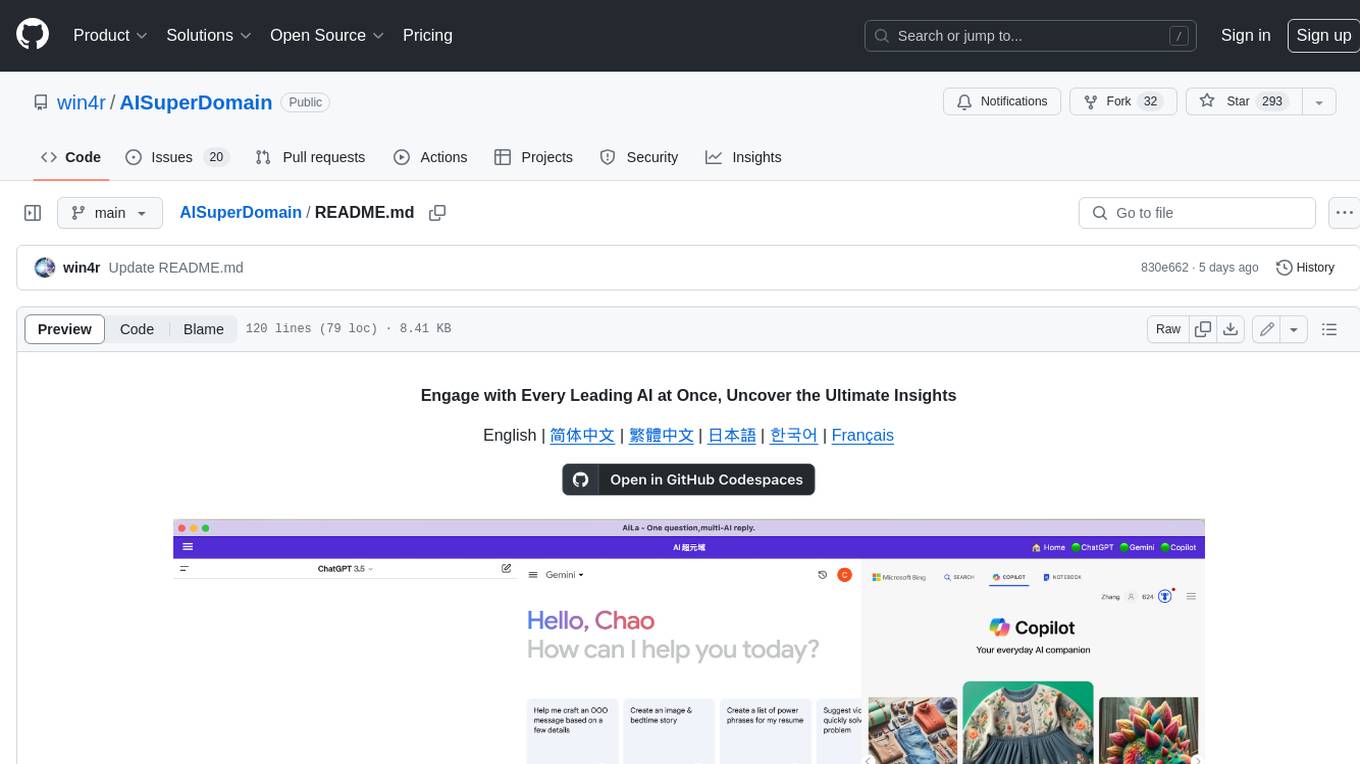
AISuperDomain
Aila Desktop Application is a powerful tool that integrates multiple leading AI models into a single desktop application. It allows users to interact with various AI models simultaneously, providing diverse responses and insights to their inquiries. With its user-friendly interface and customizable features, Aila empowers users to engage with AI seamlessly and efficiently. Whether you're a researcher, student, or professional, Aila can enhance your AI interactions and streamline your workflow.
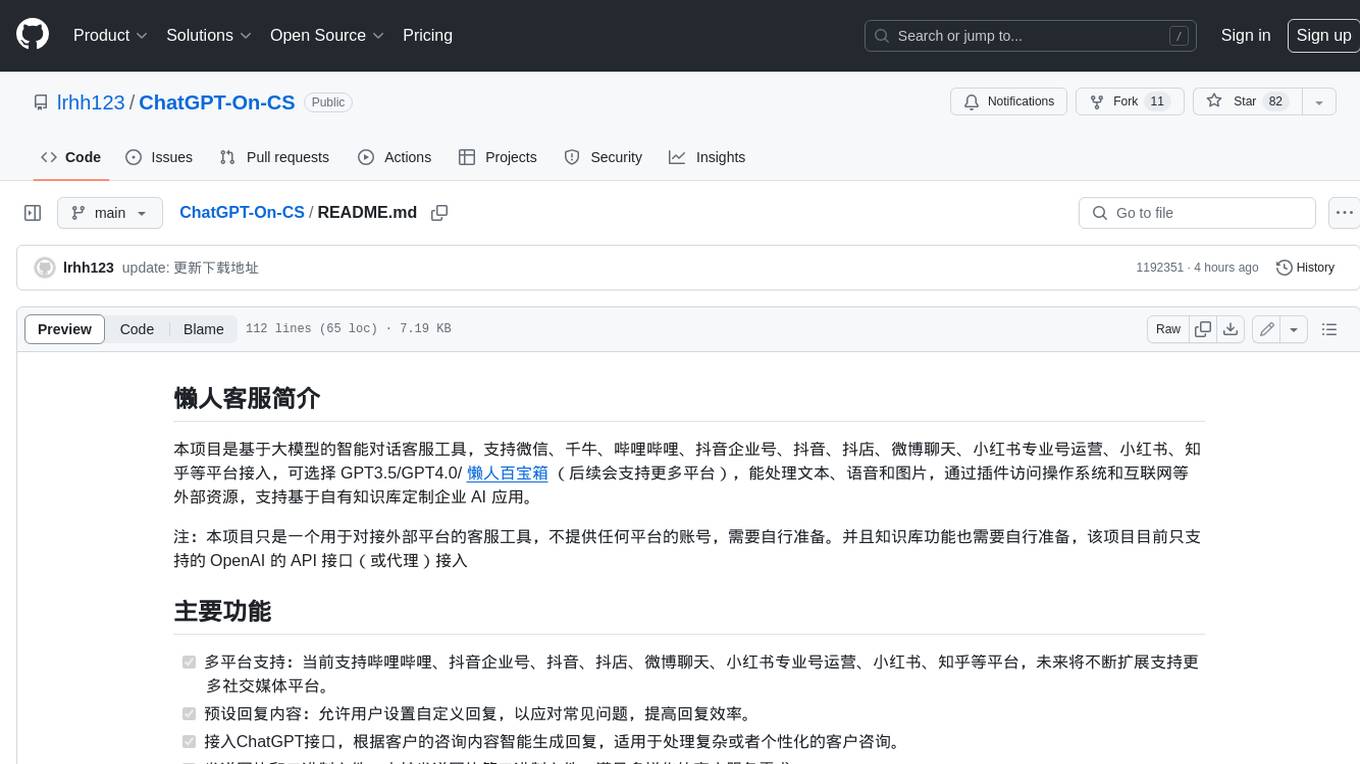
ChatGPT-On-CS
This project is an intelligent dialogue customer service tool based on a large model, which supports access to platforms such as WeChat, Qianniu, Bilibili, Douyin Enterprise, Douyin, Doudian, Weibo chat, Xiaohongshu professional account operation, Xiaohongshu, Zhihu, etc. You can choose GPT3.5/GPT4.0/ Lazy Treasure Box (more platforms will be supported in the future), which can process text, voice and pictures, and access external resources such as operating systems and the Internet through plug-ins, and support enterprise AI applications customized based on their own knowledge base.
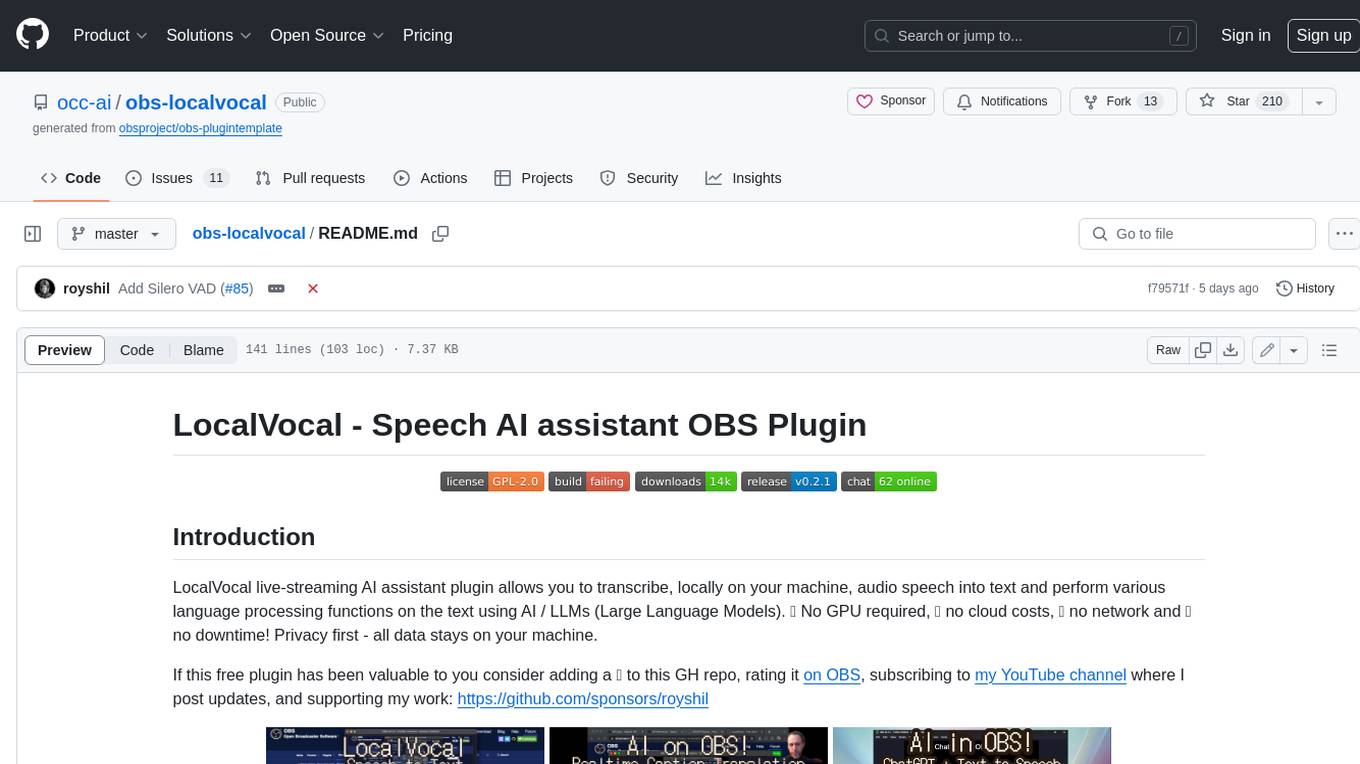
obs-localvocal
LocalVocal is a live-streaming AI assistant plugin for OBS that allows you to transcribe audio speech into text and perform various language processing functions on the text using AI / LLMs (Large Language Models). It's privacy-first, with all data staying on your machine, and requires no GPU, cloud costs, network, or downtime.