


react-grab
Select context for coding agents directly from your website
Stars: 5047
React Grab is a tool that allows users to select context for coding agents directly from a website by pointing at any element and copying the file name, React component, and HTML source code. It enhances the performance of tools like Cursor, Claude Code, and Copilot by making them run up to 3 times faster and more accurately. Users can install React Grab, connect it to coding agents, and easily copy element contexts for pasting into their coding environment. The tool can be manually installed in various React frameworks and build tools, and it also provides an API for extending functionality with plugins, hooks, actions, themes, and custom agents.
README:



Select context for coding agents directly from your website
How? Point at any element and press ⌘C (Mac) or Ctrl+C (Windows/Linux) to copy the file name, React component, and HTML source code.
It makes tools like Cursor, Claude Code, Copilot run up to 3× faster and more accurate.

Run this command at your project root (where next.config.ts or vite.config.ts is located):
npx -y grab@latest initUse the -y flag to skip interactive prompts:
npx -y grab@latest init -yConnect React Grab directly to your coding agent (Cursor, Claude Code, Codex, Gemini, Amp, and more):
npx -y grab@latest add [agent]Or connect via MCP:
npx -y grab@latest add mcpDisconnect an agent:
npx -y grab@latest remove [agent]Once installed, hover over any UI element in your browser and press:
- ⌘C (Cmd+C) on Mac
- Ctrl+C on Windows/Linux
This copies the element's context (file name, React component, and HTML source code) to your clipboard ready to paste into your coding agent. For example:
<a class="ml-auto inline-block text-sm" href="#">
  Forgot your password?
</a>
in LoginForm at components/login-form.tsx:46:19If you're using a React framework or build tool, view instructions below:
Add this inside of your app/layout.tsx:
import Script from "next/script";

export default function RootLayout({ children }) {
  return (
    <html>
      <head>
        {process.env.NODE_ENV === "development" && (
          <Script
            src="//unpkg.com/react-grab/dist/index.global.js"
            crossOrigin="anonymous"
            strategy="beforeInteractive"
          />
        )}
      </head>
      <body>{children}</body>
    </html>
  );
}Add this into your pages/_document.tsx:
import { Html, Head, Main, NextScript } from "next/document";

export default function Document() {
  return (
    <Html lang="en">
      <Head>
        {process.env.NODE_ENV === "development" && (
          <Script
            src="//unpkg.com/react-grab/dist/index.global.js"
            crossOrigin="anonymous"
            strategy="beforeInteractive"
          />
        )}
      </Head>
      <body>
        <Main />
        <NextScript />
      </body>
    </Html>
  );
}Add this to your index.html:
<!doctype html>
<html lang="en">
  <head>
    <script type="module">
      if (import.meta.env.DEV) {
        import("react-grab");
      }
    </script>
  </head>
  <body>
    <div id="root"></div>
    <script type="module" src="/src/main.tsx"></script>
  </body>
</html>First, install React Grab:
npm install react-grabThen add this at the top of your main entry file (e.g., src/index.tsx or src/main.tsx):
if (process.env.NODE_ENV === "development") {
  import("react-grab");
}React Grab exposes the __REACT_GRAB__ API for extending functionality with plugins, hooks, actions, themes, and custom agents.
See packages/react-grab/src/types.ts and packages/react-grab/src/core/plugin-registry.ts for reference.
Or copy this into an agent to generate a plugin:
Clone https://github.com/aidenybai/react-grab into /tmp

Check these files for reference:

- packages/react-grab/src/types.ts (Plugin and PluginHooks interfaces)
- packages/react-grab/src/core/plugin-registry.ts (implementation)

Plugins are registered via `__REACT_GRAB__.registerPlugin({ name, hooks, actions, theme })`.

Add the code in client-side code (e.g., "use client" in Next.js) inside a useEffect after React Grab loads.

Generate an example plugin that logs when an element is selected.Want to try it out? Check out our demo.
Looking to contribute back? Check out the Contributing Guide.
Want to talk to the community? Hop in our Discord and share your ideas and what you've built with React Grab.
Find a bug? Head over to our issue tracker and we'll do our best to help. We love pull requests, too!
We expect all contributors to abide by the terms of our Code of Conduct.
→ Start contributing on GitHub
React Grab is MIT-licensed open-source software.
Thank you to Andrew Luetgers for donating the grab npm package name.
For Tasks:
Click tags to check more tools for each tasksFor Jobs:
Alternative AI tools for react-grab
Similar Open Source Tools
react-grab
React Grab is a tool that allows users to select context for coding agents directly from a website by pointing at any element and copying the file name, React component, and HTML source code. It enhances the performance of tools like Cursor, Claude Code, and Copilot by making them run up to 3 times faster and more accurately. Users can install React Grab, connect it to coding agents, and easily copy element contexts for pasting into their coding environment. The tool can be manually installed in various React frameworks and build tools, and it also provides an API for extending functionality with plugins, hooks, actions, themes, and custom agents.
steel-browser
Steel is an open-source browser API designed for AI agents and applications, simplifying the process of building live web agents and browser automation tools. It serves as a core building block for a production-ready, containerized browser sandbox with features like stealth capabilities, text-to-markdown session management, UI for session viewing/debugging, and full browser control through popular automation frameworks. Steel allows users to control, run, and manage a production-ready browser environment via a REST API, offering features such as full browser control, session management, proxy support, extension support, debugging tools, anti-detection mechanisms, resource management, and various browser tools. It aims to streamline complex browsing tasks programmatically, enabling users to focus on their AI applications while Steel handles the underlying complexity.
gitingest
GitIngest is a tool that allows users to turn any Git repository into a prompt-friendly text ingest for LLMs. It provides easy code context by generating a text digest from a git repository URL or directory. The tool offers smart formatting for optimized output format for LLM prompts and provides statistics about file and directory structure, size of the extract, and token count. GitIngest can be used as a CLI tool on Linux and as a Python package for code integration. The tool is built using Tailwind CSS for frontend, FastAPI for backend framework, tiktoken for token estimation, and apianalytics.dev for simple analytics. Users can self-host GitIngest by building the Docker image and running the container. Contributions to the project are welcome, and the tool aims to be beginner-friendly for first-time contributors with a simple Python and HTML codebase.
snipkit
SnipKit is a CLI tool designed to manage snippets efficiently, allowing users to execute saved scripts or generate new ones with the help of AI directly from the terminal. It supports loading snippets from various sources, parameter substitution, different parameter types, themes, and customization options. The tool includes an interactive chat-style interface called SnipKit Assistant for generating parameterized scripts. Users can also work with different AI providers like OpenAI, Anthropic, Google Gemini, and more. SnipKit aims to streamline script execution and script generation workflows for developers and users who frequently work with code snippets.
Fabric
Fabric is an open-source framework designed to augment humans using AI by organizing prompts by real-world tasks. It addresses the integration problem of AI by creating and organizing prompts for various tasks. Users can create, collect, and organize AI solutions in a single place for use in their favorite tools. Fabric also serves as a command-line interface for those focused on the terminal. It offers a wide range of features and capabilities, including support for multiple AI providers, internationalization, speech-to-text, AI reasoning, model management, web search, text-to-speech, desktop notifications, and more. The project aims to help humans flourish by leveraging AI technology to solve human problems and enhance creativity.
fragments
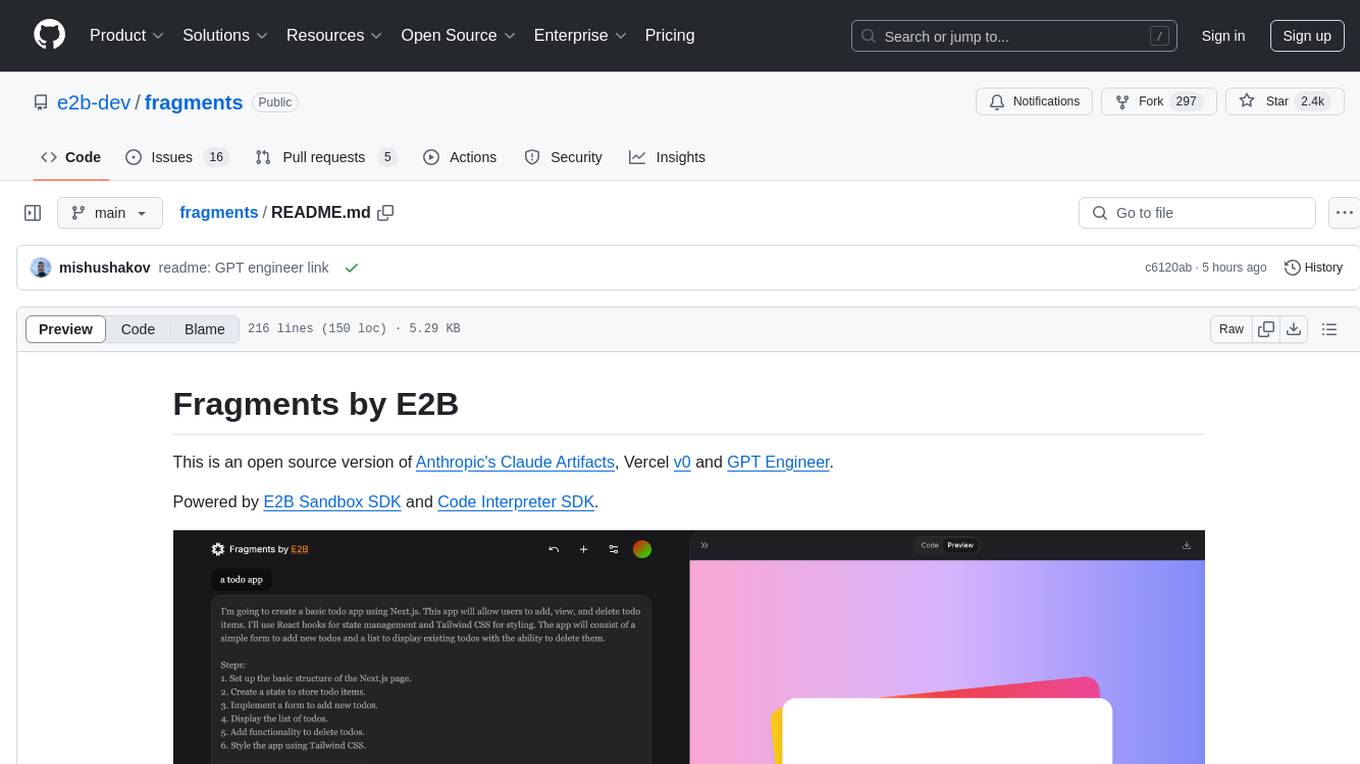
Fragments is an open-source tool that leverages Anthropic's Claude Artifacts, Vercel v0, and GPT Engineer. It is powered by E2B Sandbox SDK and Code Interpreter SDK, allowing secure execution of AI-generated code. The tool is based on Next.js 14, shadcn/ui, TailwindCSS, and Vercel AI SDK. Users can stream in the UI, install packages from npm and pip, and add custom stacks and LLM providers. Fragments enables users to build web apps with Python interpreter, Next.js, Vue.js, Streamlit, and Gradio, utilizing providers like OpenAI, Anthropic, Google AI, and more.

raglite
RAGLite is a Python toolkit for Retrieval-Augmented Generation (RAG) with PostgreSQL or SQLite. It offers configurable options for choosing LLM providers, database types, and rerankers. The toolkit is fast and permissive, utilizing lightweight dependencies and hardware acceleration. RAGLite provides features like PDF to Markdown conversion, multi-vector chunk embedding, optimal semantic chunking, hybrid search capabilities, adaptive retrieval, and improved output quality. It is extensible with a built-in Model Context Protocol server, customizable ChatGPT-like frontend, document conversion to Markdown, and evaluation tools. Users can configure RAGLite for various tasks like configuring, inserting documents, running RAG pipelines, computing query adapters, evaluating performance, running MCP servers, and serving frontends.
trieve
Trieve is an advanced relevance API for hybrid search, recommendations, and RAG. It offers a range of features including self-hosting, semantic dense vector search, typo tolerant full-text/neural search, sub-sentence highlighting, recommendations, convenient RAG API routes, the ability to bring your own models, hybrid search with cross-encoder re-ranking, recency biasing, tunable popularity-based ranking, filtering, duplicate detection, and grouping. Trieve is designed to be flexible and customizable, allowing users to tailor it to their specific needs. It is also easy to use, with a simple API and well-documented features.
ChatIDE
ChatIDE is an AI assistant that integrates with your IDE, allowing you to converse with OpenAI's ChatGPT or Anthropic's Claude within your development environment. It provides a seamless way to access AI-powered assistance while coding, enabling you to get real-time help, generate code snippets, debug errors, and brainstorm ideas without leaving your IDE.
openai-kotlin
OpenAI Kotlin API client is a Kotlin client for OpenAI's API with multiplatform and coroutines capabilities. It allows users to interact with OpenAI's API using Kotlin programming language. The client supports various features such as models, chat, images, embeddings, files, fine-tuning, moderations, audio, assistants, threads, messages, and runs. It also provides guides on getting started, chat & function call, file source guide, and assistants. Sample apps are available for reference, and troubleshooting guides are provided for common issues. The project is open-source and licensed under the MIT license, allowing contributions from the community.
Flowise
Flowise is a tool that allows users to build customized LLM flows with a drag-and-drop UI. It is open-source and self-hostable, and it supports various deployments, including AWS, Azure, Digital Ocean, GCP, Railway, Render, HuggingFace Spaces, Elestio, Sealos, and RepoCloud. Flowise has three different modules in a single mono repository: server, ui, and components. The server module is a Node backend that serves API logics, the ui module is a React frontend, and the components module contains third-party node integrations. Flowise supports different environment variables to configure your instance, and you can specify these variables in the .env file inside the packages/server folder.
screen-pipe
Screen-pipe is a Rust + WASM tool that allows users to turn their screen into actions using Large Language Models (LLMs). It enables users to record their screen 24/7, extract text from frames, and process text and images for tasks like analyzing sales conversations. The tool is still experimental and aims to simplify the process of recording screens, extracting text, and integrating with various APIs for tasks such as filling CRM data based on screen activities. The project is open-source and welcomes contributions to enhance its functionalities and usability.

shellChatGPT
ShellChatGPT is a shell wrapper for OpenAI's ChatGPT, DALL-E, Whisper, and TTS, featuring integration with LocalAI, Ollama, Gemini, Mistral, Groq, and GitHub Models. It provides text and chat completions, vision, reasoning, and audio models, voice-in and voice-out chatting mode, text editor interface, markdown rendering support, session management, instruction prompt manager, integration with various service providers, command line completion, file picker dialogs, color scheme personalization, stdin and text file input support, and compatibility with Linux, FreeBSD, MacOS, and Termux for a responsive experience.
fiftyone
FiftyOne is an open-source tool designed for building high-quality datasets and computer vision models. It supercharges machine learning workflows by enabling users to visualize datasets, interpret models faster, and improve efficiency. With FiftyOne, users can explore scenarios, identify failure modes, visualize complex labels, evaluate models, find annotation mistakes, and much more. The tool aims to streamline the process of improving machine learning models by providing a comprehensive set of features for data analysis and model interpretation.
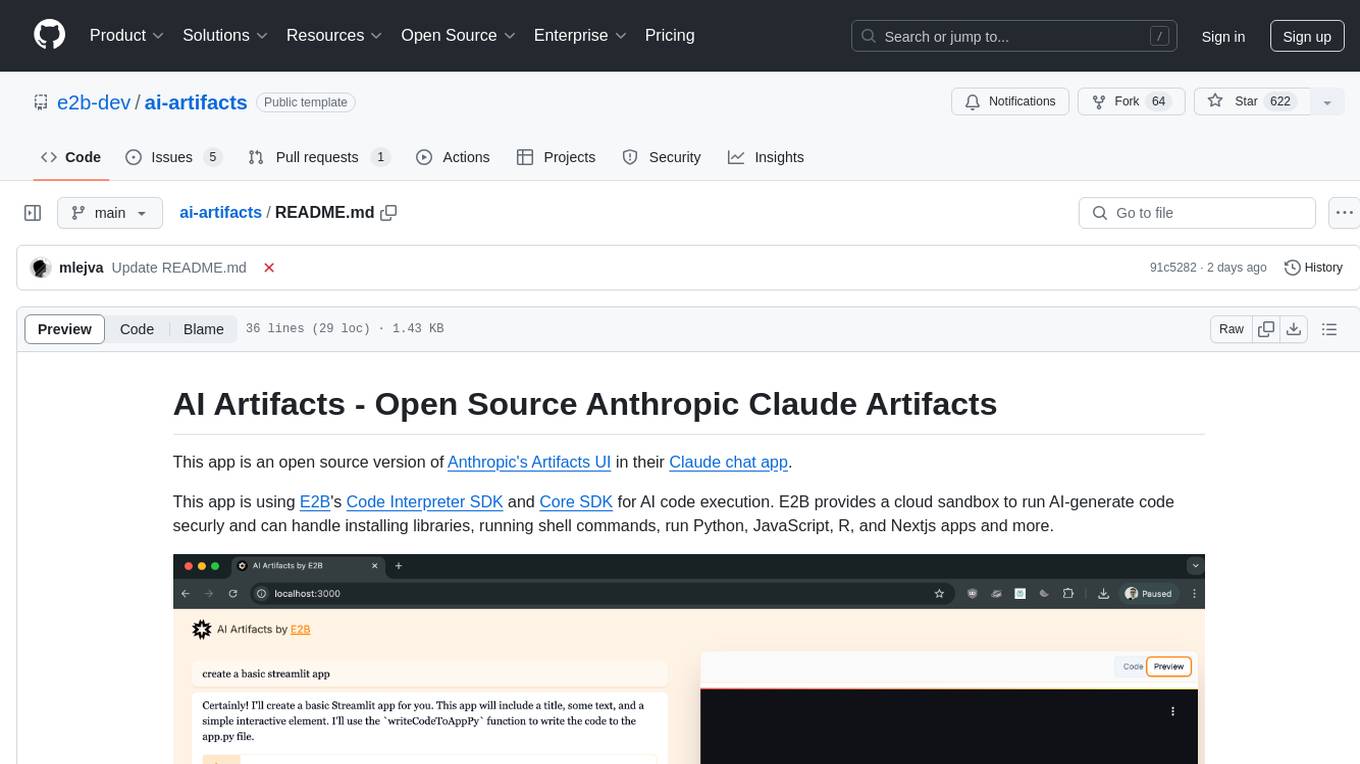
ai-artifacts
AI Artifacts is an open source tool that replicates Anthropic's Artifacts UI in the Claude chat app. It utilizes E2B's Code Interpreter SDK and Core SDK for secure AI code execution in a cloud sandbox environment. Users can run AI-generated code in various languages such as Python, JavaScript, R, and Nextjs apps. The tool also supports running AI-generated Python in Jupyter notebook, Next.js apps, and Streamlit apps. Additionally, it offers integration with Vercel AI SDK for tool calling and streaming responses from the model.
pebblo
Pebblo enables developers to safely load data and promote their Gen AI app to deployment without worrying about the organization’s compliance and security requirements. The project identifies semantic topics and entities found in the loaded data and summarizes them on the UI or a PDF report.
For similar tasks
react-grab
React Grab is a tool that allows users to select context for coding agents directly from a website by pointing at any element and copying the file name, React component, and HTML source code. It enhances the performance of tools like Cursor, Claude Code, and Copilot by making them run up to 3 times faster and more accurately. Users can install React Grab, connect it to coding agents, and easily copy element contexts for pasting into their coding environment. The tool can be manually installed in various React frameworks and build tools, and it also provides an API for extending functionality with plugins, hooks, actions, themes, and custom agents.
For similar jobs
pro-chat
ProChat is a components library focused on quickly building large language model chat interfaces. It empowers developers to create rich, dynamic, and intuitive chat interfaces with features like automatic chat caching, streamlined conversations, message editing tools, auto-rendered Markdown, and programmatic controls. The tool also includes design evolution plans such as customized dialogue rendering, enhanced request parameters, personalized error handling, expanded documentation, and atomic component design.
bumpgen
bumpgen is a tool designed to automatically upgrade TypeScript / TSX dependencies and make necessary code changes to handle any breaking issues that may arise. It uses an abstract syntax tree to analyze code relationships, type definitions for external methods, and a plan graph DAG to execute changes in the correct order. The tool is currently limited to TypeScript and TSX but plans to support other strongly typed languages in the future. It aims to simplify the process of upgrading dependencies and handling code changes caused by updates.
monacopilot
Monacopilot is a powerful and customizable AI auto-completion plugin for the Monaco Editor. It supports multiple AI providers such as Anthropic, OpenAI, Groq, and Google, providing real-time code completions with an efficient caching system. The plugin offers context-aware suggestions, customizable completion behavior, and framework agnostic features. Users can also customize the model support and trigger completions manually. Monacopilot is designed to enhance coding productivity by providing accurate and contextually appropriate completions in daily spoken language.
pear-landing-page
PearAI Landing Page is an open-source AI-powered code editor managed by Nang and Pan. It is built with Next.js, Vercel, Tailwind CSS, and TypeScript. The project requires setting up environment variables for proper configuration. Users can run the project locally by starting the development server and visiting the specified URL in the browser. Recommended extensions include Prettier, ESLint, and JavaScript and TypeScript Nightly. Contributions to the project are welcomed and appreciated.

magic-resume
Magic Resume is a modern online resume editor that makes creating professional resumes simple and fun. Built on Next.js and Framer Motion, it supports real-time preview and custom themes. Features include Next.js 14+ based construction, smooth animation effects (Framer Motion), custom theme support, responsive design, dark mode, export to PDF, real-time preview, auto-save, and local storage. The technology stack includes Next.js 14+, TypeScript, Framer Motion, Tailwind CSS, Shadcn/ui, and Lucide Icons.
forge
Forge is a powerful open-source tool for building modern web applications. It provides a simple and intuitive interface for developers to quickly scaffold and deploy projects. With Forge, you can easily create custom components, manage dependencies, and streamline your development workflow. Whether you are a beginner or an experienced developer, Forge offers a flexible and efficient solution for your web development needs.
eslint-config-airbnb-extended
A powerful ESLint configuration extending the popular Airbnb style guide, with added support for TypeScript. It provides a one-to-one replacement for old Airbnb ESLint configs, TypeScript support, customizable settings, pre-configured rules, and a CLI utility for quick setup. The package 'eslint-config-airbnb-extended' fully supports TypeScript to enforce consistent coding standards across JavaScript and TypeScript files. The 'create-airbnb-x-config' tool automates the setup of the ESLint configuration package and ensures correct ESLint rules application across JavaScript and TypeScript code.
ultracite
Ultracite is an AI-ready formatter built in Rust for lightning-fast performance, providing robust linting and formatting experience for Next.js, React, and TypeScript projects. It enforces strict type checking, ensures code style consistency, and integrates seamlessly with AI models like GitHub Copilot. With zero configuration needed, Ultracite automatically formats code, fixes lint issues, and improves accessibility on save, allowing developers to focus on coding and shipping without interruptions.