


aio-coding-hub
一个All In One的本地AI工具, 支持Win/Mac/Linux
Stars: 125
AIO Coding Hub is a local AI CLI unified gateway that allows requests from Claude Code, Codex, and Gemini CLI to go through a single entry point. It solves the pain points of configuring base URLs and API keys for each CLI, provides intelligent failover in case of upstream instability, offers full observability with trace tracking and usage statistics, enables easy switching of providers with a single toggle, and ensures security and privacy through local data storage and encrypted API keys. The tool features a unified gateway proxy supporting multiple CLI tools, intelligent routing and fault tolerance, observability with request tracing and usage statistics, channel validation with multi-dimensional templates, and security and privacy measures like local data storage and encrypted API keys.
README:




🙏 致谢 本项目借鉴并参考了以下优秀开源项目理念:
| 痛点 | AIO Coding Hub 的解决方案 |
|---|---|
每个 CLI 都要单独配置 base_url 和 API Key |
统一入口 — 所有 CLI 走 127.0.0.1 本机网关 |
| 上游不稳定时请求直接失败 | 智能 Failover — 自动切换 Provider,熔断保护 |
| 不知道请求去了哪里、用了多少 Token | 全链路可观测 — Trace 追踪、Console 日志、用量统计 |
| 切换 Provider 要改多个配置文件 | 一键代理 — 开关即切换,自动备份原配置 |
- 单一入口支持 Claude Code / Codex / Gemini CLI
- 自定义模型映射
- 多 Provider 优先级排序,自动 Failover
- 熔断器模式 + 会话粘滞
- 请求 Trace、实时日志、用量统计
- 供应商限流监控与成本估算
- 多维度验证模板(token 截断、Extended Thinking)
- 批量验证与历史记录
- 本地数据 + API Key 加密
- 开源可审计


┌─────────────────────────────────────────────────────────────────┐
│                        AIO Coding Hub                           │
├─────────────────────────────────────────────────────────────────┤
│  ┌─────────┐   ┌─────────┐   ┌─────────┐                       │
│  │ Claude  │   │  Codex  │   │ Gemini  │  ← AI CLI Tools       │
│  │  Code   │   │   CLI   │   │   CLI   │                       │
│  └────┬────┘   └────┬────┘   └────┬────┘                       │
│       │             │             │                             │
│       └─────────────┼─────────────┘                             │
│                     ▼                                           │
│  ┌──────────────────────────────────────────────────────────┐  │
│  │              Local Gateway (127.0.0.1:37123)             │  │
│  │  ┌──────────┐  ┌──────────┐  ┌──────────┐  ┌──────────┐ │  │
│  │  │ Failover │  │ Circuit  │  │ Session  │  │  Usage   │ │  │
│  │  │  Engine  │  │ Breaker  │  │ Manager  │  │ Tracker  │ │  │
│  │  └──────────┘  └──────────┘  └──────────┘  └──────────┘ │  │
│  └──────────────────────────────────────────────────────────┘  │
│                     │                                           │
│       ┌─────────────┼─────────────┐                             │
│       ▼             ▼             ▼                             │
│  ┌─────────┐   ┌─────────┐   ┌─────────┐                       │
│  │Provider │   │Provider │   │Provider │  ← Upstream APIs      │
│  │    A    │   │    B    │   │    C    │                       │
│  └─────────┘   └─────────┘   └─────────┘                       │
└─────────────────────────────────────────────────────────────────┘
前往 Releases 下载对应平台的安装包:
| 平台 | 安装包 |
|---|---|
| Windows |
.exe (NSIS) 或 .msi
|
| macOS | .dmg |
| Linux |
.deb / .AppImage
|
macOS 安全提示
若遇到"无法打开/来源未验证"提示,执行:
sudo xattr -cr /Applications/"AIO Coding Hub.app"前置条件
通用要求:
- Node.js 18+、pnpm
- Rust 1.90+(
rustup安装推荐)
Windows:
- Microsoft C++ Build Tools(安装时勾选"使用 C++ 的桌面开发"工作负载)
- WebView2(Windows 10/11 已内置)
- ARM64 构建额外需要:在 Visual Studio Installer → 单个组件 中勾选
MSVC v143 - VS 2022 C++ ARM64 build tools
macOS:
- Xcode Command Line Tools(
xcode-select --install)
Linux (Ubuntu/Debian):
sudo apt-get update
sudo apt-get install -y libwebkit2gtk-4.1-dev libappindicator3-dev librsvg2-dev patchelf
git clone https://github.com/dyndynjyxa/aio-coding-hub.git
cd aio-coding-hub
pnpm install
# 构建(当前平台)
pnpm tauri:build
# 指定平台构建
pnpm tauri:build:mac:arm64 # macOS Apple Silicon
pnpm tauri:build:mac:x64 # macOS Intel
pnpm tauri:build:mac:universal # macOS Universal
pnpm tauri:build:win:x64 # Windows x64
pnpm tauri:build:win:arm64 # Windows ARM64
pnpm tauri:build:linux:x64 # Linux x64
# 开发模式
pnpm tauri:dev
# 运行测试
pnpm test:unit # 前端单元测试
pnpm test:unit:coverage # 前端覆盖率门禁
pnpm tauri:test # 后端测试
# 代码质量检查
pnpm check:precommit # 快速预提交检查(前端 + Rust check)
pnpm check:precommit:full # 完整预提交检查(含格式全量校验 + clippy)
pnpm check:prepush # 覆盖率 + 后端测试 + clippy(推送前)3 步完成配置:
1️⃣  Providers 页 → 添加上游(官方 API / 自建代理 / 公司网关)
2️⃣  Home 页 → 打开目标 CLI 的"代理"开关
3️⃣  终端发起请求 → Console/Usage 查看 Trace 与用量
验证网关运行:
curl http://127.0.0.1:37123/health
# 预期输出: {"status":"ok"}| 层级 | 技术 |
|---|---|
| 前端 | React 19 · TypeScript · Tailwind CSS · Vite |
| 状态管理 | TanStack Query (React Query) |
| 测试 | Vitest · Testing Library · MSW |
| 桌面框架 | Tauri 2 |
| 后端 | Rust · Axum (HTTP Gateway) |
| 数据库 | SQLite (rusqlite) |
| 通信 | Tauri IPC · Server-Sent Events |
- 测试: Vitest (前端) + Cargo test (后端)
- 检查: TypeScript 严格模式 + Rust clippy
- Hooks: Pre-commit 增量格式化/快速检查 + Pre-push 覆盖率/后端测试/clippy
- CI/CD: GitHub Actions + Release Please
| 文档 | 说明 |
|---|---|
| 使用指南 | 完整配置流程与网关入口说明 |
| CLI 代理机制 | 配置文件变更与备份策略 |
| 数据与安全 | 数据存储位置与安全提示 |
| 常见问题 | FAQ 与排障指南 |
| 开发指南 | 本地开发与质量门禁 |
| 发版说明 | 版本发布与自动更新 |
- 公网部署 / 远程访问 / 多租户
- 企业级 RBAC 权限管理
本项目定位为 单机桌面工具 + 本地网关,所有数据保存在本机用户目录。
欢迎提交 Issue 和 PR!项目采用 Conventional Commits 规范。
# PR 标题格式
feat(ui): add usage heatmap
fix(gateway): handle timeout correctly
docs: update installation guide
For Tasks:
Click tags to check more tools for each tasksFor Jobs:
Alternative AI tools for aio-coding-hub
Similar Open Source Tools
aio-coding-hub
AIO Coding Hub is a local AI CLI unified gateway that allows requests from Claude Code, Codex, and Gemini CLI to go through a single entry point. It solves the pain points of configuring base URLs and API keys for each CLI, provides intelligent failover in case of upstream instability, offers full observability with trace tracking and usage statistics, enables easy switching of providers with a single toggle, and ensures security and privacy through local data storage and encrypted API keys. The tool features a unified gateway proxy supporting multiple CLI tools, intelligent routing and fault tolerance, observability with request tracing and usage statistics, channel validation with multi-dimensional templates, and security and privacy measures like local data storage and encrypted API keys.
auto-paper-digest
Auto Paper Digest (APD) is a tool designed to automatically fetch cutting-edge AI research papers, download PDFs, generate video explanations, and publish them on platforms like HuggingFace, Douyin, and portal websites. It provides functionalities such as fetching papers from Hugging Face, downloading PDFs from arXiv, generating videos using NotebookLM, automatic publishing to HuggingFace Dataset, automatic publishing to Douyin, and hosting videos on a Gradio portal website. The tool also supports resuming interrupted tasks, persistent login states for Google and Douyin, and a structured workflow divided into three phases: Upload, Download, and Publish.
lanhu-mcp
Lanhu MCP Server is a powerful Model Context Protocol (MCP) server designed for the AI programming era, perfectly supporting the Lanhu design collaboration platform. It offers features like intelligent requirement analysis, team knowledge base, UI design support, and performance optimization. The server is suitable for Cursor + Lanhu, Windsurf + Lanhu, Claude Code + Lanhu, Trae + Lanhu, and Cline + Lanhu integrations. It aims to break the isolation of AI IDEs and enable all AI assistants to share knowledge and context.
Zen-Ai-Pentest
Zen-AI-Pentest is a professional AI-powered penetration testing framework designed for security professionals, bug bounty hunters, and enterprise security teams. It combines cutting-edge language models with 20+ integrated security tools, offering comprehensive security assessments. The framework is security-first with multiple safety controls, extensible with a plugin system, cloud-native for deployment on AWS, Azure, or GCP, and production-ready with CI/CD, monitoring, and support. It features autonomous AI agents, risk analysis, exploit validation, benchmarking, CI/CD integration, AI persona system, subdomain scanning, and multi-cloud & virtualization support.
PaiAgent
PaiAgent is an enterprise-level AI workflow visualization orchestration platform that simplifies the combination and scheduling of AI capabilities. It allows developers and business users to quickly build complex AI processing flows through an intuitive drag-and-drop interface, without the need to write code, enabling collaboration of various large models.
Autopilot-Notes
Autopilot Notes is an open-source knowledge base for systematically learning autonomous driving technology. It covers basic theory, hardware, algorithms, tools, and practical engineering practices across 10+ chapters. The repository provides daily updates on industry trends, in-depth analysis of mainstream solutions like Tesla, Baidu Apollo, and Openpilot, and hands-on content including simulation, deployment, and optimization. Contributors are welcome to submit pull requests to improve the documentation.
detour
Detour is an autonomous collision-avoidance system designed to run on-board satellites using NVIDIA's Nemotron LLM on the ASUS Ascent GX10. It utilizes a multi-agent LangGraph pipeline to detect debris threats, assess risk, plan maneuvers, validate safety constraints, and execute avoidance burns locally with zero ground-station latency. The system consists of key components such as Agent Pipeline, Physics Engine, Satellite Model, Tool Wrappers, API, Frontend, and Ascent GX10 Setup. The tool aims to provide fast and autonomous decision-making capabilities to prevent collisions in Low Earth Orbit (LEO) by leveraging edge AI technology.
chronicle
Chronicle is a self-hostable AI system that captures audio/video data from OMI devices and other sources to generate memories, action items, and contextual insights about conversations and daily interactions. It includes a mobile app for OMI devices, backend services with AI features, a web dashboard for conversation and memory management, and optional services like speaker recognition and offline ASR. The project aims to provide a system that records personal spoken context and visual context to generate memories, action items, and enable home automation.
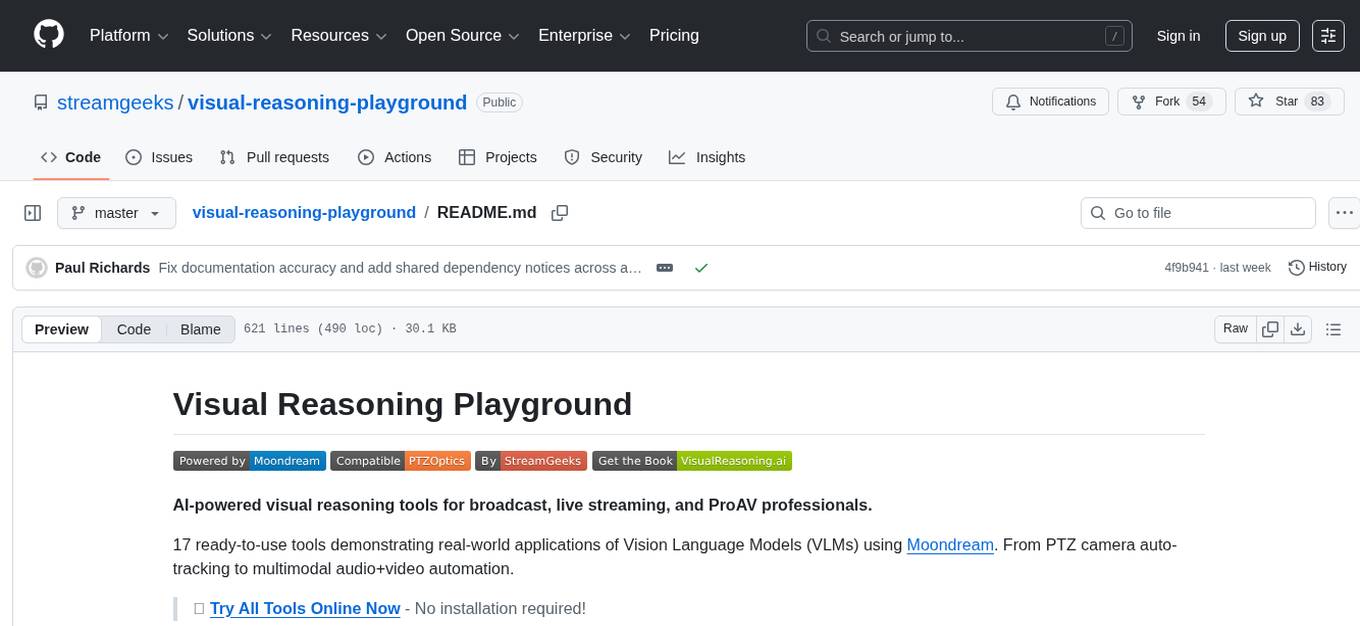
visual-reasoning-playground
AI-powered visual reasoning tools for broadcast, live streaming, and ProAV professionals. The Visual Reasoning Playground provides 17 ready-to-use tools demonstrating real-world applications of Vision Language Models (VLMs) using Moondream. From PTZ camera auto-tracking to multimodal audio+video automation, the tools offer functionalities like scene description, object detection, gesture control, smart counting, scene analysis, zone monitoring, color matching, multimodal fusion, smart photography, PTZ tracking, tracking comparison, scoreboard extraction, scoreboard OCR, framing assistance, PTZ color tuning, multimodal studio automation, voice triggers, and OBS plugin integration. The tools are designed to streamline tasks in live streaming, broadcast automation, camera control, content creation workflows, security monitoring, and more.
bumpgen
bumpgen is a tool designed to automatically upgrade TypeScript / TSX dependencies and make necessary code changes to handle any breaking issues that may arise. It uses an abstract syntax tree to analyze code relationships, type definitions for external methods, and a plan graph DAG to execute changes in the correct order. The tool is currently limited to TypeScript and TSX but plans to support other strongly typed languages in the future. It aims to simplify the process of upgrading dependencies and handling code changes caused by updates.
vibium
Vibium is a browser automation infrastructure designed for AI agents, providing a single binary that manages browser lifecycle, WebDriver BiDi protocol, and an MCP server. It offers zero configuration, AI-native capabilities, and is lightweight with no runtime dependencies. It is suitable for AI agents, test automation, and any tasks requiring browser interaction.
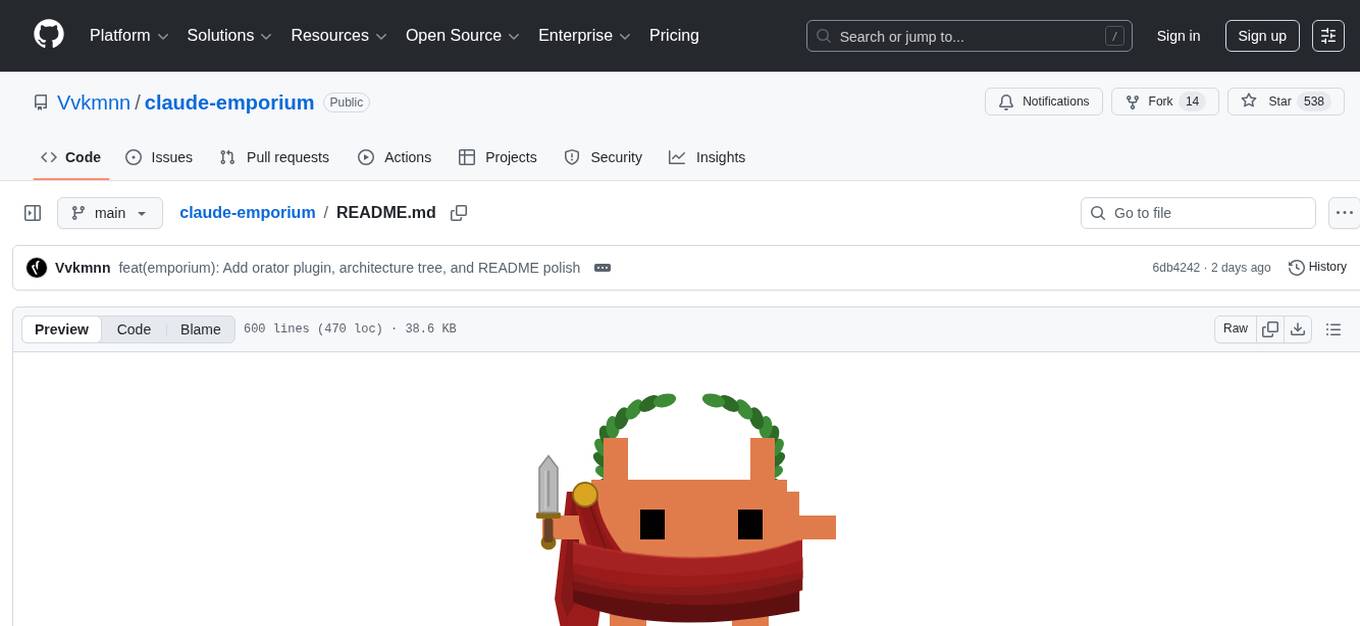
claude-emporium
Claude Emporium is a Roman-themed plugin marketplace for Claude Code, offering six plugins that wrap standalone MCP servers with automation hooks, commands, and skills. The plugins include Praetorian for context guard, Historian for session memory, Oracle for tool discovery, Gladiator for continuous learning, Vigil for file recovery, and Orator for prompt rhetoric. Each plugin self-configures on install, and the MCP servers handle the actual work. The plugins coordinate automatically when multiple are installed, enhancing behaviors and synergy. The tool is designed with zero overhead, no external API calls, no background processes, and no databases, making it efficient and lightweight for users.
aiohomematic
AIO Homematic (hahomematic) is a lightweight Python 3 library for controlling and monitoring HomeMatic and HomematicIP devices, with support for third-party devices/gateways. It automatically creates entities for device parameters, offers custom entity classes for complex behavior, and includes features like caching paramsets for faster restarts. Designed to integrate with Home Assistant, it requires specific firmware versions for HomematicIP devices. The public API is defined in modules like central, client, model, exceptions, and const, with example usage provided. Useful links include changelog, data point definitions, troubleshooting, and developer resources for architecture, data flow, model extension, and Home Assistant lifecycle.
observers
Observers is a lightweight library for AI observability that provides support for various generative AI APIs and storage backends. It allows users to track interactions with AI models and sync observations to different storage systems. The library supports OpenAI, Hugging Face transformers, AISuite, Litellm, and Docling for document parsing and export. Users can configure different stores such as Hugging Face Datasets, DuckDB, Argilla, and OpenTelemetry to manage and query their observations. Observers is designed to enhance AI model monitoring and observability in a user-friendly manner.
AIxVuln
AIxVuln is an automated vulnerability discovery and verification system based on large models (LLM) + function calling + Docker sandbox. The system manages 'projects' through a web UI/desktop client, automatically organizing multiple 'digital humans' for environment setup, code auditing, vulnerability verification, and report generation. It utilizes an isolated Docker environment for dependency installation, service startup, PoC verification, and evidence collection, ultimately producing downloadable vulnerability reports. The system has already discovered dozens of vulnerabilities in real open-source projects.
Agentic-ADK
Agentic ADK is an Agent application development framework launched by Alibaba International AI Business, based on Google-ADK and Ali-LangEngine. It is used for developing, constructing, evaluating, and deploying powerful, flexible, and controllable complex AI Agents. ADK aims to make Agent development simpler and more user-friendly, enabling developers to more easily build, deploy, and orchestrate various Agent applications ranging from simple tasks to complex collaborations.
For similar tasks
llm-app
Pathway's LLM (Large Language Model) Apps provide a platform to quickly deploy AI applications using the latest knowledge from data sources. The Python application examples in this repository are Docker-ready, exposing an HTTP API to the frontend. These apps utilize the Pathway framework for data synchronization, API serving, and low-latency data processing without the need for additional infrastructure dependencies. They connect to document data sources like S3, Google Drive, and Sharepoint, offering features like real-time data syncing, easy alert setup, scalability, monitoring, security, and unification of application logic.
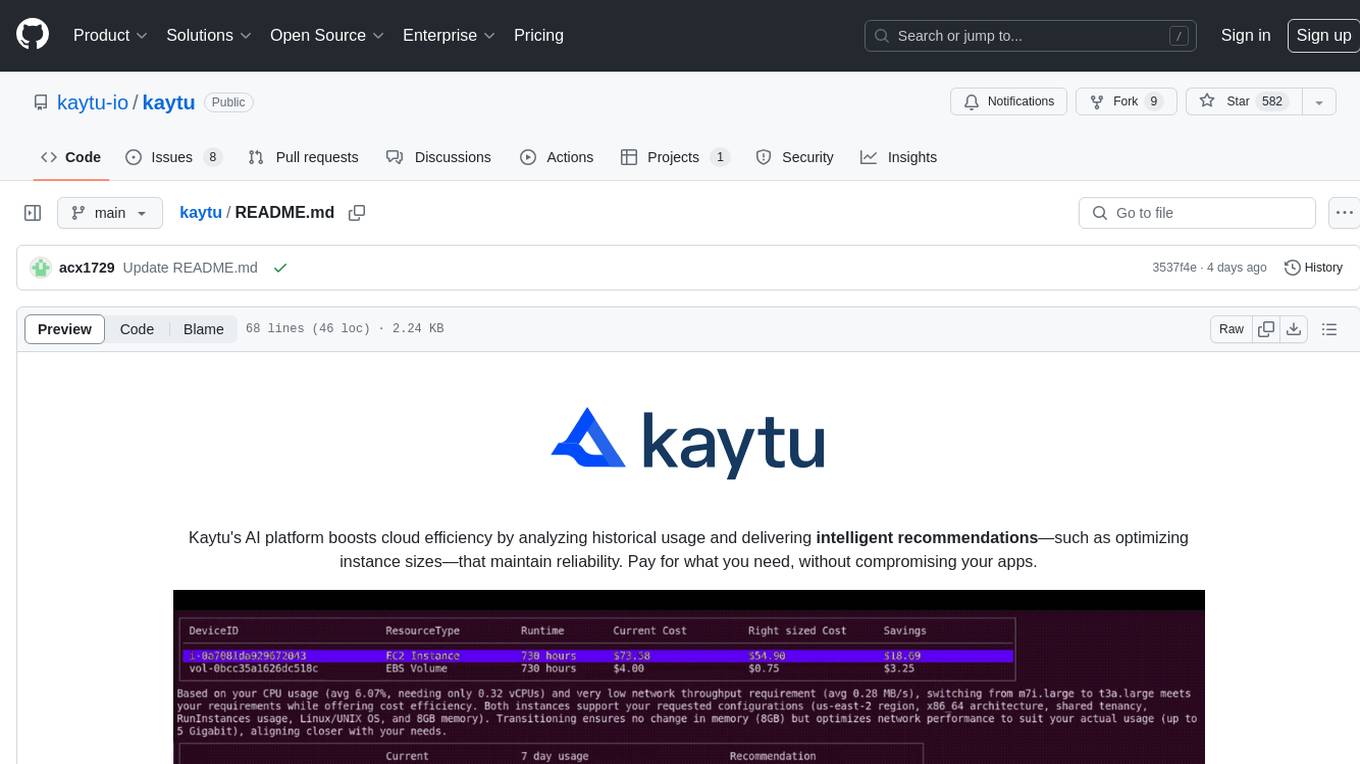
kaytu
Kaytu is an AI platform that enhances cloud efficiency by analyzing historical usage data and providing intelligent recommendations for optimizing instance sizes. Users can pay for only what they need without compromising the performance of their applications. The platform is easy to use with a one-line command, allows customization for specific requirements, and ensures security by extracting metrics from the client side. Kaytu is open-source and supports AWS services, with plans to expand to GCP, Azure, GPU optimization, and observability data from Prometheus in the future.
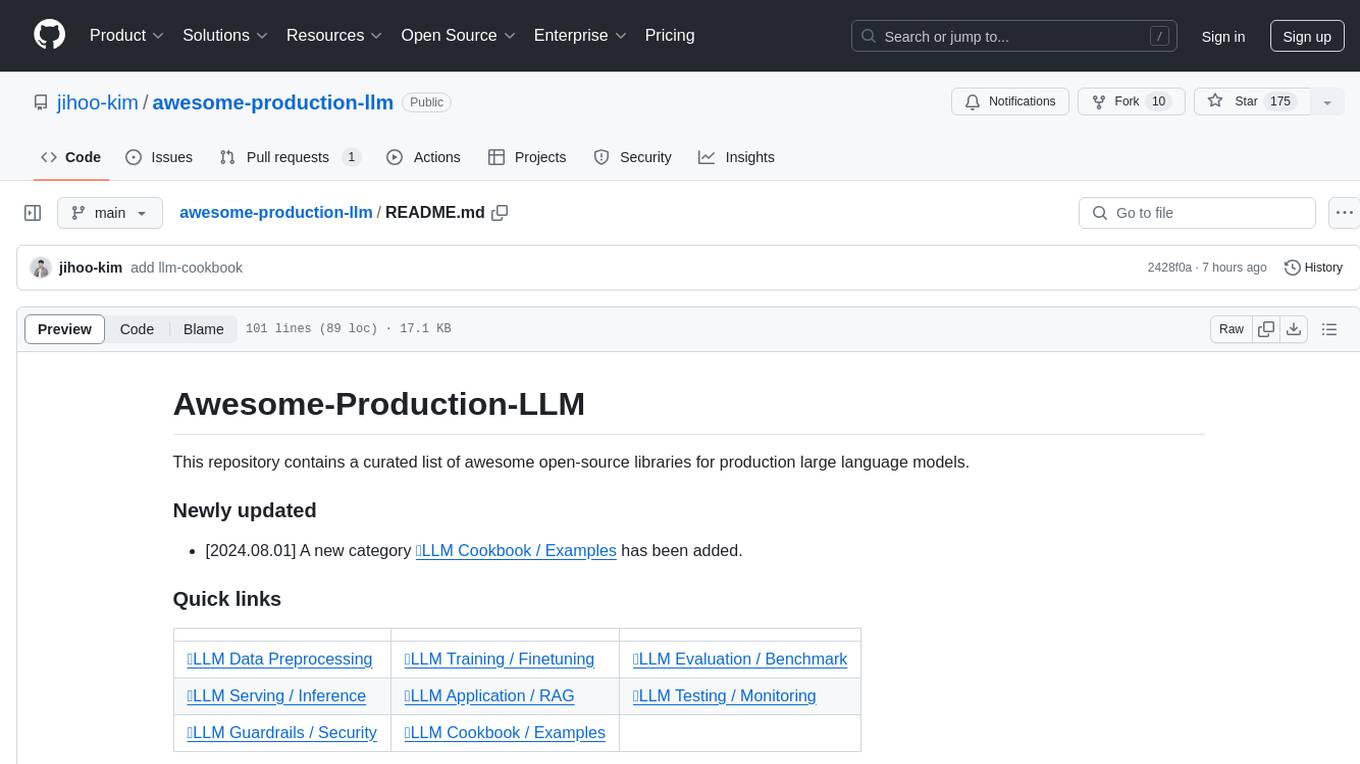
awesome-production-llm
This repository is a curated list of open-source libraries for production large language models. It includes tools for data preprocessing, training/finetuning, evaluation/benchmarking, serving/inference, application/RAG, testing/monitoring, and guardrails/security. The repository also provides a new category called LLM Cookbook/Examples for showcasing examples and guides on using various LLM APIs.
holisticai
Holistic AI is an open-source library dedicated to assessing and improving the trustworthiness of AI systems. It focuses on measuring and mitigating bias, explainability, robustness, security, and efficacy in AI models. The tool provides comprehensive metrics, mitigation techniques, a user-friendly interface, and visualization tools to enhance AI system trustworthiness. It offers documentation, tutorials, and detailed installation instructions for easy integration into existing workflows.
langkit
LangKit is an open-source text metrics toolkit for monitoring language models. It offers methods for extracting signals from input/output text, compatible with whylogs. Features include text quality, relevance, security, sentiment, toxicity analysis. Installation via PyPI. Modules contain UDFs for whylogs. Benchmarks show throughput on AWS instances. FAQs available.
nesa
Nesa is a tool that allows users to run on-prem AI for a fraction of the cost through a blind API. It provides blind privacy, zero latency on protected inference, wide model coverage, cost savings compared to cloud and on-prem AI, RAG support, and ChatGPT compatibility. Nesa achieves blind AI through Equivariant Encryption (EE), a new security technology that provides complete inference encryption with no additional latency. EE allows users to perform inference on neural networks without exposing the underlying data, preserving data privacy and security.
eulers-shield
Euler's Shield is a decentralized, AI-powered financial system designed to stabilize the value of Pi Coin at $314.159. It combines blockchain, machine learning, and cybersecurity to ensure the security, scalability, and decentralization of the Pi Coin ecosystem.
k8sgateway
K8sGateway is a feature-rich, fast, and flexible Kubernetes-native API gateway built on Envoy proxy and Kubernetes Gateway API. It excels in function-level routing, supports legacy apps, microservices, and serverless. It offers robust discovery capabilities, seamless integration with open-source projects, and supports hybrid applications with various technologies, architectures, protocols, and clouds.
For similar jobs

sweep
Sweep is an AI junior developer that turns bugs and feature requests into code changes. It automatically handles developer experience improvements like adding type hints and improving test coverage.

teams-ai
The Teams AI Library is a software development kit (SDK) that helps developers create bots that can interact with Teams and Microsoft 365 applications. It is built on top of the Bot Framework SDK and simplifies the process of developing bots that interact with Teams' artificial intelligence capabilities. The SDK is available for JavaScript/TypeScript, .NET, and Python.

ai-guide
This guide is dedicated to Large Language Models (LLMs) that you can run on your home computer. It assumes your PC is a lower-end, non-gaming setup.

classifai
Supercharge WordPress Content Workflows and Engagement with Artificial Intelligence. Tap into leading cloud-based services like OpenAI, Microsoft Azure AI, Google Gemini and IBM Watson to augment your WordPress-powered websites. Publish content faster while improving SEO performance and increasing audience engagement. ClassifAI integrates Artificial Intelligence and Machine Learning technologies to lighten your workload and eliminate tedious tasks, giving you more time to create original content that matters.

chatbot-ui
Chatbot UI is an open-source AI chat app that allows users to create and deploy their own AI chatbots. It is easy to use and can be customized to fit any need. Chatbot UI is perfect for businesses, developers, and anyone who wants to create a chatbot.

BricksLLM
BricksLLM is a cloud native AI gateway written in Go. Currently, it provides native support for OpenAI, Anthropic, Azure OpenAI and vLLM. BricksLLM aims to provide enterprise level infrastructure that can power any LLM production use cases. Here are some use cases for BricksLLM: * Set LLM usage limits for users on different pricing tiers * Track LLM usage on a per user and per organization basis * Block or redact requests containing PIIs * Improve LLM reliability with failovers, retries and caching * Distribute API keys with rate limits and cost limits for internal development/production use cases * Distribute API keys with rate limits and cost limits for students

uAgents
uAgents is a Python library developed by Fetch.ai that allows for the creation of autonomous AI agents. These agents can perform various tasks on a schedule or take action on various events. uAgents are easy to create and manage, and they are connected to a fast-growing network of other uAgents. They are also secure, with cryptographically secured messages and wallets.

griptape
Griptape is a modular Python framework for building AI-powered applications that securely connect to your enterprise data and APIs. It offers developers the ability to maintain control and flexibility at every step. Griptape's core components include Structures (Agents, Pipelines, and Workflows), Tasks, Tools, Memory (Conversation Memory, Task Memory, and Meta Memory), Drivers (Prompt and Embedding Drivers, Vector Store Drivers, Image Generation Drivers, Image Query Drivers, SQL Drivers, Web Scraper Drivers, and Conversation Memory Drivers), Engines (Query Engines, Extraction Engines, Summary Engines, Image Generation Engines, and Image Query Engines), and additional components (Rulesets, Loaders, Artifacts, Chunkers, and Tokenizers). Griptape enables developers to create AI-powered applications with ease and efficiency.