


computer-use-mcp
💻 Give AI models complete control of your computer (probably a bad idea)
Stars: 125
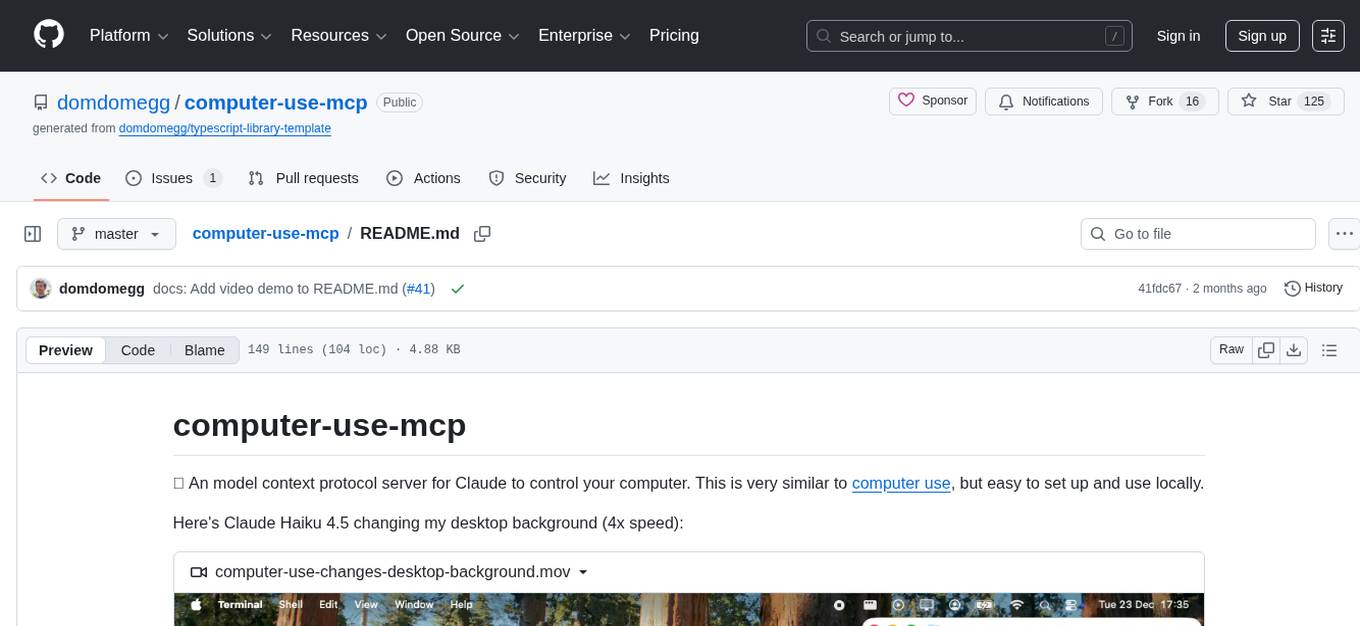
The computer-use-mcp repository is a model context protocol server that allows Claude to control your computer. It is similar to computer use but is easy to set up and use locally. Users should be cautious as the server gives the model complete control of the computer, similar to giving a hyperactive toddler access. The tool communicates with the computer using nut.js and follows Anthropic's official computer use guide with a focus on keyboard shortcuts.
README:
💻 An model context protocol server for Claude to control your computer. This is very similar to computer use, but easy to set up and use locally.
Here's Claude Haiku 4.5 changing my desktop background (4x speed):
https://github.com/user-attachments/assets/cd0bc190-52c4-49db-b3bc-4b8a74544789
[!WARNING] At time of writing, models make frequent mistakes and are vulnerable to prompt injections. As this MCP server gives the model complete control of your computer, this could do a lot of damage. You should therefore treat this like giving a hyperactive toddler access to your computer - you probably want to supervise it closely, and consider only doing this in a sandboxed user account.
Claude Code
Run:
claude mcp add --scope user --transport stdio computer-use -- npx -y computer-use-mcpThis installs the server at user scope (available in all projects). To install locally (current directory only), omit --scope user.
Claude Desktop
- Find the latest dxt build in the GitHub Actions history (the top one)
- In the 'Artifacts' section, download the
computer-use-mcp-dxtfile - Rename the
.zipfile to.dxt - Double-click the
.dxtfile to open with Claude Desktop - Click "Install"
- Install Node.js
- Open Claude Desktop and go to Settings → Developer
- Click "Edit Config" to open your
claude_desktop_config.jsonfile - Add the following configuration to the "mcpServers" section:
{
  "mcpServers": {
    "computer-use": {
      "command": "npx",
      "args": [
        "-y",
        "computer-use-mcp"
      ]
    }
  }
}- Save the file and restart Claude Desktop
Cursor
- Click

Create either a global (~/.cursor/mcp.json) or project-specific (.cursor/mcp.json) configuration file:
{
  "mcpServers": {
    "computer-use": {
      "command": "npx",
      "args": ["-y", "computer-use-mcp"]
    }
  }
}
Cline
- Click the "MCP Servers" icon in the Cline extension
- Search for "Computer Use" and click "Install"
- Follow the prompts to install the server
- Click the "MCP Servers" icon in the Cline extension
- Click on the "Installed" tab, then the "Configure MCP Servers" button at the bottom
- Add the following configuration to the "mcpServers" section:
{
  "mcpServers": {
    "computer-use": {
      "type": "stdio",
      "command": "npx",
      "args": ["-y", "computer-use-mcp"]
    }
  }
}This should just work out of the box.
However, to get best results:
- Use a model good at computer use - I recommend the latest Claude models.
- Use a small, common resolution - 720p works particularly well. On macOS, you can use displayoverride-mac to do this. If you can't use a different resolution, try zooming in to active windows.
- Install and enable the Rango browser extension. This enables keyboard navigation for websites, which is far more reliable than Claude trying to click coordinates. You can bump up the font size setting in Rango to make the hints more visible.
We implement a near identical computer use tool to Anthropic's official computer use guide, with some more nudging to prefer keyboard shortcuts.
This talks to your computer using nut.js
Pull requests are welcomed on GitHub! To get started:
- Install Git and Node.js
- Clone the repository
- Install dependencies with
npm install - Run
npm run testto run tests - Build with
npm run build
Versions follow the semantic versioning spec.
To release:
- Use
npm version <major | minor | patch>to bump the version - Run
git push --follow-tagsto push with tags - Wait for GitHub Actions to publish to the NPM registry.
For Tasks:
Click tags to check more tools for each tasksFor Jobs:
Alternative AI tools for computer-use-mcp
Similar Open Source Tools
computer-use-mcp
The computer-use-mcp repository is a model context protocol server that allows Claude to control your computer. It is similar to computer use but is easy to set up and use locally. Users should be cautious as the server gives the model complete control of the computer, similar to giving a hyperactive toddler access. The tool communicates with the computer using nut.js and follows Anthropic's official computer use guide with a focus on keyboard shortcuts.
lexido
Lexido is an innovative assistant for the Linux command line, designed to boost your productivity and efficiency. Powered by Gemini Pro 1.0 and utilizing the free API, Lexido offers smart suggestions for commands based on your prompts and importantly your current environment. Whether you're installing software, managing files, or configuring system settings, Lexido streamlines the process, making it faster and more intuitive.

chat-mcp
A Cross-Platform Interface for Large Language Models (LLMs) utilizing the Model Context Protocol (MCP) to connect and interact with various LLMs. The desktop app, built on Electron, ensures compatibility across Linux, macOS, and Windows. It simplifies understanding MCP principles, facilitates testing of multiple servers and LLMs, and supports dynamic LLM configuration and multi-client management. The UI can be extracted for web use, ensuring consistency across web and desktop versions.
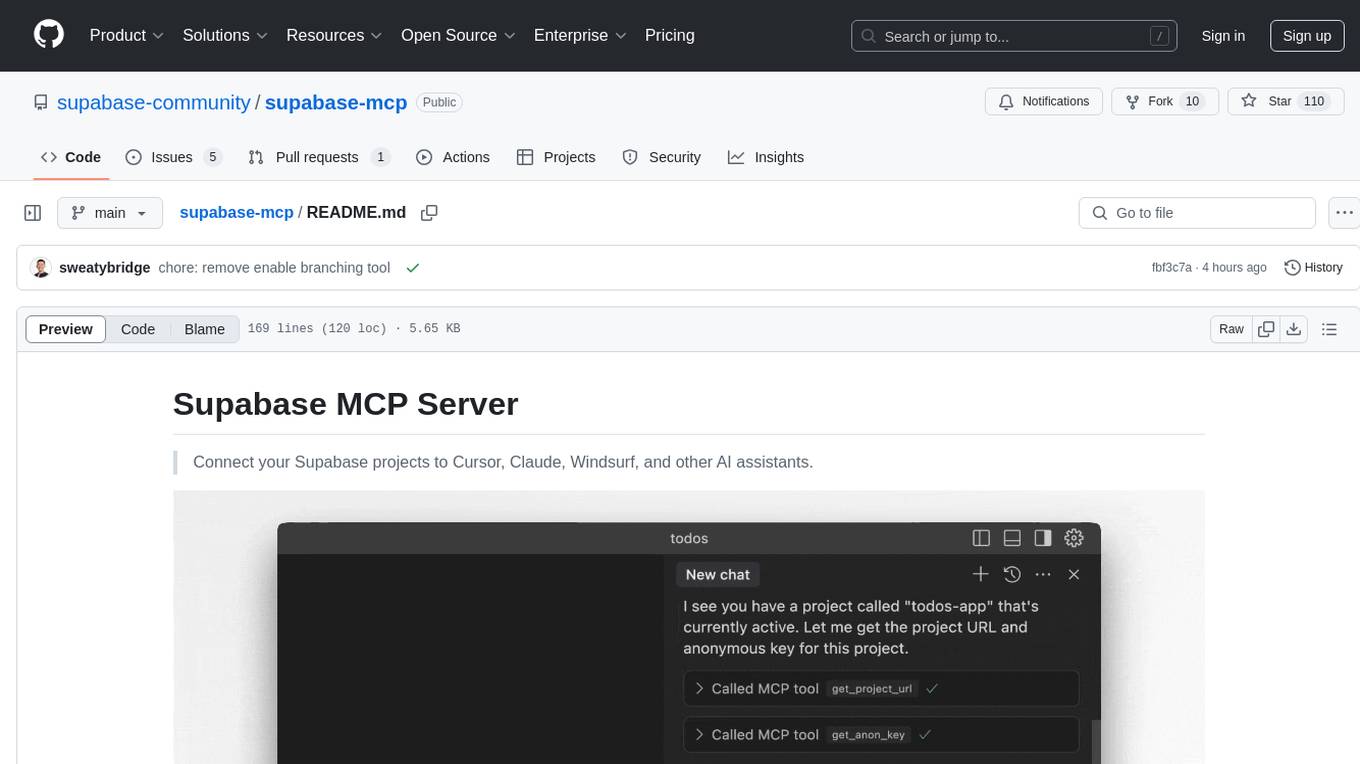
supabase-mcp
Supabase MCP Server standardizes how Large Language Models (LLMs) interact with Supabase, enabling AI assistants to manage tables, fetch config, and query data. It provides tools for project management, database operations, project configuration, branching (experimental), and development tools. The server is pre-1.0, so expect some breaking changes between versions.
tuui
TUUI is a desktop MCP client designed for accelerating AI adoption through the Model Context Protocol (MCP) and enabling cross-vendor LLM API orchestration. It is an LLM chat desktop application based on MCP, created using AI-generated components with strict syntax checks and naming conventions. The tool integrates AI tools via MCP, orchestrates LLM APIs, supports automated application testing, TypeScript, multilingual, layout management, global state management, and offers quick support through the GitHub community and official documentation.
claude-debugs-for-you
Claude Debugs For You is an MCP Server and VS Code extension that enables interactive debugging and evaluation of expressions with Claude or other LLM models. It is language-agnostic, requiring debugger console support and a valid launch.json for debugging in VSCode. Users can download the extension from releases or VS Code Marketplace, install it, and access commands through the status menu item 'Claude Debugs For You'. The tool supports debugging setups using stdio or /sse, and users can follow specific setup instructions depending on their configuration. Once set up, users can debug their code by interacting with the tool, which provides suggestions and fixes for identified issues.
cursor-tools
cursor-tools is a CLI tool designed to enhance AI agents with advanced skills, such as web search, repository context, documentation generation, GitHub integration, Xcode tools, and browser automation. It provides features like Perplexity for web search, Gemini 2.0 for codebase context, and Stagehand for browser operations. The tool requires API keys for Perplexity AI and Google Gemini, and supports global installation for system-wide access. It offers various commands for different tasks and integrates with Cursor Composer for AI agent usage.
MCPJungle
MCPJungle is a self-hosted MCP Gateway for private AI agents, serving as a registry for Model Context Protocol Servers. Developers use it to manage servers and tools centrally, while clients discover and consume tools from a single 'Gateway' MCP Server. Suitable for developers using MCP Clients like Claude & Cursor, building production-grade AI Agents, and organizations managing client-server interactions. The tool allows quick start, installation, usage, server and client setup, connection to Claude and Cursor, enabling/disabling tools, managing tool groups, authentication, enterprise features like access control and OpenTelemetry metrics. Limitations include lack of long-running connections to servers and no support for OAuth flow. Contributions are welcome.
sdfx
SDFX is the ultimate no-code platform for building and sharing AI apps with beautiful UI. It enables the creation of user-friendly interfaces for complex workflows by combining Comfy workflow with a UI. The tool is designed to merge the benefits of form-based UI and graph-node based UI, allowing users to create intricate graphs with a high-level UI overlay. SDFX is fully compatible with ComfyUI, abstracting the need for installing ComfyUI. It offers features like animated graph navigation, node bookmarks, UI debugger, custom nodes manager, app and template export, image and mask editor, and more. The tool compiles as a native app or web app, making it easy to maintain and add new features.
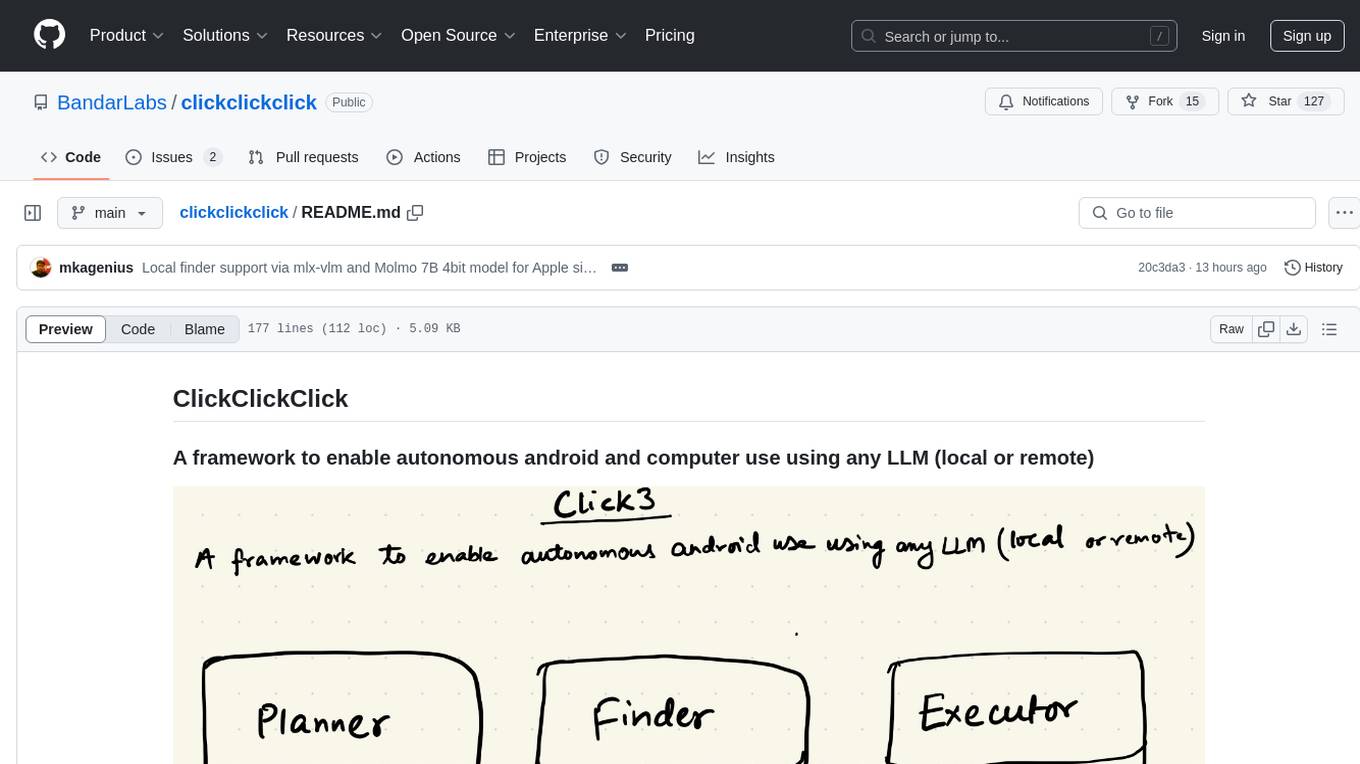
clickclickclick
ClickClickClick is a framework designed to enable autonomous Android and computer use using various LLM models, both locally and remotely. It supports tasks such as drafting emails, opening browsers, and starting games, with current support for local models via Ollama, Gemini, and GPT 4o. The tool is highly experimental and evolving, with the best results achieved using specific model combinations. Users need prerequisites like `adb` installation and USB debugging enabled on Android phones. The tool can be installed via cloning the repository, setting up a virtual environment, and installing dependencies. It can be used as a CLI tool or script, allowing users to configure planner and finder models for different tasks. Additionally, it can be used as an API to execute tasks based on provided prompts, platform, and models.
tiledesk-dashboard
Tiledesk is an open-source live chat platform with integrated chatbots written in Node.js and Express. It is designed to be a multi-channel platform for web, Android, and iOS, and it can be used to increase sales or provide post-sales customer service. Tiledesk's chatbot technology allows for automation of conversations, and it also provides APIs and webhooks for connecting external applications. Additionally, it offers a marketplace for apps and features such as CRM, ticketing, and data export.
notebook-intelligence
Notebook Intelligence (NBI) is an AI coding assistant and extensible AI framework for JupyterLab. It greatly boosts the productivity of JupyterLab users with AI assistance by providing features such as code generation with inline chat, auto-complete, and chat interface. NBI supports various LLM Providers and AI Models, including local models from Ollama. Users can configure model provider and model options, remember GitHub Copilot login, and save configuration files. NBI seamlessly integrates with Model Context Protocol (MCP) servers, supporting both Standard Input/Output (stdio) and Server-Sent Events (SSE) transports. Users can easily add MCP servers to NBI, auto-approve tools, set environment variables, and group servers based on functionality. Additionally, NBI allows access to built-in tools from an MCP participant, enhancing the user experience and productivity.
mcp-server-qdrant
The mcp-server-qdrant repository is an official Model Context Protocol (MCP) server designed for keeping and retrieving memories in the Qdrant vector search engine. It acts as a semantic memory layer on top of the Qdrant database. The server provides tools like 'qdrant-store' for storing information in the database and 'qdrant-find' for retrieving relevant information. Configuration is done using environment variables, and the server supports different transport protocols. It can be installed using 'uvx' or Docker, and can also be installed via Smithery for Claude Desktop. The server can be used with Cursor/Windsurf as a code search tool by customizing tool descriptions. It can store code snippets and help developers find specific implementations or usage patterns. The repository is licensed under the Apache License 2.0.
perplexity-mcp
Perplexity-mcp is a Model Context Protocol (MCP) server that provides web search functionality using Perplexity AI's API. It works with the Anthropic Claude desktop client. The server allows users to search the web with specific queries and filter results by recency. It implements the perplexity_search_web tool, which takes a query as a required argument and can filter results by day, week, month, or year. Users need to set up environment variables, including the PERPLEXITY_API_KEY, to use the server. The tool can be installed via Smithery and requires UV for installation. It offers various models for different contexts and can be added as an MCP server in Cursor or Claude Desktop configurations.
magic-cli
Magic CLI is a command line utility that leverages Large Language Models (LLMs) to enhance command line efficiency. It is inspired by projects like Amazon Q and GitHub Copilot for CLI. The tool allows users to suggest commands, search across command history, and generate commands for specific tasks using local or remote LLM providers. Magic CLI also provides configuration options for LLM selection and response generation. The project is still in early development, so users should expect breaking changes and bugs.
MCP-Bridge
MCP-Bridge is a middleware tool designed to provide an openAI compatible endpoint for calling MCP tools. It acts as a bridge between the OpenAI API and MCP tools, allowing developers to leverage MCP tools through the OpenAI API interface. The tool facilitates the integration of MCP tools with the OpenAI API by providing endpoints for interaction. It supports non-streaming and streaming chat completions with MCP, as well as non-streaming completions without MCP. The tool is designed to work with inference engines that support tool call functionalities, such as vLLM and ollama. Installation can be done using Docker or manually, and the application can be run to interact with the OpenAI API. Configuration involves editing the config.json file to add new MCP servers. Contributions to the tool are welcome under the MIT License.
For similar tasks

Magick
Magick is a groundbreaking visual AIDE (Artificial Intelligence Development Environment) for no-code data pipelines and multimodal agents. Magick can connect to other services and comes with nodes and templates well-suited for intelligent agents, chatbots, complex reasoning systems and realistic characters.

danswer
Danswer is an open-source Gen-AI Chat and Unified Search tool that connects to your company's docs, apps, and people. It provides a Chat interface and plugs into any LLM of your choice. Danswer can be deployed anywhere and for any scale - on a laptop, on-premise, or to cloud. Since you own the deployment, your user data and chats are fully in your own control. Danswer is MIT licensed and designed to be modular and easily extensible. The system also comes fully ready for production usage with user authentication, role management (admin/basic users), chat persistence, and a UI for configuring Personas (AI Assistants) and their Prompts. Danswer also serves as a Unified Search across all common workplace tools such as Slack, Google Drive, Confluence, etc. By combining LLMs and team specific knowledge, Danswer becomes a subject matter expert for the team. Imagine ChatGPT if it had access to your team's unique knowledge! It enables questions such as "A customer wants feature X, is this already supported?" or "Where's the pull request for feature Y?"

semantic-kernel
Semantic Kernel is an SDK that integrates Large Language Models (LLMs) like OpenAI, Azure OpenAI, and Hugging Face with conventional programming languages like C#, Python, and Java. Semantic Kernel achieves this by allowing you to define plugins that can be chained together in just a few lines of code. What makes Semantic Kernel _special_ , however, is its ability to _automatically_ orchestrate plugins with AI. With Semantic Kernel planners, you can ask an LLM to generate a plan that achieves a user's unique goal. Afterwards, Semantic Kernel will execute the plan for the user.

floneum
Floneum is a graph editor that makes it easy to develop your own AI workflows. It uses large language models (LLMs) to run AI models locally, without any external dependencies or even a GPU. This makes it easy to use LLMs with your own data, without worrying about privacy. Floneum also has a plugin system that allows you to improve the performance of LLMs and make them work better for your specific use case. Plugins can be used in any language that supports web assembly, and they can control the output of LLMs with a process similar to JSONformer or guidance.
mindsdb
MindsDB is a platform for customizing AI from enterprise data. You can create, serve, and fine-tune models in real-time from your database, vector store, and application data. MindsDB "enhances" SQL syntax with AI capabilities to make it accessible for developers worldwide. With MindsDB’s nearly 200 integrations, any developer can create AI customized for their purpose, faster and more securely. Their AI systems will constantly improve themselves — using companies’ own data, in real-time.

aiscript
AiScript is a lightweight scripting language that runs on JavaScript. It supports arrays, objects, and functions as first-class citizens, and is easy to write without the need for semicolons or commas. AiScript runs in a secure sandbox environment, preventing infinite loops from freezing the host. It also allows for easy provision of variables and functions from the host.

activepieces
Activepieces is an open source replacement for Zapier, designed to be extensible through a type-safe pieces framework written in Typescript. It features a user-friendly Workflow Builder with support for Branches, Loops, and Drag and Drop. Activepieces integrates with Google Sheets, OpenAI, Discord, and RSS, along with 80+ other integrations. The list of supported integrations continues to grow rapidly, thanks to valuable contributions from the community. Activepieces is an open ecosystem; all piece source code is available in the repository, and they are versioned and published directly to npmjs.com upon contributions. If you cannot find a specific piece on the pieces roadmap, please submit a request by visiting the following link: Request Piece Alternatively, if you are a developer, you can quickly build your own piece using our TypeScript framework. For guidance, please refer to the following guide: Contributor's Guide
superagent-js
Superagent is an open source framework that enables any developer to integrate production ready AI Assistants into any application in a matter of minutes.
For similar jobs
lollms-webui
LoLLMs WebUI (Lord of Large Language Multimodal Systems: One tool to rule them all) is a user-friendly interface to access and utilize various LLM (Large Language Models) and other AI models for a wide range of tasks. With over 500 AI expert conditionings across diverse domains and more than 2500 fine tuned models over multiple domains, LoLLMs WebUI provides an immediate resource for any problem, from car repair to coding assistance, legal matters, medical diagnosis, entertainment, and more. The easy-to-use UI with light and dark mode options, integration with GitHub repository, support for different personalities, and features like thumb up/down rating, copy, edit, and remove messages, local database storage, search, export, and delete multiple discussions, make LoLLMs WebUI a powerful and versatile tool.

Azure-Analytics-and-AI-Engagement
The Azure-Analytics-and-AI-Engagement repository provides packaged Industry Scenario DREAM Demos with ARM templates (Containing a demo web application, Power BI reports, Synapse resources, AML Notebooks etc.) that can be deployed in a customer’s subscription using the CAPE tool within a matter of few hours. Partners can also deploy DREAM Demos in their own subscriptions using DPoC.
minio
MinIO is a High Performance Object Storage released under GNU Affero General Public License v3.0. It is API compatible with Amazon S3 cloud storage service. Use MinIO to build high performance infrastructure for machine learning, analytics and application data workloads.
mage-ai
Mage is an open-source data pipeline tool for transforming and integrating data. It offers an easy developer experience, engineering best practices built-in, and data as a first-class citizen. Mage makes it easy to build, preview, and launch data pipelines, and provides observability and scaling capabilities. It supports data integrations, streaming pipelines, and dbt integration.
AiTreasureBox
AiTreasureBox is a versatile AI tool that provides a collection of pre-trained models and algorithms for various machine learning tasks. It simplifies the process of implementing AI solutions by offering ready-to-use components that can be easily integrated into projects. With AiTreasureBox, users can quickly prototype and deploy AI applications without the need for extensive knowledge in machine learning or deep learning. The tool covers a wide range of tasks such as image classification, text generation, sentiment analysis, object detection, and more. It is designed to be user-friendly and accessible to both beginners and experienced developers, making AI development more efficient and accessible to a wider audience.

tidb
TiDB is an open-source distributed SQL database that supports Hybrid Transactional and Analytical Processing (HTAP) workloads. It is MySQL compatible and features horizontal scalability, strong consistency, and high availability.
airbyte
Airbyte is an open-source data integration platform that makes it easy to move data from any source to any destination. With Airbyte, you can build and manage data pipelines without writing any code. Airbyte provides a library of pre-built connectors that make it easy to connect to popular data sources and destinations. You can also create your own connectors using Airbyte's no-code Connector Builder or low-code CDK. Airbyte is used by data engineers and analysts at companies of all sizes to build and manage their data pipelines.
labelbox-python
Labelbox is a data-centric AI platform for enterprises to develop, optimize, and use AI to solve problems and power new products and services. Enterprises use Labelbox to curate data, generate high-quality human feedback data for computer vision and LLMs, evaluate model performance, and automate tasks by combining AI and human-centric workflows. The academic & research community uses Labelbox for cutting-edge AI research.