


claude-debugs-for-you
Enable any LLM (e.g. Claude) to interactively debug any language for you via MCP and a VS Code Extension
Stars: 252
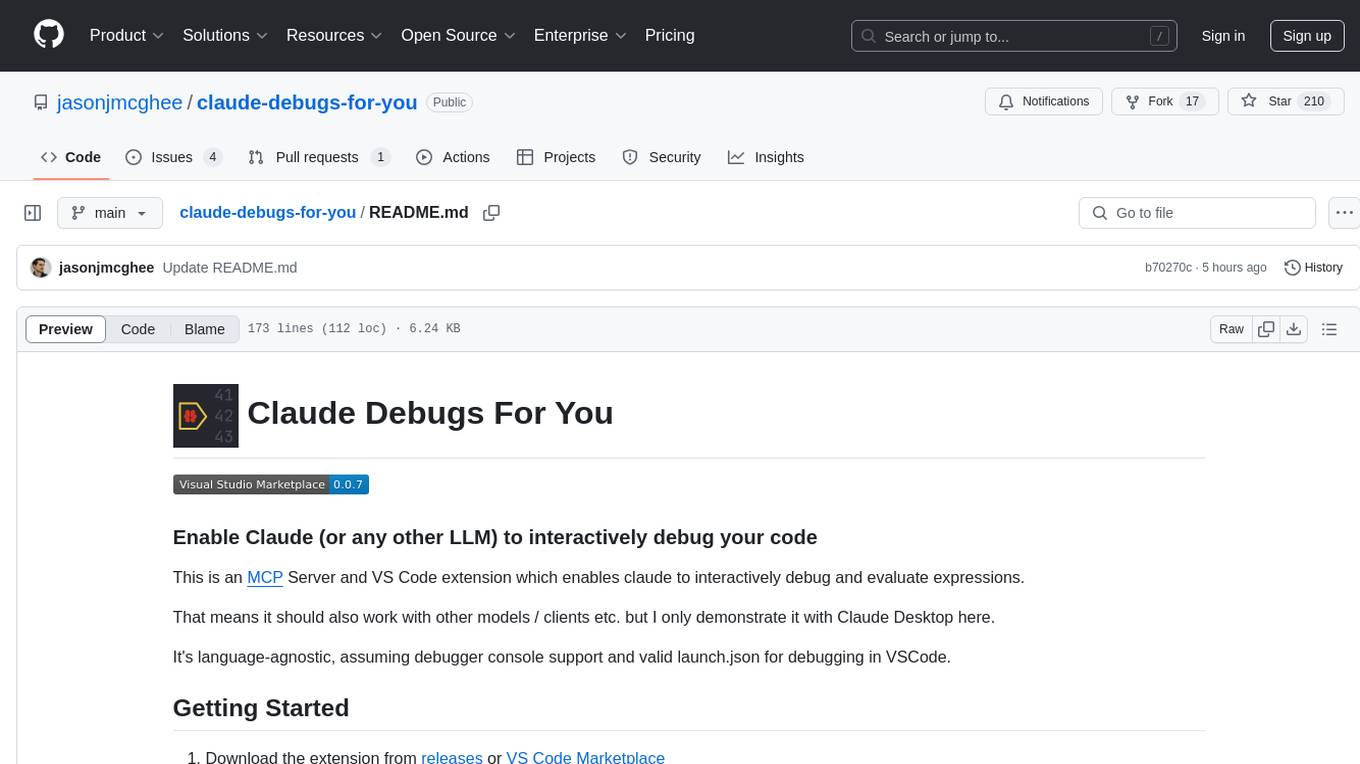
Claude Debugs For You is an MCP Server and VS Code extension that enables interactive debugging and evaluation of expressions with Claude or other LLM models. It is language-agnostic, requiring debugger console support and a valid launch.json for debugging in VSCode. Users can download the extension from releases or VS Code Marketplace, install it, and access commands through the status menu item 'Claude Debugs For You'. The tool supports debugging setups using stdio or /sse, and users can follow specific setup instructions depending on their configuration. Once set up, users can debug their code by interacting with the tool, which provides suggestions and fixes for identified issues.
README:


aka Vibe Debugging
This is an MCP Server and VS Code extension which enables claude to interactively debug and evaluate expressions.
That means it should also work with other models / clients etc. but I only demonstrate it with Claude Desktop and Continue here.
It's language-agnostic, assuming debugger console support and valid launch.json for debugging in VSCode.
- Download the extension from releases or VS Code Marketplace
- Install the extension
- If using
.vsixdirectly, go to the three dots in "Extensions" in VS Code and choose "Install from VSIX..."
- You will see a new status menu item "Claude Debugs For You" which shows if it is running properly (check) or failed to startup (x)
You can click this status menu for the commands available
If using stdio (classic, required for Claude Desktop)
-
Copy the stdio server path to your clipboard by searching vs code commands for "Copy MCP Debug Server stdio path to clipboard"
-
Paste the following (BUT UPDATE THE PATH TO THE COPIED ONE!) in your
claude_desktop_config.jsonor edit accordingly if you use other MCP servers
{
  "mcpServers": {
    "debug": {
      "command": "node",
      "args": [
        "/path/to/mcp-debug.js"
      ]
    }
  }
}
- Start Claude desktop (or other MCP client)
- Note: You may need to restart it, if it was already running.
- You can skip this step if using Continue/Cursor or other built-in to VS Code
If using `/sse` (e.g. Cursor)
- Retrieve the MCP server sse address by using the "Copy MCP Debug Server sse address to clipboard" command
- You can just write it out server URL of "http://localhost:4711/sse", or whatever port you setup in settings.
- Add it wherever you need to based on your client
- You may need to hit "refresh" depending on client: this is required in Cursor
- Start MCP client
- Note: You may need to restart it, if it was already running.
- You can skip this step if using Continue/Cursor or other built-in to VS Code
VS Code Debugging Documentation
Open a project containing a .vscode/launch.json with the first configuration setup to debug a specific file with ${file}.
See Run an Example below, and/or watch a demo video.
Find bugs or have an idea that will improve this? Please open a pull request or log an issue.
Does this readme suck? Help me improve it!
Using Continue
It figures out the problem, and then suggests a fix, which we just click to apply
https://github.com/user-attachments/assets/3a0a879d-2db7-4a3f-ab43-796c22a0f1ef
How do I set this up with Continue? / Show MCP Configuration
Configuration:
{
  ...
  "experimental": {
    "modelContextProtocolServers": [
      {
        "transport": {
          "type": "stdio",
          "command": "node",
          "args": [
            "/Users/jason/Library/Application Support/Code/User/globalStorage/jasonmcghee.claude-debugs-for-you/mcp-debug.js"
          ]
        }
      }
    ]
  }
}
You'll also need to choose a model capable of using tools.
When the list of tools pops up, make sure to click "debug" in the list of your tools, and set it to be "Automatic".
If you are seeing MCP errors in continue, try disabling / re-enabling the continue plugin
If helpful, this is what my configuration looks like! But it's nearly the same as Claude Desktop.
In this example, I made it intentionally very cautious (make no assumptions etc - same prompt as below) but you can ask it to do whatever.
https://github.com/user-attachments/assets/ef6085f7-11a2-4eea-bb60-b5a54873b5d5
- Clone / Open this repo with VS Code
- Run
npm run installandnpm run compile - Hit "run" which will open a new VSCode
- Otherwise same as "Getting Started applies"
- To rebuild,
npm run compile
vsce packageOpen examples/python in a VS Code window
Enter the prompt:
i am building `longest_substring_with_k_distinct` and for some reason it's not working quite right. can you debug it step by step using breakpoints and evaluating expressions to figure out where it goes wrong? make sure to use the debug tool to get access and debug! don't make any guesses as to the problem up front. DEBUG!
When you start multiple vs code windows, you'll see a pop-up. You can gracefully hand-off "Claude Debugs For You" between windows.
You can also disable autostart. Then you'll just need to click the status menu and select "Start Server".
- [ ] It should use ripgrep to find what you ask for, rather than list files + get file content.
- [x] Add support for conditional breakpoints
- [ ] Add "fix" tool by allowing MCP to insert a CodeLens or "auto fix" suggestion so the user can choose to apply a recommended change or not.
- Your idea here!
For Tasks:
Click tags to check more tools for each tasksFor Jobs:
Alternative AI tools for claude-debugs-for-you
Similar Open Source Tools
claude-debugs-for-you
Claude Debugs For You is an MCP Server and VS Code extension that enables interactive debugging and evaluation of expressions with Claude or other LLM models. It is language-agnostic, requiring debugger console support and a valid launch.json for debugging in VSCode. Users can download the extension from releases or VS Code Marketplace, install it, and access commands through the status menu item 'Claude Debugs For You'. The tool supports debugging setups using stdio or /sse, and users can follow specific setup instructions depending on their configuration. Once set up, users can debug their code by interacting with the tool, which provides suggestions and fixes for identified issues.
lexido
Lexido is an innovative assistant for the Linux command line, designed to boost your productivity and efficiency. Powered by Gemini Pro 1.0 and utilizing the free API, Lexido offers smart suggestions for commands based on your prompts and importantly your current environment. Whether you're installing software, managing files, or configuring system settings, Lexido streamlines the process, making it faster and more intuitive.
parllama
PAR LLAMA is a Text UI application for managing and using LLMs, designed with Textual and Rich and PAR AI Core. It runs on major OS's including Windows, Windows WSL, Mac, and Linux. Supports Dark and Light mode, custom themes, and various workflows like Ollama chat, image chat, and OpenAI provider chat. Offers features like custom prompts, themes, environment variables configuration, and remote instance connection. Suitable for managing and using LLMs efficiently.
CLI
Bito CLI provides a command line interface to the Bito AI chat functionality, allowing users to interact with the AI through commands. It supports complex automation and workflows, with features like long prompts and slash commands. Users can install Bito CLI on Mac, Linux, and Windows systems using various methods. The tool also offers configuration options for AI model type, access key management, and output language customization. Bito CLI is designed to enhance user experience in querying AI models and automating tasks through the command line interface.
vim-ollama
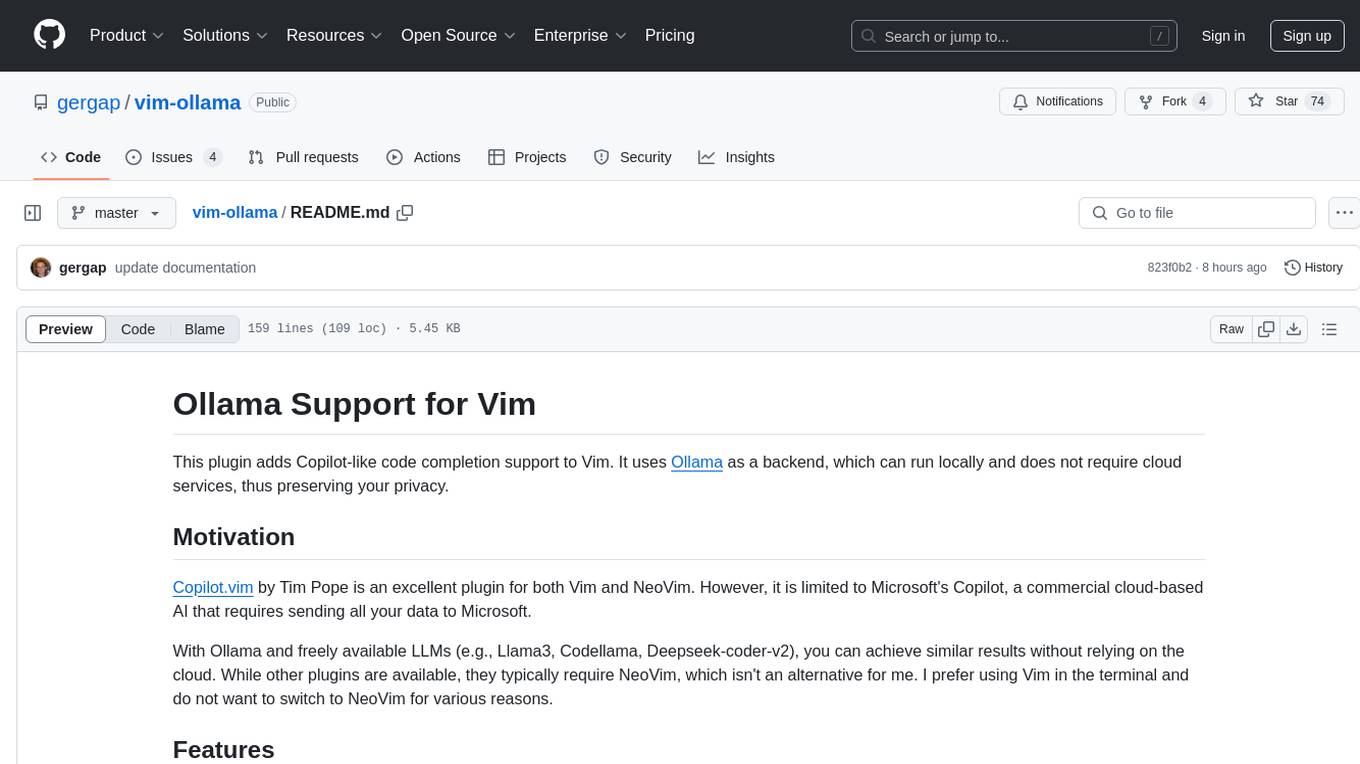
The 'vim-ollama' plugin for Vim adds Copilot-like code completion support using Ollama as a backend, enabling intelligent AI-based code completion and integrated chat support for code reviews. It does not rely on cloud services, preserving user privacy. The plugin communicates with Ollama via Python scripts for code completion and interactive chat, supporting Vim only. Users can configure LLM models for code completion tasks and interactive conversations, with detailed installation and usage instructions provided in the README.
torchchat
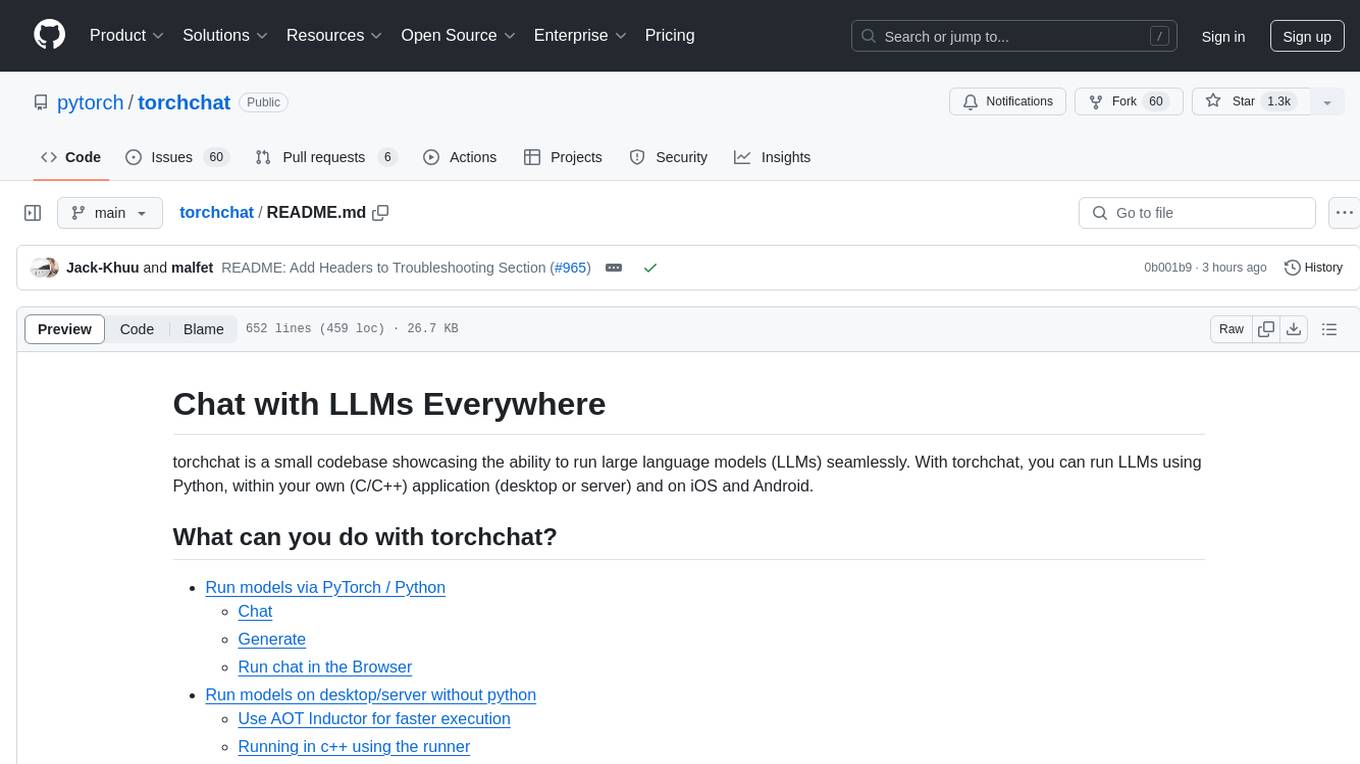
torchchat is a codebase showcasing the ability to run large language models (LLMs) seamlessly. It allows running LLMs using Python in various environments such as desktop, server, iOS, and Android. The tool supports running models via PyTorch, chatting, generating text, running chat in the browser, and running models on desktop/server without Python. It also provides features like AOT Inductor for faster execution, running in C++ using the runner, and deploying and running on iOS and Android. The tool supports popular hardware and OS including Linux, Mac OS, Android, and iOS, with various data types and execution modes available.
bia-bob
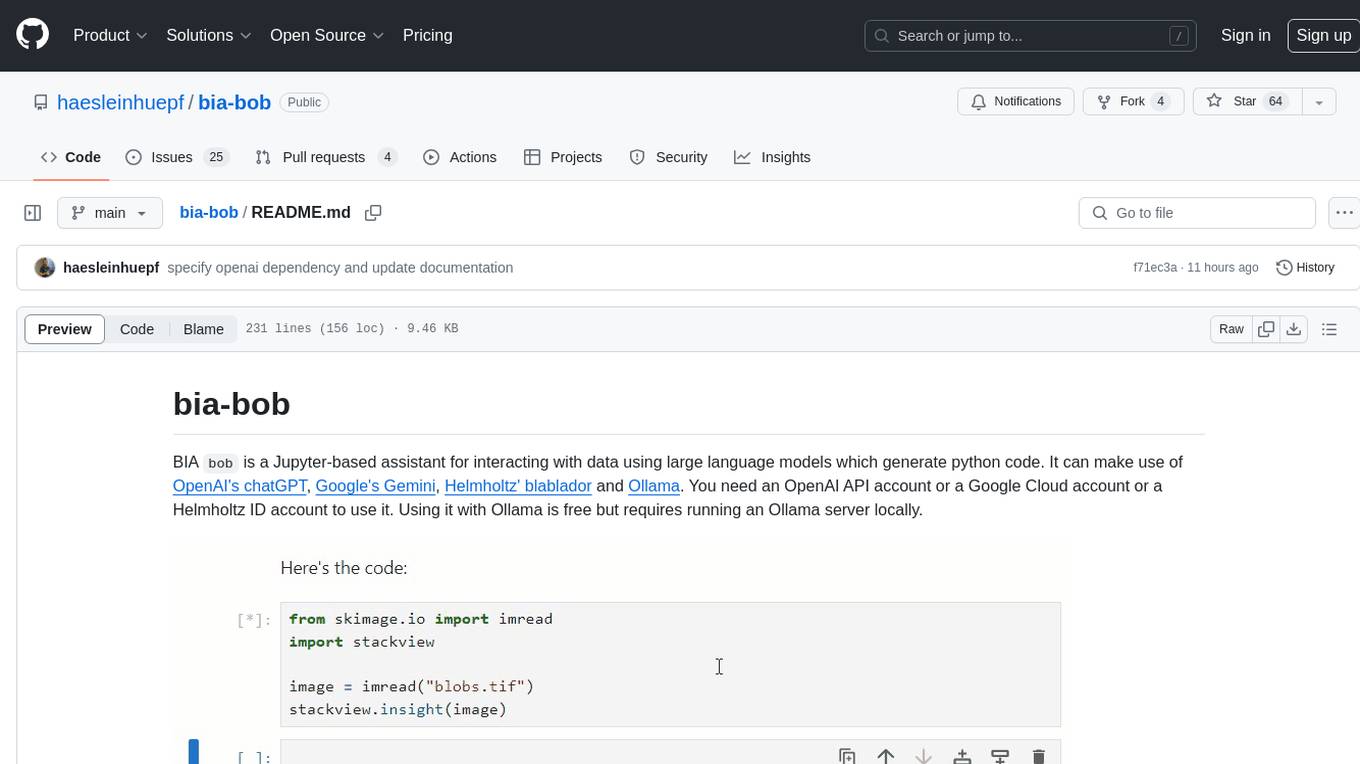
BIA `bob` is a Jupyter-based assistant for interacting with data using large language models to generate Python code. It can utilize OpenAI's chatGPT, Google's Gemini, Helmholtz' blablador, and Ollama. Users need respective accounts to access these services. Bob can assist in code generation, bug fixing, code documentation, GPU-acceleration, and offers a no-code custom Jupyter Kernel. It provides example notebooks for various tasks like bio-image analysis, model selection, and bug fixing. Installation is recommended via conda/mamba environment. Custom endpoints like blablador and ollama can be used. Google Cloud AI API integration is also supported. The tool is extensible for Python libraries to enhance Bob's functionality.
chatgpt-vscode
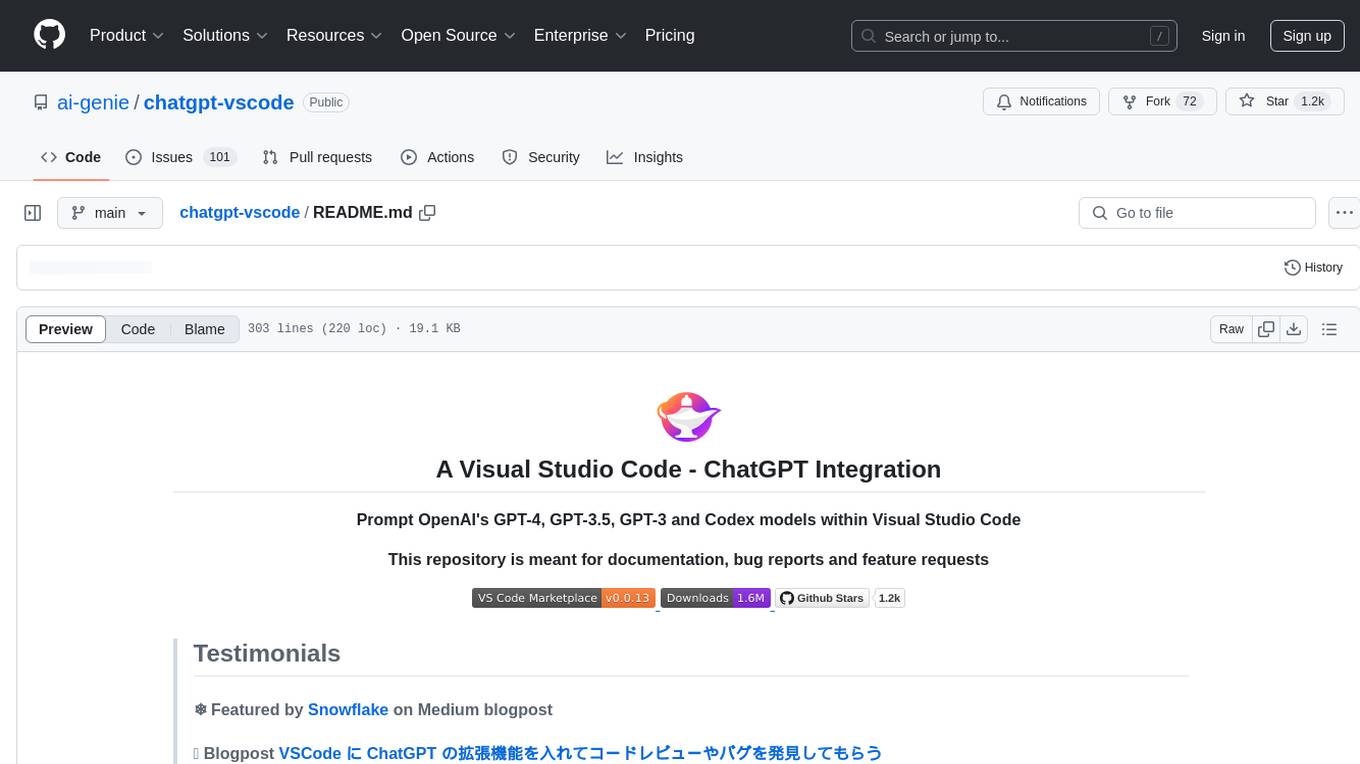
ChatGPT-VSCode is a Visual Studio Code integration that allows users to prompt OpenAI's GPT-4, GPT-3.5, GPT-3, and Codex models within the editor. It offers features like using improved models via OpenAI API Key, Azure OpenAI Service deployments, generating commit messages, storing conversation history, explaining and suggesting fixes for compile-time errors, viewing code differences, and more. Users can customize prompts, quick fix problems, save conversations, and export conversation history. The extension is designed to enhance developer experience by providing AI-powered assistance directly within VS Code.
superflows
Superflows is an open-source alternative to OpenAI's Assistant API. It allows developers to easily add an AI assistant to their software products, enabling users to ask questions in natural language and receive answers or have tasks completed by making API calls. Superflows can analyze data, create plots, answer questions based on static knowledge, and even write code. It features a developer dashboard for configuration and testing, stateful streaming API, UI components, and support for multiple LLMs. Superflows can be set up in the cloud or self-hosted, and it provides comprehensive documentation and support.
smartcat
Smartcat is a CLI interface that brings language models into the Unix ecosystem, allowing power users to leverage the capabilities of LLMs in their daily workflows. It features a minimalist design, seamless integration with terminal and editor workflows, and customizable prompts for specific tasks. Smartcat currently supports OpenAI, Mistral AI, and Anthropic APIs, providing access to a range of language models. With its ability to manipulate file and text streams, integrate with editors, and offer configurable settings, Smartcat empowers users to automate tasks, enhance code quality, and explore creative possibilities.
fasttrackml
FastTrackML is an experiment tracking server focused on speed and scalability, fully compatible with MLFlow. It provides a user-friendly interface to track and visualize your machine learning experiments, making it easy to compare different models and identify the best performing ones. FastTrackML is open source and can be easily installed and run with pip or Docker. It is also compatible with the MLFlow Python package, making it easy to integrate with your existing MLFlow workflows.
llamafile
llamafile is a tool that enables users to distribute and run Large Language Models (LLMs) with a single file. It combines llama.cpp with Cosmopolitan Libc to create a framework that simplifies the complexity of LLMs into a single-file executable called a 'llamafile'. Users can run these executable files locally on most computers without the need for installation, making open LLMs more accessible to developers and end users. llamafile also provides example llamafiles for various LLM models, allowing users to try out different LLMs locally. The tool supports multiple CPU microarchitectures, CPU architectures, and operating systems, making it versatile and easy to use.
langgraph-studio
LangGraph Studio is a specialized agent IDE that enables visualization, interaction, and debugging of complex agentic applications. It offers visual graphs and state editing to better understand agent workflows and iterate faster. Users can collaborate with teammates using LangSmith to debug failure modes. The tool integrates with LangSmith and requires Docker installed. Users can create and edit threads, configure graph runs, add interrupts, and support human-in-the-loop workflows. LangGraph Studio allows interactive modification of project config and graph code, with live sync to the interactive graph for easier iteration on long-running agents.
robocorp
Robocorp is a platform that allows users to create, deploy, and operate Python automations and AI actions. It provides an easy way to extend the capabilities of AI agents, assistants, and copilots with custom actions written in Python. Users can create and deploy tools, skills, loaders, and plugins that securely connect any AI Assistant platform to their data and applications. The Robocorp Action Server makes Python scripts compatible with ChatGPT and LangChain by automatically creating and exposing an API based on function declaration, type hints, and docstrings. It simplifies the process of developing and deploying AI actions, enabling users to interact with AI frameworks effortlessly.
TerminalGPT
TerminalGPT is a terminal-based ChatGPT personal assistant app that allows users to interact with OpenAI GPT-3.5 and GPT-4 language models. It offers advantages over browser-based apps, such as continuous availability, faster replies, and tailored answers. Users can use TerminalGPT in their IDE terminal, ensuring seamless integration with their workflow. The tool prioritizes user privacy by not using conversation data for model training and storing conversations locally on the user's machine.
cog-comfyui
Cog-comfyui allows users to run ComfyUI workflows on Replicate. ComfyUI is a visual programming tool for creating and sharing generative art workflows. With cog-comfyui, users can access a variety of pre-trained models and custom nodes to create their own unique artworks. The tool is easy to use and does not require any coding experience. Users simply need to upload their API JSON file and any necessary input files, and then click the "Run" button. Cog-comfyui will then generate the output image or video file.
For similar tasks
claude-debugs-for-you
Claude Debugs For You is an MCP Server and VS Code extension that enables interactive debugging and evaluation of expressions with Claude or other LLM models. It is language-agnostic, requiring debugger console support and a valid launch.json for debugging in VSCode. Users can download the extension from releases or VS Code Marketplace, install it, and access commands through the status menu item 'Claude Debugs For You'. The tool supports debugging setups using stdio or /sse, and users can follow specific setup instructions depending on their configuration. Once set up, users can debug their code by interacting with the tool, which provides suggestions and fixes for identified issues.
pytensor
PyTensor is a Python library that allows one to define, optimize, and efficiently evaluate mathematical expressions involving multi-dimensional arrays. It provides the computational backend for `PyMC
For similar jobs

sweep
Sweep is an AI junior developer that turns bugs and feature requests into code changes. It automatically handles developer experience improvements like adding type hints and improving test coverage.

teams-ai
The Teams AI Library is a software development kit (SDK) that helps developers create bots that can interact with Teams and Microsoft 365 applications. It is built on top of the Bot Framework SDK and simplifies the process of developing bots that interact with Teams' artificial intelligence capabilities. The SDK is available for JavaScript/TypeScript, .NET, and Python.

ai-guide
This guide is dedicated to Large Language Models (LLMs) that you can run on your home computer. It assumes your PC is a lower-end, non-gaming setup.

classifai
Supercharge WordPress Content Workflows and Engagement with Artificial Intelligence. Tap into leading cloud-based services like OpenAI, Microsoft Azure AI, Google Gemini and IBM Watson to augment your WordPress-powered websites. Publish content faster while improving SEO performance and increasing audience engagement. ClassifAI integrates Artificial Intelligence and Machine Learning technologies to lighten your workload and eliminate tedious tasks, giving you more time to create original content that matters.

chatbot-ui
Chatbot UI is an open-source AI chat app that allows users to create and deploy their own AI chatbots. It is easy to use and can be customized to fit any need. Chatbot UI is perfect for businesses, developers, and anyone who wants to create a chatbot.

BricksLLM
BricksLLM is a cloud native AI gateway written in Go. Currently, it provides native support for OpenAI, Anthropic, Azure OpenAI and vLLM. BricksLLM aims to provide enterprise level infrastructure that can power any LLM production use cases. Here are some use cases for BricksLLM: * Set LLM usage limits for users on different pricing tiers * Track LLM usage on a per user and per organization basis * Block or redact requests containing PIIs * Improve LLM reliability with failovers, retries and caching * Distribute API keys with rate limits and cost limits for internal development/production use cases * Distribute API keys with rate limits and cost limits for students

uAgents
uAgents is a Python library developed by Fetch.ai that allows for the creation of autonomous AI agents. These agents can perform various tasks on a schedule or take action on various events. uAgents are easy to create and manage, and they are connected to a fast-growing network of other uAgents. They are also secure, with cryptographically secured messages and wallets.

griptape
Griptape is a modular Python framework for building AI-powered applications that securely connect to your enterprise data and APIs. It offers developers the ability to maintain control and flexibility at every step. Griptape's core components include Structures (Agents, Pipelines, and Workflows), Tasks, Tools, Memory (Conversation Memory, Task Memory, and Meta Memory), Drivers (Prompt and Embedding Drivers, Vector Store Drivers, Image Generation Drivers, Image Query Drivers, SQL Drivers, Web Scraper Drivers, and Conversation Memory Drivers), Engines (Query Engines, Extraction Engines, Summary Engines, Image Generation Engines, and Image Query Engines), and additional components (Rulesets, Loaders, Artifacts, Chunkers, and Tokenizers). Griptape enables developers to create AI-powered applications with ease and efficiency.