


FileScopeMCP
Analyzes your codebase identifying important files based on dependency relationships. Generates diagrams and importance scores per file, helping AI assistants understand the codebase. Automatically parses popular programming languages such as Python, C, C++, Rust, Zig, Lua.
Stars: 279
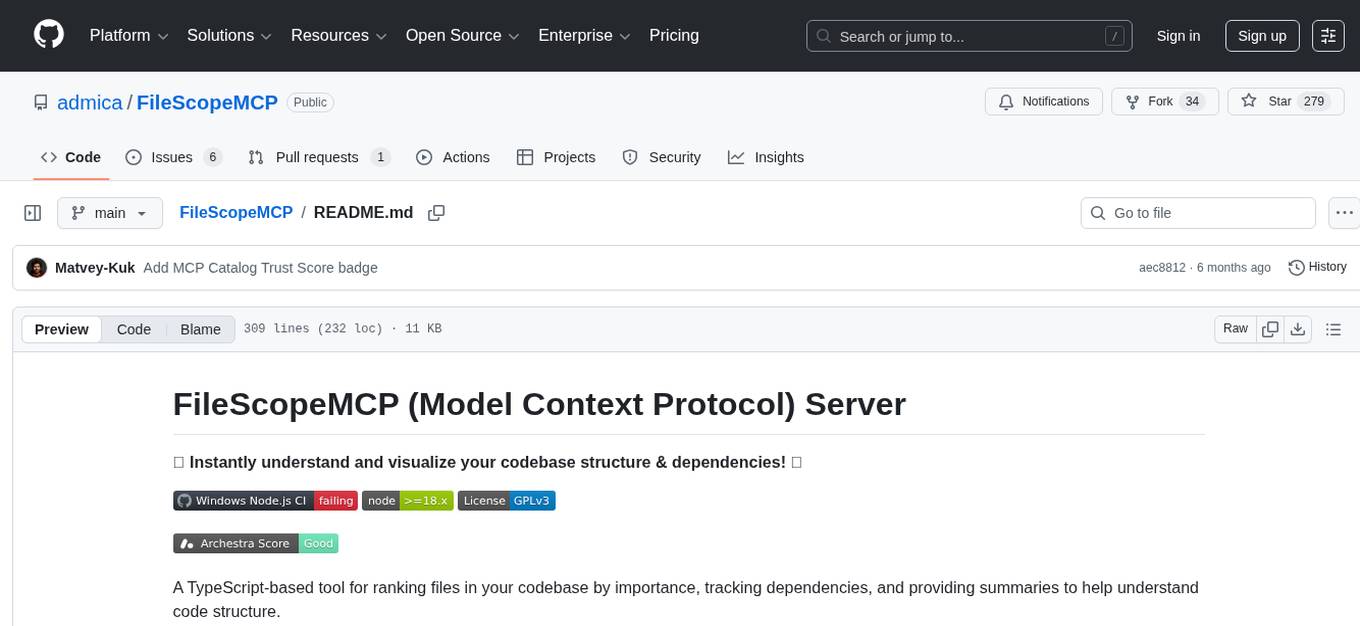
FileScopeMCP is a TypeScript-based tool for ranking files in a codebase by importance, tracking dependencies, and providing summaries. It analyzes code structure, generates importance scores, maps bidirectional dependencies, visualizes file relationships, and allows adding custom summaries. The tool supports multiple languages, persistent storage, and offers tools for file tree management, file analysis, file summaries, diagram generation, and file watching. It is built with TypeScript/Node.js, implements the Model Context Protocol, uses Mermaid.js for diagram generation, and stores data in JSON format. FileScopeMCP aims to enhance code understanding and visualization for developers.
README:
✨ Instantly understand and visualize your codebase structure & dependencies! ✨


A TypeScript-based tool for ranking files in your codebase by importance, tracking dependencies, and providing summaries to help understand code structure.
This MCP server analyzes your codebase to identify the most important files based on dependency relationships. It generates importance scores (0-10) for each file, tracks bidirectional dependencies, and allows you to add custom summaries for files. All this information is made available to AI tools through Cursor's Model Context Protocol.
🚀 Supercharge your Code Understanding! FileScopeMCP provides insights directly to your AI assistant:
-
🎯 File Importance Analysis
- Rank files on a 0-10 scale based on their role in the codebase.
- Calculate importance using incoming/outgoing dependencies.
- Instantly pinpoint the most critical files in your project.
- Smart calculation considers file type, location, and name significance.
-
🔗 Dependency Tracking
- Map bidirectional dependency relationships between files.
- Identify which files import a given file (dependents).
- See which files are imported by a given file (dependencies).
- Distinguish between local and package dependencies.
- Multi-language support: Python, JavaScript, TypeScript, C/C++, Rust, Lua, Zig, C#, Java.
-
📊 Visualization
- Generate Mermaid diagrams to visualize file relationships.
- Color-coded visualization based on importance scores.
- Support for dependency graphs, directory trees, or hybrid views.
- HTML output with embedded rendering including theme toggle and responsive design.
- Customize diagram depth, filter by importance, and adjust layout options.
-
📝 File Summaries
- Add human or AI-generated summaries to any file.
- Retrieve stored summaries to quickly grasp file purpose.
- Summaries persist across server restarts.
-
📚 Multiple Project Support
- Create and manage multiple file trees for different project areas.
- Configure separate trees with distinct base directories.
- Switch between different file trees effortlessly.
- Cached trees for faster subsequent operations.
-
💾 Persistent Storage
- All data automatically saved to disk in JSON format.
- Load existing file trees without rescanning the filesystem.
- Track when file trees were last updated.
-
Clone this repository
-
Build the project:
The build script will install all node dependencies and generate mcp.json for you.
Windows:
build.batCopy the generated mcp.json configuration to your project's
.cursordirectory:{ "mcpServers": { "FileScopeMCP": { "command": "node", "args": ["<build script sets this>/mcp-server.js","--base-dir=C:/Users/admica/my/project/base"], "transport": "stdio", "disabled": false, "alwaysAllow": [] } } }Linux: (Cursor in Windows, but your project is in Linux WSL, then put the MCP in Linux and build)
build.sh{ "mcpServers": { "FileScopeMCP": { "command": "wsl", "args": ["-d", "Ubuntu-24.04", "/home/admica/FileScopeMCP/run.sh"], "transport": "stdio", "disabled": false, "alwaysAllow": [] } } } -
Update the arg path --base-dir to your project's base path.
The tool scans source code for import statements and other language-specific patterns:
- Python:
importandfrom ... importstatements - JavaScript/TypeScript:
importstatements andrequire()calls - C/C++:
#includedirectives - Rust:
useandmodstatements - Lua:
requirestatements - Zig:
@importdirectives - C#:
usingdirectives - Java:
importstatements
Files are assigned importance scores (0-10) based on a weighted formula that considers:
- Number of files that import this file (dependents)
- Number of files this file imports (dependencies)
- File type and extension (with TypeScript/JavaScript files getting higher base scores)
- Location in the project structure (files in
src/are weighted higher) - File naming (files like 'index', 'main', 'server', etc. get additional points)
A file that is central to the codebase (imported by many files) will have a higher score.
The system uses a three-phase approach to generate valid Mermaid syntax:
- Collection Phase: Register all nodes and relationships
- Node Definition Phase: Generate definitions for all nodes before any references
- Edge Generation Phase: Create edges between defined nodes
This ensures all diagrams have valid syntax and render correctly. HTML output includes:
- Responsive design that works on any device
- Light/dark theme toggle with system preference detection
- Client-side Mermaid rendering for optimal performance
- Timestamp of generation
The system handles various path formats to ensure consistent file identification:
- Windows and Unix path formats
- Absolute and relative paths
- URL-encoded paths
- Cross-platform compatibility
All file tree data is stored in JSON files with the following structure:
- Configuration metadata (filename, base directory, last updated timestamp)
- Complete file tree with dependencies, dependents, importance scores, and summaries
- TypeScript/Node.js: Built with TypeScript for type safety and modern JavaScript features
- Model Context Protocol: Implements the MCP specification for integration with Cursor
- Mermaid.js: Uses Mermaid syntax for diagram generation
- JSON Storage: Uses simple JSON files for persistence
- Path Normalization: Cross-platform path handling to support Windows and Unix
- Caching: Implements caching for faster repeated operations
The MCP server exposes the following tools:
- list_saved_trees: List all saved file trees
- create_file_tree: Create a new file tree configuration for a specific directory
- select_file_tree: Select an existing file tree to work with
- delete_file_tree: Delete a file tree configuration
- list_files: List all files in the project with their importance rankings
- get_file_importance: Get detailed information about a specific file, including dependencies and dependents
- find_important_files: Find the most important files in the project based on configurable criteria
- read_file_content: Read the content of a specific file
- recalculate_importance: Recalculate importance values for all files based on dependencies
- get_file_summary: Get the stored summary of a specific file
- set_file_summary: Set or update the summary of a specific file
- toggle_file_watching: Toggle file watching on/off
- get_file_watching_status: Get the current status of file watching
- update_file_watching_config: Update file watching configuration
-
generate_diagram: Create Mermaid diagrams with customizable options
- Output formats: Mermaid text (
.mmd) or HTML with embedded rendering - Diagram styles: default, dependency, directory, or hybrid views
- Filter options: max depth, minimum importance threshold
- Layout options: direction (TB, BT, LR, RL), node spacing, rank spacing
- Output formats: Mermaid text (
The easiest way to get started is to enable this mcp in cursor and tell cursor to figure it out and use it. As soon as the mcp starts, it builds an initial json tree. Tell an LLM to make summaries of all your important files and use the mcp's set_file_summary to add them.
-
Create a file tree for your project:
create_file_tree(filename: "my-project.json", baseDirectory: "/path/to/project") -
Find the most important files:
find_important_files(limit: 5, minImportance: 5) -
Get detailed information about a specific file:
get_file_importance(filepath: "/path/to/project/src/main.ts")
-
Read a file's content to understand it:
read_file_content(filepath: "/path/to/project/src/main.ts") -
Add a summary to the file:
set_file_summary(filepath: "/path/to/project/src/main.ts", summary: "Main entry point that initializes the application, sets up routing, and starts the server.") -
Retrieve the summary later:
get_file_summary(filepath: "/path/to/project/src/main.ts")
-
Create a basic project structure diagram:
generate_diagram(style: "directory", maxDepth: 3, outputPath: "diagrams/project-structure", outputFormat: "mmd") -
Generate an HTML diagram with dependency relationships:
generate_diagram(style: "hybrid", maxDepth: 2, minImportance: 5, showDependencies: true, outputPath: "diagrams/important-files", outputFormat: "html") -
Customize the diagram layout:
generate_diagram(style: "dependency", layout: { direction: "LR", nodeSpacing: 50, rankSpacing: 70 }, outputPath: "diagrams/dependencies", outputFormat: "html")
-
Enable file watching for your project:
toggle_file_watching() -
Check the current file watching status:
get_file_watching_status() -
Update file watching configuration:
update_file_watching_config(config: {
  debounceMs: 500,
  autoRebuildTree: true,
  watchForNewFiles: true,
  watchForDeleted: true,
  watchForChanged: true
})
A testing framework (Vitest) is now included. Initial unit tests cover path normalization, glob-to-regexp conversion, and platform-specific path handling.
To run tests and check coverage:
npm test
npm run coverage
- Improved exclusions logic, ignoring hidden virtual environments (e.g.,
.venv) and other common unwanted directories. This helps keep dependency graphs clean and relevant. - Testing framework
- Added more programming languages
- Add more sophisticated importance calculation algorithms
- Enhance diagram customization options
- Support for exporting diagrams to additional formats
This project is licensed under the GNU General Public License v3 (GPL-3.0). See the LICENSE file for the full license text.
For Tasks:
Click tags to check more tools for each tasksFor Jobs:
Alternative AI tools for FileScopeMCP
Similar Open Source Tools
FileScopeMCP
FileScopeMCP is a TypeScript-based tool for ranking files in a codebase by importance, tracking dependencies, and providing summaries. It analyzes code structure, generates importance scores, maps bidirectional dependencies, visualizes file relationships, and allows adding custom summaries. The tool supports multiple languages, persistent storage, and offers tools for file tree management, file analysis, file summaries, diagram generation, and file watching. It is built with TypeScript/Node.js, implements the Model Context Protocol, uses Mermaid.js for diagram generation, and stores data in JSON format. FileScopeMCP aims to enhance code understanding and visualization for developers.
py-llm-core
PyLLMCore is a light-weighted interface with Large Language Models with native support for llama.cpp, OpenAI API, and Azure deployments. It offers a Pythonic API that is simple to use, with structures provided by the standard library dataclasses module. The high-level API includes the assistants module for easy swapping between models. PyLLMCore supports various models including those compatible with llama.cpp, OpenAI, and Azure APIs. It covers use cases such as parsing, summarizing, question answering, hallucinations reduction, context size management, and tokenizing. The tool allows users to interact with language models for tasks like parsing text, summarizing content, answering questions, reducing hallucinations, managing context size, and tokenizing text.
ExtractThinker
ExtractThinker is a library designed for extracting data from files and documents using Language Model Models (LLMs). It offers ORM-style interaction between files and LLMs, supporting multiple document loaders such as Tesseract OCR, Azure Form Recognizer, AWS TextExtract, and Google Document AI. Users can customize extraction using contract definitions, process documents asynchronously, handle various document formats efficiently, and split and process documents. The project is inspired by the LangChain ecosystem and focuses on Intelligent Document Processing (IDP) using LLMs to achieve high accuracy in document extraction tasks.
open-webui-tools
Open WebUI Tools Collection is a set of tools for structured planning, arXiv paper search, Hugging Face text-to-image generation, prompt enhancement, and multi-model conversations. It enhances LLM interactions with academic research, image generation, and conversation management. Tools include arXiv Search Tool and Hugging Face Image Generator. Function Pipes like Planner Agent offer autonomous plan generation and execution. Filters like Prompt Enhancer improve prompt quality. Installation and configuration instructions are provided for each tool and pipe.
datachain
DataChain is a Python-based AI-data warehouse for transforming and analyzing unstructured data like images, audio, videos, text, and PDFs. It integrates with external storage to process data efficiently without duplication and manages metadata for easy querying. Use cases include ETL, analytics, versioning, and incremental processing. Key features include multimodal dataset versioning, Python-friendly operations, data enrichment, and processing. The tool allows for generating metadata using AI models, filtering, joining, and grouping datasets, and performing high-performance vectorized operations.
datachain
DataChain is an open-source Python library for processing and curating unstructured data at scale. It supports AI-driven data curation using local ML models and LLM APIs, handles large datasets, and is Python-friendly with Pydantic objects. It excels at optimizing batch operations and is designed for offline data processing, curation, and ETL. Typical use cases include Computer Vision data curation, LLM analytics, and validation.
memento-mcp
Memento MCP is a scalable, high-performance knowledge graph memory system designed for LLMs. It offers semantic retrieval, contextual recall, and temporal awareness to any LLM client supporting the model context protocol. The system is built on core concepts like entities and relations, utilizing Neo4j as its storage backend for unified graph and vector search capabilities. With advanced features such as semantic search, temporal awareness, confidence decay, and rich metadata support, Memento MCP provides a robust solution for managing knowledge graphs efficiently and effectively.
graphiti
Graphiti is a framework for building and querying temporally-aware knowledge graphs, tailored for AI agents in dynamic environments. It continuously integrates user interactions, structured and unstructured data, and external information into a coherent, queryable graph. The framework supports incremental data updates, efficient retrieval, and precise historical queries without complete graph recomputation, making it suitable for developing interactive, context-aware AI applications.
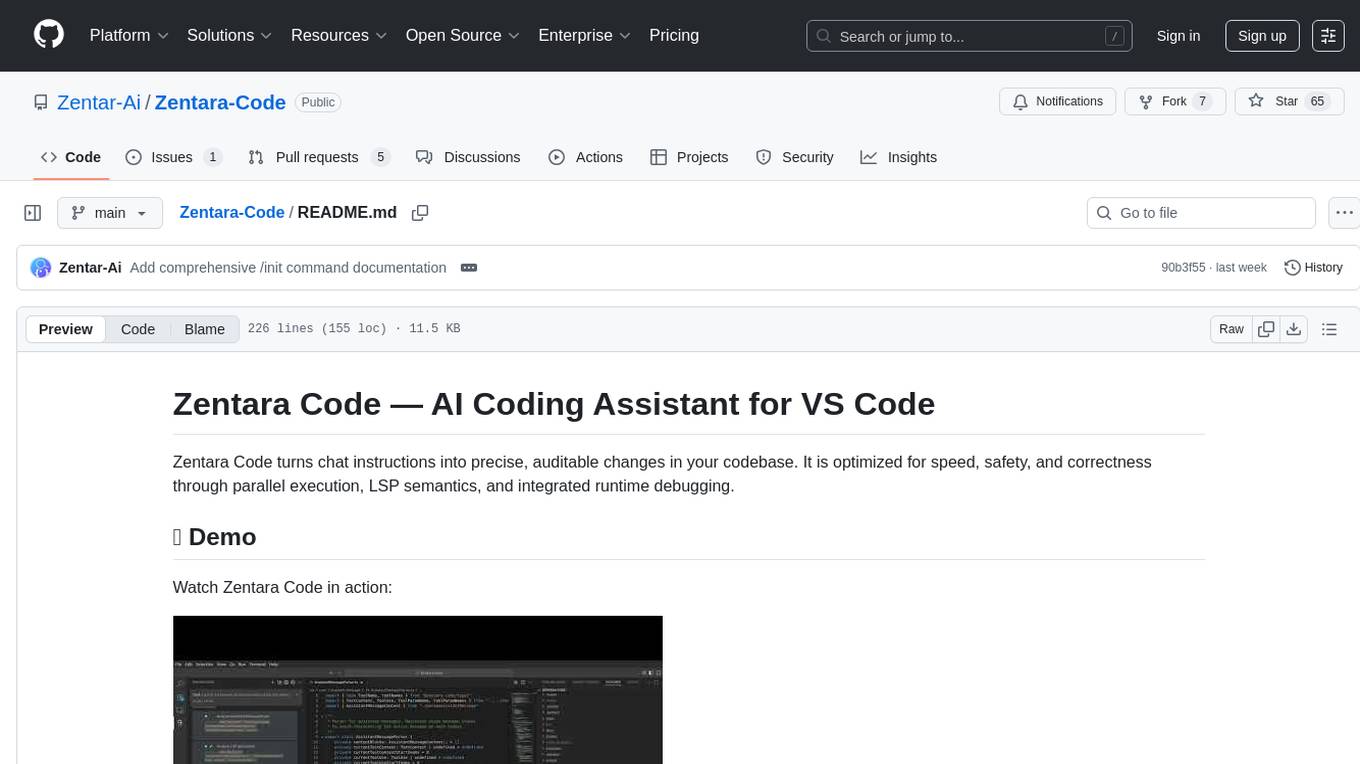
Zentara-Code
Zentara Code is an AI coding assistant for VS Code that turns chat instructions into precise, auditable changes in the codebase. It is optimized for speed, safety, and correctness through parallel execution, LSP semantics, and integrated runtime debugging. It offers features like parallel subagents, integrated LSP tools, and runtime debugging for efficient code modification and analysis.
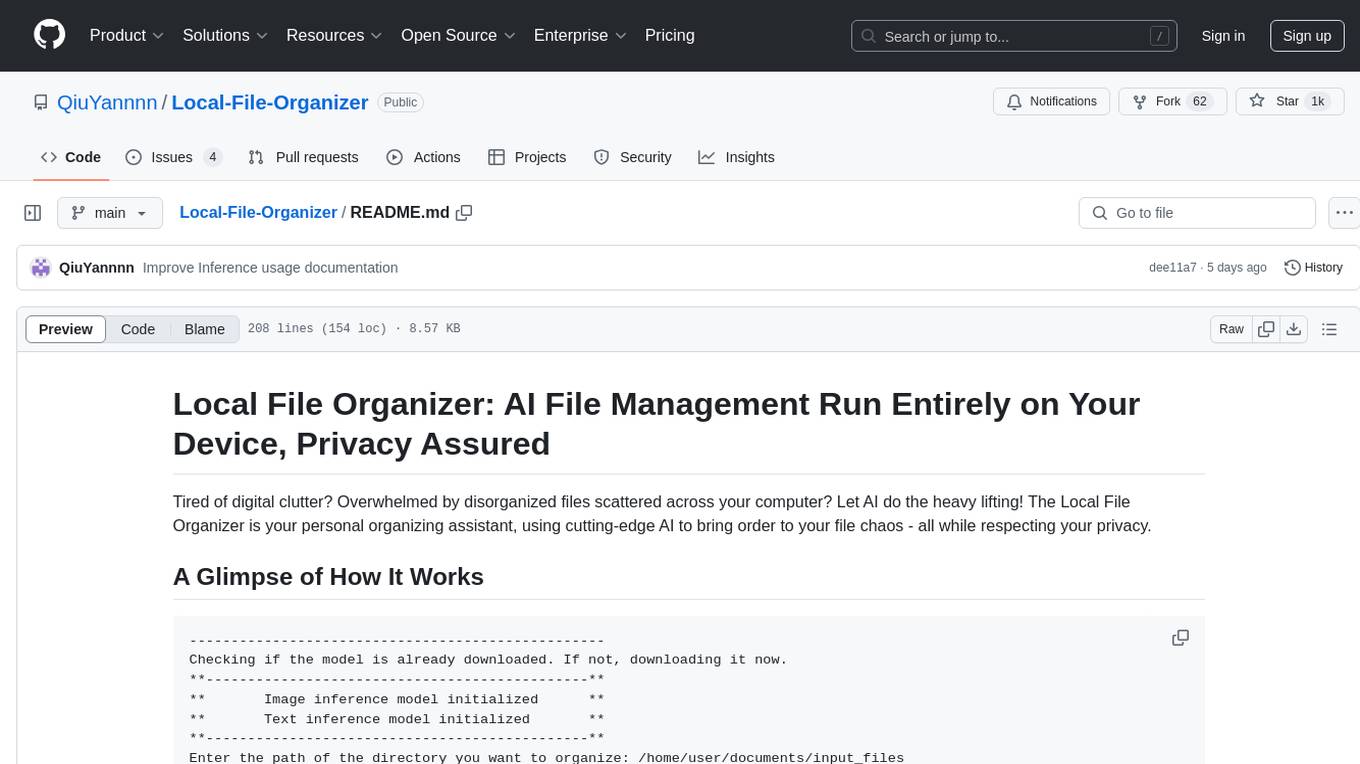
Local-File-Organizer
The Local File Organizer is an AI-powered tool designed to help users organize their digital files efficiently and securely on their local device. By leveraging advanced AI models for text and visual content analysis, the tool automatically scans and categorizes files, generates relevant descriptions and filenames, and organizes them into a new directory structure. All AI processing occurs locally using the Nexa SDK, ensuring privacy and security. With support for multiple file types and customizable prompts, this tool aims to simplify file management and bring order to users' digital lives.
Groqqle
Groqqle 2.1 is a revolutionary, free AI web search and API that instantly returns ORIGINAL content derived from source articles, websites, videos, and even foreign language sources, for ANY target market of ANY reading comprehension level! It combines the power of large language models with advanced web and news search capabilities, offering a user-friendly web interface, a robust API, and now a powerful Groqqle_web_tool for seamless integration into your projects. Developers can instantly incorporate Groqqle into their applications, providing a powerful tool for content generation, research, and analysis across various domains and languages.
fraim
Fraim is an AI-powered toolkit designed for security engineers to enhance their workflows by leveraging AI capabilities. It offers solutions to find, detect, fix, and flag vulnerabilities throughout the development lifecycle. The toolkit includes features like Risk Flagger for identifying risks in code changes, Code Security Analysis for context-aware vulnerability detection, and Infrastructure as Code Analysis for spotting misconfigurations in cloud environments. Fraim can be run as a CLI tool or integrated into Github Actions, making it a versatile solution for security teams and organizations looking to enhance their security practices with AI technology.
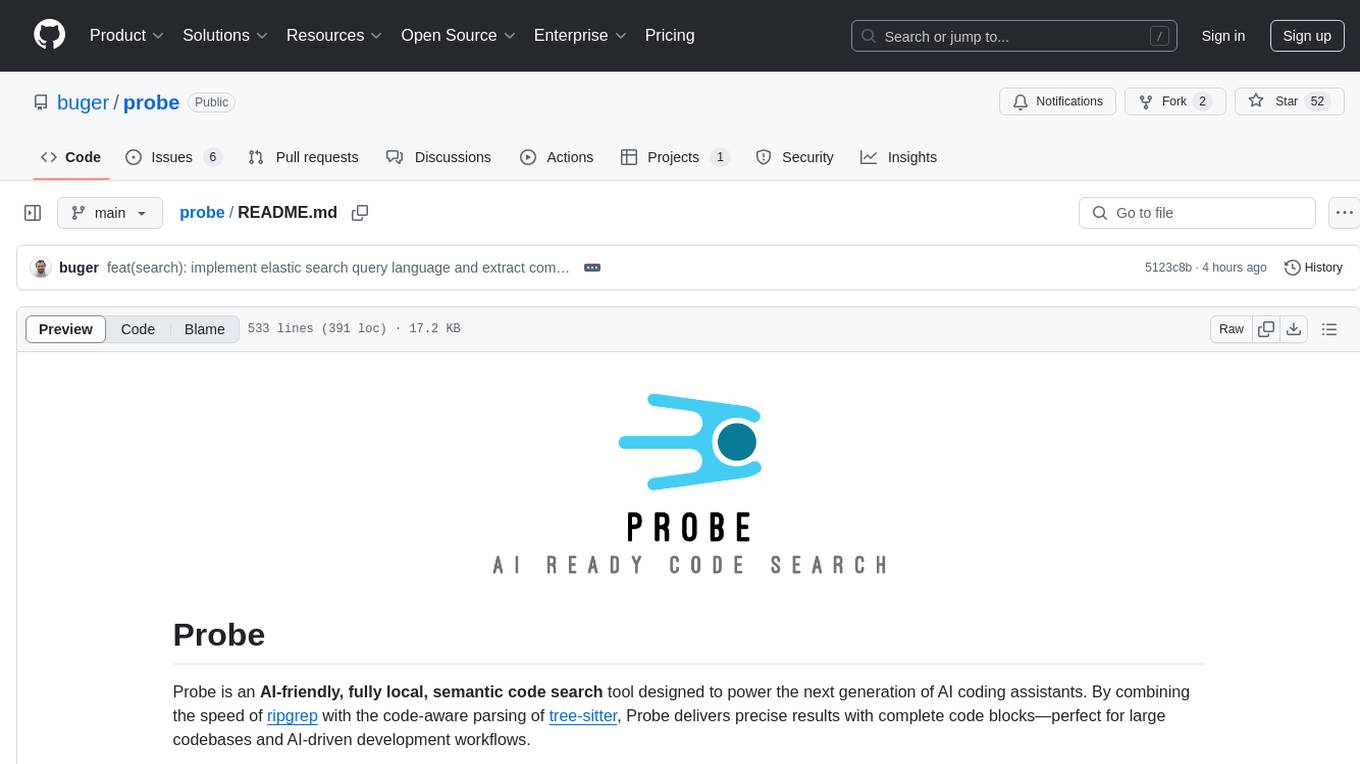
probe
Probe is an AI-friendly, fully local, semantic code search tool designed to power the next generation of AI coding assistants. It combines the speed of ripgrep with the code-aware parsing of tree-sitter to deliver precise results with complete code blocks, making it perfect for large codebases and AI-driven development workflows. Probe is fully local, keeping code on the user's machine without relying on external APIs. It supports multiple languages, offers various search options, and can be used in CLI mode, MCP server mode, AI chat mode, and web interface. The tool is designed to be flexible, fast, and accurate, providing developers and AI models with full context and relevant code blocks for efficient code exploration and understanding.
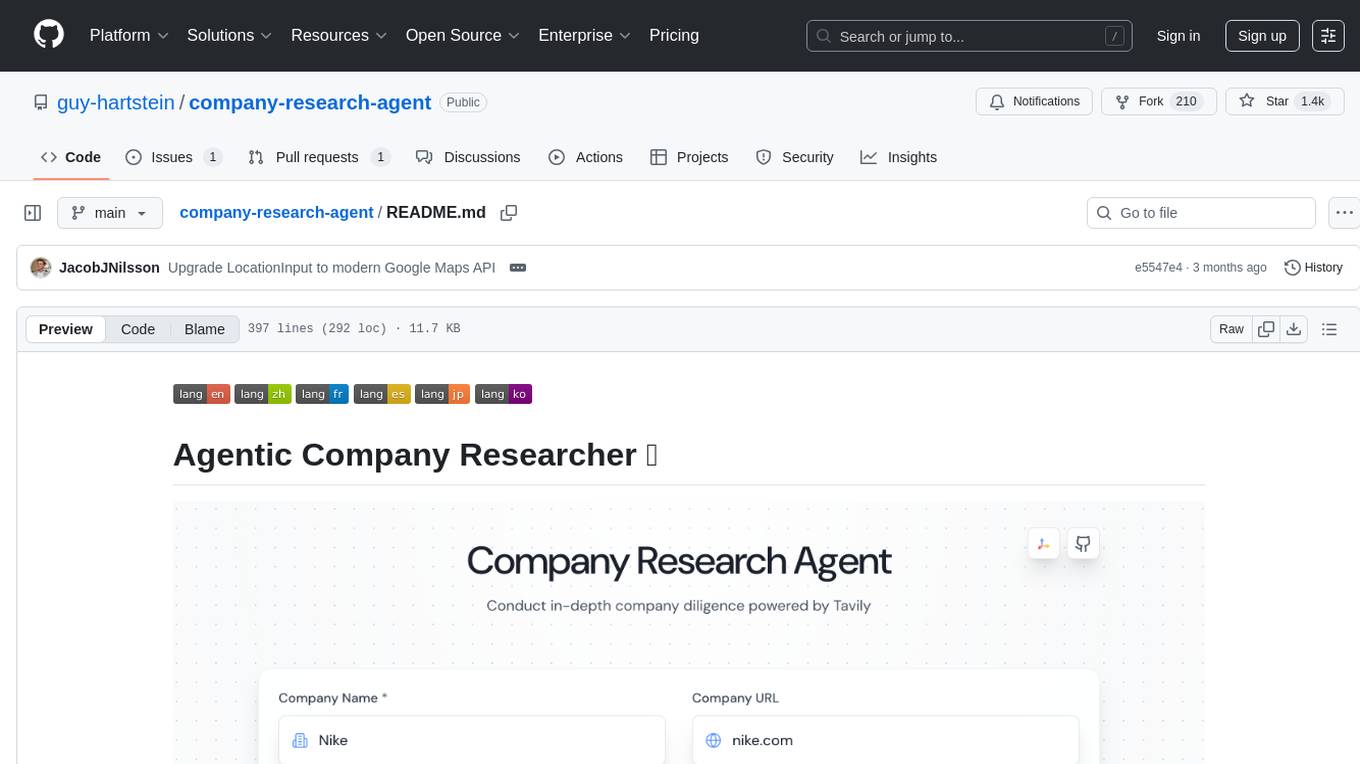
company-research-agent
Agentic Company Researcher is a multi-agent tool that generates comprehensive company research reports by utilizing a pipeline of AI agents to gather, curate, and synthesize information from various sources. It features multi-source research, AI-powered content filtering, real-time progress streaming, dual model architecture, modern React frontend, and modular architecture. The tool follows an agentic framework with specialized research and processing nodes, leverages separate models for content generation, uses a content curation system for relevance scoring and document processing, and implements a real-time communication system via WebSocket connections. Users can set up the tool quickly using the provided setup script or manually, and it can also be deployed using Docker and Docker Compose. The application can be used for local development and deployed to various cloud platforms like AWS Elastic Beanstalk, Docker, Heroku, and Google Cloud Run.
vearch
Vearch is a cloud-native distributed vector database designed for efficient similarity search of embedding vectors in AI applications. It supports hybrid search with vector search and scalar filtering, offers fast vector retrieval from millions of objects in milliseconds, and ensures scalability and reliability through replication and elastic scaling out. Users can deploy Vearch cluster on Kubernetes, add charts from the repository or locally, start with Docker-compose, or compile from source code. The tool includes components like Master for schema management, Router for RESTful API, and PartitionServer for hosting document partitions with raft-based replication. Vearch can be used for building visual search systems for indexing images and offers a Python SDK for easy installation and usage. The tool is suitable for AI developers and researchers looking for efficient vector search capabilities in their applications.
copilot-collections
Copilot Collections is an opinionated setup for GitHub Copilot tailored for delivery teams. It provides shared workflows, specialized agents, task prompts, reusable skills, and MCP integrations to streamline the software development process. The focus is on building features while letting Copilot handle the glue. The setup requires a GitHub Copilot Pro license and VS Code version 1.109 or later. It supports a standard workflow of Research, Plan, Implement, and Review, with specialized flows for UI-heavy tasks and end-to-end testing. Agents like Architect, Business Analyst, Software Engineer, UI Reviewer, Code Reviewer, and E2E Engineer assist in different stages of development. Skills like Task Analysis, Architecture Design, Codebase Analysis, Code Review, and E2E Testing provide specialized domain knowledge and workflows. The repository also includes prompts and chat commands for various tasks, along with instructions for installation and configuration in VS Code.
For similar tasks
FileScopeMCP
FileScopeMCP is a TypeScript-based tool for ranking files in a codebase by importance, tracking dependencies, and providing summaries. It analyzes code structure, generates importance scores, maps bidirectional dependencies, visualizes file relationships, and allows adding custom summaries. The tool supports multiple languages, persistent storage, and offers tools for file tree management, file analysis, file summaries, diagram generation, and file watching. It is built with TypeScript/Node.js, implements the Model Context Protocol, uses Mermaid.js for diagram generation, and stores data in JSON format. FileScopeMCP aims to enhance code understanding and visualization for developers.
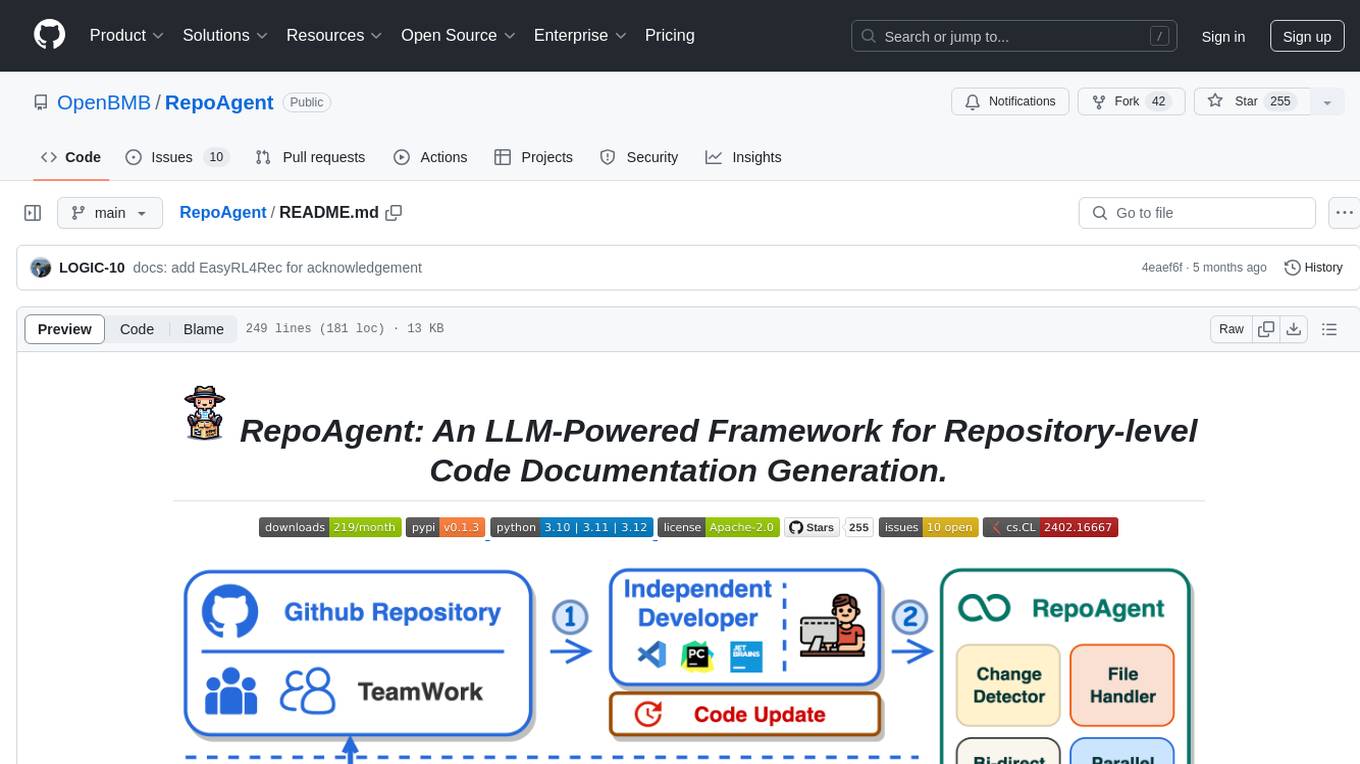
RepoAgent
RepoAgent is an LLM-powered framework designed for repository-level code documentation generation. It automates the process of detecting changes in Git repositories, analyzing code structure through AST, identifying inter-object relationships, replacing Markdown content, and executing multi-threaded operations. The tool aims to assist developers in understanding and maintaining codebases by providing comprehensive documentation, ultimately improving efficiency and saving time.
brokk
Brokk is a code assistant tool named after the Norse god of the forge. It is designed to understand code semantically, enabling LLMs to work effectively on large codebases. Users can sign up at Brokk.ai, install jbang, and follow instructions to run Brokk. The tool uses Gradle with Scala support and requires JDK 21 or newer for building. Brokk aims to enhance code comprehension and productivity by providing semantic understanding of code.
python-repomix
Repomix is a powerful tool that packs your entire repository into a single, AI-friendly file. It formats your codebase for easy AI comprehension, provides token counts, is simple to use with one command, customizable, git-aware, security-focused, and offers advanced code compression. It supports multiprocessing or threading for faster analysis, automatically handles various file encodings, and includes built-in security checks. Repomix can be used with uvx, pipx, or Docker. It offers various configuration options for output style, security checks, compression modes, ignore patterns, and remote repository processing. The tool can be used for code review, documentation generation, test case generation, code quality assessment, library overview, API documentation review, code architecture analysis, and configuration analysis. Repomix can also run as an MCP server for AI assistants like Claude, providing tools for packaging codebases, reading output files, searching within outputs, reading files from the filesystem, listing directory contents, generating Claude Agent Skills, and more.
For similar jobs

sweep
Sweep is an AI junior developer that turns bugs and feature requests into code changes. It automatically handles developer experience improvements like adding type hints and improving test coverage.

teams-ai
The Teams AI Library is a software development kit (SDK) that helps developers create bots that can interact with Teams and Microsoft 365 applications. It is built on top of the Bot Framework SDK and simplifies the process of developing bots that interact with Teams' artificial intelligence capabilities. The SDK is available for JavaScript/TypeScript, .NET, and Python.

ai-guide
This guide is dedicated to Large Language Models (LLMs) that you can run on your home computer. It assumes your PC is a lower-end, non-gaming setup.

classifai
Supercharge WordPress Content Workflows and Engagement with Artificial Intelligence. Tap into leading cloud-based services like OpenAI, Microsoft Azure AI, Google Gemini and IBM Watson to augment your WordPress-powered websites. Publish content faster while improving SEO performance and increasing audience engagement. ClassifAI integrates Artificial Intelligence and Machine Learning technologies to lighten your workload and eliminate tedious tasks, giving you more time to create original content that matters.

chatbot-ui
Chatbot UI is an open-source AI chat app that allows users to create and deploy their own AI chatbots. It is easy to use and can be customized to fit any need. Chatbot UI is perfect for businesses, developers, and anyone who wants to create a chatbot.

BricksLLM
BricksLLM is a cloud native AI gateway written in Go. Currently, it provides native support for OpenAI, Anthropic, Azure OpenAI and vLLM. BricksLLM aims to provide enterprise level infrastructure that can power any LLM production use cases. Here are some use cases for BricksLLM: * Set LLM usage limits for users on different pricing tiers * Track LLM usage on a per user and per organization basis * Block or redact requests containing PIIs * Improve LLM reliability with failovers, retries and caching * Distribute API keys with rate limits and cost limits for internal development/production use cases * Distribute API keys with rate limits and cost limits for students

uAgents
uAgents is a Python library developed by Fetch.ai that allows for the creation of autonomous AI agents. These agents can perform various tasks on a schedule or take action on various events. uAgents are easy to create and manage, and they are connected to a fast-growing network of other uAgents. They are also secure, with cryptographically secured messages and wallets.

griptape
Griptape is a modular Python framework for building AI-powered applications that securely connect to your enterprise data and APIs. It offers developers the ability to maintain control and flexibility at every step. Griptape's core components include Structures (Agents, Pipelines, and Workflows), Tasks, Tools, Memory (Conversation Memory, Task Memory, and Meta Memory), Drivers (Prompt and Embedding Drivers, Vector Store Drivers, Image Generation Drivers, Image Query Drivers, SQL Drivers, Web Scraper Drivers, and Conversation Memory Drivers), Engines (Query Engines, Extraction Engines, Summary Engines, Image Generation Engines, and Image Query Engines), and additional components (Rulesets, Loaders, Artifacts, Chunkers, and Tokenizers). Griptape enables developers to create AI-powered applications with ease and efficiency.