


openclaw-mission-control
AI Agent Orchestration Dashboard - Manage AI agents, assign tasks, and coordinate multi-agent collaboration via OpenClaw Gateway.
Stars: 58
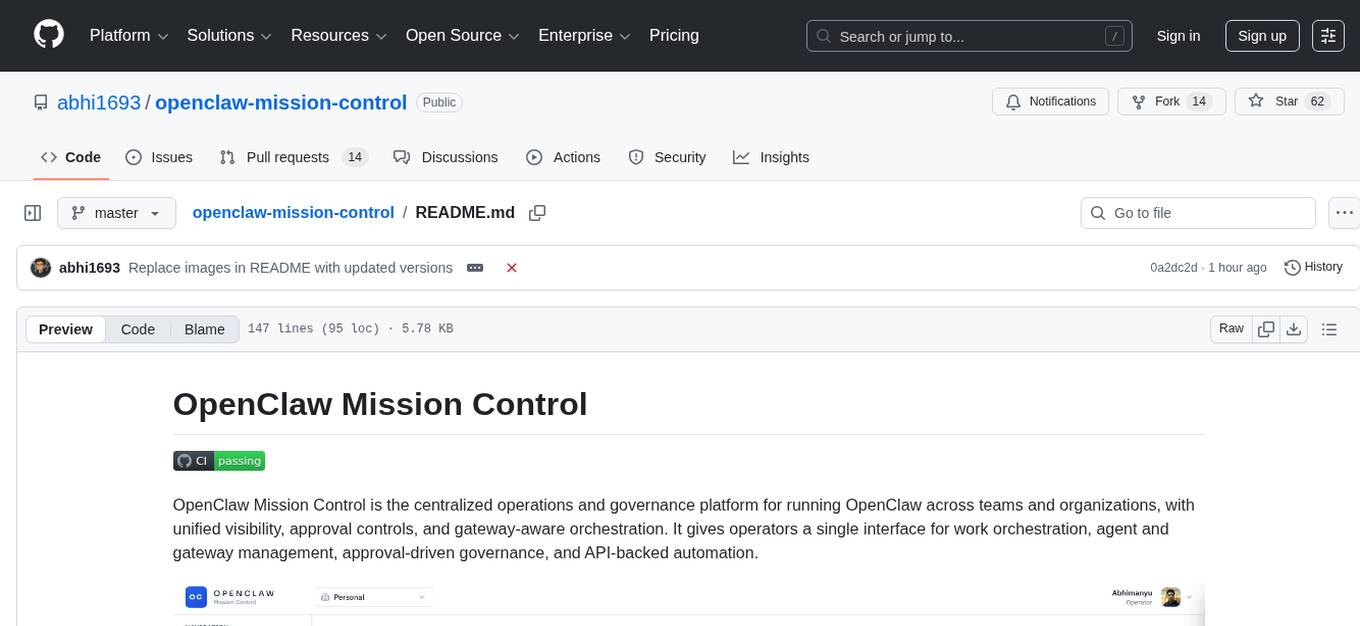
OpenClaw Mission Control is a centralized operations and governance platform for running OpenClaw across teams and organizations. It provides unified visibility, approval controls, and gateway-aware orchestration. The platform offers work orchestration, agent and gateway management, approval-driven governance, and API-backed automation. It is designed for multi-team agent operations, human-in-the-loop execution, distributed runtime control, audit and incident review, and API-backed process integration. Mission Control is suitable for platform teams running OpenClaw, operations and engineering teams needing approval and auditability controls, and organizations wanting API-accessible operations with a usable web UI.
README:

OpenClaw Mission Control is the centralized operations and governance platform for running OpenClaw across teams and organizations, with unified visibility, approval controls, and gateway-aware orchestration. It gives operators a single interface for work orchestration, agent and gateway management, approval-driven governance, and API-backed automation.
Mission Control is designed to be the day-to-day operations surface for OpenClaw. Instead of splitting work across multiple tools, teams can plan, execute, review, and audit activity in one system.
Core operational areas:
- Work orchestration: manage organizations, board groups, boards, tasks, and tags.
- Agent operations: create, inspect, and manage agent lifecycle from a unified control surface.
- Governance and approvals: route sensitive actions through explicit approval flows.
- Gateway management: connect and operate gateway integrations for distributed environments.
- Activity visibility: review a timeline of system actions for faster debugging and accountability.
- API-first model: support both web workflows and automation clients from the same platform.
- Multi-team agent operations: run multiple boards and board groups across organizations from a single control plane.
- Human-in-the-loop execution: require approvals before sensitive actions and keep decision trails attached to work.
- Distributed runtime control: connect gateways and operate remote execution environments without changing operator workflow.
- Audit and incident review: use activity history to reconstruct what happened, when it happened, and who initiated it.
- API-backed process integration: connect internal workflows and automation clients to the same operational model used in the UI.
- Operations-first design: built for running agent work reliably, not just creating tasks.
- Governance built in: approvals, auth modes, and clear control boundaries are first-class.
- Gateway-aware orchestration: built to operate both local and connected runtime environments.
- Unified UI and API model: operators and automation act on the same objects and lifecycle.
- Team-scale structure: organizations, board groups, boards, tasks, tags, and users in one system of record.
- Platform teams running OpenClaw in self-hosted or internal environments.
- Operations and engineering teams that need clear approval and auditability controls.
- Organizations that want API-accessible operations without losing a usable web UI.
If you haven't cloned the repo yet, you can run the installer in one line:
curl -fsSL https://raw.githubusercontent.com/abhi1693/openclaw-mission-control/master/install.sh | bashIf you already cloned the repo:
./install.shThe installer is interactive and will:
- Ask for deployment mode (
dockerorlocal). - Install missing system dependencies when possible.
- Generate and configure environment files.
- Bootstrap and start the selected deployment mode.
Installer support matrix: docs/installer-support.md
- Docker Engine
- Docker Compose v2 (
docker compose)
cp .env.example .envBefore startup:
- Set
LOCAL_AUTH_TOKENto a non-placeholder value (minimum 50 characters) whenAUTH_MODE=local. - Ensure
NEXT_PUBLIC_API_URLis reachable from your browser.
docker compose -f compose.yml --env-file .env up -d --build- Mission Control UI: http://localhost:3000
- Backend health: http://localhost:8000/healthz
docker compose -f compose.yml --env-file .env downMission Control supports two authentication modes:
-
local: shared bearer token mode (default for self-hosted use) -
clerk: Clerk JWT mode
Environment templates:
- Root:
.env.example - Backend:
backend/.env.example - Frontend:
frontend/.env.example
Complete guides for deployment, production, troubleshooting, and testing are in /docs.
Mission Control is under active development.
- Features and APIs may change between releases.
- Validate and harden your configuration before production use.
Issues and pull requests are welcome.
This project is licensed under the MIT License. See LICENSE.
For Tasks:
Click tags to check more tools for each tasksFor Jobs:
Alternative AI tools for openclaw-mission-control
Similar Open Source Tools
openclaw-mission-control
OpenClaw Mission Control is a centralized operations and governance platform for running OpenClaw across teams and organizations. It provides unified visibility, approval controls, and gateway-aware orchestration. The platform offers work orchestration, agent and gateway management, approval-driven governance, and API-backed automation. It is designed for multi-team agent operations, human-in-the-loop execution, distributed runtime control, audit and incident review, and API-backed process integration. Mission Control is suitable for platform teams running OpenClaw, operations and engineering teams needing approval and auditability controls, and organizations wanting API-accessible operations with a usable web UI.
AgentUp
AgentUp is an active development tool that provides a developer-first agent framework for creating AI agents with enterprise-grade infrastructure. It allows developers to define agents with configuration, ensuring consistent behavior across environments. The tool offers secure design, configuration-driven architecture, extensible ecosystem for customizations, agent-to-agent discovery, asynchronous task architecture, deterministic routing, and MCP support. It supports multiple agent types like reactive agents and iterative agents, making it suitable for chatbots, interactive applications, research tasks, and more. AgentUp is built by experienced engineers from top tech companies and is designed to make AI agents production-ready, secure, and reliable.
crewAI
CrewAI is a cutting-edge framework designed to orchestrate role-playing autonomous AI agents. By fostering collaborative intelligence, CrewAI empowers agents to work together seamlessly, tackling complex tasks. It enables AI agents to assume roles, share goals, and operate in a cohesive unit, much like a well-oiled crew. Whether you're building a smart assistant platform, an automated customer service ensemble, or a multi-agent research team, CrewAI provides the backbone for sophisticated multi-agent interactions. With features like role-based agent design, autonomous inter-agent delegation, flexible task management, and support for various LLMs, CrewAI offers a dynamic and adaptable solution for both development and production workflows.
Upsonic
Upsonic offers a cutting-edge enterprise-ready framework for orchestrating LLM calls, agents, and computer use to complete tasks cost-effectively. It provides reliable systems, scalability, and a task-oriented structure for real-world cases. Key features include production-ready scalability, task-centric design, MCP server support, tool-calling server, computer use integration, and easy addition of custom tools. The framework supports client-server architecture and allows seamless deployment on AWS, GCP, or locally using Docker.
floki
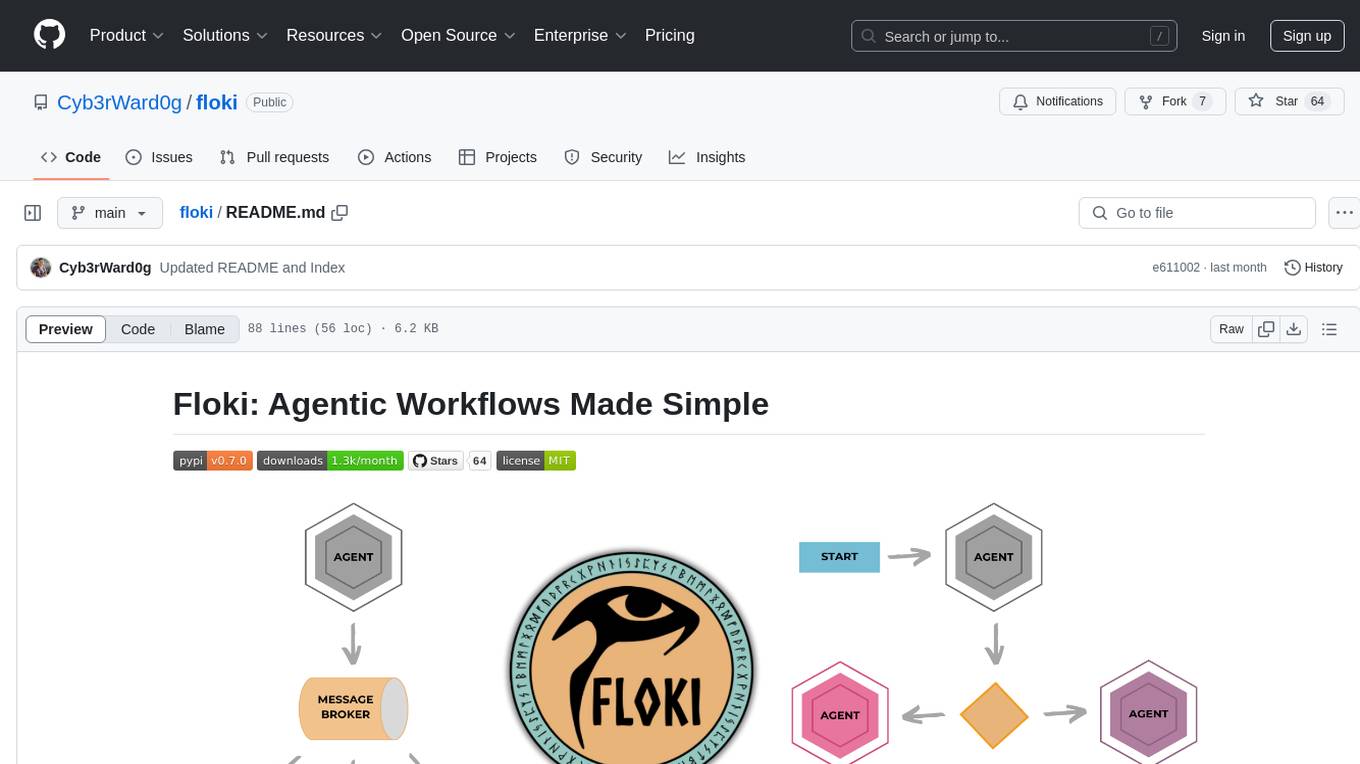
Floki is an open-source framework for researchers and developers to experiment with LLM-based autonomous agents. It provides tools to create, orchestrate, and manage agents while seamlessly connecting to LLM inference APIs. Built on Dapr, Floki leverages a unified programming model that simplifies microservices and supports both deterministic workflows and event-driven interactions. By bringing together these features, Floki provides a powerful way to explore agentic workflows and the components that enable multi-agent systems to collaborate and scale, all powered by Dapr.
adk-python
Agent Development Kit (ADK) is an open-source, code-first Python toolkit for building, evaluating, and deploying sophisticated AI agents with flexibility and control. It is a flexible and modular framework optimized for Gemini and the Google ecosystem, but also compatible with other frameworks. ADK aims to make agent development feel more like software development, enabling developers to create, deploy, and orchestrate agentic architectures ranging from simple tasks to complex workflows.
AgentConnect
AgentConnect is an open-source implementation of the Agent Network Protocol (ANP) aiming to define how agents connect with each other and build an open, secure, and efficient collaboration network for billions of agents. It addresses challenges like interconnectivity, native interfaces, and efficient collaboration by providing authentication, end-to-end encryption, meta-protocol handling, and application layer protocol integration. The project focuses on performance and multi-platform support, with plans to rewrite core components in Rust and support Mac, Linux, Windows, mobile platforms, and browsers. AgentConnect aims to establish ANP as an industry standard through protocol development and forming a standardization committee.
neuro-san-studio
Neuro SAN Studio is an open-source library for building agent networks across various industries. It simplifies the development of collaborative AI systems by enabling users to create sophisticated multi-agent applications using declarative configuration files. The tool offers features like data-driven configuration, adaptive communication protocols, safe data handling, dynamic agent network designer, flexible tool integration, robust traceability, and cloud-agnostic deployment. It has been used in various use-cases such as automated generation of multi-agent configurations, airline policy assistance, banking operations, market analysis in consumer packaged goods, insurance claims processing, intranet knowledge management, retail operations, telco network support, therapy vignette supervision, and more.
llama_deploy
llama_deploy is an async-first framework for deploying, scaling, and productionizing agentic multi-service systems based on workflows from llama_index. It allows building workflows in llama_index and deploying them seamlessly with minimal changes to code. The system includes services endlessly processing tasks, a control plane managing state and services, an orchestrator deciding task handling, and fault tolerance mechanisms. It is designed for high-concurrency scenarios, enabling real-time and high-throughput applications.
CSGHub
CSGHub is an open source, trustworthy large model asset management platform that can assist users in governing the assets involved in the lifecycle of LLM and LLM applications (datasets, model files, codes, etc). With CSGHub, users can perform operations on LLM assets, including uploading, downloading, storing, verifying, and distributing, through Web interface, Git command line, or natural language Chatbot. Meanwhile, the platform provides microservice submodules and standardized OpenAPIs, which could be easily integrated with users' own systems. CSGHub is committed to bringing users an asset management platform that is natively designed for large models and can be deployed On-Premise for fully offline operation. CSGHub offers functionalities similar to a privatized Huggingface(on-premise Huggingface), managing LLM assets in a manner akin to how OpenStack Glance manages virtual machine images, Harbor manages container images, and Sonatype Nexus manages artifacts.
AgentConnect
AgentConnect is an open-source implementation of the Agent Network Protocol (ANP) aiming to define how agents connect with each other and build an open, secure, and efficient collaboration network for billions of agents. It addresses challenges like interconnectivity, native interfaces, and efficient collaboration. The architecture includes authentication, end-to-end encryption modules, meta-protocol module, and application layer protocol integration framework. AgentConnect focuses on performance and multi-platform support, with plans to rewrite core components in Rust and support mobile platforms and browsers. The project aims to establish ANP as an industry standard and form an ANP Standardization Committee. Installation is done via 'pip install agent-connect' and demos can be run after cloning the repository. Features include decentralized authentication based on did:wba and HTTP, and meta-protocol negotiation examples.
amazon-bedrock-agentcore-samples
Amazon Bedrock AgentCore Samples repository provides examples and tutorials to deploy and operate AI agents securely at scale using any framework and model. It is framework-agnostic and model-agnostic, allowing flexibility in deployment. The repository includes tutorials, end-to-end applications, integration guides, deployment automation, and full-stack reference applications for developers to understand and implement Amazon Bedrock AgentCore capabilities into their applications.
genai-factory
GenAI Factory is a collection of end-to-end blueprints to deploy generative AI infrastructures in Google Cloud Platform (GCP), following security best practices. It embraces Infrastructure as Code (IaC) best practices, implements infrastructure in Terraform, and follows the least-privilege principle. The tool is compatible with Cloud Foundation Fabric FAST project-factory and application templates, allowing users to deploy various AI applications and systems on GCP.
langgraph
LangGraph is a low-level orchestration framework for building, managing, and deploying long-running, stateful agents. It provides durable execution, human-in-the-loop capabilities, comprehensive memory management, debugging tools, and production-ready deployment infrastructure. LangGraph can be used standalone or integrated with other LangChain products to streamline LLM application development.
adk-js
Agent Development Kit (ADK) for TypeScript is an open-source toolkit designed for developers to build, evaluate, and deploy sophisticated AI agents with flexibility and control. It allows defining agent behavior, orchestration, and tool use directly in code for robust debugging, versioning, and deployment. With rich tool ecosystem, code-first development, and modular multi-agent systems, ADK offers tight integration with the Google ecosystem and enables the creation of scalable applications by composing multiple specialized agents into flexible hierarchies.
synthora
Synthora is a lightweight and extensible framework for LLM-driven Agents and ALM research. It aims to simplify the process of building, testing, and evaluating agents by providing essential components. The framework allows for easy agent assembly with a single config, reducing the effort required for tuning and sharing agents. Although in early development stages with unstable APIs, Synthora welcomes feedback and contributions to enhance its stability and functionality.
For similar tasks
openclaw-mission-control
OpenClaw Mission Control is a centralized operations and governance platform for running OpenClaw across teams and organizations. It provides unified visibility, approval controls, and gateway-aware orchestration. The platform offers work orchestration, agent and gateway management, approval-driven governance, and API-backed automation. It is designed for multi-team agent operations, human-in-the-loop execution, distributed runtime control, audit and incident review, and API-backed process integration. Mission Control is suitable for platform teams running OpenClaw, operations and engineering teams needing approval and auditability controls, and organizations wanting API-accessible operations with a usable web UI.
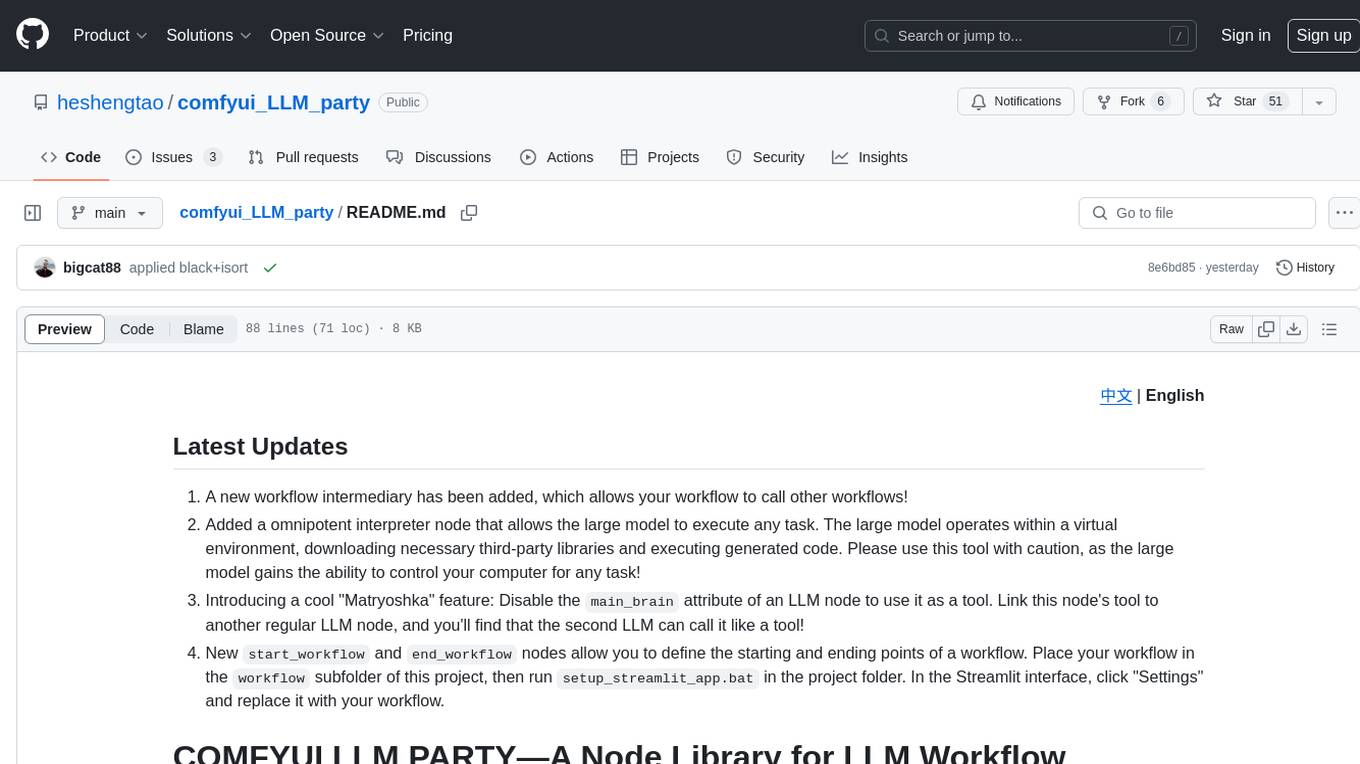
comfyui_LLM_party
COMFYUI LLM PARTY is a node library designed for LLM workflow development in ComfyUI, an extremely minimalist UI interface primarily used for AI drawing and SD model-based workflows. The project aims to provide a complete set of nodes for constructing LLM workflows, enabling users to easily integrate them into existing SD workflows. It features various functionalities such as API integration, local large model integration, RAG support, code interpreters, online queries, conditional statements, looping links for large models, persona mask attachment, and tool invocations for weather lookup, time lookup, knowledge base, code execution, web search, and single-page search. Users can rapidly develop web applications using API + Streamlit and utilize LLM as a tool node. Additionally, the project includes an omnipotent interpreter node that allows the large model to perform any task, with recommendations to use the 'show_text' node for display output.
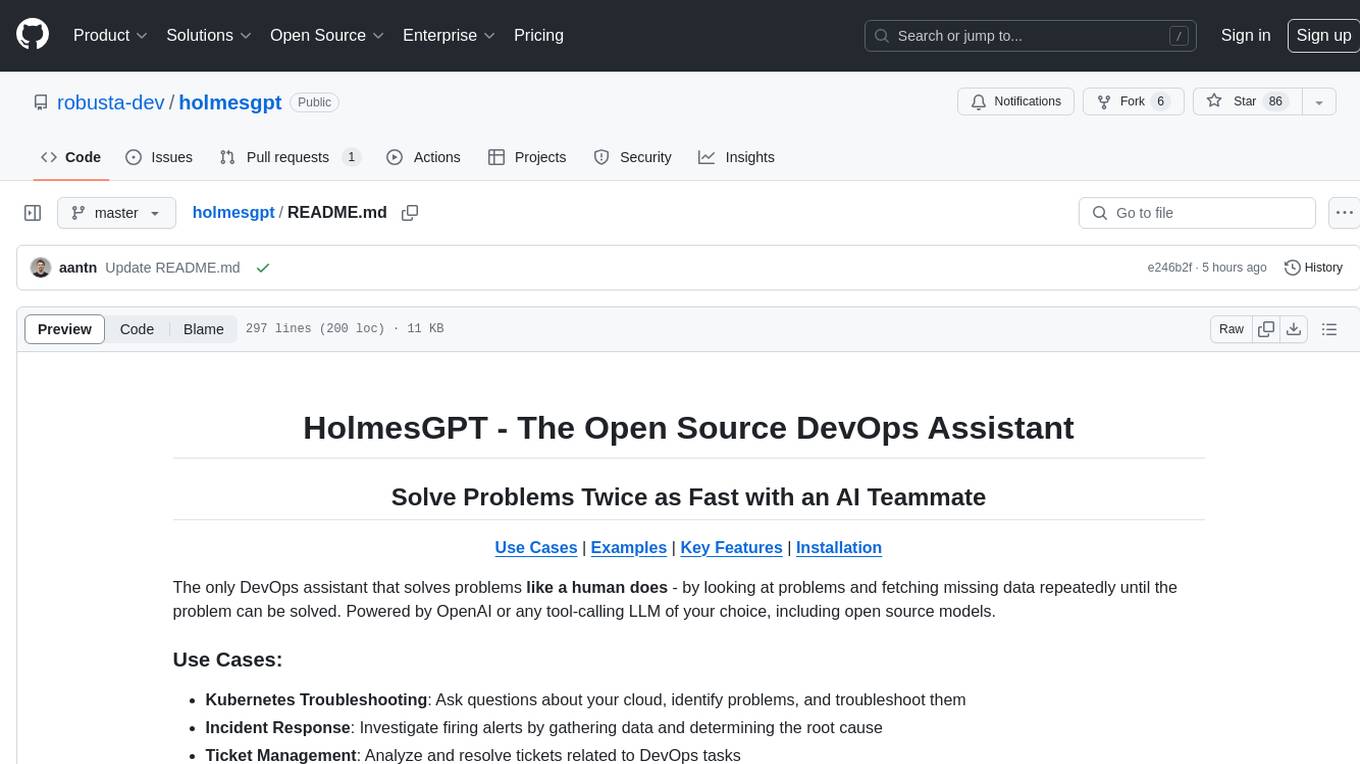
holmesgpt
HolmesGPT is an open-source DevOps assistant powered by OpenAI or any tool-calling LLM of your choice. It helps in troubleshooting Kubernetes, incident response, ticket management, automated investigation, and runbook automation in plain English. The tool connects to existing observability data, is compliance-friendly, provides transparent results, supports extensible data sources, runbook automation, and integrates with existing workflows. Users can install HolmesGPT using Brew, prebuilt Docker container, Python Poetry, or Docker. The tool requires an API key for functioning and supports OpenAI, Azure AI, and self-hosted LLMs.

cog-comfyui
Cog-ComfyUI is a tool designed to run ComfyUI workflows on Replicate. It allows users to easily integrate their own workflows into their app or website using the Replicate API. The tool includes popular model weights and custom nodes, with the option to request more custom nodes or models. Users can get their API JSON, gather input files, and use custom LoRAs from CivitAI or HuggingFace. Additionally, users can run their workflows and set up their own dedicated instances for better performance and control. The tool provides options for private deployments, forking using Cog, or creating new models from the train tab on Replicate. It also offers guidance on developing locally and running the Web UI from a Cog container.
For similar jobs
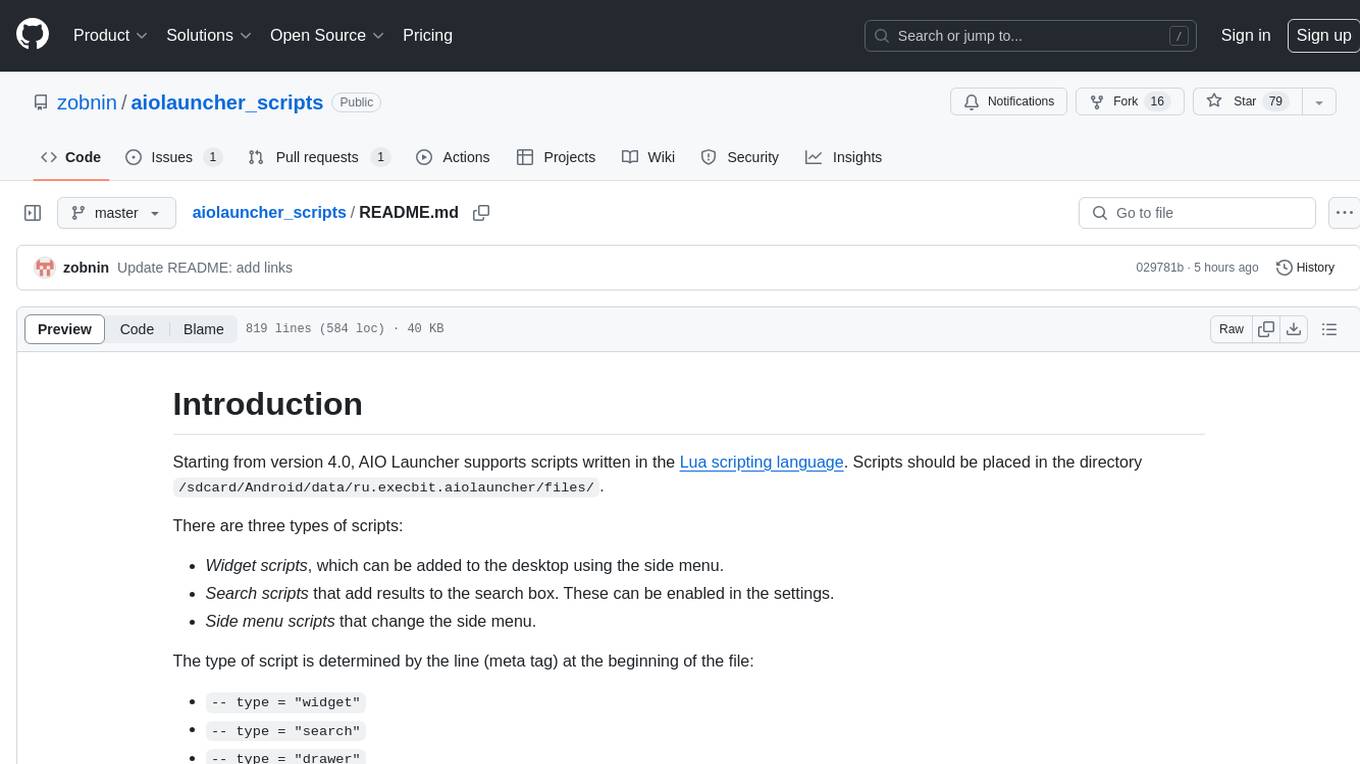
aiolauncher_scripts
AIO Launcher Scripts is a collection of Lua scripts that can be used with AIO Launcher to enhance its functionality. These scripts can be used to create widget scripts, search scripts, and side menu scripts. They provide various functions such as displaying text, buttons, progress bars, charts, and interacting with app widgets. The scripts can be used to customize the appearance and behavior of the launcher, add new features, and interact with external services.
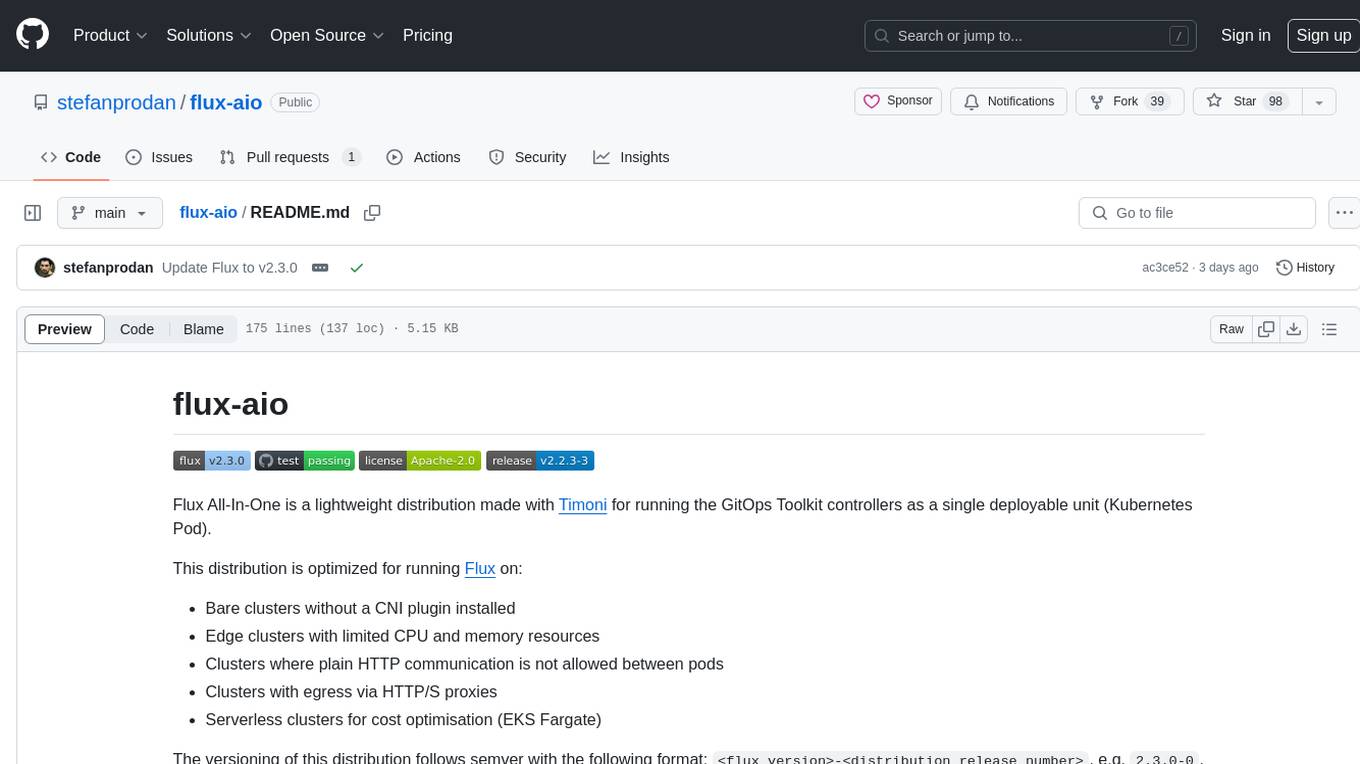
flux-aio
Flux All-In-One is a lightweight distribution optimized for running the GitOps Toolkit controllers as a single deployable unit on Kubernetes clusters. It is designed for bare clusters, edge clusters, clusters with restricted communication, clusters with egress via proxies, and serverless clusters. The distribution follows semver versioning and provides documentation for specifications, installation, upgrade, OCI sync configuration, Git sync configuration, and multi-tenancy configuration. Users can deploy Flux using Timoni CLI and a Timoni Bundle file, fine-tune installation options, sync from public Git repositories, bootstrap repositories, and uninstall Flux without affecting reconciled workloads.
composio
Composio is a production-ready toolset for AI agents that enables users to integrate AI agents with various agentic tools effortlessly. It provides support for over 100 tools across different categories, including popular softwares like GitHub, Notion, Linear, Gmail, Slack, and more. Composio ensures managed authorization with support for six different authentication protocols, offering better agentic accuracy and ease of use. Users can easily extend Composio with additional tools, frameworks, and authorization protocols. The toolset is designed to be embeddable and pluggable, allowing for seamless integration and consistent user experience.
IKBT
IKBT is a Python-based system for generating closed-form solutions to the manipulator inverse kinematics problem using behavior trees for action selection. Solutions are fully symbolic and are output as LaTex, Python, and C++. The tool automates closed-form kinematics solving by organizing solution algorithms in a behavior tree, incorporating frequently used knowledge, generating a dependency graph of joint variables, and providing features for automatic documentation and code generation. It is implemented in Python with minimal dependencies outside of the standard Python distribution.
ai2apps
AI2Apps is a visual IDE for building LLM-based AI agent applications, enabling developers to efficiently create AI agents through drag-and-drop, with features like design-to-development for rapid prototyping, direct packaging of agents into apps, powerful debugging capabilities, enhanced user interaction, efficient team collaboration, flexible deployment, multilingual support, simplified product maintenance, and extensibility through plugins.
flowgen
FlowGen is a tool built for AutoGen, a great agent framework from Microsoft and a lot of contributors. It provides intuitive visual tools that streamline the construction and oversight of complex agent-based workflows, simplifying the process for creators and developers. Users can create Autoflows, chat with agents, and share flow templates. The tool is fully dockerized and supports deployment on Railway.app. Contributions to the project are welcome, and the platform uses semantic-release for versioning and releases.
aiohue
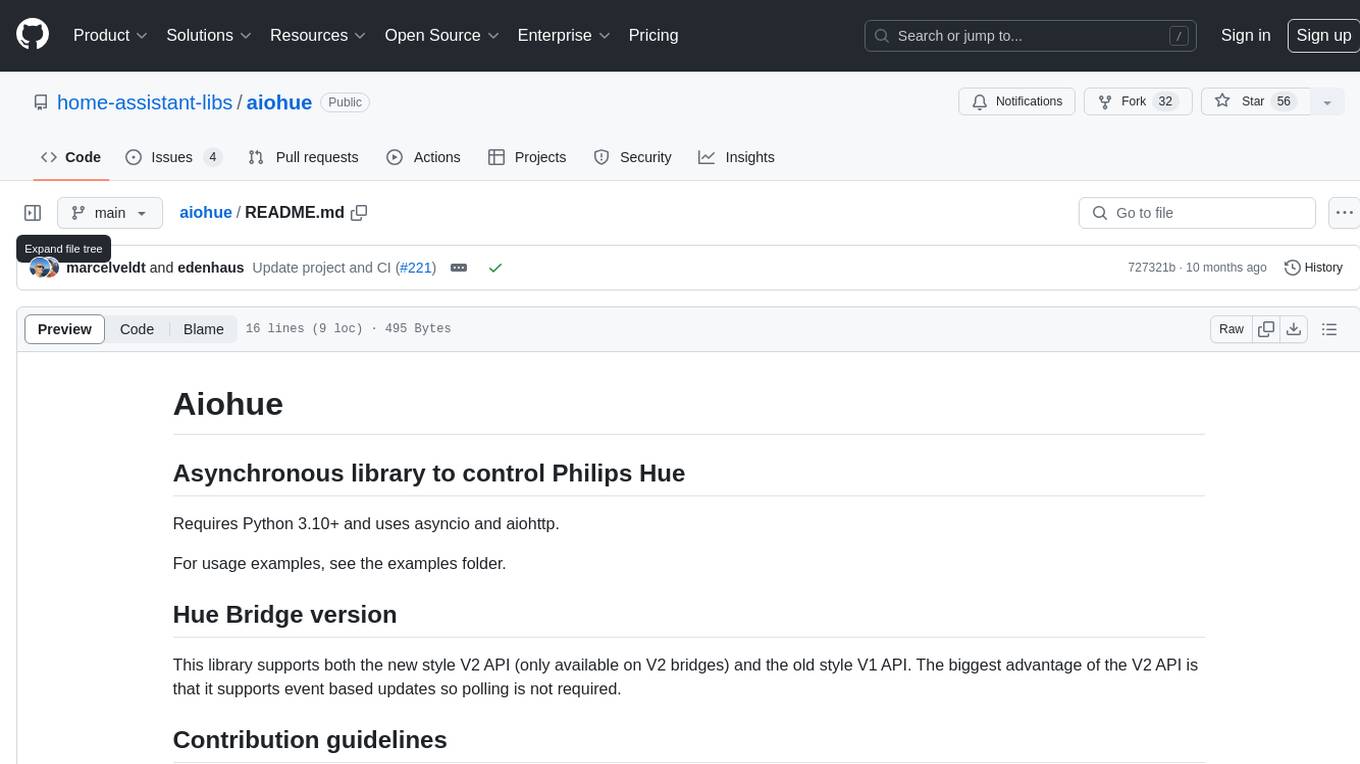
Aiohue is an asynchronous library designed to control Philips Hue lights. It requires Python 3.10+ and utilizes asyncio and aiohttp. The library supports both V1 and V2 APIs of the Hue Bridge, with V2 API offering event-based updates to eliminate the need for polling. The contribution guidelines emphasize matching object hierarchy and property/method names with the Philips Hue API.
rosa
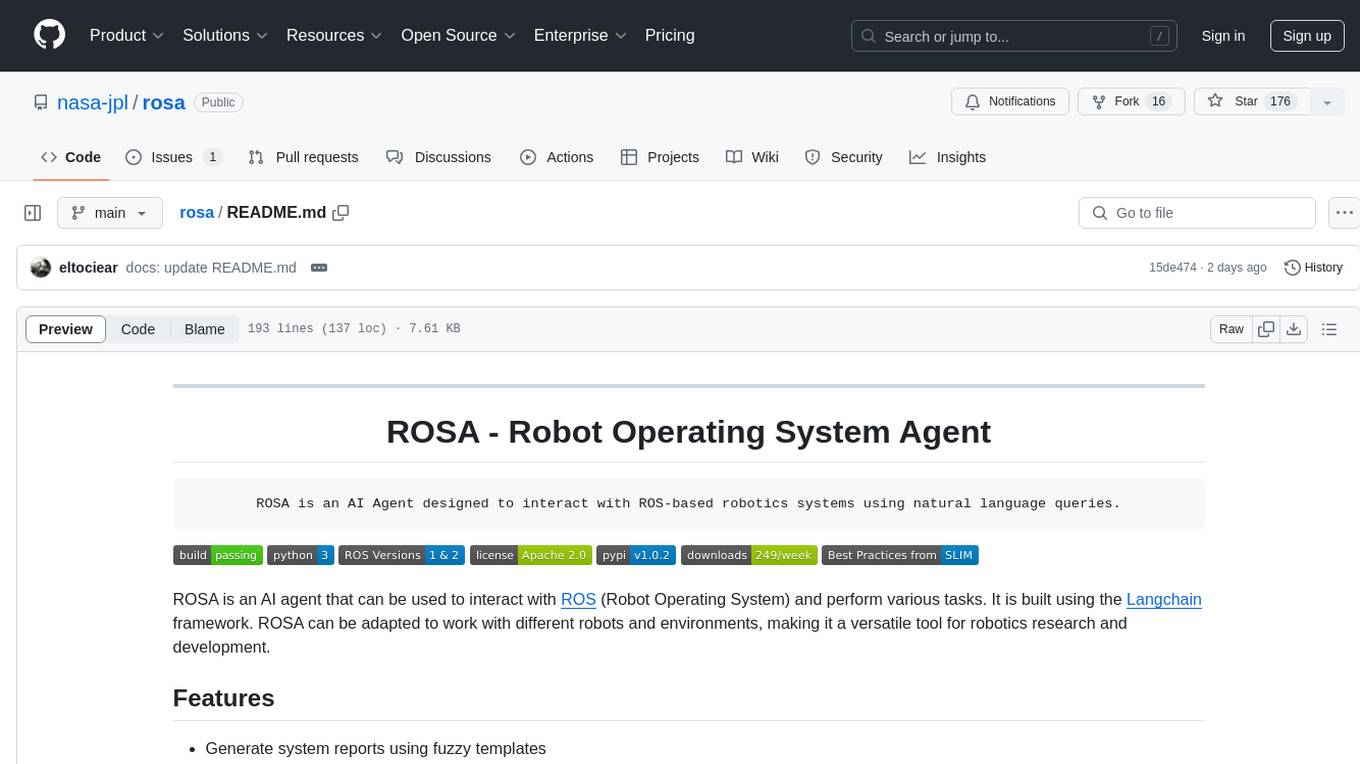
ROSA is an AI Agent designed to interact with ROS-based robotics systems using natural language queries. It can generate system reports, read and parse ROS log files, adapt to new robots, and run various ROS commands using natural language. The tool is versatile for robotics research and development, providing an easy way to interact with robots and the ROS environment.