


HippoRAG
[NeurIPS'24] HippoRAG is a novel RAG framework inspired by human long-term memory that enables LLMs to continuously integrate knowledge across external documents. RAG + Knowledge Graphs + Personalized PageRank.
Stars: 2754
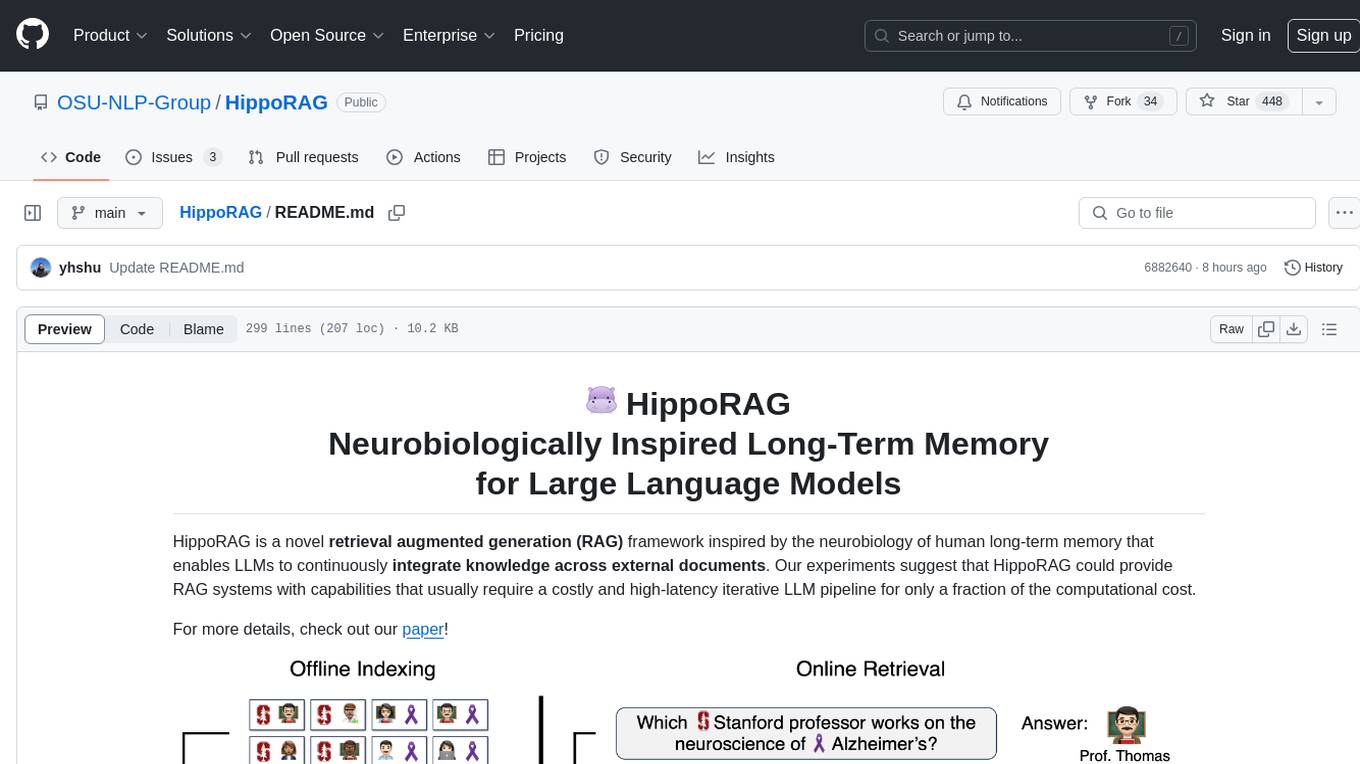
HippoRAG is a novel retrieval augmented generation (RAG) framework inspired by the neurobiology of human long-term memory that enables Large Language Models (LLMs) to continuously integrate knowledge across external documents. It provides RAG systems with capabilities that usually require a costly and high-latency iterative LLM pipeline for only a fraction of the computational cost. The tool facilitates setting up retrieval corpus, indexing, and retrieval processes for LLMs, offering flexibility in choosing different online LLM APIs or offline LLM deployments through LangChain integration. Users can run retrieval on pre-defined queries or integrate directly with the HippoRAG API. The tool also supports reproducibility of experiments and provides data, baselines, and hyperparameter tuning scripts for research purposes.
README:






HippoRAG 2 is a powerful memory framework for LLMs that enhances their ability to recognize and utilize connections in new knowledge—mirroring a key function of human long-term memory.
Our experiments show that HippoRAG 2 improves associativity (multi-hop retrieval) and sense-making (the process of integrating large and complex contexts) in even the most advanced RAG systems, without sacrificing their performance on simpler tasks.
Like its predecessor, HippoRAG 2 remains cost and latency efficient in online processes, while using significantly fewer resources for offline indexing compared to other graph-based solutions such as GraphRAG, RAPTOR, and LightRAG.

Figure 1: Evaluation of continual learning capabilities across three key dimensions: factual memory (NaturalQuestions, PopQA), sense-making (NarrativeQA), and associativity (MuSiQue, 2Wiki, HotpotQA, and LV-Eval). HippoRAG 2 surpasses other methods across all categories, bringing it one step closer to true long-term memory.

Figure 2: HippoRAG 2 methodology.
- HippoRAG: Neurobiologically Inspired Long-Term Memory for Large Language Models [NeurIPS '24].
- From RAG to Memory: Non-Parametric Continual Learning for Large Language Models [ICML '25].
conda create -n hipporag python=3.10
conda activate hipporag
pip install hipporag
Initialize the environmental variables and activate the environment:
export CUDA_VISIBLE_DEVICES=0,1,2,3
export HF_HOME=<path to Huggingface home directory>
export OPENAI_API_KEY=<your openai api key>   # if you want to use OpenAI model

conda activate hipporagThis simple example will illustrate how to use hipporag with any OpenAI model:
from hipporag import HippoRAG

# Prepare datasets and evaluation
docs = [
    "Oliver Badman is a politician.",
    "George Rankin is a politician.",
    "Thomas Marwick is a politician.",
    "Cinderella attended the royal ball.",
    "The prince used the lost glass slipper to search the kingdom.",
    "When the slipper fit perfectly, Cinderella was reunited with the prince.",
    "Erik Hort's birthplace is Montebello.",
    "Marina is bom in Minsk.",
    "Montebello is a part of Rockland County."
]

save_dir = 'outputs'# Define save directory for HippoRAG objects (each LLM/Embedding model combination will create a new subdirectory)
llm_model_name = 'gpt-4o-mini' # Any OpenAI model name
embedding_model_name = 'nvidia/NV-Embed-v2'# Embedding model name (NV-Embed, GritLM or Contriever for now)

#Startup a HippoRAG instance
hipporag = HippoRAG(save_dir=save_dir,
                    llm_model_name=llm_model_name,
                    embedding_model_name=embedding_model_name)

#Run indexing
hipporag.index(docs=docs)

#Separate Retrieval & QA
queries = [
    "What is George Rankin's occupation?",
    "How did Cinderella reach her happy ending?",
    "What county is Erik Hort's birthplace a part of?"
]

retrieval_results = hipporag.retrieve(queries=queries, num_to_retrieve=2)
qa_results = hipporag.rag_qa(retrieval_results)

#Combined Retrieval & QA
rag_results = hipporag.rag_qa(queries=queries)

#For Evaluation
answers = [
    ["Politician"],
    ["By going to the ball."],
    ["Rockland County"]
]

gold_docs = [
    ["George Rankin is a politician."],
    ["Cinderella attended the royal ball.",
    "The prince used the lost glass slipper to search the kingdom.",
    "When the slipper fit perfectly, Cinderella was reunited with the prince."],
    ["Erik Hort's birthplace is Montebello.",
    "Montebello is a part of Rockland County."]
]

rag_results = hipporag.rag_qa(queries=queries,
                              gold_docs=gold_docs,
gold_answers=answers)If you want to use LLMs and Embeddings Compatible to OpenAI, please use the following methods.
hipporag = HippoRAG(save_dir=save_dir,
    llm_model_name='Your LLM Model name',
    llm_base_url='Your LLM Model url',
    embedding_model_name='Your Embedding model name',
embedding_base_url='Your Embedding model url')This simple example will illustrate how to use hipporag with any vLLM-compatible locally deployed LLM.
- Run a local OpenAI-compatible vLLM server with specified GPUs (make sure you leave enough memory for your embedding model).
export CUDA_VISIBLE_DEVICES=0,1
export VLLM_WORKER_MULTIPROC_METHOD=spawn
export HF_HOME=<path to Huggingface home directory>

conda activate hipporag  # vllm should be in this environment

# Tune gpu-memory-utilization or max_model_len to fit your GPU memory, if OOM occurs
vllm serve meta-llama/Llama-3.3-70B-Instruct --tensor-parallel-size 2 --max_model_len 4096 --gpu-memory-utilization 0.95 - Now you can use very similar code to the one above to use
hipporag:
save_dir = 'outputs'# Define save directory for HippoRAG objects (each LLM/Embedding model combination will create a new subdirectory)
llm_model_name = # Any OpenAI model name
embedding_model_name = # Embedding model name (NV-Embed, GritLM or Contriever for now)
llm_base_url= # Base url for your deployed LLM (i.e. http://localhost:8000/v1)

hipporag = HippoRAG(save_dir=save_dir,
                    llm_model_name=llm_model,
                    embedding_model_name=embedding_model_name,
                    llm_base_url=llm_base_url)

# Same Indexing, Retrieval and QA as running OpenAI models aboveWhen making a contribution to HippoRAG, please run the scripts below to ensure that your changes do not result in unexpected behavior from our core modules.
These scripts test for indexing, graph loading, document deletion and incremental updates to a HippoRAG object.
To test HippoRAG with an OpenAI LLM and embedding model, simply run the following. The cost of this test will be negligible.
export OPENAI_API_KEY=<your openai api key>

conda activate hipporag

python tests_openai.pyTo test locally, you must deploy a vLLM instance. We choose to deploy a smaller 8B model Llama-3.1-8B-Instruct for cheaper testing.
export CUDA_VISIBLE_DEVICES=0
export VLLM_WORKER_MULTIPROC_METHOD=spawn
export HF_HOME=<path to Huggingface home directory>

conda activate hipporag  # vllm should be in this environment

# Tune gpu-memory-utilization or max_model_len to fit your GPU memory, if OOM occurs
vllm serve meta-llama/Llama-3.1-8B-Instruct --tensor-parallel-size 2 --max_model_len 4096 --gpu-memory-utilization 0.95 --port 6578
Then, we run the following test script:
CUDA_VISIBLE=1 python tests_local.pyTo use our code to run experiments we recommend you clone this repository and follow the structure of the main.py script.
We evaluated several sampled datasets in our paper, some of which are already included in the reproduce/dataset directory of this repo. For the complete set of datasets, please visit
our HuggingFace dataset and place them under reproduce/dataset. We also provide the OpenIE results for both gpt-4o-mini and Llama-3.3-70B-Instruct for our musique sample under outputs/musique.
To test your environment is properly set up, you can use the small dataset reproduce/dataset/sample.json for debugging as shown below.
Initialize the environmental variables and activate the environment:
export CUDA_VISIBLE_DEVICES=0,1,2,3
export HF_HOME=<path to Huggingface home directory>
export OPENAI_API_KEY=<your openai api key>   # if you want to use OpenAI model

conda activate hipporagdataset=sample # or any other dataset under `reproduce/dataset`
# Run OpenAI model
python main.py --dataset $dataset --llm_base_url https://api.openai.com/v1 --llm_name gpt-4o-mini --embedding_name nvidia/NV-Embed-v2- As above, run a local OpenAI-compatible vLLM server with specified GPU.
export CUDA_VISIBLE_DEVICES=0,1
export VLLM_WORKER_MULTIPROC_METHOD=spawn
export HF_HOME=<path to Huggingface home directory>

conda activate hipporag  # vllm should be in this environment

# Tune gpu-memory-utilization or max_model_len to fit your GPU memory, if OOM occurs
vllm serve meta-llama/Llama-3.3-70B-Instruct --tensor-parallel-size 2 --max_model_len 4096 --gpu-memory-utilization 0.95 - Use another GPUs to run the main program in another terminal.
export CUDA_VISIBLE_DEVICES=2,3  # set another GPUs while vLLM server is running
export HF_HOME=<path to Huggingface home directory>
dataset=sample

python main.py --dataset $dataset --llm_base_url http://localhost:8000/v1 --llm_name meta-llama/Llama-3.3-70B-Instruct --embedding_name nvidia/NV-Embed-v2vLLM offers an offline batch mode for faster inference, which could bring us more than 3x faster indexing compared to vLLM online server.
- Use the following command to run the main program with vLLM offline batch mode.
export CUDA_VISIBLE_DEVICES=0,1,2,3 # use all GPUs for faster offline indexing
export VLLM_WORKER_MULTIPROC_METHOD=spawn
export HF_HOME=<path to Huggingface home directory>
export OPENAI_API_KEY=''
dataset=sample

python main.py --dataset $dataset --llm_name meta-llama/Llama-3.3-70B-Instruct --openie_mode offline --skip_graph- After the first step, OpenIE result is saved to file. Go back to run vLLM online server and main program as described in the
Run with vLLM (Llama)main section.
-
/reproduce/dataset/sample.jsonis a small dataset specifically for debugging. - When debugging vLLM offline mode, set
tensor_parallel_sizeas1inhipporag/llm/vllm_offline.py. - If you want to rerun a particular experiment, remember to clear the saved files, including OpenIE results and knowledge graph, e.g.,
rm reproduce/dataset/openie_results/openie_sample_results_ner_meta-llama_Llama-3.3-70B-Instruct_3.json
rm -rf outputs/sample/sample_meta-llama_Llama-3.3-70B-Instruct_nvidia_NV-Embed-v2To setup your own custom dataset for evaluation, follow the format and naming convention shown in reproduce/dataset/sample_corpus.json (your dataset's name should be followed by _corpus.json). If running an experiment with pre-defined questions, organize your query corpus according to the query file reproduce/dataset/sample.json, be sure to also follow our naming convention.
The corpus and optional query JSON files should have the following format:
[
  {
    "title": "FIRST PASSAGE TITLE",
    "text": "FIRST PASSAGE TEXT",
    "idx": 0
  },
  {
    "title": "SECOND PASSAGE TITLE",
    "text": "SECOND PASSAGE TEXT",
    "idx": 1
  }
][
{
"id": "sample/question_1.json",
"question": "QUESTION",
"answer": [
"ANSWER"
],
"answerable": true,
"paragraphs": [
{
"title": "{FIRST SUPPORTING PASSAGE TITLE}",
"text": "{FIRST SUPPORTING PASSAGE TEXT}",
"is_supporting": true,
"idx": 0
},
{
"title": "{SECOND SUPPORTING PASSAGE TITLE}",
"text": "{SECOND SUPPORTING PASSAGE TEXT}",
"is_supporting": true,
"idx": 1
}
]
}
]When preparing your data, you may need to chunk each passage, as longer passage may be too complex for the OpenIE process.
📦 .
│-- 📂 src/hipporag
│   ├── 📂 embedding_model          # Implementation of all embedding models
│   │   ├── __init__.py             # Getter function for get specific embedding model classes
|   |   ├── base.py                 # Base embedding model class `BaseEmbeddingModel` to inherit and `EmbeddingConfig`
|   |   ├── NVEmbedV2.py            # Implementation of NV-Embed-v2 model
|   |   ├── ...
│   ├── 📂 evaluation               # Implementation of all evaluation metrics
│   │   ├── __init__.py
|   |   ├── base.py                 # Base evaluation metric class `BaseMetric` to inherit
│   │   ├── qa_eval.py              # Eval metrics for QA
│   │   ├── retrieval_eval.py       # Eval metrics for retrieval
│   ├── 📂 information_extraction  # Implementation of all information extraction models
│   │   ├── __init__.py
|   |   ├── openie_openai_gpt.py    # Model for OpenIE with OpenAI GPT
|   |   ├── openie_vllm_offline.py  # Model for OpenIE with LLMs deployed offline with vLLM
│   ├── 📂 llm                      # Classes for inference with large language models
│   │   ├── __init__.py             # Getter function
|   |   ├── base.py                 # Config class for LLM inference and base LLM inference class to inherit
|   |   ├── openai_gpt.py           # Class for inference with OpenAI GPT
|   |   ├── vllm_llama.py           # Class for inference using a local vLLM server
|   |   ├── vllm_offline.py         # Class for inference using the vLLM API directly
│   ├── 📂 prompts                  # Prompt templates and prompt template manager class
|   │   ├── 📂 dspy_prompts         # Prompts for filtering
|   │   │   ├── ...
|   │   ├── 📂 templates            # All prompt templates for template manager to load
|   │   │   ├── README.md           # Documentations of usage of prompte template manager and prompt template files
|   │   │   ├── __init__.py
|   │   │   ├── triple_extraction.py
|   │   │   ├── ...
│   │   ├── __init__.py
|   |   ├── linking.py              # Instruction for linking
|   |   ├── prompt_template_manager.py  # Implementation of prompt template manager
│   ├── 📂 utils                    # All utility functions used across this repo (the file name indicates its relevant usage)
│   │   ├── config_utils.py         # We use only one config across all modules and its setup is specified here
|   |   ├── ...
│   ├── __init__.py
│   ├── HippoRAG.py          # Highest level class for initiating retrieval, question answering, and evaluations
│   ├── embedding_store.py   # Storage database to load, manage and save embeddings for passages, entities and facts.
│   ├── rerank.py            # Reranking and filtering methods
│-- 📂 examples
│   ├── ...
│   ├── ...
│-- 📜 README.md
│-- 📜 requirements.txt   # Dependencies list
│-- 📜 .gitignore         # Files to exclude from Git
Questions or issues? File an issue or contact Bernal Jiménez Gutiérrez, Yiheng Shu, Yu Su, The Ohio State University
If you find this work useful, please consider citing our papers:
@misc{gutiérrez2025ragmemorynonparametriccontinual,
      title={From RAG to Memory: Non-Parametric Continual Learning for Large Language Models},
      author={Bernal Jiménez Gutiérrez and Yiheng Shu and Weijian Qi and Sizhe Zhou and Yu Su},
      year={2025},
      eprint={2502.14802},
      archivePrefix={arXiv},
      primaryClass={cs.CL},
      url={https://arxiv.org/abs/2502.14802},
}
@inproceedings{gutiérrez2024hipporag,
      title={HippoRAG: Neurobiologically Inspired Long-Term Memory for Large Language Models},
      author={Bernal Jiménez Gutiérrez and Yiheng Shu and Yu Gu and Michihiro Yasunaga and Yu Su},
      booktitle={The Thirty-eighth Annual Conference on Neural Information Processing Systems},
      year={2024},
      url={https://openreview.net/forum?id=hkujvAPVsg}
- [x] Add support for more embedding models
- [x] Add support for embedding endpoints
- [ ] Add support for vector database integration
Please feel free to open an issue or PR if you have any questions or suggestions.
For Tasks:
Click tags to check more tools for each tasksFor Jobs:
Alternative AI tools for HippoRAG
Similar Open Source Tools
HippoRAG
HippoRAG is a novel retrieval augmented generation (RAG) framework inspired by the neurobiology of human long-term memory that enables Large Language Models (LLMs) to continuously integrate knowledge across external documents. It provides RAG systems with capabilities that usually require a costly and high-latency iterative LLM pipeline for only a fraction of the computational cost. The tool facilitates setting up retrieval corpus, indexing, and retrieval processes for LLMs, offering flexibility in choosing different online LLM APIs or offline LLM deployments through LangChain integration. Users can run retrieval on pre-defined queries or integrate directly with the HippoRAG API. The tool also supports reproducibility of experiments and provides data, baselines, and hyperparameter tuning scripts for research purposes.
gfm-rag
The GFM-RAG is a graph foundation model-powered pipeline that combines graph neural networks to reason over knowledge graphs and retrieve relevant documents for question answering. It features a knowledge graph index, efficiency in multi-hop reasoning, generalizability to unseen datasets, transferability for fine-tuning, compatibility with agent-based frameworks, and interpretability of reasoning paths. The tool can be used for conducting retrieval and question answering tasks using pre-trained models or fine-tuning on custom datasets.
graphiti
Graphiti is a framework for building and querying temporally-aware knowledge graphs, tailored for AI agents in dynamic environments. It continuously integrates user interactions, structured and unstructured data, and external information into a coherent, queryable graph. The framework supports incremental data updates, efficient retrieval, and precise historical queries without complete graph recomputation, making it suitable for developing interactive, context-aware AI applications.
AirGym
AirGym is an open source Python quadrotor simulator based on IsaacGym, providing a high-fidelity dynamics and Deep Reinforcement Learning (DRL) framework for quadrotor robot learning research. It offers a lightweight and customizable platform with strict alignment with PX4 logic, multiple control modes, and Sim-to-Real toolkits. Users can perform tasks such as Hovering, Balloon, Tracking, Avoid, and Planning, with the ability to create customized environments and tasks. The tool also supports training from scratch, visual encoding approaches, playing and testing of trained models, and customization of new tasks and assets.
plexe
Plexe is a tool that allows users to create machine learning models by describing them in plain language. Users can explain their requirements, provide a dataset, and the AI-powered system will build a fully functional model through an automated agentic approach. It supports multiple AI agents and model building frameworks like XGBoost, CatBoost, and Keras. Plexe also provides Docker images with pre-configured environments, YAML configuration for customization, and support for multiple LiteLLM providers. Users can visualize experiment results using the built-in Streamlit dashboard and extend Plexe's functionality through custom integrations.
swe-rl
SWE-RL is the official codebase for the paper 'SWE-RL: Advancing LLM Reasoning via Reinforcement Learning on Open Software Evolution'. It is the first approach to scale reinforcement learning based LLM reasoning for real-world software engineering, leveraging open-source software evolution data and rule-based rewards. The code provides prompt templates and the implementation of the reward function based on sequence similarity. Agentless Mini, a part of SWE-RL, builds on top of Agentless with improvements like fast async inference, code refactoring for scalability, and support for using multiple reproduction tests for reranking. The tool can be used for localization, repair, and reproduction test generation in software engineering tasks.
EasySteer
EasySteer is a unified framework built on vLLM for high-performance LLM steering. It offers fast, flexible, and easy-to-use steering capabilities with features like high performance, modular design, fine-grained control, pre-computed steering vectors, and an interactive demo. Users can interactively configure models, adjust steering parameters, and test interventions without writing code. The tool supports OpenAI-compatible APIs and provides modules for hidden states extraction, analysis-based steering, learning-based steering, and a frontend web interface for interactive steering and ReFT interventions.
factorio-learning-environment
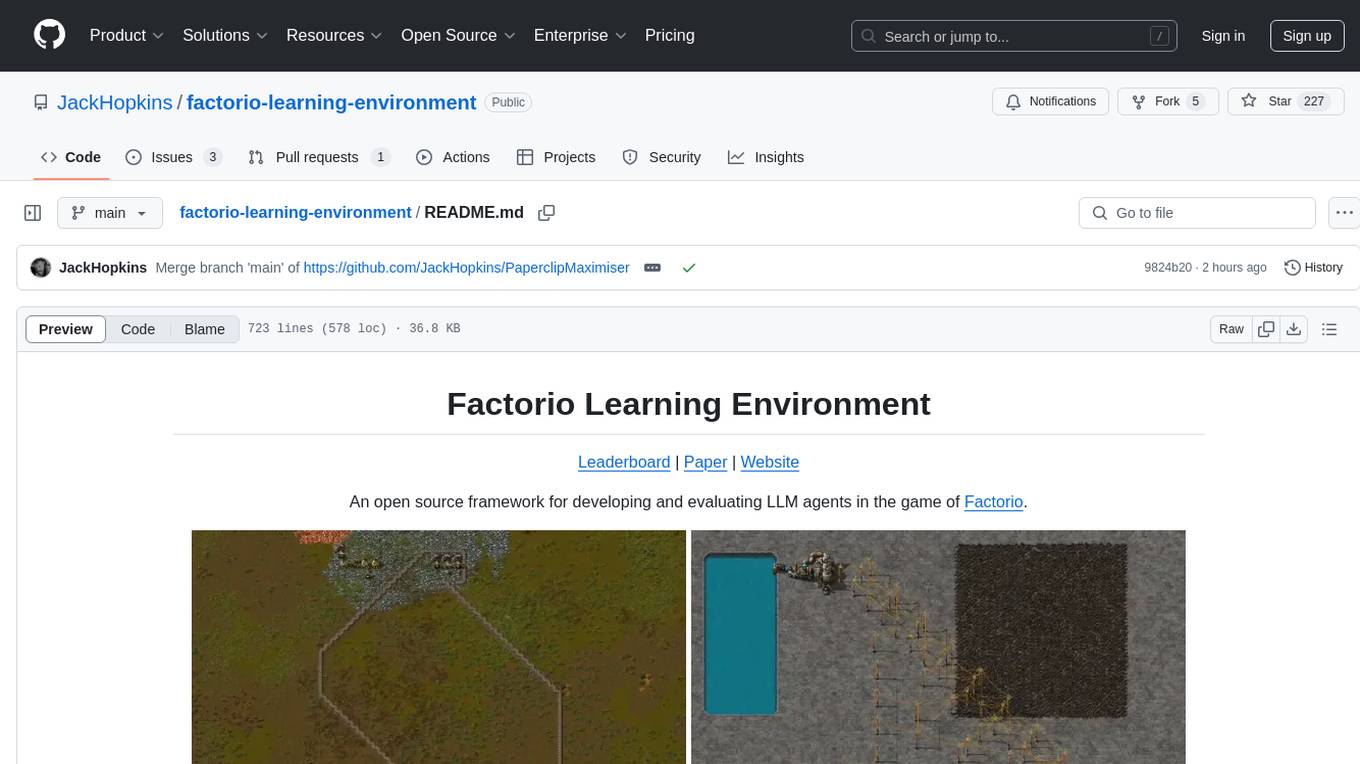
Factorio Learning Environment is an open source framework designed for developing and evaluating LLM agents in the game of Factorio. It provides two settings: Lab-play with structured tasks and Open-play for building large factories. Results show limitations in spatial reasoning and automation strategies. Agents interact with the environment through code synthesis, observation, action, and feedback. Tools are provided for game actions and state representation. Agents operate in episodes with observation, planning, and action execution. Tasks specify agent goals and are implemented in JSON files. The project structure includes directories for agents, environment, cluster, data, docs, eval, and more. A database is used for checkpointing agent steps. Benchmarks show performance metrics for different configurations.
ichigo
Ichigo is a local real-time voice AI tool that uses an early fusion technique to extend a text-based LLM to have native 'listening' ability. It is an open research experiment with improved multiturn capabilities and the ability to refuse processing inaudible queries. The tool is designed for open data, open weight, on-device Siri-like functionality, inspired by Meta's Chameleon paper. Ichigo offers a web UI demo and Gradio web UI for users to interact with the tool. It has achieved enhanced MMLU scores, stronger context handling, advanced noise management, and improved multi-turn capabilities for a robust user experience.

raglite
RAGLite is a Python toolkit for Retrieval-Augmented Generation (RAG) with PostgreSQL or SQLite. It offers configurable options for choosing LLM providers, database types, and rerankers. The toolkit is fast and permissive, utilizing lightweight dependencies and hardware acceleration. RAGLite provides features like PDF to Markdown conversion, multi-vector chunk embedding, optimal semantic chunking, hybrid search capabilities, adaptive retrieval, and improved output quality. It is extensible with a built-in Model Context Protocol server, customizable ChatGPT-like frontend, document conversion to Markdown, and evaluation tools. Users can configure RAGLite for various tasks like configuring, inserting documents, running RAG pipelines, computing query adapters, evaluating performance, running MCP servers, and serving frontends.
GraphRAG-SDK
Build fast and accurate GenAI applications with GraphRAG SDK, a specialized toolkit for building Graph Retrieval-Augmented Generation (GraphRAG) systems. It integrates knowledge graphs, ontology management, and state-of-the-art LLMs to deliver accurate, efficient, and customizable RAG workflows. The SDK simplifies the development process by automating ontology creation, knowledge graph agent creation, and query handling, enabling users to interact and query their knowledge graphs effectively. It supports multi-agent systems and orchestrates agents specialized in different domains. The SDK is optimized for FalkorDB, ensuring high performance and scalability for large-scale applications. By leveraging knowledge graphs, it enables semantic relationships and ontology-driven queries that go beyond standard vector similarity, enhancing retrieval-augmented generation capabilities.
metis
Metis is an open-source, AI-driven tool for deep security code review, created by Arm's Product Security Team. It helps engineers detect subtle vulnerabilities, improve secure coding practices, and reduce review fatigue. Metis uses LLMs for semantic understanding and reasoning, RAG for context-aware reviews, and supports multiple languages and vector store backends. It provides a plugin-friendly and extensible architecture, named after the Greek goddess of wisdom, Metis. The tool is designed for large, complex, or legacy codebases where traditional tooling falls short.
curator
Bespoke Curator is an open-source tool for data curation and structured data extraction. It provides a Python library for generating synthetic data at scale, with features like programmability, performance optimization, caching, and integration with HuggingFace Datasets. The tool includes a Curator Viewer for dataset visualization and offers a rich set of functionalities for creating and refining data generation strategies.
consult-llm-mcp
Consult LLM MCP is an MCP server that enables users to consult powerful AI models like GPT-5.2, Gemini 3.0 Pro, and DeepSeek Reasoner for complex problem-solving. It supports multi-turn conversations, direct queries with optional file context, git changes inclusion for code review, comprehensive logging with cost estimation, and various CLI modes for Gemini and Codex. The tool is designed to simplify the process of querying AI models for assistance in resolving coding issues and improving code quality.
KVCache-Factory
KVCache-Factory is a unified framework for KV Cache compression of diverse models. It supports multi-GPUs inference with big LLMs and various attention implementations. The tool enables KV cache compression without Flash Attention v2, multi-GPU inference, and specific models like Mistral. It also provides functions for KV cache budget allocation and batch inference. The visualization tools help in understanding the attention patterns of models.
HuixiangDou
HuixiangDou is a **group chat** assistant based on LLM (Large Language Model). Advantages: 1. Design a two-stage pipeline of rejection and response to cope with group chat scenario, answer user questions without message flooding, see arxiv2401.08772 2. Low cost, requiring only 1.5GB memory and no need for training 3. Offers a complete suite of Web, Android, and pipeline source code, which is industrial-grade and commercially viable Check out the scenes in which HuixiangDou are running and join WeChat Group to try AI assistant inside. If this helps you, please give it a star ⭐
For similar tasks
HippoRAG
HippoRAG is a novel retrieval augmented generation (RAG) framework inspired by the neurobiology of human long-term memory that enables Large Language Models (LLMs) to continuously integrate knowledge across external documents. It provides RAG systems with capabilities that usually require a costly and high-latency iterative LLM pipeline for only a fraction of the computational cost. The tool facilitates setting up retrieval corpus, indexing, and retrieval processes for LLMs, offering flexibility in choosing different online LLM APIs or offline LLM deployments through LangChain integration. Users can run retrieval on pre-defined queries or integrate directly with the HippoRAG API. The tool also supports reproducibility of experiments and provides data, baselines, and hyperparameter tuning scripts for research purposes.
For similar jobs

sweep
Sweep is an AI junior developer that turns bugs and feature requests into code changes. It automatically handles developer experience improvements like adding type hints and improving test coverage.

teams-ai
The Teams AI Library is a software development kit (SDK) that helps developers create bots that can interact with Teams and Microsoft 365 applications. It is built on top of the Bot Framework SDK and simplifies the process of developing bots that interact with Teams' artificial intelligence capabilities. The SDK is available for JavaScript/TypeScript, .NET, and Python.

ai-guide
This guide is dedicated to Large Language Models (LLMs) that you can run on your home computer. It assumes your PC is a lower-end, non-gaming setup.

classifai
Supercharge WordPress Content Workflows and Engagement with Artificial Intelligence. Tap into leading cloud-based services like OpenAI, Microsoft Azure AI, Google Gemini and IBM Watson to augment your WordPress-powered websites. Publish content faster while improving SEO performance and increasing audience engagement. ClassifAI integrates Artificial Intelligence and Machine Learning technologies to lighten your workload and eliminate tedious tasks, giving you more time to create original content that matters.

chatbot-ui
Chatbot UI is an open-source AI chat app that allows users to create and deploy their own AI chatbots. It is easy to use and can be customized to fit any need. Chatbot UI is perfect for businesses, developers, and anyone who wants to create a chatbot.

BricksLLM
BricksLLM is a cloud native AI gateway written in Go. Currently, it provides native support for OpenAI, Anthropic, Azure OpenAI and vLLM. BricksLLM aims to provide enterprise level infrastructure that can power any LLM production use cases. Here are some use cases for BricksLLM: * Set LLM usage limits for users on different pricing tiers * Track LLM usage on a per user and per organization basis * Block or redact requests containing PIIs * Improve LLM reliability with failovers, retries and caching * Distribute API keys with rate limits and cost limits for internal development/production use cases * Distribute API keys with rate limits and cost limits for students

uAgents
uAgents is a Python library developed by Fetch.ai that allows for the creation of autonomous AI agents. These agents can perform various tasks on a schedule or take action on various events. uAgents are easy to create and manage, and they are connected to a fast-growing network of other uAgents. They are also secure, with cryptographically secured messages and wallets.

griptape
Griptape is a modular Python framework for building AI-powered applications that securely connect to your enterprise data and APIs. It offers developers the ability to maintain control and flexibility at every step. Griptape's core components include Structures (Agents, Pipelines, and Workflows), Tasks, Tools, Memory (Conversation Memory, Task Memory, and Meta Memory), Drivers (Prompt and Embedding Drivers, Vector Store Drivers, Image Generation Drivers, Image Query Drivers, SQL Drivers, Web Scraper Drivers, and Conversation Memory Drivers), Engines (Query Engines, Extraction Engines, Summary Engines, Image Generation Engines, and Image Query Engines), and additional components (Rulesets, Loaders, Artifacts, Chunkers, and Tokenizers). Griptape enables developers to create AI-powered applications with ease and efficiency.