


note-companion
Note Companion: AI assistant for Obsidian that goes beyond just a chat. (prev File Organizer 2000)
Stars: 802
Note Companion (formerly File Organizer 2000) helps users turn messy captures into clean, searchable notes by transcribing audio/YouTube, chatting with their vault, and auto-organizing files inside Obsidian. It works with Note Companion Cloud, user's own AI API keys, or self-hosting. The tool is best suited for researchers, students, meeting-heavy workflows, and individuals with an 'Inbox' full of unprocessed notes. Users can transcribe YouTube videos, transcribe audio & video files, chat with their notes using vault context, auto-organize & format notes, enhance meeting notes, work with multiple AI providers, and self-host the tool with Docker + service examples.
README:
Turn messy captures into clean, searchable notes — transcribe audio/YouTube, chat with your vault, and auto-organize files right inside Obsidian. Works with Note Companion Cloud, your own AI API keys, or self-hosting.
✅ Best for: researchers, students, meeting-heavy workflows, and anyone with an "Inbox" full of unprocessed notes.
- 🎬 Transcribe YouTube videos (multi-language, works even when captions aren't available in the usual way)
- 🎙️ Transcribe audio & video files (handles large files reliably)
- 🧠 Chat with your notes using vault context (mention files/folders/tags)
- 🗂️ Auto-organize & format notes (folder/tag/title/template suggestions; optional "Inbox" automation)
- 🧾 Meeting recorder → Enhance note (transcript, discussion points, action items, embedded audio)
- 🔌 Multiple AI providers: OpenAI, Claude, Gemini, Groq, Ollama/local models, and custom base URLs
- 🏠 Self-hosting supported (Docker + service examples)

AI-powered tags, folders, and formatting suggestions

YouTube link → Transcript + Summary + Structured Notes

Chat with your notes using @mentions for files, folders, and tags

Record meetings, then enhance notes with transcript, discussion points, and action items
Obsidian → Settings → Community plugins → Browse → "Note Companion" → Install → Enable
- Open Settings → Note Companion
- Choose your mode:
- Note Companion Cloud (sign in at notecompanion.ai and enter your license key)
- Bring your own keys (OpenAI / Claude / Gemini / etc. — paste your API key)
- Self-hosted backend (paste your Base URL + key if needed)
- Test it:
- Open Command Palette → Note Companion: Open Chat
- Ask: "Summarize this note and suggest tags"
- Copy a YouTube link
- In Note Companion Chat, paste the link
- Get transcript + summary + optional structured notes
- Open Meetings tab → Start Recording
- Stop Recording → select a note → Enhance Note
- You'll get:
- embedded audio
- transcript
- discussion points + action items
- Create an Inbox folder (configured in settings)
- Drop raw notes / links inside
- Note Companion suggests (or auto-applies) folder + tags + title + formatting
Note Companion can run using:
- Note Companion Cloud, or
- Your own API keys (OpenAI/Claude/Gemini/etc.), or
- Local/self-hosted models (e.g., Ollama + custom base URL)
Your data handling depends on the provider you choose. View our full privacy policy at notecompanion.ai/privacy
Cloud Service:
- Files are processed through our secure API for AI analysis
- Usage statistics collected for billing and rate limits
- Your vault content remains private and is only processed when you explicitly use plugin features
Self-hosted / Your API Keys:
- All processing happens on your own infrastructure
- Data never leaves your control
- No usage tracking
Want full control and local infrastructure?
➡️ See SELF-HOSTING.md for Docker + service setups and security notes.
If transcription fails:
- Check provider key, model availability, and file size limits
- Verify API key is valid and has sufficient credits
- For large files (>25MB), consider splitting or compressing
If YouTube import fails:
- Try a different fallback method
- Ensure the video is accessible and not private/restricted
- Check network connectivity
If local model doesn't respond:
- Verify Base URL and CORS/network settings
- Ensure the local server (e.g., Ollama) is running
- Check firewall settings
If plugin can't connect to server:
- Verify server URL in settings (check for typos)
- Test connection using "Test Connection" button
- Check firewall/network settings
If chat doesn't work:
- Verify API key is set correctly
- Check model availability for your provider
- Review error messages in plugin console (Settings → Note Companion → Advanced → Open Console)
- GitHub Issues: Report bugs or request features
- Documentation: notecompanion.ai/docs
- Website: notecompanion.ai
- Obsidian Forum: Share feedback and discuss (add forum thread link when available)
If you want to build or contribute, start here: CONTRIBUTING.md
- Payment required for cloud service: The plugin requires a paid subscription to use the cloud-hosted service
- 7-day free trial: New subscriptions include a 7-day trial period
- Self-hosting option available: You can run your own instance for free (see Self-Hosting above)
- Account creation: Using the cloud service requires creating an account at notecompanion.ai
This plugin communicates with the following remote services:
- Note Companion API Server (cloud service): For AI-powered features including file classification, formatting, transcription, and chat
- YouTube API: For fetching video transcripts when processing YouTube links
- AI Provider APIs: When self-hosting or using your own keys, you'll connect directly to your chosen AI provider (OpenAI, Anthropic, Google, etc.)
This project is licensed under the MIT License - see the LICENSE file for details.
For Tasks:
Click tags to check more tools for each tasksFor Jobs:
Alternative AI tools for note-companion
Similar Open Source Tools
note-companion
Note Companion (formerly File Organizer 2000) helps users turn messy captures into clean, searchable notes by transcribing audio/YouTube, chatting with their vault, and auto-organizing files inside Obsidian. It works with Note Companion Cloud, user's own AI API keys, or self-hosting. The tool is best suited for researchers, students, meeting-heavy workflows, and individuals with an 'Inbox' full of unprocessed notes. Users can transcribe YouTube videos, transcribe audio & video files, chat with their notes using vault context, auto-organize & format notes, enhance meeting notes, work with multiple AI providers, and self-host the tool with Docker + service examples.
AionUi
AionUi is a user interface library for building modern and responsive web applications. It provides a set of customizable components and styles to create visually appealing user interfaces. With AionUi, developers can easily design and implement interactive web interfaces that are both functional and aesthetically pleasing. The library is built using the latest web technologies and follows best practices for performance and accessibility. Whether you are working on a personal project or a professional application, AionUi can help you streamline the UI development process and deliver a seamless user experience.
SAM
SAM is a native macOS AI assistant built with Swift and SwiftUI, designed for non-developers who want powerful tools in their everyday life. It provides real assistance, smart memory, voice control, image generation, and custom AI model training. SAM keeps your data on your Mac, supports multiple AI providers, and offers features for documents, creativity, writing, organization, learning, and more. It is privacy-focused, user-friendly, and accessible from various devices. SAM stands out with its privacy-first approach, intelligent memory, task execution capabilities, powerful tools, image generation features, custom AI model training, and flexible AI provider support.
PageTalk
PageTalk is a browser extension that enhances web browsing by integrating Google's Gemini API. It allows users to select text on any webpage for AI analysis, translation, contextual chat, and customization. The tool supports multi-agent system, image input, rich content rendering, PDF parsing, URL context extraction, personalized settings, chat export, text selection helper, and proxy support. Users can interact with web pages, chat contextually, manage AI agents, and perform various tasks seamlessly.
obsidian-systemsculpt-ai
SystemSculpt AI is a comprehensive AI-powered plugin for Obsidian, integrating advanced AI capabilities into note-taking, task management, knowledge organization, and content creation. It offers modules for brain integration, chat conversations, audio recording and transcription, note templates, and task generation and management. Users can customize settings, utilize AI services like OpenAI and Groq, and access documentation for detailed guidance. The plugin prioritizes data privacy by storing sensitive information locally and offering the option to use local AI models for enhanced privacy.
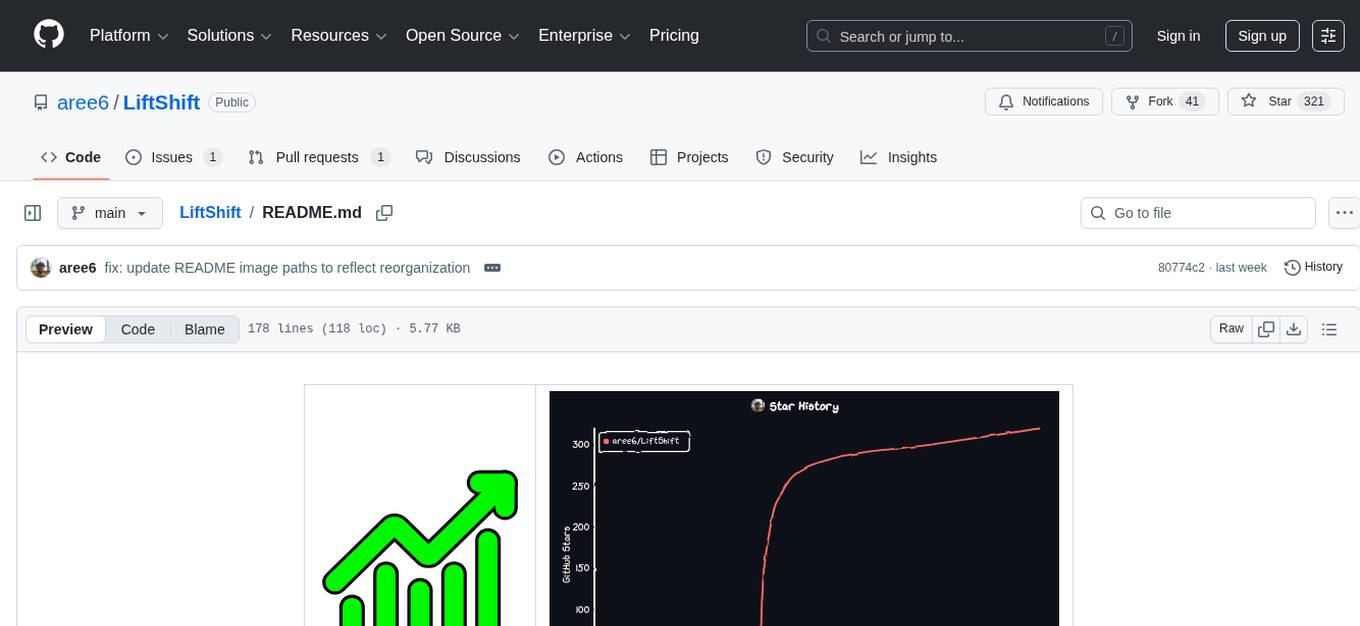
LiftShift
LiftShift is a web application that provides analytics and tracking features for fitness enthusiasts. Users can upload workout data, explore analytics dashboards, receive real-time feedback, and visualize workout history. The tool supports different body types and units, and offers insights on workout trends and performance. LiftShift also detects session goals and provides set-by-set feedback to enhance workout experience. With local storage support and various theme modes, users can easily track their fitness progress and customize their experience.
shots-studio
Shots Studio is a screenshot manager that uses on-device AI to intelligently organize and declutter your gallery. It offers AI-driven search, smart tagging, and custom collections for efficient screenshot management. Users can choose between cloud-powered AI or offline Gemma On-Device AI for privacy and speed. The tool allows users to search by content, automatically generate tags, group related screenshots, and process images without an internet connection. Shots Studio is open source, community-driven, and offers customizable AI options for personalized usage.
natively-cluely-ai-assistant
Natively is a free, open-source, privacy-first AI assistant designed to help users in real time during meetings, interviews, presentations, and conversations. Unlike traditional AI tools that work after the conversation, Natively operates while the conversation is happening. It runs as an invisible, always-on-top desktop overlay, listens when prompted, observes the screen content, and provides instant, context-aware assistance. The tool is fully transparent, customizable, and grants users complete control over local vs cloud AI, data, and credentials.
neuropilot
NeuroPilot is an open-source AI-powered education platform that transforms study materials into interactive learning resources. It provides tools like contextual chat, smart notes, flashcards, quizzes, and AI podcasts. Supported by various AI models and embedding providers, it offers features like WebSocket streaming, JSON or vector database support, file-based storage, and configurable multi-provider setup for LLMs and TTS engines. The technology stack includes Node.js, TypeScript, Vite, React, TailwindCSS, JSON database, multiple LLM providers, and Docker for deployment. Users can contribute to the project by integrating AI models, adding mobile app support, improving performance, enhancing accessibility features, and creating documentation and tutorials.
CBbot
CBbot is an AI-powered coding assistant for macOS that helps users write code more efficiently, process documents, and automate tasks. It offers easy installation, built-in AI coding capabilities, auto configuration, and smart tools. Users can download CBbot for macOS 10.15 or higher, with Apple Silicon or Intel chip, and at least 6GB memory and 10GB disk space. The tool requires an internet connection for AI features. CBbot assists users in installing Docker Desktop, binding keys, troubleshooting, and using various skills for document processing and automation tasks. It also provides community support, billing based on usage, and network tips for using overseas AI models.
J.A.R.V.I.S.-Ai-Assistant-V1-
Jarvis Version 3 is a versatile personal assistant application designed to enhance productivity by automating common tasks. It can interact with websites and applications, perform searches, manage device functions, and control music. Users can give commands to open websites, search on Google or YouTube, scroll pages, manage applications, check time, internet speed, battery percentage, battery alerts, charging status, play music, and synchronize clapping with music. The tool offers features for web navigation, search functionality, scrolling, application management, device management, and music control.
obsidian-ai-tagger-universe
AI Tagger Universe is a plugin for Obsidian that automatically generates intelligent tags for notes using AI. It offers flexible AI integration with various services, smart tagging system with multiple modes, tag network visualization, advanced management features, and support for multiple languages. Users can easily install the plugin, configure AI providers, generate tags, and visualize tag relationships. The plugin also supports nested tags, hierarchical tag generation, and tag format options. It includes bug fixes, major features, improvements, and language support for English and Chinese interfaces.
OpenChat
OS Chat is a free, open-source AI personal assistant that combines 40+ language models with powerful automation capabilities. It allows users to deploy background agents, connect services like Gmail, Calendar, Notion, GitHub, and Slack, and get things done through natural conversation. With features like smart automation, service connectors, AI models, chat management, interface customization, and premium features, OS Chat offers a comprehensive solution for managing digital life and workflows. It prioritizes privacy by being open source and self-hostable, with encrypted API key storage.
NotelyVoice
Notely Voice is a free, modern, cross-platform AI voice transcription and note-taking application. It offers powerful Whisper AI Voice to Text capabilities, making it ideal for students, professionals, doctors, researchers, and anyone in need of hands-free note-taking. The app features rich text editing, simple search, smart filtering, organization with folders and tags, advanced speech-to-text, offline capability, seamless integration, audio recording, theming, cross-platform support, and sharing functionality. It includes memory-efficient audio processing, chunking configuration, and utilizes OpenAI Whisper for speech recognition technology. Built with Kotlin, Compose Multiplatform, Coroutines, Android Architecture, ViewModel, Koin, Material 3, Whisper AI, and Native Compose Navigation, Notely follows Android Architecture principles with distinct layers for UI, presentation, domain, and data.
pocketpal-ai
PocketPal AI is a versatile virtual assistant tool designed to streamline daily tasks and enhance productivity. It leverages artificial intelligence technology to provide personalized assistance in managing schedules, organizing information, setting reminders, and more. With its intuitive interface and smart features, PocketPal AI aims to simplify users' lives by automating routine activities and offering proactive suggestions for optimal time management and task prioritization.
LynxHub
LynxHub is a platform that allows users to seamlessly install, configure, launch, and manage all their AI interfaces from a single, intuitive dashboard. It offers features like AI interface management, arguments manager, custom run commands, pre-launch actions, extension management, in-app tools like terminal and web browser, AI information dashboard, Discord integration, and additional features like theme options and favorite interface pinning. The platform supports modular design for custom AI modules and upcoming extensions system for complete customization. LynxHub aims to streamline AI workflow and enhance user experience with a user-friendly interface and comprehensive functionalities.
For similar tasks
note-companion
Note Companion (formerly File Organizer 2000) helps users turn messy captures into clean, searchable notes by transcribing audio/YouTube, chatting with their vault, and auto-organizing files inside Obsidian. It works with Note Companion Cloud, user's own AI API keys, or self-hosting. The tool is best suited for researchers, students, meeting-heavy workflows, and individuals with an 'Inbox' full of unprocessed notes. Users can transcribe YouTube videos, transcribe audio & video files, chat with their notes using vault context, auto-organize & format notes, enhance meeting notes, work with multiple AI providers, and self-host the tool with Docker + service examples.
obsidian-smart-connections
Smart Connections is an AI-powered plugin for Obsidian that helps you discover hidden connections and insights in your notes. With features like Smart View for real-time relevant note suggestions and Smart Chat for chatting with your notes, Smart Connections makes it easier than ever to stay organized and uncover hidden connections between your notes. Its intuitive interface and customizable settings ensure a seamless experience, tailored to your unique needs and preferences.
AI.Labs
AI.Labs is an open-source project that integrates advanced artificial intelligence technologies to create a powerful AI platform. It focuses on integrating AI services like large language models, speech recognition, and speech synthesis for functionalities such as dialogue, voice interaction, and meeting transcription. The project also includes features like a large language model dialogue system, speech recognition for meeting transcription, speech-to-text voice synthesis, integration of translation and chat, and uses technologies like C#, .Net, SQLite database, XAF, OpenAI API, TTS, and STT.
stenoai
StenoAI is an AI-powered meeting intelligence tool that allows users to record, transcribe, summarize, and query meetings using local AI models. It prioritizes privacy by processing data entirely on the user's device. The tool offers multiple AI models optimized for different use cases, making it ideal for healthcare, legal, and finance professionals with confidential data needs. StenoAI also features a macOS desktop app with a user-friendly interface, making it convenient for users to access its functionalities. The project is open-source and not affiliated with any specific company, emphasizing its focus on meeting-notes productivity and community collaboration.
tafrigh
Tafrigh is a tool for transcribing visual and audio content into text using advanced artificial intelligence techniques provided by OpenAI and wit.ai. It allows direct downloading of content from platforms like YouTube, Facebook, Twitter, and SoundCloud, and provides various output formats such as txt, srt, vtt, csv, tsv, and json. Users can install Tafrigh via pip or by cloning the GitHub repository and using Poetry. The tool supports features like skipping transcription if output exists, specifying playlist items, setting download retries, using different Whisper models, and utilizing wit.ai for transcription. Tafrigh can be used via command line or programmatically, and Docker images are available for easy usage.
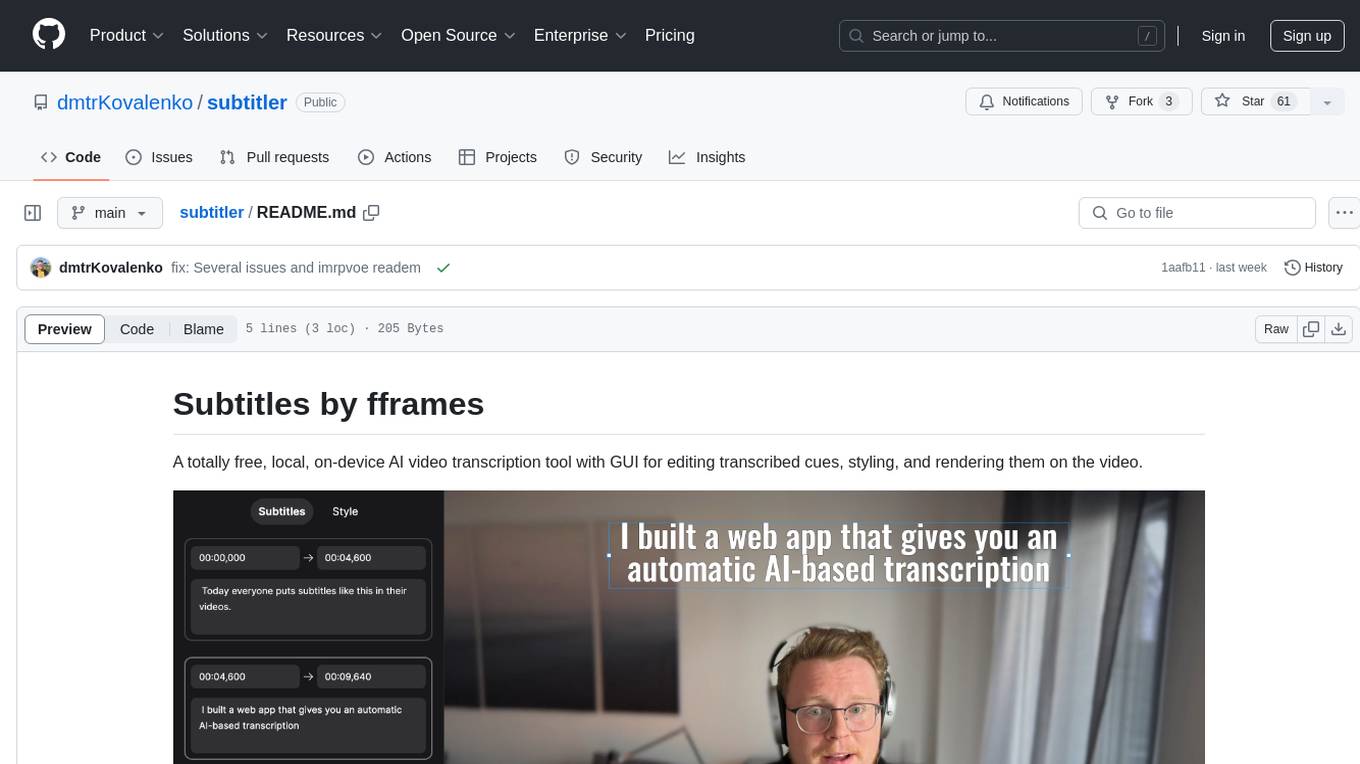
subtitler
Subtitles by fframes is a free, local, on-device AI video transcription tool with a user-friendly GUI. It allows users to transcribe video content, edit transcribed cues, style the subtitles, and render them directly onto the video. The tool provides a convenient way to create accurate subtitles for videos without the need for an internet connection.
Webscout
WebScout is a versatile tool that allows users to search for anything using Google, DuckDuckGo, and phind.com. It contains AI models, can transcribe YouTube videos, generate temporary email and phone numbers, has TTS support, webai (terminal GPT and open interpreter), and offline LLMs. It also supports features like weather forecasting, YT video downloading, temp mail and number generation, text-to-speech, advanced web searches, and more.
AI-Youtube-Shorts-Generator
AI Youtube Shorts Generator is a Python tool that utilizes GPT-4 and Whisper to generate engaging YouTube shorts from long-form videos. It downloads videos, transcribes them, extracts highlights, detects speakers, and crops content vertically for shorts. The tool requires Python 3.7 or higher, FFmpeg, and OpenCV. Users can contribute to the project under the MIT License.
For similar jobs

LLMStack
LLMStack is a no-code platform for building generative AI agents, workflows, and chatbots. It allows users to connect their own data, internal tools, and GPT-powered models without any coding experience. LLMStack can be deployed to the cloud or on-premise and can be accessed via HTTP API or triggered from Slack or Discord.
daily-poetry-image
Daily Chinese ancient poetry and AI-generated images powered by Bing DALL-E-3. GitHub Action triggers the process automatically. Poetry is provided by Today's Poem API. The website is built with Astro.

exif-photo-blog
EXIF Photo Blog is a full-stack photo blog application built with Next.js, Vercel, and Postgres. It features built-in authentication, photo upload with EXIF extraction, photo organization by tag, infinite scroll, light/dark mode, automatic OG image generation, a CMD-K menu with photo search, experimental support for AI-generated descriptions, and support for Fujifilm simulations. The application is easy to deploy to Vercel with just a few clicks and can be customized with a variety of environment variables.
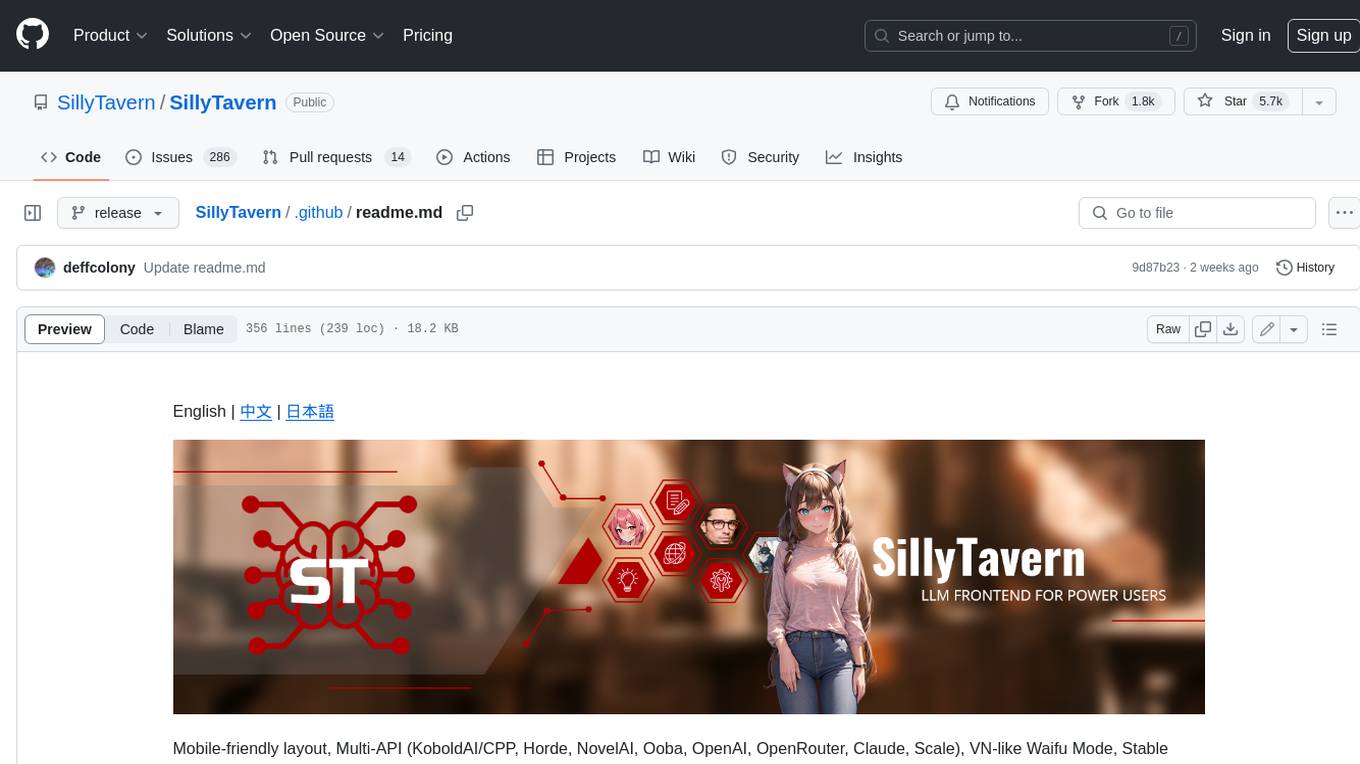
SillyTavern
SillyTavern is a user interface you can install on your computer (and Android phones) that allows you to interact with text generation AIs and chat/roleplay with characters you or the community create. SillyTavern is a fork of TavernAI 1.2.8 which is under more active development and has added many major features. At this point, they can be thought of as completely independent programs.
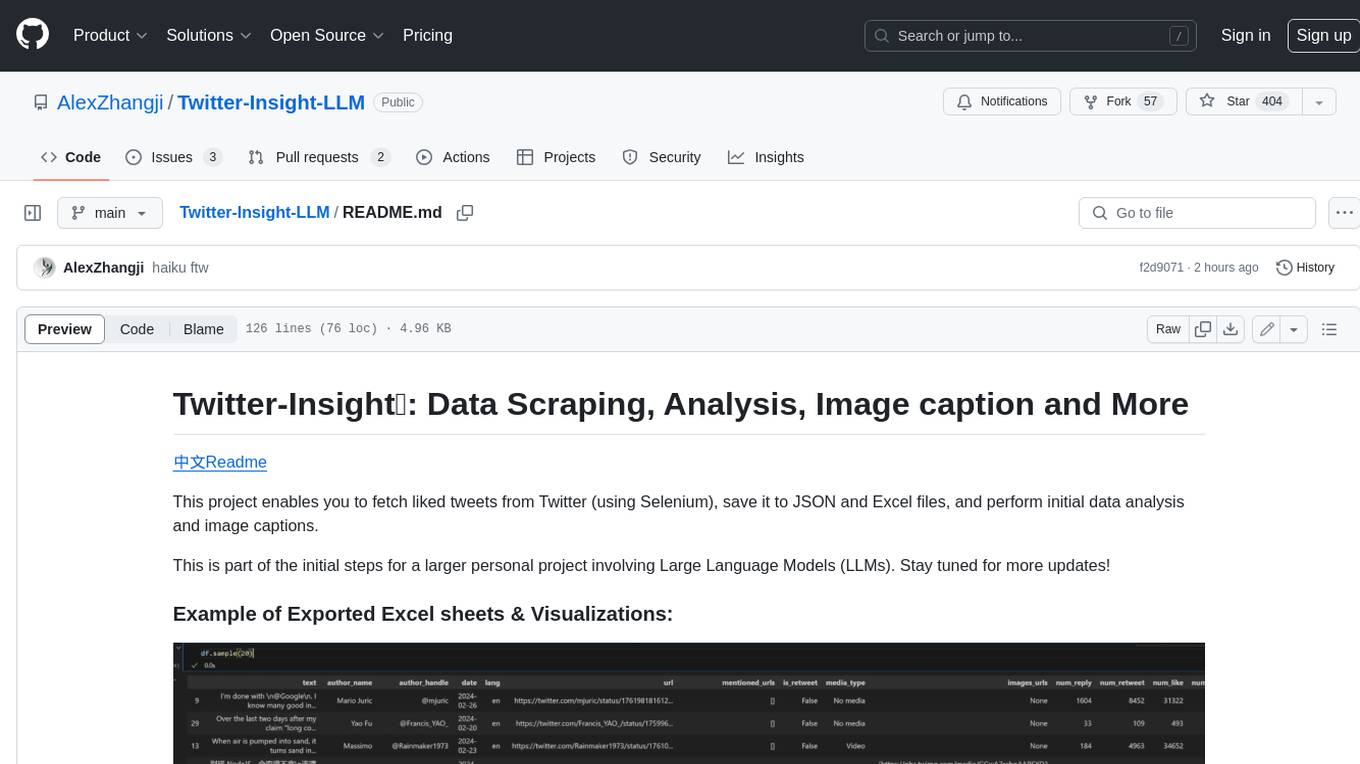
Twitter-Insight-LLM
This project enables you to fetch liked tweets from Twitter (using Selenium), save it to JSON and Excel files, and perform initial data analysis and image captions. This is part of the initial steps for a larger personal project involving Large Language Models (LLMs).
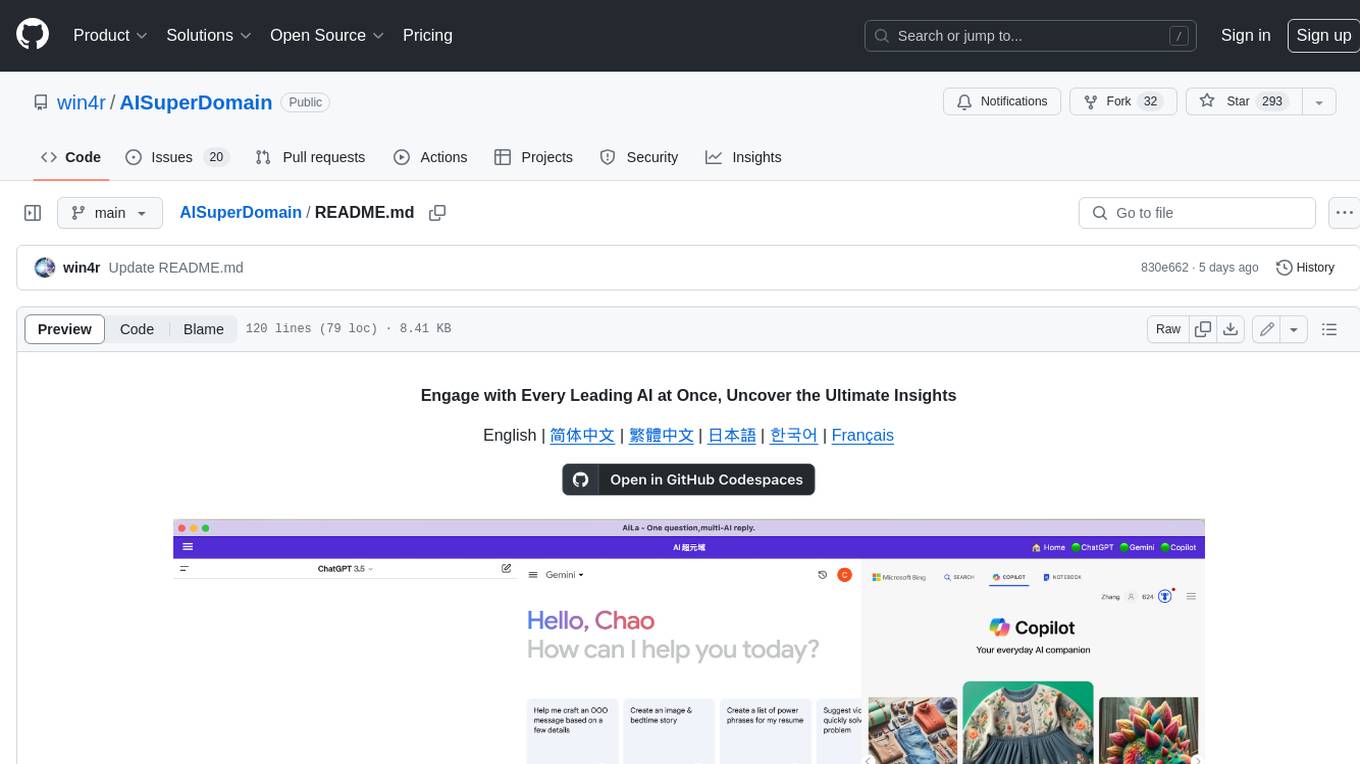
AISuperDomain
Aila Desktop Application is a powerful tool that integrates multiple leading AI models into a single desktop application. It allows users to interact with various AI models simultaneously, providing diverse responses and insights to their inquiries. With its user-friendly interface and customizable features, Aila empowers users to engage with AI seamlessly and efficiently. Whether you're a researcher, student, or professional, Aila can enhance your AI interactions and streamline your workflow.
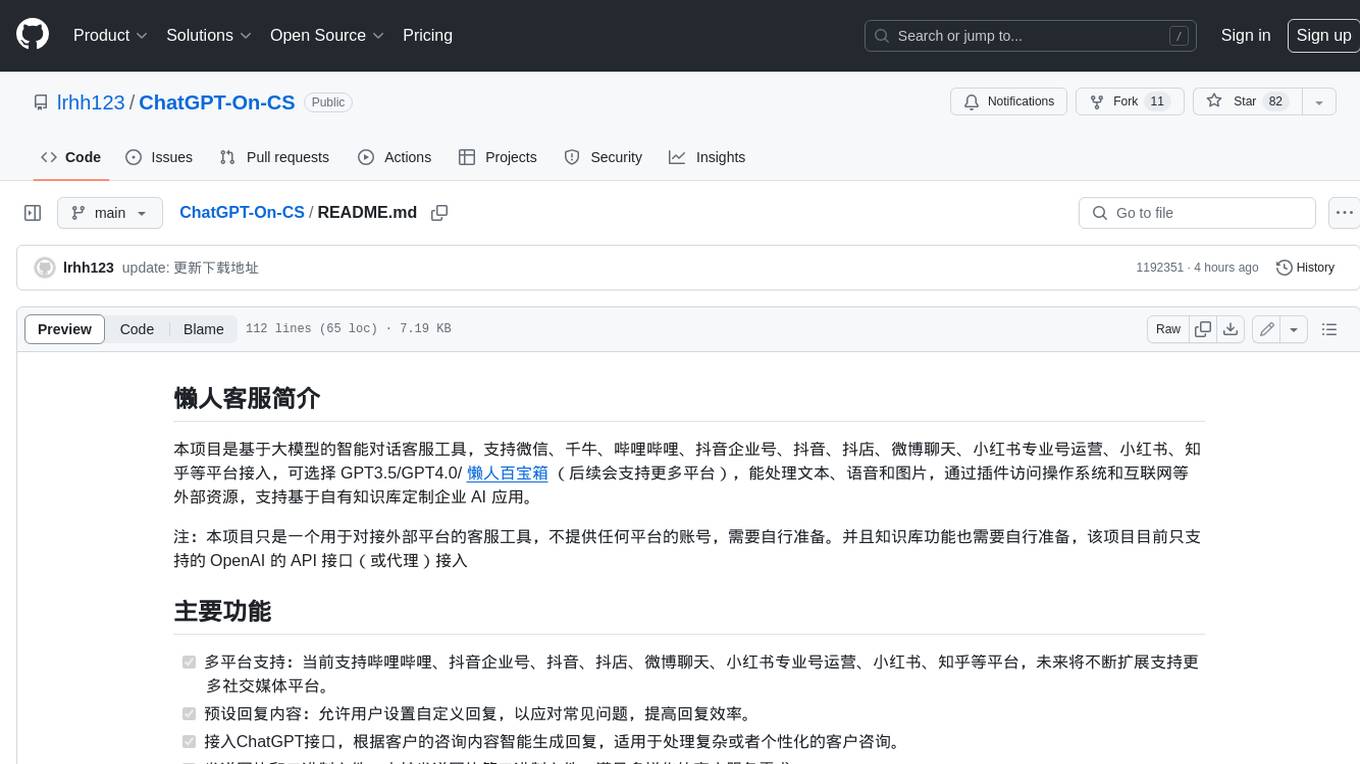
ChatGPT-On-CS
This project is an intelligent dialogue customer service tool based on a large model, which supports access to platforms such as WeChat, Qianniu, Bilibili, Douyin Enterprise, Douyin, Doudian, Weibo chat, Xiaohongshu professional account operation, Xiaohongshu, Zhihu, etc. You can choose GPT3.5/GPT4.0/ Lazy Treasure Box (more platforms will be supported in the future), which can process text, voice and pictures, and access external resources such as operating systems and the Internet through plug-ins, and support enterprise AI applications customized based on their own knowledge base.
obs-localvocal
LocalVocal is a live-streaming AI assistant plugin for OBS that allows you to transcribe audio speech into text and perform various language processing functions on the text using AI / LLMs (Large Language Models). It's privacy-first, with all data staying on your machine, and requires no GPU, cloud costs, network, or downtime.