


obsidian-ai-tagger-universe
An intelligent Obsidian plugin that leverages AI to automatically analyze note content and suggest relevant tags, supporting both local and cloud-based LLM services.
Stars: 70
AI Tagger Universe is a plugin for Obsidian that automatically generates intelligent tags for notes using AI. It offers flexible AI integration with various services, smart tagging system with multiple modes, tag network visualization, advanced management features, and support for multiple languages. Users can easily install the plugin, configure AI providers, generate tags, and visualize tag relationships. The plugin also supports nested tags, hierarchical tag generation, and tag format options. It includes bug fixes, major features, improvements, and language support for English and Chinese interfaces.
README:





Automatically generate intelligent tags for your Obsidian notes using AI. This plugin analyzes your content and adds relevant tags to your note's frontmatter, helping you organize and discover connections in your knowledge base.
This plugin can be installed directly from the Obsidian Community Plugins browser:
- Open Obsidian Settings
- Navigate to Community Plugins
- Disable Safe Mode (if enabled)
- Search for "AI Tagger Universe"
- Click Install, then Enable
Alternatively, you can manually install the plugin:
- Download the latest release from this repository
- Extract the files to your Obsidian vault's
.obsidian/plugins/ai-tagger-universefolder - Reload Obsidian and enable the plugin in the Community Plugins settings
-
Use your preferred AI service:
- Local LLMs: Ollama, LM Studio, LocalAI, or any OpenAI-compatible endpoint
- Cloud Services: OpenAI, Claude, Gemini, Groq, Grok, Mistral, DeepSeek, Cohere, GLM (Zhipu AI), MiMo (Xiaomi), Minimax, SiliconFlow, Aliyun, Bedrock, Vertex AI, OpenRouter, and more
-
Multiple tagging modes:
- Generate completely new tags based on content
- Match against your existing vault tags
- Use predefined tags from a custom list
- Hybrid modes combining generation with existing/predefined tags
-
Nested/Hierarchical tags (NEW!):
- Generate hierarchical tags like
science/biology/genetics - User-configurable max depth (1-3 levels)
- Smart prompting for category-based organization
- Backward compatible (disabled by default)
- Generate hierarchical tags like
- Batch operations for tagging multiple notes at once
- Multilingual support for generating tags in your preferred language
- Interactive graph showing relationships between tags
- Discover connections and patterns in your knowledge base
- Search functionality to find specific tags
- Node size indicates tag frequency
- Adjustable force settings: Customize repulsion strength and link distance
- Click-to-show documents: Click any tag to see all notes containing it
- Real-time updates: Network refreshes automatically when tags change
- Generate tags from selected text portions
- Batch tag entire folders or your whole vault
- Clear tags while preserving other frontmatter
- Collect and export all tags from your vault
- Flatten hierarchical tags: Convert nested tags (a/b/c) into separate flat tags
- Tag format options: Choose between kebab-case, camelCase, PascalCase, snake_case, or original
- Debug Mode: Enhanced logging for troubleshooting tag generation
- Popular Tools Tips: Built-in guidance for common LLM setup configurations
-
🌐 New AI Providers:
- GLM (Zhipu AI) - China's leading AI service
- MiMo (Xiaomi) - Xiaomi's MiMo-V2-Flash model
- Minimax - MiniMax-M2.1 model
-
🏷️ Tag Format Options: Choose your preferred naming convention
- kebab-case (my-tag-name)
- camelCase (myTagName)
- PascalCase (MyTagName)
- snake_case (my_tag_name)
- Original (preserve as-is)
-
📊 Enhanced Tag Network Visualization:
- Adjustable force settings (repulsion strength, link distance)
- Click any tag node to see all documents containing it
- Real-time updates when tags change in your vault
- Manual refresh button
-
🔀 Flatten Hierarchical Tags: New commands to convert nested tags into flat tags
- Flatten for current note, folder, or entire vault
- Converts
science/biology/genetics→science,biology,genetics
- Fixed Claude API CORS compatibility for browser-based access
-
🌳 Nested Tags Support: Generate hierarchical tags with parent/child relationships
- Create tags like
technology/artificial-intelligence/machine-learning - Configurable max nesting depth (1-3 levels)
- Smart LLM prompting for hierarchical structure
- Fully integrated with bilingual interface
- Create tags like
- Added automated testing suite with 32 validation tests
- Enhanced tag formatting to preserve forward slashes
- Improved settings organization with nested tags section
- Better documentation with CLAUDE.md for future development
- Fixed icon display issue in ribbon and toolbar (replaced invalid 'network' icon with 'git-graph')
- 🎉 Full Chinese Interface Support: Complete localization for Chinese-speaking users
- 🌍 Bilingual Interface: Easy language switching between English and Chinese
- 🔧 Enhanced Debug Mode: Better logging and troubleshooting capabilities
- 📋 Improved User Guidance: Tips for popular AI tools and services
- Install the plugin from Obsidian Community Plugins
-
Configure your AI provider:
- Go to Settings → AI Tagger Universe → LLM Settings
- Choose between Local LLM (Ollama, LM Studio, etc.) or Cloud Service (OpenAI, Claude, etc.)
- Enter your endpoint URL and API key (if required)
- Test the connection to verify it works
-
Select your tagging mode:
- Choose how you want tags to be generated (new tags, existing tags, or hybrid)
- Adjust tag generation limits (0-10 tags per note)
-
Optional: Configure interface language:
- Go to Settings → AI Tagger Universe → Interface
- Choose between English or 中文 (Chinese)
- Restart Obsidian for the language change to take effect
-
Start generating tags:
- Use the ribbon icon (left sidebar) to tag the current note
- Use the command palette (Ctrl/Cmd+P) for more options
- View tag relationships with the Tag Network visualization
- Service Type: Local LLM or Cloud Service
- AI Provider: Choose from 15+ services (Ollama, OpenAI, Claude, Gemini, Groq, etc.)
- Endpoint URL: Your LLM service endpoint
- API Key: Authentication key (if required)
- Model Name: Specific model to use
-
Temperature (Override): Leave empty to use provider default; set to
0to reduce randomness for more repeatable tag output
-
Tagging Mode: Select how tags are generated or matched
- Generate New: Create entirely new tags from content
- Predefined Tags: Match against existing vault tags
- Hybrid: Combine generation with existing tags
- Custom: Use your own tag list from a file
- Tag Limits: Set maximum numbers for generated/matched tags (0-10)
- Tag Language: Generate tags in your preferred language
- Tag Format: Choose naming convention (kebab-case, camelCase, PascalCase, snake_case, original)
-
Nested Tags:
- Enable hierarchical tag generation (e.g.,
parent/child/grandchild) - Configure max nesting depth (1-3 levels)
- Creates parent/child relationships for better organization
- Enable hierarchical tag generation (e.g.,
- Interface Language: Choose between English and Chinese
- Excluded Paths: Skip specific folders during batch operations
- Debug Mode: Enable detailed logging for troubleshooting
- Replace Tags: Overwrite existing tags or append to them
- Research Notes: Automatically categorize research papers and findings
- Project Management: Tag project notes for better organization
- Knowledge Base: Discover connections between concepts
- Content Creation: Generate relevant tags for blog posts or articles
- Personal Journal: Track themes and topics in your journal entries
Generate tags in multiple languages including English, Chinese, Japanese, German, French, Spanish, Russian, and many more.
- Full Chinese Interface: Complete Chinese language support for the plugin interface
- Bilingual Support: Seamlessly switch between English and Chinese interfaces
- Localized Settings: All configuration panels and options available in Chinese
- Translated Commands: Command palette and ribbon actions fully localized
- Multilingual Messages: All notifications, prompts, and feedback in your preferred language
To change the interface language:
- Go to AI Tagger Universe Settings
- Navigate to the "Interface" section
- Select your preferred language (English/中文)
- Restart Obsidian for the change to take effect
This fork includes several enhancements over the original plugin:
-
Fixed malformed tag prefixes: Resolved issue where some LLMs would generate tags like
tag:matchedExistingTags-medical-researchinstead of clean tags likemedical-research- Added robust tag sanitization that strips malformed prefixes (
tag:,matchedExistingTags-,suggestedTags-, etc.) - Enhanced prompts with explicit examples of correct vs. incorrect tag formats
- Added robust tag sanitization that strips malformed prefixes (
-
Claude-optimized prompts: Restructured all prompts using XML-style tags (
<task>,<requirements>,<output_format>) for better LLM comprehension -
Enforced kebab-case formatting: All tagging modes now consistently generate tags in kebab-case format (e.g.,
machine-learning,data-science) - Improved tag quality guidelines: Added explicit requirements for concise (1-3 words), specific, and descriptive tags
- Real-world examples: Replaced placeholder examples with actual domain-appropriate tag examples
- Consistent structure: Unified prompt structure across all tagging modes (GenerateNew, PredefinedTags, Hybrid, Custom)
- Enhanced error handling: Better validation and sanitization of LLM responses
- Comprehensive documentation: Improved inline code comments and type definitions
- Included test script (
test-sanitization.js) for verifying tag generation with your actual LLM endpoint - See
TEST_INSTRUCTIONS.mdfor testing guidance
These improvements result in more reliable tag generation, better formatting consistency, and improved compatibility with various LLM providers including Claude, GPT-4, and local models.
If you find this plugin helpful, consider buying me a coffee!


MIT License - see the LICENSE file for details
Contributions are welcome! Please feel free to submit Issues or Pull Requests.
If you encounter any issues or have feature requests, please submit them on GitHub Issues.
Thanks to all the developers and users who have contributed to this project!
For Tasks:
Click tags to check more tools for each tasksFor Jobs:
Alternative AI tools for obsidian-ai-tagger-universe
Similar Open Source Tools
obsidian-ai-tagger-universe
AI Tagger Universe is a plugin for Obsidian that automatically generates intelligent tags for notes using AI. It offers flexible AI integration with various services, smart tagging system with multiple modes, tag network visualization, advanced management features, and support for multiple languages. Users can easily install the plugin, configure AI providers, generate tags, and visualize tag relationships. The plugin also supports nested tags, hierarchical tag generation, and tag format options. It includes bug fixes, major features, improvements, and language support for English and Chinese interfaces.
aider-desk
AiderDesk is a desktop application that enhances coding workflow by leveraging AI capabilities. It offers an intuitive GUI, project management, IDE integration, MCP support, settings management, cost tracking, structured messages, visual file management, model switching, code diff viewer, one-click reverts, and easy sharing. Users can install it by downloading the latest release and running the executable. AiderDesk also supports Python version detection and auto update disabling. It includes features like multiple project management, context file management, model switching, chat mode selection, question answering, cost tracking, MCP server integration, and MCP support for external tools and context. Development setup involves cloning the repository, installing dependencies, running in development mode, and building executables for different platforms. Contributions from the community are welcome following specific guidelines.

layra
LAYRA is the world's first visual-native AI automation engine that sees documents like a human, preserves layout and graphical elements, and executes arbitrarily complex workflows with full Python control. It empowers users to build next-generation intelligent systems with no limits or compromises. Built for Enterprise-Grade deployment, LAYRA features a modern frontend, high-performance backend, decoupled service architecture, visual-native multimodal document understanding, and a powerful workflow engine.
DeepSeekAI
DeepSeekAI is a browser extension plugin that allows users to interact with AI by selecting text on web pages and invoking the DeepSeek large model to provide AI responses. The extension enhances browsing experience by enabling users to get summaries or answers for selected text directly on the webpage. It features context text selection, API key integration, draggable and resizable window, AI streaming replies, Markdown rendering, one-click copy, re-answer option, code copy functionality, language switching, and multi-turn dialogue support. Users can install the extension from Chrome Web Store or Edge Add-ons, or manually clone the repository, install dependencies, and build the extension. Configuration involves entering the DeepSeek API key in the extension popup window to start using the AI-driven responses.
AIPex
AIPex is a revolutionary Chrome extension that transforms your browser into an intelligent automation platform. Using natural language commands and AI-powered intelligence, AIPex can automate virtually any browser task - from complex multi-step workflows to simple repetitive actions. It offers features like natural language control, AI-powered intelligence, multi-step automation, universal compatibility, smart data extraction, precision actions, form automation, visual understanding, developer-friendly with extensive API, and lightning-fast execution of automation tasks.
AionUi
AionUi is a user interface library for building modern and responsive web applications. It provides a set of customizable components and styles to create visually appealing user interfaces. With AionUi, developers can easily design and implement interactive web interfaces that are both functional and aesthetically pleasing. The library is built using the latest web technologies and follows best practices for performance and accessibility. Whether you are working on a personal project or a professional application, AionUi can help you streamline the UI development process and deliver a seamless user experience.
persistent-ai-memory
Persistent AI Memory System is a comprehensive tool that offers persistent, searchable storage for AI assistants. It includes features like conversation tracking, MCP tool call logging, and intelligent scheduling. The system supports multiple databases, provides enhanced memory management, and offers various tools for memory operations, schedule management, and system health checks. It also integrates with various platforms like LM Studio, VS Code, Koboldcpp, Ollama, and more. The system is designed to be modular, platform-agnostic, and scalable, allowing users to handle large conversation histories efficiently.

llamafarm
LlamaFarm is a comprehensive AI framework that empowers users to build powerful AI applications locally, with full control over costs and deployment options. It provides modular components for RAG systems, vector databases, model management, prompt engineering, and fine-tuning. Users can create differentiated AI products without needing extensive ML expertise, using simple CLI commands and YAML configs. The framework supports local-first development, production-ready components, strategy-based configuration, and deployment anywhere from laptops to the cloud.
curiso
Curiso AI is an infinite canvas platform that connects nodes and AI services to explore ideas without repetition. It empowers advanced users to unlock richer AI interactions. Features include multi OS support, infinite canvas, multiple AI provider integration, local AI inference provider integration, custom model support, model metrics, RAG support, local Transformers.js embedding models, inference parameters customization, multiple boards, vision model support, customizable interface, node-based conversations, and secure local encrypted storage. Curiso also offers a Solana token for exclusive access to premium features and enhanced AI capabilities.
SAM
SAM is a native macOS AI assistant built with Swift and SwiftUI, designed for non-developers who want powerful tools in their everyday life. It provides real assistance, smart memory, voice control, image generation, and custom AI model training. SAM keeps your data on your Mac, supports multiple AI providers, and offers features for documents, creativity, writing, organization, learning, and more. It is privacy-focused, user-friendly, and accessible from various devices. SAM stands out with its privacy-first approach, intelligent memory, task execution capabilities, powerful tools, image generation features, custom AI model training, and flexible AI provider support.
scira
Scira is a powerful open-source tool for analyzing and visualizing data. It provides a user-friendly interface for data exploration, cleaning, and modeling. With Scira, users can easily import datasets, perform statistical analysis, create insightful visualizations, and generate reports. The tool supports various data formats and offers a wide range of statistical functions and visualization options. Whether you are a data scientist, researcher, or student, Scira can help you uncover valuable insights from your data and communicate your findings effectively.
figma-console-mcp
Figma Console MCP is a Model Context Protocol server that bridges design and development, giving AI assistants complete access to Figma for extraction, creation, and debugging. It connects AI assistants like Claude to Figma, enabling plugin debugging, visual debugging, design system extraction, design creation, variable management, real-time monitoring, and three installation methods. The server offers 53+ tools for NPX and Local Git setups, while Remote SSE provides read-only access with 16 tools. Users can create and modify designs with AI, contribute to projects, or explore design data. The server supports authentication via personal access tokens and OAuth, and offers tools for navigation, console debugging, visual debugging, design system extraction, design creation, design-code parity, variable management, and AI-assisted design creation.
llmchat
LLMChat is an all-in-one AI chat interface that supports multiple language models, offers a plugin library for enhanced functionality, enables web search capabilities, allows customization of AI assistants, provides text-to-speech conversion, ensures secure local data storage, and facilitates data import/export. It also includes features like knowledge spaces, prompt library, personalization, and can be installed as a Progressive Web App (PWA). The tech stack includes Next.js, TypeScript, Pglite, LangChain, Zustand, React Query, Supabase, Tailwind CSS, Framer Motion, Shadcn, and Tiptap. The roadmap includes upcoming features like speech-to-text and knowledge spaces.
obsidian-llmsider
LLMSider is an AI assistant plugin for Obsidian that offers flexible multi-model support, deep workflow integration, privacy-first design, and a professional tool ecosystem. It provides comprehensive AI capabilities for personal knowledge management, from intelligent writing assistance to complex task automation, making AI a capable assistant for thinking and creating while ensuring data privacy.
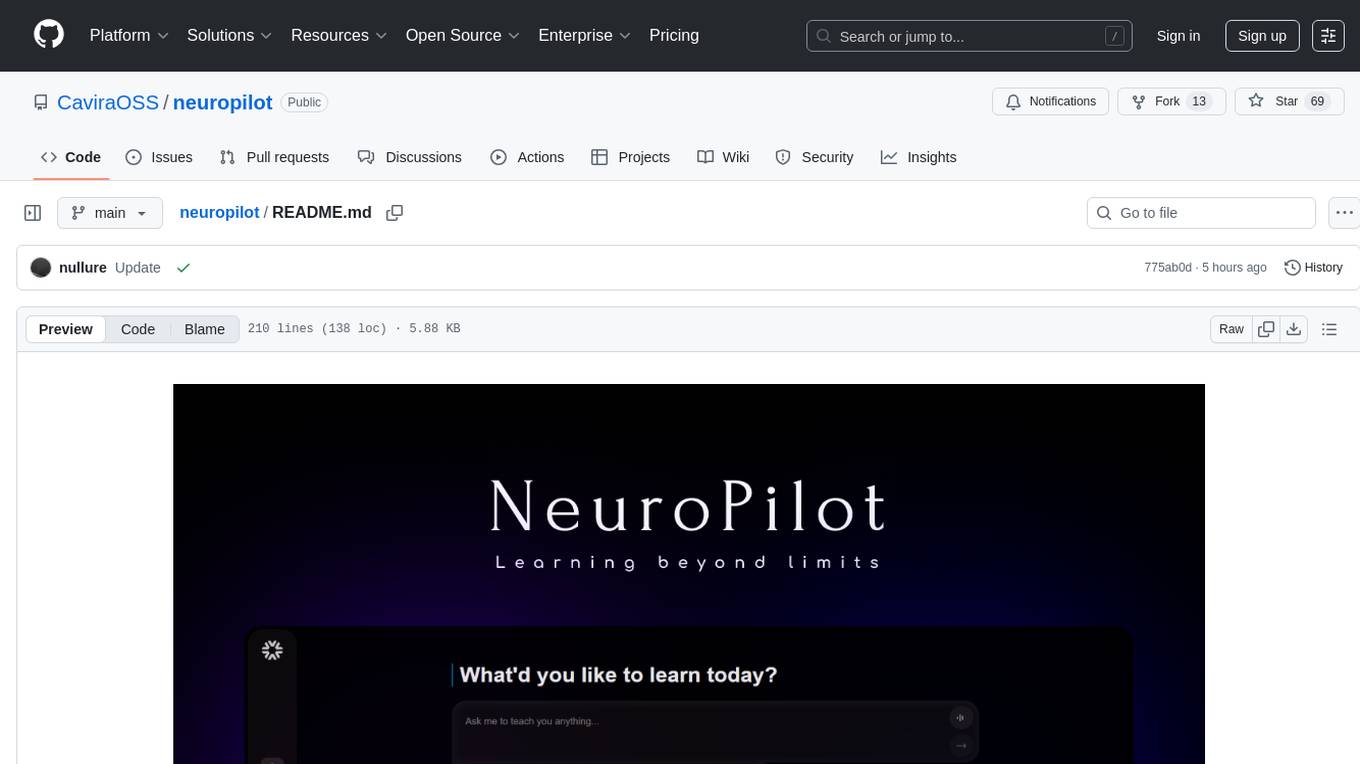
neuropilot
NeuroPilot is an open-source AI-powered education platform that transforms study materials into interactive learning resources. It provides tools like contextual chat, smart notes, flashcards, quizzes, and AI podcasts. Supported by various AI models and embedding providers, it offers features like WebSocket streaming, JSON or vector database support, file-based storage, and configurable multi-provider setup for LLMs and TTS engines. The technology stack includes Node.js, TypeScript, Vite, React, TailwindCSS, JSON database, multiple LLM providers, and Docker for deployment. Users can contribute to the project by integrating AI models, adding mobile app support, improving performance, enhancing accessibility features, and creating documentation and tutorials.
VisioFirm
VisioFirm is an open-source, AI-powered image annotation tool designed to accelerate labeling for computer vision tasks like classification, object detection, oriented bounding boxes (OBB), segmentation and video annotation. Built for speed and simplicity, it leverages state-of-the-art models for semi-automated pre-annotations, allowing you to focus on refining rather than starting from scratch. Whether you're preparing datasets for YOLO, SAM, or custom models, VisioFirm streamlines your workflow with an intuitive web interface and powerful backend. Perfect for researchers, data scientists, and ML engineers handling large image datasets—get high-quality annotations in minutes, not hours!
For similar tasks
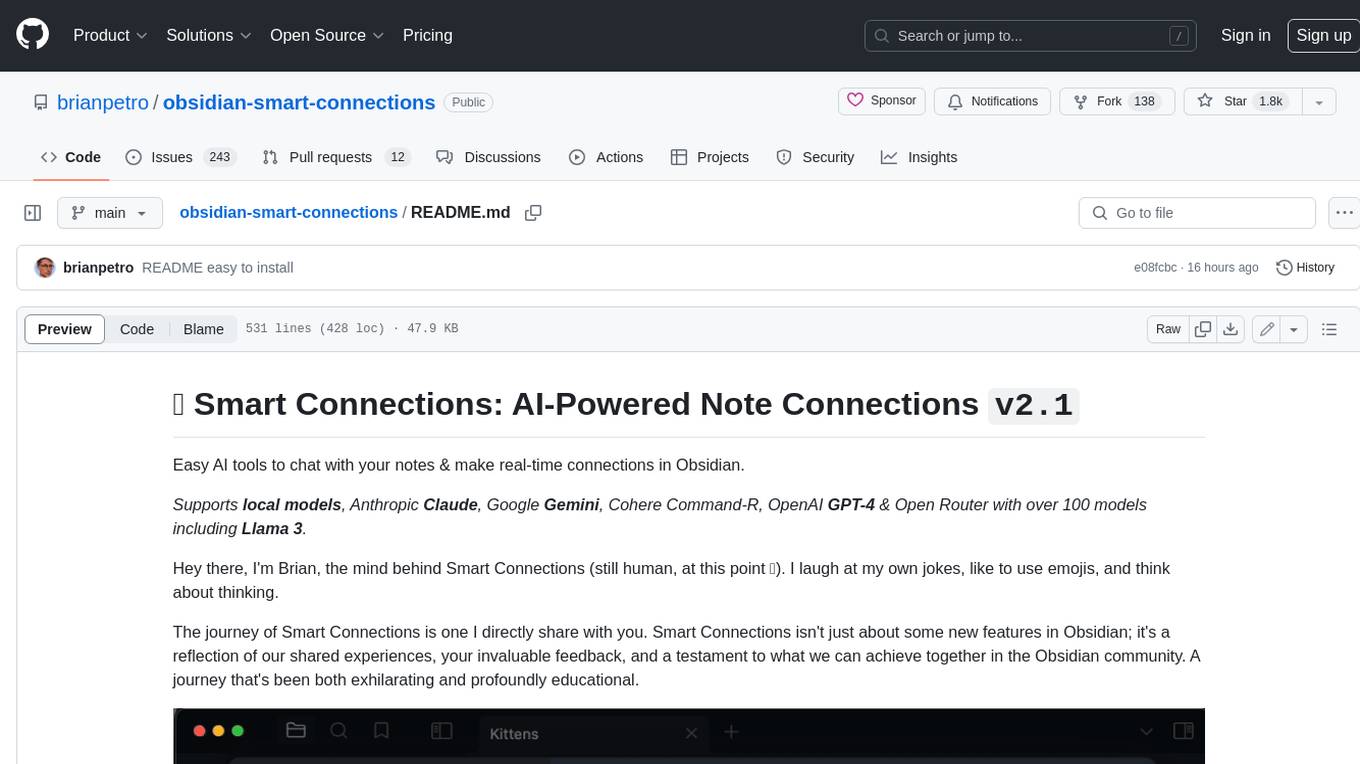
obsidian-smart-connections
Smart Connections is an AI-powered plugin for Obsidian that helps you discover hidden connections and insights in your notes. With features like Smart View for real-time relevant note suggestions and Smart Chat for chatting with your notes, Smart Connections makes it easier than ever to stay organized and uncover hidden connections between your notes. Its intuitive interface and customizable settings ensure a seamless experience, tailored to your unique needs and preferences.
obsidian-ai-tagger-universe
AI Tagger Universe is a plugin for Obsidian that automatically generates intelligent tags for notes using AI. It offers flexible AI integration with various services, smart tagging system with multiple modes, tag network visualization, advanced management features, and support for multiple languages. Users can easily install the plugin, configure AI providers, generate tags, and visualize tag relationships. The plugin also supports nested tags, hierarchical tag generation, and tag format options. It includes bug fixes, major features, improvements, and language support for English and Chinese interfaces.

Azure-Analytics-and-AI-Engagement
The Azure-Analytics-and-AI-Engagement repository provides packaged Industry Scenario DREAM Demos with ARM templates (Containing a demo web application, Power BI reports, Synapse resources, AML Notebooks etc.) that can be deployed in a customer’s subscription using the CAPE tool within a matter of few hours. Partners can also deploy DREAM Demos in their own subscriptions using DPoC.
MetaGPT
MetaGPT is a multi-agent framework that enables GPT to work in a software company, collaborating to tackle more complex tasks. It assigns different roles to GPTs to form a collaborative entity for complex tasks. MetaGPT takes a one-line requirement as input and outputs user stories, competitive analysis, requirements, data structures, APIs, documents, etc. Internally, MetaGPT includes product managers, architects, project managers, and engineers. It provides the entire process of a software company along with carefully orchestrated SOPs. MetaGPT's core philosophy is "Code = SOP(Team)", materializing SOP and applying it to teams composed of LLMs.
MateCat
Matecat is an enterprise-level, web-based CAT tool designed to make post-editing and outsourcing easy and to provide a complete set of features to manage and monitor translation projects.
AIlice
AIlice is a fully autonomous, general-purpose AI agent that aims to create a standalone artificial intelligence assistant, similar to JARVIS, based on the open-source LLM. AIlice achieves this goal by building a "text computer" that uses a Large Language Model (LLM) as its core processor. Currently, AIlice demonstrates proficiency in a range of tasks, including thematic research, coding, system management, literature reviews, and complex hybrid tasks that go beyond these basic capabilities. AIlice has reached near-perfect performance in everyday tasks using GPT-4 and is making strides towards practical application with the latest open-source models. We will ultimately achieve self-evolution of AI agents. That is, AI agents will autonomously build their own feature expansions and new types of agents, unleashing LLM's knowledge and reasoning capabilities into the real world seamlessly.

free-for-life
A massive list including a huge amount of products and services that are completely free! ⭐ Star on GitHub • 🤝 Contribute # Table of Contents * APIs, Data & ML * Artificial Intelligence * BaaS * Code Editors * Code Generation * DNS * Databases * Design & UI * Domains * Email * Font * For Students * Forms * Linux Distributions * Messaging & Streaming * PaaS * Payments & Billing * SSL
For similar jobs

LLMStack
LLMStack is a no-code platform for building generative AI agents, workflows, and chatbots. It allows users to connect their own data, internal tools, and GPT-powered models without any coding experience. LLMStack can be deployed to the cloud or on-premise and can be accessed via HTTP API or triggered from Slack or Discord.
daily-poetry-image
Daily Chinese ancient poetry and AI-generated images powered by Bing DALL-E-3. GitHub Action triggers the process automatically. Poetry is provided by Today's Poem API. The website is built with Astro.

exif-photo-blog
EXIF Photo Blog is a full-stack photo blog application built with Next.js, Vercel, and Postgres. It features built-in authentication, photo upload with EXIF extraction, photo organization by tag, infinite scroll, light/dark mode, automatic OG image generation, a CMD-K menu with photo search, experimental support for AI-generated descriptions, and support for Fujifilm simulations. The application is easy to deploy to Vercel with just a few clicks and can be customized with a variety of environment variables.
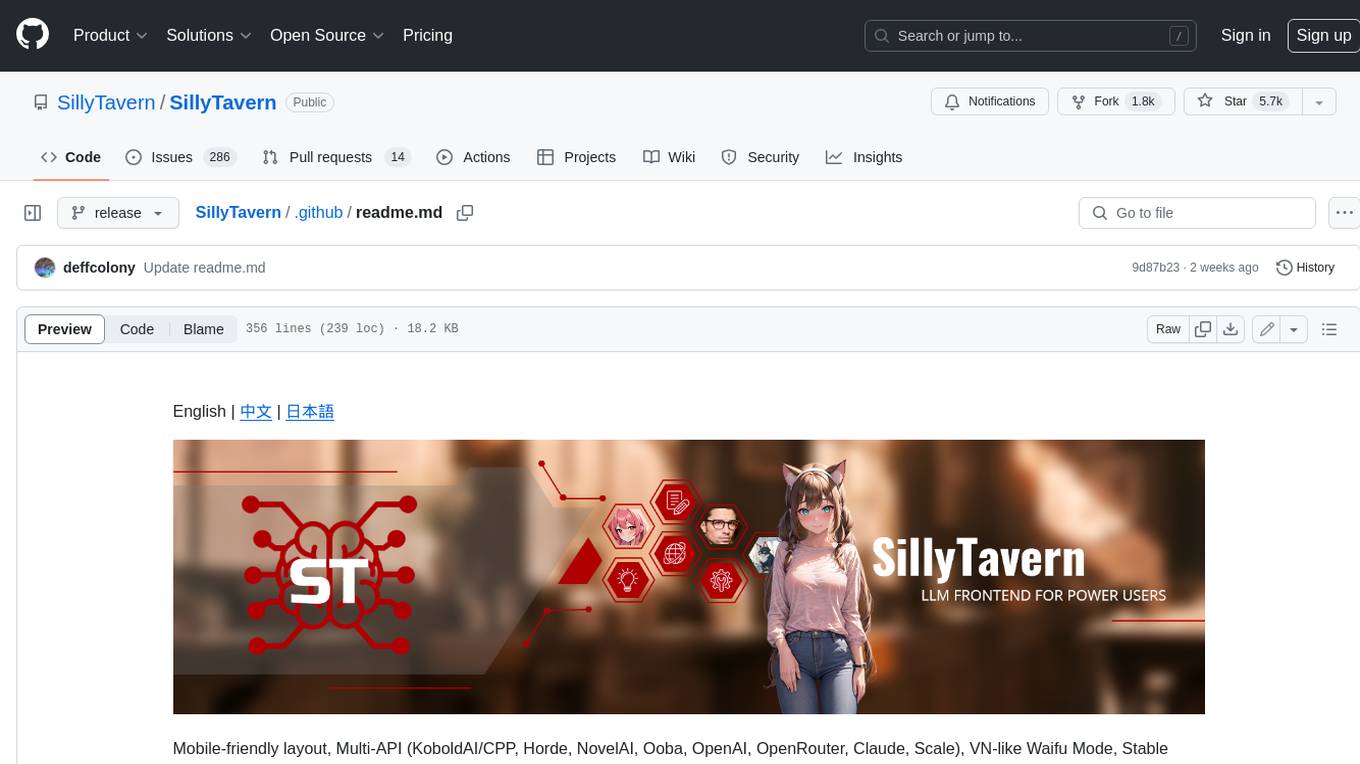
SillyTavern
SillyTavern is a user interface you can install on your computer (and Android phones) that allows you to interact with text generation AIs and chat/roleplay with characters you or the community create. SillyTavern is a fork of TavernAI 1.2.8 which is under more active development and has added many major features. At this point, they can be thought of as completely independent programs.
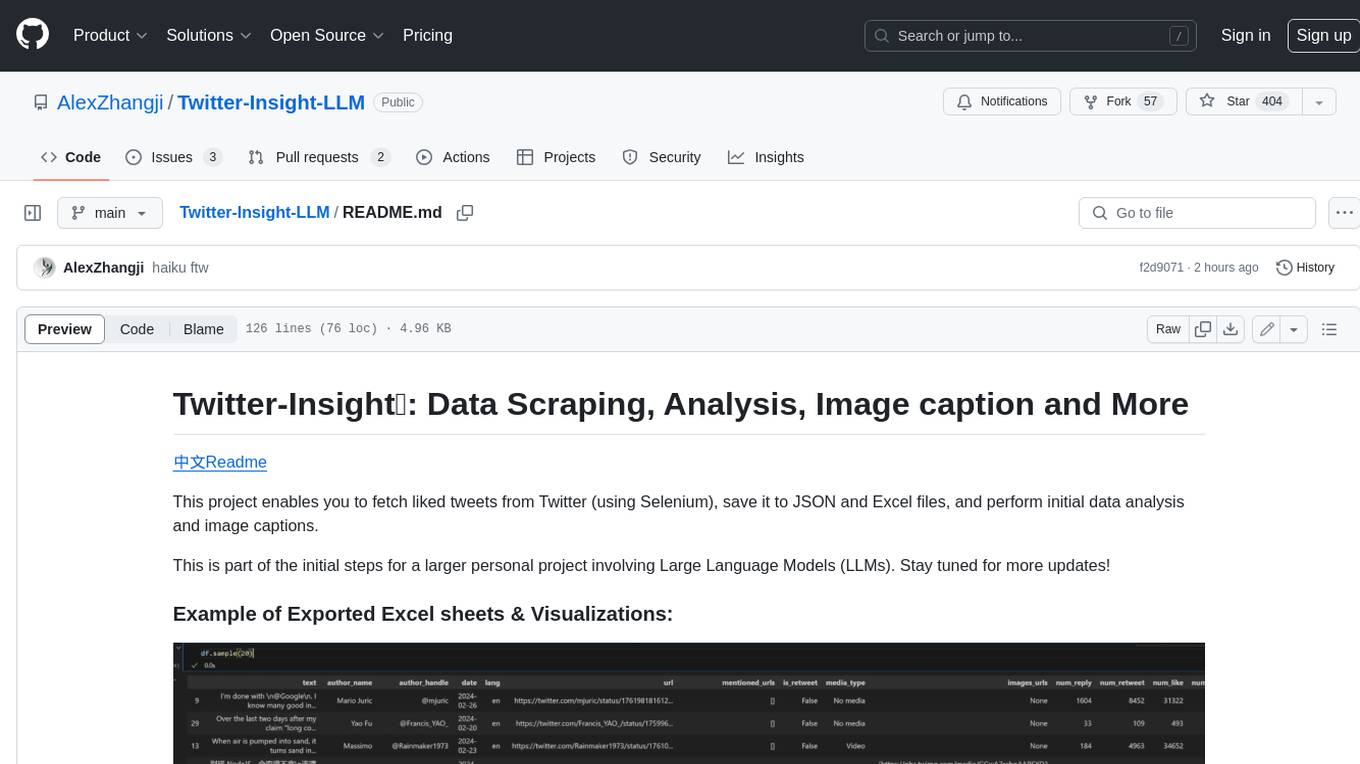
Twitter-Insight-LLM
This project enables you to fetch liked tweets from Twitter (using Selenium), save it to JSON and Excel files, and perform initial data analysis and image captions. This is part of the initial steps for a larger personal project involving Large Language Models (LLMs).
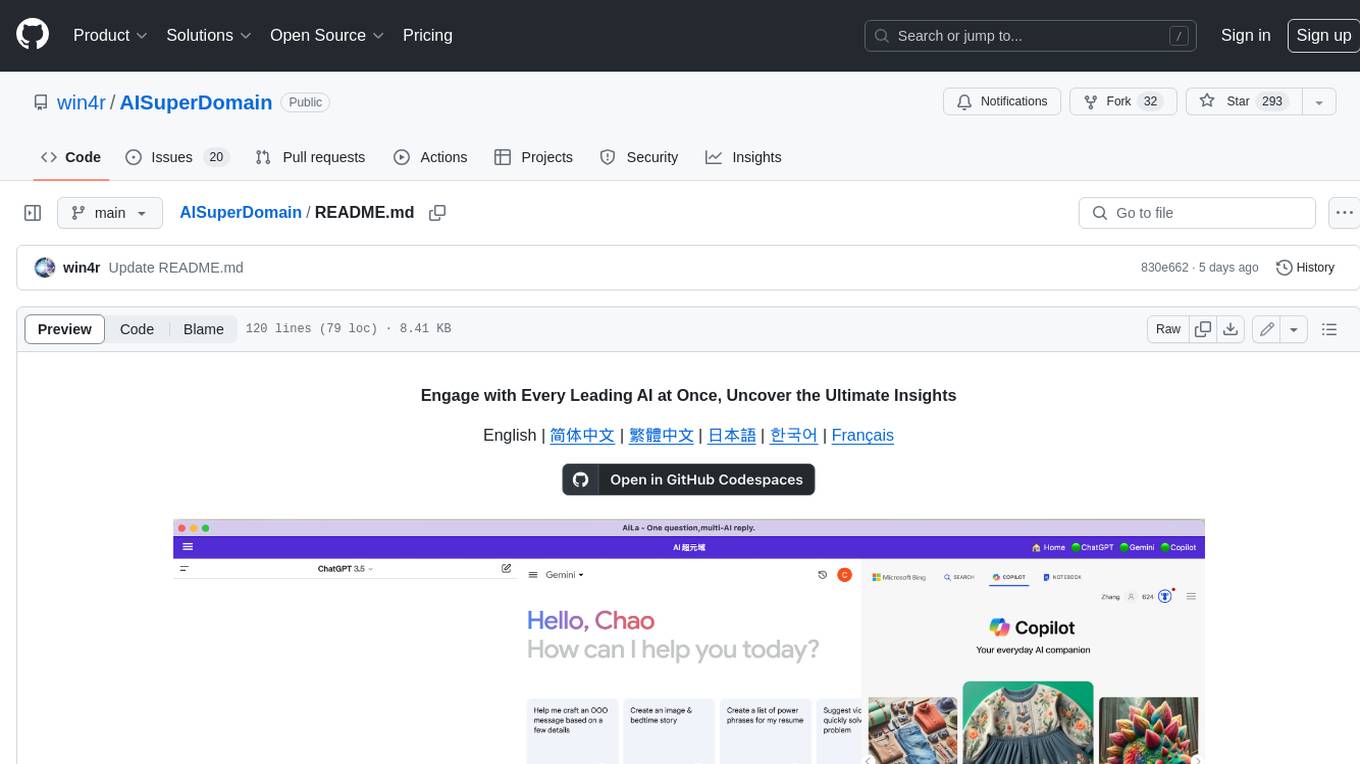
AISuperDomain
Aila Desktop Application is a powerful tool that integrates multiple leading AI models into a single desktop application. It allows users to interact with various AI models simultaneously, providing diverse responses and insights to their inquiries. With its user-friendly interface and customizable features, Aila empowers users to engage with AI seamlessly and efficiently. Whether you're a researcher, student, or professional, Aila can enhance your AI interactions and streamline your workflow.
ChatGPT-On-CS
This project is an intelligent dialogue customer service tool based on a large model, which supports access to platforms such as WeChat, Qianniu, Bilibili, Douyin Enterprise, Douyin, Doudian, Weibo chat, Xiaohongshu professional account operation, Xiaohongshu, Zhihu, etc. You can choose GPT3.5/GPT4.0/ Lazy Treasure Box (more platforms will be supported in the future), which can process text, voice and pictures, and access external resources such as operating systems and the Internet through plug-ins, and support enterprise AI applications customized based on their own knowledge base.
obs-localvocal
LocalVocal is a live-streaming AI assistant plugin for OBS that allows you to transcribe audio speech into text and perform various language processing functions on the text using AI / LLMs (Large Language Models). It's privacy-first, with all data staying on your machine, and requires no GPU, cloud costs, network, or downtime.