


StepWise
A C# framework to build, visualize and execute event-driven workflow
Stars: 111
StepWise is a code-first, event-driven workflow framework for .NET designed to help users build complex workflows in a simple and efficient way. It allows users to define workflows using C# code, visualize and execute workflows from a browser, execute steps in parallel, and resolve dependencies automatically. StepWise also features an AI assistant called `Geeno` in its WebUI to help users run and analyze workflows with ease.
README:




StepWise is a .NET framework which assists you to code, visualize and execute event-base workflow. It is designed to help you build complex workflows in a simple and efficient way. StepWise comes with the following key features:
- Code-First: Define workflows using C# code in your project.
- WebUI Visualize and execute workflows from your favorite browser using StepWise WebUI.
- Event-Driven: Execute steps in parallel and resolve dependencies automatically.
-
AI-Powered: Work with
Geeno, a built-in AI assistant in StepWise WebUI to help you run and analyze workflows with ease.
- Quick Start with Template
- Quick Start
- Visualize stepwise workflow
- Examples
- Dependency Management between Steps
StepWise provides a list of templates to help you get started quickly. To install the template, run the following command:
dotnet new -i LittleLittleCloud.StepWise.TemplateThis will install the following templates:
- stepwise-console: A console application template with StepWise.
To create a new project using the template, run the following command. This will create a new console application project with StepWise WebUI configured.
dotnet new stepwise-consoleAfter creating the project, you can run the project and visit http://localhost:5123 to see the StepWise WebUI.
Here's a simple example of how to define a workflow to prepare dinner. The workflow consists of several steps, such as chopping vegetables, boiling water, cooking pasta, and cooking sauce. The final step is to serve dinner, which depends on all the previous steps. When executed, the workflow will automatically resolve the dependencies between steps and execute them in the parallel if possible.
public class PrepareDinner
{
    [Step(description: """
        This example demonstrates how to use stepwise to create a simple dinner preparation workflow.
        - source code: [PrepareDinner.cs](https://github.com/LittleLittleCloud/StepWise/blob/main/example/HelloWorld/PrepareDinner.cs)

        It returns the current time when the workflow starts and then simulates the preparation of dinner.
        """)]
    public async Task<DateTime> Start()
    {
        return DateTime.Now;
    }

    [Step(description: "boil water")]
    [DependOn(nameof(Start))]
    public async Task<string> BoilWater()
    {
        await Task.Delay(2000);

        return "Boiled water in 2 seconds";
    }

    [Step(description: "cut vegetables")]
    [DependOn(nameof(Start))]
    public async Task<string> CutVegetables()
    {
        await Task.Delay(3000);

        return "Cut vegetables in 3 seconds";
    }

    [Step(description: "cook vegetables")]
    [DependOn(nameof(CutVegetables))]
    [DependOn(nameof(BoilWater))]
    public async Task<string> CookVegetables(
        [FromStep(nameof(CutVegetables))] string vegetables,
        [FromStep(nameof(BoilWater))] string water)
    {
        await Task.Delay(4000);

        return $"Cooked vegetables in 4 seconds. {vegetables}, {water}";
    }

    [Step(description: "cook meat")]
    [DependOn(nameof(Start))]
    public async Task<string> CookMeat()
    {
        await Task.Delay(5000);

        return "Cooked meat in 5 seconds";
    }

    [Step(description: """
        Serve dinner.
        This will call all the preparation dinner steps in parallel and return the time taken to prepare the dinner.
        """)]
    [DependOn(nameof(CookVegetables))]
    [DependOn(nameof(CookMeat))]
    public async Task<string> ServeDinner(
        [FromStep(nameof(Start))] DateTime start,
        [FromStep(nameof(CookVegetables))] string vegetables,
        [FromStep(nameof(CookMeat))] string meat)
    {
        var time = DateTime.Now - start;
        return $"Dinner ready in {time.TotalSeconds} seconds";
    }
}StepWise UI is a built-in WebUI for visualizing and executing workflows. To use StepWise UI, simply add the following code to your project:
// program.cs
var host = Host.CreateDefaultBuilder()
    //.UseEnvironment("Development")
    .ConfigureWebHostDefaults(webBuilder =>
    {
        webBuilder.UseUrls("http://localhost:5123");
    })
    .UseStepWiseServer()
    .Build();

await host.StartAsync();
Then, use StepWiseClient to add workflows to StepWise UI:
var stepWiseClient = host.Services.GetRequiredService<StepWiseClient>();

// Add the workflow to the StepWise server
stepWiseClient.AddWorkflow(prepareDinner);

// Wait for the host to shutdown
await host.WaitForShutdownAsync();
Now, you can visit http://localhost:5123 to see the StepWise UI and execute the workflow.
You can find more examples in the examples directory.
In StepWise, you can define dependencies between steps using the [DependsOn] attribute. This ensures that a step is executed only after its dependencies have been satisfied.
[!Note] Prevent circular dependencies between steps, otherwise, the workflow engine will remind you with an exception.
Variable dependencies of a step means that the step requires certain variables to be available in the context before it can be executed. If all variable dependencies are met, the step can be executed in parallel with other steps that don't have dependencies on it. In StepWise, variable dependencies are the input parameters of a step.
[!Note]
[FromStep]attribute doesn't affect the step dependency. It is used to pass the output of one step as input to another step.
StepWise automatically manages dependencies between Steps:
- Use the
[DependsOn]attribute to specify dependencies between Steps. - The StepwiseEngine resolves these dependencies and ensures Steps are executed in the correct order.
StepWise supports parallel execution of steps that do not have step dependencies on each other. This can significantly improve the performance of your workflows by executing independent steps concurrently.
StepWiseEngine is the core component of StepWise that manages the execution of workflows. It uses a consumer-producer approach to execute steps in the correct order while handling dependencies between steps and parallel execution when possible. You can visit this documentation to learn more about how the StepWiseEngine works.
StepWise is built around two main primitives:
A Step is the smallest unit of work in StepWise. It represents a single task or operation within a workflow.
-
Definition: A Step is essentially a C# method decorated with the
[Step]attribute. -
Properties:
- Name: A unique identifier for the step.
- Input Parameters: The data required by the step to perform its task.
- Output: The result produced by the step (if any). Must be a Task or Task<\T>.
- Dependencies: Other steps that must be executed before this step. This is specified using the
[DependsOn]attribute.
-
Usage:
[Step]
[DependsOn(nameof(OtherStep))]
[DependsOn(nameof(AnotherStep))]
public Task<Data> GetData(int id)
{
    // Implementation
}
A Workflow is a collection of Steps that together accomplish a larger task.
- Definition: A Workflow is typically represented by a class containing multiple Step methods.
-
Usage:
public class DataProcessingWorkflow
{
    [Step(Name = "GetData")]
    public Task<Data> GetData(int id) { /* ... */ }

    [Step(Name = "ProcessData")]
    [DependsOn(nameof(GetData))]
    public Task<Result> ProcessData([FromStep("GetData")] Data data) { /* ... */ }

    [Step(Name = "SaveResult")]
      [DependsOn(nameof(ProcessData))]
    public Task<string> SaveResult([FromStep("ProcessData")] Result result) { /* ... */ }
}
We welcome contributions to StepWise! Please see our Contributing Guide for more details.
StepWise is released under the MIT License. See the LICENSE file for details.
If you encounter any issues or have questions, please file an issue on the GitHub issue tracker.
For Tasks:
Click tags to check more tools for each tasksFor Jobs:
Alternative AI tools for StepWise
Similar Open Source Tools
StepWise
StepWise is a code-first, event-driven workflow framework for .NET designed to help users build complex workflows in a simple and efficient way. It allows users to define workflows using C# code, visualize and execute workflows from a browser, execute steps in parallel, and resolve dependencies automatically. StepWise also features an AI assistant called `Geeno` in its WebUI to help users run and analyze workflows with ease.
azure-functions-openai-extension
Azure Functions OpenAI Extension is a project that adds support for OpenAI LLM (GPT-3.5-turbo, GPT-4) bindings in Azure Functions. It provides NuGet packages for various functionalities like text completions, chat completions, assistants, embeddings generators, and semantic search. The project requires .NET 6 SDK or greater, Azure Functions Core Tools v4.x, and specific settings in Azure Function or local settings for development. It offers features like text completions, chat completion, assistants with custom skills, embeddings generators for text relatedness, and semantic search using vector databases. The project also includes examples in C# and Python for different functionalities.
langgraph4j
Langgraph4j is a Java library for language processing tasks such as text classification, sentiment analysis, and named entity recognition. It provides a set of tools and algorithms for analyzing text data and extracting useful information. The library is designed to be efficient and easy to use, making it suitable for both research and production applications.
resonance
Resonance is a framework designed to facilitate interoperability and messaging between services in your infrastructure and beyond. It provides AI capabilities and takes full advantage of asynchronous PHP, built on top of Swoole. With Resonance, you can: * Chat with Open-Source LLMs: Create prompt controllers to directly answer user's prompts. LLM takes care of determining user's intention, so you can focus on taking appropriate action. * Asynchronous Where it Matters: Respond asynchronously to incoming RPC or WebSocket messages (or both combined) with little overhead. You can set up all the asynchronous features using attributes. No elaborate configuration is needed. * Simple Things Remain Simple: Writing HTTP controllers is similar to how it's done in the synchronous code. Controllers have new exciting features that take advantage of the asynchronous environment. * Consistency is Key: You can keep the same approach to writing software no matter the size of your project. There are no growing central configuration files or service dependencies registries. Every relation between code modules is local to those modules. * Promises in PHP: Resonance provides a partial implementation of Promise/A+ spec to handle various asynchronous tasks. * GraphQL Out of the Box: You can build elaborate GraphQL schemas by using just the PHP attributes. Resonance takes care of reusing SQL queries and optimizing the resources' usage. All fields can be resolved asynchronously.
langserve
LangServe helps developers deploy `LangChain` runnables and chains as a REST API. This library is integrated with FastAPI and uses pydantic for data validation. In addition, it provides a client that can be used to call into runnables deployed on a server. A JavaScript client is available in LangChain.js.
openai-kit
OpenAIKit is a Swift package designed to facilitate communication with the OpenAI API. It provides methods to interact with various OpenAI services such as chat, models, completions, edits, images, embeddings, files, moderations, and speech to text. The package encourages the use of environment variables to securely inject the OpenAI API key and organization details. It also offers error handling for API requests through the `OpenAIKit.APIErrorResponse`.
instructor-js
Instructor is a Typescript library for structured extraction in Typescript, powered by llms, designed for simplicity, transparency, and control. It stands out for its simplicity, transparency, and user-centric design. Whether you're a seasoned developer or just starting out, you'll find Instructor's approach intuitive and steerable.
instructor_ex
Instructor is a tool designed to structure outputs from OpenAI and other OSS LLMs by coaxing them to return JSON that maps to a provided Ecto schema. It allows for defining validation logic to guide LLMs in making corrections, and supports automatic retries. Instructor is primarily used with the OpenAI API but can be extended to work with other platforms. The tool simplifies usage by creating an ecto schema, defining a validation function, and making calls to chat_completion with instructions for the LLM. It also offers features like max_retries to fix validation errors iteratively.

semantic-kernel
Semantic Kernel is an SDK that integrates Large Language Models (LLMs) like OpenAI, Azure OpenAI, and Hugging Face with conventional programming languages like C#, Python, and Java. Semantic Kernel achieves this by allowing you to define plugins that can be chained together in just a few lines of code. What makes Semantic Kernel _special_ , however, is its ability to _automatically_ orchestrate plugins with AI. With Semantic Kernel planners, you can ask an LLM to generate a plan that achieves a user's unique goal. Afterwards, Semantic Kernel will execute the plan for the user.
simple-openai
Simple-OpenAI is a Java library that provides a simple way to interact with the OpenAI API. It offers consistent interfaces for various OpenAI services like Audio, Chat Completion, Image Generation, and more. The library uses CleverClient for HTTP communication, Jackson for JSON parsing, and Lombok to reduce boilerplate code. It supports asynchronous requests and provides methods for synchronous calls as well. Users can easily create objects to communicate with the OpenAI API and perform tasks like text-to-speech, transcription, image generation, and chat completions.
langgraph4j
LangGraph for Java is a library designed for building stateful, multi-agent applications with LLMs. It is a porting of the original LangGraph from the LangChain AI project to Java. The library allows users to define agent states, nodes, and edges in a graph structure to create complex workflows. It integrates with LangChain4j and provides tools for executing actions based on agent decisions. LangGraph for Java enables users to create asynchronous node actions, conditional edges, and normal edges to model decision-making processes in applications.
otto-m8
otto-m8 is a flowchart based automation platform designed to run deep learning workloads with minimal to no code. It provides a user-friendly interface to spin up a wide range of AI models, including traditional deep learning models and large language models. The tool deploys Docker containers of workflows as APIs for integration with existing workflows, building AI chatbots, or standalone applications. Otto-m8 operates on an Input, Process, Output paradigm, simplifying the process of running AI models into a flowchart-like UI.
experts
Experts.js is a tool that simplifies the creation and deployment of OpenAI's Assistants, allowing users to link them together as Tools to create a Panel of Experts system with expanded memory and attention to detail. It leverages the new Assistants API from OpenAI, which offers advanced features such as referencing attached files & images as knowledge sources, supporting instructions up to 256,000 characters, integrating with 128 tools, and utilizing the Vector Store API for efficient file search. Experts.js introduces Assistants as Tools, enabling the creation of Multi AI Agent Systems where each Tool is an LLM-backed Assistant that can take on specialized roles or fulfill complex tasks.
chromem-go
chromem-go is an embeddable vector database for Go with a Chroma-like interface and zero third-party dependencies. It enables retrieval augmented generation (RAG) and similar embeddings-based features in Go apps without the need for a separate database. The focus is on simplicity and performance for common use cases, allowing querying of documents with minimal memory allocations. The project is in beta and may introduce breaking changes before v1.0.0.
web-llm
WebLLM is a modular and customizable javascript package that directly brings language model chats directly onto web browsers with hardware acceleration. Everything runs inside the browser with no server support and is accelerated with WebGPU. WebLLM is fully compatible with OpenAI API. That is, you can use the same OpenAI API on any open source models locally, with functionalities including json-mode, function-calling, streaming, etc. We can bring a lot of fun opportunities to build AI assistants for everyone and enable privacy while enjoying GPU acceleration.
kwaak
Kwaak is a tool that allows users to run a team of autonomous AI agents locally from their own machine. It enables users to write code, improve test coverage, update documentation, and enhance code quality while focusing on building innovative projects. Kwaak is designed to run multiple agents in parallel, interact with codebases, answer questions about code, find examples, write and execute code, create pull requests, and more. It is free and open-source, allowing users to bring their own API keys or models via Ollama. Kwaak is part of the bosun.ai project, aiming to be a platform for autonomous code improvement.
For similar tasks
StepWise
StepWise is a code-first, event-driven workflow framework for .NET designed to help users build complex workflows in a simple and efficient way. It allows users to define workflows using C# code, visualize and execute workflows from a browser, execute steps in parallel, and resolve dependencies automatically. StepWise also features an AI assistant called `Geeno` in its WebUI to help users run and analyze workflows with ease.

agentic-radar
The Agentic Radar is a security scanner designed to analyze and assess agentic systems for security and operational insights. It helps users understand how agentic systems function, identify potential vulnerabilities, and create security reports. The tool includes workflow visualization, tool identification, and vulnerability mapping, providing a comprehensive HTML report for easy reviewing and sharing. It simplifies the process of assessing complex workflows and multiple tools used in agentic systems, offering a structured view of potential risks and security frameworks.
aiida-core
AiiDA (www.aiida.net) is a workflow manager for computational science with a strong focus on provenance, performance and extensibility. **Features** * **Workflows:** Write complex, auto-documenting workflows in python, linked to arbitrary executables on local and remote computers. The event-based workflow engine supports tens of thousands of processes per hour with full checkpointing. * **Data provenance:** Automatically track inputs, outputs & metadata of all calculations in a provenance graph for full reproducibility. Perform fast queries on graphs containing millions of nodes. * **HPC interface:** Move your calculations to a different computer by changing one line of code. AiiDA is compatible with schedulers like SLURM, PBS Pro, torque, SGE or LSF out of the box. * **Plugin interface:** Extend AiiDA with plugins for new simulation codes (input generation & parsing), data types, schedulers, transport modes and more. * **Open Science:** Export subsets of your provenance graph and share them with peers or make them available online for everyone on the Materials Cloud. * **Open source:** AiiDA is released under the MIT open source license
domino
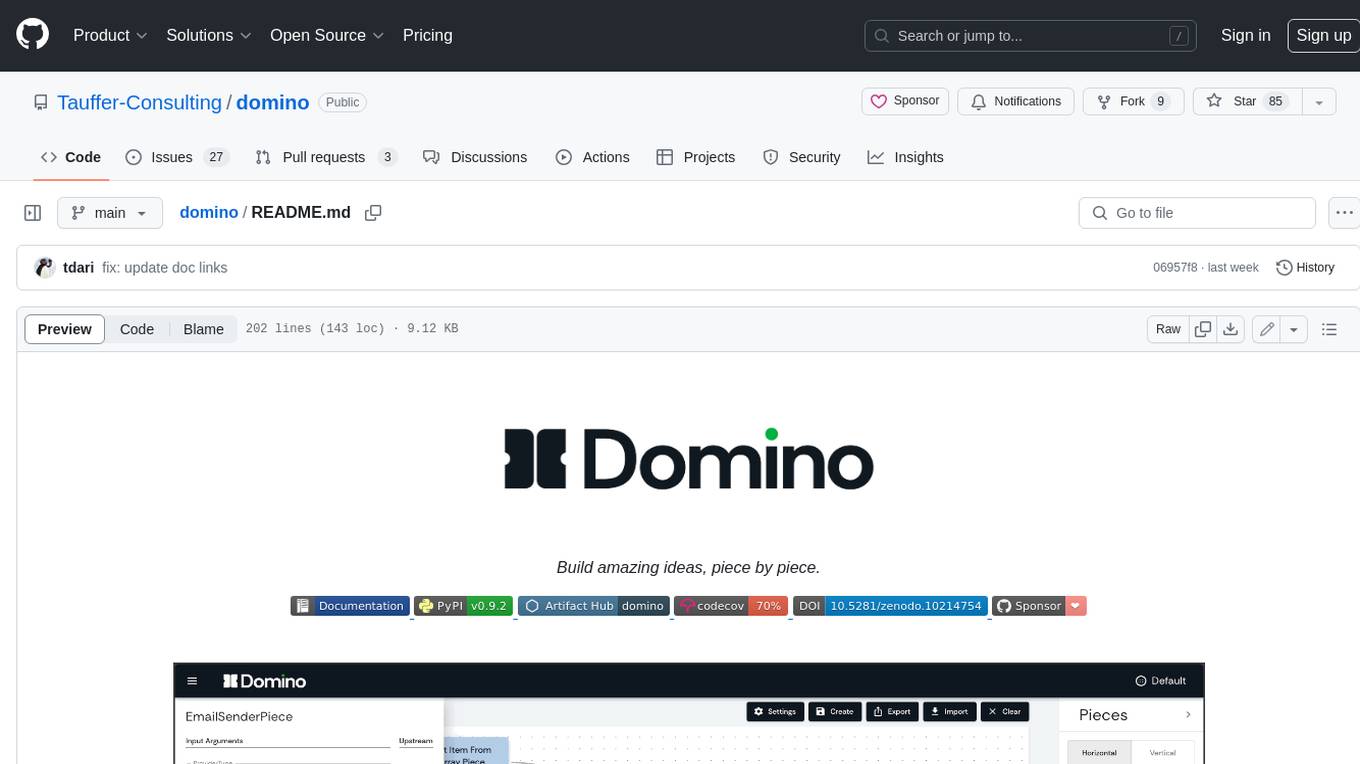
Domino is an open source workflow management platform that provides an intuitive GUI for creating, editing, and monitoring workflows. It also offers a standard way of writing and publishing functional pieces that can be reused in multiple workflows. Domino is powered by Apache Airflow for top-tier workflows scheduling and monitoring.
anything
Anything is an open automation tool built in Rust that aims to rebuild Zapier, enabling local AI to perform a wide range of tasks beyond chat functionalities. The tool focuses on extensibility without sacrificing understandability, allowing users to create custom extensions in Rust or other interpreted languages like Python or Typescript. It features an embedded SQLite DB, a WYSIWYG editor, event system, cron trigger, HTTP and CLI extensions, with plans for additional extensions like Deno, Python, and Local AI. The tool is designed to be user-friendly, with a file-first state approach, portable triggers, actions, and flows, and a human-centric file and folder naming convention. It does not require Docker, making it easy to run on low-powered devices for 24/7 self-hosting. The event processing is focused on simplicity and visibility, with extensibility through custom extensions and a marketplace for templates, actions, and triggers.
FlowTest
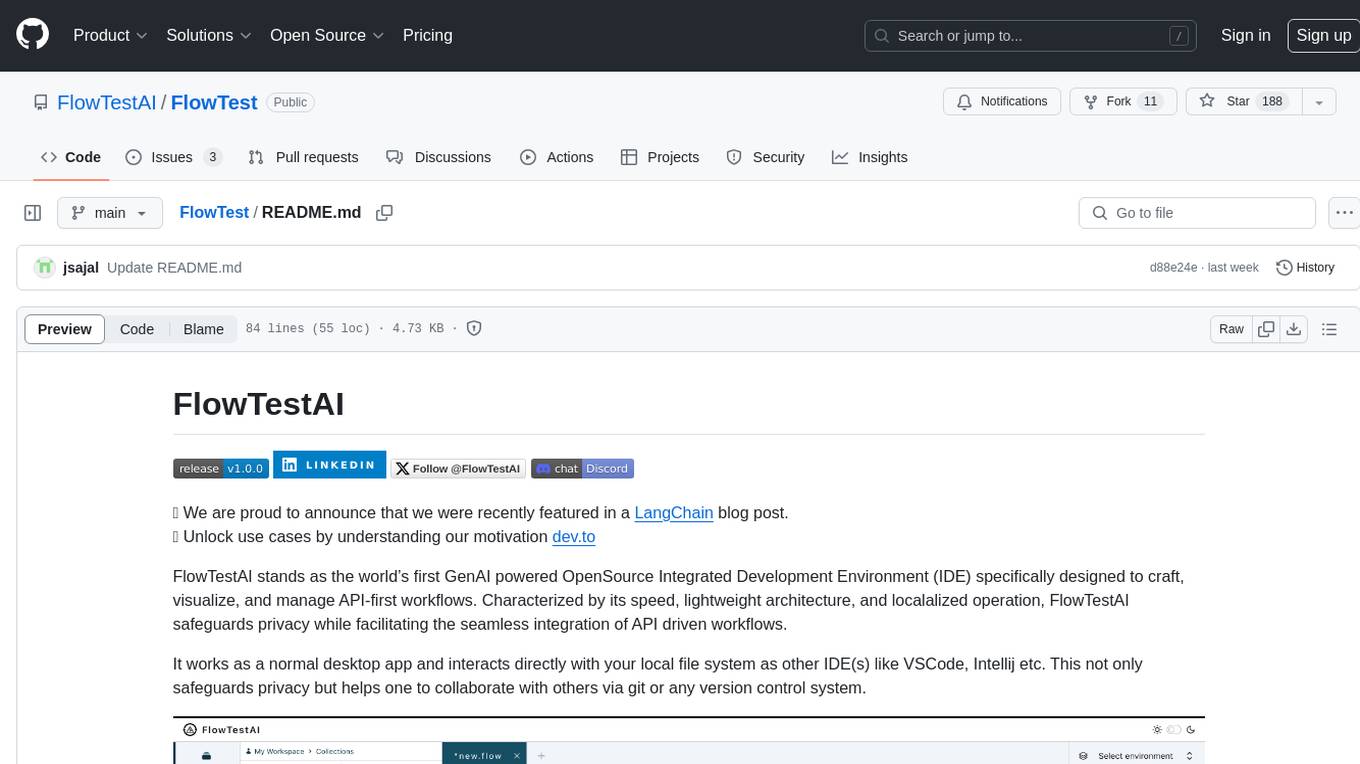
FlowTestAI is the world’s first GenAI powered OpenSource Integrated Development Environment (IDE) designed for crafting, visualizing, and managing API-first workflows. It operates as a desktop app, interacting with the local file system, ensuring privacy and enabling collaboration via version control systems. The platform offers platform-specific binaries for macOS, with versions for Windows and Linux in development. It also features a CLI for running API workflows from the command line interface, facilitating automation and CI/CD processes.
Geoweaver
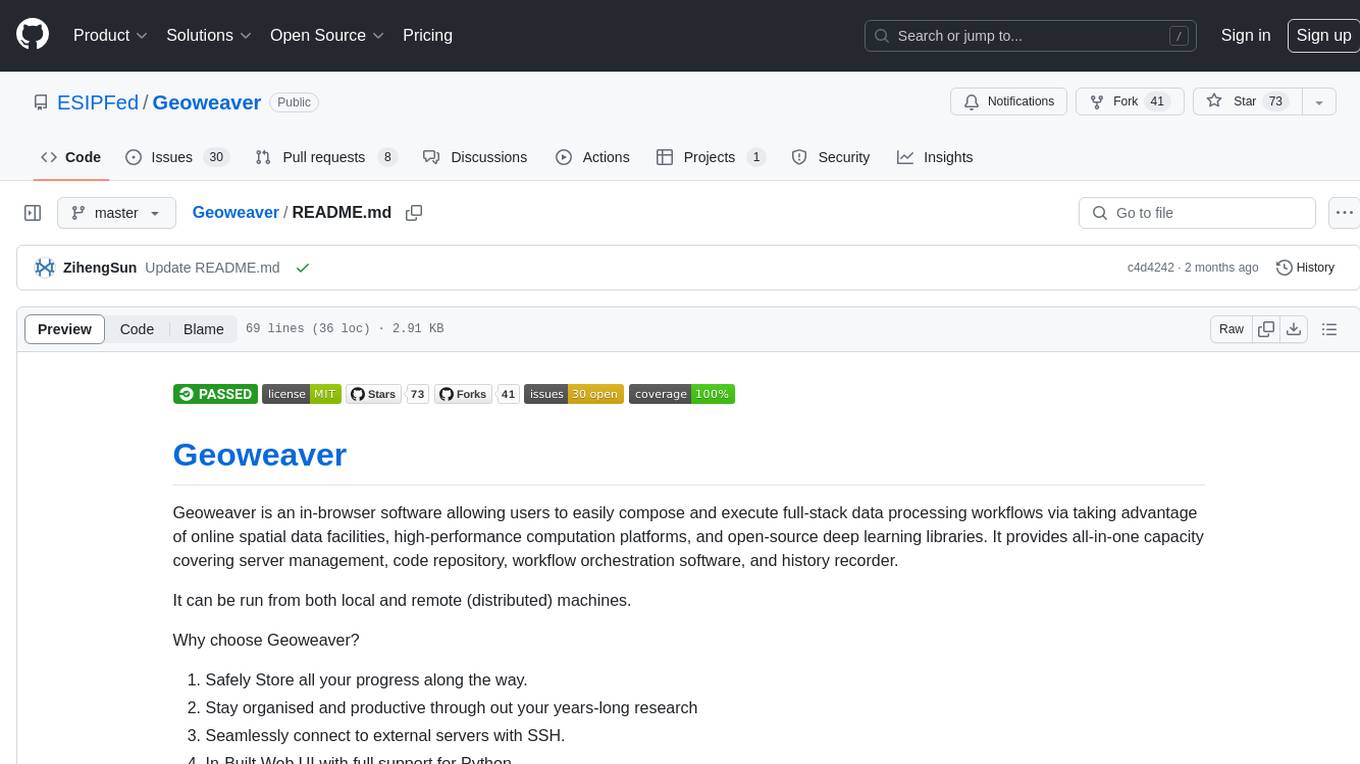
Geoweaver is an in-browser software that enables users to easily compose and execute full-stack data processing workflows using online spatial data facilities, high-performance computation platforms, and open-source deep learning libraries. It provides server management, code repository, workflow orchestration software, and history recording capabilities. Users can run it from both local and remote machines. Geoweaver aims to make data processing workflows manageable for non-coder scientists and preserve model run history. It offers features like progress storage, organization, SSH connection to external servers, and a web UI with Python support.
AIBotPublic
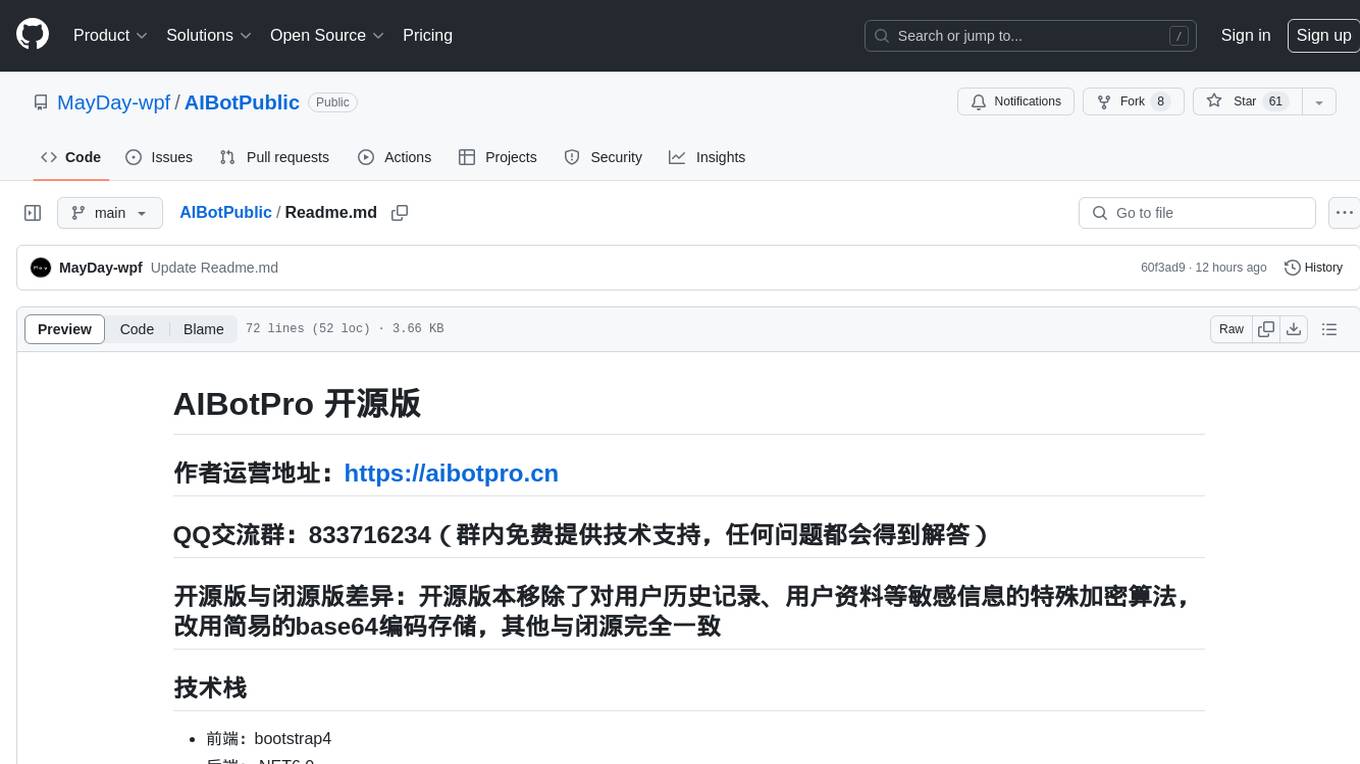
AIBotPublic is an open-source version of AIBotPro, a comprehensive AI tool that provides various features such as knowledge base construction, AI drawing, API hosting, and more. It supports custom plugins and parallel processing of multiple files. The tool is built using bootstrap4 for the frontend, .NET6.0 for the backend, and utilizes technologies like SqlServer, Redis, and Milvus for database and vector database functionalities. It integrates third-party dependencies like Baidu AI OCR, Milvus C# SDK, Google Search, and more to enhance its capabilities.
For similar jobs

sweep
Sweep is an AI junior developer that turns bugs and feature requests into code changes. It automatically handles developer experience improvements like adding type hints and improving test coverage.

teams-ai
The Teams AI Library is a software development kit (SDK) that helps developers create bots that can interact with Teams and Microsoft 365 applications. It is built on top of the Bot Framework SDK and simplifies the process of developing bots that interact with Teams' artificial intelligence capabilities. The SDK is available for JavaScript/TypeScript, .NET, and Python.

ai-guide
This guide is dedicated to Large Language Models (LLMs) that you can run on your home computer. It assumes your PC is a lower-end, non-gaming setup.

classifai
Supercharge WordPress Content Workflows and Engagement with Artificial Intelligence. Tap into leading cloud-based services like OpenAI, Microsoft Azure AI, Google Gemini and IBM Watson to augment your WordPress-powered websites. Publish content faster while improving SEO performance and increasing audience engagement. ClassifAI integrates Artificial Intelligence and Machine Learning technologies to lighten your workload and eliminate tedious tasks, giving you more time to create original content that matters.

chatbot-ui
Chatbot UI is an open-source AI chat app that allows users to create and deploy their own AI chatbots. It is easy to use and can be customized to fit any need. Chatbot UI is perfect for businesses, developers, and anyone who wants to create a chatbot.

BricksLLM
BricksLLM is a cloud native AI gateway written in Go. Currently, it provides native support for OpenAI, Anthropic, Azure OpenAI and vLLM. BricksLLM aims to provide enterprise level infrastructure that can power any LLM production use cases. Here are some use cases for BricksLLM: * Set LLM usage limits for users on different pricing tiers * Track LLM usage on a per user and per organization basis * Block or redact requests containing PIIs * Improve LLM reliability with failovers, retries and caching * Distribute API keys with rate limits and cost limits for internal development/production use cases * Distribute API keys with rate limits and cost limits for students

uAgents
uAgents is a Python library developed by Fetch.ai that allows for the creation of autonomous AI agents. These agents can perform various tasks on a schedule or take action on various events. uAgents are easy to create and manage, and they are connected to a fast-growing network of other uAgents. They are also secure, with cryptographically secured messages and wallets.

griptape
Griptape is a modular Python framework for building AI-powered applications that securely connect to your enterprise data and APIs. It offers developers the ability to maintain control and flexibility at every step. Griptape's core components include Structures (Agents, Pipelines, and Workflows), Tasks, Tools, Memory (Conversation Memory, Task Memory, and Meta Memory), Drivers (Prompt and Embedding Drivers, Vector Store Drivers, Image Generation Drivers, Image Query Drivers, SQL Drivers, Web Scraper Drivers, and Conversation Memory Drivers), Engines (Query Engines, Extraction Engines, Summary Engines, Image Generation Engines, and Image Query Engines), and additional components (Rulesets, Loaders, Artifacts, Chunkers, and Tokenizers). Griptape enables developers to create AI-powered applications with ease and efficiency.