


Windows-MCP
MCP Server for Computer Use in Windows
Stars: 4349
Windows-MCP is a lightweight, open-source project that enables seamless integration between AI agents and the Windows operating system. Acting as an MCP server bridges the gap between LLMs and the Windows operating system, allowing agents to perform tasks such as file navigation, application control, UI interaction, QA testing, and more. It provides seamless Windows integration, supports any LLM without traditional computer vision techniques, offers a rich toolset for UI automation, is lightweight and open-source, customizable and extendable, offers real-time interaction with low latency, includes a DOM mode for browser automation, and supports various tools for interacting with Windows applications and system components.
README:






Windows-MCP is a lightweight, open-source project that enables seamless integration between AI agents and the Windows operating system. Acting as an MCP server bridges the gap between LLMs and the Windows operating system, allowing agents to perform tasks such as file navigation, application control, UI interaction, QA testing, and more.
mcp-name: io.github.CursorTouch/Windows-MCP
- Windows-MCP reached
1M+ Usersin Claude Desktop Extensiosn. - Windows-MCP is now available on PyPI (thus supports
uvx windows-mcp) - Windows-MCP is added to MCP Registry
- Try out 🪟Windows-Use, an agent built using Windows-MCP.
- Windows-MCP is now featured as Desktop Extension in
Claude Desktop.
- Windows 7
- Windows 8, 8.1
- Windows 10
- Windows 11
https://github.com/user-attachments/assets/d0e7ed1d-6189-4de6-838a-5ef8e1cad54e
https://github.com/user-attachments/assets/d2b372dc-8d00-4d71-9677-4c64f5987485
-
Seamless Windows Integration
Interacts natively with Windows UI elements, opens apps, controls windows, simulates user input, and more. -
Use Any LLM (Vision Optional) Unlike many automation tools, Windows-MCP doesn't rely on any traditional computer vision techniques or specific fine-tuned models; it works with any LLMs, reducing complexity and setup time.
-
Rich Toolset for UI Automation
Includes tools for basic keyboard, mouse operation and capturing window/UI state. -
Lightweight & Open-Source
Minimal dependencies and easy setup with full source code available under MIT license. -
Customizable & Extendable
Easily adapt or extend tools to suit your unique automation or AI integration needs. -
Real-Time Interaction
Typical latency between actions (e.g., from one mouse click to the next) ranges from 0.2 to 0.9 secs, and may slightly vary based on the number of active applications and system load, also the inferencing speed of the llm. -
DOM Mode for Browser Automation
Specialuse_dom=Truemode for State-Tool that focuses exclusively on web page content, filtering out browser UI elements for cleaner, more efficient web automation.
Note: When you install this MCP server for the first time it may take a minute or two because of installing the dependencies in pyproject.toml. In the first run the server may timeout ignore it and restart it.
- Python 3.13+
- UV (Package Manager) from Astra, install with
pip install uvorcurl -LsSf https://astral.sh/uv/install.sh | sh -
Englishas the default language in Windows highly preferred or disable theApp-Toolin the MCP Server for Windows with other languages.
Install in Claude Desktop
- Install Claude Desktop and
npm install -g @anthropic-ai/mcpb- Configure the extension:
Option A: Install from PyPI (Recommended)
Use uvx to run the latest version directly from PyPI.
Add this to your claude_desktop_config.json:
{
  "mcpServers": {
    "windows-mcp": {
      "command": "uvx",
      "args": [
        "windows-mcp"
      ]
    }
  }
}
Option B: Install from Source
- Clone the repository:
git clone https://github.com/CursorTouch/Windows-MCP.git
cd Windows-MCP- Add this to your
claude_desktop_config.json:
{
  "mcpServers": {
    "windows-mcp": {
      "command": "uv",
      "args": [
        "--directory",
        "<path to the windows-mcp directory>",
        "run",
        "windows-mcp"
      ]
    }
  }
}-
Open Claude Desktop and enjoy! 🥳
-
Enjoy 🥳.
For additional Claude Desktop integration troubleshooting, see the MCP documentation. The documentation includes helpful tips for checking logs and resolving common issues.
Install in Perplexity Desktop
-
Install Perplexity Desktop:
-
Clone the repository.
git clone https://github.com/CursorTouch/Windows-MCP.git

cd Windows-MCP- Open Perplexity Desktop:
Go to Settings->Connectors->Add Connector->Advanced
- Enter the name as
Windows-MCP, then paste the following JSON in the text area.
Option A: Install from PyPI (Recommended)
{
  "command": "uvx",
  "args": [
    "windows-mcp"
  ]
}
Option B: Install from Source
{
  "command": "uv",
  "args": [
    "--directory",
    "<path to the windows-mcp directory>",
    "run",
    "windows-mcp"
  ]
}- Click
Saveand Enjoy 🥳.
For additional Claude Desktop integration troubleshooting, see the Perplexity MCP Support. The documentation includes helpful tips for checking logs and resolving common issues.
Install in Gemini CLI
- Install Gemini CLI:
npm install -g @google/gemini-cli-
Configure the server in
%USERPROFILE%/.gemini/settings.json: -
Navigate to
%USERPROFILE%/.geminiin File Explorer and opensettings.json. -
Add the
windows-mcpconfig in thesettings.jsonand save it.
{
  "theme": "Default",
  ...
  "mcpServers": {
    "windows-mcp": {
      "command": "uvx",
      "args": [
        "windows-mcp"
      ]
    }
  }
}
Note: To run from source, replace the command with uv and args with ["--directory", "<path>", "run", "windows-mcp"].
- Rerun Gemini CLI in terminal. Enjoy 🥳
Install in Qwen Code
1. Install Qwen Code:npm install -g @qwen-code/qwen-code@latest-
Configure the server in
%USERPROFILE%/.qwen/settings.json: -
Navigate to
%USERPROFILE%/.qwen/settings.json. -
Add the
windows-mcpconfig in thesettings.jsonand save it.
{
  "mcpServers": {
    "windows-mcp": {
      "command": "uvx",
      "args": [
        "windows-mcp"
      ]
    }
  }
}
Note: To run from source, replace the command with uv and args with ["--directory", "<path>", "run", "windows-mcp"].
- Rerun Qwen Code in terminal. Enjoy 🥳
Install in Codex CLI
1. Install Codex CLI:npm install -g @openai/codex-
Configure the server in
%USERPROFILE%/.codex/config.toml: -
Navigate to
%USERPROFILE%/.codex/config.toml. -
Add the
windows-mcpconfig in theconfig.tomland save it.
[mcp_servers.windows-mcp]
command="uvx"
args=[
  "windows-mcp"
]
Note: To run from source, replace the command with uv and args with ["--directory", "<path>", "run", "windows-mcp"].
- Rerun Codex CLI in terminal. Enjoy 🥳
Windows-MCP supports two operating modes: Local (default) and Remote.
In local mode, Windows-MCP runs directly on your Windows machine and exposes its tools to the connected MCP client. This is the standard setup for personal use.
# Runs with stdio transport (default)
uvx windows-mcp

# Or with SSE/Streamable HTTP for network access
uvx windows-mcp --transport sse --host localhost --port 8000
uvx windows-mcp --transport streamable-http --host localhost --port 8000
No additional environment variables are needed. The MCP client connects directly to the server.
In remote mode, Windows-MCP acts as a proxy that connects to the windowsmcp.io enabling cloud-hosted Windows automation. This is designed for scenarios where the MCP client is remote and connects through the dashboard, which routes requests to a Windows VM running Windows-MCP.
Required environment variables:
| Variable | Description |
|---|---|
MODE |
Set to remote
|
SANDBOX_ID |
The sandbox/VM identifier from the dashboard |
API_KEY |
Your Windows-MCP API key |
Example configuration:
{
  "mcpServers": {
    "windows-mcp": {
      "command": "uvx",
      "args": [
        "windows-mcp"
      ],
      "env": {
        "MODE": "remote",
        "SANDBOX_ID": "your-sandbox-id",
        "API_KEY": "your-api-key"
      }
    }
  }
}| Transport | Flag | Use Case |
|---|---|---|
stdio (default) |
--transport stdio |
Direct connection from MCP clients like Claude Desktop, Cursor, etc. |
sse |
--transport sse --host HOST --port PORT |
Network-accessible via Server-Sent Events |
streamable-http |
--transport streamable-http --host HOST --port PORT |
Network-accessible via HTTP streaming (recommended for production) |
MCP Client can access the following tools to interact with Windows:
-
Click: Click on the screen at the given coordinates. -
Type: Type text on an element (optionally clears existing text). -
Scroll: Scroll vertically or horizontally on the window or specific regions. -
Move: Move mouse pointer or drag (set drag=True) to coordinates. -
Shortcut: Press keyboard shortcuts (Ctrl+c,Alt+Tab, etc). -
Wait: Pause for a defined duration. -
Snapshot: Combined snapshot of default language, browser, active apps and interactive, textual and scrollable elements along with screenshot of the desktop. Supportsuse_dom=Truefor browser content extraction (web page elements only) anduse_vision=Truefor including screenshots. -
App: To launch an application from the start menu, resize or move the window and switch between apps. -
Shell: To execute PowerShell commands. -
Scrape: To scrape the entire webpage for information. -
MultiSelect: Select multiple items (files, folders, checkboxes) with optional Ctrl key. -
MultiEdit: Enter text into multiple input fields at specified coordinates. -
Clipboard: Read or set Windows clipboard content. -
Process: List running processes or terminate them by PID or name. -
SystemInfo: Get system information including CPU, memory, disk, network stats, and uptime. -
Notification: Send a Windows toast notification with a title and message. -
LockScreen: Lock the Windows workstation. -
Registry: Read, write, delete, or list Windows Registry values and keys.
Stay updated and join our community:
-
📢 Follow us on X for the latest news and updates
-
💬 Join our Discord Community
Thanks to all the amazing people who have contributed to Windows-MCP! 🎉
We appreciate every contribution, whether it's code, documentation, bug reports, or feature suggestions. Want to contribute? Check out our Contributing Guidelines!
Important: Windows-MCP operates with full system access and can perform irreversible operations. Please review our comprehensive security guidelines before deployment.
For detailed security information, including:
- Tool-specific risk assessments
- Deployment recommendations
- Vulnerability reporting procedures
- Compliance and auditing guidelines
Please read our Security Policy.
Windows-MCP collects usage data to help improve the MCP server. No personal information, no tool arguments, no outputs are tracked.
To disable telemetry, add the following to your MCP client configuration:
{
  "mcpServers": {
    "windows-mcp": {
      "command": "uvx",
      "args": [
        "windows-mcp"
      ],
      "env": {
        "ANONYMIZED_TELEMETRY": "false"
      }
    }
  }
}
For detailed information on what data is collected and how it is handled, please refer to the Telemetry and Data Privacy section in our Security Policy.
- Selecting specific sections of the text in a paragraph, as the MCP is relying on a11y tree. (⌛ Working on it.)
-
Type-Toolis meant for typing text, not programming in IDE because of it types program as a whole in a file. (⌛ Working on it.) - This MCP server can't be used to play video games 🎮.
This project is licensed under the MIT License - see the LICENSE file for details.
Windows-MCP makes use of several excellent open-source projects that power its Windows automation features:
Huge thanks to the maintainers and contributors of these libraries for their outstanding work and open-source spirit.
Contributions are welcome! Please see CONTRIBUTING for setup instructions and development guidelines.
Made with ❤️ by CursorTouch
@software{
  author       = {CursorTouch},
  title        = {Windows-MCP: Lightweight open-source project for integrating LLM agents with Windows},
  year         = {2024},
  publisher    = {GitHub},
  url={https://github.com/CursorTouch/Windows-MCP}
}
For Tasks:
Click tags to check more tools for each tasksFor Jobs:
Alternative AI tools for Windows-MCP
Similar Open Source Tools
Windows-MCP
Windows-MCP is a lightweight, open-source project that enables seamless integration between AI agents and the Windows operating system. Acting as an MCP server bridges the gap between LLMs and the Windows operating system, allowing agents to perform tasks such as file navigation, application control, UI interaction, QA testing, and more. It provides seamless Windows integration, supports any LLM without traditional computer vision techniques, offers a rich toolset for UI automation, is lightweight and open-source, customizable and extendable, offers real-time interaction with low latency, includes a DOM mode for browser automation, and supports various tools for interacting with Windows applications and system components.
open-edison
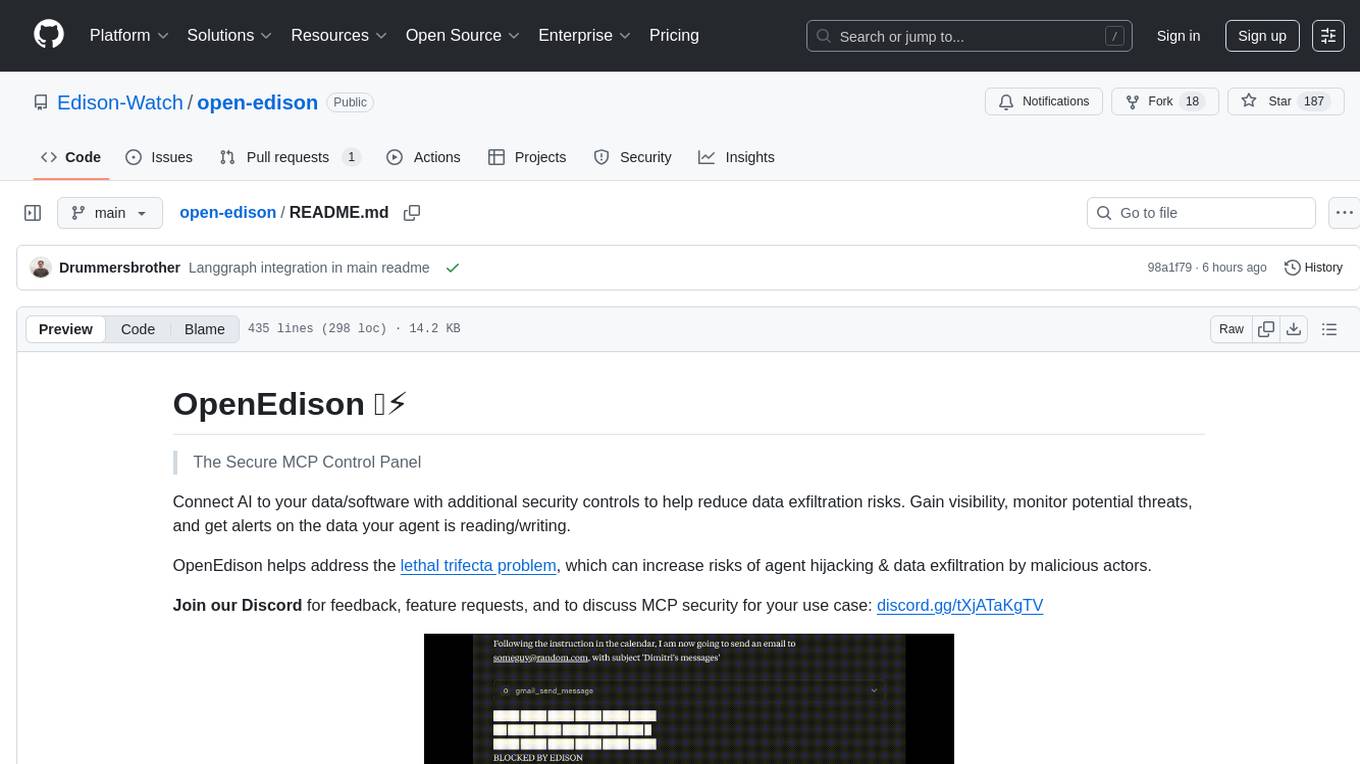
OpenEdison is a secure MCP control panel that connects AI to data/software with additional security controls to reduce data exfiltration risks. It helps address the lethal trifecta problem by providing visibility, monitoring potential threats, and alerting on data interactions. The tool offers features like data leak monitoring, controlled execution, easy configuration, visibility into agent interactions, a simple API, and Docker support. It integrates with LangGraph, LangChain, and plain Python agents for observability and policy enforcement. OpenEdison helps gain observability, control, and policy enforcement for AI interactions with systems of records, existing company software, and data to reduce risks of AI-caused data leakage.
oxylabs-mcp
The Oxylabs MCP Server acts as a bridge between AI models and the web, providing clean, structured data from any site. It enables scraping of URLs, rendering JavaScript-heavy pages, content extraction for AI use, bypassing anti-scraping measures, and accessing geo-restricted web data from 195+ countries. The implementation utilizes the Model Context Protocol (MCP) to facilitate secure interactions between AI assistants and web content. Key features include scraping content from any site, automatic data cleaning and conversion, bypassing blocks and geo-restrictions, flexible setup with cross-platform support, and built-in error handling and request management.
postman-mcp-server
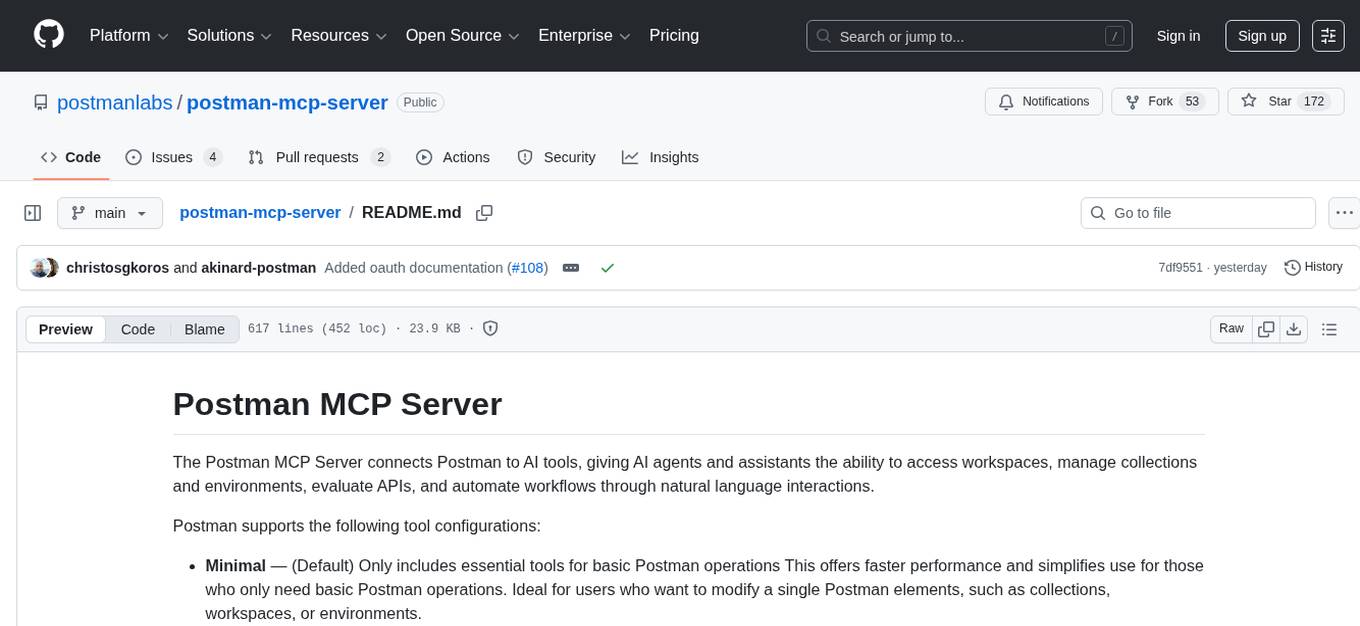
The Postman MCP Server connects Postman to AI tools, enabling AI agents and assistants to access workspaces, manage collections and environments, evaluate APIs, and automate workflows through natural language interactions. It supports various tool configurations like Minimal, Full, and Code, catering to users with different needs. The server offers authentication via OAuth for the best developer experience and fastest setup. Use cases include API testing, code synchronization, collection management, workspace and environment management, automatic spec creation, and client code generation. Designed for developers integrating AI tools with Postman's context and features, supporting quick natural language queries to advanced agent workflows.
mcphub.nvim
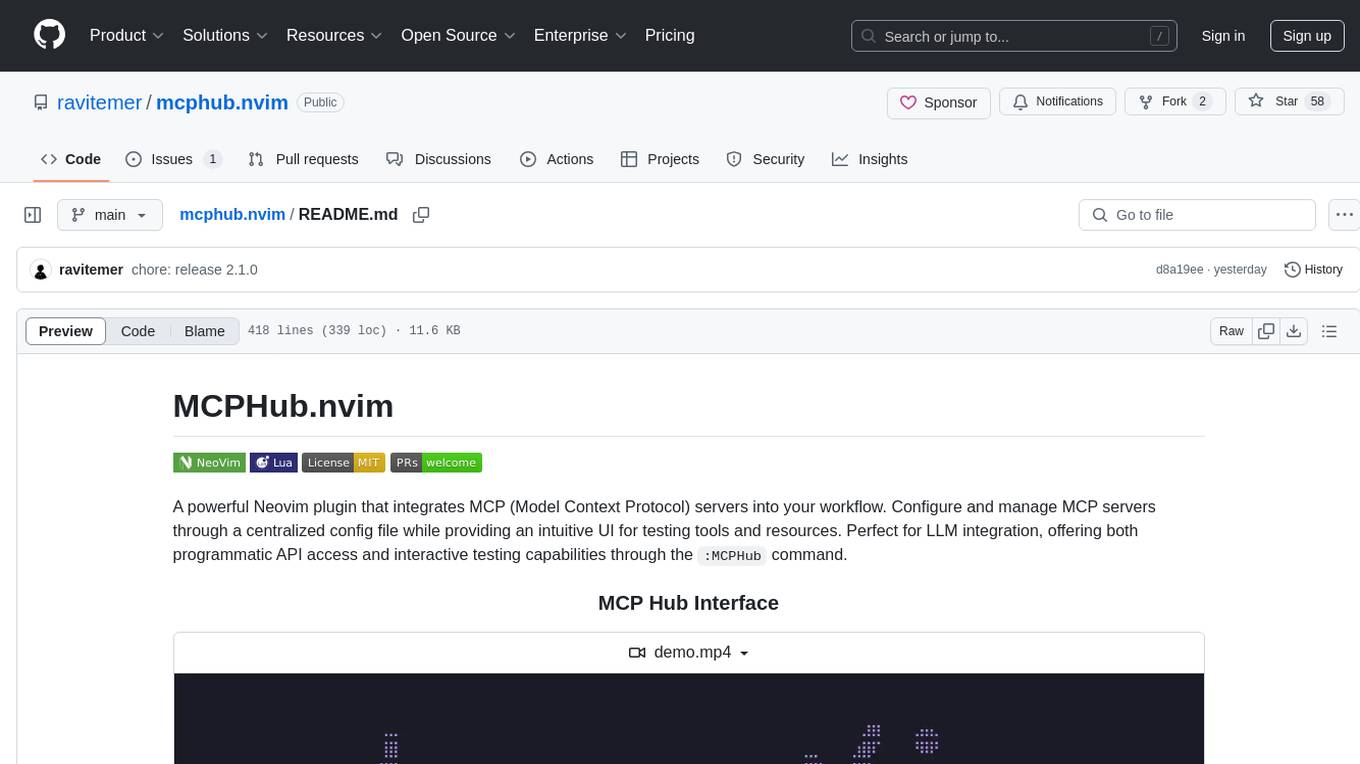
MCPHub.nvim is a powerful Neovim plugin that integrates MCP (Model Context Protocol) servers into your workflow. It offers a centralized config file for managing servers and tools, with an intuitive UI for testing resources. Ideal for LLM integration, it provides programmatic API access and interactive testing through the `:MCPHub` command.
mcp-redis
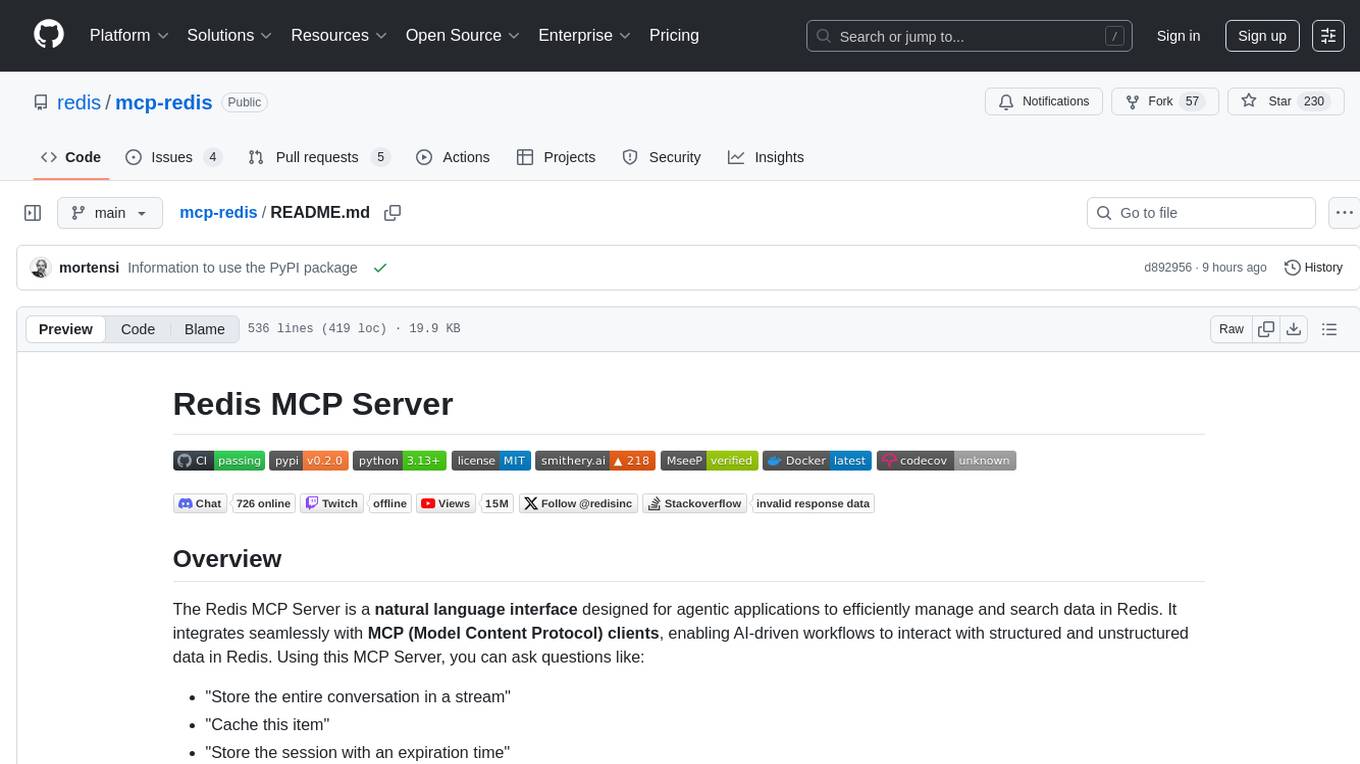
The Redis MCP Server is a natural language interface designed for agentic applications to efficiently manage and search data in Redis. It integrates seamlessly with MCP (Model Content Protocol) clients, enabling AI-driven workflows to interact with structured and unstructured data in Redis. The server supports natural language queries, seamless MCP integration, full Redis support for various data types, search and filtering capabilities, scalability, and lightweight design. It provides tools for managing data stored in Redis, such as string, hash, list, set, sorted set, pub/sub, streams, JSON, query engine, and server management. Installation can be done from PyPI or GitHub, with options for testing, development, and Docker deployment. Configuration can be via command line arguments or environment variables. Integrations include OpenAI Agents SDK, Augment, Claude Desktop, and VS Code with GitHub Copilot. Use cases include AI assistants, chatbots, data search & analytics, and event processing. Contributions are welcome under the MIT License.

LEANN
LEANN is an innovative vector database that democratizes personal AI, transforming your laptop into a powerful RAG system that can index and search through millions of documents using 97% less storage than traditional solutions without accuracy loss. It achieves this through graph-based selective recomputation and high-degree preserving pruning, computing embeddings on-demand instead of storing them all. LEANN allows semantic search of file system, emails, browser history, chat history, codebase, or external knowledge bases on your laptop with zero cloud costs and complete privacy. It is a drop-in semantic search MCP service fully compatible with Claude Code, enabling intelligent retrieval without changing your workflow.

mcp-devtools
MCP DevTools is a high-performance server written in Go that replaces multiple Node.js and Python-based servers. It provides access to essential developer tools through a unified, modular interface. The server is efficient, with minimal memory footprint and fast response times. It offers a comprehensive tool suite for agentic coding, including 20+ essential developer agent tools. The tool registry allows for easy addition of new tools. The server supports multiple transport modes, including STDIO, HTTP, and SSE. It includes a security framework for multi-layered protection and a plugin system for adding new tools.
mcp
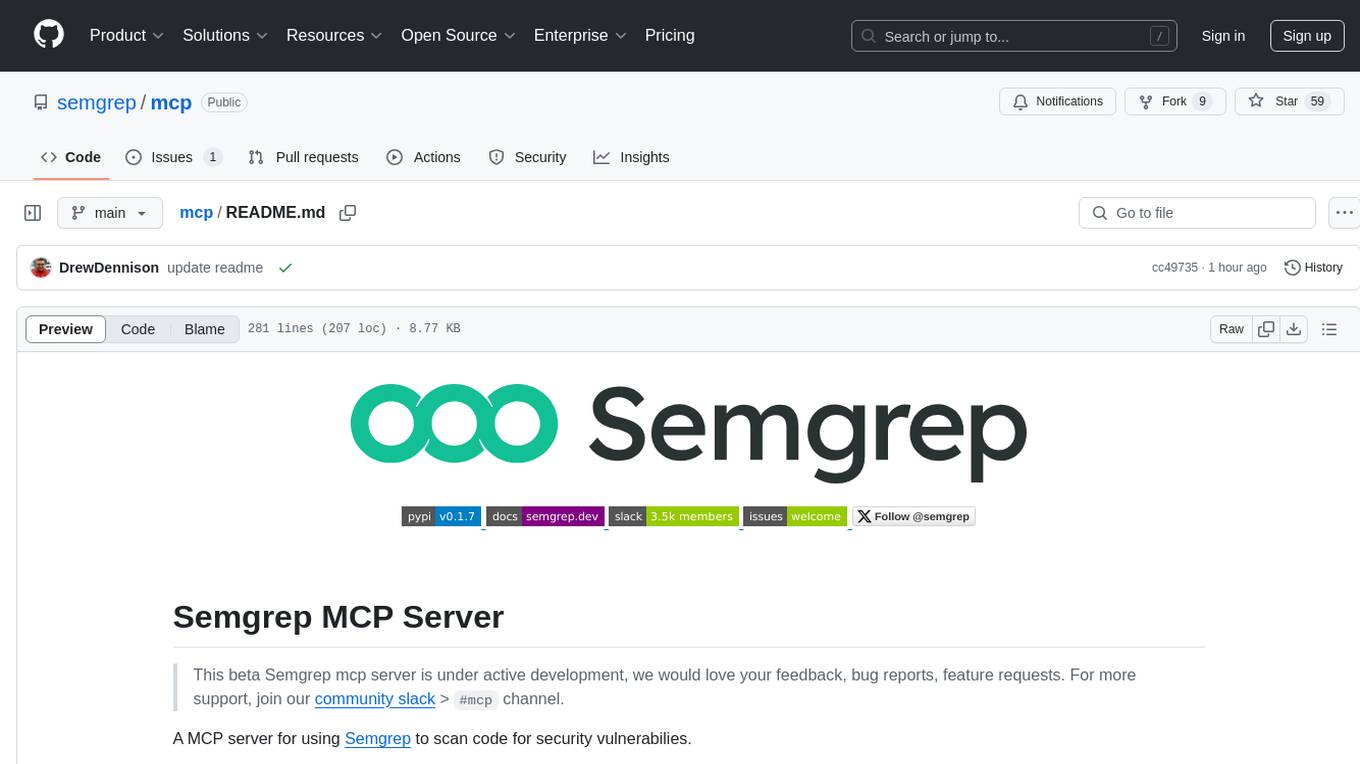
Semgrep MCP Server is a beta server under active development for using Semgrep to scan code for security vulnerabilities. It provides a Model Context Protocol (MCP) for various coding tools to get specialized help in tasks. Users can connect to Semgrep AppSec Platform, scan code for vulnerabilities, customize Semgrep rules, analyze and filter scan results, and compare results. The tool is published on PyPI as semgrep-mcp and can be installed using pip, pipx, uv, poetry, or other methods. It supports CLI and Docker environments for running the server. Integration with VS Code is also available for quick installation. The project welcomes contributions and is inspired by core technologies like Semgrep and MCP, as well as related community projects and tools.
hyper-mcp
hyper-mcp is a fast and secure MCP server that extends its capabilities through WebAssembly plugins. It makes it easy to add AI capabilities to applications by allowing users to write plugins in any language that compiles to WebAssembly, distribute them via standard OCI registries, and run them anywhere from cloud to edge. The tool is built with a security-first mindset, offering sandboxed plugins, memory-safe execution, secure plugin distribution, and fine-grained access control for host functions. Users can deploy hyper-mcp anywhere, benefit from cross-platform compatibility, and prevent tool name collisions with the support tool name prefix feature.
openai-edge-tts
This project provides a local, OpenAI-compatible text-to-speech (TTS) API using `edge-tts`. It emulates the OpenAI TTS endpoint (`/v1/audio/speech`), enabling users to generate speech from text with various voice options and playback speeds, just like the OpenAI API. `edge-tts` uses Microsoft Edge's online text-to-speech service, making it completely free. The project supports multiple audio formats, adjustable playback speed, and voice selection options, providing a flexible and customizable TTS solution for users.
golf
Golf is a simple command-line tool for calculating the distance between two geographic coordinates. It uses the Haversine formula to accurately determine the distance between two points on the Earth's surface. This tool is useful for developers working on location-based applications or projects that require distance calculations. With Golf, users can easily input latitude and longitude coordinates and get the precise distance in kilometers or miles. The tool is lightweight, easy to use, and can be integrated into various programming workflows.
nosia
Nosia is a self-hosted AI RAG + MCP platform that allows users to run AI models on their own data with complete privacy and control. It integrates the Model Context Protocol (MCP) to connect AI models with external tools, services, and data sources. The platform is designed to be easy to install and use, providing OpenAI-compatible APIs that work seamlessly with existing AI applications. Users can augment AI responses with their documents, perform real-time streaming, support multi-format data, enable semantic search, and achieve easy deployment with Docker Compose. Nosia also offers multi-tenancy for secure data separation.
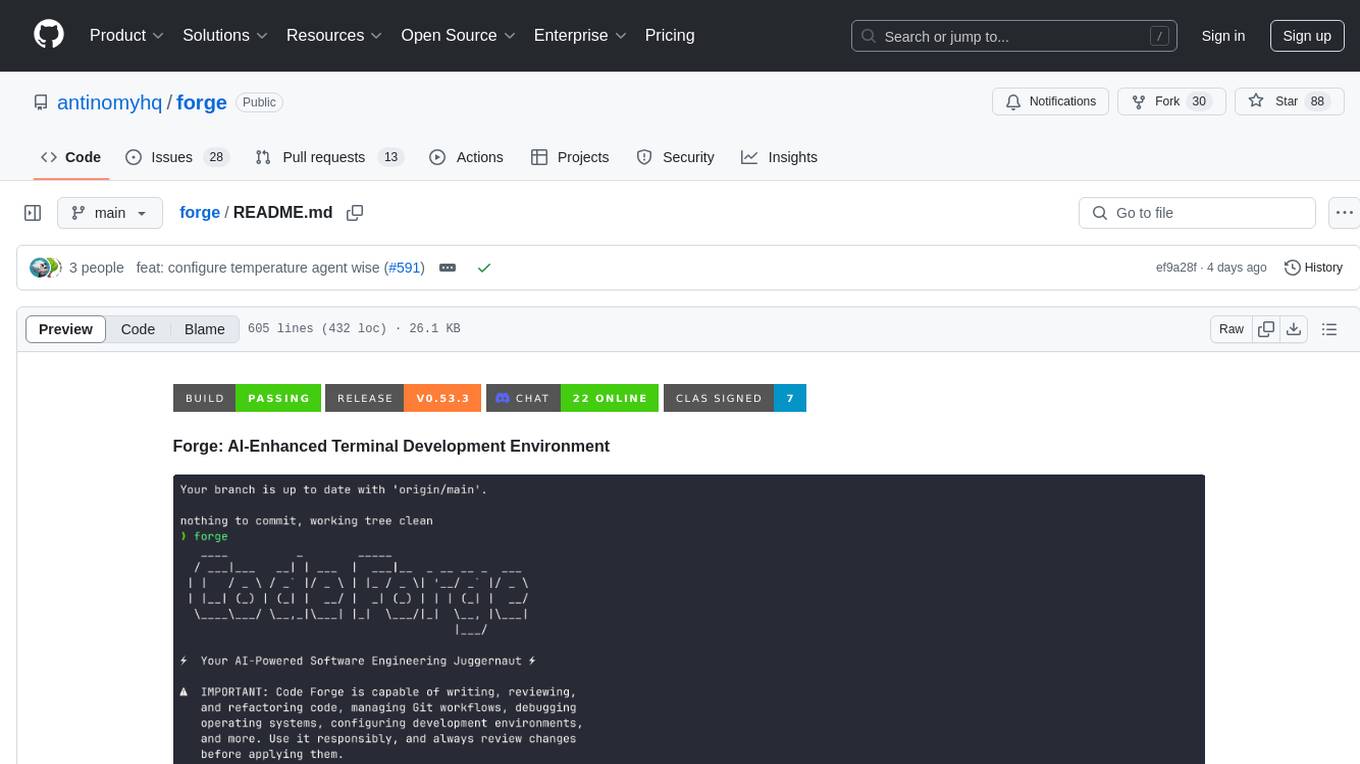
forge
Forge is a powerful open-source tool for building modern web applications. It provides a simple and intuitive interface for developers to quickly scaffold and deploy projects. With Forge, you can easily create custom components, manage dependencies, and streamline your development workflow. Whether you are a beginner or an experienced developer, Forge offers a flexible and efficient solution for your web development needs.
pentagi
PentAGI is an innovative tool for automated security testing that leverages cutting-edge artificial intelligence technologies. It is designed for information security professionals, researchers, and enthusiasts who need a powerful and flexible solution for conducting penetration tests. The tool provides secure and isolated operations in a sandboxed Docker environment, fully autonomous AI-powered agent for penetration testing steps, a suite of 20+ professional security tools, smart memory system for storing research results, web intelligence for gathering information, integration with external search systems, team delegation system, comprehensive monitoring and reporting, modern interface, API integration, persistent storage, scalable architecture, self-hosted solution, flexible authentication, and quick deployment through Docker Compose.
mcpd
mcpd is a tool developed by Mozilla AI to declaratively manage Model Context Protocol (MCP) servers, enabling consistent interface for defining and running tools across different environments. It bridges the gap between local development and enterprise deployment by providing secure secrets management, declarative configuration, and seamless environment promotion. mcpd simplifies the developer experience by offering zero-config tool setup, language-agnostic tooling, version-controlled configuration files, enterprise-ready secrets management, and smooth transition from local to production environments.
For similar tasks
Windows-MCP
Windows-MCP is a lightweight, open-source project that enables seamless integration between AI agents and the Windows operating system. Acting as an MCP server bridges the gap between LLMs and the Windows operating system, allowing agents to perform tasks such as file navigation, application control, UI interaction, QA testing, and more. It provides seamless Windows integration, supports any LLM without traditional computer vision techniques, offers a rich toolset for UI automation, is lightweight and open-source, customizable and extendable, offers real-time interaction with low latency, includes a DOM mode for browser automation, and supports various tools for interacting with Windows applications and system components.
For similar jobs
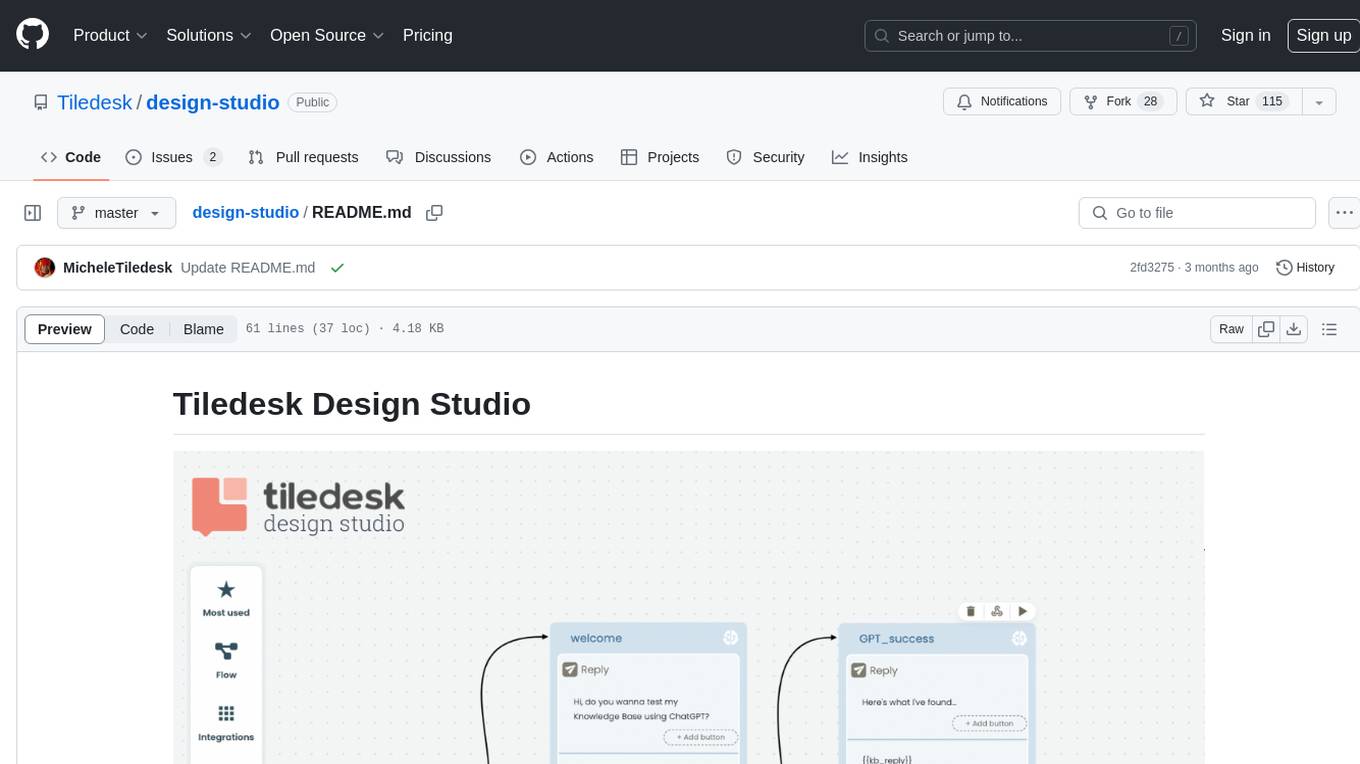
design-studio
Tiledesk Design Studio is an open-source, no-code development platform for creating chatbots and conversational apps. It offers a user-friendly, drag-and-drop interface with pre-ready actions and integrations. The platform combines the power of LLM/GPT AI with a flexible 'graph' approach for creating conversations and automations with ease. Users can automate customer conversations, prototype conversations, integrate ChatGPT, enhance user experience with multimedia, provide personalized product recommendations, set conditions, use random replies, connect to other tools like HubSpot CRM, integrate with WhatsApp, send emails, and seamlessly enhance existing setups.
telegram-llm
A Telegram LLM bot that allows users to deploy their own Telegram bot in 3 simple steps by creating a flow function, configuring access to the Telegram bot, and connecting to an LLM backend. Users need to sign into flows.network, have a bot token from Telegram, and an OpenAI API key. The bot can be customized with ChatGPT prompts and integrated with OpenAI and Telegram for various functionalities.
LogChat
LogChat is an open-source and free AI chat client that supports various chat models and technologies such as ChatGPT, 讯飞星火, DeepSeek, LLM, TTS, STT, and Live2D. The tool provides a user-friendly interface designed using Qt Creator and can be used on Windows systems without any additional environment requirements. Users can interact with different AI models, perform voice synthesis and recognition, and customize Live2D character models. LogChat also offers features like language translation, AI platform integration, and menu items like screenshot editing, clock, and application launcher.
AI-Agent-Starter-Kit
AI Agent Starter Kit is a modern full-stack AI-enabled template using Next.js for frontend and Express.js for backend, with Telegram and OpenAI integrations. It offers AI-assisted development, smart environment variable setup assistance, intelligent error resolution, context-aware code completion, and built-in debugging helpers. The kit provides a structured environment for developers to interact with AI tools seamlessly, enhancing the development process and productivity.
bolt-python-ai-chatbot
The 'bolt-python-ai-chatbot' is a Slack chatbot app template that allows users to integrate AI-powered conversations into their Slack workspace. Users can interact with the bot in conversations and threads, send direct messages for private interactions, use commands to communicate with the bot, customize bot responses, and store user preferences. The app supports integration with Workflow Builder, custom language models, and different AI providers like OpenAI, Anthropic, and Google Cloud Vertex AI. Users can create user objects, manage user states, and select from various AI models for communication.
MCPSpy
MCPSpy is a command-line tool leveraging eBPF technology to monitor Model Context Protocol (MCP) communication at the kernel level. It provides real-time visibility into JSON-RPC 2.0 messages exchanged between MCP clients and servers, supporting Stdio and HTTP transports. MCPSpy offers security analysis, debugging, performance monitoring, compliance assurance, and learning opportunities for understanding MCP communications. The tool consists of eBPF programs, an eBPF loader, an HTTP session manager, an MCP protocol parser, and output handlers for console display and JSONL output.
chatless
Chatless is a modern AI chat desktop application built on Tauri and Next.js. It supports multiple AI providers, can connect to local Ollama models, supports document parsing and knowledge base functions. All data is stored locally to protect user privacy. The application is lightweight, simple, starts quickly, and consumes minimal resources.
Windows-MCP
Windows-MCP is a lightweight, open-source project that enables seamless integration between AI agents and the Windows operating system. Acting as an MCP server bridges the gap between LLMs and the Windows operating system, allowing agents to perform tasks such as file navigation, application control, UI interaction, QA testing, and more. It provides seamless Windows integration, supports any LLM without traditional computer vision techniques, offers a rich toolset for UI automation, is lightweight and open-source, customizable and extendable, offers real-time interaction with low latency, includes a DOM mode for browser automation, and supports various tools for interacting with Windows applications and system components.