


CopilotKit
The Frontend for Agents & Generative UI. React + Angular
Stars: 28829
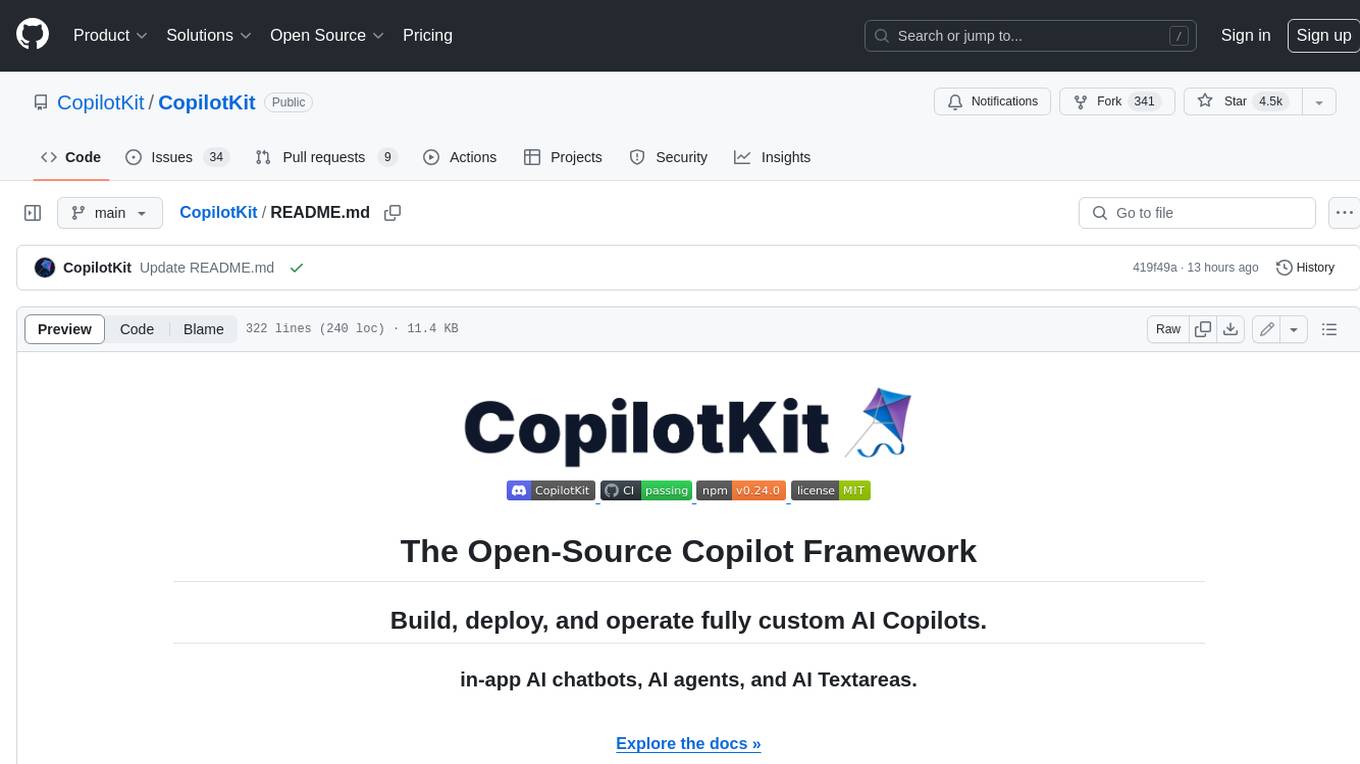
CopilotKit is an open-source framework for building, deploying, and operating fully custom AI Copilots, including in-app AI chatbots, AI agents, and AI Textareas. It provides a set of components and entry points that allow developers to easily integrate AI capabilities into their applications. CopilotKit is designed to be flexible and extensible, so developers can tailor it to their specific needs. It supports a variety of use cases, including providing app-aware AI chatbots that can interact with the application state and take action, drop-in replacements for textareas with AI-assisted text generation, and in-app agents that can access real-time application context and take action within the application.
README:
Docs · Examples · Copilot Cloud · Discord
Build agent-native applications with generative UI, shared state, and human-in-the-loop workflows.




CopilotKit is a best-in-class SDK for building full-stack agentic applications, Generative UI, and chat applications.
We are the company behind the AG-UI Protocol, adopted by Google, LangChain, AWS, Microsoft, Mastra, PydanticAI, and more!
https://github.com/user-attachments/assets/de5bcc17-1b51-4092-9a85-42971ecc1f4c
Features:
- Chat UI – A React-based chat interface that supports message streaming, tool calls, and agent responses.
- Backend Tool Rendering – Enables agents to call backend tools that return UI components rendered directly in the client.
- Generative UI – Allows agents to generate and update UI components dynamically at runtime based on user intent and agent state.
- Shared State – A synchronized state layer that both agents and UI components can read from and write to in real time.
- Human-in-the-Loop – Lets agents pause execution to request user input, confirmation, or edits before continuing.
https://github.com/user-attachments/assets/55bf6714-62a7-4d5d-9232-07747cc0763b
npx copilotkit@latest create -f <framework>npx copilotkit@latest inithttps://github.com/user-attachments/assets/7372b27b-8def-40fb-a11d-1f6585f556ad
What this gives you:
- CopilotKit installed – Core packages are fully set up in your app
- Provider configured – Context, state, and hooks ready to use
- Agent <> UI connected – Agents can stream actions and render UI immediately
- Deployment-ready – Your app is ready to deploy
Complete getting started guide →
CopilotKit connects your UI, agents, and tools into a single interaction loop.
This enables:
- Agents that ask users for input
- Tools that render UI
- Stateful workflows across steps and sessions
The useAgent hook is a proper superset of useCoAgent and sits directly on AG-UI, giving more control over the agent connection.
// Programmatically access and control your agents
const { agent } = useAgent({ agentId: "my_agent" });

// Render and update your agent's state
return <div>
  <h1>{agent.state.city}</h1>
  <button onClick={() => agent.setState({ city: "NYC" })}>
    Set City
  </button>
</div>
Check out the useAgent docs to learn more.
https://github.com/user-attachments/assets/67928406-8abc-49a1-a851-98018b52174f
Generative UI is a core CopilotKit pattern that allows agents to dynamically render UI as part of their workflow.
https://github.com/user-attachments/assets/3cfacac0-4ffd-457a-96f9-d7951e4ab7b6
Generative UI educational repo →
Connect agent workflow to user-facing apps, with deep partnerships and 1st-party integrations across the agentic stack—including LangGraph, CrewAI, and more.
npx create-ag-ui-app my-agent-app
Thanks for your interest in contributing to CopilotKit! 💜
We value all contributions, whether it's through code, documentation, creating demo apps, or just spreading the word.
Here are a few useful resources to help you get started:
-
For code contributions, CONTRIBUTING.md.
-
For documentation-related contributions, check out the documentation contributions guide.
-
Want to contribute but not sure how? Join our Discord and we'll help you out!
This repository's source code is available under the MIT License.
For Tasks:
Click tags to check more tools for each tasksFor Jobs:
Alternative AI tools for CopilotKit
Similar Open Source Tools
CopilotKit
CopilotKit is an open-source framework for building, deploying, and operating fully custom AI Copilots, including in-app AI chatbots, AI agents, and AI Textareas. It provides a set of components and entry points that allow developers to easily integrate AI capabilities into their applications. CopilotKit is designed to be flexible and extensible, so developers can tailor it to their specific needs. It supports a variety of use cases, including providing app-aware AI chatbots that can interact with the application state and take action, drop-in replacements for textareas with AI-assisted text generation, and in-app agents that can access real-time application context and take action within the application.
pebble
Pebbling is an open-source protocol for agent-to-agent communication, enabling AI agents to collaborate securely using Decentralised Identifiers (DIDs) and mutual TLS (mTLS). It provides a lightweight communication protocol built on JSON-RPC 2.0, ensuring reliable and secure conversations between agents. Pebbling allows agents to exchange messages safely, connect seamlessly regardless of programming language, and communicate quickly and efficiently. It is designed to pave the way for the next generation of collaborative AI systems, promoting secure and effortless communication between agents across different environments.
esp-ai
ESP-AI provides a complete AI conversation solution for your development board, including IAT+LLM+TTS integration solutions for ESP32 series development boards. It can be injected into projects without affecting existing ones. By providing keys from platforms like iFlytek, Jiling, and local services, you can run the services without worrying about interactions between services or between development boards and services. The project's server-side code is based on Node.js, and the hardware code is based on Arduino IDE.
gaia-ui
A collection of production-ready UI components designed specifically for building AI assistants and chatbots. These components are battle-tested in production at GAIA, designed to handle edge cases and real-world scenarios, accessible, responsive, and performant. The library focuses on quality over quantity, offering components that solve real problems better than existing alternatives. Users can easily add components to their projects using the provided commands, and the library is actively being developed and refined for better compatibility and smaller bundle sizes.
anything-llm
AnythingLLM is a full-stack application that enables you to turn any document, resource, or piece of content into context that any LLM can use as references during chatting. This application allows you to pick and choose which LLM or Vector Database you want to use as well as supporting multi-user management and permissions.
xpander.ai
xpander.ai is a Backend-as-a-Service for autonomous agents that abstracts the ops layer, allowing AI engineers to focus on behavior and outcomes. It provides managed agent hosting with version control and CI/CD, a fully managed PostgreSQL memory layer, and a library of 2,000+ functions. The platform features an AI native triggering system that processes inputs from various sources and delivers unified messages to agents. With support for any agent framework or SDK, including Agno and OpenAI, xpander.ai enables users to build intelligent, production-ready AI agents without dealing with infrastructure complexity.
RWKV-Runner
RWKV Runner is a project designed to simplify the usage of large language models by automating various processes. It provides a lightweight executable program and is compatible with the OpenAI API. Users can deploy the backend on a server and use the program as a client. The project offers features like model management, VRAM configurations, user-friendly chat interface, WebUI option, parameter configuration, model conversion tool, download management, LoRA Finetune, and multilingual localization. It can be used for various tasks such as chat, completion, composition, and model inspection.
Devon
Devon is an open-source pair programmer tool designed to facilitate collaborative coding sessions. It provides features such as multi-file editing, codebase exploration, test writing, bug fixing, and architecture exploration. The tool supports Anthropic, OpenAI, and Groq APIs, with plans to add more models in the future. Devon is community-driven, with ongoing development goals including multi-model support, plugin system for tool builders, self-hostable Electron app, and setting SOTA on SWE-bench Lite. Users can contribute to the project by developing core functionality, conducting research on agent performance, providing feedback, and testing the tool.
browser-use
Browser Use is a tool designed to make websites accessible for AI agents. It provides an easy way to connect AI agents with the browser, enabling users to perform tasks such as extracting vision and HTML elements, managing multiple tabs, and executing custom actions. The tool supports various language models and allows users to parallelize multiple agents for efficient processing. With features like self-correction and the ability to register custom actions, Browser Use offers a versatile solution for interacting with web content using AI technology.
gemini-next-chat
Gemini Next Chat is an open-source, extensible high-performance Gemini chatbot framework that supports one-click free deployment of private Gemini web applications. It provides a simple interface with image recognition and voice conversation, supports multi-modal models, talk mode, visual recognition, assistant market, support plugins, conversation list, full Markdown support, privacy and security, PWA support, well-designed UI, fast loading speed, static deployment, and multi-language support.
cognee
Cognee is an open-source framework designed for creating self-improving deterministic outputs for Large Language Models (LLMs) using graphs, LLMs, and vector retrieval. It provides a platform for AI engineers to enhance their models and generate more accurate results. Users can leverage Cognee to add new information, utilize LLMs for knowledge creation, and query the system for relevant knowledge. The tool supports various LLM providers and offers flexibility in adding different data types, such as text files or directories. Cognee aims to streamline the process of working with LLMs and improving AI models for better performance and efficiency.
quark-engine
Quark Engine is an AI-powered tool designed for analyzing Android APK files. It focuses on enhancing the detection process for auto-suggestion, enabling users to create detection workflows without coding. The tool offers an intuitive drag-and-drop interface for workflow adjustments and updates. Quark Agent, the core component, generates Quark Script code based on natural language input and feedback. The project is committed to providing a user-friendly experience for designing detection workflows through textual and visual methods. Various features are still under development and will be rolled out gradually.

serverless-rag-demo
The serverless-rag-demo repository showcases a solution for building a Retrieval Augmented Generation (RAG) system using Amazon Opensearch Serverless Vector DB, Amazon Bedrock, Llama2 LLM, and Falcon LLM. The solution leverages generative AI powered by large language models to generate domain-specific text outputs by incorporating external data sources. Users can augment prompts with relevant context from documents within a knowledge library, enabling the creation of AI applications without managing vector database infrastructure. The repository provides detailed instructions on deploying the RAG-based solution, including prerequisites, architecture, and step-by-step deployment process using AWS Cloudshell.

agentcloud
AgentCloud is an open-source platform that enables companies to build and deploy private LLM chat apps, empowering teams to securely interact with their data. It comprises three main components: Agent Backend, Webapp, and Vector Proxy. To run this project locally, clone the repository, install Docker, and start the services. The project is licensed under the GNU Affero General Public License, version 3 only. Contributions and feedback are welcome from the community.
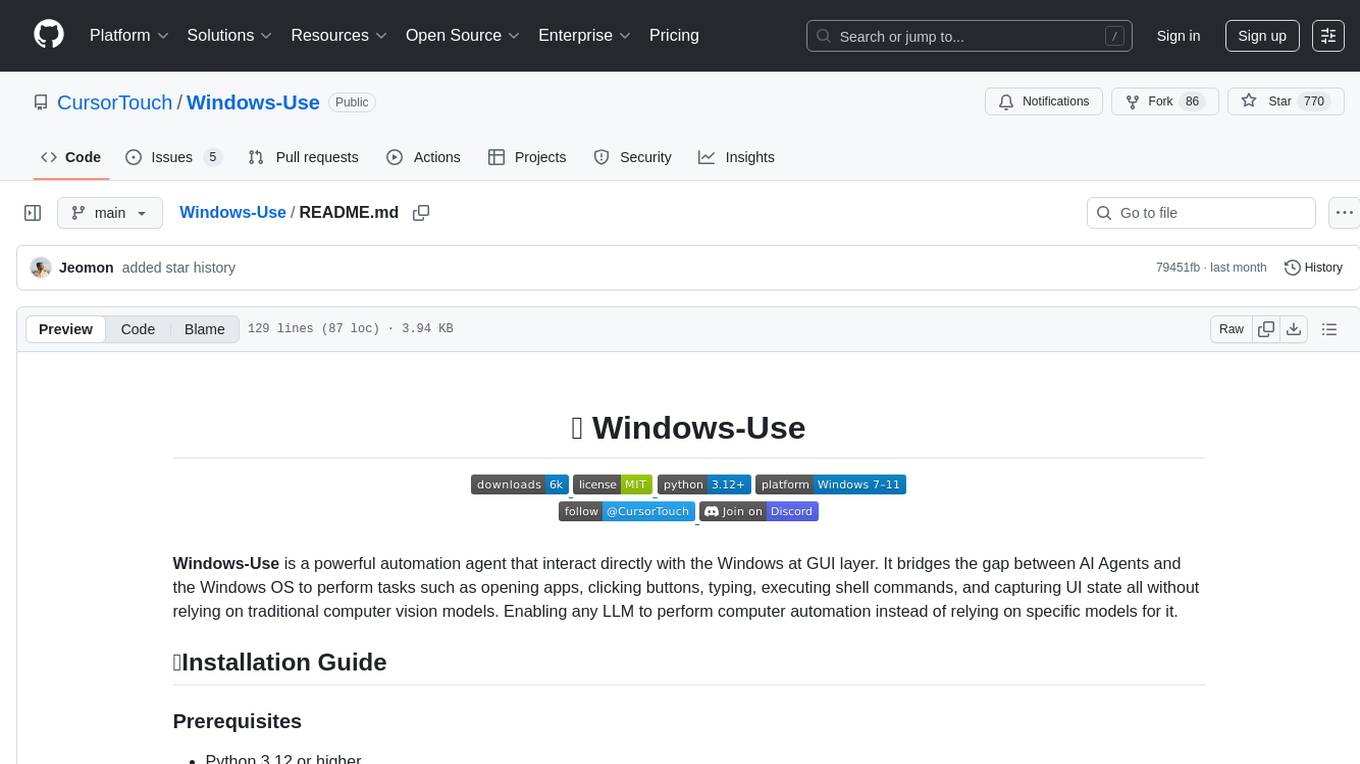
Windows-Use
Windows-Use is a powerful automation agent that interacts directly with the Windows OS at the GUI layer. It bridges the gap between AI agents and Windows to perform tasks such as opening apps, clicking buttons, typing, executing shell commands, and capturing UI state without relying on traditional computer vision models. It enables any large language model (LLM) to perform computer automation instead of relying on specific models for it.
any-agent
Any-agent is a tool that provides a single interface to use and evaluate different agent frameworks. It supports various frameworks like TinyAgent, Google ADK, LangChain, LlamaIndex, OpenAI Agents, Smolagents, and Agno AI. Users can define agent systems using the tool and access practical examples for creating agents, agent evaluations, using callbacks, integrating Model Context Protocol tools, deploying agents with Agent-to-Agent communication, and building Multi-Agent Systems with A2A. Contributions for new frameworks and features are welcome.
For similar tasks
CopilotKit
CopilotKit is an open-source framework for building, deploying, and operating fully custom AI Copilots, including in-app AI chatbots, AI agents, and AI Textareas. It provides a set of components and entry points that allow developers to easily integrate AI capabilities into their applications. CopilotKit is designed to be flexible and extensible, so developers can tailor it to their specific needs. It supports a variety of use cases, including providing app-aware AI chatbots that can interact with the application state and take action, drop-in replacements for textareas with AI-assisted text generation, and in-app agents that can access real-time application context and take action within the application.
ai
The Vercel AI SDK is a library for building AI-powered streaming text and chat UIs. It provides React, Svelte, Vue, and Solid helpers for streaming text responses and building chat and completion UIs. The SDK also includes a React Server Components API for streaming Generative UI and first-class support for various AI providers such as OpenAI, Anthropic, Mistral, Perplexity, AWS Bedrock, Azure, Google Gemini, Hugging Face, Fireworks, Cohere, LangChain, Replicate, Ollama, and more. Additionally, it offers Node.js, Serverless, and Edge Runtime support, as well as lifecycle callbacks for saving completed streaming responses to a database in the same request.
CEO
CEO is an intuitive and modular AI agent framework designed for task automation. It provides a flexible environment for building agents with specific abilities and personalities, allowing users to assign tasks and interact with the agents to automate various processes. The framework supports multi-agent collaboration scenarios and offers functionalities like instantiating agents, granting abilities, assigning queries, and executing tasks. Users can customize agent personalities and define specific abilities using decorators, making it easy to create complex automation workflows.
kitchenai
KitchenAI is an open-source toolkit designed to simplify AI development by serving as an AI backend and LLMOps solution. It aims to empower developers to focus on delivering results without being bogged down by AI infrastructure complexities. With features like simplifying AI integration, providing an AI backend, and empowering developers, KitchenAI streamlines the process of turning AI experiments into production-ready APIs. It offers built-in LLMOps features, is framework-agnostic and extensible, and enables faster time-to-production. KitchenAI is suitable for application developers, AI developers & data scientists, and platform & infra engineers, allowing them to seamlessly integrate AI into apps, deploy custom AI techniques, and optimize AI services with a modular framework. The toolkit eliminates the need to build APIs and infrastructure from scratch, making it easier to deploy AI code as production-ready APIs in minutes. KitchenAI also provides observability, tracing, and evaluation tools, and offers a Docker-first deployment approach for scalability and confidence.
react-native-executorch
React Native ExecuTorch is a framework that allows developers to run AI models on mobile devices using React Native. It bridges the gap between React Native and native platform capabilities, providing high-performance AI model execution without requiring deep knowledge of native code or machine learning internals. The tool supports ready-made models in `.pte` format and offers a Python API for custom models. It is designed to simplify the integration of AI features into React Native apps.
cactus
Cactus is an energy-efficient and fast AI inference framework designed for phones, wearables, and resource-constrained arm-based devices. It provides a bottom-up approach with no dependencies, optimizing for budget and mid-range phones. The framework includes Cactus FFI for integration, Cactus Engine for high-level transformer inference, Cactus Graph for unified computation graph, and Cactus Kernels for low-level ARM-specific operations. It is suitable for implementing custom models and scientific computing on mobile devices.
For similar jobs

sweep
Sweep is an AI junior developer that turns bugs and feature requests into code changes. It automatically handles developer experience improvements like adding type hints and improving test coverage.

teams-ai
The Teams AI Library is a software development kit (SDK) that helps developers create bots that can interact with Teams and Microsoft 365 applications. It is built on top of the Bot Framework SDK and simplifies the process of developing bots that interact with Teams' artificial intelligence capabilities. The SDK is available for JavaScript/TypeScript, .NET, and Python.

ai-guide
This guide is dedicated to Large Language Models (LLMs) that you can run on your home computer. It assumes your PC is a lower-end, non-gaming setup.

classifai
Supercharge WordPress Content Workflows and Engagement with Artificial Intelligence. Tap into leading cloud-based services like OpenAI, Microsoft Azure AI, Google Gemini and IBM Watson to augment your WordPress-powered websites. Publish content faster while improving SEO performance and increasing audience engagement. ClassifAI integrates Artificial Intelligence and Machine Learning technologies to lighten your workload and eliminate tedious tasks, giving you more time to create original content that matters.

chatbot-ui
Chatbot UI is an open-source AI chat app that allows users to create and deploy their own AI chatbots. It is easy to use and can be customized to fit any need. Chatbot UI is perfect for businesses, developers, and anyone who wants to create a chatbot.

BricksLLM
BricksLLM is a cloud native AI gateway written in Go. Currently, it provides native support for OpenAI, Anthropic, Azure OpenAI and vLLM. BricksLLM aims to provide enterprise level infrastructure that can power any LLM production use cases. Here are some use cases for BricksLLM: * Set LLM usage limits for users on different pricing tiers * Track LLM usage on a per user and per organization basis * Block or redact requests containing PIIs * Improve LLM reliability with failovers, retries and caching * Distribute API keys with rate limits and cost limits for internal development/production use cases * Distribute API keys with rate limits and cost limits for students

uAgents
uAgents is a Python library developed by Fetch.ai that allows for the creation of autonomous AI agents. These agents can perform various tasks on a schedule or take action on various events. uAgents are easy to create and manage, and they are connected to a fast-growing network of other uAgents. They are also secure, with cryptographically secured messages and wallets.

griptape
Griptape is a modular Python framework for building AI-powered applications that securely connect to your enterprise data and APIs. It offers developers the ability to maintain control and flexibility at every step. Griptape's core components include Structures (Agents, Pipelines, and Workflows), Tasks, Tools, Memory (Conversation Memory, Task Memory, and Meta Memory), Drivers (Prompt and Embedding Drivers, Vector Store Drivers, Image Generation Drivers, Image Query Drivers, SQL Drivers, Web Scraper Drivers, and Conversation Memory Drivers), Engines (Query Engines, Extraction Engines, Summary Engines, Image Generation Engines, and Image Query Engines), and additional components (Rulesets, Loaders, Artifacts, Chunkers, and Tokenizers). Griptape enables developers to create AI-powered applications with ease and efficiency.