


alcless
🍺 Alcoholless: lightweight security sandbox for Homebrew, AI agents, etc. on macOS
Stars: 131
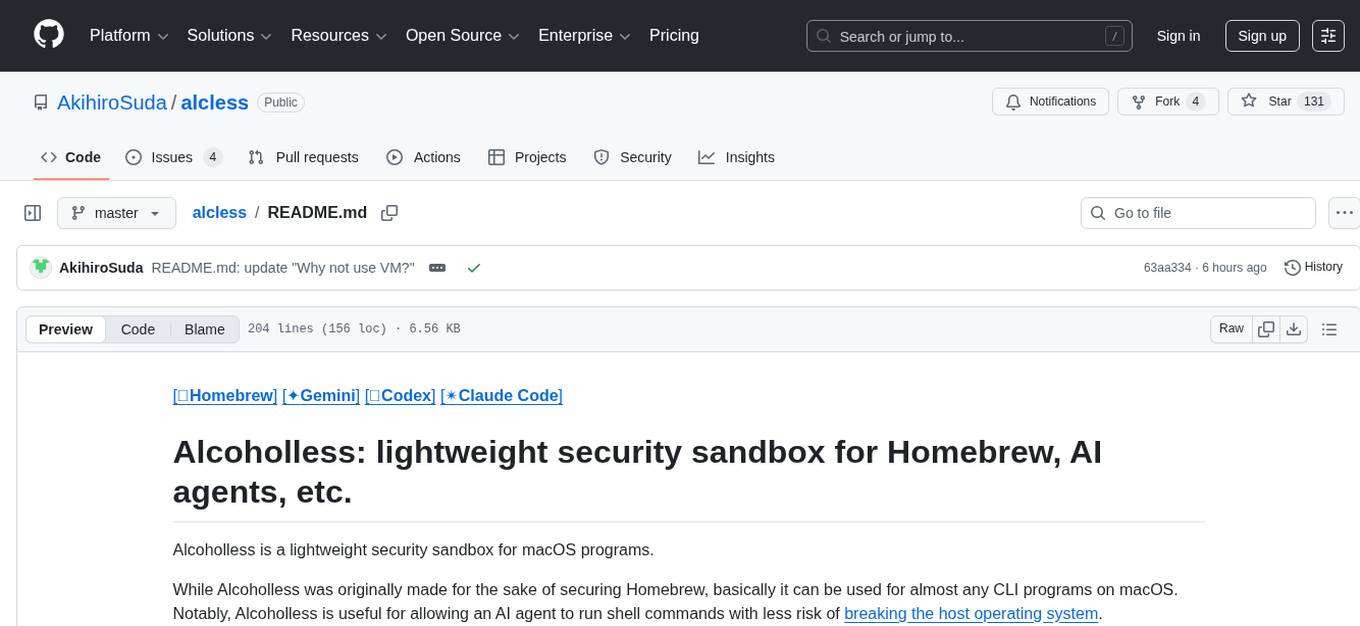
Alcoholless is a lightweight security sandbox for macOS programs, originally designed for securing Homebrew but can be used for any CLI programs. It allows AI agents to run shell commands with reduced risk of breaking the host OS. The tool creates a separate environment for executing commands, syncing changes back to the host directory upon command exit. It uses utilities like sudo, su, pam_launchd, and rsync, with potential future integration of FSKit for file syncing. The tool also generates a sudo configuration for user-specific sandbox access, enabling users to run commands as the sandbox user without a password.
README:
[🍺Homebrew] [✦Gemini] [֎Codex] [✴️Claude Code]
Alcoholless is a lightweight security sandbox for macOS programs.
While Alcoholless was originally made for the sake of securing Homebrew, basically it can be used for almost any CLI programs on macOS. Notably, Alcoholless is useful for allowing an AI agent to run shell commands with less risk of breaking the host operating system.
See also my blog article: https://medium.com/nttlabs/alcoholless-lightweight-security-sandbox-for-macos-ccf0d1927301
Alcoholless Homebrew (alcless brew) executes Homebrew in a separate environment
so as to reduce concerns around potential supply chain attacks.
cd ~/SOME_DIRECTORY
alcless brew install xz
alcless xz SOME_FILE
In the example above, xz works as a separate user with an access for the copy of the current directory.
The changed files are synced back to the current directory when the command exits, with a confirmation screen (see below).
Other directories are inaccessible, as long as the permissions are set correctly.
Confirmation screen
$ alcless xz SOME_FILE
0:00AM INF ➡️Syncing the files src=/Users/USER/SOME_DIRECTORY/ dst=default:/Users/alcless_USER_default/Users/USER/SOME_DIRECTORY
0:00AM INF ⬅️Syncing the files back (dry run) src=default:/Users/alcless_USER_default/Users/USER/SOME_DIRECTORY/ dst=/Users/USER/SOME_DIRECTORY
*deleting SOME_FILE
.d..t.... ./
>f+++++++ SOME_FILE.xz
0:00AM INF ⬅️Syncing the files back src=default:/Users/alcless_USER_default/Users/user/tmp/ dst=/Users/USER/tmp
⚠️  The following commands will be executed:
rsync -rai --delete -e '/usr/local/bin/alclessctl shell --workdir=/ --plain' default:/Users/alcless_USER_default/Users/USER/SOME_DIRECTORY/ /Users/USER/SOME_DIRECTORY
❓ Press return to continue, or Ctrl-C to abort
[RETURN]
CONTINUE
*deleting SOME_FILE
.d..t.... ./
>f+++++++ SOME_FILE.xz
[!IMPORTANT]
Alcoholless uses an unsupported installation mode of Homebrew that uses a custom installation prefix.
Do NOT report any issue that happens with Alcoholless to the upstream Homebrew.
Alcoholless is useful for sandboxing AI coding agents too. The file changes made by the AI are committed to the host filesystem only after the user confirmation.
cd ~/SOME_DIRECTORY
alcless brew install gemini-cli
alcless geminicd ~/SOME_DIRECTORY
alcless brew install codex
alcless codex[!TIP]
AI coding agents typically prints the authentication URL on the first run. Make sure to copy and paste the URL in a single line. (Hint: use TextEdit to eliminate extra line delimiters)
Unlike Gemini and Codex, Claude Code needs extra steps for the initial setup (issue #52):
- Switch the desktop user to
alcless_USER_defaultvia the Fast User Switching icon in the macOS menubar. - Run the following commands in the
alcless_USER_defaultdesktop:
brew install claude-code
claude- Authenticate with Anthropic in the initial screen of
claude. - Log out from the
alcless_USER_defaultdesktop. - Run the following commands in the main desktop:
cd ~/SOME_DIRECTORY
alcless zsh -c "security unlock-keychain && claude"Requirements:
- macOS
- Go
To install Alcoholless, run:
make
sudo make install
Makefile variables:
-
PREFIX: installation prefix (default:/usr/local)
To initialize the "default" sandbox (user account alcless_${USER}_default):
alclessctl create default
To run a command:
alclessctl shell default -- brew install xz
or
alcless brew install xz
To run a command, without rsyncing the current directory:
alclessctl shell --plain default bash
or
alcless --plain bash
To remove the sandbox:
alclessctl delete default
The command line is designed to be similar to limactl.
Just plain old utilities under the hood: sudo, su, pam_launchd, and rsync.
A future version may also incorporate FSKit to replace rsync.
Alcoholless creates /etc/sudoers.d/alcless_exampleuser_default for the user exampleuser, with the following content:
exampleuser ALL=(root) NOPASSWD: /usr/bin/su - alcless_exampleuser_default -c *
This sudo configuration allows exampleuser to run /usr/bin/su - alcless_exampleuser_default -c * as the root user,
without the password.
The su command being executed through sudo can run an arbitrary command as the sandbox user alcless_exampleuser_default.
See FAQs for the reason why su is wrapped inside sudo.
Because sudo doesn't isolate "a specific Mach bootstrap subset, audit session and other characteristics not recognized by POSIX" (see launchd(8)),
while su isolates them.
e.g., sudo -u alcless_exampleuser_default open -a TextEdit opens the TextEdit application as the current user, not as alcless_exampleuser_default.
This issue could be solved by copying the pam_launchd.so configuration from /etc/pam.d/su to /etc/pam.d/sudo,
however, touching such system configuration files might be scary.
So, the current workaround is to just wrap su inside sudo.
Because VM has several disadvantages:
- Non-negligible performance overhead
- High disk consumption
- No direct access to the host hardware (GPU, etc.)
- Localhost address inaccessible from the host
- Does not work on GitHub Actions etc. due to lack of the support for nested virtualization
Because Linux and FreeBSD already have containers.
- Alcoholless (Lightweight): run commands as a separate macOS user (not a VM, nor a container)
-
Lima (Strong security): run commands in a Linux VM
- Support for macOS VM is also planned
The alclessctl CLI is designed to mimic the limactl CLI for an easier learning,
however, Alcoholless does not use Lima under the hood.
For Tasks:
Click tags to check more tools for each tasksFor Jobs:
Alternative AI tools for alcless
Similar Open Source Tools
alcless
Alcoholless is a lightweight security sandbox for macOS programs, originally designed for securing Homebrew but can be used for any CLI programs. It allows AI agents to run shell commands with reduced risk of breaking the host OS. The tool creates a separate environment for executing commands, syncing changes back to the host directory upon command exit. It uses utilities like sudo, su, pam_launchd, and rsync, with potential future integration of FSKit for file syncing. The tool also generates a sudo configuration for user-specific sandbox access, enabling users to run commands as the sandbox user without a password.
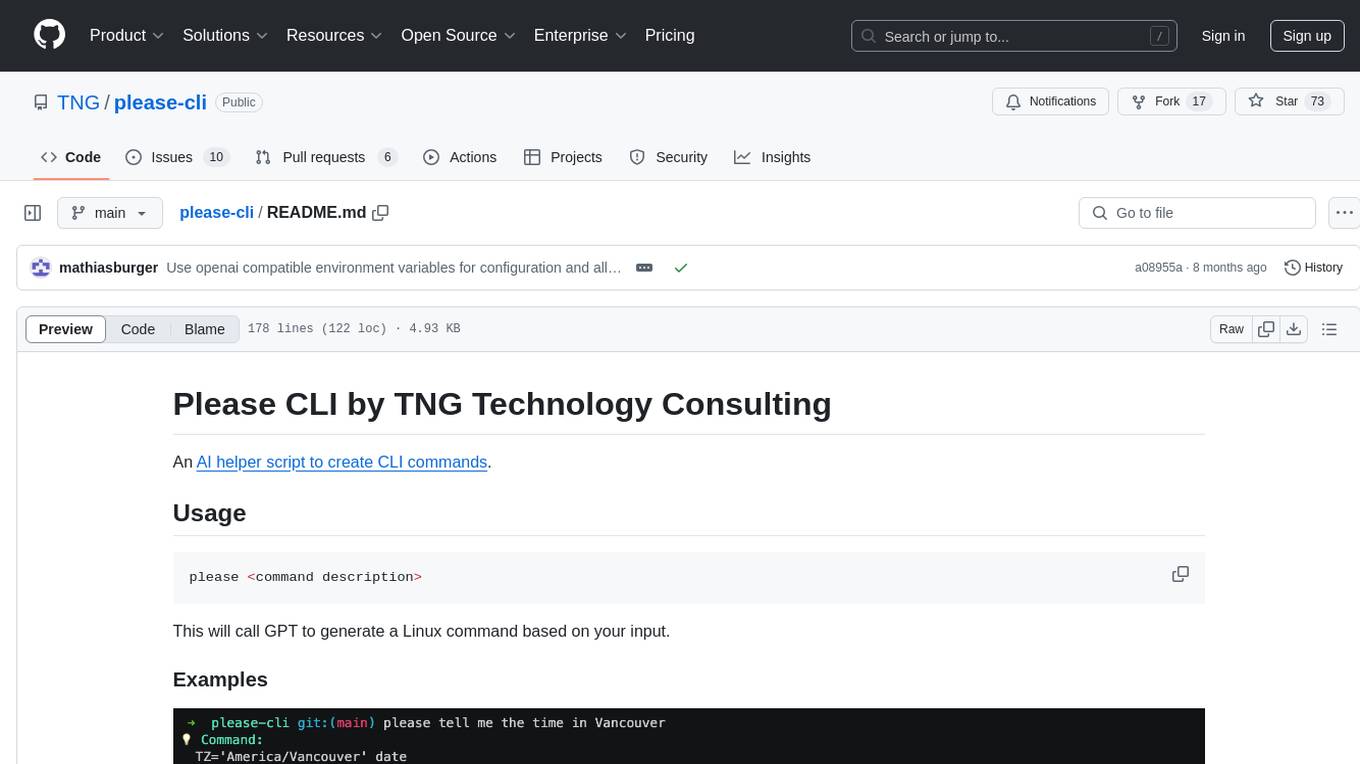
please-cli
Please CLI is an AI helper script designed to create CLI commands by leveraging the GPT model. Users can input a command description, and the script will generate a Linux command based on that input. The tool offers various functionalities such as invoking commands, copying commands to the clipboard, asking questions about commands, and more. It supports parameters for explanation, using different AI models, displaying additional output, storing API keys, querying ChatGPT with specific models, showing the current version, and providing help messages. Users can install Please CLI via Homebrew, apt, Nix, dpkg, AUR, or manually from source. The tool requires an OpenAI API key for operation and offers configuration options for setting API keys and OpenAI settings. Please CLI is licensed under the Apache License 2.0 by TNG Technology Consulting GmbH.
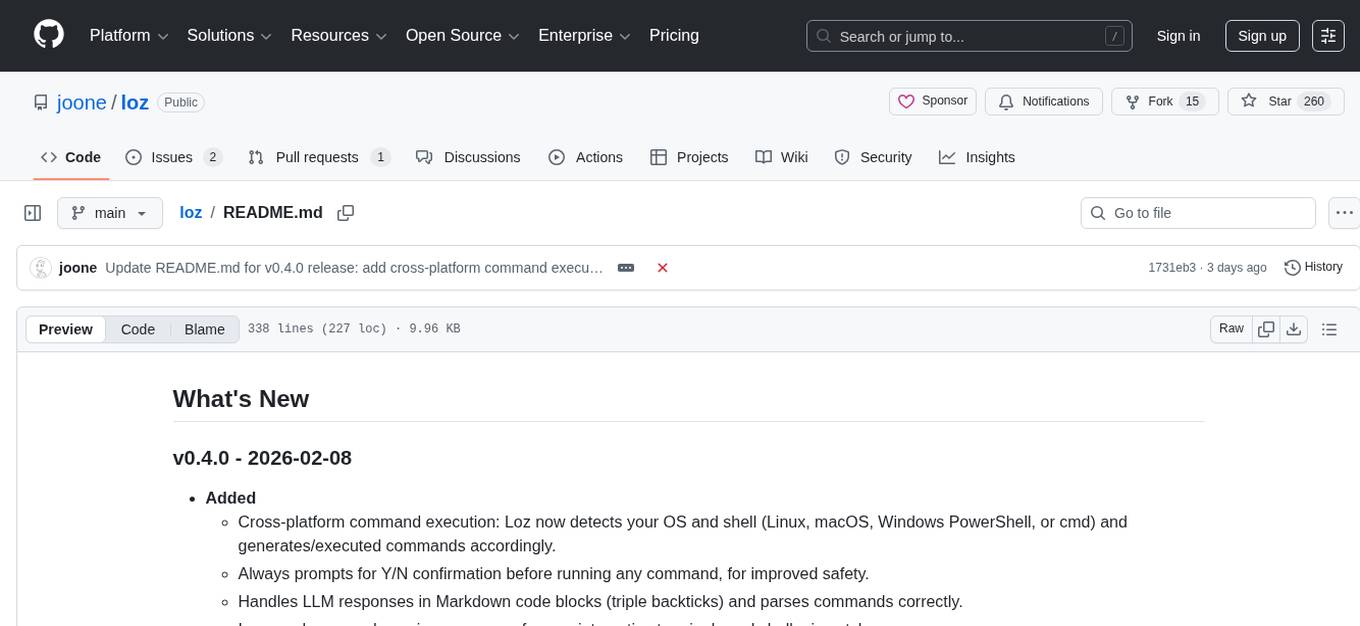
loz
Loz is a command-line tool that integrates AI capabilities with Unix tools, enabling users to execute system commands and utilize Unix pipes. It supports multiple LLM services like OpenAI API, Microsoft Copilot, and Ollama. Users can run Linux commands based on natural language prompts, enhance Git commit formatting, and interact with the tool in safe mode. Loz can process input from other command-line tools through Unix pipes and automatically generate Git commit messages. It provides features like chat history access, configurable LLM settings, and contribution opportunities.
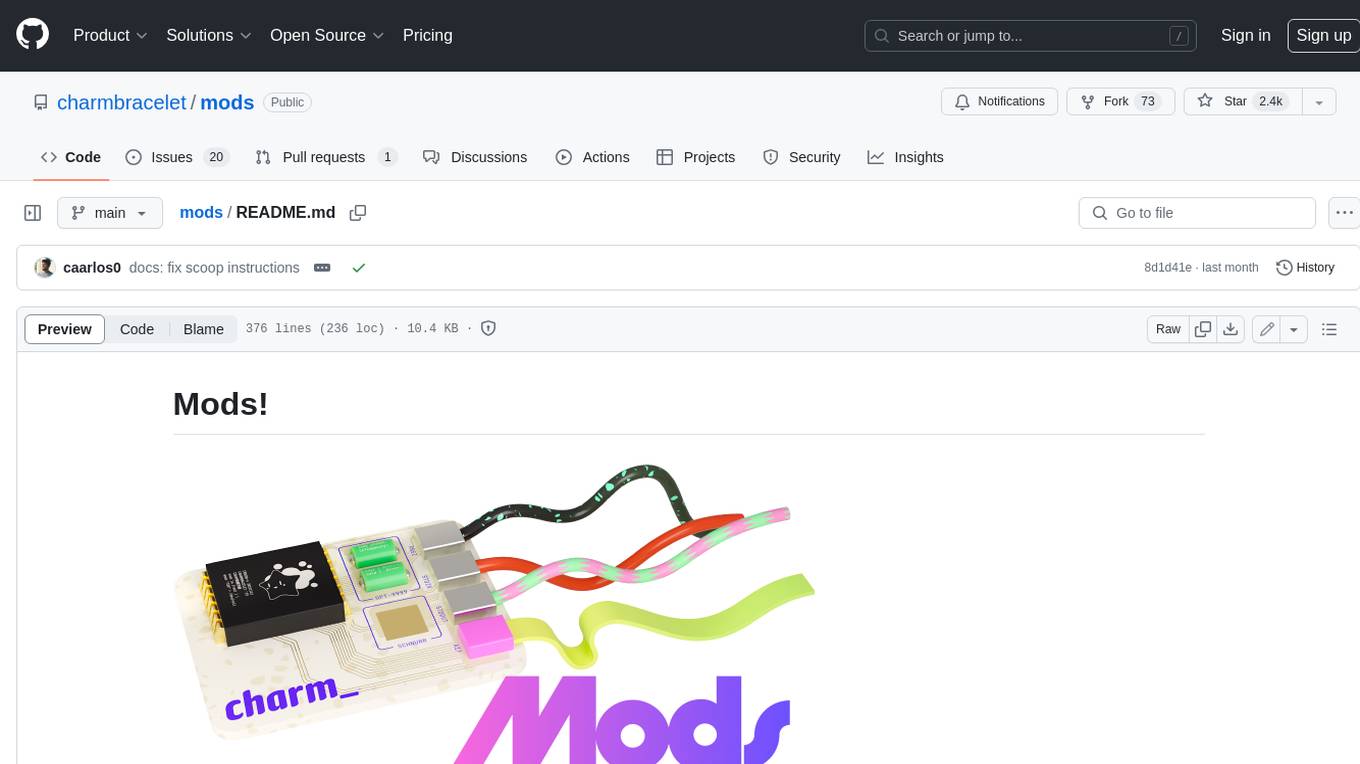
mods
AI for the command line, built for pipelines. LLM based AI is really good at interpreting the output of commands and returning the results in CLI friendly text formats like Markdown. Mods is a simple tool that makes it super easy to use AI on the command line and in your pipelines. Mods works with OpenAI, Groq, Azure OpenAI, and LocalAI To get started, install Mods and check out some of the examples below. Since Mods has built-in Markdown formatting, you may also want to grab Glow to give the output some _pizzazz_.
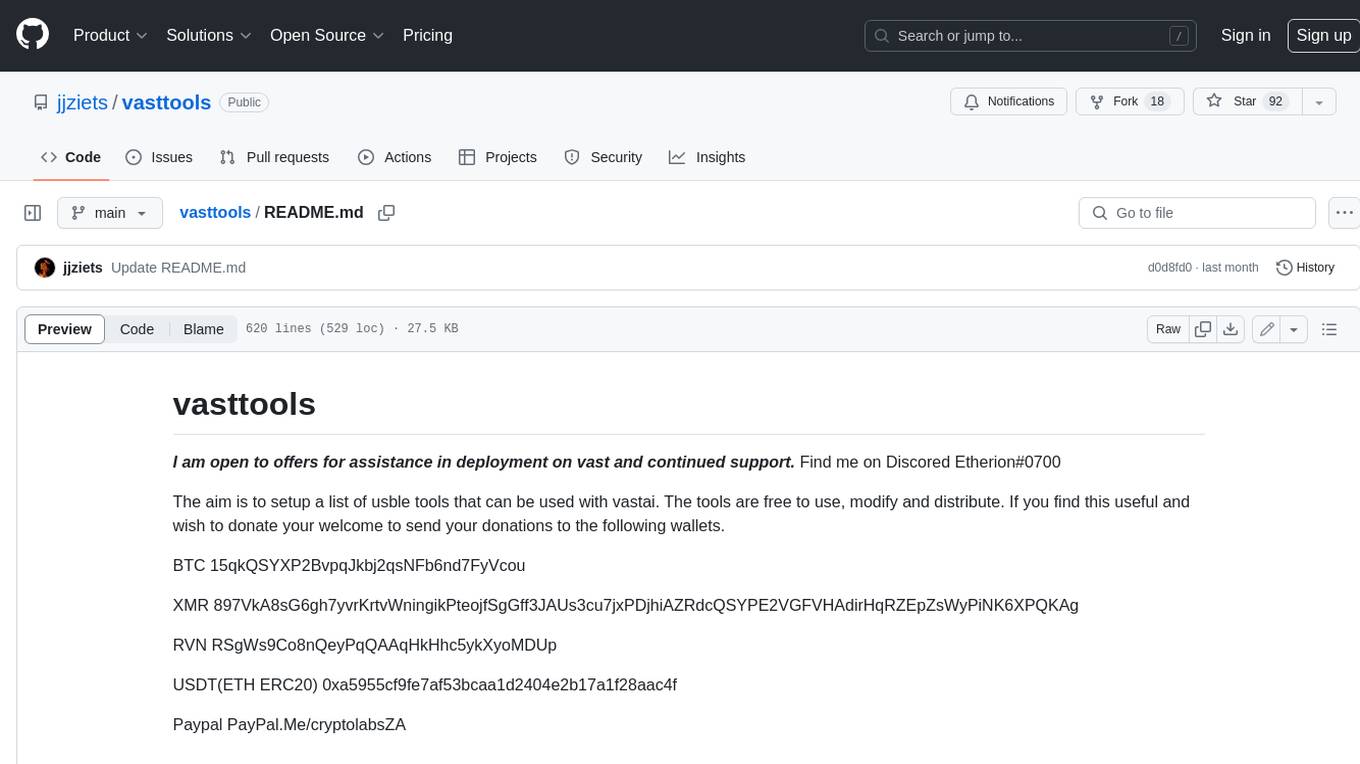
vasttools
This repository contains a collection of tools that can be used with vastai. The tools are free to use, modify and distribute. If you find this useful and wish to donate your welcome to send your donations to the following wallets. BTC 15qkQSYXP2BvpqJkbj2qsNFb6nd7FyVcou XMR 897VkA8sG6gh7yvrKrtvWningikPteojfSgGff3JAUs3cu7jxPDjhiAZRdcQSYPE2VGFVHAdirHqRZEpZsWyPiNK6XPQKAg RVN RSgWs9Co8nQeyPqQAAqHkHhc5ykXyoMDUp USDT(ETH ERC20) 0xa5955cf9fe7af53bcaa1d2404e2b17a1f28aac4f Paypal PayPal.Me/cryptolabsZA
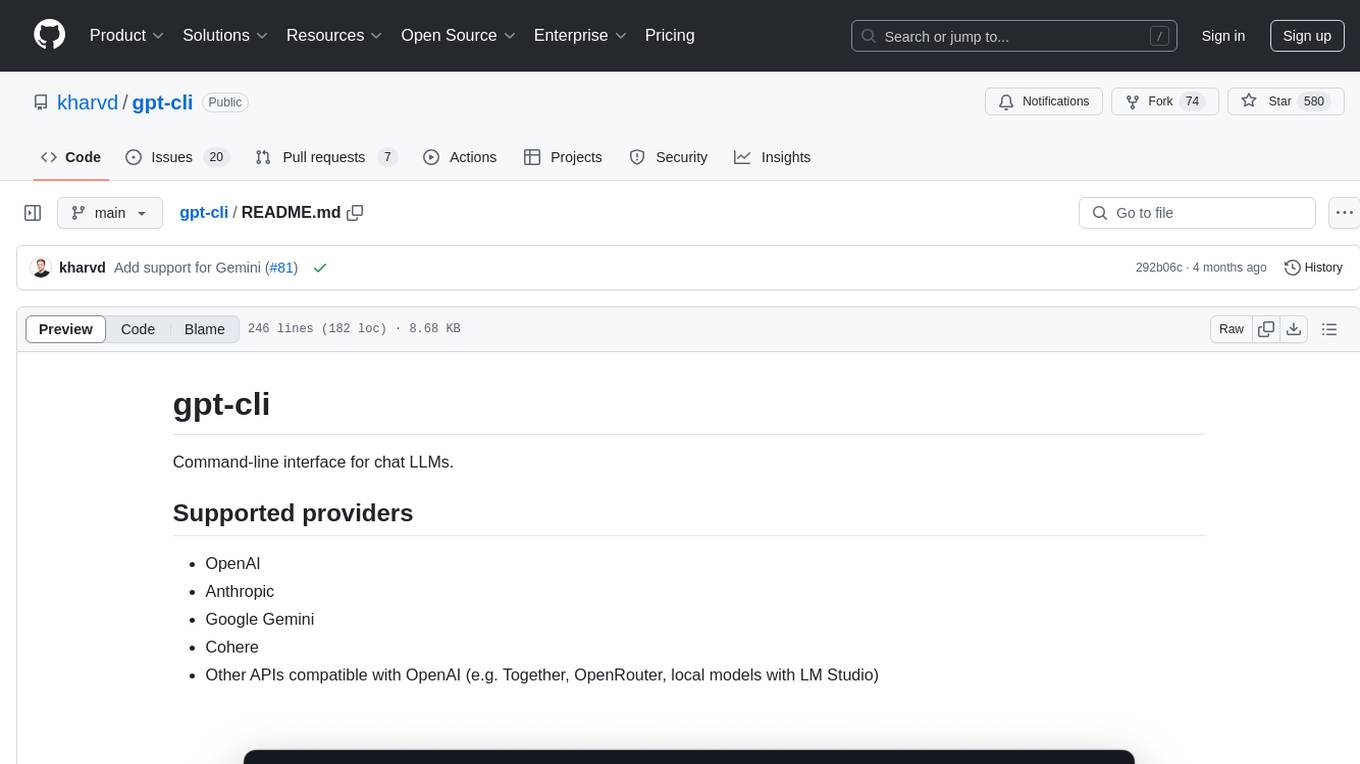
gpt-cli
gpt-cli is a command-line interface tool for interacting with various chat language models like ChatGPT, Claude, and others. It supports model customization, usage tracking, keyboard shortcuts, multi-line input, markdown support, predefined messages, and multiple assistants. Users can easily switch between different assistants, define custom assistants, and configure model parameters and API keys in a YAML file for easy customization and management.
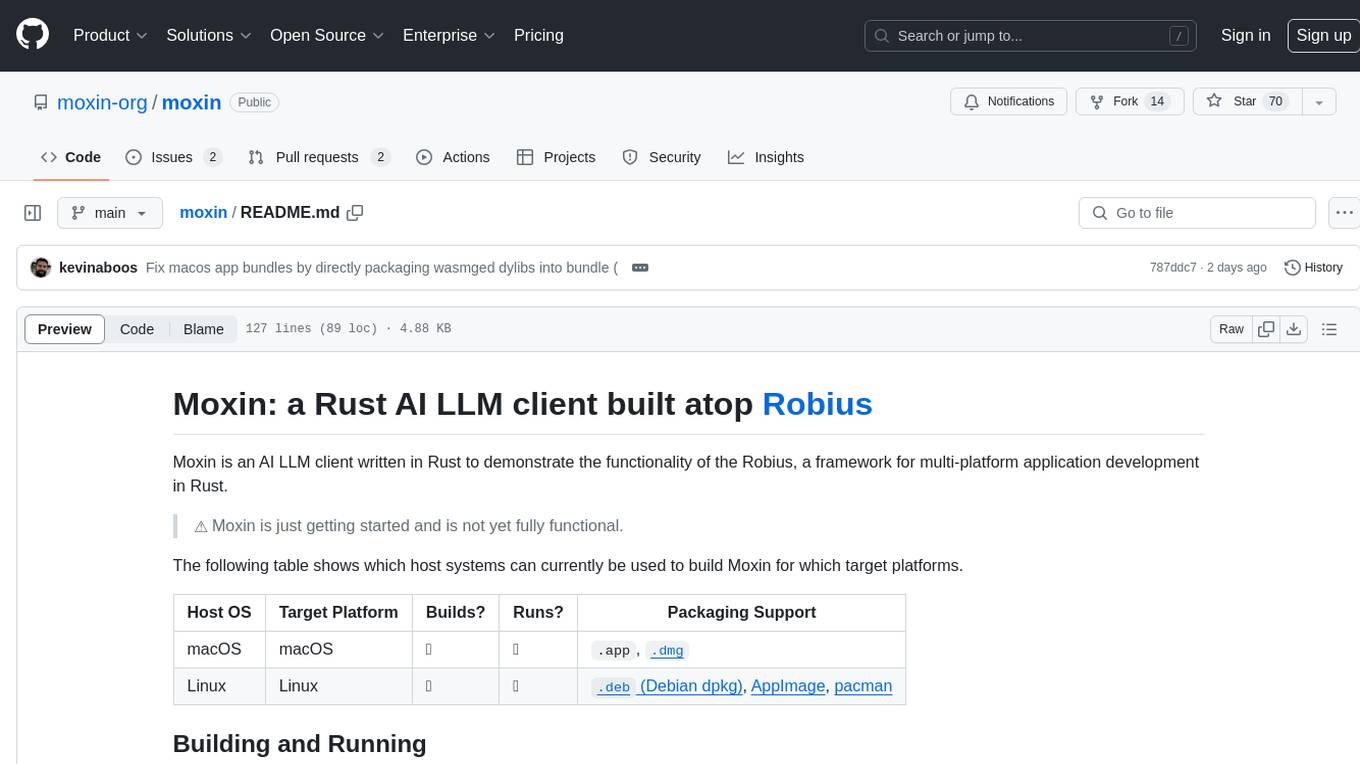
moxin
Moxin is an AI LLM client written in Rust to demonstrate the functionality of the Robius framework for multi-platform application development. It is currently in early stages of development and not fully functional. The tool supports building and running on macOS and Linux systems, with packaging options available for distribution. Users can install the required WasmEdge WASM runtime and dependencies to build and run Moxin. Packaging for distribution includes generating `.deb` Debian packages, AppImage, and pacman installation packages for Linux, as well as `.app` bundles and `.dmg` disk images for macOS. The macOS app is not signed, leading to a warning on installation, which can be resolved by removing the quarantine attribute from the installed app.
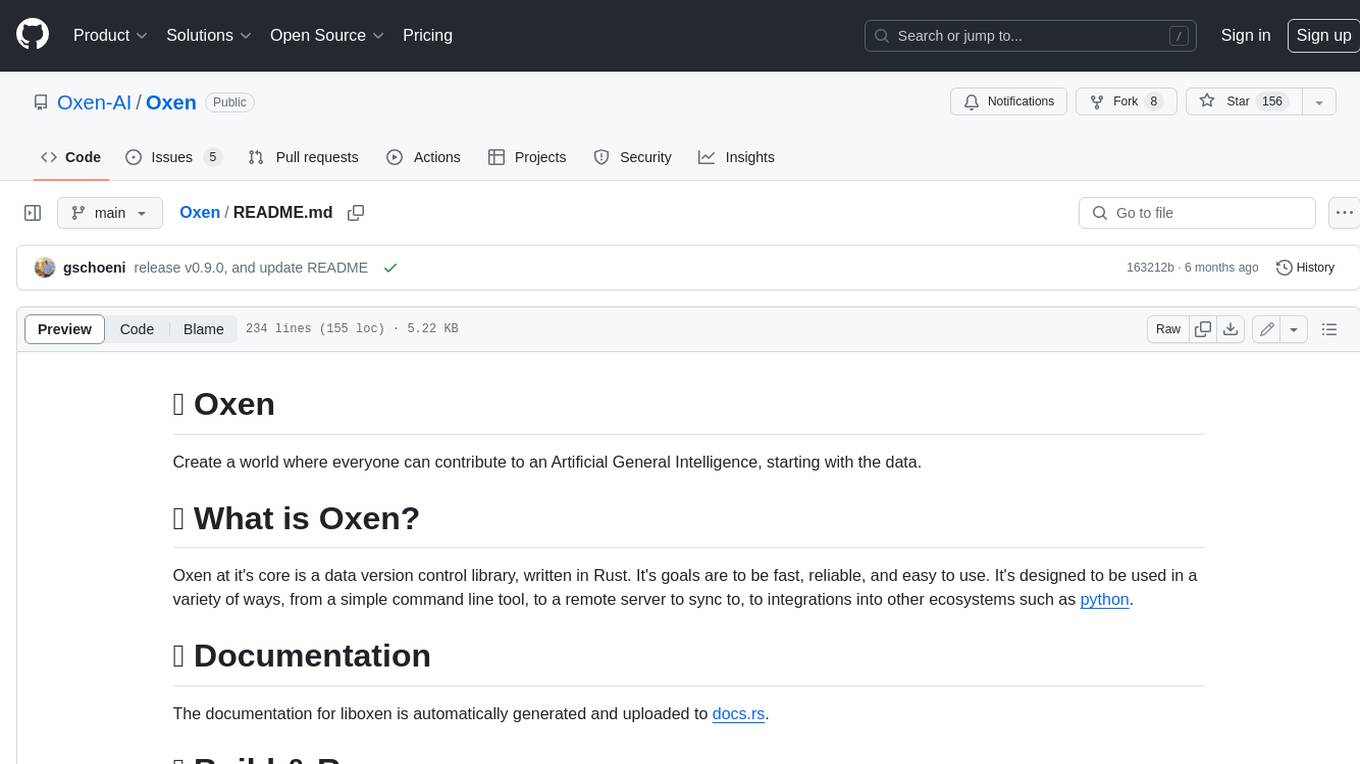
Oxen
Oxen is a data version control library, written in Rust. It's designed to be fast, reliable, and easy to use. Oxen can be used in a variety of ways, from a simple command line tool to a remote server to sync to, to integrations into other ecosystems such as python.
jupyter-quant
Jupyter Quant is a dockerized environment tailored for quantitative research, equipped with essential tools like statsmodels, pymc, arch, py_vollib, zipline-reloaded, PyPortfolioOpt, numpy, pandas, sci-py, scikit-learn, yellowbricks, shap, optuna, and more. It provides Interactive Broker connectivity via ib_async and includes major Python packages for statistical and time series analysis. The image is optimized for size, includes jedi language server, jupyterlab-lsp, and common command line utilities. Users can install new packages with sudo, leverage apt cache, and bring their own dot files and SSH keys. The tool is designed for ephemeral containers, ensuring data persistence and flexibility for quantitative analysis tasks.
chat-ui
A chat interface using open source models, eg OpenAssistant or Llama. It is a SvelteKit app and it powers the HuggingChat app on hf.co/chat.
hash
HASH is a self-building, open-source database which grows, structures and checks itself. With it, we're creating a platform for decision-making, which helps you integrate, understand and use data in a variety of different ways.
air
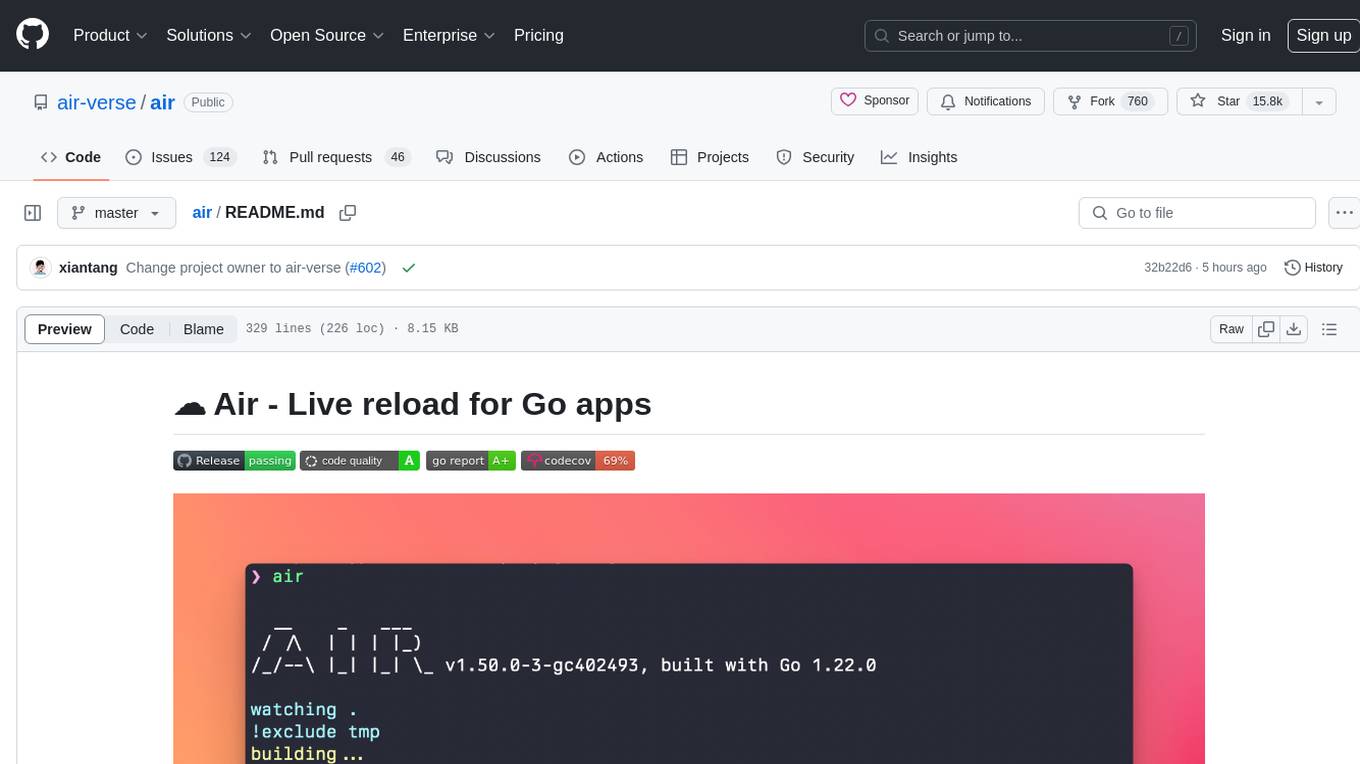
Air is a live-reloading command line utility for developing Go applications. It provides colorful log output, customizable build or any command, support for excluding subdirectories, and allows watching new directories after Air started. Users can overwrite specific configuration from arguments and pass runtime arguments for running the built binary. Air can be installed via `go install`, `install.sh`, or `goblin.run`, and can also be used with Docker/Podman. It supports debugging, Docker Compose, and provides a Q&A section for common issues. The tool requires Go 1.16+ for development and welcomes pull requests. Air is released under the GNU General Public License v3.0.
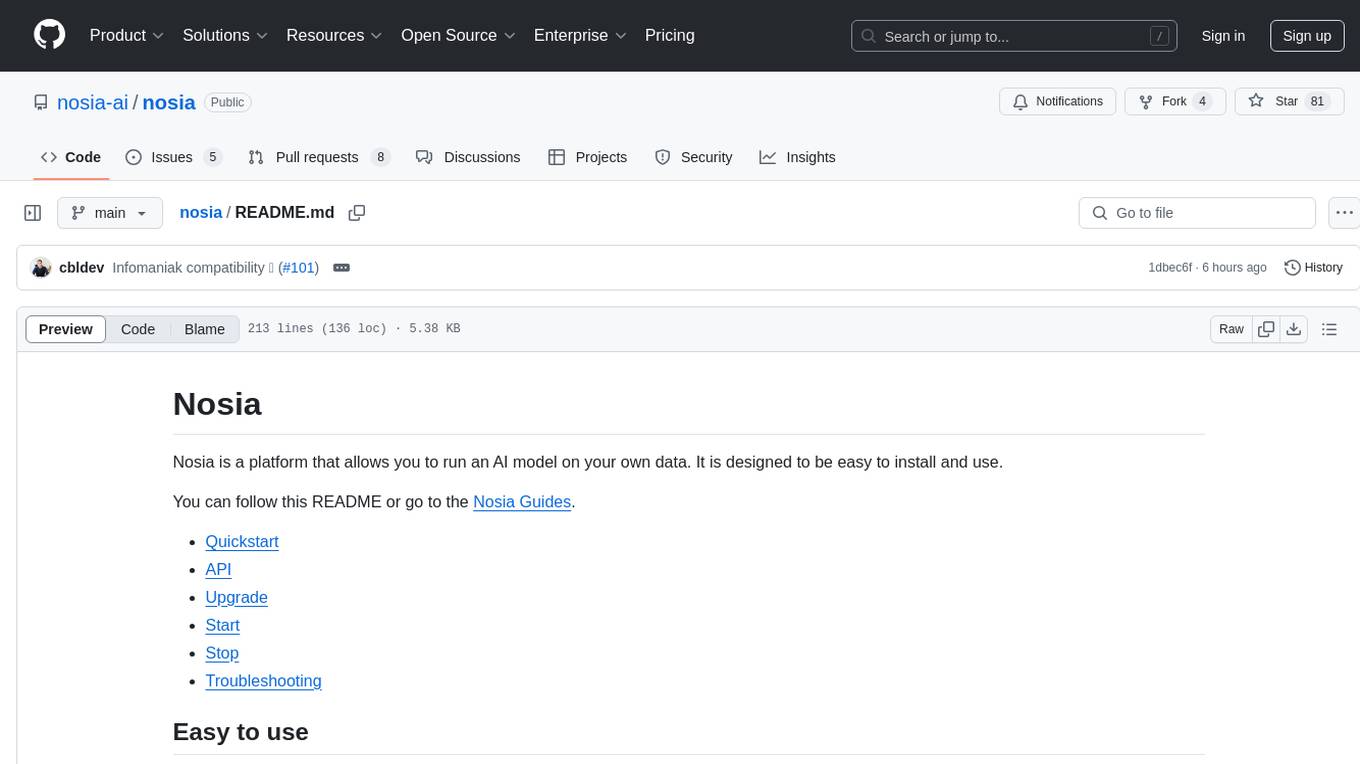
nosia
Nosia is a platform that allows users to run an AI model on their own data. It is designed to be easy to install and use. Users can follow the provided guides for quickstart, API usage, upgrading, starting, stopping, and troubleshooting. The platform supports custom installations with options for remote Ollama instances, custom completion models, and custom embeddings models. Advanced installation instructions are also available for macOS with a Debian or Ubuntu VM setup. Users can access the platform at 'https://nosia.localhost' and troubleshoot any issues by checking logs and job statuses.
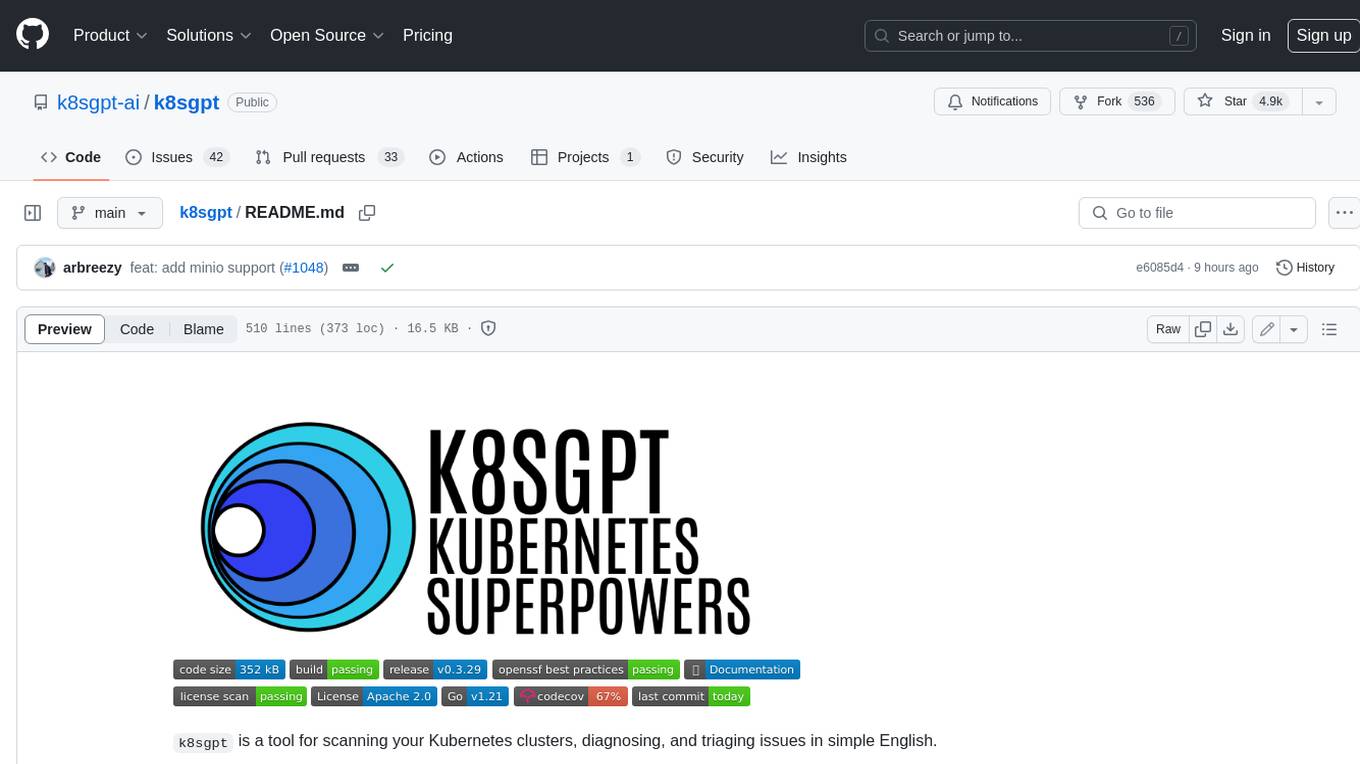
k8sgpt
K8sGPT is a tool for scanning your Kubernetes clusters, diagnosing, and triaging issues in simple English. It has SRE experience codified into its analyzers and helps to pull out the most relevant information to enrich it with AI.
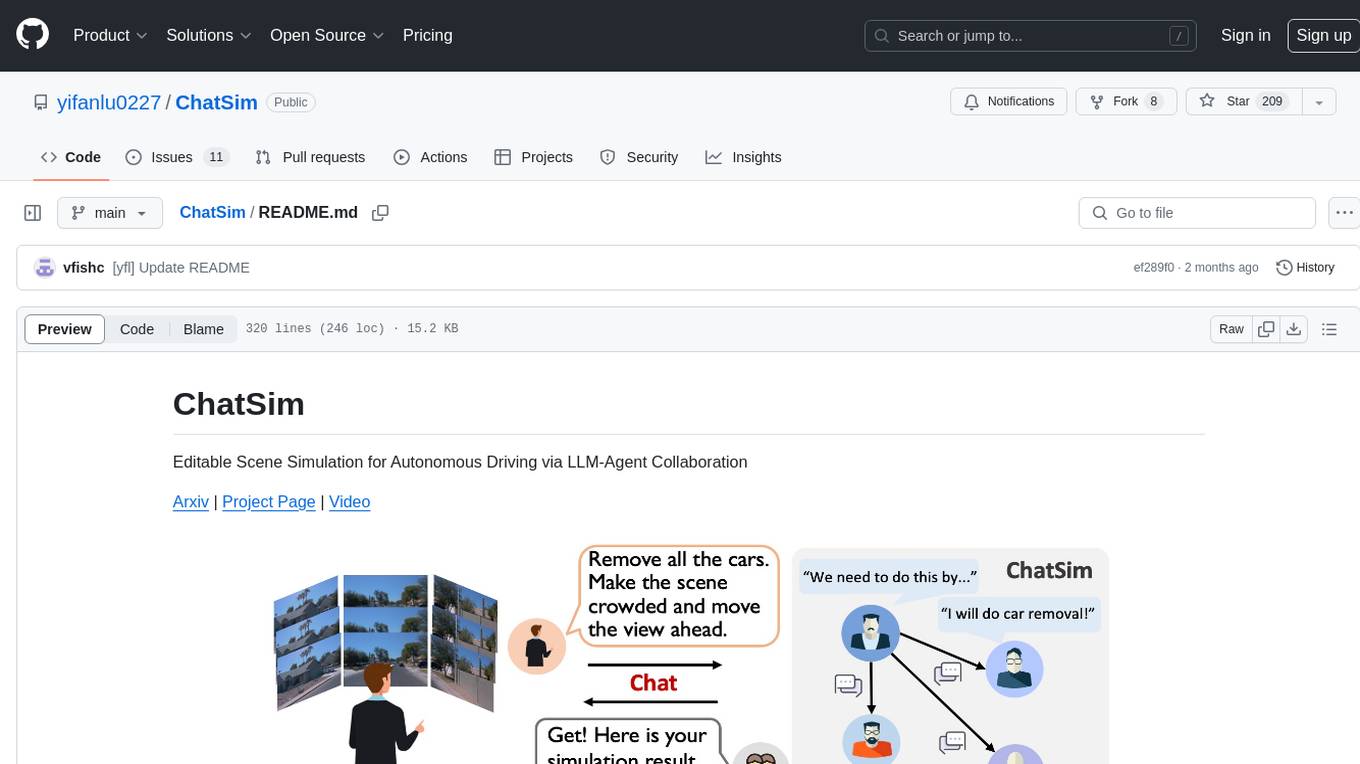
ChatSim
ChatSim is a tool designed for editable scene simulation for autonomous driving via LLM-Agent collaboration. It provides functionalities for setting up the environment, installing necessary dependencies like McNeRF and Inpainting tools, and preparing data for simulation. Users can train models, simulate scenes, and track trajectories for smoother and more realistic results. The tool integrates with Blender software and offers options for training McNeRF models and McLight's skydome estimation network. It also includes a trajectory tracking module for improved trajectory tracking. ChatSim aims to facilitate the simulation of autonomous driving scenarios with collaborative LLM-Agents.
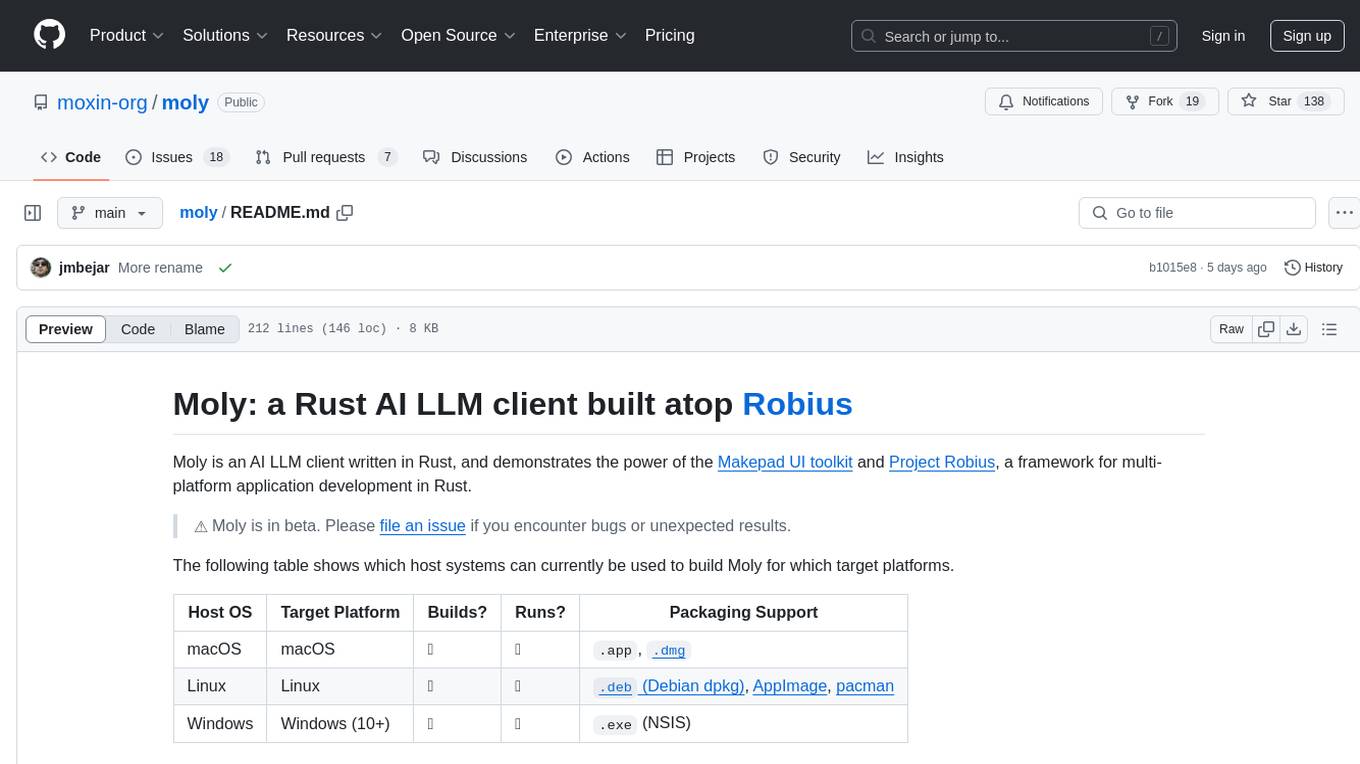
moly
Moly is an AI LLM client written in Rust, showcasing the capabilities of the Makepad UI toolkit and Project Robius, a framework for multi-platform application development in Rust. It is currently in beta, allowing users to build and run Moly on macOS, Linux, and Windows. The tool provides packaging support for different platforms, such as `.app`, `.dmg`, `.deb`, AppImage, pacman, and `.exe` (NSIS). Users can easily set up WasmEdge using `moly-runner` and leverage `cargo` commands to build and run Moly. Additionally, Moly offers pre-built releases for download and supports packaging for distribution on Linux, Windows, and macOS.
For similar tasks
alcless
Alcoholless is a lightweight security sandbox for macOS programs, originally designed for securing Homebrew but can be used for any CLI programs. It allows AI agents to run shell commands with reduced risk of breaking the host OS. The tool creates a separate environment for executing commands, syncing changes back to the host directory upon command exit. It uses utilities like sudo, su, pam_launchd, and rsync, with potential future integration of FSKit for file syncing. The tool also generates a sudo configuration for user-specific sandbox access, enabling users to run commands as the sandbox user without a password.
For similar jobs

sweep
Sweep is an AI junior developer that turns bugs and feature requests into code changes. It automatically handles developer experience improvements like adding type hints and improving test coverage.

teams-ai
The Teams AI Library is a software development kit (SDK) that helps developers create bots that can interact with Teams and Microsoft 365 applications. It is built on top of the Bot Framework SDK and simplifies the process of developing bots that interact with Teams' artificial intelligence capabilities. The SDK is available for JavaScript/TypeScript, .NET, and Python.

ai-guide
This guide is dedicated to Large Language Models (LLMs) that you can run on your home computer. It assumes your PC is a lower-end, non-gaming setup.

classifai
Supercharge WordPress Content Workflows and Engagement with Artificial Intelligence. Tap into leading cloud-based services like OpenAI, Microsoft Azure AI, Google Gemini and IBM Watson to augment your WordPress-powered websites. Publish content faster while improving SEO performance and increasing audience engagement. ClassifAI integrates Artificial Intelligence and Machine Learning technologies to lighten your workload and eliminate tedious tasks, giving you more time to create original content that matters.

chatbot-ui
Chatbot UI is an open-source AI chat app that allows users to create and deploy their own AI chatbots. It is easy to use and can be customized to fit any need. Chatbot UI is perfect for businesses, developers, and anyone who wants to create a chatbot.

BricksLLM
BricksLLM is a cloud native AI gateway written in Go. Currently, it provides native support for OpenAI, Anthropic, Azure OpenAI and vLLM. BricksLLM aims to provide enterprise level infrastructure that can power any LLM production use cases. Here are some use cases for BricksLLM: * Set LLM usage limits for users on different pricing tiers * Track LLM usage on a per user and per organization basis * Block or redact requests containing PIIs * Improve LLM reliability with failovers, retries and caching * Distribute API keys with rate limits and cost limits for internal development/production use cases * Distribute API keys with rate limits and cost limits for students

uAgents
uAgents is a Python library developed by Fetch.ai that allows for the creation of autonomous AI agents. These agents can perform various tasks on a schedule or take action on various events. uAgents are easy to create and manage, and they are connected to a fast-growing network of other uAgents. They are also secure, with cryptographically secured messages and wallets.

griptape
Griptape is a modular Python framework for building AI-powered applications that securely connect to your enterprise data and APIs. It offers developers the ability to maintain control and flexibility at every step. Griptape's core components include Structures (Agents, Pipelines, and Workflows), Tasks, Tools, Memory (Conversation Memory, Task Memory, and Meta Memory), Drivers (Prompt and Embedding Drivers, Vector Store Drivers, Image Generation Drivers, Image Query Drivers, SQL Drivers, Web Scraper Drivers, and Conversation Memory Drivers), Engines (Query Engines, Extraction Engines, Summary Engines, Image Generation Engines, and Image Query Engines), and additional components (Rulesets, Loaders, Artifacts, Chunkers, and Tokenizers). Griptape enables developers to create AI-powered applications with ease and efficiency.