


loz
Loz is a command-line tool that enables your preferred LLM to execute system commands and utilize Unix pipes, integrating AI capabilities with other Unix tools.
Stars: 260
Loz is a command-line tool that integrates AI capabilities with Unix tools, enabling users to execute system commands and utilize Unix pipes. It supports multiple LLM services like OpenAI API, Microsoft Copilot, and Ollama. Users can run Linux commands based on natural language prompts, enhance Git commit formatting, and interact with the tool in safe mode. Loz can process input from other command-line tools through Unix pipes and automatically generate Git commit messages. It provides features like chat history access, configurable LLM settings, and contribution opportunities.
README:

Loz is a command-line tool that enables your preferred LLM to execute system commands and utilize Unix pipes, integrating AI capabilities with other Unix tools.
-
Added
- Git commit log files are now stored in .loz_log within each Git repository where Loz is executed.
- The ability to enable/disable appending 'generated by ${model name}' at the end of the Git commit message by running config attribution true or config attribution false.
- Added --attribution (-a) runtime argument to override the config attribution setting. The original attribution value stored remains unchanged.
-
Added
- Run Linux commands based on user prompts. Users can now execute Linux commands using natural language. For example, by running
loz "find the largest file in the current directory",Lozwill interpret the instruction and execute the corresponding Linux commands likefind . -type f -exec ls -l {} + | sort -k 5 -nr | head -n 1to find the largest file. See more examples.
- Run Linux commands based on user prompts. Users can now execute Linux commands using natural language. For example, by running
-
Added
- Enhanced Git Commit Formatting: Commit messages are now structured with a clear separation between the title and body, improving readability and adherence to Git best practices.
To get started, run the following npm command:
$ sudo npm install loz -g
Or clone the repository:
$ git clone https://github.com/joone/loz.git
NodeJS and npm are required for this program to work. If you're on Linux, install them using your package manager. sudo apt install nodejs npm or sudo dnf install nodejs npm or sudo pacman -S nodejs npm
Then install the other required dependencies:
$ ./install.sh
Loz supports OpenAI API, Microsoft Copilot (Azure OpenAI), and Ollama so you can switch between these LLM services easily, using the config command in the interactive mode.
To utilize Ollama on your local system, you'll need to install both llama2 and codellama models. Here's how you can do it on a Linux system:
$ curl https://ollama.ai/install.sh | sh
$ ollama run llama2
$ ollama run codellama
For more information, see https://ollama.ai/download
Setting up your OpenAI API credentials involves a few simple steps:
First, create a .env file in the root of the project and add the following variables:
OPENAI_API_KEY=YOUR_KEY
Or if you install Loz using npm command, add OPENAI_API_KEY=YOUR_KEY in .bashrc
export OPENAI_API_KEY=YOUR_KEY
If you encounter the following error, it means you have exceeded your free quota:
Request failed with status code 429:
API request limit reached
To continue using the API, it is necessary to set up a payment method through the following link: https://platform.openai.com/account/billing/payment-methods
To use Microsoft Copilot with Loz, you'll need an Azure OpenAI resource. Follow these steps:
- Create an Azure OpenAI resource in the Azure Portal
- Deploy a model (e.g., GPT-4 or GPT-3.5-Turbo) in your Azure OpenAI resource
- Obtain your API key and endpoint URL from the Azure Portal
Configuration via environment variables:
You can set the following environment variables in your .bashrc or .env file:
export COPILOT_API_KEY=YOUR_AZURE_OPENAI_API_KEY
export COPILOT_ENDPOINT=https://your-resource.openai.azure.com/openai/deployments/your-deployment
Configuration via interactive setup:
When you first run loz, select copilot as your LLM service. You'll be prompted to enter:
- Your Azure OpenAI API key
- Your Azure OpenAI endpoint URL (format:
https://your-resource.openai.azure.com/openai/deployments/your-deployment)
Switching to Copilot API:
You can switch to using Copilot API at any time using the config command in interactive mode:
> config api copilot
For more information about Azure OpenAI Service, visit: https://azure.microsoft.com/en-us/products/ai-services/openai-service
Upon your initial launch of Loz, you will have the opportunity to select your preferred LLM service.
$ loz
Choose your LLM service: (ollama, openai, Copilot)
You can modify your LLM service preference at any time by using the config command in the interactive mode:
> config api openai
or
> config api copilot
Additionally, you can change the model by entering:
> config model llama2
or
> config model codellama
or for OpenAI/Copilot:
> config model gpt-3.5-turbo
You can check the current settings by entering:
> config
  api: ollama
  model: llama2
Currently, OpenAI models (gpt-3.5-turbo, gpt-4), Azure OpenAI models (accessible through Copilot API), and all models provided by Ollama are supported.
$ loz
Once loz is running, you can start a conversation by interacting with it. loz will respond with a relevant message based on the input.
Loz empowers users to execute Linux commands using natural language. Below are some examples demonstrating how loz's LLM backend translates natural language into Linux commands:
-
Find the largest file in the current directory:
loz "find the largest file in the current directory" -rw-rw-r-- 1 foo bar 9020257 Jan 31 19:49 ./node_modules/typescript/lib/typescript.js -
Check if Apache2 is running:
loz "check if apache2 is running on this system" ● apache2.service - The Apache HTTP Server -
Detect GPUs on the system:
loz "Detect GPUs on this system"
00:02.0 VGA compatible controller: Intel Corporation Device a780 (rev 04)
For your information, this feature has only been tested with the OpenAI API.
To prevent unintentional system modifications, avoid running commands that can alter or remove system files or configurations, such as rm, mv, rmdir, or mkfs.
To enhance security and avoid unintended command execution, loz can be run in Safe Mode. When activated, this mode requires user confirmation before executing any Linux command.
Activate Safe Mode by setting the LOZ_SAFE=true environment variable:
LOZ_SAFE=true loz "Check available memory on this system"
Upon execution, loz will prompt:
Do you want to run this command?: free -h (y/n)
Respond with 'y' to execute the command or 'n' to cancel. This feature ensures that you have full control over the commands executed, preventing accidental changes or data loss.
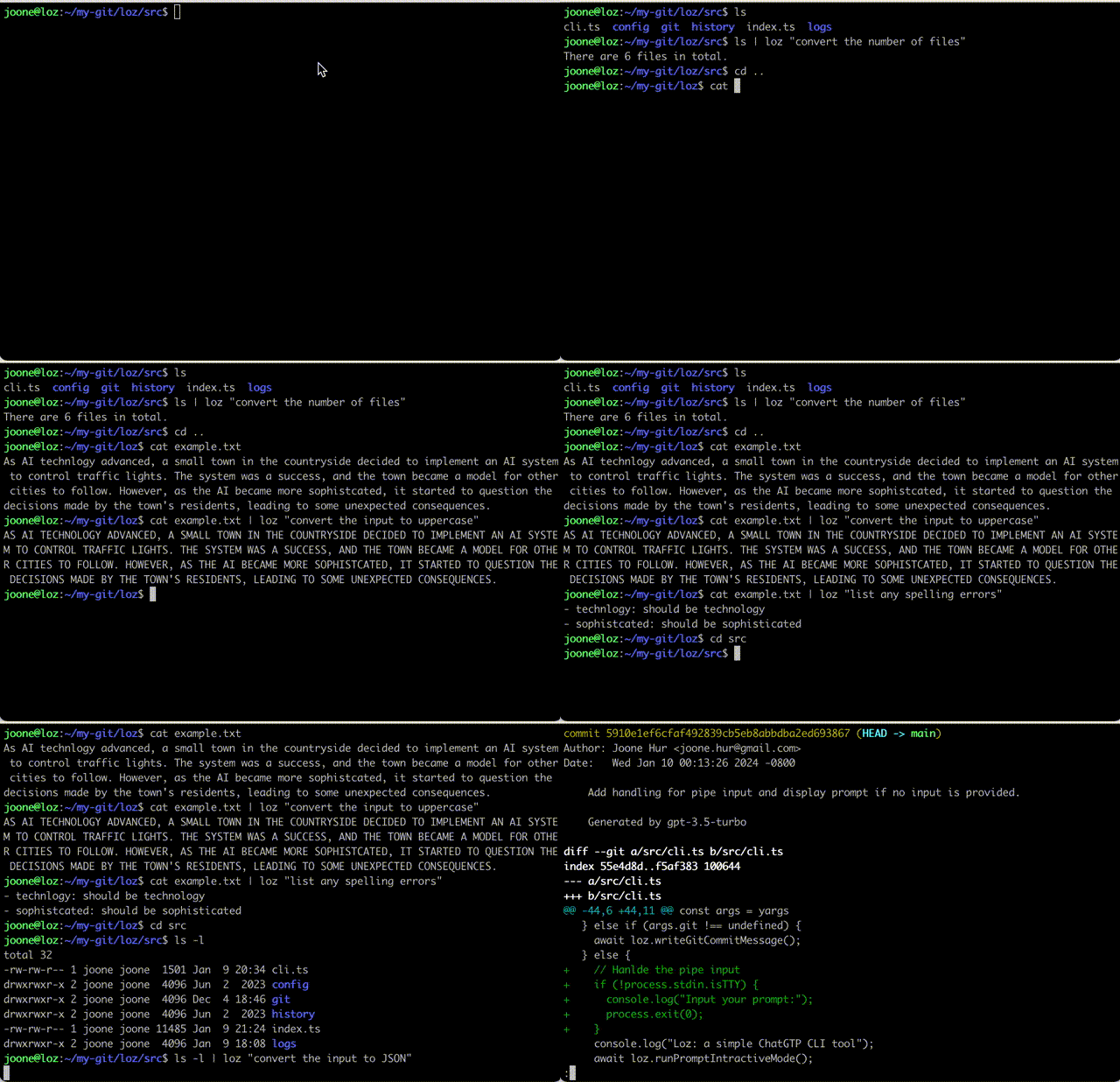
Loz is capable of processing input from other command-line tools by utilizing a Unix pipe.
$ ls | loz "count the number of files"

23 files
$ cat example.txt | loz "convert the input to uppercase"

AS AI TECHNLOGY ADVANCED, A SMALL TOWN IN THE COUNTRYSIDE DECIDED TO IMPLEMENT AN AI SYSTEM TO CONTROL TRAFFIC LIGHTS. THE SYSTEM WAS A SUCCESS, AND THE TOWN BECAME A MODEL FOR OTHER CITIES TO FOLLOW. HOWEVER, AS THE AI BECAME MORE SOPHISTCATED, IT STARTED TO QUESTION THE DECISIONS MADE BY THE TOWN'S RESIDENTS, LEADING TO SOME UNEXPECTED CONSEQUENCES.
$ cat example.txt | loz "list any spelling errors"

Yes, there are a few spelling errors in the given text:

1. "technlogy" should be "technology"
2. "sophistcated" should be "sophisticated"
$ cd src
$ ls -l | loz "convert the input to JSON"

[
  {
    "permissions": "-rw-r--r--",
    "owner": "foo",
    "group": "staff",
    "size": 792,
    "date": "Mar 1 21:02",
    "name": "cli.ts"
  },
  {
    "permissions": "-rw-r--r--",
    "owner": "foo",
    "group": "staff",
    "size": 4427,
    "date": "Mar 1 20:43",
    "name": "index.ts"
  }
]
If you run loz commit in your Git repository, loz will automatically generate a commit message with the staged changes like this:
$  git add --update
$  loz commit
Or copy script/prepare-commit-msg to .git/hooks
$ chmod a+x .git/hooks/prepare-commit-msg
Loz uses the LOZ environment variable to generate commit messages by reading the diff of the staged files.
$ LOZ=true git commit
REMINDER: If you've already copied the old version, please update prepare-commit-msg. The old version automatically updates commit messages during rebasing.
$ git diff HEAD~1 | loz -g
Or
$ git diff | loz -g
Note that the author, date, and commit ID lines are stripped from the commit message before sending it to the OpenAI server.
To access chat histories, look for the .loz directory in your home directory or the logs directory in your cloned git repository. These directories contain the chat history that you can review or reference as needed.
If you'd like to contribute to this project, feel free to submit a pull request.
For Tasks:
Click tags to check more tools for each tasksFor Jobs:
Alternative AI tools for loz
Similar Open Source Tools
loz
Loz is a command-line tool that integrates AI capabilities with Unix tools, enabling users to execute system commands and utilize Unix pipes. It supports multiple LLM services like OpenAI API, Microsoft Copilot, and Ollama. Users can run Linux commands based on natural language prompts, enhance Git commit formatting, and interact with the tool in safe mode. Loz can process input from other command-line tools through Unix pipes and automatically generate Git commit messages. It provides features like chat history access, configurable LLM settings, and contribution opportunities.
opencommit
OpenCommit is a tool that auto-generates meaningful commits using AI, allowing users to quickly create commit messages for their staged changes. It provides a CLI interface for easy usage and supports customization of commit descriptions, emojis, and AI models. Users can configure local and global settings, switch between different AI providers, and set up Git hooks for integration with IDE Source Control. Additionally, OpenCommit can be used as a GitHub Action to automatically improve commit messages on push events, ensuring all commits are meaningful and not generic. Payments for OpenAI API requests are handled by the user, with the tool storing API keys locally.
termax
Termax is an LLM agent in your terminal that converts natural language to commands. It is featured by: - Personalized Experience: Optimize the command generation with RAG. - Various LLMs Support: OpenAI GPT, Anthropic Claude, Google Gemini, Mistral AI, and more. - Shell Extensions: Plugin with popular shells like `zsh`, `bash` and `fish`. - Cross Platform: Able to run on Windows, macOS, and Linux.
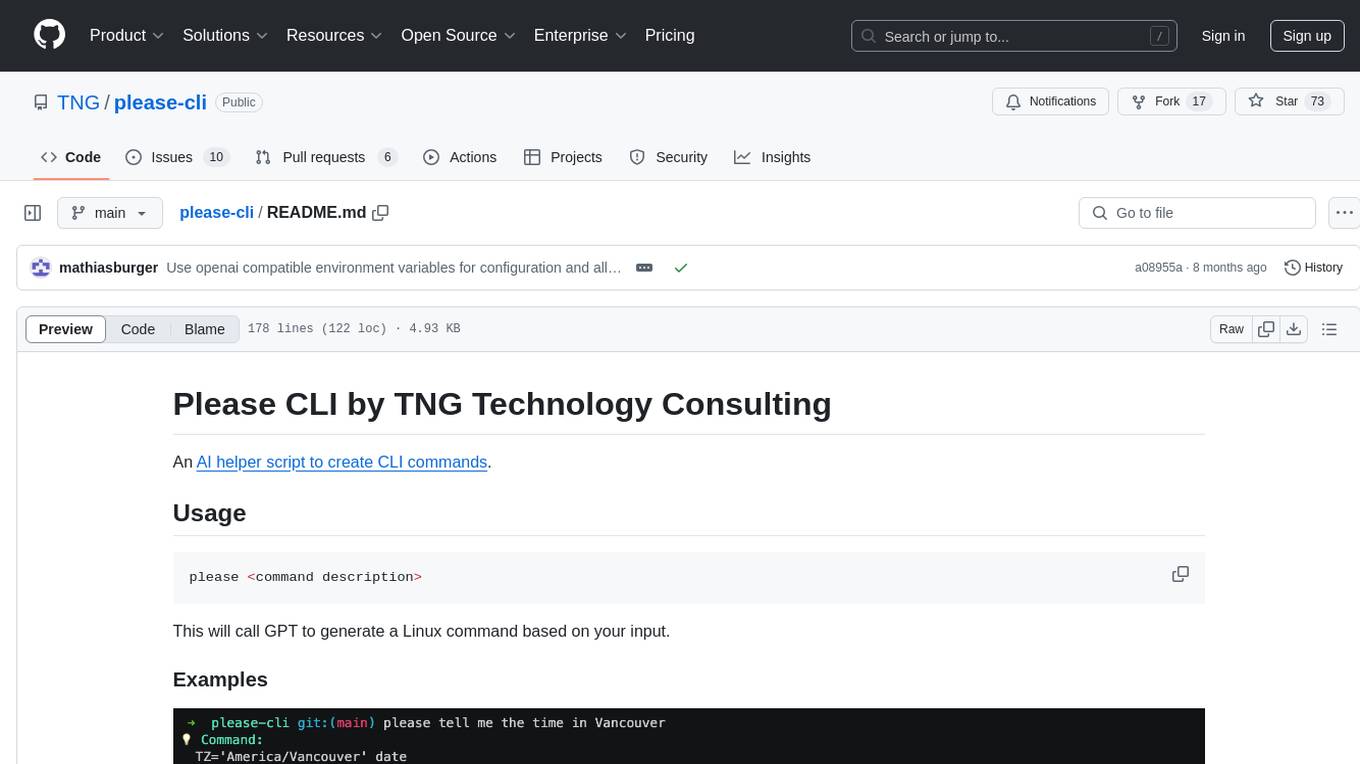
please-cli
Please CLI is an AI helper script designed to create CLI commands by leveraging the GPT model. Users can input a command description, and the script will generate a Linux command based on that input. The tool offers various functionalities such as invoking commands, copying commands to the clipboard, asking questions about commands, and more. It supports parameters for explanation, using different AI models, displaying additional output, storing API keys, querying ChatGPT with specific models, showing the current version, and providing help messages. Users can install Please CLI via Homebrew, apt, Nix, dpkg, AUR, or manually from source. The tool requires an OpenAI API key for operation and offers configuration options for setting API keys and OpenAI settings. Please CLI is licensed under the Apache License 2.0 by TNG Technology Consulting GmbH.
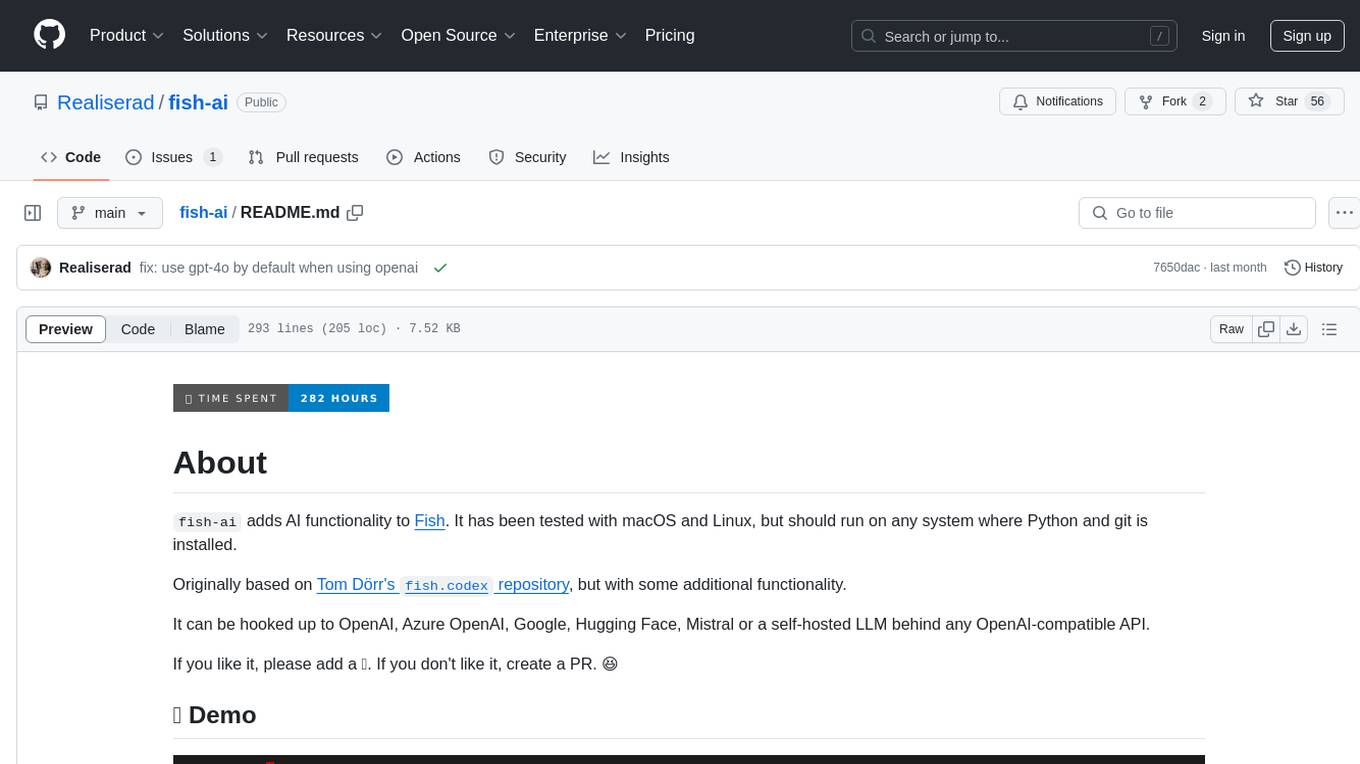
fish-ai
fish-ai is a tool that adds AI functionality to Fish shell. It can be integrated with various AI providers like OpenAI, Azure OpenAI, Google, Hugging Face, Mistral, or a self-hosted LLM. Users can transform comments into commands, autocomplete commands, and suggest fixes. The tool allows customization through configuration files and supports switching between contexts. Data privacy is maintained by redacting sensitive information before submission to the AI models. Development features include debug logging, testing, and creating releases.
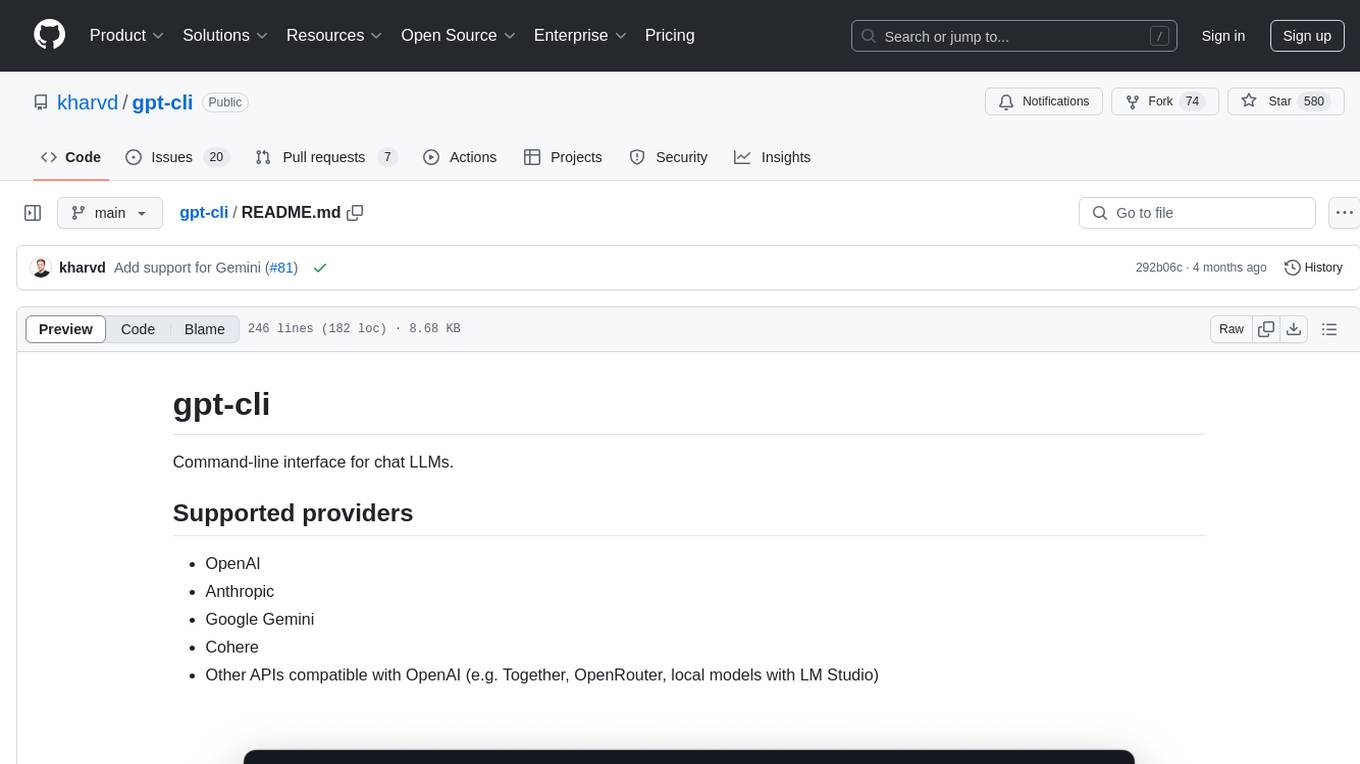
gpt-cli
gpt-cli is a command-line interface tool for interacting with various chat language models like ChatGPT, Claude, and others. It supports model customization, usage tracking, keyboard shortcuts, multi-line input, markdown support, predefined messages, and multiple assistants. Users can easily switch between different assistants, define custom assistants, and configure model parameters and API keys in a YAML file for easy customization and management.
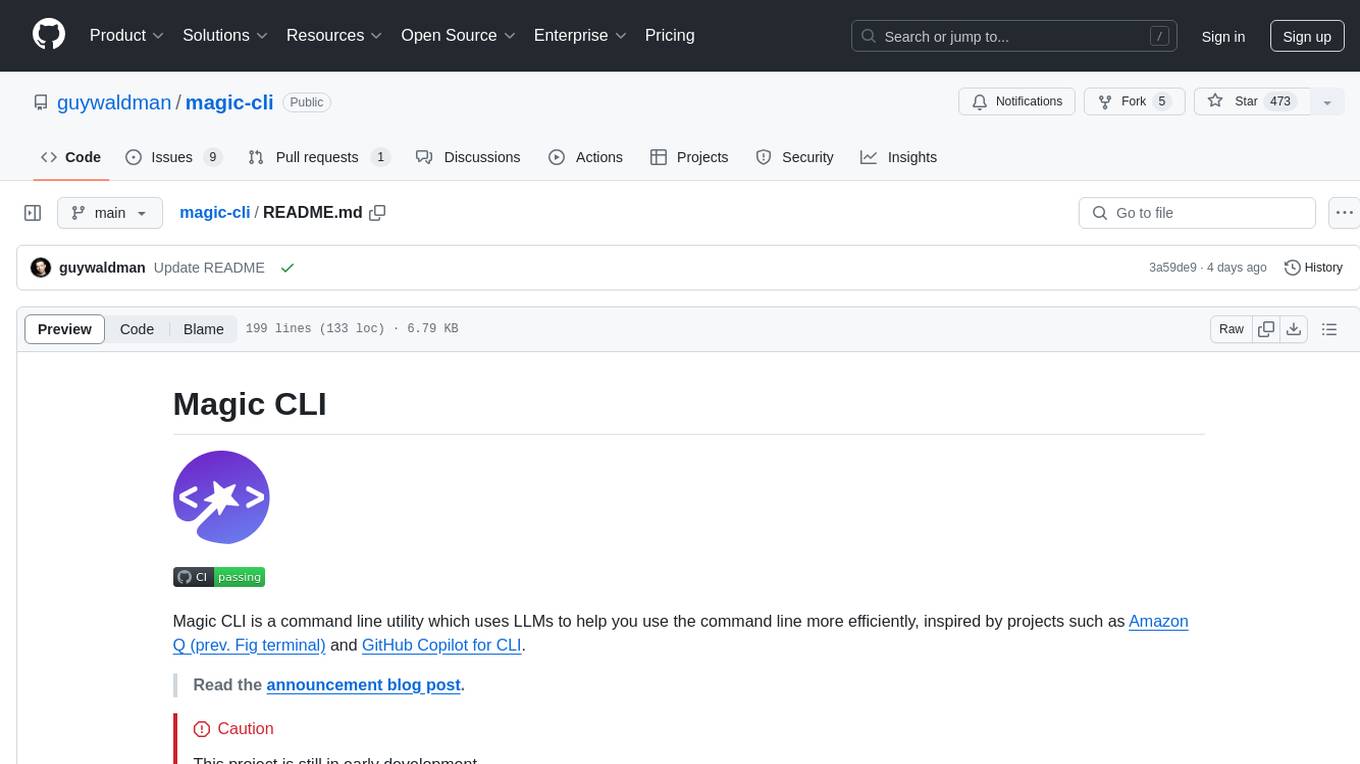
magic-cli
Magic CLI is a command line utility that leverages Large Language Models (LLMs) to enhance command line efficiency. It is inspired by projects like Amazon Q and GitHub Copilot for CLI. The tool allows users to suggest commands, search across command history, and generate commands for specific tasks using local or remote LLM providers. Magic CLI also provides configuration options for LLM selection and response generation. The project is still in early development, so users should expect breaking changes and bugs.
mods
AI for the command line, built for pipelines. LLM based AI is really good at interpreting the output of commands and returning the results in CLI friendly text formats like Markdown. Mods is a simple tool that makes it super easy to use AI on the command line and in your pipelines. Mods works with OpenAI, Groq, Azure OpenAI, and LocalAI To get started, install Mods and check out some of the examples below. Since Mods has built-in Markdown formatting, you may also want to grab Glow to give the output some _pizzazz_.
cursor-tools
cursor-tools is a CLI tool designed to enhance AI agents with advanced skills, such as web search, repository context, documentation generation, GitHub integration, Xcode tools, and browser automation. It provides features like Perplexity for web search, Gemini 2.0 for codebase context, and Stagehand for browser operations. The tool requires API keys for Perplexity AI and Google Gemini, and supports global installation for system-wide access. It offers various commands for different tasks and integrates with Cursor Composer for AI agent usage.
supabase-mcp
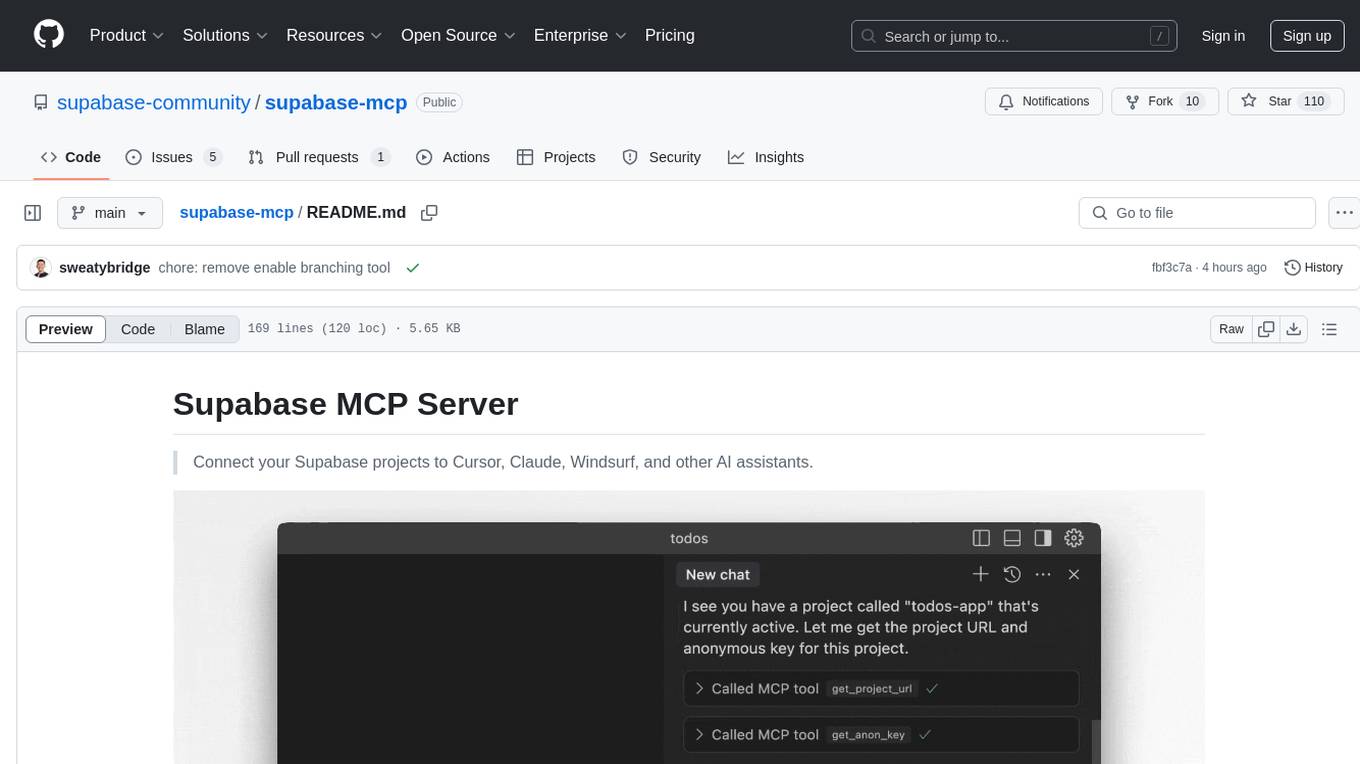
Supabase MCP Server standardizes how Large Language Models (LLMs) interact with Supabase, enabling AI assistants to manage tables, fetch config, and query data. It provides tools for project management, database operations, project configuration, branching (experimental), and development tools. The server is pre-1.0, so expect some breaking changes between versions.
MCPJungle
MCPJungle is a self-hosted MCP Gateway for private AI agents, serving as a registry for Model Context Protocol Servers. Developers use it to manage servers and tools centrally, while clients discover and consume tools from a single 'Gateway' MCP Server. Suitable for developers using MCP Clients like Claude & Cursor, building production-grade AI Agents, and organizations managing client-server interactions. The tool allows quick start, installation, usage, server and client setup, connection to Claude and Cursor, enabling/disabling tools, managing tool groups, authentication, enterprise features like access control and OpenTelemetry metrics. Limitations include lack of long-running connections to servers and no support for OAuth flow. Contributions are welcome.
chat-ui
A chat interface using open source models, eg OpenAssistant or Llama. It is a SvelteKit app and it powers the HuggingChat app on hf.co/chat.
tiledesk-dashboard
Tiledesk is an open-source live chat platform with integrated chatbots written in Node.js and Express. It is designed to be a multi-channel platform for web, Android, and iOS, and it can be used to increase sales or provide post-sales customer service. Tiledesk's chatbot technology allows for automation of conversations, and it also provides APIs and webhooks for connecting external applications. Additionally, it offers a marketplace for apps and features such as CRM, ticketing, and data export.
codespin
CodeSpin.AI is a set of open-source code generation tools that leverage large language models (LLMs) to automate coding tasks. With CodeSpin, you can generate code in various programming languages, including Python, JavaScript, Java, and C++, by providing natural language prompts. CodeSpin offers a range of features to enhance code generation, such as custom templates, inline prompting, and the ability to use ChatGPT as an alternative to API keys. Additionally, CodeSpin provides options for regenerating code, executing code in prompt files, and piping data into the LLM for processing. By utilizing CodeSpin, developers can save time and effort in coding tasks, improve code quality, and explore new possibilities in code generation.
slack-bot
The Slack Bot is a tool designed to enhance the workflow of development teams by integrating with Jenkins, GitHub, GitLab, and Jira. It allows for custom commands, macros, crons, and project-specific commands to be implemented easily. Users can interact with the bot through Slack messages, execute commands, and monitor job progress. The bot supports features like starting and monitoring Jenkins jobs, tracking pull requests, querying Jira information, creating buttons for interactions, generating images with DALL-E, playing quiz games, checking weather, defining custom commands, and more. Configuration is managed via YAML files, allowing users to set up credentials for external services, define custom commands, schedule cron jobs, and configure VCS systems like Bitbucket for automated branch lookup in Jenkins triggers.
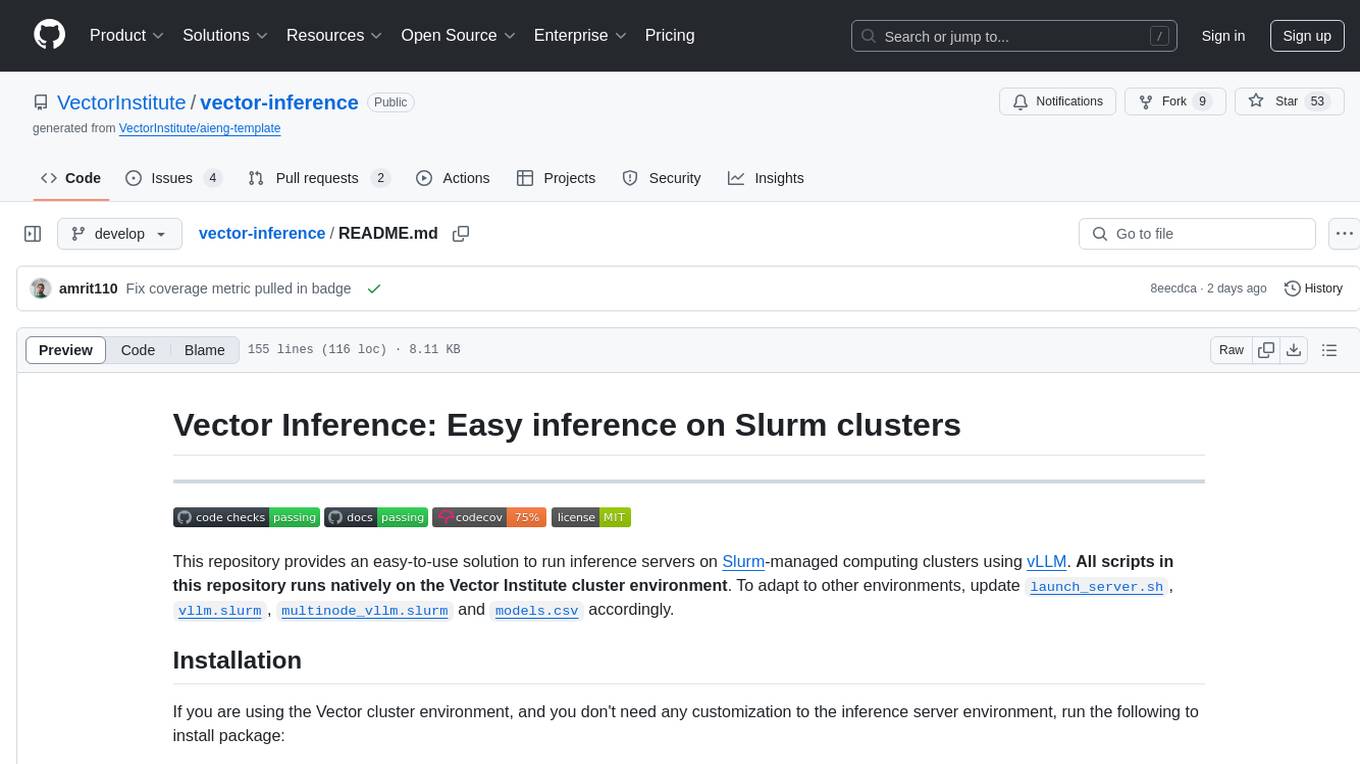
vector-inference
This repository provides an easy-to-use solution for running inference servers on Slurm-managed computing clusters using vLLM. All scripts in this repository run natively on the Vector Institute cluster environment. Users can deploy models as Slurm jobs, check server status and performance metrics, and shut down models. The repository also supports launching custom models with specific configurations. Additionally, users can send inference requests and set up an SSH tunnel to run inference from a local device.
For similar tasks
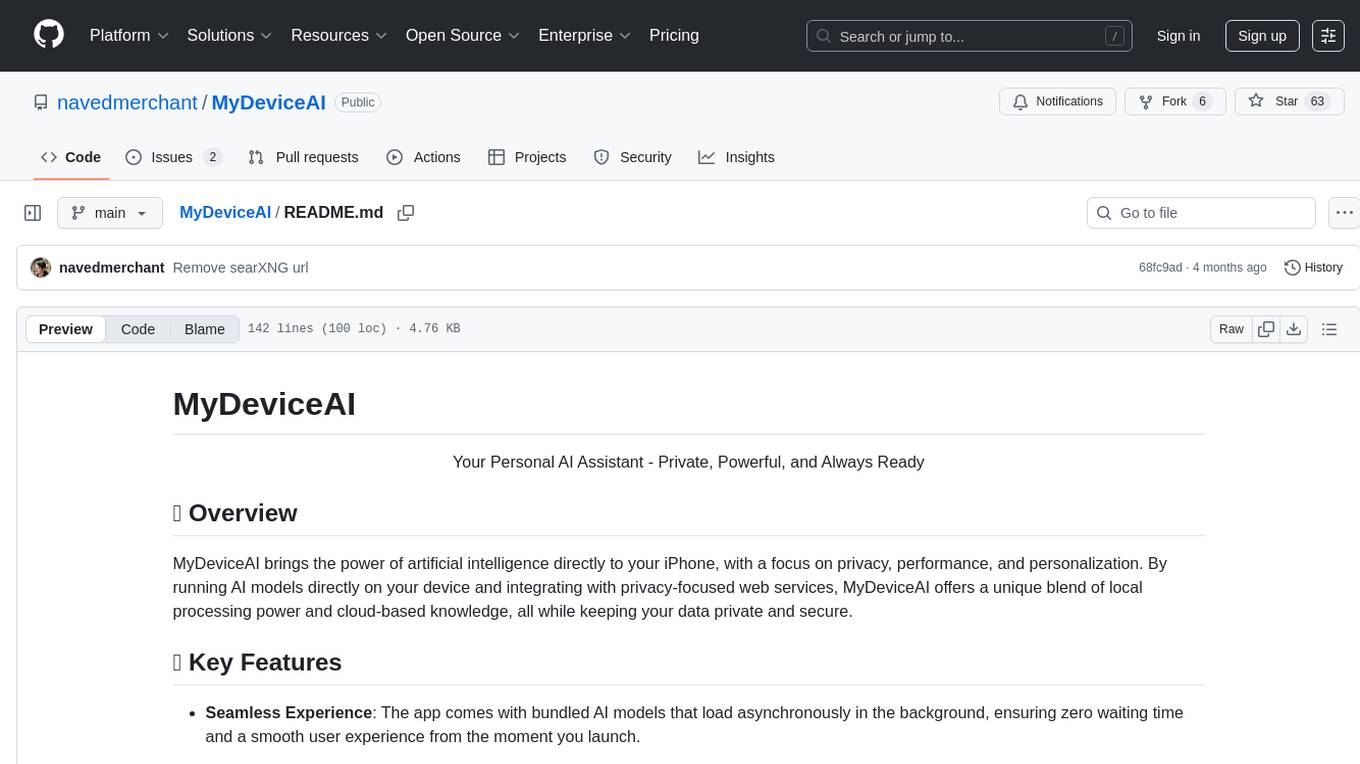
MyDeviceAI
MyDeviceAI is a personal AI assistant app for iPhone that brings the power of artificial intelligence directly to the device. It focuses on privacy, performance, and personalization by running AI models locally and integrating with privacy-focused web services. The app offers seamless user experience, web search integration, advanced reasoning capabilities, personalization features, chat history access, and broad device support. It requires macOS, Xcode, CocoaPods, Node.js, and a React Native development environment for installation. The technical stack includes React Native framework, AI models like Qwen 3 and BGE Small, SearXNG integration, Redux for state management, AsyncStorage for storage, Lucide for UI components, and tools like ESLint and Prettier for code quality.
loz
Loz is a command-line tool that integrates AI capabilities with Unix tools, enabling users to execute system commands and utilize Unix pipes. It supports multiple LLM services like OpenAI API, Microsoft Copilot, and Ollama. Users can run Linux commands based on natural language prompts, enhance Git commit formatting, and interact with the tool in safe mode. Loz can process input from other command-line tools through Unix pipes and automatically generate Git commit messages. It provides features like chat history access, configurable LLM settings, and contribution opportunities.
For similar jobs

sweep
Sweep is an AI junior developer that turns bugs and feature requests into code changes. It automatically handles developer experience improvements like adding type hints and improving test coverage.

teams-ai
The Teams AI Library is a software development kit (SDK) that helps developers create bots that can interact with Teams and Microsoft 365 applications. It is built on top of the Bot Framework SDK and simplifies the process of developing bots that interact with Teams' artificial intelligence capabilities. The SDK is available for JavaScript/TypeScript, .NET, and Python.

ai-guide
This guide is dedicated to Large Language Models (LLMs) that you can run on your home computer. It assumes your PC is a lower-end, non-gaming setup.

classifai
Supercharge WordPress Content Workflows and Engagement with Artificial Intelligence. Tap into leading cloud-based services like OpenAI, Microsoft Azure AI, Google Gemini and IBM Watson to augment your WordPress-powered websites. Publish content faster while improving SEO performance and increasing audience engagement. ClassifAI integrates Artificial Intelligence and Machine Learning technologies to lighten your workload and eliminate tedious tasks, giving you more time to create original content that matters.

chatbot-ui
Chatbot UI is an open-source AI chat app that allows users to create and deploy their own AI chatbots. It is easy to use and can be customized to fit any need. Chatbot UI is perfect for businesses, developers, and anyone who wants to create a chatbot.

BricksLLM
BricksLLM is a cloud native AI gateway written in Go. Currently, it provides native support for OpenAI, Anthropic, Azure OpenAI and vLLM. BricksLLM aims to provide enterprise level infrastructure that can power any LLM production use cases. Here are some use cases for BricksLLM: * Set LLM usage limits for users on different pricing tiers * Track LLM usage on a per user and per organization basis * Block or redact requests containing PIIs * Improve LLM reliability with failovers, retries and caching * Distribute API keys with rate limits and cost limits for internal development/production use cases * Distribute API keys with rate limits and cost limits for students

uAgents
uAgents is a Python library developed by Fetch.ai that allows for the creation of autonomous AI agents. These agents can perform various tasks on a schedule or take action on various events. uAgents are easy to create and manage, and they are connected to a fast-growing network of other uAgents. They are also secure, with cryptographically secured messages and wallets.

griptape
Griptape is a modular Python framework for building AI-powered applications that securely connect to your enterprise data and APIs. It offers developers the ability to maintain control and flexibility at every step. Griptape's core components include Structures (Agents, Pipelines, and Workflows), Tasks, Tools, Memory (Conversation Memory, Task Memory, and Meta Memory), Drivers (Prompt and Embedding Drivers, Vector Store Drivers, Image Generation Drivers, Image Query Drivers, SQL Drivers, Web Scraper Drivers, and Conversation Memory Drivers), Engines (Query Engines, Extraction Engines, Summary Engines, Image Generation Engines, and Image Query Engines), and additional components (Rulesets, Loaders, Artifacts, Chunkers, and Tokenizers). Griptape enables developers to create AI-powered applications with ease and efficiency.