


Oxen
Oxen.ai's core rust library, server, and CLI
Stars: 219
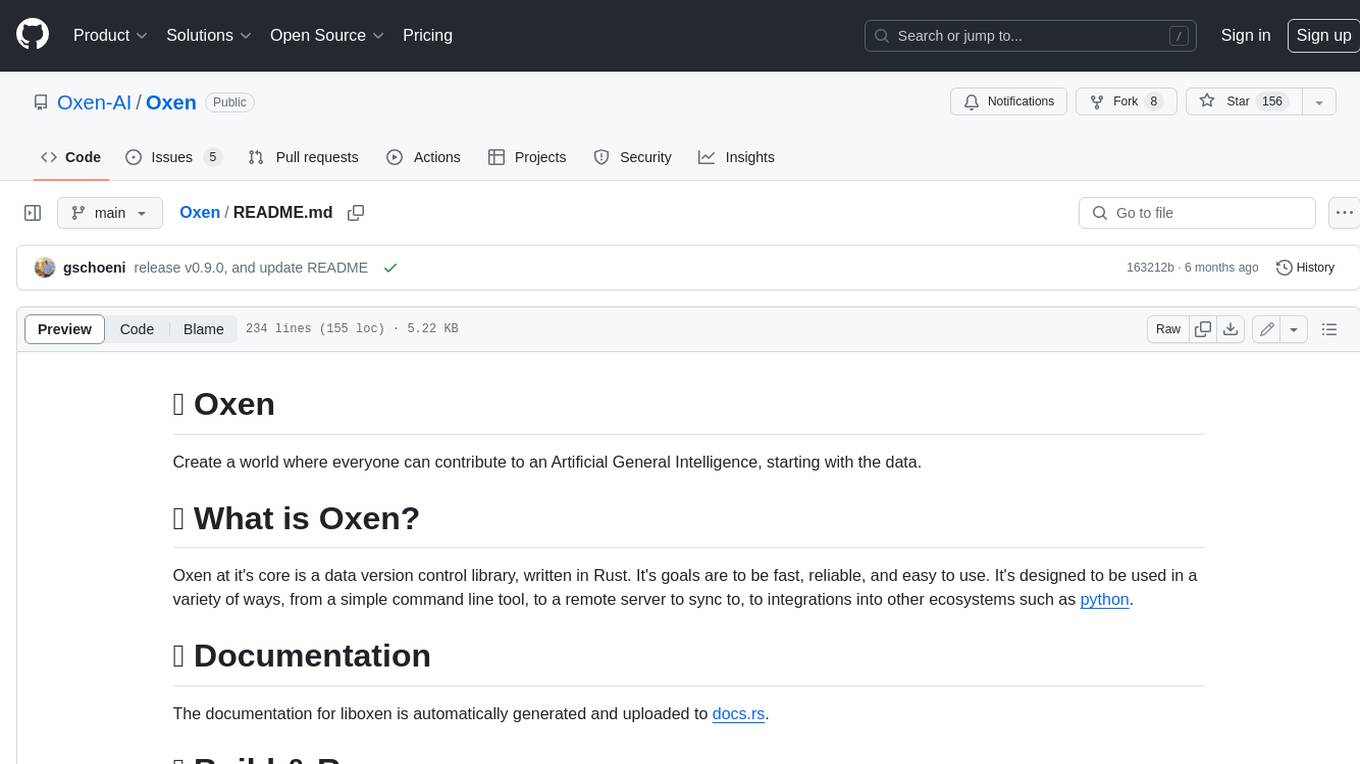
Oxen is a data version control library, written in Rust. It's designed to be fast, reliable, and easy to use. Oxen can be used in a variety of ways, from a simple command line tool to a remote server to sync to, to integrations into other ecosystems such as python.
README:
Create a world where everyone can contribute to an Artificial General Intelligence, starting with the data.
Oxen at it's core is a data version control library, written in Rust. It's goals are to be fast, reliable, and easy to use. It's designed to be used in a variety of ways, from a simple command line tool, to a remote server to sync to, to integrations into other ecosystems such as python.
The documentation for the Oxen.ai tool chain can be found here.
- [ ] Hugging face compatible APIs
- [ ] Upload model to hub
- [ ] Download model with
transformerslibrary - [ ] Upload dataset to hub
- [ ] Download dataset with
datasetslibrary
- [ ] Configurable storage backends
- [x] Local filesystem
- [ ] S3
- [ ] GCS
- [ ] Azure
- [ ] Backblaze
- [ ] Block level deduplication
Oxen is purely written in Rust 🦀. You should install the Rust toolchain with rustup: https://www.rust-lang.org/tools/install.
curl --proto '=https' --tlsv1.2 -sSf https://sh.rustup.rs | sh
If you are a developer and want to learn more about adding code or the overall architecture start here. Otherwise, a quick start to make sure everything is working follows.
cargo build
If on intel mac, you may need to build with the following
$ rustup target install x86_64-apple-darwin
$ cargo build --target x86_64-apple-darwin
If on Windows, you may need to add the following directories to the 'INCLUDE' environment variable
"C:\Program Files (x86)\Microsoft Visual Studio\2019\BuildTools\VC\Tools\MSVC\14.29.30133\include"

"C:\Program Files (x86)\Microsoft Visual Studio\2019\BuildTools\VC\Tools\MSVC\14.29.27023\include"

"C:\Program Files (x86)\Microsoft Visual Studio\2019\BuildTools\VC\Tools\Llvm\lib\clang\12.0.0\include"
These are example paths and will vary between machines. If you install 'C++ Clang tools for Windows' through Microsoft Visual Studio Build Tools, the directories can be located from the Visual Studio installation under 'BuildTools\VC\Tools'
You can use the mold linker to speed up builds (The MIT-licensed macOS version is sold).
Use the following instructions to install sold and configure cargo to use it for building Oxen:
git clone --depth=1 --single-branch https://github.com/bluewhalesystems/sold.git

mkdir sold/build
cd sold/build
cmake -DCMAKE_BUILD_TYPE=Release -DCMAKE_CXX_COMPILER=c++ ..
cmake --build . -j $(nproc)
sudo cmake --install .
Then create .cargo/config.toml in your Oxen repo root with the following
content:
[target.x86_64-unknown-linux-gnu]
rustflags = ["-C", "link-arg=-fuse-ld=/usr/local/bin/ld64.mold"]

[target.x86_64-apple-darwin]
rustflags = ["-C", "link-arg=-fuse-ld=/usr/local/bin/ld64.mold"]
For macOS with Apple Silicon, you can use the lld linker.
brew install llvm
Then create .cargo/config.toml in your Oxen repo root with the following:
[target.aarch64-apple-darwin]
rustflags = [ "-C", "link-arg=-fuse-ld=/opt/homebrew/opt/llvm/bin/ld64.lld", ]
To run Oxen from the command line, add the Oxen/target/debug directory to the 'PATH' environment variable
export PATH="$PATH:/path/to/Oxen/target/debug"
On Windows, you can use
$env:PATH += ";/path/to/Oxen/target/debug"
Initialize a new repository or clone an existing one
oxen init
oxen clone https://hub.oxen.ai/namespace/repository
This will create the .oxen dir in your current directory and allow you to run Oxen CLI commands
oxen status
oxen add images/
oxen commit -m "added images"
oxen push origin main
To run a local Oxen Server, generate a config file and token to authenticate the user
./target/debug/oxen-server add-user --email [email protected] --name Ox --output user_config.toml
Copy the config to the default locations
mkdir ~/.oxen
mv user_config.toml ~/.oxen/user_config.toml
cp ~/.oxen/user_config.toml data/test/config/user_config.toml
Set where you want the data to be synced to. The default sync directory is ./data/ to change it set the SYNC_DIR environment variable to a path.
export SYNC_DIR=/path/to/sync/dir
You can also create a .env.local file in the /src/server directory which can contain the SYNC_DIR variable to avoid setting it every time you run the server.
Run the server
./target/debug/oxen-server start
To run the server with live reload, first install cargo-watch
cargo install cargo-watch
On Windows, you may need to use cargo-watch --locked
cargo install cargo-watch --locked
Then run the server like this
cargo watch -- cargo run --bin oxen-server start
If you have Nix installed you can use the flake to build and run the server. This will automatically install and configure the required build toolchain dependencies for Linux & macOS.
nix build .#oxen-server
nix build .#oxen-cli
nix build .#liboxen
nix run .#oxen-server -- start
nix run .#oxen-cli -- init
To develop with the standard rust toolchain in a Nix dev shell:
nix develop -c $SHELL
cargo build
cargo run --bin oxen-server start
cargo run --bin oxen start
The flake also provides derviations to build OCI (Docker) images with the minimal
set of dependencies required to build and run oxen & oxen-server.
nix build .#oci-oxen-server
nix build .#oci-oxen-cli
This will export the OCI image and can be loaded with:
docker load -i result
Make sure your user is configured and server is running on the default port and host, by following these setup steps:
# Configure a user
mkdir ./data/test/runs
./target/debug/oxen-server add-user --email [email protected] --name Ox --output user_config.toml
cp user_config.toml data/test/config/user_config.toml
# Start the oxen-server
./target/debug/oxen-server start
Note: tests open up a lot of file handles, so limit num test threads if running everything.
You an also increase the number of open files your system allows ulimit before running tests:
ulimit -n 10240
cargo test -- --test-threads=$(nproc)
It can be faster (in terms of compilation and runtime) to run a specific test. To run a specific library test:
cargo test --lib test_get_metadata_text_readme
To run a specific integration test
cargo test --test test_rm test_rm_directory_restore_directory
To run with all debug output and run a specific test
env RUST_LOG=warn,liboxen=debug,integration_test=debug cargo test -- --nocapture test_command_push_clone_pull_push
To set a different test host you can set the OXEN_TEST_HOST environment variable
env OXEN_TEST_HOST=0.0.0.0:4000 cargo test
Remote repositories have the same internal structure as local ones, with the caviate that all the data is in the .oxen dir and not duplicated into a "local workspace".
Server defaults to localhost 3000
set SERVER 0.0.0.0:3000
You can grab your auth token from the config file above (~/.oxen/user_config.toml)
set TOKEN <YOUR_TOKEN>
curl -H "Authorization: Bearer $TOKEN" "http://$SERVER/api/repos"
curl -H "Authorization: Bearer $TOKEN" -X POST -d '{"name": "MyRepo"}' "http://$SERVER/api/repos"
Create the docker image
docker build -t oxen/server:0.6.0 .
Run a container on port 3000 with a local filesystem mounted from /var/oxen/data on the host to /var/oxen/data in the container.
docker run -d -v /var/oxen/data:/var/oxen/data -p 3000:3001 --name oxen oxen/server:0.6.0
Or use docker compose
docker-compose up -d reverse-proxy
docker-compose up -d --scale oxen=4 --no-recreate
For Tasks:
Click tags to check more tools for each tasksFor Jobs:
Alternative AI tools for Oxen
Similar Open Source Tools
Oxen
Oxen is a data version control library, written in Rust. It's designed to be fast, reliable, and easy to use. Oxen can be used in a variety of ways, from a simple command line tool to a remote server to sync to, to integrations into other ecosystems such as python.
desktop
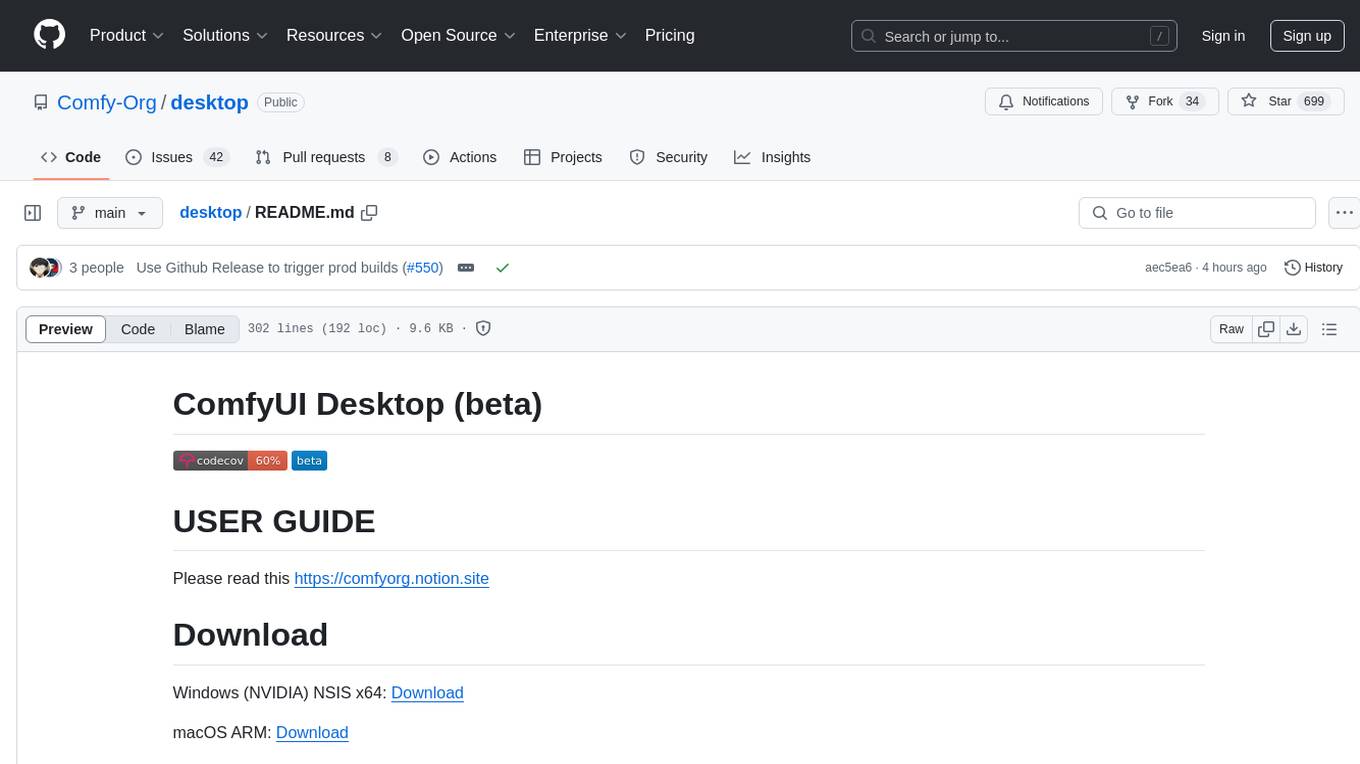
ComfyUI Desktop is a packaged desktop application that allows users to easily use ComfyUI with bundled features like ComfyUI source code, ComfyUI-Manager, and uv. It automatically installs necessary Python dependencies and updates with stable releases. The app comes with Electron, Chromium binaries, and node modules. Users can store ComfyUI files in a specified location and manage model paths. The tool requires Python 3.12+ and Visual Studio with Desktop C++ workload for Windows. It uses nvm to manage node versions and yarn as the package manager. Users can install ComfyUI and dependencies using comfy-cli, download uv, and build/launch the code. Troubleshooting steps include rebuilding modules and installing missing libraries. The tool supports debugging in VSCode and provides utility scripts for cleanup. Crash reports can be sent to help debug issues, but no personal data is included.
frontend
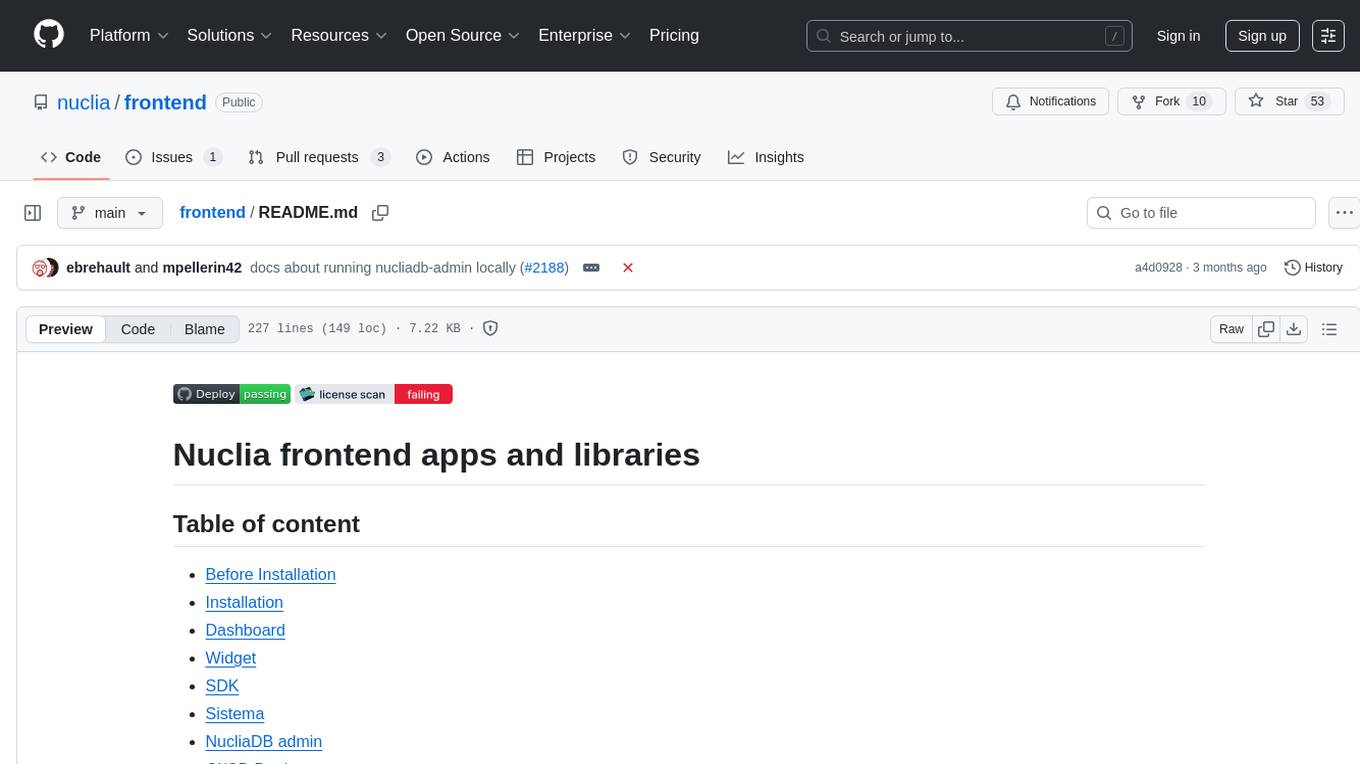
Nuclia frontend apps and libraries repository contains various frontend applications and libraries for the Nuclia platform. It includes components such as Dashboard, Widget, SDK, Sistema (design system), NucliaDB admin, CI/CD Deployment, and Maintenance page. The repository provides detailed instructions on installation, dependencies, and usage of these components for both Nuclia employees and external developers. It also covers deployment processes for different components and tools like ArgoCD for monitoring deployments and logs. The repository aims to facilitate the development, testing, and deployment of frontend applications within the Nuclia ecosystem.
alcless
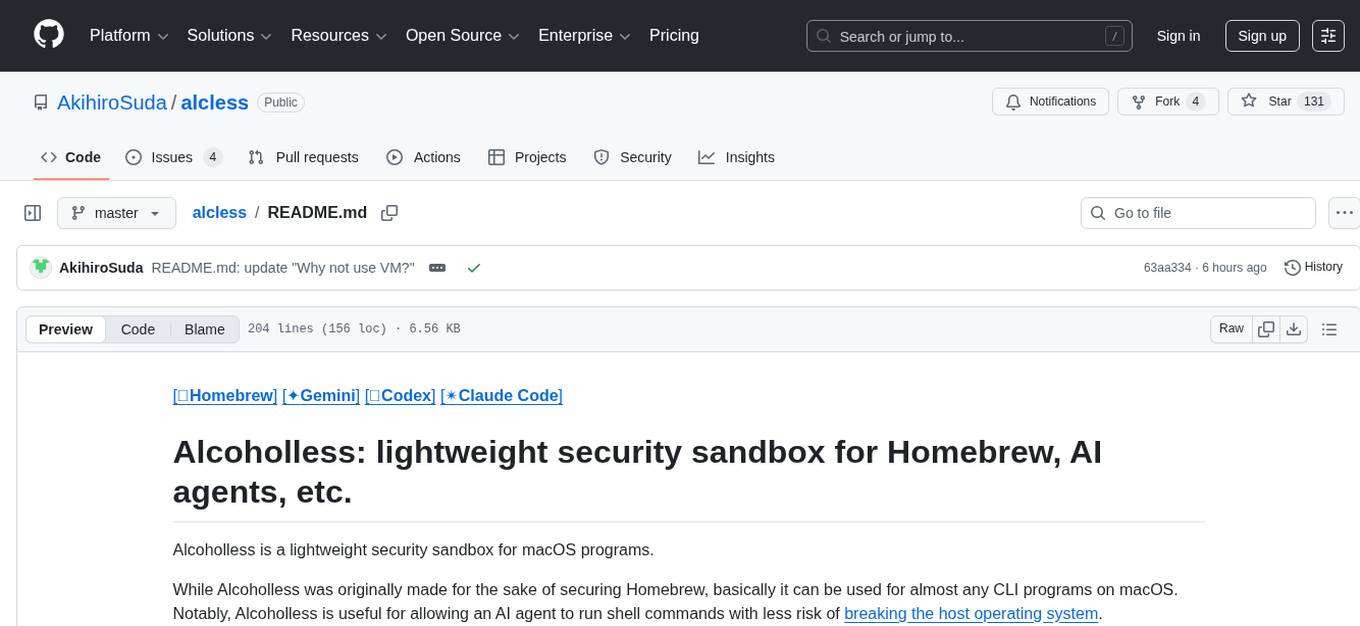
Alcoholless is a lightweight security sandbox for macOS programs, originally designed for securing Homebrew but can be used for any CLI programs. It allows AI agents to run shell commands with reduced risk of breaking the host OS. The tool creates a separate environment for executing commands, syncing changes back to the host directory upon command exit. It uses utilities like sudo, su, pam_launchd, and rsync, with potential future integration of FSKit for file syncing. The tool also generates a sudo configuration for user-specific sandbox access, enabling users to run commands as the sandbox user without a password.
hordelib
horde-engine is a wrapper around ComfyUI designed to run inference pipelines visually designed in the ComfyUI GUI. It enables users to design inference pipelines in ComfyUI and then call them programmatically, maintaining compatibility with the existing horde implementation. The library provides features for processing Horde payloads, initializing the library, downloading and validating models, and generating images based on input data. It also includes custom nodes for preprocessing and tasks such as face restoration and QR code generation. The project depends on various open source projects and bundles some dependencies within the library itself. Users can design ComfyUI pipelines, convert them to the backend format, and run them using the run_image_pipeline() method in hordelib.comfy.Comfy(). The project is actively developed and tested using git, tox, and a specific model directory structure.
loz
Loz is a command-line tool that integrates AI capabilities with Unix tools, enabling users to execute system commands and utilize Unix pipes. It supports multiple LLM services like OpenAI API, Microsoft Copilot, and Ollama. Users can run Linux commands based on natural language prompts, enhance Git commit formatting, and interact with the tool in safe mode. Loz can process input from other command-line tools through Unix pipes and automatically generate Git commit messages. It provides features like chat history access, configurable LLM settings, and contribution opportunities.
aides-jeunes
The user interface (and the main server) of the simulator of aids and social benefits for young people. It is based on the free socio-fiscal simulator Openfisca.
ai-containers
This repository contains Dockerfiles, scripts, yaml files, Helm charts, etc. used to scale out AI containers with versions of TensorFlow and PyTorch optimized for Intel platforms. Scaling is done with python, Docker, kubernetes, kubeflow, cnvrg.io, Helm, and other container orchestration frameworks for use in the cloud and on-premise.
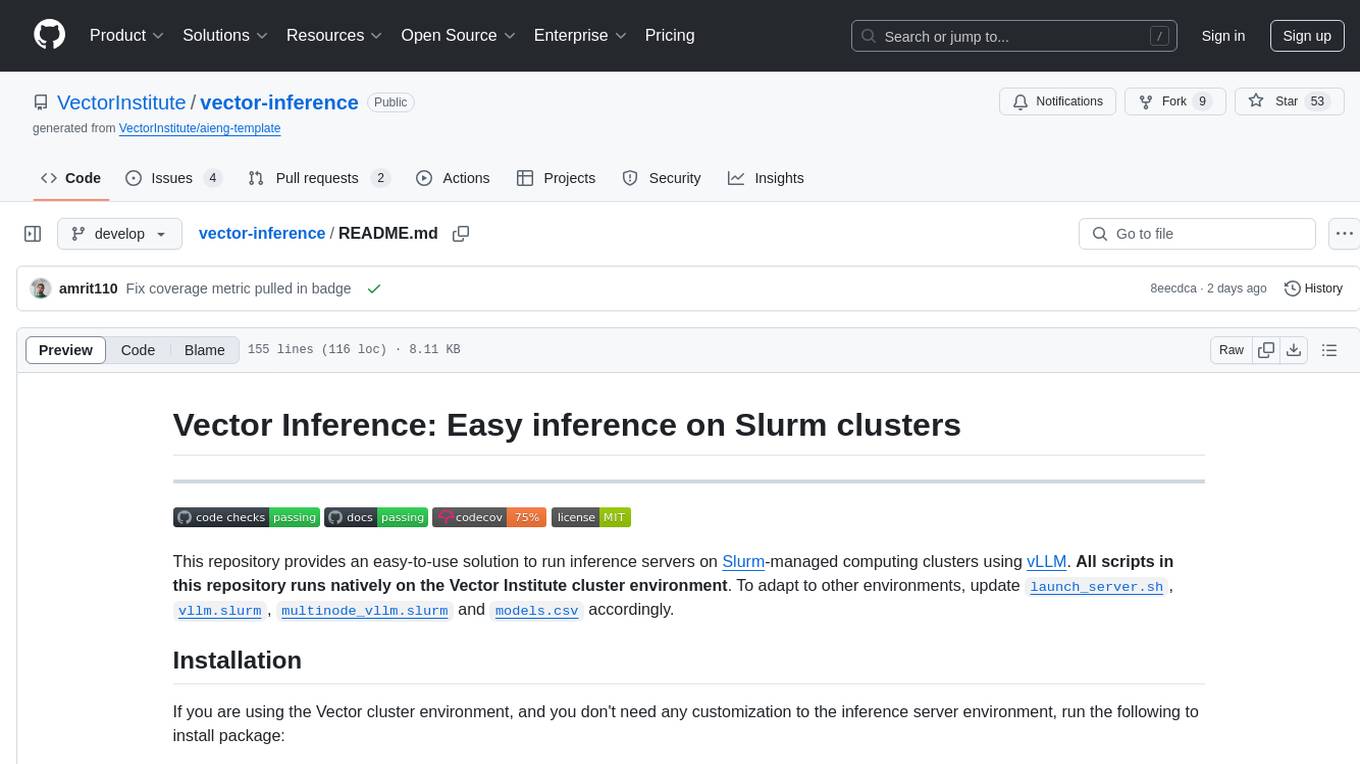
vector-inference
This repository provides an easy-to-use solution for running inference servers on Slurm-managed computing clusters using vLLM. All scripts in this repository run natively on the Vector Institute cluster environment. Users can deploy models as Slurm jobs, check server status and performance metrics, and shut down models. The repository also supports launching custom models with specific configurations. Additionally, users can send inference requests and set up an SSH tunnel to run inference from a local device.
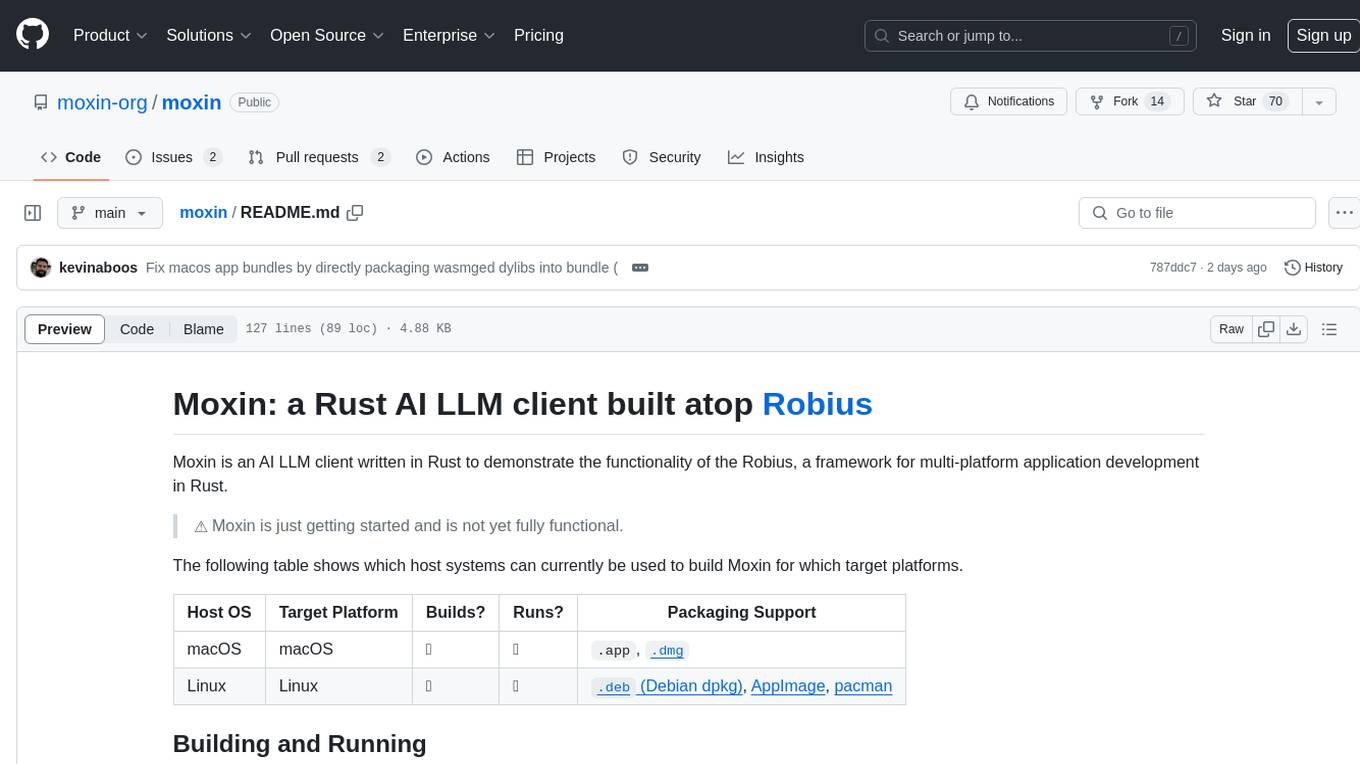
moxin
Moxin is an AI LLM client written in Rust to demonstrate the functionality of the Robius framework for multi-platform application development. It is currently in early stages of development and not fully functional. The tool supports building and running on macOS and Linux systems, with packaging options available for distribution. Users can install the required WasmEdge WASM runtime and dependencies to build and run Moxin. Packaging for distribution includes generating `.deb` Debian packages, AppImage, and pacman installation packages for Linux, as well as `.app` bundles and `.dmg` disk images for macOS. The macOS app is not signed, leading to a warning on installation, which can be resolved by removing the quarantine attribute from the installed app.
hash
HASH is a self-building, open-source database which grows, structures and checks itself. With it, we're creating a platform for decision-making, which helps you integrate, understand and use data in a variety of different ways.
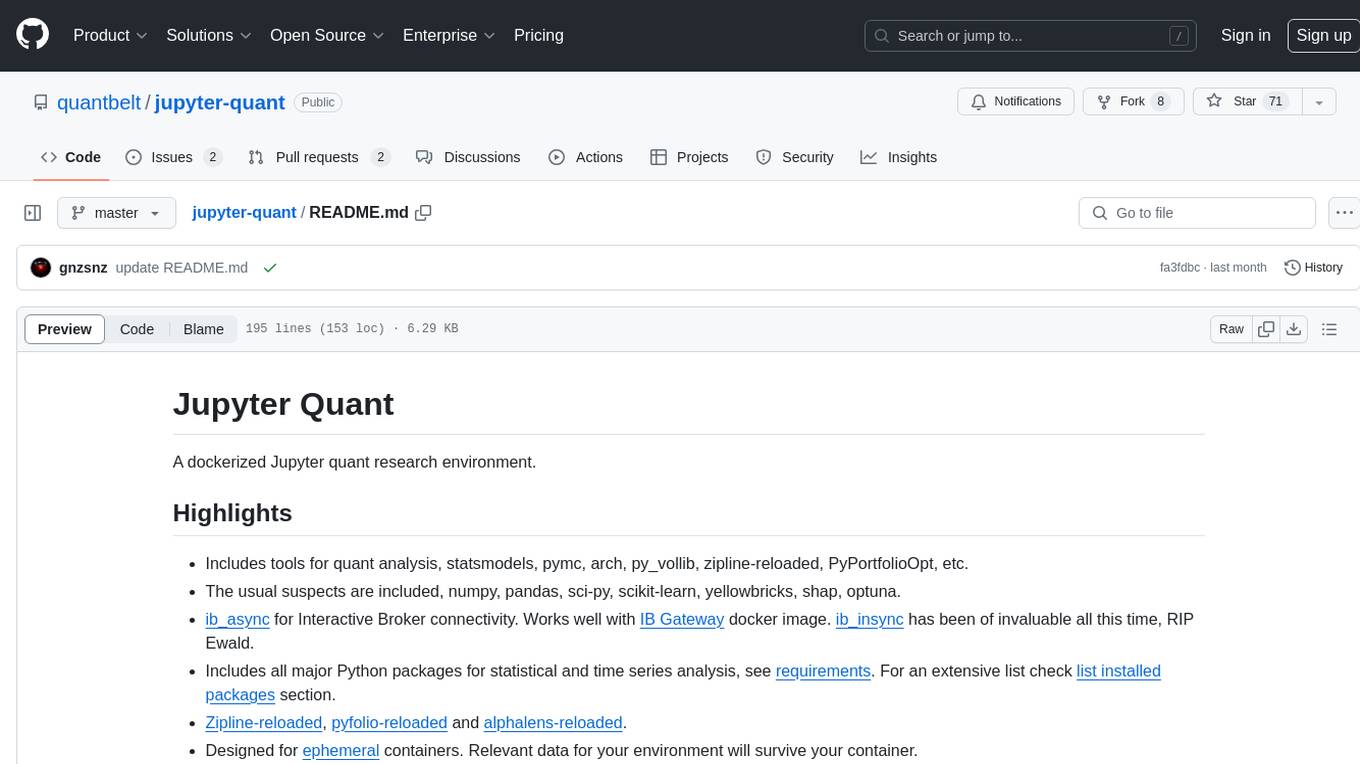
jupyter-quant
Jupyter Quant is a dockerized environment tailored for quantitative research, equipped with essential tools like statsmodels, pymc, arch, py_vollib, zipline-reloaded, PyPortfolioOpt, numpy, pandas, sci-py, scikit-learn, yellowbricks, shap, optuna, and more. It provides Interactive Broker connectivity via ib_async and includes major Python packages for statistical and time series analysis. The image is optimized for size, includes jedi language server, jupyterlab-lsp, and common command line utilities. Users can install new packages with sudo, leverage apt cache, and bring their own dot files and SSH keys. The tool is designed for ephemeral containers, ensuring data persistence and flexibility for quantitative analysis tasks.
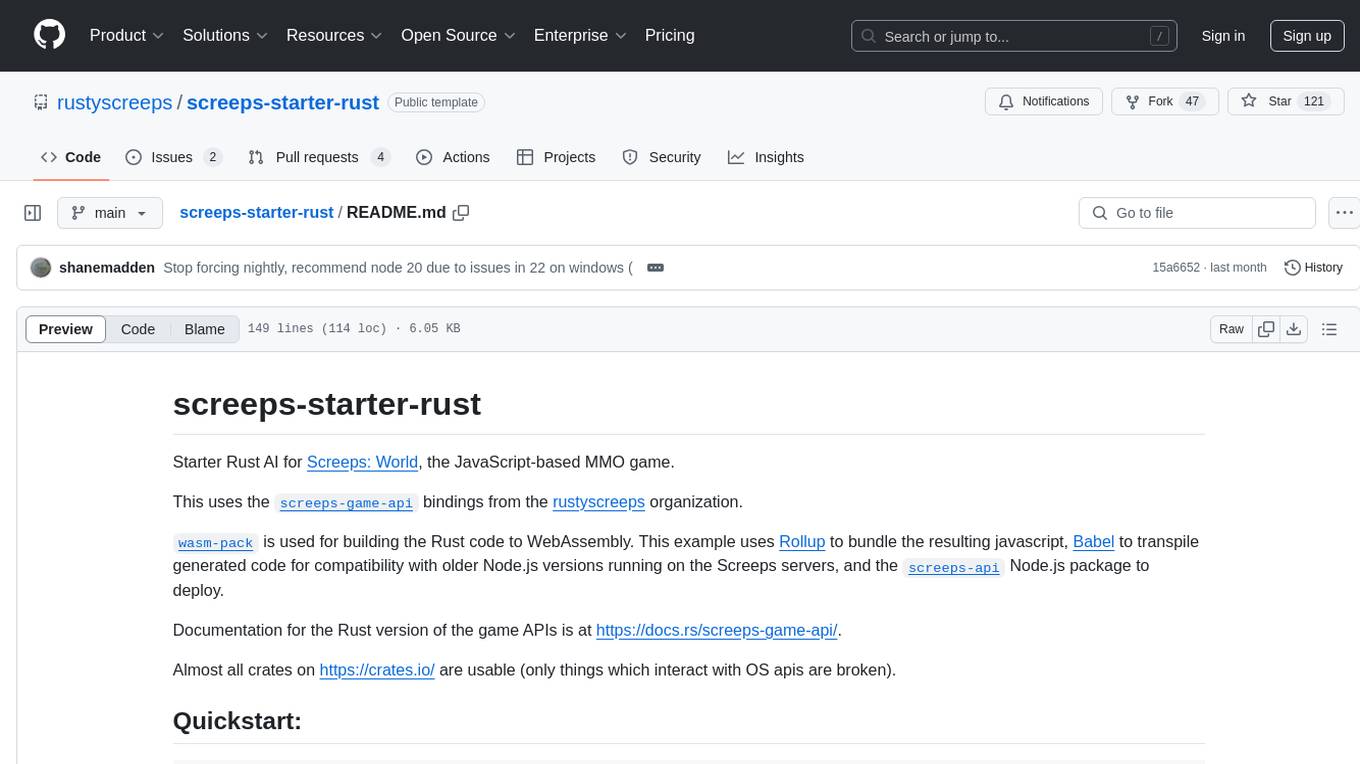
screeps-starter-rust
screeps-starter-rust is a Rust AI starter kit for Screeps: World, a JavaScript-based MMO game. It utilizes the screeps-game-api bindings from the rustyscreeps organization and wasm-pack for building Rust code to WebAssembly. The example includes Rollup for bundling javascript, Babel for transpiling code, and screeps-api Node.js package for deployment. Users can refer to the Rust version of game APIs documentation at https://docs.rs/screeps-game-api/. The tool supports most crates on crates.io, except those interacting with OS APIs.
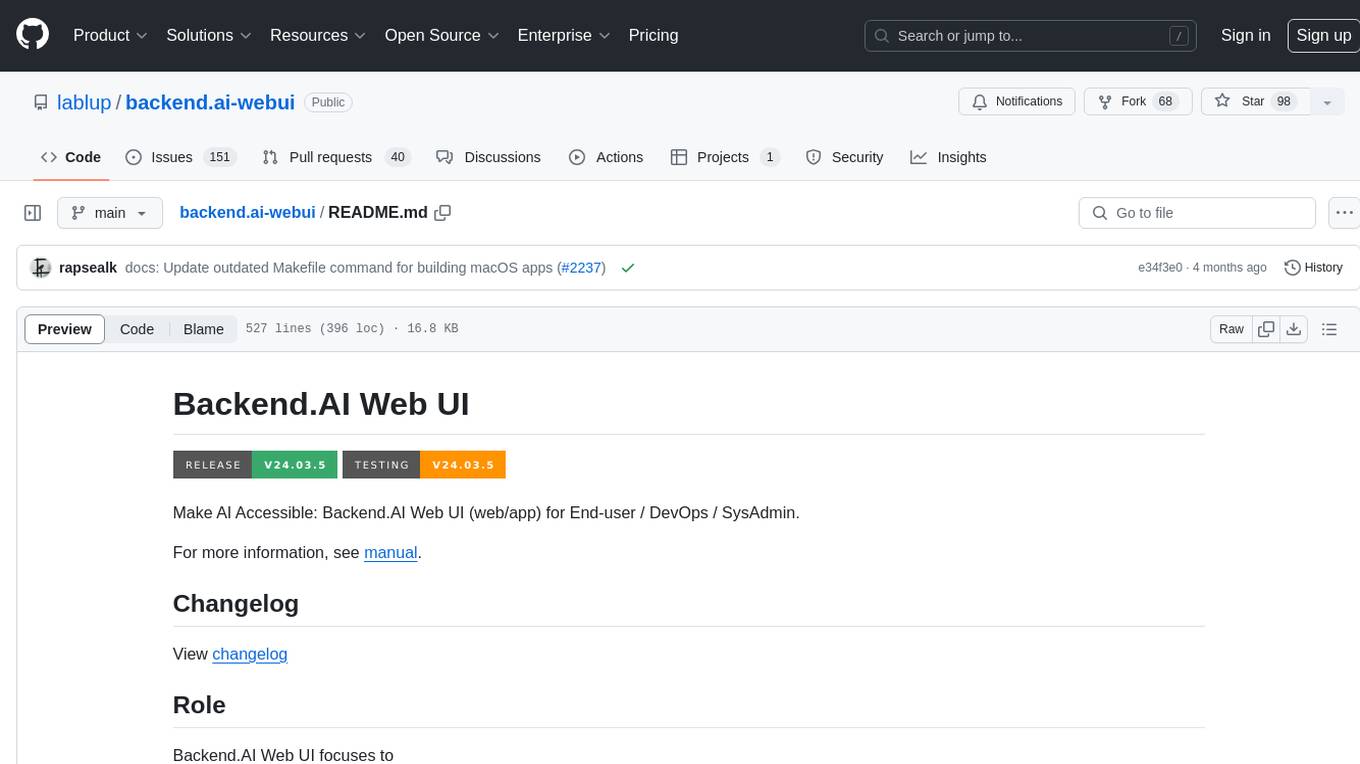
backend.ai-webui
Backend.AI Web UI is a user-friendly web and app interface designed to make AI accessible for end-users, DevOps, and SysAdmins. It provides features for session management, inference service management, pipeline management, storage management, node management, statistics, configurations, license checking, plugins, help & manuals, kernel management, user management, keypair management, manager settings, proxy mode support, service information, and integration with the Backend.AI Web Server. The tool supports various devices, offers a built-in websocket proxy feature, and allows for versatile usage across different platforms. Users can easily manage resources, run environment-supported apps, access a web-based terminal, use Visual Studio Code editor, manage experiments, set up autoscaling, manage pipelines, handle storage, monitor nodes, view statistics, configure settings, and more.
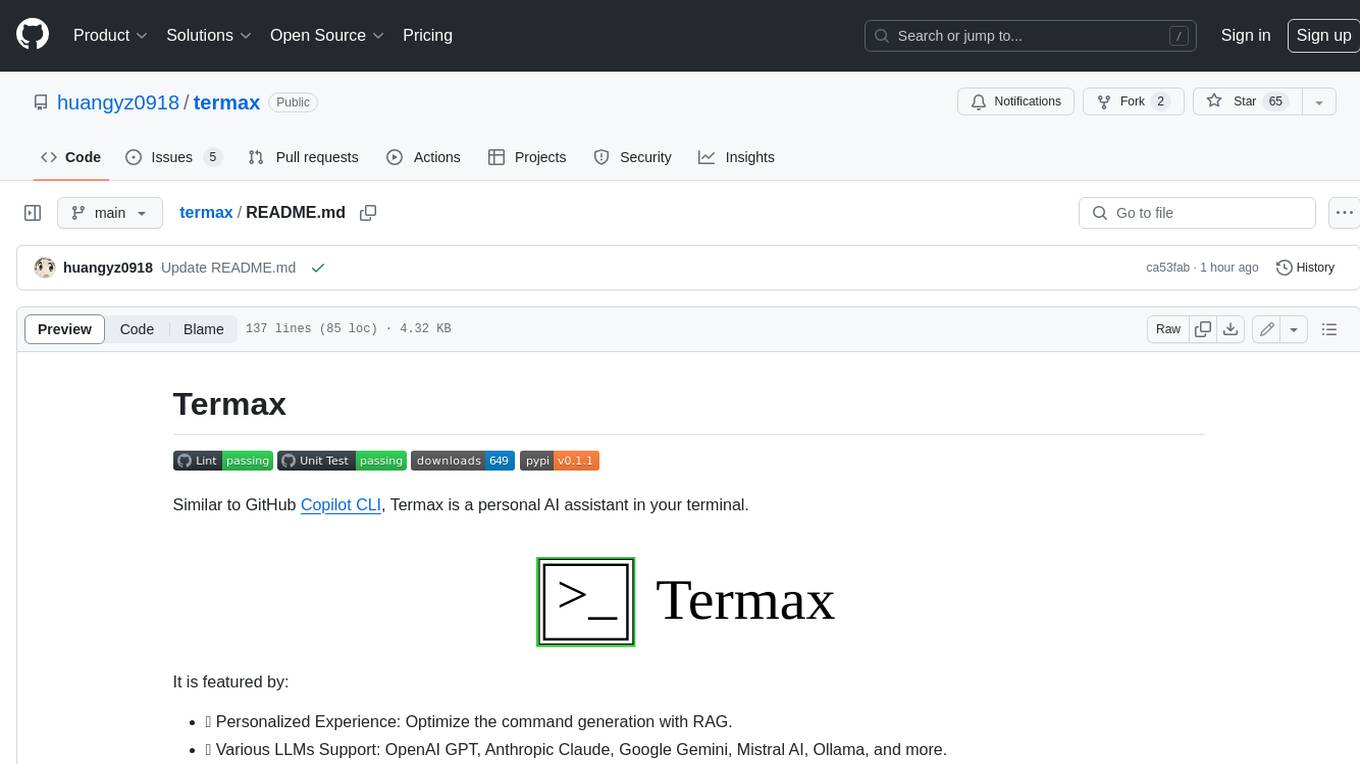
termax
Termax is an LLM agent in your terminal that converts natural language to commands. It is featured by: - Personalized Experience: Optimize the command generation with RAG. - Various LLMs Support: OpenAI GPT, Anthropic Claude, Google Gemini, Mistral AI, and more. - Shell Extensions: Plugin with popular shells like `zsh`, `bash` and `fish`. - Cross Platform: Able to run on Windows, macOS, and Linux.
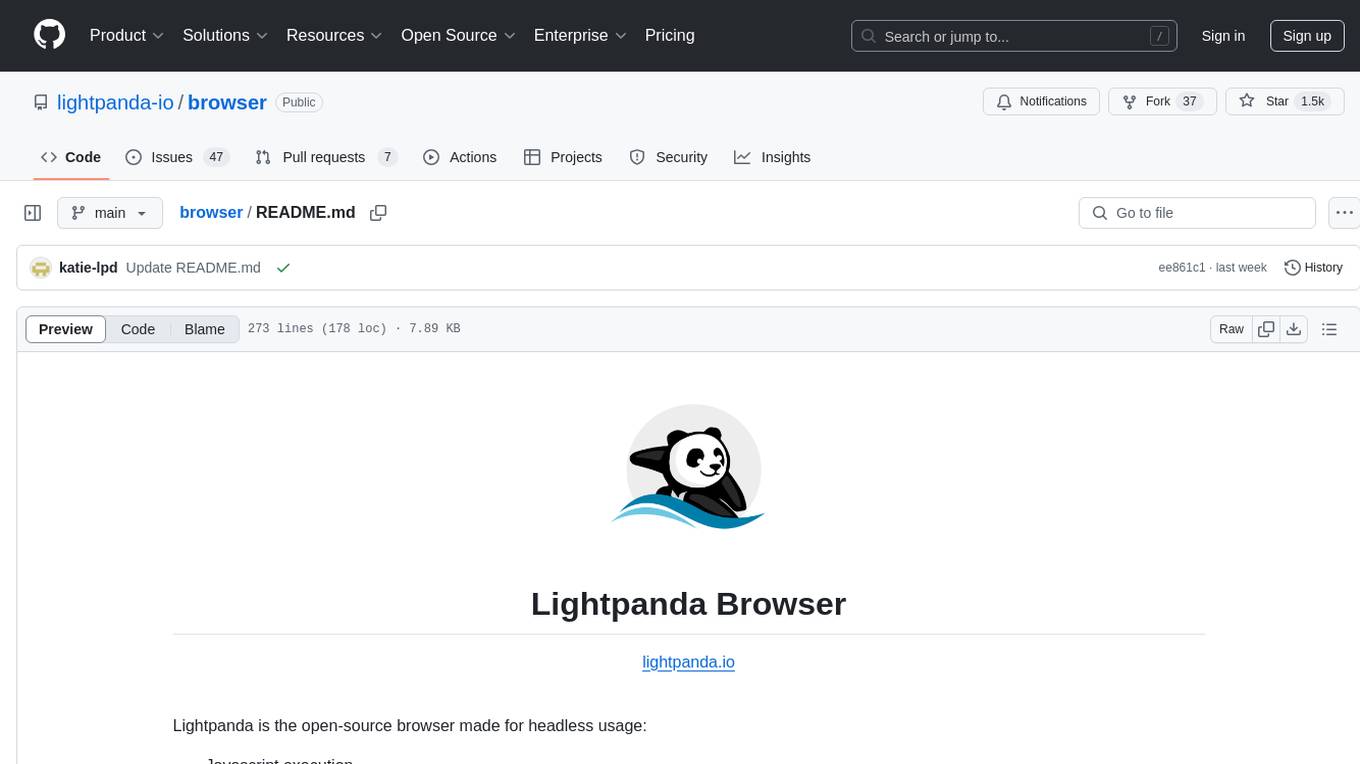
browser
Lightpanda Browser is an open-source headless browser designed for fast web automation, AI agents, LLM training, scraping, and testing. It features ultra-low memory footprint, exceptionally fast execution, and compatibility with Playwright and Puppeteer through CDP. Built for performance, Lightpanda offers Javascript execution, support for Web APIs, and is optimized for minimal memory usage. It is a modern solution for web scraping and automation tasks, providing a lightweight alternative to traditional browsers like Chrome.
For similar tasks

Azure-Analytics-and-AI-Engagement
The Azure-Analytics-and-AI-Engagement repository provides packaged Industry Scenario DREAM Demos with ARM templates (Containing a demo web application, Power BI reports, Synapse resources, AML Notebooks etc.) that can be deployed in a customer’s subscription using the CAPE tool within a matter of few hours. Partners can also deploy DREAM Demos in their own subscriptions using DPoC.
sorrentum
Sorrentum is an open-source project that aims to combine open-source development, startups, and brilliant students to build machine learning, AI, and Web3 / DeFi protocols geared towards finance and economics. The project provides opportunities for internships, research assistantships, and development grants, as well as the chance to work on cutting-edge problems, learn about startups, write academic papers, and get internships and full-time positions at companies working on Sorrentum applications.

tidb
TiDB is an open-source distributed SQL database that supports Hybrid Transactional and Analytical Processing (HTAP) workloads. It is MySQL compatible and features horizontal scalability, strong consistency, and high availability.

zep-python
Zep is an open-source platform for building and deploying large language model (LLM) applications. It provides a suite of tools and services that make it easy to integrate LLMs into your applications, including chat history memory, embedding, vector search, and data enrichment. Zep is designed to be scalable, reliable, and easy to use, making it a great choice for developers who want to build LLM-powered applications quickly and easily.
telemetry-airflow
This repository codifies the Airflow cluster that is deployed at workflow.telemetry.mozilla.org (behind SSO) and commonly referred to as "WTMO" or simply "Airflow". Some links relevant to users and developers of WTMO: * The `dags` directory in this repository contains some custom DAG definitions * Many of the DAGs registered with WTMO don't live in this repository, but are instead generated from ETL task definitions in bigquery-etl * The Data SRE team maintains a WTMO Developer Guide (behind SSO)
mojo
Mojo is a new programming language that bridges the gap between research and production by combining Python syntax and ecosystem with systems programming and metaprogramming features. Mojo is still young, but it is designed to become a superset of Python over time.

pandas-ai
PandasAI is a Python library that makes it easy to ask questions to your data in natural language. It helps you to explore, clean, and analyze your data using generative AI.

databend
Databend is an open-source cloud data warehouse that serves as a cost-effective alternative to Snowflake. With its focus on fast query execution and data ingestion, it's designed for complex analysis of the world's largest datasets.
For similar jobs

weave
Weave is a toolkit for developing Generative AI applications, built by Weights & Biases. With Weave, you can log and debug language model inputs, outputs, and traces; build rigorous, apples-to-apples evaluations for language model use cases; and organize all the information generated across the LLM workflow, from experimentation to evaluations to production. Weave aims to bring rigor, best-practices, and composability to the inherently experimental process of developing Generative AI software, without introducing cognitive overhead.

LLMStack
LLMStack is a no-code platform for building generative AI agents, workflows, and chatbots. It allows users to connect their own data, internal tools, and GPT-powered models without any coding experience. LLMStack can be deployed to the cloud or on-premise and can be accessed via HTTP API or triggered from Slack or Discord.

VisionCraft
The VisionCraft API is a free API for using over 100 different AI models. From images to sound.

kaito
Kaito is an operator that automates the AI/ML inference model deployment in a Kubernetes cluster. It manages large model files using container images, avoids tuning deployment parameters to fit GPU hardware by providing preset configurations, auto-provisions GPU nodes based on model requirements, and hosts large model images in the public Microsoft Container Registry (MCR) if the license allows. Using Kaito, the workflow of onboarding large AI inference models in Kubernetes is largely simplified.

PyRIT
PyRIT is an open access automation framework designed to empower security professionals and ML engineers to red team foundation models and their applications. It automates AI Red Teaming tasks to allow operators to focus on more complicated and time-consuming tasks and can also identify security harms such as misuse (e.g., malware generation, jailbreaking), and privacy harms (e.g., identity theft). The goal is to allow researchers to have a baseline of how well their model and entire inference pipeline is doing against different harm categories and to be able to compare that baseline to future iterations of their model. This allows them to have empirical data on how well their model is doing today, and detect any degradation of performance based on future improvements.

tabby
Tabby is a self-hosted AI coding assistant, offering an open-source and on-premises alternative to GitHub Copilot. It boasts several key features: * Self-contained, with no need for a DBMS or cloud service. * OpenAPI interface, easy to integrate with existing infrastructure (e.g Cloud IDE). * Supports consumer-grade GPUs.

spear
SPEAR (Simulator for Photorealistic Embodied AI Research) is a powerful tool for training embodied agents. It features 300 unique virtual indoor environments with 2,566 unique rooms and 17,234 unique objects that can be manipulated individually. Each environment is designed by a professional artist and features detailed geometry, photorealistic materials, and a unique floor plan and object layout. SPEAR is implemented as Unreal Engine assets and provides an OpenAI Gym interface for interacting with the environments via Python.

Magick
Magick is a groundbreaking visual AIDE (Artificial Intelligence Development Environment) for no-code data pipelines and multimodal agents. Magick can connect to other services and comes with nodes and templates well-suited for intelligent agents, chatbots, complex reasoning systems and realistic characters.