


sandbox-agent
Run Coding Agents in Sandboxes. Control Them Over HTTP. Supports Claude Code, Codex, OpenCode, and Amp.
Stars: 756
Sandbox Agent is a server that runs inside sandboxes to control coding agents remotely over HTTP. It provides a universal API to interact with coding agents like Claude Code, Codex, OpenCode, and Amp, allowing users to manage sessions, handle permissions, and stream events. The tool solves the challenges of executing coding agents remotely, standardizes APIs for different agents, and persists session data for later replay and auditing. It offers features like streaming events, human-in-the-loop interactions, automatic agent installation, and runs inside any sandbox environment.
README:

A server that runs inside your sandbox. Your app connects remotely to control Claude Code, Codex, OpenCode, Cursor, Amp, or Pi — streaming events, handling permissions, managing sessions.
Documentation — API Reference — Discord
Experimental: Gigacode — use OpenCode's TUI with any coding agent.
Running coding agents remotely is hard. Existing SDKs assume local execution, SSH breaks TTY handling and streaming, and every agent has a different API. Building from scratch means reimplementing everything for each coding agent.
Sandbox Agent solves three problems:
-
Coding agents need sandboxes — You can't let AI execute arbitrary code on your production servers. Coding agents need isolated environments, but existing SDKs assume local execution. Sandbox Agent is a server that runs inside the sandbox and exposes HTTP/SSE.
-
Every coding agent is different — Claude Code, Codex, OpenCode, Cursor, Amp, and Pi each have proprietary APIs, event formats, and behaviors. Swapping agents means rewriting your integration. Sandbox Agent provides one HTTP API — write your code once, swap agents with a config change.
-
Sessions are ephemeral — Agent transcripts live in the sandbox. When the process ends, you lose everything. Sandbox Agent streams events in a universal schema to your storage. Persist to Postgres, ClickHouse, or Rivet. Replay later, audit everything.
- Universal Agent API: Single interface to control Claude Code, Codex, OpenCode, Cursor, Amp, and Pi with full feature coverage
- Universal Session Schema: Standardized schema that normalizes all agent event formats for storage and replay
- Runs Inside Any Sandbox: Lightweight static Rust binary. One curl command to install inside E2B, Daytona, Vercel Sandboxes, or Docker
- Server or SDK Mode: Run as an HTTP server or embed with the TypeScript SDK
- OpenAPI Spec: Well documented and easy to integrate from any language
- OpenCode SDK & UI Support (Experimental): Connect OpenCode CLI, SDK, or web UI to control agents through familiar OpenCode tooling

The Sandbox Agent acts as a universal adapter between your client application and various coding agents. Each agent has its own adapter that handles the translation between the universal API and the agent-specific interface.
- Embedded Mode: Runs agents locally as subprocesses
- Server Mode: Runs as HTTP server from any sandbox provider
| Component | Description |
|---|---|
| Server | Rust daemon (sandbox-agent server) exposing the HTTP + SSE API |
| SDK | TypeScript client with embedded and server modes |
| Inspector | Built-in UI at inspecting sessions and events |
| CLI |
sandbox-agent (same binary, plus npm wrapper) mirrors the HTTP endpoints |
Choose the installation method that works best for your use case.
Install skill with:
npx skills add rivet-dev/skills -s sandbox-agentbunx skills add rivet-dev/skills -s sandbox-agentImport the SDK directly into your Node or browser application. Full type safety and streaming support.
Install
npm install [email protected]bun add [email protected]
# Optional: allow Bun to run postinstall scripts for native binaries (required for SandboxAgent.start()).
bun pm trust @sandbox-agent/cli-linux-x64 @sandbox-agent/cli-darwin-arm64 @sandbox-agent/cli-darwin-x64 @sandbox-agent/cli-win32-x64Setup
Local (embedded mode):
import { SandboxAgent } from "sandbox-agent";

const client = await SandboxAgent.start();
Remote (server mode):
import { SandboxAgent } from "sandbox-agent";

const client = await SandboxAgent.connect({
  baseUrl: "http://127.0.0.1:2468",
  token: process.env.SANDBOX_TOKEN,
});
API Overview
const agents = await client.listAgents();

await client.createSession("demo", {
  agent: "codex",
  agentMode: "default",
  permissionMode: "plan",
});

await client.postMessage("demo", { message: "Hello from the SDK." });

for await (const event of client.streamEvents("demo", { offset: 0 })) {
  console.log(event.type, event.data);
}
permissionMode: "acceptEdits" passes through to Claude, auto-approves file changes for Codex, and is treated as default for other agents.
SDK documentation — Building a Chat UI — Managing Sessions
Run as an HTTP server and connect from any language. Deploy to E2B, Daytona, Vercel, or your own infrastructure.
# Install it
curl -fsSL https://releases.rivet.dev/sandbox-agent/0.2.x/install.sh | sh
# Run it
sandbox-agent server --token "$SANDBOX_TOKEN" --host 127.0.0.1 --port 2468
Optional: preinstall agent binaries (no server required; they will be installed lazily on first use if you skip this):
sandbox-agent install-agent claude
sandbox-agent install-agent codex
sandbox-agent install-agent opencode
sandbox-agent install-agent amp
To disable auth locally:
sandbox-agent server --no-token --host 127.0.0.1 --port 2468Quickstart — Deployment guides
Install the CLI wrapper (optional but convenient):
npm install -g @sandbox-agent/[email protected]# Allow Bun to run postinstall scripts for native binaries.
bun add -g @sandbox-agent/[email protected]
bun pm -g trust @sandbox-agent/cli-linux-x64 @sandbox-agent/cli-darwin-arm64 @sandbox-agent/cli-darwin-x64 @sandbox-agent/cli-win32-x64Create a session and send a message:
sandbox-agent api sessions create my-session --agent codex --endpoint http://127.0.0.1:2468 --token "$SANDBOX_TOKEN"
sandbox-agent api sessions send-message my-session --message "Hello" --endpoint http://127.0.0.1:2468 --token "$SANDBOX_TOKEN"
sandbox-agent api sessions send-message-stream my-session --message "Hello" --endpoint http://127.0.0.1:2468 --token "$SANDBOX_TOKEN"
You can also use npx like:
npx @sandbox-agent/[email protected] --helpbunx @sandbox-agent/[email protected] --helpDebug sessions and events with the built-in Inspector UI (e.g., http://localhost:2468/ui/).

Explore API — View Specification
Often you need to use your personal API tokens to test agents on sandboxes:
sandbox-agent credentials extract-env --exportThis prints environment variables for your OpenAI/Anthropic/etc API keys to test with Sandbox Agent SDK.
Does this replace the Vercel AI SDK?
No, they're complementary. AI SDK is for building chat interfaces and calling LLMs. This SDK is for controlling autonomous coding agents that write code and run commands. Use AI SDK for your UI, use this when you need an agent to actually code.
Which coding agents are supported?
Claude Code, Codex, OpenCode, Cursor, Amp, and Pi. The SDK normalizes their APIs so you can swap between them without changing your code.
How is session data persisted?
This SDK does not handle persisting session data. Events stream in a universal JSON schema that you can persist anywhere. See Managing Sessions for patterns using Postgres or Rivet Actors.
Can I run this locally or does it require a sandbox provider?
Both. Run locally for development, deploy to E2B, Daytona, or Vercel Sandboxes for production.
Does it support [platform]?
The server is a single Rust binary that runs anywhere with a curl install. If your platform can run Linux binaries (Docker, VMs, etc.), it works. See the deployment guides for E2B, Daytona, and Vercel Sandboxes.
Can I use this with my personal API keys?
Yes. Use sandbox-agent credentials extract-env to extract API keys from your local agent configs (Claude Code, Codex, OpenCode, Amp, Pi) and pass them to the sandbox environment.
Why Rust and not [language]?
Rust gives us a single static binary, fast startup, and predictable memory usage. That makes it easy to run inside sandboxes or in CI without shipping a large runtime, such as Node.js.
Why can't I just run coding agents locally?
You can for development. But in production, you need isolation. Coding agents execute arbitrary code — that can't happen on your servers. Sandboxes provide the isolation; this SDK provides the HTTP API to control coding agents remotely.
How is this different from the agent's official SDK?
Official SDKs assume local execution. They spawn processes and expect interactive terminals. This SDK runs a server inside a sandbox that you connect to over HTTP — designed for remote control from the start.
Why not just SSH into the sandbox?
Coding agents expect interactive terminals with proper TTY handling. SSH with piped commands breaks tool confirmations, streaming output, and human-in-the-loop flows. The SDK handles all of this over a clean HTTP API.
- Storage of sessions on disk: Sessions are already stored by the respective coding agents on disk. It's assumed that the consumer is streaming data from this machine to an external storage, such as Postgres, ClickHouse, or Rivet.
- Direct LLM wrappers: Use the Vercel AI SDK if you want to implement your own agent from scratch.
- Git Repo Management: Just use git commands or the features provided by your sandbox provider of choice.
- Sandbox Provider API: Sandbox providers have many nuanced differences in their API, it does not make sense for us to try to provide a custom layer. Instead, we opt to provide guides that let you integrate this project with sandbox providers.
- [ ] Python SDK
- [ ] Automatic MCP & skill & hook configuration
- [ ] Todo lists
For Tasks:
Click tags to check more tools for each tasksFor Jobs:
Alternative AI tools for sandbox-agent
Similar Open Source Tools
sandbox-agent
Sandbox Agent is a server that runs inside sandboxes to control coding agents remotely over HTTP. It provides a universal API to interact with coding agents like Claude Code, Codex, OpenCode, and Amp, allowing users to manage sessions, handle permissions, and stream events. The tool solves the challenges of executing coding agents remotely, standardizes APIs for different agents, and persists session data for later replay and auditing. It offers features like streaming events, human-in-the-loop interactions, automatic agent installation, and runs inside any sandbox environment.
clearml-server
ClearML Server is a backend service infrastructure for ClearML, facilitating collaboration and experiment management. It includes a web app, RESTful API, and file server for storing images and models. Users can deploy ClearML Server using Docker, AWS EC2 AMI, or Kubernetes. The system design supports single IP or sub-domain configurations with specific open ports. ClearML-Agent Services container allows launching long-lasting jobs and various use cases like auto-scaler service, controllers, optimizer, and applications. Advanced functionality includes web login authentication and non-responsive experiments watchdog. Upgrading ClearML Server involves stopping containers, backing up data, downloading the latest docker-compose.yml file, configuring ClearML-Agent Services, and spinning up docker containers. Community support is available through ClearML FAQ, Stack Overflow, GitHub issues, and email contact.
agent-framework
Microsoft Agent Framework is a comprehensive multi-language framework for building, orchestrating, and deploying AI agents with support for both .NET and Python implementations. It provides everything from simple chat agents to complex multi-agent workflows with graph-based orchestration. The framework offers features like graph-based workflows, AF Labs for experimental packages, DevUI for interactive developer UI, support for Python and C#/.NET, observability with OpenTelemetry integration, multiple agent provider support, and flexible middleware system. Users can find documentation, tutorials, and user guides to get started with building agents and workflows. The framework also supports various LLM providers and offers contributor resources like a contributing guide, Python development guide, design documents, and architectural decision records.
actionbook
Actionbook is a browser action engine designed for AI agents, providing up-to-date action manuals and DOM structure to enable instant website operations without guesswork. It offers faster execution, token savings, resilient automation, and universal compatibility, making it ideal for building reliable browser agents. Actionbook integrates seamlessly with AI coding assistants and offers three integration methods: CLI, MCP Server, and JavaScript SDK. The tool is well-documented and actively developed in a monorepo setup using pnpm workspaces and Turborepo.
gptme
Personal AI assistant/agent in your terminal, with tools for using the terminal, running code, editing files, browsing the web, using vision, and more. A great coding agent that is general-purpose to assist in all kinds of knowledge work, from a simple but powerful CLI. An unconstrained local alternative to ChatGPT with 'Code Interpreter', Cursor Agent, etc. Not limited by lack of software, internet access, timeouts, or privacy concerns if using local models.
koog
Koog is a Kotlin-based framework for building and running AI agents entirely in idiomatic Kotlin. It allows users to create agents that interact with tools, handle complex workflows, and communicate with users. Key features include pure Kotlin implementation, MCP integration, embedding capabilities, custom tool creation, ready-to-use components, intelligent history compression, powerful streaming API, persistent agent memory, comprehensive tracing, flexible graph workflows, modular feature system, scalable architecture, and multiplatform support.
langmanus
LangManus is a community-driven AI automation framework that combines language models with specialized tools for tasks like web search, crawling, and Python code execution. It implements a hierarchical multi-agent system with agents like Coordinator, Planner, Supervisor, Researcher, Coder, Browser, and Reporter. The framework supports LLM integration, search and retrieval tools, Python integration, workflow management, and visualization. LangManus aims to give back to the open-source community and welcomes contributions in various forms.

agentcloud
AgentCloud is an open-source platform that enables companies to build and deploy private LLM chat apps, empowering teams to securely interact with their data. It comprises three main components: Agent Backend, Webapp, and Vector Proxy. To run this project locally, clone the repository, install Docker, and start the services. The project is licensed under the GNU Affero General Public License, version 3 only. Contributions and feedback are welcome from the community.
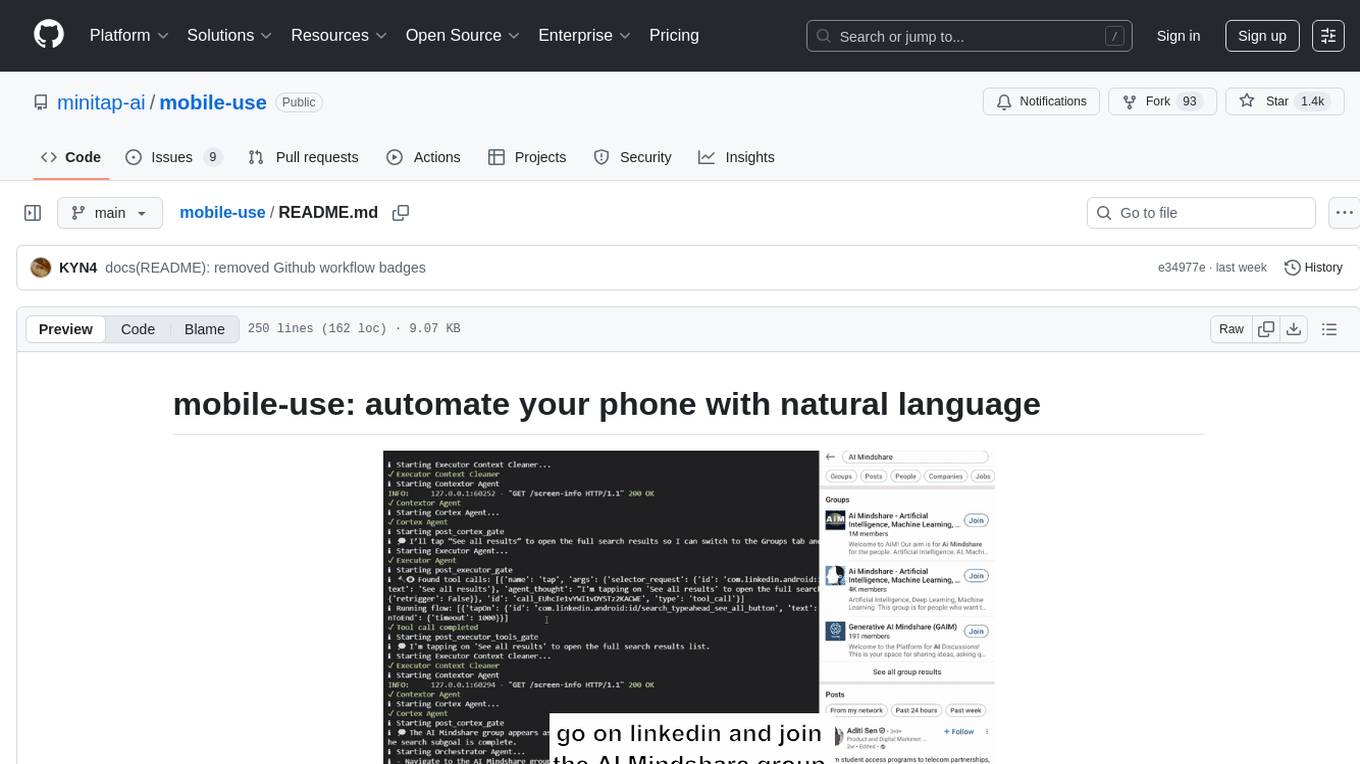
mobile-use
Mobile-use is an open-source AI agent that controls Android or IOS devices using natural language. It understands commands to perform tasks like sending messages and navigating apps. Features include natural language control, UI-aware automation, data scraping, and extensibility. Users can automate their mobile experience by setting up environment variables, customizing LLM configurations, and launching the tool via Docker or manually for development. The tool supports physical Android phones, Android simulators, and iOS simulators. Contributions are welcome, and the project is licensed under MIT.
middleware
Middleware is an open-source engineering management tool that helps engineering leaders measure and analyze team effectiveness using DORA metrics. It integrates with CI/CD tools, automates DORA metric collection and analysis, visualizes key performance indicators, provides customizable reports and dashboards, and integrates with project management platforms. Users can set up Middleware using Docker or manually, generate encryption keys, set up backend and web servers, and access the application to view DORA metrics. The tool calculates DORA metrics using GitHub data, including Deployment Frequency, Lead Time for Changes, Mean Time to Restore, and Change Failure Rate. Middleware aims to provide DORA metrics to users based on their Git data, simplifying the process of tracking software delivery performance and operational efficiency.
eliza
Eliza is a versatile AI agent operating system designed to support various models and connectors, enabling users to create chatbots, autonomous agents, handle business processes, create video game NPCs, and engage in trading. It offers multi-agent and room support, document ingestion and interaction, retrievable memory and document store, and extensibility to create custom actions and clients. Eliza is easy to use and provides a comprehensive solution for AI agent development.
VibeSurf
VibeSurf is an open-source AI agentic browser that combines workflow automation with intelligent AI agents, offering faster, cheaper, and smarter browser automation. It allows users to create revolutionary browser workflows, run multiple AI agents in parallel, perform intelligent AI automation tasks, maintain privacy with local LLM support, and seamlessly integrate as a Chrome extension. Users can save on token costs, achieve efficiency gains, and enjoy deterministic workflows for consistent and accurate results. VibeSurf also provides a Docker image for easy deployment and offers pre-built workflow templates for common tasks.
better-chatbot
Better Chatbot is an open-source AI chatbot designed for individuals and teams, inspired by various AI models. It integrates major LLMs, offers powerful tools like MCP protocol and data visualization, supports automation with custom agents and visual workflows, enables collaboration by sharing configurations, provides a voice assistant feature, and ensures an intuitive user experience. The platform is built with Vercel AI SDK and Next.js, combining leading AI services into one platform for enhanced chatbot capabilities.
DesktopCommanderMCP
Desktop Commander MCP is a server that allows the Claude desktop app to execute long-running terminal commands on your computer and manage processes through Model Context Protocol (MCP). It is built on top of MCP Filesystem Server to provide additional search and replace file editing capabilities. The tool enables users to execute terminal commands with output streaming, manage processes, perform full filesystem operations, and edit code with surgical text replacements or full file rewrites. It also supports vscode-ripgrep based recursive code or text search in folders.
TaskingAI
TaskingAI brings Firebase's simplicity to **AI-native app development**. The platform enables the creation of GPTs-like multi-tenant applications using a wide range of LLMs from various providers. It features distinct, modular functions such as Inference, Retrieval, Assistant, and Tool, seamlessly integrated to enhance the development process. TaskingAI’s cohesive design ensures an efficient, intelligent, and user-friendly experience in AI application development.
SWE-ReX
SWE-ReX is a runtime interface for interacting with sandboxed shell environments, allowing AI agents to run any command on any environment. It enables agents to interact with running shell sessions, use interactive command line tools, and manage multiple shell sessions in parallel. SWE-ReX simplifies agent development and evaluation by abstracting infrastructure concerns, supporting fast parallel runs on various platforms, and disentangling agent logic from infrastructure.
For similar tasks
sandbox-agent
Sandbox Agent is a server that runs inside sandboxes to control coding agents remotely over HTTP. It provides a universal API to interact with coding agents like Claude Code, Codex, OpenCode, and Amp, allowing users to manage sessions, handle permissions, and stream events. The tool solves the challenges of executing coding agents remotely, standardizes APIs for different agents, and persists session data for later replay and auditing. It offers features like streaming events, human-in-the-loop interactions, automatic agent installation, and runs inside any sandbox environment.
aiohttp-session
aiohttp_session is a Python library that provides session management for aiohttp.web applications. It allows storing user-specific data in session objects with a dict-like interface. The library offers different session storage options, including SimpleCookieStorage for testing, EncryptedCookieStorage for secure data storage, and RedisStorage for storing data in Redis. Users can easily integrate session management into their aiohttp.web applications by registering the session middleware. The library is designed to simplify session handling and enhance the security of web applications.
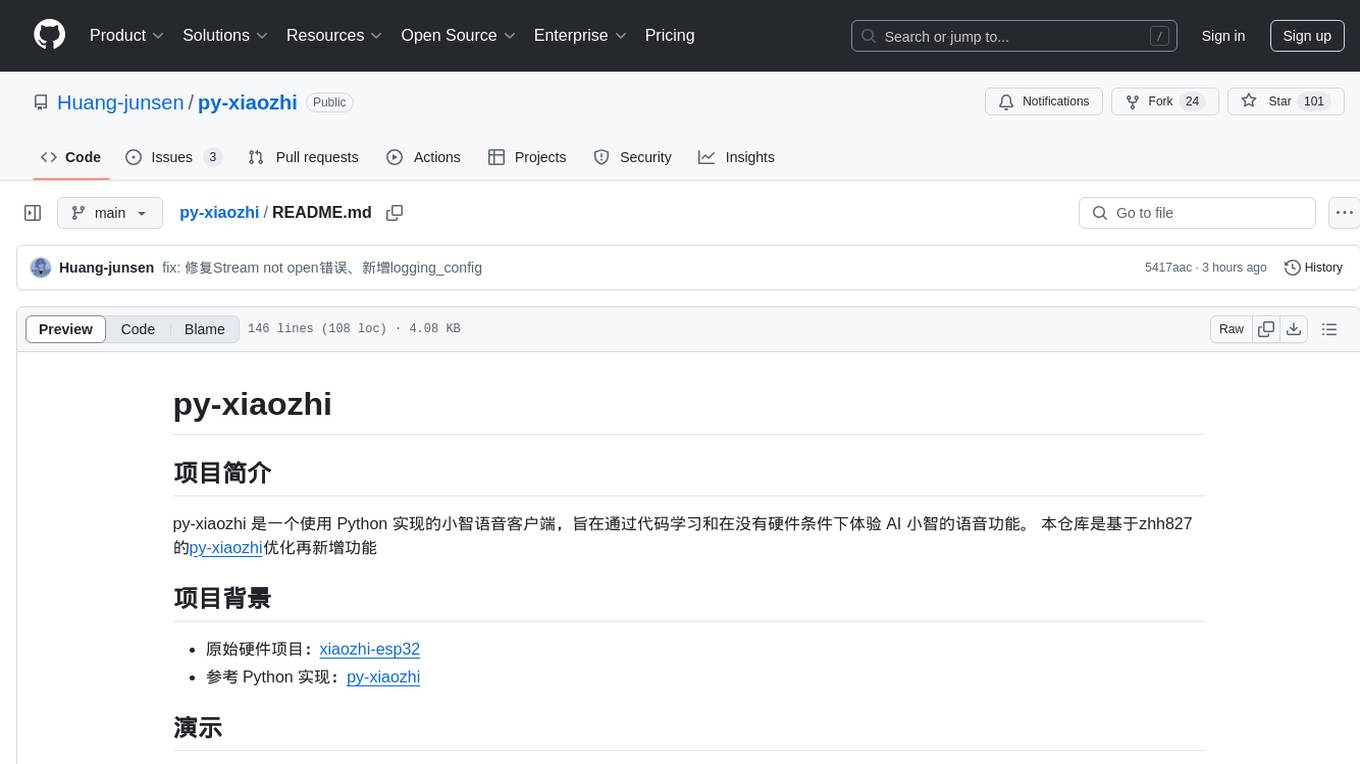
py-xiaozhi
py-xiaozhi is a Python-based XiaoZhi voice client designed for learning code and experiencing AI XiaoZhi's voice functions without hardware conditions. It features voice interaction, graphical interface, volume control, session management, encrypted audio transmission, CLI mode, and automatic copying of verification codes and opening browsers for first-time users. The project aims to optimize and add new features to zhh827's py-xiaozhi based on the original hardware project xiaozhi-esp32 and the Python implementation py-xiaozhi.
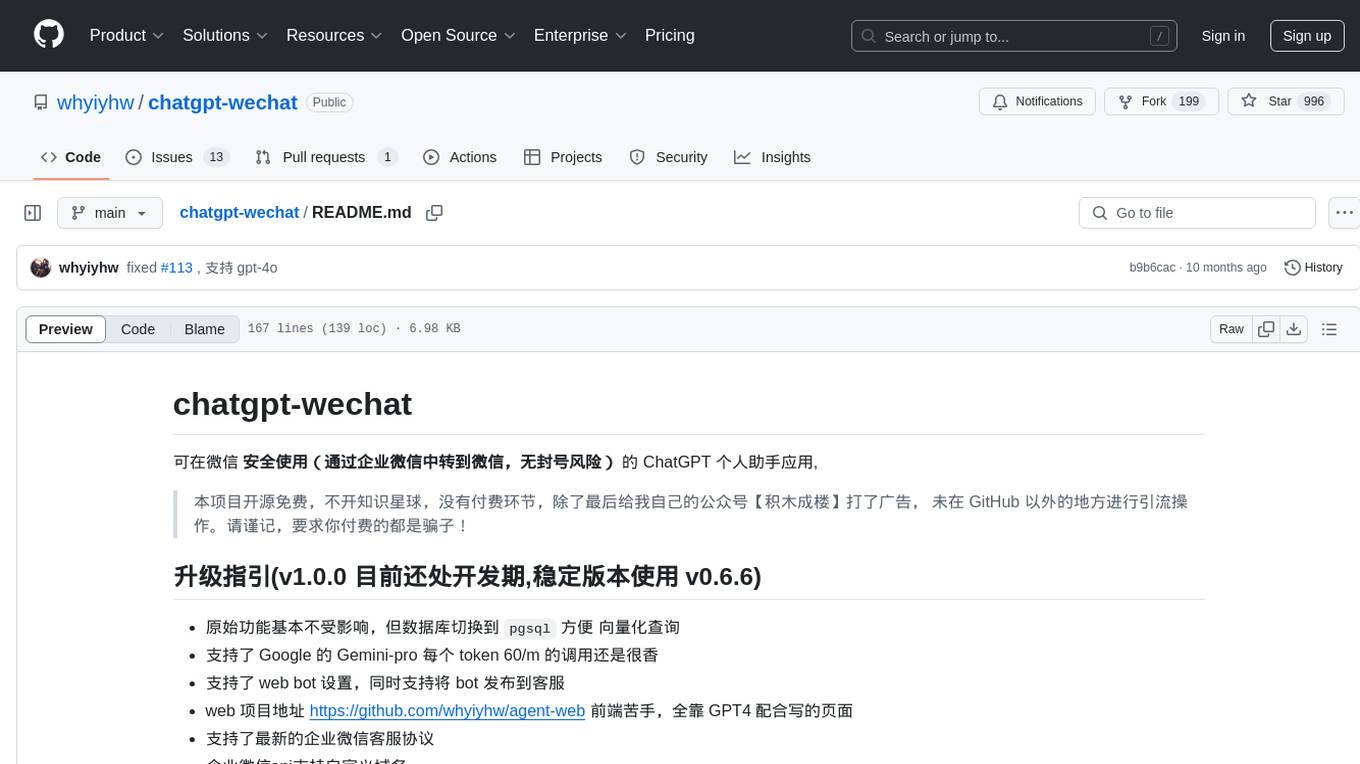
chatgpt-wechat
ChatGPT-WeChat is a personal assistant application that can be safely used on WeChat through enterprise WeChat without the risk of being banned. The project is open source and free, with no paid sections or external traffic operations except for advertising on the author's public account '积木成楼'. It supports various features such as secure usage on WeChat, multi-channel customer service message integration, proxy support, session management, rapid message response, voice and image messaging, drawing capabilities, private data storage, plugin support, and more. Users can also develop their own capabilities following the rules provided. The project is currently in development with stable versions available for use.
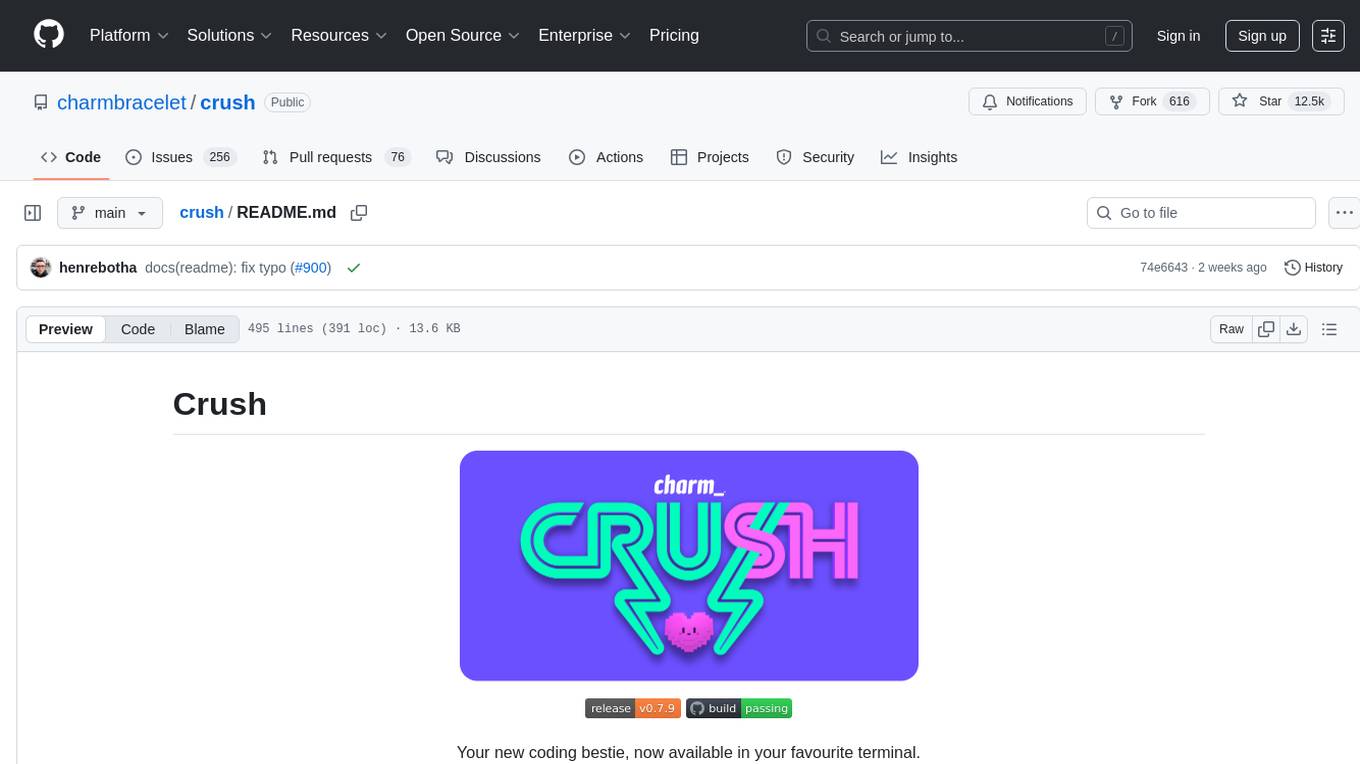
crush
Crush is a versatile tool designed to enhance coding workflows in your terminal. It offers support for multiple LLMs, allows for flexible switching between models, and enables session-based work management. Crush is extensible through MCPs and works across various operating systems. It can be installed using package managers like Homebrew and NPM, or downloaded directly. Crush supports various APIs like Anthropic, OpenAI, Groq, and Google Gemini, and allows for customization through environment variables. The tool can be configured locally or globally, and supports LSPs for additional context. Crush also provides options for ignoring files, allowing tools, and configuring local models. It respects `.gitignore` files and offers logging capabilities for troubleshooting and debugging.
SWE-ReX
SWE-ReX is a runtime interface for interacting with sandboxed shell environments, allowing AI agents to run any command on any environment. It enables agents to interact with running shell sessions, use interactive command line tools, and manage multiple shell sessions in parallel. SWE-ReX simplifies agent development and evaluation by abstracting infrastructure concerns, supporting fast parallel runs on various platforms, and disentangling agent logic from infrastructure.
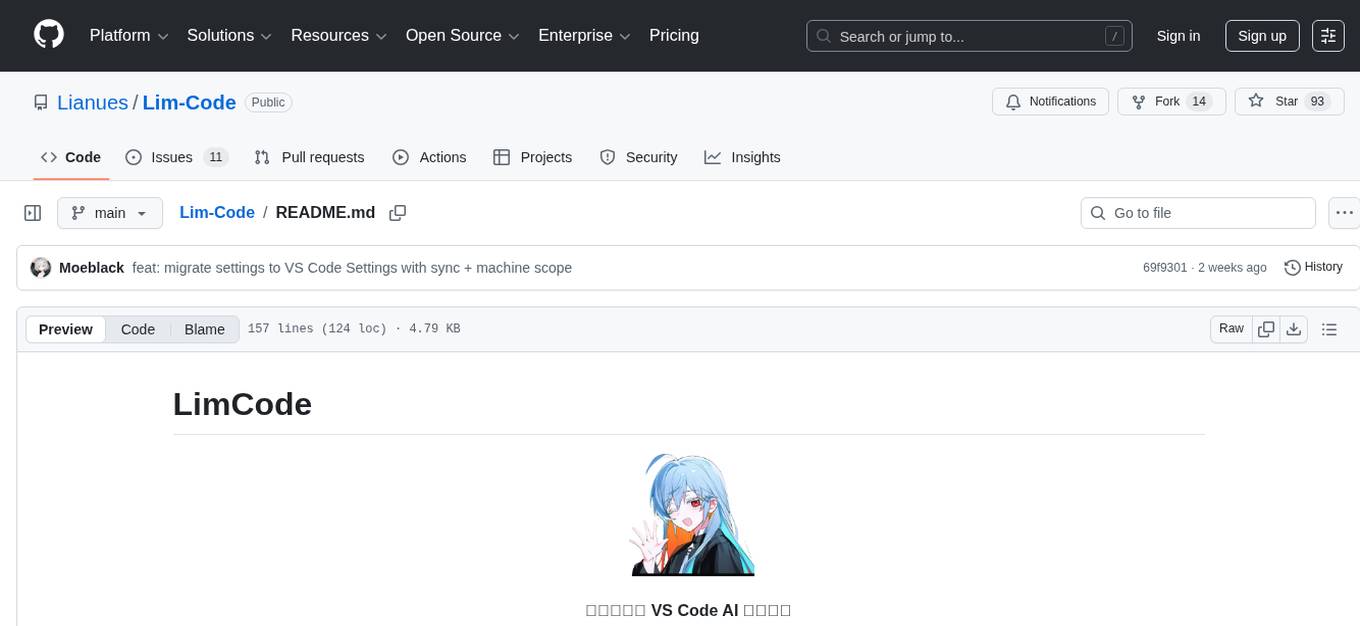
Lim-Code
LimCode is a powerful VS Code AI programming assistant that supports multiple AI models, intelligent tool invocation, and modular architecture. It features support for various AI channels, a smart tool system for code manipulation, MCP protocol support for external tool extension, intelligent context management, session management, and more. Users can install LimCode from the plugin store or via VSIX, or build it from the source code. The tool offers a rich set of features for AI programming and code manipulation within the VS Code environment.
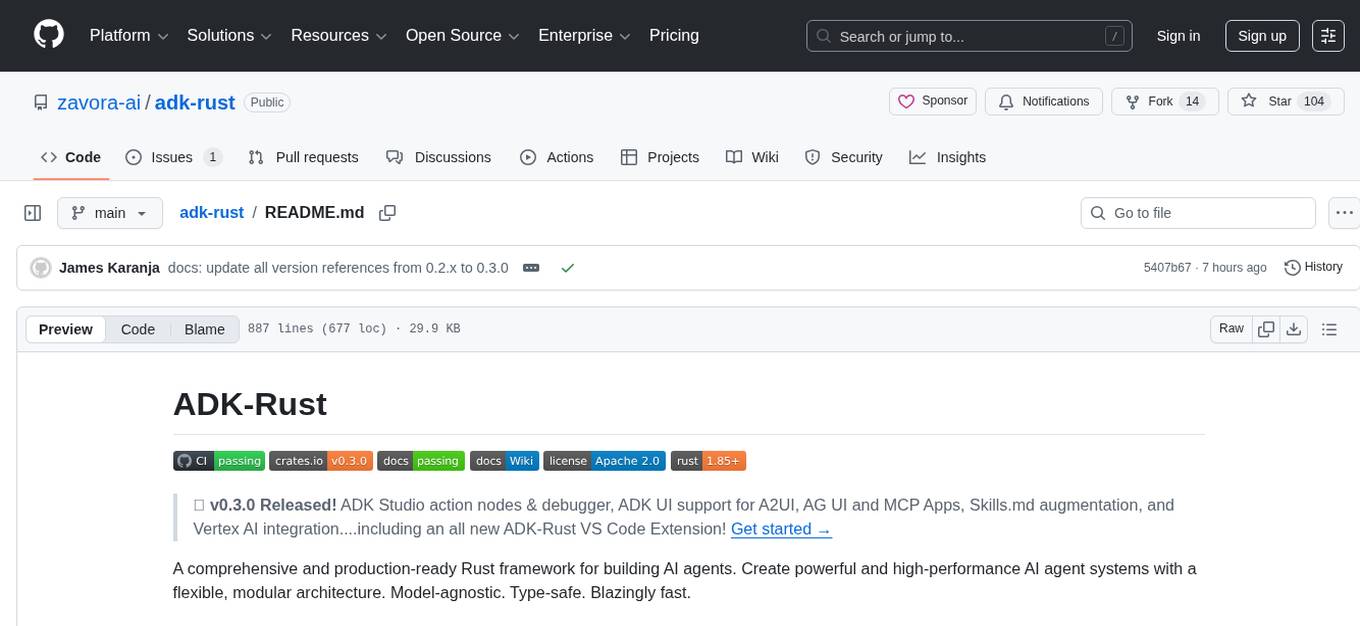
adk-rust
ADK-Rust is a comprehensive and production-ready Rust framework for building AI agents. It features type-safe agent abstractions with async execution and event streaming, multiple agent types including LLM agents, workflow agents, and custom agents, realtime voice agents with bidirectional audio streaming, a tool ecosystem with function tools, Google Search, and MCP integration, production features like session management, artifact storage, memory systems, and REST/A2A APIs, and a developer-friendly experience with interactive CLI, working examples, and comprehensive documentation. The framework follows a clean layered architecture and is production-ready and actively maintained.
For similar jobs

sweep
Sweep is an AI junior developer that turns bugs and feature requests into code changes. It automatically handles developer experience improvements like adding type hints and improving test coverage.

teams-ai
The Teams AI Library is a software development kit (SDK) that helps developers create bots that can interact with Teams and Microsoft 365 applications. It is built on top of the Bot Framework SDK and simplifies the process of developing bots that interact with Teams' artificial intelligence capabilities. The SDK is available for JavaScript/TypeScript, .NET, and Python.

ai-guide
This guide is dedicated to Large Language Models (LLMs) that you can run on your home computer. It assumes your PC is a lower-end, non-gaming setup.

classifai
Supercharge WordPress Content Workflows and Engagement with Artificial Intelligence. Tap into leading cloud-based services like OpenAI, Microsoft Azure AI, Google Gemini and IBM Watson to augment your WordPress-powered websites. Publish content faster while improving SEO performance and increasing audience engagement. ClassifAI integrates Artificial Intelligence and Machine Learning technologies to lighten your workload and eliminate tedious tasks, giving you more time to create original content that matters.

chatbot-ui
Chatbot UI is an open-source AI chat app that allows users to create and deploy their own AI chatbots. It is easy to use and can be customized to fit any need. Chatbot UI is perfect for businesses, developers, and anyone who wants to create a chatbot.

BricksLLM
BricksLLM is a cloud native AI gateway written in Go. Currently, it provides native support for OpenAI, Anthropic, Azure OpenAI and vLLM. BricksLLM aims to provide enterprise level infrastructure that can power any LLM production use cases. Here are some use cases for BricksLLM: * Set LLM usage limits for users on different pricing tiers * Track LLM usage on a per user and per organization basis * Block or redact requests containing PIIs * Improve LLM reliability with failovers, retries and caching * Distribute API keys with rate limits and cost limits for internal development/production use cases * Distribute API keys with rate limits and cost limits for students

uAgents
uAgents is a Python library developed by Fetch.ai that allows for the creation of autonomous AI agents. These agents can perform various tasks on a schedule or take action on various events. uAgents are easy to create and manage, and they are connected to a fast-growing network of other uAgents. They are also secure, with cryptographically secured messages and wallets.

griptape
Griptape is a modular Python framework for building AI-powered applications that securely connect to your enterprise data and APIs. It offers developers the ability to maintain control and flexibility at every step. Griptape's core components include Structures (Agents, Pipelines, and Workflows), Tasks, Tools, Memory (Conversation Memory, Task Memory, and Meta Memory), Drivers (Prompt and Embedding Drivers, Vector Store Drivers, Image Generation Drivers, Image Query Drivers, SQL Drivers, Web Scraper Drivers, and Conversation Memory Drivers), Engines (Query Engines, Extraction Engines, Summary Engines, Image Generation Engines, and Image Query Engines), and additional components (Rulesets, Loaders, Artifacts, Chunkers, and Tokenizers). Griptape enables developers to create AI-powered applications with ease and efficiency.