


partcad
Package manager for things. Start designing modular hardware! PartCAD is the standard for documenting manufacturable physical products (a.k.a. Digital Thread or TDP). It comes with a set of tools to maintain product information and to facilitate efficient and effective workflows at all product lifecycle phases, boosted by AI.
Stars: 289
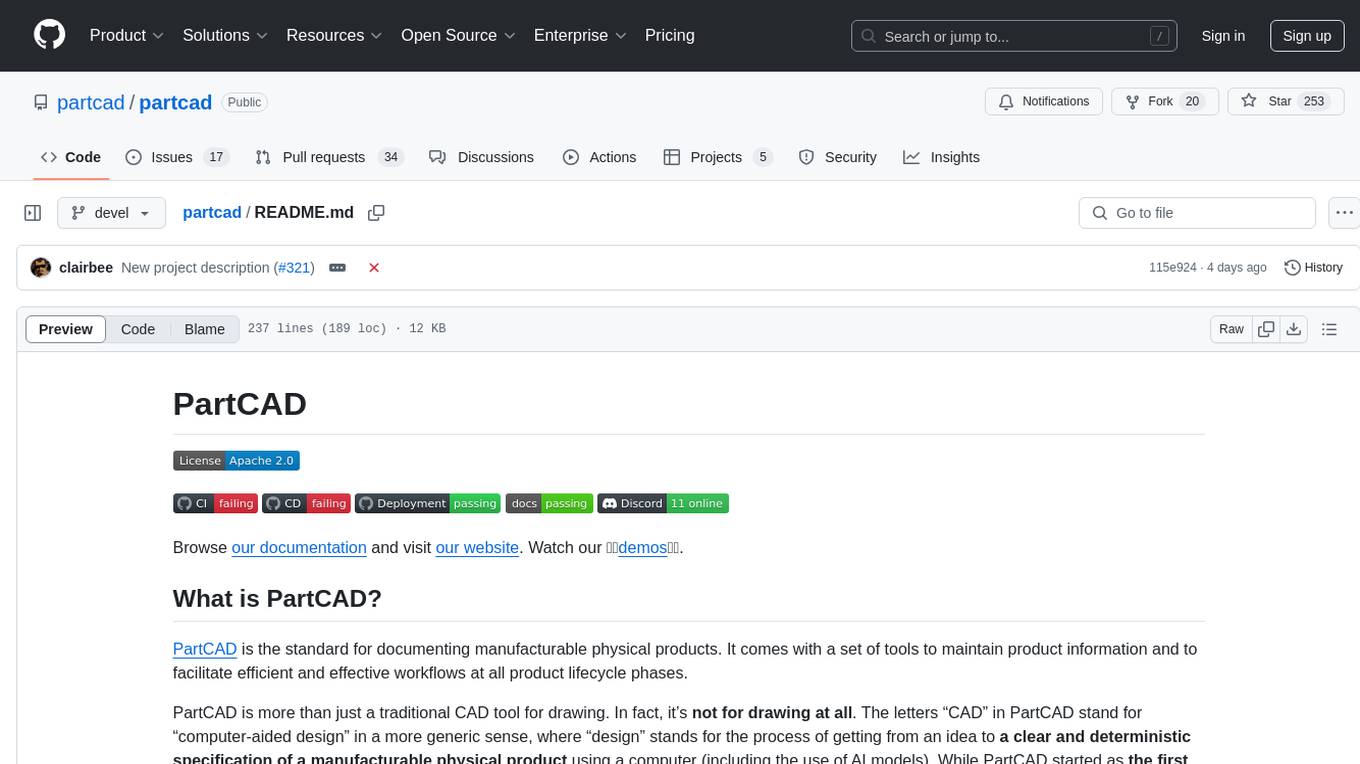
PartCAD is a tool for documenting manufacturable physical products, providing tools to maintain product information and streamline workflows at all product lifecycle phases. It is a next-generation CAD tool that focuses on specifying manufacturable physical products using computer-aided design in a more generic sense, including the use of AI models. PartCAD offers modular and reusable packages for product information, generating outputs like product documentation, bill of materials, sourcing information, and manufacturing process specifications. It integrates with third-party tools for iterative improvements, design validation, and manufacturing processes verification. PartCAD also offers supplementary products like a CRM and inventory tool for managing part manufacturing and assembly shops. By enabling easy switching between third-party tools, PartCAD creates a competitive environment for service providers and ensures data sovereignty for users.
README:



Browse our documentation and visit our website. Watch our 💥💥demos💥💥.
PartCAD is the standard for documenting manufacturable physical products. It comes with a set of tools to maintain product information and to facilitate efficient and effective workflows at all product lifecycle phases.
PartCAD is more than just a traditional CAD tool for drawing. In fact, it’s not for drawing at all. The letters “CAD” in PartCAD stand for “computer-aided design” in a more generic sense, where “design” stands for the process of getting from an idea to a clear and deterministic specification of a manufacturable physical product using a computer (including the use of AI models). While PartCAD started as the first package manager for hardware, it is now the next-generation CAD that can turn a single visionary individual into a one person corporation, or make one future Product Manager as productive (and much faster!) as 10 corporate engineering departments of the past.
PartCAD is constantly evolving, with new features and integrations being added all the time. Contact us to discuss how PartCAD can revolutionize your product development process.
PartCAD includes tools to package product information:
-
Optional (but highly recommended) high-level requirements (texts and drawings)
-
Optional detailed design (mechanical outline, PCB schematics, software architecture)
-
Implementation (mechanical CAD files, PCB layout, software artifacts)
-
Optionally, the following data can be provided to augment or complement the output:
- Additional manufacturing process requirements and instructions
- Additional product validation instructions
- Maintenance instructions
-
Or any other product related metadata
Such packages are modular and reusable, allowing one to build not only on top of the CAD files of previous products, but to build on top of their manufacturing processes as well.
As a result of maintaining the product information using PartCAD, the following outputs can be generated and, if necessary, collected and managed using PartCAD tools:
- Product documentation (markdown, html or PDF)
- Design validation results
- Product bill of materials (mechanical, electronics, software)
- Sourcing information for all components
- Manufacturing process specification (including required equipment if any)
- Manufacturing instructions (sufficiently documented to be reproduced by anyone without inquiring any additional information)
- Product validation instructions
- Product validation results (given access to an experimental product and the required tools)
- Input data for software components to visualize the product on your website, with a 3D viewer, a configurator, manufacturing/assembly instructions and more
Once product information is packaged, it can be versioned and used for iterative improvements or to produce PartCAD outputs either by human or AI actors. To achieve that, PartCAD integrates with third-party tools. Below are just some examples of what third-party integrations can be used for:
- AI tools can be used to update the mechanical design and implementation automatically based on the current state of the requirements
- A legacy CAD tool can be used manually to update the implementation
- AI tools can be used to validate the design and implementation to identify product requirement or best practices (e.g. to reduce manufacturing complexity) violations
- A web interface of an online store or an API of an additive manufacturer can be used to source and manufacture parts
- Simulation tools (potentially in conjunction with AI tools) can be used to validate that the product design matches the product requirements
- AI tools can be used to review the product implementation for correctness, safety or compliance
- Manufacturing processes are verified for completeness (e.g. tools requirements are specified for all operations)
- Manufacturing instructions are verified for correctness (e.g. the provided manufacturing steps can actually be successfully and safely performed, and fit within the capabilities of the selected manufacturing tools)
Some of the iterative improvements or tests can be achieved using PartCAD built-in features. However, the use of third-party tools is recommended for unlocking cutting edge innovations and features.
PartCAD also works on the following supplementary products to enable (if needed) operations without any use of third-party tools:
- A CRM for part manufacturing and assembly shops for businesses of any size (from skilled individuals working in their garage to the biggest factories) to immediately start taking orders for manufacturable products maintained using PartCAD
- An inventory tool to manage the list of parts and final products in stock, as well as to track and manage all in-progress or completed orders, to immediately bring supply chains up and to scale them up while keeping all data private on-prem and not incurring any costs (for cloud services and alike)
By letting the user easily switch between third-party engineering tools or manufacturers without having to migrate product data, PartCAD creates a competitive environment for service providers to drive the costs down.
Whenever you select third-party tools (if any) to use in your workflows, you ultimately decide (and make it transparent or auditable) how secure your supply chain is and how exposed your product information is. If you opt for on-prem tools only, all your product information remains on-prem too. It makes PartCAD an ultimate solution for achieving data sovereignty for those willing to keep their product data private. In the age of cloud data harvesting (especially for AI training), it makes PartCAD a better alternative to any cloud-based PDM, PLM or BOM solution.
Stay informed and share feedback by joining our Discord server.
Subscribe on LinkedIn, YouTube, TikTok, Facebook, Instagram, Threads and Twitter/X.

- Multiple OSes supported
- [x] Windows
- [x] Linux
- [x] macOS
- Workflow acceleration by caching rendered models (including OpenSCAD, CadQuery and build123d)
- [x] In memory
- [x] On disk
- [ ] Local Server (in progress)
- [ ] Cloud (in progress)
- Collaboration on designs
- [x] Versioning of CAD designs using
Git(like it's 2025 for real)- [x] Mechanical
- [x] Electronics
- [ ] Software (in progress)
- [x] Automated generation of
Markdowndocumentation - [x] Parametric (hardware and software) bill of materials
- [x] Publish models online on PartCAD.org
- [ ] Publish models online on your website (in progress)
- [ ] Publish configurable parts and assemblies online (in progress)
- [ ] Purchase of assemblies and parts online, both marketplace and SaaS (in progress)
- [x] Automated purchase of parts via CLI
- [x] Versioning of CAD designs using
- Assembly models (3D)
- [x] Using specialized
Assembly YAMLformat- [x] Automatically maintaining the bill of materials
- [ ] Generating user-friendly visual assembly instructions (in progress)
- [ ] Generating with LLM/GenAI (in progress)
- [x] Using specialized
- Part models (3D)
- Using scripting languages
- Using legacy CAD files
- [x]
STEP - [x]
BREP - [x]
STL - [x]
3MF - [x]
OBJ
- [x]
- Using file formats of third-party tools
- [x]
KiCad EDA(PCB)
- [x]
- Generating with LLM/GenAI
- [x] Google AI (
Gemini) - [x] OpenAI (
ChatGPT) - [x] Any model in Ollama (
Llama 3.1,DeepSeek-Coder-V2,CodeGemma,Code Llamaetc.)
- [x] Google AI (
- Part and interface blueprints (2D)
- Other features
- Object-Oriented Programming approach to maintaining part interfaces and mating information
- Live preview of 3D models while working in Visual Studio Code
- Render 2D and 3D to images
- [x]
SVG - [x]
PNG
- [x]
- Export 3D models to CAD files
- [x]
STEP - [x]
BREP - [x]
STL - [x]
3MF - [x]
ThreeJS - [x]
OBJ
- [x]
Note, it's not required but highly recommended that you have conda installed. If you experience any difficulty installing or using any PartCAD tool, then make sure to install conda.
This extension can be installed by searching for PartCAD in the VS Code extension search form, or by browsing
its VS Code marketplace page.
Make sure to have Python configured and a conda environment set up in VS Code before using PartCAD.
The recommended method to install PartCAD CLI tools for most users is:
pip install -U partcad-cli- On Windows, install
Miniforge3usingRegister Miniforge3 as my default Python X.XXand use this Python environment for PartCAD. Also setLongPathsEnabledto 1 atHKEY_LOCAL_MACHINE\SYSTEM\CurrentControlSet\Control\FileSystemusingRegistry Editor. - On Ubuntu, try
apt install libcairo2-dev python3-devifpip installfails to installcairo. - On macOS, make sure XCode and command lines tools are installed. Also, use
mambashould you experience difficulties on macOS with the ARM architecture.
Refer to the Quick Start guide for step-by-step instructions on setting up your development environment, adding features, and running tests.
See the tutorials for PartCAD command line tools or PartCAD Visual Studio Code extension.
Give us a star for our hard work!
For Tasks:
Click tags to check more tools for each tasksFor Jobs:
Alternative AI tools for partcad
Similar Open Source Tools
partcad
PartCAD is a tool for documenting manufacturable physical products, providing tools to maintain product information and streamline workflows at all product lifecycle phases. It is a next-generation CAD tool that focuses on specifying manufacturable physical products using computer-aided design in a more generic sense, including the use of AI models. PartCAD offers modular and reusable packages for product information, generating outputs like product documentation, bill of materials, sourcing information, and manufacturing process specifications. It integrates with third-party tools for iterative improvements, design validation, and manufacturing processes verification. PartCAD also offers supplementary products like a CRM and inventory tool for managing part manufacturing and assembly shops. By enabling easy switching between third-party tools, PartCAD creates a competitive environment for service providers and ensures data sovereignty for users.
UltraRAG
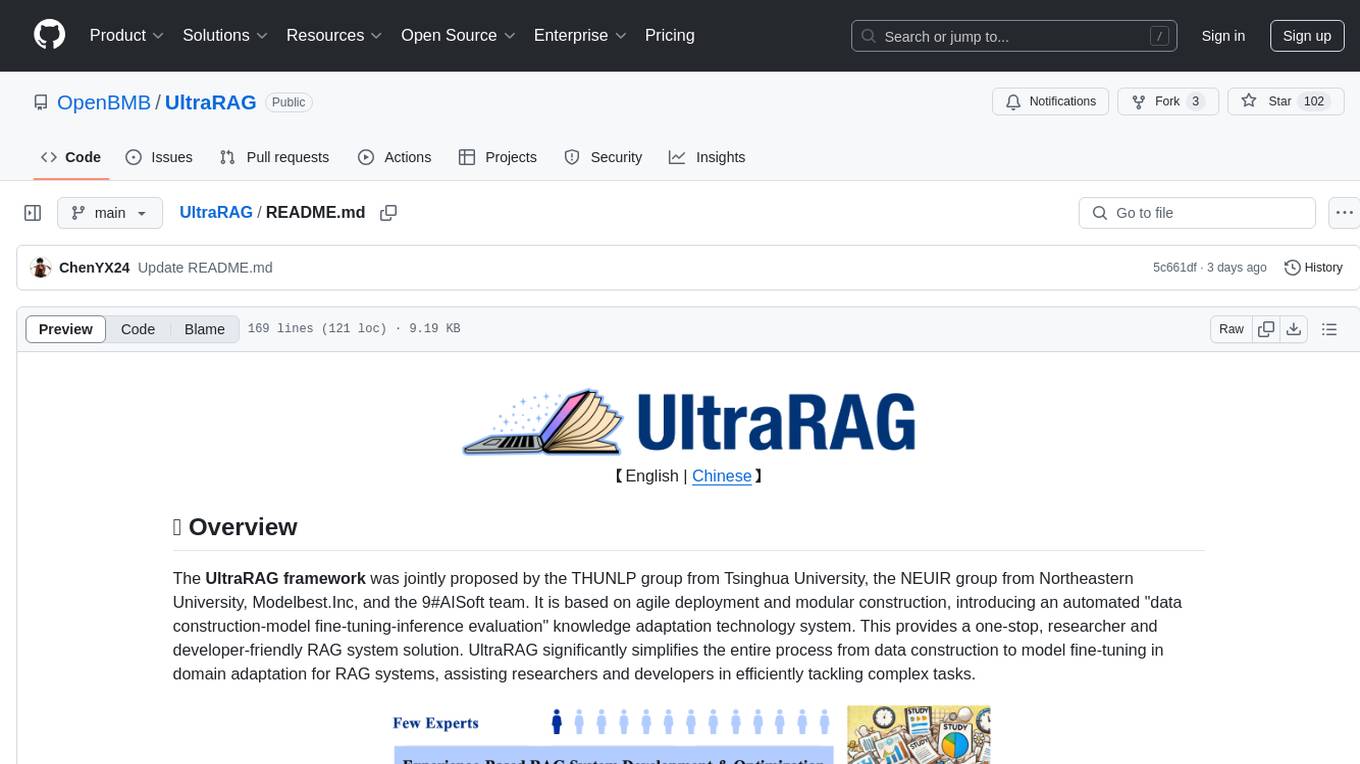
The UltraRAG framework is a researcher and developer-friendly RAG system solution that simplifies the process from data construction to model fine-tuning in domain adaptation. It introduces an automated knowledge adaptation technology system, supporting no-code programming, one-click synthesis and fine-tuning, multidimensional evaluation, and research-friendly exploration work integration. The architecture consists of Frontend, Service, and Backend components, offering flexibility in customization and optimization. Performance evaluation in the legal field shows improved results compared to VanillaRAG, with specific metrics provided. The repository is licensed under Apache-2.0 and encourages citation for support.
opencompass
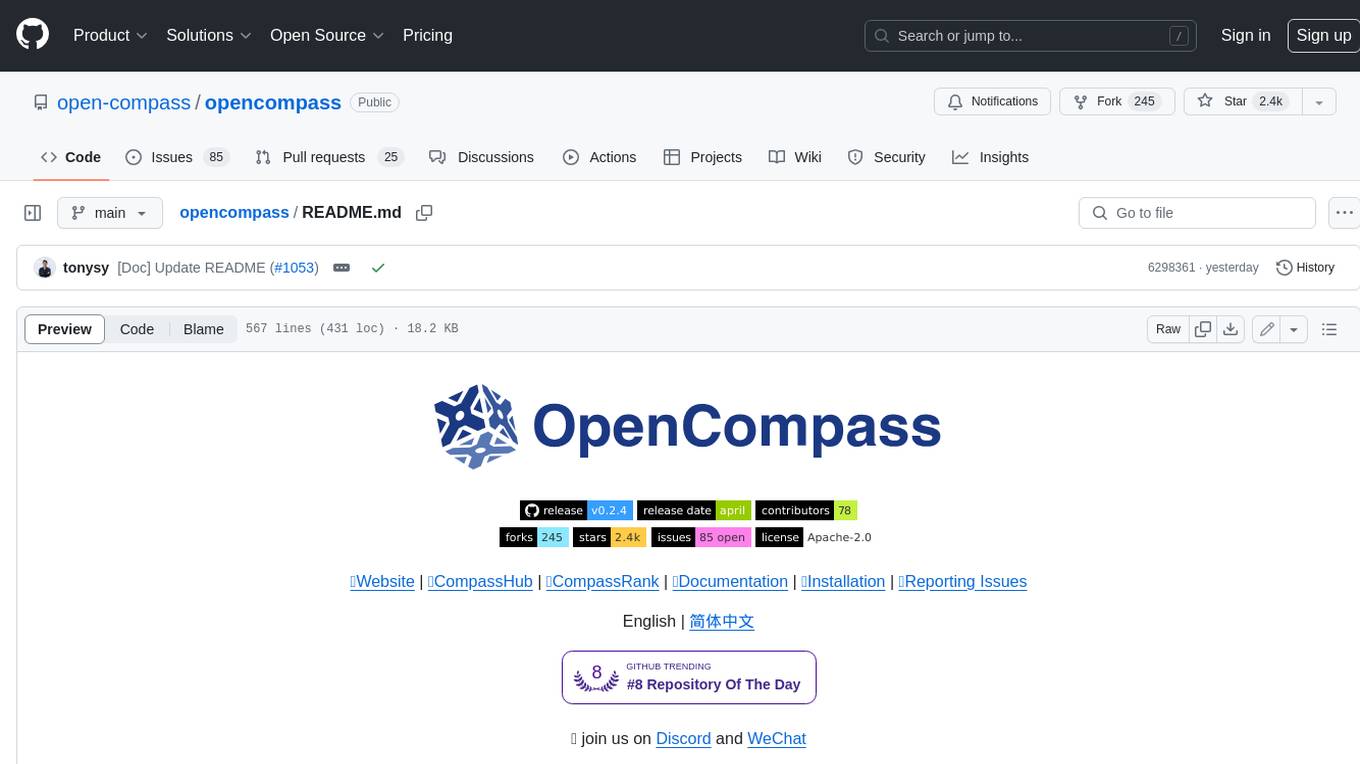
OpenCompass is a one-stop platform for large model evaluation, aiming to provide a fair, open, and reproducible benchmark for large model evaluation. Its main features include: * Comprehensive support for models and datasets: Pre-support for 20+ HuggingFace and API models, a model evaluation scheme of 70+ datasets with about 400,000 questions, comprehensively evaluating the capabilities of the models in five dimensions. * Efficient distributed evaluation: One line command to implement task division and distributed evaluation, completing the full evaluation of billion-scale models in just a few hours. * Diversified evaluation paradigms: Support for zero-shot, few-shot, and chain-of-thought evaluations, combined with standard or dialogue-type prompt templates, to easily stimulate the maximum performance of various models. * Modular design with high extensibility: Want to add new models or datasets, customize an advanced task division strategy, or even support a new cluster management system? Everything about OpenCompass can be easily expanded! * Experiment management and reporting mechanism: Use config files to fully record each experiment, and support real-time reporting of results.
eole
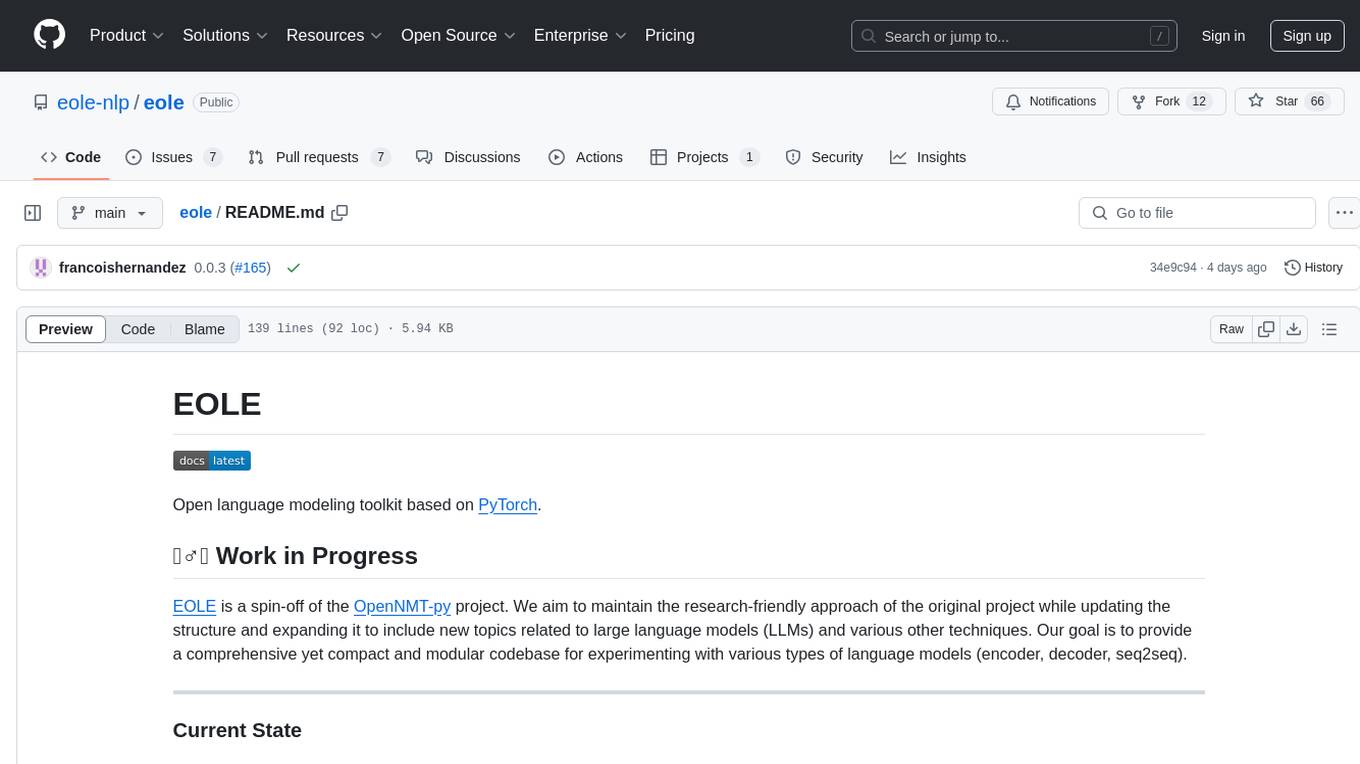
EOLE is an open language modeling toolkit based on PyTorch. It aims to provide a research-friendly approach with a comprehensive yet compact and modular codebase for experimenting with various types of language models. The toolkit includes features such as versatile training and inference, dynamic data transforms, comprehensive large language model support, advanced quantization, efficient finetuning, flexible inference, and tensor parallelism. EOLE is a work in progress with ongoing enhancements in configuration management, command line entry points, reproducible recipes, core API simplification, and plans for further simplification, refactoring, inference server development, additional recipes, documentation enhancement, test coverage improvement, logging enhancements, and broader model support.
deepdoctection
**deep** doctection is a Python library that orchestrates document extraction and document layout analysis tasks using deep learning models. It does not implement models but enables you to build pipelines using highly acknowledged libraries for object detection, OCR and selected NLP tasks and provides an integrated framework for fine-tuning, evaluating and running models. For more specific text processing tasks use one of the many other great NLP libraries. **deep** doctection focuses on applications and is made for those who want to solve real world problems related to document extraction from PDFs or scans in various image formats. **deep** doctection provides model wrappers of supported libraries for various tasks to be integrated into pipelines. Its core function does not depend on any specific deep learning library. Selected models for the following tasks are currently supported: * Document layout analysis including table recognition in Tensorflow with **Tensorpack**, or PyTorch with **Detectron2**, * OCR with support of **Tesseract**, **DocTr** (Tensorflow and PyTorch implementations available) and a wrapper to an API for a commercial solution, * Text mining for native PDFs with **pdfplumber**, * Language detection with **fastText**, * Deskewing and rotating images with **jdeskew**. * Document and token classification with all LayoutLM models provided by the **Transformer library**. (Yes, you can use any LayoutLM-model with any of the provided OCR-or pdfplumber tools straight away!). * Table detection and table structure recognition with **table-transformer**. * There is a small dataset for token classification available and a lot of new tutorials to show, how to train and evaluate this dataset using LayoutLMv1, LayoutLMv2, LayoutXLM and LayoutLMv3. * Comprehensive configuration of **analyzer** like choosing different models, output parsing, OCR selection. Check this notebook or the docs for more infos. * Document layout analysis and table recognition now runs with **Torchscript** (CPU) as well and **Detectron2** is not required anymore for basic inference. * [**new**] More angle predictors for determining the rotation of a document based on **Tesseract** and **DocTr** (not contained in the built-in Analyzer). * [**new**] Token classification with **LiLT** via **transformers**. We have added a model wrapper for token classification with LiLT and added a some LiLT models to the model catalog that seem to look promising, especially if you want to train a model on non-english data. The training script for LayoutLM can be used for LiLT as well and we will be providing a notebook on how to train a model on a custom dataset soon. **deep** doctection provides on top of that methods for pre-processing inputs to models like cropping or resizing and to post-process results, like validating duplicate outputs, relating words to detected layout segments or ordering words into contiguous text. You will get an output in JSON format that you can customize even further by yourself. Have a look at the **introduction notebook** in the notebook repo for an easy start. Check the **release notes** for recent updates. **deep** doctection or its support libraries provide pre-trained models that are in most of the cases available at the **Hugging Face Model Hub** or that will be automatically downloaded once requested. For instance, you can find pre-trained object detection models from the Tensorpack or Detectron2 framework for coarse layout analysis, table cell detection and table recognition. Training is a substantial part to get pipelines ready on some specific domain, let it be document layout analysis, document classification or NER. **deep** doctection provides training scripts for models that are based on trainers developed from the library that hosts the model code. Moreover, **deep** doctection hosts code to some well established datasets like **Publaynet** that makes it easy to experiment. It also contains mappings from widely used data formats like COCO and it has a dataset framework (akin to **datasets** so that setting up training on a custom dataset becomes very easy. **This notebook** shows you how to do this. **deep** doctection comes equipped with a framework that allows you to evaluate predictions of a single or multiple models in a pipeline against some ground truth. Check again **here** how it is done. Having set up a pipeline it takes you a few lines of code to instantiate the pipeline and after a for loop all pages will be processed through the pipeline.

griptape
Griptape is a modular Python framework for building AI-powered applications that securely connect to your enterprise data and APIs. It offers developers the ability to maintain control and flexibility at every step. Griptape's core components include Structures (Agents, Pipelines, and Workflows), Tasks, Tools, Memory (Conversation Memory, Task Memory, and Meta Memory), Drivers (Prompt and Embedding Drivers, Vector Store Drivers, Image Generation Drivers, Image Query Drivers, SQL Drivers, Web Scraper Drivers, and Conversation Memory Drivers), Engines (Query Engines, Extraction Engines, Summary Engines, Image Generation Engines, and Image Query Engines), and additional components (Rulesets, Loaders, Artifacts, Chunkers, and Tokenizers). Griptape enables developers to create AI-powered applications with ease and efficiency.
kollektiv
Kollektiv is a Retrieval-Augmented Generation (RAG) system designed to enable users to chat with their favorite documentation easily. It aims to provide LLMs with access to the most up-to-date knowledge, reducing inaccuracies and improving productivity. The system utilizes intelligent web crawling, advanced document processing, vector search, multi-query expansion, smart re-ranking, AI-powered responses, and dynamic system prompts. The technical stack includes Python/FastAPI for backend, Supabase, ChromaDB, and Redis for storage, OpenAI and Anthropic Claude 3.5 Sonnet for AI/ML, and Chainlit for UI. Kollektiv is licensed under a modified version of the Apache License 2.0, allowing free use for non-commercial purposes.
nanobrowser
Nanobrowser is an open-source AI web automation tool that runs in your browser. It is a free alternative to OpenAI Operator with flexible LLM options and a multi-agent system. Nanobrowser offers premium web automation capabilities while keeping users in complete control, with features like a multi-agent system, interactive side panel, task automation, follow-up questions, and multiple LLM support. Users can easily download and install Nanobrowser as a Chrome extension, configure agent models, and accomplish tasks such as news summary, GitHub research, and shopping research with just a sentence. The tool uses a specialized multi-agent system powered by large language models to understand and execute complex web tasks. Nanobrowser is actively developed with plans to expand LLM support, implement security measures, optimize memory usage, enable session replay, and develop specialized agents for domain-specific tasks. Contributions from the community are welcome to improve Nanobrowser and build the future of web automation.
DevoxxGenieIDEAPlugin
Devoxx Genie is a Java-based IntelliJ IDEA plugin that integrates with local and cloud-based LLM providers to aid in reviewing, testing, and explaining project code. It supports features like code highlighting, chat conversations, and adding files/code snippets to context. Users can modify REST endpoints and LLM parameters in settings, including support for cloud-based LLMs. The plugin requires IntelliJ version 2023.3.4 and JDK 17. Building and publishing the plugin is done using Gradle tasks. Users can select an LLM provider, choose code, and use commands like review, explain, or generate unit tests for code analysis.
trustgraph
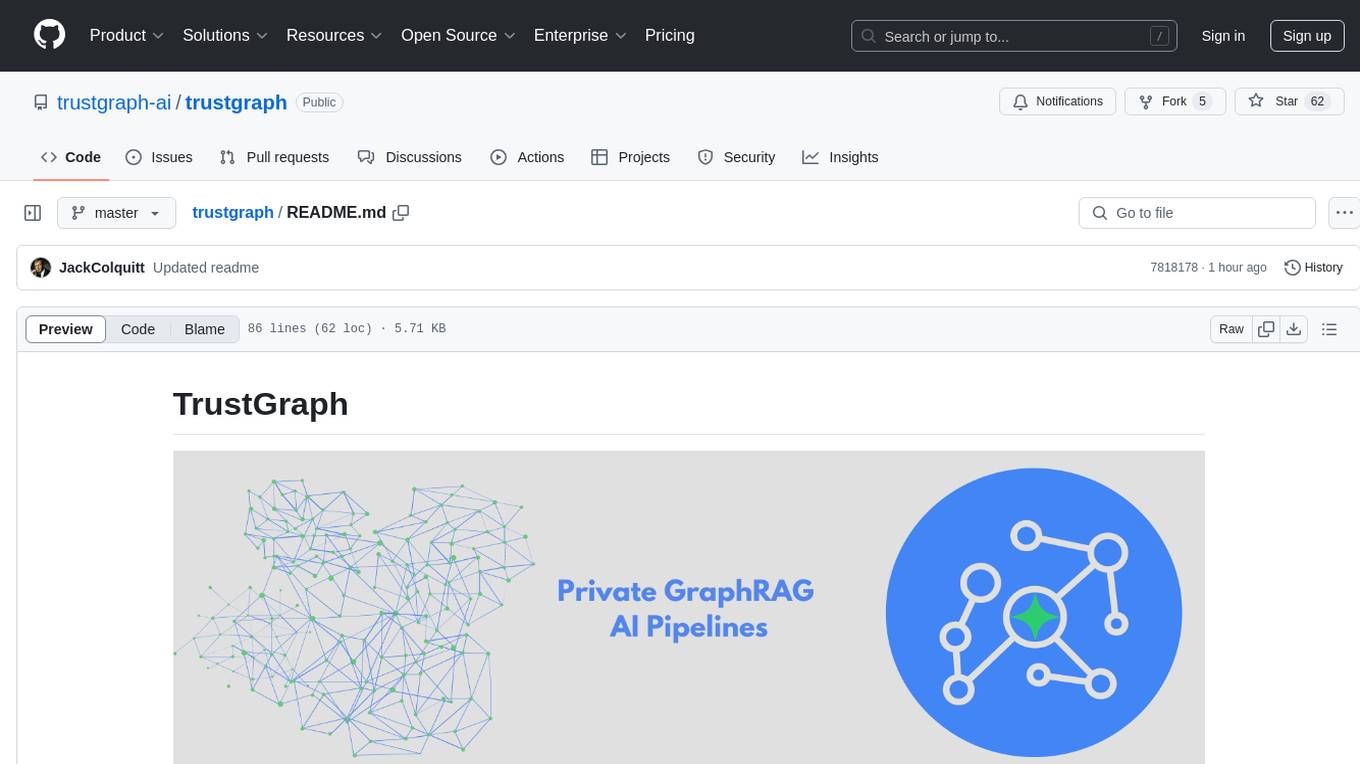
TrustGraph is a tool that deploys private GraphRAG pipelines to build a RDF style knowledge graph from data, enabling accurate and secure `RAG` requests compatible with cloud LLMs and open-source SLMs. It showcases the reliability and efficiencies of GraphRAG algorithms, capturing contextual language flags missed in conventional RAG approaches. The tool offers features like PDF decoding, text chunking, inference of various LMs, RDF-aligned Knowledge Graph extraction, and more. TrustGraph is designed to be modular, supporting multiple Language Models and environments, with a plug'n'play architecture for easy customization.
Simplifine
Simplifine is an open-source library designed for easy LLM finetuning, enabling users to perform tasks such as supervised fine tuning, question-answer finetuning, contrastive loss for embedding tasks, multi-label classification finetuning, and more. It provides features like WandB logging, in-built evaluation tools, automated finetuning parameters, and state-of-the-art optimization techniques. The library offers bug fixes, new features, and documentation updates in its latest version. Users can install Simplifine via pip or directly from GitHub. The project welcomes contributors and provides comprehensive documentation and support for users.
LLMstudio
LLMstudio by TensorOps is a platform that offers prompt engineering tools for accessing models from providers like OpenAI, VertexAI, and Bedrock. It provides features such as Python Client Gateway, Prompt Editing UI, History Management, and Context Limit Adaptability. Users can track past runs, log costs and latency, and export history to CSV. The tool also supports automatic switching to larger-context models when needed. Coming soon features include side-by-side comparison of LLMs, automated testing, API key administration, project organization, and resilience against rate limits. LLMstudio aims to streamline prompt engineering, provide execution history tracking, and enable effortless data export, offering an evolving environment for teams to experiment with advanced language models.
qdrant
Qdrant is a vector similarity search engine and vector database. It is written in Rust, which makes it fast and reliable even under high load. Qdrant can be used for a variety of applications, including: * Semantic search * Image search * Product recommendations * Chatbots * Anomaly detection Qdrant offers a variety of features, including: * Payload storage and filtering * Hybrid search with sparse vectors * Vector quantization and on-disk storage * Distributed deployment * Highlighted features such as query planning, payload indexes, SIMD hardware acceleration, async I/O, and write-ahead logging Qdrant is available as a fully managed cloud service or as an open-source software that can be deployed on-premises.
promptbook
Promptbook is a library designed to build responsible, controlled, and transparent applications on top of large language models (LLMs). It helps users overcome limitations of LLMs like hallucinations, off-topic responses, and poor quality output by offering features such as fine-tuning models, prompt-engineering, and orchestrating multiple prompts in a pipeline. The library separates concerns, establishes a common format for prompt business logic, and handles low-level details like model selection and context size. It also provides tools for pipeline execution, caching, fine-tuning, anomaly detection, and versioning. Promptbook supports advanced techniques like Retrieval-Augmented Generation (RAG) and knowledge utilization to enhance output quality.
agent-zero
Agent Zero is a personal and organic AI framework designed to be dynamic, organically growing, and learning as you use it. It is fully transparent, readable, comprehensible, customizable, and interactive. The framework uses the computer as a tool to accomplish tasks, with no single-purpose tools pre-programmed. It emphasizes multi-agent cooperation, complete customization, and extensibility. Communication is key in this framework, allowing users to give proper system prompts and instructions to achieve desired outcomes. Agent Zero is capable of dangerous actions and should be run in an isolated environment. The framework is prompt-based, highly customizable, and requires a specific environment to run effectively.
ROSGPT_Vision
ROSGPT_Vision is a new robotic framework designed to command robots using only two prompts: a Visual Prompt for visual semantic features and an LLM Prompt to regulate robotic reactions. It is based on the Prompting Robotic Modalities (PRM) design pattern and is used to develop CarMate, a robotic application for monitoring driver distractions and providing real-time vocal notifications. The framework leverages state-of-the-art language models to facilitate advanced reasoning about image data and offers a unified platform for robots to perceive, interpret, and interact with visual data through natural language. LangChain is used for easy customization of prompts, and the implementation includes the CarMate application for driver monitoring and assistance.
For similar tasks
partcad
PartCAD is a tool for documenting manufacturable physical products, providing tools to maintain product information and streamline workflows at all product lifecycle phases. It is a next-generation CAD tool that focuses on specifying manufacturable physical products using computer-aided design in a more generic sense, including the use of AI models. PartCAD offers modular and reusable packages for product information, generating outputs like product documentation, bill of materials, sourcing information, and manufacturing process specifications. It integrates with third-party tools for iterative improvements, design validation, and manufacturing processes verification. PartCAD also offers supplementary products like a CRM and inventory tool for managing part manufacturing and assembly shops. By enabling easy switching between third-party tools, PartCAD creates a competitive environment for service providers and ensures data sovereignty for users.
For similar jobs
tt-metal
TT-NN is a python & C++ Neural Network OP library. It provides a low-level programming model, TT-Metalium, enabling kernel development for Tenstorrent hardware.
dora
Dataflow-oriented robotic application (dora-rs) is a framework that makes creation of robotic applications fast and simple. Building a robotic application can be summed up as bringing together hardwares, algorithms, and AI models, and make them communicate with each others. At dora-rs, we try to: make integration of hardware and software easy by supporting Python, C, C++, and also ROS2. make communication low latency by using zero-copy Arrow messages. dora-rs is still experimental and you might experience bugs, but we're working very hard to make it stable as possible.
awesome-cuda-tensorrt-fpga
Okay, here is a JSON object with the requested information about the awesome-cuda-tensorrt-fpga repository:
AIOsense
AIOsense is an all-in-one sensor that is modular, affordable, and easy to solder. It is designed to be an alternative to commercially available sensors and focuses on upgradeability. AIOsense is cheaper and better than most commercial sensors and supports a variety of sensors and modules, including: - (RGB)-LED - Barometer - Breath VOC equivalent - Buzzer / Beeper - CO² equivalent - Humidity sensor - Light / Illumination sensor - PIR motion sensor - Temperature sensor - mmWave / Radar sensor Upcoming features include full voice assistant support, microphone, and speaker. All supported sensors & modules are listed in the documentation. AIOsense has a low power consumption, with an idle power consumption of 0.45W / 0.09A on a fully equipped board. Without a mmWave sensor, the idle power consumption is around 0.11W / 0.02A. To get started with AIOsense, you can refer to the documentation. If you have any questions, you can open an issue.
aihwkit
The IBM Analog Hardware Acceleration Kit is an open-source Python toolkit for exploring and using the capabilities of in-memory computing devices in the context of artificial intelligence. It consists of two main components: Pytorch integration and Analog devices simulator. The Pytorch integration provides a series of primitives and features that allow using the toolkit within PyTorch, including analog neural network modules, analog training using torch training workflow, and analog inference using torch inference workflow. The Analog devices simulator is a high-performant (CUDA-capable) C++ simulator that allows for simulating a wide range of analog devices and crossbar configurations by using abstract functional models of material characteristics with adjustable parameters. Along with the two main components, the toolkit includes other functionalities such as a library of device presets, a module for executing high-level use cases, a utility to automatically convert a downloaded model to its equivalent Analog model, and integration with the AIHW Composer platform. The toolkit is currently in beta and under active development, and users are advised to be mindful of potential issues and keep an eye for improvements, new features, and bug fixes in upcoming versions.
ByteMLPerf
ByteMLPerf is an AI Accelerator Benchmark that focuses on evaluating AI Accelerators from a practical production perspective, including the ease of use and versatility of software and hardware. Byte MLPerf has the following characteristics: - Models and runtime environments are more closely aligned with practical business use cases. - For ASIC hardware evaluation, besides evaluate performance and accuracy, it also measure metrics like compiler usability and coverage. - Performance and accuracy results obtained from testing on the open Model Zoo serve as reference metrics for evaluating ASIC hardware integration.

GlaDOS
This project aims to create a real-life version of GLaDOS, an aware, interactive, and embodied AI entity. It involves training a voice generator, developing a 'Personality Core,' implementing a memory system, providing vision capabilities, creating 3D-printable parts, and designing an animatronics system. The software architecture focuses on low-latency voice interactions, utilizing a circular buffer for data recording, text streaming for quick transcription, and a text-to-speech system. The project also emphasizes minimal dependencies for running on constrained hardware. The hardware system includes servo- and stepper-motors, 3D-printable parts for GLaDOS's body, animations for expression, and a vision system for tracking and interaction. Installation instructions cover setting up the TTS engine, required Python packages, compiling llama.cpp, installing an inference backend, and voice recognition setup. GLaDOS can be run using 'python glados.py' and tested using 'demo.ipynb'.
OpenGlass
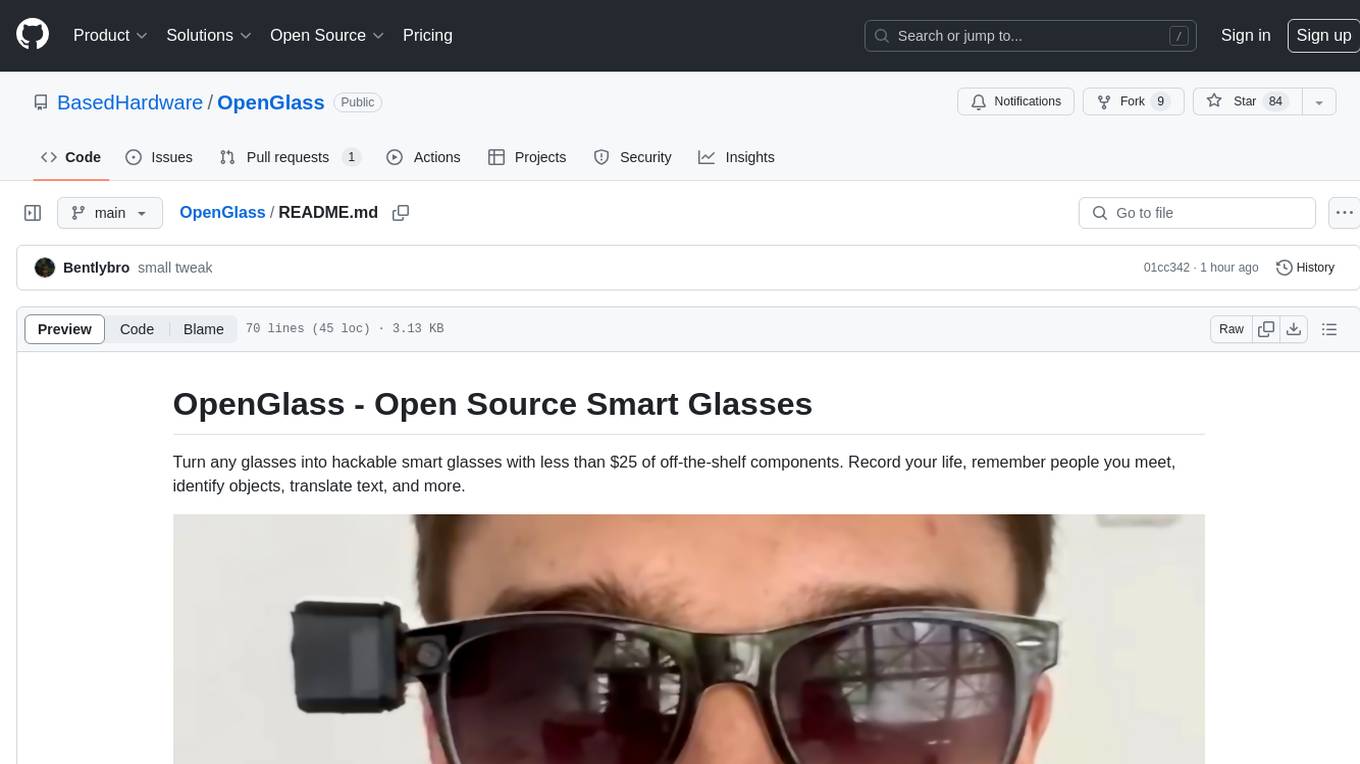
OpenGlass is an open-source project that allows users to transform any regular glasses into smart glasses using affordable off-the-shelf components. With a cost of less than $25, users can enhance their glasses to record their daily activities, recognize people, identify objects, translate text, and more. The project provides detailed instructions on hardware setup and software installation, making it accessible for DIY enthusiasts and tech enthusiasts alike. By following the steps outlined in the repository, users can create their own smart glasses and explore various functionalities offered by the project.