


sorcery
The future of AI roleplay
Stars: 71
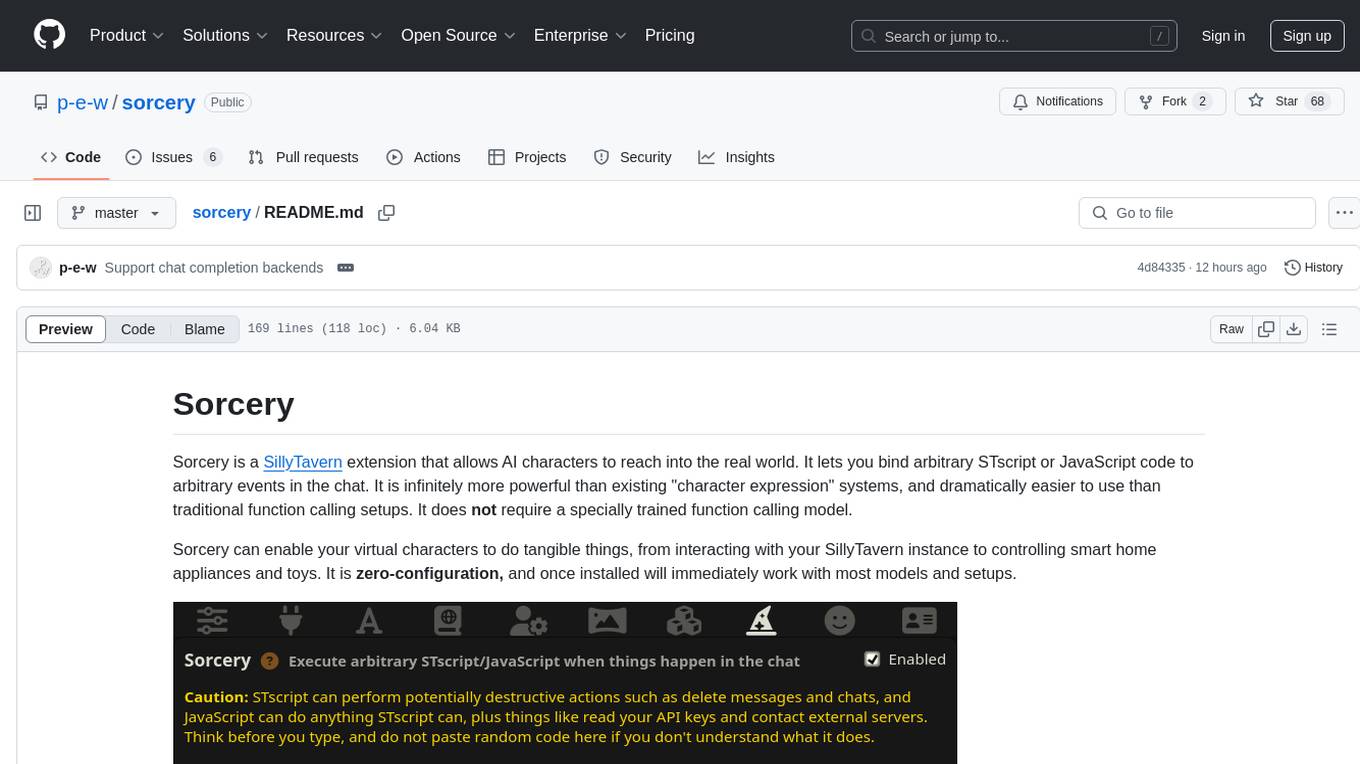
Sorcery is a SillyTavern extension that allows AI characters to interact with the real world by executing user-defined scripts at specific events in the chat. It is easy to use and does not require a specially trained function calling model. Sorcery can be used to control smart home appliances, interact with virtual characters, and perform various tasks in the chat environment. It works by injecting instructions into the system prompt and intercepting markers to run associated scripts, providing a seamless user experience.
README:
Sorcery is a SillyTavern extension that allows AI characters to reach into the real world. It lets you bind arbitrary STscript or JavaScript code to arbitrary events in the chat. It is infinitely more powerful than existing "character expression" systems, and dramatically easier to use than traditional function calling setups. It does not require a specially trained function calling model.
Sorcery can enable your virtual characters to do tangible things, from interacting with your SillyTavern instance to controlling smart home appliances and toys. It is zero-configuration, and once installed will immediately work with most models and setups.
Sorcery executes actions while the response is streaming, at the exact moment the relevant event occurs, as demonstrated in this video:
https://github.com/user-attachments/assets/49ff8f62-2674-4062-b378-bc272d1212e1
Sorcery works by injecting dynamically generated instructions into the system prompt that tell the model to insert special markers into its responses when the configured events occur. It then hooks the output stream, and intercepts those markers, removing them from the output and running the associated scripts. The whole process is completely invisible to the user.
Even relatively small models respond well to Sorcery's instructions. For example, I have successfully used Sorcery with the IQ3_M quant of Mistral Small, which fits into 12 GB VRAM.
For Sorcery to work, you need one of the following:
- A text completion backend with instruct mode and system prompt enabled, and character-specific system prompt overrides disabled.
- A chat completion backend with the main prompt enabled.
Most users will already have such a configuration, and don't need to do anything special.
Sorcery is developed and tested with the latest stable version of SillyTavern. It may or may not work with older versions. Sorcery relies on several interfaces from SillyTavern's internal API, which makes backward compatibility difficult to achieve.
Sorcery can be installed in seconds:
- Open SillyTavern
- Click the "Extensions" button in the top bar
- Click "Install extension"
- Copy this URL into the input field:
https://github.com/p-e-w/sorcery - Click "Install just for me"
A new button should appear in the top bar that looks like a wizard's hat. Click that button to open the Sorcery configuration UI.
It's as safe as you want it to be.
Sorcery enables LLMs to execute the scripts written by the user, nothing more and nothing less. Models cannot provide their own code to execute, they can only choose among the already configured scripts. Thus even with a malicious model, the worst thing that can happen is that it runs one of the scripts you wrote, at a time that is inconvenient to you. But it is always you who decides what kind of code can be run.
Sorcery's ability to run arbitrary JavaScript code is extremely powerful, because it allows us to make requests to any HTTP server. By whipping up a purpose-built HTTP server with Python, we can let Sorcery do almost anything.
This example demonstrates how to control a Philips WiZ WiFi smart light bulb from Sorcery. WiZ bulbs are relatively cheap, available in most countries, and can be controlled entirely using open-source software once configured. If you have another brand of smart light, adapt the instructions as needed.
Configure your WiZ bulb and connect it to the same LAN as your PC. Then figure out the local IP address of the bulb, for example by logging in to your router. Now follow these instructions:
Create a Python virtual environment and install dependencies:
python3 -m venv .venv
source .venv/bin/activate
pip install flask[async] pywizlight
Copy the following code into a file called main.py:
import pywizlight
# https://github.com/sbidy/pywizlight/issues/140#issuecomment-1321426436
del pywizlight.wizlight.__del__
from pywizlight import wizlight, PilotBuilder
from flask import Flask

bulb_ip = "192.168.1.10"  # <-- Your bulb's IP address

app = Flask(__name__)

@app.route("/on")
async def light_on():
  light = wizlight(bulb_ip)
  await light.turn_on(PilotBuilder(brightness = 255))
  return ""

@app.route("/off")
async def light_off():
  light = wizlight(bulb_ip)
  await light.turn_off()
  return ""
Run the server:
flask --app main run --port 3000
Open Sorcery and copy the following code into the JavaScript field of the "{{char}} turns off the lights" default script:
fetch("http://127.0.0.1:3000/off");Now start a chat and create a situation where the AI character turns off the lights in the roleplay. You will see your light bulb turning off in the real world. This is as close to magic as it gets.
Sorcery includes the code-input library to provide syntax-highlighted text inputs. code-input is licensed under the MIT License.
Parts of Sorcery's UI HTML were copied from SillyTavern's "World Info" UI. SillyTavern is licensed under the GNU Affero General Public License.
Copyright © 2025 Philipp Emanuel Weidmann ([email protected])
This program is free software: you can redistribute it and/or modify it under the terms of the GNU Affero General Public License as published by the Free Software Foundation, either version 3 of the License, or (at your option) any later version.
This program is distributed in the hope that it will be useful, but WITHOUT ANY WARRANTY; without even the implied warranty of MERCHANTABILITY or FITNESS FOR A PARTICULAR PURPOSE. See the GNU Affero General Public License for more details.
You should have received a copy of the GNU Affero General Public License along with this program. If not, see https://www.gnu.org/licenses/.
By contributing to this project, you agree to release your contributions under the same license.
For Tasks:
Click tags to check more tools for each tasksFor Jobs:
Alternative AI tools for sorcery
Similar Open Source Tools
sorcery
Sorcery is a SillyTavern extension that allows AI characters to interact with the real world by executing user-defined scripts at specific events in the chat. It is easy to use and does not require a specially trained function calling model. Sorcery can be used to control smart home appliances, interact with virtual characters, and perform various tasks in the chat environment. It works by injecting instructions into the system prompt and intercepting markers to run associated scripts, providing a seamless user experience.
WilmerAI
WilmerAI is a middleware system designed to process prompts before sending them to Large Language Models (LLMs). It categorizes prompts, routes them to appropriate workflows, and generates manageable prompts for local models. It acts as an intermediary between the user interface and LLM APIs, supporting multiple backend LLMs simultaneously. WilmerAI provides API endpoints compatible with OpenAI API, supports prompt templates, and offers flexible connections to various LLM APIs. The project is under heavy development and may contain bugs or incomplete code.
magic
Magic Cloud is a software development automation platform based on AI, Low-Code, and No-Code. It allows dynamic code creation and orchestration using Hyperlambda, generative AI, and meta programming. The platform includes features like CRUD generation, No-Code AI, Hyperlambda programming language, AI agents creation, and various components for software development. Magic is suitable for backend development, AI-related tasks, and creating AI chatbots. It offers high-level programming capabilities, productivity gains, and reduced technical debt.
lovelaice
Lovelaice is an AI-powered assistant for your terminal and editor. It can run bash commands, search the Internet, answer general and technical questions, complete text files, chat casually, execute code in various languages, and more. Lovelaice is configurable with API keys and LLM models, and can be used for a wide range of tasks requiring bash commands or coding assistance. It is designed to be versatile, interactive, and helpful for daily tasks and projects.

brokk
Brokk is a code assistant designed to understand code semantically, allowing LLMs to work effectively on large codebases. It offers features like agentic search, summarizing related classes, parsing stack traces, adding source for usages, and autonomously fixing errors. Users can interact with Brokk through different panels and commands, enabling them to manipulate context, ask questions, search codebase, run shell commands, and more. Brokk helps with tasks like debugging regressions, exploring codebase, AI-powered refactoring, and working with dependencies. It is particularly useful for making complex, multi-file edits with o1pro.
llama-on-lambda
This project provides a proof of concept for deploying a scalable, serverless LLM Generative AI inference engine on AWS Lambda. It leverages the llama.cpp project to enable the usage of more accessible CPU and RAM configurations instead of limited and expensive GPU capabilities. By deploying a container with the llama.cpp converted models onto AWS Lambda, this project offers the advantages of scale, minimizing cost, and maximizing compute availability. The project includes AWS CDK code to create and deploy a Lambda function leveraging your model of choice, with a FastAPI frontend accessible from a Lambda URL. It is important to note that you will need ggml quantized versions of your model and model sizes under 6GB, as your inference RAM requirements cannot exceed 9GB or your Lambda function will fail.
wtffmpeg
wtffmpeg is a command-line tool that uses a Large Language Model (LLM) to translate plain-English descriptions of video or audio tasks into actual, executable ffmpeg commands. It aims to streamline the process of generating ffmpeg commands by allowing users to describe what they want to do in natural language, review the generated command, optionally edit it, and then decide whether to run it. The tool provides an interactive REPL interface where users can input their commands, retain conversational context, and history, and control the level of interactivity. wtffmpeg is designed to assist users in efficiently working with ffmpeg commands, reducing the need to search for solutions, read lengthy explanations, and manually adjust commands.
ChatGPT-Telegram-Bot
The ChatGPT Telegram Bot is a powerful Telegram bot that utilizes various GPT models, including GPT3.5, GPT4, GPT4 Turbo, GPT4 Vision, DALL·E 3, Groq Mixtral-8x7b/LLaMA2-70b, and Claude2.1/Claude3 opus/sonnet API. It enables users to engage in efficient conversations and information searches on Telegram. The bot supports multiple AI models, online search with DuckDuckGo and Google, user-friendly interface, efficient message processing, document interaction, Markdown rendering, and convenient deployment options like Zeabur, Replit, and Docker. Users can set environment variables for configuration and deployment. The bot also provides Q&A functionality, supports model switching, and can be deployed in group chats with whitelisting. The project is open source under GPLv3 license.
blurt
Blurt is a Gnome shell extension that enables accurate speech-to-text input in Linux. It is based on the command line utility NoteWhispers and supports Gnome shell version 48. Users can transcribe speech using a local whisper.cpp installation or a whisper.cpp server. The extension allows for easy setup, start/stop of speech-to-text input with key bindings or icon click, and provides visual indicators during operation. It offers convenience by enabling speech input into any window that allows text input, with the transcribed text sent to the clipboard for easy pasting.
AppAgent
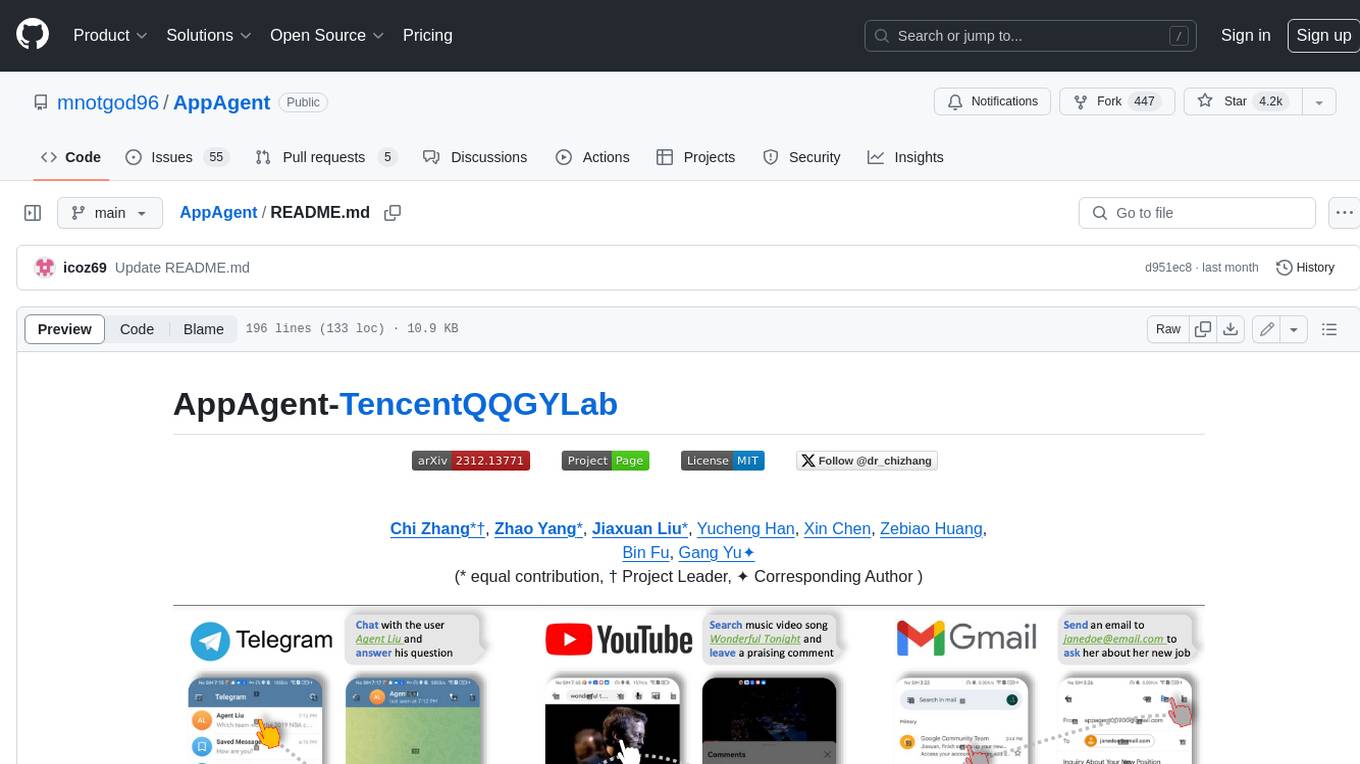
AppAgent is a novel LLM-based multimodal agent framework designed to operate smartphone applications. Our framework enables the agent to operate smartphone applications through a simplified action space, mimicking human-like interactions such as tapping and swiping. This novel approach bypasses the need for system back-end access, thereby broadening its applicability across diverse apps. Central to our agent's functionality is its innovative learning method. The agent learns to navigate and use new apps either through autonomous exploration or by observing human demonstrations. This process generates a knowledge base that the agent refers to for executing complex tasks across different applications.
ezkl
EZKL is a library and command-line tool for doing inference for deep learning models and other computational graphs in a zk-snark (ZKML). It enables the following workflow: 1. Define a computational graph, for instance a neural network (but really any arbitrary set of operations), as you would normally in pytorch or tensorflow. 2. Export the final graph of operations as an .onnx file and some sample inputs to a .json file. 3. Point ezkl to the .onnx and .json files to generate a ZK-SNARK circuit with which you can prove statements such as: > "I ran this publicly available neural network on some private data and it produced this output" > "I ran my private neural network on some public data and it produced this output" > "I correctly ran this publicly available neural network on some public data and it produced this output" In the backend we use the collaboratively-developed Halo2 as a proof system. The generated proofs can then be verified with much less computational resources, including on-chain (with the Ethereum Virtual Machine), in a browser, or on a device.
reverse-engineering-assistant
ReVA (Reverse Engineering Assistant) is a project aimed at building a disassembler agnostic AI assistant for reverse engineering tasks. It utilizes a tool-driven approach, providing small tools to the user to empower them in completing complex tasks. The assistant is designed to accept various inputs, guide the user in correcting mistakes, and provide additional context to encourage exploration. Users can ask questions, perform tasks like decompilation, class diagram generation, variable renaming, and more. ReVA supports different language models for online and local inference, with easy configuration options. The workflow involves opening the RE tool and program, then starting a chat session to interact with the assistant. Installation includes setting up the Python component, running the chat tool, and configuring the Ghidra extension for seamless integration. ReVA aims to enhance the reverse engineering process by breaking down actions into small parts, including the user's thoughts in the output, and providing support for monitoring and adjusting prompts.

GlaDOS
This project aims to create a real-life version of GLaDOS, an aware, interactive, and embodied AI entity. It involves training a voice generator, developing a 'Personality Core,' implementing a memory system, providing vision capabilities, creating 3D-printable parts, and designing an animatronics system. The software architecture focuses on low-latency voice interactions, utilizing a circular buffer for data recording, text streaming for quick transcription, and a text-to-speech system. The project also emphasizes minimal dependencies for running on constrained hardware. The hardware system includes servo- and stepper-motors, 3D-printable parts for GLaDOS's body, animations for expression, and a vision system for tracking and interaction. Installation instructions cover setting up the TTS engine, required Python packages, compiling llama.cpp, installing an inference backend, and voice recognition setup. GLaDOS can be run using 'python glados.py' and tested using 'demo.ipynb'.
ultimate-rvc
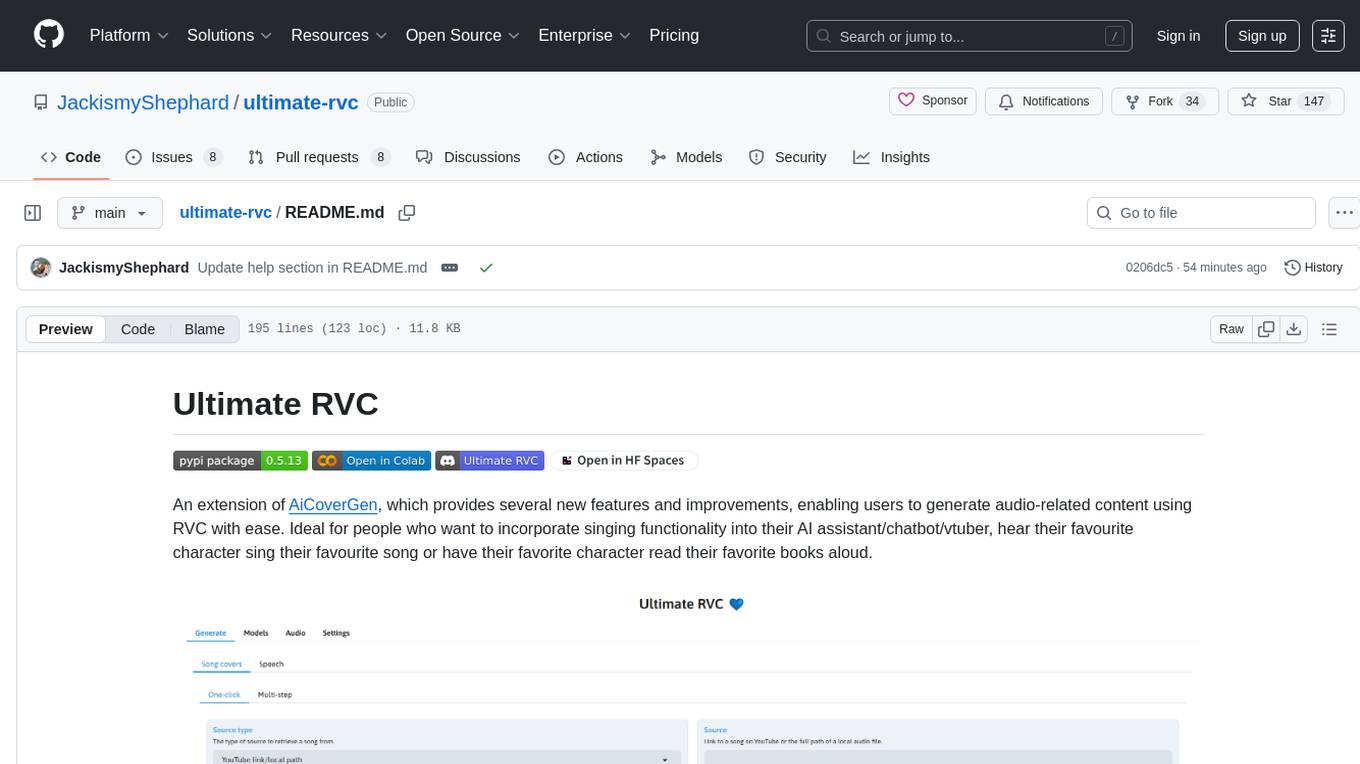
Ultimate RVC is an extension of AiCoverGen, offering new features and improvements for generating audio content using RVC. It is designed for users looking to integrate singing functionality into AI assistants/chatbots/vtubers, create character voices for songs or books, and train voice models. The tool provides easy setup, voice conversion enhancements, TTS functionality, voice model training suite, caching system, UI improvements, and support for custom configurations. It is available for local and Google Colab use, with a PyPI package for easy access. The tool also offers CLI usage and customization through environment variables.
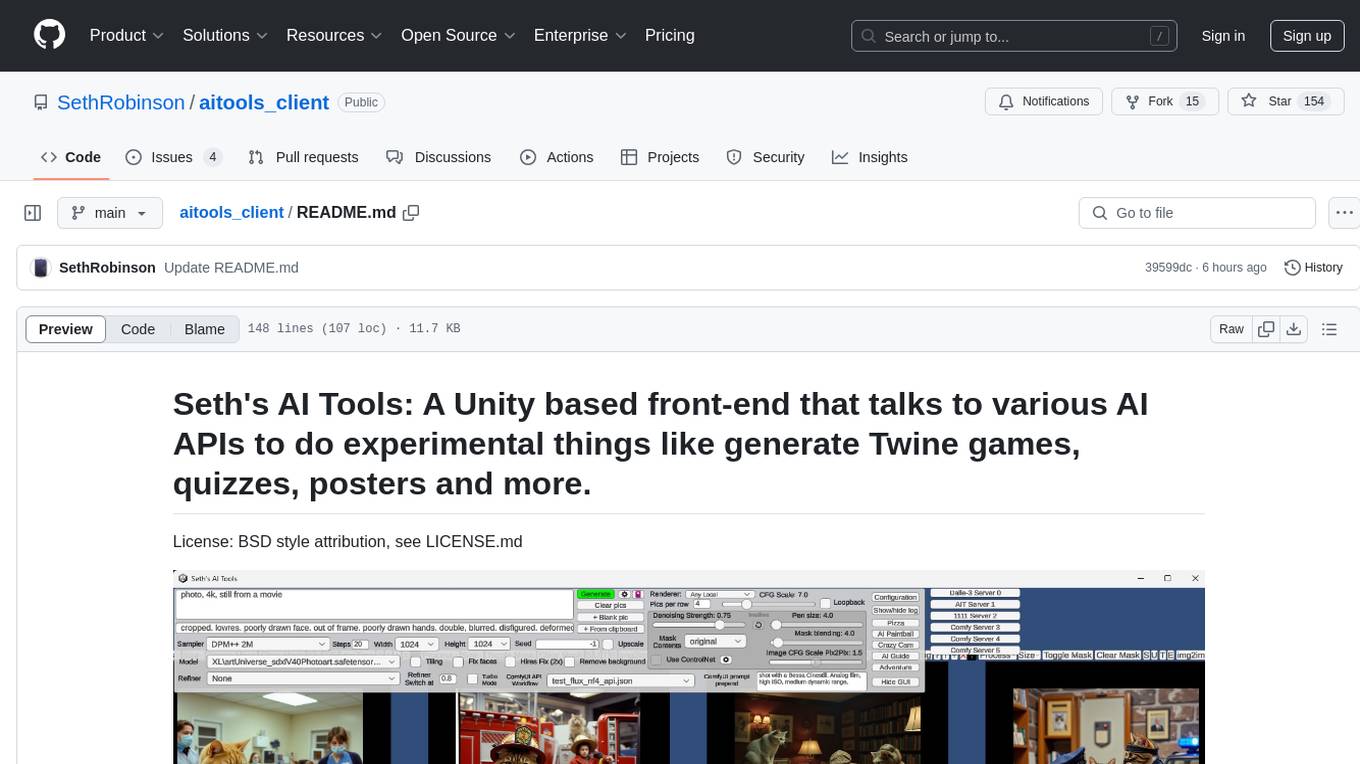
aitools_client
Seth's AI Tools is a Unity-based front-end that interfaces with various AI APIs to perform tasks such as generating Twine games, quizzes, posters, and more. The tool is a native Windows application that supports features like live update integration with image editors, text-to-image conversion, image processing, mask painting, and more. It allows users to connect to multiple servers for fast generation using GPUs and offers a neat workflow for evolving images in real-time. The tool respects user privacy by operating locally and includes built-in games and apps to test AI/SD capabilities. Additionally, it features an AI Guide for creating motivational posters and illustrated stories, as well as an Adventure mode with presets for generating web quizzes and Twine game projects.
roam-extension-live-ai-assistant
Live AI is an AI Assistant tailor-made for Roam, providing access to the latest LLMs directly in Roam blocks. Users can interact with AI to extend their thinking, explore their graph, and chat with structured responses. The tool leverages Roam's features to write prompts, query graph parts, and chat with content. Users can dictate, translate, transform, and enrich content easily. Live AI supports various tasks like audio and video analysis, PDF reading, image generation, and web search. The tool offers features like Chat panel, Live AI context menu, and Ask Your Graph agent for versatile usage. Users can control privacy levels, compare AI models, create custom prompts, and apply styles for response formatting. Security concerns are addressed by allowing users to control data sent to LLMs.
For similar tasks
sorcery
Sorcery is a SillyTavern extension that allows AI characters to interact with the real world by executing user-defined scripts at specific events in the chat. It is easy to use and does not require a specially trained function calling model. Sorcery can be used to control smart home appliances, interact with virtual characters, and perform various tasks in the chat environment. It works by injecting instructions into the system prompt and intercepting markers to run associated scripts, providing a seamless user experience.
For similar jobs

sweep
Sweep is an AI junior developer that turns bugs and feature requests into code changes. It automatically handles developer experience improvements like adding type hints and improving test coverage.

teams-ai
The Teams AI Library is a software development kit (SDK) that helps developers create bots that can interact with Teams and Microsoft 365 applications. It is built on top of the Bot Framework SDK and simplifies the process of developing bots that interact with Teams' artificial intelligence capabilities. The SDK is available for JavaScript/TypeScript, .NET, and Python.

ai-guide
This guide is dedicated to Large Language Models (LLMs) that you can run on your home computer. It assumes your PC is a lower-end, non-gaming setup.

classifai
Supercharge WordPress Content Workflows and Engagement with Artificial Intelligence. Tap into leading cloud-based services like OpenAI, Microsoft Azure AI, Google Gemini and IBM Watson to augment your WordPress-powered websites. Publish content faster while improving SEO performance and increasing audience engagement. ClassifAI integrates Artificial Intelligence and Machine Learning technologies to lighten your workload and eliminate tedious tasks, giving you more time to create original content that matters.

chatbot-ui
Chatbot UI is an open-source AI chat app that allows users to create and deploy their own AI chatbots. It is easy to use and can be customized to fit any need. Chatbot UI is perfect for businesses, developers, and anyone who wants to create a chatbot.

BricksLLM
BricksLLM is a cloud native AI gateway written in Go. Currently, it provides native support for OpenAI, Anthropic, Azure OpenAI and vLLM. BricksLLM aims to provide enterprise level infrastructure that can power any LLM production use cases. Here are some use cases for BricksLLM: * Set LLM usage limits for users on different pricing tiers * Track LLM usage on a per user and per organization basis * Block or redact requests containing PIIs * Improve LLM reliability with failovers, retries and caching * Distribute API keys with rate limits and cost limits for internal development/production use cases * Distribute API keys with rate limits and cost limits for students

uAgents
uAgents is a Python library developed by Fetch.ai that allows for the creation of autonomous AI agents. These agents can perform various tasks on a schedule or take action on various events. uAgents are easy to create and manage, and they are connected to a fast-growing network of other uAgents. They are also secure, with cryptographically secured messages and wallets.

griptape
Griptape is a modular Python framework for building AI-powered applications that securely connect to your enterprise data and APIs. It offers developers the ability to maintain control and flexibility at every step. Griptape's core components include Structures (Agents, Pipelines, and Workflows), Tasks, Tools, Memory (Conversation Memory, Task Memory, and Meta Memory), Drivers (Prompt and Embedding Drivers, Vector Store Drivers, Image Generation Drivers, Image Query Drivers, SQL Drivers, Web Scraper Drivers, and Conversation Memory Drivers), Engines (Query Engines, Extraction Engines, Summary Engines, Image Generation Engines, and Image Query Engines), and additional components (Rulesets, Loaders, Artifacts, Chunkers, and Tokenizers). Griptape enables developers to create AI-powered applications with ease and efficiency.