


cannoli
Cannoli allows you to build and run no-code LLM scripts using the Obsidian Canvas editor.
Stars: 279
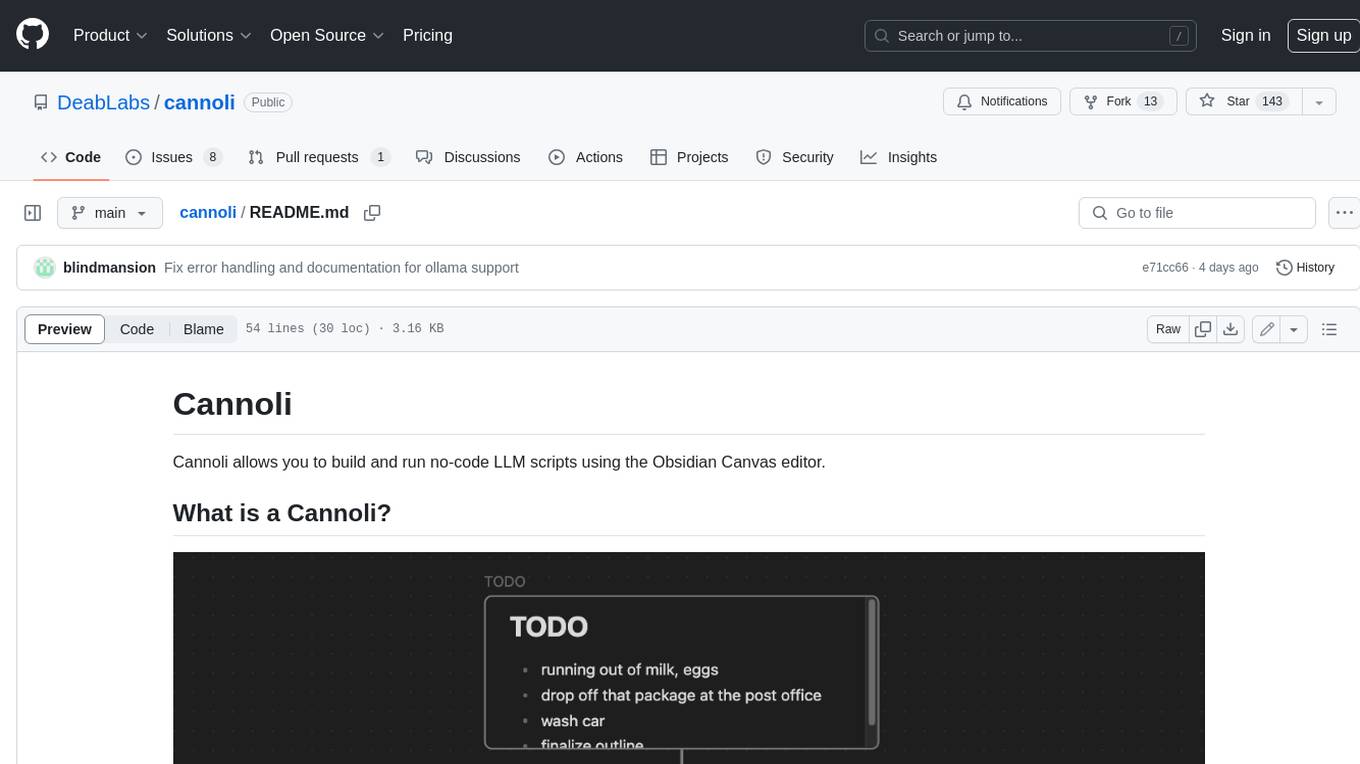
Cannoli allows you to build and run no-code LLM scripts using the Obsidian Canvas editor. Cannolis are scripts that leverage the OpenAI API to read/write to your vault, and take actions using HTTP requests. They can be used to automate tasks, create custom llm-chatbots, and more.
README:
Cannoli allows you to build and run no-code LLM scripts using the Obsidian Canvas editor.

Cannolis are scripts that leverage LLMs to read/write to your vault, and take actions using HTTP requests. Cannolis are created in the Obsidian Canvas editor, using cards and arrows to define variables and logic. They can be run within Obsidian using the control ribbon button or the command palette.
Using colors or prefixes, you can create nodes and arrows of different types to define basic logical functions like variables, fields, loops, and branching choices. If a Canvas is a Directed Acyclic Graph and follows the Cannoli schema, it can be run as a cannoli.
Cannoli can also be used to make llm-chatbots with custom logic and abilities. Complete with streaming and customizable formatting.
You can access a walkthrough folder of sample cannolis in the plugin settings (full docs website forthcoming).

Cannolis can be run in several ways:

-
Click the Cannoli ribbon icon
- If you're on a canvas file, it will be run as a cannoli
- If you're on a note with a "cannoli" property, the canvas file in that property will be run as a cannoli
-
Run the "Start/Stop cannoli" command in the command palette (functions the same as the ribbon icon)
-
If a canvas file name ends with ".cno", it will have its own run command in the command palette
-
Make an audio recording on a note with a "cannoli" property
- That recording will be (1) transcribed using Whisper, (2) replace the reference, and (3) trigger the cannoli defined in the property.
Cannoli currently supports the following LLM providers:
- OpenAI
- Groq
- Anthropic
- Gemini
You can select a default provider, edit its settings individually, and override that default wherever you like.
Cannoli can also use local LLMs with Ollama. To use Ollama, switch the "AI provider" dropdown to Ollama, and make sure the ollama url reflects your setup (the default is usually the case).
We also need to configure the OLLAMA_ORIGINS environment variable to "*" in order for requests from obsidian desktop to reach the ollama server successfully. Reference this document to configure this environment variable for each operating system, for example, in Mac OS you will run the command launchctl setenv OLLAMA_ORIGINS "*" in your terminal and restart ollama.
You can change the default model in the settings, and define the model per-node in Cannolis themselves using config arrows as usual, but note that the model will have to load every time you change it, so having several models in one cannoli will take longer.
- Cannoli makes requests to LLM provider APIs based on the setup of the cannoli being run.
- Cannoli can send HTTP requests that you define up front.

For Tasks:
Click tags to check more tools for each tasksFor Jobs:
Alternative AI tools for cannoli
Similar Open Source Tools
cannoli
Cannoli allows you to build and run no-code LLM scripts using the Obsidian Canvas editor. Cannolis are scripts that leverage the OpenAI API to read/write to your vault, and take actions using HTTP requests. They can be used to automate tasks, create custom llm-chatbots, and more.

brokk
Brokk is a code assistant designed to understand code semantically, allowing LLMs to work effectively on large codebases. It offers features like agentic search, summarizing related classes, parsing stack traces, adding source for usages, and autonomously fixing errors. Users can interact with Brokk through different panels and commands, enabling them to manipulate context, ask questions, search codebase, run shell commands, and more. Brokk helps with tasks like debugging regressions, exploring codebase, AI-powered refactoring, and working with dependencies. It is particularly useful for making complex, multi-file edits with o1pro.
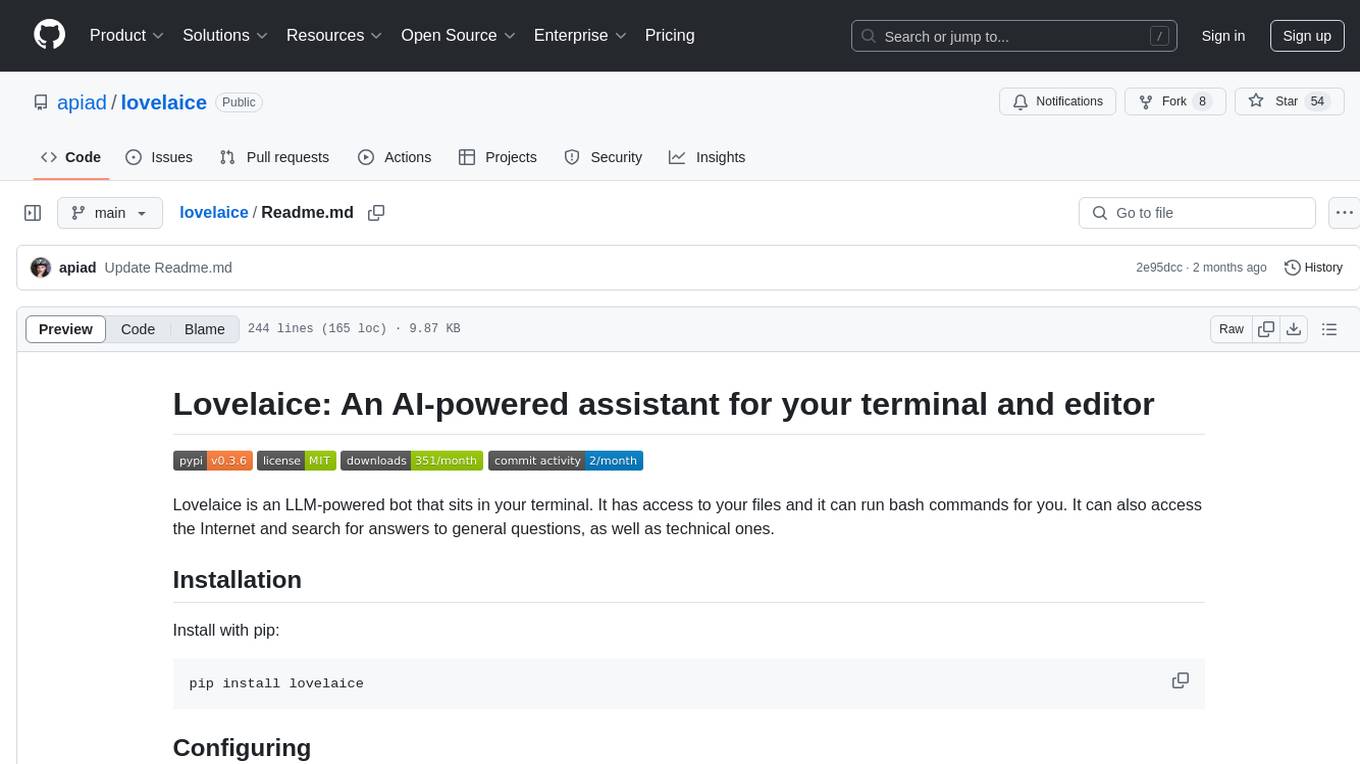
lovelaice
Lovelaice is an AI-powered assistant for your terminal and editor. It can run bash commands, search the Internet, answer general and technical questions, complete text files, chat casually, execute code in various languages, and more. Lovelaice is configurable with API keys and LLM models, and can be used for a wide range of tasks requiring bash commands or coding assistance. It is designed to be versatile, interactive, and helpful for daily tasks and projects.
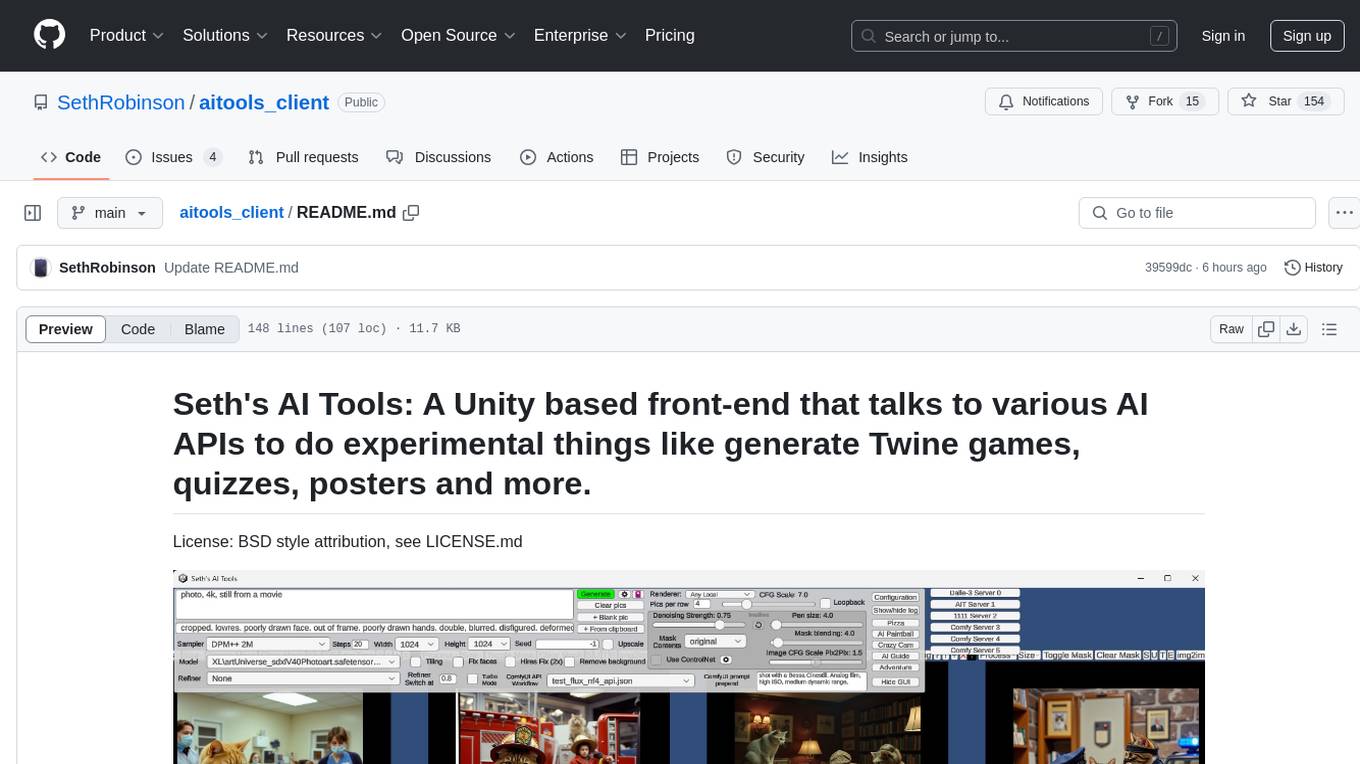
aitools_client
Seth's AI Tools is a Unity-based front-end that interfaces with various AI APIs to perform tasks such as generating Twine games, quizzes, posters, and more. The tool is a native Windows application that supports features like live update integration with image editors, text-to-image conversion, image processing, mask painting, and more. It allows users to connect to multiple servers for fast generation using GPUs and offers a neat workflow for evolving images in real-time. The tool respects user privacy by operating locally and includes built-in games and apps to test AI/SD capabilities. Additionally, it features an AI Guide for creating motivational posters and illustrated stories, as well as an Adventure mode with presets for generating web quizzes and Twine game projects.
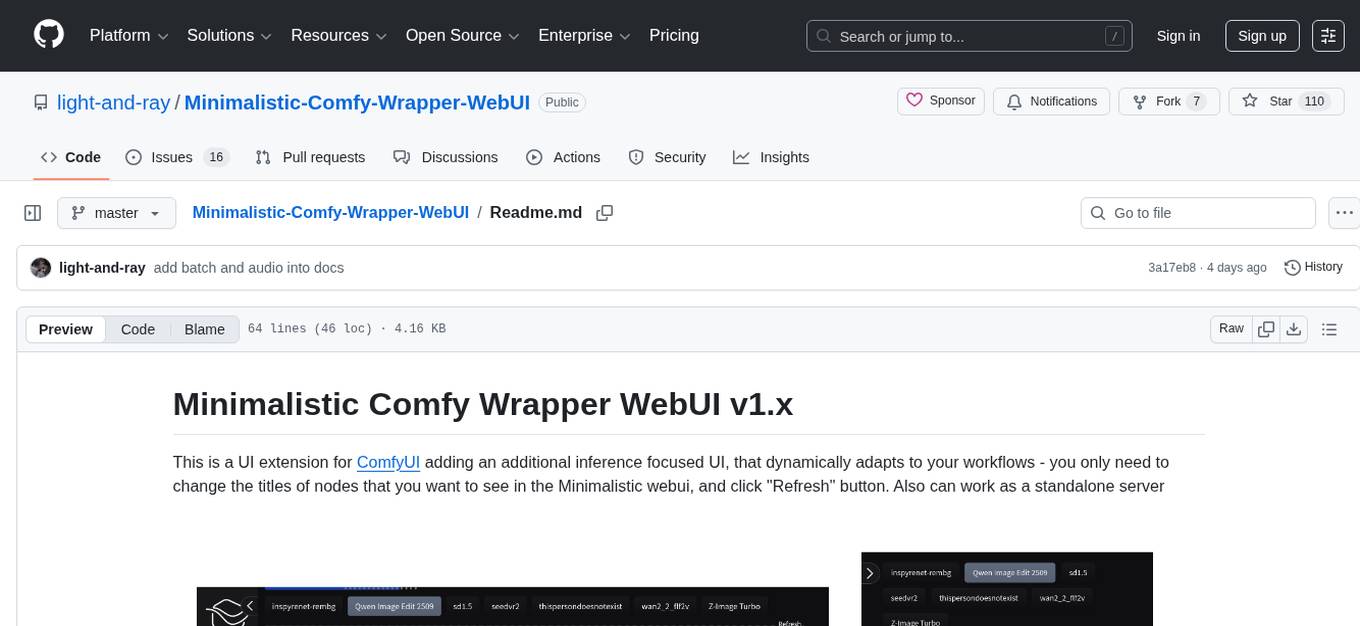
Minimalistic-Comfy-Wrapper-WebUI
Minimalistic Comfy Wrapper WebUI is a user interface extension for ComfyUI that provides an additional inference-focused UI. It dynamically adapts to workflows, allowing users to change node titles and refresh the UI. The tool ensures stability by storing data in the browser's local storage, supports working with the same workflows in Comfy and the webui, offers better queues management, prompt presets, batch support, a minimalist image editor, and mobile-friendly UI. Users can install it from the ComfyUI manager and customize node titles for input and output nodes. The tool is designed for users who prefer a simpler interface for inference tasks and want to work with ComfyUI workflows from a different perspective.
chaiNNer
ChaiNNer is a node-based image processing GUI aimed at making chaining image processing tasks easy and customizable. It gives users a high level of control over their processing pipeline and allows them to perform complex tasks by connecting nodes together. ChaiNNer is cross-platform, supporting Windows, MacOS, and Linux. It features an intuitive drag-and-drop interface, making it easy to create and modify processing chains. Additionally, ChaiNNer offers a wide range of nodes for various image processing tasks, including upscaling, denoising, sharpening, and color correction. It also supports batch processing, allowing users to process multiple images or videos at once.
sorcery
Sorcery is a SillyTavern extension that allows AI characters to interact with the real world by executing user-defined scripts at specific events in the chat. It is easy to use and does not require a specially trained function calling model. Sorcery can be used to control smart home appliances, interact with virtual characters, and perform various tasks in the chat environment. It works by injecting instructions into the system prompt and intercepting markers to run associated scripts, providing a seamless user experience.
magic
Magic Cloud is a software development automation platform based on AI, Low-Code, and No-Code. It allows dynamic code creation and orchestration using Hyperlambda, generative AI, and meta programming. The platform includes features like CRUD generation, No-Code AI, Hyperlambda programming language, AI agents creation, and various components for software development. Magic is suitable for backend development, AI-related tasks, and creating AI chatbots. It offers high-level programming capabilities, productivity gains, and reduced technical debt.
lluminous
lluminous is a fast and light open chat UI that supports multiple providers such as OpenAI, Anthropic, and Groq models. Users can easily plug in their API keys locally to access various models for tasks like multimodal input, image generation, multi-shot prompting, pre-filled responses, and more. The tool ensures privacy by storing all conversation history and keys locally on the user's device. Coming soon features include memory tool, file ingestion/embedding, embeddings-based web search, and prompt templates.
WilmerAI
WilmerAI is a middleware system designed to process prompts before sending them to Large Language Models (LLMs). It categorizes prompts, routes them to appropriate workflows, and generates manageable prompts for local models. It acts as an intermediary between the user interface and LLM APIs, supporting multiple backend LLMs simultaneously. WilmerAI provides API endpoints compatible with OpenAI API, supports prompt templates, and offers flexible connections to various LLM APIs. The project is under heavy development and may contain bugs or incomplete code.
aici
The Artificial Intelligence Controller Interface (AICI) lets you build Controllers that constrain and direct output of a Large Language Model (LLM) in real time. Controllers are flexible programs capable of implementing constrained decoding, dynamic editing of prompts and generated text, and coordinating execution across multiple, parallel generations. Controllers incorporate custom logic during the token-by-token decoding and maintain state during an LLM request. This allows diverse Controller strategies, from programmatic or query-based decoding to multi-agent conversations to execute efficiently in tight integration with the LLM itself.
llama-on-lambda
This project provides a proof of concept for deploying a scalable, serverless LLM Generative AI inference engine on AWS Lambda. It leverages the llama.cpp project to enable the usage of more accessible CPU and RAM configurations instead of limited and expensive GPU capabilities. By deploying a container with the llama.cpp converted models onto AWS Lambda, this project offers the advantages of scale, minimizing cost, and maximizing compute availability. The project includes AWS CDK code to create and deploy a Lambda function leveraging your model of choice, with a FastAPI frontend accessible from a Lambda URL. It is important to note that you will need ggml quantized versions of your model and model sizes under 6GB, as your inference RAM requirements cannot exceed 9GB or your Lambda function will fail.
jaison-core
J.A.I.son is a Python project designed for generating responses using various components and applications. It requires specific plugins like STT, T2T, TTSG, and TTSC to function properly. Users can customize responses, voice, and configurations. The project provides a Discord bot, Twitch events and chat integration, and VTube Studio Animation Hotkeyer. It also offers features for managing conversation history, training AI models, and monitoring conversations.
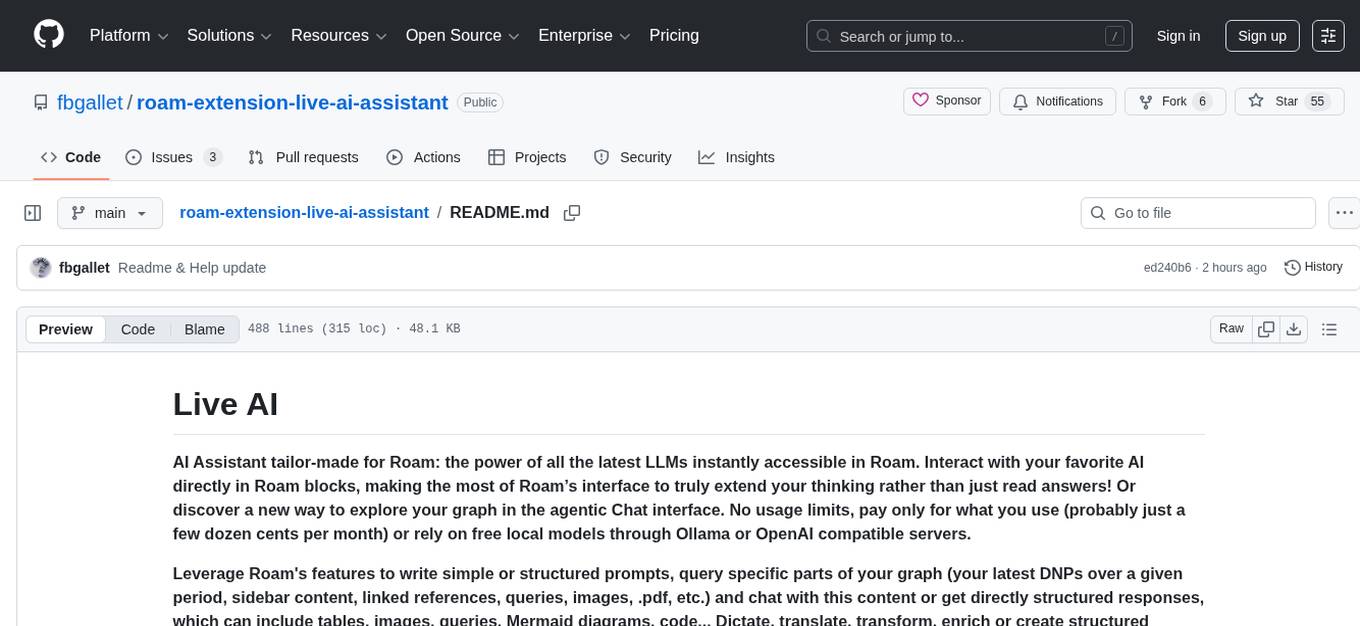
roam-extension-live-ai-assistant
Live AI is an AI Assistant tailor-made for Roam, providing access to the latest LLMs directly in Roam blocks. Users can interact with AI to extend their thinking, explore their graph, and chat with structured responses. The tool leverages Roam's features to write prompts, query graph parts, and chat with content. Users can dictate, translate, transform, and enrich content easily. Live AI supports various tasks like audio and video analysis, PDF reading, image generation, and web search. The tool offers features like Chat panel, Live AI context menu, and Ask Your Graph agent for versatile usage. Users can control privacy levels, compare AI models, create custom prompts, and apply styles for response formatting. Security concerns are addressed by allowing users to control data sent to LLMs.
lfai-landscape
LF AI & Data Landscape is a map to explore open source projects in the AI & Data domains, highlighting companies that are members of LF AI & Data. It showcases members of the Foundation and is modelled after the Cloud Native Computing Foundation landscape. The landscape includes current version, interactive version, new entries, logos, proper SVGs, corrections, external data, best practices badge, non-updated items, license, formats, installation, vulnerability reporting, and adjusting the landscape view.
documentation
Vespa documentation is served using GitHub Project pages with Jekyll. To edit documentation, check out and work off the master branch in this repository. Documentation is written in HTML or Markdown. Use a single Jekyll template _layouts/default.html to add header, footer and layout. Install bundler, then $ bundle install $ bundle exec jekyll serve --incremental --drafts --trace to set up a local server at localhost:4000 to see the pages as they will look when served. If you get strange errors on bundle install try $ export PATH=“/usr/local/opt/[email protected]/bin:$PATH” $ export LDFLAGS=“-L/usr/local/opt/[email protected]/lib” $ export CPPFLAGS=“-I/usr/local/opt/[email protected]/include” $ export PKG_CONFIG_PATH=“/usr/local/opt/[email protected]/lib/pkgconfig” The output will highlight rendering/other problems when starting serving. Alternatively, use the docker image `jekyll/jekyll` to run the local server on Mac $ docker run -ti --rm --name doc \ --publish 4000:4000 -e JEKYLL_UID=$UID -v $(pwd):/srv/jekyll \ jekyll/jekyll jekyll serve or RHEL 8 $ podman run -it --rm --name doc -p 4000:4000 -e JEKYLL_ROOTLESS=true \ -v "$PWD":/srv/jekyll:Z docker.io/jekyll/jekyll jekyll serve The layout is written in denali.design, see _layouts/default.html for usage. Please do not add custom style sheets, as it is harder to maintain.
For similar tasks
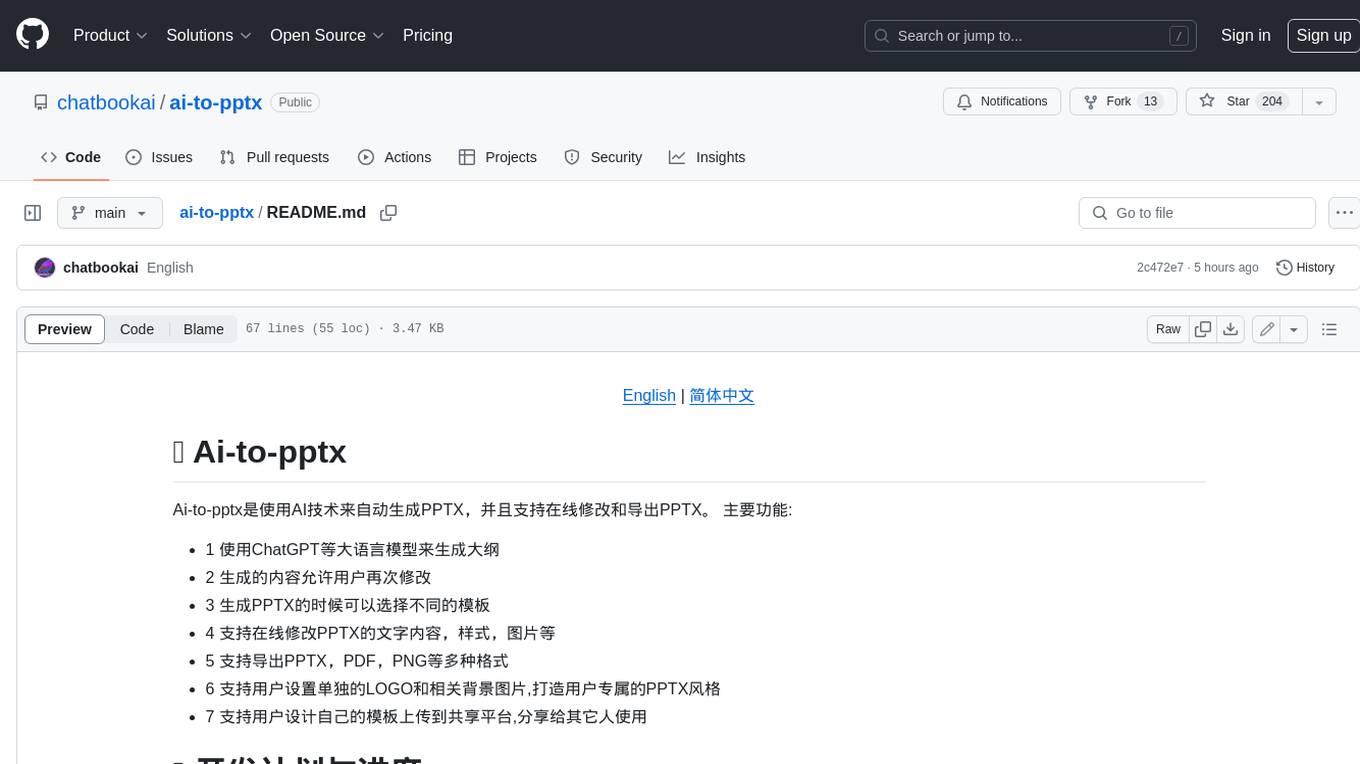
ai-to-pptx
Ai-to-pptx is a tool that uses AI technology to automatically generate PPTX, and supports online editing and exporting of PPTX. Main functions: - 1 Use large language models such as ChatGPT to generate outlines - 2 The generated content allows users to modify again - 3 Different templates can be selected when generating PPTX - 4 Support online editing of PPTX text content, style, pictures, etc. - 5 Supports exporting PPTX, PDF, PNG and other formats - 6 Support users to set their own LOGO and related background pictures to create their own exclusive PPTX style - 7 Support users to design their own templates and upload them to the sharing platform for others to use
cannoli
Cannoli allows you to build and run no-code LLM scripts using the Obsidian Canvas editor. Cannolis are scripts that leverage the OpenAI API to read/write to your vault, and take actions using HTTP requests. They can be used to automate tasks, create custom llm-chatbots, and more.
awesome-chatgpt
Awesome ChatGPT is an artificial intelligence chatbot developed by OpenAI. It offers a wide range of applications, web apps, browser extensions, CLI tools, bots, integrations, and packages for various platforms. Users can interact with ChatGPT through different interfaces and use it for tasks like generating text, creating presentations, summarizing content, and more. The ecosystem around ChatGPT includes tools for developers, writers, researchers, and individuals looking to leverage AI technology for different purposes.
Powerpointer-For-Local-LLMs
PowerPointer For Local LLMs is a PowerPoint generator that uses python-pptx and local llm's via the Oobabooga Text Generation WebUI api to create beautiful and informative presentations. It runs locally on your computer, eliminating privacy concerns. The tool allows users to select from 7 designs, make placeholders for images, and easily customize presentations within PowerPoint. Users provide information for the PowerPoint, which is then used to generate text using optimized prompts and the text generation webui api. The generated text is converted into a PowerPoint presentation using the python-pptx library.
aippt
Aippt is a commercial-grade AI tool for generating, parsing, and rendering PowerPoint presentations. It offers functionalities such as AI-powered PPT generation, PPT to JSON conversion, and JSON to PPT rendering. Users can experience online editing, upload PPT files for rendering, and download edited PPT files. The tool also supports commercial partnerships for custom industry solutions, native chart and animation support, user-defined templates, and competitive pricing. Aippt is available for commercial use with options for agency support and private deployment. The official website offers open APIs and an open platform for API/UI integration.
aippt_PresentationGen
A SpringBoot web application that generates PPT files using a llm. The tool preprocesses single-page templates and dynamically combines them to generate PPTX files with text replacement functionality. It utilizes technologies such as SpringBoot, MyBatis, MySQL, Redis, WebFlux, Apache POI, Aspose Slides, OSS, and Vue2. Users can deploy the tool by configuring various parameters in the application.yml file and setting up necessary resources like MySQL, OSS, and API keys. The tool also supports integration with open-source image libraries like Unsplash for adding images to the presentations.
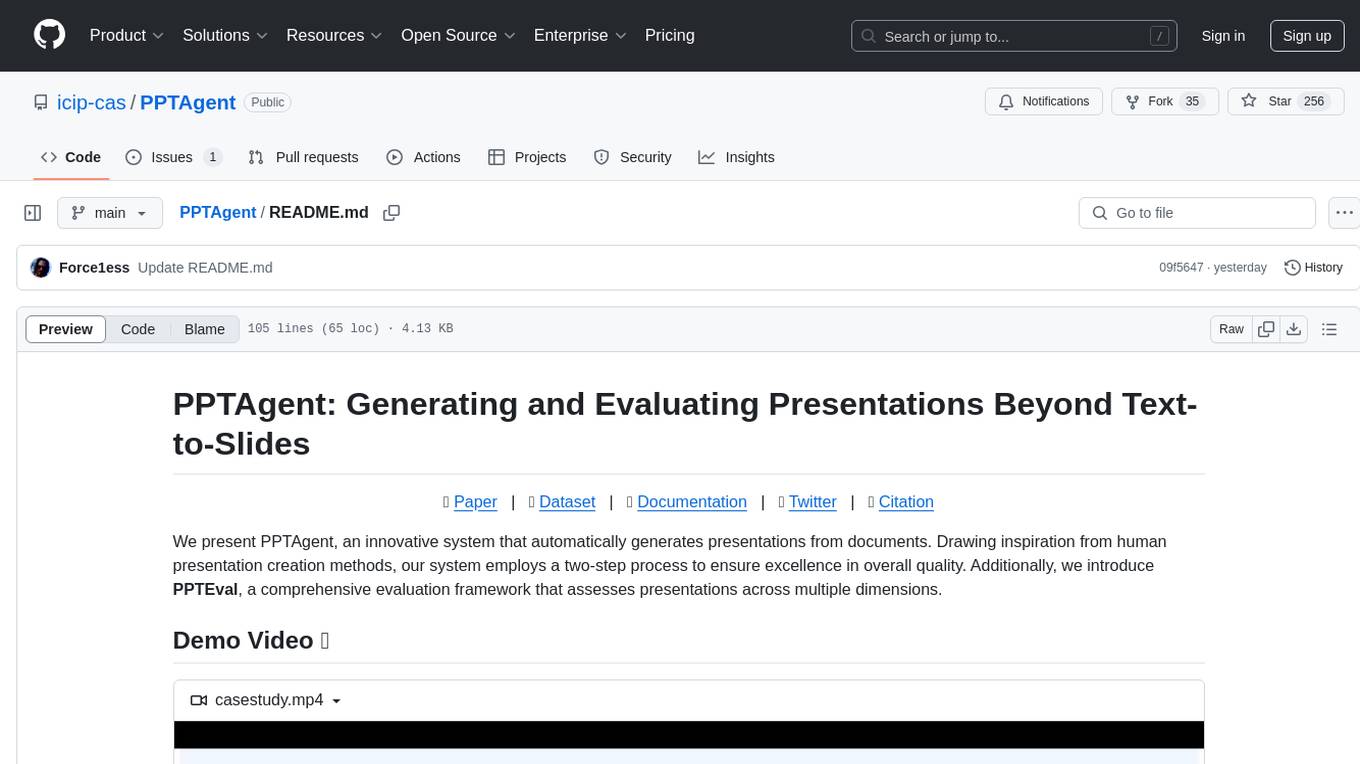
PPTAgent
PPTAgent is an innovative system that automatically generates presentations from documents. It employs a two-step process for quality assurance and introduces PPTEval for comprehensive evaluation. With dynamic content generation, smart reference learning, and quality assessment, PPTAgent aims to streamline presentation creation. The tool follows an analysis phase to learn from reference presentations and a generation phase to develop structured outlines and cohesive slides. PPTEval evaluates presentations based on content accuracy, visual appeal, and logical coherence.
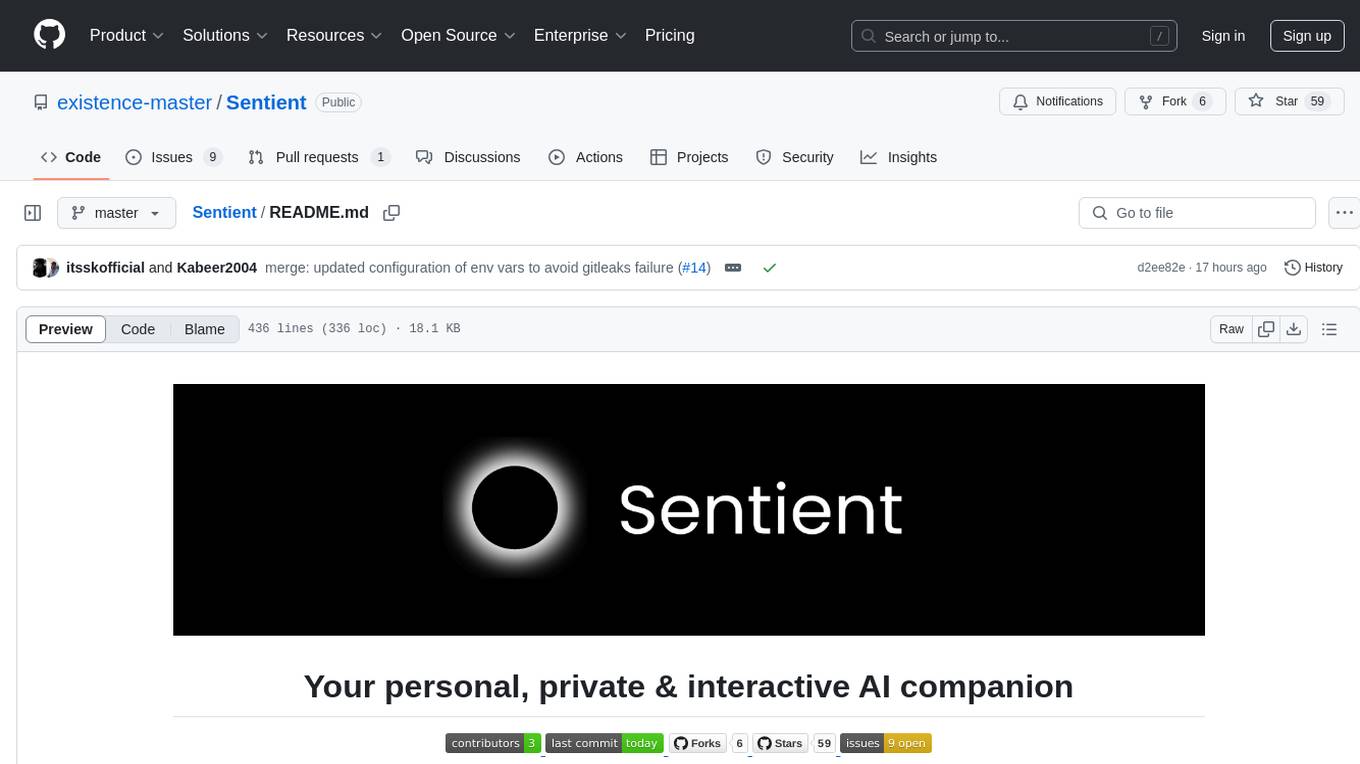
Sentient
Sentient is a personal, private, and interactive AI companion developed by Existence. The project aims to build a completely private AI companion that is deeply personalized and context-aware of the user. It utilizes automation and privacy to create a true companion for humans. The tool is designed to remember information about the user and use it to respond to queries and perform various actions. Sentient features a local and private environment, MBTI personality test, integrations with LinkedIn, Reddit, and more, self-managed graph memory, web search capabilities, multi-chat functionality, and auto-updates for the app. The project is built using technologies like ElectronJS, Next.js, TailwindCSS, FastAPI, Neo4j, and various APIs.
For similar jobs
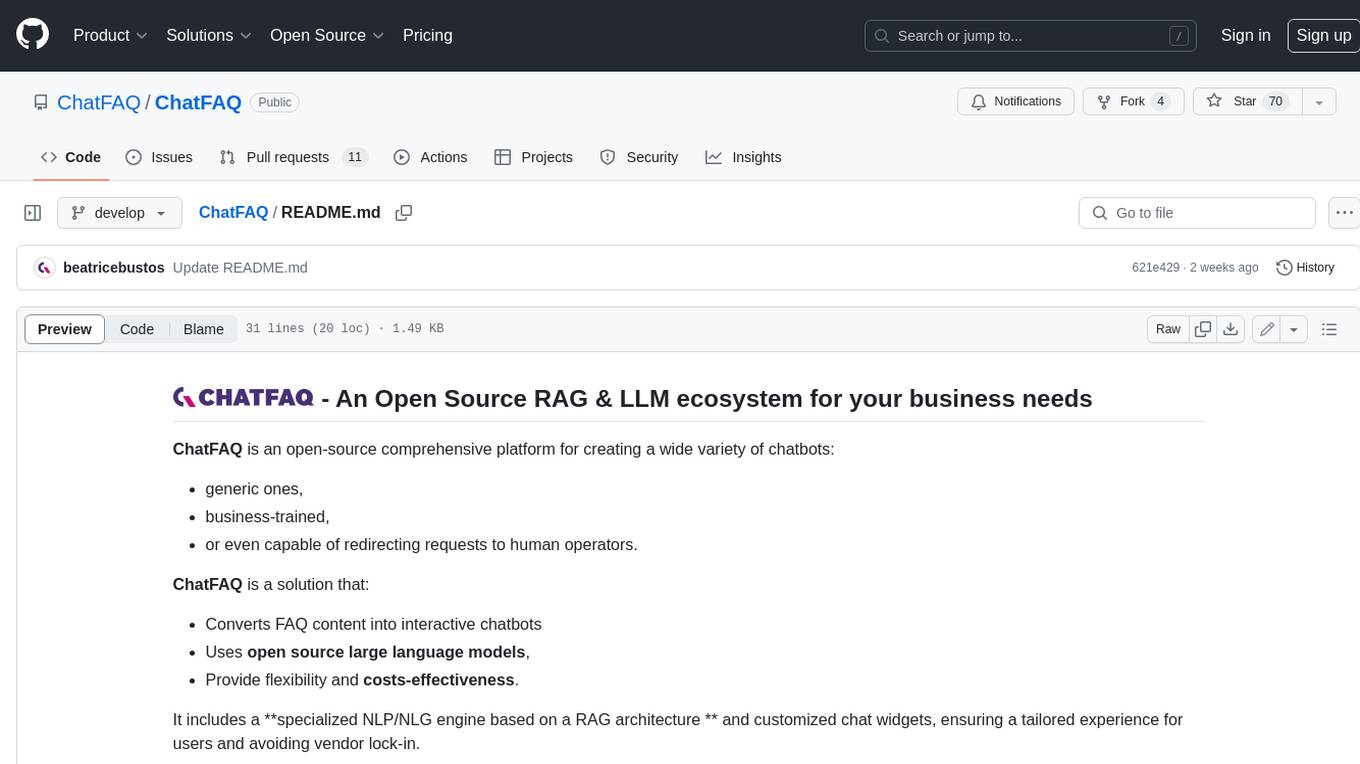
ChatFAQ
ChatFAQ is an open-source comprehensive platform for creating a wide variety of chatbots: generic ones, business-trained, or even capable of redirecting requests to human operators. It includes a specialized NLP/NLG engine based on a RAG architecture and customized chat widgets, ensuring a tailored experience for users and avoiding vendor lock-in.
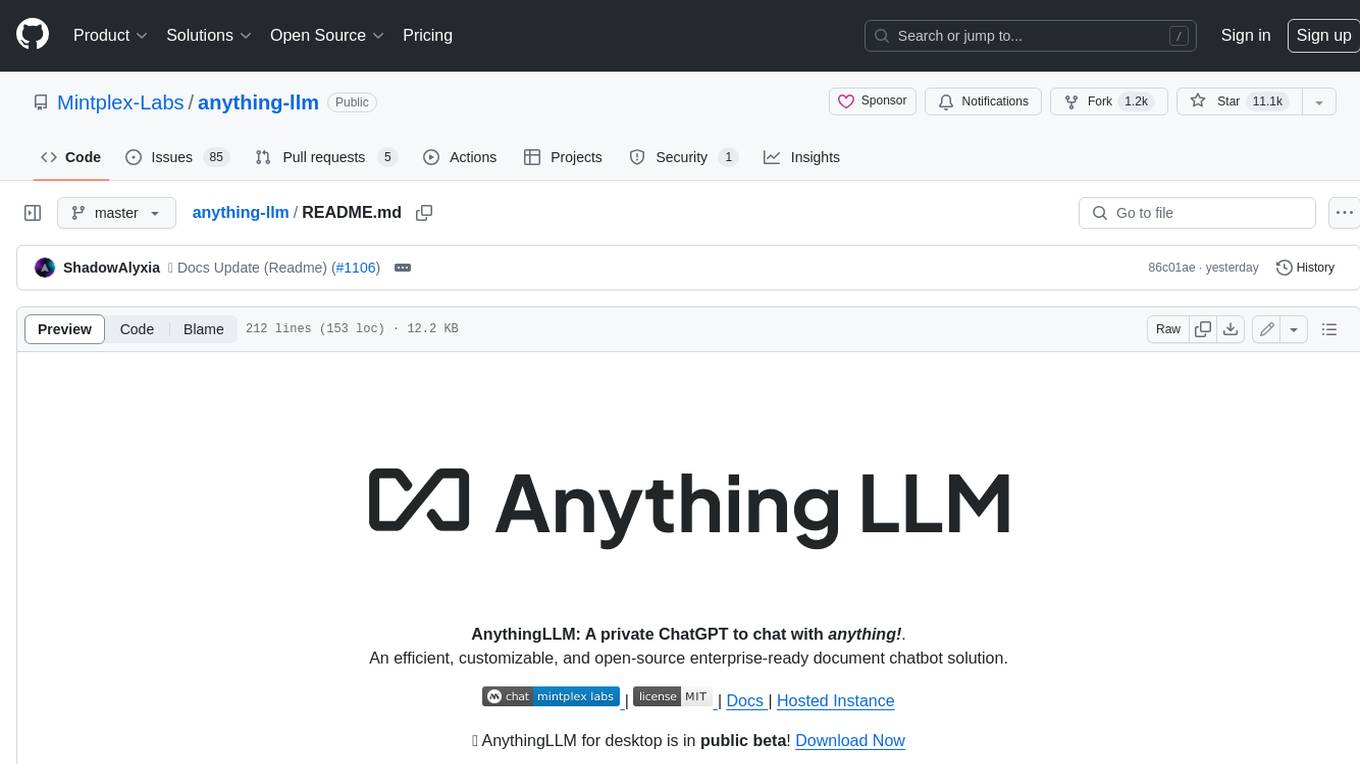
anything-llm
AnythingLLM is a full-stack application that enables you to turn any document, resource, or piece of content into context that any LLM can use as references during chatting. This application allows you to pick and choose which LLM or Vector Database you want to use as well as supporting multi-user management and permissions.

ai-guide
This guide is dedicated to Large Language Models (LLMs) that you can run on your home computer. It assumes your PC is a lower-end, non-gaming setup.

classifai
Supercharge WordPress Content Workflows and Engagement with Artificial Intelligence. Tap into leading cloud-based services like OpenAI, Microsoft Azure AI, Google Gemini and IBM Watson to augment your WordPress-powered websites. Publish content faster while improving SEO performance and increasing audience engagement. ClassifAI integrates Artificial Intelligence and Machine Learning technologies to lighten your workload and eliminate tedious tasks, giving you more time to create original content that matters.
mikupad
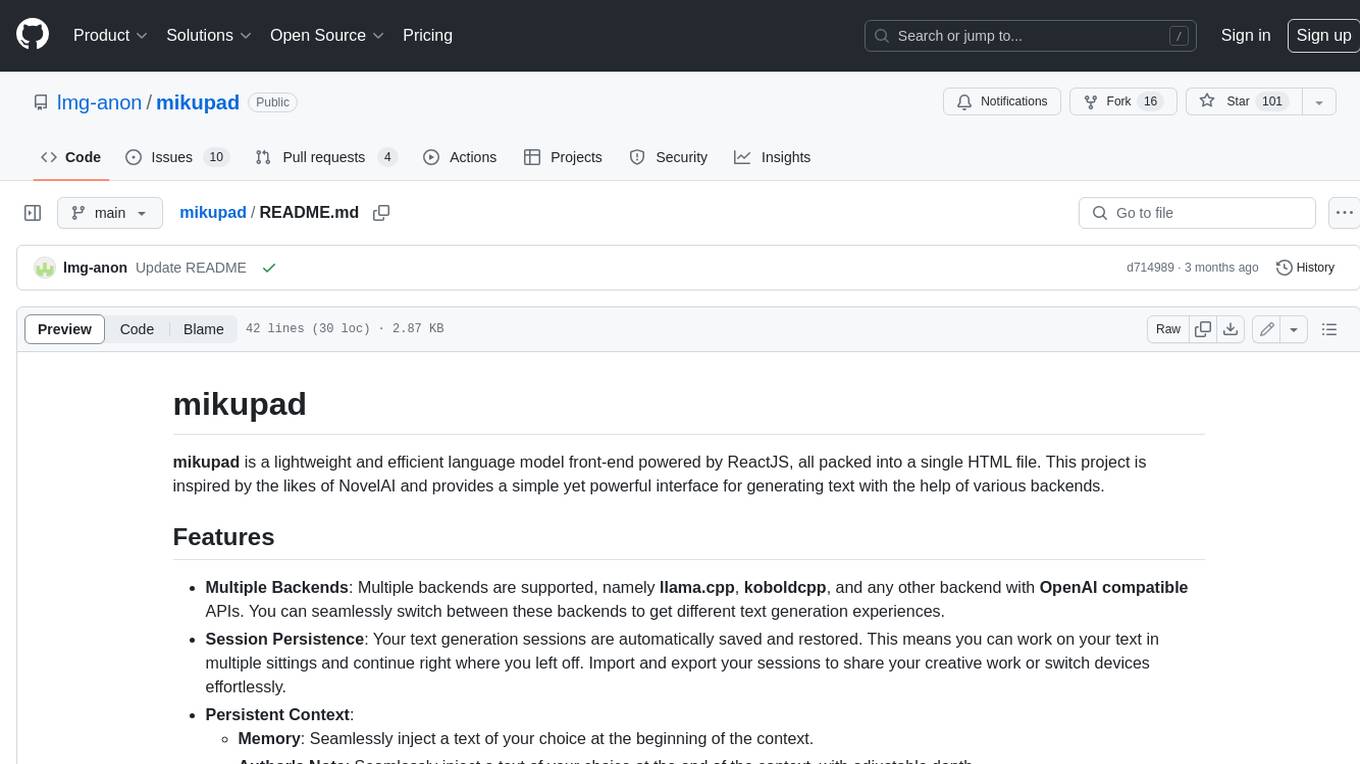
mikupad is a lightweight and efficient language model front-end powered by ReactJS, all packed into a single HTML file. Inspired by the likes of NovelAI, it provides a simple yet powerful interface for generating text with the help of various backends.
glide
Glide is a cloud-native LLM gateway that provides a unified REST API for accessing various large language models (LLMs) from different providers. It handles LLMOps tasks such as model failover, caching, key management, and more, making it easy to integrate LLMs into applications. Glide supports popular LLM providers like OpenAI, Anthropic, Azure OpenAI, AWS Bedrock (Titan), Cohere, Google Gemini, OctoML, and Ollama. It offers high availability, performance, and observability, and provides SDKs for Python and NodeJS to simplify integration.

onnxruntime-genai
ONNX Runtime Generative AI is a library that provides the generative AI loop for ONNX models, including inference with ONNX Runtime, logits processing, search and sampling, and KV cache management. Users can call a high level `generate()` method, or run each iteration of the model in a loop. It supports greedy/beam search and TopP, TopK sampling to generate token sequences, has built in logits processing like repetition penalties, and allows for easy custom scoring.
firecrawl
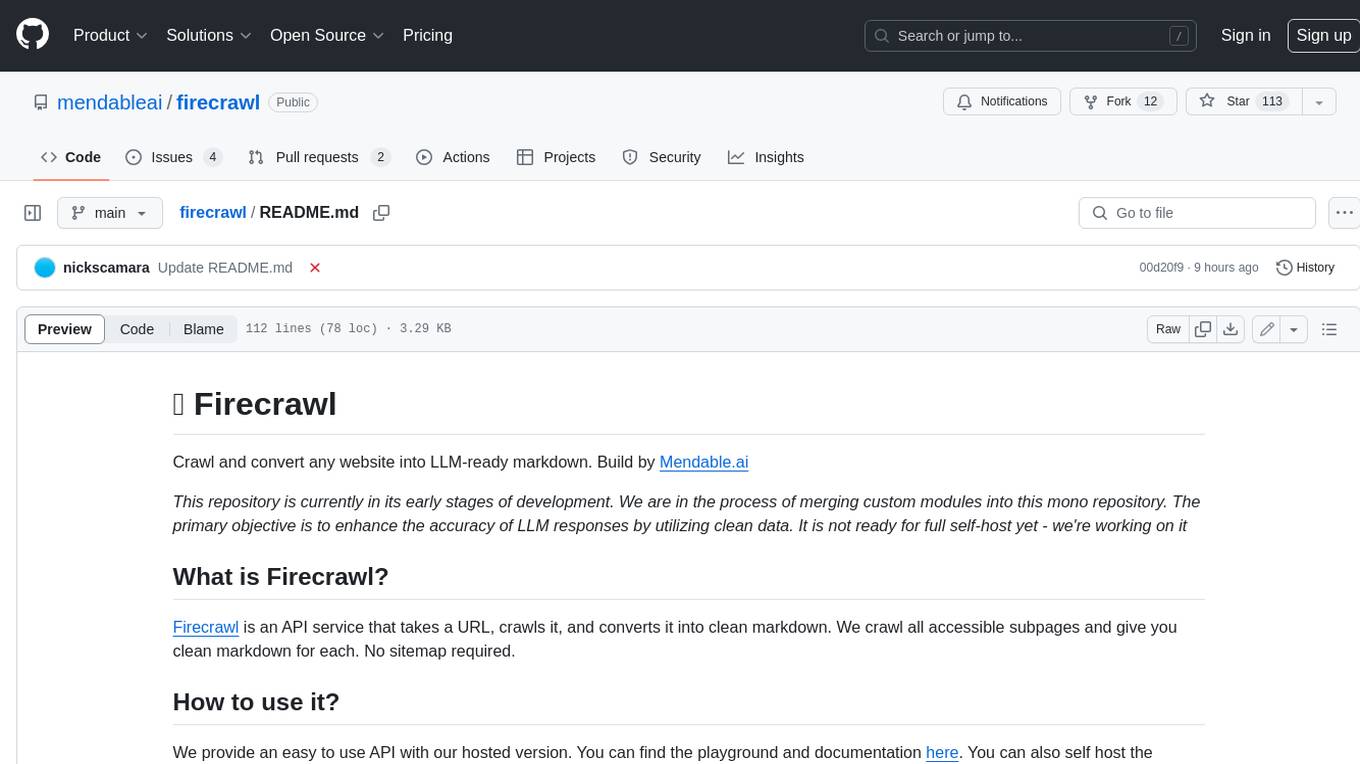
Firecrawl is an API service that takes a URL, crawls it, and converts it into clean markdown. It crawls all accessible subpages and provides clean markdown for each, without requiring a sitemap. The API is easy to use and can be self-hosted. It also integrates with Langchain and Llama Index. The Python SDK makes it easy to crawl and scrape websites in Python code.