


mu
Apps without ads, algorithms, or tracking.
Stars: 72
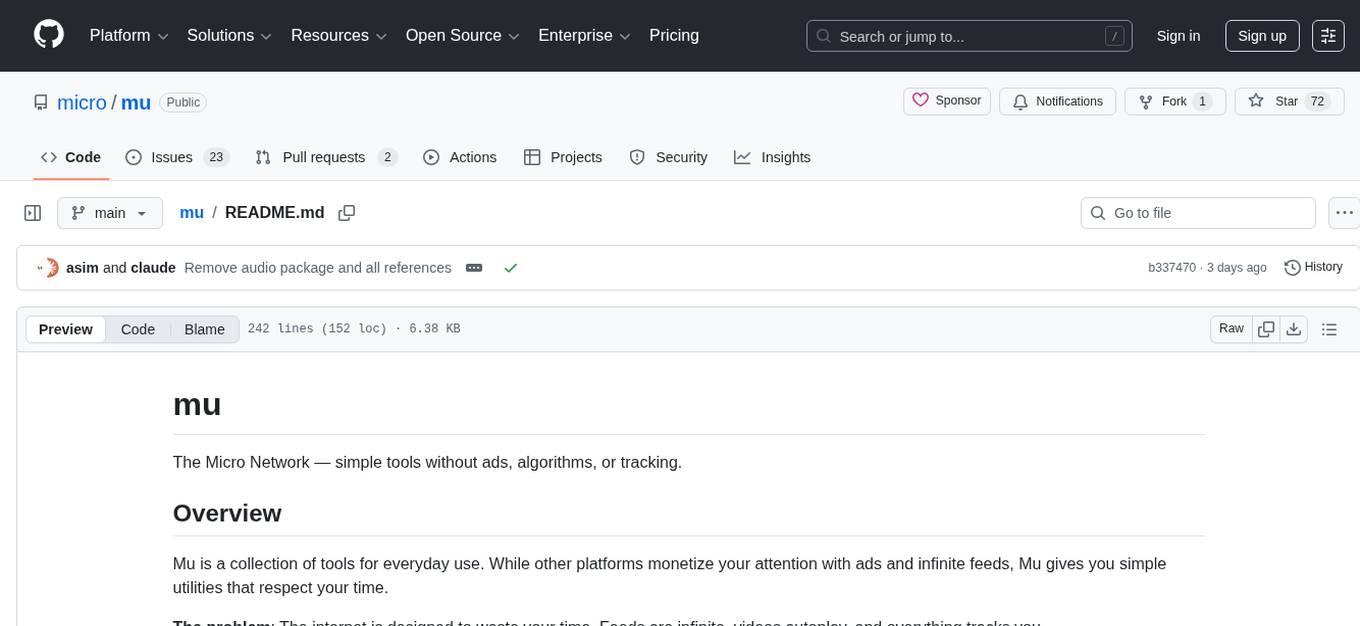
Mu is a collection of simple tools for everyday use that respect users' time by providing utilities without ads, algorithms, or tracking. It includes features like personalized dashboard, microblogging, AI-powered chat, RSS feeds with AI summaries, ad-free YouTube viewing, private messaging & email, and crypto payments. Users can self-host Mu or use the hosted version at mu.xyz. The tools are designed to be small, focused, and do one thing well, enhancing some features with AI capabilities like auto-tagging topics, summarizing articles, and providing knowledge assistance.
README:
The Micro Network — simple tools without ads, algorithms, or tracking.
Mu is a collection of tools for everyday use. While other platforms monetize your attention with ads and infinite feeds, Mu gives you simple utilities that respect your time.
The problem: The internet is designed to waste your time. Feeds are infinite, videos autoplay, and everything tracks you.
The solution: Small, focused tools that do one thing well. No ads. No algorithms. No tracking.
- Home - Your personalized dashboard
- Blog - Thoughtful microblogging
- Chat - Discuss topics with AI
- News - RSS feeds with AI summaries
- Video - Watch YouTube without ads
- Mail - Private messaging & email
- Wallet - Credits and crypto payments
Mu runs as a single Go binary on your own server or use the hosted version at mu.xyz.
- [x] API - Basic API
- [x] App - Basic PWA
- [x] Home - Overview
- [x] Blog - Micro blogging
- [x] Chat - Discussion rooms
- [x] News - RSS news feed
- [x] Video - YouTube search
- [x] Mail - Private messaging
- [x] Wallet - Crypto payments
- [ ] Services - Marketplace, etc
Some features are enhanced with AI:
- Blog - Auto-tag topics
- News - Summarize articles
- Chat - Knowledge assistant
The app contains cards displayed on the home screen. These are a summary or overview. Each card links to a feature page or external website. For example the Video card links to the /video page with videos by channel and search.
Mu is free to start. See mu.xyz. Create an account and start using it immediately.
Ensure you have Go installed
Set your Go bin
export PATH=$HOME/go/bin:$PATH
Download and install Mu
git clone https://github.com/micro/mu
cd mu && go install
To reconfigure prompts, topics, cards, etc you can adjust the following json files.
Note: The binary will need to be recompiled as they are embedded at build time.
Set the chat prompts in chat/prompts.json
Set the home cards in home/cards.json
Set the RSS news feeds in news/feeds.json
Set the YouTube video channels in video/channels.json
We need API keys for the following
export YOUTUBE_API_KEY=xxx
Ollama (Default)
By default, Mu uses Ollama for LLM queries. Install and run Ollama locally:
# Install Ollama from https://ollama.ai/
# Pull a model (e.g., llama3.2)
ollama pull llama3.2

# Ollama runs on http://localhost:11434 by default
Optional environment variables:
export MODEL_NAME=llama3.2              # Default model
export MODEL_API_URL=http://localhost:11434  # Ollama API URL
Fanar (Optional)
Alternatively, use Fanar by setting the API key:
export FANAR_API_KEY=xxx
export FANAR_API_URL=https://api.fanar.qa  # Optional, this is the default
When FANAR_API_KEY is set, Mu will use Fanar instead of Ollama.
Note: Fanar has a rate limit of 10 requests per minute. Mu enforces this limit automatically.
Anthropic Claude (Optional)
You can also use Anthropic's Claude API:
export ANTHROPIC_API_KEY=xxx
export ANTHROPIC_MODEL=claude-haiku-4.5-20250311  # Optional, this is the default
Priority order: Anthropic > Fanar > Ollama
For vector search see this doc
By default, Mu stores search index and embeddings in JSON files loaded into memory. For production use with large datasets, enable SQLite storage to reduce memory usage:
export MU_USE_SQLITE=1
This stores the search index and embeddings in SQLite (~/.mu/data/index.db) instead of RAM. Migration from JSON happens automatically on first startup.
Then run the app
mu --serve
Go to localhost:8081
On the web: mu.xyz/docs | mu.xyz/about
Full documentation is available in the docs folder and at /docs on any Mu instance:
Getting Started
- About - What Mu is and why it exists
- Principles - Guiding principles for AI and technology
- Installation - Self-hosting and deployment guide
Features
- Messaging - Email and messaging setup
- Wallet & Credits - Credit system for metered usage
Reference
- Configuration - All environment variables
- Vector Search - Semantic search setup
- API Reference - REST API endpoints
- Screenshots - Application screenshots
Install git hooks to run tests before commits:
./scripts/install-hooks.shThis will prevent commits if tests fail, helping catch regressions early. See scripts/README.md for more details.
Join Discord if you'd like to work on this.
Mu uses crypto for payments. No credit cards, no payment processors, no KYC.
Supported chains:
- Ethereum
- Base
- Arbitrum
- Optimism
Supported tokens:
- ETH
- USDC
- Any ERC-20 token
Each user gets a unique deposit address. Send crypto, get credits. 1 credit = 1p.
See Wallet & Credits for details.
You can sponsor the project using GitHub Sponsors or via Patreon to support ongoing development and hosting costs. Sponsors get early access to new features and can vote on the project roadmap. All features remain free (with daily limits) or pay-as-you-go.
Mu is licensed under the GNU Affero General Public License v3.0 (AGPL-3.0).
This means you are free to use, modify, and distribute this software, but if you run a modified version on a server and let others interact with it, you must make your modified source code available under the same license.
For Tasks:
Click tags to check more tools for each tasksFor Jobs:
Alternative AI tools for mu
Similar Open Source Tools
mu
Mu is a collection of simple tools for everyday use that respect users' time by providing utilities without ads, algorithms, or tracking. It includes features like personalized dashboard, microblogging, AI-powered chat, RSS feeds with AI summaries, ad-free YouTube viewing, private messaging & email, and crypto payments. Users can self-host Mu or use the hosted version at mu.xyz. The tools are designed to be small, focused, and do one thing well, enhancing some features with AI capabilities like auto-tagging topics, summarizing articles, and providing knowledge assistance.
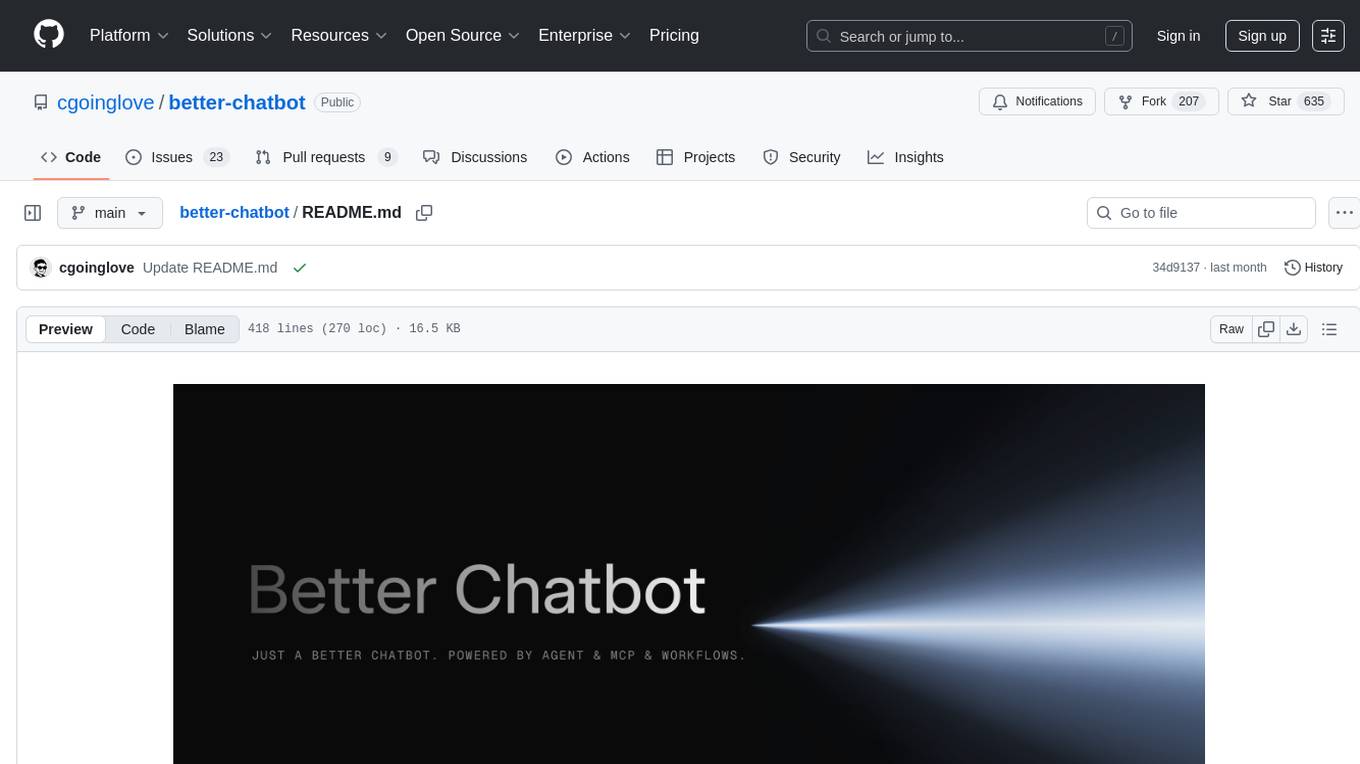
better-chatbot
Better Chatbot is an open-source AI chatbot designed for individuals and teams, inspired by various AI models. It integrates major LLMs, offers powerful tools like MCP protocol and data visualization, supports automation with custom agents and visual workflows, enables collaboration by sharing configurations, provides a voice assistant feature, and ensures an intuitive user experience. The platform is built with Vercel AI SDK and Next.js, combining leading AI services into one platform for enhanced chatbot capabilities.
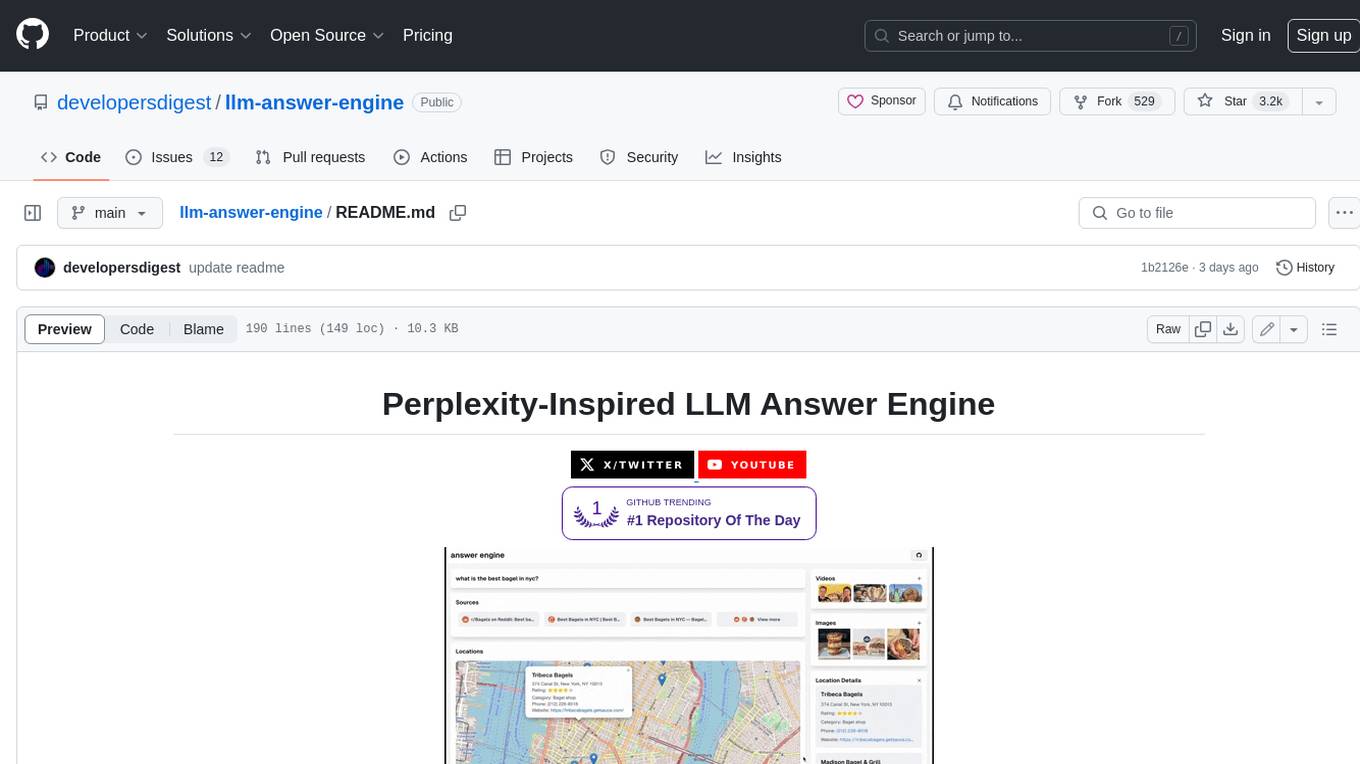
llm-answer-engine
This repository contains the code and instructions needed to build a sophisticated answer engine that leverages the capabilities of Groq, Mistral AI's Mixtral, Langchain.JS, Brave Search, Serper API, and OpenAI. Designed to efficiently return sources, answers, images, videos, and follow-up questions based on user queries, this project is an ideal starting point for developers interested in natural language processing and search technologies.
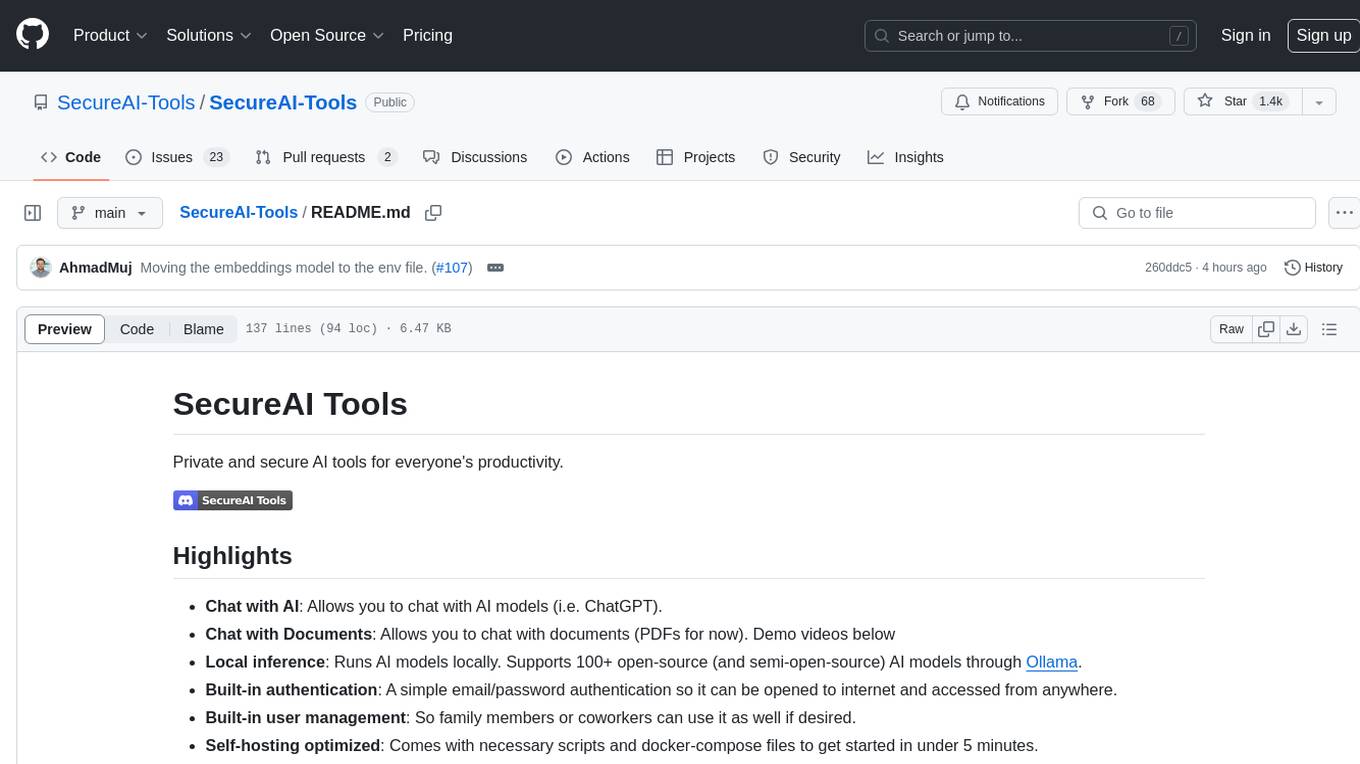
SecureAI-Tools
SecureAI Tools is a private and secure AI tool that allows users to chat with AI models, chat with documents (PDFs), and run AI models locally. It comes with built-in authentication and user management, making it suitable for family members or coworkers. The tool is self-hosting optimized and provides necessary scripts and docker-compose files for easy setup in under 5 minutes. Users can customize the tool by editing the .env file and enabling GPU support for faster inference. SecureAI Tools also supports remote OpenAI-compatible APIs, with lower hardware requirements for using remote APIs only. The tool's features wishlist includes chat sharing, mobile-friendly UI, and support for more file types and markdown rendering.
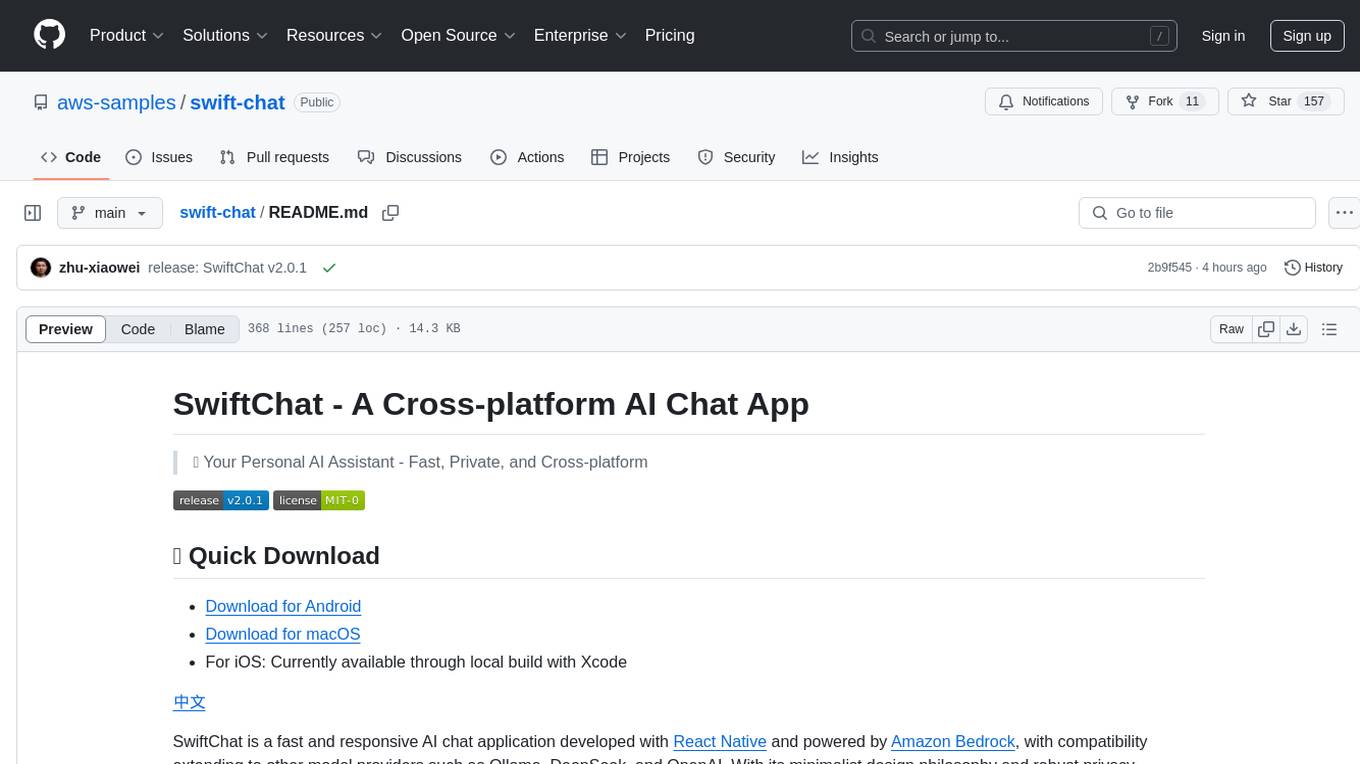
swift-chat
SwiftChat is a fast and responsive AI chat application developed with React Native and powered by Amazon Bedrock. It offers real-time streaming conversations, AI image generation, multimodal support, conversation history management, and cross-platform compatibility across Android, iOS, and macOS. The app supports multiple AI models like Amazon Bedrock, Ollama, DeepSeek, and OpenAI, and features a customizable system prompt assistant. With a minimalist design philosophy and robust privacy protection, SwiftChat delivers a seamless chat experience with various features like rich Markdown support, comprehensive multimodal analysis, creative image suite, and quick access tools. The app prioritizes speed in launch, request, render, and storage, ensuring a fast and efficient user experience. SwiftChat also emphasizes app privacy and security by encrypting API key storage, minimal permission requirements, local-only data storage, and a privacy-first approach.
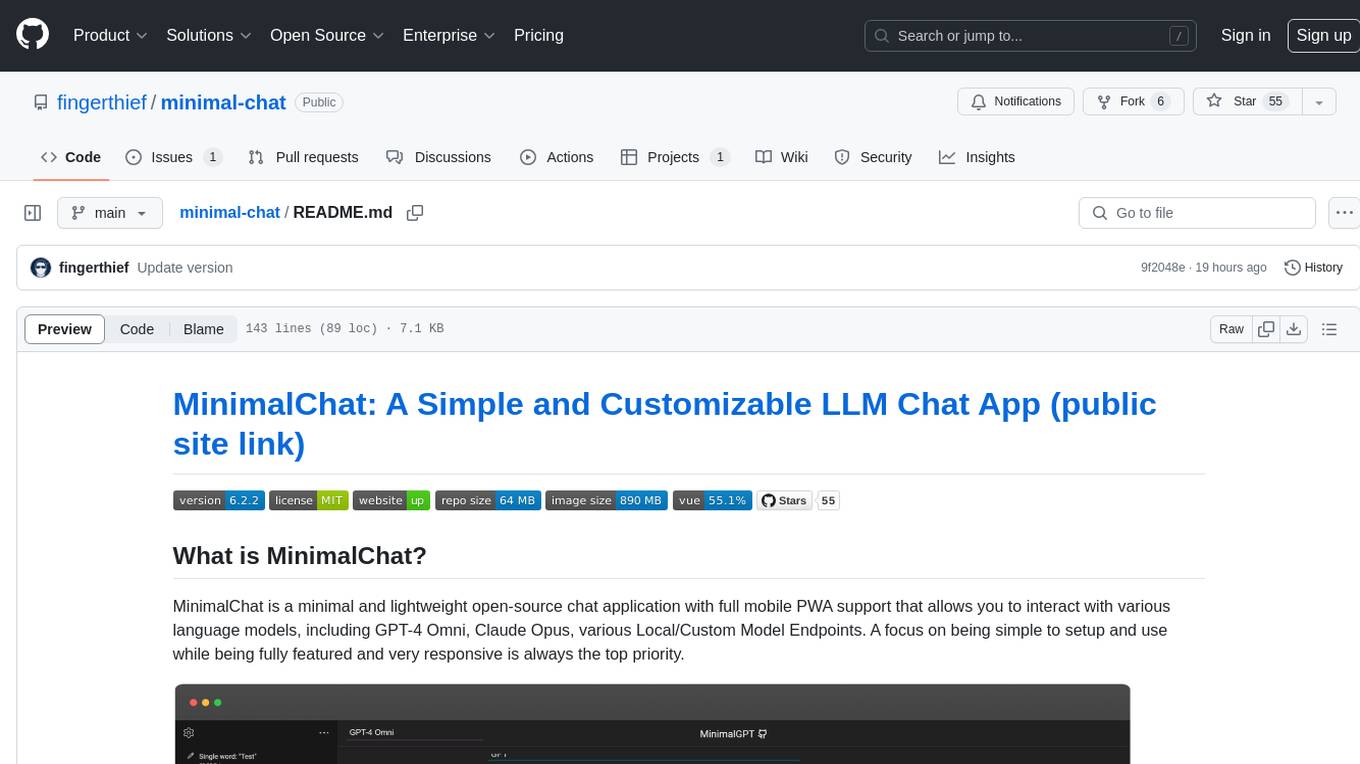
minimal-chat
MinimalChat is a minimal and lightweight open-source chat application with full mobile PWA support that allows users to interact with various language models, including GPT-4 Omni, Claude Opus, and various Local/Custom Model Endpoints. It focuses on simplicity in setup and usage while being fully featured and highly responsive. The application supports features like fully voiced conversational interactions, multiple language models, markdown support, code syntax highlighting, DALL-E 3 integration, conversation importing/exporting, and responsive layout for mobile use.
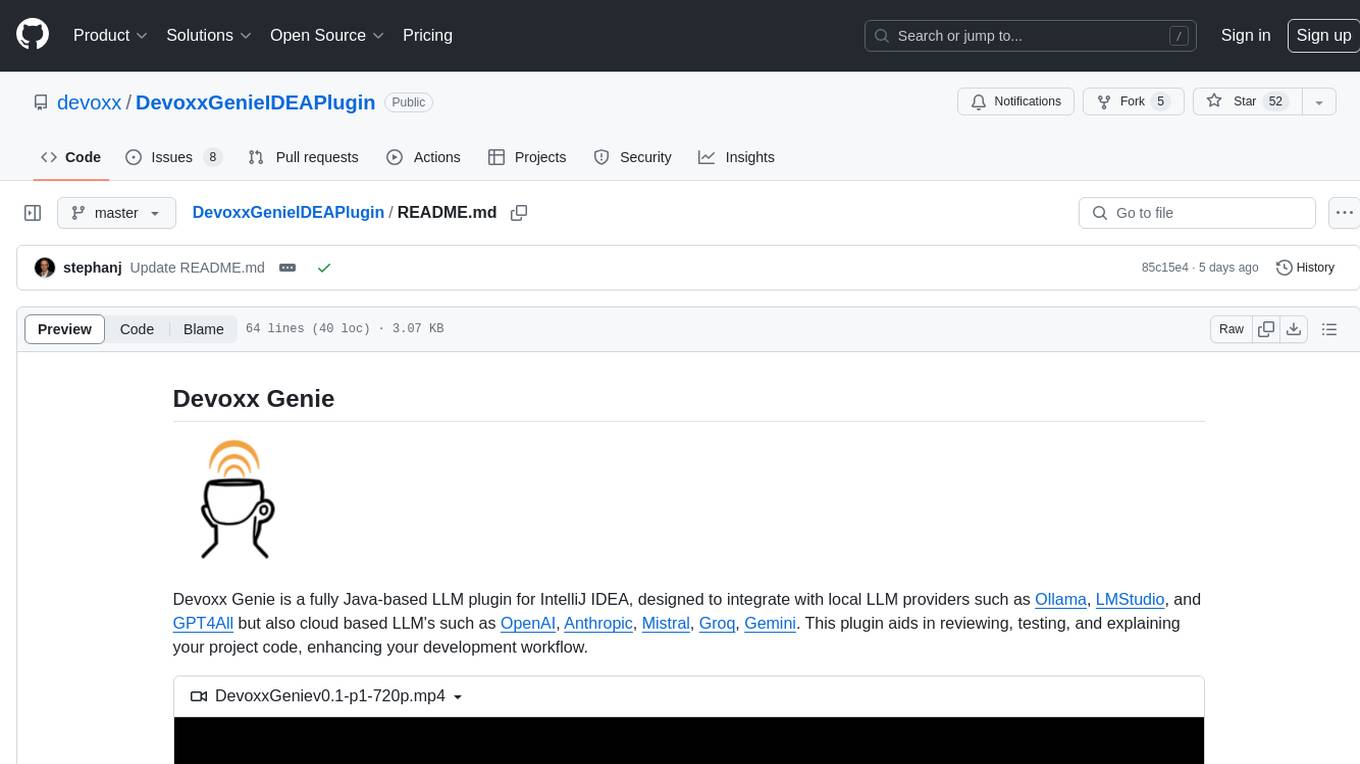
DevoxxGenieIDEAPlugin
Devoxx Genie is a Java-based IntelliJ IDEA plugin that integrates with local and cloud-based LLM providers to aid in reviewing, testing, and explaining project code. It supports features like code highlighting, chat conversations, and adding files/code snippets to context. Users can modify REST endpoints and LLM parameters in settings, including support for cloud-based LLMs. The plugin requires IntelliJ version 2023.3.4 and JDK 17. Building and publishing the plugin is done using Gradle tasks. Users can select an LLM provider, choose code, and use commands like review, explain, or generate unit tests for code analysis.
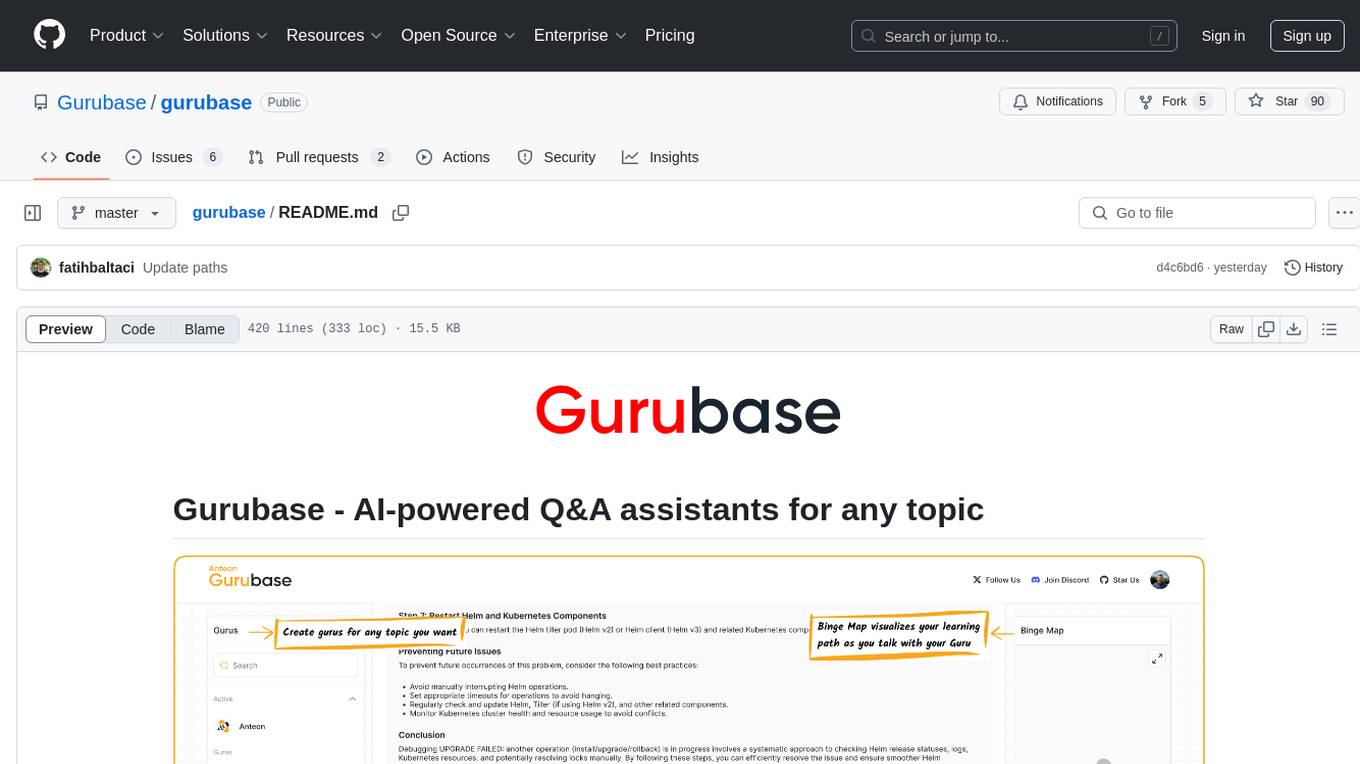
gurubase
Gurubase is an open-source RAG system that enables users to create AI-powered Q&A assistants ('Gurus') for various topics by integrating web pages, PDFs, YouTube videos, and GitHub repositories. It offers advanced LLM-based question answering, accurate context-aware responses through the RAG system, multiple data sources integration, easy website embedding, creation of custom AI assistants, real-time updates, personalized learning paths, and self-hosting options. Users can request Guru creation, manage existing Gurus, update datasources, and benefit from the system's features for enhancing user engagement and knowledge sharing.
transcriptionstream
Transcription Stream is a self-hosted diarization service that works offline, allowing users to easily transcribe and summarize audio files. It includes a web interface for file management, Ollama for complex operations on transcriptions, and Meilisearch for fast full-text search. Users can upload files via SSH or web interface, with output stored in named folders. The tool requires a NVIDIA GPU and provides various scripts for installation and running. Ports for SSH, HTTP, Ollama, and Meilisearch are specified, along with access details for SSH server and web interface. Customization options and troubleshooting tips are provided in the documentation.
UFO
UFO is a UI-focused dual-agent framework to fulfill user requests on Windows OS by seamlessly navigating and operating within individual or spanning multiple applications.
preswald
Preswald is a full-stack platform for building, deploying, and managing interactive data applications in Python. It simplifies the process by combining ingestion, storage, transformation, and visualization into one lightweight SDK. With Preswald, users can connect to various data sources, customize app themes, and easily deploy apps locally. The platform focuses on code-first simplicity, end-to-end coverage, and efficiency by design, making it suitable for prototyping internal tools or deploying production-grade apps with reduced complexity and cost.
SurfSense
SurfSense is a tool designed to help users save and organize content from the internet into a personal Knowledge Graph. It allows users to capture web browsing sessions and webpage content using a Chrome extension, enabling easy retrieval and recall of saved information. SurfSense offers features like powerful search capabilities, natural language interaction with saved content, self-hosting options, and integration with GraphRAG for meaningful content relations. The tool eliminates the need for web scraping by directly reading data from the DOM, making it a convenient solution for managing online information.
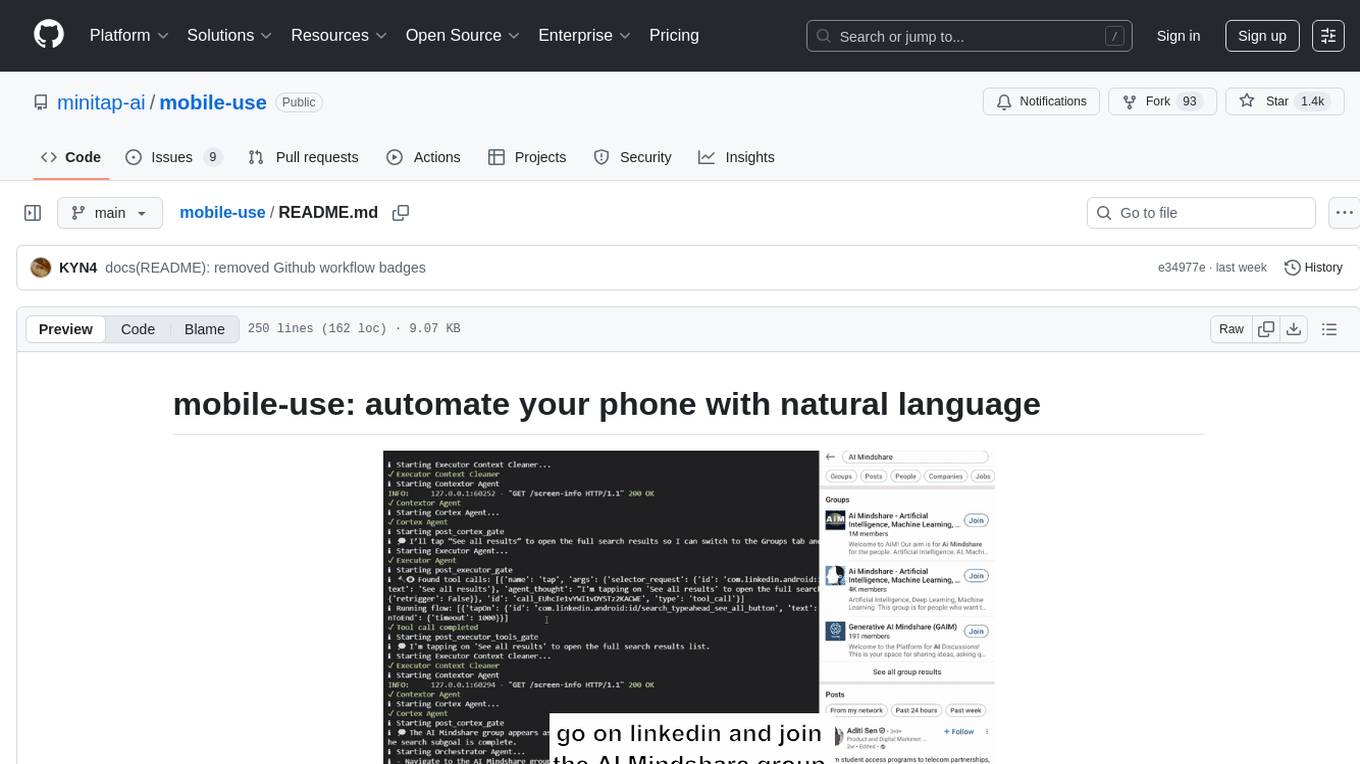
mobile-use
Mobile-use is an open-source AI agent that controls Android or IOS devices using natural language. It understands commands to perform tasks like sending messages and navigating apps. Features include natural language control, UI-aware automation, data scraping, and extensibility. Users can automate their mobile experience by setting up environment variables, customizing LLM configurations, and launching the tool via Docker or manually for development. The tool supports physical Android phones, Android simulators, and iOS simulators. Contributions are welcome, and the project is licensed under MIT.
openroleplay.ai
Open Roleplay is an open-source alternative to Character.ai. It allows users to create their own AI characters, customize them, and generate images and voices for them. Open Roleplay also supports group chat and automatic translation. The tool is built with Next.js, React.js, Tailwind CSS, Vercel, Convex, and Clerk.
PyWxDump
PyWxDump is a powerful tool designed to help extract and manage WeChat data efficiently. It allows users to read local databases, view chat histories, and export data in various formats such as CSV and HTML. With features like multi-account support, version compatibility, data export, AI training, and automated responses, PyWxDump offers flexibility for training AI models and developing automated replies.
ChatGPT-desktop
ChatGPT Desktop Application is a multi-platform tool that provides a powerful AI wrapper for generating text. It offers features like text-to-speech, exporting chat history in various formats, automatic application upgrades, system tray hover window, support for slash commands, customization of global shortcuts, and pop-up search. The application is built using Tauri and aims to enhance user experience by simplifying text generation tasks. It is available for Mac, Windows, and Linux, and is designed for personal learning and research purposes.
For similar tasks
h2ogpt
h2oGPT is an Apache V2 open-source project that allows users to query and summarize documents or chat with local private GPT LLMs. It features a private offline database of any documents (PDFs, Excel, Word, Images, Video Frames, Youtube, Audio, Code, Text, MarkDown, etc.), a persistent database (Chroma, Weaviate, or in-memory FAISS) using accurate embeddings (instructor-large, all-MiniLM-L6-v2, etc.), and efficient use of context using instruct-tuned LLMs (no need for LangChain's few-shot approach). h2oGPT also offers parallel summarization and extraction, reaching an output of 80 tokens per second with the 13B LLaMa2 model, HYDE (Hypothetical Document Embeddings) for enhanced retrieval based upon LLM responses, a variety of models supported (LLaMa2, Mistral, Falcon, Vicuna, WizardLM. With AutoGPTQ, 4-bit/8-bit, LORA, etc.), GPU support from HF and LLaMa.cpp GGML models, and CPU support using HF, LLaMa.cpp, and GPT4ALL models. Additionally, h2oGPT provides Attention Sinks for arbitrarily long generation (LLaMa-2, Mistral, MPT, Pythia, Falcon, etc.), a UI or CLI with streaming of all models, the ability to upload and view documents through the UI (control multiple collaborative or personal collections), Vision Models LLaVa, Claude-3, Gemini-Pro-Vision, GPT-4-Vision, Image Generation Stable Diffusion (sdxl-turbo, sdxl) and PlaygroundAI (playv2), Voice STT using Whisper with streaming audio conversion, Voice TTS using MIT-Licensed Microsoft Speech T5 with multiple voices and Streaming audio conversion, Voice TTS using MPL2-Licensed TTS including Voice Cloning and Streaming audio conversion, AI Assistant Voice Control Mode for hands-free control of h2oGPT chat, Bake-off UI mode against many models at the same time, Easy Download of model artifacts and control over models like LLaMa.cpp through the UI, Authentication in the UI by user/password via Native or Google OAuth, State Preservation in the UI by user/password, Linux, Docker, macOS, and Windows support, Easy Windows Installer for Windows 10 64-bit (CPU/CUDA), Easy macOS Installer for macOS (CPU/M1/M2), Inference Servers support (oLLaMa, HF TGI server, vLLM, Gradio, ExLLaMa, Replicate, OpenAI, Azure OpenAI, Anthropic), OpenAI-compliant, Server Proxy API (h2oGPT acts as drop-in-replacement to OpenAI server), Python client API (to talk to Gradio server), JSON Mode with any model via code block extraction. Also supports MistralAI JSON mode, Claude-3 via function calling with strict Schema, OpenAI via JSON mode, and vLLM via guided_json with strict Schema, Web-Search integration with Chat and Document Q/A, Agents for Search, Document Q/A, Python Code, CSV frames (Experimental, best with OpenAI currently), Evaluate performance using reward models, and Quality maintained with over 1000 unit and integration tests taking over 4 GPU-hours.
serverless-chat-langchainjs
This sample shows how to build a serverless chat experience with Retrieval-Augmented Generation using LangChain.js and Azure. The application is hosted on Azure Static Web Apps and Azure Functions, with Azure Cosmos DB for MongoDB vCore as the vector database. You can use it as a starting point for building more complex AI applications.
react-native-vercel-ai
Run Vercel AI package on React Native, Expo, Web and Universal apps. Currently React Native fetch API does not support streaming which is used as a default on Vercel AI. This package enables you to use AI library on React Native but the best usage is when used on Expo universal native apps. On mobile you get back responses without streaming with the same API of `useChat` and `useCompletion` and on web it will fallback to `ai/react`
LLamaSharp
LLamaSharp is a cross-platform library to run 🦙LLaMA/LLaVA model (and others) on your local device. Based on llama.cpp, inference with LLamaSharp is efficient on both CPU and GPU. With the higher-level APIs and RAG support, it's convenient to deploy LLM (Large Language Model) in your application with LLamaSharp.
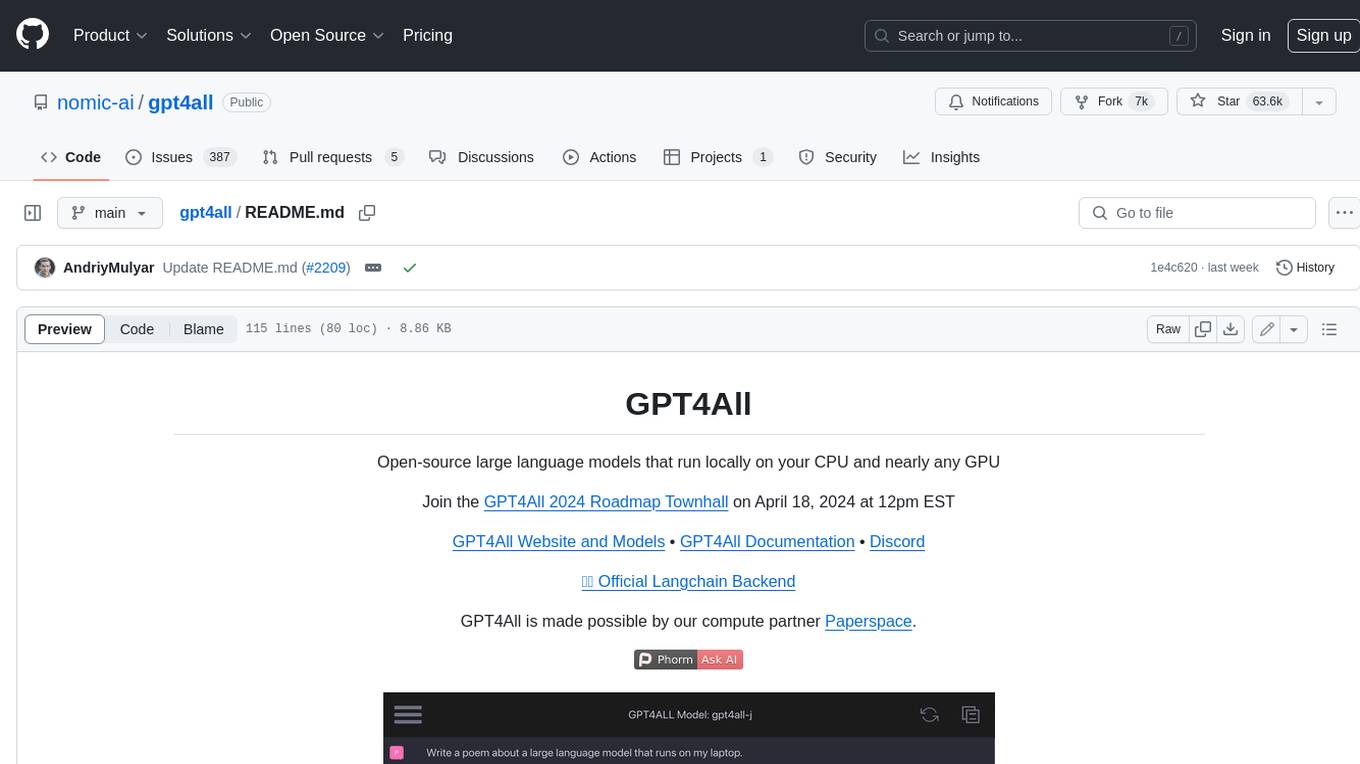
gpt4all
GPT4All is an ecosystem to run powerful and customized large language models that work locally on consumer grade CPUs and any GPU. Note that your CPU needs to support AVX or AVX2 instructions. Learn more in the documentation. A GPT4All model is a 3GB - 8GB file that you can download and plug into the GPT4All open-source ecosystem software. Nomic AI supports and maintains this software ecosystem to enforce quality and security alongside spearheading the effort to allow any person or enterprise to easily train and deploy their own on-edge large language models.
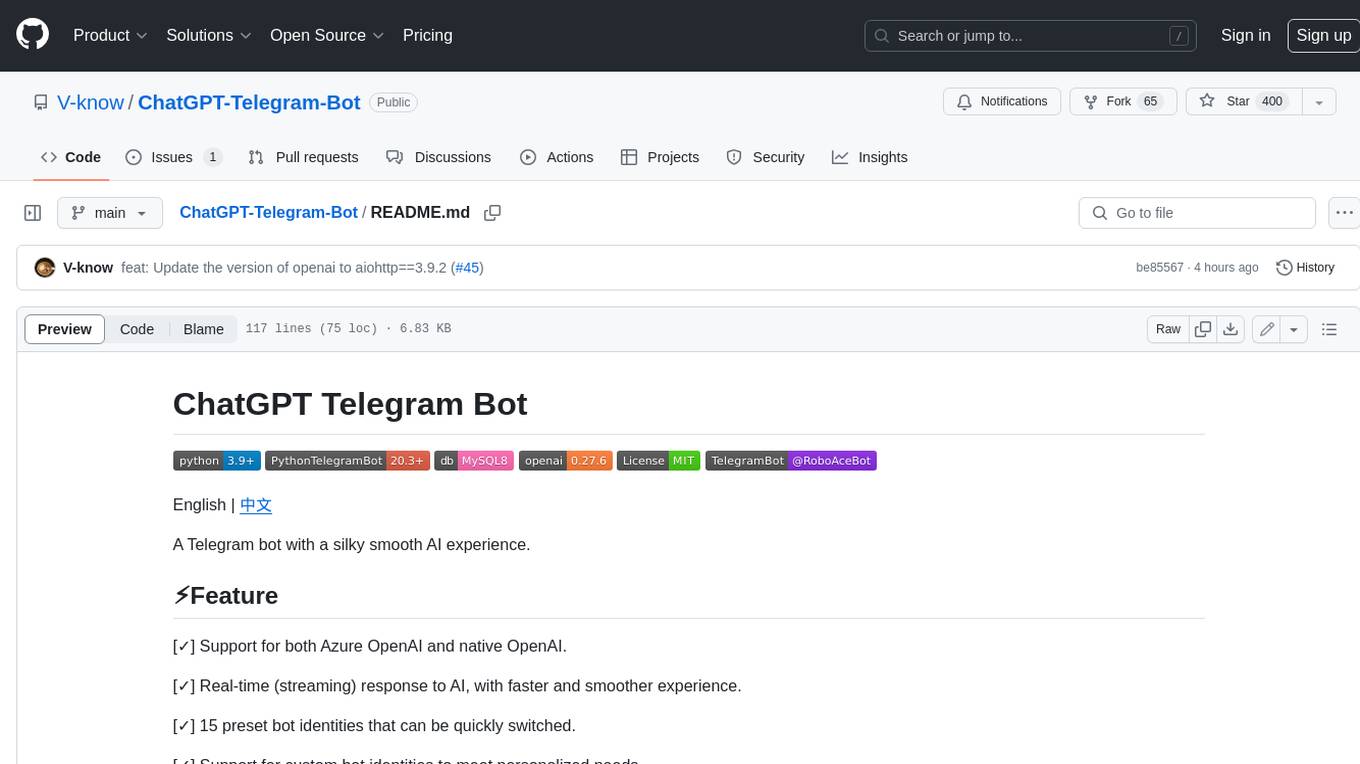
ChatGPT-Telegram-Bot
ChatGPT Telegram Bot is a Telegram bot that provides a smooth AI experience. It supports both Azure OpenAI and native OpenAI, and offers real-time (streaming) response to AI, with a faster and smoother experience. The bot also has 15 preset bot identities that can be quickly switched, and supports custom bot identities to meet personalized needs. Additionally, it supports clearing the contents of the chat with a single click, and restarting the conversation at any time. The bot also supports native Telegram bot button support, making it easy and intuitive to implement required functions. User level division is also supported, with different levels enjoying different single session token numbers, context numbers, and session frequencies. The bot supports English and Chinese on UI, and is containerized for easy deployment.
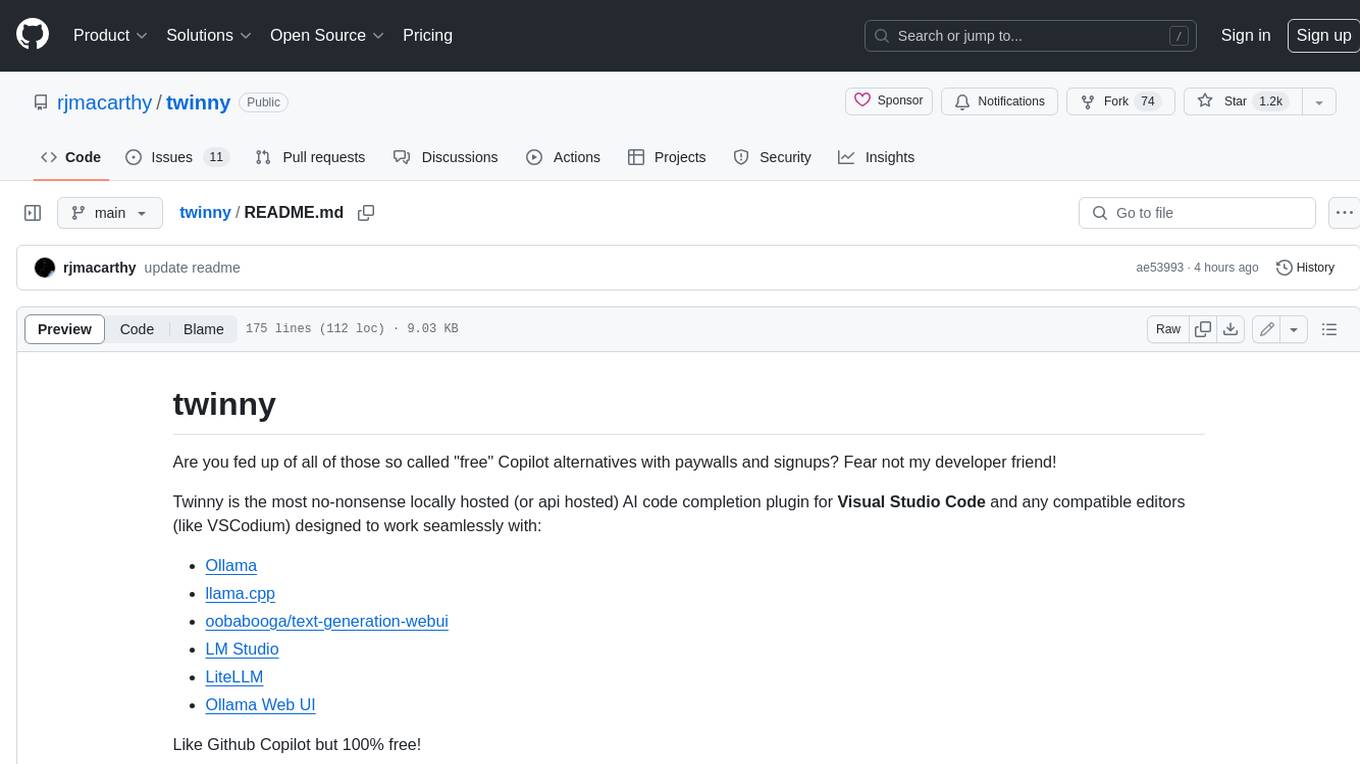
twinny
Twinny is a free and open-source AI code completion plugin for Visual Studio Code and compatible editors. It integrates with various tools and frameworks, including Ollama, llama.cpp, oobabooga/text-generation-webui, LM Studio, LiteLLM, and Open WebUI. Twinny offers features such as fill-in-the-middle code completion, chat with AI about your code, customizable API endpoints, and support for single or multiline fill-in-middle completions. It is easy to install via the Visual Studio Code extensions marketplace and provides a range of customization options. Twinny supports both online and offline operation and conforms to the OpenAI API standard.
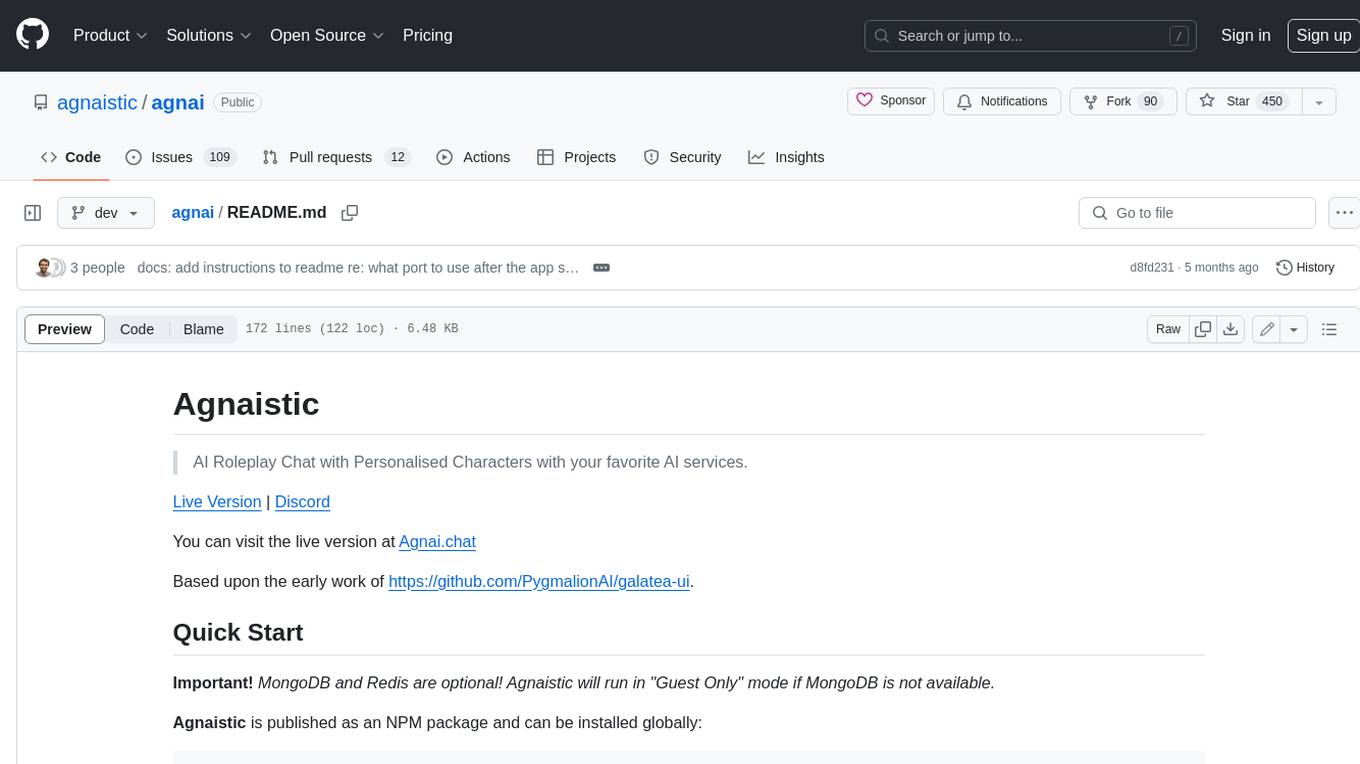
agnai
Agnaistic is an AI roleplay chat tool that allows users to interact with personalized characters using their favorite AI services. It supports multiple AI services, persona schema formats, and features such as group conversations, user authentication, and memory/lore books. Agnaistic can be self-hosted or run using Docker, and it provides a range of customization options through its settings.json file. The tool is designed to be user-friendly and accessible, making it suitable for both casual users and developers.
For similar jobs

LLMStack
LLMStack is a no-code platform for building generative AI agents, workflows, and chatbots. It allows users to connect their own data, internal tools, and GPT-powered models without any coding experience. LLMStack can be deployed to the cloud or on-premise and can be accessed via HTTP API or triggered from Slack or Discord.
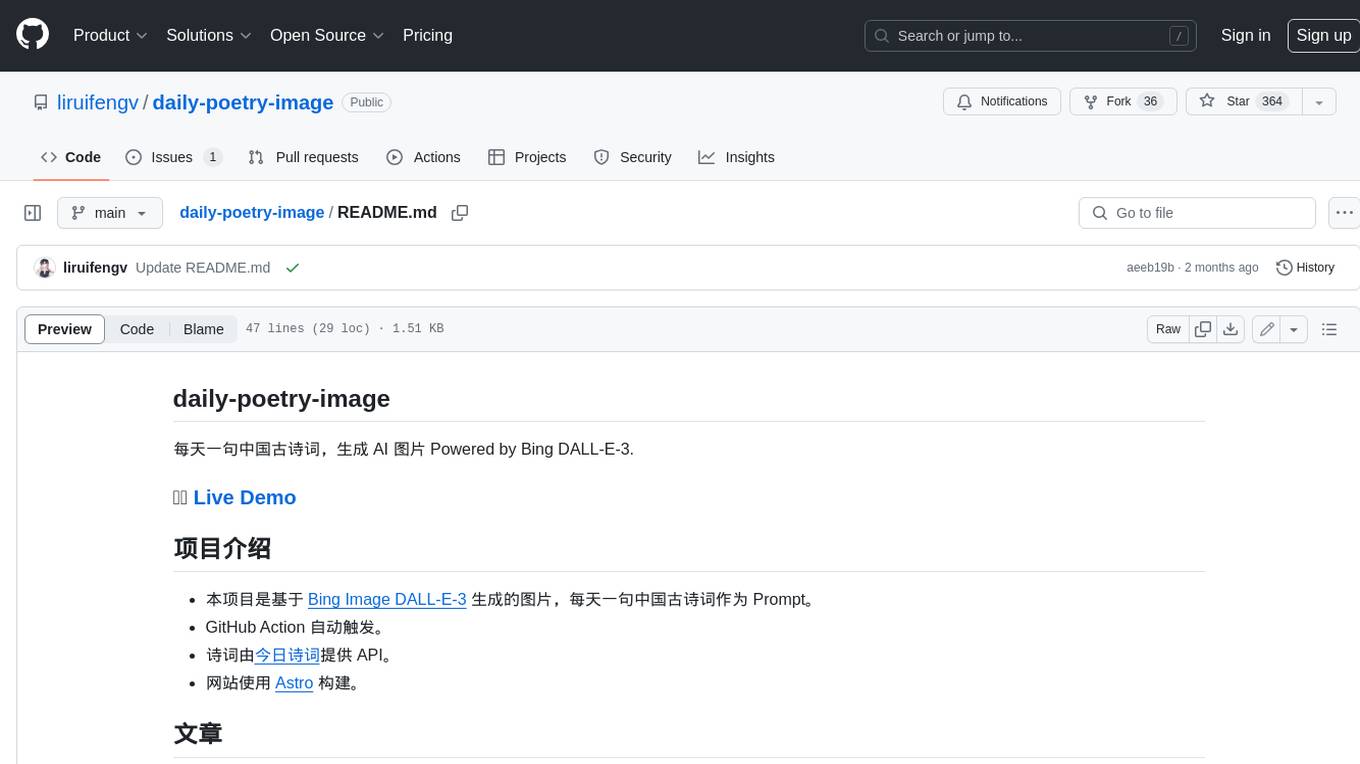
daily-poetry-image
Daily Chinese ancient poetry and AI-generated images powered by Bing DALL-E-3. GitHub Action triggers the process automatically. Poetry is provided by Today's Poem API. The website is built with Astro.

exif-photo-blog
EXIF Photo Blog is a full-stack photo blog application built with Next.js, Vercel, and Postgres. It features built-in authentication, photo upload with EXIF extraction, photo organization by tag, infinite scroll, light/dark mode, automatic OG image generation, a CMD-K menu with photo search, experimental support for AI-generated descriptions, and support for Fujifilm simulations. The application is easy to deploy to Vercel with just a few clicks and can be customized with a variety of environment variables.
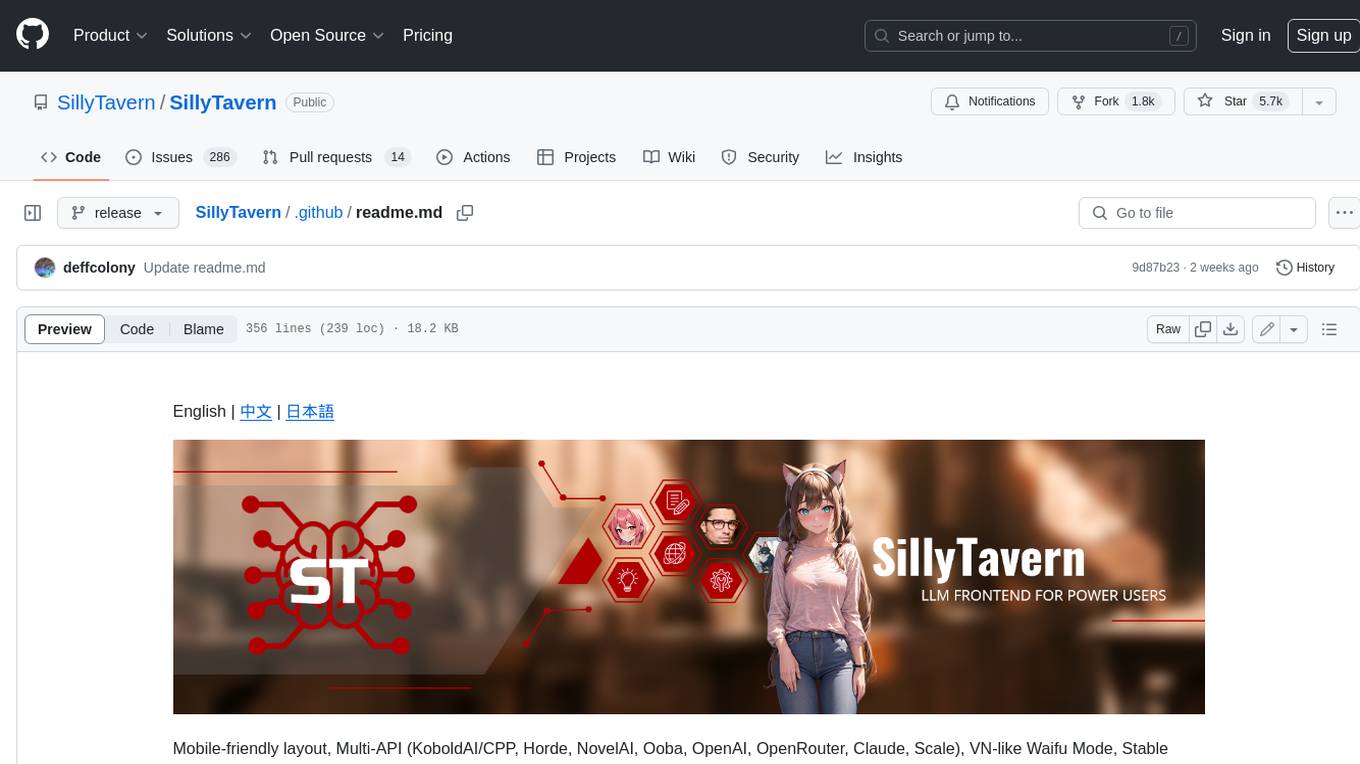
SillyTavern
SillyTavern is a user interface you can install on your computer (and Android phones) that allows you to interact with text generation AIs and chat/roleplay with characters you or the community create. SillyTavern is a fork of TavernAI 1.2.8 which is under more active development and has added many major features. At this point, they can be thought of as completely independent programs.
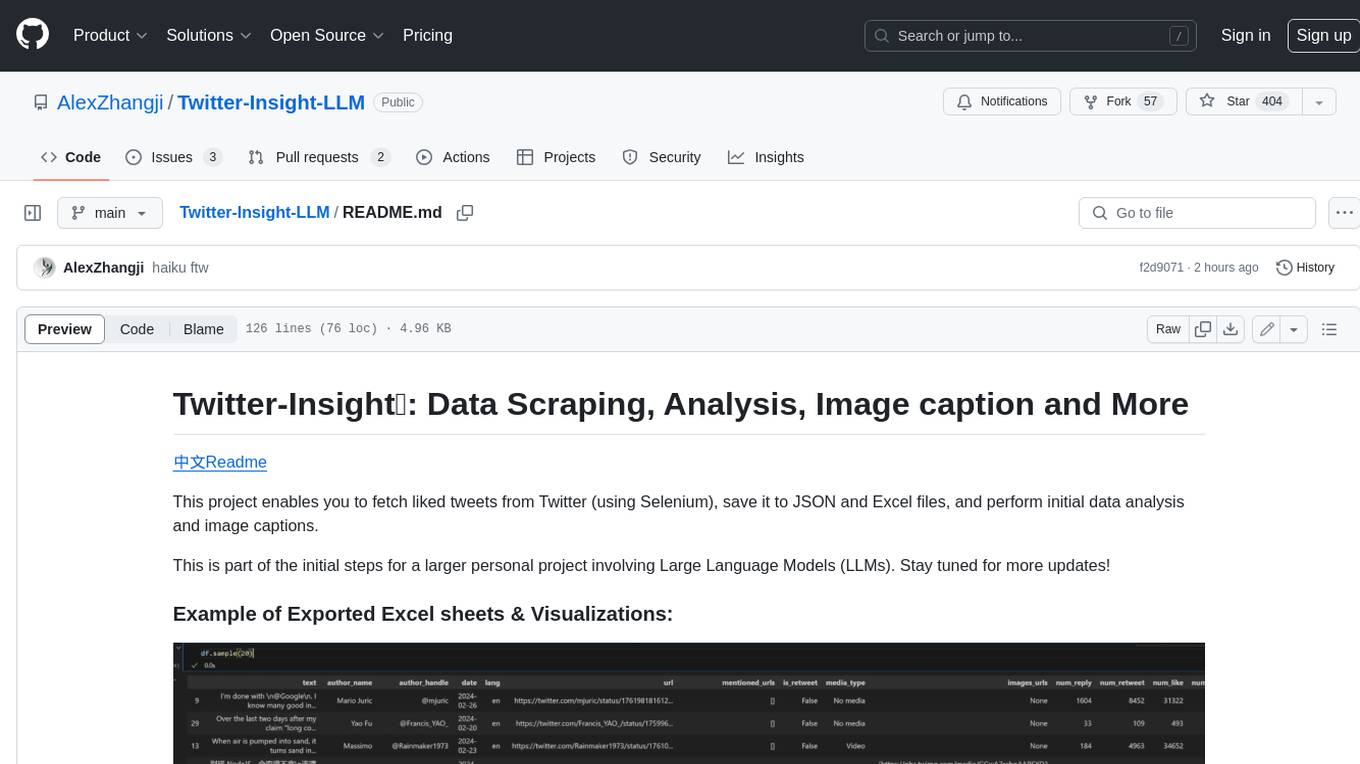
Twitter-Insight-LLM
This project enables you to fetch liked tweets from Twitter (using Selenium), save it to JSON and Excel files, and perform initial data analysis and image captions. This is part of the initial steps for a larger personal project involving Large Language Models (LLMs).
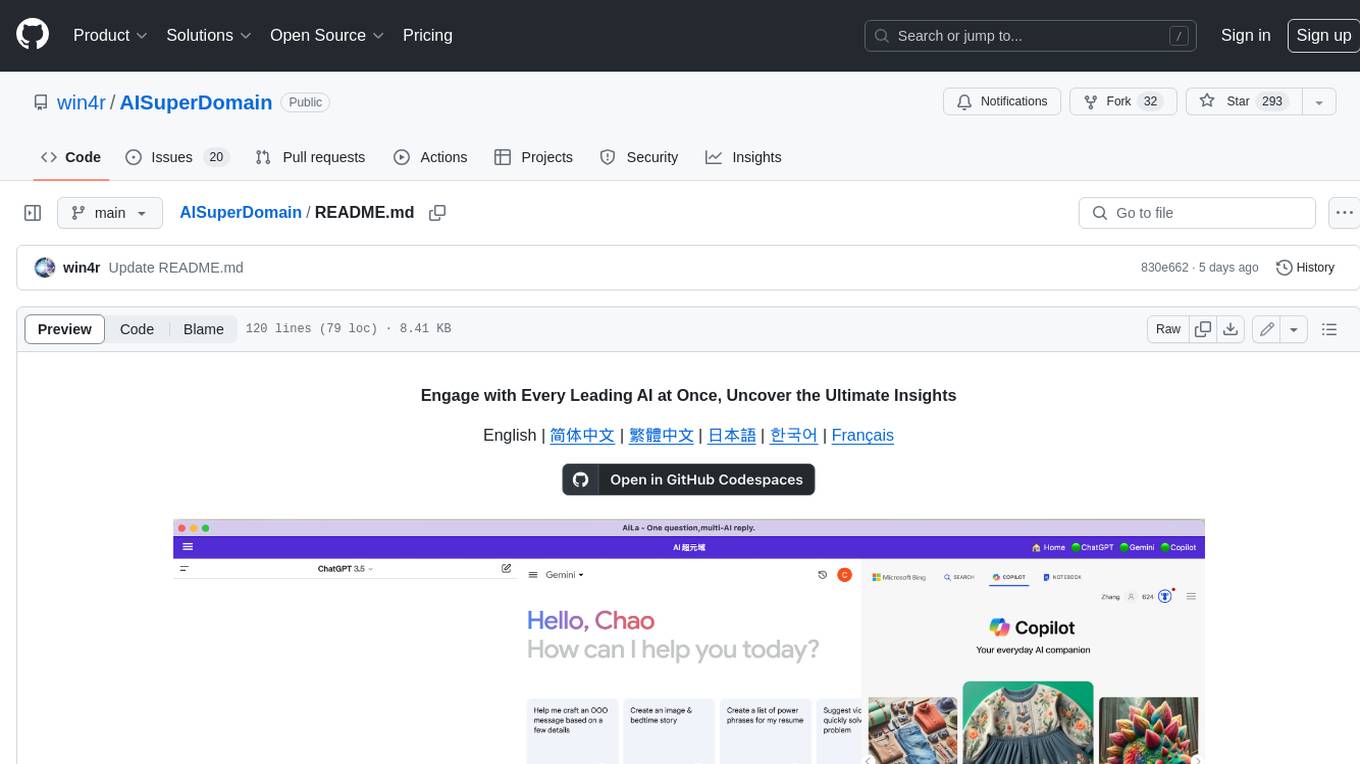
AISuperDomain
Aila Desktop Application is a powerful tool that integrates multiple leading AI models into a single desktop application. It allows users to interact with various AI models simultaneously, providing diverse responses and insights to their inquiries. With its user-friendly interface and customizable features, Aila empowers users to engage with AI seamlessly and efficiently. Whether you're a researcher, student, or professional, Aila can enhance your AI interactions and streamline your workflow.
ChatGPT-On-CS
This project is an intelligent dialogue customer service tool based on a large model, which supports access to platforms such as WeChat, Qianniu, Bilibili, Douyin Enterprise, Douyin, Doudian, Weibo chat, Xiaohongshu professional account operation, Xiaohongshu, Zhihu, etc. You can choose GPT3.5/GPT4.0/ Lazy Treasure Box (more platforms will be supported in the future), which can process text, voice and pictures, and access external resources such as operating systems and the Internet through plug-ins, and support enterprise AI applications customized based on their own knowledge base.
obs-localvocal
LocalVocal is a live-streaming AI assistant plugin for OBS that allows you to transcribe audio speech into text and perform various language processing functions on the text using AI / LLMs (Large Language Models). It's privacy-first, with all data staying on your machine, and requires no GPU, cloud costs, network, or downtime.