


Git-Friend
GitFriend is an AI-powered GitHub companion built with React, TypeScript, and Firebase. It helps users resolve Git/GitHub issues through smart AI chat, generates dynamic and professional README files, and adds commit emojis to enhance commit history.
Stars: 592
GitFriend is an AI-powered GitHub assistant tool designed to enhance your GitHub experience by offering features like AI Chat for GitHub Help, Dynamic README Generation, and Commit Emojis. It simplifies GitHub workflows, saves time, and improves productivity for developers, project managers, and beginners. The tool is built with React, TypeScript, and AI technology, providing a user-friendly interface and various powerful tools to streamline repository management.
README:



Welcome to GitFriend! 🎉 Your AI-powered GitHub assistant, designed to make managing your repositories easier and more efficient than ever before.
GitFriend is a cutting-edge tool built with React, TypeScript, and AI technology to enhance your GitHub experience. Whether you're a developer, project manager, or beginner, GitFriend helps you navigate GitHub with ease, offering features that save you time and improve productivity.
With GitFriend, you can access a variety of powerful tools right at your fingertips:
- AI Chat for GitHub Help: Encountering issues or need guidance? Chat with GitFriend's AI to resolve errors or learn Git and GitHub concepts quickly.
- Dynamic README Generation: Automatically generate customized README files for your repositories with just a few clicks.
- Commit Emojis: Add fun and meaningful emojis to your Git commits to improve readability and make your commit history stand out.
GitFriend simplifies your GitHub workflows and allows you to focus on what matters most: your projects.
- Google Authentication: Securely log in using your Google account to access all features.
- AI Chat Integration: Get assistance with Git commands, project setup, and more through our integrated AI chat.
- README Generation: Automatically generate professional READMEs for your projects with customizable templates.
- Gitmoji Support: Easily add expressive emojis to your commit messages following the Gitmoji convention.
- User-friendly Interface: Intuitive UI that makes navigation and usage a breeze.
- React Components: Utilizes various React components for interactive and responsive user experience.
We're constantly working to improve Git-Friend. Here are some features we're planning to add:
- [ ] GitHub OAuth Integration: Connect directly to your GitHub account to access repositories and more.
- [ ] One-Click README Updates: Push generated READMEs directly to your repositories without leaving the app.
- [ ] Enhanced README Customization: Add badges, images, and custom sections to your READMEs.
- [ ] Custom Prompt Templates: Save and reuse custom prompts for AI-generated content.
- [ ] GitHub Activity Dashboard: Track and visualize your GitHub activity.
- [ ] Badges In readme: there will be
this
- [ ] Star History : Github repo star history

.
- Programming Languages: TypeScript, CSS, JavaScript
- Frameworks/Libraries: React, Next.js, Octokit, Radix UI, Firebase, TailwindCSS
- Development Tools: Node, npm, TypeScript
- AI Integration: Groq
Before you can run Git-Friend on your local machine, make sure you have:
- Node.js (v16 or later)
- npm (v8 or later)
- A Google account for authentication
- Various API keys (see environment setup below)
- Clone the repository:
git clone https://github.com/krishn404/Git-Friend.git- Navigate into the project directory:
cd Git-Friend- Install the dependencies:
npm install
⚠️ Note: If you encounter dependency errors during installation, try running the following command:npm install --legacy-peer-deps
Before running Git-Friend locally, make sure to configure the following environment variables in a .env.local file at the root of your project:
🔥 Firebase Configuration
NEXT_PUBLIC_FIREBASE_API_KEY=your_firebase_api_key
NEXT_PUBLIC_FIREBASE_AUTH_DOMAIN=your_firebase_auth_domain
NEXT_PUBLIC_FIREBASE_PROJECT_ID=your_firebase_project_id
NEXT_PUBLIC_FIREBASE_STORAGE_BUCKET=your_firebase_storage_bucket
NEXT_PUBLIC_FIREBASE_MESSAGING_SENDER_ID=your_firebase_messaging_sender_id
NEXT_PUBLIC_FIREBASE_APP_ID=your_firebase_app_id
FIREBASE_PRIVATE_KEY=your_firebase_private_key
FIREBASE_CLIENT_EMAIL=your_firebase_client_email
Other Configuration
GITHUB_ACCESS_TOKEN=your_github_access_token
GROQ_API_KEY=your_groq_api_key
UPSTASH_REDIS_REST_TOKEN=your_upstash_redis_token
UPSTASH_REDIS_REST_URL=your_upstash_redis_url- Start the development server:
npm run devNow, you can access Git-Friend at http://localhost:3000.
- Navigate to the homepage and click on "Login with Google"
- Complete the Google authentication flow
- You'll be redirected to the dashboard upon successful login
- From the dashboard, select "README Generator"
- Enter your project details (name, description, tech stack)
- Customize the sections you want to include
- Click "Generate README"
- Preview the generated README and make any needed adjustments
- Download the README or copy to clipboard
- Navigate to the "AI Chat" section
- Type your question about Git or GitHub
- Receive instant AI-powered assistance
- Go to the "Gitmoji" section from the dashboard
- Browse through available emojis categorized by commit type
- Click on an emoji to copy the corresponding code
- Use in your commit messages for semantic versioning
Use Git-Friend to quickly generate professional READMEs for your open source projects, making them more accessible to potential contributors.
Maintain consistency across your team's repositories by using standardized README templates and commit message practices with Gitmoji.
Get assistance with Git commands and best practices through the AI chat feature.
Streamline the process of creating and updating documentation with AI-powered README generation and formatting.
Thank you for considering contributing to this project! To keep things organized and collaborative, please follow the steps below when contributing:
Before starting any work, contributors must raise an issue and follow the issue template.
When creating an issue, please include the following:
-
Title: Concise summary (e.g.,
Fix broken login redirect) -
Type: Bug report / Feature request / Improvement
-
Description:
- What is the bug, error, or issue?
- Where did you encounter it?
- Any relevant logs, screenshots, or screen recordings?
-
Proposed Solution:
- How do you plan to fix or implement it?
- Any tools, libraries, or dependencies you intend to use?
Once the issue is created, a maintainer will review it.
🚫 Do NOT start working on any issue unless it has been assigned to you by a maintainer.
To get assigned:
- Raise a clear and descriptive issue using the template above.
- Comment:
I would like to work on this. - Wait for a maintainer to review and assign the issue to you.
Only after assignment should you begin working on your contribution.
-
Fork this repository.
-
Clone your fork locally:
git clone https://github.com/krishn404/Git-Friend.git cd your-repo-name -
Create a new branch:
git checkout -b fix/your-issue-title
-
Make your changes with clear and meaningful commits.
-
Ensure all tests and linters pass.
-
Push your branch and open a Pull Request referencing the issue number.
Thanks for helping improve this project! 🚀 and Feel free to ask questions by commenting on issues or reaching out directly on my mail
For Tasks:
Click tags to check more tools for each tasksFor Jobs:
Alternative AI tools for Git-Friend
Similar Open Source Tools
Git-Friend
GitFriend is an AI-powered GitHub assistant tool designed to enhance your GitHub experience by offering features like AI Chat for GitHub Help, Dynamic README Generation, and Commit Emojis. It simplifies GitHub workflows, saves time, and improves productivity for developers, project managers, and beginners. The tool is built with React, TypeScript, and AI technology, providing a user-friendly interface and various powerful tools to streamline repository management.
maige
Maige is a tool designed to simplify repository maintenance by automating the handling of issue labels. Users can quickly set up Maige to let AI manage their issue labels effortlessly. The tool provides guidance on self-hosting, GitHub app integration, environment variables setup, and offers commands for streamlined issue management. Maige aims to streamline the process of managing issues in a repository, making it easier for users to handle tasks related to labeling and tracking issues.
ai-driven-dev-community
AI Driven Dev Community is a repository aimed at helping developers become more efficient by utilizing AI tools in their daily coding tasks. It provides a collection of tools, prompts, snippets, and agents for developers to integrate AI into their workflow. The repository is regularly updated with new resources and focuses on best practices for using AI in development work. Users can find tools like Espanso, ChatGPT, GitHub Copilot, and VSCode recommended for enhancing their coding experience. Additionally, the repository offers guidance on customizing AI for developers, installing AI toolbox for software engineers, and contributing to the community through easy steps.
better-chatbot
Better Chatbot is an open-source AI chatbot designed for individuals and teams, inspired by various AI models. It integrates major LLMs, offers powerful tools like MCP protocol and data visualization, supports automation with custom agents and visual workflows, enables collaboration by sharing configurations, provides a voice assistant feature, and ensures an intuitive user experience. The platform is built with Vercel AI SDK and Next.js, combining leading AI services into one platform for enhanced chatbot capabilities.
plandex
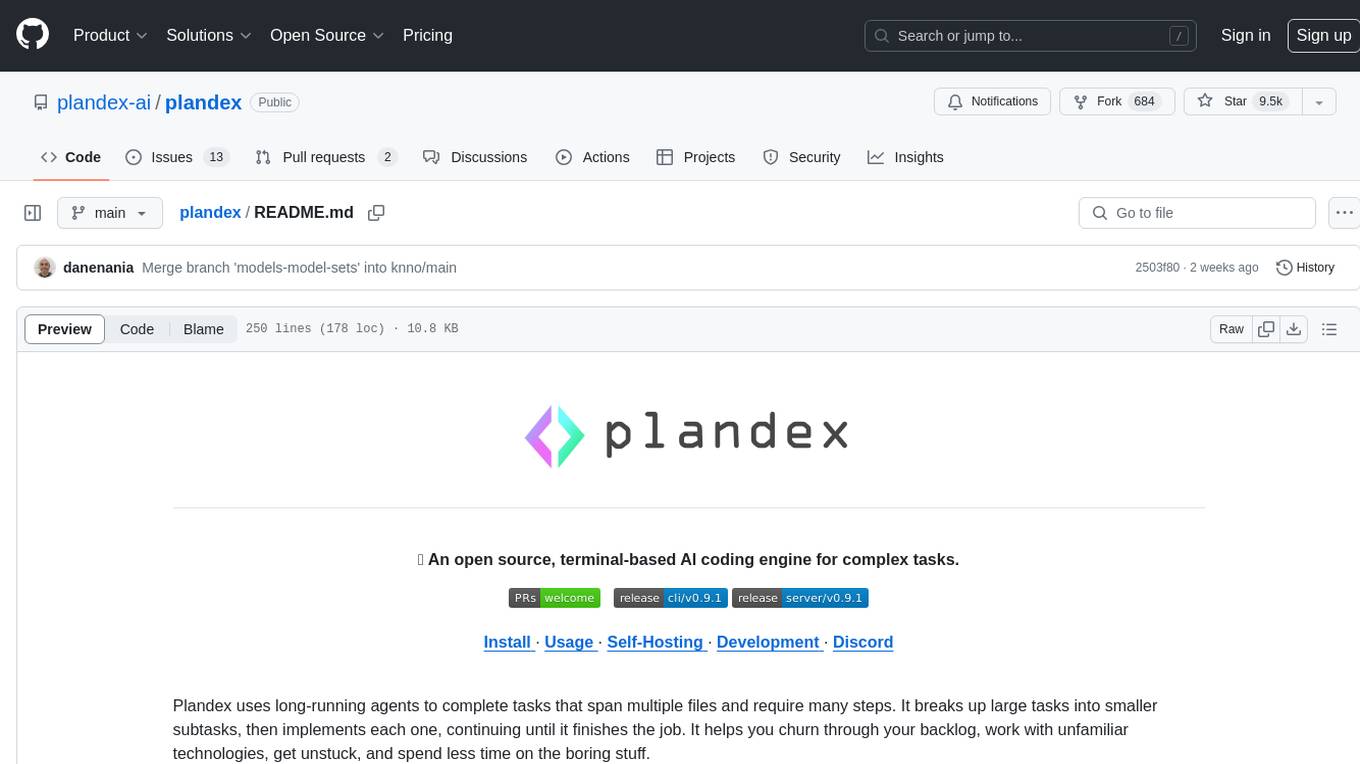
Plandex is an open source, terminal-based AI coding engine designed for complex tasks. It uses long-running agents to break up large tasks into smaller subtasks, helping users work through backlogs, navigate unfamiliar technologies, and save time on repetitive tasks. Plandex supports various AI models, including OpenAI, Anthropic Claude, Google Gemini, and more. It allows users to manage context efficiently in the terminal, experiment with different approaches using branches, and review changes before applying them. The tool is platform-independent and runs from a single binary with no dependencies.
uxie
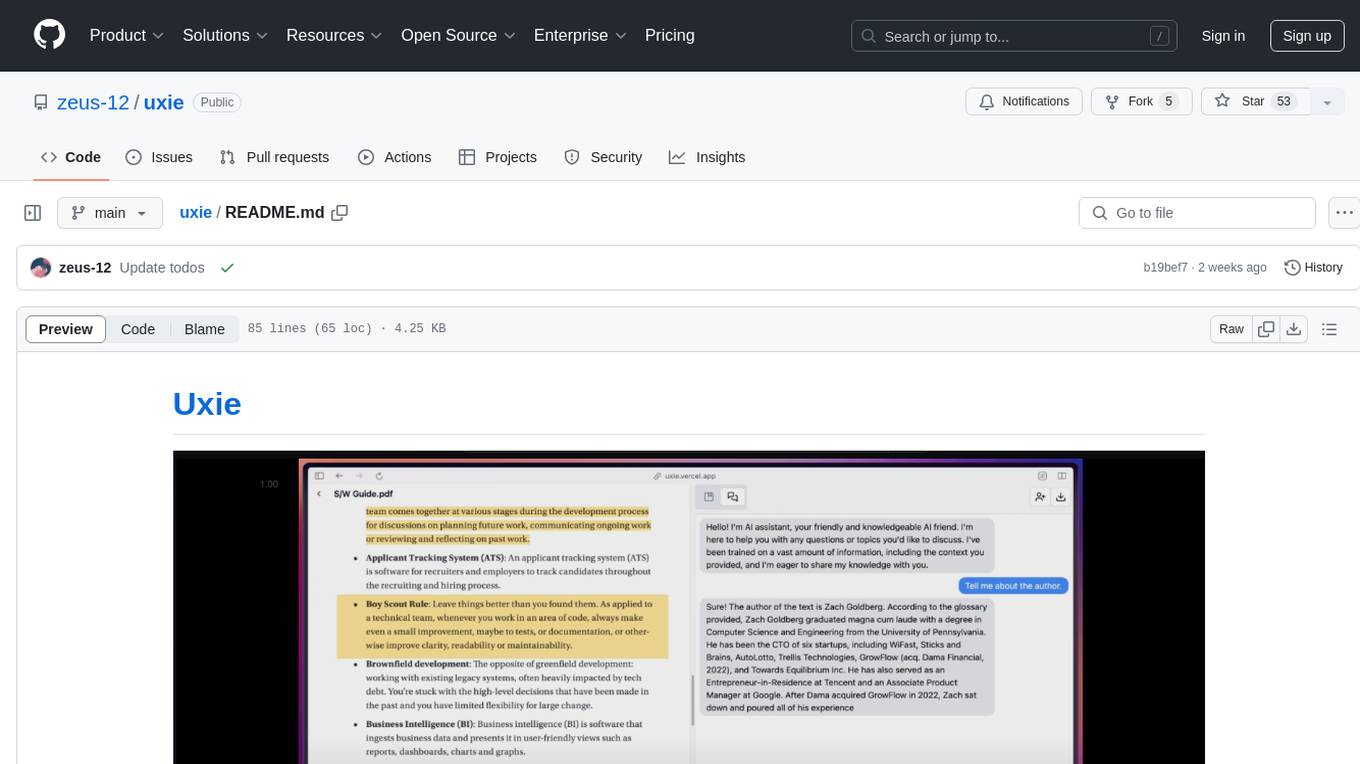
Uxie is a PDF reader app designed to revolutionize the learning experience. It offers features such as annotation, note-taking, collaboration tools, integration with LLM for enhanced learning, and flashcard generation with LLM feedback. Built using Nextjs, tRPC, Zod, TypeScript, Tailwind CSS, React Query, React Hook Form, Supabase, Prisma, and various other tools. Users can take notes, summarize PDFs, chat and collaborate with others, create custom blocks in the editor, and use AI-powered text autocompletion. The tool allows users to craft simple flashcards, test knowledge, answer questions, and receive instant feedback through AI evaluation.
extensionOS
Extension | OS is an open-source browser extension that brings AI directly to users' web browsers, allowing them to access powerful models like LLMs seamlessly. Users can create prompts, fix grammar, and access intelligent assistance without switching tabs. The extension aims to revolutionize online information interaction by integrating AI into everyday browsing experiences. It offers features like Prompt Factory for tailored prompts, seamless LLM model access, secure API key storage, and a Mixture of Agents feature. The extension was developed to empower users to unleash their creativity with custom prompts and enhance their browsing experience with intelligent assistance.
PyWxDump
PyWxDump is a powerful tool designed to help extract and manage WeChat data efficiently. It allows users to read local databases, view chat histories, and export data in various formats such as CSV and HTML. With features like multi-account support, version compatibility, data export, AI training, and automated responses, PyWxDump offers flexibility for training AI models and developing automated replies.
CodeGPT
CodeGPT is an extension for JetBrains IDEs that provides access to state-of-the-art large language models (LLMs) for coding assistance. It offers a range of features to enhance the coding experience, including code completions, a ChatGPT-like interface for instant coding advice, commit message generation, reference file support, name suggestions, and offline development support. CodeGPT is designed to keep privacy in mind, ensuring that user data remains secure and private.
ProxyAI
ProxyAI is an open-source AI copilot for JetBrains, offering advanced code assistance features powered by top-tier language models. Users can customize their coding experience, receive AI-suggested code changes, autocomplete suggestions, and context-aware naming suggestions. The tool also allows users to chat with images, reference project files and folders, web docs, git history, and search the web. ProxyAI prioritizes user privacy by not collecting sensitive information and only gathering anonymous usage data with consent.
polyfire-js
Polyfire is an all-in-one managed backend for AI apps that allows users to build AI applications directly from the frontend, eliminating the need for a separate backend. It simplifies the process by providing most backend services in just a few lines of code. With Polyfire, users can easily create chatbots, transcribe audio files, generate simple text, manage long-term memory, and generate images. The tool also offers starter guides and tutorials to help users get started quickly and efficiently.
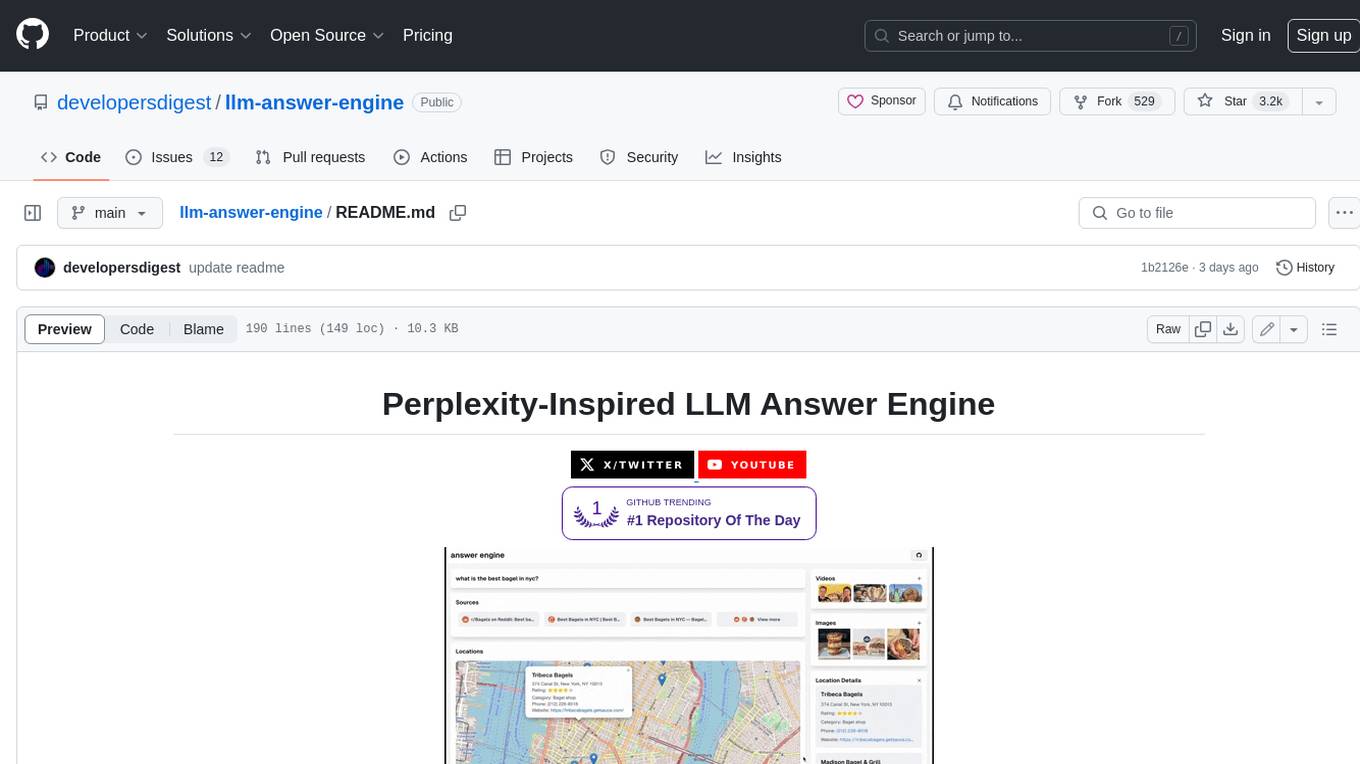
llm-answer-engine
This repository contains the code and instructions needed to build a sophisticated answer engine that leverages the capabilities of Groq, Mistral AI's Mixtral, Langchain.JS, Brave Search, Serper API, and OpenAI. Designed to efficiently return sources, answers, images, videos, and follow-up questions based on user queries, this project is an ideal starting point for developers interested in natural language processing and search technologies.
gptme
Personal AI assistant/agent in your terminal, with tools for using the terminal, running code, editing files, browsing the web, using vision, and more. A great coding agent that is general-purpose to assist in all kinds of knowledge work, from a simple but powerful CLI. An unconstrained local alternative to ChatGPT with 'Code Interpreter', Cursor Agent, etc. Not limited by lack of software, internet access, timeouts, or privacy concerns if using local models.
gurubase
Gurubase is an open-source RAG system that enables users to create AI-powered Q&A assistants ('Gurus') for various topics by integrating web pages, PDFs, YouTube videos, and GitHub repositories. It offers advanced LLM-based question answering, accurate context-aware responses through the RAG system, multiple data sources integration, easy website embedding, creation of custom AI assistants, real-time updates, personalized learning paths, and self-hosting options. Users can request Guru creation, manage existing Gurus, update datasources, and benefit from the system's features for enhancing user engagement and knowledge sharing.
preswald
Preswald is a full-stack platform for building, deploying, and managing interactive data applications in Python. It simplifies the process by combining ingestion, storage, transformation, and visualization into one lightweight SDK. With Preswald, users can connect to various data sources, customize app themes, and easily deploy apps locally. The platform focuses on code-first simplicity, end-to-end coverage, and efficiency by design, making it suitable for prototyping internal tools or deploying production-grade apps with reduced complexity and cost.
DevoxxGenieIDEAPlugin
Devoxx Genie is a Java-based IntelliJ IDEA plugin that integrates with local and cloud-based LLM providers to aid in reviewing, testing, and explaining project code. It supports features like code highlighting, chat conversations, and adding files/code snippets to context. Users can modify REST endpoints and LLM parameters in settings, including support for cloud-based LLMs. The plugin requires IntelliJ version 2023.3.4 and JDK 17. Building and publishing the plugin is done using Gradle tasks. Users can select an LLM provider, choose code, and use commands like review, explain, or generate unit tests for code analysis.
For similar tasks
Git-Friend
GitFriend is an AI-powered GitHub assistant tool designed to enhance your GitHub experience by offering features like AI Chat for GitHub Help, Dynamic README Generation, and Commit Emojis. It simplifies GitHub workflows, saves time, and improves productivity for developers, project managers, and beginners. The tool is built with React, TypeScript, and AI technology, providing a user-friendly interface and various powerful tools to streamline repository management.
OSA
OSA (Open-Source-Advisor) is a tool designed to improve the quality of scientific open source projects by automating the generation of README files, documentation, CI/CD scripts, and providing advice and recommendations for repositories. It supports various LLMs accessible via API, local servers, or osa_bot hosted on ITMO servers. OSA is currently under development with features like README file generation, documentation generation, automatic implementation of changes, LLM integration, and GitHub Action Workflow generation. It requires Python 3.10 or higher and tokens for GitHub/GitLab/Gitverse and LLM API key. Users can install OSA using PyPi or build from source, and run it using CLI commands or Docker containers.
wtf.nvim
wtf.nvim is a Neovim plugin that enhances diagnostic debugging by providing explanations and solutions for code issues using ChatGPT. It allows users to search the web for answers directly from Neovim, making the debugging process faster and more efficient. The plugin works with any language that has LSP support in Neovim, offering AI-powered diagnostic assistance and seamless integration with various resources for resolving coding problems.
AI-Agent-Starter-Kit
AI Agent Starter Kit is a modern full-stack AI-enabled template using Next.js for frontend and Express.js for backend, with Telegram and OpenAI integrations. It offers AI-assisted development, smart environment variable setup assistance, intelligent error resolution, context-aware code completion, and built-in debugging helpers. The kit provides a structured environment for developers to interact with AI tools seamlessly, enhancing the development process and productivity.
ITBench
ITBench is a platform designed to measure the performance of AI agents in complex and real-world inspired IT automation tasks. It focuses on three key use cases: Site Reliability Engineering (SRE), Compliance & Security Operations (CISO), and Financial Operations (FinOps). The platform provides a real-world representation of IT environments, open and extensible framework, push-button workflows, and Kubernetes-based scenario environments. Researchers and developers can replicate real-world incidents in Kubernetes environments, develop AI agents, and evaluate them using a fully-managed leaderboard.
For similar jobs

sweep
Sweep is an AI junior developer that turns bugs and feature requests into code changes. It automatically handles developer experience improvements like adding type hints and improving test coverage.

teams-ai
The Teams AI Library is a software development kit (SDK) that helps developers create bots that can interact with Teams and Microsoft 365 applications. It is built on top of the Bot Framework SDK and simplifies the process of developing bots that interact with Teams' artificial intelligence capabilities. The SDK is available for JavaScript/TypeScript, .NET, and Python.

ai-guide
This guide is dedicated to Large Language Models (LLMs) that you can run on your home computer. It assumes your PC is a lower-end, non-gaming setup.

classifai
Supercharge WordPress Content Workflows and Engagement with Artificial Intelligence. Tap into leading cloud-based services like OpenAI, Microsoft Azure AI, Google Gemini and IBM Watson to augment your WordPress-powered websites. Publish content faster while improving SEO performance and increasing audience engagement. ClassifAI integrates Artificial Intelligence and Machine Learning technologies to lighten your workload and eliminate tedious tasks, giving you more time to create original content that matters.

chatbot-ui
Chatbot UI is an open-source AI chat app that allows users to create and deploy their own AI chatbots. It is easy to use and can be customized to fit any need. Chatbot UI is perfect for businesses, developers, and anyone who wants to create a chatbot.

BricksLLM
BricksLLM is a cloud native AI gateway written in Go. Currently, it provides native support for OpenAI, Anthropic, Azure OpenAI and vLLM. BricksLLM aims to provide enterprise level infrastructure that can power any LLM production use cases. Here are some use cases for BricksLLM: * Set LLM usage limits for users on different pricing tiers * Track LLM usage on a per user and per organization basis * Block or redact requests containing PIIs * Improve LLM reliability with failovers, retries and caching * Distribute API keys with rate limits and cost limits for internal development/production use cases * Distribute API keys with rate limits and cost limits for students

uAgents
uAgents is a Python library developed by Fetch.ai that allows for the creation of autonomous AI agents. These agents can perform various tasks on a schedule or take action on various events. uAgents are easy to create and manage, and they are connected to a fast-growing network of other uAgents. They are also secure, with cryptographically secured messages and wallets.

griptape
Griptape is a modular Python framework for building AI-powered applications that securely connect to your enterprise data and APIs. It offers developers the ability to maintain control and flexibility at every step. Griptape's core components include Structures (Agents, Pipelines, and Workflows), Tasks, Tools, Memory (Conversation Memory, Task Memory, and Meta Memory), Drivers (Prompt and Embedding Drivers, Vector Store Drivers, Image Generation Drivers, Image Query Drivers, SQL Drivers, Web Scraper Drivers, and Conversation Memory Drivers), Engines (Query Engines, Extraction Engines, Summary Engines, Image Generation Engines, and Image Query Engines), and additional components (Rulesets, Loaders, Artifacts, Chunkers, and Tokenizers). Griptape enables developers to create AI-powered applications with ease and efficiency.