


grafana-llm-app
Plugin to easily allow LLM based extensions to grafana
Stars: 113
This repository contains separate packages for Grafana LLM Plugin and the @grafana/llm package for interfacing with it. The packages are tightly coupled and developed together with identical dependencies. The repository provides instructions for developing the packages, including backend and frontend development, testing, and release processes.
README:
This repository holds separate packages for Grafana LLM Plugin and the @grafana/llm package for interfacing with it.
They are placed into a monorepo because they are tighlty coupled, and should be developed together with identical dependencies where possible.
Each package has its own package.json with its own npm commands, but the intention is that you should be able to run and test both of them from root.
If you're interested in adding support for new LLM providers or extending the functionality of the Grafana LLM App, please see the CONTRIBUTING.md file for detailed implementation guidance.
-
Install node >= 22, go >= 1.21, and Mage.
-
Install docker
-
Run
npm install -
Run
npm run dev -
In a separate terminal from dev, run
npm run serverIf you want to bring up the vector services, you can runCOMPOSE_PROFILES=vector npm run serverinstead -
Go to (http://localhost:3000/plugins/grafana-llm-app) to see configuration page and the developer sandbox
This will watch the frontend dependencies and update live. If you are changing backend dependencies, you can run npm run backend:restart to rebuild the backend dependencies and restart the plugin in the Grafana server.
It is recommended to develop functionality against the "developer sandbox", only available when the app is run in dev mode, that can be opened from the configuration page, because it gives you a clean end to end test of any changes. This can be used for modifications to the @grafana/llm library, the backend plugin, or functionality built on top of those packages.
It is recommended to run these using npm commands from root so that the entire project can be developed from the root directory. If you want to dig into the commands themselves, you can read the corresponding scripts in ./packages/grafana-llm-app/package.json
-
Update Grafana plugin SDK for Go dependency to the latest minor version:
npm run backend:update-sdk
-
Build backend plugin binaries for Linux, Windows and Darwin:
npm run backend:build
-
Test the backend
npm run backend:test
-
To see all available Mage targets for additional commands, run this from ./packages/grafana-llm-app/:
mage -l
-
Install dependencies
npm install
-
Build plugin in development mode and run in watch mode
npm run dev
-
Build plugin in production mode
npm run build
-
Run the tests (using Jest)
# Runs the tests and watches for changes, requires git init first
npm run test

# Exits after running all the tests
npm run test:ci
-
Run end-to-end tests (using Playwright)
# Run e2e tests (builds the plugin, starts containers, runs tests, cleans up)
npm run test:e2e

# Run e2e tests with full build (same as above but explicitly builds first)
npm run test:e2e-full

# Run e2e tests in CI mode (with optimized Docker builds)
npm run test:e2e-ci
Note: The e2e tests use Docker containers and require the workspace to be built first. The tests use a special
SKIP_PREINSTALL=trueenvironment variable in the Docker containers to prevent npm installation conflicts with the workspace's preinstall script. -
Spin up a Grafana instance and run the plugin inside it (using Docker)
npm run server
-
Run the linter
npm run lint

# or

npm run lint:fix
- Bump version in
packages/grafana-llm-app/package.json(e.g., 0.2.0 to 0.2.1) - Add notes to changelog describing changes since last release
- Merge PR for a branch containing those changes into main
- Trigger "Plugin Release" from the Actions tab on Github.
This is for the npm package @grafana/llm.
- Bump version in
packages/grafana-llm-frontend/package.json(e.g., 0.2.0 to 0.2.1) - Tip: You can do this in the same PR as the Plugin Release one above.
- Trigger "NPM Release" action from the Actions tab on Github.
- Push a new tag to the repo (e.g.,
git tag -a llmclient/v0.X.X -m "llmclient v0.X.X release")
For Tasks:
Click tags to check more tools for each tasksFor Jobs:
Alternative AI tools for grafana-llm-app
Similar Open Source Tools
grafana-llm-app
This repository contains separate packages for Grafana LLM Plugin and the @grafana/llm package for interfacing with it. The packages are tightly coupled and developed together with identical dependencies. The repository provides instructions for developing the packages, including backend and frontend development, testing, and release processes.
aioli
Aioli is a library for running genomics command-line tools in the browser using WebAssembly. It creates a single WebWorker to run all WebAssembly tools, shares a filesystem across modules, and efficiently mounts local files. The tool encapsulates each module for loading, does WebAssembly feature detection, and communicates with the WebWorker using the Comlink library. Users can deploy new releases and versions, and benefit from code reuse by porting existing C/C++/Rust/etc tools to WebAssembly for browser use.
aides-jeunes
The user interface (and the main server) of the simulator of aids and social benefits for young people. It is based on the free socio-fiscal simulator Openfisca.
desktop
ComfyUI Desktop is a packaged desktop application that allows users to easily use ComfyUI with bundled features like ComfyUI source code, ComfyUI-Manager, and uv. It automatically installs necessary Python dependencies and updates with stable releases. The app comes with Electron, Chromium binaries, and node modules. Users can store ComfyUI files in a specified location and manage model paths. The tool requires Python 3.12+ and Visual Studio with Desktop C++ workload for Windows. It uses nvm to manage node versions and yarn as the package manager. Users can install ComfyUI and dependencies using comfy-cli, download uv, and build/launch the code. Troubleshooting steps include rebuilding modules and installing missing libraries. The tool supports debugging in VSCode and provides utility scripts for cleanup. Crash reports can be sent to help debug issues, but no personal data is included.
frontend
Nuclia frontend apps and libraries repository contains various frontend applications and libraries for the Nuclia platform. It includes components such as Dashboard, Widget, SDK, Sistema (design system), NucliaDB admin, CI/CD Deployment, and Maintenance page. The repository provides detailed instructions on installation, dependencies, and usage of these components for both Nuclia employees and external developers. It also covers deployment processes for different components and tools like ArgoCD for monitoring deployments and logs. The repository aims to facilitate the development, testing, and deployment of frontend applications within the Nuclia ecosystem.
BotSharp-UI
BotSharp UI is a web app for managing agents and conversations. It allows users to build new AI assistants quickly using a Node-based Agent building experience. The project is written in SvelteKit v2 and utilizes BotSharp as the LLM services.
FreedomGPT
Freedom GPT is a desktop application that allows users to run alpaca models on their local machine. It is built using Electron and React. The application is open source and available on GitHub. Users can contribute to the project by following the instructions in the repository. The application can be run using the following command: yarn start. The application can also be dockerized using the following command: docker run -d -p 8889:8889 freedomgpt/freedomgpt. The application utilizes several open-source packages and libraries, including llama.cpp, LLAMA, and Chatbot UI. The developers of these packages and their contributors deserve gratitude for making their work available to the public under open source licenses.
llm-code-interpreter
The 'llm-code-interpreter' repository is a deprecated plugin that provides a code interpreter on steroids for ChatGPT by E2B. It gives ChatGPT access to a sandboxed cloud environment with capabilities like running any code, accessing Linux OS, installing programs, using filesystem, running processes, and accessing the internet. The plugin exposes commands to run shell commands, read files, and write files, enabling various possibilities such as running different languages, installing programs, starting servers, deploying websites, and more. It is powered by the E2B API and is designed for agents to freely experiment within a sandboxed environment.
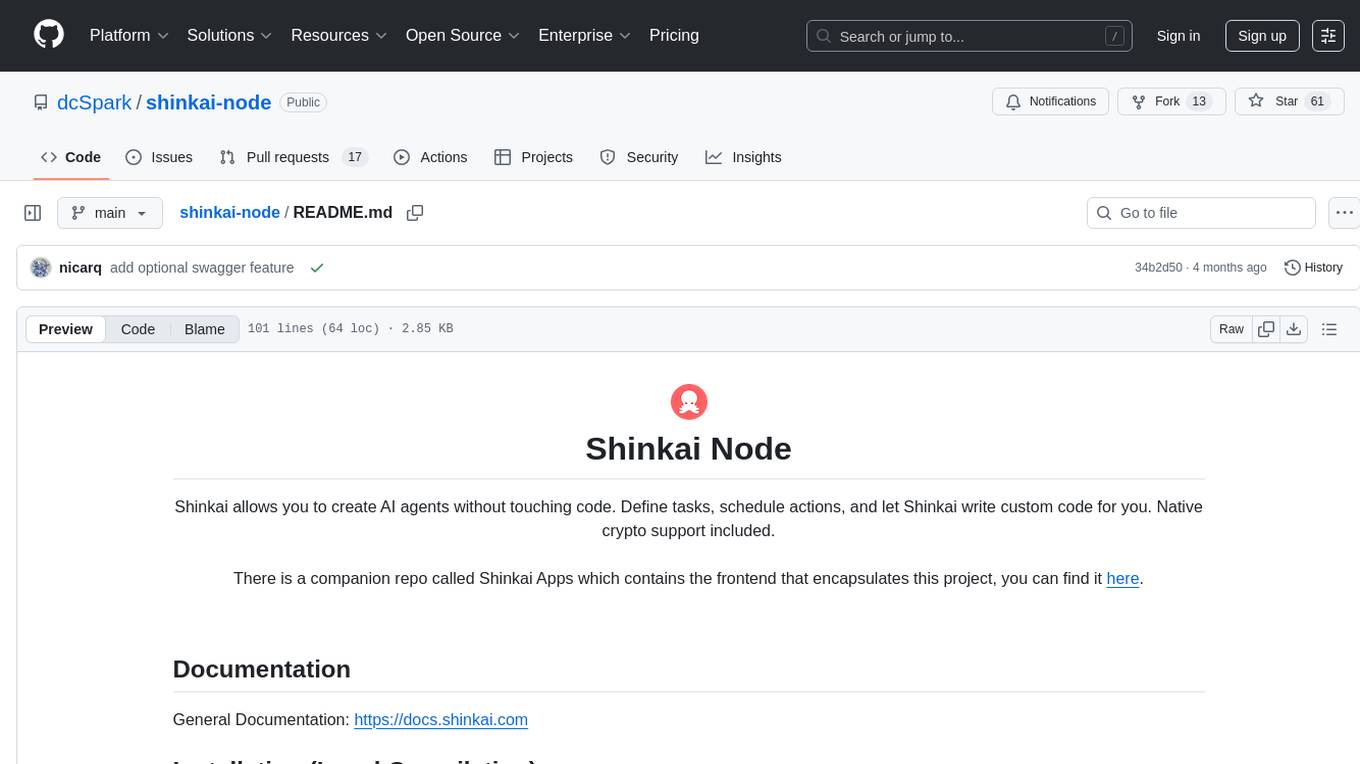
shinkai-node
Shinkai Node is a tool that enables users to create AI agents without coding. Users can define tasks, schedule actions, and let Shinkai generate custom code. The tool also provides native crypto support. It has a companion repo called Shinkai Apps for the frontend. The tool offers easy local compilation and OpenAPI support for generating schemas and Swagger UI. Users can run tests and dockerized tests for the tool. It also provides guidance on releasing a new version.
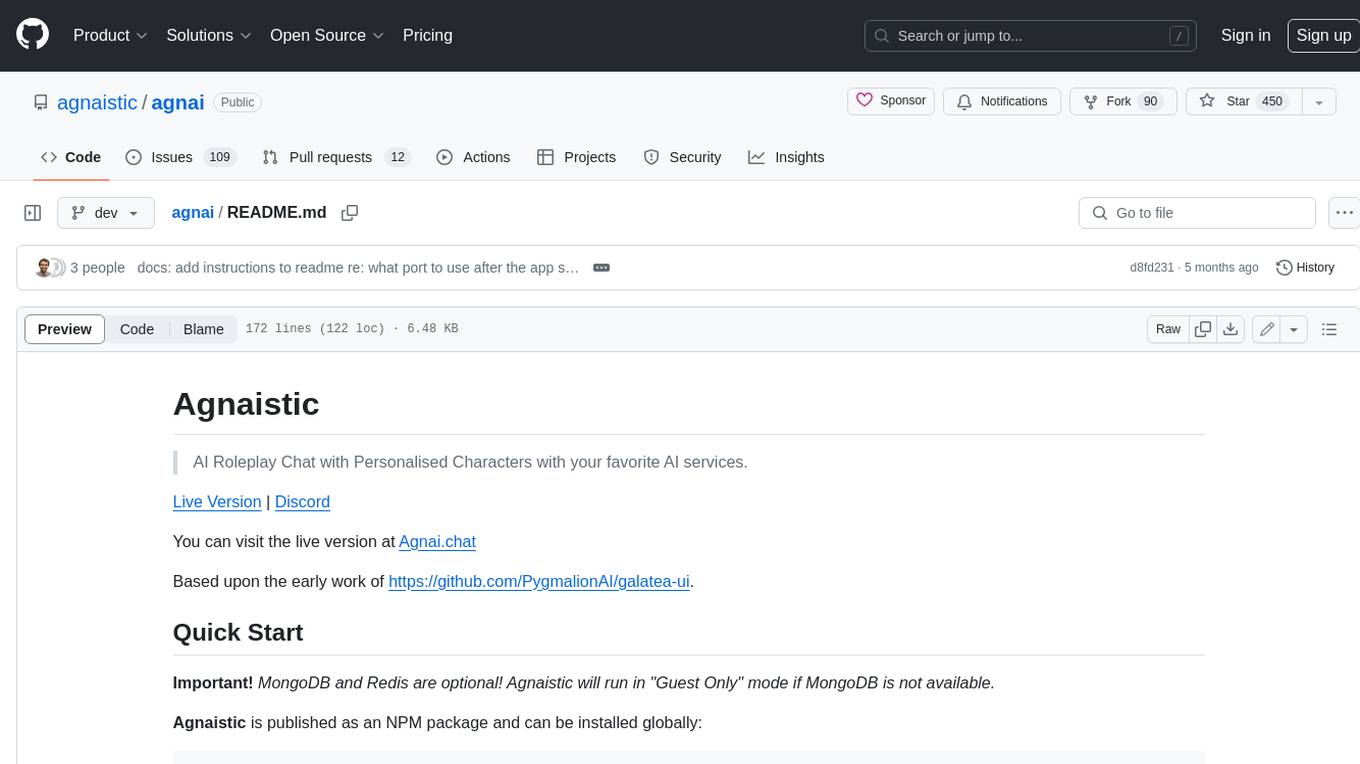
agnai
Agnaistic is an AI roleplay chat tool that allows users to interact with personalized characters using their favorite AI services. It supports multiple AI services, persona schema formats, and features such as group conversations, user authentication, and memory/lore books. Agnaistic can be self-hosted or run using Docker, and it provides a range of customization options through its settings.json file. The tool is designed to be user-friendly and accessible, making it suitable for both casual users and developers.
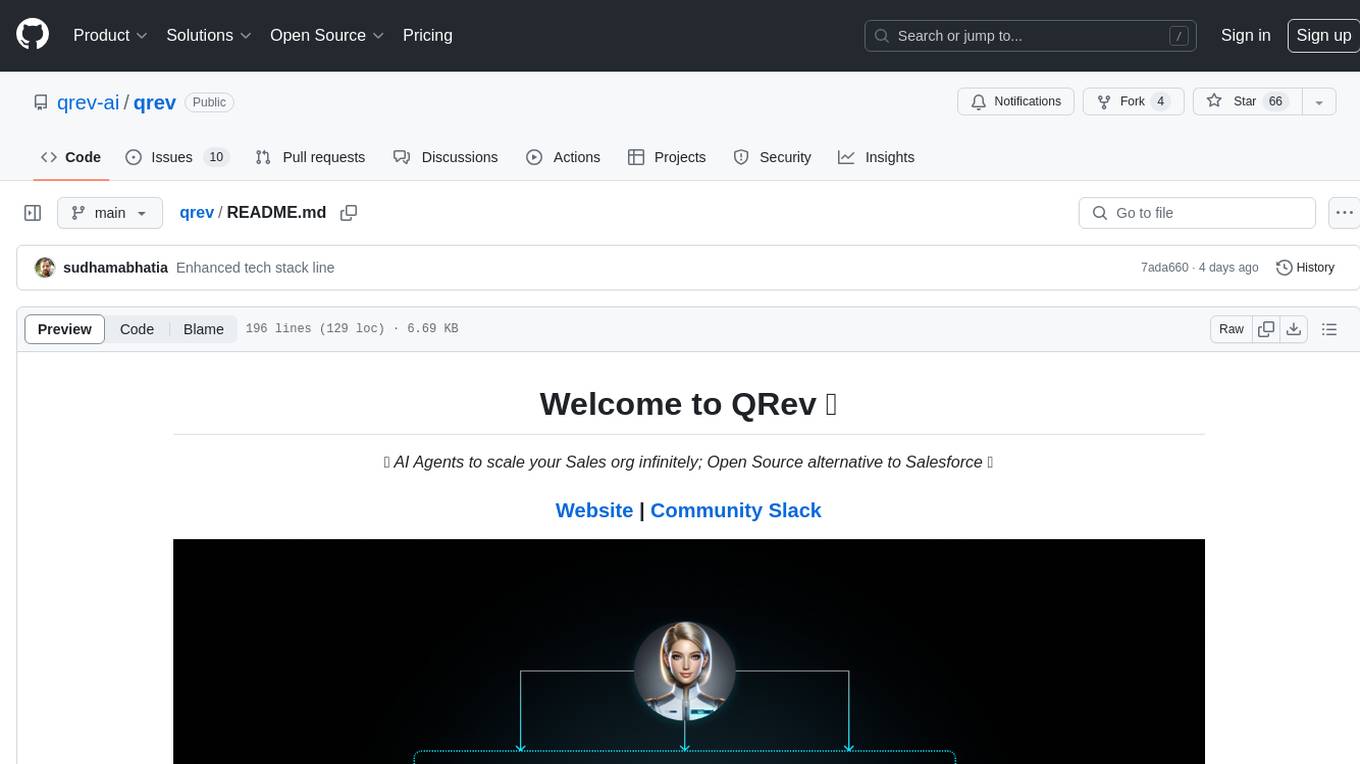
qrev
QRev is an open-source alternative to Salesforce, offering AI agents to scale sales organizations infinitely. It aims to provide digital workers for various sales roles or a superagent named Qai. The tech stack includes TypeScript for frontend, NodeJS for backend, MongoDB for app server database, ChromaDB for vector database, SQLite for AI server SQL relational database, and Langchain for LLM tooling. The tool allows users to run client app, app server, and AI server components. It requires Node.js and MongoDB to be installed, and provides detailed setup instructions in the README file.

pyrfuniverse
pyrfuniverse is a python package used to interact with RFUniverse simulation environment. It is developed with reference to ML-Agents and produce new features. The package allows users to work with RFUniverse for simulation purposes, providing tools and functionalities to interact with the environment and create new features.
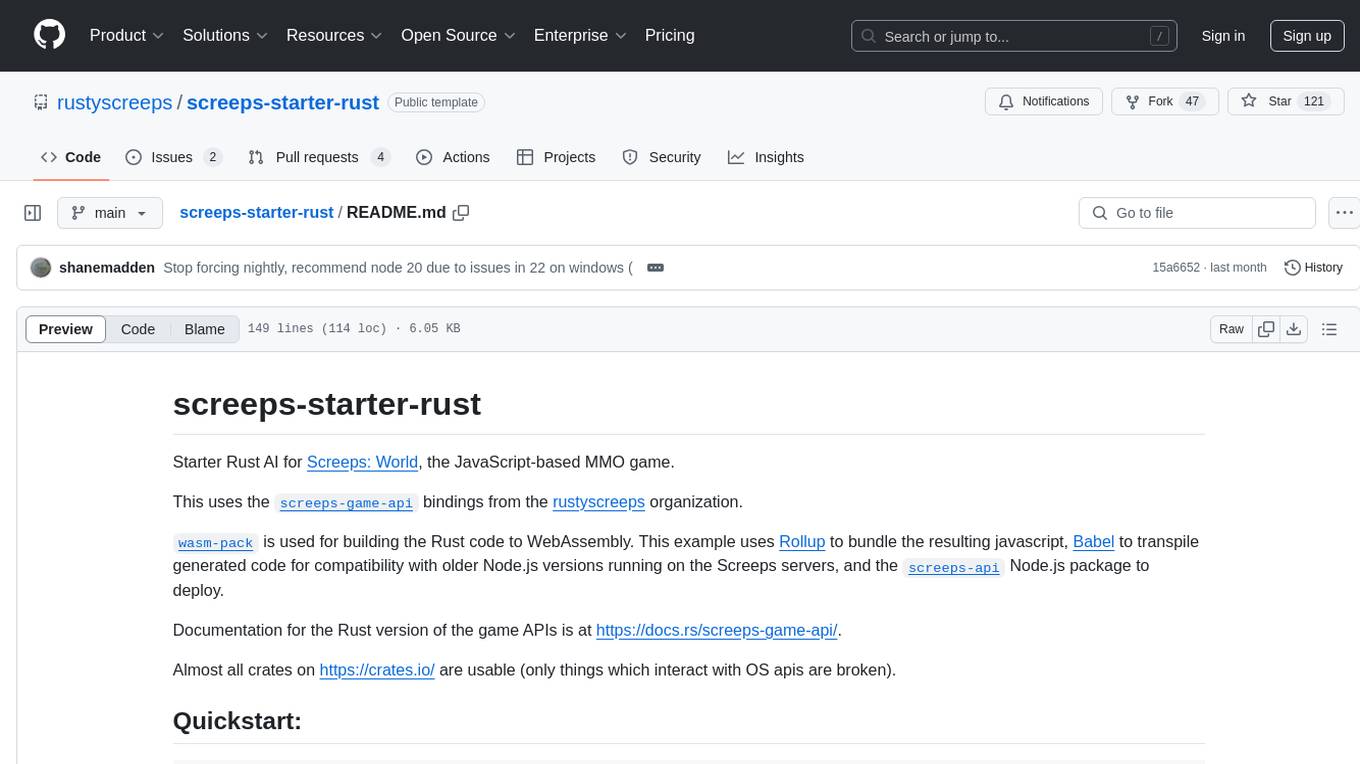
screeps-starter-rust
screeps-starter-rust is a Rust AI starter kit for Screeps: World, a JavaScript-based MMO game. It utilizes the screeps-game-api bindings from the rustyscreeps organization and wasm-pack for building Rust code to WebAssembly. The example includes Rollup for bundling javascript, Babel for transpiling code, and screeps-api Node.js package for deployment. Users can refer to the Rust version of game APIs documentation at https://docs.rs/screeps-game-api/. The tool supports most crates on crates.io, except those interacting with OS APIs.
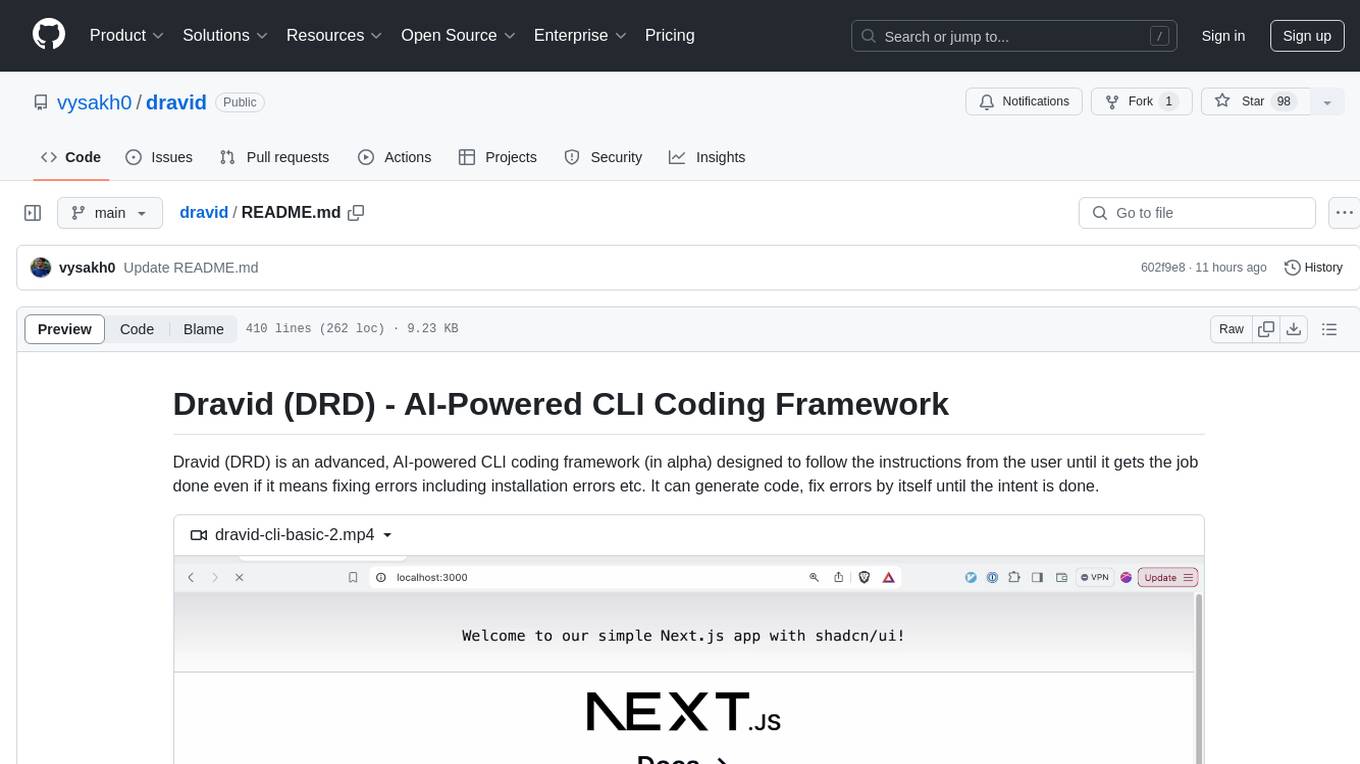
dravid
Dravid (DRD) is an advanced, AI-powered CLI coding framework designed to follow user instructions until the job is completed, including fixing errors. It can generate code, fix errors, handle image queries, manage file operations, integrate with external APIs, and provide a development server with error handling. Dravid is extensible and requires Python 3.7+ and CLAUDE_API_KEY. Users can interact with Dravid through CLI commands for various tasks like creating projects, asking questions, generating content, handling metadata, and file-specific queries. It supports use cases like Next.js project development, working with existing projects, exploring new languages, Ruby on Rails project development, and Python project development. Dravid's project structure includes directories for source code, CLI modules, API interaction, utility functions, AI prompt templates, metadata management, and tests. Contributions are welcome, and development setup involves cloning the repository, installing dependencies with Poetry, setting up environment variables, and using Dravid for project enhancements.
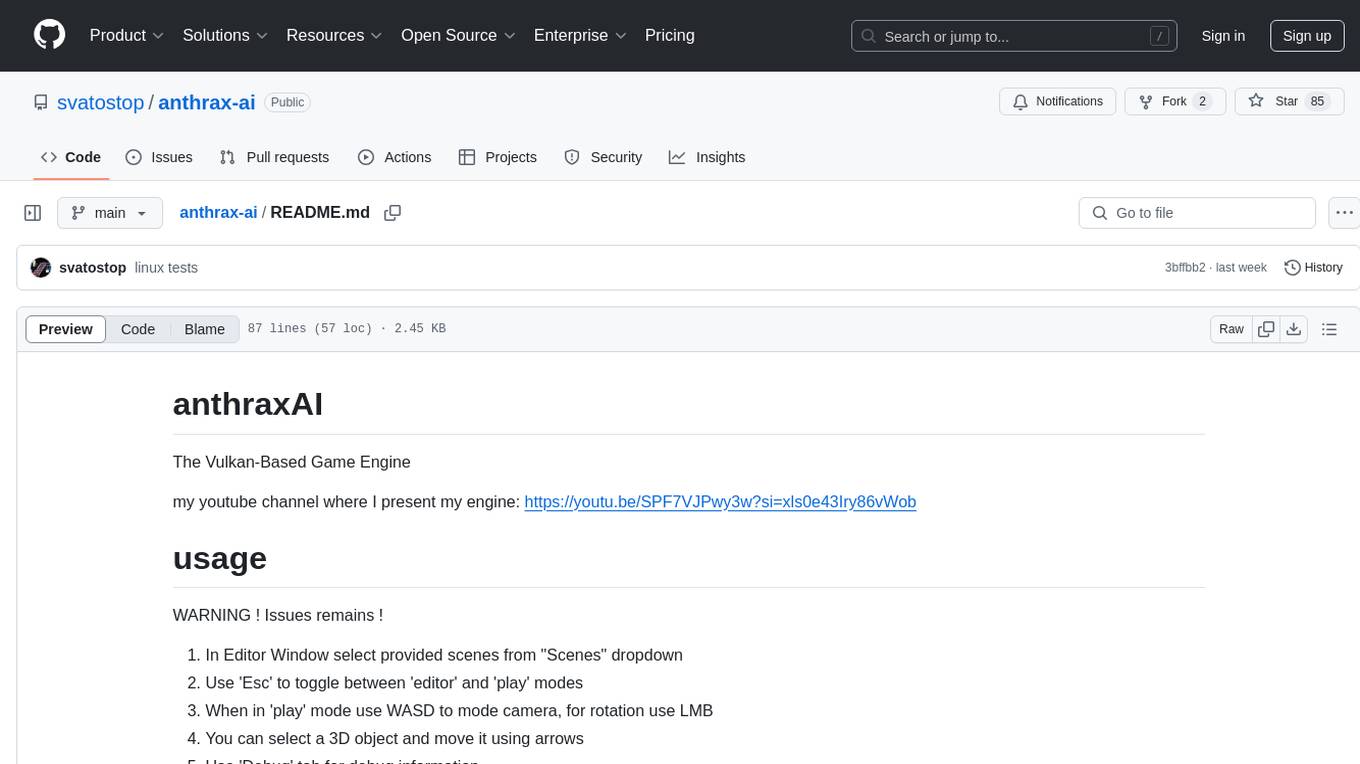
anthrax-ai
AnthraxAI is a Vulkan-based game engine that allows users to create and develop 3D games. The engine provides features such as scene selection, camera movement, object manipulation, debugging tools, audio playback, and real-time shader code updates. Users can build and configure the project using CMake and compile shaders using the glslc compiler. The engine supports building on both Linux and Windows platforms, with specific dependencies for each. Visual Studio Code integration is available for building and debugging the project, with instructions provided in the readme for setting up the workspace and required extensions.
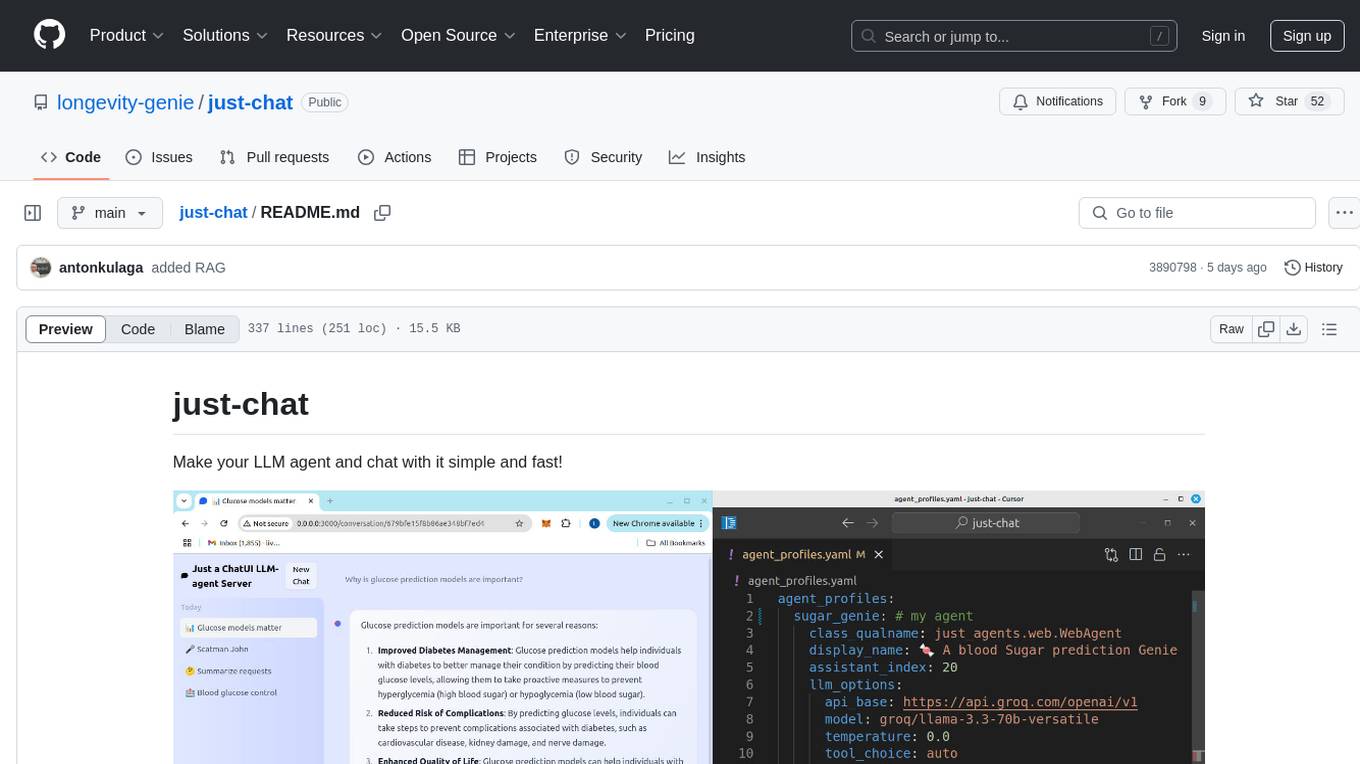
just-chat
Just-Chat is a containerized application that allows users to easily set up and chat with their AI agent. Users can customize their AI assistant using a YAML file, add new capabilities with Python tools, and interact with the agent through a chat web interface. The tool supports various modern models like DeepSeek Reasoner, ChatGPT, LLAMA3.3, etc. Users can also use semantic search capabilities with MeiliSearch to find and reference relevant information based on meaning. Just-Chat requires Docker or Podman for operation and provides detailed installation instructions for both Linux and Windows users.
For similar tasks
grafana-llm-app
This repository contains separate packages for Grafana LLM Plugin and the @grafana/llm package for interfacing with it. The packages are tightly coupled and developed together with identical dependencies. The repository provides instructions for developing the packages, including backend and frontend development, testing, and release processes.
cool-admin-midway
Cool-admin (midway version) is a cool open-source backend permission management system that supports modular, plugin-based, rapid CRUD development. It facilitates the quick construction and iteration of backend management systems, deployable in various ways such as serverless, docker, and traditional servers. It features AI coding for generating APIs and frontend pages, flow orchestration for drag-and-drop functionality, modular and plugin-based design for clear and maintainable code. The tech stack includes Node.js, Midway.js, Koa.js, TypeScript for backend, and Vue.js, Element-Plus, JSX, Pinia, Vue Router for frontend. It offers friendly technology choices for both frontend and backend developers, with TypeScript syntax similar to Java and PHP for backend developers. The tool is suitable for those looking for a modern, efficient, and fast development experience.
commanddash
Dash AI is an open-source coding assistant for Flutter developers. It is designed to not only write code but also run and debug it, allowing it to assist beyond code completion and automate routine tasks. Dash AI is powered by Gemini, integrated with the Dart Analyzer, and specifically tailored for Flutter engineers. The vision for Dash AI is to create a single-command assistant that can automate tedious development tasks, enabling developers to focus on creativity and innovation. It aims to assist with the entire process of engineering a feature for an app, from breaking down the task into steps to generating exploratory tests and iterating on the code until the feature is complete. To achieve this vision, Dash AI is working on providing LLMs with the same access and information that human developers have, including full contextual knowledge, the latest syntax and dependencies data, and the ability to write, run, and debug code. Dash AI welcomes contributions from the community, including feature requests, issue fixes, and participation in discussions. The project is committed to building a coding assistant that empowers all Flutter developers.
ollama4j
Ollama4j is a Java library that serves as a wrapper or binding for the Ollama server. It facilitates communication with the Ollama server and provides models for deployment. The tool requires Java 11 or higher and can be installed locally or via Docker. Users can integrate Ollama4j into Maven projects by adding the specified dependency. The tool offers API specifications and supports various development tasks such as building, running unit tests, and integration tests. Releases are automated through GitHub Actions CI workflow. Areas of improvement include adhering to Java naming conventions, updating deprecated code, implementing logging, using lombok, and enhancing request body creation. Contributions to the project are encouraged, whether reporting bugs, suggesting enhancements, or contributing code.
crewAI-tools
The crewAI Tools repository provides a guide for setting up tools for crewAI agents, enabling the creation of custom tools to enhance AI solutions. Tools play a crucial role in improving agent functionality. The guide explains how to equip agents with a range of tools and how to create new tools. Tools are designed to return strings for generating responses. There are two main methods for creating tools: subclassing BaseTool and using the tool decorator. Contributions to the toolset are encouraged, and the development setup includes steps for installing dependencies, activating the virtual environment, setting up pre-commit hooks, running tests, static type checking, packaging, and local installation. Enhance AI agent capabilities with advanced tooling.
lightning-lab
Lightning Lab is a public template for artificial intelligence and machine learning research projects using Lightning AI's PyTorch Lightning. It provides a structured project layout with modules for command line interface, experiment utilities, Lightning Module and Trainer, data acquisition and preprocessing, model serving APIs, project configurations, training checkpoints, technical documentation, logs, notebooks for data analysis, requirements management, testing, and packaging. The template simplifies the setup of deep learning projects and offers extras for different domains like vision, text, audio, reinforcement learning, and forecasting.
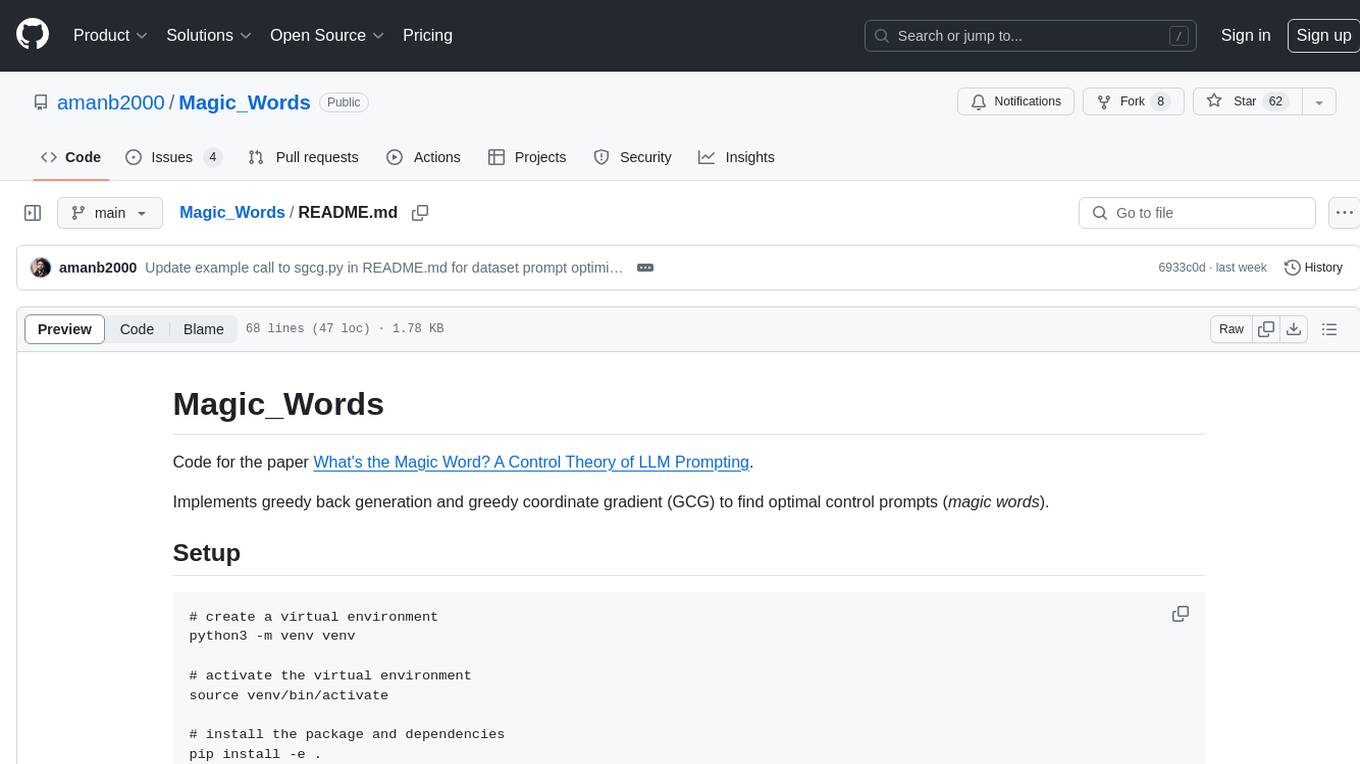
Magic_Words
Magic_Words is a repository containing code for the paper 'What's the Magic Word? A Control Theory of LLM Prompting'. It implements greedy back generation and greedy coordinate gradient (GCG) to find optimal control prompts (magic words). Users can set up a virtual environment, install the package and dependencies, and run example scripts for pointwise control and optimizing prompts for datasets. The repository provides scripts for finding optimal control prompts for question-answer pairs and dataset optimization using the GCG algorithm.
crewAI-tools
This repository provides a guide for setting up tools for crewAI agents to enhance functionality. It offers steps to equip agents with ready-to-use tools and create custom ones. Tools are expected to return strings for generating responses. Users can create tools by subclassing BaseTool or using the tool decorator. Contributions are welcome to enrich the toolset, and guidelines are provided for contributing. The development setup includes installing dependencies, activating virtual environment, setting up pre-commit hooks, running tests, static type checking, packaging, and local installation. The goal is to empower AI solutions through advanced tooling.
For similar jobs

kaito
Kaito is an operator that automates the AI/ML inference model deployment in a Kubernetes cluster. It manages large model files using container images, avoids tuning deployment parameters to fit GPU hardware by providing preset configurations, auto-provisions GPU nodes based on model requirements, and hosts large model images in the public Microsoft Container Registry (MCR) if the license allows. Using Kaito, the workflow of onboarding large AI inference models in Kubernetes is largely simplified.
ai-on-gke
This repository contains assets related to AI/ML workloads on Google Kubernetes Engine (GKE). Run optimized AI/ML workloads with Google Kubernetes Engine (GKE) platform orchestration capabilities. A robust AI/ML platform considers the following layers: Infrastructure orchestration that support GPUs and TPUs for training and serving workloads at scale Flexible integration with distributed computing and data processing frameworks Support for multiple teams on the same infrastructure to maximize utilization of resources

tidb
TiDB is an open-source distributed SQL database that supports Hybrid Transactional and Analytical Processing (HTAP) workloads. It is MySQL compatible and features horizontal scalability, strong consistency, and high availability.
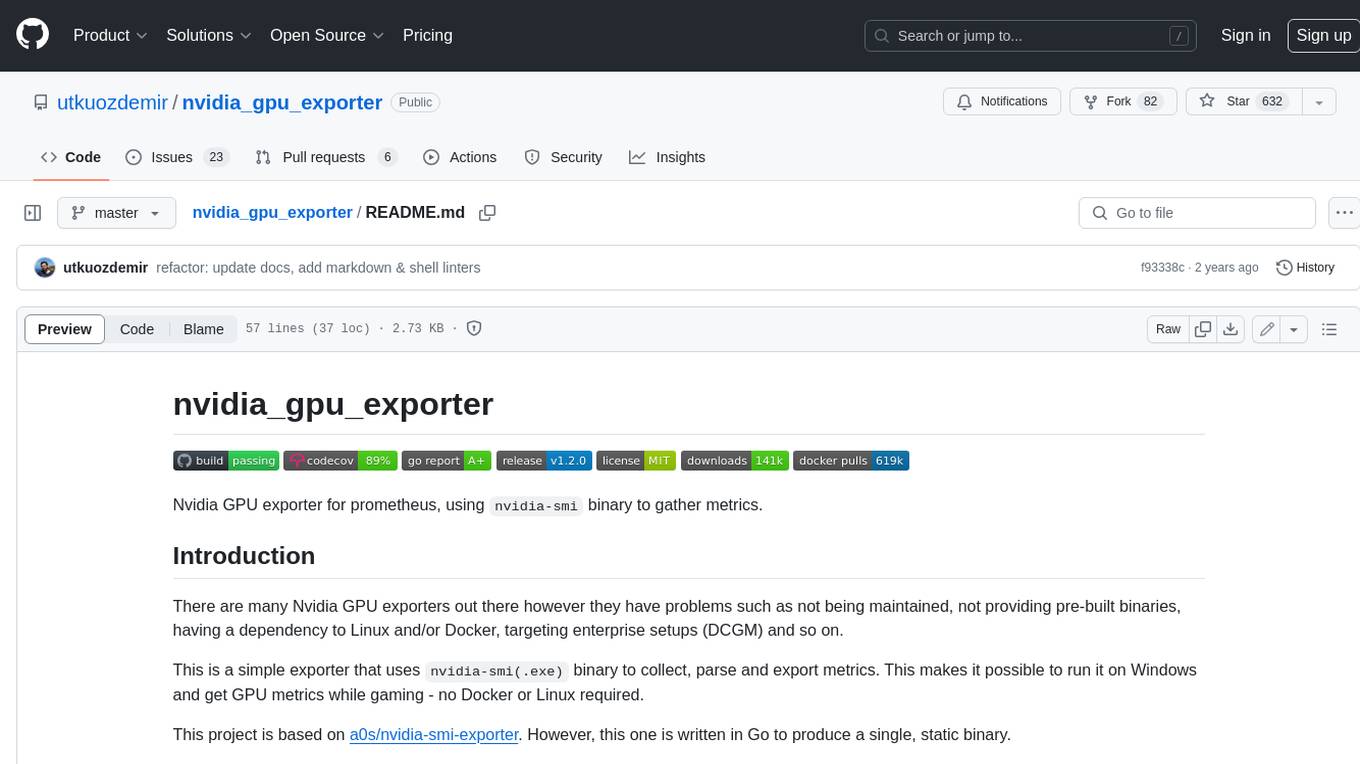
nvidia_gpu_exporter
Nvidia GPU exporter for prometheus, using `nvidia-smi` binary to gather metrics.

tracecat
Tracecat is an open-source automation platform for security teams. It's designed to be simple but powerful, with a focus on AI features and a practitioner-obsessed UI/UX. Tracecat can be used to automate a variety of tasks, including phishing email investigation, evidence collection, and remediation plan generation.
openinference
OpenInference is a set of conventions and plugins that complement OpenTelemetry to enable tracing of AI applications. It provides a way to capture and analyze the performance and behavior of AI models, including their interactions with other components of the application. OpenInference is designed to be language-agnostic and can be used with any OpenTelemetry-compatible backend. It includes a set of instrumentations for popular machine learning SDKs and frameworks, making it easy to add tracing to your AI applications.

BricksLLM
BricksLLM is a cloud native AI gateway written in Go. Currently, it provides native support for OpenAI, Anthropic, Azure OpenAI and vLLM. BricksLLM aims to provide enterprise level infrastructure that can power any LLM production use cases. Here are some use cases for BricksLLM: * Set LLM usage limits for users on different pricing tiers * Track LLM usage on a per user and per organization basis * Block or redact requests containing PIIs * Improve LLM reliability with failovers, retries and caching * Distribute API keys with rate limits and cost limits for internal development/production use cases * Distribute API keys with rate limits and cost limits for students
kong
Kong, or Kong API Gateway, is a cloud-native, platform-agnostic, scalable API Gateway distinguished for its high performance and extensibility via plugins. It also provides advanced AI capabilities with multi-LLM support. By providing functionality for proxying, routing, load balancing, health checking, authentication (and more), Kong serves as the central layer for orchestrating microservices or conventional API traffic with ease. Kong runs natively on Kubernetes thanks to its official Kubernetes Ingress Controller.