


git-ai
A Git extension for tracking the AI-generated code in your repos
Stars: 1059
Git AI is an open source git extension that tracks AI-generated code in repositories. It automatically links AI-written lines to the agent, model, and transcripts that generated them, ensuring the intent, requirements, and architecture decisions behind the code are never lost. Git AI provides AI attribution on every commit and shows the model, agent, and session behind every line. It supports various agents and works offline without the need for per-repo setup. The tool aims to accurately track AI code without cluttering git history and provides a local-first approach. Transcripts are stored locally, in the Git AI Cloud, or in a self-hosted prompt store to keep repositories lean and free of sensitive information.
README:

Git AI is an open source git extension that tracks AI-generated code in your repositories.
Once installed, it automatically links every AI-written line to the agent, model, and transcripts that generated it — so you never lose the intent, requirements, and architecture decisions behind your code.
AI attribution on every commit:
git commit
[hooks-doctor 0afe44b2] wsl compat check
 2 files changed, 81 insertions(+), 3 deletions(-)
you  ██░░░░░░░░░░░░░░░░░░░░░░░░░░░░░░░░░░░░░░ ai
     6%             mixed   2%             92%
AI Blame shows the model, agent, and session behind every line:
git-ai blame /src/log_fmt/authorship_log.rs
cb832b7 (Aidan Cunniffe      2025-12-13 08:16:29 -0500  133) pub fn execute_diff(
cb832b7 (Aidan Cunniffe      2025-12-13 08:16:29 -0500  134)     repo: &Repository,
cb832b7 (Aidan Cunniffe      2025-12-13 08:16:29 -0500  135)     spec: DiffSpec,
cb832b7 (Aidan Cunniffe      2025-12-13 08:16:29 -0500  136)     format: DiffFormat,
cb832b7 (Aidan Cunniffe      2025-12-13 08:16:29 -0500  137) ) -> Result<String, GitAiError> {
fe2c4c8 (claude [session_id] 2025-12-02 19:25:13 -0500  138)     // Resolve commits to get from/to SHAs
fe2c4c8 (claude [session_id] 2025-12-02 19:25:13 -0500  139)     let (from_commit, to_commit) = match spec {
fe2c4c8 (claude [session_id] 2025-12-02 19:25:13 -0500  140)         DiffSpec::TwoCommit(start, end) => {
fe2c4c8 (claude [session_id] 2025-12-02 19:25:13 -0500  141)             // Resolve both commits
fe2c4c8 (claude [session_id] 2025-12-02 19:25:13 -0500  142)             let from = resolve_commit(repo, &start)?;...


Mac, Linux, Windows (WSL)
curl -sSL https://usegitai.com/install.sh | bashWindows (non-WSL)
powershell -NoProfile -ExecutionPolicy Bypass -Command "irm https://usegitai.com/install.ps1 | iex"That's it — no per-repo setup required. Prompt and commit as normal. Git AI tracks attribution automatically.
- No workflow changes — Just prompt and commit. Git AI tracks AI code accurately without cluttering your git history.
- "Detecting" AI code is an anti-pattern — Git AI does not guess whether a hunk is AI-generated. Supported agents report exactly which lines they wrote, giving you the most accurate attribution possible.
- Local-first — Works 100% offline, no login required.
- Git native and open standard — Git AI uses an open standard for tracking AI-generated code with Git Notes.
- Transcripts stay out of Git — Git Notes link to transcripts stored locally, in the Git AI Cloud, or in a self-hosted prompt store -- keeping your repos lean, free of sensitive information, and giving you control over your data.
| Solo | For Teams |
|---|---|
 |
 |
|
|
See something you don't understand? The /ask skill lets you talk to the agent that wrote the code about its instructions, decisions, and the intent of the engineer who assigned the task.
Git AI adds the /ask skill to ~/.agents/skills/ and ~/.claude/skills/ at install time, so you can invoke it from Cursor, Claude Code, Copilot, Codex, and others just by typing /ask:
/ask Why didn't we use the SDK here?
Agents with access to the original intent and source code understand the "why." Agents that can only read the code can tell you what it does, but not why:
Reading Code + Transcript (/ask) |
Only Reading Code (not using Git AI) |
|---|---|
When Aidan was building telemetry, he instructed the agent not to block the exit of our CLI flushing telemetry. Instead of using the Sentry SDK directly, we came up with a pattern that writes events locally first via append_envelope(), then flushes them in the background via a detached subprocess. This keeps the hot path fast and ships telemetry async after the fact. |
src/commands/flush_logs.rs is a 5-line wrapper that delegates to src/observability/flush.rs (~700 lines). The commands/ layer handles CLI dispatch; observability/ handles Sentry, PostHog, metrics upload, and log processing. Parallel modules like flush_cas, flush_logs, flush_metrics_db follow the same thin-dispatch pattern. |
Agents make fewer mistakes and produce more maintainable code when they understand the requirements and decisions behind the code they build on. The best way to provide this context is to give agents the same /ask tool you use yourself. Tell your agents to use /ask in plan mode:
Claude|AGENTS.md
- In plan mode, always use the /ask skill to read the code and the original transcript that generated it. Understanding intent will help you write a better plan.Git AI blame is a drop-in replacement for git blame that shows AI attribution for each line. It supports all standard git blame flags.
git-ai blame /src/log_fmt/authorship_log.rscb832b7 (Aidan Cunniffe 2025-12-13 08:16:29 -0500 133) pub fn execute_diff(
cb832b7 (Aidan Cunniffe 2025-12-13 08:16:29 -0500 134) repo: &Repository,
cb832b7 (Aidan Cunniffe 2025-12-13 08:16:29 -0500 135) spec: DiffSpec,
cb832b7 (Aidan Cunniffe 2025-12-13 08:16:29 -0500 136) format: DiffFormat,
cb832b7 (Aidan Cunniffe 2025-12-13 08:16:29 -0500 137) ) -> Result<String, GitAiError> {
fe2c4c8 (claude 2025-12-02 19:25:13 -0500 138) // Resolve commits to get from/to SHAs
fe2c4c8 (claude 2025-12-02 19:25:13 -0500 139) let (from_commit, to_commit) = match spec {
fe2c4c8 (claude 2025-12-02 19:25:13 -0500 140) DiffSpec::TwoCommit(start, end) => {
fe2c4c8 (claude 2025-12-02 19:25:13 -0500 141) // Resolve both commits
fe2c4c8 (claude 2025-12-02 19:25:13 -0500 142) let from = resolve_commit(repo, &start)?;
fe2c4c8 (claude 2025-12-02 19:25:13 -0500 143) let to = resolve_commit(repo, &end)?;
fe2c4c8 (claude 2025-12-02 19:25:13 -0500 144) (from, to)
fe2c4c8 (claude 2025-12-02 19:25:13 -0500 145) }AI blame decorations in the gutter, color-coded by agent session. Hover over a line to see the raw prompt or summary.
| Supported Editors | |
|---|---|
|
|
Git AI collects cross-agent telemetry from prompt to production. Track how much AI code gets accepted, committed, through code review, and into production — so you can identify which tools and practices work best for your team.
git-ai stats --jsonLearn more: Stats command reference docs
{
  "human_additions": 28,
  "mixed_additions": 5,
  "ai_additions": 76,
  "ai_accepted": 47,
  "total_ai_additions": 120,
  "total_ai_deletions": 34,
  "time_waiting_for_ai": 240,
  "tool_model_breakdown": {
    "claude_code/claude-sonnet-4-5-20250929": {
      "ai_additions": 76,
      "mixed_additions": 5,
      "ai_accepted": 47,
      "total_ai_additions": 120,
      "total_ai_deletions": 34,
      "time_waiting_for_ai": 240
    }
  }
}
For team-wide visibility, Git AI Enterprise aggregates data at the PR, repository, and organization level:
- AI code composition — Track what percentage of code is AI-generated across your org.
- Full lifecycle tracking — See how much AI code is accepted, committed, rewritten during code review, and deployed to production. Measure how durable that code is once it ships and whether it causes alerts or incidents.
- Team workflows — Identify who uses background agents effectively, who runs agents in parallel, and what teams getting the most lift from AI do differently.
-
Agent readiness — Measure the effectiveness of agents in your repos. Track the impact of skills, rules, MCPs, and
AGENTS.mdchanges across repos and task types. - Agent and model comparison — Compare acceptance rates and output quality by agent and model.

How does Git AI work?
- Agents report what code they wrote via pre/post edit hooks.
- Git AI stores each edit as a checkpoint — a small diff in
.git/ai/that records whether the change is AI-generated or human-authored. Checkpoints accumulate as you work. - On commit, Git AI processes all checkpoints into an Authorship Log that links line ranges to agent sessions, then attaches the log to the commit via a Git Note.
- Git AI preserves attribution across rebases, merges, squashes, stash/pops, cherry-picks, and amends by transparently rewriting Authorship Logs whenever history changes.
Git Note refs/notes/ai #<commitsha>
|
`hooks/post_clone_hook.rs` |
|
 1  pub fn post_clone_hook(
 2      parsed_args: &ParsedGitInvocation,
 3      exit_status: std::process::ExitStatus,
 4  ) -> Option<()> {
 5
 6      if !exit_status.success() {
 7          return None;
 8      }
 9
10      let target_dir =
11          extract_clone_target_directory(&parsed_args.command_args)?;
12
13      let repository =
14          find_repository_in_path(&target_dir).ok()?;
15
16      print!("Fetching authorship notes from origin");
17
18      match fetch_authorship_notes(&repository, "origin") {
19          Ok(()) => {
20              debug_log("successfully fetched");
21              print!(", done.\n");
22          }
23          Err(e) => {
24              debug_log(&format!("fetch failed: {}", e));
25              print!(", failed.\n");
26          }
27      }
28
29      Some(())
30 } |
The note format is defined in the Git AI Standard v3.0.0.
Apache 2.0
For Tasks:
Click tags to check more tools for each tasksFor Jobs:
Alternative AI tools for git-ai
Similar Open Source Tools
git-ai
Git AI is an open source git extension that tracks AI-generated code in repositories. It automatically links AI-written lines to the agent, model, and transcripts that generated them, ensuring the intent, requirements, and architecture decisions behind the code are never lost. Git AI provides AI attribution on every commit and shows the model, agent, and session behind every line. It supports various agents and works offline without the need for per-repo setup. The tool aims to accurately track AI code without cluttering git history and provides a local-first approach. Transcripts are stored locally, in the Git AI Cloud, or in a self-hosted prompt store to keep repositories lean and free of sensitive information.
candle-vllm
Candle-vllm is an efficient and easy-to-use platform designed for inference and serving local LLMs, featuring an OpenAI compatible API server. It offers a highly extensible trait-based system for rapid implementation of new module pipelines, streaming support in generation, efficient management of key-value cache with PagedAttention, and continuous batching. The tool supports chat serving for various models and provides a seamless experience for users to interact with LLMs through different interfaces.
VLM-R1
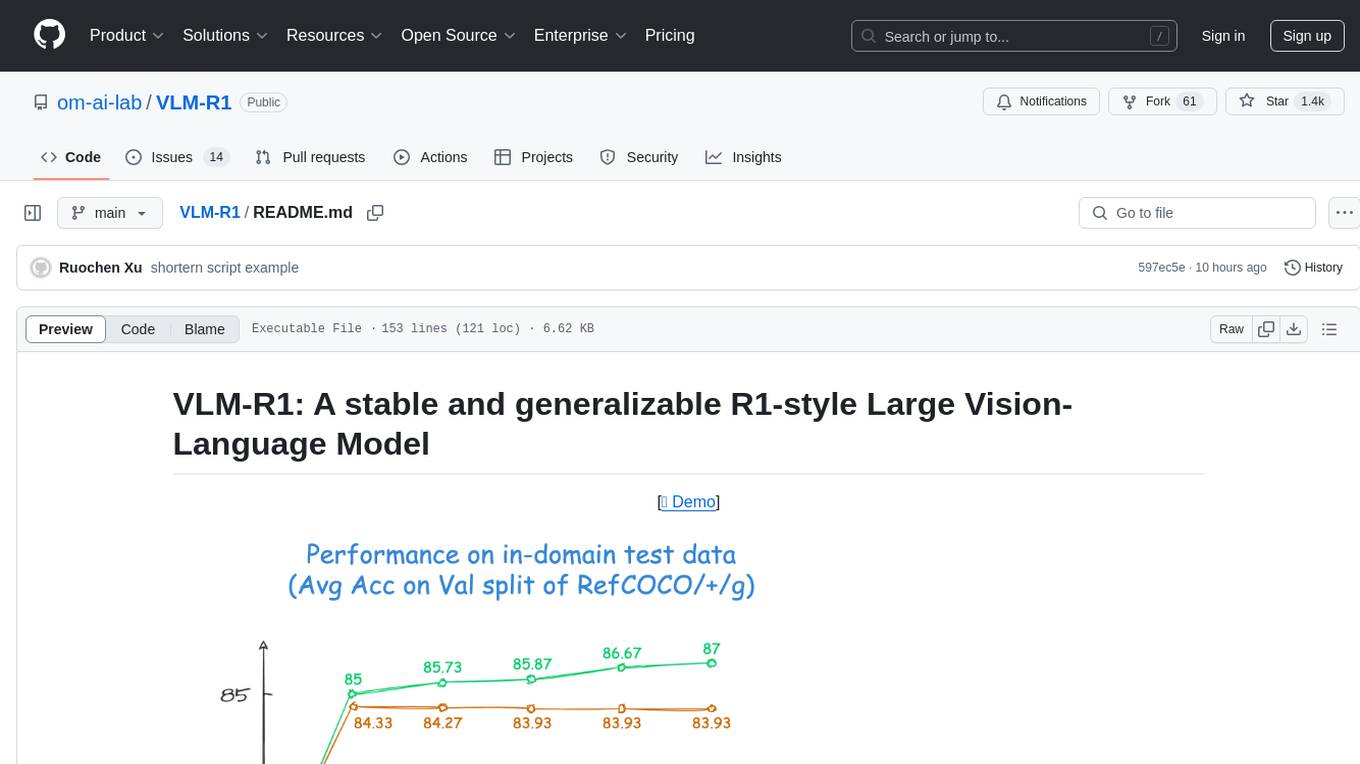
VLM-R1 is a stable and generalizable R1-style Large Vision-Language Model proposed for Referring Expression Comprehension (REC) task. It compares R1 and SFT approaches, showing R1 model's steady improvement on out-of-domain test data. The project includes setup instructions, training steps for GRPO and SFT models, support for user data loading, and evaluation process. Acknowledgements to various open-source projects and resources are mentioned. The project aims to provide a reliable and versatile solution for vision-language tasks.
TheoremExplainAgent
TheoremExplainAgent is an AI system that generates long-form Manim videos to visually explain theorems, proving its deep understanding while uncovering reasoning flaws that text alone often hides. The codebase for the paper 'TheoremExplainAgent: Towards Multimodal Explanations for LLM Theorem Understanding' is available in this repository. It provides a tool for creating multimodal explanations for theorem understanding using AI technology.
ai00_server
AI00 RWKV Server is an inference API server for the RWKV language model based upon the web-rwkv inference engine. It supports VULKAN parallel and concurrent batched inference and can run on all GPUs that support VULKAN. No need for Nvidia cards!!! AMD cards and even integrated graphics can be accelerated!!! No need for bulky pytorch, CUDA and other runtime environments, it's compact and ready to use out of the box! Compatible with OpenAI's ChatGPT API interface. 100% open source and commercially usable, under the MIT license. If you are looking for a fast, efficient, and easy-to-use LLM API server, then AI00 RWKV Server is your best choice. It can be used for various tasks, including chatbots, text generation, translation, and Q&A.
pandas-ai
PandaAI is a Python platform that enables users to interact with their data in natural language, catering to both non-technical and technical users. It simplifies data querying and analysis, offering conversational data analytics capabilities with minimal code. Users can ask questions, visualize charts, and compare dataframes effortlessly. The tool aims to streamline data exploration and decision-making processes by providing a user-friendly interface for data manipulation and analysis.
comet-llm
CometLLM is a tool to log and visualize your LLM prompts and chains. Use CometLLM to identify effective prompt strategies, streamline your troubleshooting, and ensure reproducible workflows!
Scrapegraph-ai
ScrapeGraphAI is a web scraping Python library that utilizes LLM and direct graph logic to create scraping pipelines for websites and local documents. It offers various standard scraping pipelines like SmartScraperGraph, SearchGraph, SpeechGraph, and ScriptCreatorGraph. Users can extract information by specifying prompts and input sources. The library supports different LLM APIs such as OpenAI, Groq, Azure, and Gemini, as well as local models using Ollama. ScrapeGraphAI is designed for data exploration and research purposes, providing a versatile tool for extracting information from web pages and generating outputs like Python scripts, audio summaries, and search results.
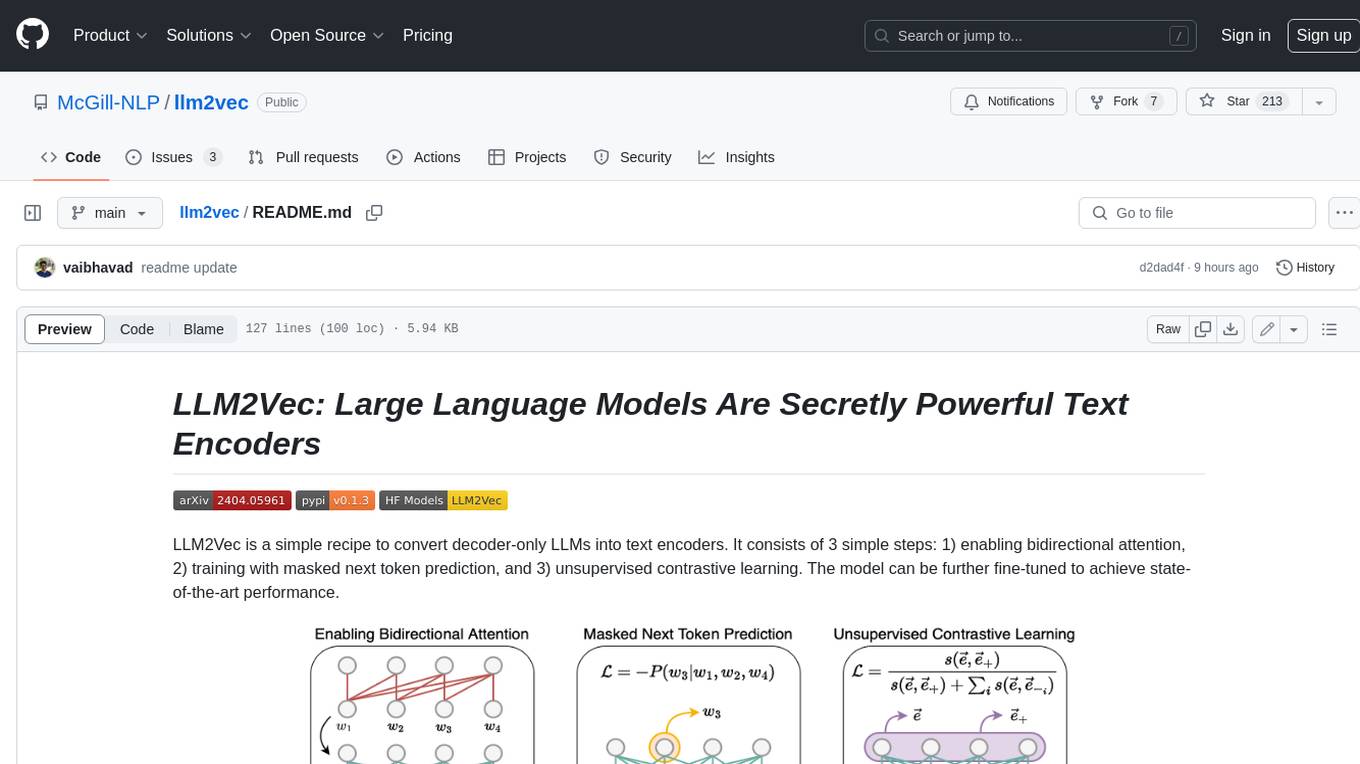
llm2vec
LLM2Vec is a simple recipe to convert decoder-only LLMs into text encoders. It consists of 3 simple steps: 1) enabling bidirectional attention, 2) training with masked next token prediction, and 3) unsupervised contrastive learning. The model can be further fine-tuned to achieve state-of-the-art performance.
hezar
Hezar is an all-in-one AI library designed specifically for the Persian community. It brings together various AI models and tools, making it easy to use AI with just a few lines of code. The library seamlessly integrates with Hugging Face Hub, offering a developer-friendly interface and task-based model interface. In addition to models, Hezar provides tools like word embeddings, tokenizers, feature extractors, and more. It also includes supplementary ML tools for deployment, benchmarking, and optimization.
AnglE
AnglE is a library for training state-of-the-art BERT/LLM-based sentence embeddings with just a few lines of code. It also serves as a general sentence embedding inference framework, allowing for inferring a variety of transformer-based sentence embeddings. The library supports various loss functions such as AnglE loss, Contrastive loss, CoSENT loss, and Espresso loss. It provides backbones like BERT-based models, LLM-based models, and Bi-directional LLM-based models for training on single or multi-GPU setups. AnglE has achieved significant performance on various benchmarks and offers official pretrained models for both BERT-based and LLM-based models.
LLM-Blender
LLM-Blender is a framework for ensembling large language models (LLMs) to achieve superior performance. It consists of two modules: PairRanker and GenFuser. PairRanker uses pairwise comparisons to distinguish between candidate outputs, while GenFuser merges the top-ranked candidates to create an improved output. LLM-Blender has been shown to significantly surpass the best LLMs and baseline ensembling methods across various metrics on the MixInstruct benchmark dataset.
airi
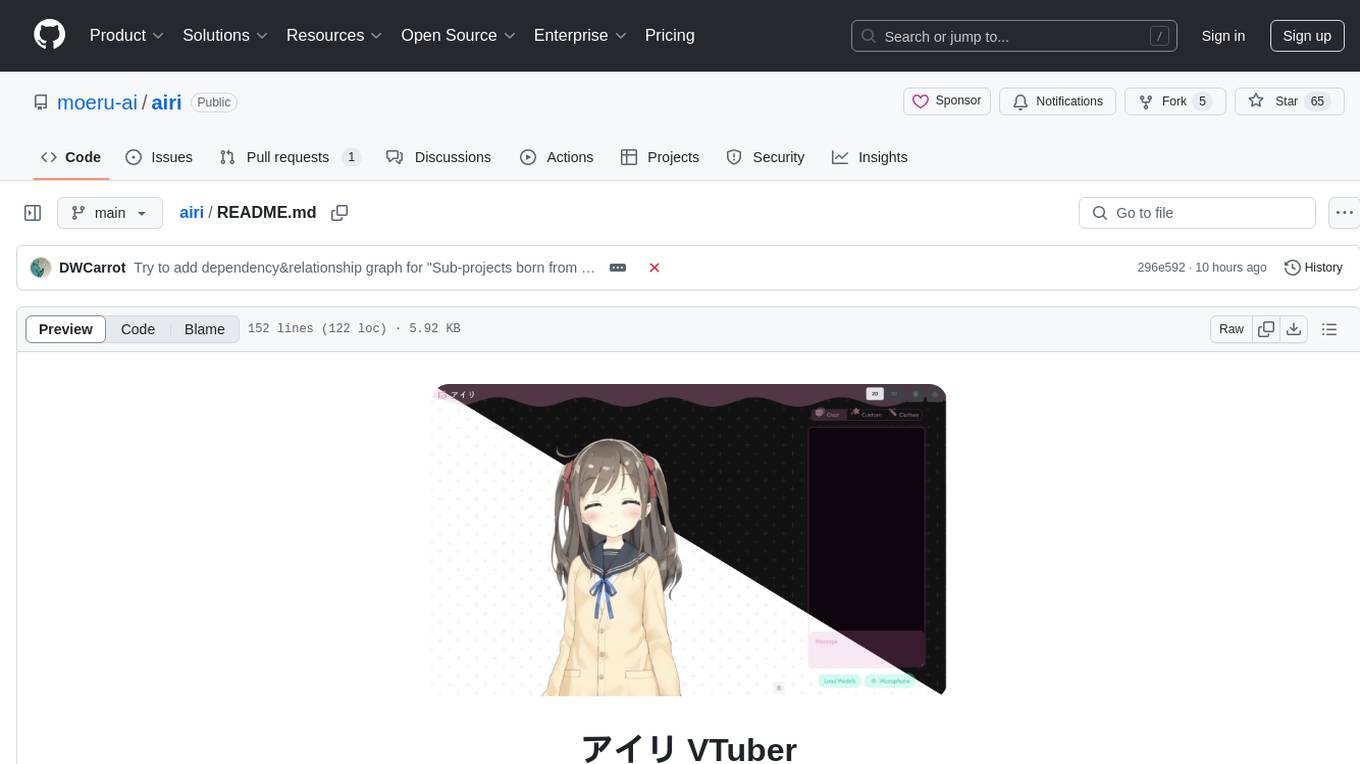
Airi is a VTuber project heavily inspired by Neuro-sama. It is capable of various functions such as playing Minecraft, chatting in Telegram and Discord, audio input from browser and Discord, client side speech recognition, VRM and Live2D model support with animations, and more. The project also includes sub-projects like unspeech, hfup, Drizzle ORM driver for DuckDB WASM, and various other tools. Airi uses models like whisper-large-v3-turbo from Hugging Face and is similar to projects like z-waif, amica, eliza, AI-Waifu-Vtuber, and AIVTuber. The project acknowledges contributions from various sources and implements packages to interact with LLMs and models.
Scrapegraph-ai
ScrapeGraphAI is a Python library that uses Large Language Models (LLMs) and direct graph logic to create web scraping pipelines for websites, documents, and XML files. It allows users to extract specific information from web pages by providing a prompt describing the desired data. ScrapeGraphAI supports various LLMs, including Ollama, OpenAI, Gemini, and Docker, enabling users to choose the most suitable model for their needs. The library provides a user-friendly interface through its `SmartScraper` class, which simplifies the process of building and executing scraping pipelines. ScrapeGraphAI is open-source and available on GitHub, with extensive documentation and examples to guide users. It is particularly useful for researchers and data scientists who need to extract structured data from web pages for analysis and exploration.
infinity
Infinity is a high-throughput, low-latency REST API for serving vector embeddings, supporting all sentence-transformer models and frameworks. It is developed under the MIT License and powers inference behind Gradient.ai. The API allows users to deploy models from SentenceTransformers, offers fast inference backends utilizing various accelerators, dynamic batching for efficient processing, correct and tested implementation, and easy-to-use API built on FastAPI with Swagger documentation. Users can embed text, rerank documents, and perform text classification tasks using the tool. Infinity supports various models from Huggingface and provides flexibility in deployment via CLI, Docker, Python API, and cloud services like dstack. The tool is suitable for tasks like embedding, reranking, and text classification.
chatllm.cpp
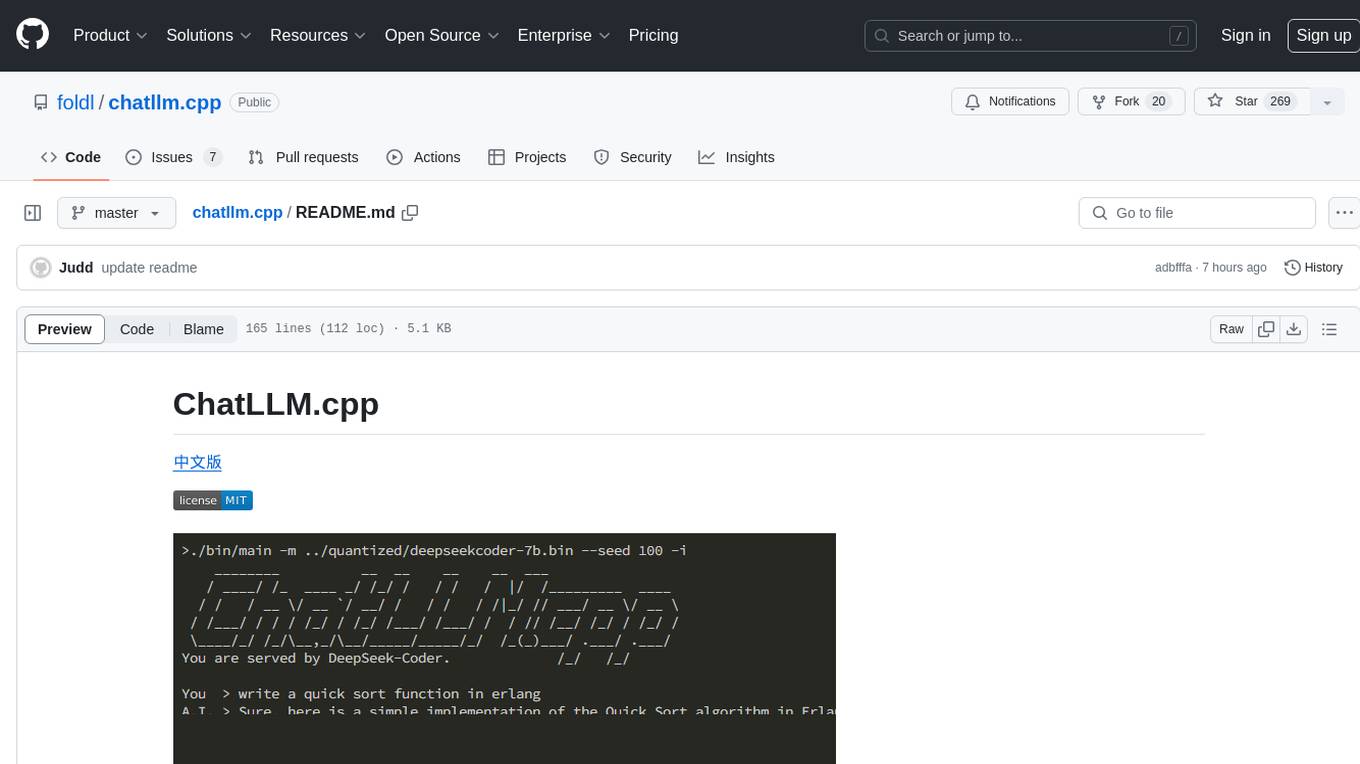
ChatLLM.cpp is a pure C++ implementation tool for real-time chatting with RAG on your computer. It supports inference of various models ranging from less than 1B to more than 300B. The tool provides accelerated memory-efficient CPU inference with quantization, optimized KV cache, and parallel computing. It allows streaming generation with a typewriter effect and continuous chatting with virtually unlimited content length. ChatLLM.cpp also offers features like Retrieval Augmented Generation (RAG), LoRA, Python/JavaScript/C bindings, web demo, and more possibilities. Users can clone the repository, quantize models, build the project using make or CMake, and run quantized models for interactive chatting.
For similar tasks
git-ai
Git AI is an open source git extension that tracks AI-generated code in repositories. It automatically links AI-written lines to the agent, model, and transcripts that generated them, ensuring the intent, requirements, and architecture decisions behind the code are never lost. Git AI provides AI attribution on every commit and shows the model, agent, and session behind every line. It supports various agents and works offline without the need for per-repo setup. The tool aims to accurately track AI code without cluttering git history and provides a local-first approach. Transcripts are stored locally, in the Git AI Cloud, or in a self-hosted prompt store to keep repositories lean and free of sensitive information.
For similar jobs

sweep
Sweep is an AI junior developer that turns bugs and feature requests into code changes. It automatically handles developer experience improvements like adding type hints and improving test coverage.

teams-ai
The Teams AI Library is a software development kit (SDK) that helps developers create bots that can interact with Teams and Microsoft 365 applications. It is built on top of the Bot Framework SDK and simplifies the process of developing bots that interact with Teams' artificial intelligence capabilities. The SDK is available for JavaScript/TypeScript, .NET, and Python.

ai-guide
This guide is dedicated to Large Language Models (LLMs) that you can run on your home computer. It assumes your PC is a lower-end, non-gaming setup.

classifai
Supercharge WordPress Content Workflows and Engagement with Artificial Intelligence. Tap into leading cloud-based services like OpenAI, Microsoft Azure AI, Google Gemini and IBM Watson to augment your WordPress-powered websites. Publish content faster while improving SEO performance and increasing audience engagement. ClassifAI integrates Artificial Intelligence and Machine Learning technologies to lighten your workload and eliminate tedious tasks, giving you more time to create original content that matters.

chatbot-ui
Chatbot UI is an open-source AI chat app that allows users to create and deploy their own AI chatbots. It is easy to use and can be customized to fit any need. Chatbot UI is perfect for businesses, developers, and anyone who wants to create a chatbot.

BricksLLM
BricksLLM is a cloud native AI gateway written in Go. Currently, it provides native support for OpenAI, Anthropic, Azure OpenAI and vLLM. BricksLLM aims to provide enterprise level infrastructure that can power any LLM production use cases. Here are some use cases for BricksLLM: * Set LLM usage limits for users on different pricing tiers * Track LLM usage on a per user and per organization basis * Block or redact requests containing PIIs * Improve LLM reliability with failovers, retries and caching * Distribute API keys with rate limits and cost limits for internal development/production use cases * Distribute API keys with rate limits and cost limits for students

uAgents
uAgents is a Python library developed by Fetch.ai that allows for the creation of autonomous AI agents. These agents can perform various tasks on a schedule or take action on various events. uAgents are easy to create and manage, and they are connected to a fast-growing network of other uAgents. They are also secure, with cryptographically secured messages and wallets.

griptape
Griptape is a modular Python framework for building AI-powered applications that securely connect to your enterprise data and APIs. It offers developers the ability to maintain control and flexibility at every step. Griptape's core components include Structures (Agents, Pipelines, and Workflows), Tasks, Tools, Memory (Conversation Memory, Task Memory, and Meta Memory), Drivers (Prompt and Embedding Drivers, Vector Store Drivers, Image Generation Drivers, Image Query Drivers, SQL Drivers, Web Scraper Drivers, and Conversation Memory Drivers), Engines (Query Engines, Extraction Engines, Summary Engines, Image Generation Engines, and Image Query Engines), and additional components (Rulesets, Loaders, Artifacts, Chunkers, and Tokenizers). Griptape enables developers to create AI-powered applications with ease and efficiency.