


cortex-tms
The Universal AI-Optimized Project Boilerplate. A Tiered Memory System (TMS) designed to maximize AI agent performance. Includes an interactive CLI tool and a high-signal documentation standard.
Stars: 166
Cortex TMS is a tool designed for governance documentation of AI coding agents. It provides scaffolding and validation for governance documents to ensure alignment with project standards. The tool offers features like documentation scaffolding, staleness detection, structure validation, and archive management. Cortex TMS helps AI models follow project patterns, detect stale documentation, and enforce human oversight for critical operations.
README:

Documentation Governance for AI Coding Agents
⭐ 166+ GitHub Stars | Open source, community-driven





Cortex TMS scaffolds and validates governance documentation for AI coding agents. As AI models get more powerful and autonomous, they need clear, current governance docs to stay aligned with your project standards.
The Challenge: Modern AI agents handle large context windows and can work autonomously—but without governance, they drift from your standards, overengineer solutions, and write inconsistent code.
The Solution: Cortex TMS provides:
- 📋 Documentation scaffolding - Templates for PATTERNS.md, ARCHITECTURE.md, CLAUDE.md
- ✅ Staleness detection - Detects when governance docs go stale relative to code changes (v4.0)
- 🔍 Structure validation - Automated health checks in CI or locally
- 📦 Archive management - Keep task lists focused and maintainable
Scaffold governance docs that AI agents actually read:
-
PATTERNS.md- Code patterns and conventions -
CLAUDE.md- Agent workflow rules (git protocol, scope discipline, human approval gates) -
ARCHITECTURE.md- System design and tech stack -
DOMAIN-LOGIC.md- Business rules and constraints
Result: AI writes code that follows YOUR patterns, not random conventions from its training data.
New in v4.0: Git-based staleness detection catches when docs go stale:
cortex-tms validate

⚠️  Doc Staleness
    PATTERNS.md may be outdated
    Doc is 45 days older than code with 12 meaningful commits
    Code: 2026-02-20
    Doc:  2026-01-06

    Review docs/core/PATTERNS.md to ensure it reflects current codebase
How it works: Compares doc modification dates vs code commit activity. Flags stale docs before they mislead AI agents.
Note: Staleness v1 uses git timestamps (temporal comparison only). Cannot detect semantic misalignment. Future versions will add semantic analysis.
CLAUDE.md governance rules require human approval for critical operations:
- Git commits/pushes require approval
- Scope discipline prevents overengineering
- Pattern adherence enforced through validation
Result: AI agents stay powerful but don't run wild.
- Scaffolds governance docs - Templates for common project documentation
- Validates doc health - Checks structure, freshness, completeness
- Detects staleness - Flags when docs are outdated relative to code (v4.0)
- Enforces size limits - Keeps docs focused and scannable
- Archives completed tasks - Maintains clean NEXT-TASKS.md
- Works in CI/CD - GitHub Actions validation templates included
- Not a token optimizer - Validates documentation health, not context size
- Not code enforcement - Validates DOCUMENTATION health, not code directly
- Not a replacement for code review - Complements human review, doesn't replace it
- Not semantic analysis (yet) - Staleness v1 uses timestamps, not AI-powered diff analysis
# Initialize governance docs in your project
npx cortex-tms@latest init

# Validate doc health (including staleness detection)
npx cortex-tms@latest validate

# Strict mode (warnings = errors, for CI)
npx cortex-tms@latest validate --strict

# Check project status
npx cortex-tms@latest status

# Archive completed tasks
npx cortex-tms@latest archive --dry-runInstallation: No installation required with npx. For frequent use: npm install -g cortex-tms@latest
Scaffold TMS documentation structure with interactive scope selection.
cortex-tms init                    # Interactive mode
cortex-tms init --scope standard   # Non-interactive
cortex-tms init --dry-run # Preview changesVerify project TMS health with automated checks.
cortex-tms validate         # Check project health
cortex-tms validate --fix   # Auto-repair missing files
cortex-tms validate --strict # Strict mode (warnings = errors)
What it checks:
- ✅ Mandatory files exist (NEXT-TASKS.md, CLAUDE.md, copilot-instructions.md)
- ✅ File size limits (Rule 4: HOT files < 200 lines)
- ✅ Placeholder completion (no
[Project Name]markers left) - ✅ Archive status (completed tasks should be archived)
- ✅ Doc staleness (NEW in v4.0) - governance docs current with code
Text summary of project health and sprint progress.
cortex-tms status # Health summary with progress barsShows: project identity, validation status, sprint progress, backlog size.
Full-screen interactive terminal UI for governance health monitoring.
cortex-tms dashboard        # Interactive dashboard (navigate with 1/2/3 keys)
cortex-tms dashboard --live # Auto-refresh every 5 seconds
Three views (switch with number keys):
- 1 — Overview: Governance health score (0–100), staleness status, sprint progress
- 2 — Files: HOT files list, HOT/WARM/COLD distribution, file size health
- 3 — Health: Validation status, Guardian violation summary
Archive completed tasks and old content.
cortex-tms archive           # Archive completed tasks
cortex-tms archive --dry-run # Preview what would be archived
Archives completed tasks from NEXT-TASKS.md to docs/archive/ with timestamp.
Note: cortex-tms auto-tier is deprecated—use archive instead.
Intelligent version management—detect outdated templates and upgrade safely.
cortex-tms migrate                    # Analyze version status
cortex-tms migrate --apply            # Auto-upgrade OUTDATED files
cortex-tms migrate --rollback # Restore from backupAccess project-aware AI prompts from the Essential 7 library.
cortex-tms prompt              # Interactive selection
cortex-tms prompt init-session # Auto-copies to clipboardGuardian: AI-powered semantic validation against project patterns.
cortex-tms review src/index.ts              # Validate against PATTERNS.md
cortex-tms review src/index.ts --safe # High-confidence violations onlyInteractive walkthrough teaching the Cortex Way.
cortex-tms tutorial # 5-lesson guided tour (~15 minutes)Manage git hooks for automatic documentation validation. Installs a pre-commit hook that runs cortex-tms validate before every commit.
cortex-tms hooks install              # Install pre-commit hook (default mode)
cortex-tms hooks install --strict     # Warnings also block commits
cortex-tms hooks install --skip-staleness  # Skip staleness checks (faster)
cortex-tms hooks status               # Show current hook configuration
cortex-tms hooks uninstall # Remove the hookSafety: Never overwrites foreign hooks. Only manages hooks with its own marker. Requires .cortexrc (run cortex-tms init first).
| Folder / File | Purpose | Tier |
|---|---|---|
NEXT-TASKS.md |
Active sprint and current focus | HOT (Always Read) |
PROMPTS.md |
AI interaction templates (Essential 7) | HOT (Always Read) |
CLAUDE.md |
CLI commands & workflow config | HOT (Always Read) |
.github/copilot-instructions.md |
Global guardrails and critical rules | HOT (Always Read) |
FUTURE-ENHANCEMENTS.md |
Living backlog (not current sprint) | PLANNING |
docs/core/ARCHITECTURE.md |
System design & tech stack | WARM (Read on Demand) |
docs/core/PATTERNS.md |
Canonical code examples (Do/Don't) | WARM (Read on Demand) |
docs/core/DOMAIN-LOGIC.md |
Immutable project rules | WARM (Read on Demand) |
docs/core/GIT-STANDARDS.md |
Git & PM conventions | WARM (Read on Demand) |
docs/core/DECISIONS.md |
Architecture Decision Records | WARM (Read on Demand) |
docs/core/GLOSSARY.md |
Project terminology | WARM (Read on Demand) |
docs/archive/ |
Historical changelogs | COLD (Ignore) |
HOT/WARM/COLD System: Organizes docs by access frequency (not token optimization). Helps AI find what's relevant for each task.
Configure staleness thresholds in .cortexrc:
{
  "version": "4.0.0",
  "scope": "standard",
  "staleness": {
    "enabled": true,
    "thresholdDays": 30,
    "minCommits": 3,
    "docs": {
      "docs/core/PATTERNS.md": ["src/"],
      "docs/core/ARCHITECTURE.md": ["src/", "infrastructure/"],
      "docs/core/DOMAIN-LOGIC.md": ["src/"]
    }
  }
}
How it works:
- Compares doc last modified date vs code commit activity
- Flags stale if:
daysSinceDocUpdate > thresholdDays AND meaningfulCommits >= minCommits - Excludes merge commits, test-only changes, lockfile-only changes
Limitations (v1):
- Temporal comparison only (git timestamps)
- Cannot detect semantic misalignment
- Requires full git history (not shallow clones)
CI Setup: Ensure fetch-depth: 0 in GitHub Actions to enable staleness detection.
Add to .github/workflows/validate.yml:
name: Cortex TMS Validation

on: [push, pull_request]

jobs:
  validate:
    runs-on: ubuntu-latest
    steps:
      - uses: actions/checkout@v4
        with:
          fetch-depth: 0  # Required for staleness detection

      - uses: actions/setup-node@v4
        with:
          node-version: '20'

      - name: Validate TMS Health
        run: npx cortex-tms@latest validate --strict
Strict mode: Warnings become errors, failing the build if:
- Governance docs are stale
- File size limits exceeded
- Mandatory files missing
- Placeholders not replaced
🎯 Strategic Repositioning: Quality governance over token optimization
Context: Modern AI models handle large contexts and improved reasoning. The bottleneck shifted from "can AI see enough?" to "will AI stay aligned with project standards?"
Staleness Detection (v4.0):
- ✅ Git-based freshness checks for governance docs
- ✅ Configurable thresholds (days + commit count)
- ✅ Per-doc watch directories
- ✅ Exclude merges, test-only, lockfile-only commits
- ✅ CI-ready (with
fetch-depth: 0)
Archive Command:
- ✅
cortex-tms archive- Archive completed tasks - ✅ Replaces deprecated
auto-tiercommand - ✅ Dry-run mode for previewing changes
Simplified Status:
- ✅ Removed
--tokensflag (streamlined to governance focus) - ✅ Shows: project health, sprint progress, backlog
Removed:
- ❌
cortex-tms status --tokensflag - ❌ Token counting and cost analysis features
Deprecated:
⚠️ cortex-tms auto-tier→ Usecortex-tms archive(still works with warning)
Migration:
- Status command: Use
cortex-tms status(no flags needed) - Archive tasks: Use
cortex-tms archiveinstead ofauto-tier
See CHANGELOG.md for full version history.
- Multi-file projects - Complex codebases with established patterns
- Team projects - Multiple developers + AI agents need consistency
- Long-running projects - Documentation drift is a real risk
- AI-heavy workflows - Using Claude Code, Cursor, Copilot extensively
- Quality-focused - You value consistent code over speed
- Single-file projects - Overhead may outweigh benefits
- Throwaway prototypes - Documentation governance not worth setup time
- Solo dev, simple project - Mental model may be sufficient
- Pure exploration - Constraints may slow discovery
Start simple: Use --scope nano for minimal setup, expand as needed.
-
Instant Setup:
npx cortex-tms init- 60 seconds to governance docs - Zero Config: Works out of the box with sensible defaults
- CI Ready: GitHub Actions templates included
- Production Grade: 316 tests (97% pass rate), enterprise-grade security (v3.2)
- Open Source: MIT license, community-driven
Tested With: Claude Code, GitHub Copilot (in VS Code). Architecture supports any AI tool.
-
GitHub Discussions - Ask questions, share ideas
- Q&A - Get help from community
- Ideas - Suggest features
- Show and Tell - Share projects
- Bug Reports - Found a bug? Let us know
- Security Issues - Responsible disclosure
- Contributing Guide - How to contribute
- Community Guide - Community guidelines
Star us on GitHub ⭐ if Cortex TMS helps your AI development workflow!
v4.0 (Current - Feb 2026):
- ✅ Staleness detection (git-based, v1)
- ✅ Archive command
- ✅ Validation-first positioning
- ✅ Token claims removed
v4.1 (Planned - Mar 2026):
- 🔄 Git hooks integration (
cortex-tms hooks install) - 🔄 Staleness v2 (improved heuristics, fewer false positives)
- 🔄 Incremental doc updates
v4.2+ (Future):
- 📋 MCP Server (expose docs to any AI tool)
- 📋 Multi-tool config generation (.cursorrules, .windsurfrules)
- 📋 Skills integration
See FUTURE-ENHANCEMENTS.md for full roadmap.
MIT - See LICENSE for details
Version: 4.0.2 Last Updated: 2026-02-21 Current Sprint: v4.0 - "Quality Governance & Staleness Detection"
For Tasks:
Click tags to check more tools for each tasksFor Jobs:
Alternative AI tools for cortex-tms
Similar Open Source Tools
cortex-tms
Cortex TMS is a tool designed for governance documentation of AI coding agents. It provides scaffolding and validation for governance documents to ensure alignment with project standards. The tool offers features like documentation scaffolding, staleness detection, structure validation, and archive management. Cortex TMS helps AI models follow project patterns, detect stale documentation, and enforce human oversight for critical operations.
automem
AutoMem is a production-grade long-term memory system for AI assistants, achieving 90.53% accuracy on the LoCoMo benchmark. It combines FalkorDB (Graph) and Qdrant (Vectors) storage systems to store, recall, connect, learn, and perform with memories. AutoMem enables AI assistants to remember, connect, and evolve their understanding over time, similar to human long-term memory. It implements techniques from peer-reviewed memory research and offers features like multi-hop bridge discovery, knowledge graphs that evolve, 9-component hybrid scoring, memory consolidation cycles, background intelligence, 11 relationship types, and more. AutoMem is benchmark-proven, research-validated, and production-ready, with features like sub-100ms recall, concurrent writes, automatic retries, health monitoring, dual storage redundancy, and automated backups.
handit.ai
Handit.ai is an autonomous engineer tool designed to fix AI failures 24/7. It catches failures, writes fixes, tests them, and ships PRs automatically. It monitors AI applications, detects issues, generates fixes, tests them against real data, and ships them as pull requests—all automatically. Users can write JavaScript, TypeScript, Python, and more, and the tool automates what used to require manual debugging and firefighting.
MassGen
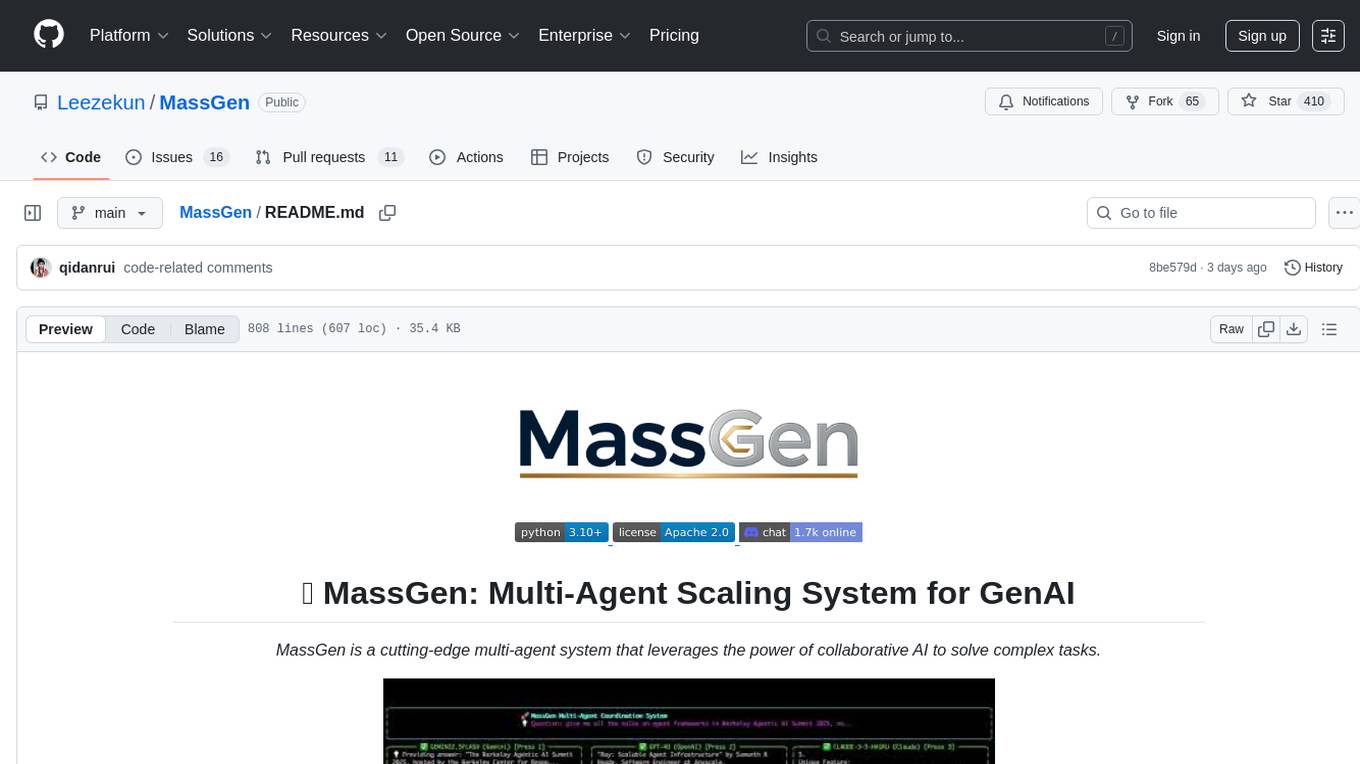
MassGen is a cutting-edge multi-agent system that leverages the power of collaborative AI to solve complex tasks. It assigns a task to multiple AI agents who work in parallel, observe each other's progress, and refine their approaches to converge on the best solution to deliver a comprehensive and high-quality result. The system operates through an architecture designed for seamless multi-agent collaboration, with key features including cross-model/agent synergy, parallel processing, intelligence sharing, consensus building, and live visualization. Users can install the system, configure API settings, and run MassGen for various tasks such as question answering, creative writing, research, development & coding tasks, and web automation & browser tasks. The roadmap includes plans for advanced agent collaboration, expanded model, tool & agent integration, improved performance & scalability, enhanced developer experience, and a web interface.
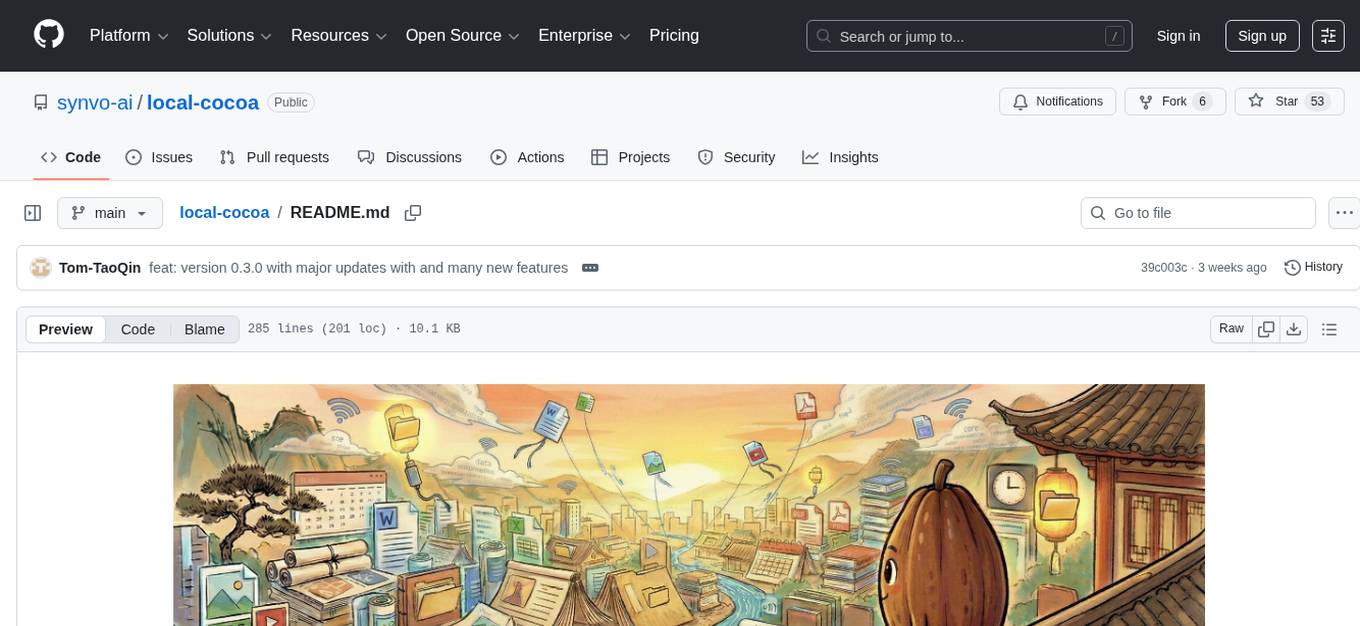
local-cocoa
Local Cocoa is a privacy-focused tool that runs entirely on your device, turning files into memory to spark insights and power actions. It offers features like fully local privacy, multimodal memory, vector-powered retrieval, intelligent indexing, vision understanding, hardware acceleration, focused user experience, integrated notes, and auto-sync. The tool combines file ingestion, intelligent chunking, and local retrieval to build a private on-device knowledge system. The ultimate goal includes more connectors like Google Drive integration, voice mode for local speech-to-text interaction, and a plugin ecosystem for community tools and agents. Local Cocoa is built using Electron, React, TypeScript, FastAPI, llama.cpp, and Qdrant.
ex-fuzzy
Ex-Fuzzy is a comprehensive Python library for explainable artificial intelligence through fuzzy logic programming. It enables researchers and practitioners to create interpretable machine learning models using fuzzy association rules. The library supports explainable rule-based learning, complete rule base visualization and validation, advanced learning routines, and complete fuzzy logic systems support. It provides rich visualizations, statistical analysis of results, and performance comparisons between different backends. Ex-Fuzzy also supports conformal learning for more reliable predictions and offers various examples and documentation for users to get started.
routilux
Routilux is a powerful event-driven workflow orchestration framework designed for building complex data pipelines and workflows effortlessly. It offers features like event queue architecture, flexible connections, built-in state management, robust error handling, concurrent execution, persistence & recovery, and simplified API. Perfect for tasks such as data pipelines, API orchestration, event processing, workflow automation, microservices coordination, and LLM agent workflows.
botserver
General Bots is a self-hosted AI automation platform and LLM conversational platform focused on convention over configuration and code-less approaches. It serves as the core API server handling LLM orchestration, business logic, database operations, and multi-channel communication. The platform offers features like multi-vendor LLM API, MCP + LLM Tools Generation, Semantic Caching, Web Automation Engine, Enterprise Data Connectors, and Git-like Version Control. It enforces a ZERO TOLERANCE POLICY for code quality and security, with strict guidelines for error handling, performance optimization, and code patterns. The project structure includes modules for core functionalities like Rhai BASIC interpreter, security, shared types, tasks, auto task system, file operations, learning system, and LLM assistance.
claude_code_bridge
Claude Code Bridge (ccb) is a new multi-model collaboration tool that enables effective collaboration among multiple AI models in a split-pane CLI environment. It offers features like visual and controllable interface, persistent context maintenance, token savings, and native workflow integration. The tool allows users to unleash the full power of CLI by avoiding model bias, cognitive blind spots, and context limitations. It provides a new WYSIWYG solution for multi-model collaboration, making it easier to control and visualize multiple AI models simultaneously.
PAI
PAI is an open-source personal AI infrastructure designed to orchestrate personal and professional lives. It provides a scaffolding framework with real-world examples for life management, professional tasks, and personal goals. The core mission is to augment humans with AI capabilities to thrive in a world full of AI. PAI features UFC Context Architecture for persistent memory, specialized digital assistants for various tasks, an integrated tool ecosystem with MCP Servers, voice system, browser automation, and API integrations. The philosophy of PAI focuses on augmenting human capability rather than replacing it. The tool is MIT licensed and encourages contributions from the open-source community.
leetcode-py
A Python package to generate professional LeetCode practice environments. Features automated problem generation from LeetCode URLs, beautiful data structure visualizations (TreeNode, ListNode, GraphNode), and comprehensive testing with 10+ test cases per problem. Built with professional development practices including CI/CD, type hints, and quality gates. The tool provides a modern Python development environment with production-grade features such as linting, test coverage, logging, and CI/CD pipeline. It also offers enhanced data structure visualization for debugging complex structures, flexible notebook support, and a powerful CLI for generating problems anywhere.
lean-spec
LeanSpec is a tool for Spec-Driven Development that aims to help users ship faster with higher quality by creating small, focused documents that both humans and AI can understand. It provides features like Kanban board, smart search, dependency tracking, web UI, project stats, and AI integration. The tool is designed to work with various AI coding assistants and offers agent skills to teach AI the Spec-Driven Development methodology. LeanSpec is compatible with tools like VS Code Copilot, Claude Code, GitHub Copilot, and more, and it requires Node.js, pnpm, and Rust for development. The desktop app has a separate repository for development, and the tool supports common development tasks like testing, building, and documentation.
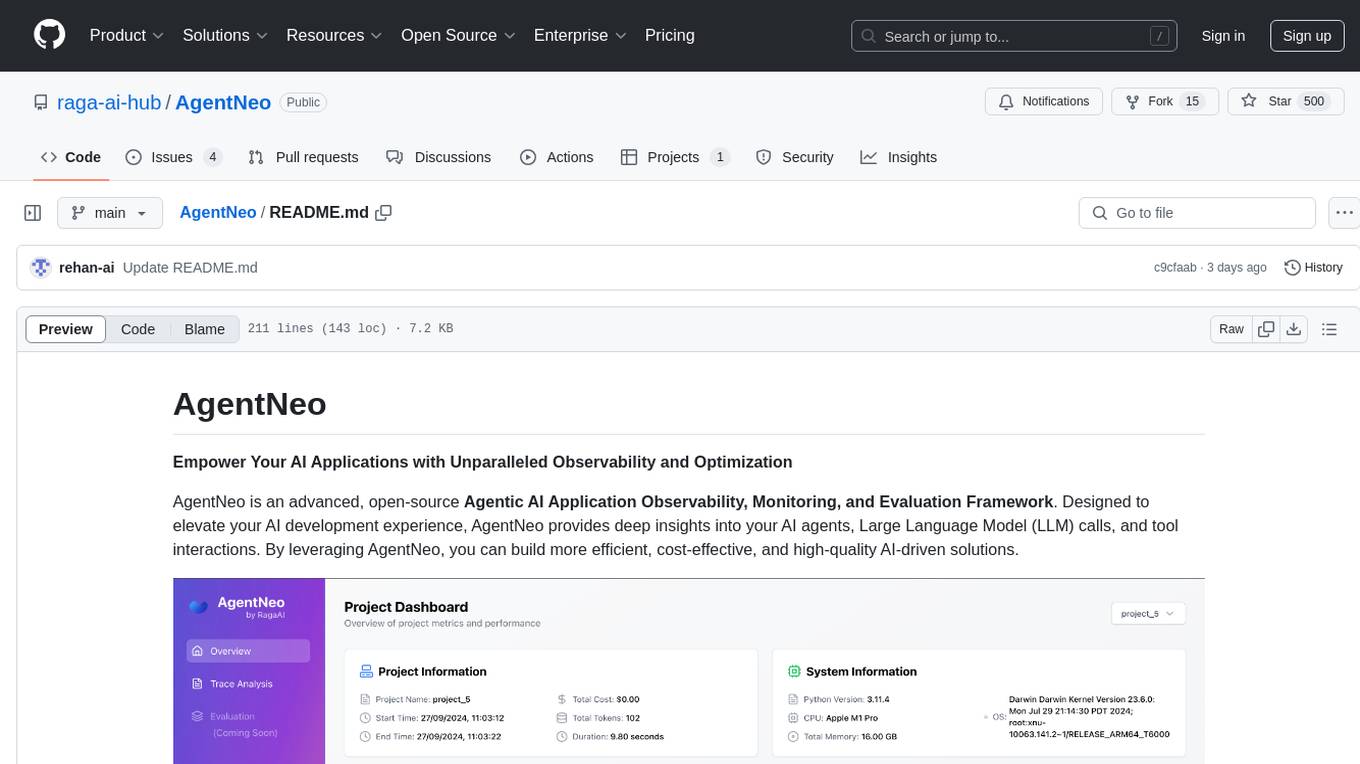
AgentNeo
AgentNeo is an advanced, open-source Agentic AI Application Observability, Monitoring, and Evaluation Framework designed to provide deep insights into AI agents, Large Language Model (LLM) calls, and tool interactions. It offers robust logging, visualization, and evaluation capabilities to help debug and optimize AI applications with ease. With features like tracing LLM calls, monitoring agents and tools, tracking interactions, detailed metrics collection, flexible data storage, simple instrumentation, interactive dashboard, project management, execution graph visualization, and evaluation tools, AgentNeo empowers users to build efficient, cost-effective, and high-quality AI-driven solutions.
R2R
R2R (RAG to Riches) is a fast and efficient framework for serving high-quality Retrieval-Augmented Generation (RAG) to end users. The framework is designed with customizable pipelines and a feature-rich FastAPI implementation, enabling developers to quickly deploy and scale RAG-based applications. R2R was conceived to bridge the gap between local LLM experimentation and scalable production solutions. **R2R is to LangChain/LlamaIndex what NextJS is to React**. A JavaScript client for R2R deployments can be found here. ### Key Features * **🚀 Deploy** : Instantly launch production-ready RAG pipelines with streaming capabilities. * **🧩 Customize** : Tailor your pipeline with intuitive configuration files. * **🔌 Extend** : Enhance your pipeline with custom code integrations. * **⚖️ Autoscale** : Scale your pipeline effortlessly in the cloud using SciPhi. * **🤖 OSS** : Benefit from a framework developed by the open-source community, designed to simplify RAG deployment.
alphora
Alphora is a full-stack framework for building production AI agents, providing agent orchestration, prompt engineering, tool execution, memory management, streaming, and deployment with an async-first, OpenAI-compatible design. It offers features like agent derivation, reasoning-action loop, async streaming, visual debugger, OpenAI compatibility, multimodal support, tool system with zero-config tools and type safety, prompt engine with dynamic prompts, memory and storage management, sandbox for secure execution, deployment as API, and more. Alphora allows users to build sophisticated AI agents easily and efficiently.
ring
Ring is a comprehensive skills library and workflow system for AI agents that transforms how AI assistants approach software development. It provides battle-tested patterns, mandatory workflows, and systematic approaches across the entire software delivery value chain. With 74 specialized skills and 33 specialized agents, Ring enforces proven workflows, automates skill discovery, and prevents common failures. The repository includes multiple plugins for different team specializations, each offering a set of skills, agents, and commands to streamline various aspects of software development.
For similar tasks
cortex-tms
Cortex TMS is a tool designed for governance documentation of AI coding agents. It provides scaffolding and validation for governance documents to ensure alignment with project standards. The tool offers features like documentation scaffolding, staleness detection, structure validation, and archive management. Cortex TMS helps AI models follow project patterns, detect stale documentation, and enforce human oversight for critical operations.
dataset-viewer
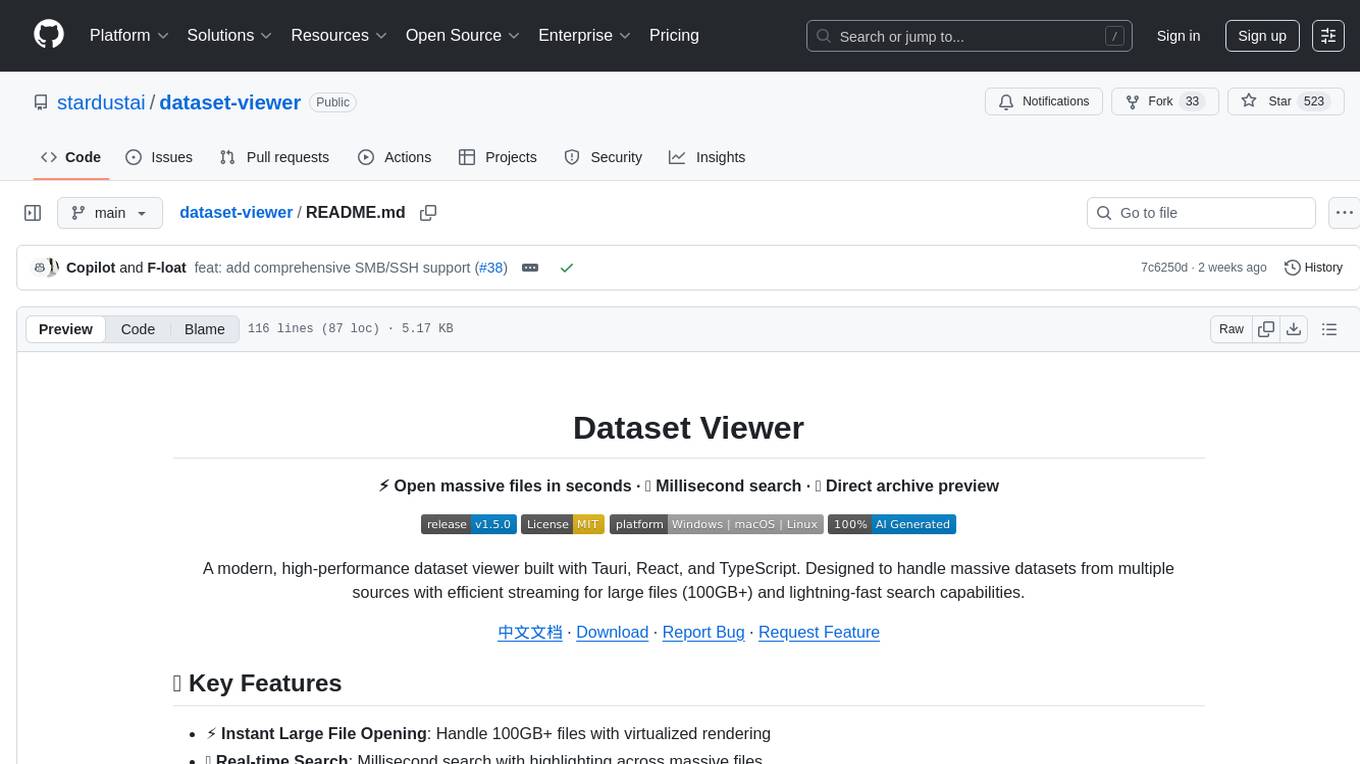
Dataset Viewer is a modern, high-performance tool built with Tauri, React, and TypeScript, designed to handle massive datasets from multiple sources with efficient streaming for large files (100GB+) and lightning-fast search capabilities. It supports instant large file opening, real-time search, direct archive preview, multi-protocol and multi-format support, and features a modern interface with dark/light themes and responsive design. The tool is perfect for data scientists, log analysis, archive management, remote access, and performance-critical tasks.
For similar jobs

promptflow
**Prompt flow** is a suite of development tools designed to streamline the end-to-end development cycle of LLM-based AI applications, from ideation, prototyping, testing, evaluation to production deployment and monitoring. It makes prompt engineering much easier and enables you to build LLM apps with production quality.

deepeval
DeepEval is a simple-to-use, open-source LLM evaluation framework specialized for unit testing LLM outputs. It incorporates various metrics such as G-Eval, hallucination, answer relevancy, RAGAS, etc., and runs locally on your machine for evaluation. It provides a wide range of ready-to-use evaluation metrics, allows for creating custom metrics, integrates with any CI/CD environment, and enables benchmarking LLMs on popular benchmarks. DeepEval is designed for evaluating RAG and fine-tuning applications, helping users optimize hyperparameters, prevent prompt drifting, and transition from OpenAI to hosting their own Llama2 with confidence.

MegaDetector
MegaDetector is an AI model that identifies animals, people, and vehicles in camera trap images (which also makes it useful for eliminating blank images). This model is trained on several million images from a variety of ecosystems. MegaDetector is just one of many tools that aims to make conservation biologists more efficient with AI. If you want to learn about other ways to use AI to accelerate camera trap workflows, check out our of the field, affectionately titled "Everything I know about machine learning and camera traps".

leapfrogai
LeapfrogAI is a self-hosted AI platform designed to be deployed in air-gapped resource-constrained environments. It brings sophisticated AI solutions to these environments by hosting all the necessary components of an AI stack, including vector databases, model backends, API, and UI. LeapfrogAI's API closely matches that of OpenAI, allowing tools built for OpenAI/ChatGPT to function seamlessly with a LeapfrogAI backend. It provides several backends for various use cases, including llama-cpp-python, whisper, text-embeddings, and vllm. LeapfrogAI leverages Chainguard's apko to harden base python images, ensuring the latest supported Python versions are used by the other components of the stack. The LeapfrogAI SDK provides a standard set of protobuffs and python utilities for implementing backends and gRPC. LeapfrogAI offers UI options for common use-cases like chat, summarization, and transcription. It can be deployed and run locally via UDS and Kubernetes, built out using Zarf packages. LeapfrogAI is supported by a community of users and contributors, including Defense Unicorns, Beast Code, Chainguard, Exovera, Hypergiant, Pulze, SOSi, United States Navy, United States Air Force, and United States Space Force.

llava-docker
This Docker image for LLaVA (Large Language and Vision Assistant) provides a convenient way to run LLaVA locally or on RunPod. LLaVA is a powerful AI tool that combines natural language processing and computer vision capabilities. With this Docker image, you can easily access LLaVA's functionalities for various tasks, including image captioning, visual question answering, text summarization, and more. The image comes pre-installed with LLaVA v1.2.0, Torch 2.1.2, xformers 0.0.23.post1, and other necessary dependencies. You can customize the model used by setting the MODEL environment variable. The image also includes a Jupyter Lab environment for interactive development and exploration. Overall, this Docker image offers a comprehensive and user-friendly platform for leveraging LLaVA's capabilities.

carrot
The 'carrot' repository on GitHub provides a list of free and user-friendly ChatGPT mirror sites for easy access. The repository includes sponsored sites offering various GPT models and services. Users can find and share sites, report errors, and access stable and recommended sites for ChatGPT usage. The repository also includes a detailed list of ChatGPT sites, their features, and accessibility options, making it a valuable resource for ChatGPT users seeking free and unlimited GPT services.

TrustLLM
TrustLLM is a comprehensive study of trustworthiness in LLMs, including principles for different dimensions of trustworthiness, established benchmark, evaluation, and analysis of trustworthiness for mainstream LLMs, and discussion of open challenges and future directions. Specifically, we first propose a set of principles for trustworthy LLMs that span eight different dimensions. Based on these principles, we further establish a benchmark across six dimensions including truthfulness, safety, fairness, robustness, privacy, and machine ethics. We then present a study evaluating 16 mainstream LLMs in TrustLLM, consisting of over 30 datasets. The document explains how to use the trustllm python package to help you assess the performance of your LLM in trustworthiness more quickly. For more details about TrustLLM, please refer to project website.

AI-YinMei
AI-YinMei is an AI virtual anchor Vtuber development tool (N card version). It supports fastgpt knowledge base chat dialogue, a complete set of solutions for LLM large language models: [fastgpt] + [one-api] + [Xinference], supports docking bilibili live broadcast barrage reply and entering live broadcast welcome speech, supports Microsoft edge-tts speech synthesis, supports Bert-VITS2 speech synthesis, supports GPT-SoVITS speech synthesis, supports expression control Vtuber Studio, supports painting stable-diffusion-webui output OBS live broadcast room, supports painting picture pornography public-NSFW-y-distinguish, supports search and image search service duckduckgo (requires magic Internet access), supports image search service Baidu image search (no magic Internet access), supports AI reply chat box [html plug-in], supports AI singing Auto-Convert-Music, supports playlist [html plug-in], supports dancing function, supports expression video playback, supports head touching action, supports gift smashing action, supports singing automatic start dancing function, chat and singing automatic cycle swing action, supports multi scene switching, background music switching, day and night automatic switching scene, supports open singing and painting, let AI automatically judge the content.