


openbrowser-ai
OpenBrowser is a framework for intelligent browser automation. It combines direct CDP communication with a CodeAgent architecture, where the LLM writes Python code executed in a persistent namespace, to navigate, interact with, and extract information from web pages autonomously.
Stars: 91
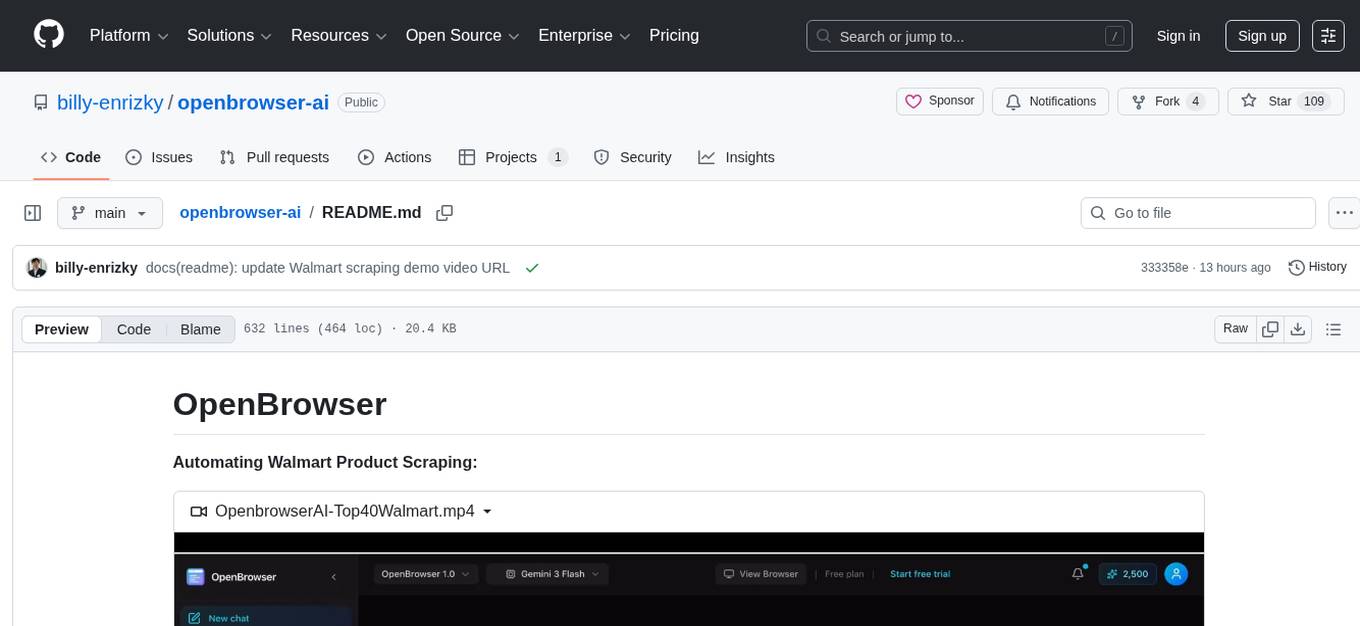
OpenBrowser is a framework for intelligent browser automation that combines direct CDP communication with a CodeAgent architecture. It allows users to navigate, interact with, and extract information from web pages autonomously. The tool supports various LLM providers, offers vision support for screenshot analysis, and includes a MCP server for Model Context Protocol support. Users can record browser sessions as video files and benefit from features like video recording and full documentation available at docs.openbrowser.me.
README:
Automating Walmart Product Scraping:
https://github.com/user-attachments/assets/c517c739-9199-47b0-bac7-c2c642a21094
OpenBrowserAI Automatic Flight Booking:
https://github.com/user-attachments/assets/632128f6-3d09-497f-9e7d-e29b9cb65e0f



AI-powered browser automation using CodeAgent and CDP (Chrome DevTools Protocol)
OpenBrowser is a framework for intelligent browser automation. It combines direct CDP communication with a CodeAgent architecture, where the LLM writes Python code executed in a persistent namespace, to navigate, interact with, and extract information from web pages autonomously.
- Documentation
- Key Features
- Installation
- Quick Start
- Configuration
- Supported LLM Providers
- Claude Code Plugin
- Codex
- OpenCode
- OpenClaw
- MCP Server
- MCP Benchmark: Why OpenBrowser
- CLI Usage
- Project Structure
- Backend and Frontend Deployment
- Testing
- Contributing
- License
- Contact
Full documentation: https://docs.openbrowser.me
- CodeAgent Architecture - LLM writes Python code in a persistent Jupyter-like namespace for browser automation
- Raw CDP Communication - Direct Chrome DevTools Protocol for maximum control and speed
- Vision Support - Screenshot analysis for visual understanding of pages
- 12+ LLM Providers - OpenAI, Anthropic, Google, Groq, AWS Bedrock, Azure OpenAI, Ollama, and more
- MCP Server - Model Context Protocol support for Claude Desktop integration
- Video Recording - Record browser sessions as video files
pip install openbrowser-ai# Install with all LLM providers
pip install openbrowser-ai[all]
# Install specific providers
pip install openbrowser-ai[anthropic] # Anthropic Claude
pip install openbrowser-ai[groq] # Groq
pip install openbrowser-ai[ollama] # Ollama (local models)
pip install openbrowser-ai[aws] # AWS Bedrock
pip install openbrowser-ai[azure] # Azure OpenAI
# Install with video recording support
pip install openbrowser-ai[video]uvx openbrowser-ai install
# or
playwright install chromiumimport asyncio
from openbrowser import CodeAgent, ChatGoogle
async def main():
agent = CodeAgent(
task="Go to google.com and search for 'Python tutorials'",
llm=ChatGoogle(model="gemini-3-flash"),
)
result = await agent.run()
print(f"Result: {result}")
asyncio.run(main())from openbrowser import CodeAgent, ChatOpenAI, ChatAnthropic, ChatGoogle
# OpenAI
agent = CodeAgent(task="...", llm=ChatOpenAI(model="gpt-5.2"))
# Anthropic
agent = CodeAgent(task="...", llm=ChatAnthropic(model="claude-sonnet-4-6"))
# Google Gemini
agent = CodeAgent(task="...", llm=ChatGoogle(model="gemini-3-flash"))import asyncio
from openbrowser import BrowserSession, BrowserProfile
async def main():
profile = BrowserProfile(
headless=True,
viewport_width=1920,
viewport_height=1080,
)
session = BrowserSession(browser_profile=profile)
await session.start()
await session.navigate_to("https://example.com")
screenshot = await session.screenshot()
await session.stop()
asyncio.run(main())# Google (recommended)
export GOOGLE_API_KEY="..."
# OpenAI
export OPENAI_API_KEY="sk-..."
# Anthropic
export ANTHROPIC_API_KEY="sk-ant-..."
# Groq
export GROQ_API_KEY="gsk_..."
# AWS Bedrock
export AWS_ACCESS_KEY_ID="..."
export AWS_SECRET_ACCESS_KEY="..."
export AWS_DEFAULT_REGION="us-west-2"
# Azure OpenAI
export AZURE_OPENAI_API_KEY="..."
export AZURE_OPENAI_ENDPOINT="https://your-resource.openai.azure.com/"from openbrowser import BrowserProfile
profile = BrowserProfile(
headless=True,
viewport_width=1280,
viewport_height=720,
disable_security=False,
extra_chromium_args=["--disable-gpu"],
record_video_dir="./recordings",
proxy={
"server": "http://proxy.example.com:8080",
"username": "user",
"password": "pass",
},
)| Provider | Class | Models |
|---|---|---|
ChatGoogle |
gemini-3-flash, gemini-3-pro | |
| OpenAI | ChatOpenAI |
gpt-5.2, o4-mini, o3 |
| Anthropic | ChatAnthropic |
claude-sonnet-4-6, claude-opus-4-6 |
| Groq | ChatGroq |
llama-4-scout, qwen3-32b |
| AWS Bedrock | ChatAWSBedrock |
anthropic.claude-sonnet-4-6, amazon.nova-pro |
| AWS Bedrock (Anthropic) | ChatAnthropicBedrock |
Claude models via Anthropic Bedrock SDK |
| Azure OpenAI | ChatAzureOpenAI |
Any Azure-deployed model |
| OpenRouter | ChatOpenRouter |
Any model on openrouter.ai |
| DeepSeek | ChatDeepSeek |
deepseek-chat, deepseek-r1 |
| Cerebras | ChatCerebras |
llama-4-scout, qwen-3-235b |
| Ollama | ChatOllama |
llama-4-scout, deepseek-r1 (local) |
| OCI | ChatOCIRaw |
Oracle Cloud GenAI models |
| Browser-Use | ChatBrowserUse |
External LLM service |
Install OpenBrowser as a Claude Code plugin:
# Add the marketplace (one-time)
claude plugin marketplace add billy-enrizky/openbrowser-ai

# Install the plugin
claude plugin install openbrowser@openbrowser-ai
This installs the MCP server and 5 built-in skills:
| Skill | Description |
|---|---|
web-scraping |
Extract structured data, handle pagination |
form-filling |
Fill forms, login flows, multi-step wizards |
e2e-testing |
Test web apps by simulating user interactions |
page-analysis |
Analyze page content, structure, metadata |
accessibility-audit |
Audit pages for WCAG compliance |
See plugin/README.md for detailed tool parameter documentation.
OpenBrowser works with OpenAI Codex via native skill discovery.
Tell Codex:
Fetch and follow instructions from https://raw.githubusercontent.com/billy-enrizky/openbrowser-ai/refs/heads/main/.codex/INSTALL.md
# Clone the repository
git clone https://github.com/billy-enrizky/openbrowser-ai.git ~/.codex/openbrowser

# Symlink skills for native discovery
mkdir -p ~/.agents/skills
ln -s ~/.codex/openbrowser/plugin/skills ~/.agents/skills/openbrowser

# Restart Codex
Then configure the MCP server in your project (see MCP Server below).
Detailed docs: .codex/INSTALL.md
OpenBrowser works with OpenCode.ai via plugin and skill symlinks.
Tell OpenCode:
Fetch and follow instructions from https://raw.githubusercontent.com/billy-enrizky/openbrowser-ai/refs/heads/main/.opencode/INSTALL.md
# Clone the repository
git clone https://github.com/billy-enrizky/openbrowser-ai.git ~/.config/opencode/openbrowser

# Create directories
mkdir -p ~/.config/opencode/plugins ~/.config/opencode/skills

# Symlink plugin and skills
ln -s ~/.config/opencode/openbrowser/.opencode/plugins/openbrowser.js ~/.config/opencode/plugins/openbrowser.js
ln -s ~/.config/opencode/openbrowser/plugin/skills ~/.config/opencode/skills/openbrowser

# Restart OpenCode
Then configure the MCP server in your project (see MCP Server below).
Detailed docs: .opencode/INSTALL.md
OpenClaw does not natively support MCP servers, but the community openclaw-mcp-adapter plugin bridges MCP servers to OpenClaw agents.
-
Install the MCP adapter plugin (see its README for setup).
-
Add OpenBrowser as an MCP server in
~/.openclaw/openclaw.json:
{
  "plugins": {
    "entries": {
      "mcp-adapter": {
        "enabled": true,
        "config": {
          "servers": [
            {
              "name": "openbrowser",
              "transport": "stdio",
              "command": "uvx",
              "args": ["openbrowser-ai[mcp]", "--mcp"]
            }
          ]
        }
      }
    }
  }
}
The execute_code tool will be registered as a native OpenClaw agent tool.
For OpenClaw plugin documentation, see docs.openclaw.ai/tools/plugin.
OpenBrowser includes an MCP (Model Context Protocol) server that exposes browser automation as tools for AI assistants like Claude. No external LLM API keys required. The MCP client (Claude) provides the intelligence.
Claude Code: add to your project's .mcp.json:
{
  "mcpServers": {
    "openbrowser": {
      "command": "uvx",
      "args": ["openbrowser-ai[mcp]", "--mcp"]
    }
  }
}
Claude Desktop: add to ~/Library/Application Support/Claude/claude_desktop_config.json:
{
  "mcpServers": {
    "openbrowser": {
      "command": "uvx",
      "args": ["openbrowser-ai[mcp]", "--mcp"],
      "env": {
        "OPENBROWSER_HEADLESS": "true"
      }
    }
  }
}
Run directly:
uvx openbrowser-ai[mcp] --mcpThe MCP server exposes a single execute_code tool that runs Python code in a persistent namespace with browser automation functions. The LLM writes Python code to navigate, interact, and extract data, returning only what was explicitly requested.
Available functions (all async, use await):
| Category | Functions |
|---|---|
| Navigation |
navigate(url, new_tab), go_back(), wait(seconds)
|
| Interaction |
click(index), input_text(index, text, clear), scroll(down, pages, index), send_keys(keys), upload_file(index, path)
|
| Dropdowns |
select_dropdown(index, text), dropdown_options(index)
|
| Tabs |
switch(tab_id), close(tab_id)
|
| JavaScript |
evaluate(code): run JS in page context, returns Python objects |
| State |
browser.get_browser_state_summary(): get page metadata and interactive elements |
| CSS |
get_selector_from_index(index): get CSS selector for an element |
| Completion |
done(text, success): signal task completion |
Pre-imported libraries: json, csv, re, datetime, asyncio, Path, requests, numpy, pandas, matplotlib, BeautifulSoup
| Environment Variable | Description | Default |
|---|---|---|
OPENBROWSER_HEADLESS |
Run browser without GUI | false |
OPENBROWSER_ALLOWED_DOMAINS |
Comma-separated domain whitelist | (none) |
Six real-world browser tasks run through Claude Sonnet 4.6 on AWS Bedrock (Converse API) with a server-agnostic system prompt. The LLM autonomously decides which tools to call and when the task is complete. 5 runs per server with 10,000-sample bootstrap CIs. All tasks run against live websites.
| # | Task | Description | Target Site |
|---|---|---|---|
| 1 | fact_lookup | Navigate to a Wikipedia article and extract specific facts (creator and year) | en.wikipedia.org |
| 2 | form_fill | Fill out a multi-field form (text input, radio button, checkbox) and submit | httpbin.org/forms/post |
| 3 | multi_page_extract | Extract the titles of the top 5 stories from a dynamic page | news.ycombinator.com |
| 4 | search_navigate | Search Wikipedia, click a result, and extract specific information | en.wikipedia.org |
| 5 | deep_navigation | Navigate to a GitHub repo and find the latest release version number | github.com |
| 6 | content_analysis | Analyze page structure: count headings, links, and paragraphs | example.com |

| MCP Server | Pass Rate | Duration (mean +/- std) | Tool Calls | Bedrock API Tokens |
|---|---|---|---|---|
| Playwright MCP (Microsoft) | 100% | 62.7 +/- 4.8s | 9.4 +/- 0.9 | 158,787 |
| Chrome DevTools MCP (Google) | 100% | 103.4 +/- 2.7s | 19.4 +/- 0.5 | 299,486 |
| OpenBrowser MCP | 100% | 77.0 +/- 6.7s | 13.8 +/- 2.0 | 50,195 |
OpenBrowser uses 3.2x fewer tokens than Playwright and 6.0x fewer than Chrome DevTools, measured via Bedrock Converse API usage field (the actual billed tokens including system prompt, tool schemas, conversation history, and tool results).
Based on Bedrock API token usage (input + output tokens at respective rates).
| Model | Playwright MCP | Chrome DevTools MCP | OpenBrowser MCP |
|---|---|---|---|
| Claude Sonnet 4.6 ($3/$15 per M) | $0.50 | $0.92 | $0.18 |
| Claude Opus 4.6 ($5/$25 per M) | $0.83 | $1.53 | $0.30 |
Playwright and Chrome DevTools return full page accessibility snapshots as tool output (~124K-135K tokens for Wikipedia). The LLM reads the entire snapshot to find what it needs. MCP response sizes: Playwright 1,132,173 chars, Chrome DevTools 1,147,244 chars, OpenBrowser 7,853 chars -- a 144x difference.
OpenBrowser uses a CodeAgent architecture (single execute_code tool). The LLM writes Python code that processes browser state server-side and returns only extracted results (~30-1,000 chars per call). The full page content never enters the LLM context window.
Playwright: navigate to Wikipedia -> 520,742 chars (full a11y tree returned to LLM)
OpenBrowser: navigate to Wikipedia -> 42 chars (page title only, state processed in code)
             evaluate JS for infobox -> 896 chars (just the extracted data)
Full comparison with methodology
# Run a browser automation task
uvx openbrowser-ai -p "Search for Python tutorials on Google"

# Install browser
uvx openbrowser-ai install

# Run MCP server
uvx openbrowser-ai[mcp] --mcpopenbrowser-ai/
├── .claude-plugin/ # Claude Code marketplace config
├── .codex/ # Codex integration
│ └── INSTALL.md
├── .opencode/ # OpenCode integration
│ ├── INSTALL.md
│ └── plugins/openbrowser.js
├── plugin/ # Plugin package (skills + MCP config)
│ ├── .claude-plugin/
│ ├── .mcp.json
│ └── skills/ # 5 browser automation skills
├── src/openbrowser/
│ ├── __init__.py # Main exports
│ ├── cli.py # CLI commands
│ ├── config.py # Configuration
│ ├── actor/ # Element interaction
│ ├── agent/ # LangGraph agent
│ ├── browser/ # CDP browser control
│ ├── code_use/ # Code agent
│ ├── dom/ # DOM extraction
│ ├── llm/ # LLM providers
│ ├── mcp/ # MCP server
│ └── tools/ # Action registry
├── benchmarks/ # MCP benchmarks and E2E tests
│ ├── playwright_benchmark.py
│ ├── cdp_benchmark.py
│ ├── openbrowser_benchmark.py
│ └── e2e_published_test.py
└── tests/ # Test suite
# Run unit tests
pytest tests/

# Run with verbose output
pytest tests/ -v

# E2E test the MCP server against the published PyPI package
uv run python benchmarks/e2e_published_test.pyRun individual MCP server benchmarks (JSON-RPC stdio, 5-step Wikipedia workflow):
uv run python benchmarks/openbrowser_benchmark.py   # OpenBrowser MCP
uv run python benchmarks/playwright_benchmark.py     # Playwright MCP
uv run python benchmarks/cdp_benchmark.py            # Chrome DevTools MCP
Results are written to benchmarks/*_results.json. See full comparison for methodology.
The project includes a FastAPI backend and a Next.js frontend, both containerized with Docker.
- Docker and Docker Compose
- A
.envfile in the project root withPOSTGRES_PASSWORDand any LLM API keys (seebackend/env.example)
# Start backend + PostgreSQL (frontend runs locally)
docker-compose -f docker-compose.dev.yml up --build

# In a separate terminal, start the frontend
cd frontend && npm install && npm run dev| Service | URL | Description |
|---|---|---|
| Backend | http://localhost:8000 | FastAPI + WebSocket + VNC |
| Frontend | http://localhost:3000 | Next.js dev server |
| PostgreSQL | localhost:5432 | Chat persistence |
| VNC | ws://localhost:6080 | Live browser view |
The dev compose mounts backend/app/ and src/ as volumes for hot-reload. API keys are loaded from backend/.env via env_file. The POSTGRES_PASSWORD is read from the root .env file.
# Start all services (backend + frontend + PostgreSQL)
docker-compose up --build
This builds and runs both the backend and frontend containers together with PostgreSQL.
The backend is a FastAPI application in backend/ with a Dockerfile at backend/Dockerfile. It includes:
- REST API on port 8000
- WebSocket endpoint at
/wsfor real-time agent communication - VNC support (Xvfb + x11vnc + websockify) for live browser viewing on ports 6080-6090
- Kiosk security: Openbox window manager, Chromium enterprise policies, X11 key grabber daemon
- Health check at
/health
# Build the backend image
docker build -f backend/Dockerfile -t openbrowser-backend .

# Run standalone
docker run -p 8000:8000 -p 6080:6080 \
  --env-file backend/.env \
  -e VNC_ENABLED=true \
  -e AUTH_ENABLED=false \
  --shm-size=2g \
openbrowser-backendThe frontend is a Next.js application in frontend/ with a Dockerfile at frontend/Dockerfile.
# Build the frontend image
cd frontend && docker build -t openbrowser-frontend .

# Run standalone
docker run -p 3000:3000 \
  -e NEXT_PUBLIC_API_URL=http://localhost:8000 \
  -e NEXT_PUBLIC_WS_URL=ws://localhost:8000/ws \
openbrowser-frontendKey environment variables for the backend (see backend/env.example for the full list):
| Variable | Description | Default |
|---|---|---|
GOOGLE_API_KEY |
Google/Gemini API key | (required) |
DEFAULT_LLM_MODEL |
Default model for agents | gemini-3-flash-preview |
AUTH_ENABLED |
Enable Cognito JWT auth | false |
VNC_ENABLED |
Enable VNC browser viewing | true |
DATABASE_URL |
PostgreSQL connection string | (optional) |
POSTGRES_PASSWORD |
PostgreSQL password (root .env) |
(required for compose) |
Contributions are welcome! Please:
- Fork the repository
- Create a feature branch (
git checkout -b feature/amazing-feature) - Commit your changes (
git commit -m 'Add amazing feature') - Push to the branch (
git push origin feature/amazing-feature) - Open a Pull Request
This project is licensed under the MIT License - see the LICENSE file for details.
- Email: [email protected]
- GitHub: @billy-enrizky
- Repository: github.com/billy-enrizky/openbrowser-ai
- Documentation: https://docs.openbrowser.me
Made with love for the AI automation community
For Tasks:
Click tags to check more tools for each tasksFor Jobs:
Alternative AI tools for openbrowser-ai
Similar Open Source Tools
openbrowser-ai
OpenBrowser is a framework for intelligent browser automation that combines direct CDP communication with a CodeAgent architecture. It allows users to navigate, interact with, and extract information from web pages autonomously. The tool supports various LLM providers, offers vision support for screenshot analysis, and includes a MCP server for Model Context Protocol support. Users can record browser sessions as video files and benefit from features like video recording and full documentation available at docs.openbrowser.me.
mcp-context-forge
MCP Context Forge is a powerful tool for generating context-aware data for machine learning models. It provides functionalities to create diverse datasets with contextual information, enhancing the performance of AI algorithms. The tool supports various data formats and allows users to customize the context generation process easily. With MCP Context Forge, users can efficiently prepare training data for tasks requiring contextual understanding, such as sentiment analysis, recommendation systems, and natural language processing.
oh-my-pi
oh-my-pi is an AI coding agent for the terminal, providing tools for interactive coding, AI-powered git commits, Python code execution, LSP integration, time-traveling streamed rules, interactive code review, task management, interactive questioning, custom TypeScript slash commands, universal config discovery, MCP & plugin system, web search & fetch, SSH tool, Cursor provider integration, multi-credential support, image generation, TUI overhaul, edit fuzzy matching, and more. It offers a modern terminal interface with smart session management, supports multiple AI providers, and includes various tools for coding, task management, code review, and interactive questioning.

tokscale
Tokscale is a high-performance CLI tool and visualization dashboard for tracking token usage and costs across multiple AI coding agents. It helps monitor and analyze token consumption from various AI coding tools, providing real-time pricing calculations using LiteLLM's pricing data. Inspired by the Kardashev scale, Tokscale measures token consumption as users scale the ranks of AI-augmented development. It offers interactive TUI mode, multi-platform support, real-time pricing, detailed breakdowns, web visualization, flexible filtering, and social platform features.
kubectl-mcp-server
Control your entire Kubernetes infrastructure through natural language conversations with AI. Talk to your clusters like you talk to a DevOps expert. Debug crashed pods, optimize costs, deploy applications, audit security, manage Helm charts, and visualize dashboards—all through natural language. The tool provides 253 powerful tools, 8 workflow prompts, 8 data resources, and works with all major AI assistants. It offers AI-powered diagnostics, built-in cost optimization, enterprise-ready features, zero learning curve, universal compatibility, visual insights, and production-grade deployment options. From debugging crashed pods to optimizing cluster costs, kubectl-mcp-server is your AI-powered DevOps companion.
google_workspace_mcp
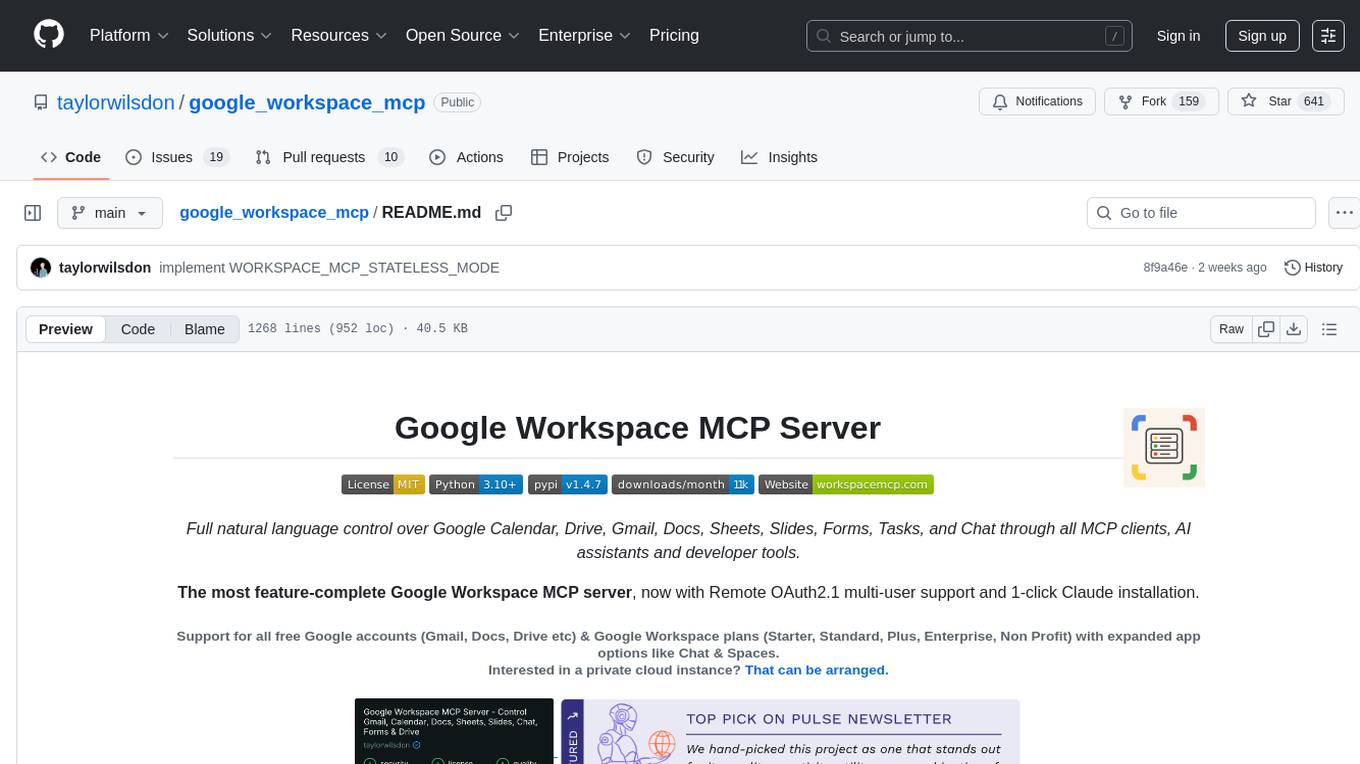
The Google Workspace MCP Server is a production-ready server that integrates major Google Workspace services with AI assistants. It supports single-user and multi-user authentication via OAuth 2.1, making it a powerful backend for custom applications. Built with FastMCP for optimal performance, it features advanced authentication handling, service caching, and streamlined development patterns. The server provides full natural language control over Google Calendar, Drive, Gmail, Docs, Sheets, Slides, Forms, Tasks, and Chat through all MCP clients, AI assistants, and developer tools. It supports free Google accounts and Google Workspace plans with expanded app options like Chat & Spaces. The server also offers private cloud instance options.
9router
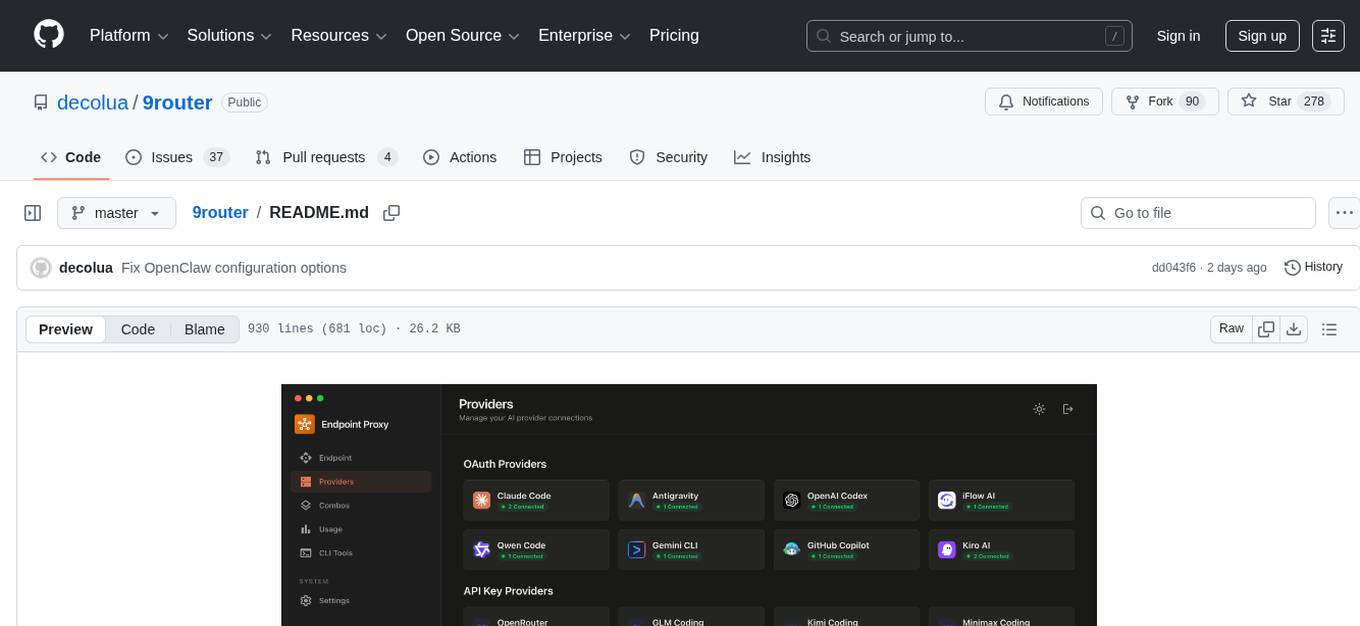
9Router is a free AI router tool designed to help developers maximize their AI subscriptions, auto-route to free and cheap AI models with smart fallback, and avoid hitting limits and wasting money. It offers features like real-time quota tracking, format translation between OpenAI, Claude, and Gemini, multi-account support, auto token refresh, custom model combinations, request logging, cloud sync, usage analytics, and flexible deployment options. The tool supports various providers like Claude Code, Codex, Gemini CLI, GitHub Copilot, GLM, MiniMax, iFlow, Qwen, and Kiro, and allows users to create combos for different scenarios. Users can connect to the tool via CLI tools like Cursor, Claude Code, Codex, OpenClaw, and Cline, and deploy it on VPS, Docker, or Cloudflare Workers.
shodh-memory
Shodh-Memory is a cognitive memory system designed for AI agents to persist memory across sessions, learn from experience, and run entirely offline. It features Hebbian learning, activation decay, and semantic consolidation, packed into a single ~17MB binary. Users can deploy it on cloud, edge devices, or air-gapped systems to enhance the memory capabilities of AI agents.
claude-talk-to-figma-mcp
A Model Context Protocol (MCP) plugin named Claude Talk to Figma MCP that enables Claude Desktop and other AI tools to interact directly with Figma for AI-assisted design capabilities. It provides document interaction, element creation, smart modifications, text mastery, and component integration. Users can connect the plugin to Figma, start designing, and utilize various tools for document analysis, element creation, modification, text manipulation, and component management. The project offers installation instructions, AI client configuration options, usage patterns, command references, troubleshooting support, testing guidelines, architecture overview, contribution guidelines, version history, and licensing information.
Legacy-Modernization-Agents
Legacy Modernization Agents is an open source migration framework developed to demonstrate AI Agents capabilities for converting legacy COBOL code to Java or C# .NET. The framework uses Microsoft Agent Framework with a dual-API architecture to analyze COBOL code and dependencies, then convert to either Java Quarkus or C# .NET. The web portal provides real-time visualization of migration progress, dependency graphs, and AI-powered Q&A.
skylos
Skylos is a privacy-first SAST tool for Python, TypeScript, and Go that bridges the gap between traditional static analysis and AI agents. It detects dead code, security vulnerabilities (SQLi, SSRF, Secrets), and code quality issues with high precision. Skylos uses a hybrid engine (AST + optional Local/Cloud LLM) to eliminate false positives, verify via runtime, find logic bugs, and provide context-aware audits. It offers automated fixes, end-to-end remediation, and 100% local privacy. The tool supports taint analysis, secrets detection, vulnerability checks, dead code detection and cleanup, agentic AI and hybrid analysis, codebase optimization, operational governance, and runtime verification.
Code
A3S Code is an embeddable AI coding agent framework in Rust that allows users to build agents capable of reading, writing, and executing code with tool access, planning, and safety controls. It is production-ready with features like permission system, HITL confirmation, skill-based tool restrictions, and error recovery. The framework is extensible with 19 trait-based extension points and supports lane-based priority queue for scalable multi-machine task distribution.

llamafarm
LlamaFarm is a comprehensive AI framework that empowers users to build powerful AI applications locally, with full control over costs and deployment options. It provides modular components for RAG systems, vector databases, model management, prompt engineering, and fine-tuning. Users can create differentiated AI products without needing extensive ML expertise, using simple CLI commands and YAML configs. The framework supports local-first development, production-ready components, strategy-based configuration, and deployment anywhere from laptops to the cloud.
gpt-load
GPT-Load is a high-performance, enterprise-grade AI API transparent proxy service designed for enterprises and developers needing to integrate multiple AI services. Built with Go, it features intelligent key management, load balancing, and comprehensive monitoring capabilities for high-concurrency production environments. The tool serves as a transparent proxy service, preserving native API formats of various AI service providers like OpenAI, Google Gemini, and Anthropic Claude. It supports dynamic configuration, distributed leader-follower deployment, and a Vue 3-based web management interface. GPT-Load is production-ready with features like dual authentication, graceful shutdown, and error recovery.
PraisonAI
Praison AI is a low-code, centralised framework that simplifies the creation and orchestration of multi-agent systems for various LLM applications. It emphasizes ease of use, customization, and human-agent interaction. The tool leverages AutoGen and CrewAI frameworks to facilitate the development of AI-generated scripts and movie concepts. Users can easily create, run, test, and deploy agents for scriptwriting and movie concept development. Praison AI also provides options for full automatic mode and integration with OpenAI models for enhanced AI capabilities.
superset
Superset is a turbocharged terminal that allows users to run multiple CLI coding agents simultaneously, isolate tasks in separate worktrees, monitor agent status, review changes quickly, and enhance development workflow. It supports any CLI-based coding agent and offers features like parallel execution, worktree isolation, agent monitoring, built-in diff viewer, workspace presets, universal compatibility, quick context switching, and IDE integration. Users can customize keyboard shortcuts, configure workspace setup, and teardown, and contribute to the project. The tech stack includes Electron, React, TailwindCSS, Bun, Turborepo, Vite, Biome, Drizzle ORM, Neon, and tRPC. The community provides support through Discord, Twitter, GitHub Issues, and GitHub Discussions.
For similar tasks
openbrowser-ai
OpenBrowser is a framework for intelligent browser automation that combines direct CDP communication with a CodeAgent architecture. It allows users to navigate, interact with, and extract information from web pages autonomously. The tool supports various LLM providers, offers vision support for screenshot analysis, and includes a MCP server for Model Context Protocol support. Users can record browser sessions as video files and benefit from features like video recording and full documentation available at docs.openbrowser.me.
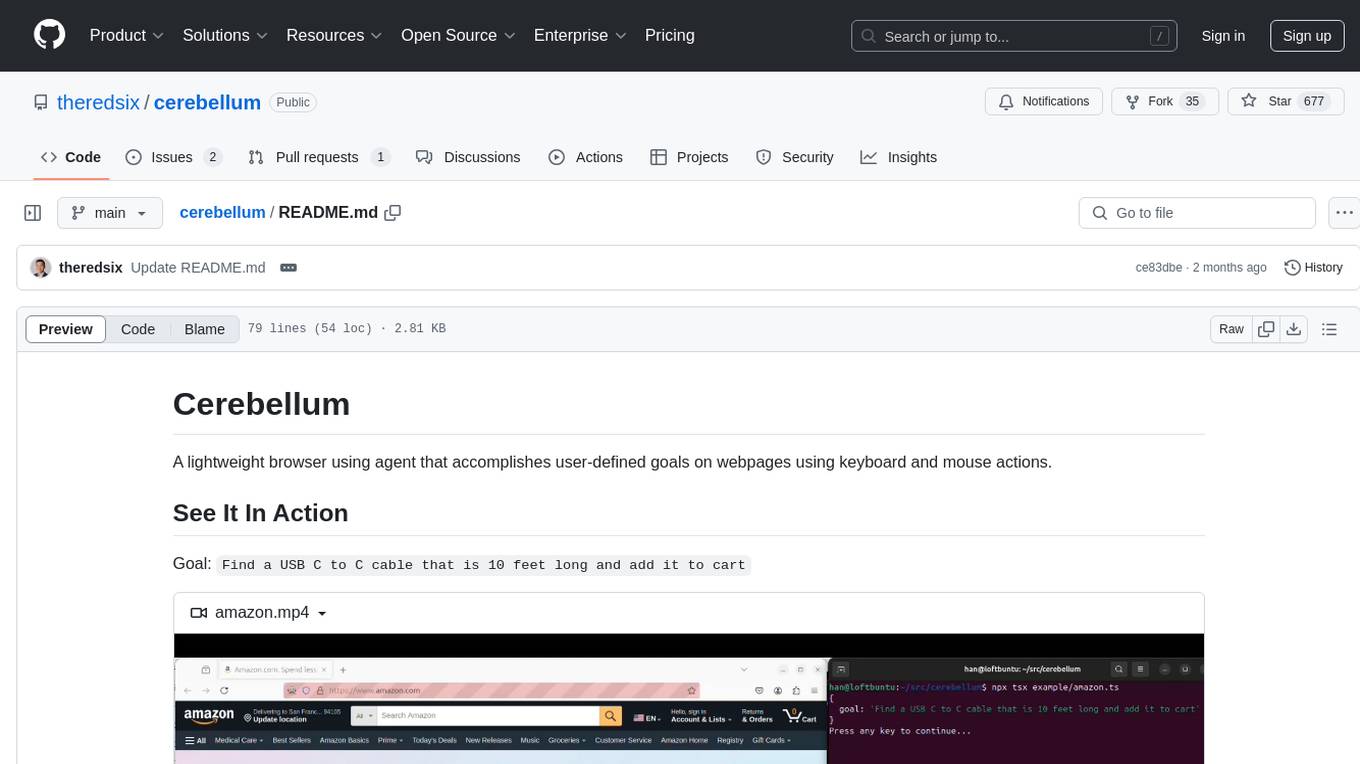
cerebellum
Cerebellum is a lightweight browser agent that helps users accomplish user-defined goals on webpages through keyboard and mouse actions. It simplifies web browsing by treating it as navigating a directed graph, with each webpage as a node and user actions as edges. The tool uses a LLM to analyze page content and interactive elements to determine the next action. It is compatible with any Selenium-supported browser and can fill forms using user-provided JSON data. Cerebellum accepts runtime instructions to adjust browsing strategies and actions dynamically.
lector
A composable, headless PDF viewer toolkit for React applications, powered by PDF.js. Build feature-rich PDF viewing experiences with full control over the UI and functionality. It is responsive and mobile-friendly, fully customizable UI components, supports text selection and search functionality, page thumbnails and outline navigation, dark mode, pan and zoom controls, form filling support, internal and external link handling. Contributions are welcome in areas like performance optimizations, accessibility improvements, mobile/touch interactions, documentation, and examples. Inspired by open-source projects like react-pdf-headless and pdfreader. Licensed under MIT by Unriddle AI.
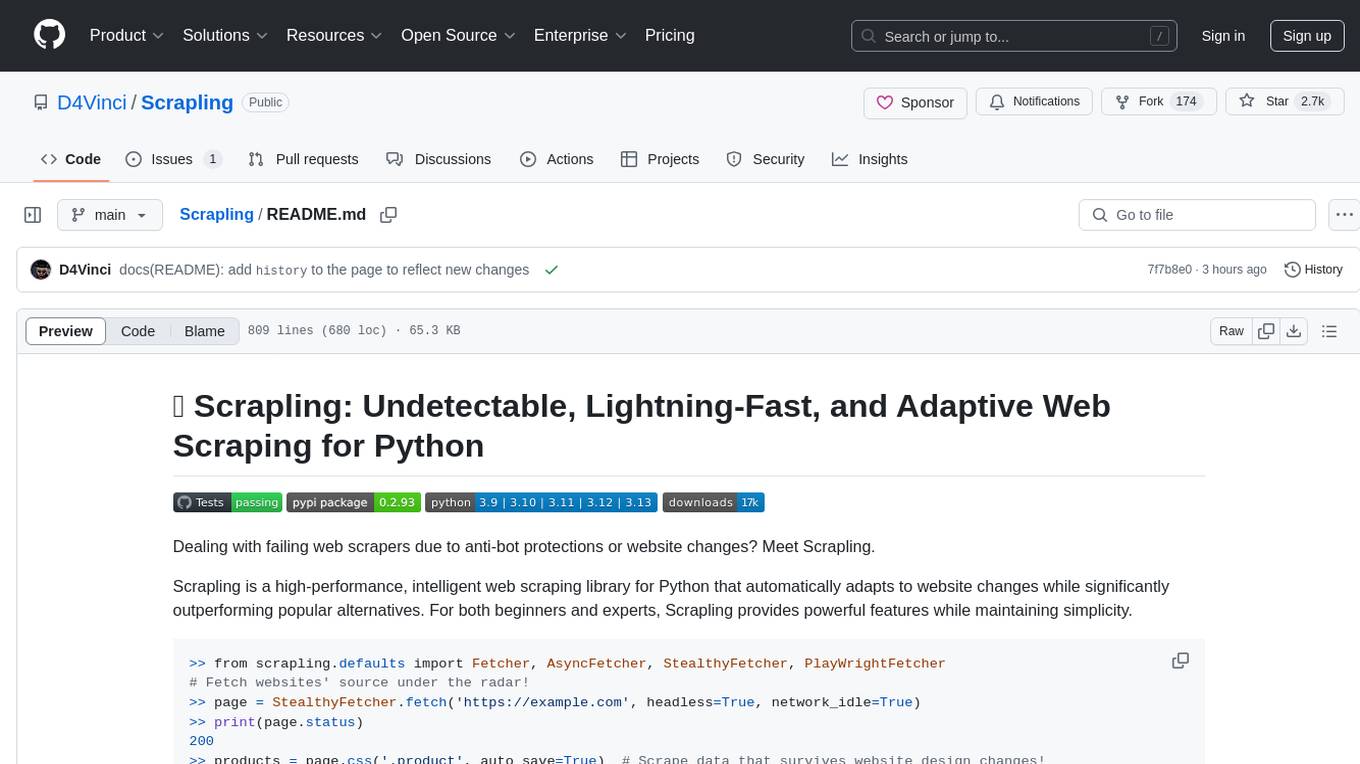
Scrapling
Scrapling is a high-performance, intelligent web scraping library for Python that automatically adapts to website changes while significantly outperforming popular alternatives. For both beginners and experts, Scrapling provides powerful features while maintaining simplicity. It offers features like fast and stealthy HTTP requests, adaptive scraping with smart element tracking and flexible selection, high performance with lightning-fast speed and memory efficiency, and developer-friendly navigation API and rich text processing. It also includes advanced parsing features like smart navigation, content-based selection, handling structural changes, and finding similar elements. Scrapling is designed to handle anti-bot protections and website changes effectively, making it a versatile tool for web scraping tasks.
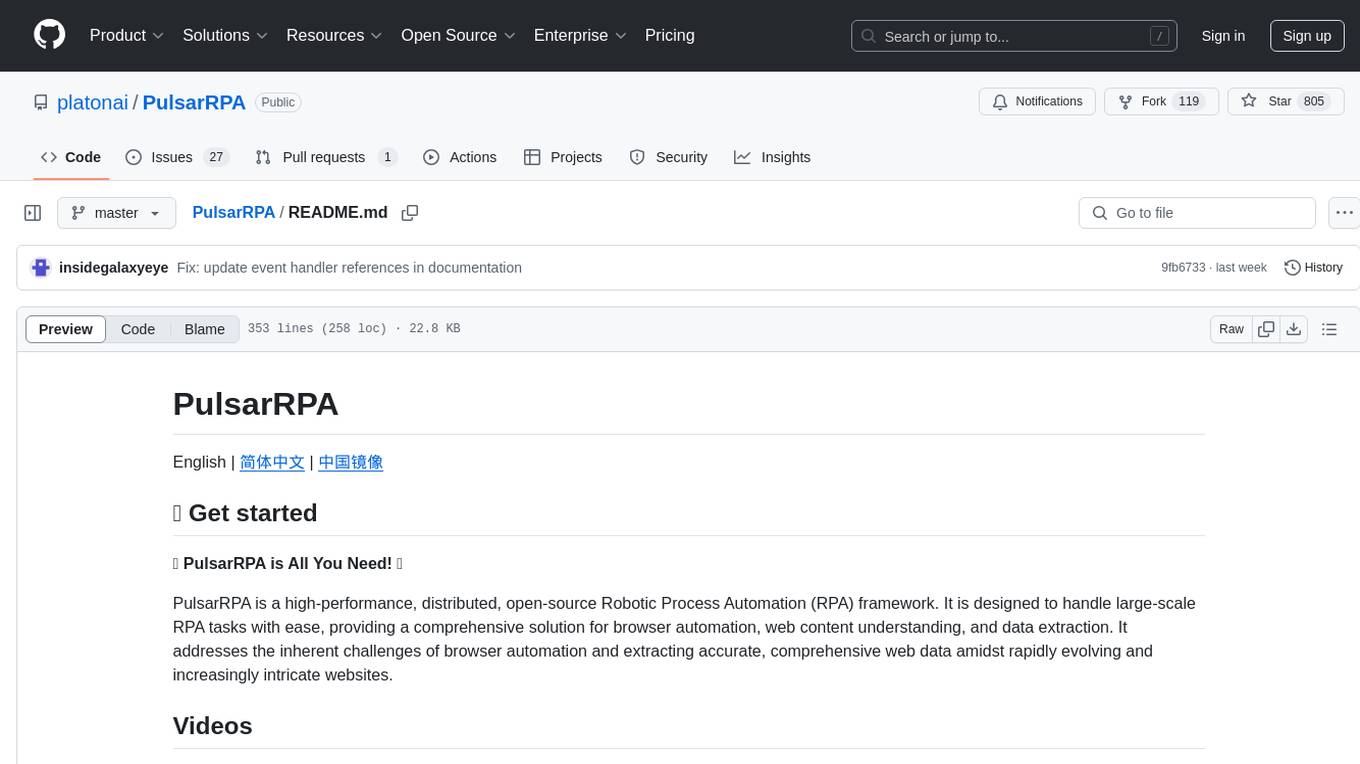
PulsarRPA
PulsarRPA is a high-performance, distributed, open-source Robotic Process Automation (RPA) framework designed to handle large-scale RPA tasks with ease. It provides a comprehensive solution for browser automation, web content understanding, and data extraction. PulsarRPA addresses challenges of browser automation and accurate web data extraction from complex and evolving websites. It incorporates innovative technologies like browser rendering, RPA, intelligent scraping, advanced DOM parsing, and distributed architecture to ensure efficient, accurate, and scalable web data extraction. The tool is open-source, customizable, and supports cutting-edge information extraction technology, making it a preferred solution for large-scale web data extraction.
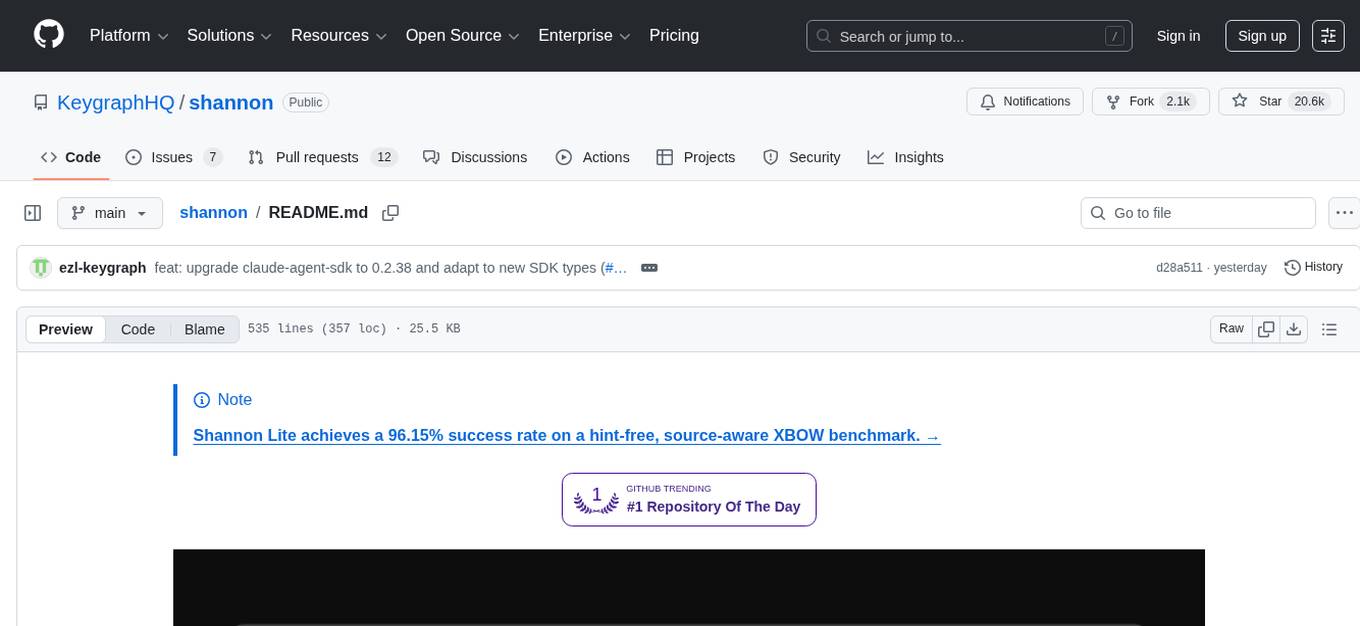
shannon
Shannon is an AI pentester that delivers actual exploits, not just alerts. It autonomously hunts for attack vectors in your code, then uses its built-in browser to execute real exploits, such as injection attacks, and auth bypass, to prove the vulnerability is actually exploitable. Shannon closes the security gap by acting as your on-demand whitebox pentester, providing concrete proof of vulnerabilities to let you ship with confidence. It is a core component of the Keygraph Security and Compliance Platform, automating penetration testing and compliance journey. Shannon Lite achieves a 96.15% success rate on a hint-free, source-aware XBOW benchmark.
For similar jobs
openbrowser-ai
OpenBrowser is a framework for intelligent browser automation that combines direct CDP communication with a CodeAgent architecture. It allows users to navigate, interact with, and extract information from web pages autonomously. The tool supports various LLM providers, offers vision support for screenshot analysis, and includes a MCP server for Model Context Protocol support. Users can record browser sessions as video files and benefit from features like video recording and full documentation available at docs.openbrowser.me.

aiscript
AiScript is a lightweight scripting language that runs on JavaScript. It supports arrays, objects, and functions as first-class citizens, and is easy to write without the need for semicolons or commas. AiScript runs in a secure sandbox environment, preventing infinite loops from freezing the host. It also allows for easy provision of variables and functions from the host.
askui
AskUI is a reliable, automated end-to-end automation tool that only depends on what is shown on your screen instead of the technology or platform you are running on.
bots
The 'bots' repository is a collection of guides, tools, and example bots for programming bots to play video games. It provides resources on running bots live, installing the BotLab client, debugging bots, testing bots in simulated environments, and more. The repository also includes example bots for games like EVE Online, Tribal Wars 2, and Elvenar. Users can learn about developing bots for specific games, syntax of the Elm programming language, and tools for memory reading development. Additionally, there are guides on bot programming, contributing to BotLab, and exploring Elm syntax and core library.
ain
Ain is a terminal HTTP API client designed for scripting input and processing output via pipes. It allows flexible organization of APIs using files and folders, supports shell-scripts and executables for common tasks, handles url-encoding, and enables sharing the resulting curl, wget, or httpie command-line. Users can put things that change in environment variables or .env-files, and pipe the API output for further processing. Ain targets users who work with many APIs using a simple file format and uses curl, wget, or httpie to make the actual calls.
LaVague
LaVague is an open-source Large Action Model framework that uses advanced AI techniques to compile natural language instructions into browser automation code. It leverages Selenium or Playwright for browser actions. Users can interact with LaVague through an interactive Gradio interface to automate web interactions. The tool requires an OpenAI API key for default examples and offers a Playwright integration guide. Contributors can help by working on outlined tasks, submitting PRs, and engaging with the community on Discord. The project roadmap is available to track progress, but users should exercise caution when executing LLM-generated code using 'exec'.
robocorp
Robocorp is a platform that allows users to create, deploy, and operate Python automations and AI actions. It provides an easy way to extend the capabilities of AI agents, assistants, and copilots with custom actions written in Python. Users can create and deploy tools, skills, loaders, and plugins that securely connect any AI Assistant platform to their data and applications. The Robocorp Action Server makes Python scripts compatible with ChatGPT and LangChain by automatically creating and exposing an API based on function declaration, type hints, and docstrings. It simplifies the process of developing and deploying AI actions, enabling users to interact with AI frameworks effortlessly.
Open-Interface
Open Interface is a self-driving software that automates computer tasks by sending user requests to a language model backend (e.g., GPT-4V) and simulating keyboard and mouse inputs to execute the steps. It course-corrects by sending current screenshots to the language models. The tool supports MacOS, Linux, and Windows, and requires setting up the OpenAI API key for access to GPT-4V. It can automate tasks like creating meal plans, setting up custom language model backends, and more. Open Interface is currently not efficient in accurate spatial reasoning, tracking itself in tabular contexts, and navigating complex GUI-rich applications. Future improvements aim to enhance the tool's capabilities with better models trained on video walkthroughs. The tool is cost-effective, with user requests priced between $0.05 - $0.20, and offers features like interrupting the app and primary display visibility in multi-monitor setups.